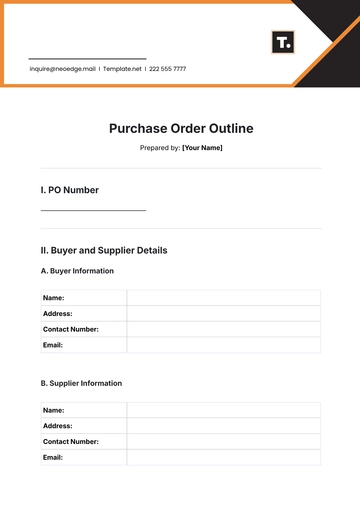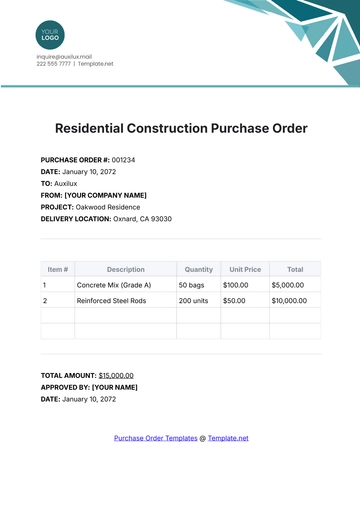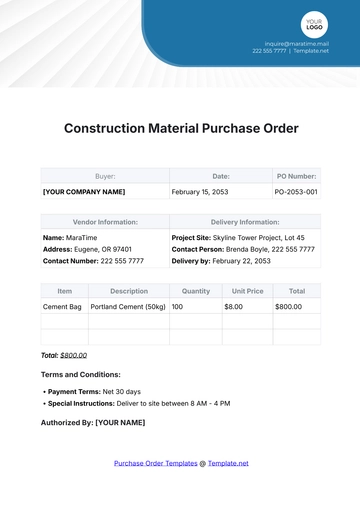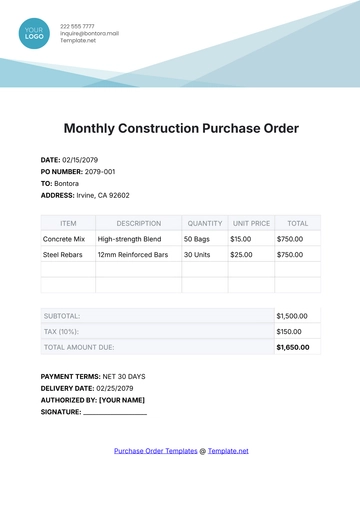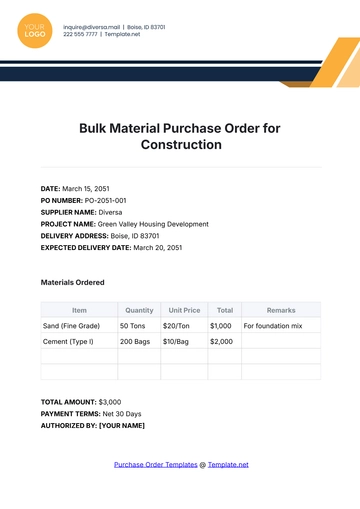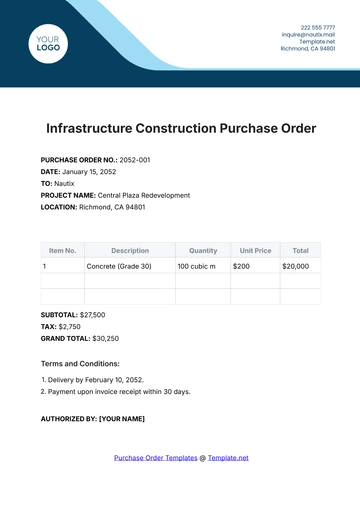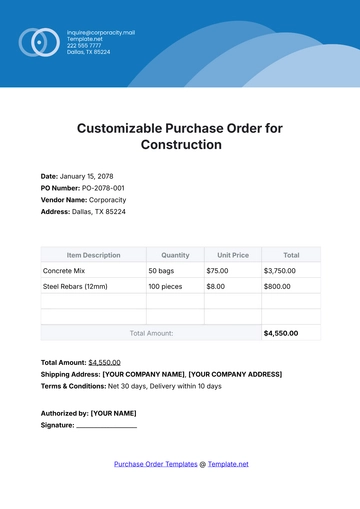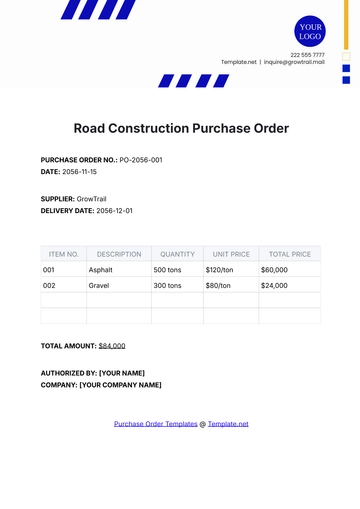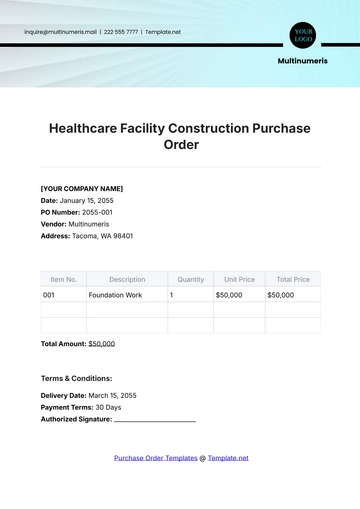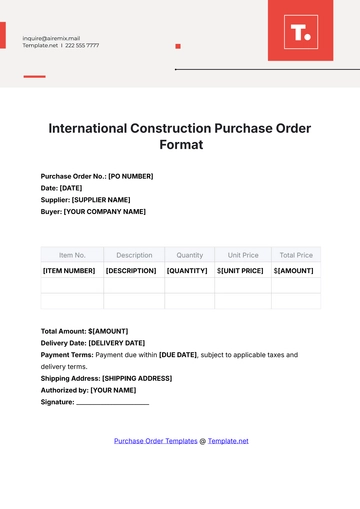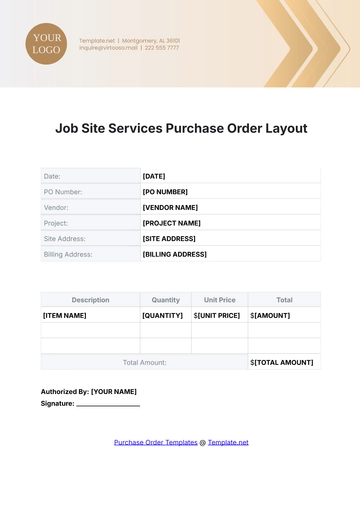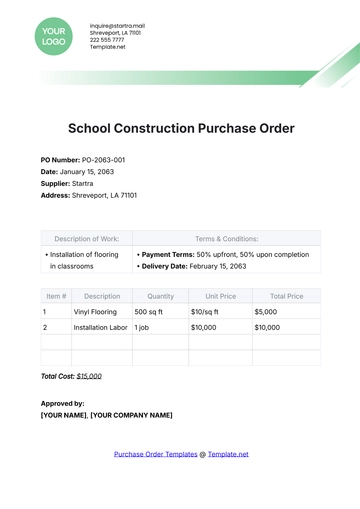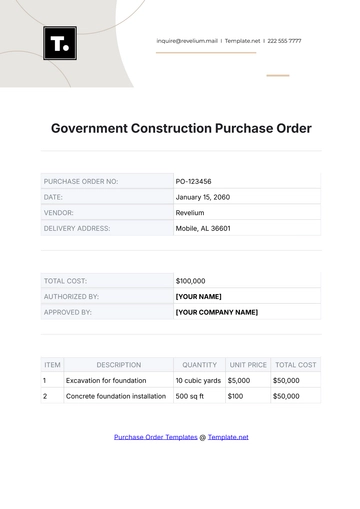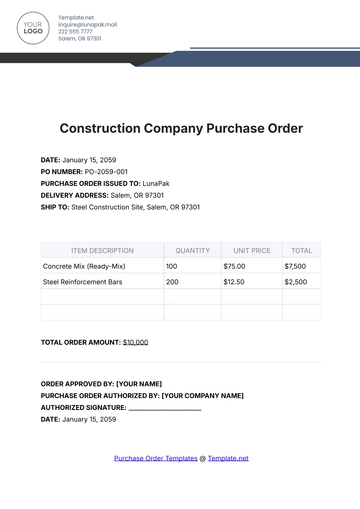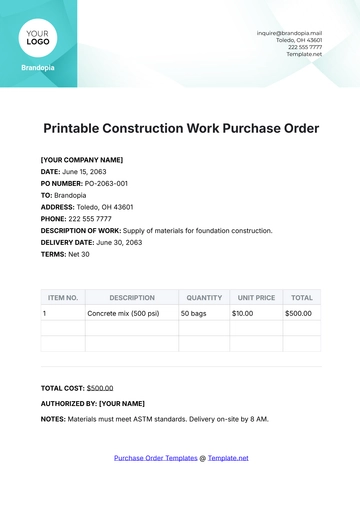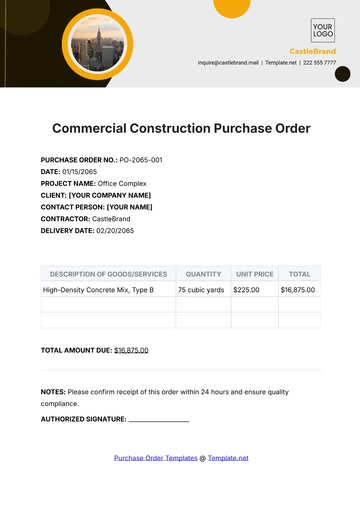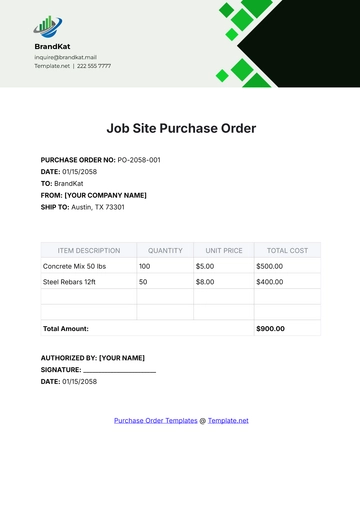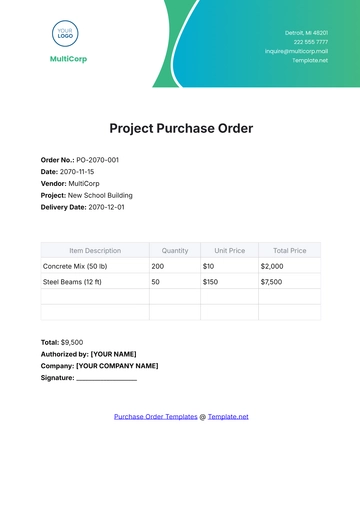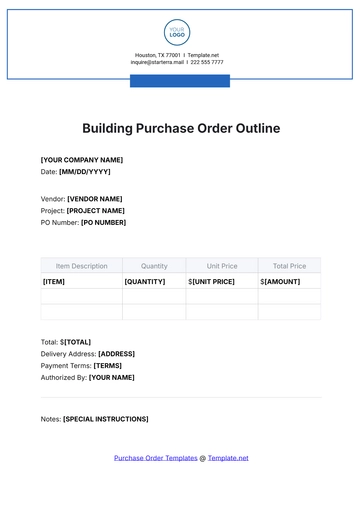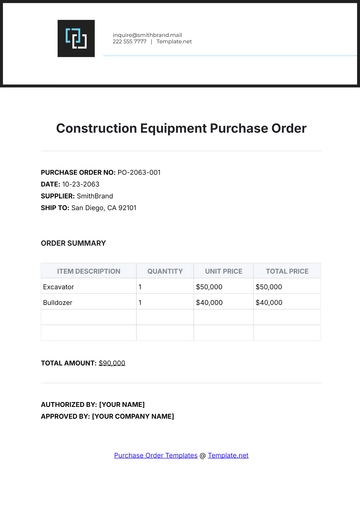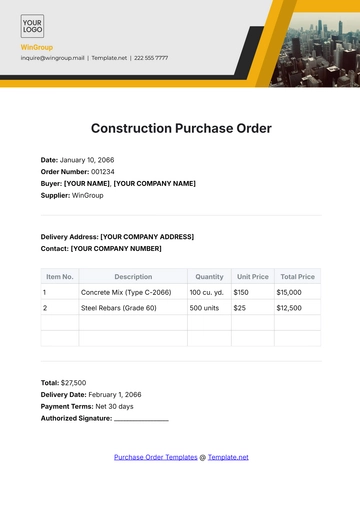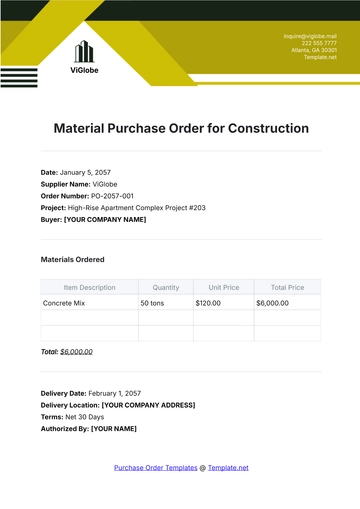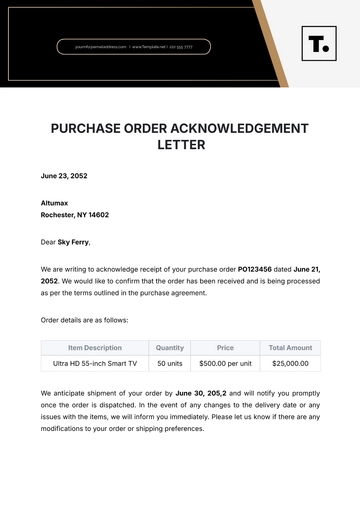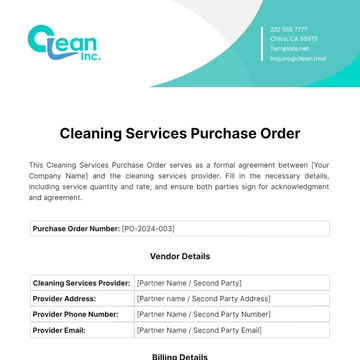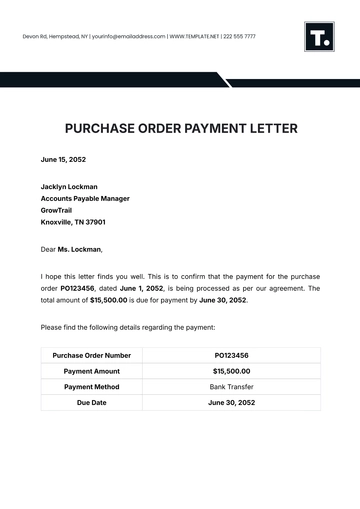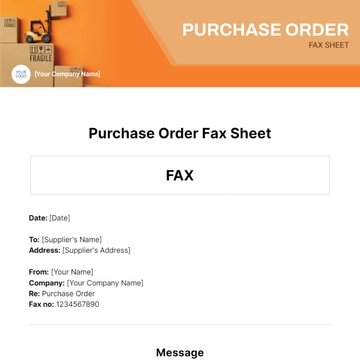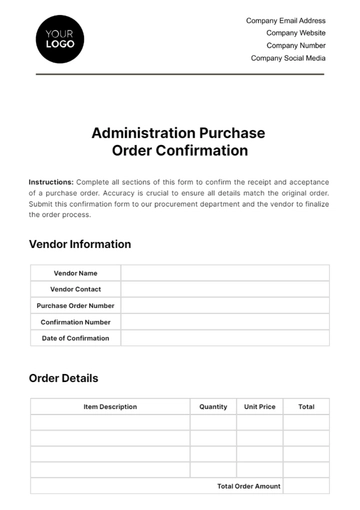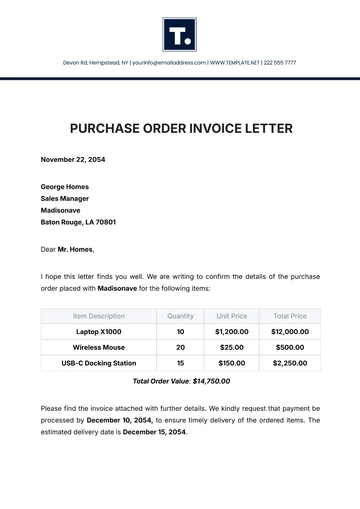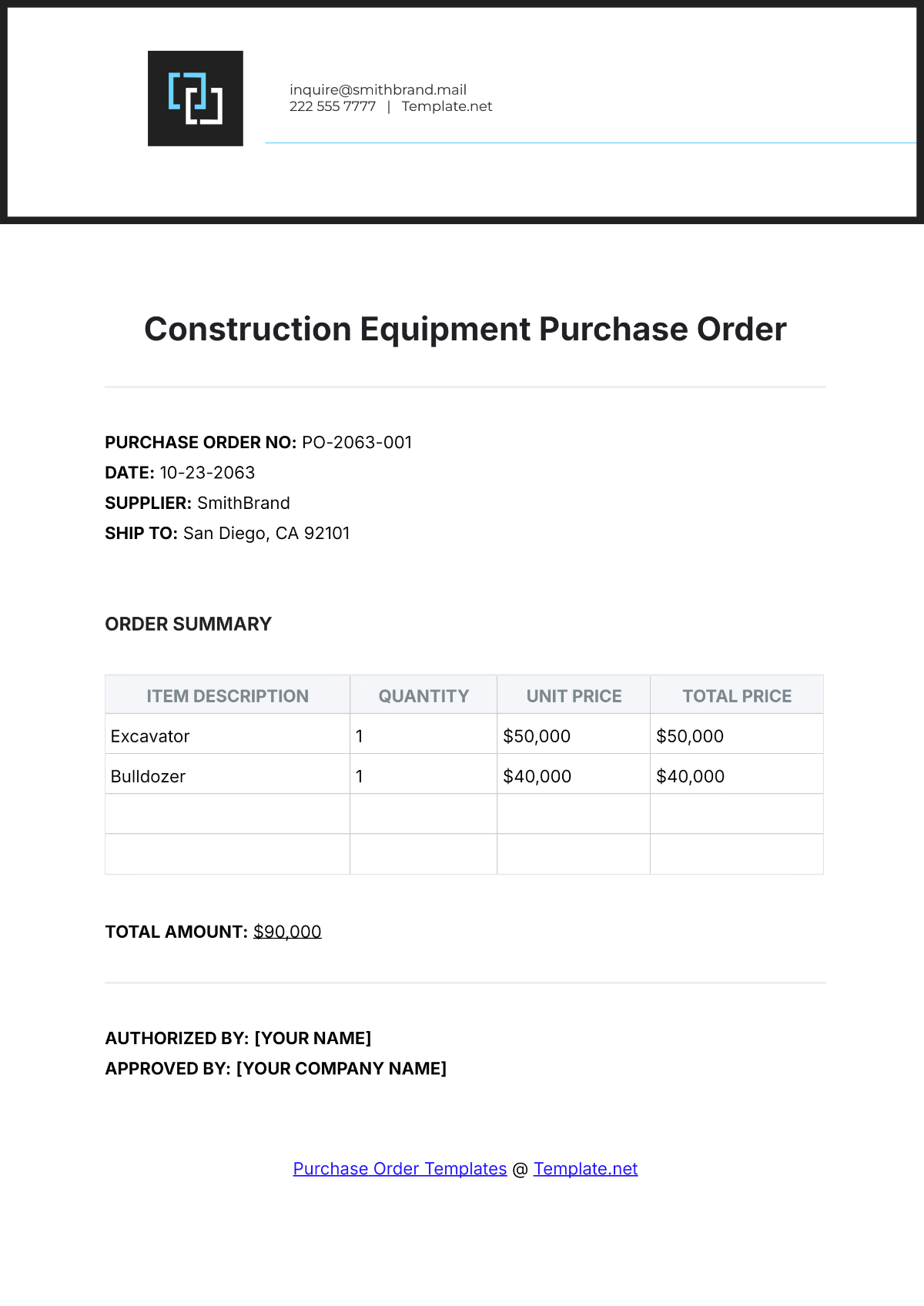
A Construction Equipment Purchase Order is a document buyers issue to vendors to order machinery, listing itemized lines with a description, spec, quantity, unit price, and total amount. It includes the subtotal, tax applied once to the subtotal, delivery fee, and grand total authorized for invoicing. It's commonly used for earthworks machinery procurement, construction fleet expansion, and heavy equipment replacement by contractors, project managers, procurement officers, and construction companies, built with Template.net's AI-powered purchase order builder.
A Construction Equipment Purchase Order is a document buyers issue to vendors to order machinery, listing itemized lines with a description, spec, quantity, unit price, and total amount. It includes the subtotal, tax applied once to the subtotal, delivery fee, and grand total authorized for invoicing. It's commonly used for earthworks machinery procurement, construction fleet expansion, and heavy equipment replacement by contractors, project managers, procurement officers, and construction companies, built with Template.net's AI-powered purchase order builder.
How to Create a Construction Equipment Purchase Order for Free?
- Customize a Free TemplateStart with this free editable and printable Construction Equipment Purchase Order template and personalize it online for earthworks equipment acquisition, fleet replacement, or trailer procurement. (or )
- Generate an On-Brand Construction Equipment Purchase Order with AIDescribe the machinery and vendor prices or upload an existing equipment catalogue or requisition list, and AI will build an itemized purchase order with quantities, unit prices, line totals, and the tax on the subtotal calculated, ready to review and issue.
- Edit in the HTML5 EditorAdjust the po no., order date, vendor and ship-to blocks, line items including specs, delivery date, project name, payment terms, authorized by and supplier acknowledgement blocks, plus the footer contact in the drag-and-drop editor.
- Download a Printable PDFDownload your completed order as a printable PDF to send to the vendor and file alongside project and accounting records.