Free Wholesale Inventory Stock Design

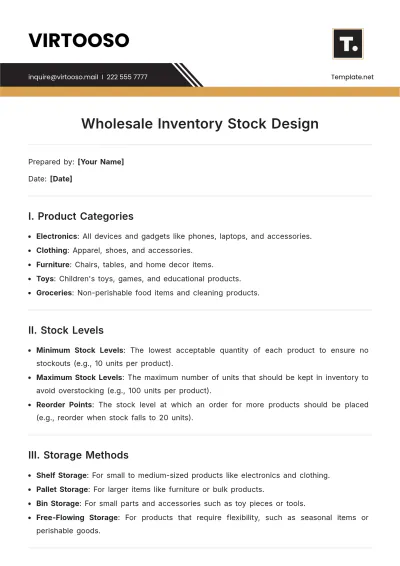
Prepared by: [Your Name]
Date: [Date]
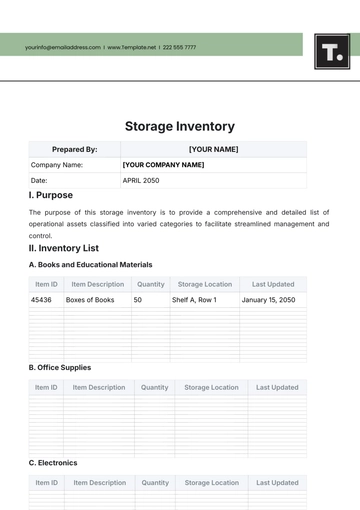
I. Product Categories
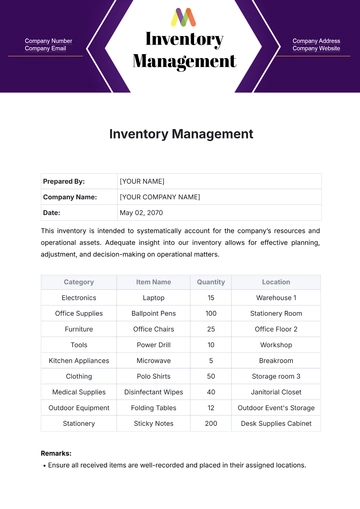
Electronics: All devices and gadgets like phones, laptops, and accessories.
Clothing: Apparel, shoes, and accessories.
Furniture: Chairs, tables, and home decor items.
Toys: Children's toys, games, and educational products.
Groceries: Non-perishable food items and cleaning products.
II. Stock Levels
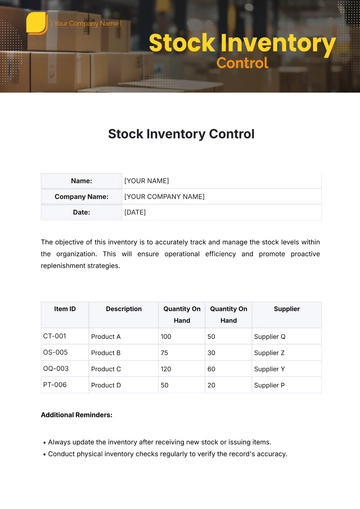
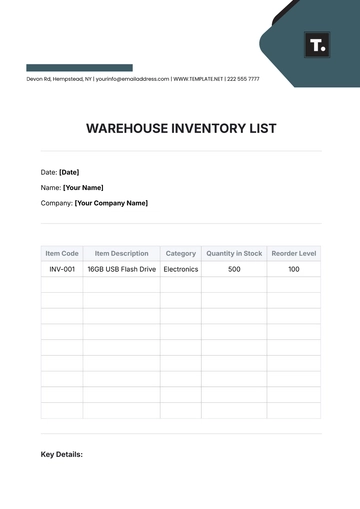
Minimum Stock Levels: The lowest acceptable quantity of each product to ensure no stockouts (e.g., 10 units per product).
Maximum Stock Levels: The maximum number of units that should be kept in inventory to avoid overstocking (e.g., 100 units per product).
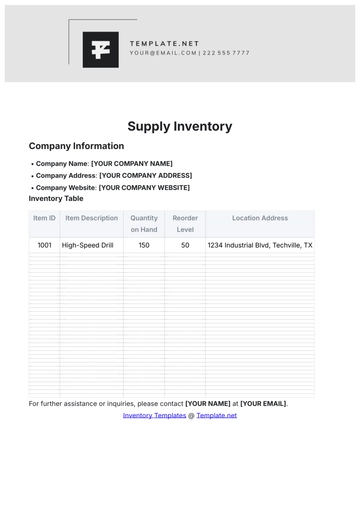
Reorder Points: The stock level at which an order for more products should be placed (e.g., reorder when stock falls to 20 units).
III. Storage Methods
Shelf Storage: For small to medium-sized products like electronics and clothing.
Pallet Storage: For larger items like furniture or bulk products.
Bin Storage: For small parts and accessories such as toy pieces or tools.
Free-Flowing Storage: For products that require flexibility, such as seasonal items or perishable goods.
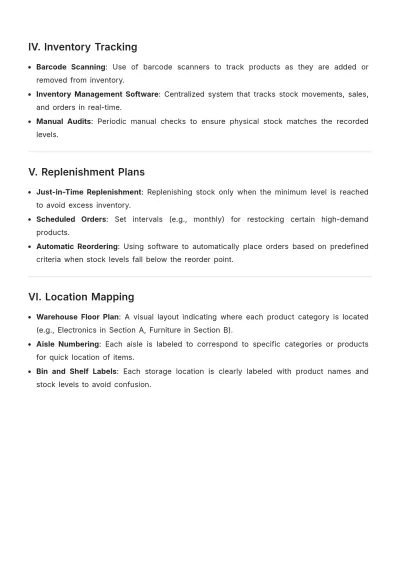
IV. Inventory Tracking
Barcode Scanning: Use of barcode scanners to track products as they are added or removed from inventory.
Inventory Management Software: Centralized system that tracks stock movements, sales, and orders in real-time.
Manual Audits: Periodic manual checks to ensure physical stock matches the recorded levels.
V. Replenishment Plans
Just-in-Time Replenishment: Replenishing stock only when the minimum level is reached to avoid excess inventory.
Scheduled Orders: Set intervals (e.g., monthly) for restocking certain high-demand products.
Automatic Reordering: Using software to automatically place orders based on predefined criteria when stock levels fall below the reorder point.
VI. Location Mapping
Warehouse Floor Plan: A visual layout indicating where each product category is located (e.g., Electronics in Section A, Furniture in Section B).
Aisle Numbering: Each aisle is labeled to correspond to specific categories or products for quick location of items.
Bin and Shelf Labels: Each storage location is clearly labeled with product names and stock levels to avoid confusion.
- 100% Customizable, free editor
- Access 1 Million+ Templates, photo’s & graphics
- Download or share as a template
- Click and replace photos, graphics, text, backgrounds
- Resize, crop, AI write & more
- Access advanced editor
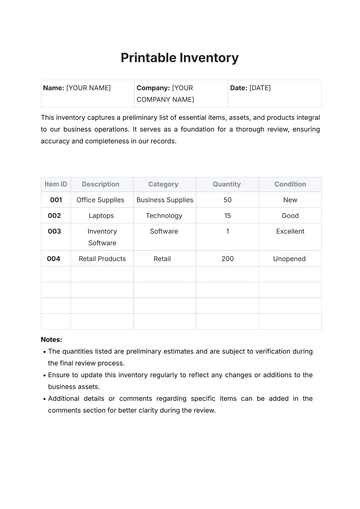
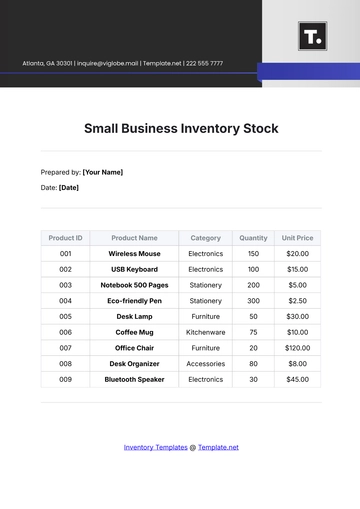
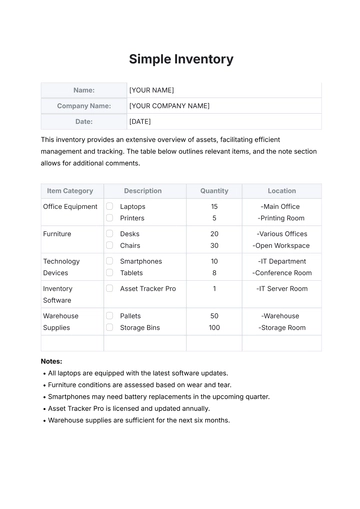
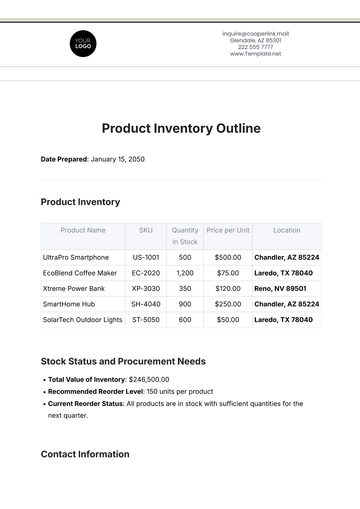
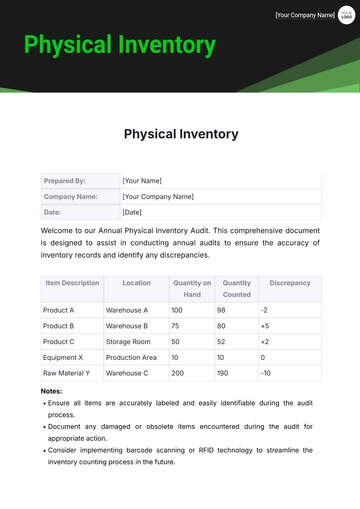
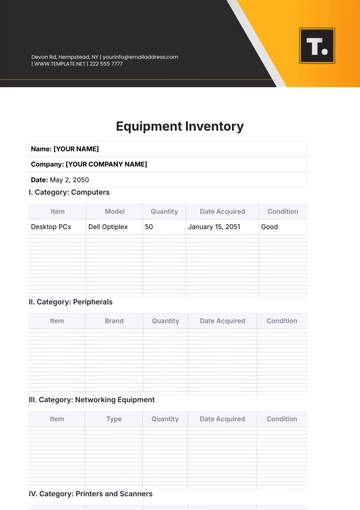
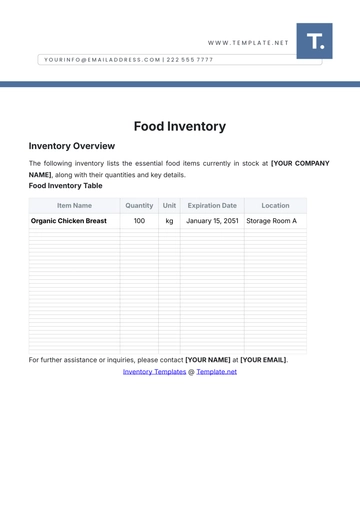
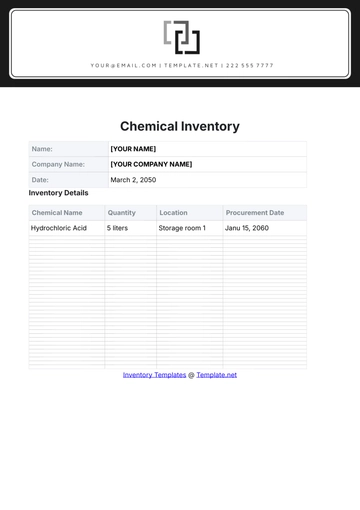
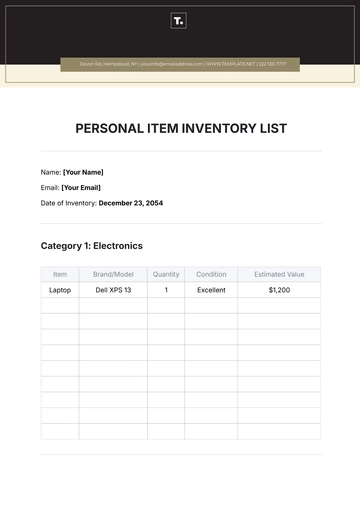
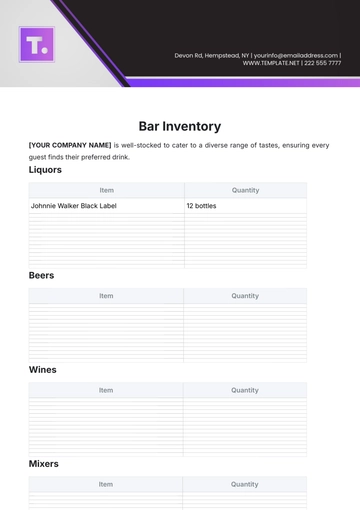
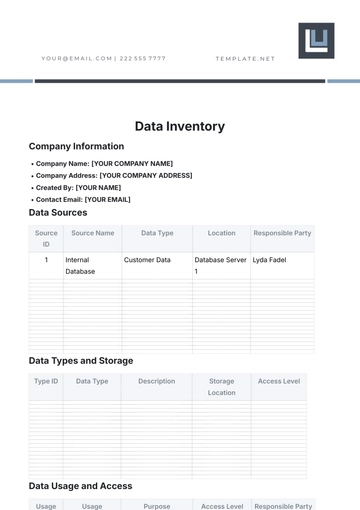
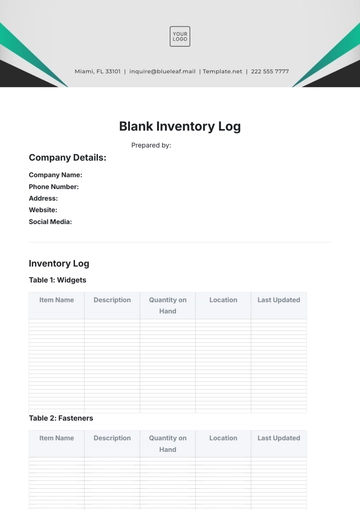
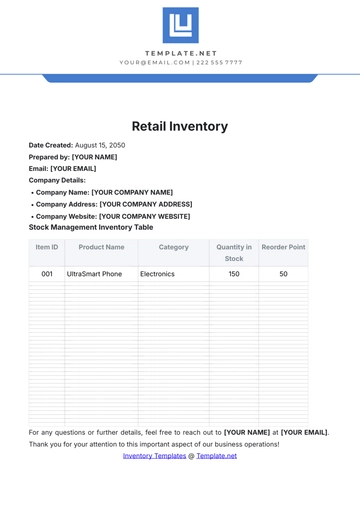
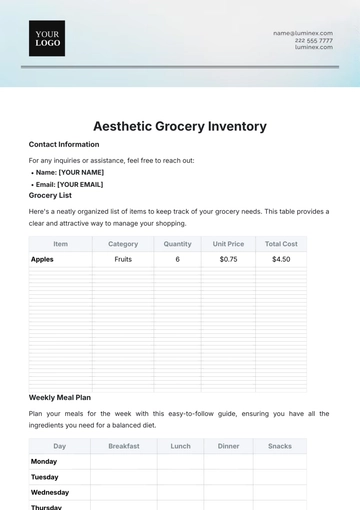
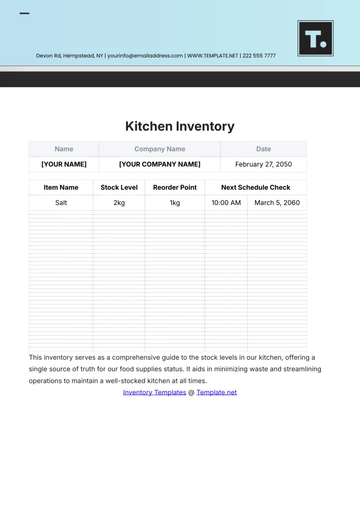
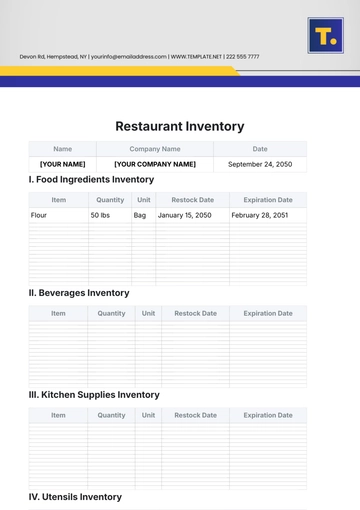
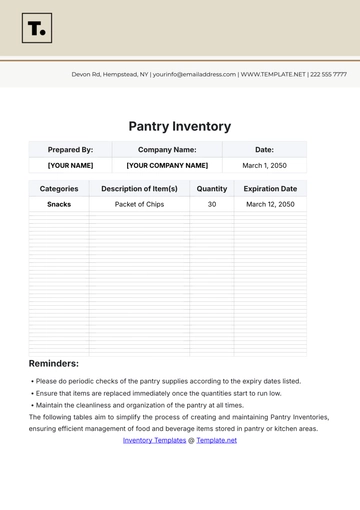
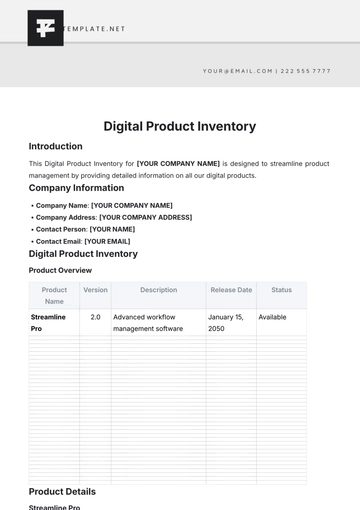
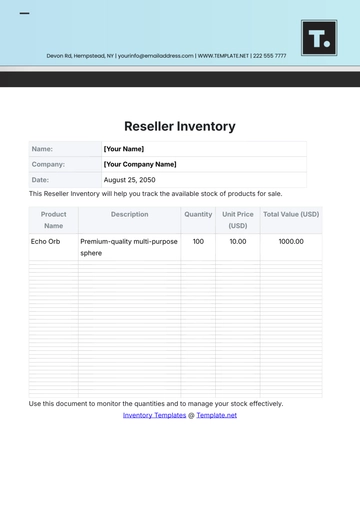
Maximize efficiency with the Wholesale Inventory Stock Design Template from Template.net. Customizable and editable, this template enables you to track bulk goods, product descriptions, and stock levels. Whether you're managing multiple suppliers or organizing large quantities, you can easily personalize this template using our Ai Editor Tool. Perfect for wholesalers looking to stay organized and monitor inventory effectively.