Free AI LinkedIn Carousel Generator

Create LinkedIn Carousel Posts Online with Smart AI Generator
Template.net’s Free AI LinkedIn Carousel Generator helps you turn simple ideas into engaging LinkedIn carousel posts in seconds. Enter a prompt describing your topic, audience, style, or content idea, and the AI generates structured LinkedIn carousel slides with storytelling flow, professional layouts, and swipe-ready formatting. Explore multiple variations, refine your content, and create LinkedIn carousel posts ready to publish on LinkedIn for branding, networking, and audience growth.
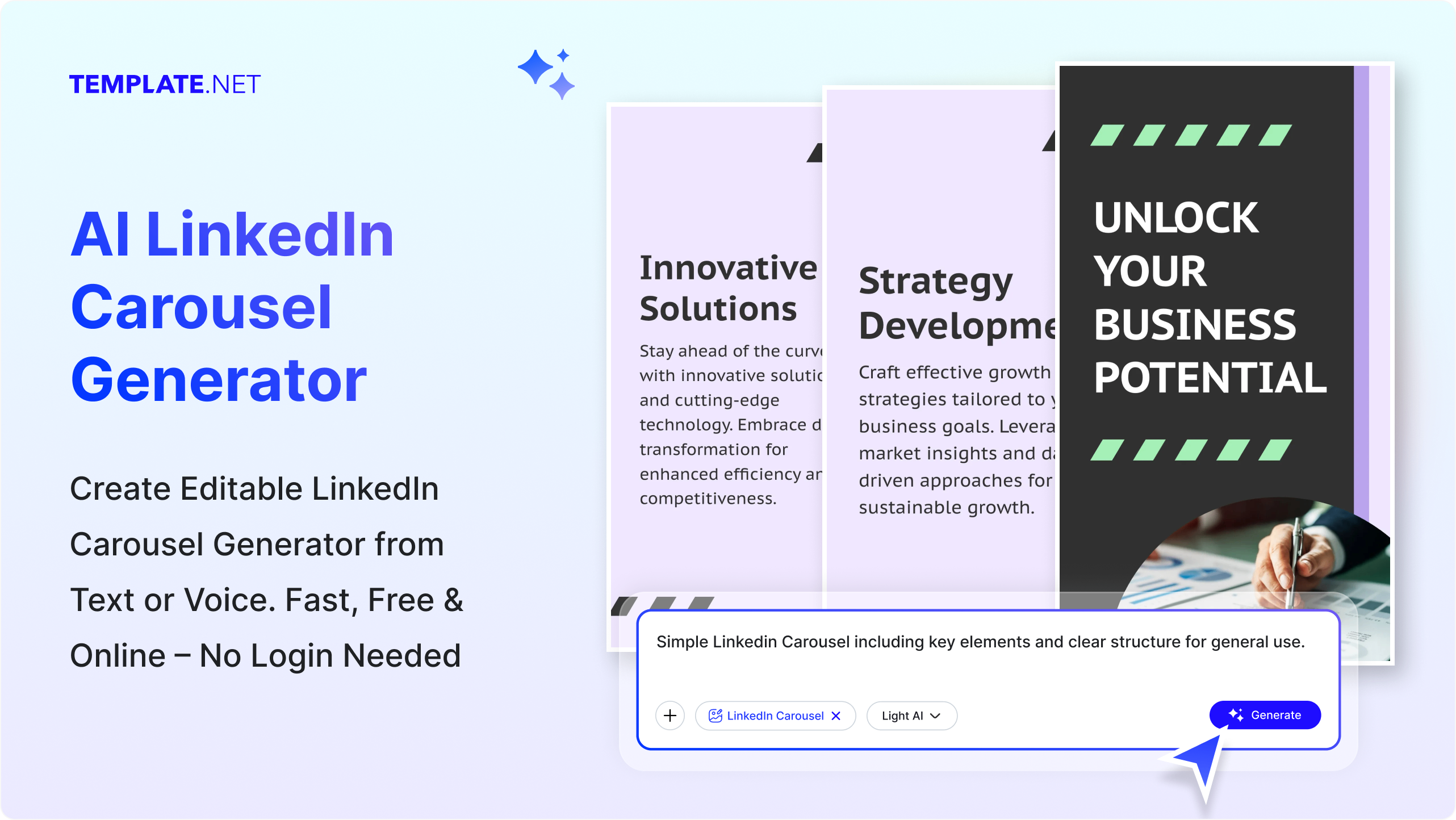
Create and Design LinkedIn Carousel Posts Effortlessly with AI
Everything you need to generate professional, engaging, and LinkedIn-optimized carousel posts with speed, flexibility, and creative control.
AI Carousel Generator
Generate complete LinkedIn carousel posts instantly by describing your topic, audience, campaign, or content idea in a simple prompt.
Carousel Story Builder
Transform ideas into structured LinkedIn carousel slides with storytelling flow, clear messaging, and engagement-focused content.
Voice to Carousel Creation
Speak your idea and instantly generate LinkedIn carousel slides, captions, and layouts without typing.
LinkedIn Engagement Optimization
AI structures LinkedIn carousel content to improve readability, swipe-through engagement, shares, and audience interaction.
Ready-Made Carousel Layouts
Choose from pre-designed LinkedIn carousel templates and layouts to speed up content creation.
Content Repurposing Engine
Convert blogs, articles, PDFs, URLs, and notes into engaging LinkedIn carousel slides with optimized formatting.
Hook and CTA Generator
Create attention-grabbing opening slides and strong call-to-action slides to improve LinkedIn engagement.
Multiple Carousel Variations
Generate multiple LinkedIn carousel versions from a single prompt and explore different storytelling styles.
Editable Carousel Slides
Customize LinkedIn carousel text, visuals, layouts, branding, and slide flow according to your content goals.
Structured Slide Formatting
Generate LinkedIn carousel slides with balanced spacing, typography, hierarchy, and professional visual structure.
Prompt Refinement
Update your prompt to instantly modify LinkedIn carousel style, messaging, structure, or visuals without restarting the workflow.
Visibility and Reach Optimization
Generate LinkedIn carousel posts designed to improve impressions, visibility, comments, and engagement on LinkedIn.
Multilingual Support
Generate LinkedIn carousel posts in 20+ multiple languages including English, Spanish, Hindi, Arabic, Chinese, Japanese, and more.
Consistent LinkedIn Branding
Maintain consistent branding, colors, fonts, messaging, and professional identity across all LinkedIn carousel posts.
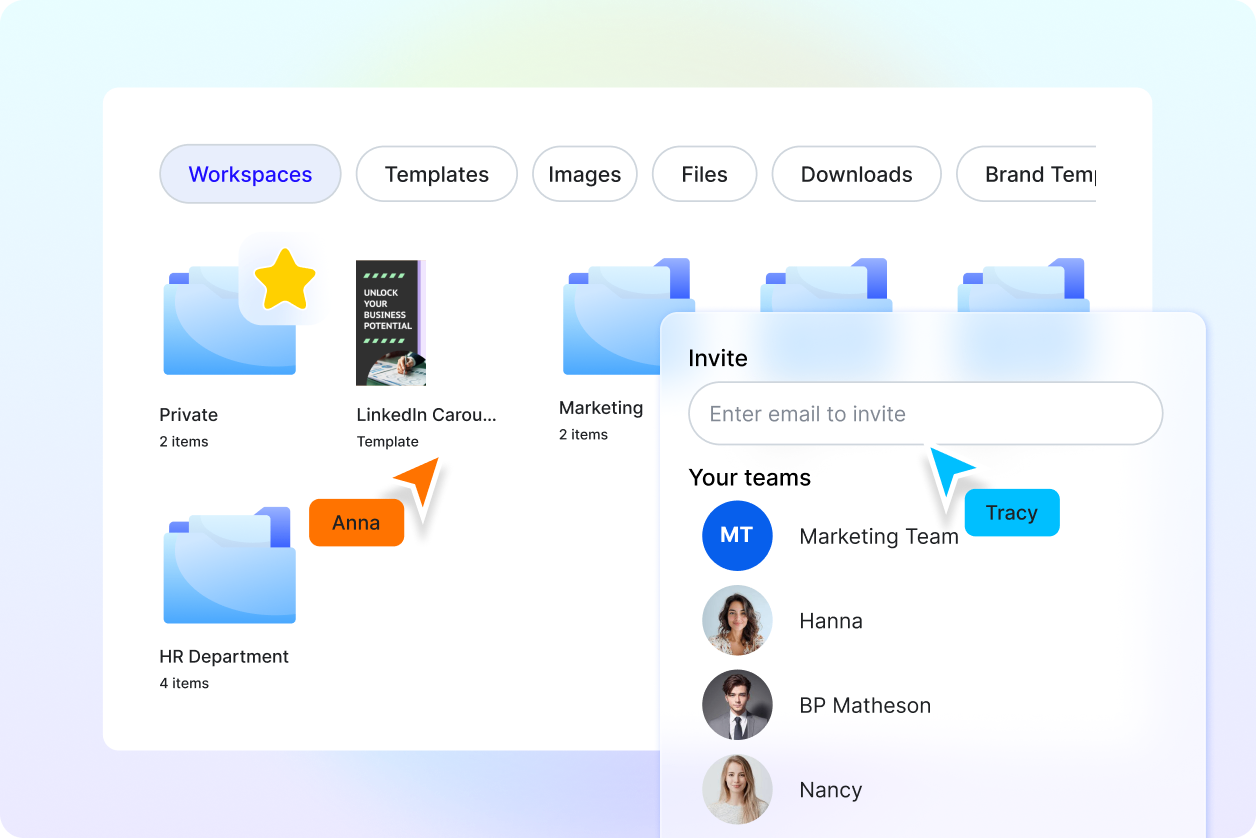
Save Carousel Projects
Store and reuse LinkedIn carousel drafts, templates, and content for future campaigns or publishing schedules.
Carousel Collaboration
Share LinkedIn carousel drafts with teams or clients for feedback and collaborative improvements.
AI Editing Tools
Enhance LinkedIn carousel slides with AI-powered formatting, readability improvements, layout adjustments, and visual refinements.
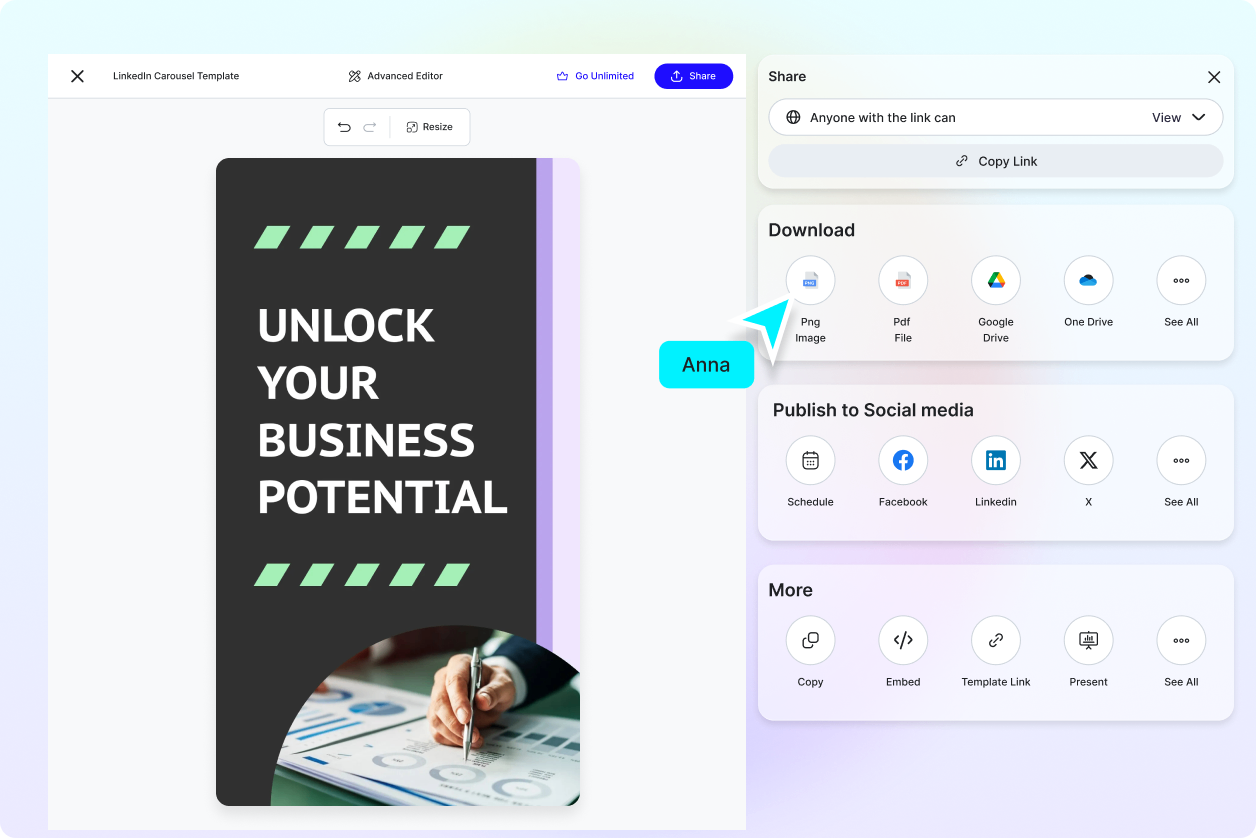
Download or Share Instantly
Export LinkedIn carousel posts as PDF, PNG, or JPG or share instantly via Email, LinkedIn, WhatsApp, Facebook, X (Twitter), Pinterest, or generate a live link or QR code.
How to Create LinkedIn Carousel Posts Using AI
Generate, customize, and publish LinkedIn carousel posts with a simple workflow.
Step 1: Enter Your Prompt and Generate LinkedIn Carousel Posts
Open the AI LinkedIn Carousel Generator and describe your content such as “Create a LinkedIn carousel on productivity tips” or “Generate a LinkedIn carousel for startup marketing.” You can also use voice input.
Step 2: Generate and Customize LinkedIn Carousel Slides
The AI generates multiple LinkedIn carousel slide variations. Select your preferred version and refine content, layouts, visuals, branding, or storytelling flow.
Step 3: Save Download or Share LinkedIn Carousel Posts
Preview your LinkedIn carousel post, save it for later use, download it in high quality, or share instantly via Email, LinkedIn, WhatsApp, Facebook, X (Twitter), Pinterest, or generate a live link or QR code.
Create High-Impact LinkedIn Carousel Posts Faster for Branding, Networking, and Audience Growth
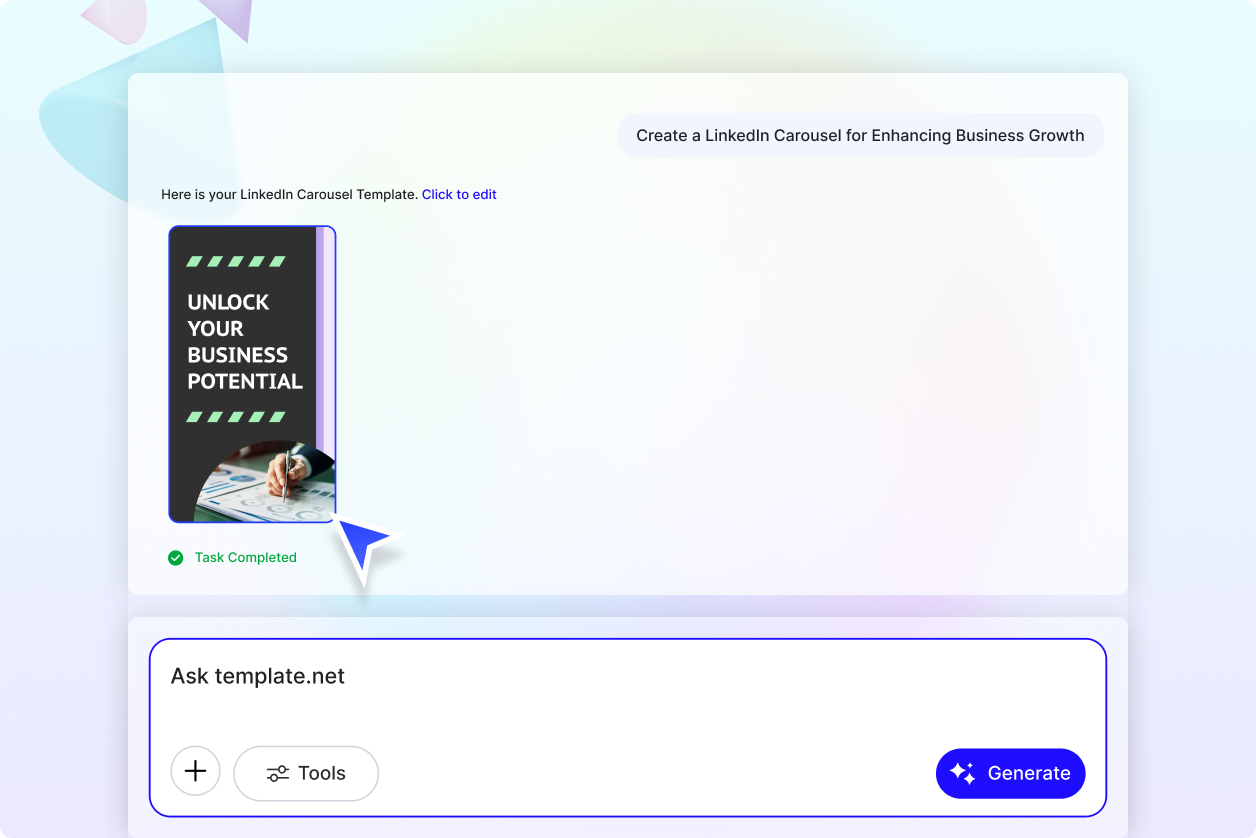
Turn Ideas into Professional LinkedIn Carousel Posts Instantly
Transform simple prompts into engaging LinkedIn carousel posts with structured storytelling, swipe-ready layouts, and audience-focused messaging. This reduces manual design effort and speeds up your LinkedIn content workflow.
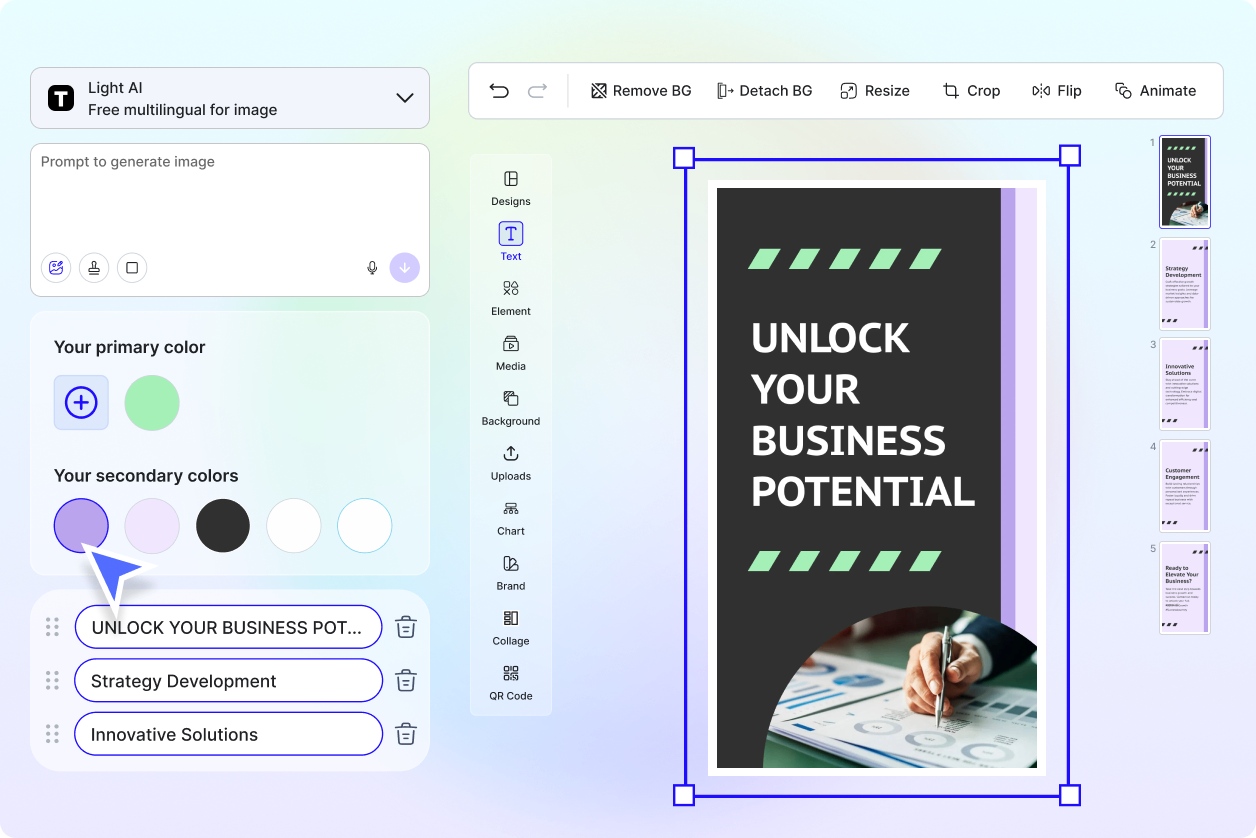
Generate LinkedIn Carousel Content for Multiple Professional Use Cases
Create LinkedIn carousel posts for thought leadership, business growth, marketing campaigns, networking, startup storytelling, professional education, and personal branding tailored to different audiences and industries.
Explore Multiple LinkedIn Carousel Styles and Storytelling Formats
Generate different LinkedIn carousel styles such as educational, storytelling, promotional, list-based, professional insights, or industry-focused formats to match your content goals and engagement strategy.
Increase LinkedIn Visibility with Swipe-Based Engagement
Professional LinkedIn carousel posts help improve visibility, audience interaction, shares, networking opportunities, and engagement on LinkedIn while maintaining consistent personal branding and professional identity.
