Free AI Prompt Generator

Generate Optimized Prompts and Customize Online with AI Powered Generator
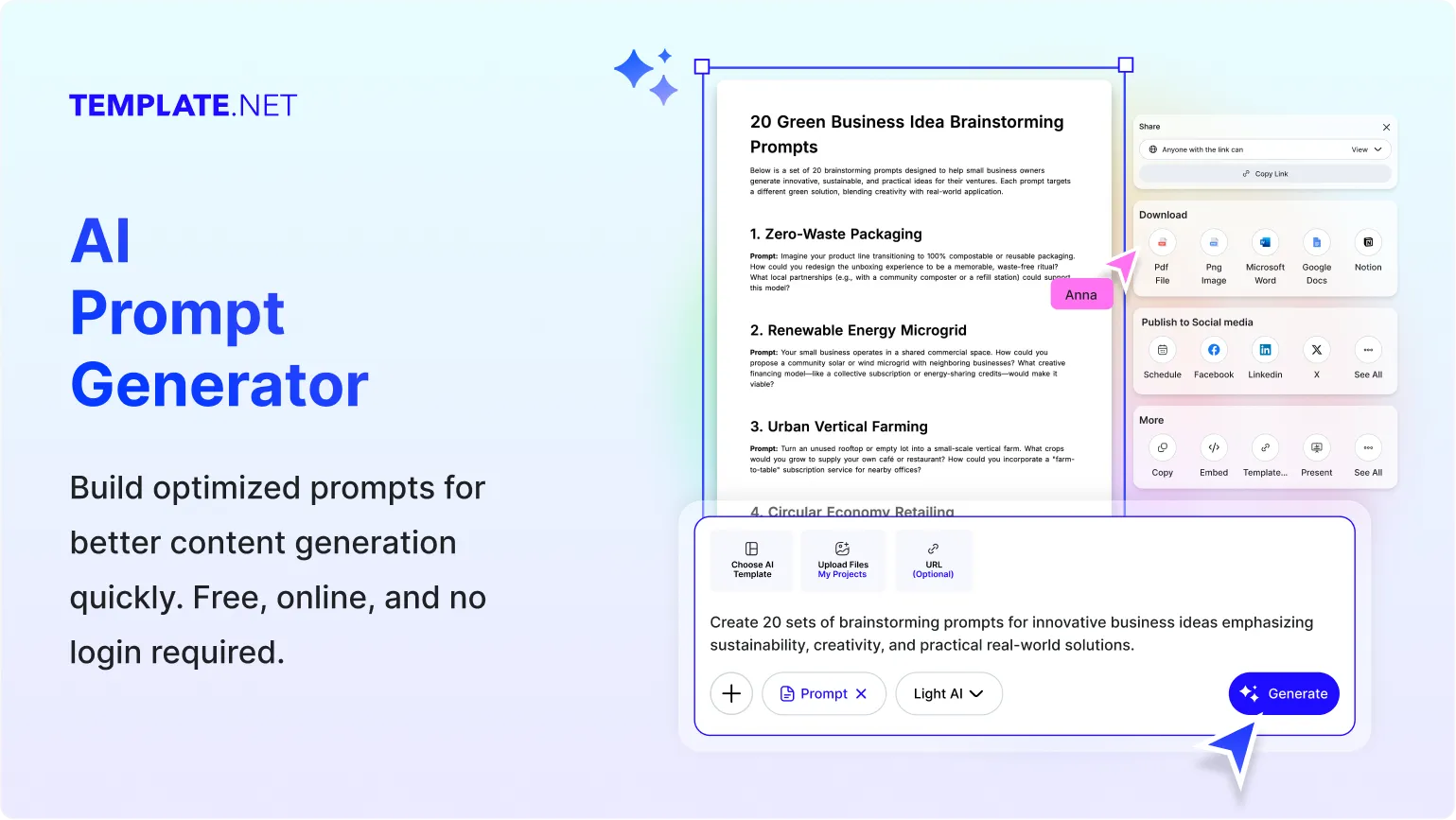
Template.net's Free AI Prompt Generator turns your rough idea into a well-structured prompt that gets better answers on the first try. Just describe what you want the AI to do. For example, "plan a 7-day meal prep schedule for a busy student." The AI writes a complete prompt with an expert role, a clear task, specific requirements, and an output format.
Open Advanced options to choose your AI platform, a style (Detailed, Concise, Structured, Creative, or Technical), a tone (Professional, Casual, Persuasive, Friendly, or Authoritative), and a language. Copy the prompt, open it in the editor to refine it, or download it for later. Then put your prompt to work in our AI Writer, or explore tools like the AI Business Name Generator for ready-made results.
Write Better Prompts and Get Better AI Results Effortlessly
Everything you need to create clear, structured, and optimized AI prompts with speed and control.
AI-Powered Prompt Generation
Turn a one-line idea into a complete, optimized prompt in seconds.
Expert Prompt Structure Built In
Every prompt includes a role, task, requirements, and output format, the framework that gets reliable AI results.
Describe Your Goal in Plain Words
Enter up to 500 characters about what you want the AI to do. No prompt engineering skills needed.
Voice to Prompt Creation
Tap the mic and speak your idea to generate prompts without typing.
Optimized for Your AI Platform
Choose your AI platform so each prompt is formatted for the tool you use, such as ChatGPT, Claude, or Gemini.
Five Prompt Styles
Pick Detailed, Concise, Structured, Creative, or Technical to match the kind of answer you need.
Five Tone Options
Set the tone to Professional, Casual, Persuasive, Friendly, or Authoritative for the right voice in every response.
Multilingual Prompt Generation
Select your preferred language to create prompts for local and global audiences.
Smart Requirements and Constraints
The AI adds useful details such as time limits, budgets, and scope, so responses stay focused and practical.
Clear Output Formatting Instructions
Every prompt tells the AI exactly how to format its answer, whether as sections, lists, tables, or steps.
Unlimited Prompt Variations
Click Generate again or switch styles and tones to get fresh versions of your prompt.
Open in Editor to Refine
Send your prompt to the editor to tweak details, add context, or combine ideas.
One-Click Copy
Copy your prompt instantly and paste it into any AI chatbot.
Download Your Prompts
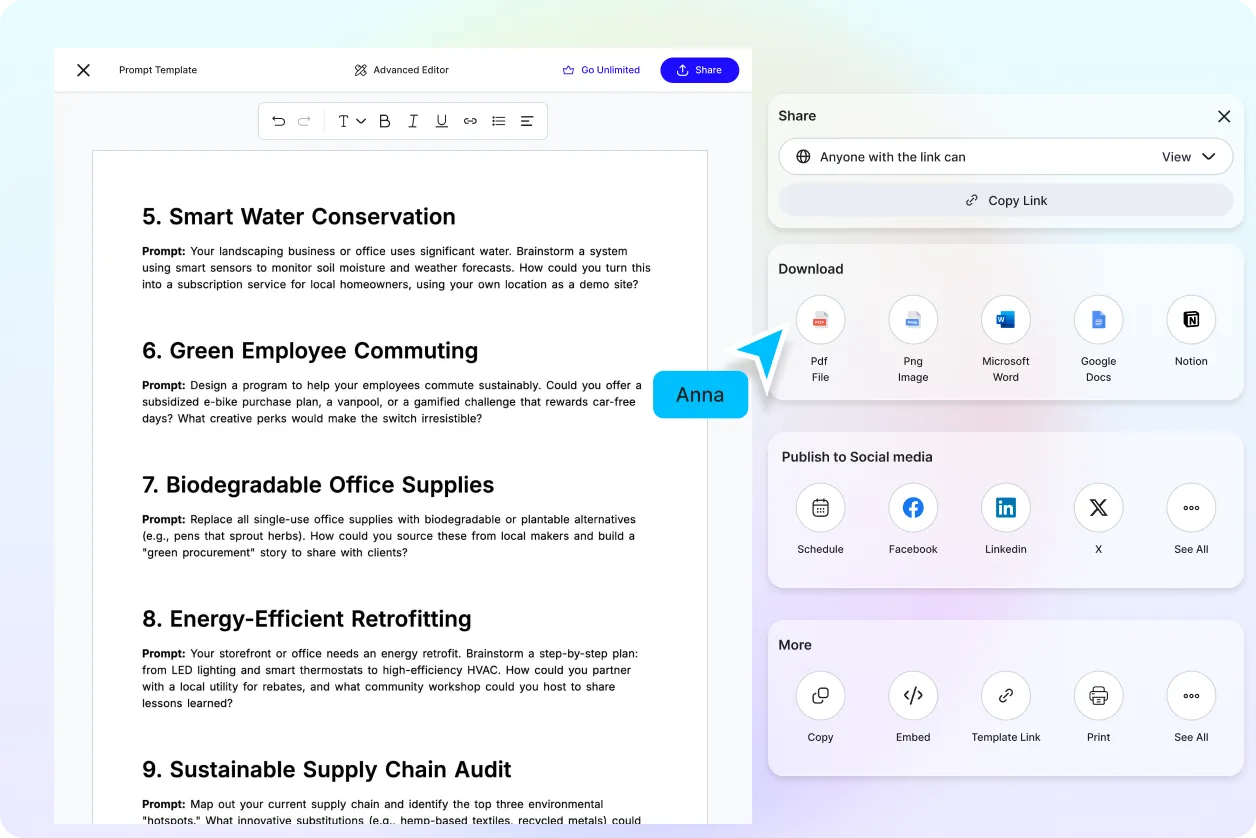
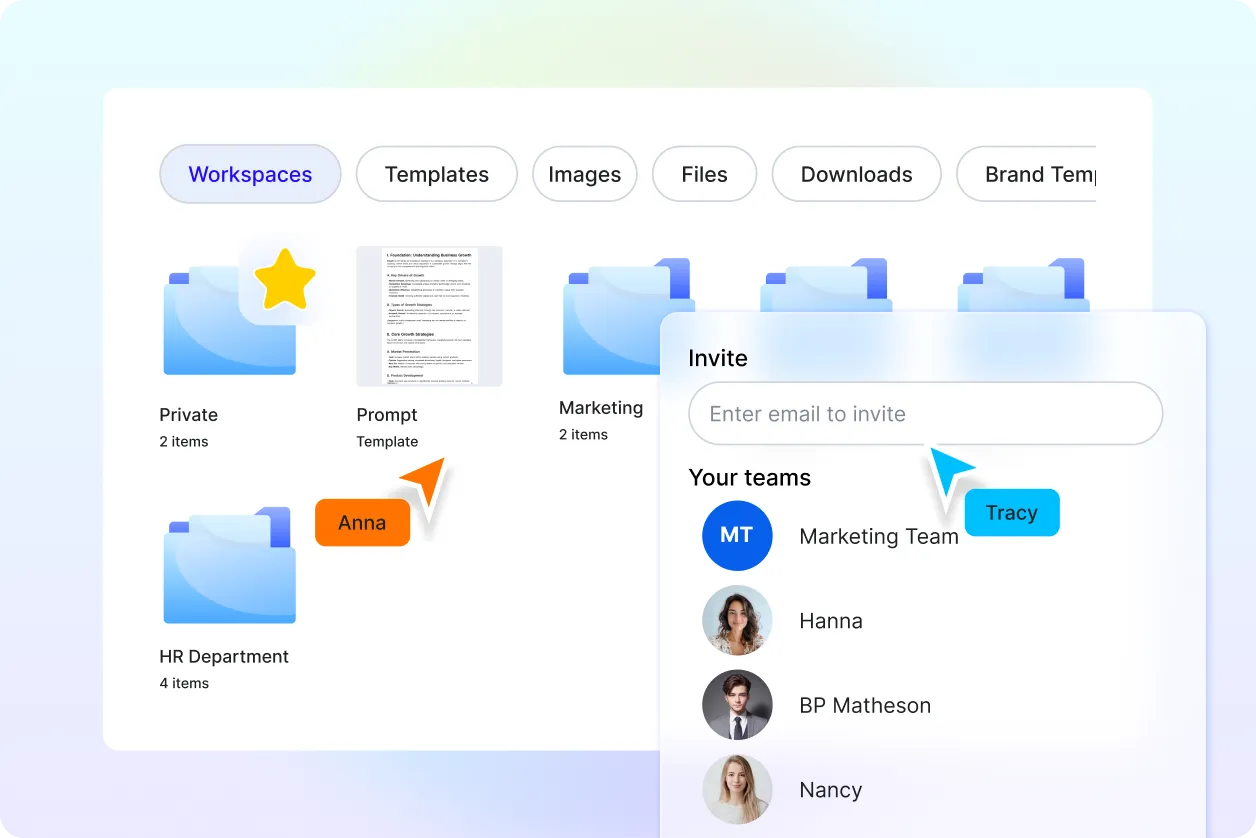
Save prompts to reuse for recurring tasks, share with your team, or build your own prompt library.
Free, Fast, and Beginner-Friendly
Create expert-level prompts in your browser, whether you're new to AI or a power user.
How to Generate AI Prompts Online
Describe, customize, and use your optimized prompt in three simple steps.
Step 1: Tell the AI What You Want to Do
Open the AI Prompt Generator and describe your goal in the "What do you want the AI to do?" box, for example: "Plan a 7-day meal prep schedule for a busy student" or "Write a product launch email for a skincare brand." You can also tap the mic to speak your idea.
Step 2: Choose Platform, Style, Tone, and Language
Open Advanced options to select your AI platform, prompt style, tone, and language. Then click Generate to get a structured prompt with a role, task, requirements, and output format.
Step 3: Copy, Edit, or Download
Copy your prompt and paste it into ChatGPT, Claude, Gemini, or any AI tool. You can also open it in the editor to refine it, or download it for later use.
Get Better AI Answers on the First Try
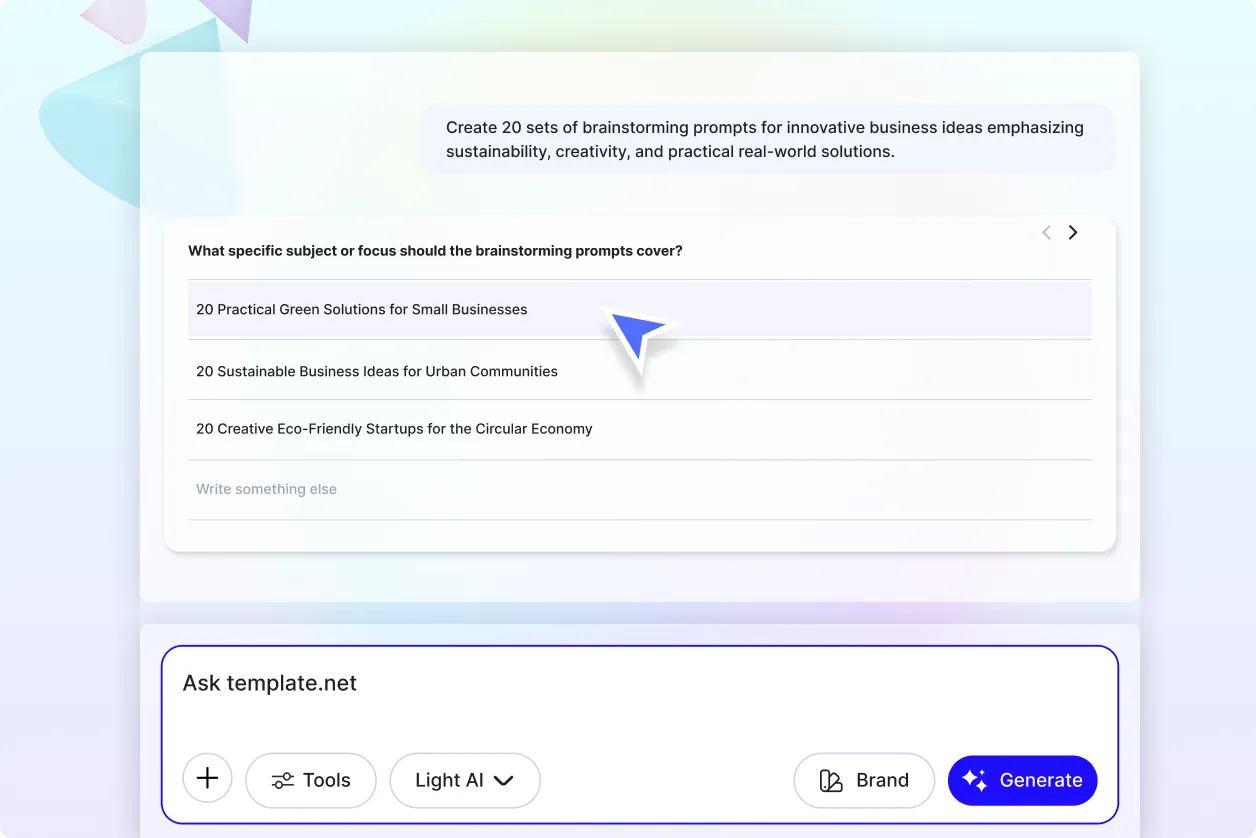
Turn Vague Ideas into Precise Instructions
Skip the back-and-forth. Clear roles, requirements, and formats help AI tools understand exactly what you need.
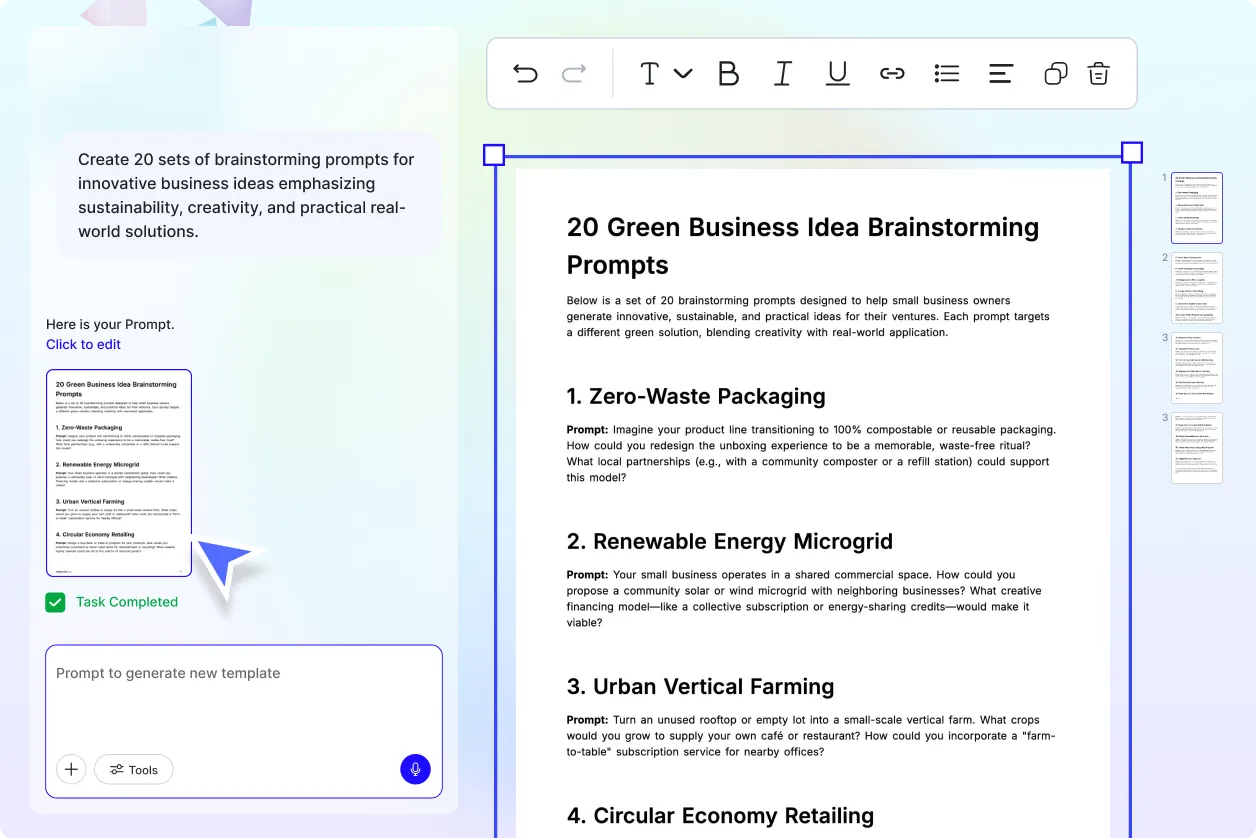
Prompts for Every Task and Skill Level
Create prompts for writing, coding, studying, marketing, planning, and research, with no prompt engineering experience required.
Match the Prompt to Your AI Tool
Different AI models respond differently to the same prompt. Platform-specific formatting helps you get consistent, high-quality results.
Save Time on Repeat Tasks
Download and reuse your best prompts for recurring work like weekly reports, social posts, or lesson plans.
