Free AI Reply Generator

Generate Relevant Replies & Customize Responses with AI Powered Generator
Template.net's Free AI Reply Generator helps you turn messages, conversations, requirements, and response instructions into clear and personalized replies within seconds. Enter the original message and describe how you want to respond, and the AI generates a context-aware response based on your intended purpose, audience, tone, and communication style. Create replies for emails, customer questions, social media comments, reviews, direct messages, professional conversations, and everyday communication while saving time and maintaining consistent writing quality.
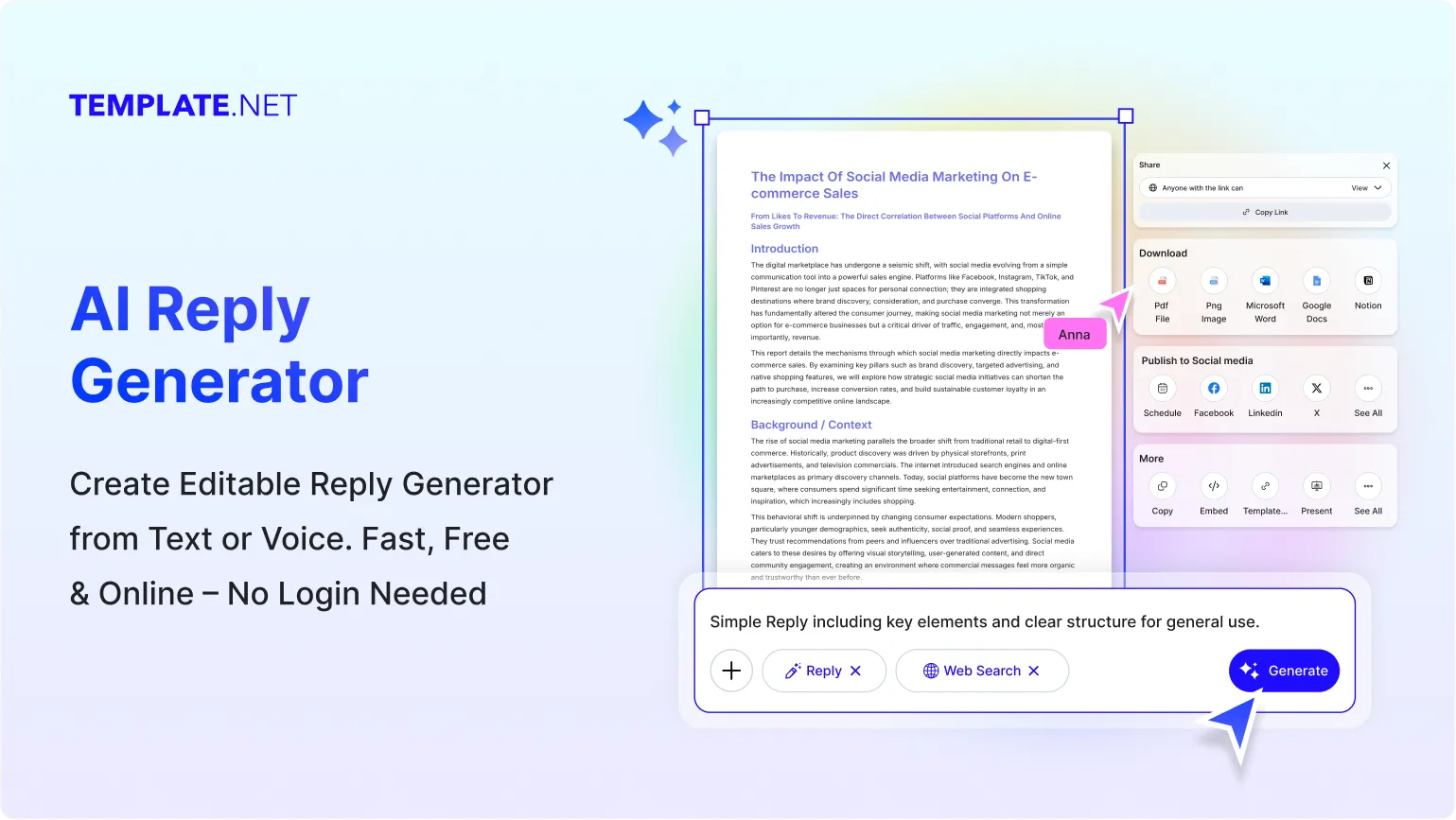
Generate Better Replies Faster with AI
Everything you need to create relevant, natural, and well-structured responses for emails, customer communication, social media, business conversations, and everyday messages.
AI-Powered Reply Generation
Turn an incoming message, conversation, or communication requirement into a complete response that matches the context and purpose of your reply.
Requirement-Based Response Creation
Describe what you need to communicate, such as thanking a customer, answering a question, declining a request, or following up, and generate a suitable response.
Context-Aware Reply Writing
Analyze the message and instructions provided in your prompt to create a response that remains relevant to the conversation and intended recipient.
Purpose Focused Responses
Generate replies for customer support, professional communication, networking, feedback, inquiries, social conversations, and other communication requirements.
Tone & Style Selection
Create professional, friendly, casual, formal, empathetic, persuasive, enthusiastic, concise, or conversational replies according to your communication needs.
Generate Multiple Reply Options
Create different response variations from the same message or requirement so you can choose the wording that best fits the situation.
Short or Detailed Responses
Generate concise answers for quick communication or more detailed responses when additional explanation, context, or information is required.
Conversation-Aware Messaging
Create responses that naturally continue a conversation by considering the information and intent included in the original message.
Email Response Creation
Generate clear and professional responses to emails, requests, inquiries, follow-ups, invitations, and business communication.
Customer Communication Support
Create helpful responses to customer questions, complaints, requests, feedback, and service-related conversations while maintaining a suitable tone.
Social Response Writing
Generate responses for comments, direct messages, reviews, mentions, and other social communication requirements.
Reply Refinement
Improve an existing response by rewriting sentences, simplifying language, adjusting tone, expanding information, or making the message more concise.
Personalized Messaging
Include names, product details, conversation points, requirements, and other relevant information supplied in the prompt to make responses more specific.
Multilingual Support
Generate responses in 20+ multiple languages including English, Spanish, French, German, Italian, Hindi, Chinese, Japanese, Russian, Turkish, Vietnamese, Thai, Malay, Polish, Swedish, and more for multilingual communication.
Faster Repetitive Responses
Create frequently needed responses for recurring questions, routine requests, customer inquiries, and common communication situations without writing every reply from scratch.
Clear and Readable Responses
Generate structured responses with understandable language, logical flow, and relevant information that makes communication easier to follow.
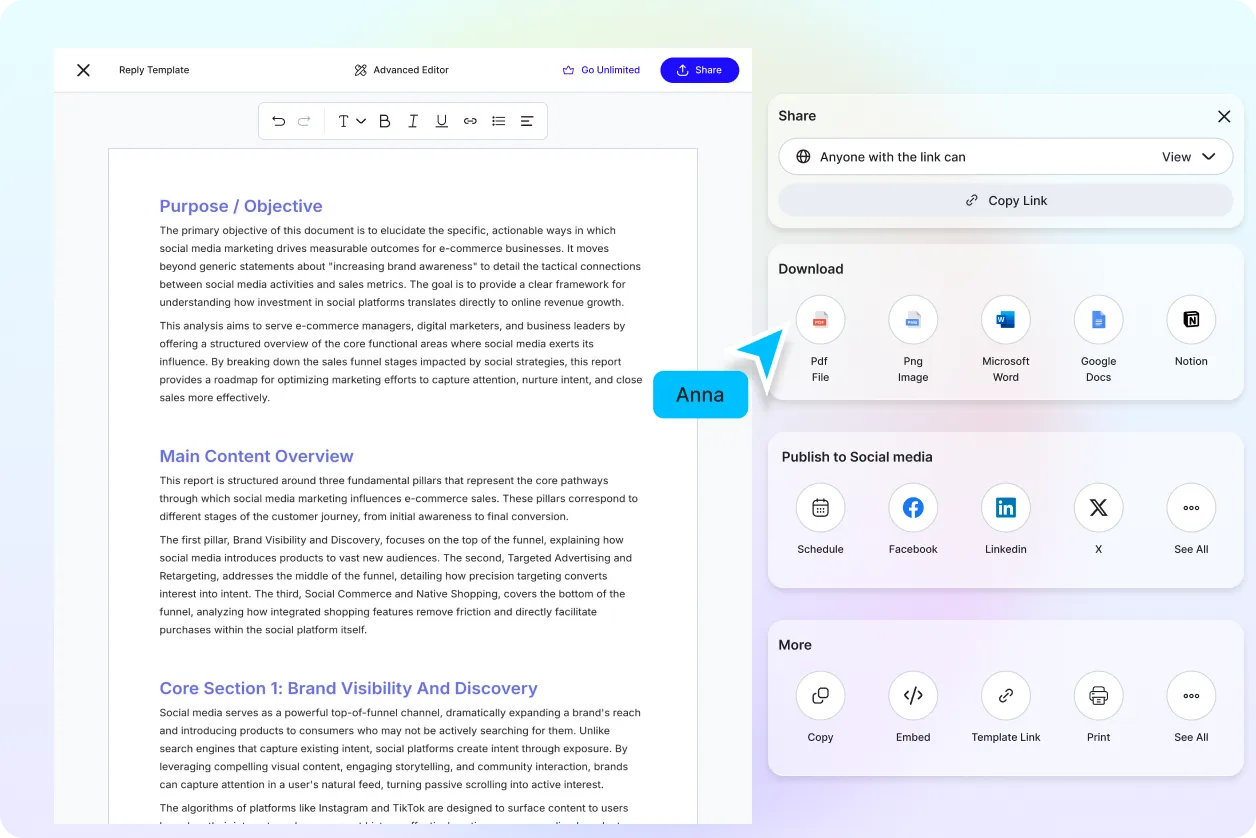
Download or Share Replies Instantly
Share instantly via Email, LinkedIn, WhatsApp, Facebook, X (Twitter), Pinterest, or generate a live link or QR code.
Save and Share Responses
Review your generated replies and use them in email, messaging, customer communication, social platforms, documents, and other supported workflows.
How to Generate a Reply Using AI
Generate, customize, and use AI-generated responses with a simple requirement-based workflow.
Step 1: Enter Your Message, Requirement, or Prompt
Paste the message you need to answer and add a prompt describing your requirement, such as “Reply professionally, thank the customer for their feedback, address their concern, and offer a helpful next step.”
Step 2: Review and Customize the Response
Review the generated reply and adjust its tone, length, wording, level of detail, or communication style to make it suitable for the recipient and situation.
Step 3: Copy, Save, or Share the Reply
Choose the response that best matches your requirement, then copy, save, or use it in your email, customer communication, social media response, message, or other writing workflow.
Turn Every Message Into a Clear and Relevant Response
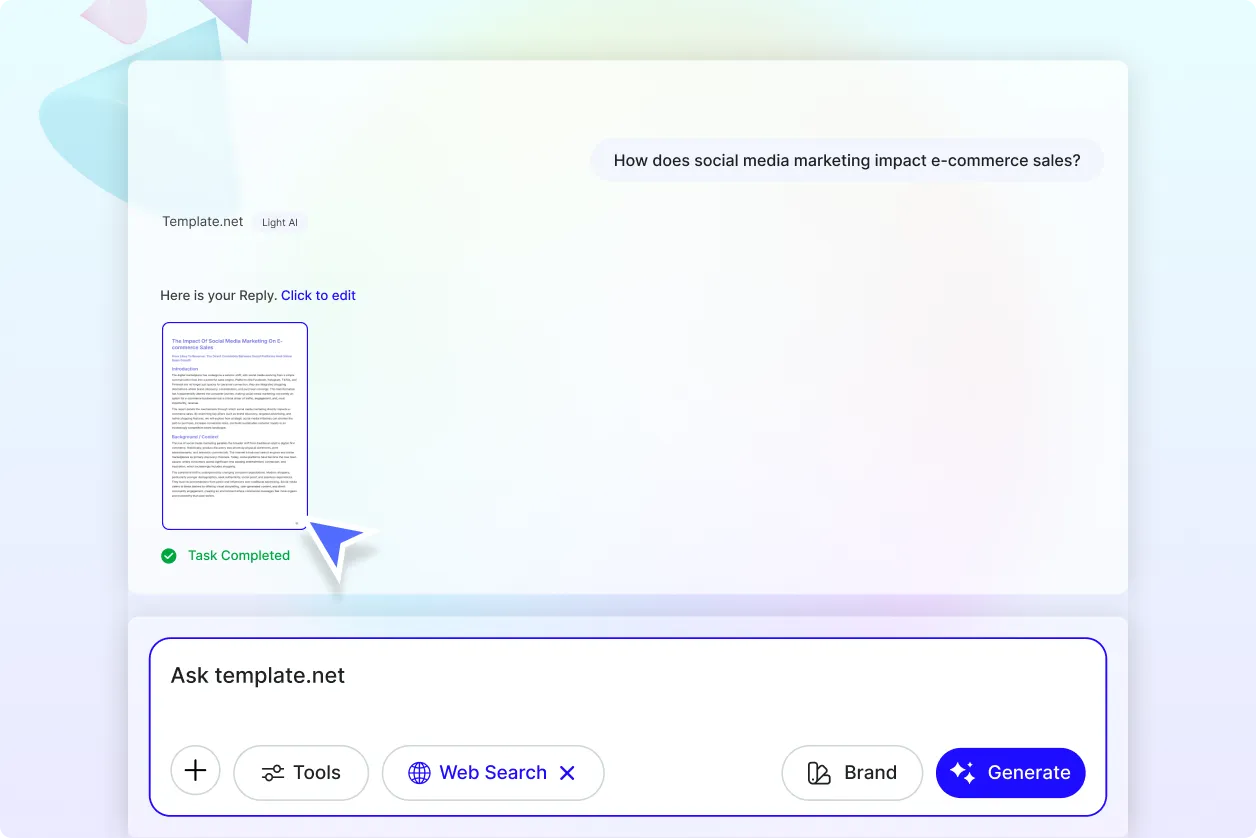
Respond to Messages With the Right Context
Provide the original message, conversation details, and communication requirement to generate a response that stays relevant to the subject and intended purpose.
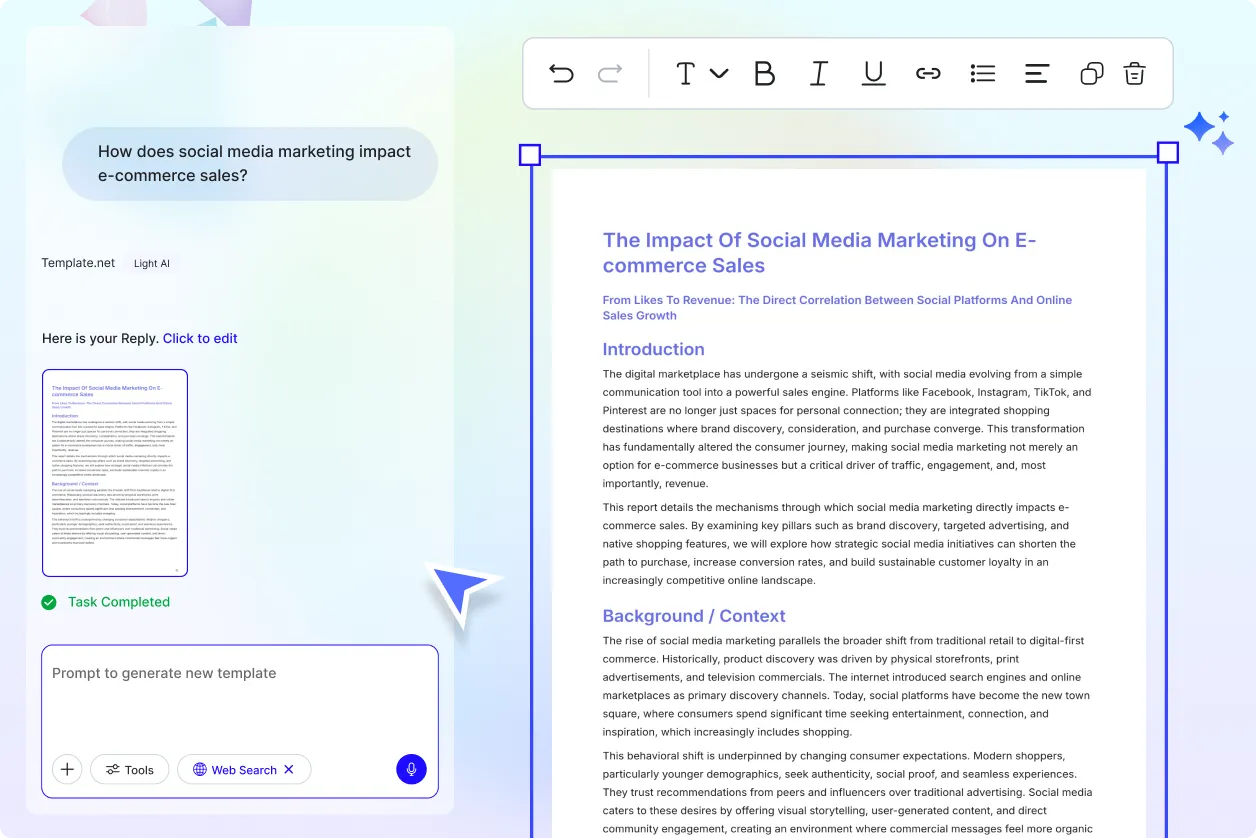
Create Responses for Different Communication Needs
Generate replies for emails, customer questions, reviews, feedback, social media comments, direct messages, business inquiries, networking conversations, and everyday communication.
Adapt Every Reply to the Right Tone and Audience
Choose a communication style that fits the recipient and situation, from professional and formal responses to friendly, casual, empathetic, persuasive, or concise messages.
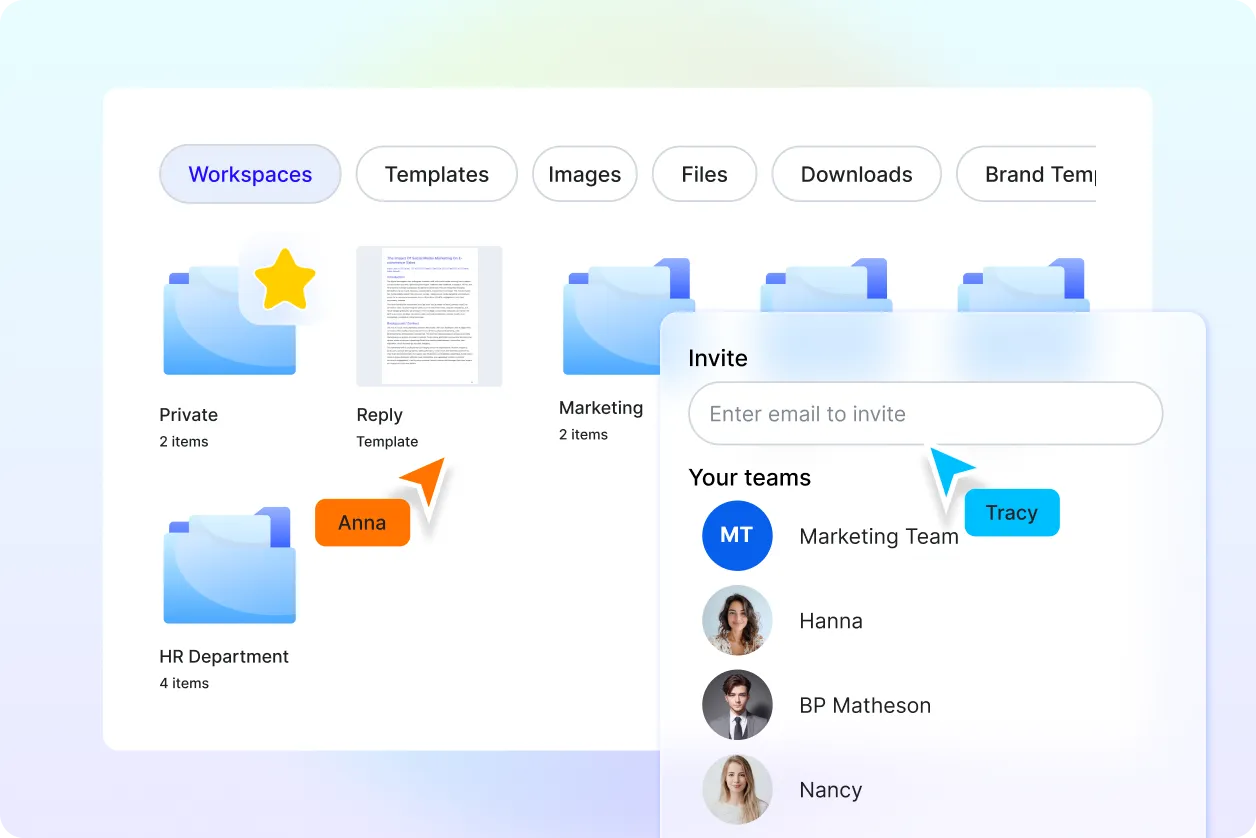
Save Time on Repetitive Communication
Create multiple response options and reusable messaging for frequently asked questions, routine requests, customer interactions, and recurring conversations while maintaining consistent writing quality.
