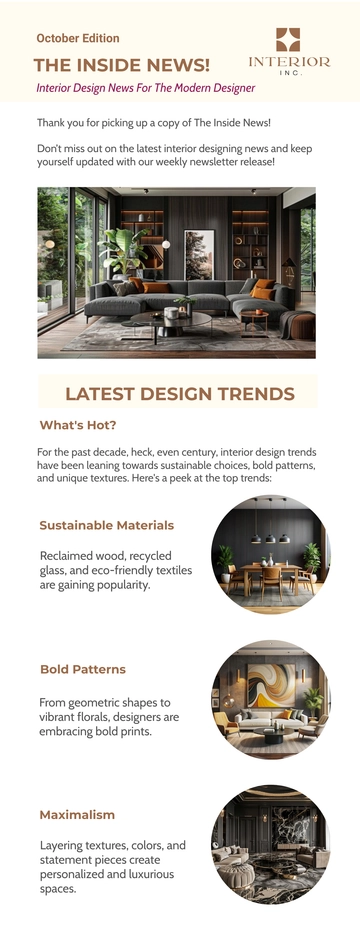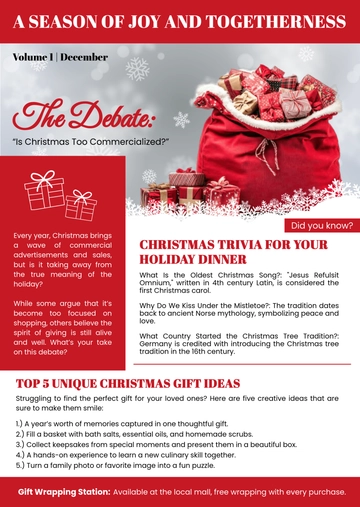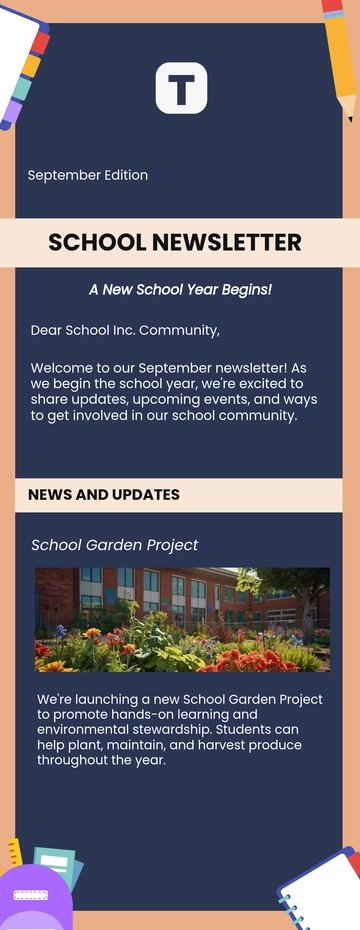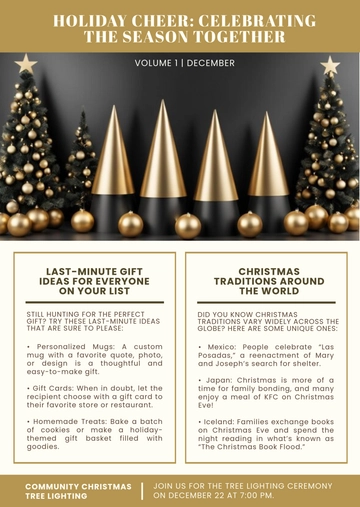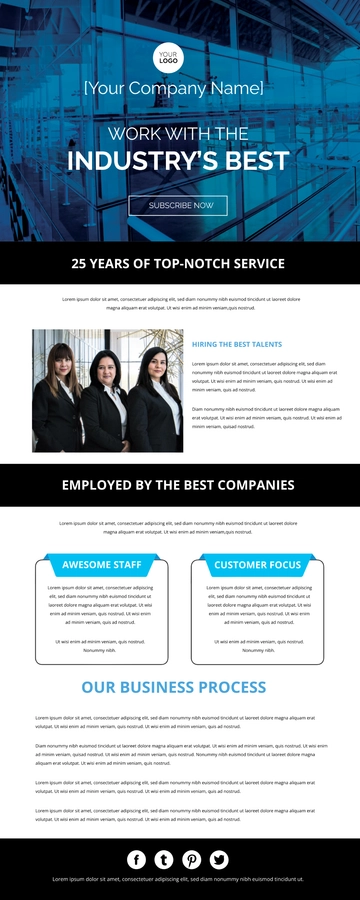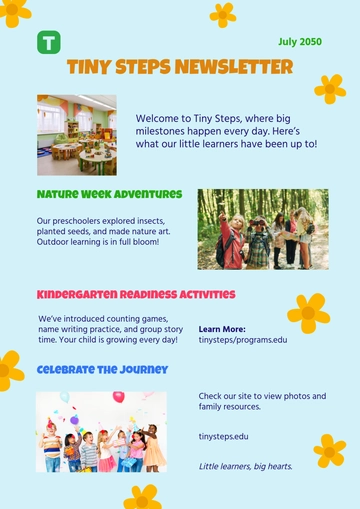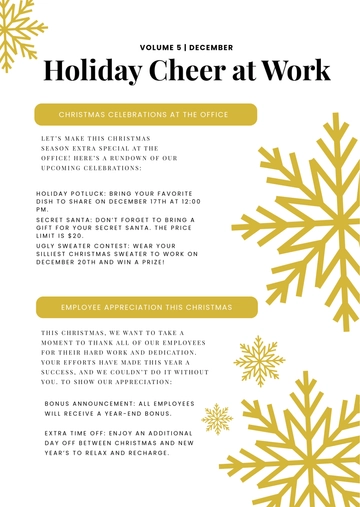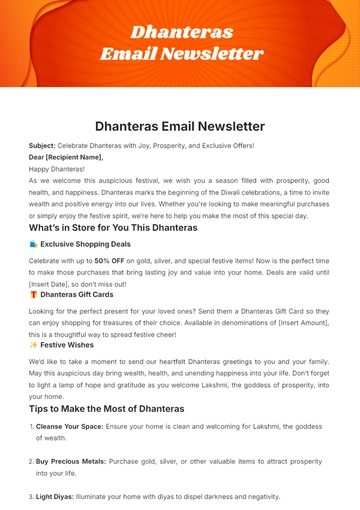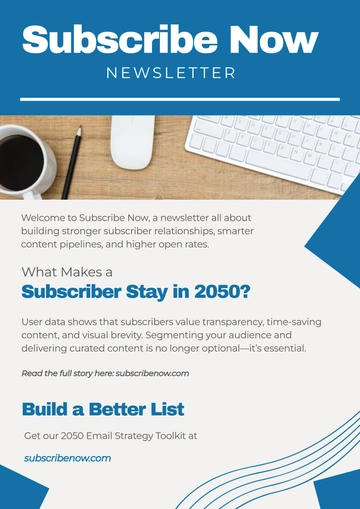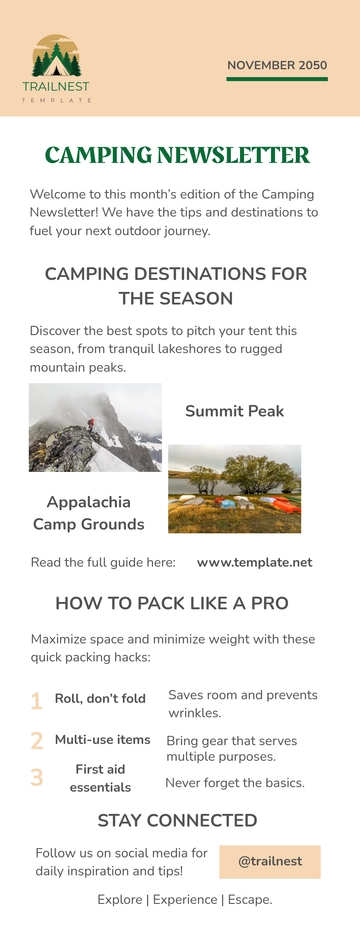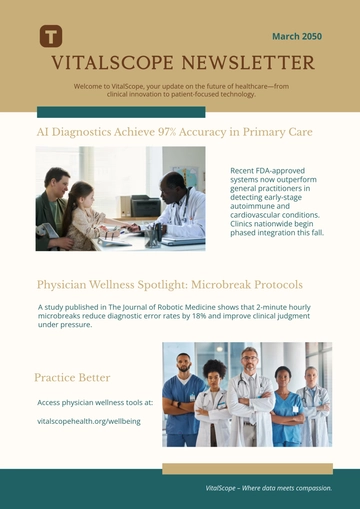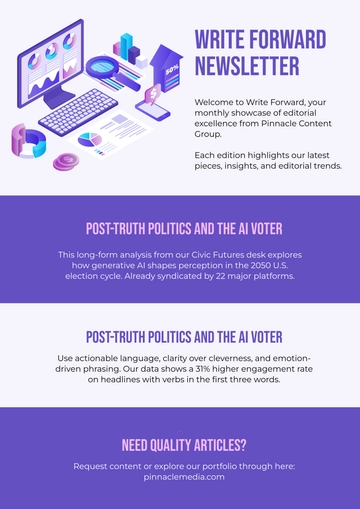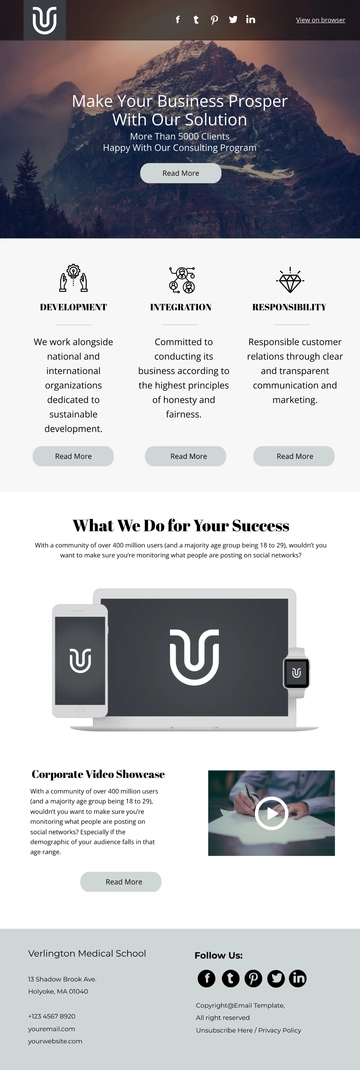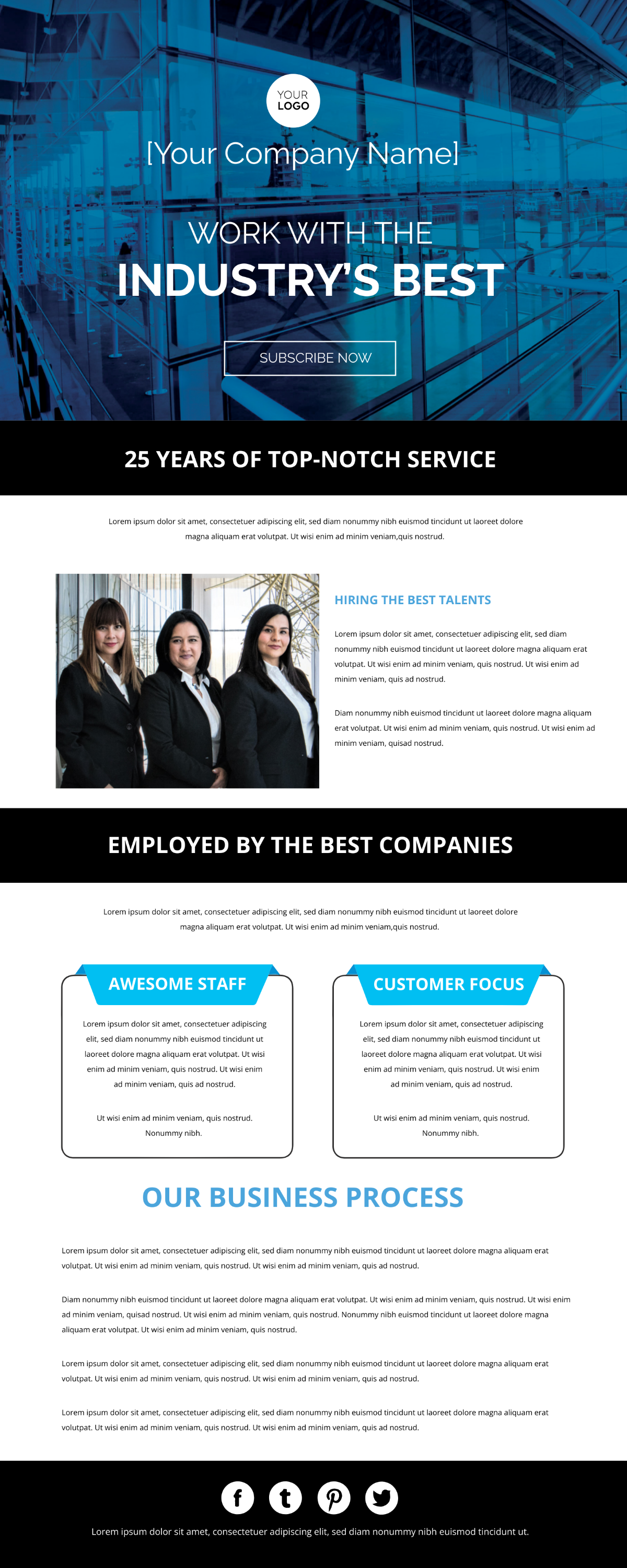
A Professional Business Email Newsletter arranges content blocks like a logo header, a talent showcase section, a business process overview, and a social media icon row into an HTML5 file. It exports with inline styles and table-based rows for consistent display across Gmail, Outlook, and Apple Mail. Built with Template.net's AI-powered newsletter builder, it often shares updates on recruitment drives, team introductions, and client engagement to businesses and contractors.
A Professional Business Email Newsletter arranges content blocks like a logo header, a talent showcase section, a business process overview, and a social media icon row into an HTML5 file. It exports with inline styles and table-based rows for consistent display across Gmail, Outlook, and Apple Mail. Built with Template.net's AI-powered newsletter builder, it often shares updates on recruitment drives, team introductions, and client engagement to businesses and contractors.
How to Create a Professional Business Email Newsletter for Free?
- Customize a Free TemplateStart with this free editable and email-ready professional business email newsletter template and personalize it for recruitment updates, talent showcases, or client engagement stories. (or )
- Generate an On-Brand Professional Business Email Newsletter with AIDescribe your upcoming hiring campaigns and team highlights or upload your previous issue, and AI will build the actual editable newsletter with a lead story on talent acquisition, a business process section with paragraphs, and a social media icon row, formatted in table-based rows with inline styles for inbox-ready Gmail or Outlook display.
- Edit in the HTML5 EditorAdjust parts like the logo header and subscribe button, top headline and slogan, introductory paragraph, team photo and hiring talents article, awesome staff showcase and customer focus feature boxes, alongside the social media icon row and footer copyright and disclaimer row, plus the social media icons row.
- Download an HTML5 FileDownload the completed newsletter as an HTML5 file with inline styles and absolute image URLs, ready to paste into a Gmail compose window or hand off for email distribution.