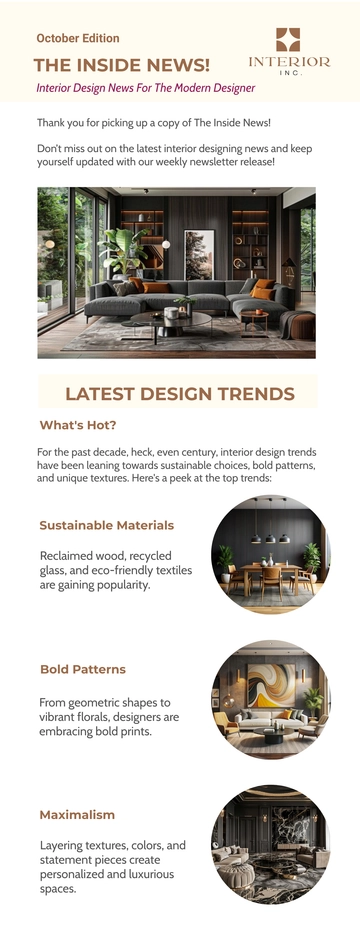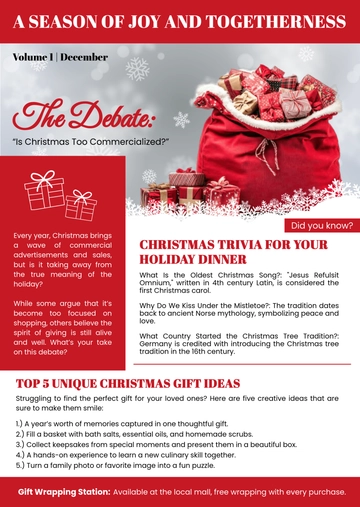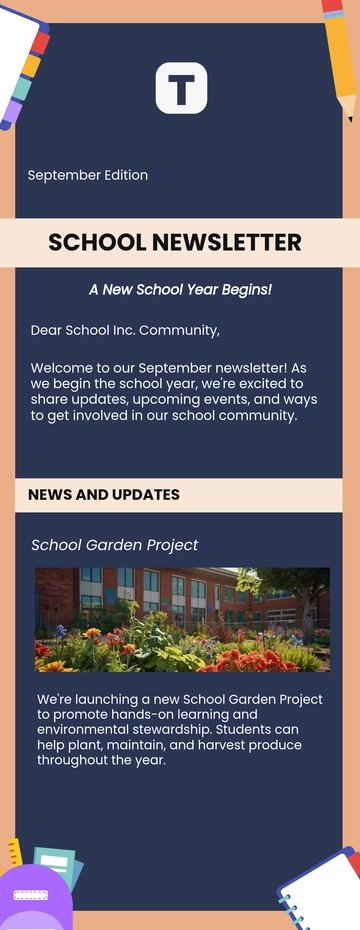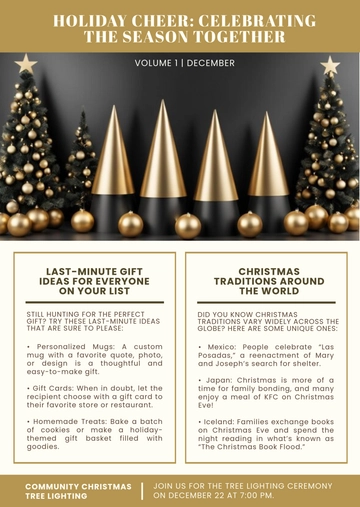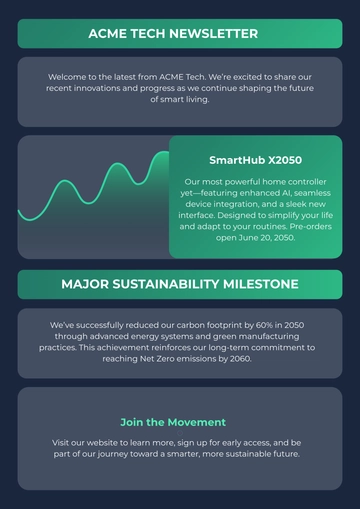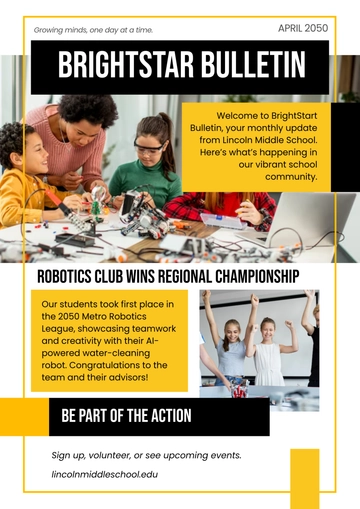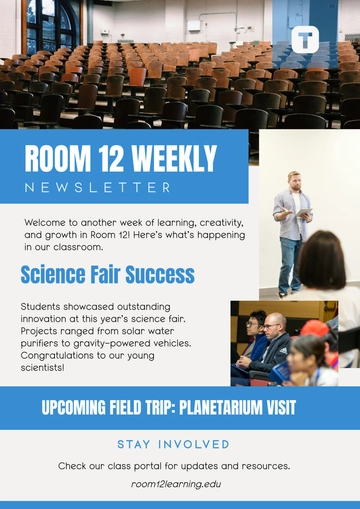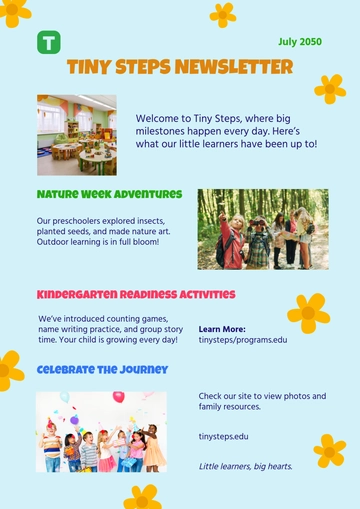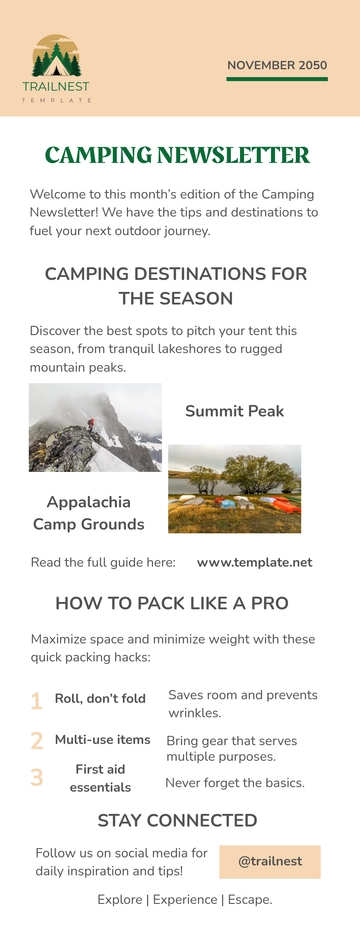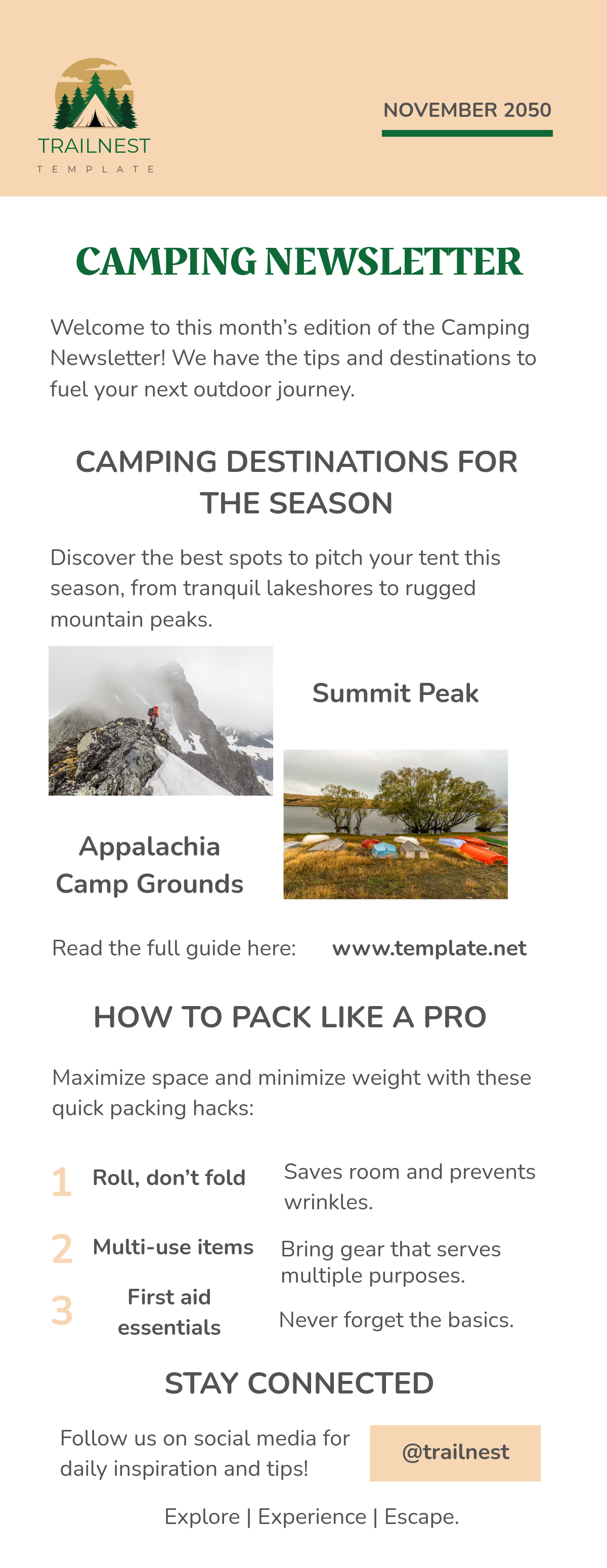
A Camping Newsletter is an email issue built as stacked content blocks including a newsletter header, lead story with images, a product showcase with shop links, and a footer with social and legal links. The file exports as HTML5 with inline styles and table-based rows for consistent inbox display. It is created with Template.net's AI-powered newsletter builder, often used to announce summer stargazing events and camping gear sales from outdoor companies.
A Camping Newsletter is an email issue built as stacked content blocks including a newsletter header, lead story with images, a product showcase with shop links, and a footer with social and legal links. The file exports as HTML5 with inline styles and table-based rows for consistent inbox display. It is created with Template.net's AI-powered newsletter builder, often used to announce summer stargazing events and camping gear sales from outdoor companies.
How to Create a Camping Newsletter for Free?
- Customize a Free TemplateStart with this free editable and email-ready Camping Newsletter template and personalize it for summer stargazing updates, camping gear promotions, and outdoor workshop alerts. (or )
- Generate an On-Brand Camping Newsletter with AIDescribe your camping stories and event dates or upload your prior newsletter, and AI builds the editable issue with blocks like the product showcase carrying images and prices, a lead story with a read more link, and a discount announcement, all in table-based rows with inline styles for inbox compatibility.
- Edit in the HTML5 EditorModify the logo header and menu row, subject and preheader lines, hero banner image and alt text, issue number and date, lead story and read more button, product grid with shop now links, and footer blocks with logo, address, social icons, and unsubscribe link, plus the footer with social media and legal links and read article.
- Download an HTML5 FileExport the finished newsletter as an HTML5 file with inline CSS and absolute image URLs to paste into Gmail or hand off for mailing.