Free Subscribe Now Newsletter Template & AI Newsletter Maker

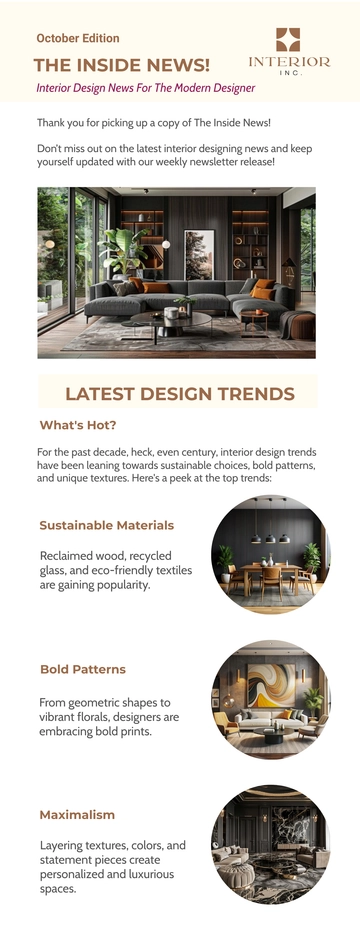
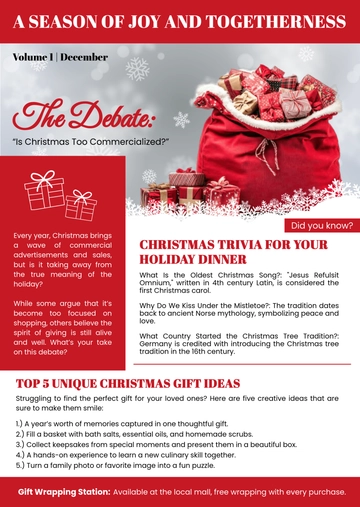
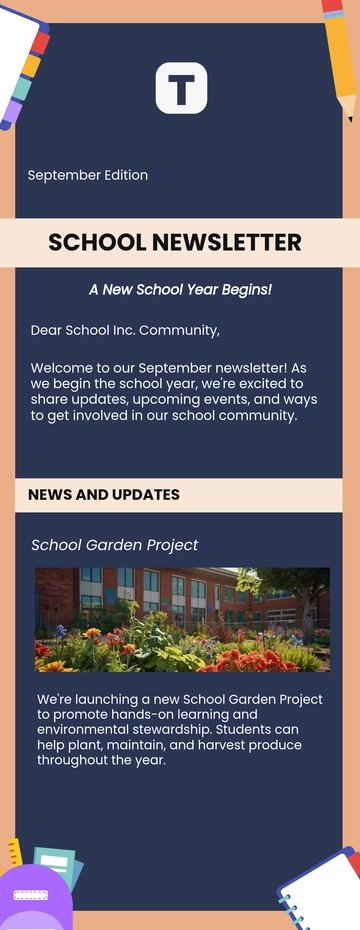
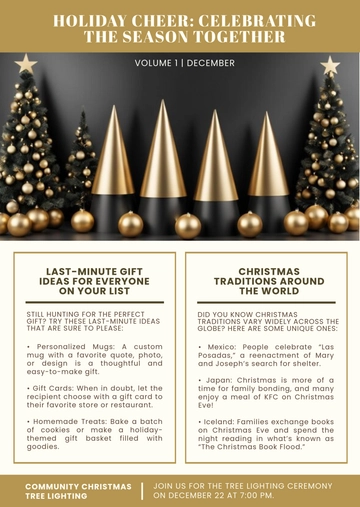
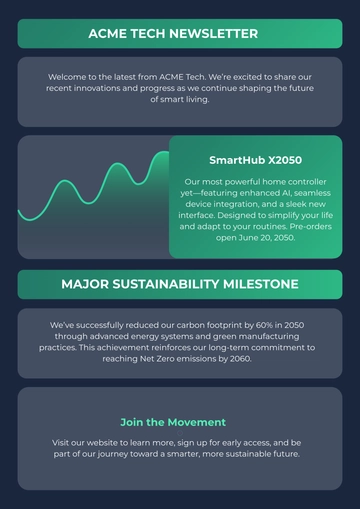
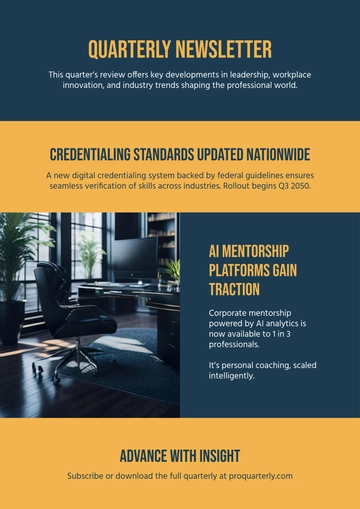
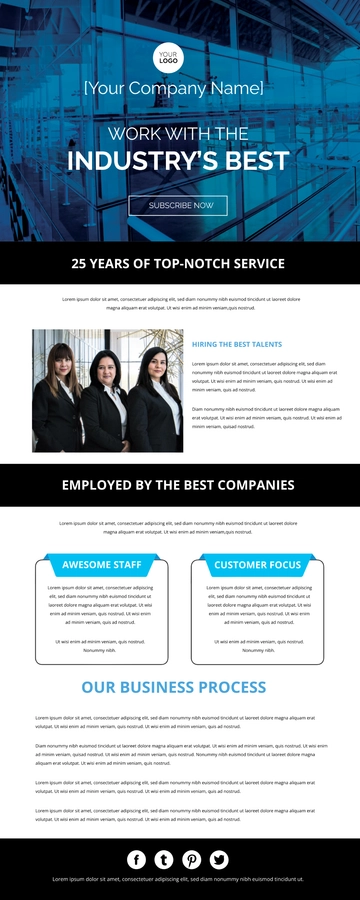
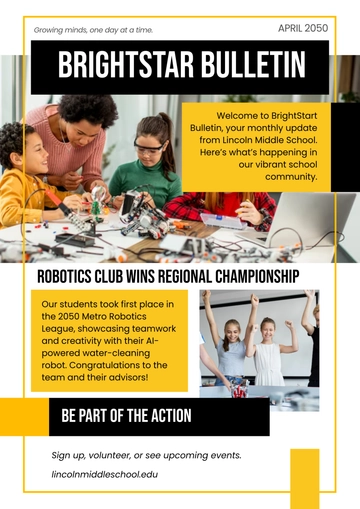
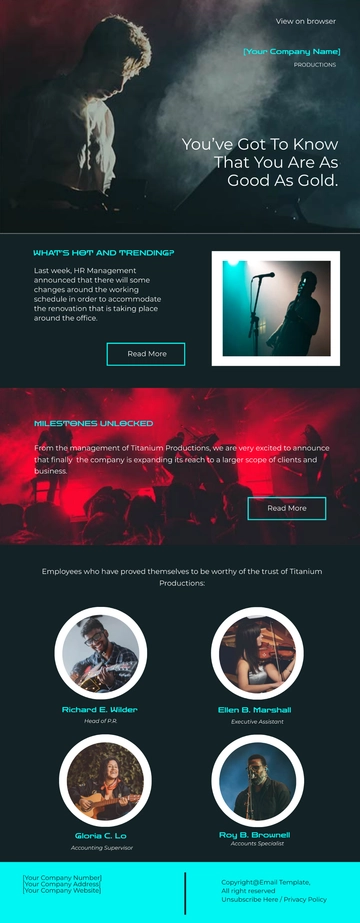
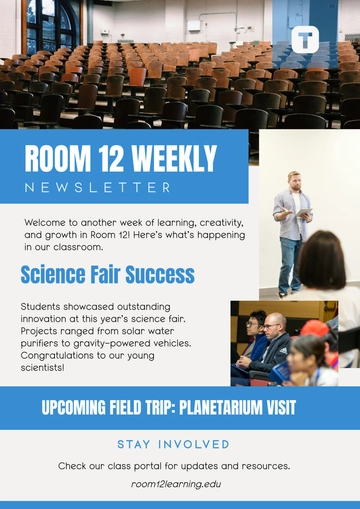
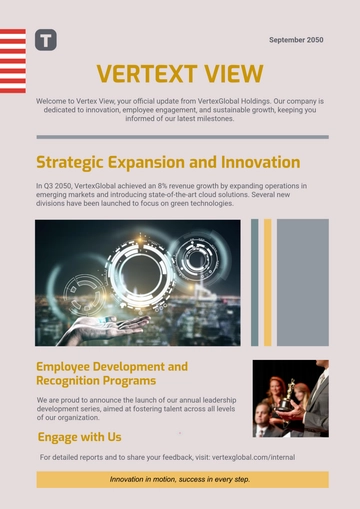
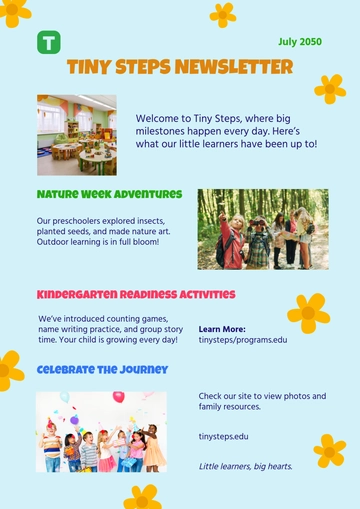
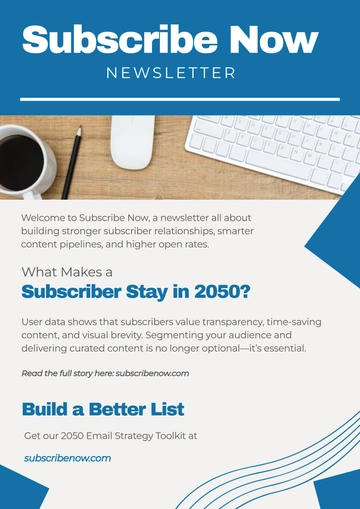
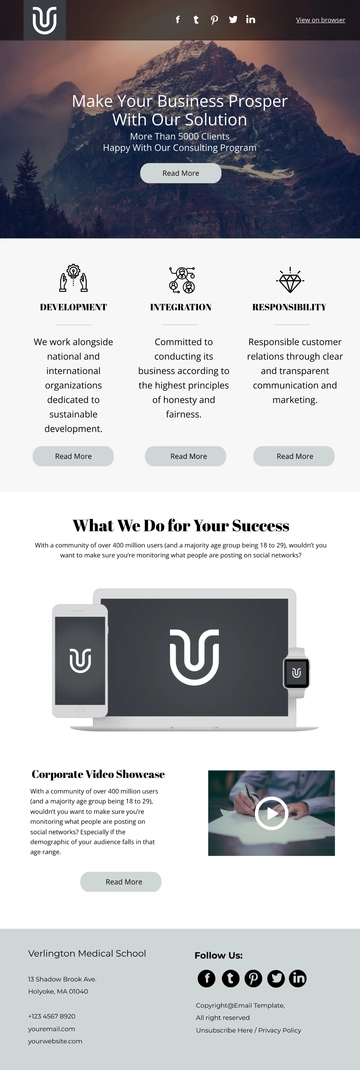
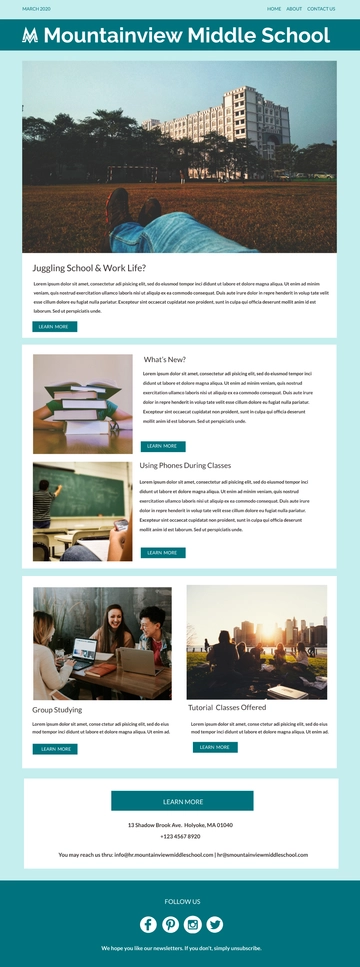
A Subscribe Now Newsletter, built with Template.net's AI-powered newsletter builder, is an email document arranged in stacked content blocks — article highlights with scenic background images, interactive buttons, and a footer with mailing address and unsubscribe link — exported as an HTML5 file with inline styles and table-based rows for consistent display across email clients. It's typically used for monthly lifestyle blog updates, online magazine issues, or seasonal content shared with engaged readers.

A Subscribe Now Newsletter, built with Template.net's AI-powered newsletter builder, is an email document arranged in stacked content blocks — article highlights with scenic background images, interactive buttons, and a footer with mailing address and unsubscribe link — exported as an HTML5 file with inline styles and table-based rows for consistent display across email clients. It's typically used for monthly lifestyle blog updates, online magazine issues, or seasonal content shared with engaged readers.

How to Create a Subscribe Now Newsletter for Free?

Creating a professional Subscribe Now Newsletter is quick and straightforward.
  1. Customize a Free Template
    Start with this free editable and email-ready Subscribe Now Newsletter template and personalize it online for monthly lifestyle updates, blog highlights, or seasonal magazine issues. (or )
  2. Generate an On-Brand Subscribe Now Newsletter with AI
    Describe the stories, dates, and calls to action you want or upload an existing issue, and AI will build the actual editable newsletter with article highlights carrying scenic background images, interactive buttons, and a footer with the mailing address and unsubscribe link, all arranged in table-based rows with inline styles so the issue stays email-safe and ready to review immediately.
  3. Edit in the HTML5 Editor
    Adjust all parts including the logo header and menu row, subject and preheader line, hero banner and alt text, lead story and its call-to-action button, three article sections with images and buttons, social icon row, and footer address and unsubscribe row.
  4. Download an HTML5 File
    Download the completed newsletter as an HTML5 file with inline CSS and absolute image URLs, ready to paste into a Gmail compose window or hand over to your sending service.

Free Subscribe Now Newsletter Template & AI Newsletter Builder

By Template.net

Newsletter Generator