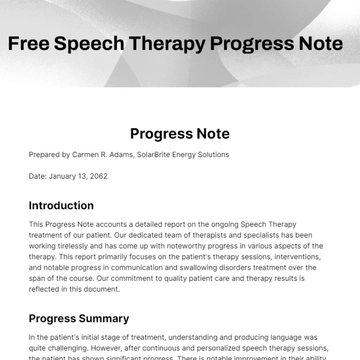
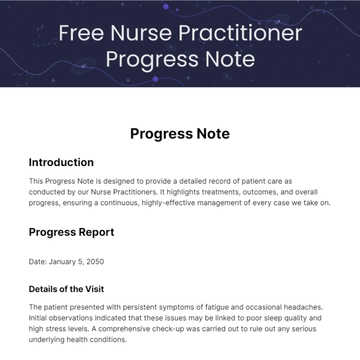
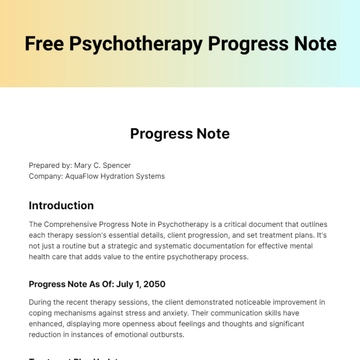
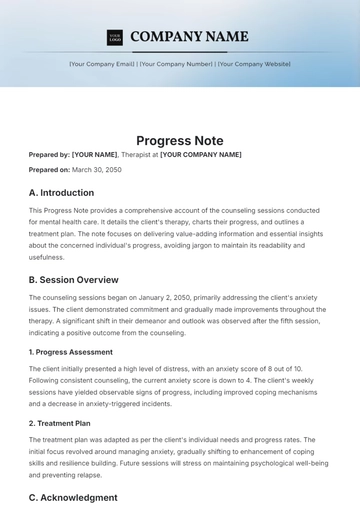
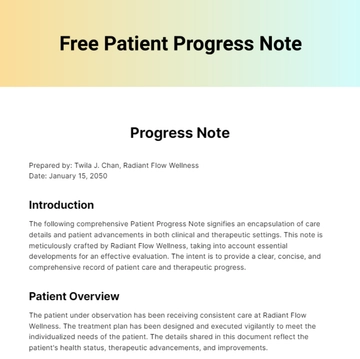
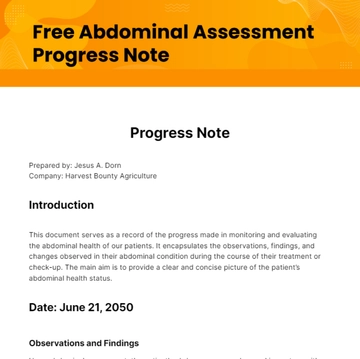
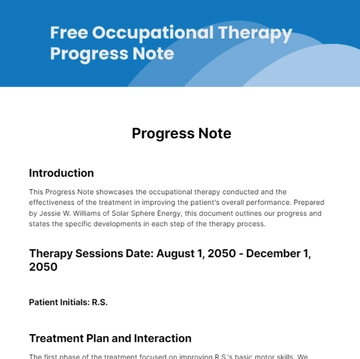
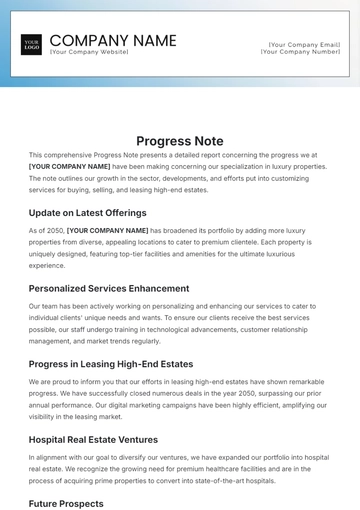
Free Interior Design Progress Note Template & AI Progress Note Maker

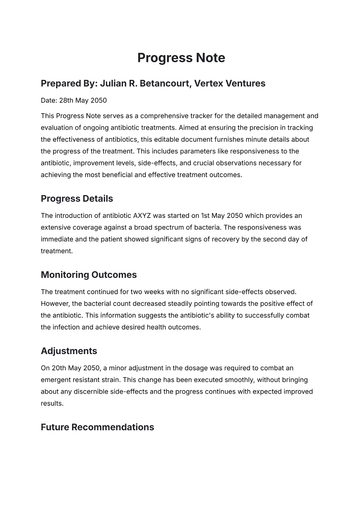
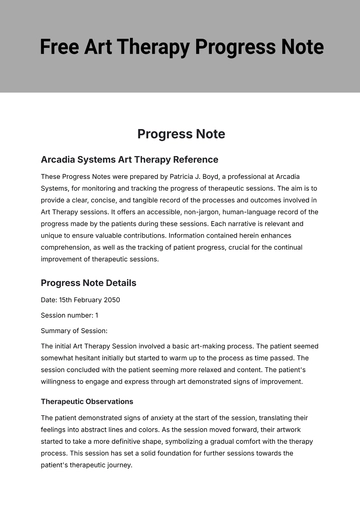
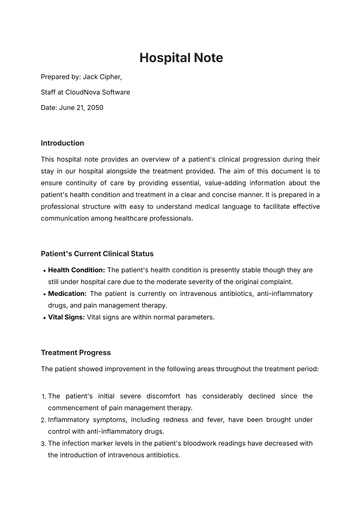
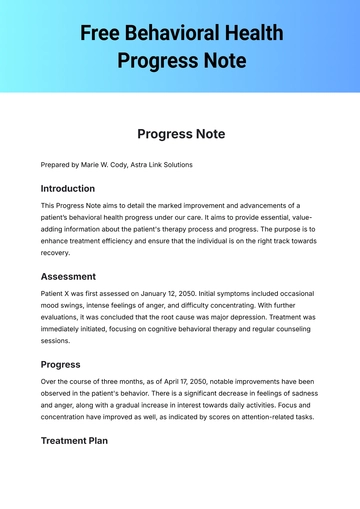
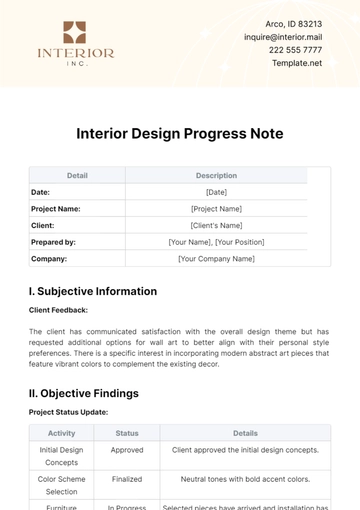
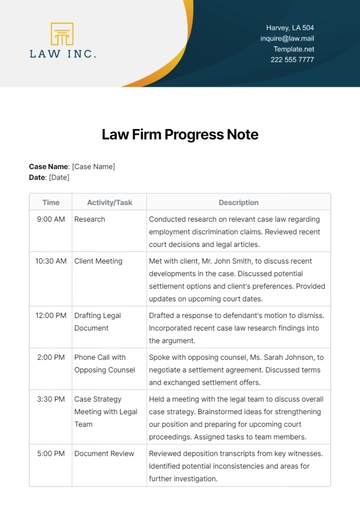
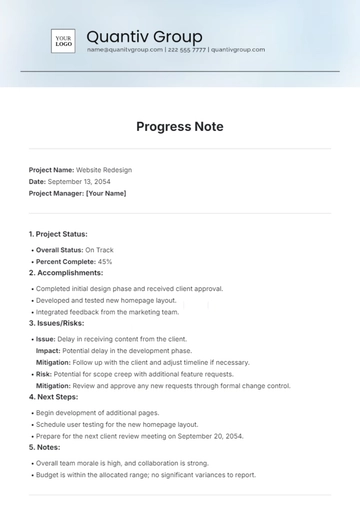
An Interior Design Progress Note is a dated record documenting project status, zones, design focus, consultations, and client feedback. It is built with Template.net's AI-powered progress note builder and used by interior designers, project managers, and design teams.

An Interior Design Progress Note is a dated record documenting project status, zones, design focus, consultations, and client feedback. It is built with Template.net's AI-powered progress note builder and used by interior designers, project managers, and design teams.

How to Create an Interior Design Progress Note for Free?

Creating a professional Interior Design Progress Note is quick and straightforward.
  1. Customize a Free Template
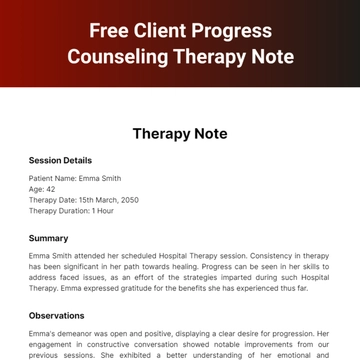
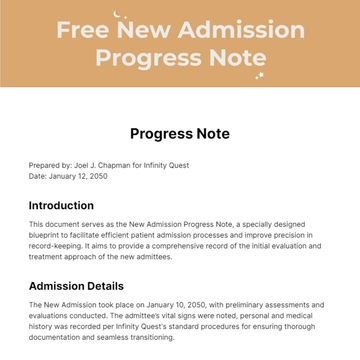
    Start with this free editable and printable interior design progress note template and personalize it online for documenting project milestones, design consultation sessions, or material reviews. (or )
  2. Generate an On-Brand Interior Design Progress Note with AI
    Describe the project consultation you just completed or upload your existing project brief or design plan, and AI will build the actual editable note with a project number recorded as a reference and design interventions formatted as checklist options, ready to review, correct, and sign.
  3. Edit in the HTML5 Editor
    Adjust the header fields like designer, client name, visit date, location, project phase, and project milestone text box. Edit observation groups such as budget status, room or zone, design focus, and consultations. Update the narrative notes, management actions, and the authorized signature line.
  4. Download a Printable PDF
    Download the completed progress note as a printable PDF to file in the project record, hand to the client or design team, or keep a copy on your own files.

Interior Design Progress Note Observations and How Each One Is Recorded

This template already lays out project status, room or zone, and design focus phase, and the list below sets out how each entry is actually recorded.
Document these observations the way each one is normally recorded — project status (ticked from a set of options), room or zone (ticked from a set of options), design focus phase (ticked from a set of options), budget status (ticked from a set of options), type of consultation (ticked from a set of options), flooring type (ticked from a set of options), wall finish type (ticked from a set of options), lighting type (ticked from a set of options), furniture origin (ticked from a set of options), window treatment type (ticked from a set of options), project scope elements (ticked from a set of options), material types (ticked from a set of options), client feedback status (ticked from a set of options), management activities (ticked from a set of options), and design interventions and management actions (ticked from a multi-column checklist).

Free Interior Design Progress Note Template & AI Progress Note Builder

By Template.net

Progress Note Generator