Free Case Management Progress Note Template & AI Progress Note Maker

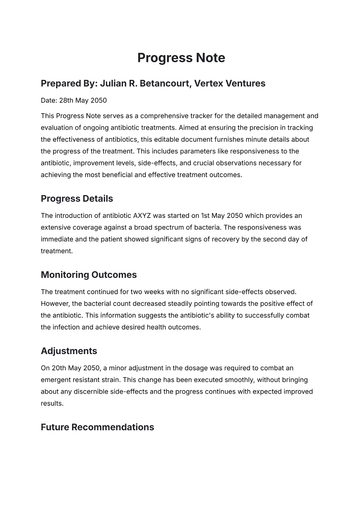
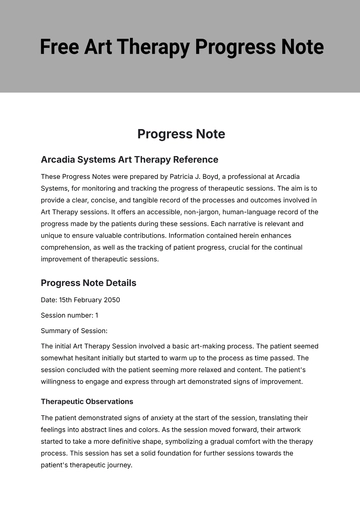
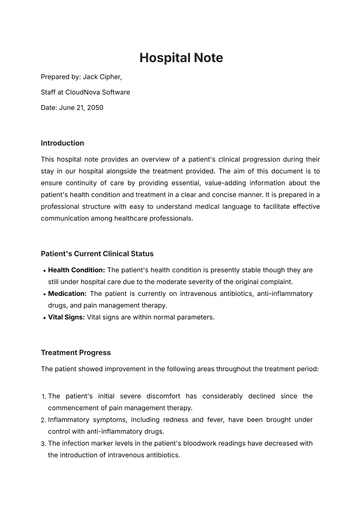
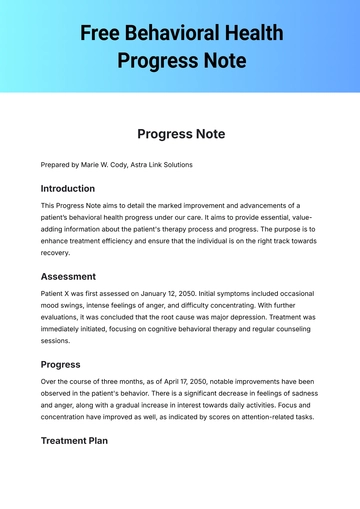
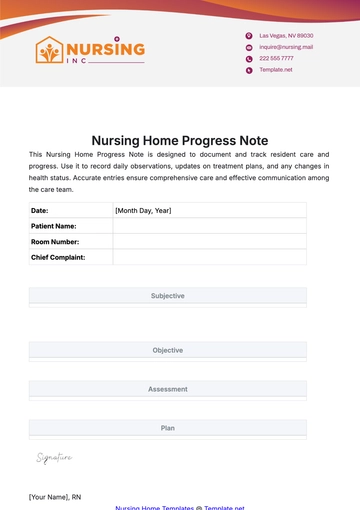
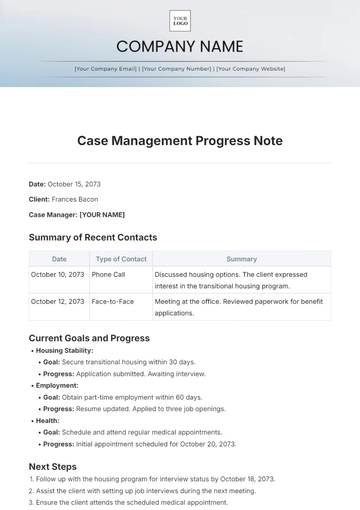
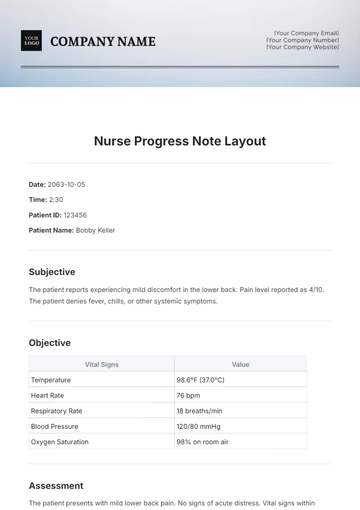
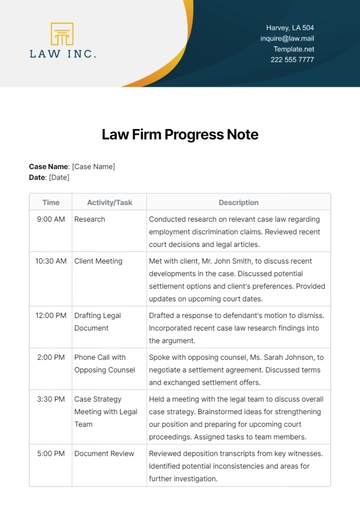
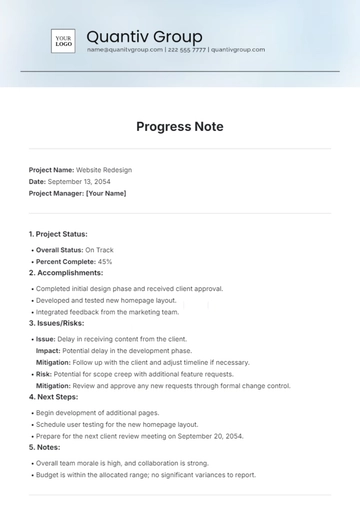
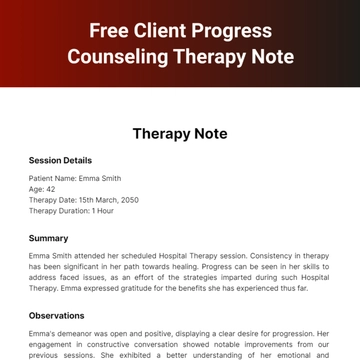
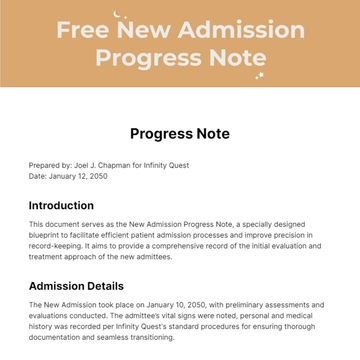
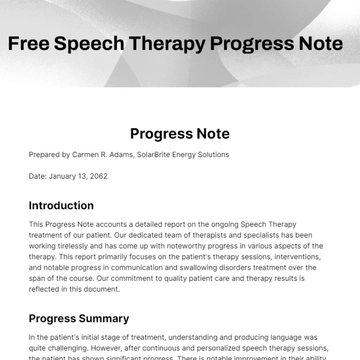
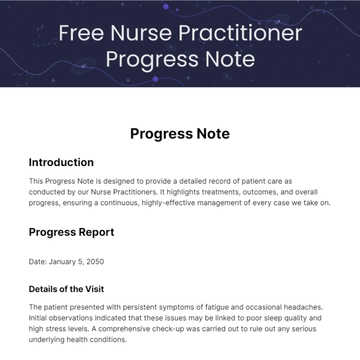
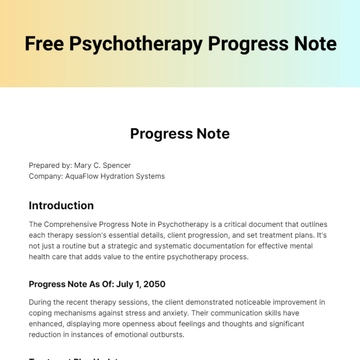
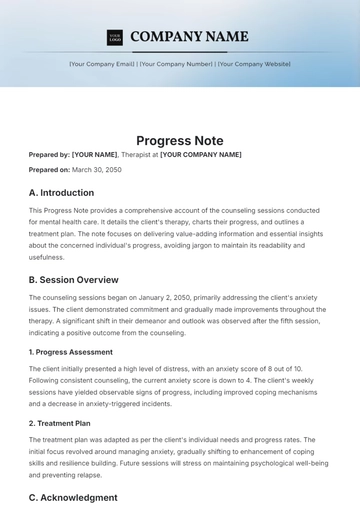
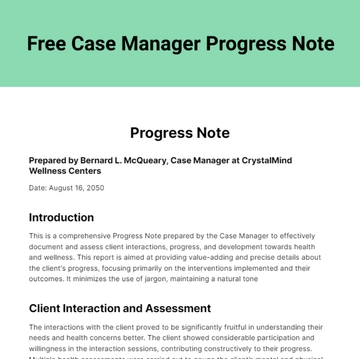
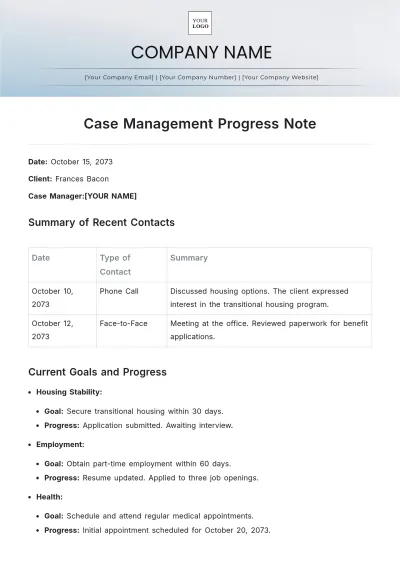
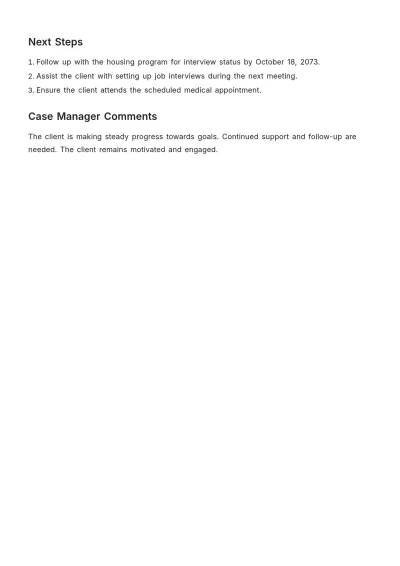
A Case Management Progress Note is a dated record detailing client interactions and observations, structured with identification, session timing, risk assessment, and narrative entries, built with Template.net's AI-powered progress note builder. This note supports documentation of client status, interventions, and coordination events and is authored by case managers, social workers, healthcare practitioners, and community support teams.

A Case Management Progress Note is a dated record detailing client interactions and observations, structured with identification, session timing, risk assessment, and narrative entries, built with Template.net's AI-powered progress note builder. This note supports documentation of client status, interventions, and coordination events and is authored by case managers, social workers, healthcare practitioners, and community support teams.

How to Create a Case Management Progress Note for Free?

Creating a professional Case Management Progress Note is quick and straightforward.
  1. Customize a Free Template
    Start with this free editable and printable Case Management Progress Note template and personalize it for documenting social, medical, or emotional client sessions. (or )
  2. Generate an On-Brand Case Management Progress Note with AI
    Describe the session you just completed or upload an existing care plan, case file, or client goal sheet and AI will build the actual editable note with client details and service dates entered, ready to review and sign.
  3. Edit in the HTML5 Editor
    Adjust identification fields like SERVICE DATE and CASE ID, session timings including START/END, observation groups with checkboxes, narrative text, and the case manager signature line, plus the service type/location and other participants.
  4. Download a Printable PDF
    Download the completed note as a printable PDF to file in the client record, hand over at session end, or keep for your own documentation.

Case Management Progress Note Observations and How Each One Is Recorded

This template already lays out client identification, service dates, and the danger to checklist, and the list below sets out how each entry is actually recorded.
Document these observations the way each one is normally recorded — client identifying information (entered as text fields including name, date of birth, and service date), danger assessment (selected by ticking checkboxes for none, self, others, property, vulnerability, or other with description), activity type of contact (one or more checkboxes ticked such as home visit, office visit, telephone, telehealth), goal status (checked from options no change, progressing, goal met, goal revised), social needs (noted by checking issues such as housing, financial, legal, food/basic needs), medical needs (marked by ticking appointments, medications, labs/tests, specialist involvement), emotional status (recorded by checking stability, coping skills, support net, safety plan), daily living skills (checked boxes like hygiene, transport, routine, skills), client engagement style (recorded by ticking cooperative, avoidant, hostile, passive), thought process (noted by selecting linear, disorganized, tangential, illogical), mood presentation (checked options euthymic, depressed, anxious, irritable), behavior observed (marked as appropriate, agitated, withdrawn, distracted), affect range (noted by ticking full range, flat, blunted, labile), case management interventions (selected by checking actions like assessment, care planning, referral made, crisis management), and follow-up actions required (filled in text describing other follow-up steps additionally checked by a box).

Free Case Management Progress Note Template & AI Progress Note Builder

By Template.net

Note Generator