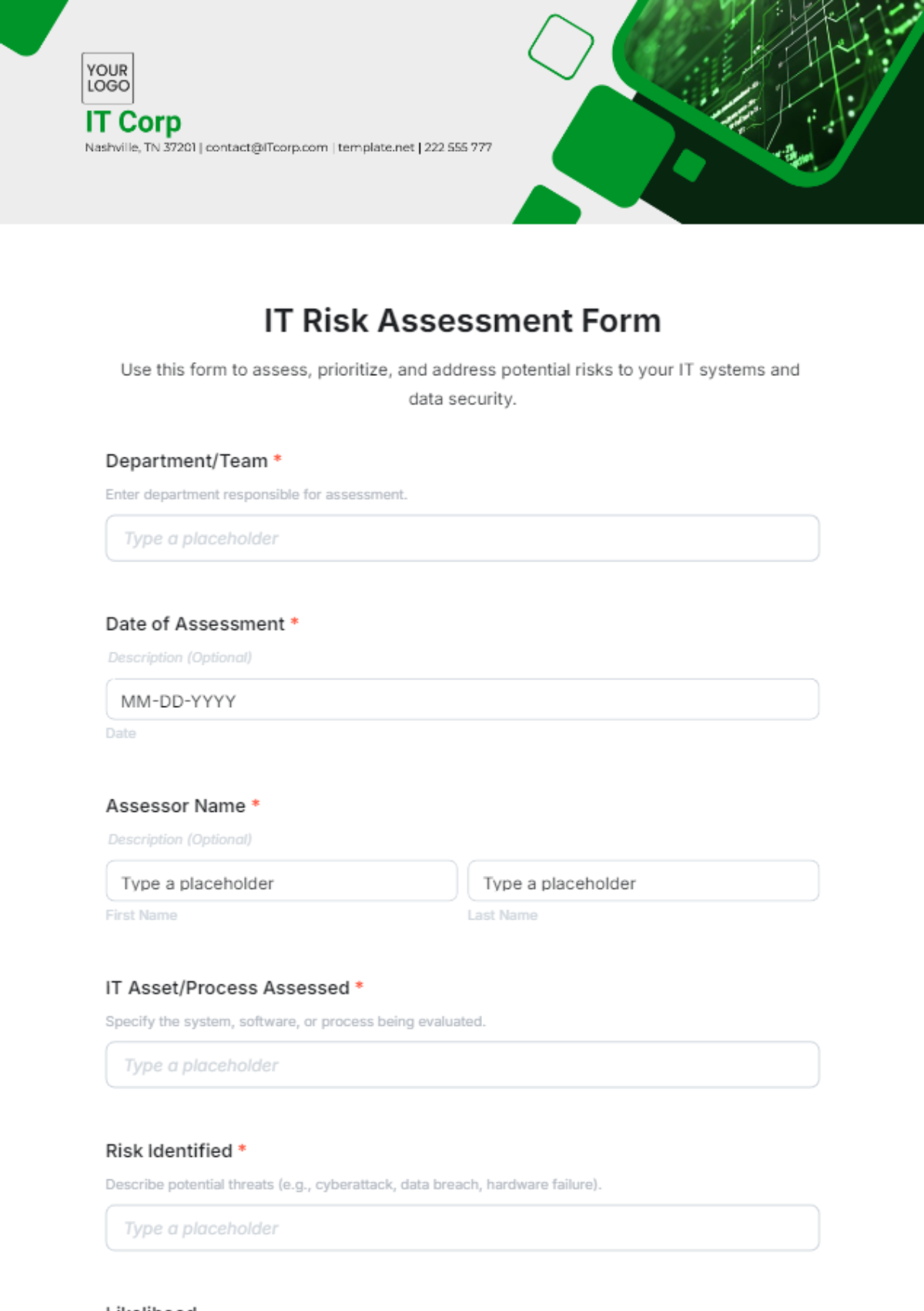
An IT Risk Assessment is an interactive HTML5 form used to identify, evaluate, and manage IT-related risks in organizations. It guides IT managers, security teams, and auditors in documenting vulnerabilities and mitigation strategies.
An IT Risk Assessment is an interactive HTML5 form used to identify, evaluate, and manage IT-related risks in organizations. It guides IT managers, security teams, and auditors in documenting vulnerabilities and mitigation strategies.
How to Create an IT Risk Assessment for Free?
Creating a structured IT Risk Assessment can be efficient and straightforward.
- Customize a Free TemplateStart with this free editable, fillable, and printable IT Risk Assessment template and personalize it online for your IT department, audit team, or security project.
- Generate an On-Brand IT Risk Assessment with AIDescribe the risks and controls you want covered, and AI will build a detailed, editable IT Risk Assessment form with custom fields ready for your review and use.
- Edit in the HTML5 EditorAdjust every detail including risk categories, impact levels, mitigation plans, and responsible parties in our drag-and-drop HTML5 editor.
- Download a Printable PDFSave your completed IT Risk Assessment as a printable PDF for sharing in meetings or archiving with compliance records.
- Share a Link to Collect Assessments OnlinePublish your IT Risk Assessment with a shareable link to gather responses from IT staff, auditors, or consultants remotely.