Free Sample Work from Home Weekly Schedule

Prepared by: [Your Name]
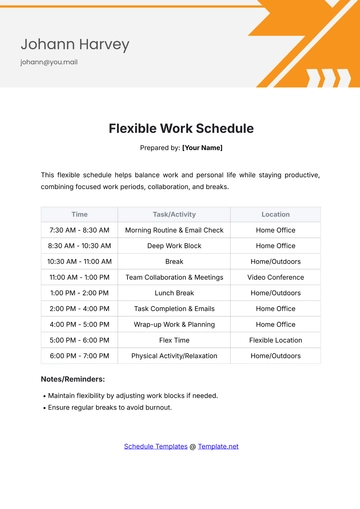
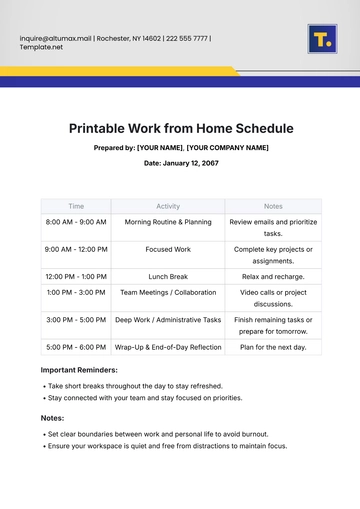
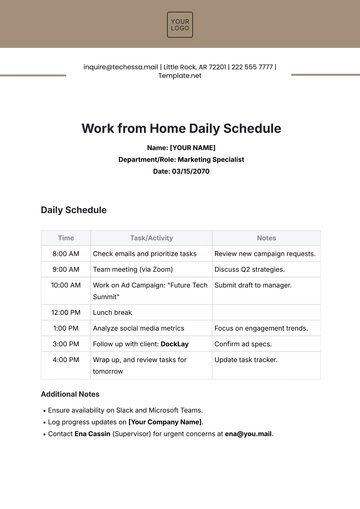
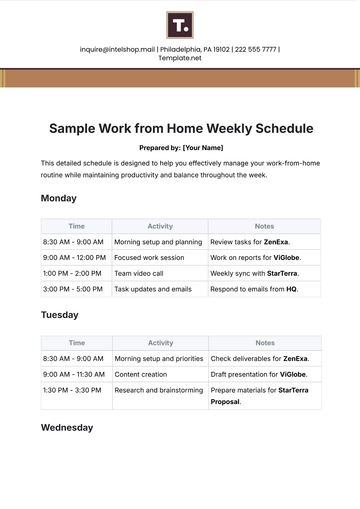
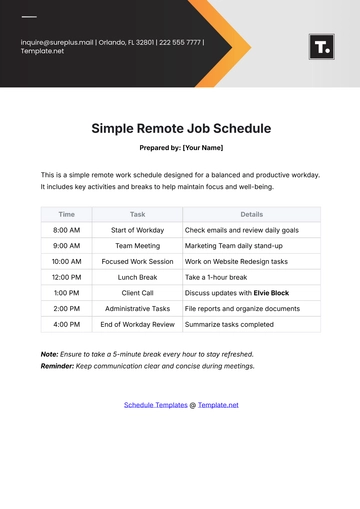
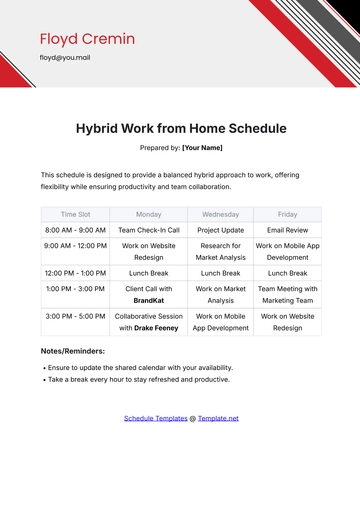
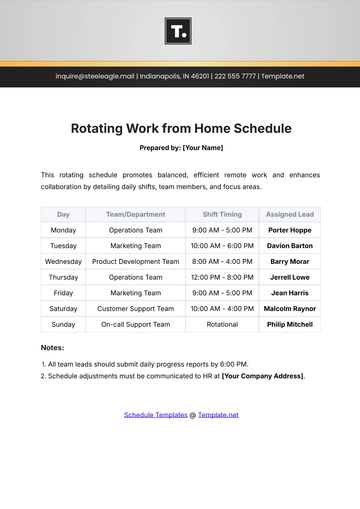
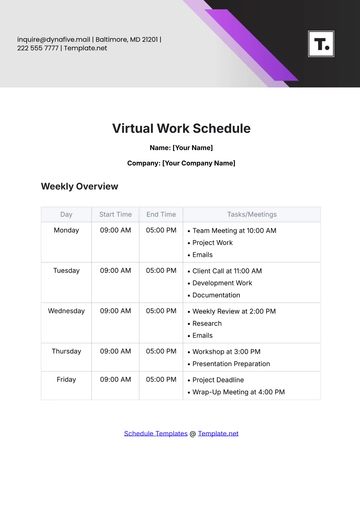
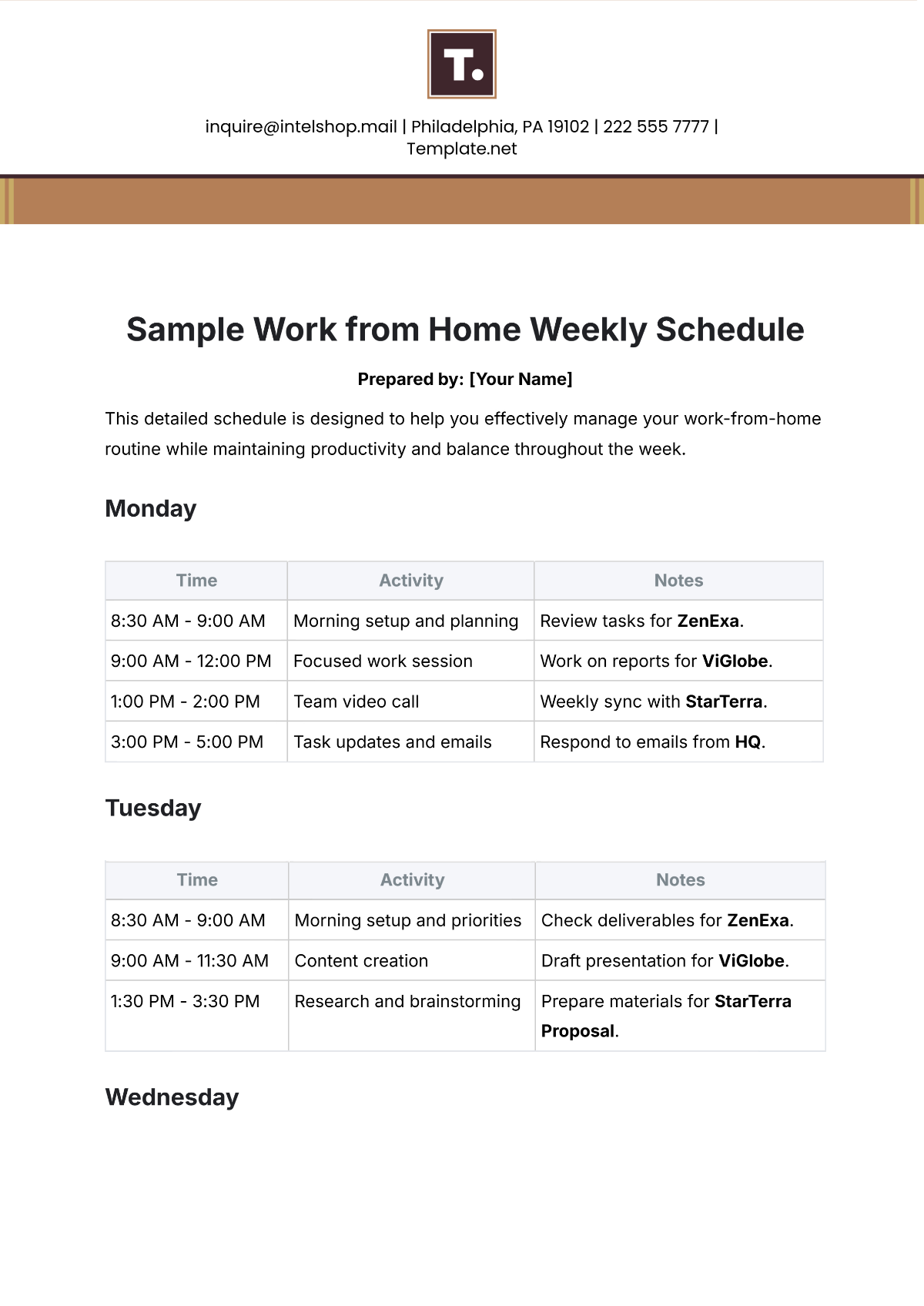
This detailed schedule is designed to help you effectively manage your work-from-home routine while maintaining productivity and balance throughout the week.
Monday
Time | Activity | Notes |
|---|---|---|
8:30 AM - 9:00 AM | Morning setup and planning | Review tasks for ZenExa. |
9:00 AM - 12:00 PM | Focused work session | Work on reports for ViGlobe. |
1:00 PM - 2:00 PM | Team video call | Weekly sync with StarTerra. |
3:00 PM - 5:00 PM | Task updates and emails | Respond to emails from HQ. |
Tuesday
Time | Activity | Notes |
|---|---|---|
8:30 AM - 9:00 AM | Morning setup and priorities | Check deliverables for ZenExa. |
9:00 AM - 11:30 AM | Content creation | Draft presentation for ViGlobe. |
1:30 PM - 3:30 PM | Research and brainstorming | Prepare materials for StarTerra Proposal. |
Wednesday
Time | Activity | Notes |
|---|---|---|
8:30 AM - 9:00 AM | Morning setup and review | Organize notes for ZenExa. |
10:00 AM - 12:30 PM | Collaboration session | Join brainstorming for ViGlobe Campaign. |
2:00 PM - 4:00 PM | Individual project updates | Work on project strategy for StarTerra. |
Thursday
Time | Activity | Notes |
|---|---|---|
8:30 AM - 9:00 AM | Morning planning | Assign tasks to Support Team Delta. |
10:00 AM - 12:00 PM | Virtual training | Attend workshop led by Trainer Rocky Orn. |
1:30 PM - 3:00 PM | Documentation | Update files for ZenExa Project. |
Friday
Time | Activity | Notes |
|---|---|---|
9:00 AM - 10:00 AM | Week recap and next week prep | Meet with ViGlobe Manager Trace Durgan for feedback. |
10:30 AM - 12:00 PM | Reports and final emails | Send updates to StarTerra Regional Office. |
1:00 PM - 3:00 PM | Flexible catch-up time | Address pending tasks for ZenExa. |
Notes:
Always keep track of deadlines using a calendar or task management tool.
Stay hydrated and take regular breaks to maintain focus.
- 100% Customizable, free editor
- Access 1 Million+ Templates, photo’s & graphics
- Download or share as a template
- Click and replace photos, graphics, text, backgrounds
- Resize, crop, AI write & more
- Access advanced editor
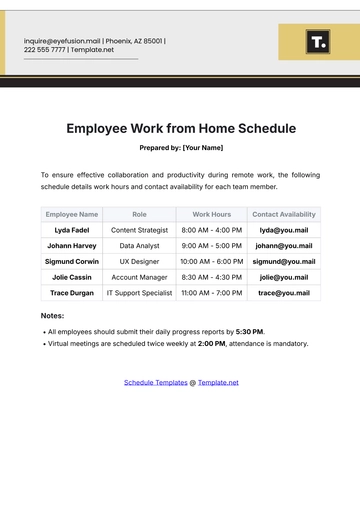
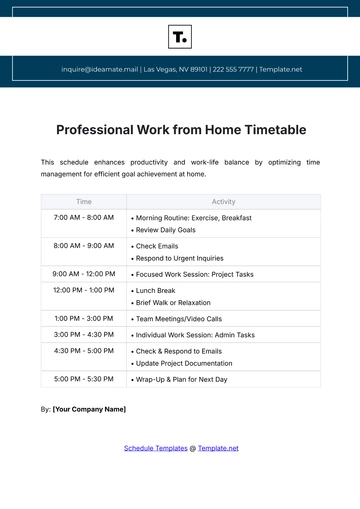
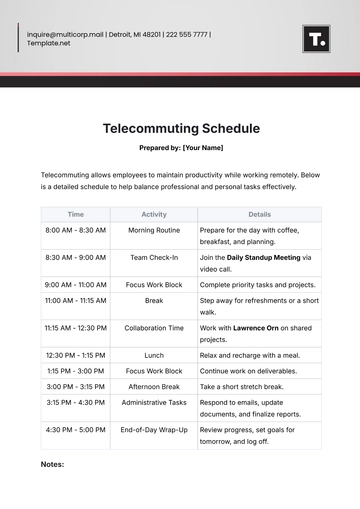
Plan your remote workweek effortlessly with the Sample Work from Home Weekly Schedule Template offered by Template.net. This customizable, printable, and downloadable template helps you stay organized and productive. Fully editable in our AI Editor Tool, it’s tailored to meet your scheduling needs. Simplify your weekly planning with this user-friendly and efficient tool!
You may also like
- Schedule Appointment
- Work Schedule
- Weekly Schedule
- Cleaning Schedule
- Payment Schedule
- School Schedule
- Maintenance Schedule
- Daily Schedule
- Class Schedule
- Workout Schedule
- Event Schedule
- Marketing Schedule
- Weekly Cleaning Schedule
- Work From Home Schedule
- Payroll Schedule
- Restaurant Schedule
- Kitchen Cleaning Schedule
- Schedule of Values
- Hourly Schedule
- Study Schedule
- University Schedule
- Construction Schedule
- Preventive Maintenance Schedule
- Fitness Schedule
- Education Schedule
- Training Schedule
- Agency Schedule
- Panel Schedule
- Monthly Schedule
- Nursing Home Schedule
- Project Schedule
- Real Estate Schedule
- Freelancer Schedule
- Medication Schedule
- IT and Software Schedule
- Interior Design Schedule
- Travel Schedule
- Travel Agency Schedule
- Hotel Schedule
- Wedding Schedule
- Camp Schedule