
Free Class Schedule Templates
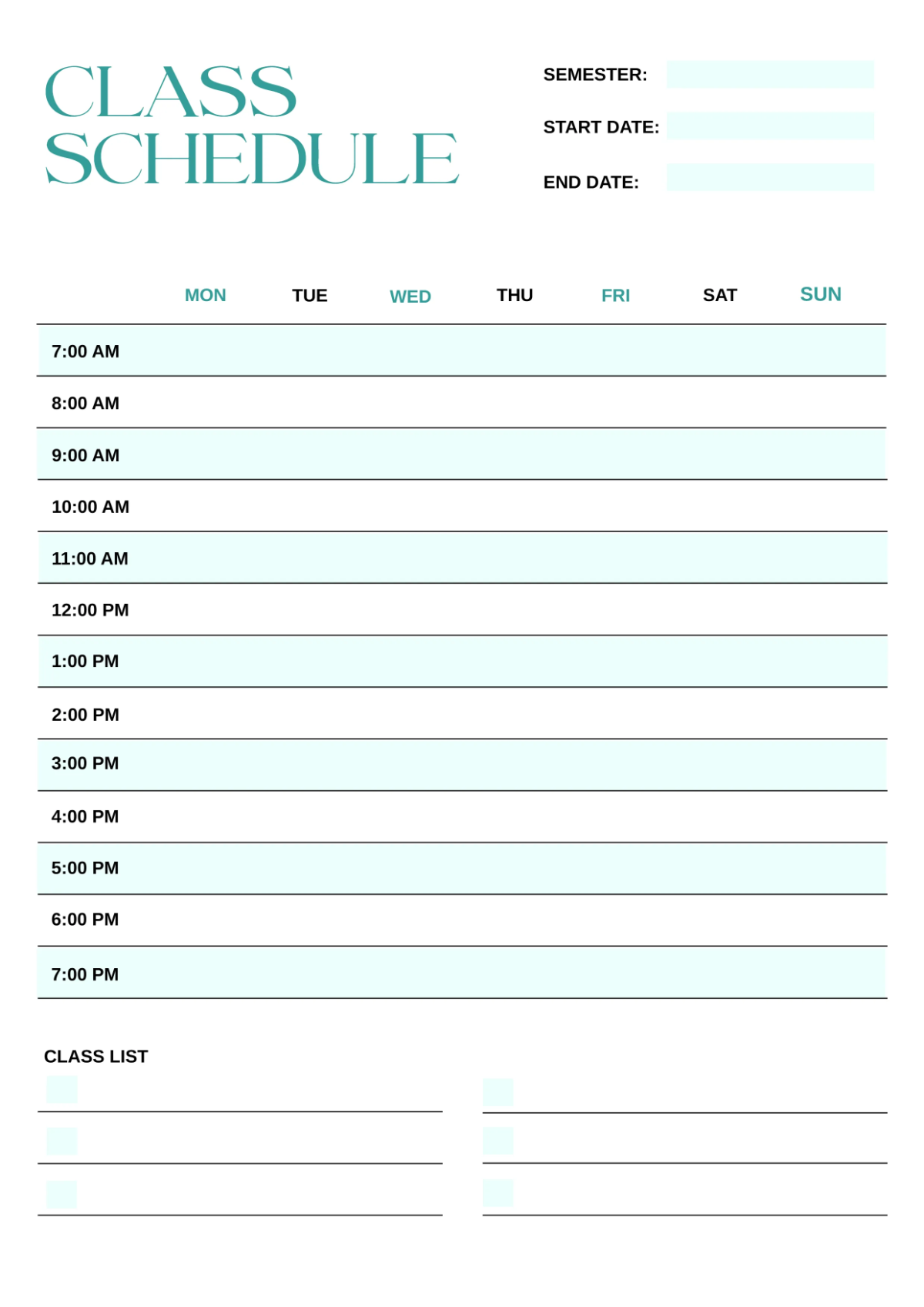
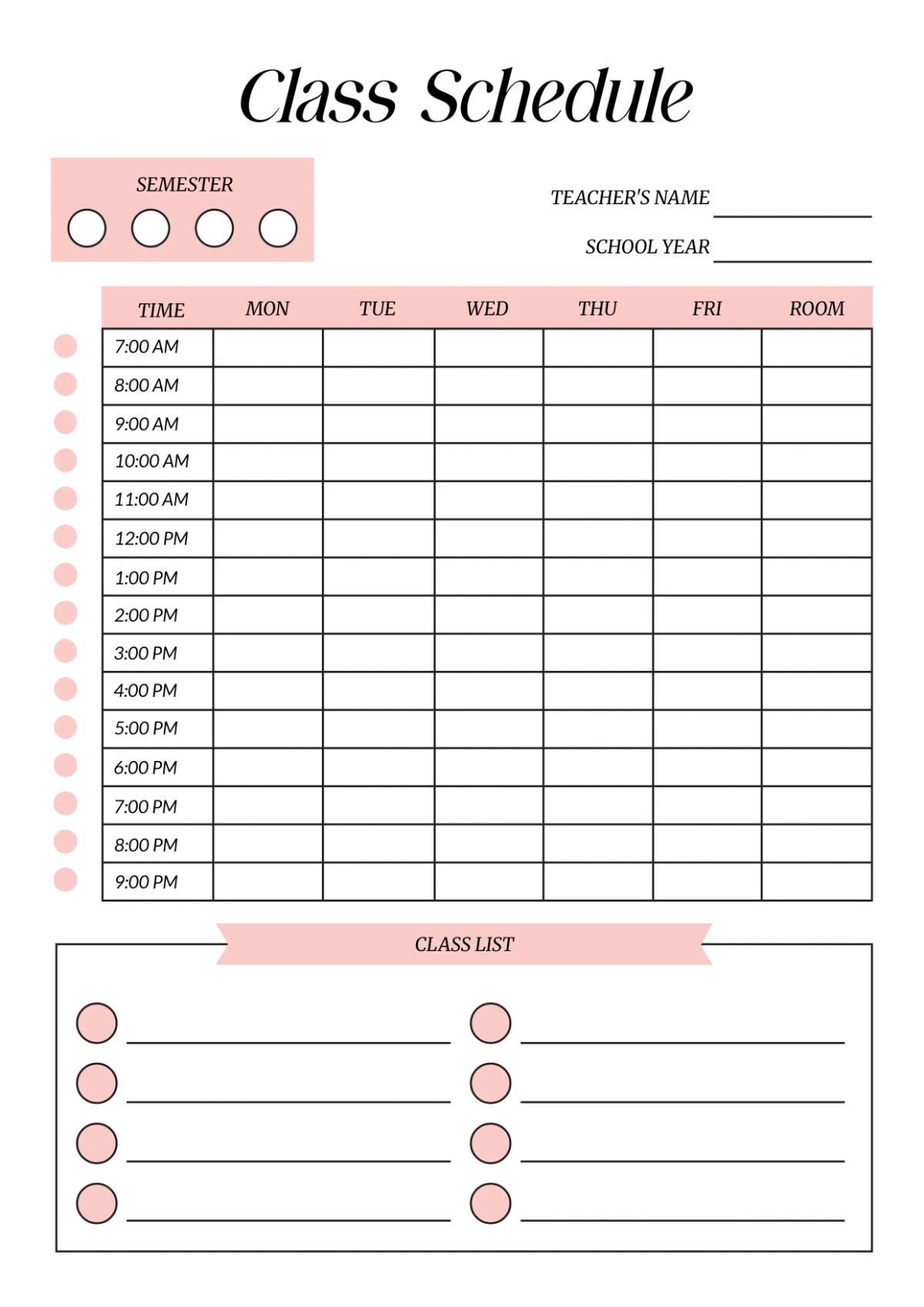
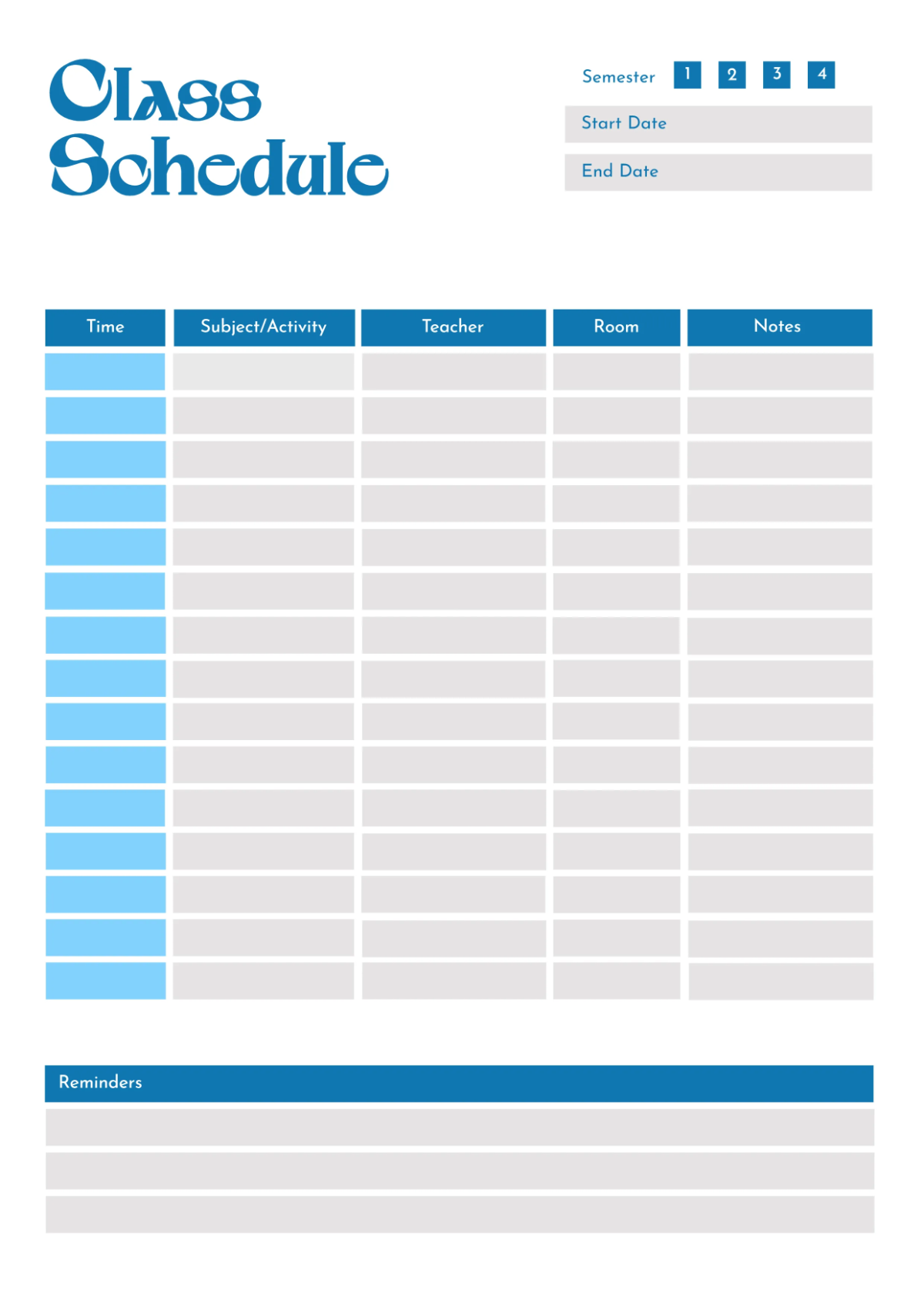
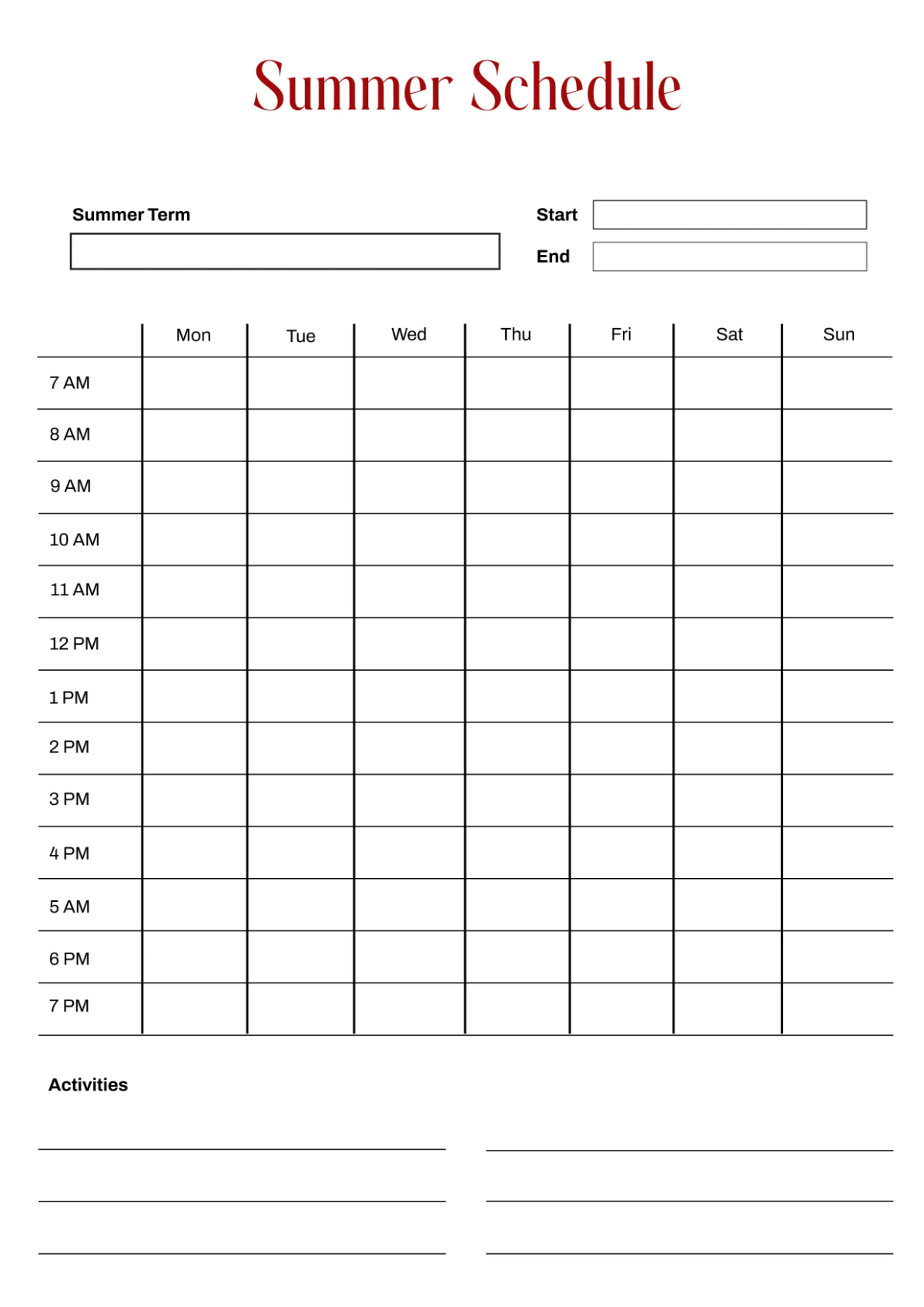
Class Schedule Templates: Definition, Use Cases, and Formats
What is a Class Schedule?
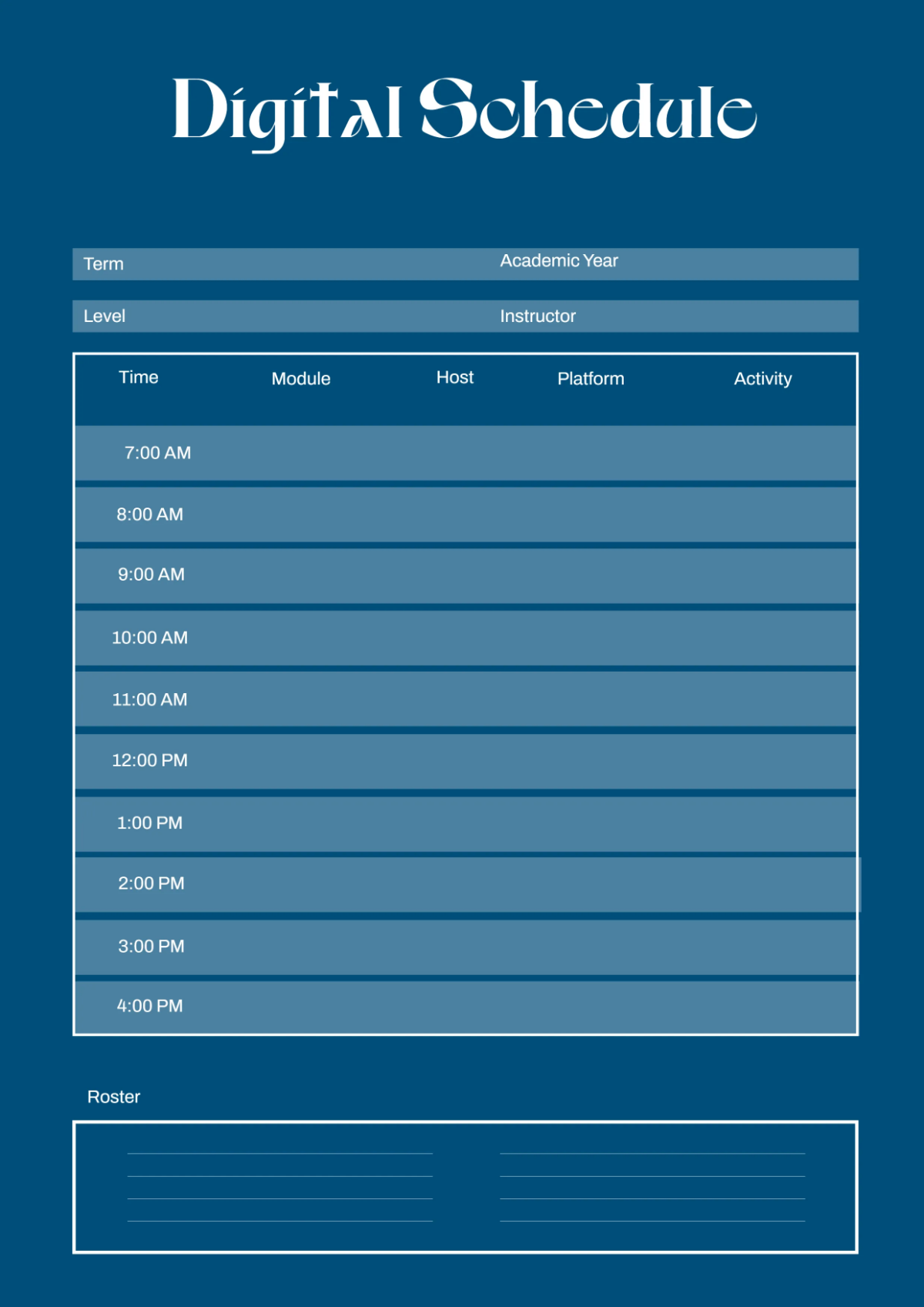
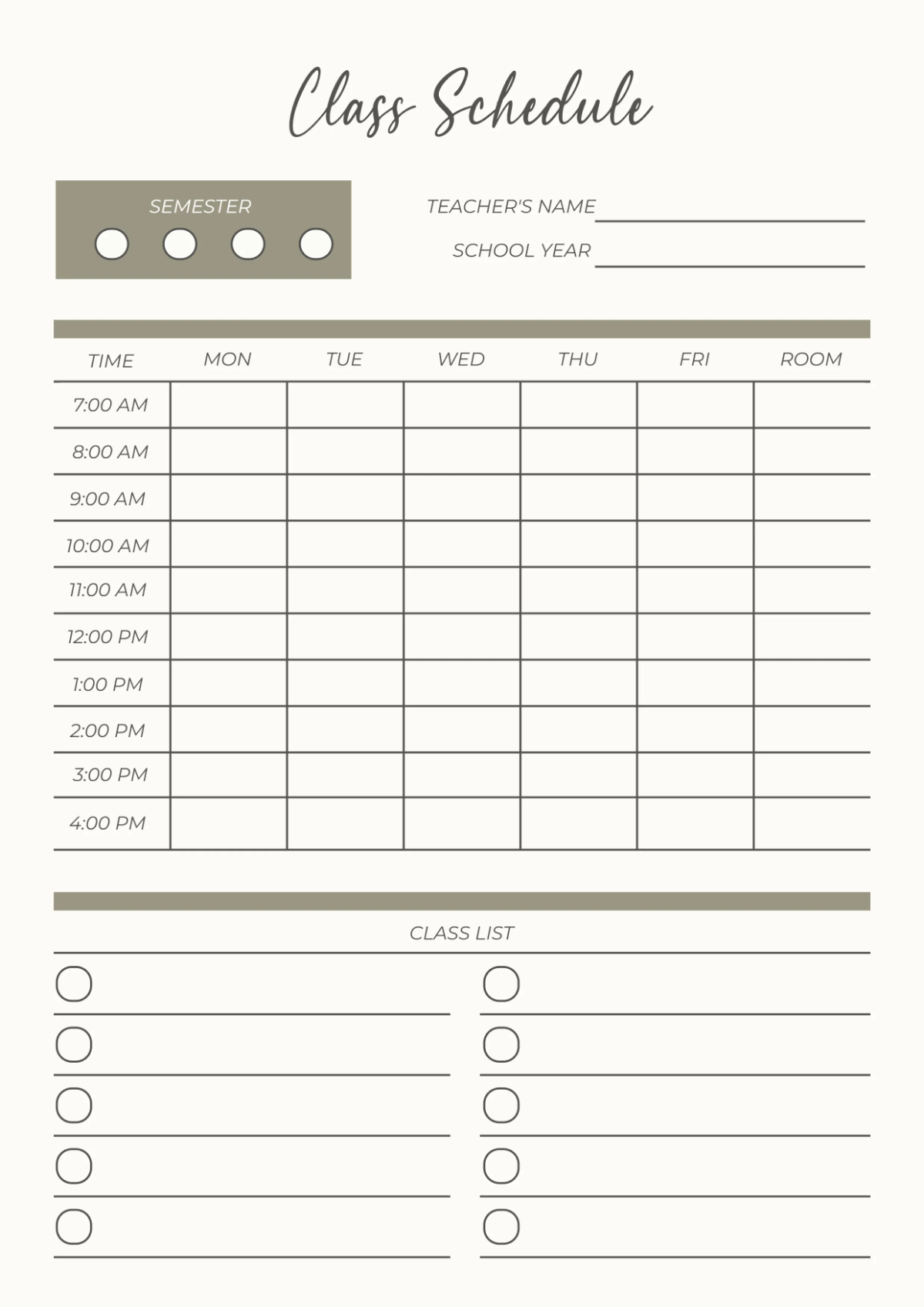
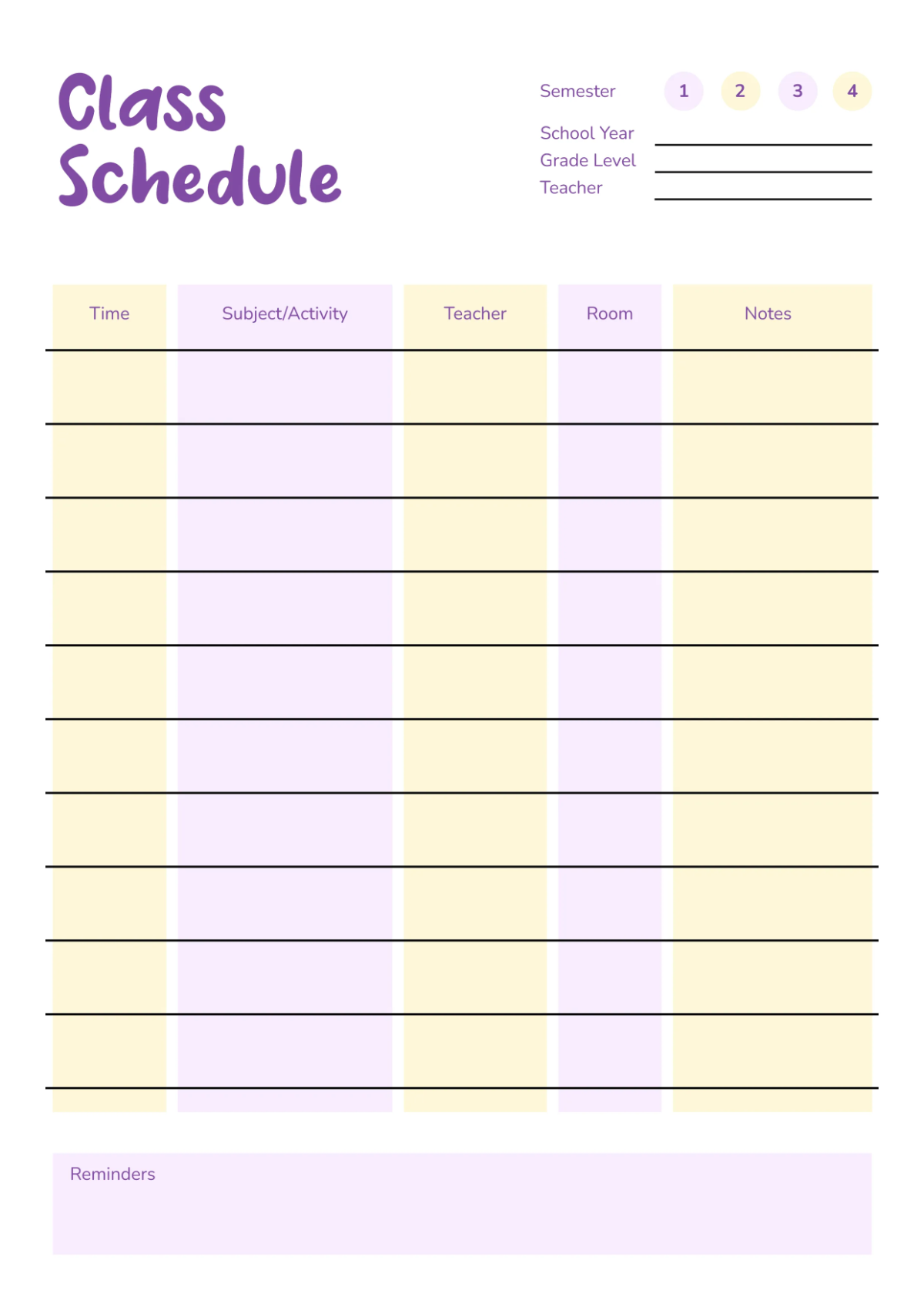
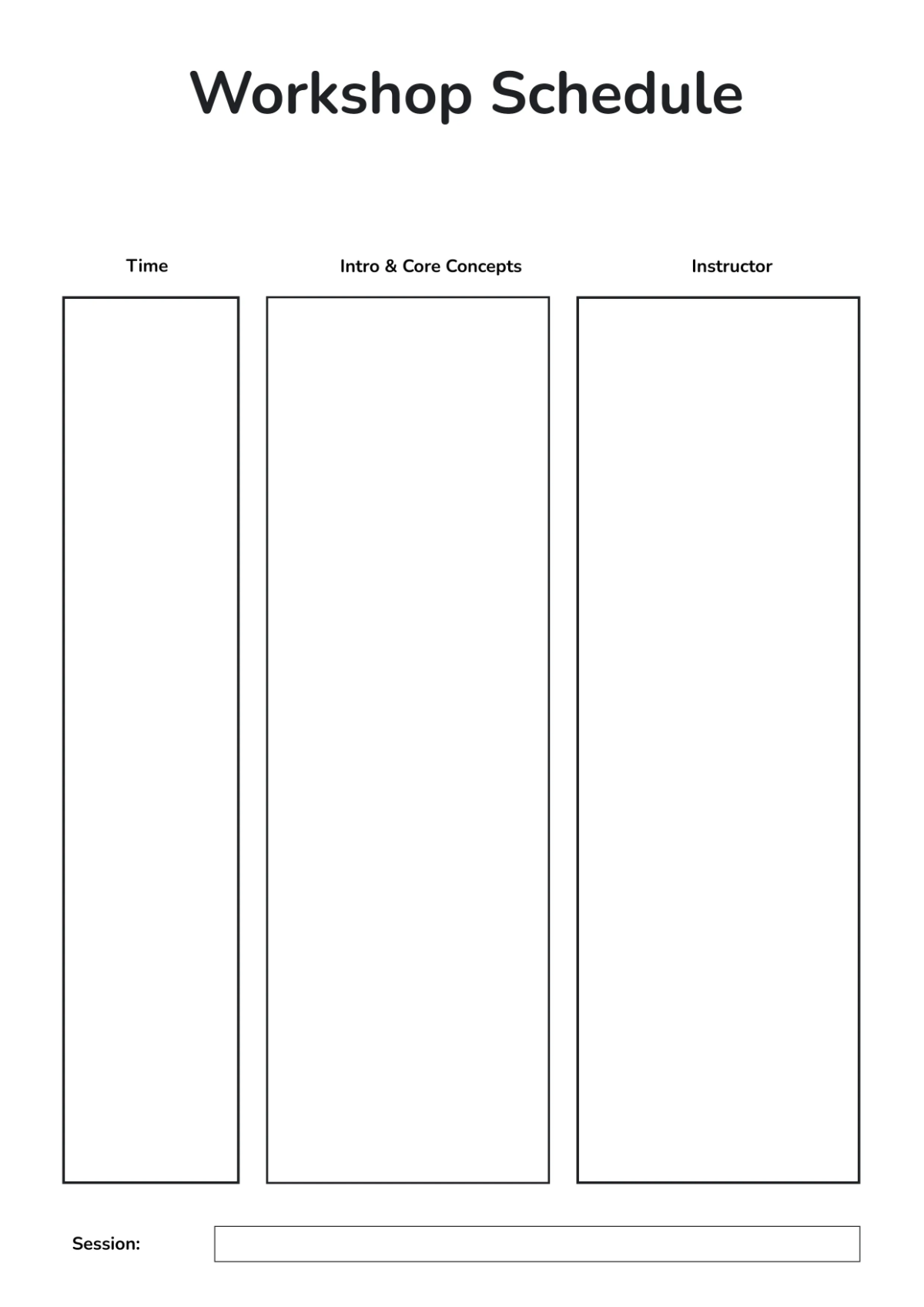
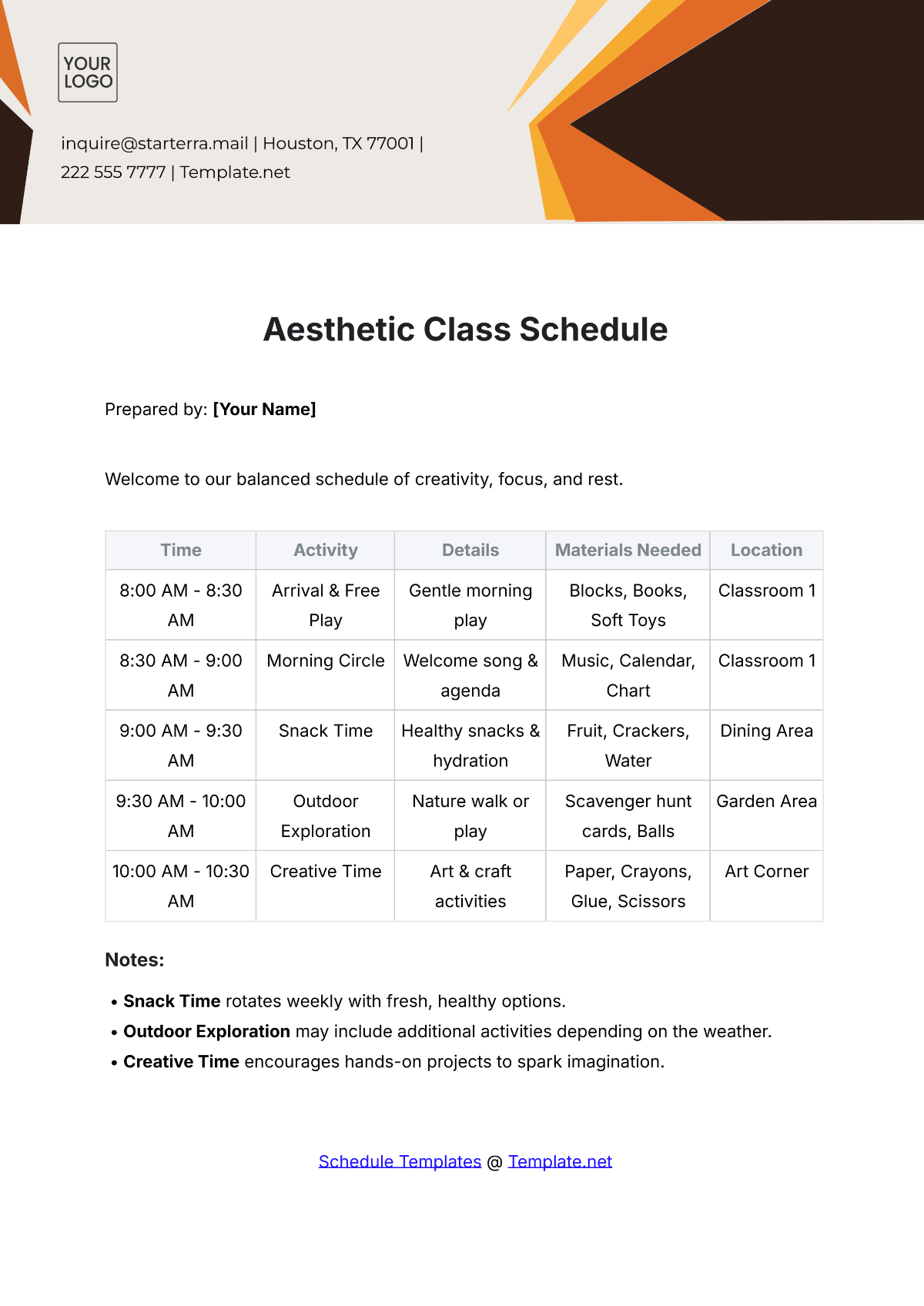
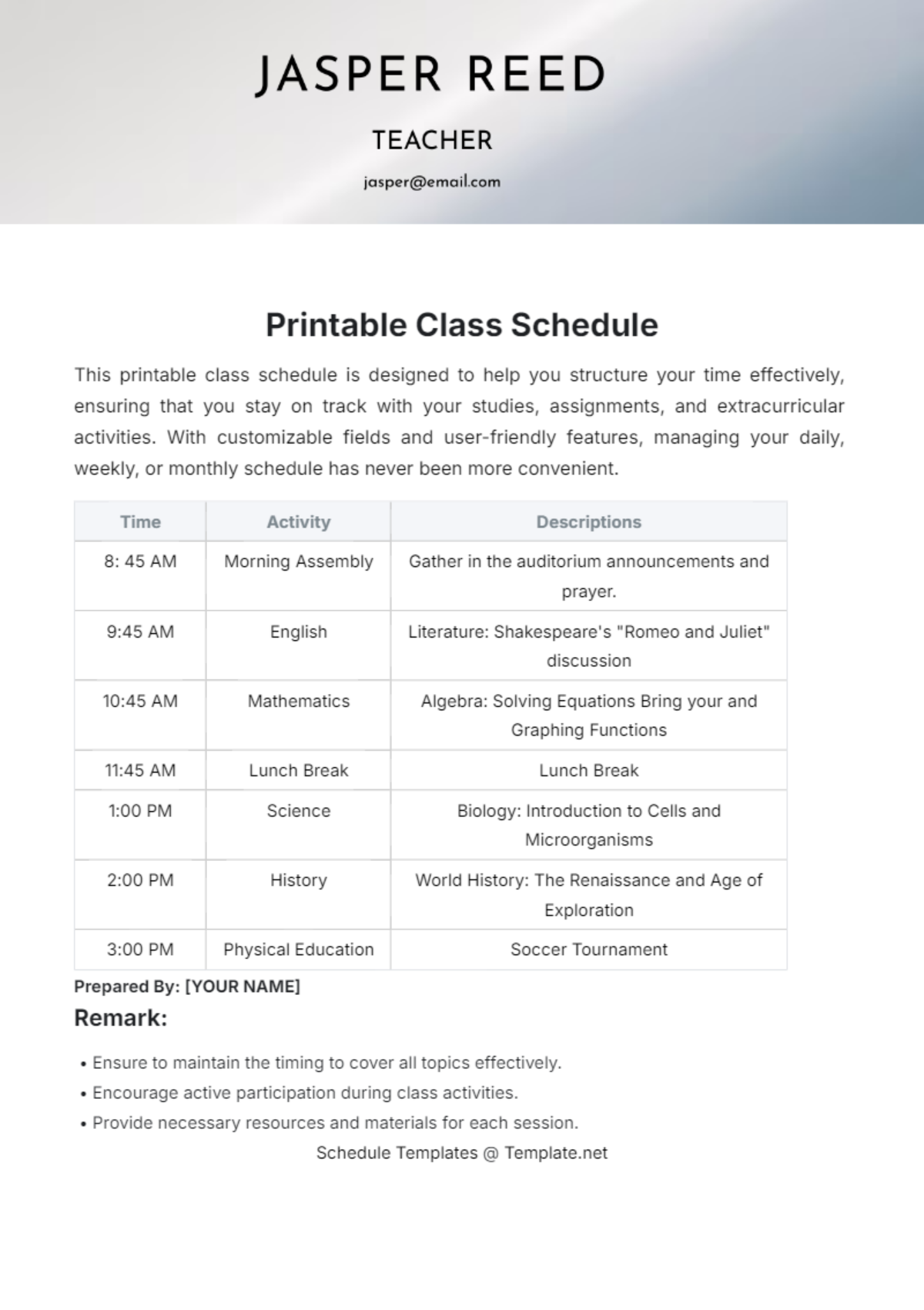
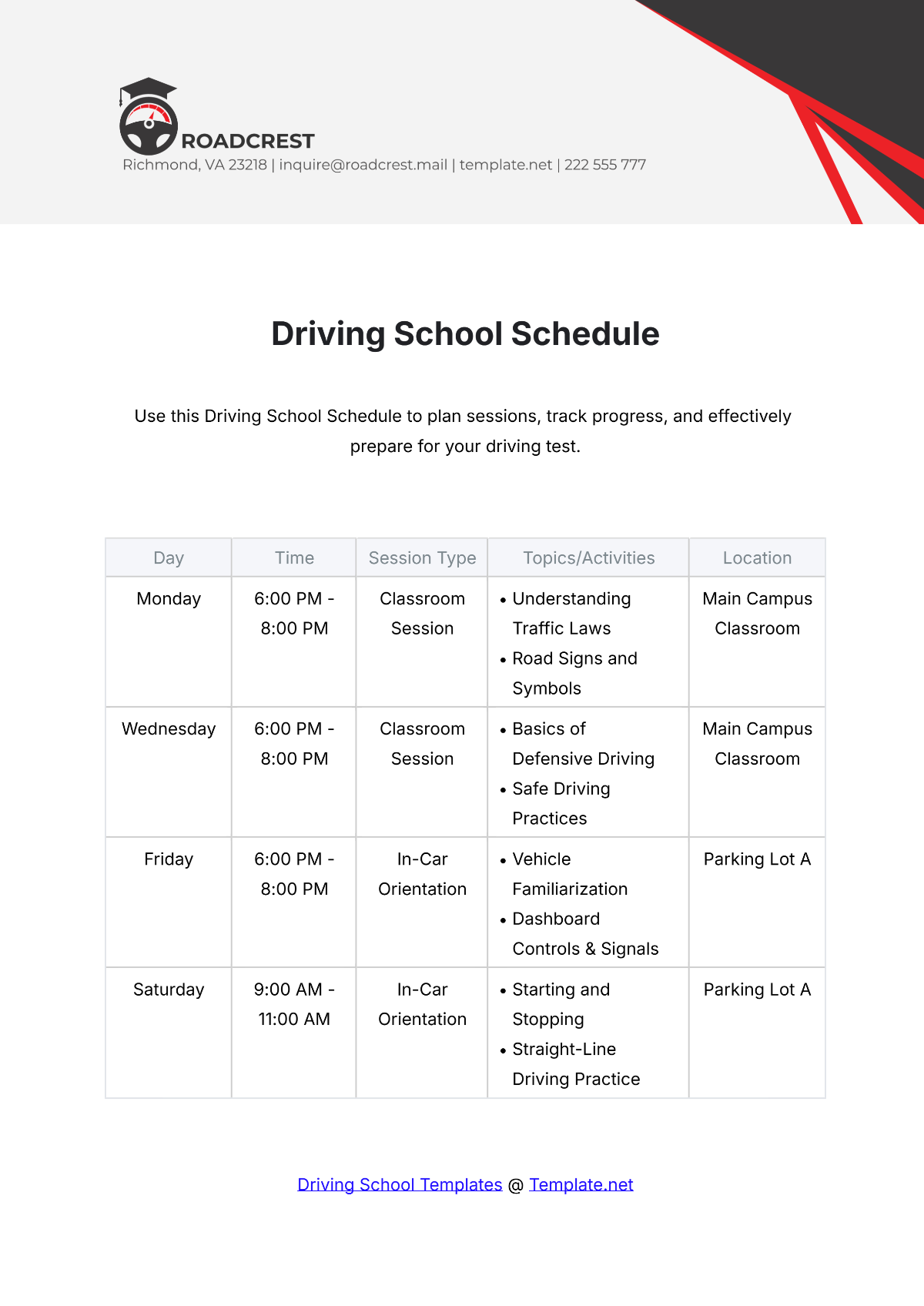
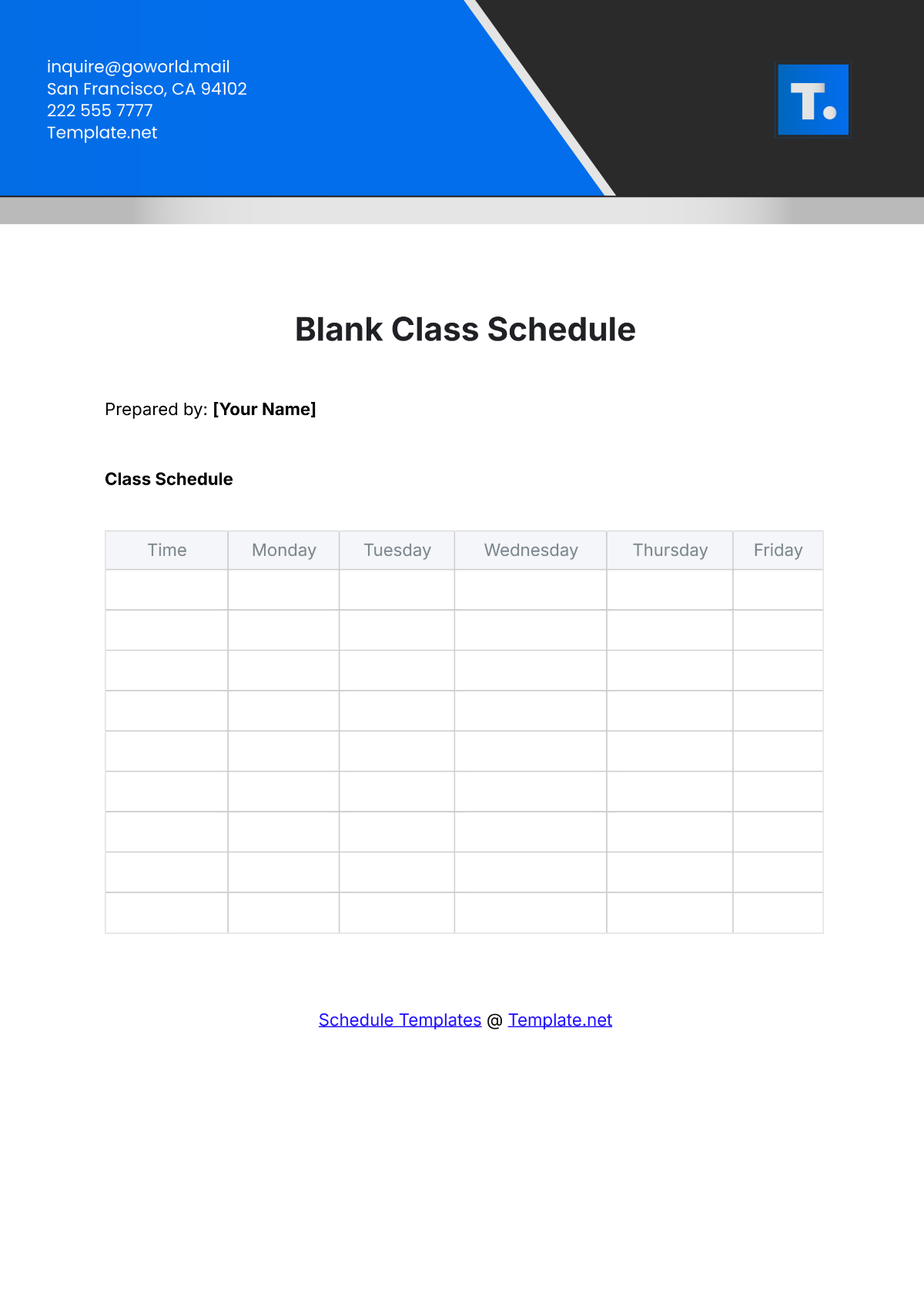
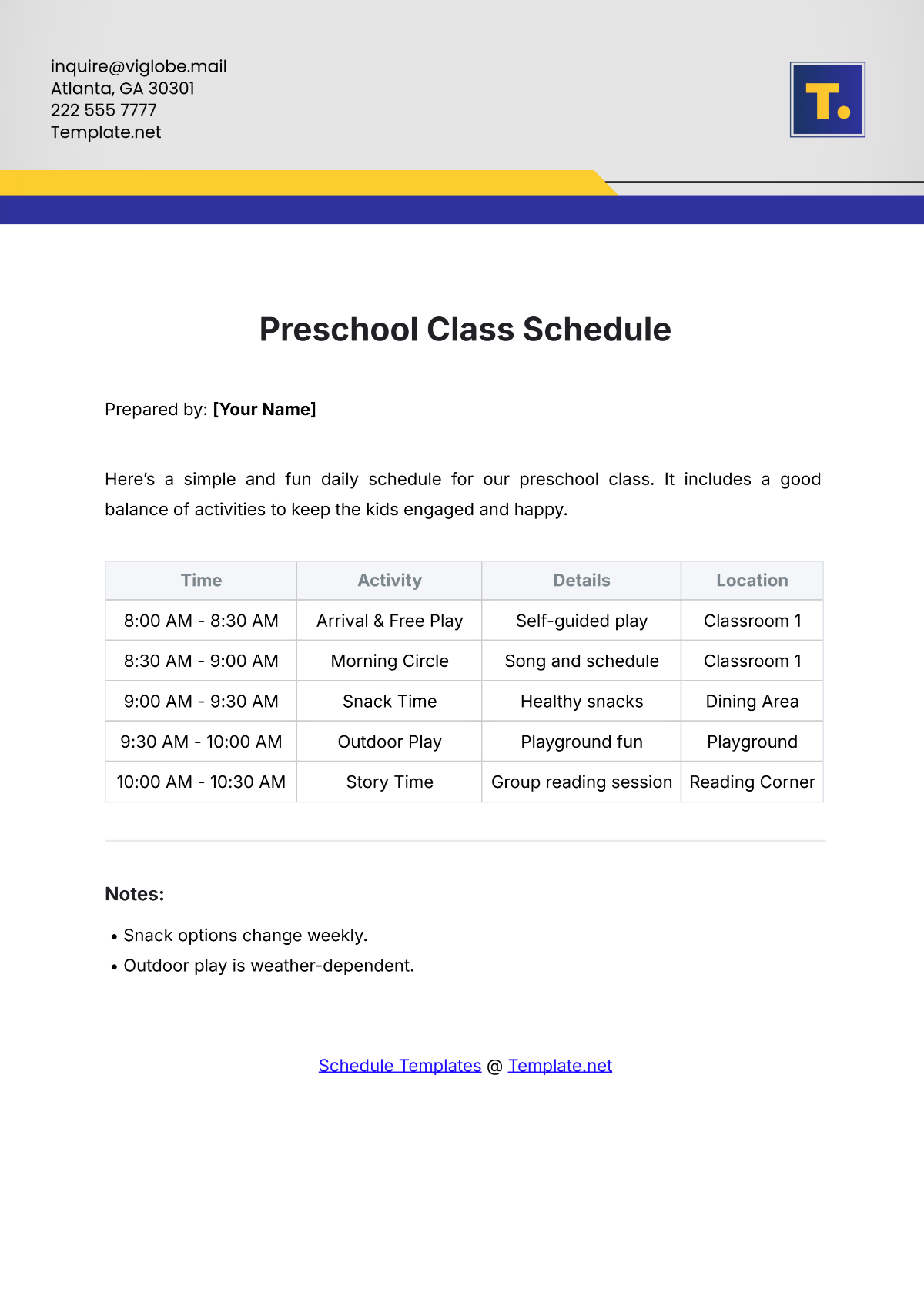
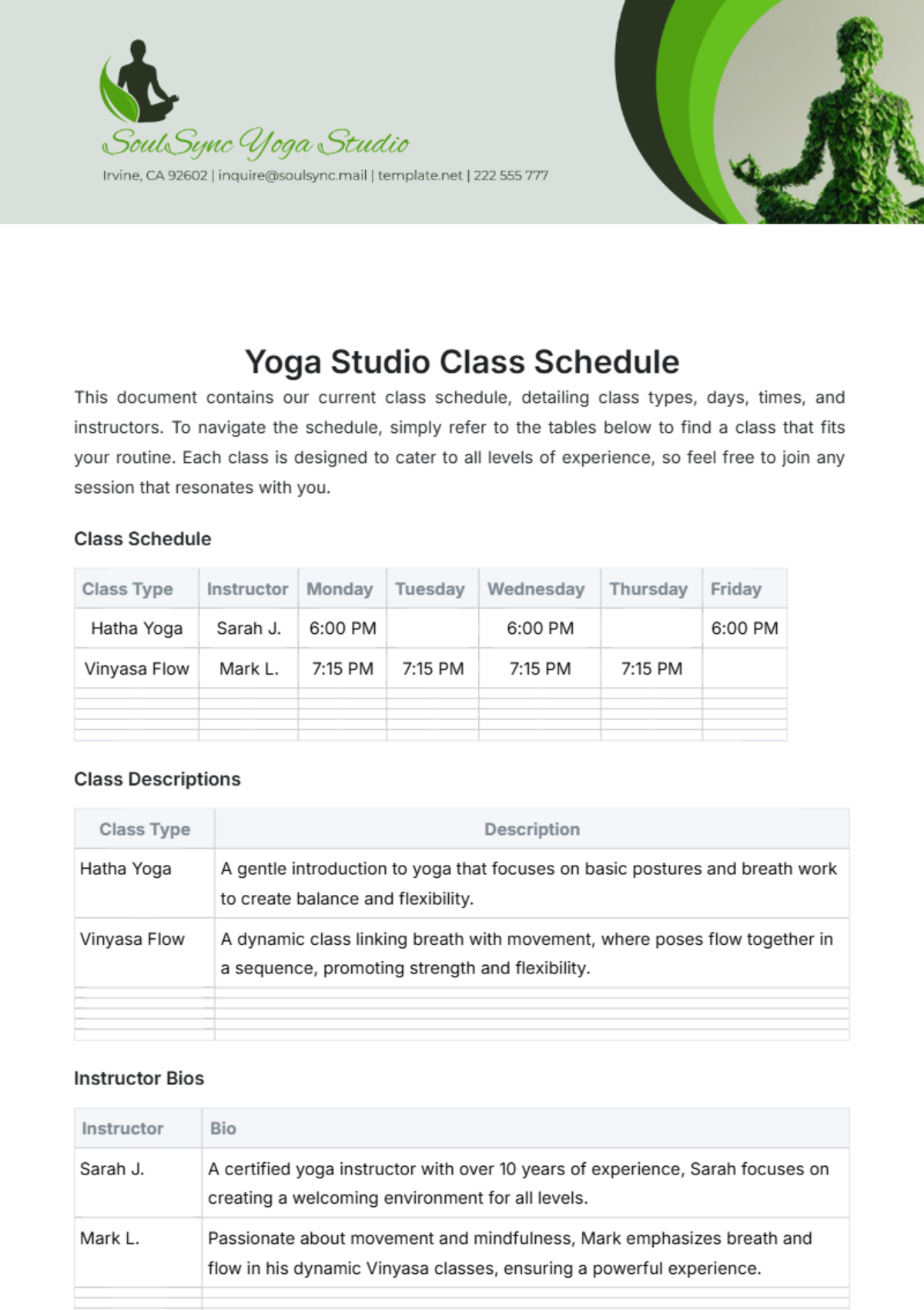
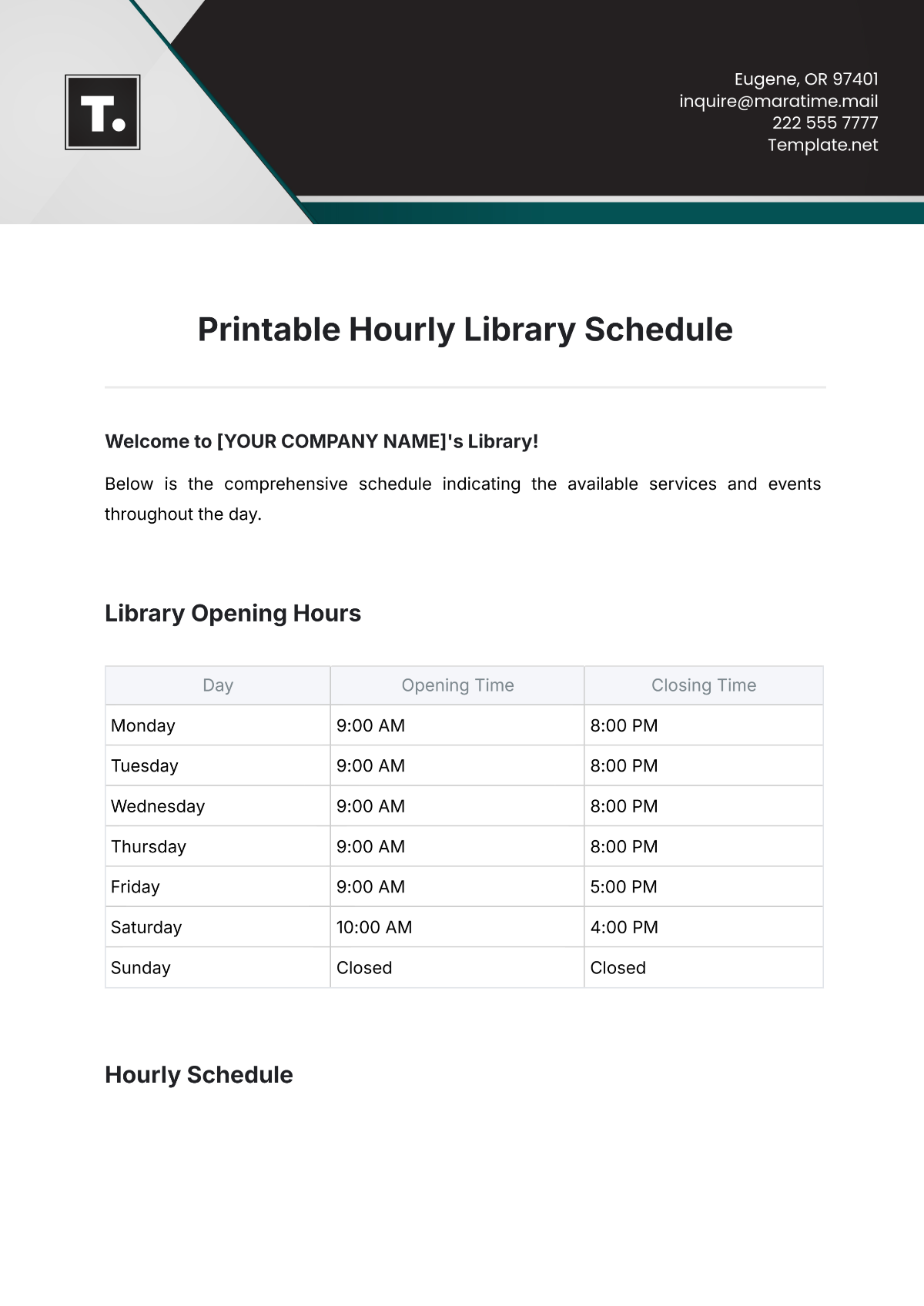
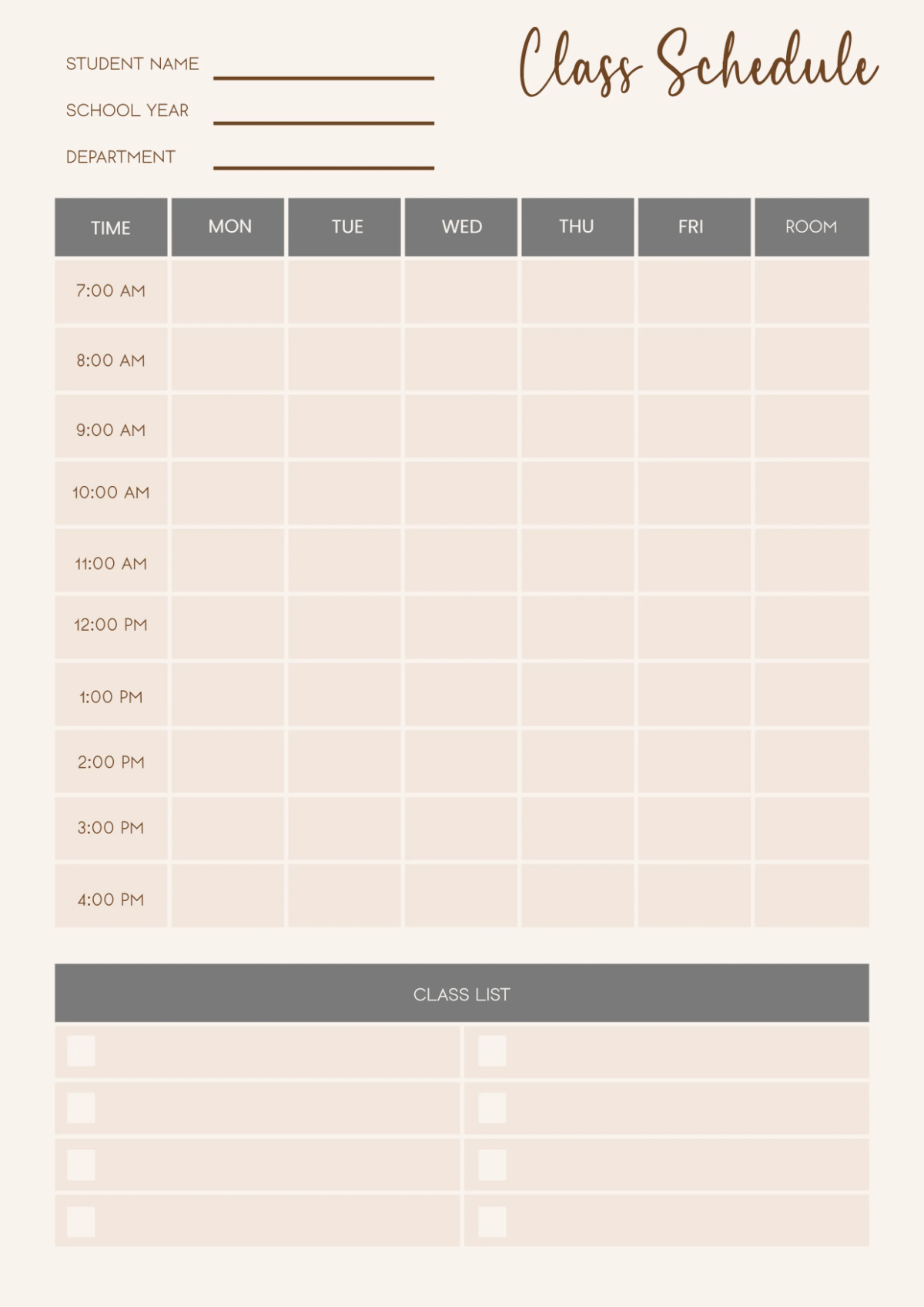
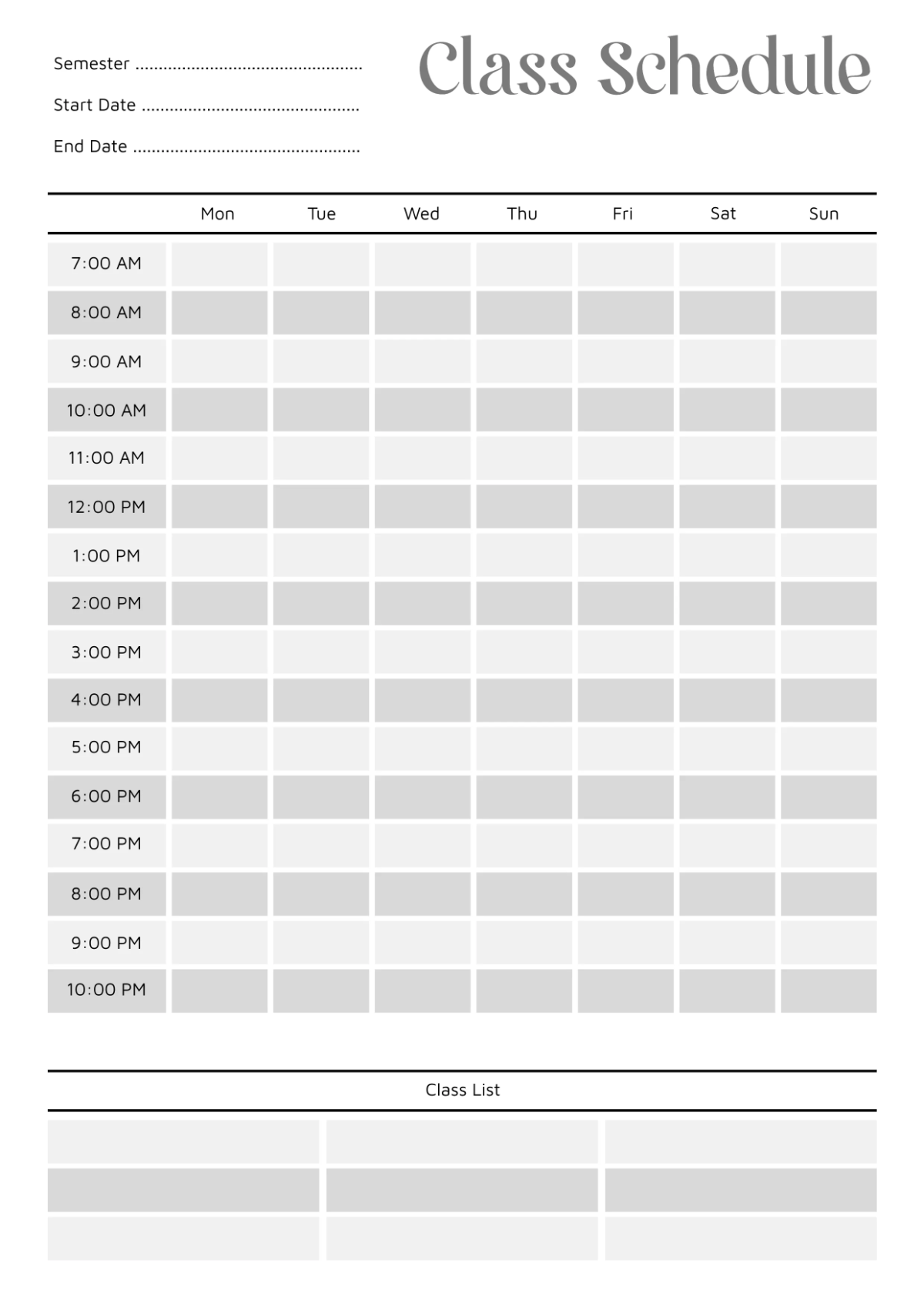
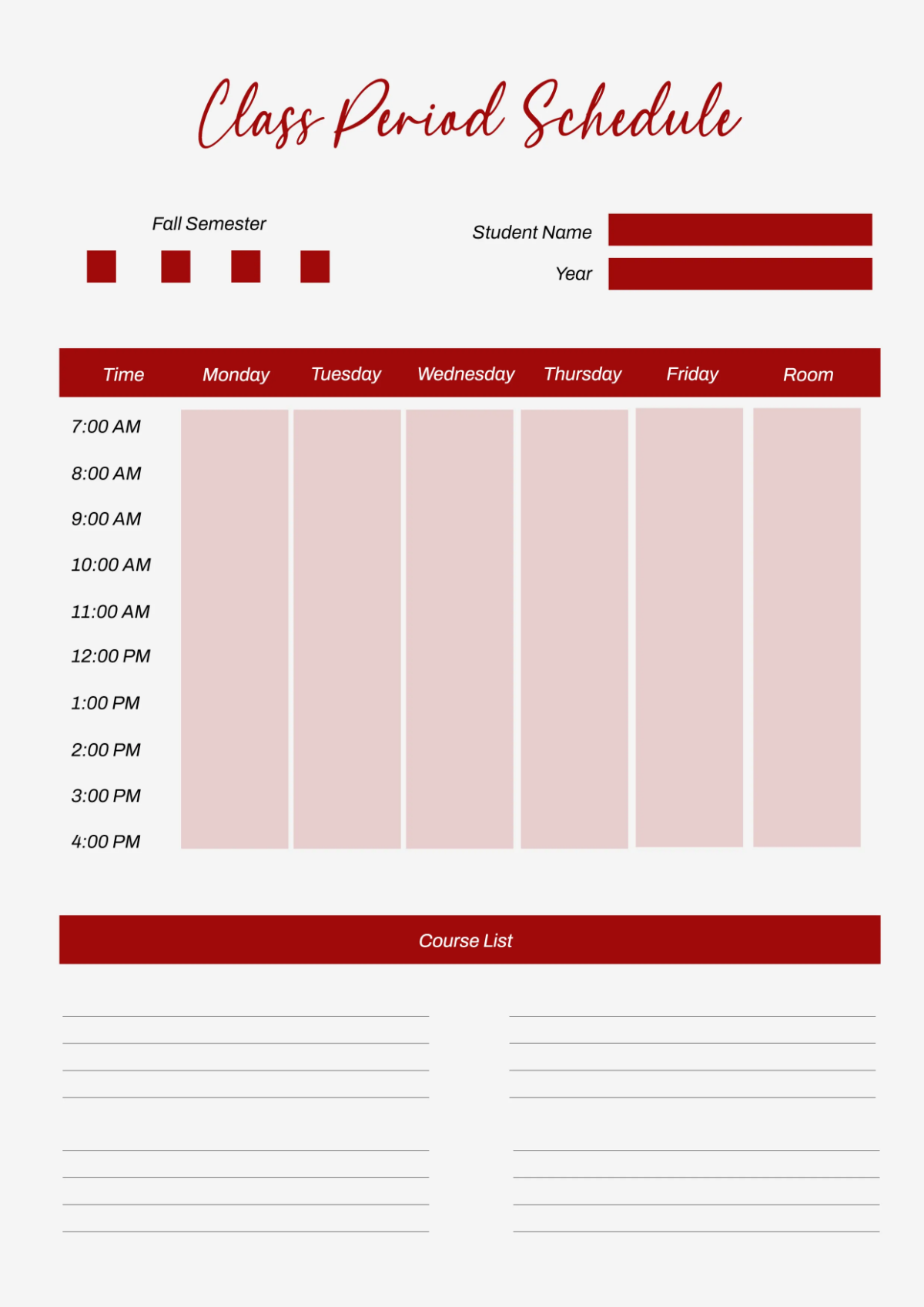
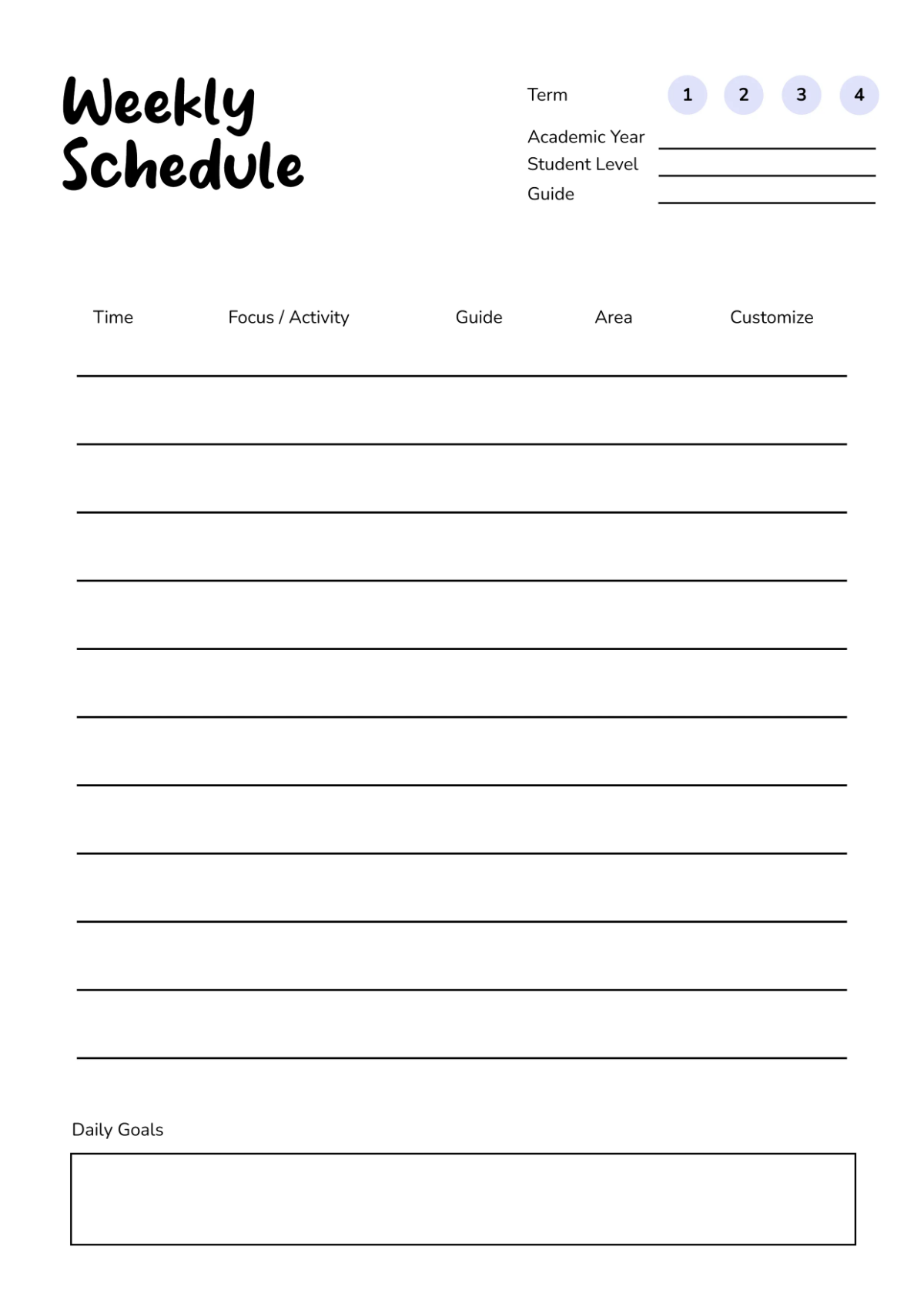
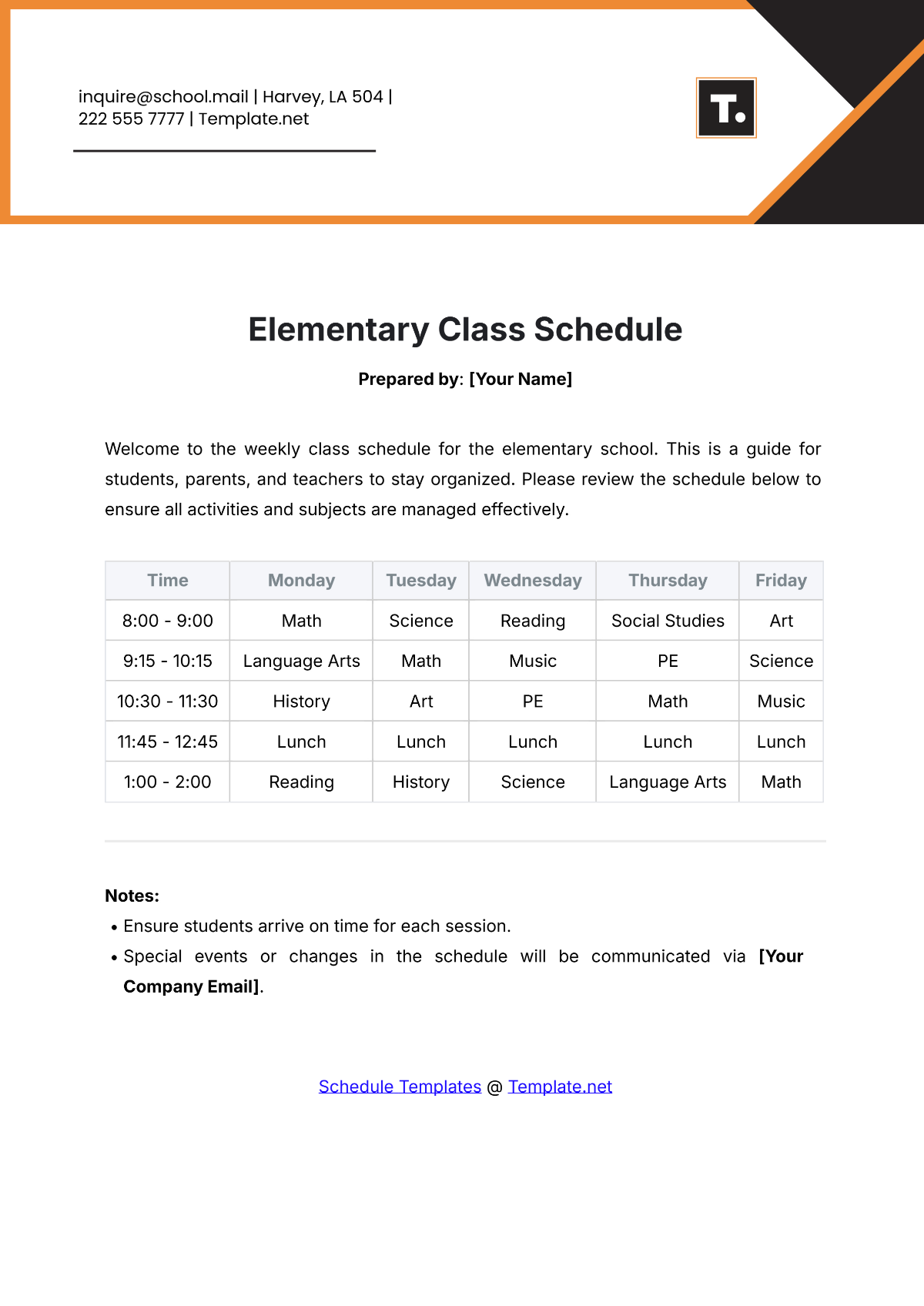
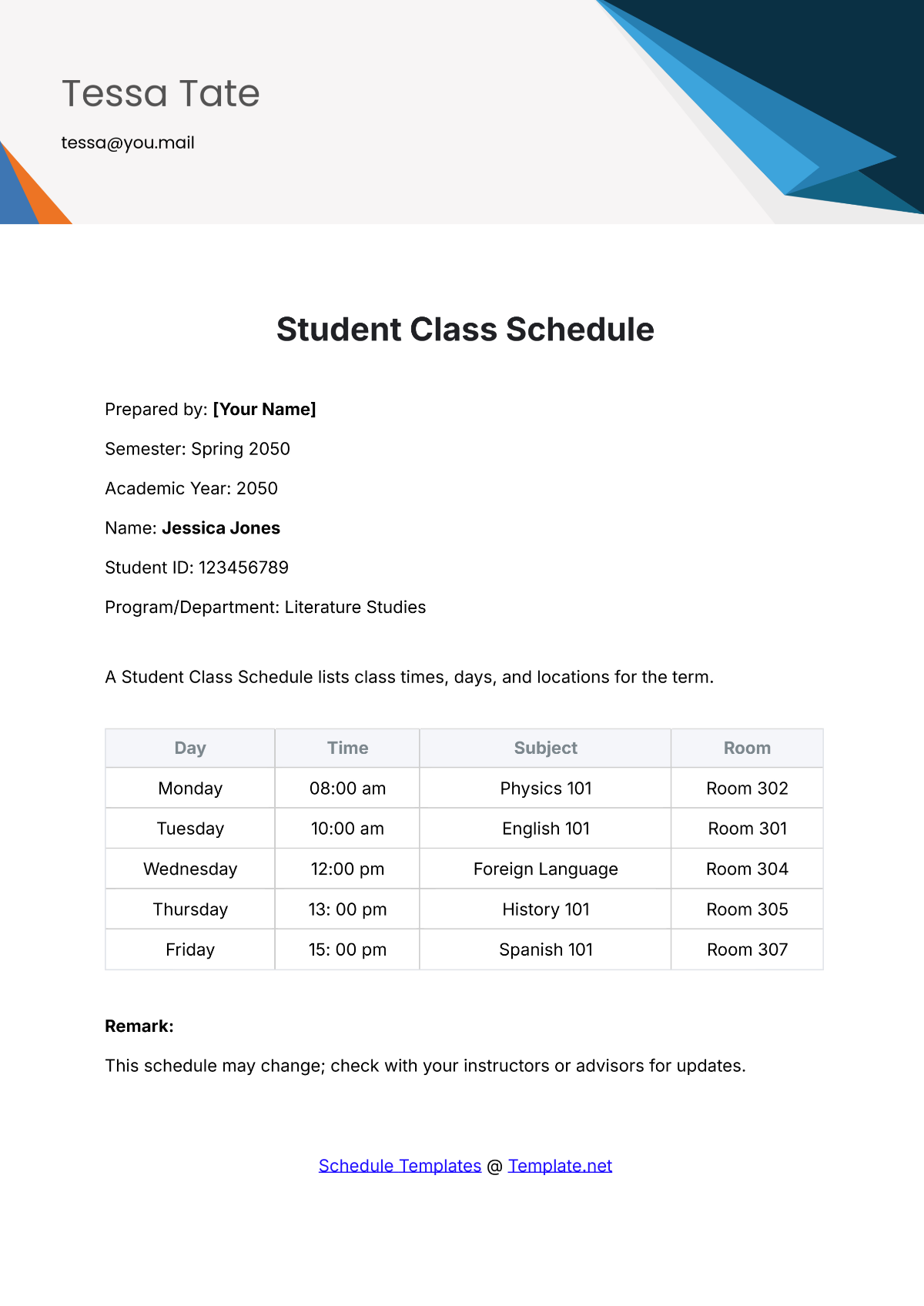
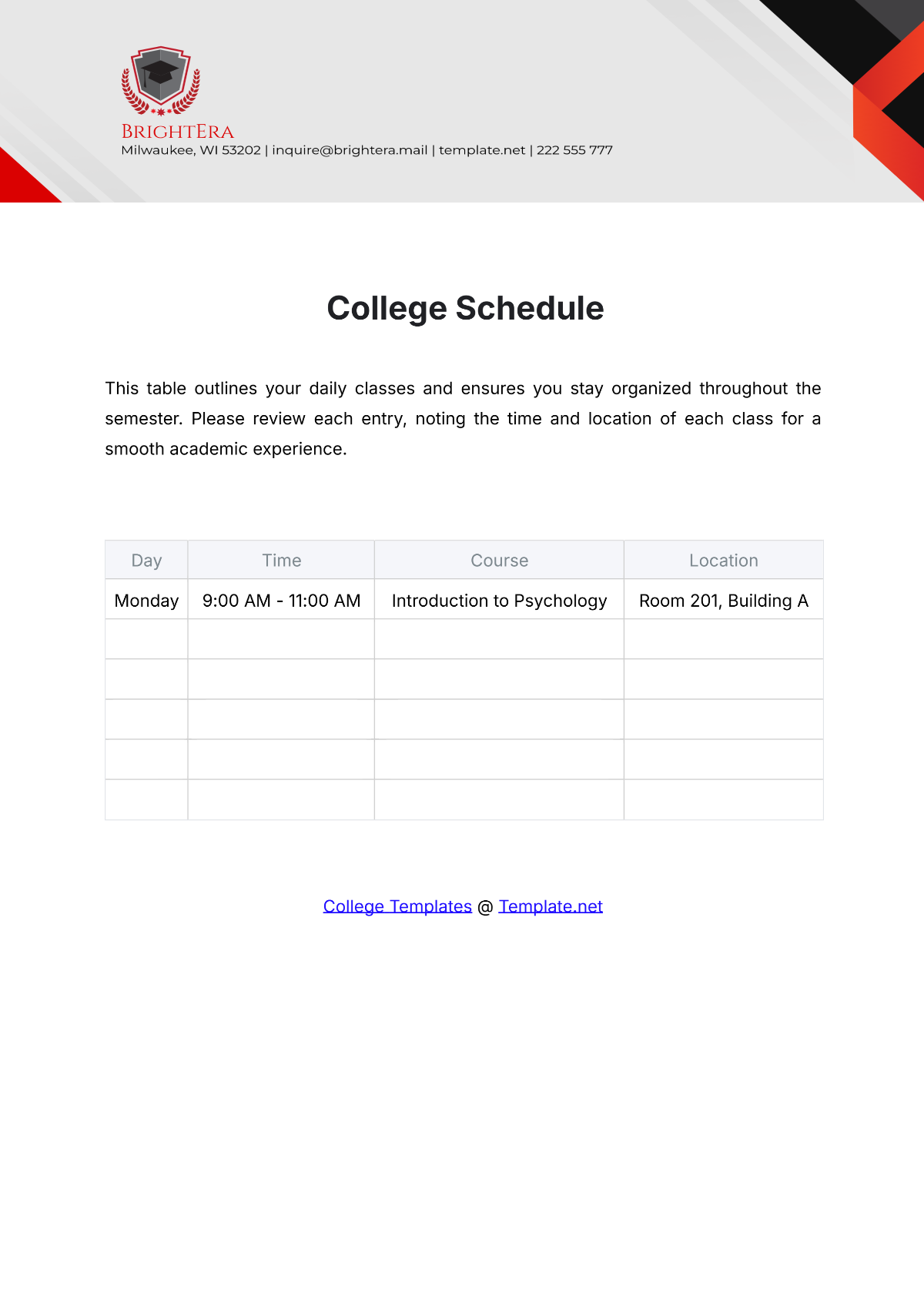
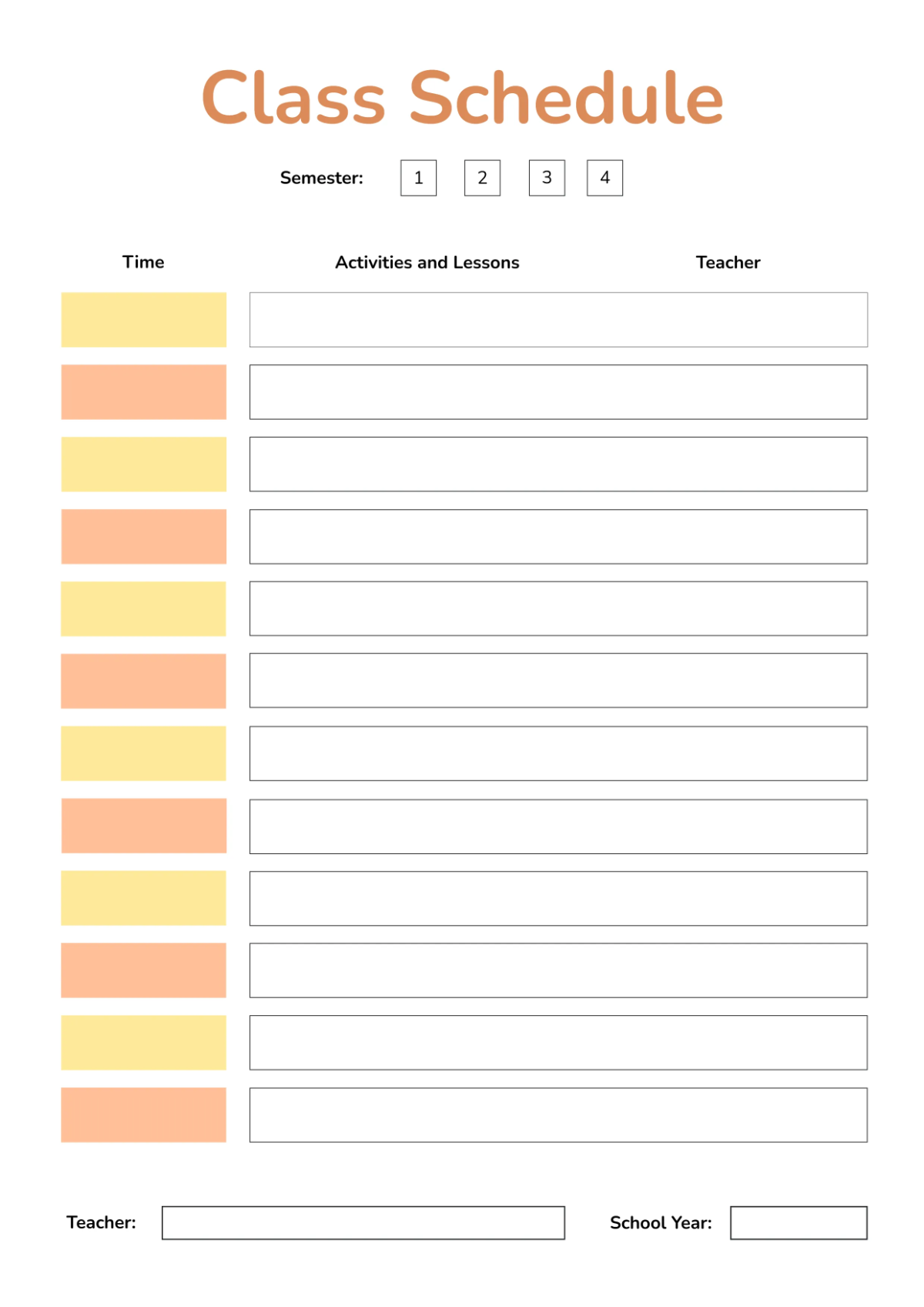
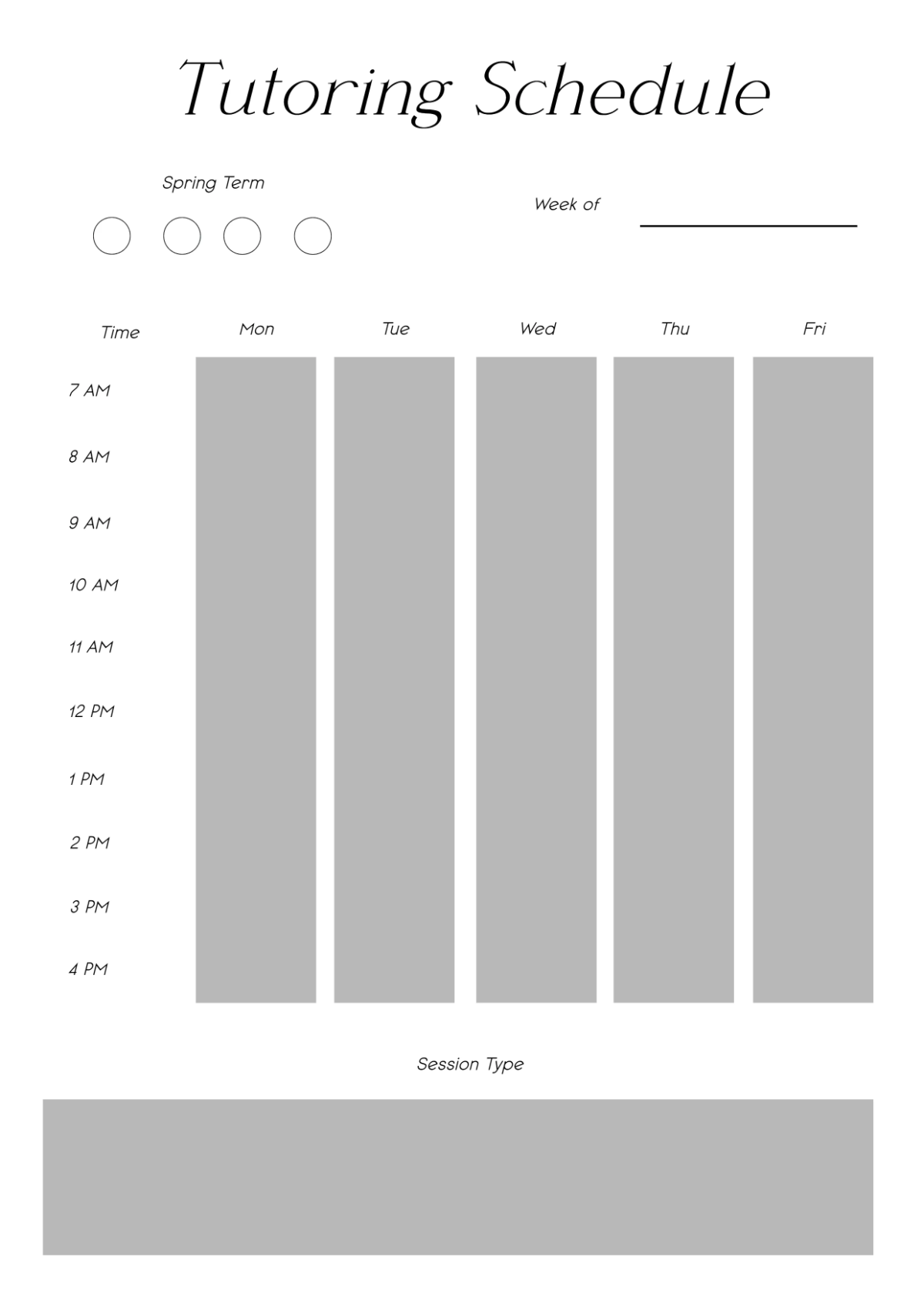
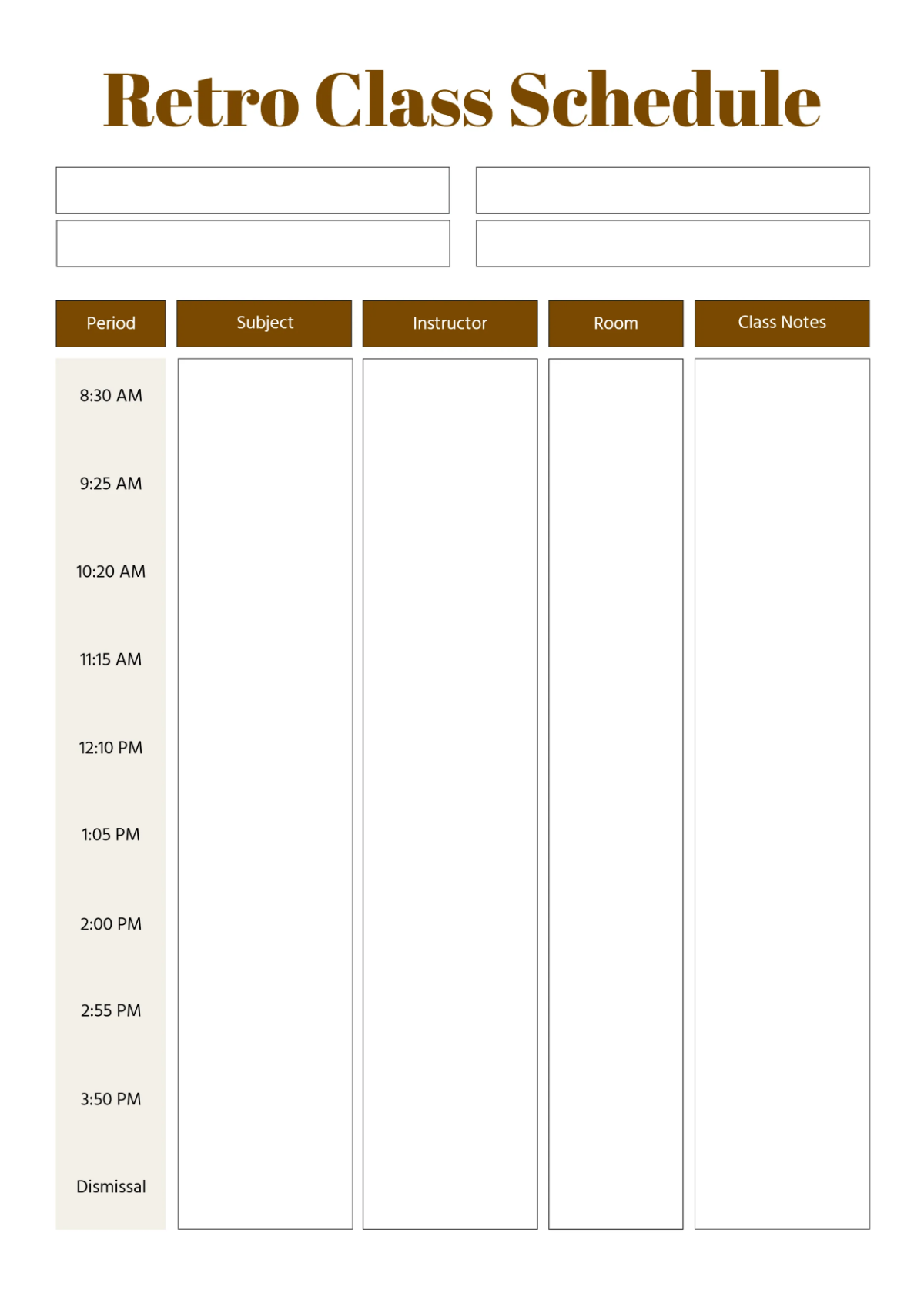
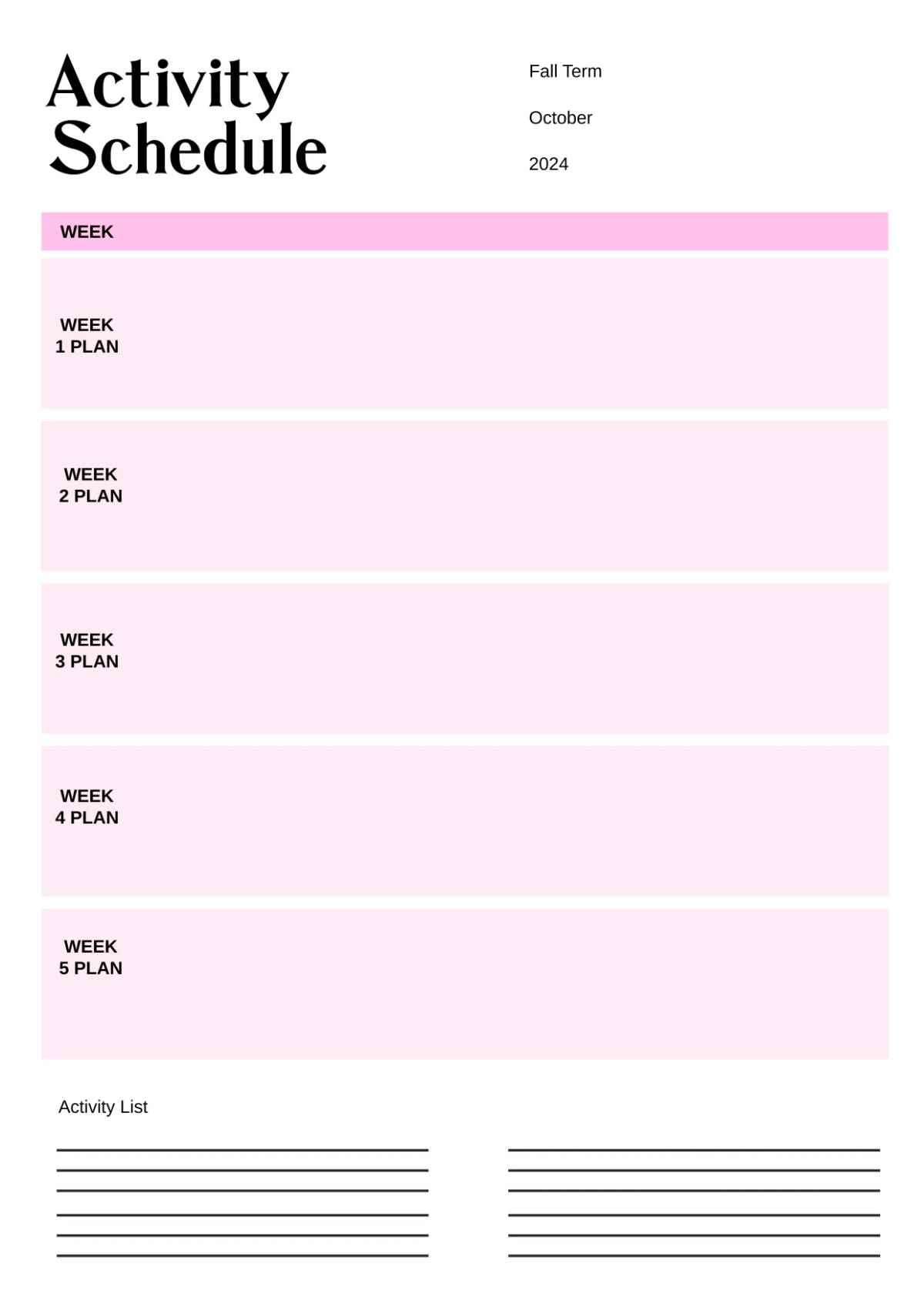
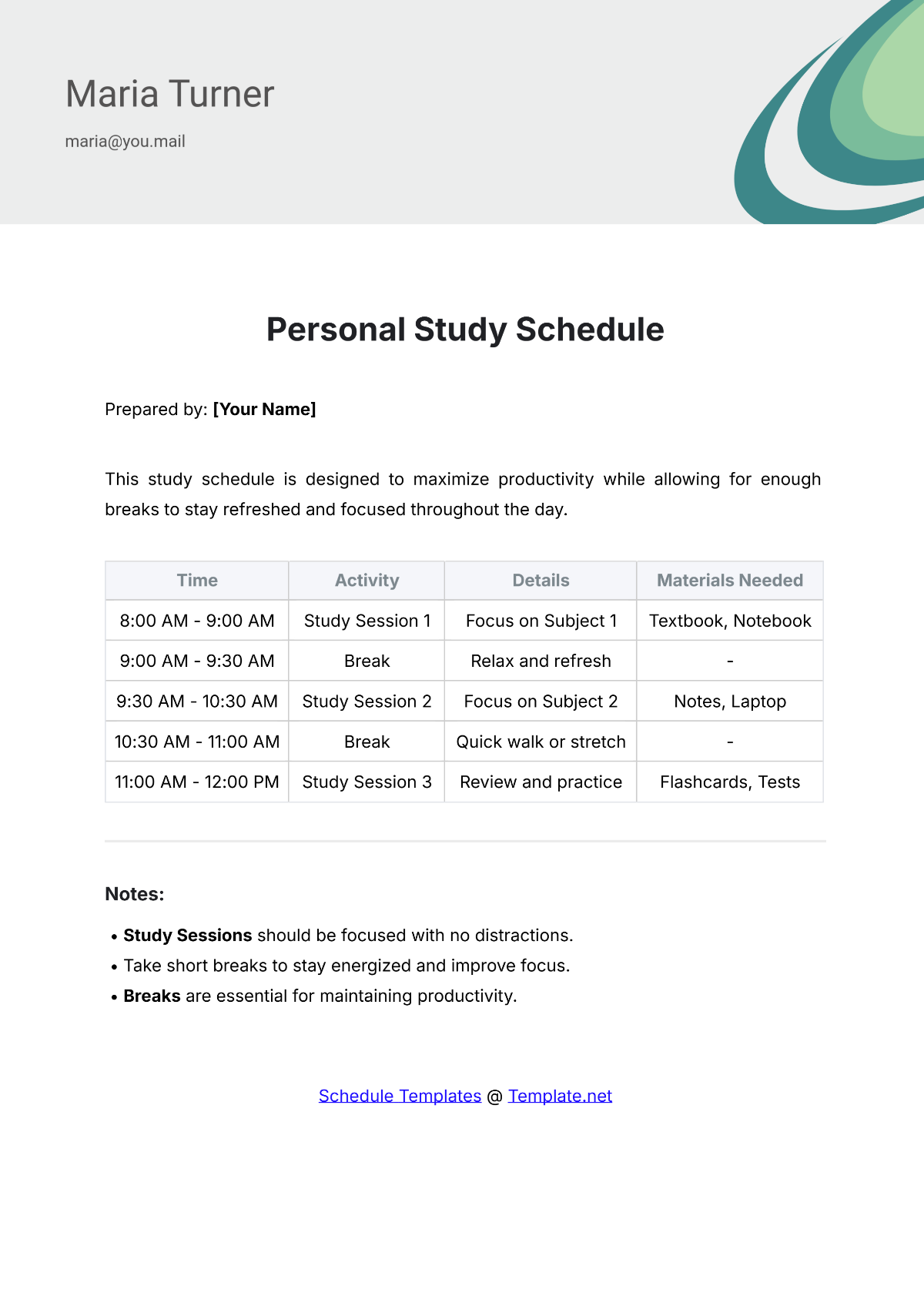
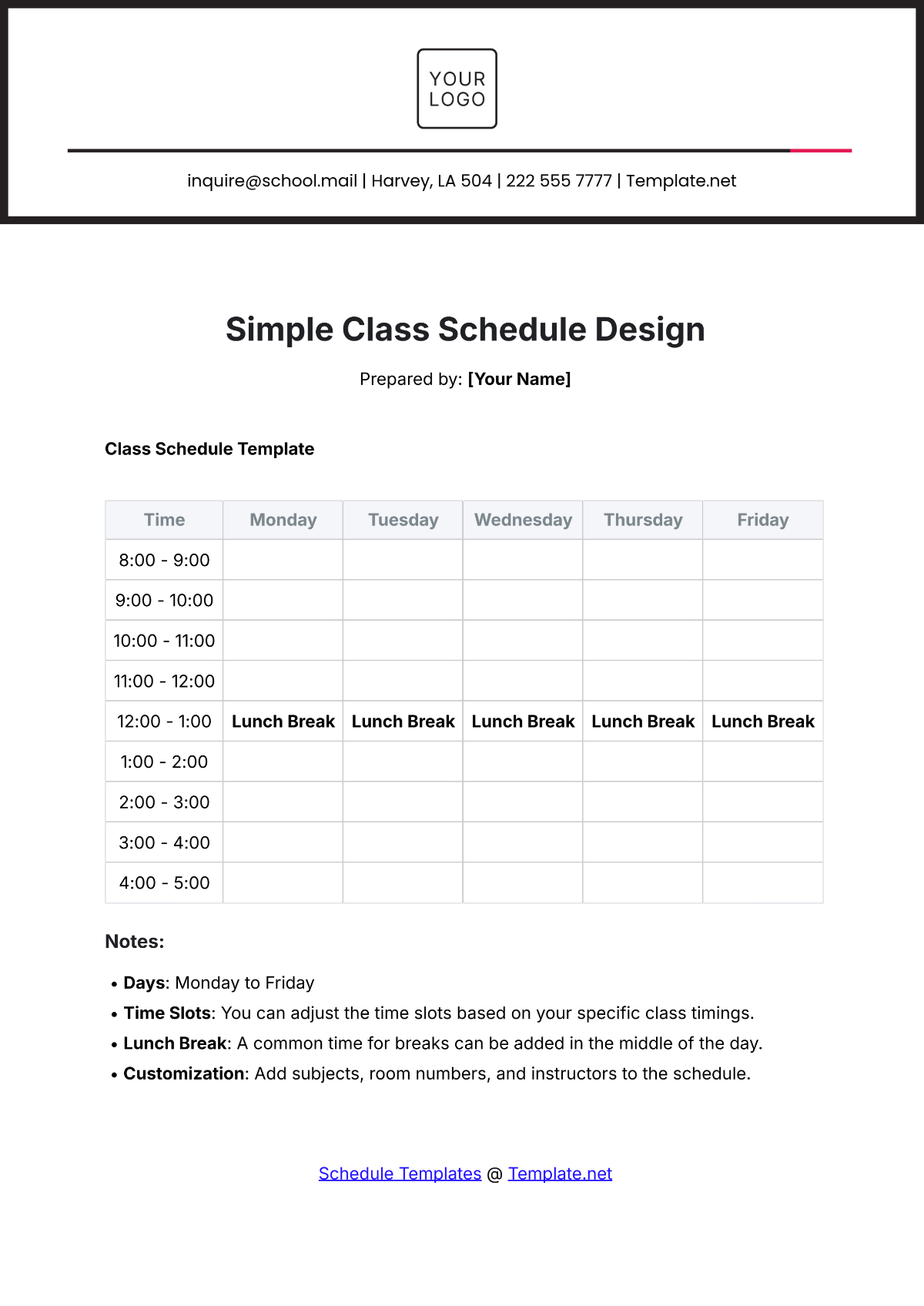
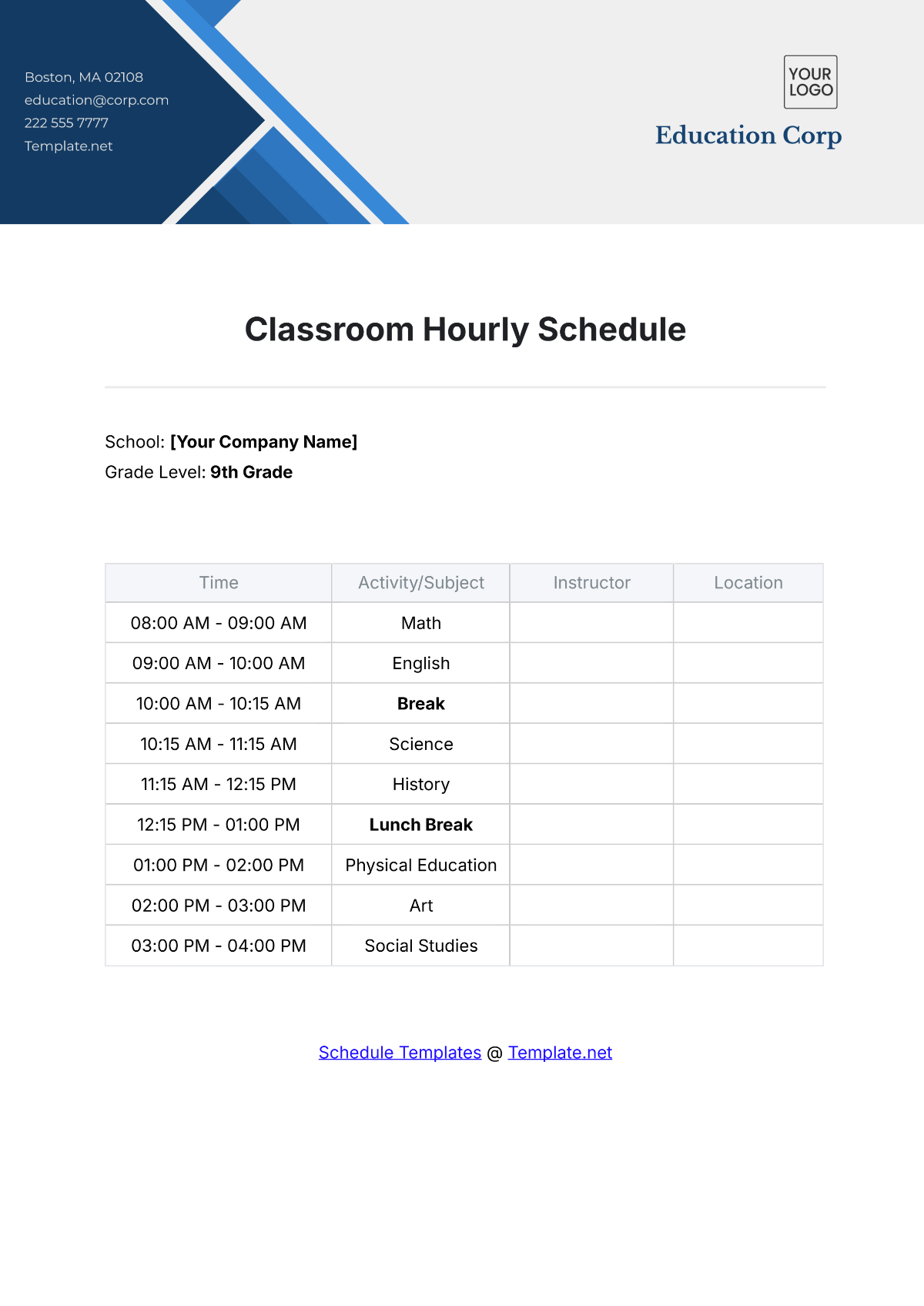
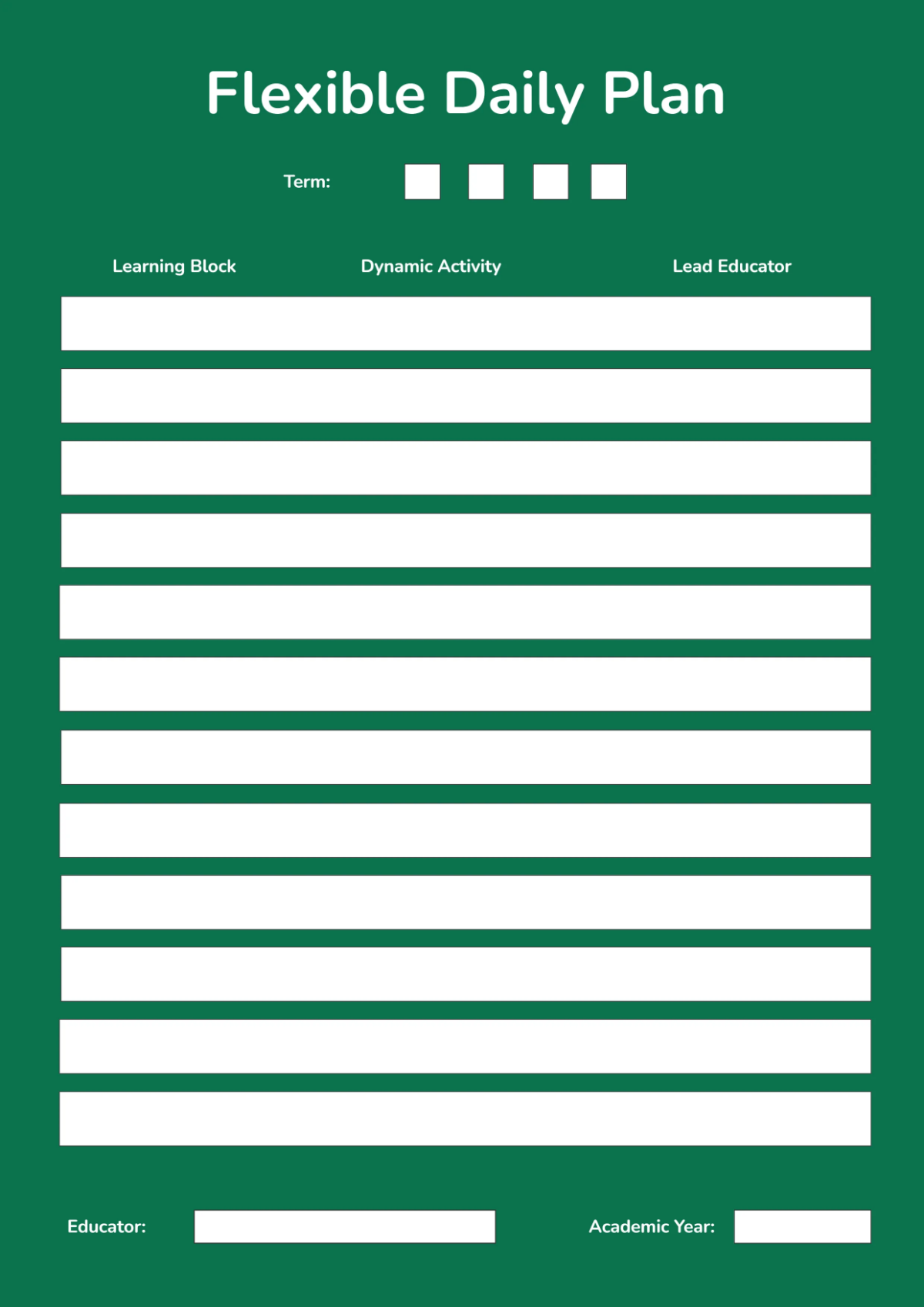
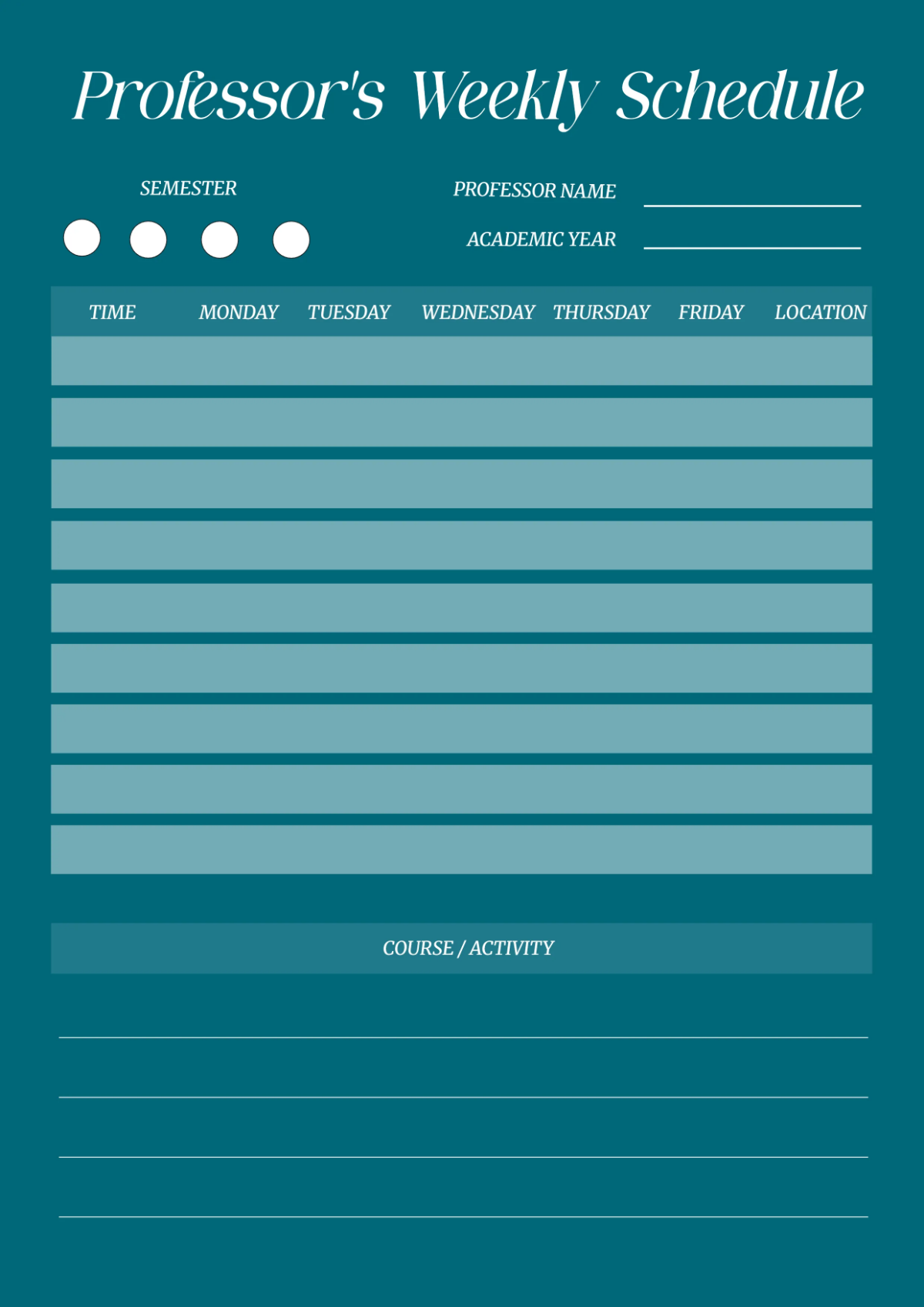
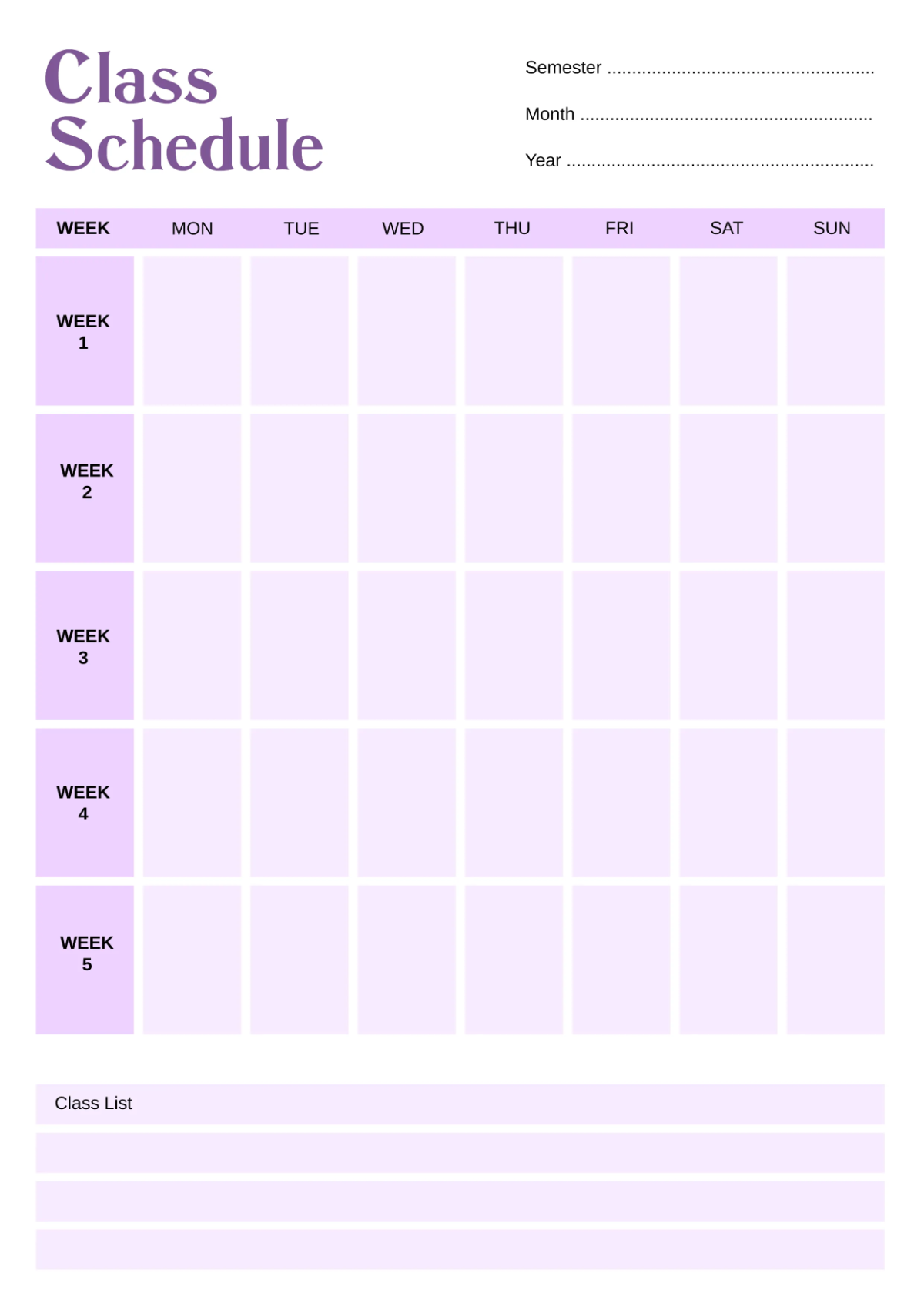
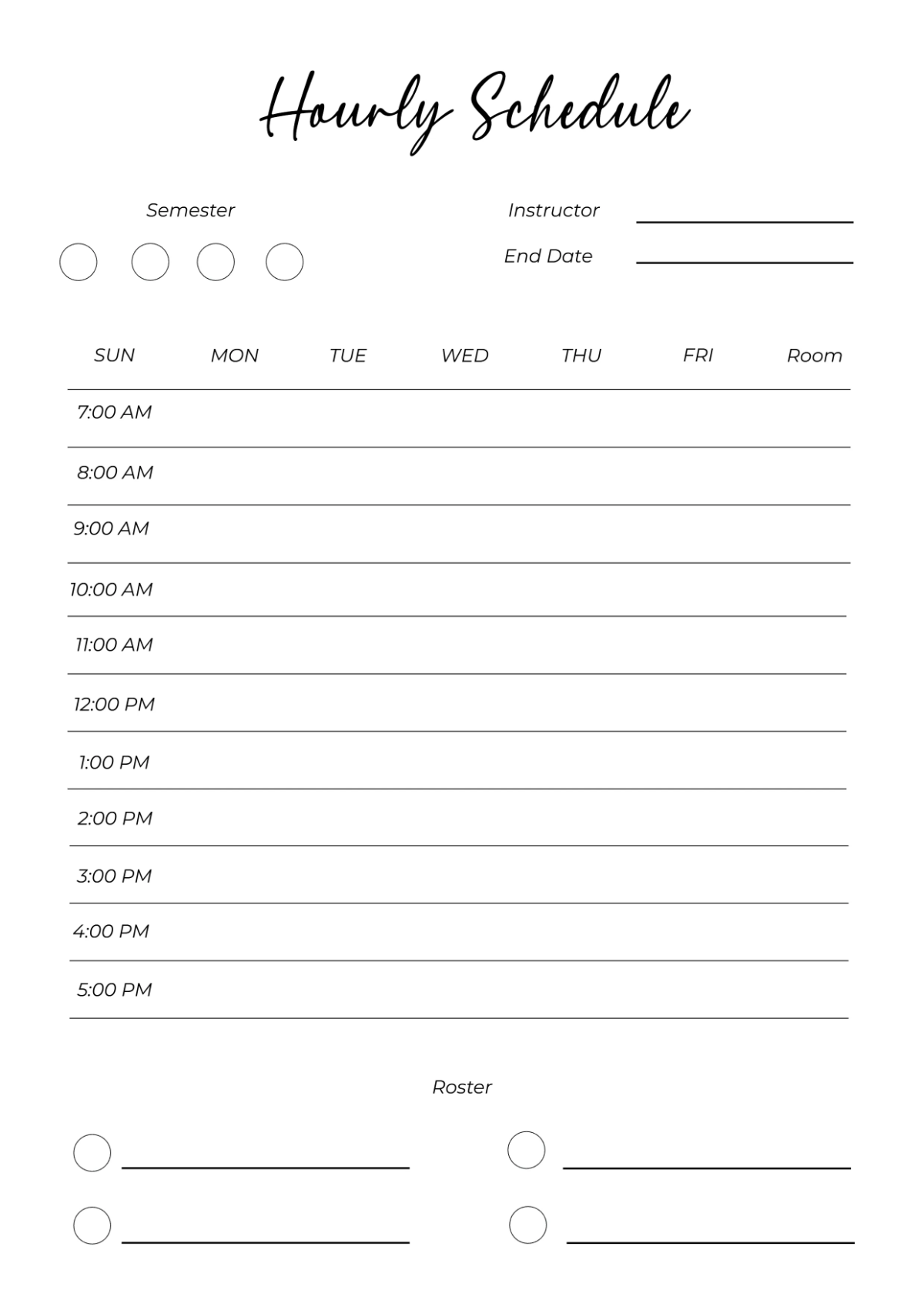
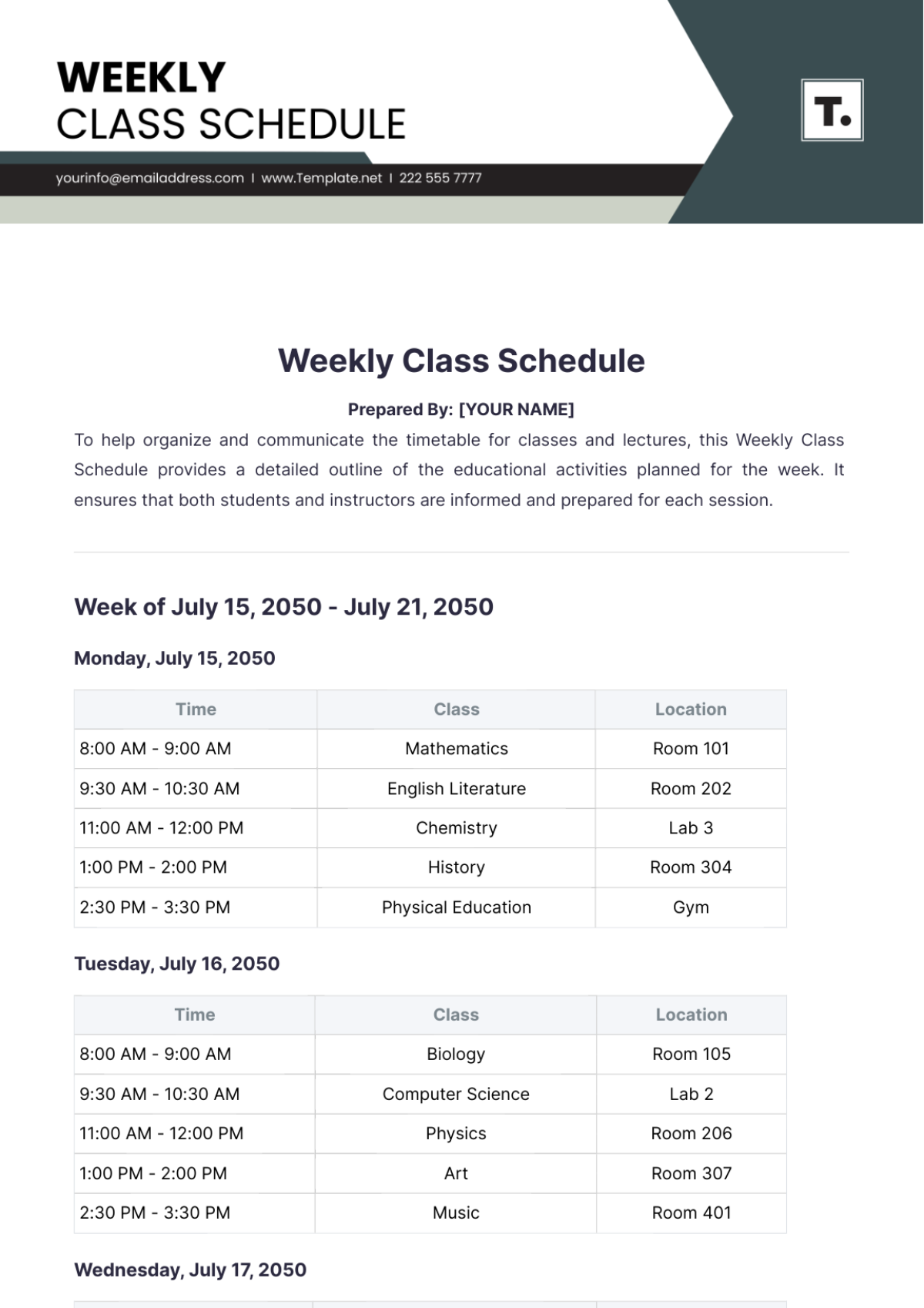
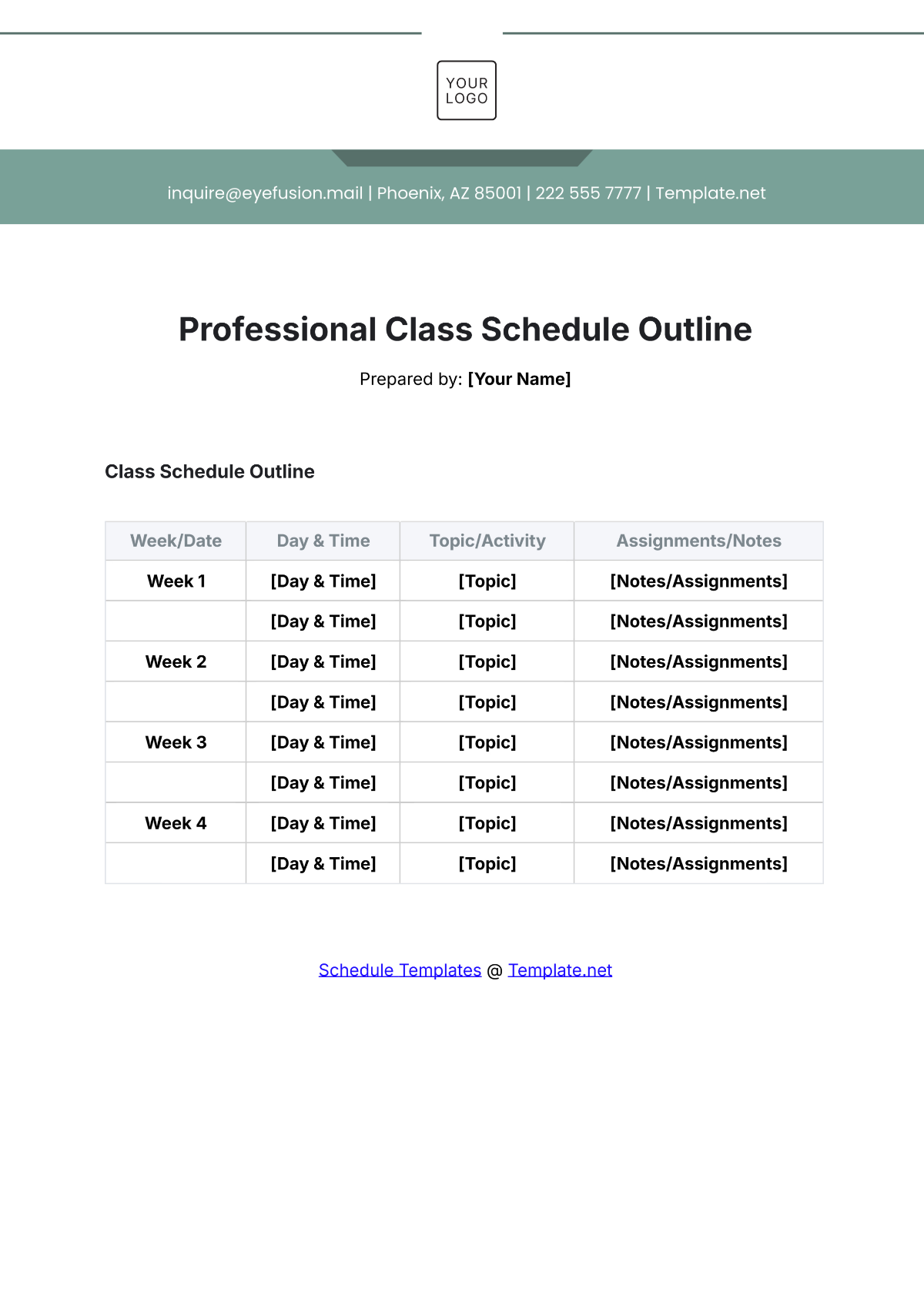
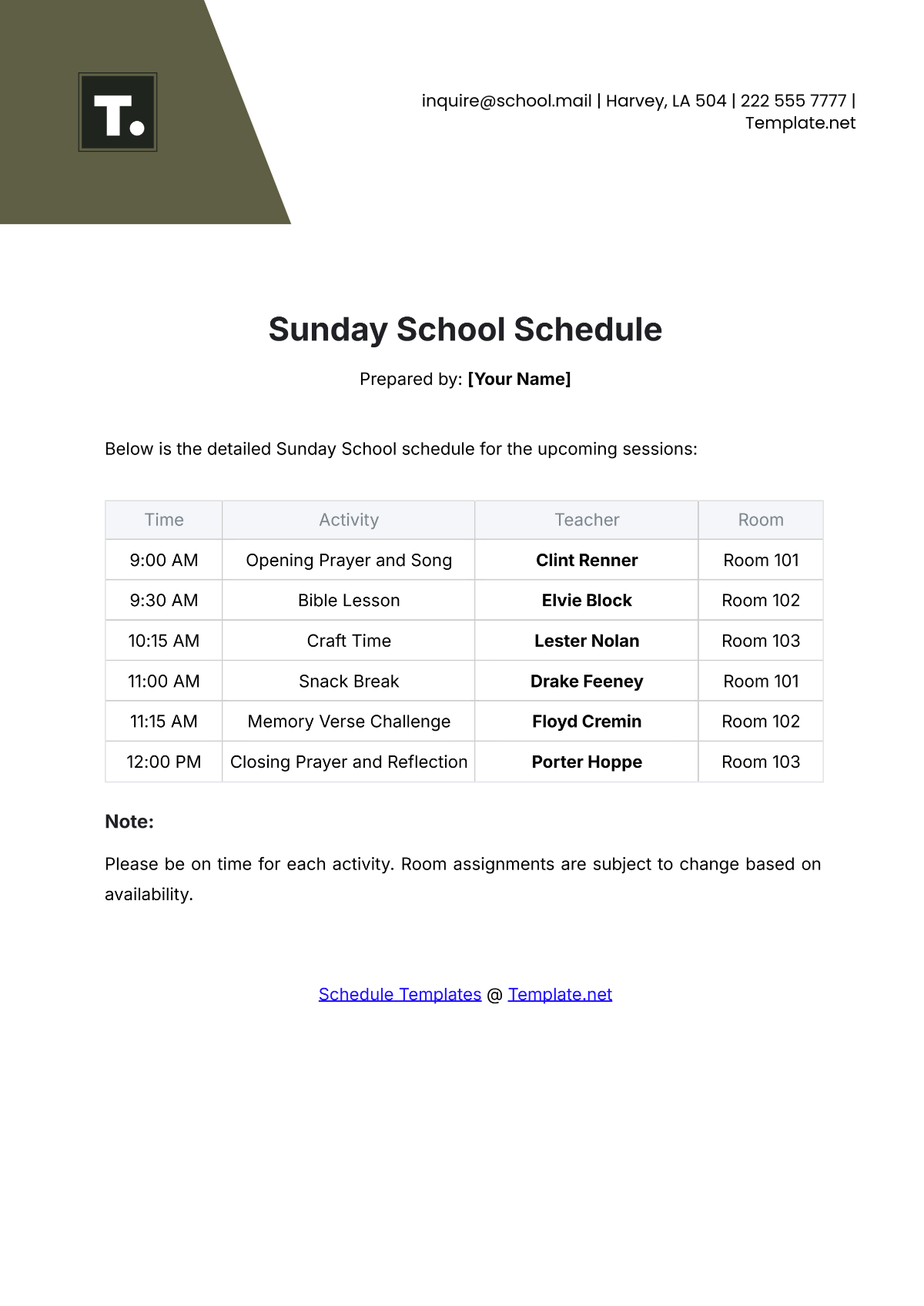
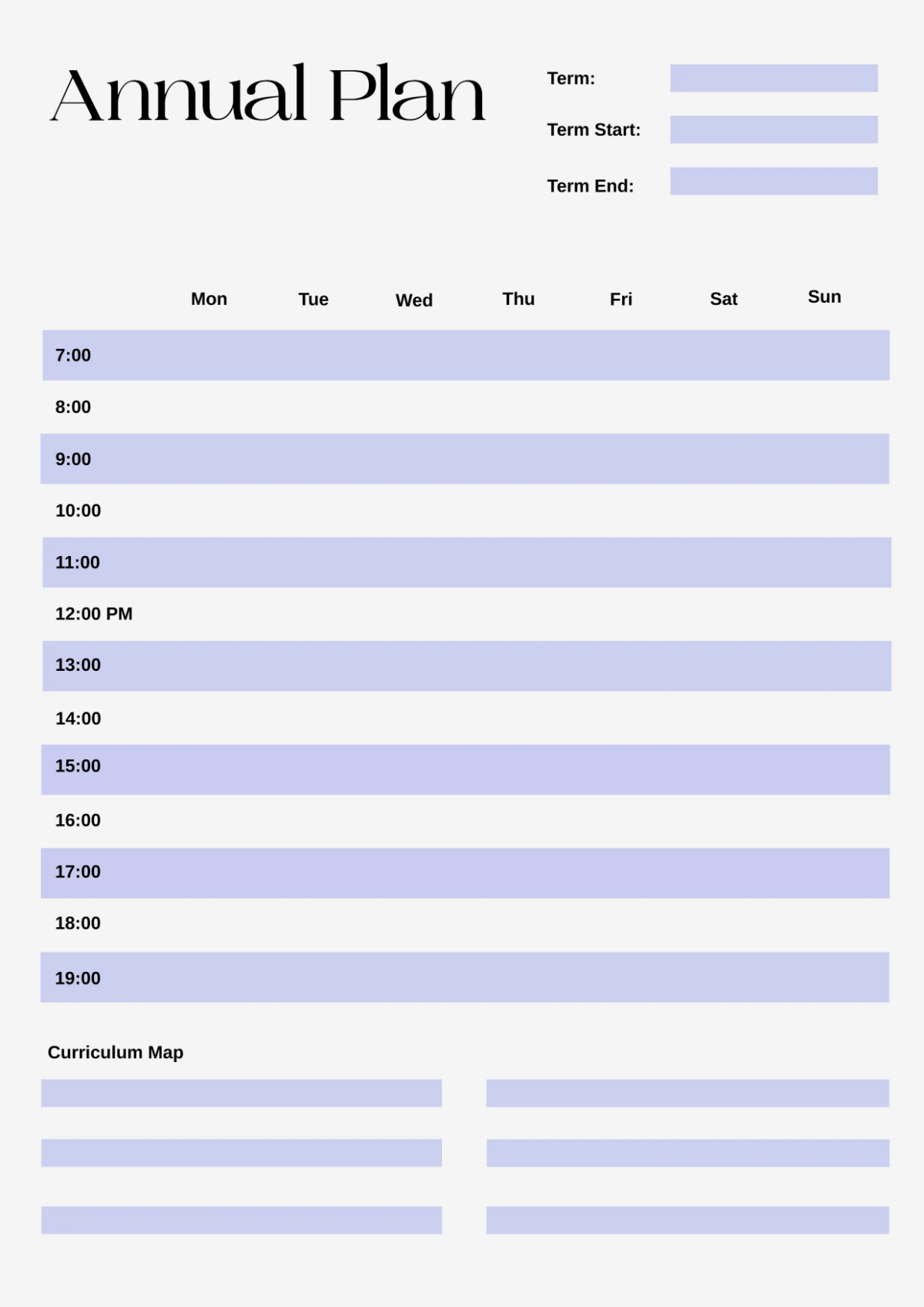
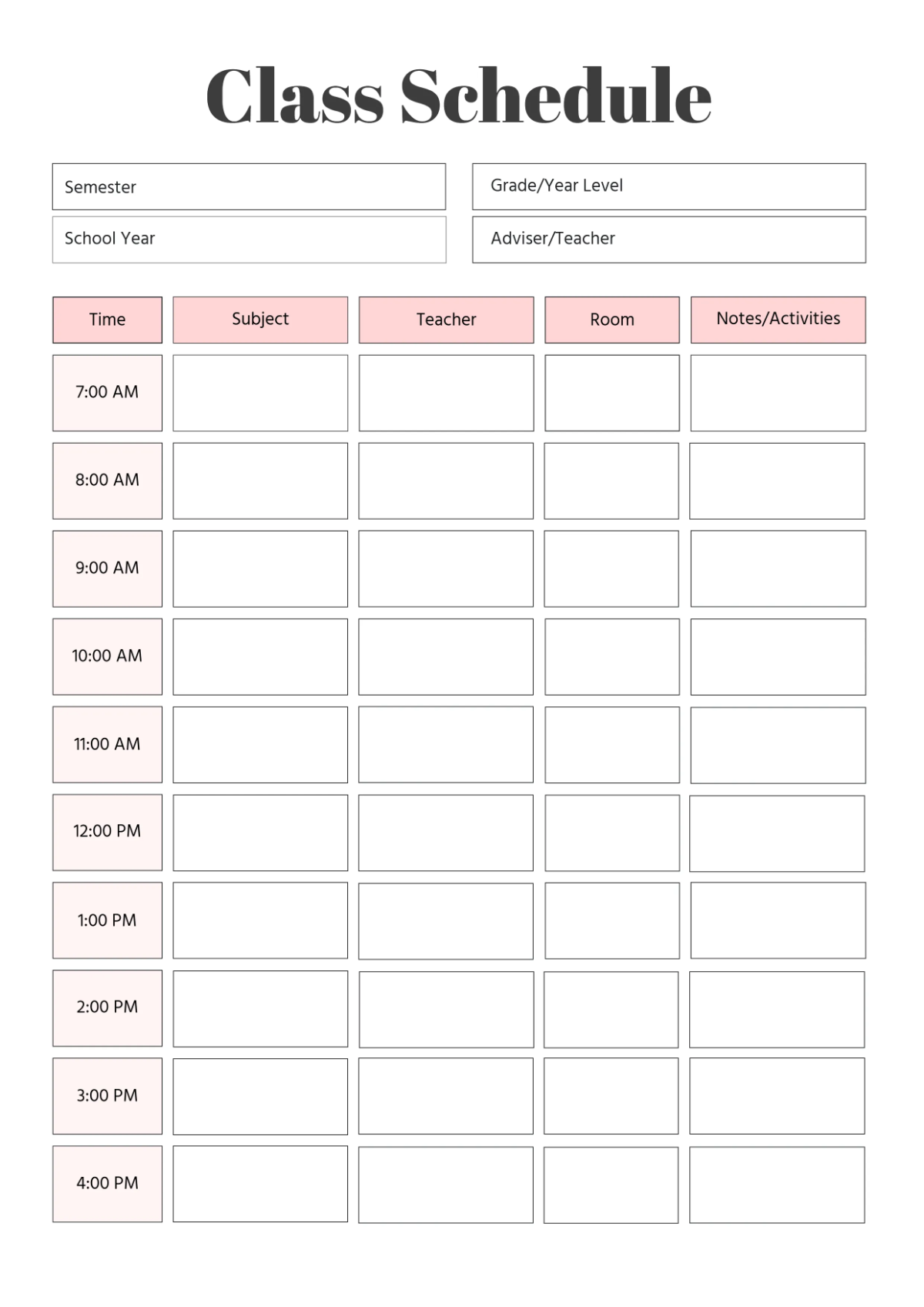
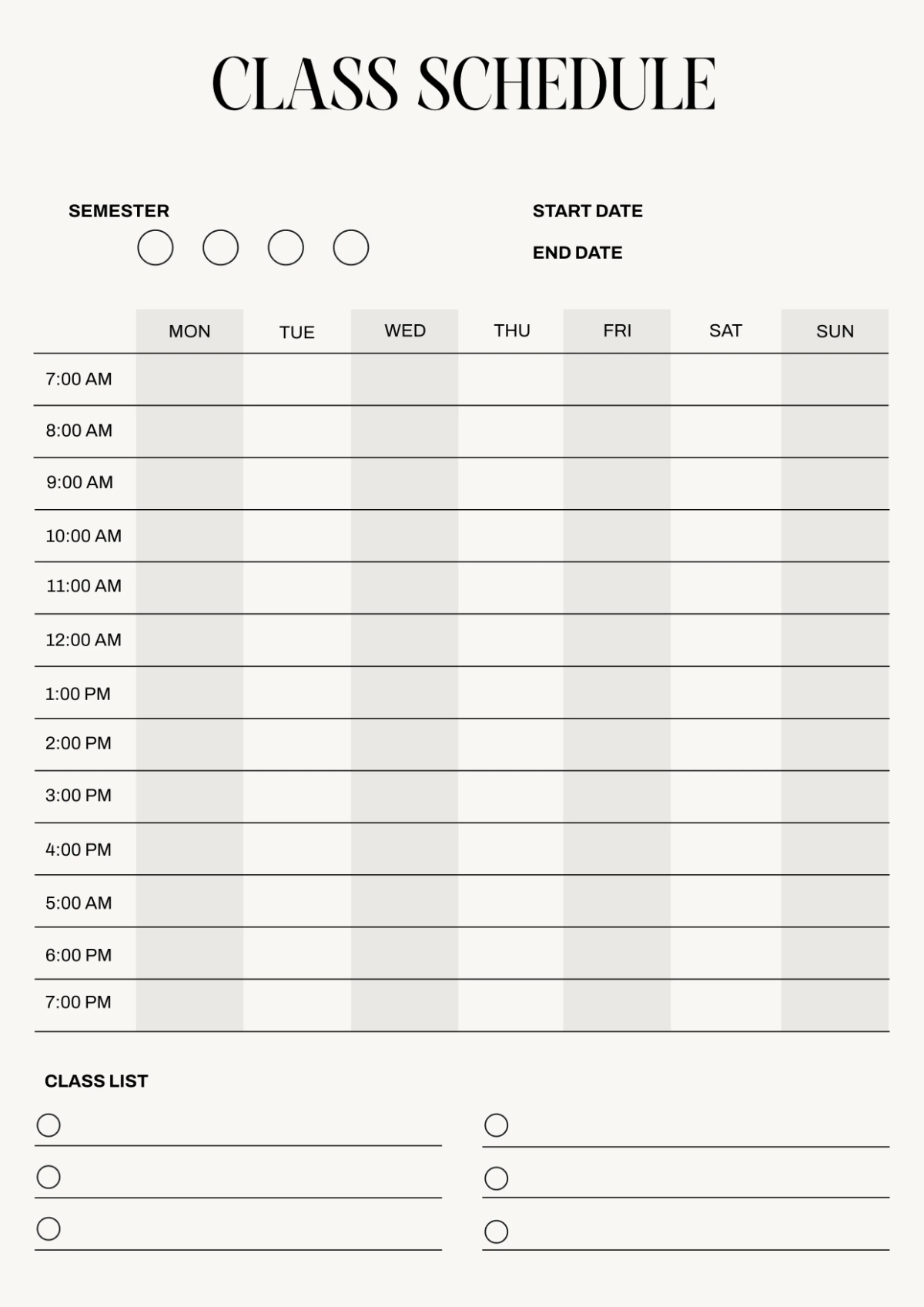
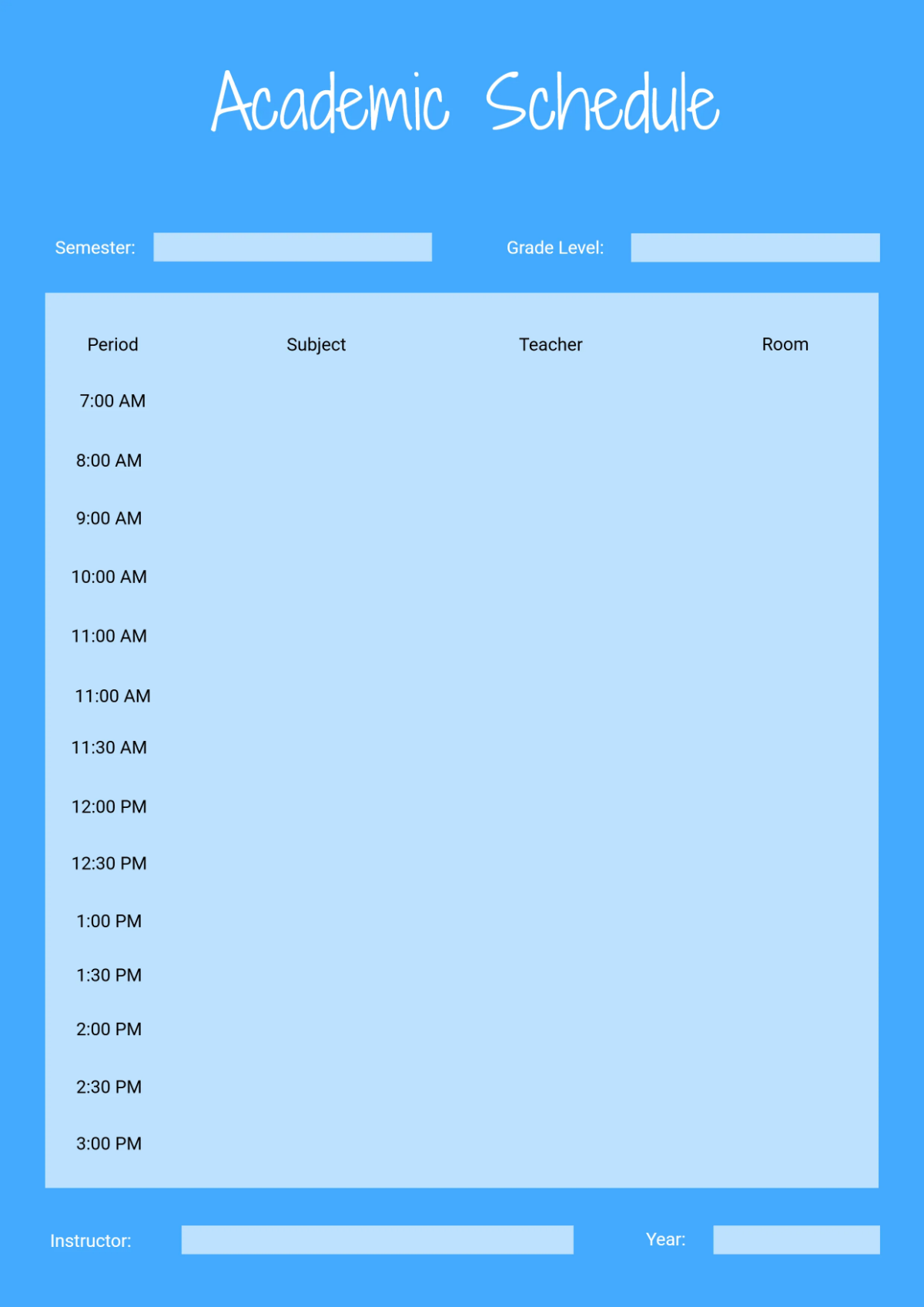
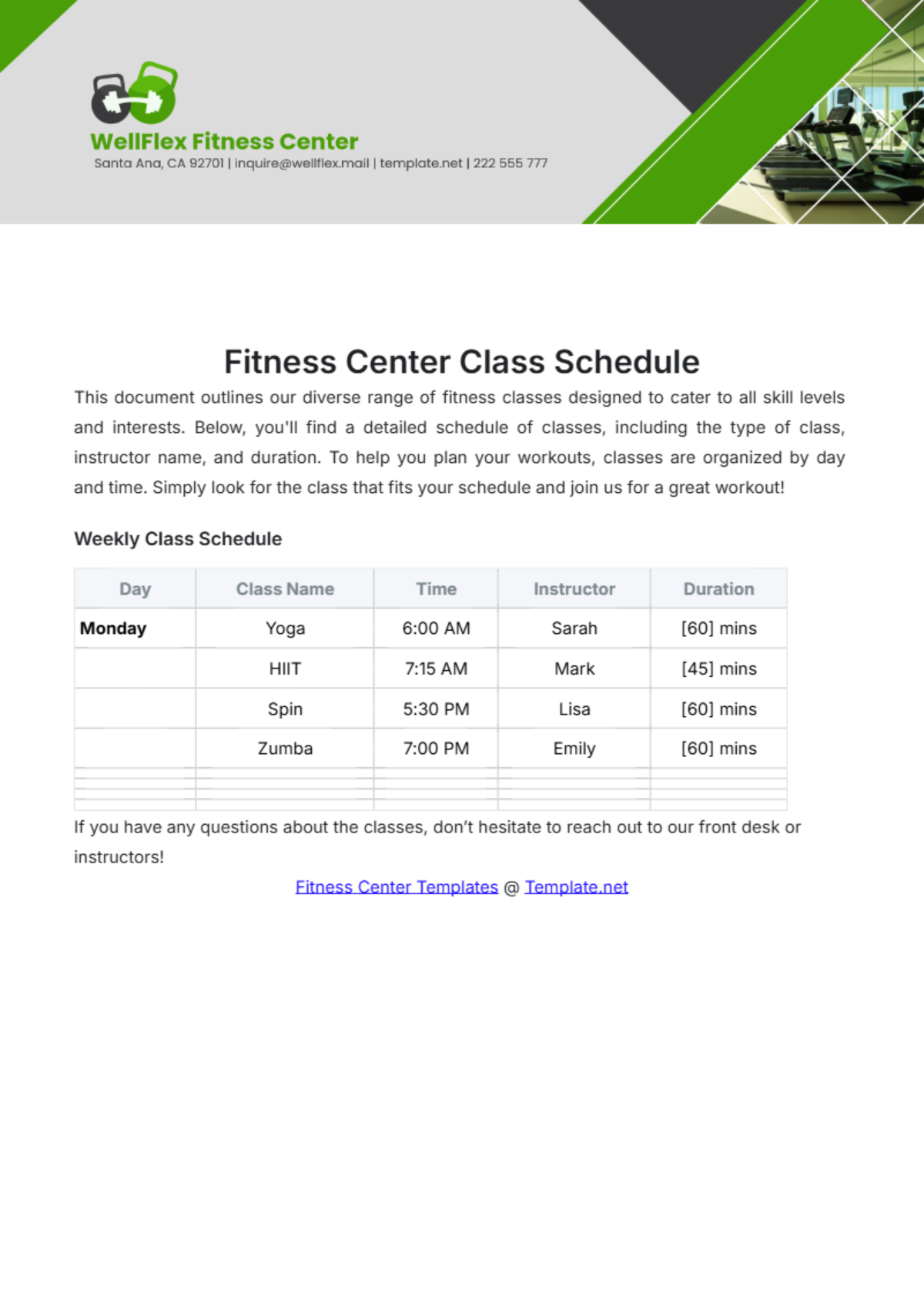
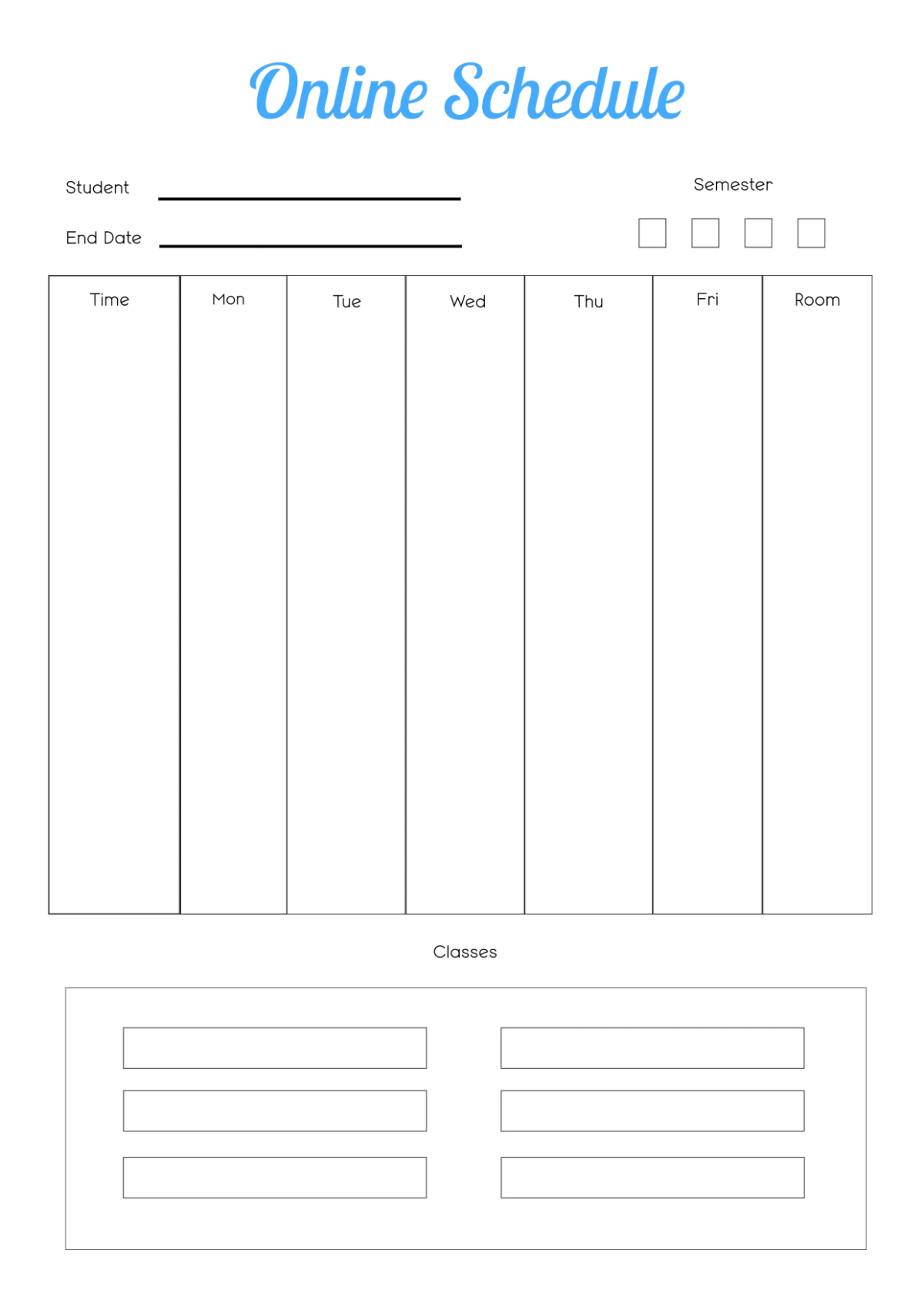
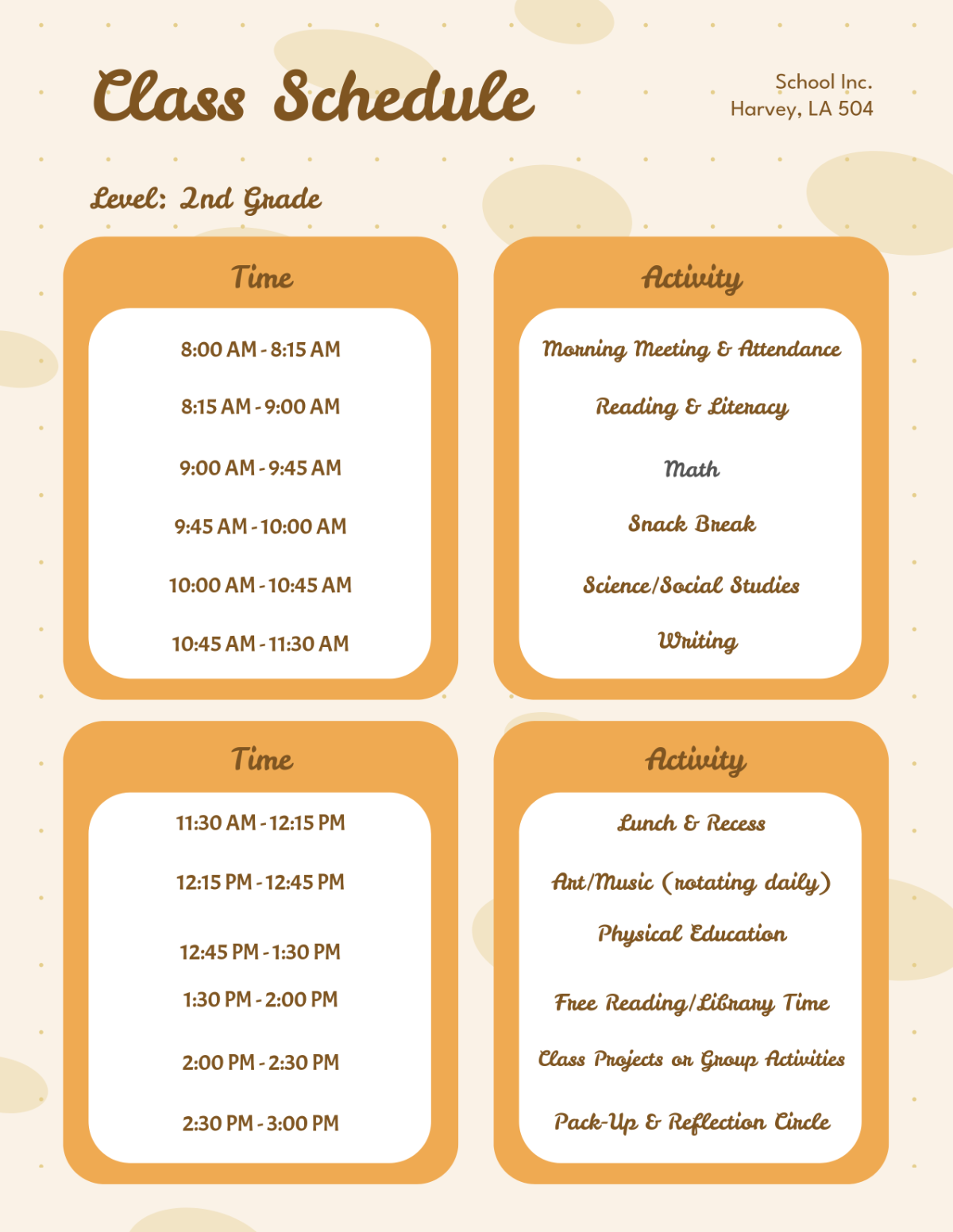
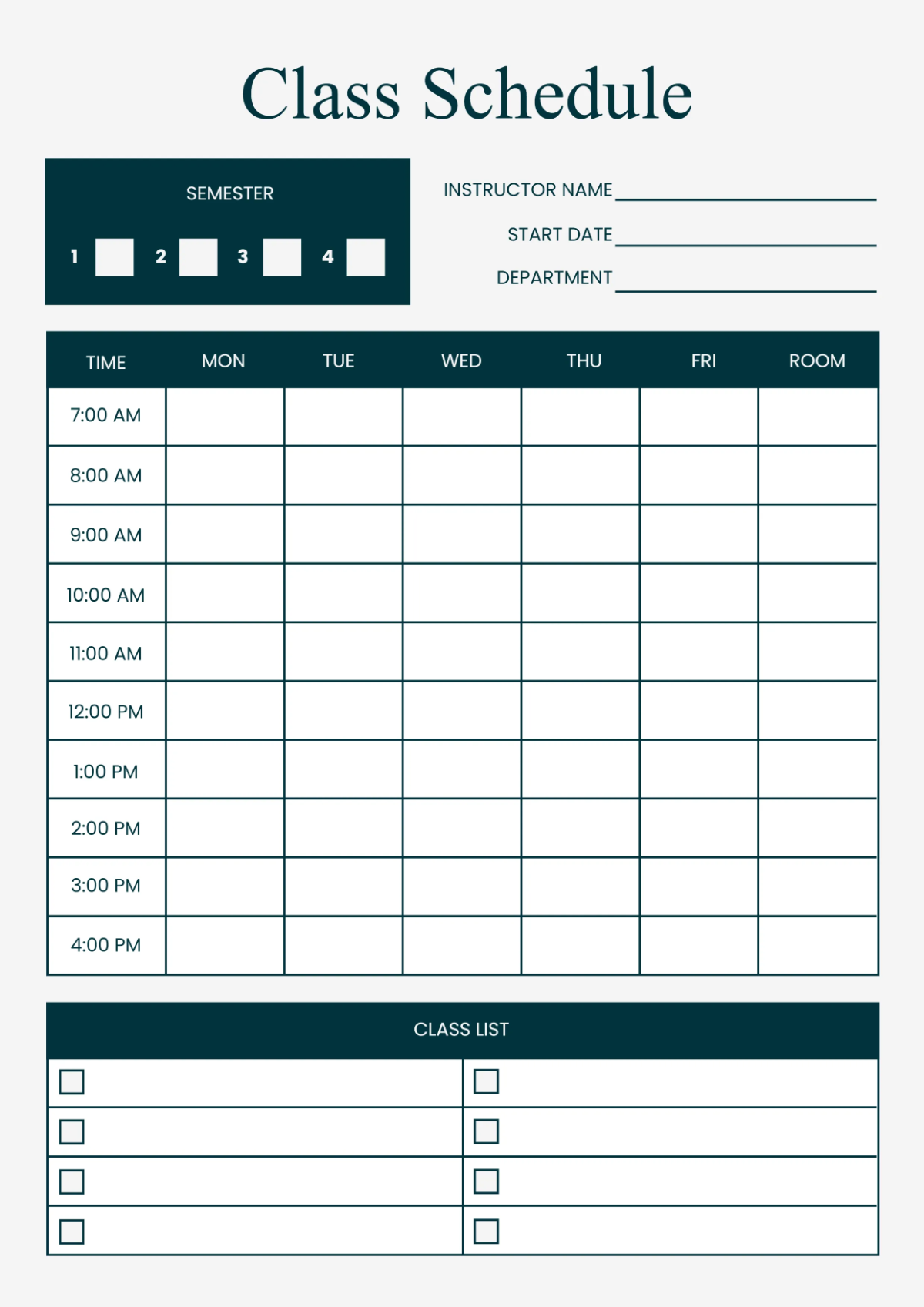
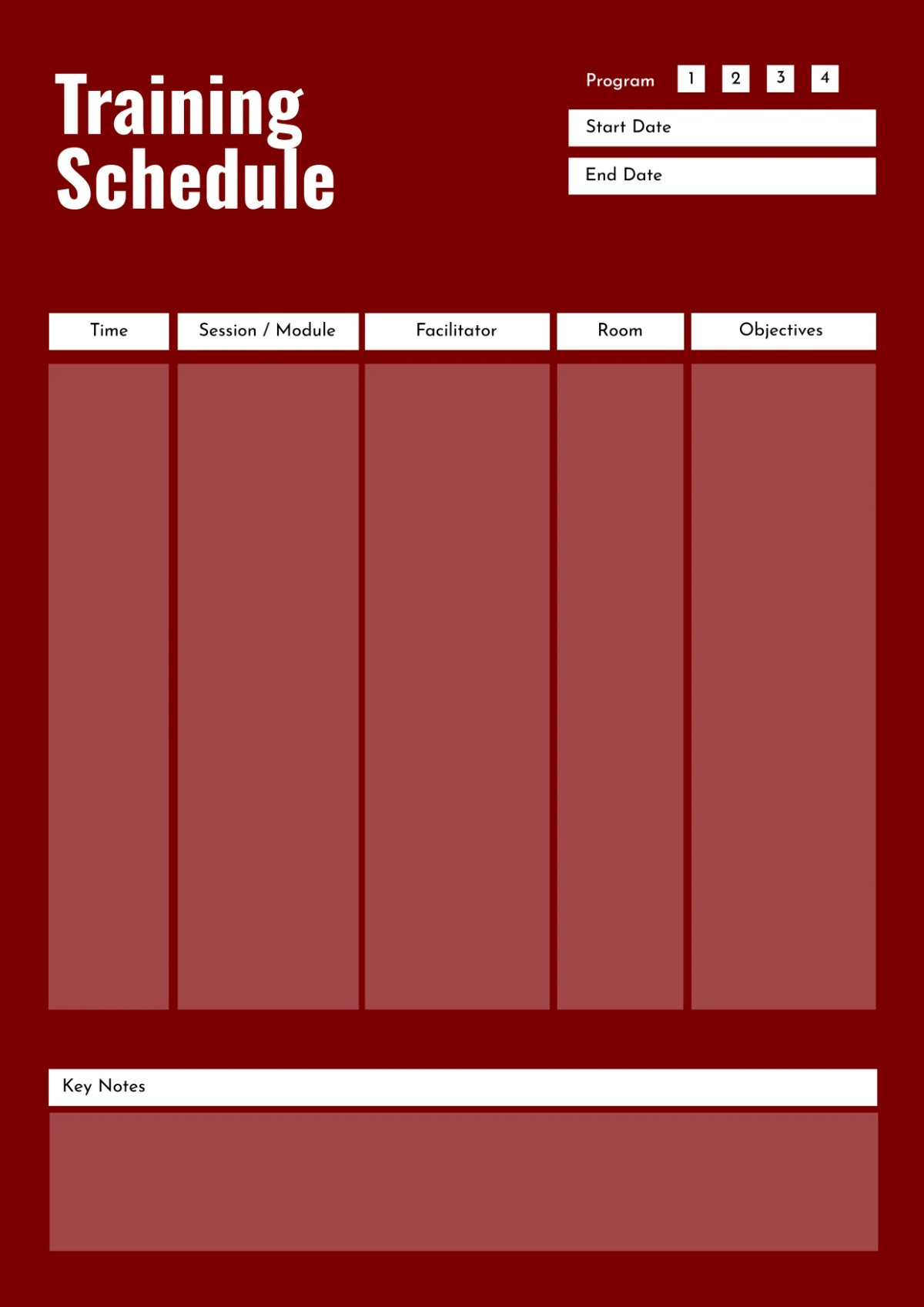
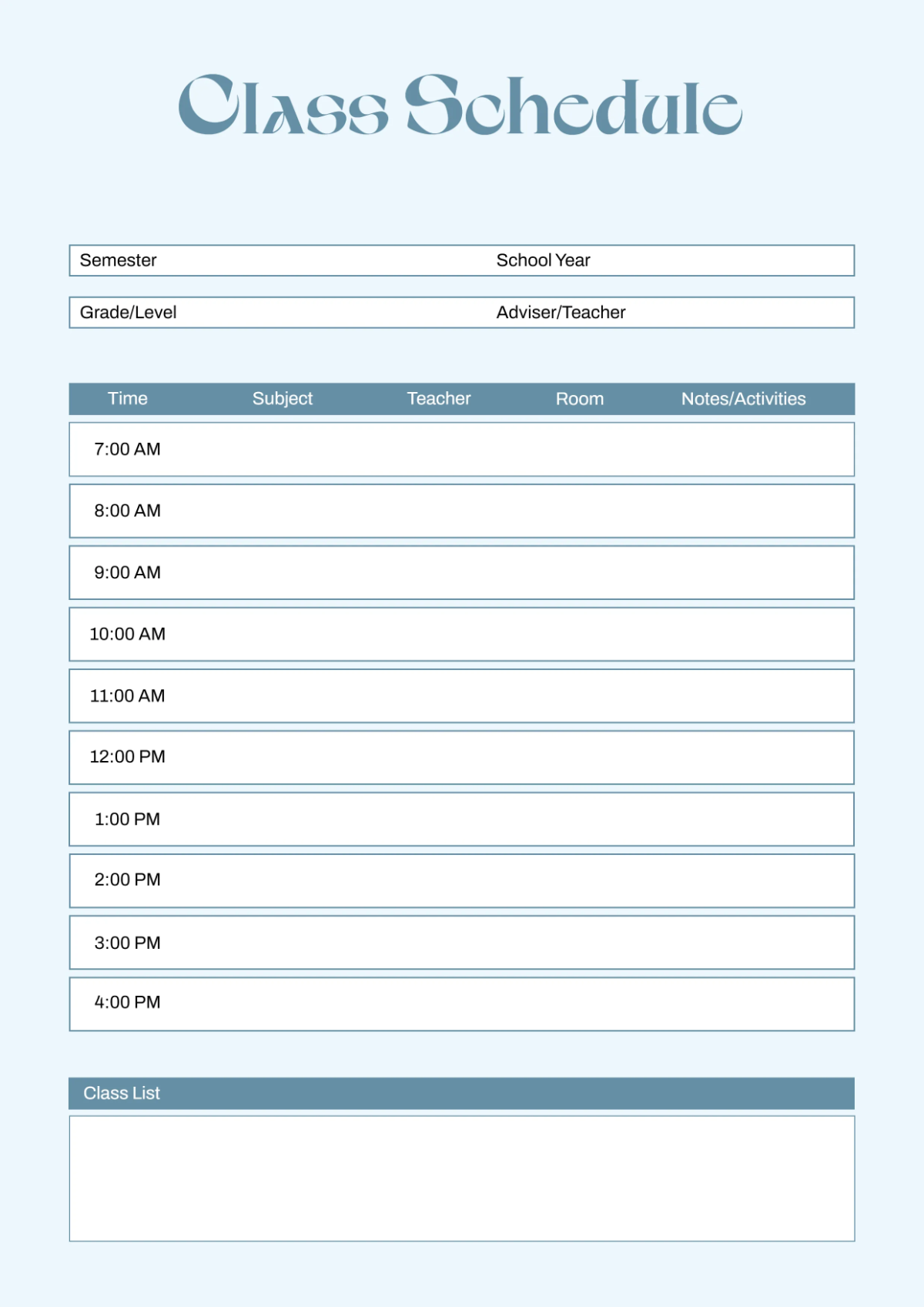
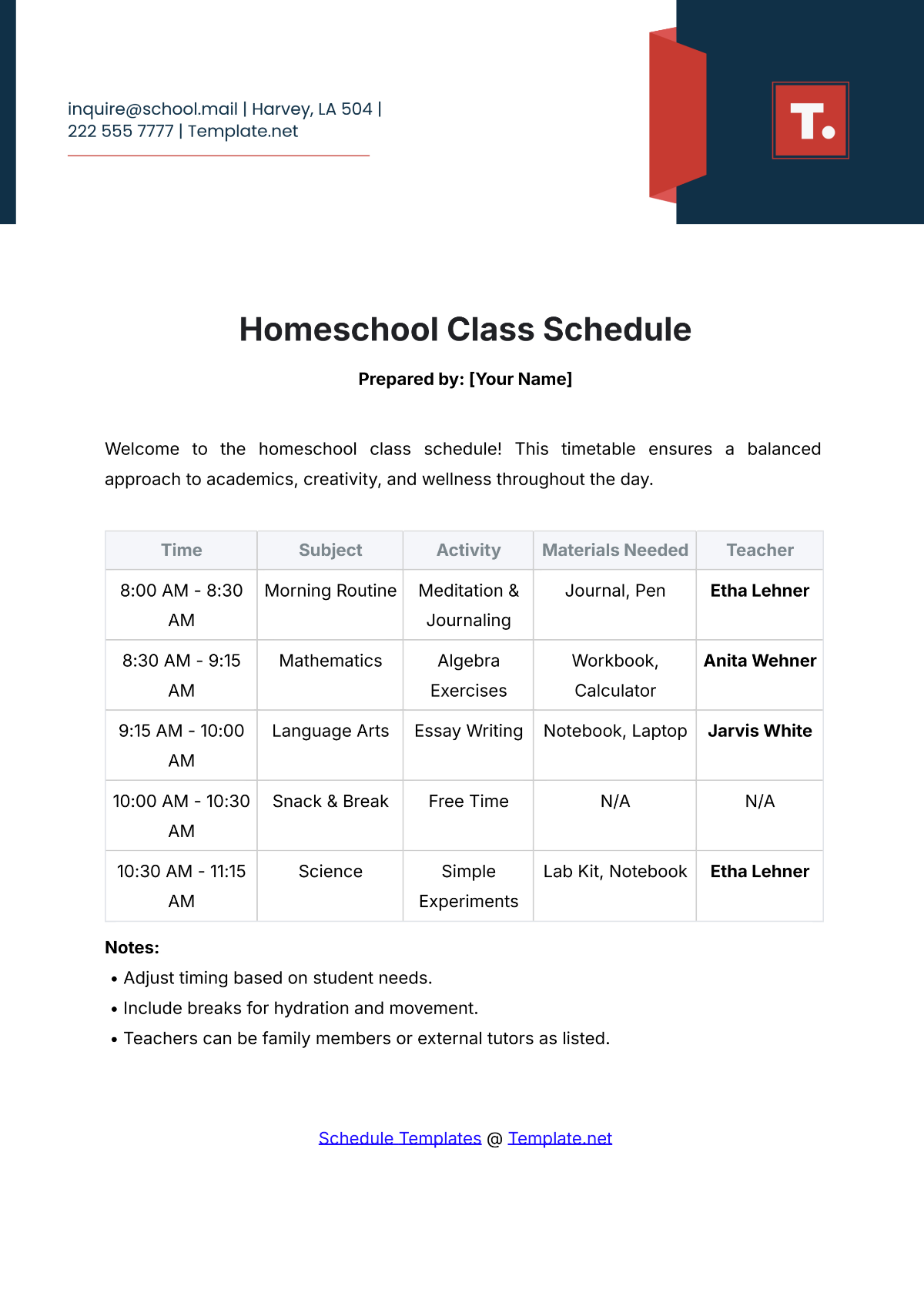
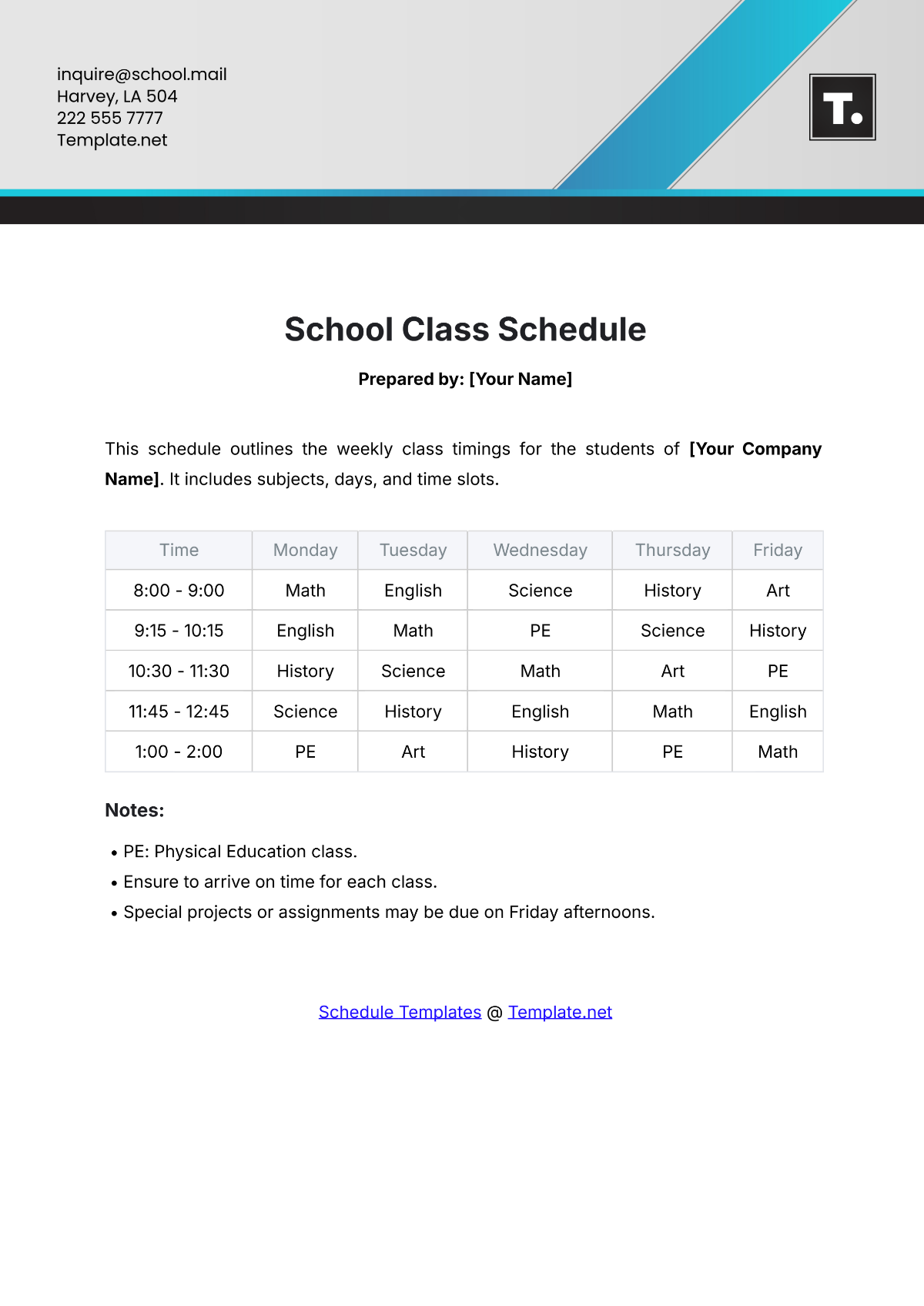
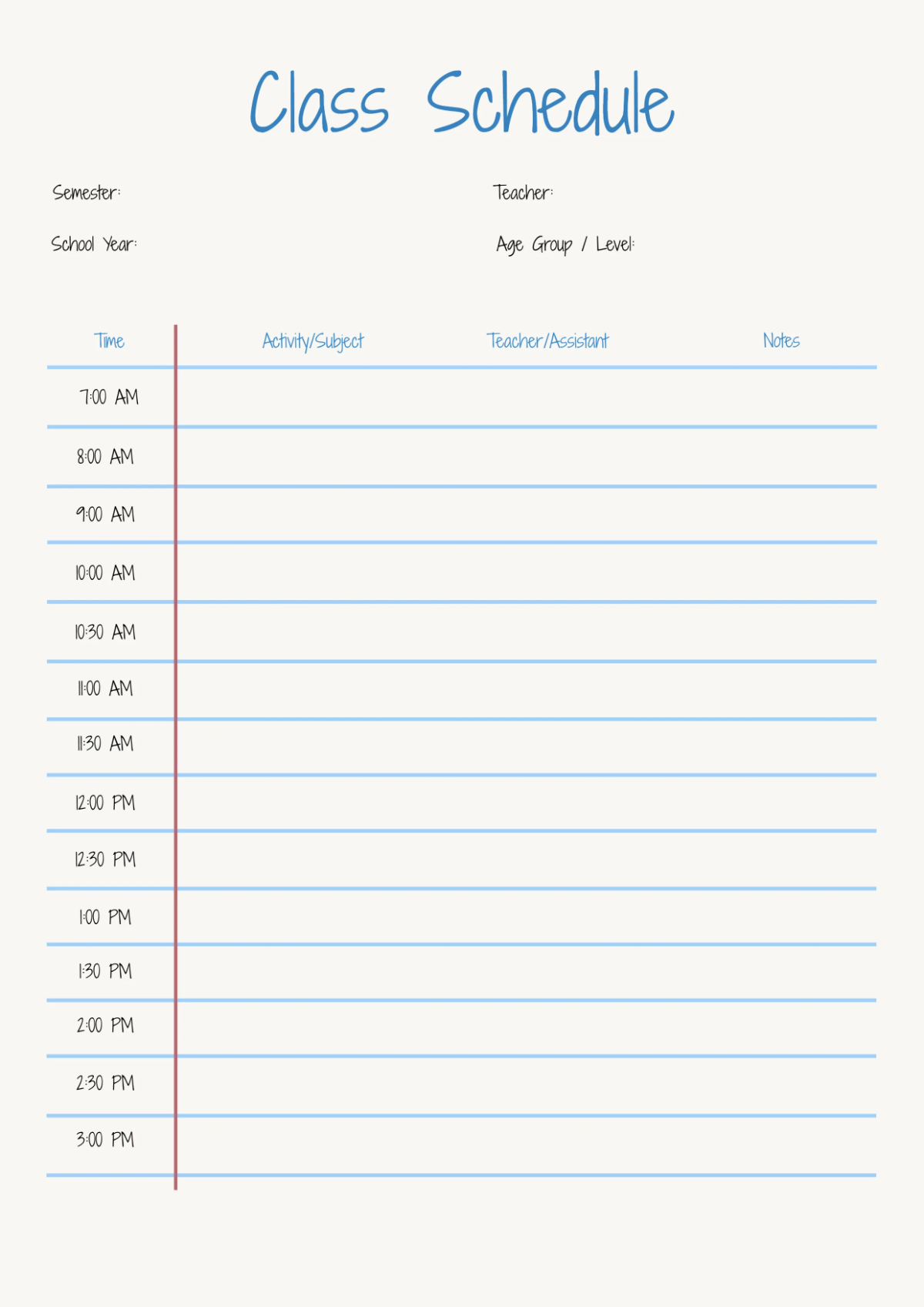
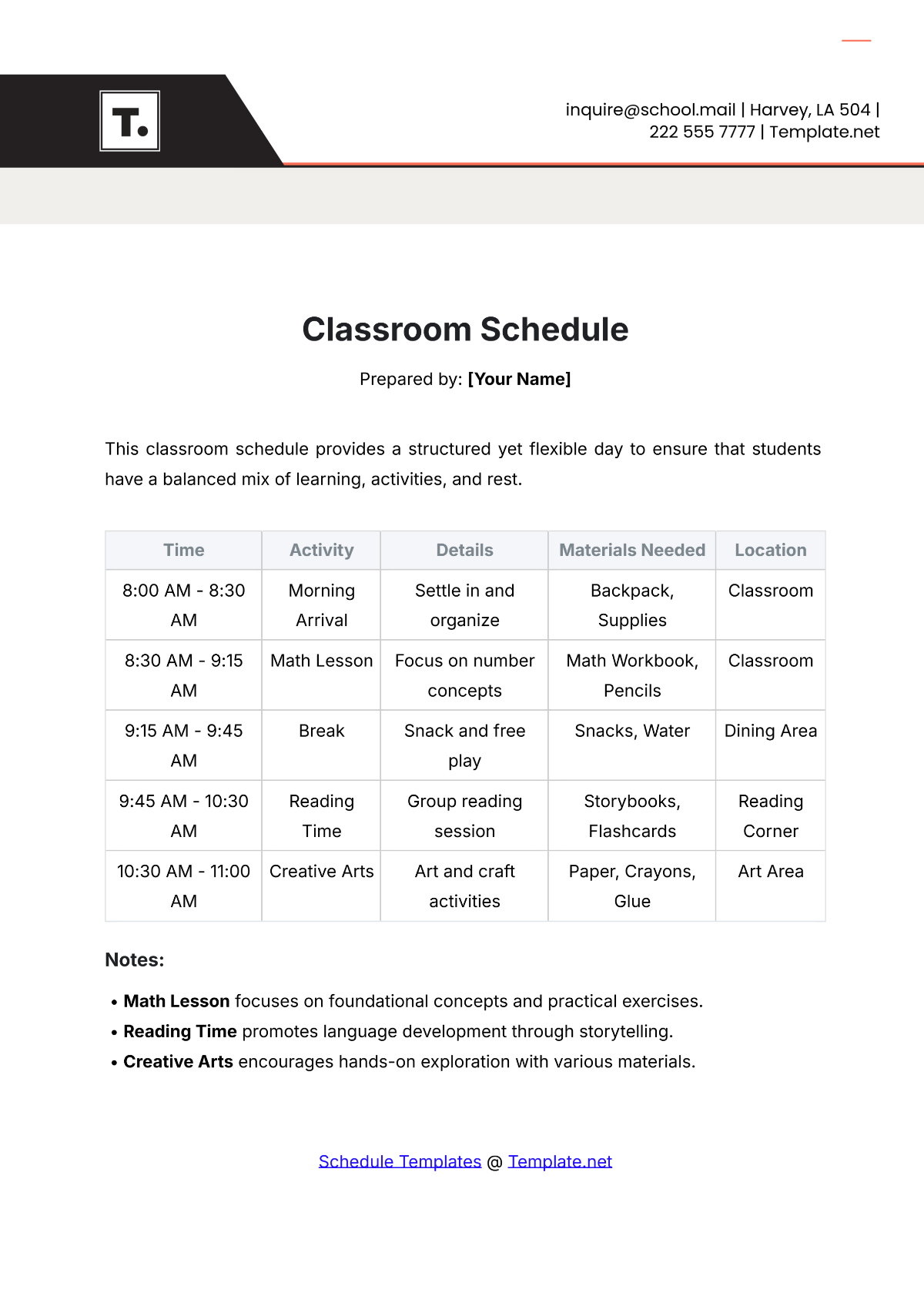
A class schedule is a structured timetable template that outlines the timing and sequence of academic classes. These templates feature editable text areas and layout blocks to clearly display subjects, times, and days. Using ready-made class schedule templates ensures professional layouts that are easy to customize online.
Why use a Class Schedule?
Class schedules help organize academic activities by providing a clear, visual structure of class times and subjects. Using class schedule templates saves time with online editing and guarantees layered design customization for clarity and neatness. These templates promote better time management and academic planning.
Who typically uses Class Schedules?
Students, teachers, and educational administrators commonly use class schedules to manage time and organize classes. Ready-made class schedule templates assist these users with professional layouts that are easy to edit online, making scheduling more efficient and visually accessible.
What size should a Class Schedule be?
Class schedules are typically designed in sizes that fit common paper formats such as 8.5 × 11 inches for easy printing and readability. These templates provide scalable design layers to adjust size while maintaining a clean layout and professional appearance.
What are the best tips for designing a Class Schedule?
Effective class schedule design includes using clear headlines, color-coded sections, and editable text areas for subjects and times. Utilizing layered templates allows users to customize graphics and layout blocks for clarity and easy navigation.
How do you print a Class Schedule?
Printing class schedules involves downloading templates in compatible formats and choosing quality paper sizes such as 8.5 × 11 inches. Template.net’s class schedule templates support print-ready layouts with editable design layers to ensure professional printed results.
What elements should a Class Schedule include?
A class schedule should include time slots, days of the week, subject names, and location or instructor details. Using layered templates allows easy editing of these elements to create a clear, organized, and professional schedule.
What file formats can I download for a Class Schedule?
Template.net’s class schedule templates support multiple downloadable formats including Word, Google Docs, and Google Sheets. These formats provide easy editing and print compatibility.
Can I create a new Class Schedule using AI?
Template.net provides an AI-powered tool that generates new class schedule designs from prompts. Users can quickly create customized schedules using the Class Schedule Generator for efficient and professional results.
