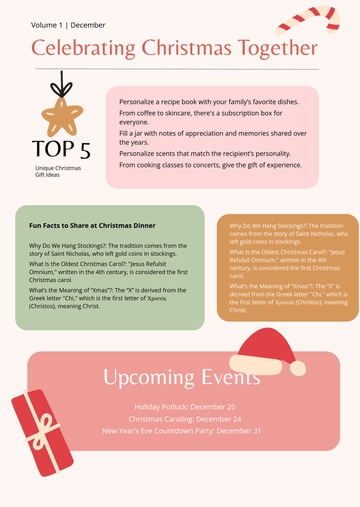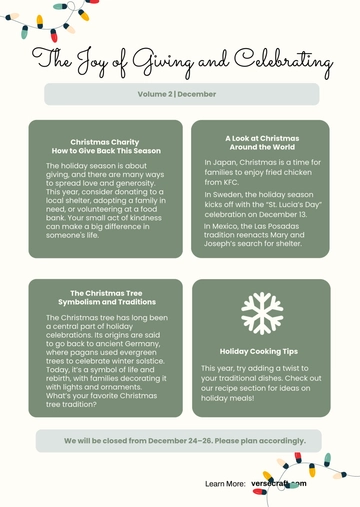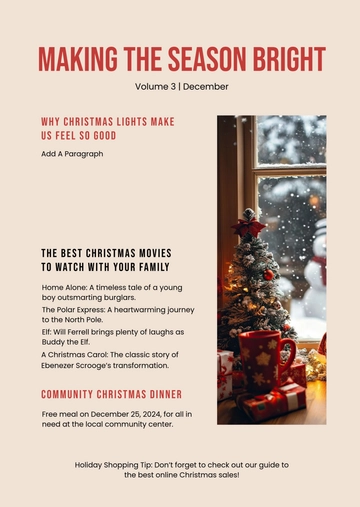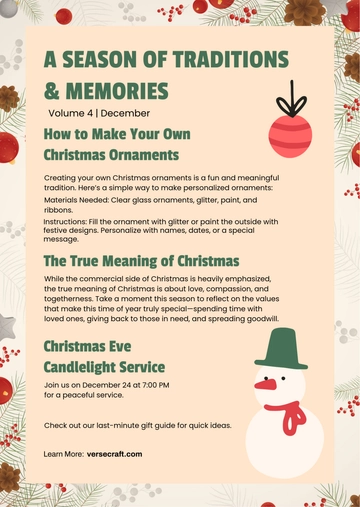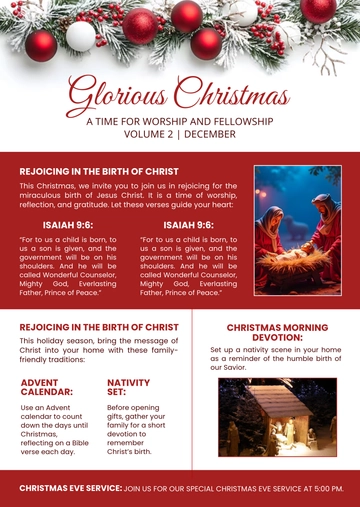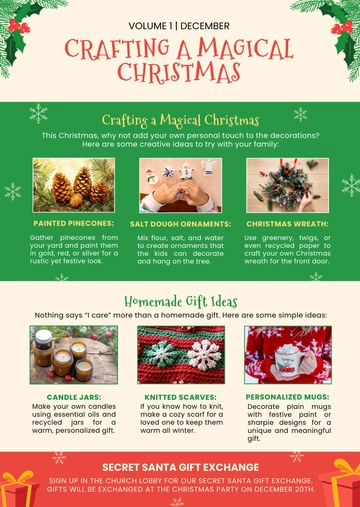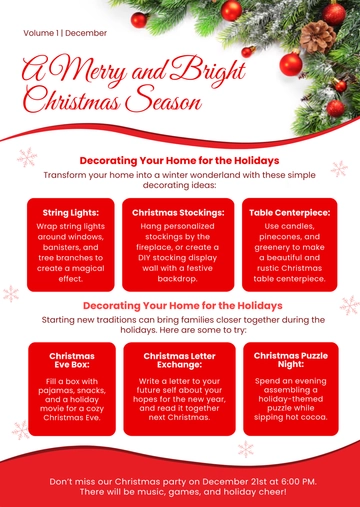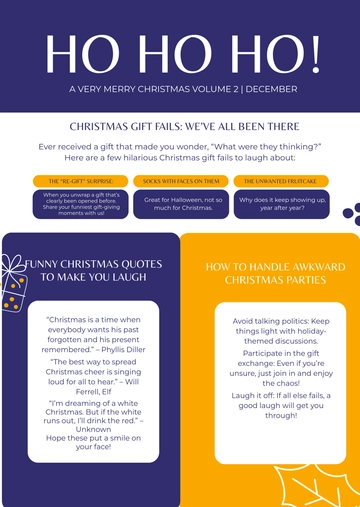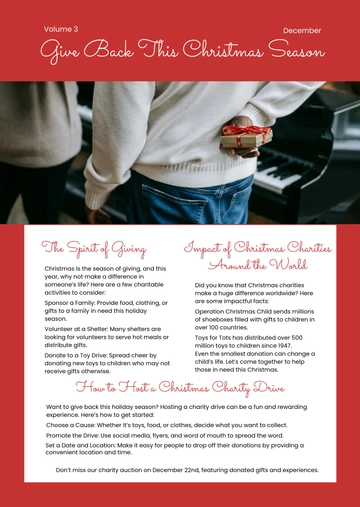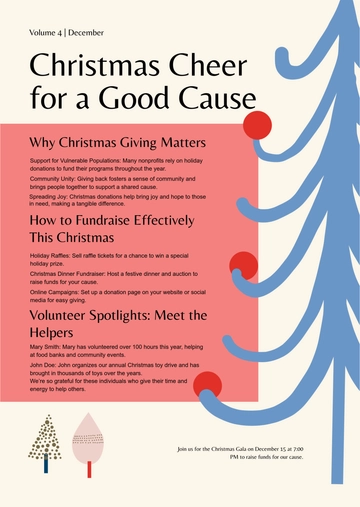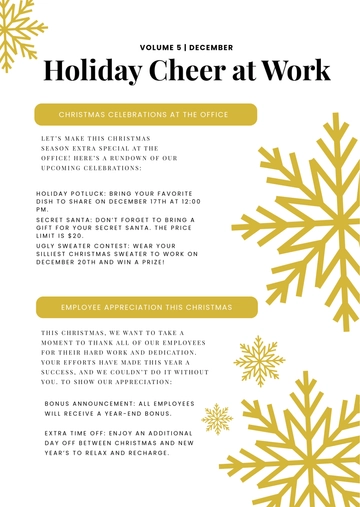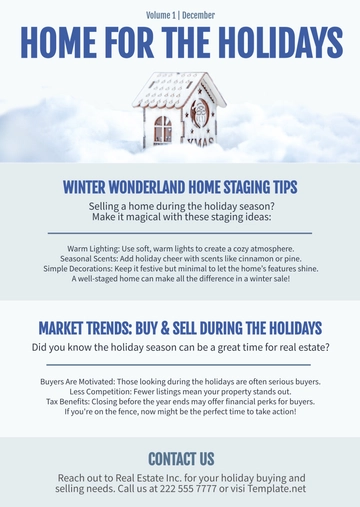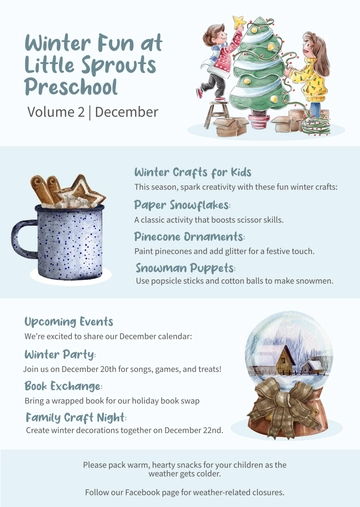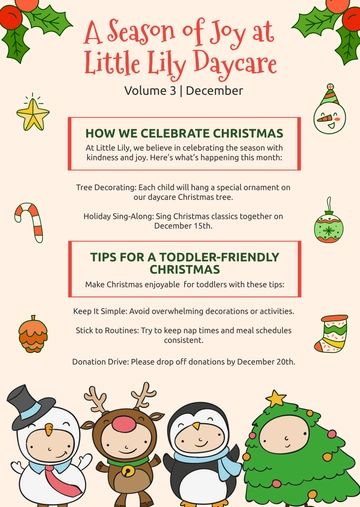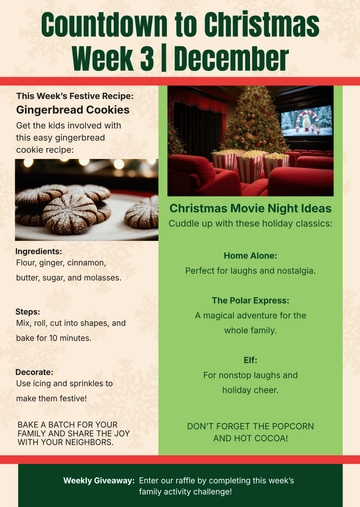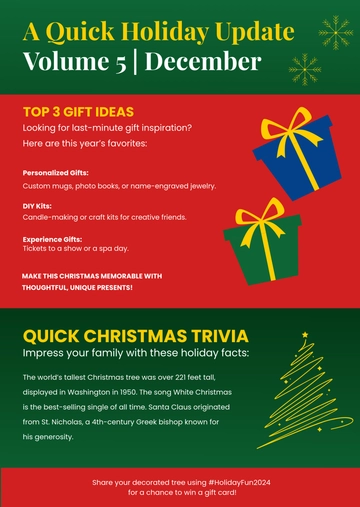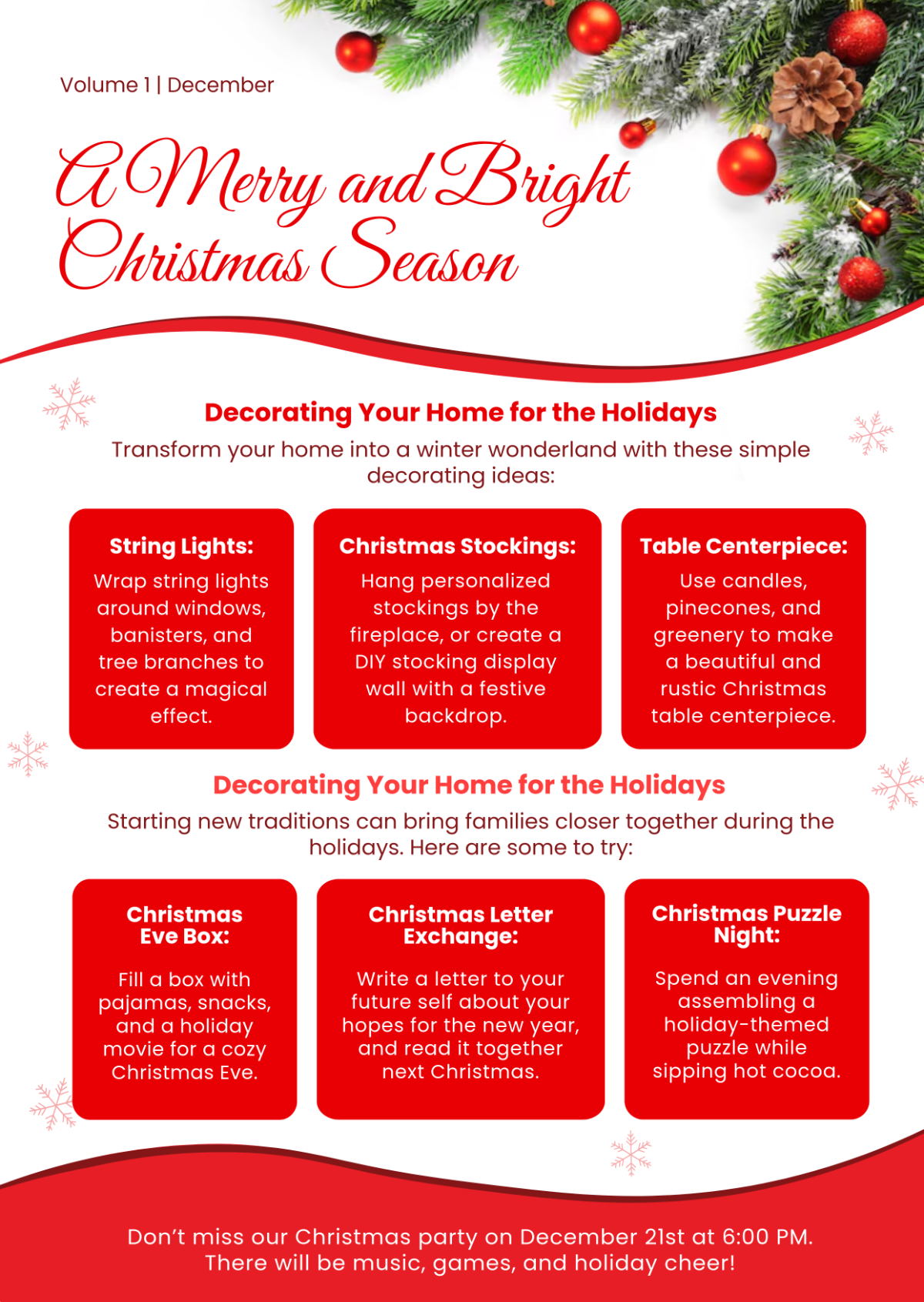
A Christmas Newsletter Border is an email document arranged as stacked content blocks — a header, a decorating ideas section, a family traditions introduction, and a footer event invitation — exported as an HTML5 file with inline styles and table-based rows to ensure consistent rendering across email clients. It is built with Template.net's AI-powered newsletter builder and used by holiday lifestyle publications and community groups to share seasonal decorating tips and invite readers to seasonal events.
A Christmas Newsletter Border is an email document arranged as stacked content blocks — a header, a decorating ideas section, a family traditions introduction, and a footer event invitation — exported as an HTML5 file with inline styles and table-based rows to ensure consistent rendering across email clients. It is built with Template.net's AI-powered newsletter builder and used by holiday lifestyle publications and community groups to share seasonal decorating tips and invite readers to seasonal events.
How to Create a Christmas Newsletter Border for Free?
- Customize a Free TemplateStart with this free editable and email-ready Christmas Newsletter Border template and personalize it for holiday decorating tips, family tradition stories, or seasonal event invitations. (or )
- Generate an On-Brand Christmas Newsletter Border with AIDescribe the holiday decorating ideas and family traditions you want to feature, or upload your existing issue, and AI will build the issue with a main greeting headline, decorating and tradition blocks, and a footer event invitation, all structured with inline styles and table-based rows for inbox compatibility, ready for immediate editing.
- Edit in the HTML5 EditorAdjust the header with volume and date, the main greeting headline, decorating ideas introduction paragraph, family traditions blocks, and the footer event invitation using the drag-and-drop HTML5 editor.
- Download an HTML5 FileDownload the completed newsletter as an HTML5 file with inline CSS and absolute image URLs ready to paste into a Gmail compose window or to pass to your mail sender.