
Free AI Image to Image Generator
Upload a photo, describe the transformation you want, and our AI generates a new visual while preserving important elements from your source. Create artistic variations, product concepts, portraits, backgrounds, and creative compositions. Free, fast, and online.

Transform Existing Images into New Visuals with an AI Powered Generator
Template.net’s Free AI Image to Image Generator helps you transform an existing visual into a new creative result using an upload-and-prompt workflow. Upload your source, describe the desired style or changes, and let AI generate a transformed image based on your instructions. Create artistic styles, product variations, portrait concepts, background changes, and creative compositions while keeping important source details recognizable.
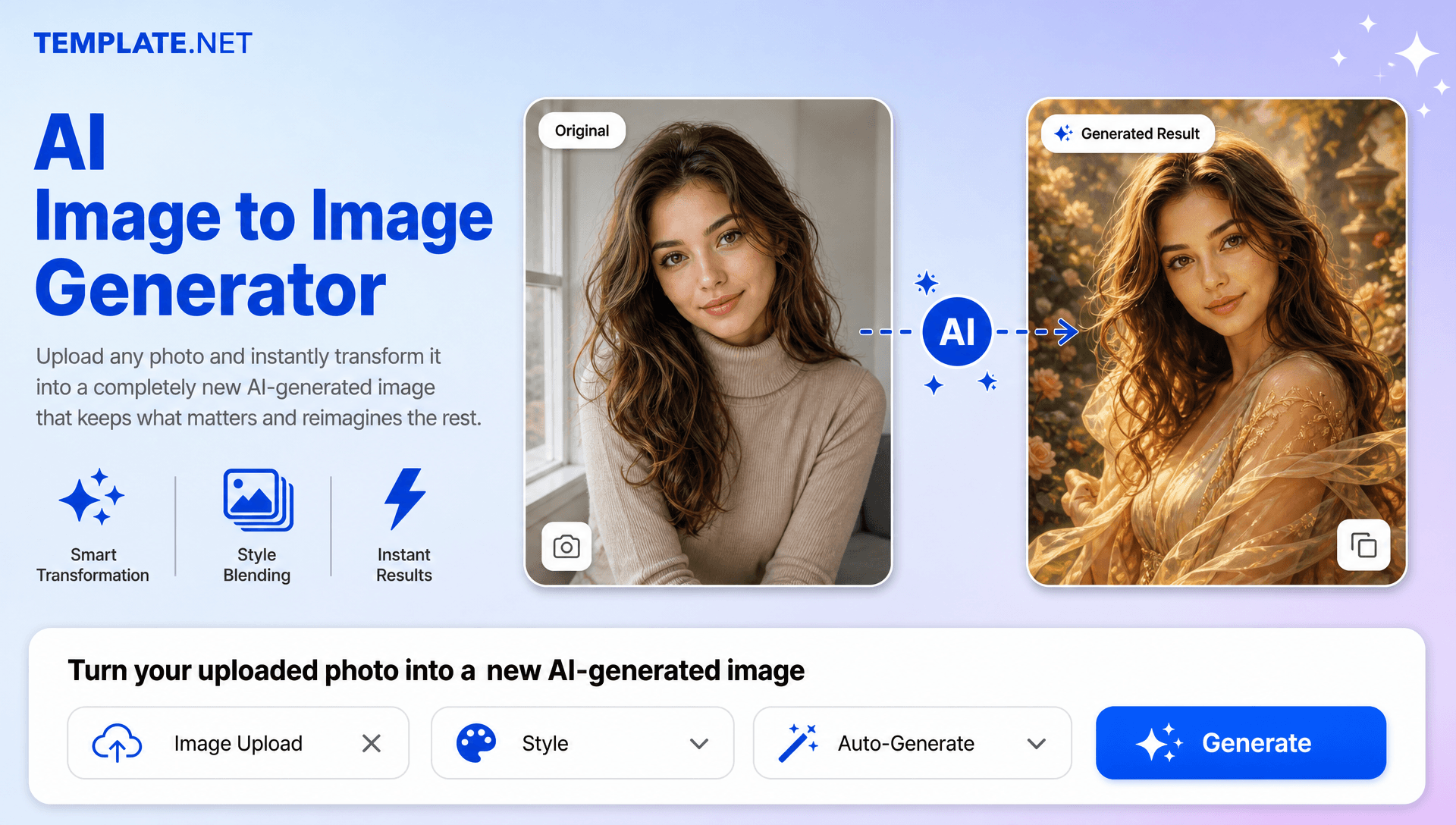
How to Create Image to Image Designs Using AI
Transform, refine, and export visuals using a simple upload-and-prompt workflow.
Upload Your Source Image
Open the AI Image to Image Generator and upload the visual you want to transform. You can start with a photo, portrait, product visual, sketch, or another supported source.
Describe Your Transformation and Generate
Enter a prompt describing what you want to change, such as “Turn this portrait into a polished editorial-style photograph with soft studio lighting” or “Place this product in a modern luxury setting with a clean background.” The AI uses your source and prompt to generate a new result.
Preview, Refine, Download, or Share
Review the generated result and update your prompt if you want to explore another style, composition, background, or visual direction. Download the final result or share it instantly via Email, LinkedIn, WhatsApp, Facebook, X (Twitter), Pinterest, or generate a live link or QR code.
Reimagine Existing Visuals and Create New Creative Directions
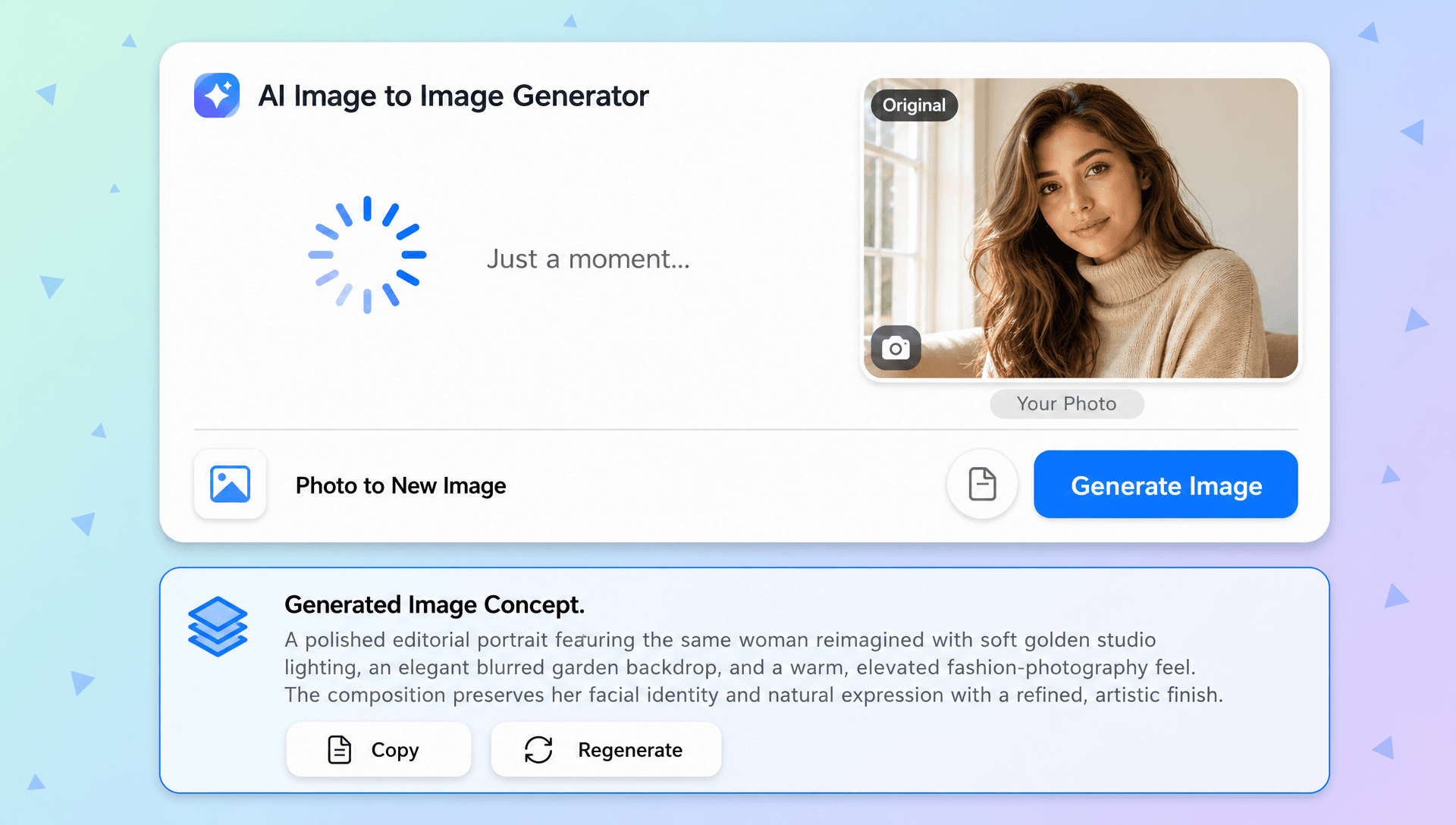
Turn One Reference into a Fresh Visual Concept
Transform an existing photo, sketch, or design into a new creative direction using a descriptive prompt instead of recreating the concept from scratch.
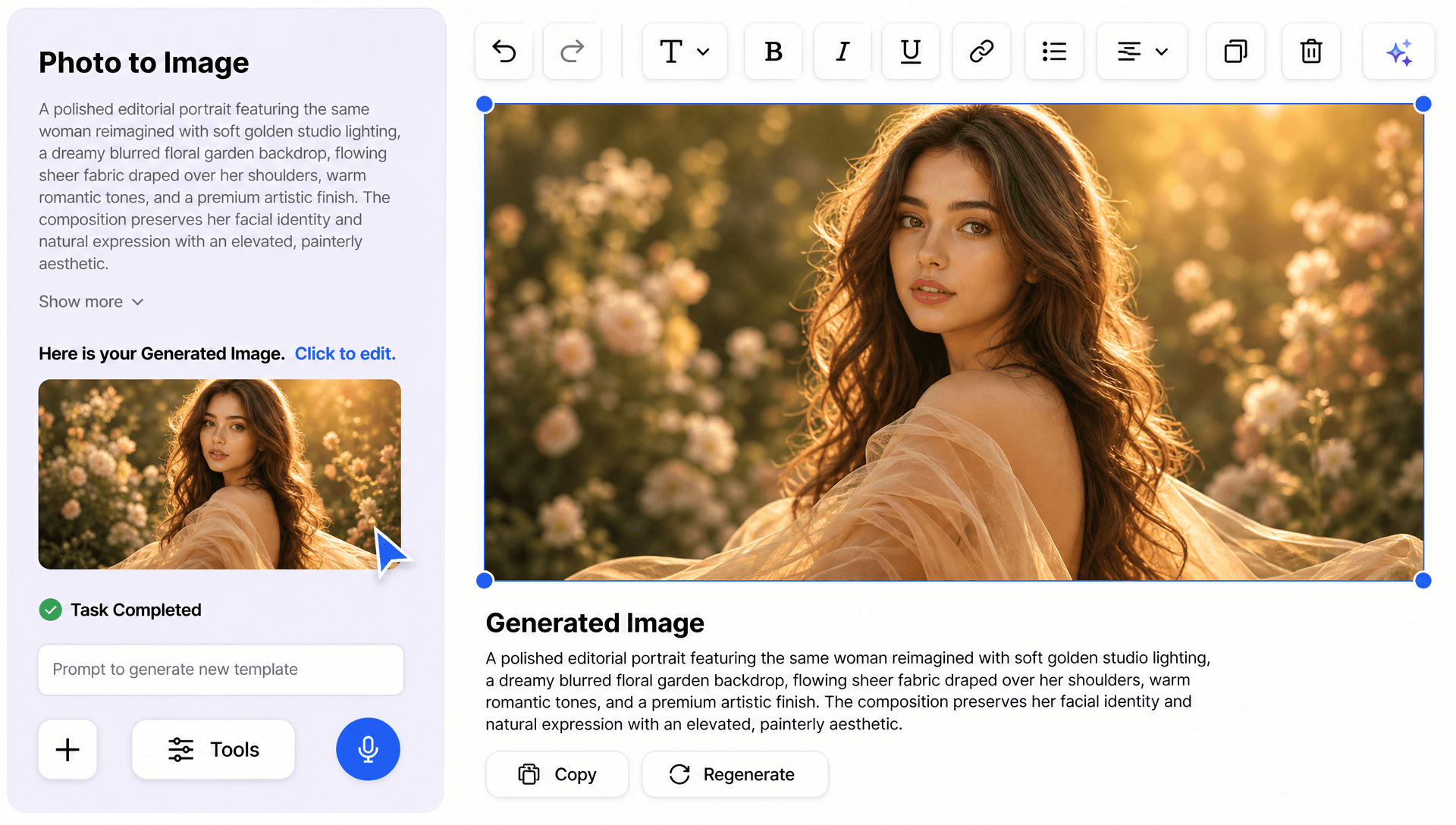
Explore New Styles While Preserving the Main Subject
Apply artistic, realistic, illustrated, or other visual treatments while keeping important subject characteristics and composition details recognizable. For prompt-based creation from scratch, AI Image Generator can help develop entirely new concepts.
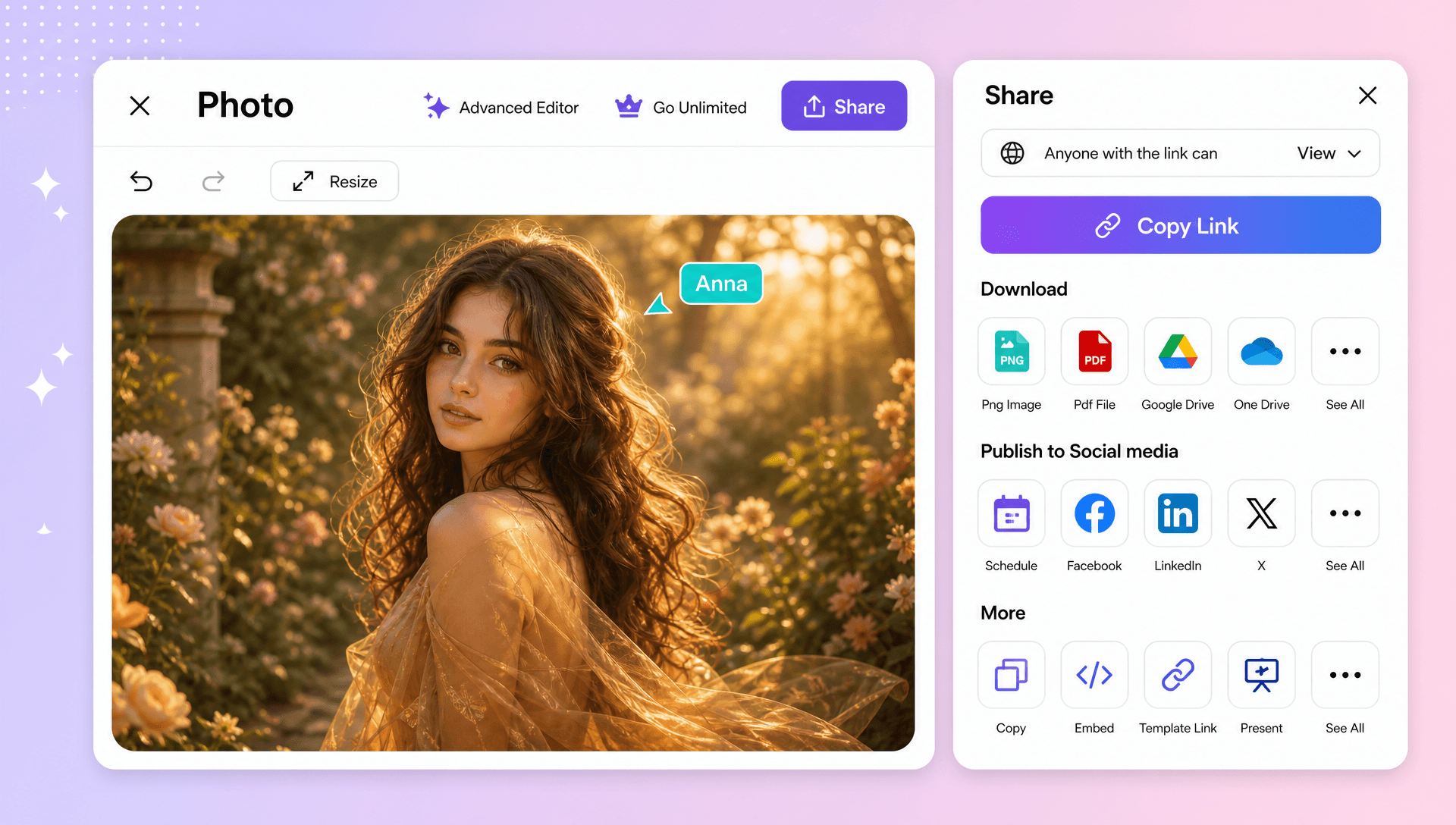
Create Product, Portrait, and Marketing Variations
Develop product presentations, portrait concepts, social content, promotional visuals, and campaign variations from existing source material. AI Photo Editor can support additional editing workflows after generation.
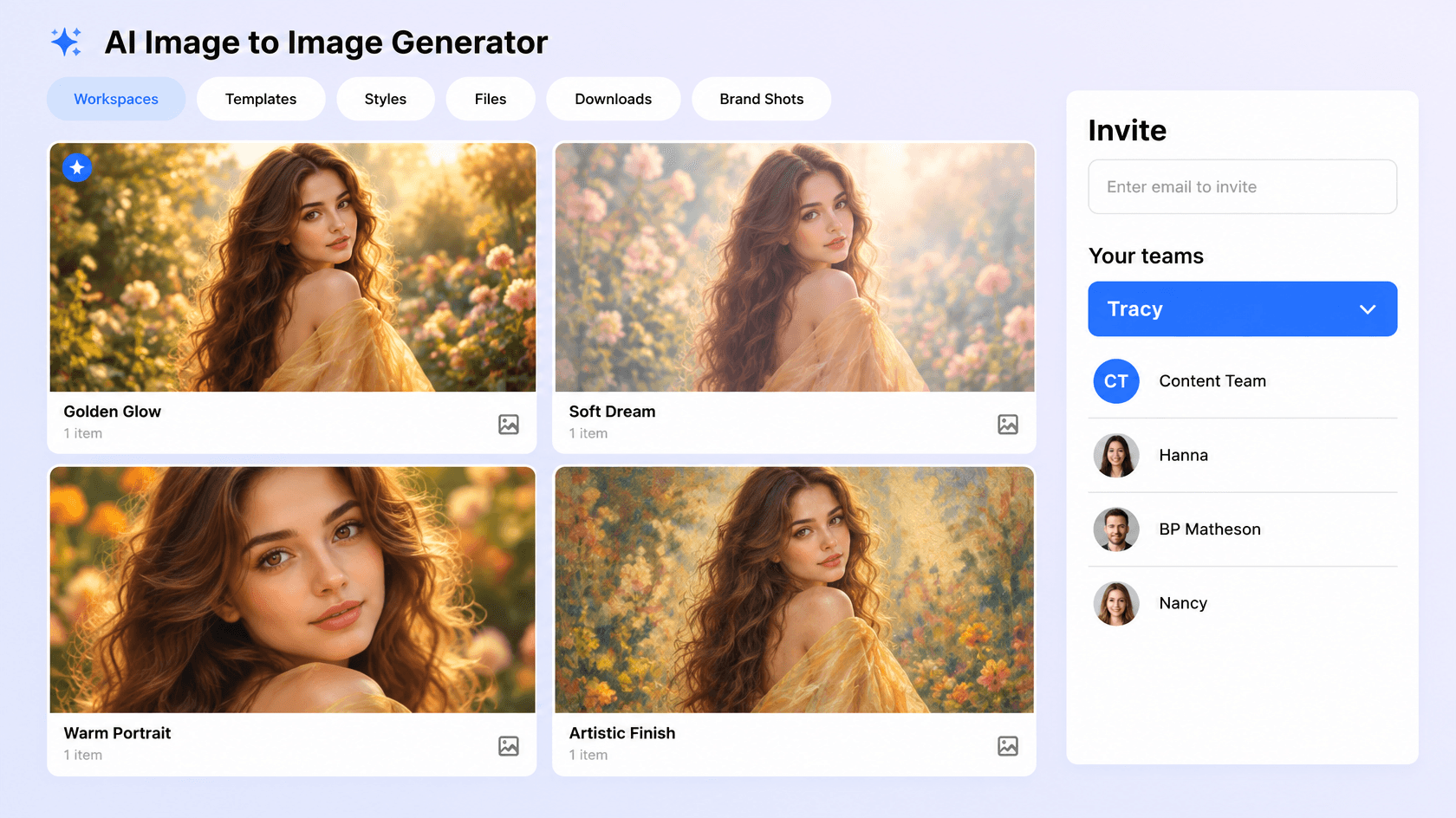
Combine Ideas and Refine Visual Results
Experiment with different references, prompts, backgrounds, lighting, and styles to develop multiple creative directions and refine the result according to your needs.
Create and Transform Images Effortlessly with AI
Everything you need to turn existing visuals into fresh creative concepts with prompt-based control, source detail preservation, and flexible visual transformations.

AI-Powered Image Transformation
Turn an uploaded source into a new visual concept using AI while retaining important subjects and visual characteristics.

Upload Your Source Image
Start with a photo, drawing, sketch, or other supported visual and use it as the foundation for your transformation.

Describe Your Transformation with a Prompt
Enter a natural-language prompt describing the style, subject changes, colors, background, lighting, mood, or composition you want.

Creative Style Conversion
Transform existing visuals into artistic, illustrated, realistic, 3D, sketch-inspired, or other creative styles based on your prompt.

Preserve Important Source Details
Maintain recognizable subjects, proportions, textures, and key visual elements while applying the requested transformation.

Generate Multiple Creative Variations
Explore different versions from the same source and prompt to compare creative directions.

Portrait Transformation
Turn selfies and existing portraits into polished creative concepts while retaining important facial characteristics.

Product Visual Variations
Create alternative product presentations, styling concepts, backgrounds, and visual directions without recreating every photoshoot.

Background Transformation
Describe a new setting or environment and generate a background that complements the original subject.

Add New Visual Elements
Use prompts to introduce objects, details, accessories, or other creative elements into an existing composition.

Remove or Replace Unwanted Elements
Describe elements you want changed or removed and generate a revised composition without rebuilding the entire design manually.

Lighting and Mood Changes
Transform the atmosphere by describing brighter, softer, dramatic, cinematic, warm, or other lighting directions.

Multi-Reference Creative Composition
Combine relevant source references to develop a new composition or visual concept when multiple inputs are supported.

Sketch and Design Transformation
Turn sketches, drawings, and rough concepts into more developed visual directions using descriptive prompts.

Prompt Based Refinement
Update your prompt to modify the generated result, explore another style, or make additional creative adjustments.

Flexible Aspect Ratio Support
Create outputs for common layouts such as 1:1, 3:4, 4:3, 9:16, and 16:9 to suit different digital and creative applications.

Multilingual Support
Generate and transform visuals in 20+ multiple languages including English, Spanish, Hindi, Arabic, Chinese, Japanese, and more, making it easier to describe creative ideas and visual changes for users worldwide.

Download or Share Instantly
Download your completed visual or share it instantly via Email, LinkedIn, WhatsApp, Facebook, X (Twitter), Pinterest, or generate a live link or QR code.
Image to Image FAQ
Still have questions?
The quickest answer is to try it - upload a photo and see the result.
What is an Image to Image? Definition
Image to Image is an AI technology that transforms an existing image into a new version by applying different styles, effects, edits, or enhancements while preserving the original image's structure and key details. 🎨✨
What is an AI Image to Image Generator and why is it used?
It is used to transform existing photos, sketches, or designs into new styles, compositions, backgrounds, and creative variations without manually rebuilding the original.
What sizes or formats are supported for image to image designs?
Image to image designs support layout ratios including 1:1, 3:4, 4:3, 9:16, and 16:9, making them suitable for social content, portraits, product presentations, and other digital uses.
What types of transformations can be created?
You can create artistic restyles, portrait transformations, product variations, background changes, lighting adjustments, object changes, creative compositions, and other prompt-based visual transformations.
Does the AI Image to Image Generator support multiple languages?
Yes, it supports 20+ multiple languages including English, Spanish, Hindi, Arabic, Chinese, Japanese, and more for supported multilingual prompt workflows.
What are the benefits of using an AI Image to Image Generator?
It saves editing time, transforms existing visuals quickly, supports creative experimentation, preserves important source details, and makes it easier to create multiple visual directions.
What are common use cases for AI Image to Image Generators?
Common use cases include product visualization, portrait transformation, social media content, marketing campaigns, artistic restyling, background changes, concept development, and creative design.
Explore more AI image tools


Try AI Image To Image Generator now
Drag and drop an image or browse to edit it
or drop an image here
