
Free AI Image Upscaler
Upload your image and our AI automatically increases resolution while preserving details, colors, and sharpness. Improve photos, graphics, screenshots, illustrations, and visuals in seconds. No sign up needed. Free, fast, and online.

Enhance Image Quality and Resolution, Edit Online with Smart Editor
Template net’s Free AI Image Upscaler helps you improve image resolution with speed and accuracy.
- Upload your image and let AI intelligently upscale it by enhancing sharpness, textures, and fine details.
- Continue editing with advanced tools, adjust backgrounds, collaborate with teams, preview results, and export high quality images in multiple formats.
- Ideal for designers, marketers, photographers, businesses, educators, and content creators.
How to Upscale Images Using AI
Upload your image, enhance resolution automatically, refine details, and export in seconds.
Upload Your Image
Open the AI Image Upscaler and upload a low resolution image that needs clarity improvement.
Review and Refine
The AI enhances resolution automatically. Use editor tools to adjust backgrounds, layers, elements, or layout.
Save, Download, or Share
Preview your enhanced image, save it to cloud storage, download in your preferred format, embed it on websites, or share via social and messaging platforms.
Enhance Images with Professional Quality Upscaling
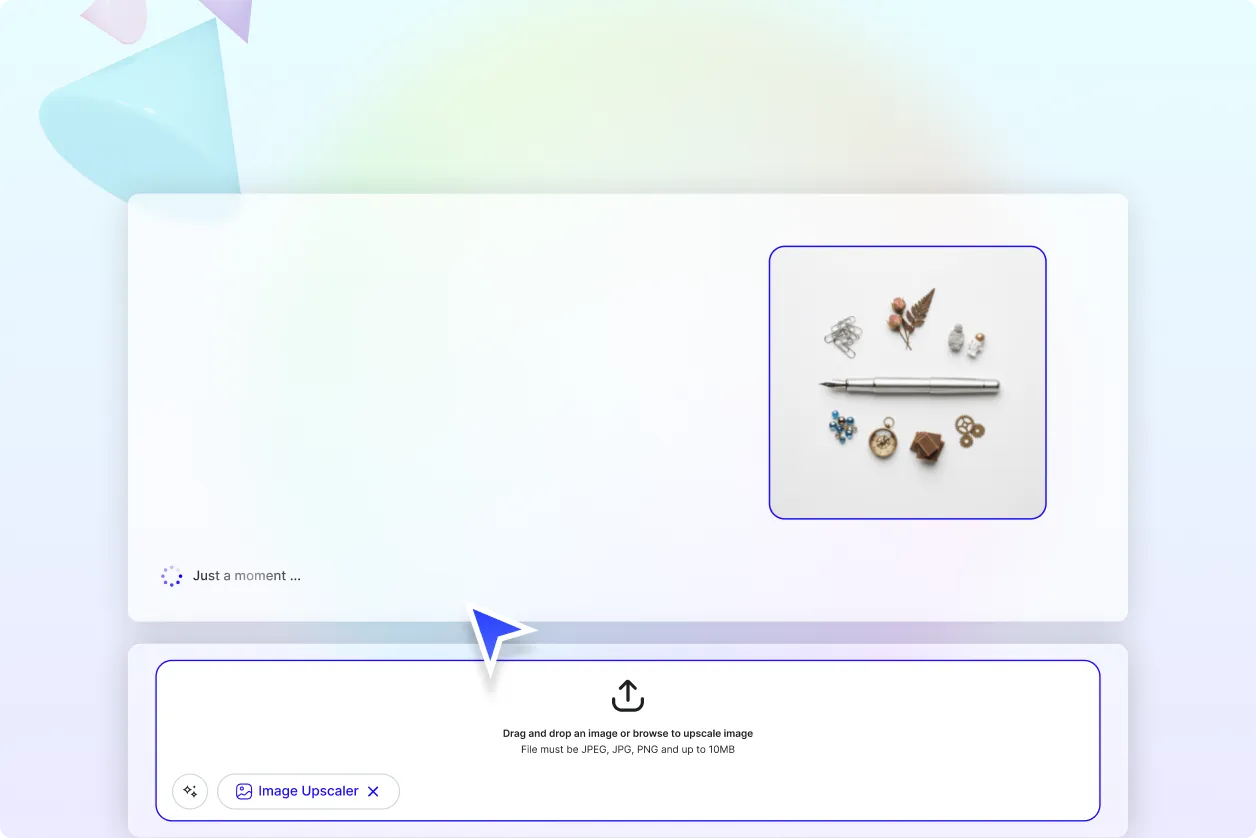
Improve Image Resolution Without Quality Loss
Increase image size while maintaining sharpness, natural textures, and visual balance using AI powered upscaling.
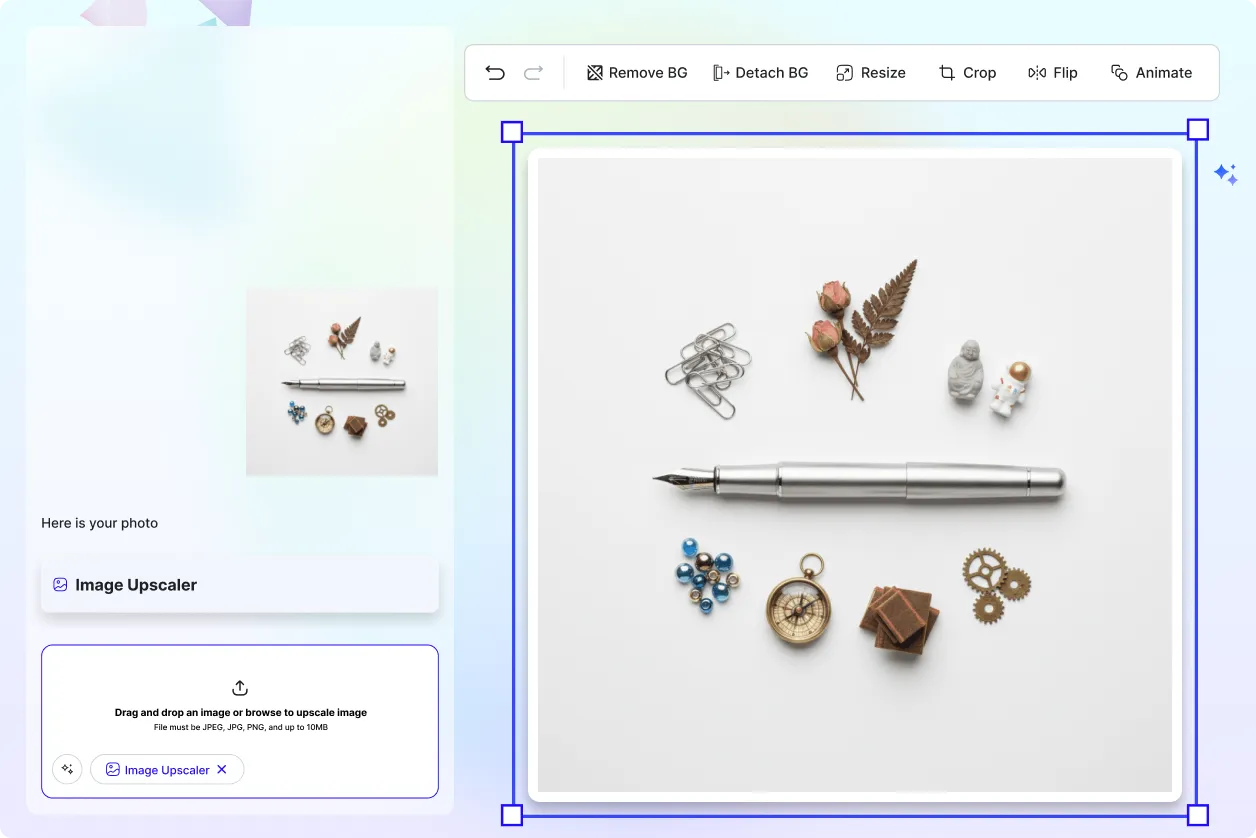
Prepare High Resolution Images for Any Purpose
Upscale images for marketing materials, ecommerce listings, websites, presentations, documents, social media, or print.
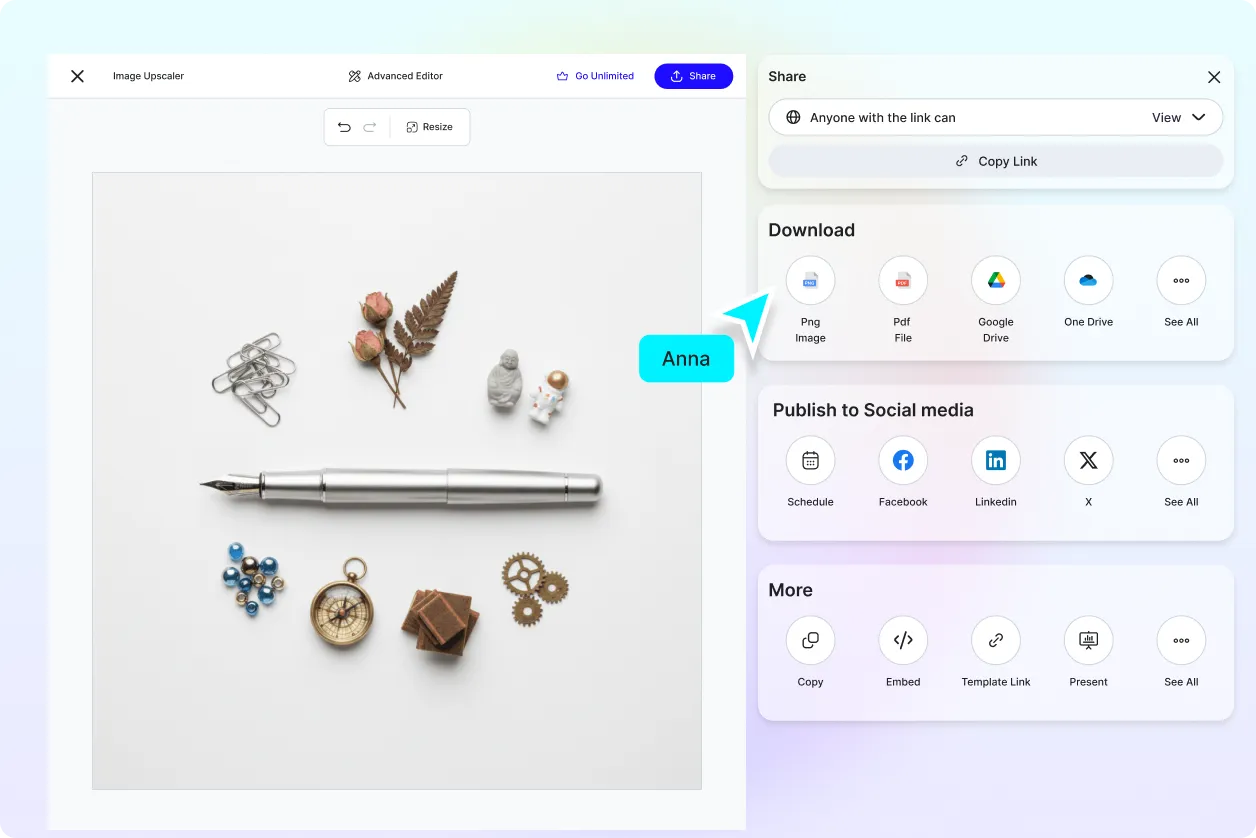
Collaborate and Finalize Faster
Share enhanced images with teams or clients, collect comments, and complete approvals efficiently.
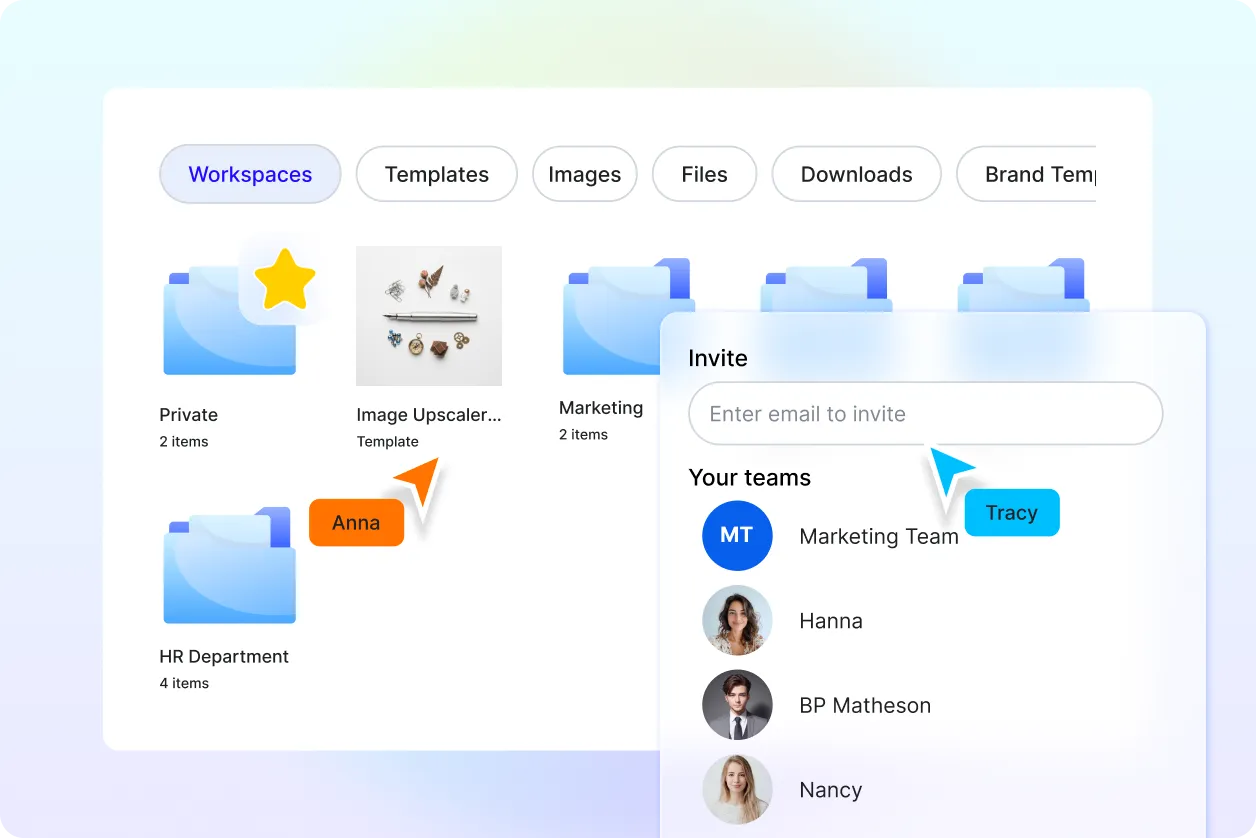
Manage Image Projects in One Workspace
Organize multiple enhanced images, versions, and edits in shared workspaces with full control.
Upscale Images Online for Free
Everything you need to enhance image resolution and clarity without complex photo editing software.

AI Powered Image Upscaling
Upload images and let AI automatically increase resolution while preserving natural details, edges, and color accuracy.

Upload Based Image Enhancement
Enhance images by uploading files directly. The tool works entirely on uploaded images with no text prompt required.

High Resolution Output
Convert low quality images into sharper, clearer, high resolution visuals suitable for digital and print use.

Advanced Editor Tools
Edit upscaled images using Design Library, Text Tools, Elements, Media Library, Backgrounds, Uploads, Charts, and Brand Kit.

Layer and Comment Control
Manage image layers efficiently and add comments for feedback, approvals, or revision tracking.

Change or Detach Background
Replace, remove, or detach backgrounds after upscaling for clean and flexible image use.

Resize Images for Any Platform
Resize enhanced images for websites, social media, presentations, documents, or print without losing clarity.

Copy to Clipboard
Copy the upscaled image instantly and paste it into documents, presentations, emails, or messages.

Add to Favorites
Save frequently used enhanced images to favorites for quick access anytime.

Rename Files Anytime
Rename image files easily to keep projects organized and searchable.

Collaborate in Real Time
Invite teammates or clients to view, comment, and edit images together in real time.

Share to Social Media Platforms
Share upscaled images directly to Facebook, LinkedIn, Twitter, and Pinterest.

Send via Messaging Apps
Send enhanced images instantly through WhatsApp or Messenger for fast sharing.

Save to Cloud Storage
Save upscaled images directly to Google Drive or OneDrive for secure access.

Download in Multiple File Formats
Download images in JPG, PNG, PDF, SVG, WEBP, BMP, TIFF, HTML, and more.

QR Code for Mobile Editing
Create a QR code to open and continue editing images on mobile devices.

Embed Images on Websites
Embed enhanced images directly into websites, blogs, landing pages, or product sections.

Edit in Google Slides and Microsoft PowerPoint
Open and continue editing upscaled images directly inside Google Slides or Microsoft PowerPoint.
Image Upscaler FAQ
Still have questions?
The quickest answer is to try it - upload a photo and see the result.
What is an AI Image Upscaler?
An AI Image Upscaler is a tool that increases image resolution using artificial intelligence while preserving details, clarity, and color accuracy.
How does AI upscale images?
The AI analyzes image patterns and enhances pixels intelligently to improve sharpness and resolution.
Is the image upscaler upload based?
Yes. The tool works by uploading images directly. No text prompts are required.
What image formats are supported for upload?
You can upload JPG, PNG, PDF, WEBP, BMP, TIFF, and other common image formats.
Can I edit images after upscaling?
Yes. You can edit backgrounds, layers, elements, text, and layouts using built in editor tools.
What formats can I download upscaled images in
You can download enhanced images in JPG, PNG, PDF, SVG, WEBP, BMP, TIFF, HTML, and more.
Who uses AI Image Upscalers?
Designers, marketers, photographers, businesses, educators, and content creators use AI Image Upscalers to improve image quality quickly and professionally.
Explore more AI image tools


Try AI Image Upscaler now
Drag and drop an image or browse to edit it
or drop an image here
