
Free AI Crop Image
Upload your image and our AI automatically crops your image with smart framing and clean composition. Create perfectly aligned visuals for social media, products, and digital content. Free, fast, and online.

Crop Photo Online with Smart AI Image Editor
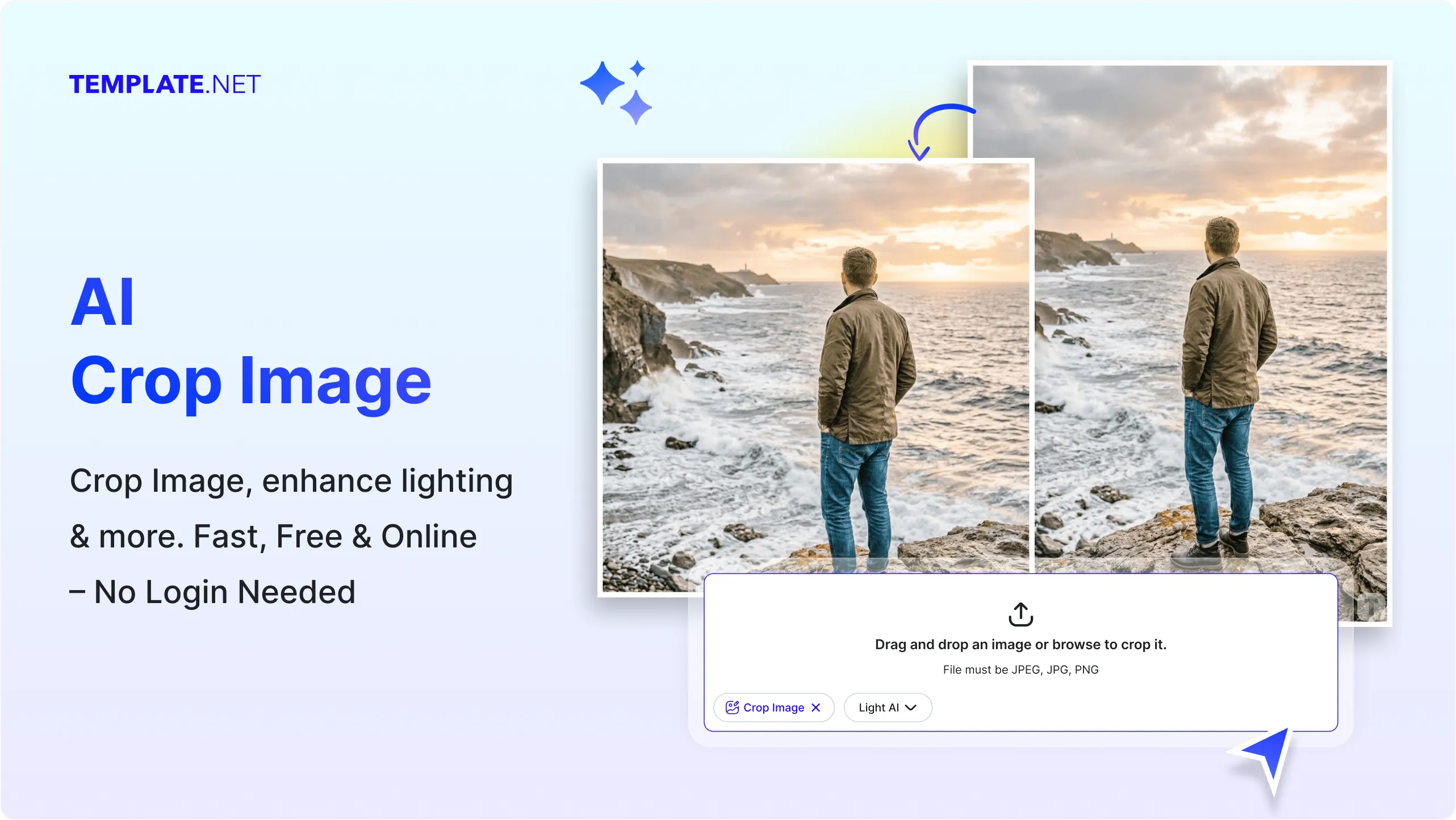
Template net’s Free AI Crop Image tool helps you transform any image into a well-framed and balanced visual in seconds.
- Upload your file and the AI automatically detects key subjects, adjusts alignment, and applies smart cropping for improved composition.
- You can refine the crop manually, explore variations, and download high-quality results ready for content creation, design, or marketing use.
How to Crop Image Using AI
Upload, adjust, and export your visuals using a simple workflow.
Upload Your Image
Open the AI Crop Image tool and upload your file. The system automatically analyzes the image and suggests optimal crop framing based on subject and layout.
Adjust and Customize
Refine the crop by adjusting the frame, repositioning the subject, or selecting preferred dimensions. The AI ensures your image remains balanced and properly aligned.
Save Download or Share
Preview your cropped image and download it in high quality or share it instantly via Email, LinkedIn, WhatsApp, Facebook, X (Twitter), Pinterest, or generate a live link or QR code for content, design, or marketing use.
Create Well-Framed Visuals That Improve Composition
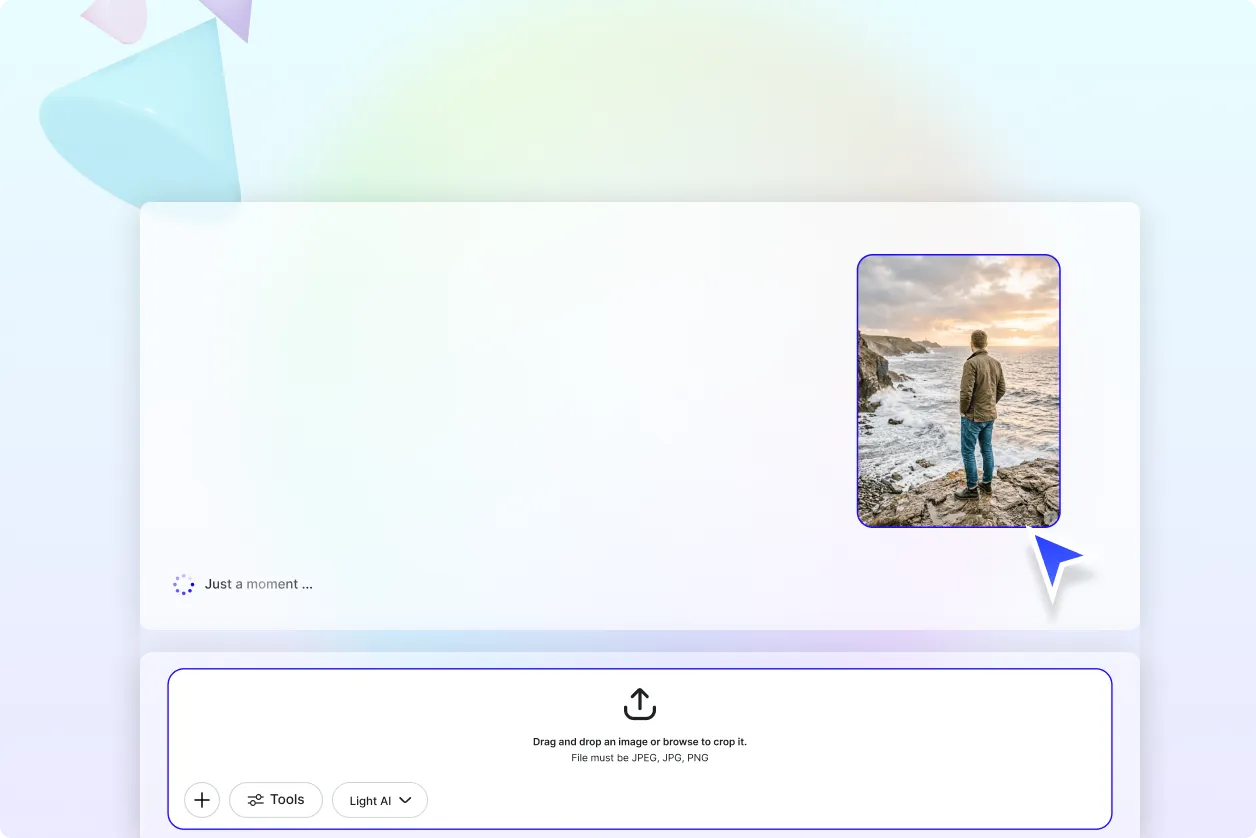
Turn Raw Uploads into Perfectly Framed Visuals
Transform unstructured uploads into clean, balanced visuals with smart cropping that highlights the most important parts of your design.
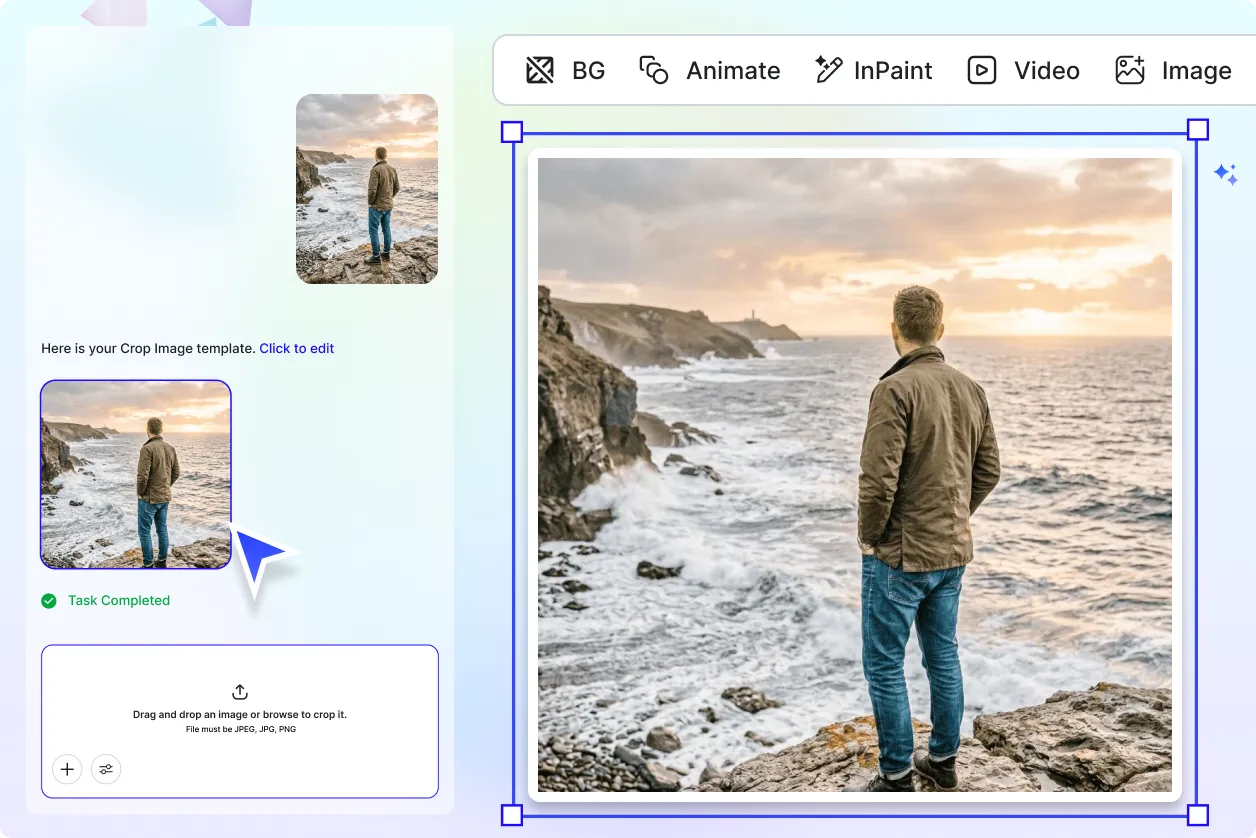
Improve Layout and Visual Focus Easily
Adjust framing to remove distractions and enhance subject positioning, helping your visuals look more professional and engaging.
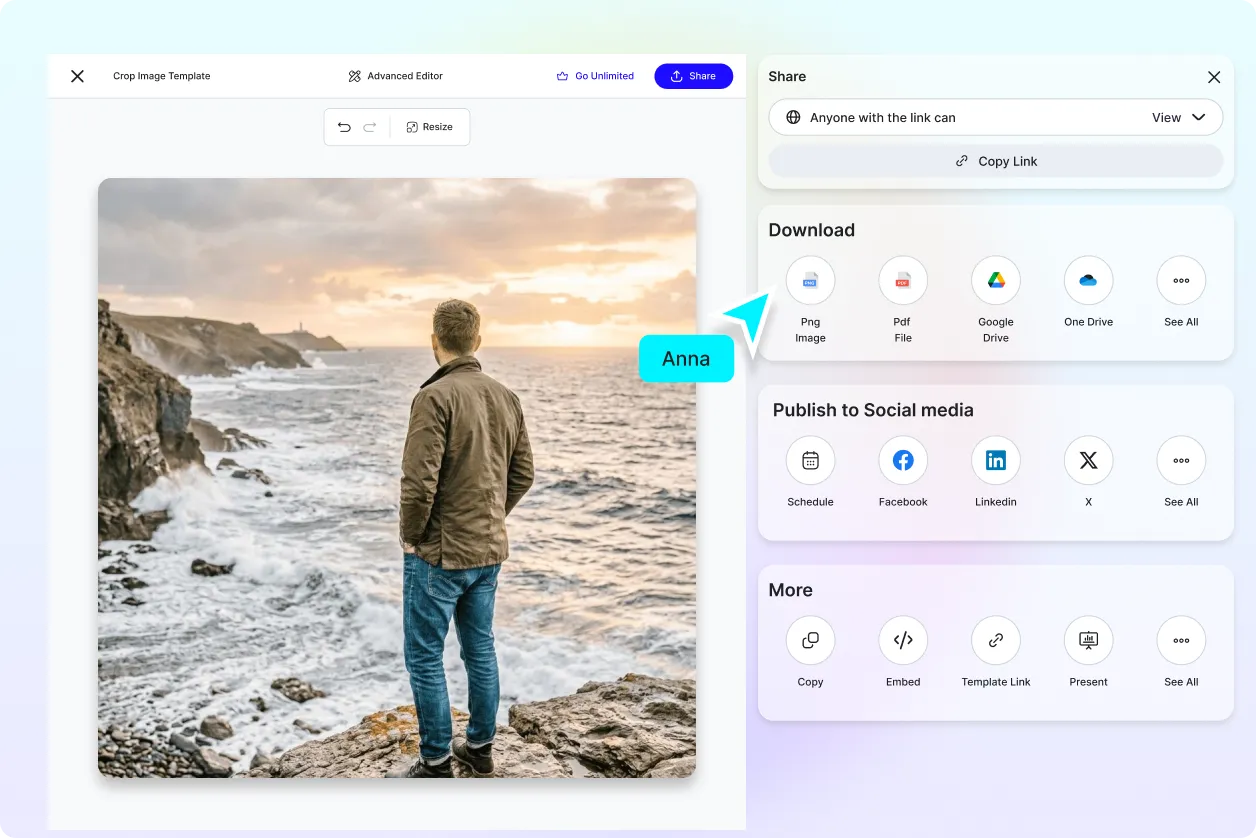
Explore Multiple Cropping Styles for Flexibility
Generate different crop variations to match different platforms, layouts, or creative needs without re-editing from scratch.
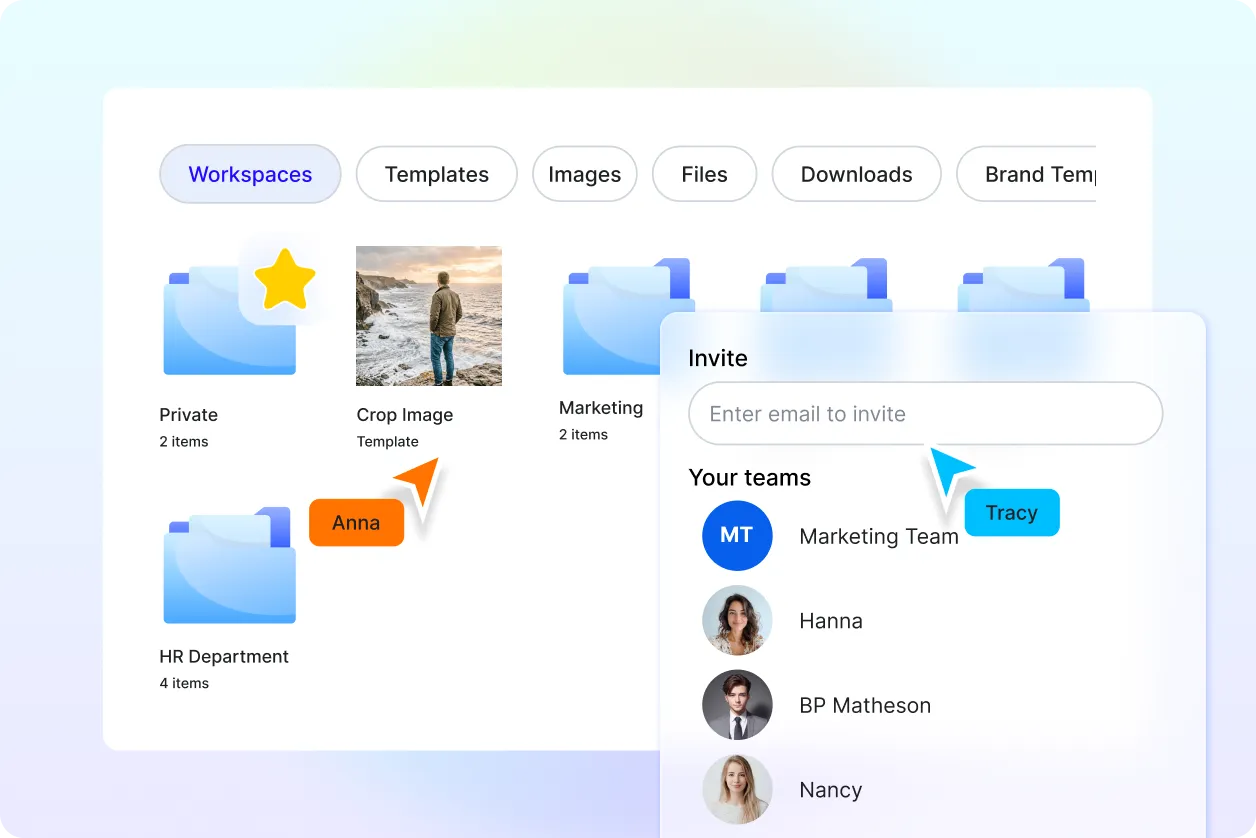
Maintain Consistent Visual Structure Across Designs
Ensure all your visuals follow a consistent alignment and framing style, helping you build a strong and cohesive visual identity.
Create and Edit Cropped Image Effortlessly with AI
Everything you need to generate clean, structured, and well-aligned visuals with speed, precision, and flexibility.

AI-Powered Smart Cropping
Automatically crop your image by detecting the most important subject and adjusting the frame accordingly.

Upload and Crop Instantly
Upload your file and get a perfectly cropped image without complex editing steps.

Intelligent Subject Detection
Identify faces, objects, and focal points to ensure your image stays centered and visually balanced.

Flexible Crop and Framing Control
Adjust crop areas manually or use AI suggestions to refine your image layout.

Clean Composition and Alignment
Ensure proper spacing, margins, and alignment for a polished image output.

Multiple Cropping Options
Choose freeform, custom dimensions, or preset styles to crop your image based on your needs.

Generate Multiple Crop Variations
Create different crop versions of the same image to explore multiple layouts.

Platform Ready Formats
Crop image files suitable for digital platforms, presentations, and marketing use.

Easy Adjustment and Fine Tuning
Drag, resize, and reposition elements to refine your image crop precisely.

Consistent Cropping Style
Maintain a uniform look across multiple visuals with consistent crop settings.

Save and Reuse Crop Settings
Store preferred crop styles and apply them to future image edits.

Organize Multiple Crop Versions
Manage different cropped outputs of the same image easily.

Collaborate on Visual Edits
Share your cropped image with teams or clients for feedback and improvements.

Download or Share Instantly
Download high-quality results or share instantly via Email, LinkedIn, WhatsApp, Facebook, X (Twitter), Pinterest, or generate a live link or QR code for design and collaboration.

Multilingual Support
Use the tool in 20+ multiple languages including English, Spanish, Hindi, Arabic, Chinese, Japanese, and more to reach global audiences.

Fast Processing with AI Optimization
Crop your image quickly with high-speed AI processing for efficient workflows.

Precision Edge Detection
Ensure clean and accurate edges while cropping to maintain visual quality.

Secure Image Handling
Your uploaded image files are processed securely, ensuring data privacy and protection.
Crop Image FAQ
Still have questions?
The quickest answer is to try it - upload a photo and see the result.
What is Crop Image? Definition
Crop image is the process of trimming unwanted areas from an image to improve composition, focus, and visual balance.
What is an AI Crop Image tool and why is it used?
An AI Crop Image tool automatically adjusts framing and alignment after upload, helping users create well-structured visuals quickly without manual effort.
What formats are supported for cropped outputs?
The tool supports standard file formats such as JPG, PNG, and WEBP, making them suitable for digital content, design, and marketing use.
What types of cropping can be applied?
You can apply freeform cropping, custom dimension cropping, and AI-assisted smart framing depending on your requirement.
Does the AI Crop Image tool support multiple languages?
Yes, it supports 20+ multiple languages including English, Spanish, Hindi, Arabic, Chinese, Japanese, and more.
What are the benefits of using an AI Crop Image tool?
It simplifies editing, improves composition, saves time, and ensures consistent, high-quality visual output.
What are common use cases for image cropping?
Common use cases include social media content, product visuals, profile photos, marketing creatives, and digital design projects.
Explore more AI image tools


Try AI Crop Image now
Drag and drop an image or browse to edit it
or drop an image here
