
Free AI Skin Enhancer
Enhance skin in portraits by uploading a photo and selecting a skin enhancement option. The AI refines skin texture, facial detail, and overall portrait quality while keeping the result natural-looking. Create polished visuals for selfies, profile photos, professional portraits, social media, and creative projects. Free, fast, and online.

Create Skin Enhancement Images Online with AI Powered Generator
Template.net’s Free AI Skin Enhancer helps you improve skin texture and facial detail through a simple upload-and-select workflow. Upload a portrait, choose a suitable enhancement option, and let AI generate the refined result. Select different enhancement styles to explore subtle smoothing, realistic texture, or stronger skin refinement for portraits, selfies, profile photos, and creative content. For broader portrait improvements, you can also explore the AI Image Enhancer.
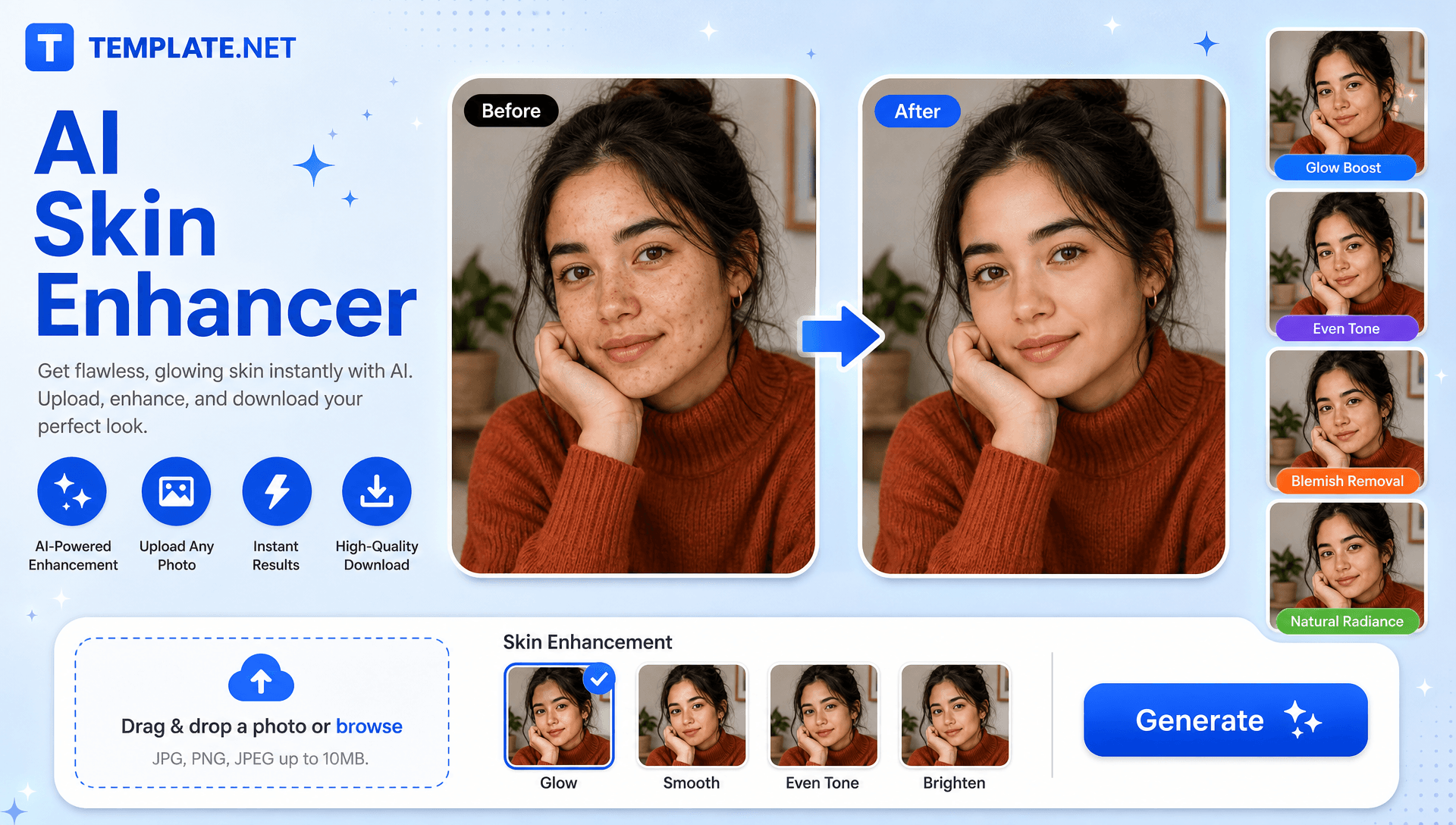
How to Create Skin Enhancement Designs Using AI
Upload a portrait, select an enhancement option, generate the result, and export the finished visual through a simple workflow.
Upload Your Photo
Open the AI Skin Enhancer and upload a clear portrait with a visible face. A well-lit photo can help the AI identify facial details and skin texture more effectively.
Select an Option and Generate
Choose the skin enhancement option that matches your desired finish, such as a soft, realistic, or stronger refinement mode. The AI then generates the enhanced result automatically.
Preview, Download, or Share
Review the generated portrait and select another enhancement option when available if you want a different finish. Download the final image or share it instantly via Email, LinkedIn, WhatsApp, Facebook, X (Twitter), Pinterest, or generate a live link or QR code.
Transform Portraits with Natural Looking AI Skin Enhancement
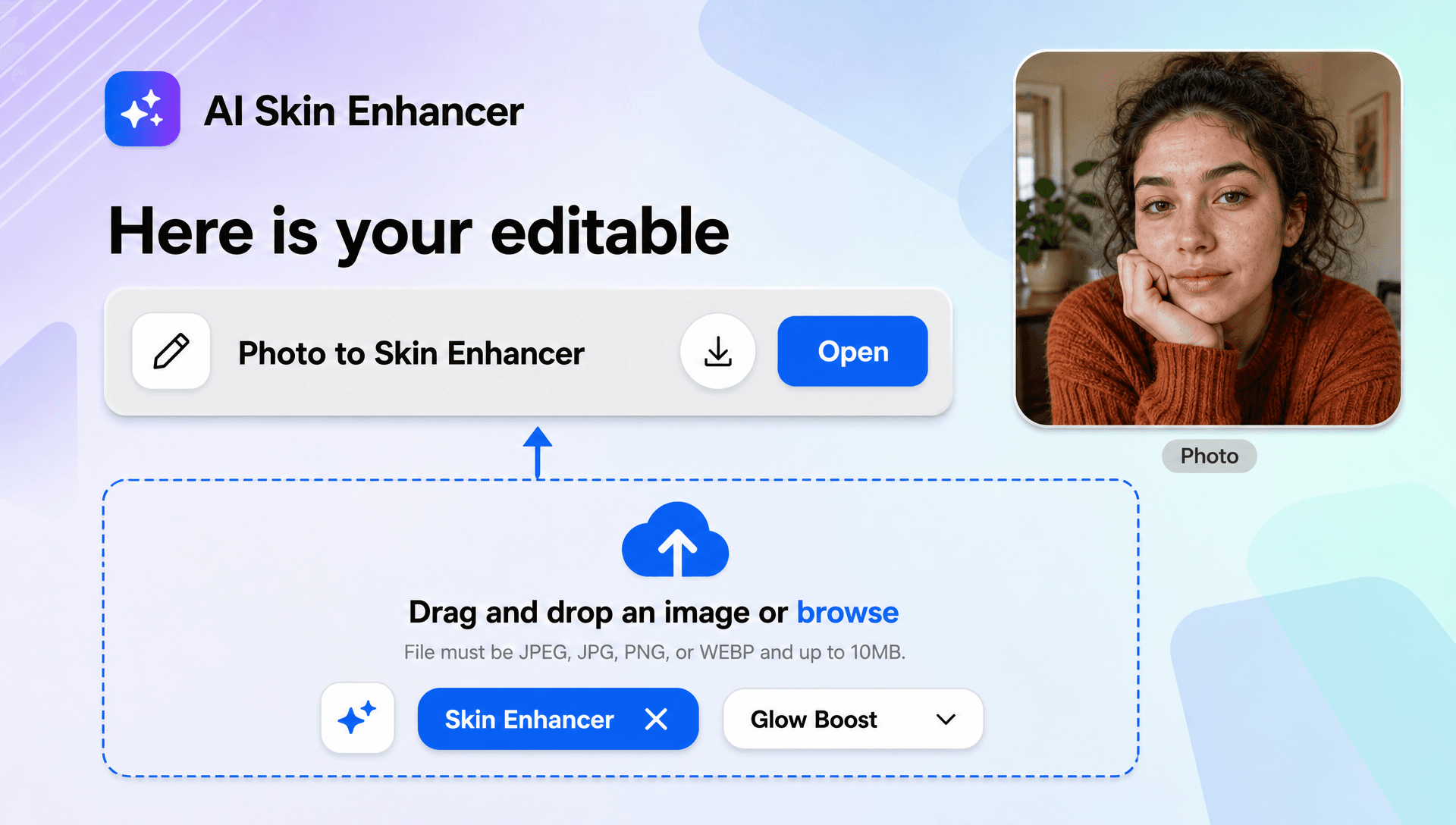
Refine Skin Texture Without Losing Natural Detail
Improve the appearance of skin while retaining recognizable facial characteristics and natural texture, helping portraits look polished without an excessively blurred finish.
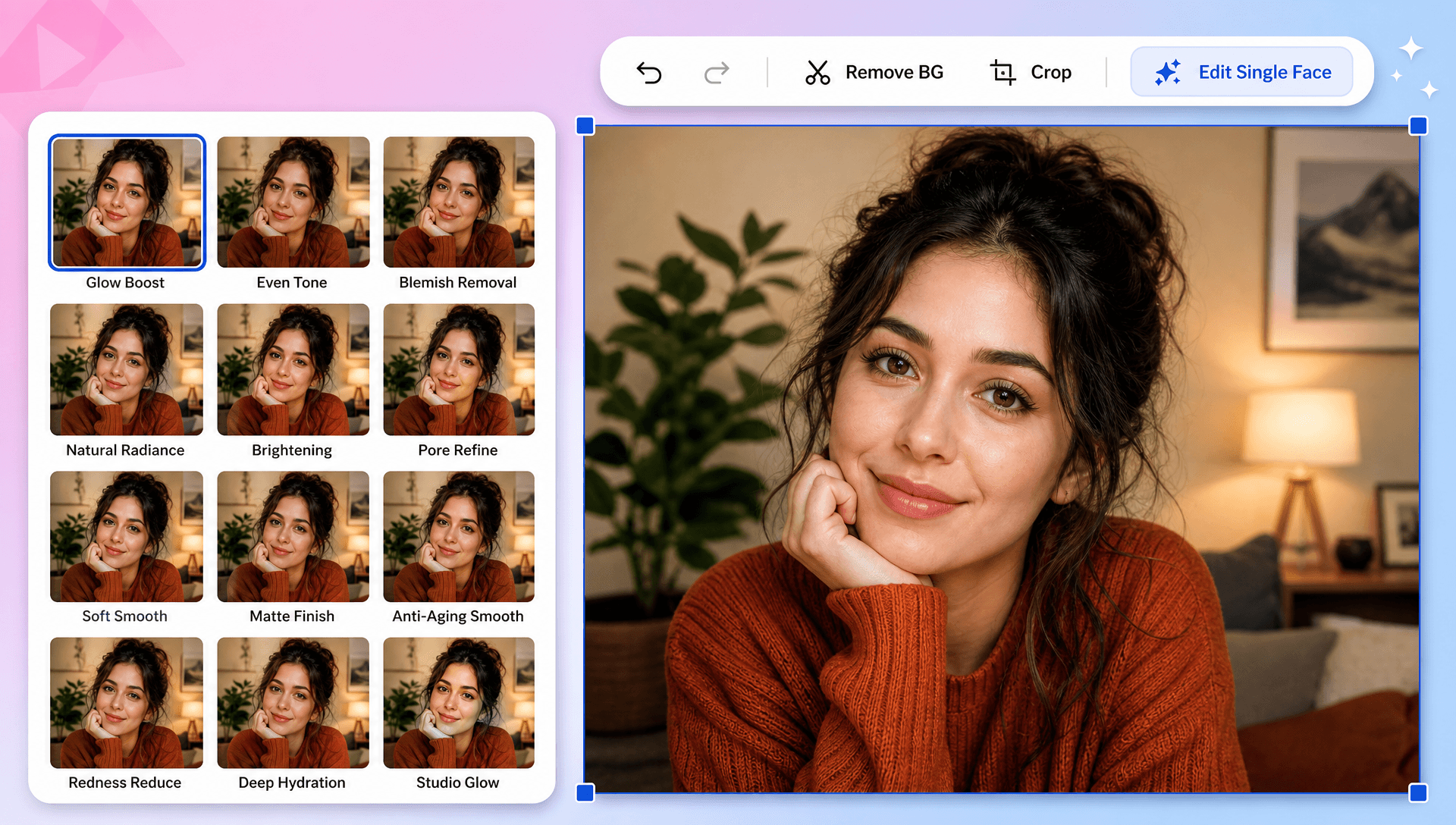
Choose a Skin Enhancement Style That Fits Your Portrait
Explore available modes such as realistic, soft, imperfect-skin, or freckle-aware enhancement to match different portrait requirements and preferred retouching intensity.
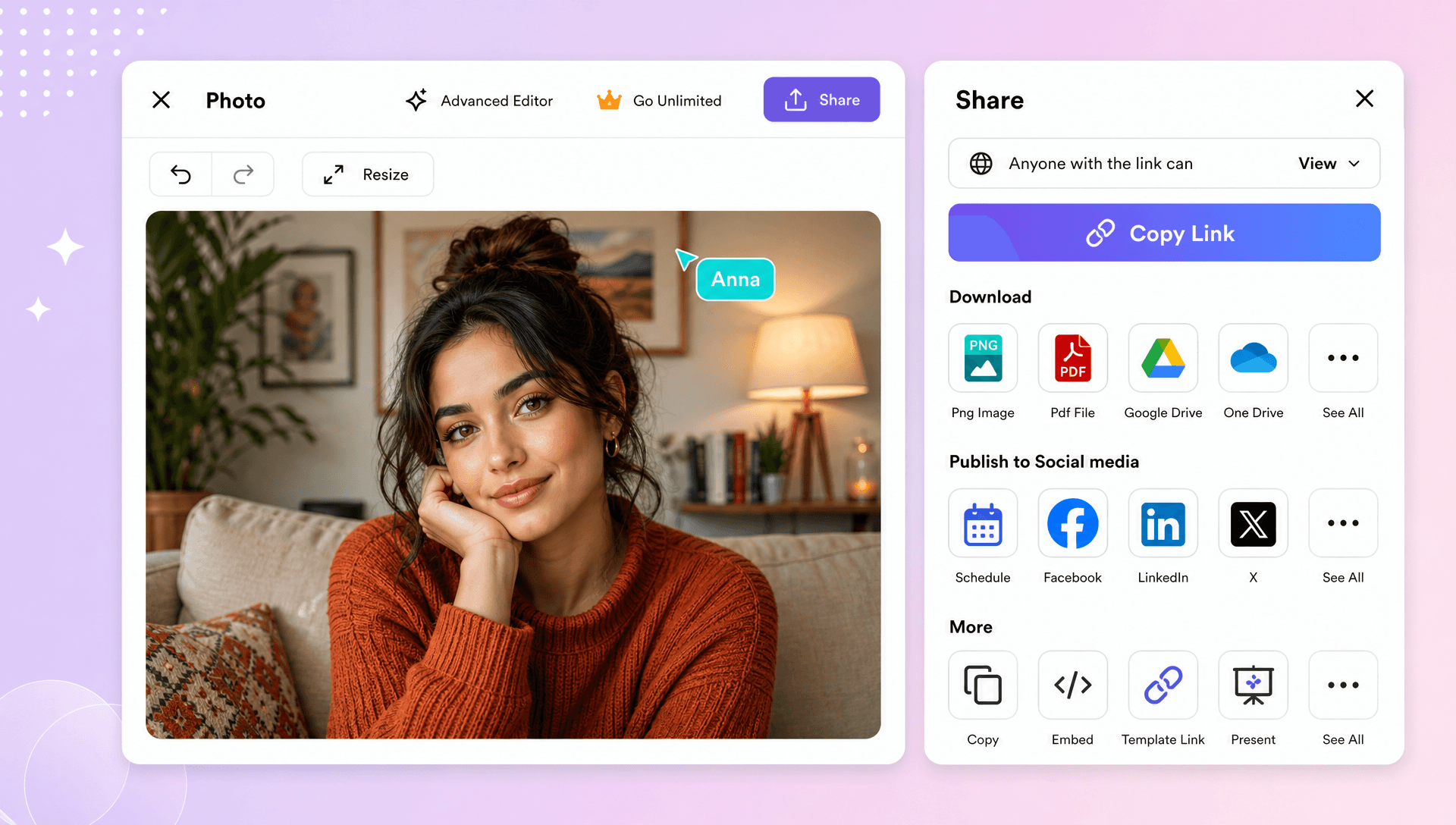
Create Polished Selfies and Professional Portraits
Turn everyday selfies, profile photos, and professional headshots into cleaner-looking portraits with focused skin and facial-detail enhancement. For more targeted portrait editing, use AI Photo Editor.
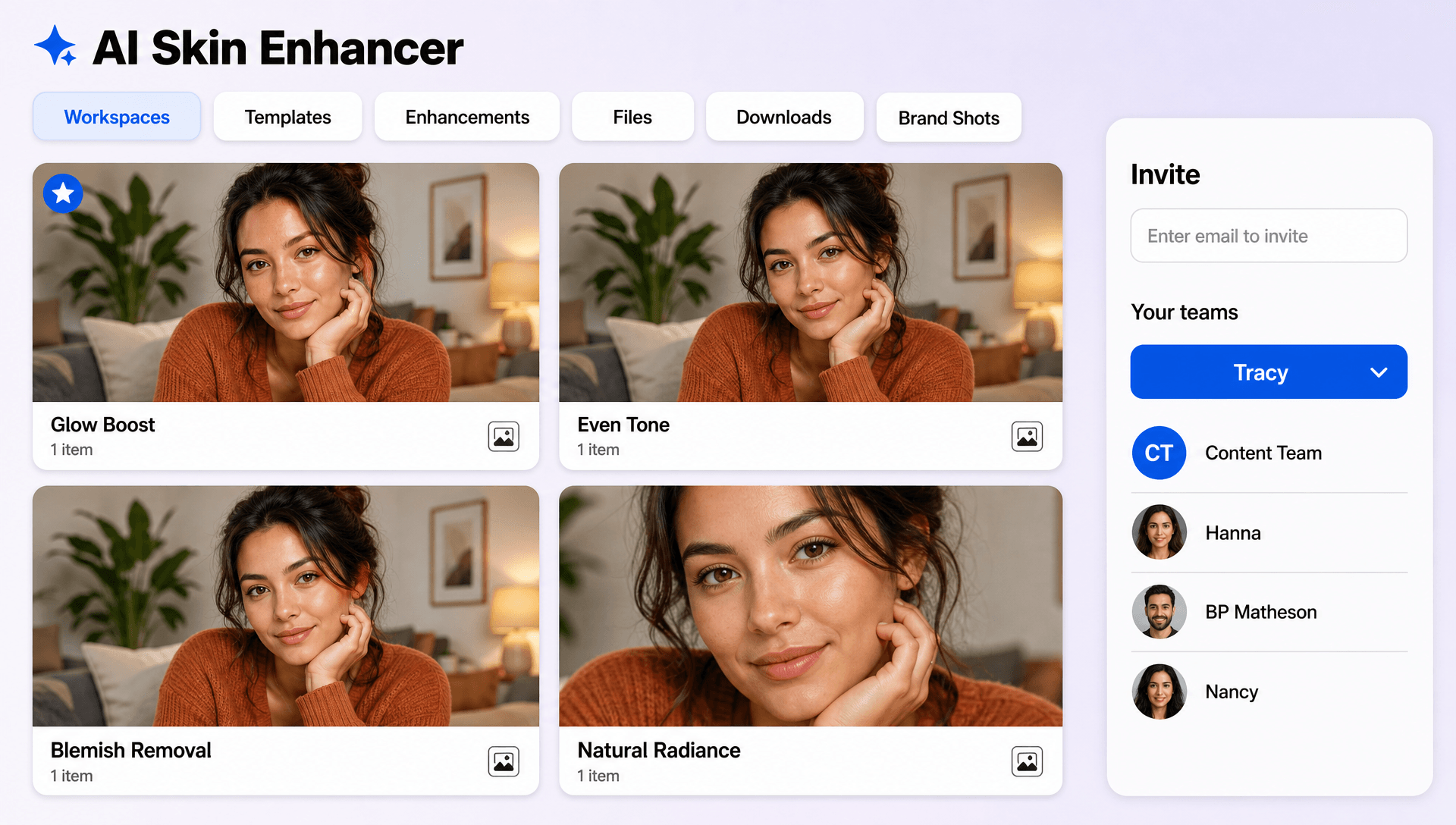
Build Better Portrait Concepts for Digital Content
Prepare refined portraits for social media, personal branding, campaigns, creative projects, and digital storytelling. An AI Portrait Generator can help create additional portrait concepts when you need new visual variations.
Create and Enhance Skin Portraits Effortlessly with AI
Everything you need to refine skin texture, improve facial detail, and create polished portrait image visuals with a simple upload and option-selection process.

AI-Powered Skin Enhancement
Automatically refine visible skin texture and facial detail after you upload a portrait and select an enhancement option.

Upload a Photo
Start with a clear, well-lit portrait containing a visible face to help AI identify skin and facial details accurately.

Select Your Preferred Skin Mode
Choose an available enhancement option based on the level and style of skin refinement you want to create.

Natural Skin Texture Preservation
Enhance the appearance of skin while retaining realistic texture instead of creating an overly blurred or filtered finish.

Realistic Skin Refinement
Improve facial appearance with balanced smoothing and detail enhancement for a more natural portrait result.

Soft Skin Enhancement
Create a subtle, smoother skin finish for selfies and portraits where a light retouching effect is preferred.

Imperfect Skin Refinement
Apply stronger enhancement to reduce the visible appearance of common skin imperfections while retaining facial character.

Freckle Aware Enhancement
Refine portraits while allowing distinctive facial details such as freckles to remain part of the overall appearance.

Facial Detail Recovery
Improve visible facial details to help portraits appear clearer and more refined.

Portrait Clarity Improvement
Enhance the overall clarity of a portrait by refining skin and facial areas together.

Adjustable Enhancement Strength
Choose an appropriate enhancement level to create a subtle finish or a more noticeable retouched appearance when supported.

Selfie Retouching Support
Enhance selfies and close-up portraits with skin-focused AI adjustments designed for everyday visual content.

Professional Portrait Enhancement
Create polished headshots and profile visuals with improved skin texture and facial clarity.

Multilingual Support
Empower your AI Skin Enhancer platform with support for 20+ languages, including English, Spanish, Hindi, Arabic, Chinese, Japanese, and many more. Make advanced skin enhancement, and beauty retouching accessible to users everywhere.

Social Media Ready Results
Prepare refined portrait visuals for profile photos, posts, stories, and other digital content.

High Quality Photo Support
Use clear, well-lit source photos to give the AI more facial detail and skin texture to work with.

Fast AI Processing
Generate a refined portrait quickly after uploading your photo and selecting the desired enhancement option.

Download or Share Instantly
Download your completed portrait or share it instantly via Email, LinkedIn, WhatsApp, Facebook, X (Twitter), Pinterest, or generate a live link or QR code.
Skin Enhancer FAQ
Still have questions?
The quickest answer is to try it - upload a photo and see the result.
What is a Skin Enhancer? Definition
A skin enhancer is a photo editing tool that improves the appearance of skin by refining texture, facial detail, clarity, and visible imperfections.
What is an AI Skin Enhancer and why is it used?
An AI Skin Enhancer uses artificial intelligence to analyze a portrait and refine skin texture and facial details, helping create polished and natural-looking portraits faster.
What sizes or formats are supported for skin enhancement images?
Skin enhancement image designs support layout ratios including 1:1, 3:4, 4:3, 9:16, and 16:9 for portraits, profiles, social content, and digital use.
What types of skin enhancement can be created?
You can create soft skin, realistic skin, stronger imperfection refinement, freckle-aware enhancement, selfie retouching, and professional portrait improvements.
Does the AI Skin Enhancer support multiple languages?
Yes, it supports 20+ multiple languages including English, Spanish, Hindi, Arabic, Chinese, Japanese, and more where multilingual input is supported.
What are the benefits of using an AI Skin Enhancer?
It saves editing time, improves skin texture and facial detail, offers different enhancement styles, and creates polished portrait results with a simple workflow.
What are common use cases for AI Skin Enhancer?
Common use cases include selfie retouching, professional headshots, profile photos, social media portraits, beauty photography, personal photos, marketing content, and creative portrait projects.
Explore more AI image tools


Try AI Skin Enhancer now
Drag and drop an image or browse to edit it
or drop an image here
