Free AI Lanyard Generator

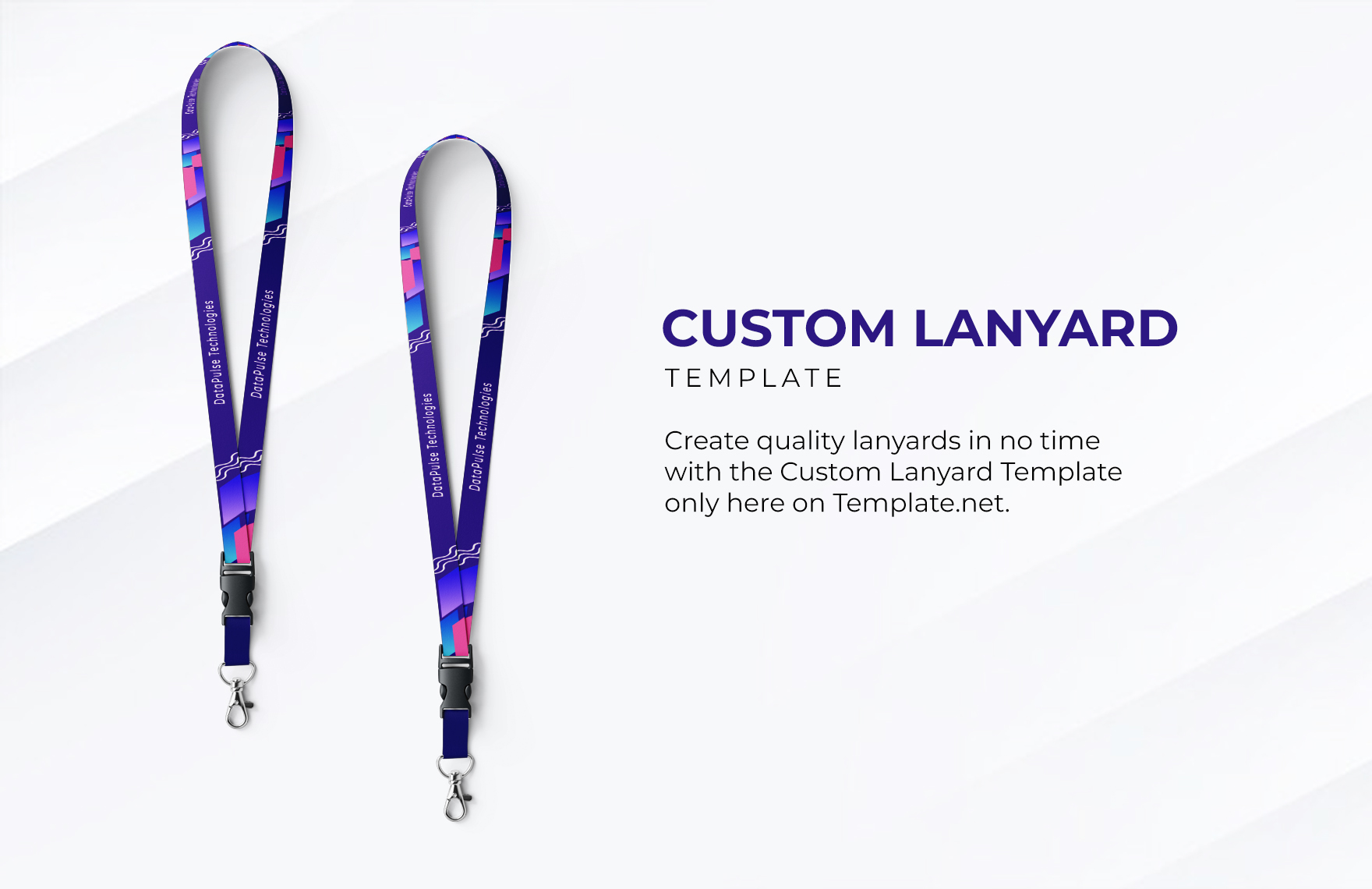
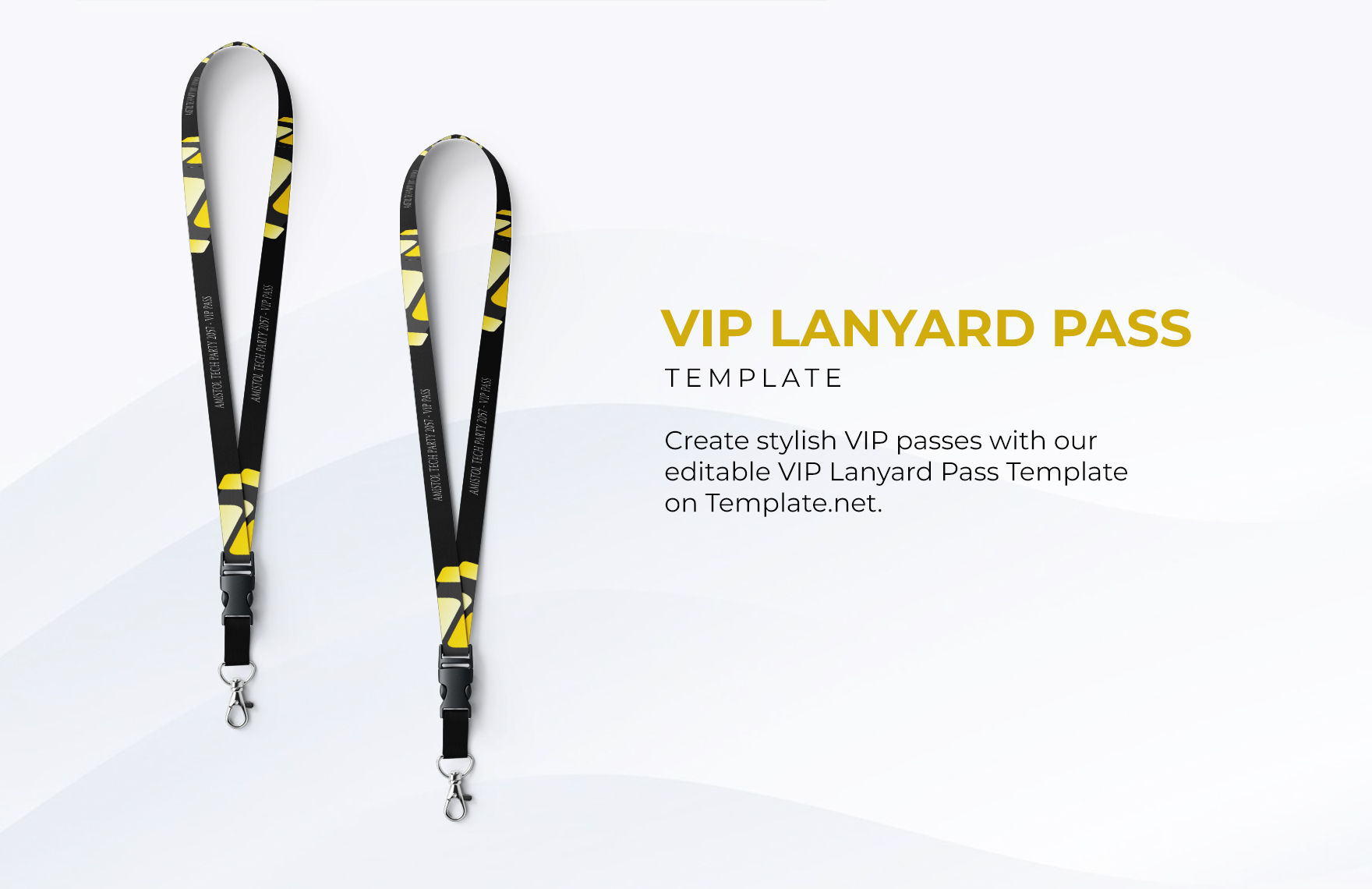
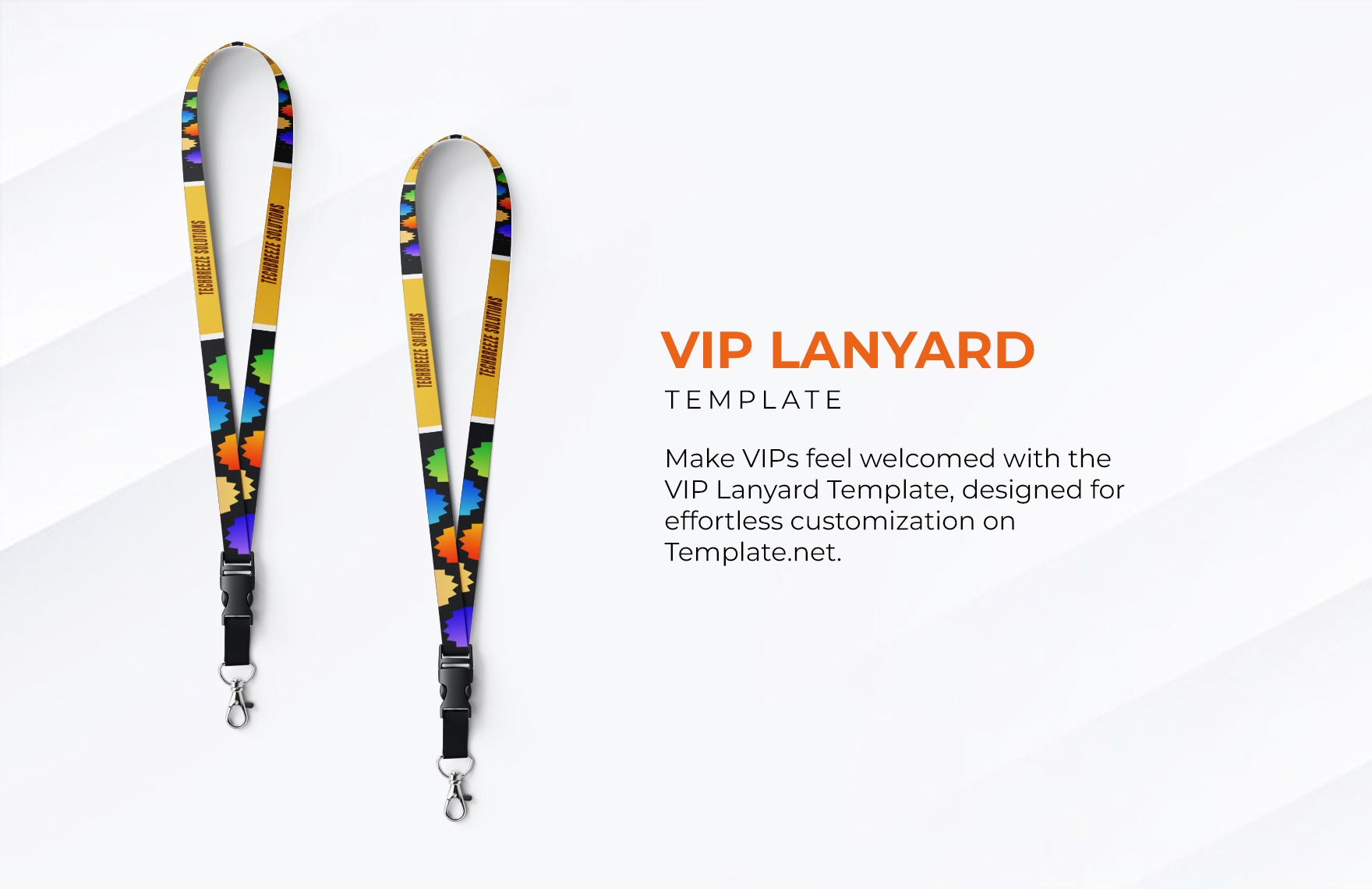
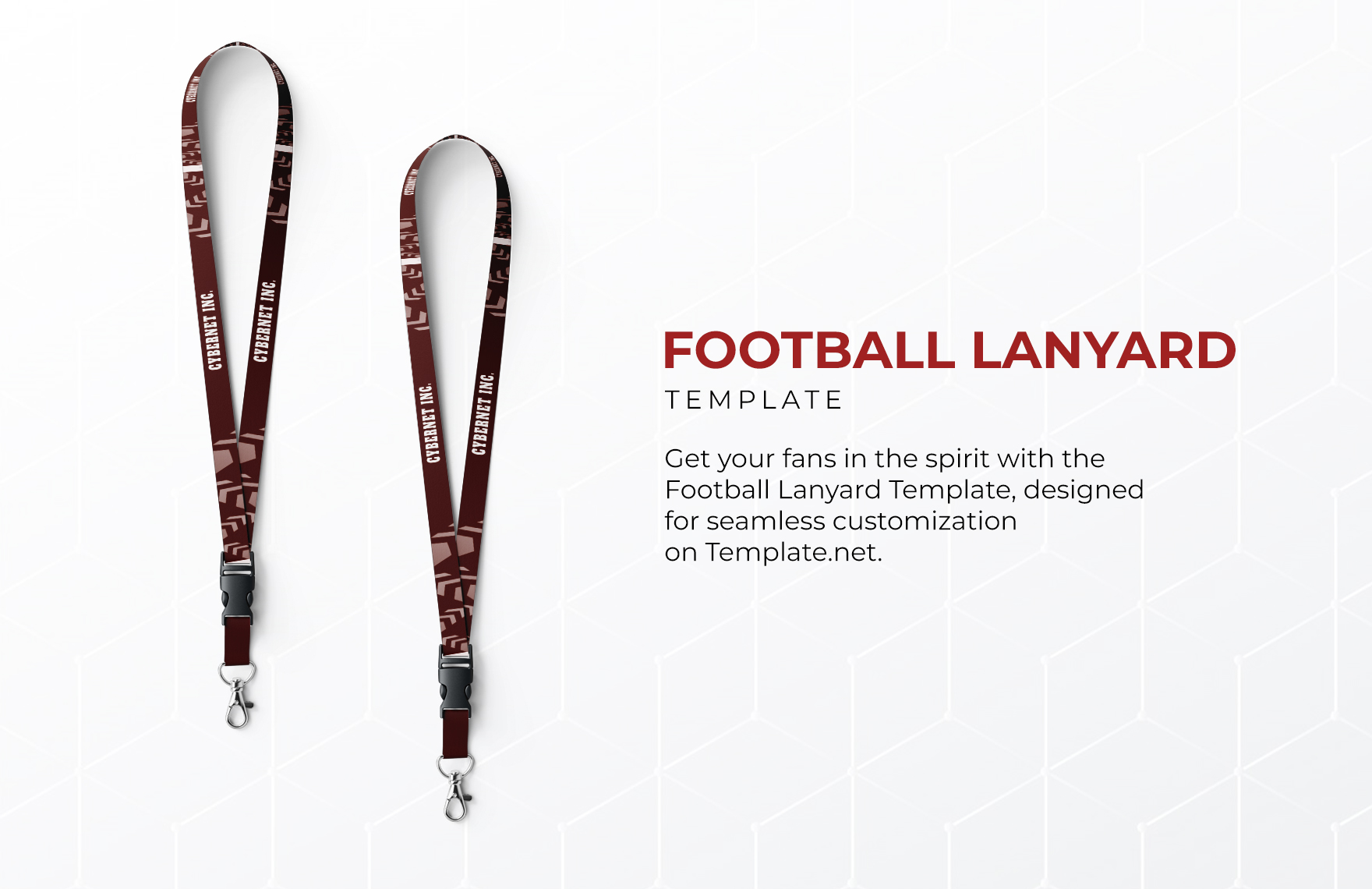
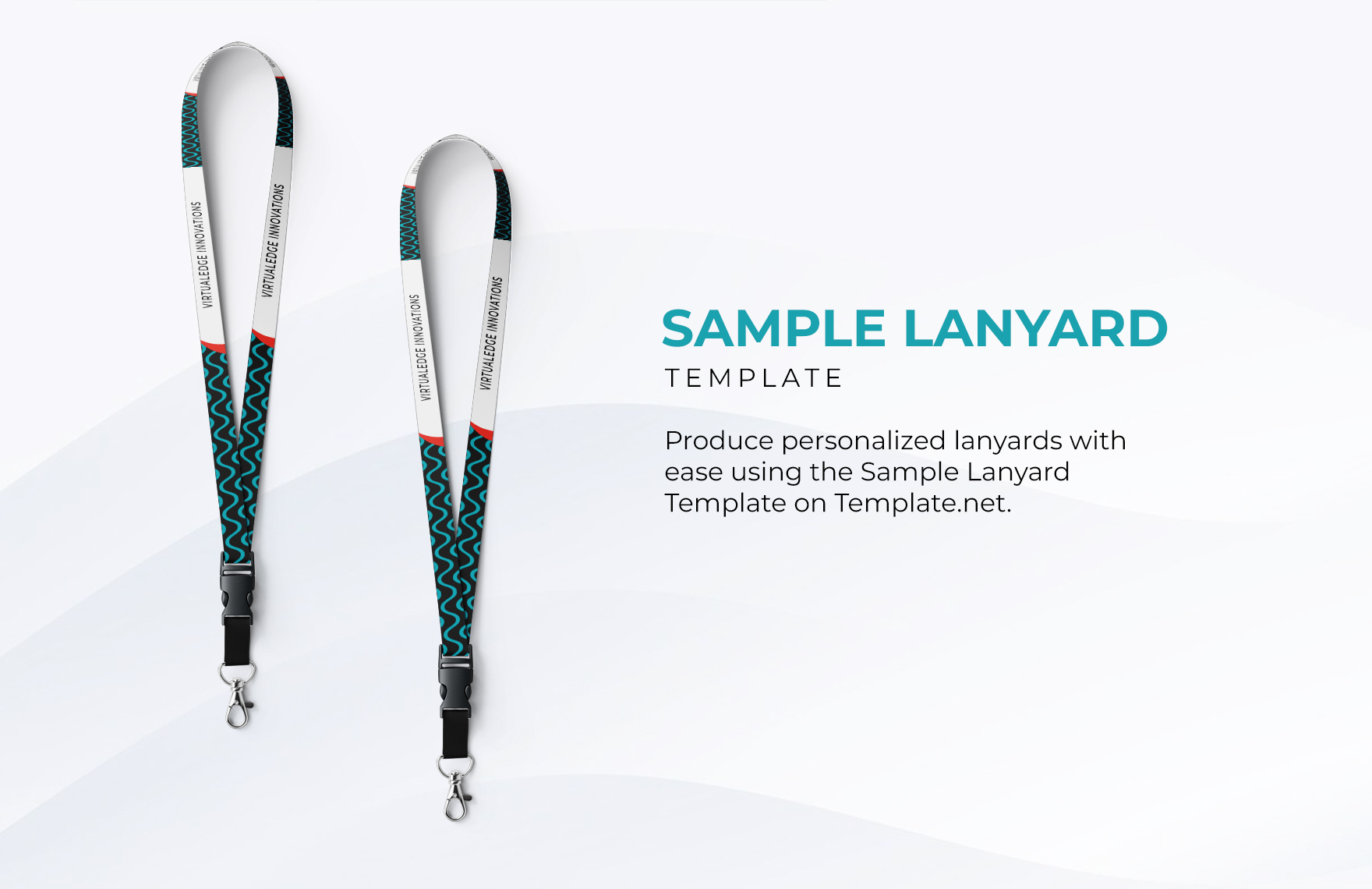
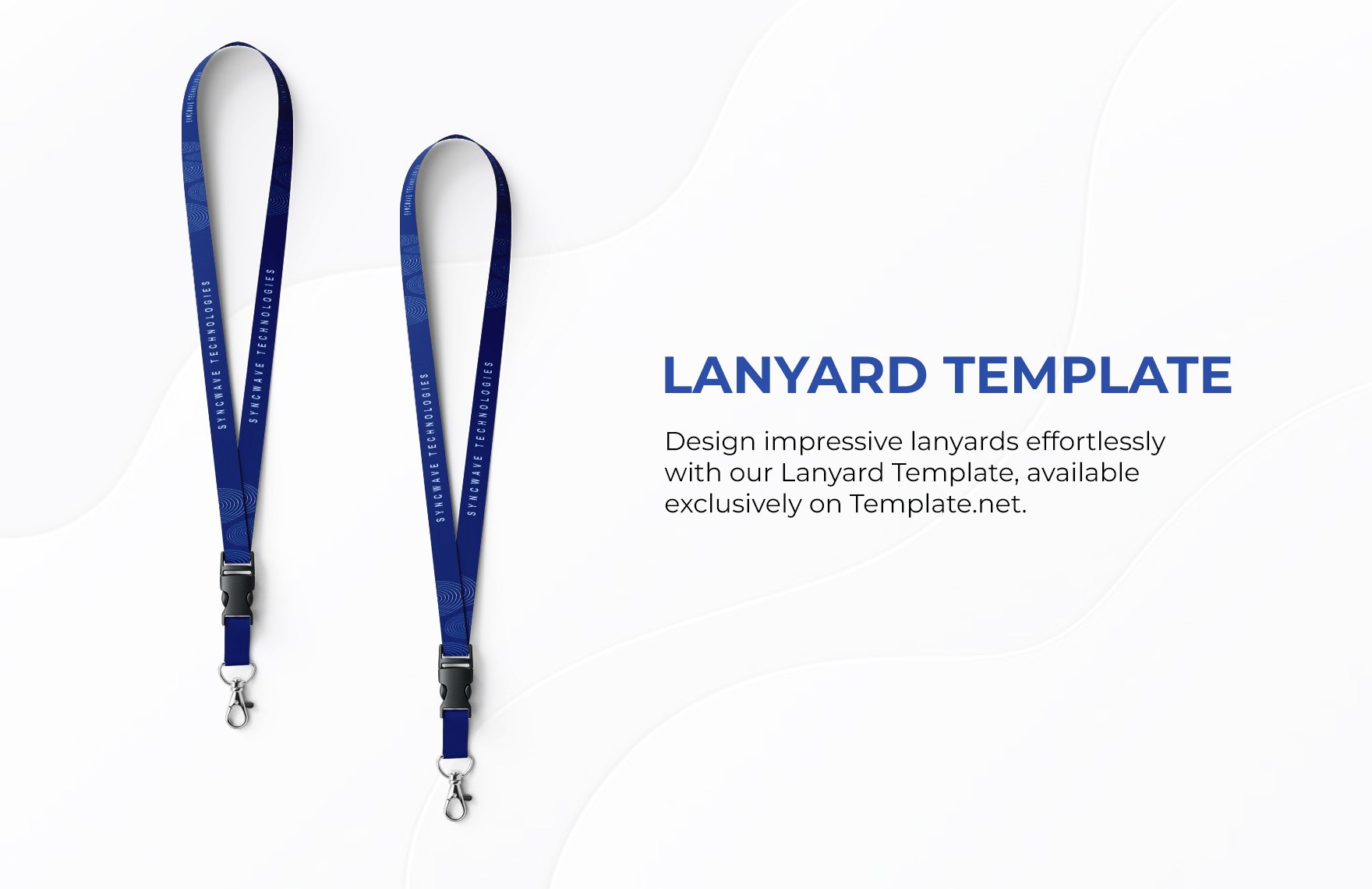
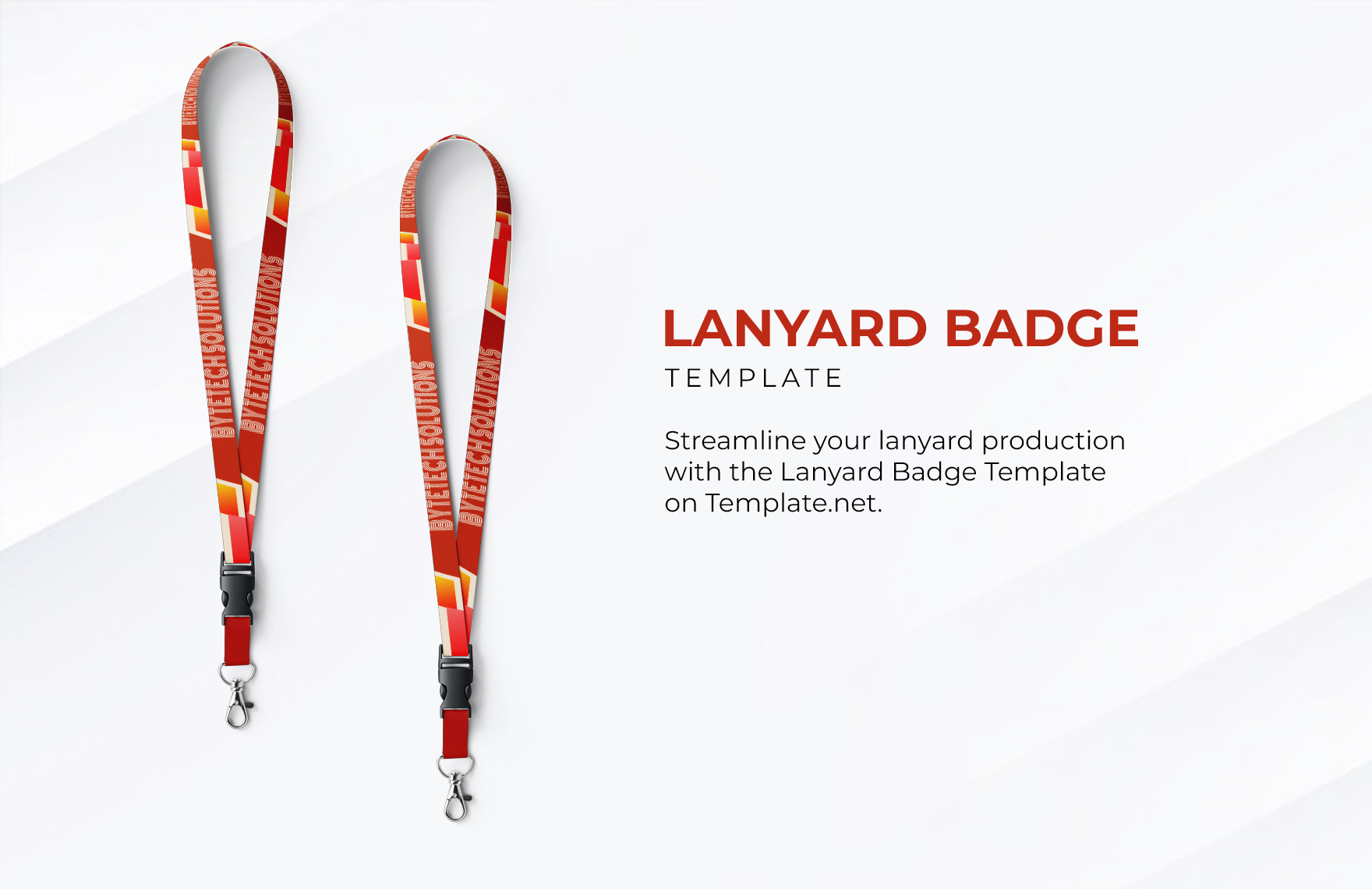
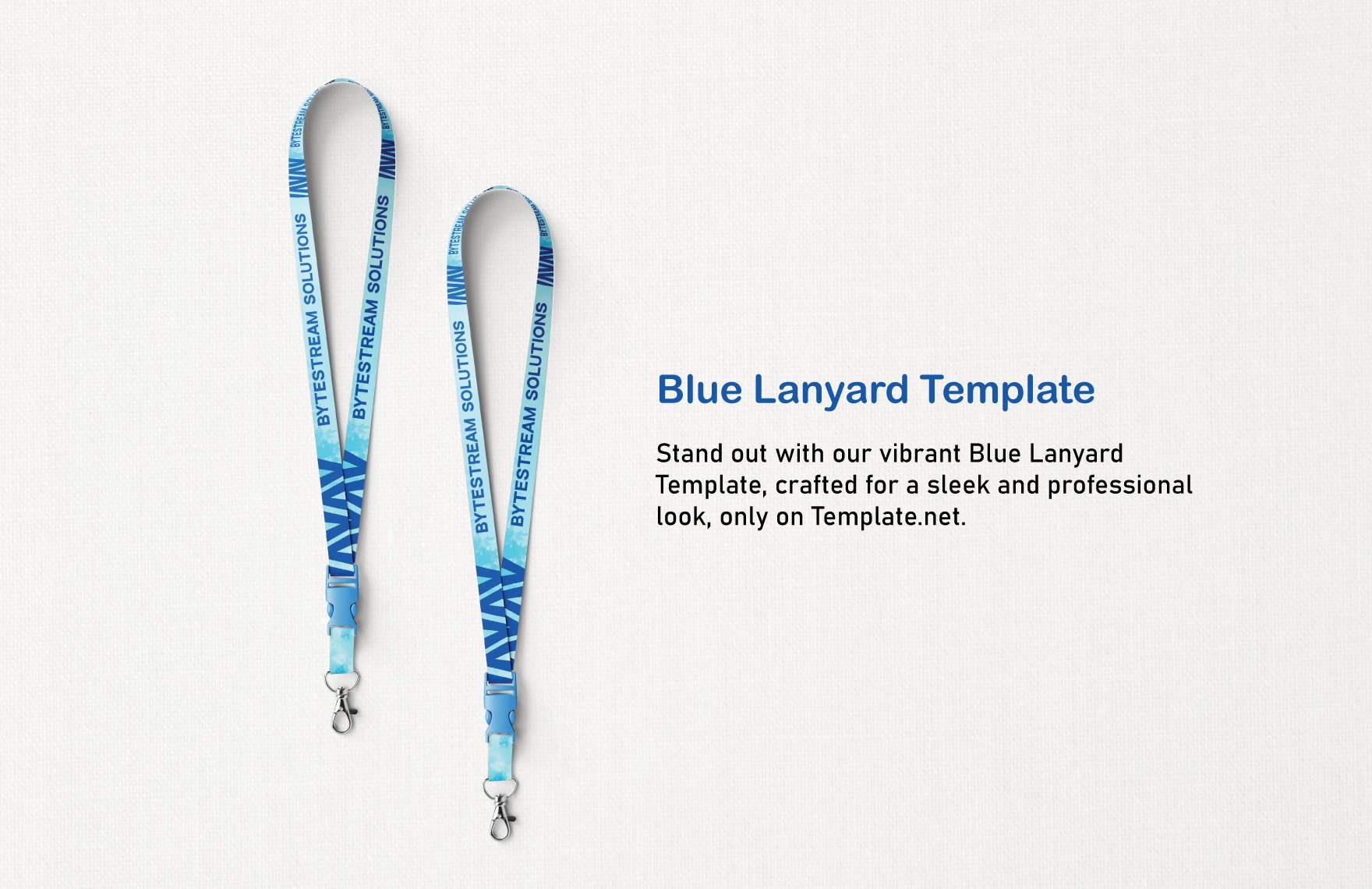
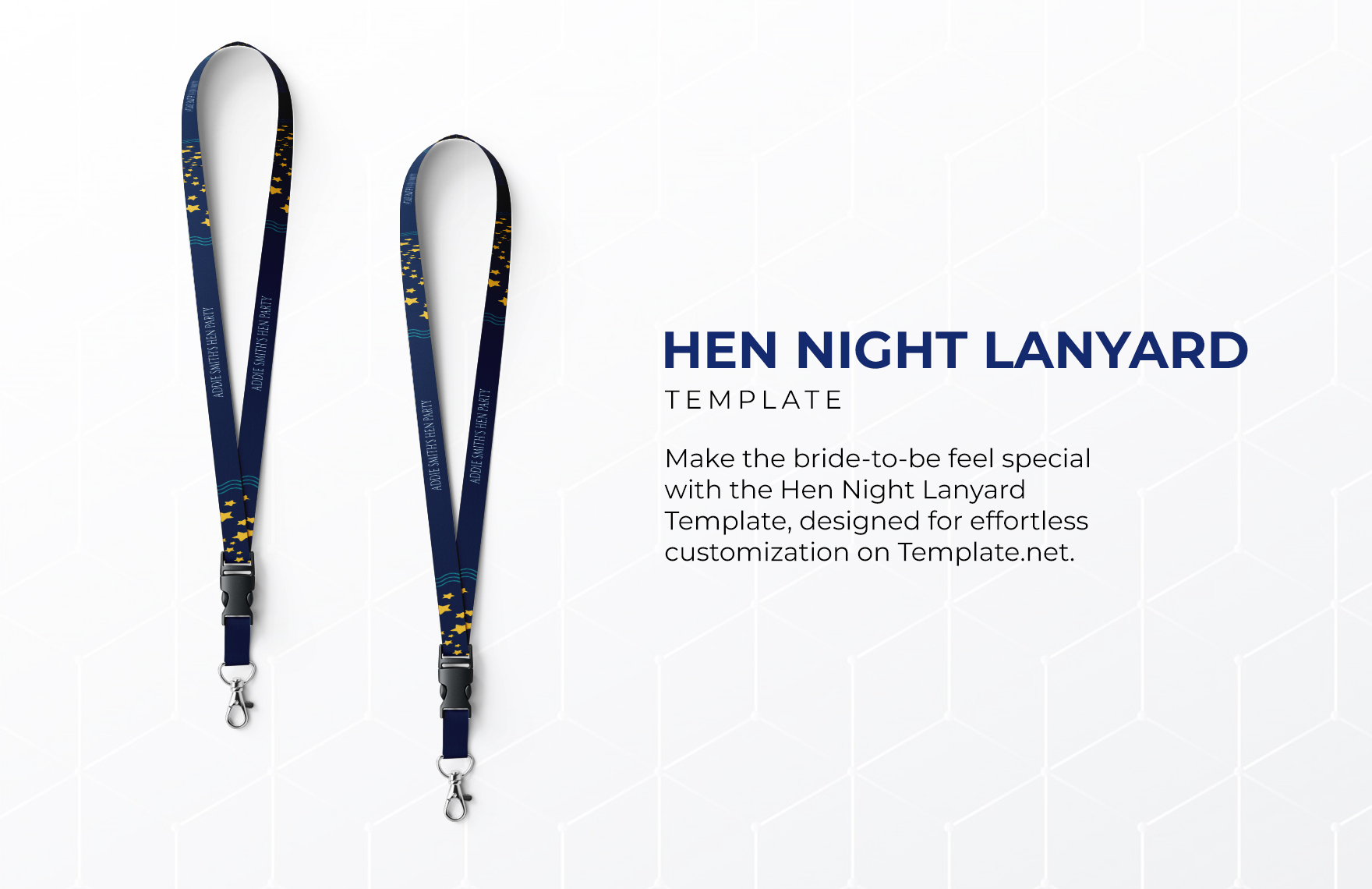
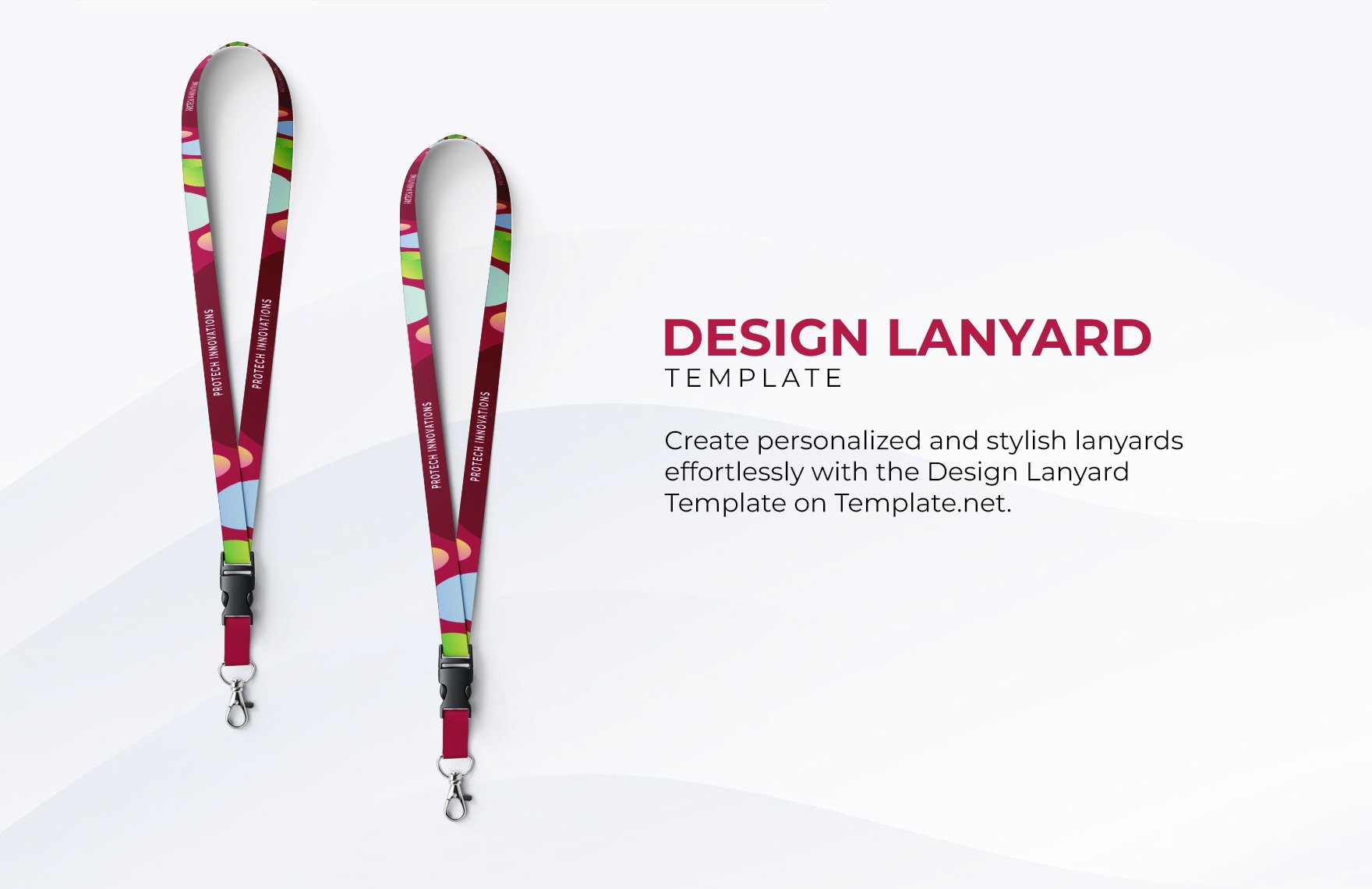
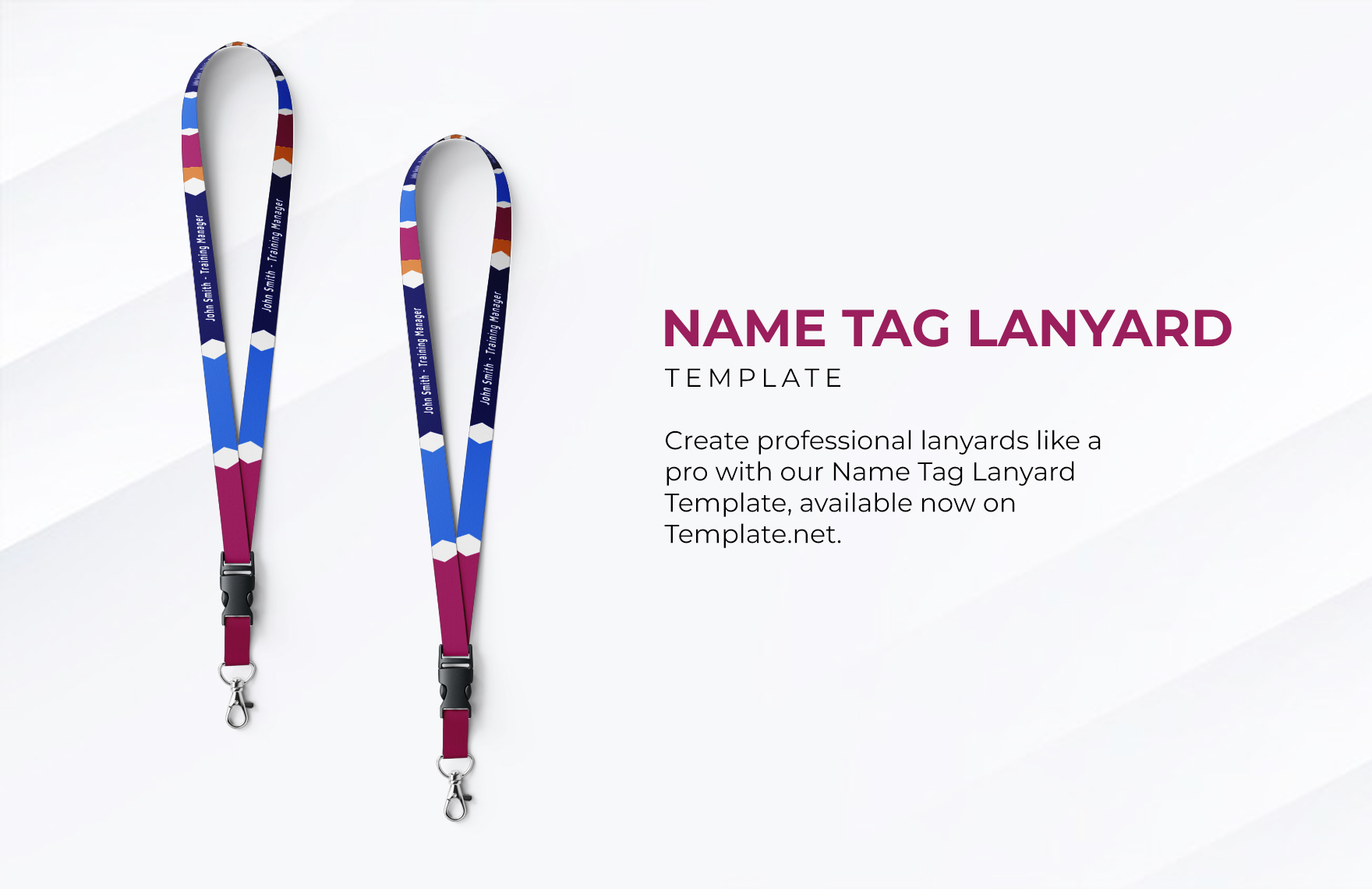
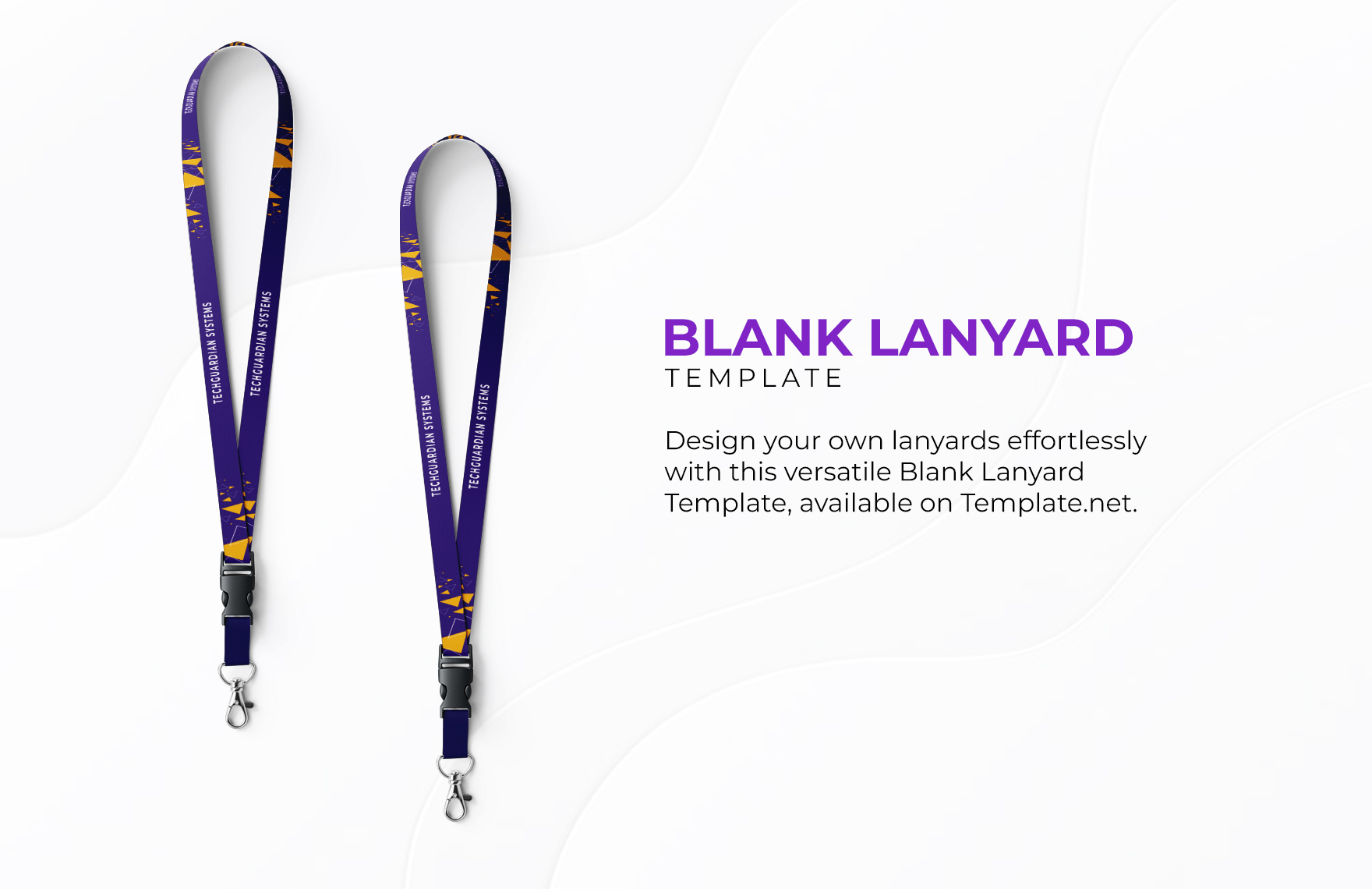
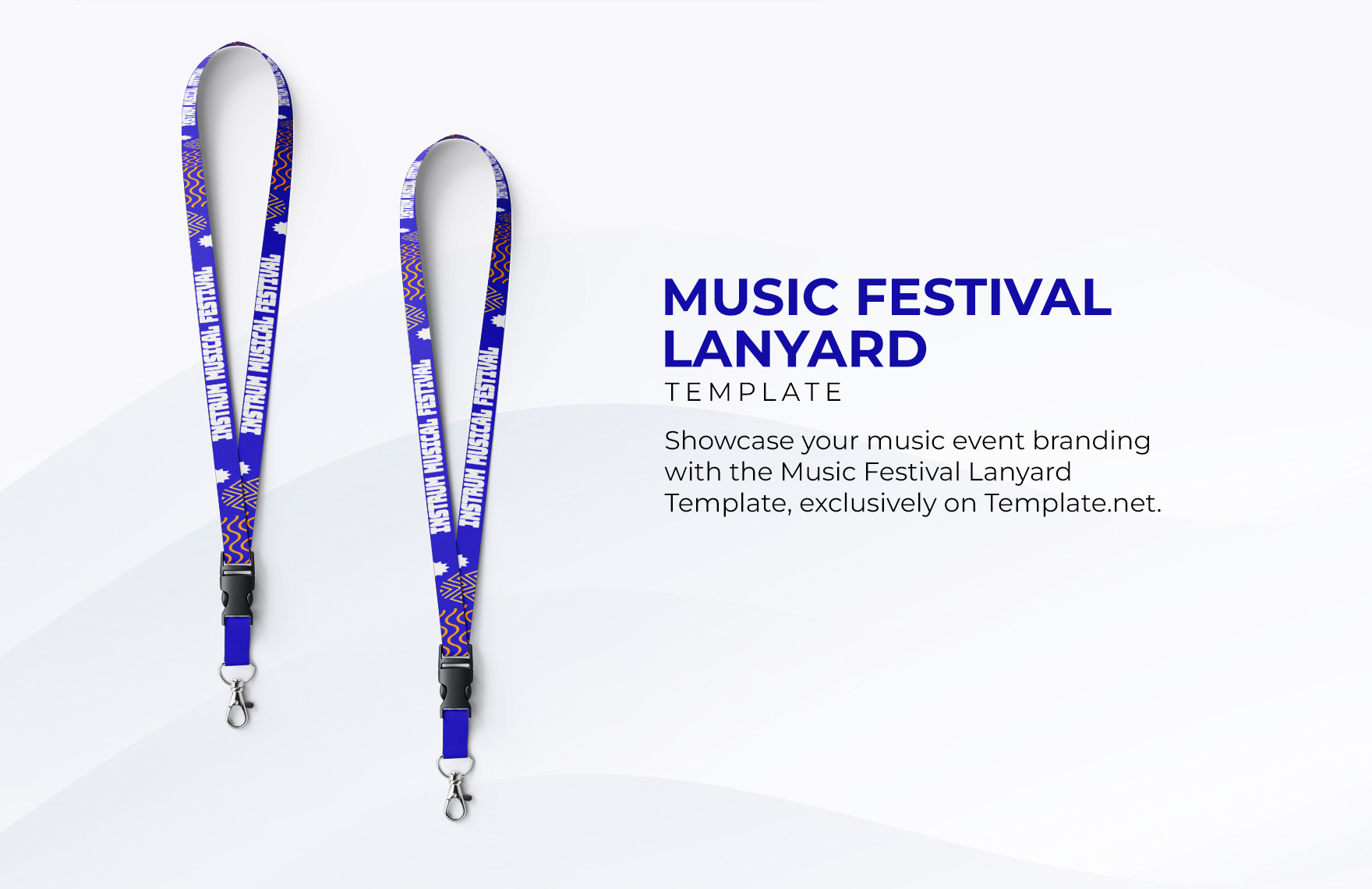
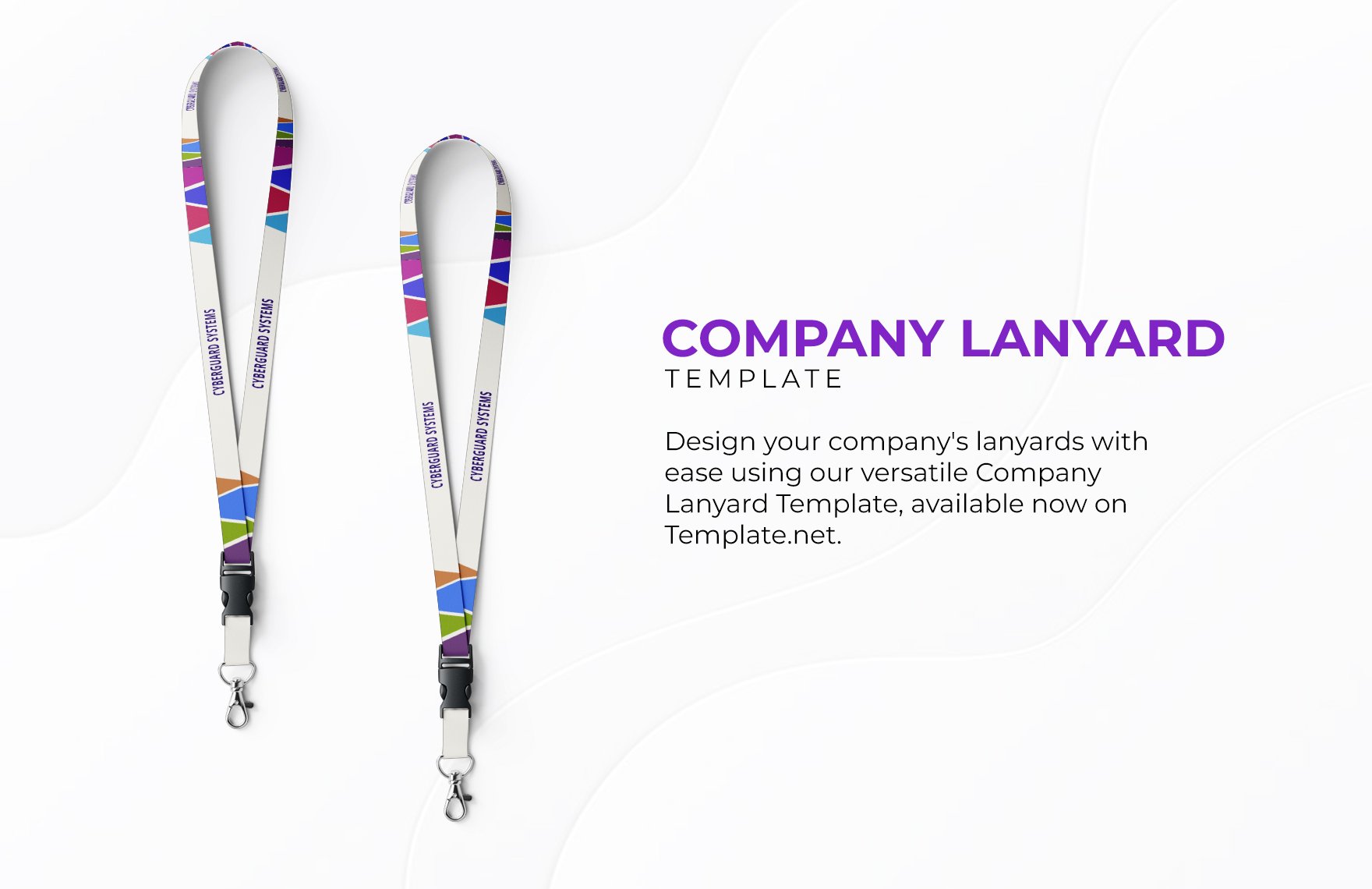
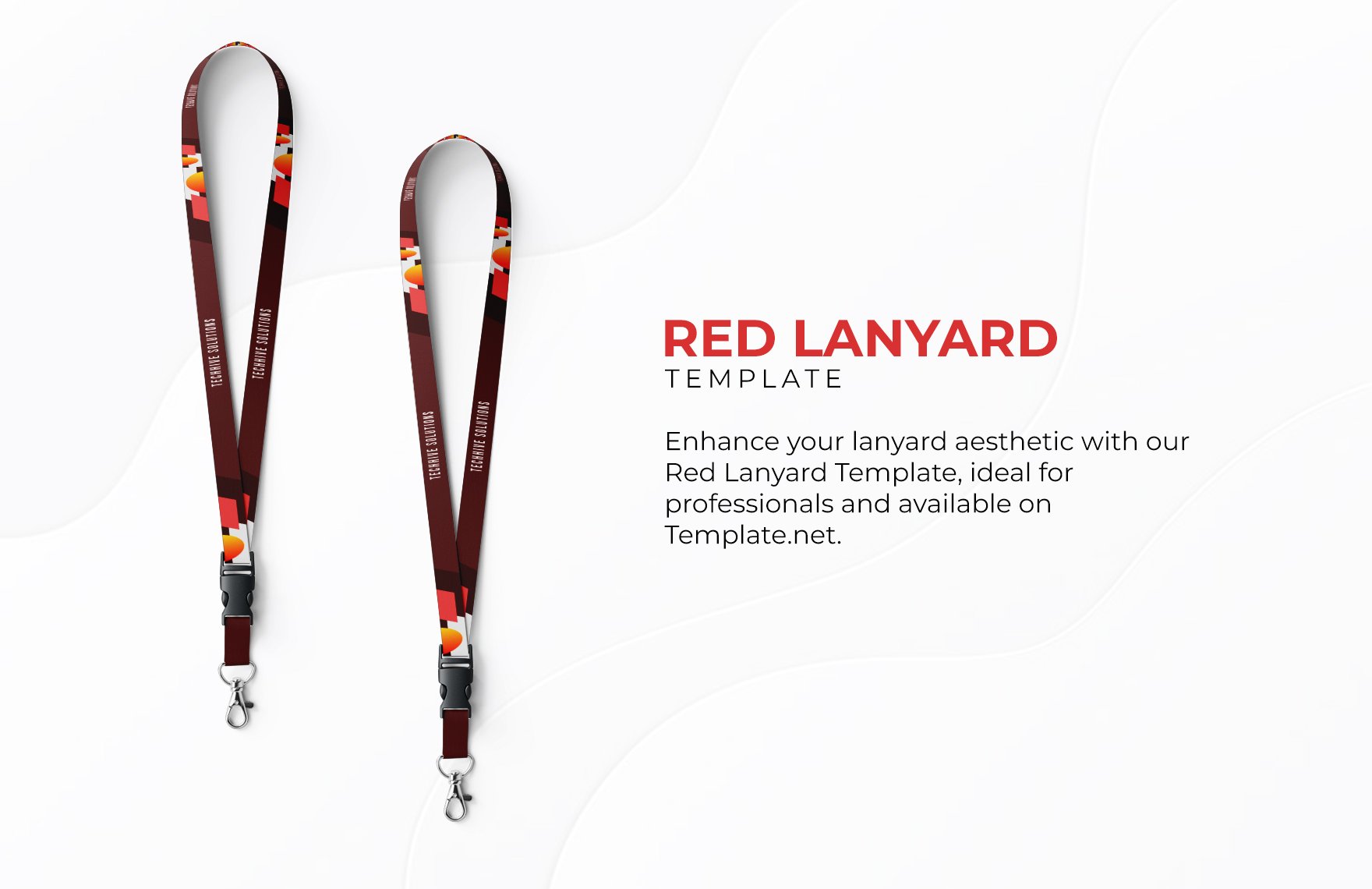
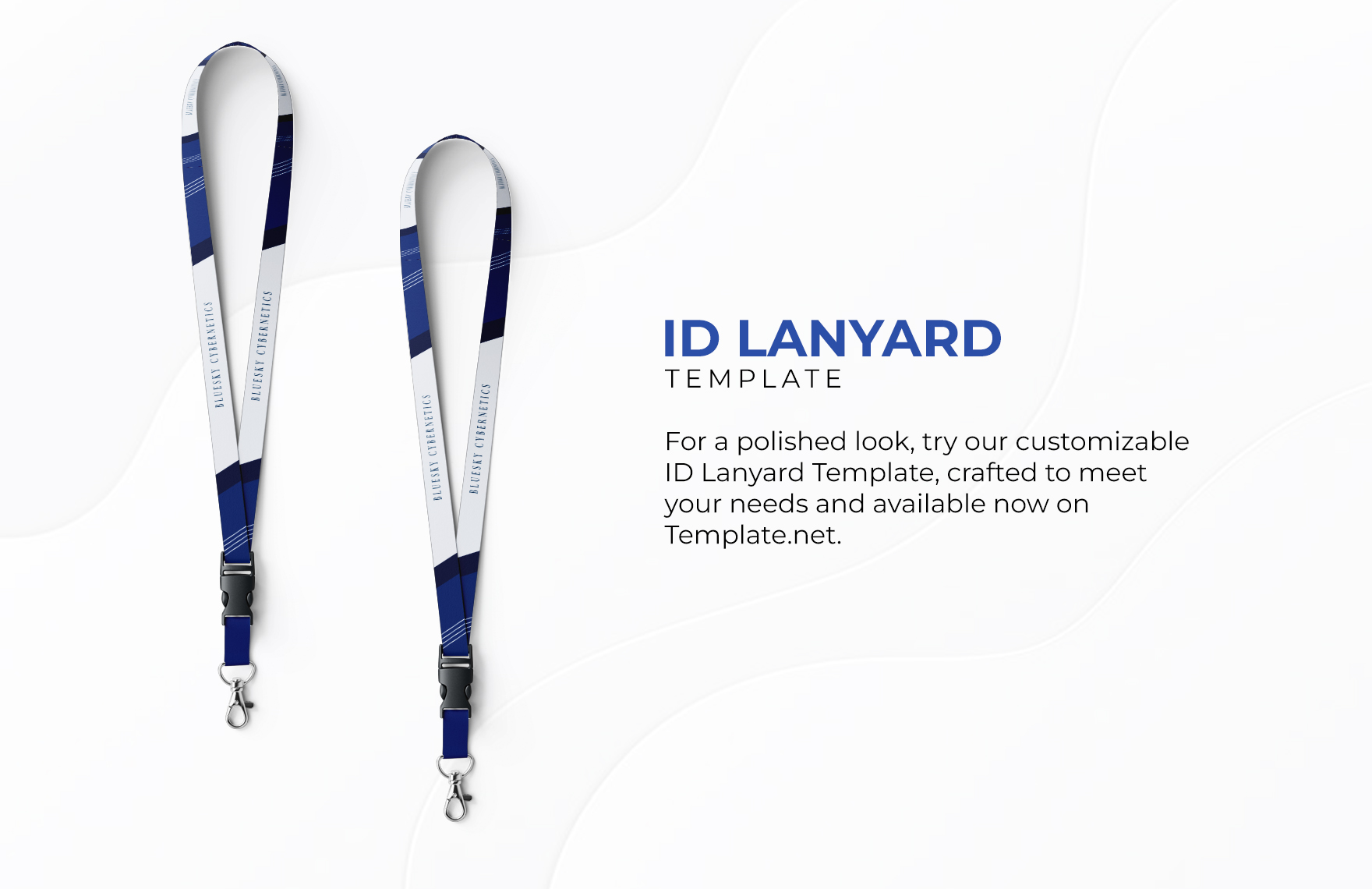
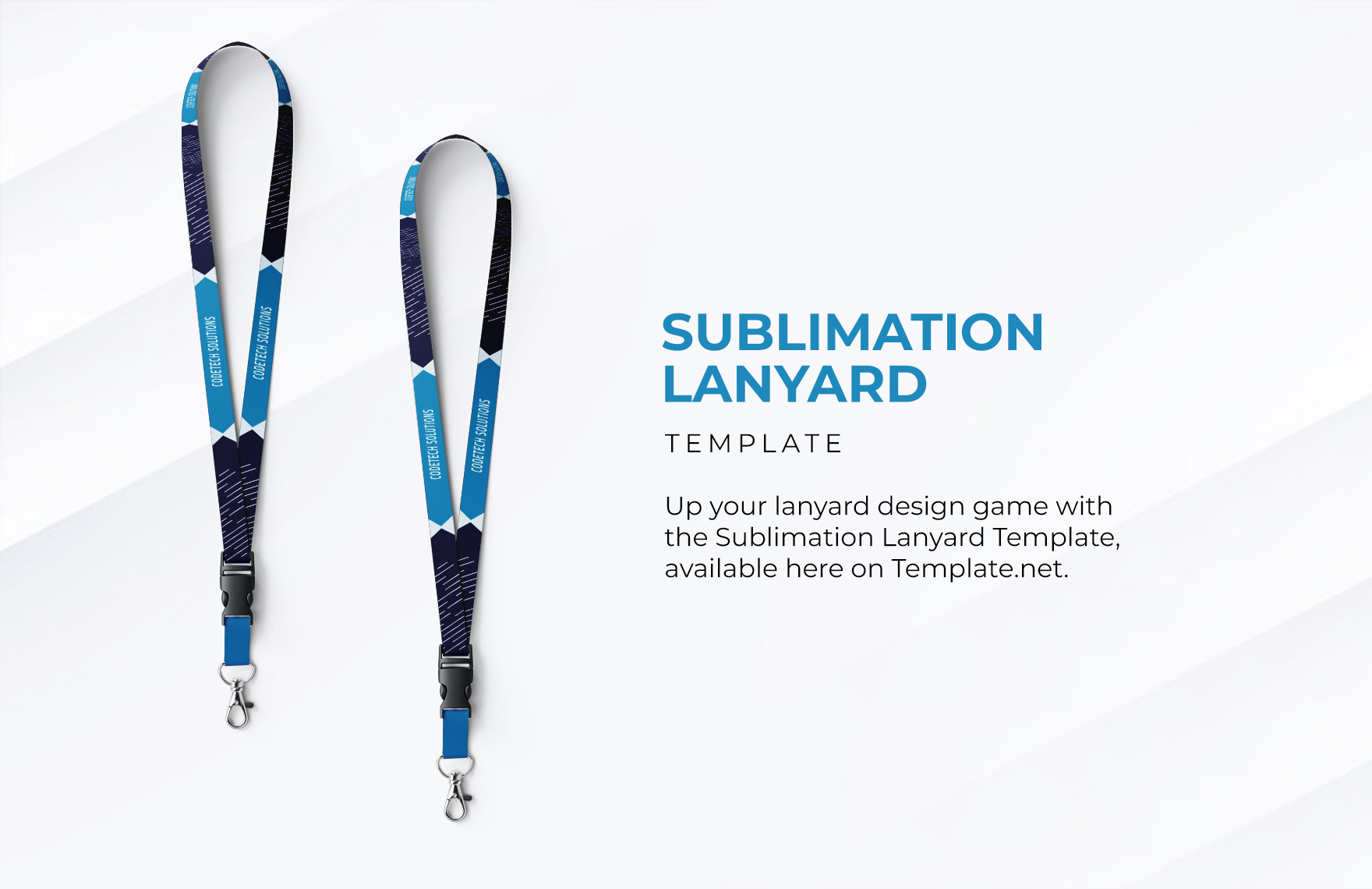
Create Lanyard Images Online with SmartDesign Editor
Template.net’s Free AI Lanyard Generator helps you turn ideas into realistic lanyard images in seconds. Enter a prompt describing your brand, colors, or style and the AI generates structured designs with proper placement and visual balance. Customize patterns, text, colors, and layouts, explore variations, and download professional lanyard images quickly.
![Free AI Lanyard Generator, Create Lanyard Images Online [ No Signup ]](https://images.template.net/generator-images/Lanyard-0.webp)
Create and Design Lanyard Images Effortlessly with AI
Everything you need to generate realistic, branded, and presentation ready lanyard images with speed, creativity, and control.
Instant Lanyard Creation
Generate complete lanyard designs instantly with proper layout, branding placement, and realistic presentation.
Prompt Based Design Generation
Enter brand details, colors, or themes and instantly create lanyard images tailored to your needs.
Voice Input Support
Use voice commands to describe your design idea and generate outputs quickly.
Smart Branding Placement
Automatically align logos, text, and patterns across the lanyard strap for a clean look.
Multiple Design Variations
Explore different styles, colors, and layouts from a single prompt.
Ready Made Lanyard Templates
Apply your brand colors, fonts, and logos across all lanyard variations for fast uniform output. Perfect for corporate teams and event organizers.
Ready Made Lanyard Templates
Start with structured layouts designed for corporate, event, and promotional use.
Realistic Image Rendering
Apply brand colors and repeating patterns to create consistent designs.
Background and Scene Options
Place lanyards on clean, studio, or lifestyle backgrounds for better presentation.
Theme Based Lanyard Designs
Generate styles for corporate, minimal, bold, or promotional themes.
Easy Editing Tools
Adjust layout, colors, text, and visuals using simple controls.
Flexible Layout Formats
Create lanyard images suitable for digital previews and presentations.
Reuse and Adapt Designs
Modify and reuse designs across multiple branding projects.
Save Favorite Designs
Bookmark your preferred lanyard designs for quick access.
Quick Sharing Options
Share lanyard images across platforms or with clients instantly.
Real Time Collaboration
Work with teams to review and finalize designs quickly.
Multilingual Support
Create designs in 20+ multiple languages including English, Spanish, Hindi, Arabic, Chinese, Japanese, and more.
High Quality Export
Download lanyard images in PNG and JPG formats for professional use.
![Free AI Lanyard Generator, Create Lanyard Images Online [ No Signup ]](https://images.template.net/generator-images/Lanyard-5.webp "Free AI Lanyard Generator, Create Lanyard Images Online [ No Signup ]")
How to Create Lanyard Designs Using AI
Generate, refine, and present lanyard images using a simple and efficient workflow inspired by modern tools.
Step 1 Enter Prompt or Use Voice
Open the AI Lanyard Generator and describe your idea such as “Create a corporate blue lanyard with logo pattern” or “Generate an event lanyard with bold colors and text branding.” You can also use voice input to define your concept quickly.
Step 2 Generate and Customize
The AI generates multiple lanyard images with realistic, patterns, and branding placement. Choose your preferred version and customize colors, text, layout, and visual elements to match your design needs.
Step 3 Save Download or Share
Preview your lanyard images and download them in high quality or share them directly for presentations, client approvals, or marketing use.
Create Professional Lanyard Designs Faster and Start Distributing
![Free AI Lanyard Generator, Create Lanyard Images Online [ No Signup ]](https://images.template.net/generator-images/Lanyard-1.webp "Free AI Lanyard Generator, Create Lanyard Images Online [ No Signup ]")
Turn Ideas into Realistic Lanyard Instantly
Transform simple prompts into detailed lanyard images with fabric texture, lighting, and proper branding placement without manual effort.
![Free AI Lanyard Generator, Create Lanyard Images Online [ No Signup ]](https://images.template.net/generator-images/Lanyard-2.webp "Free AI Lanyard Generator, Create Lanyard Images Online [ No Signup ]")
Design Branded Lanyards for Multiple Use Cases
Create lanyards for corporate identity, events, promotions, and employee use with flexible styles and layouts.
![Free AI Lanyard Generator, Create Lanyard Images Online [ No Signup ]](https://images.template.net/generator-images/Lanyard-3.webp "Free AI Lanyard Generator, Create Lanyard Images Online [ No Signup ]")
Explore Multiple Design Variations Easily
Generate different color schemes, patterns, and layouts to finalize the best design quickly.
![Free AI Lanyard Generator, Create Lanyard Images Online [ No Signup ]](https://images.template.net/generator-images/Lanyard-4.webp "Free AI Lanyard Generator, Create Lanyard Images Online [ No Signup ]")
Improve Workflow with Faster Design and Presentation
Create, manage, and reuse lanyard images efficiently for branding, client presentations, and marketing materials.
