Free AI Label Generator

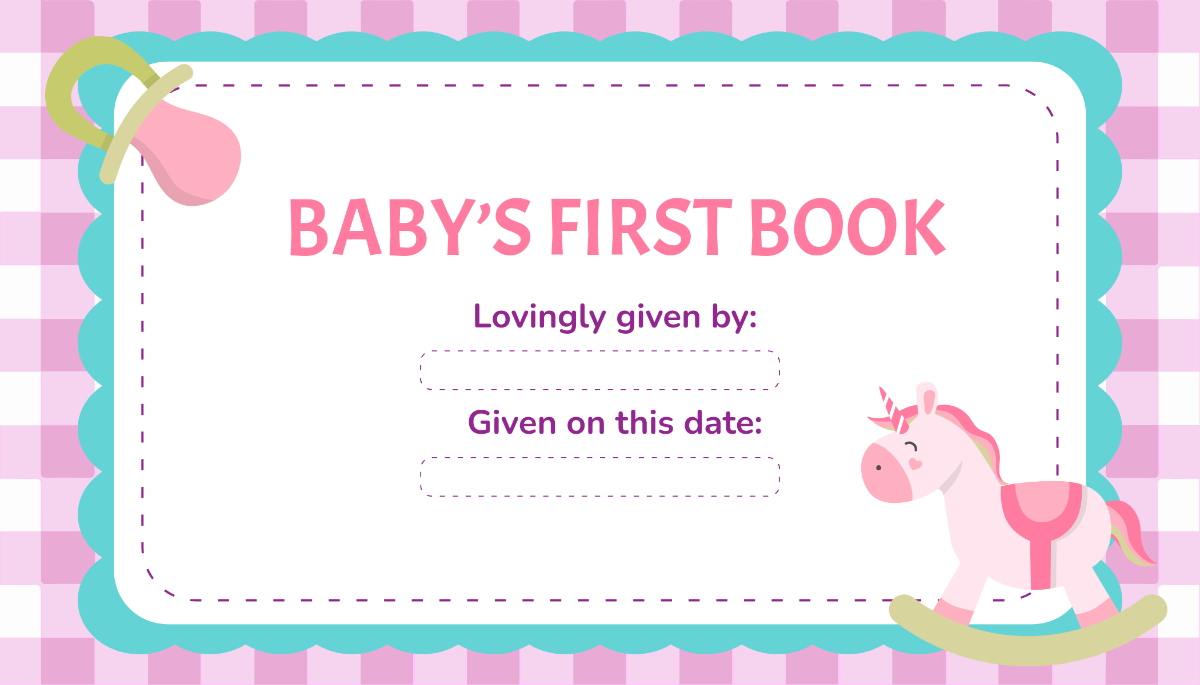
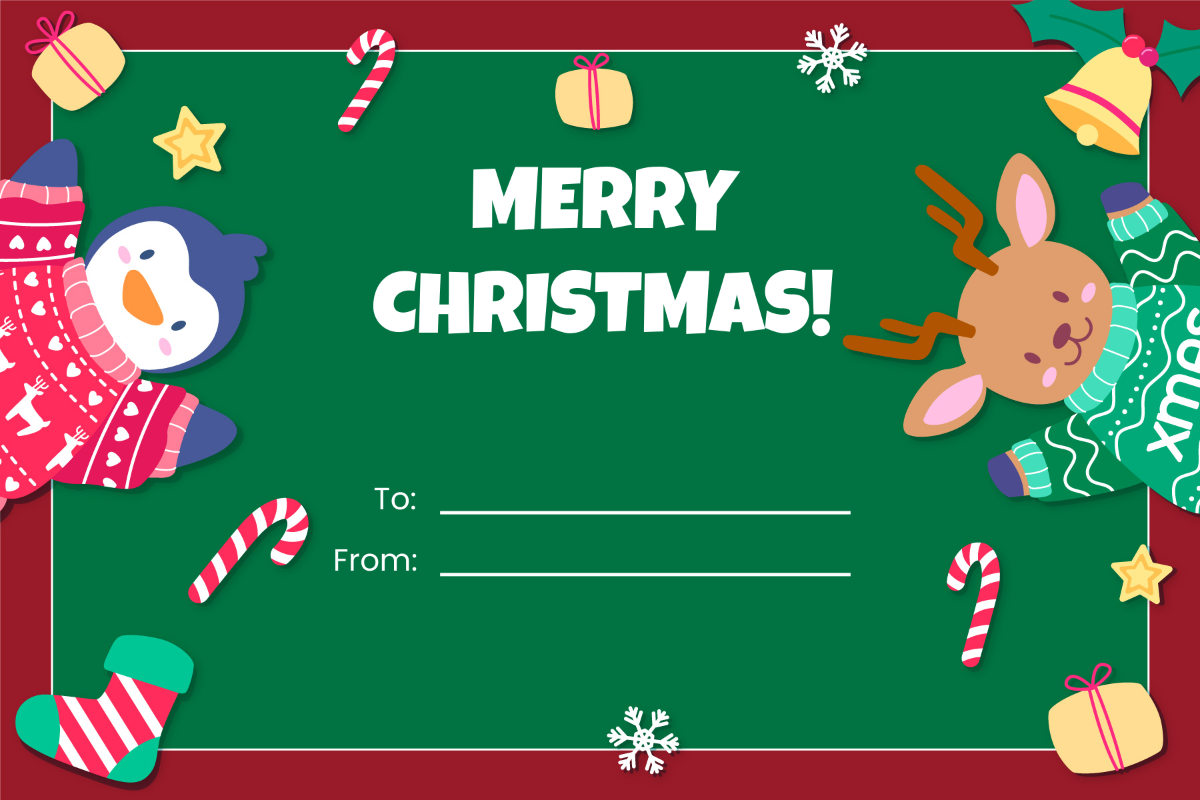

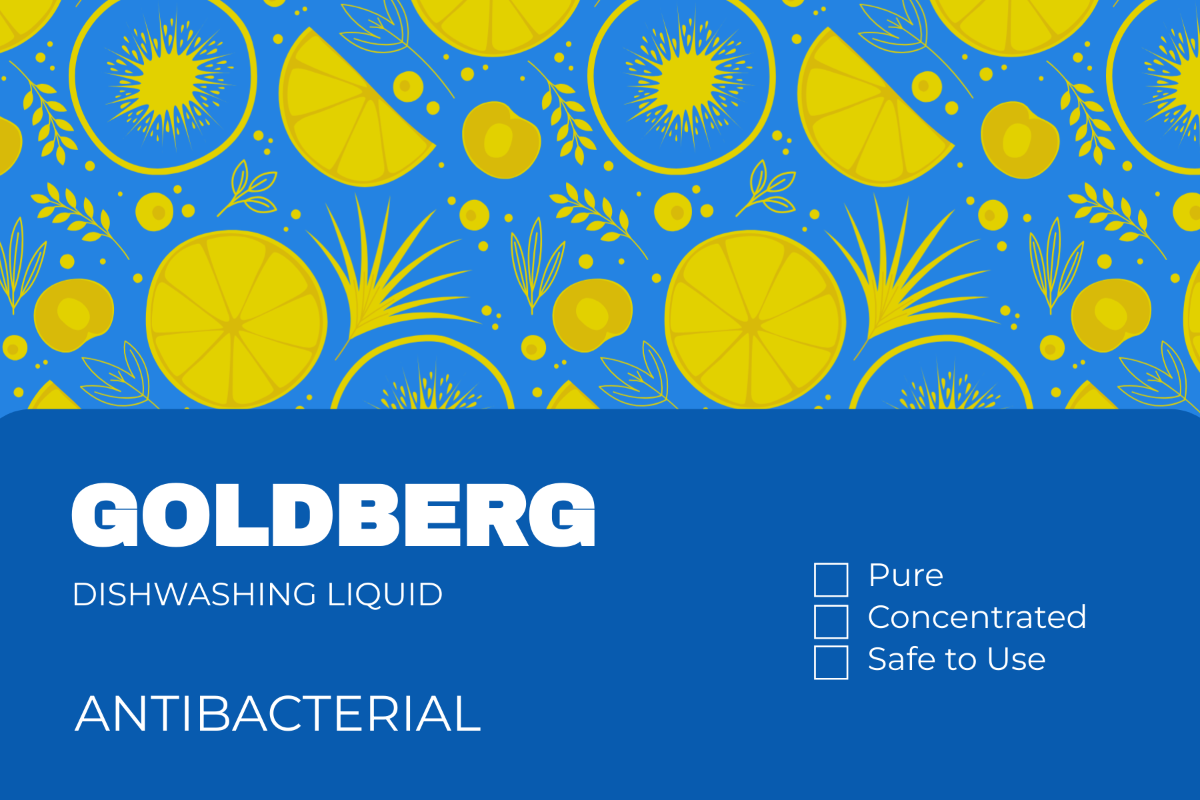
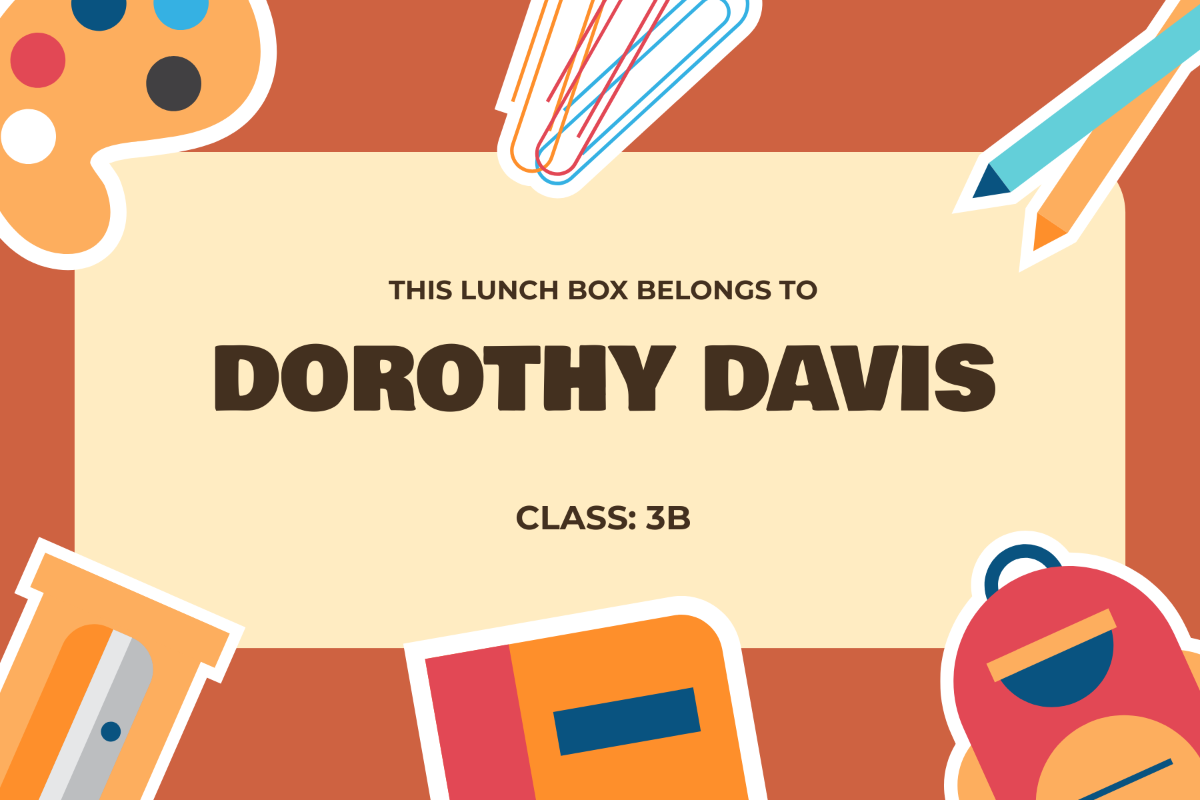
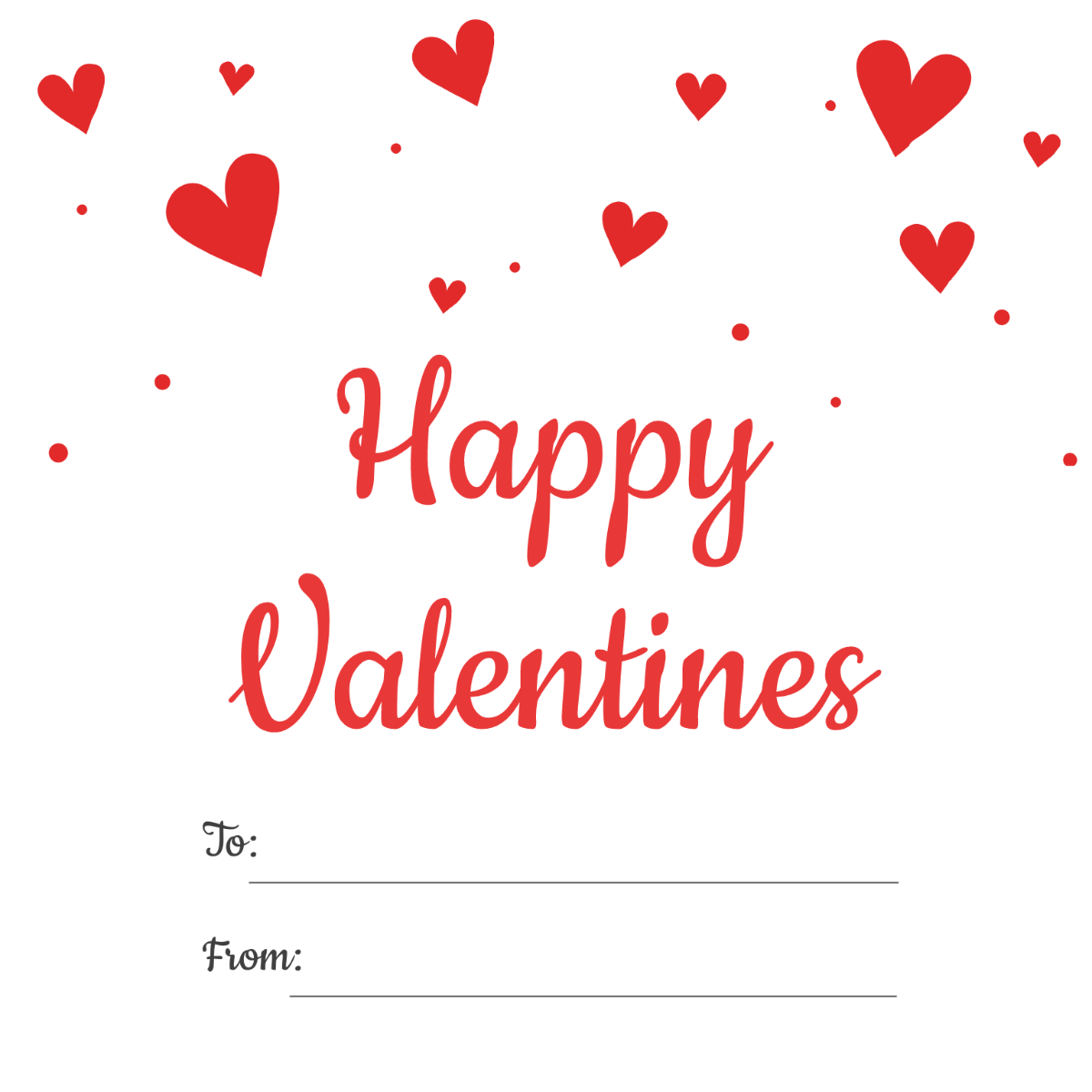
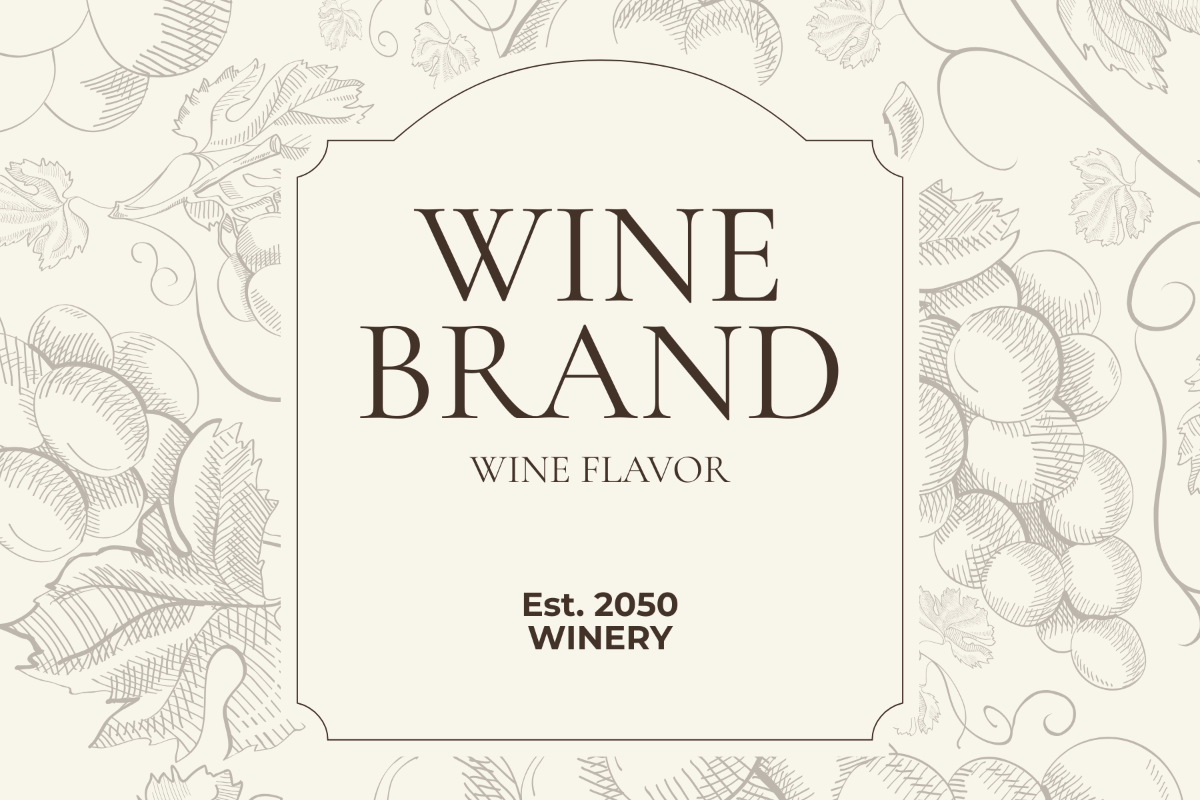
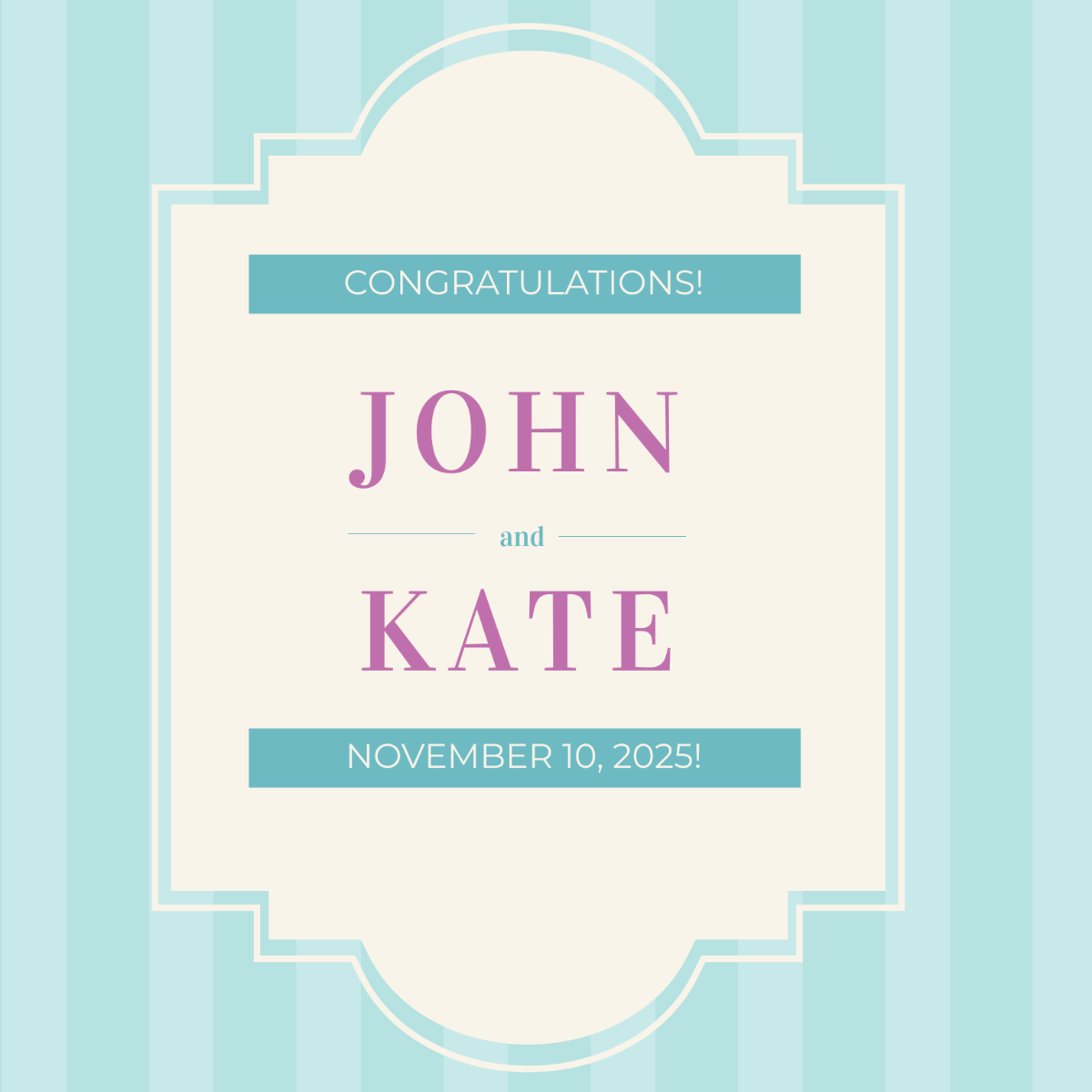
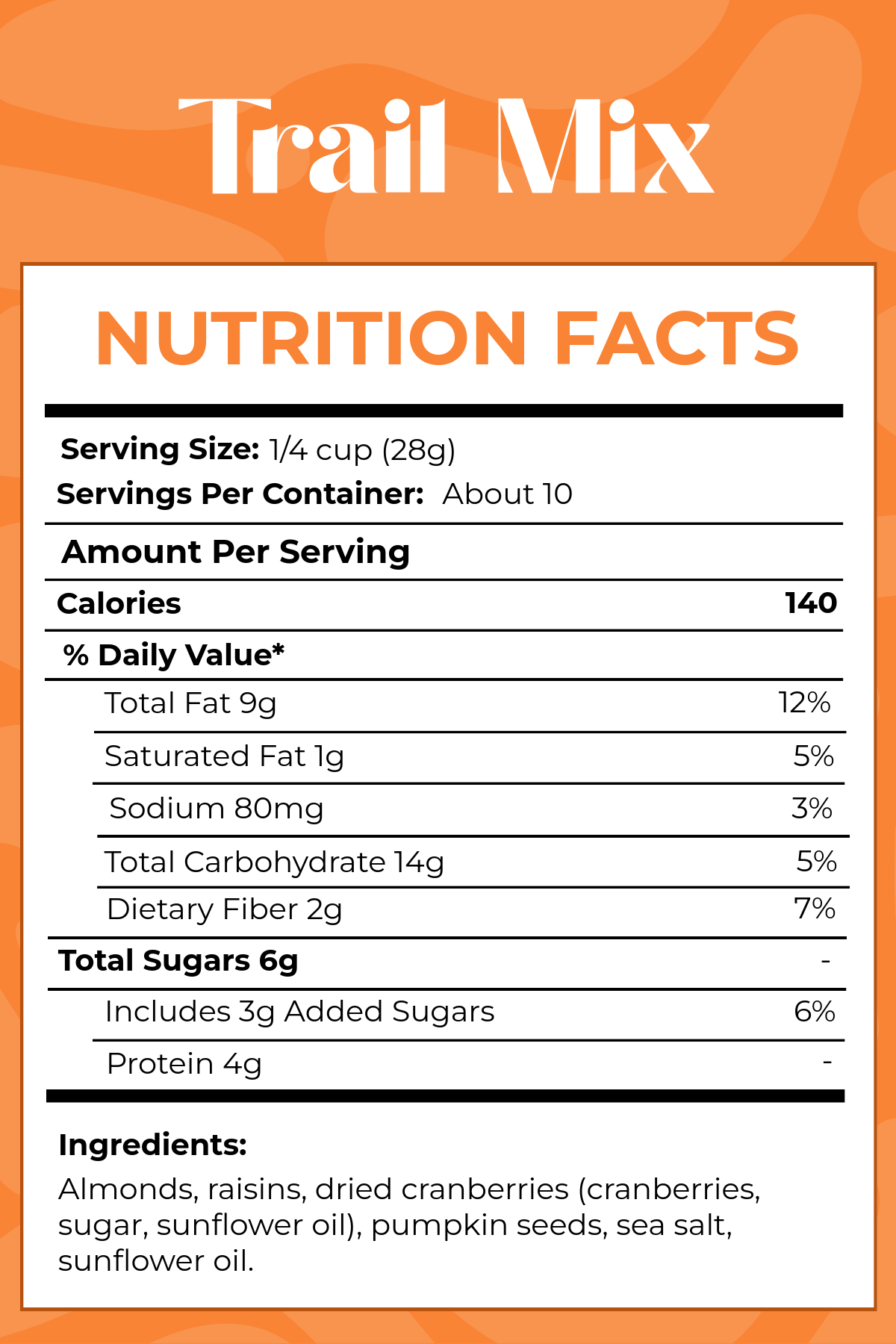
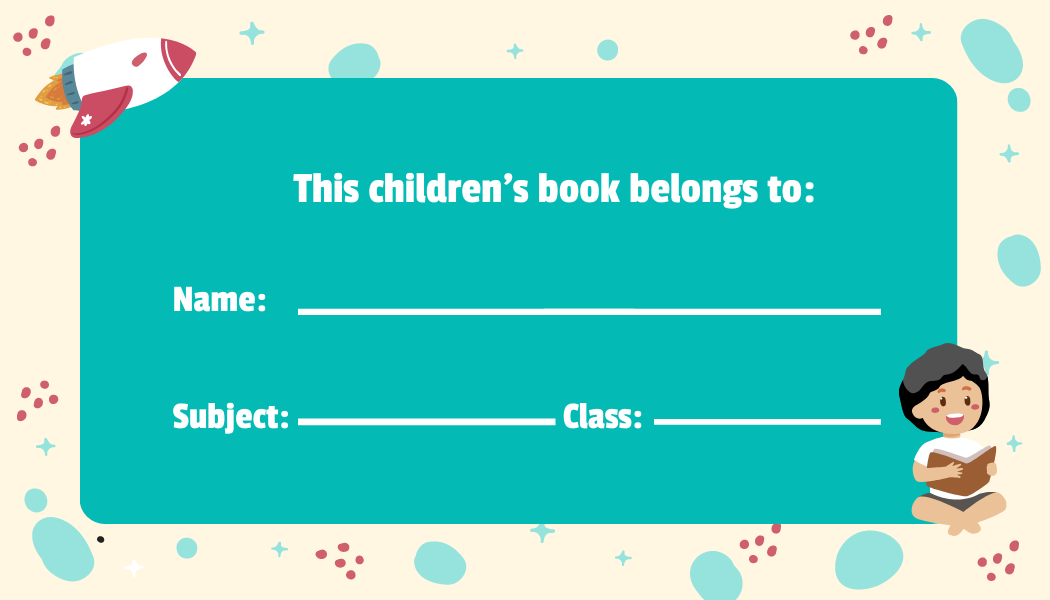
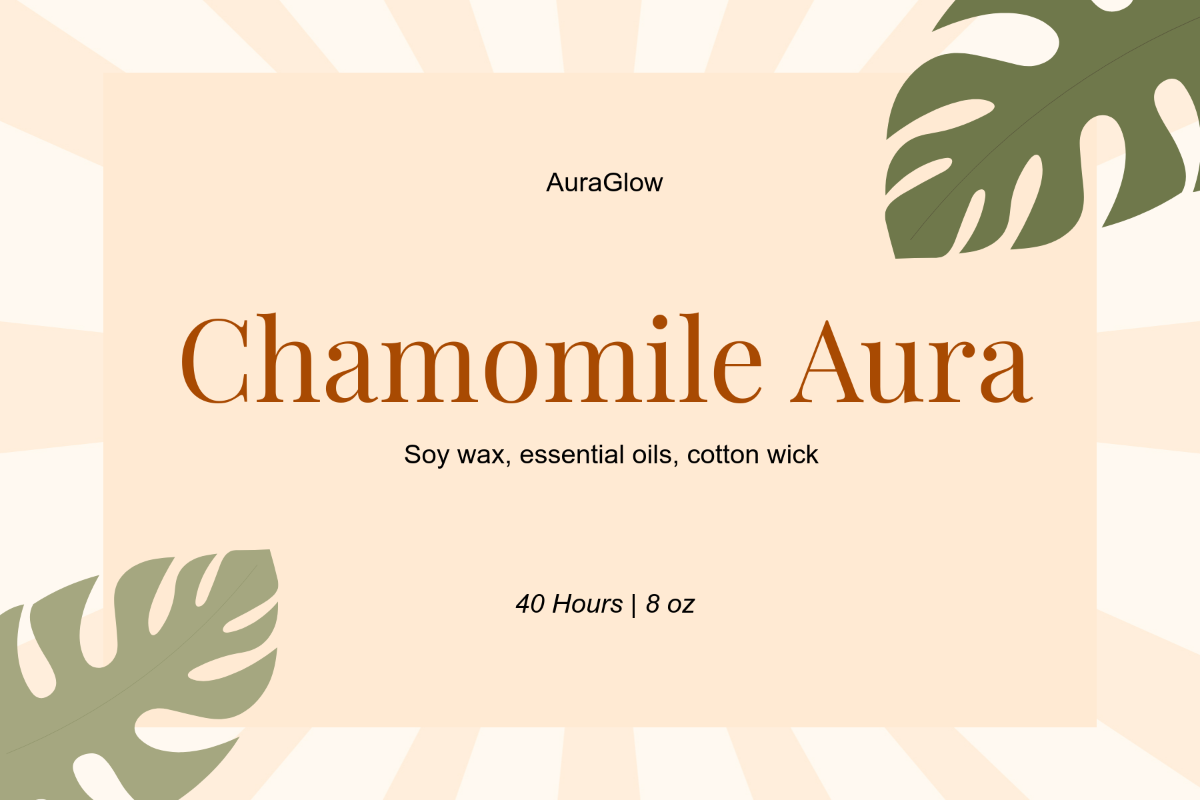

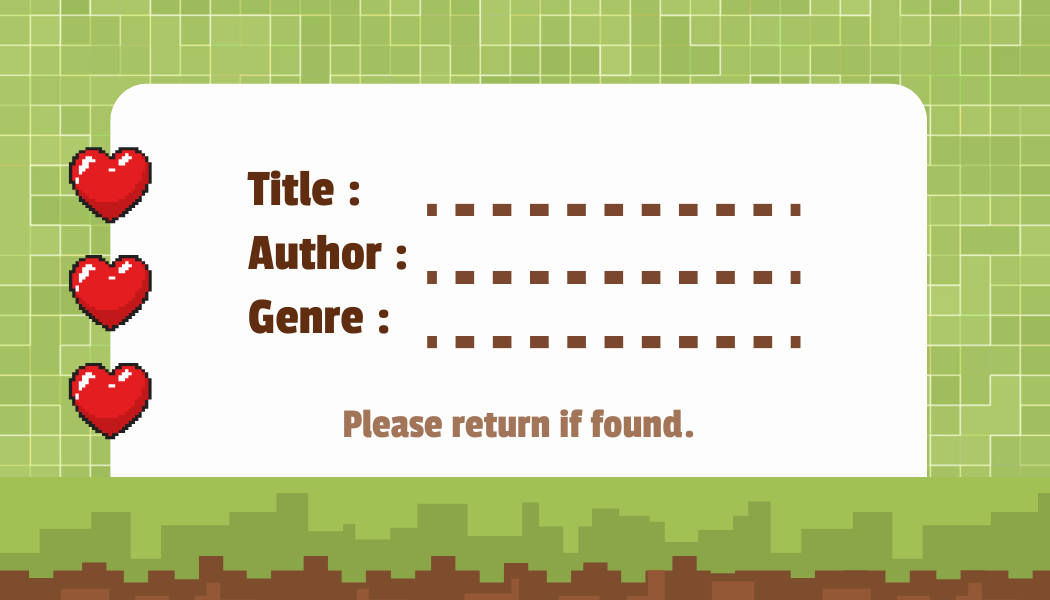
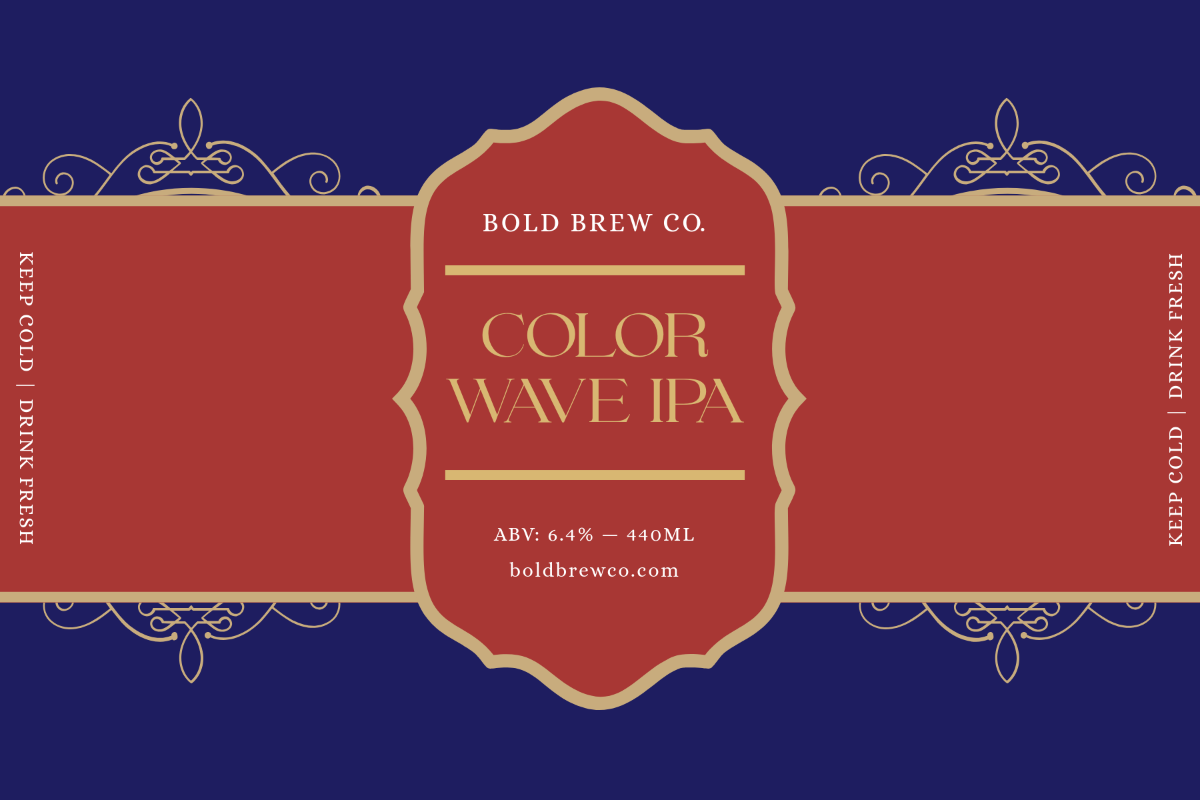
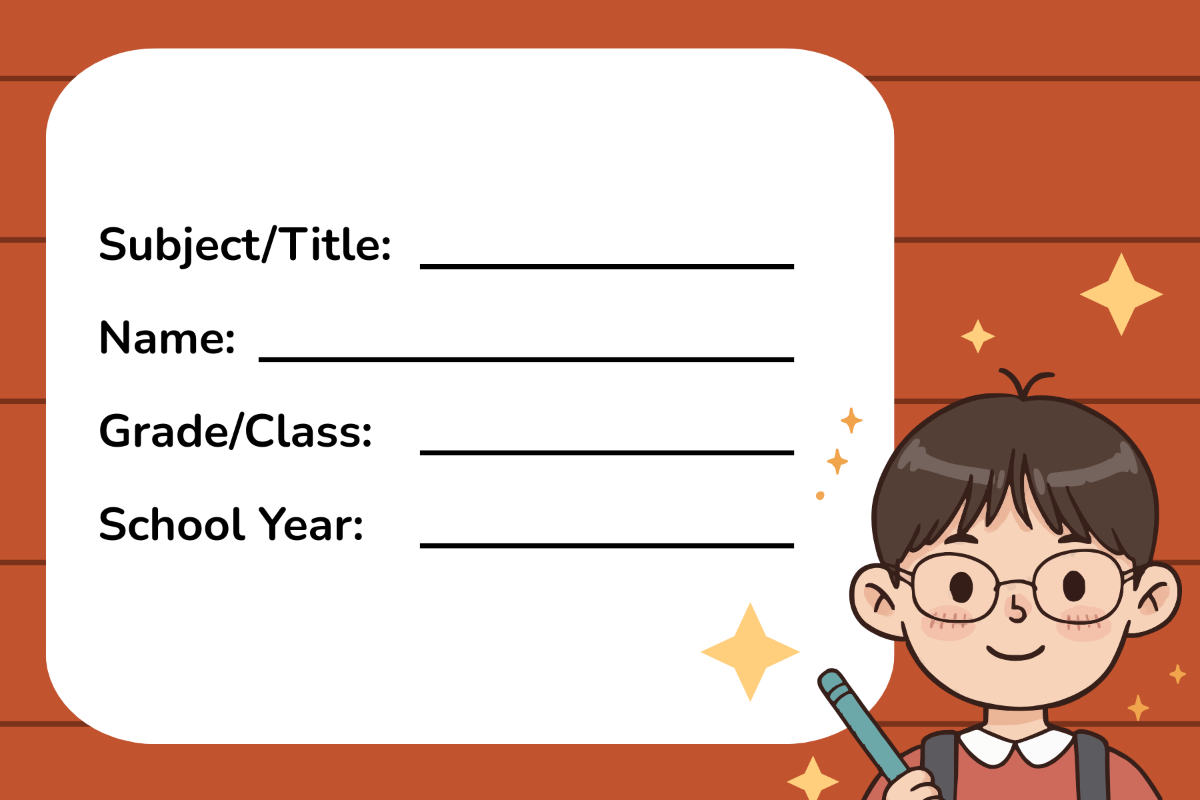
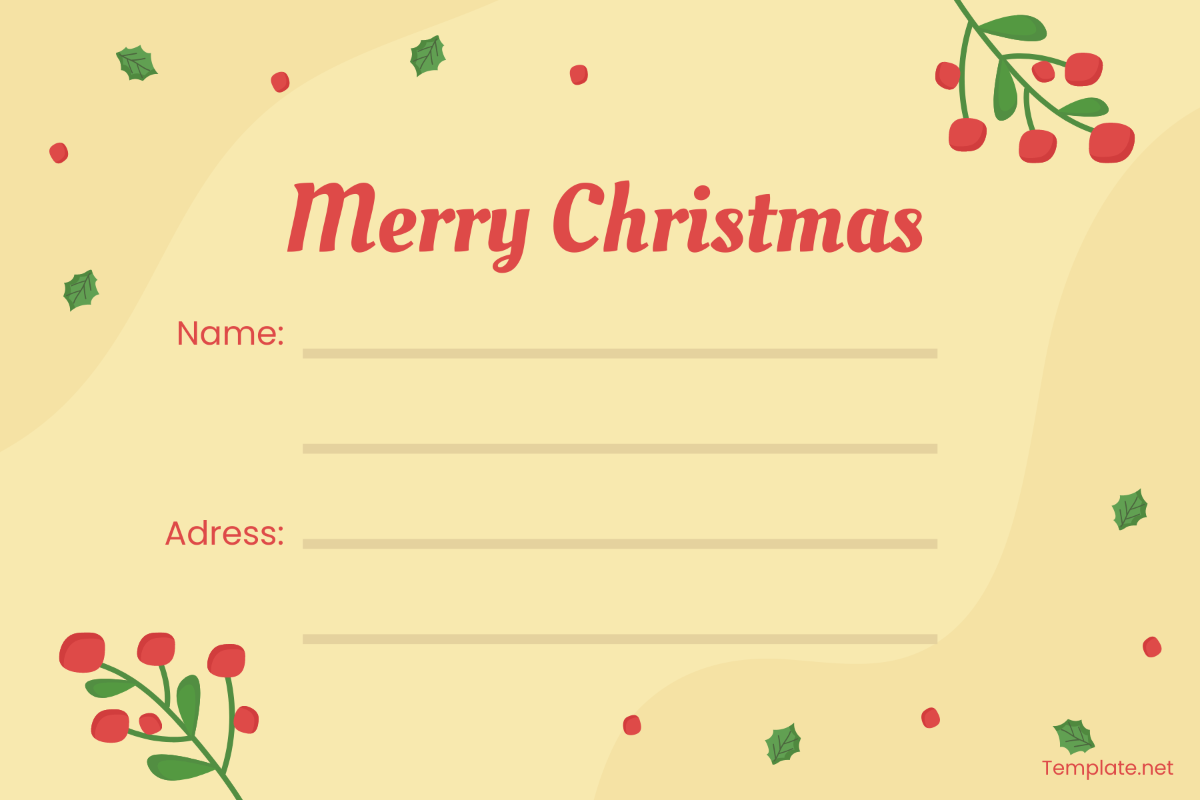
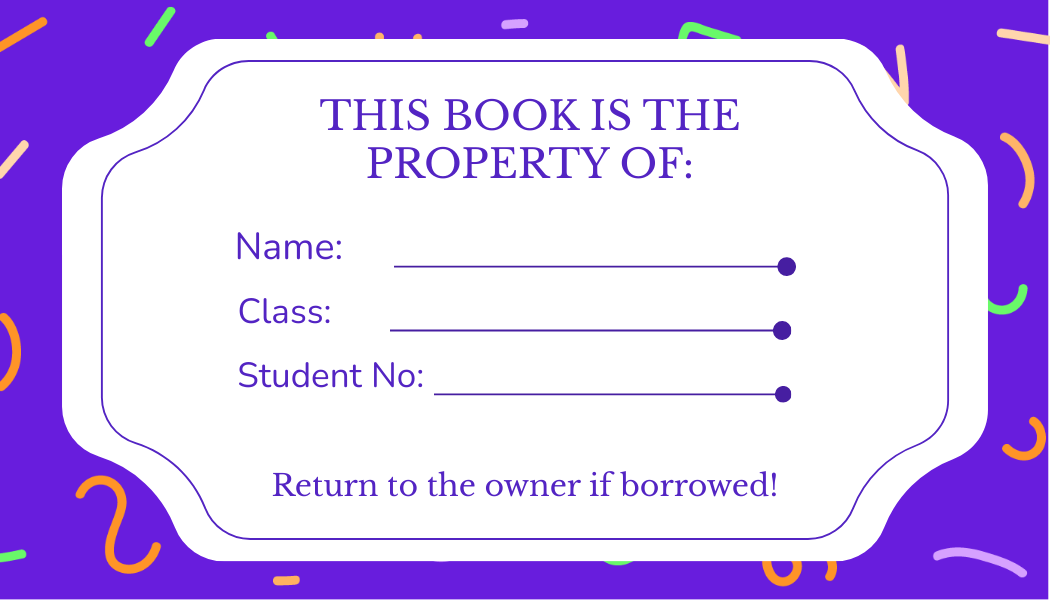
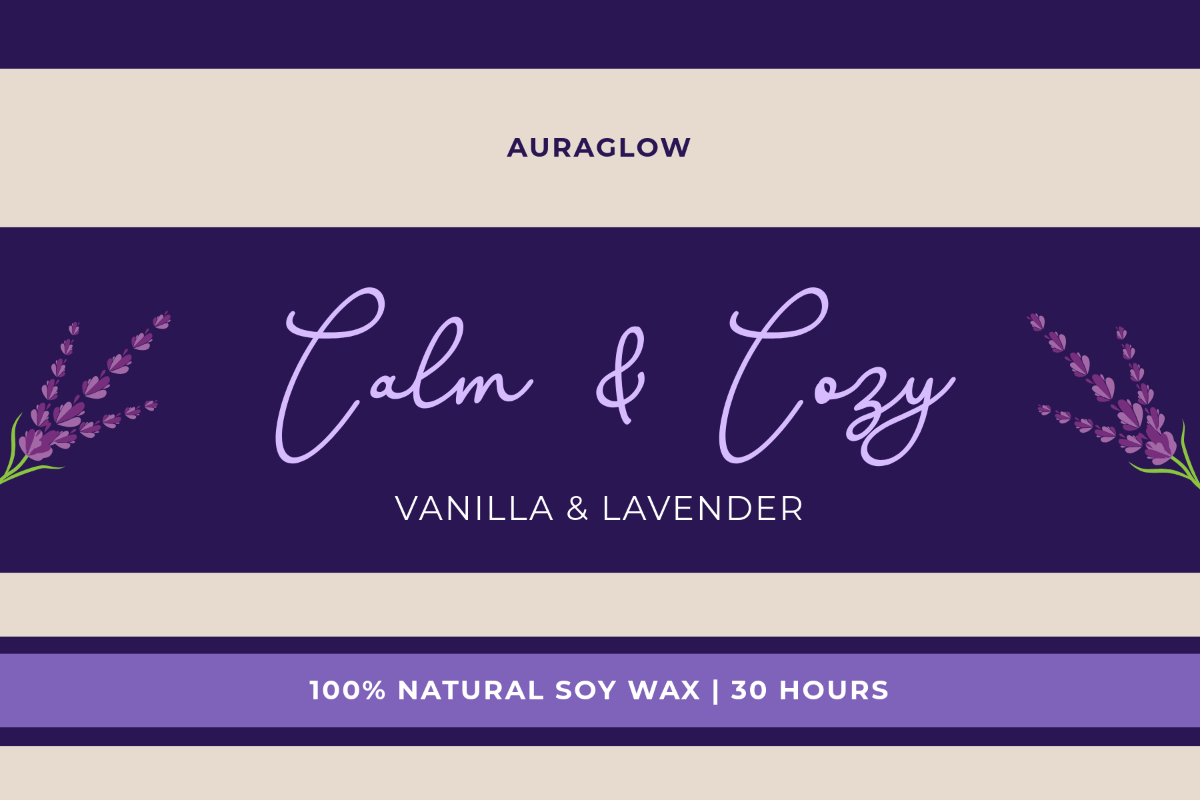
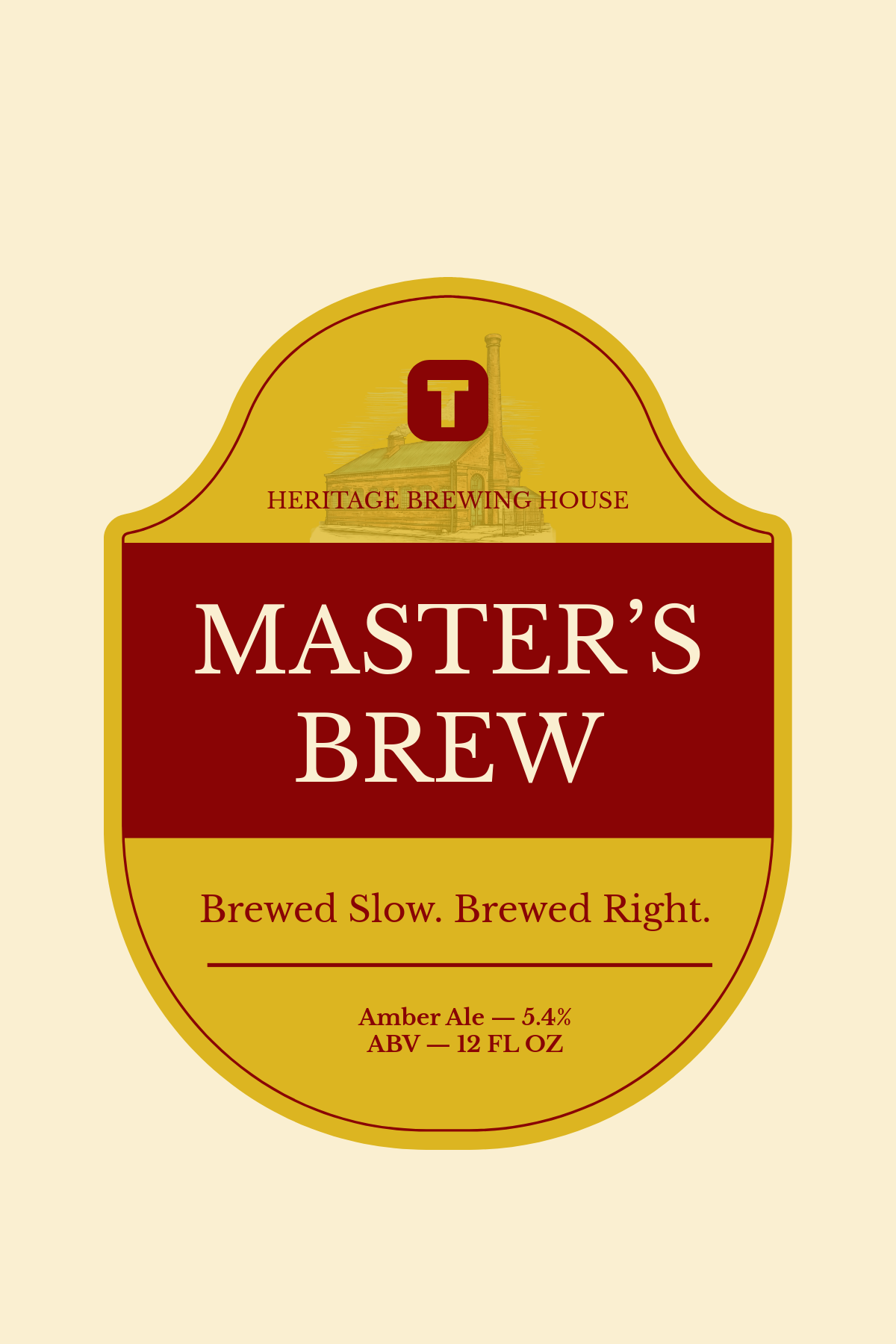
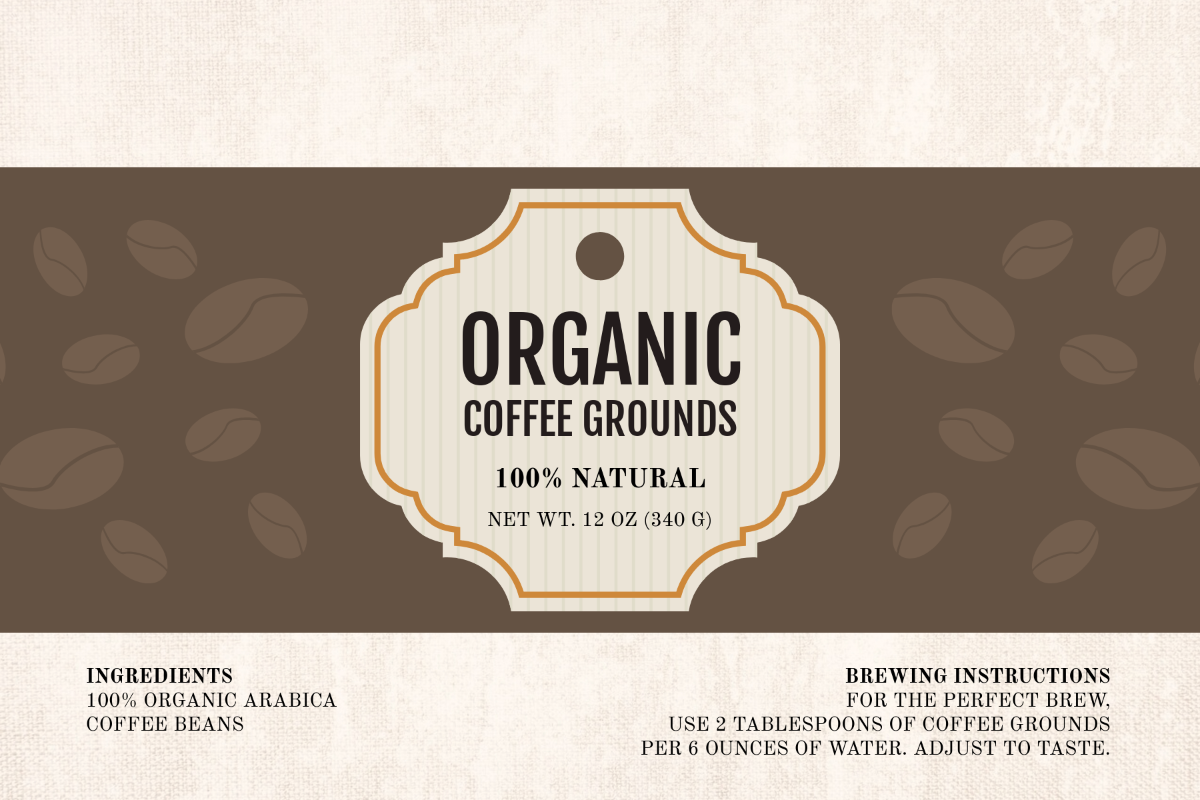
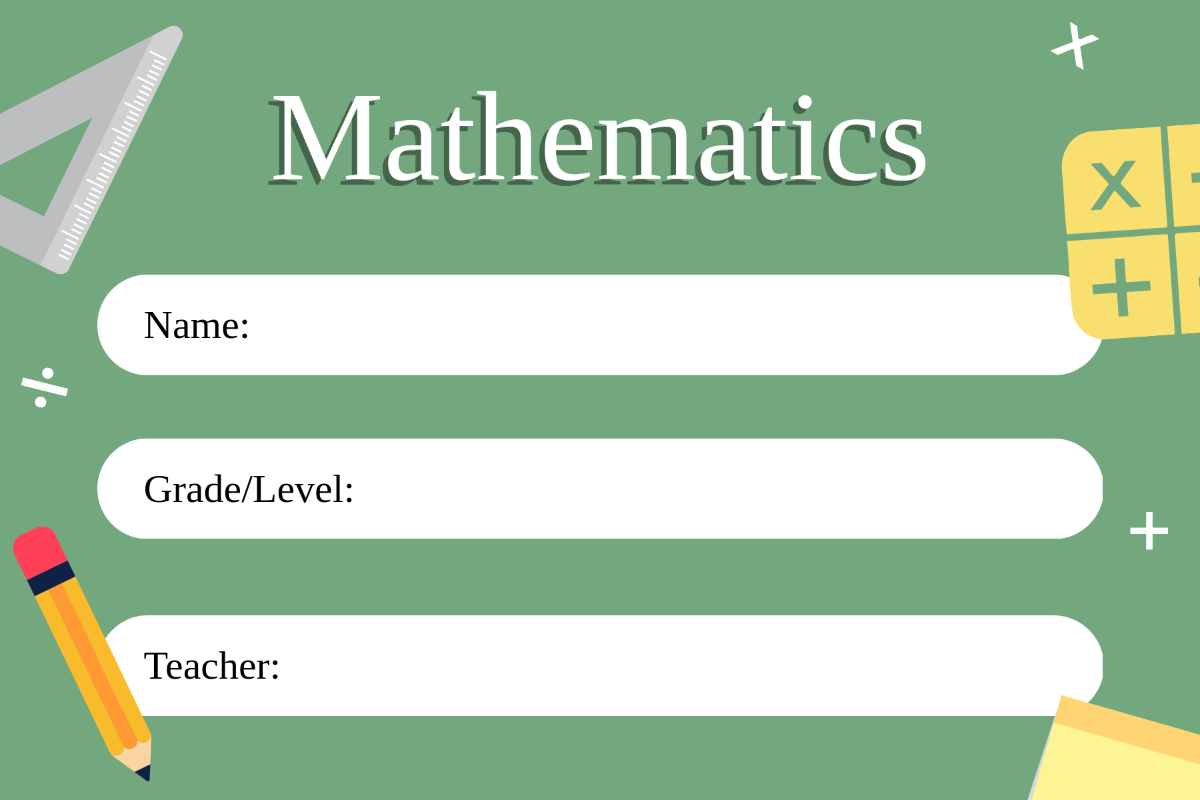
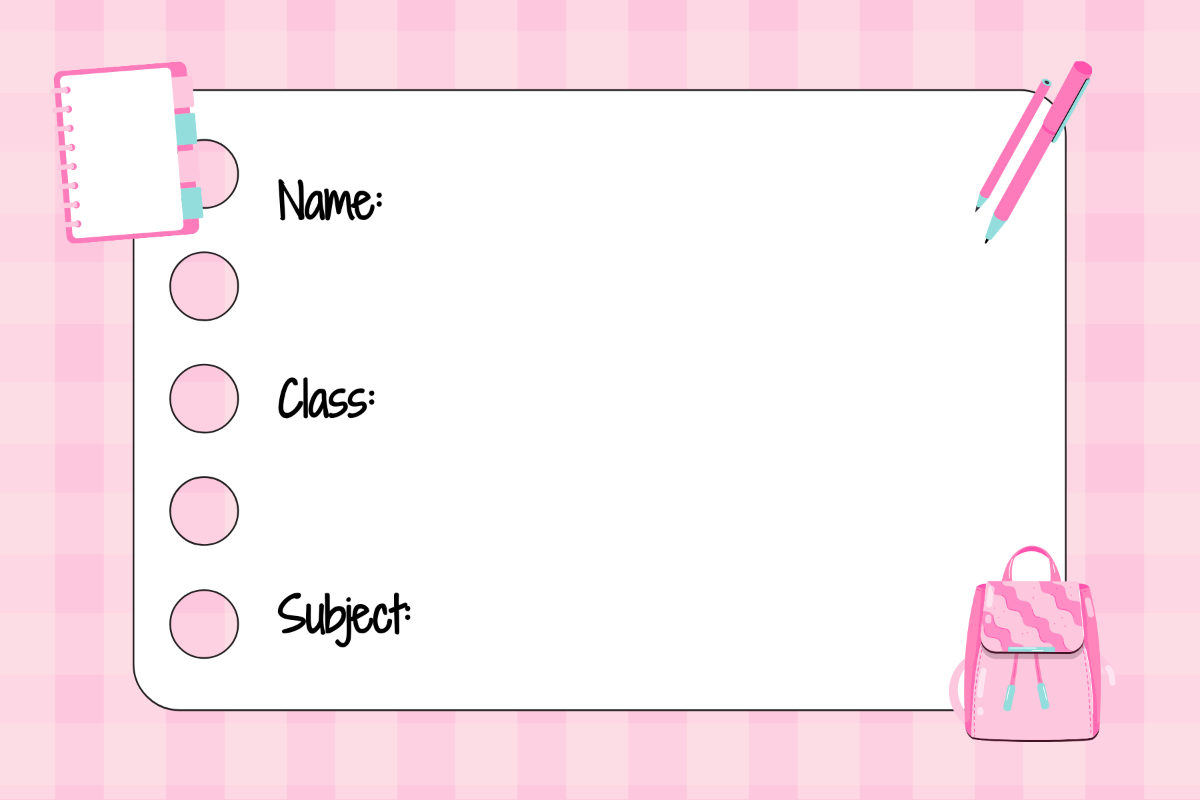
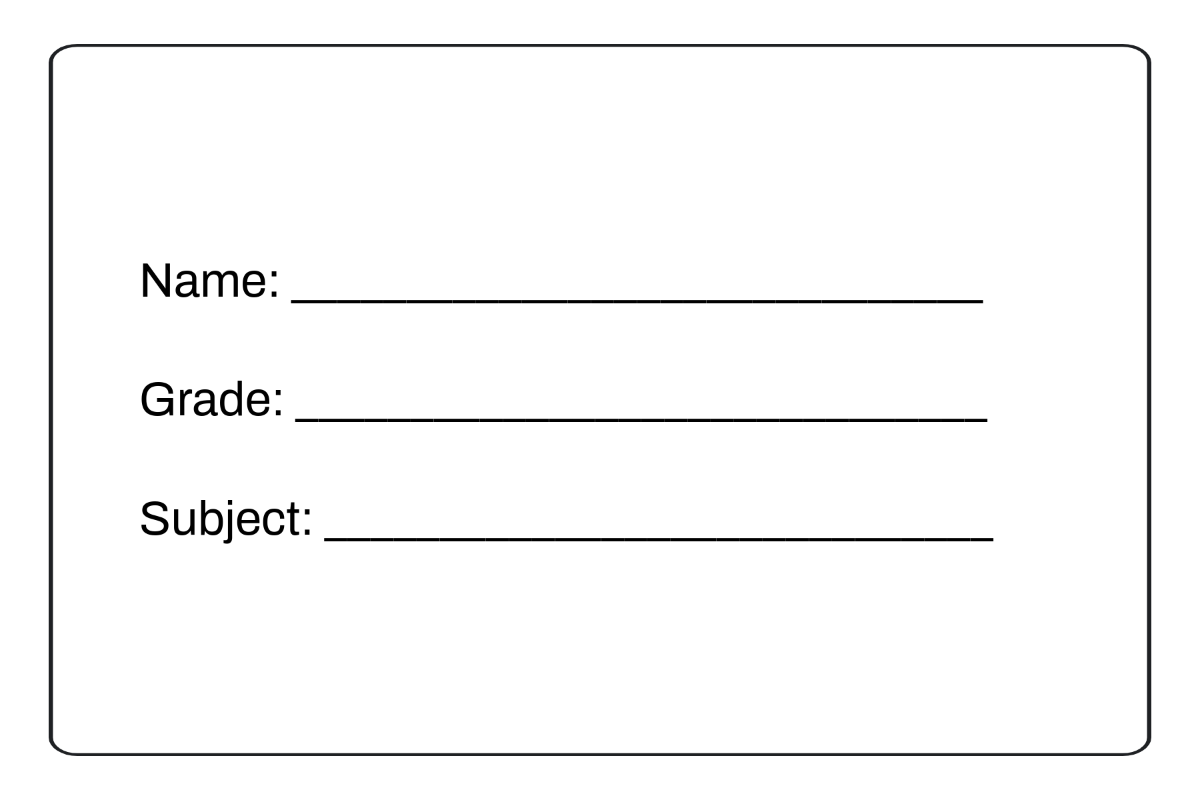
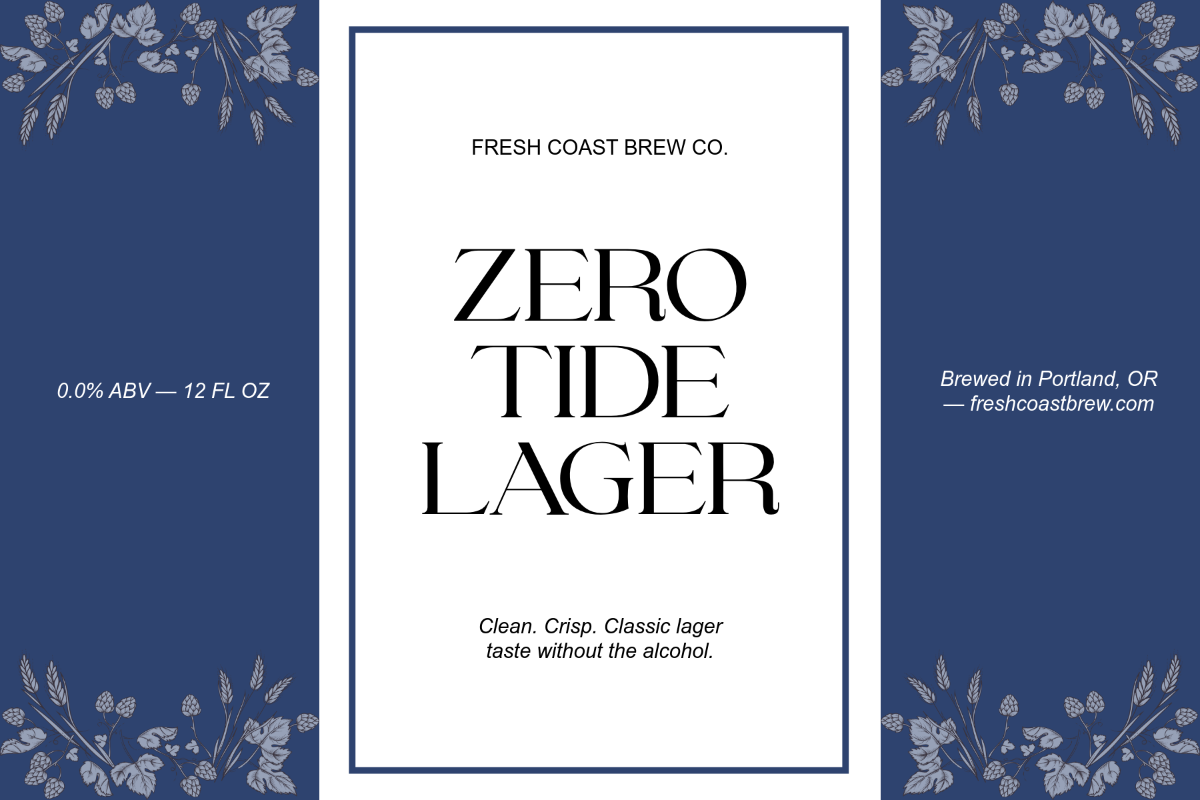
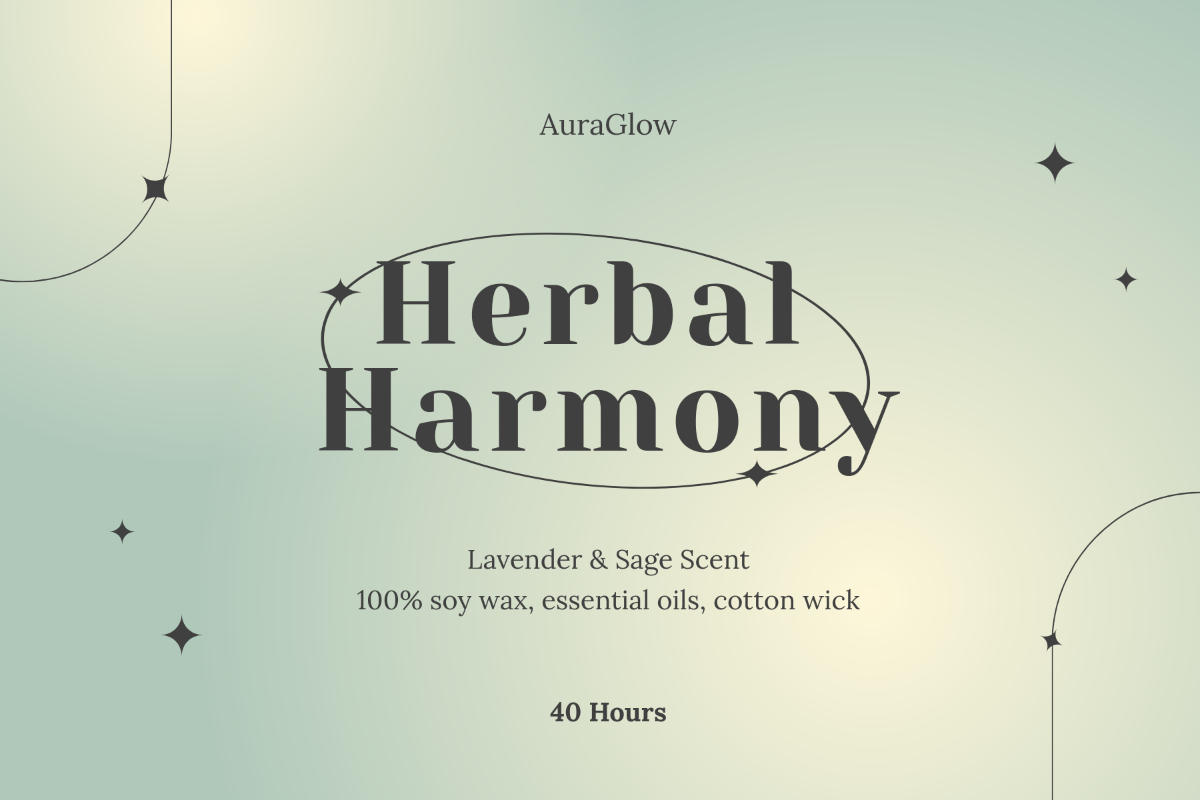
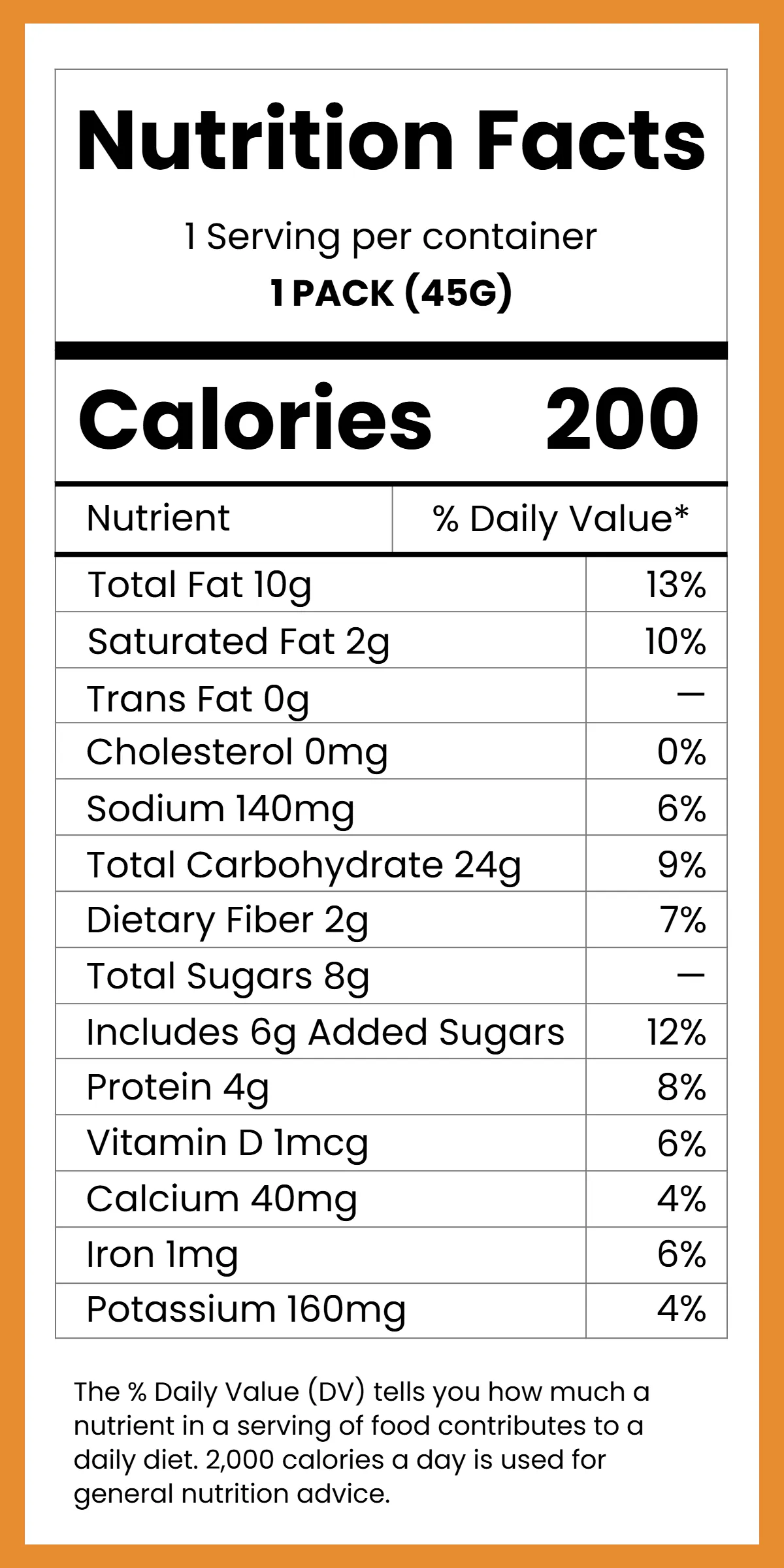
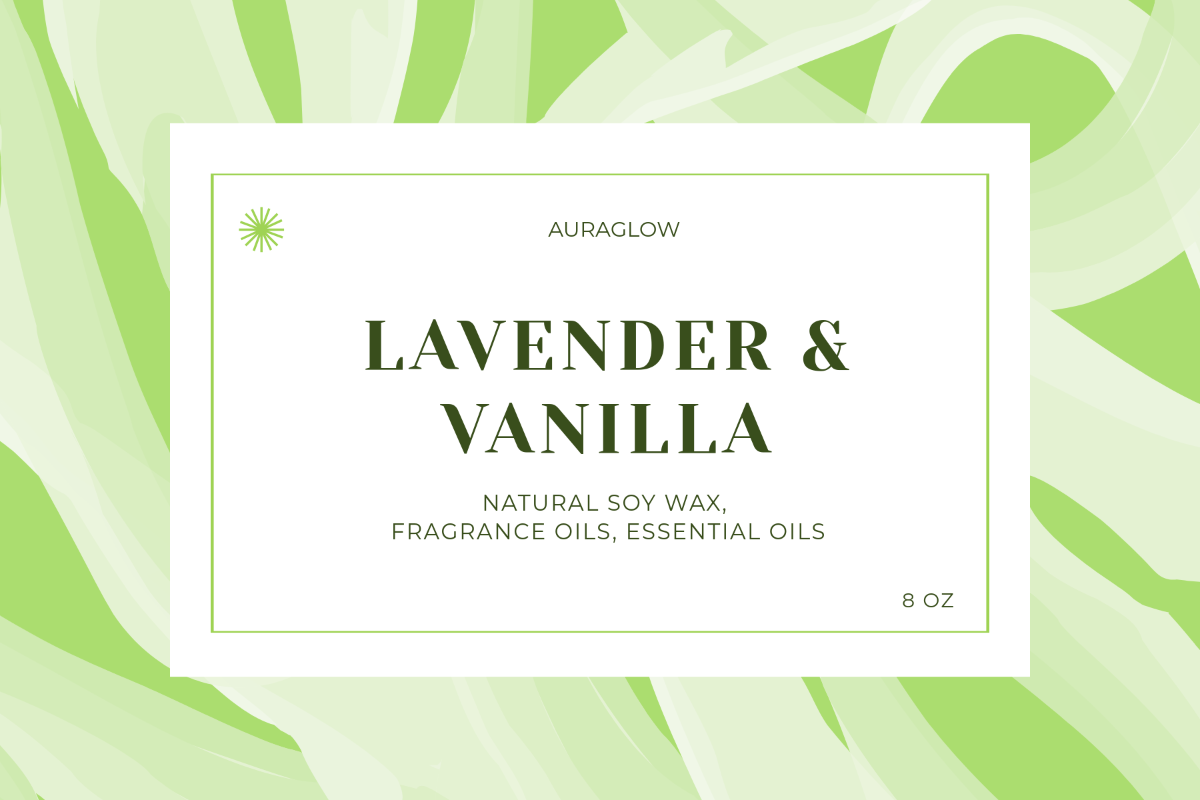
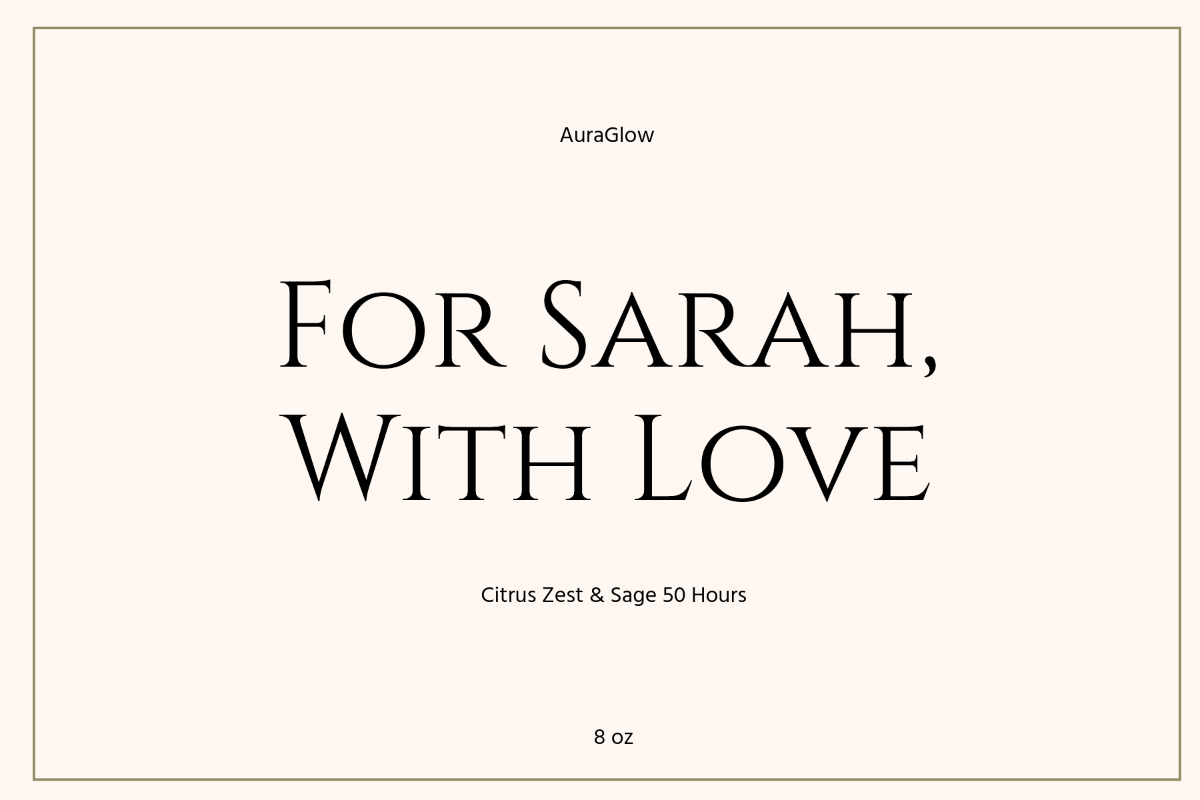
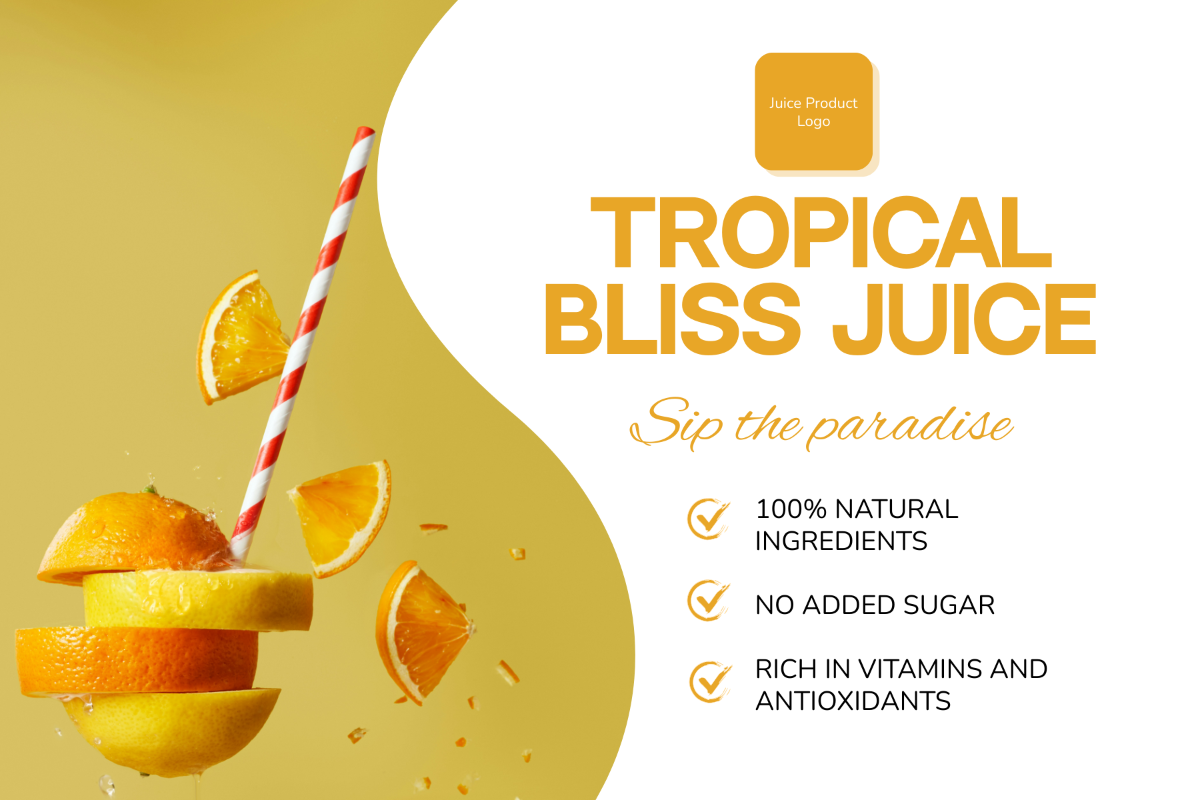
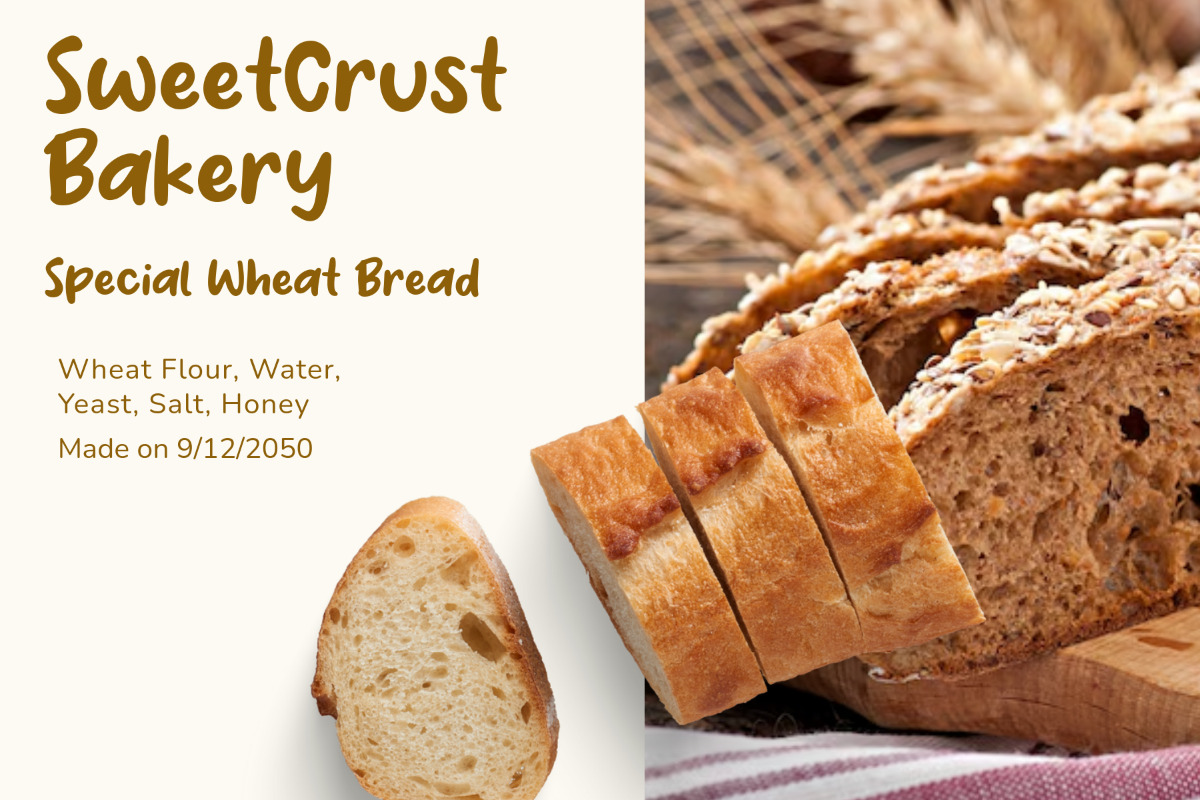
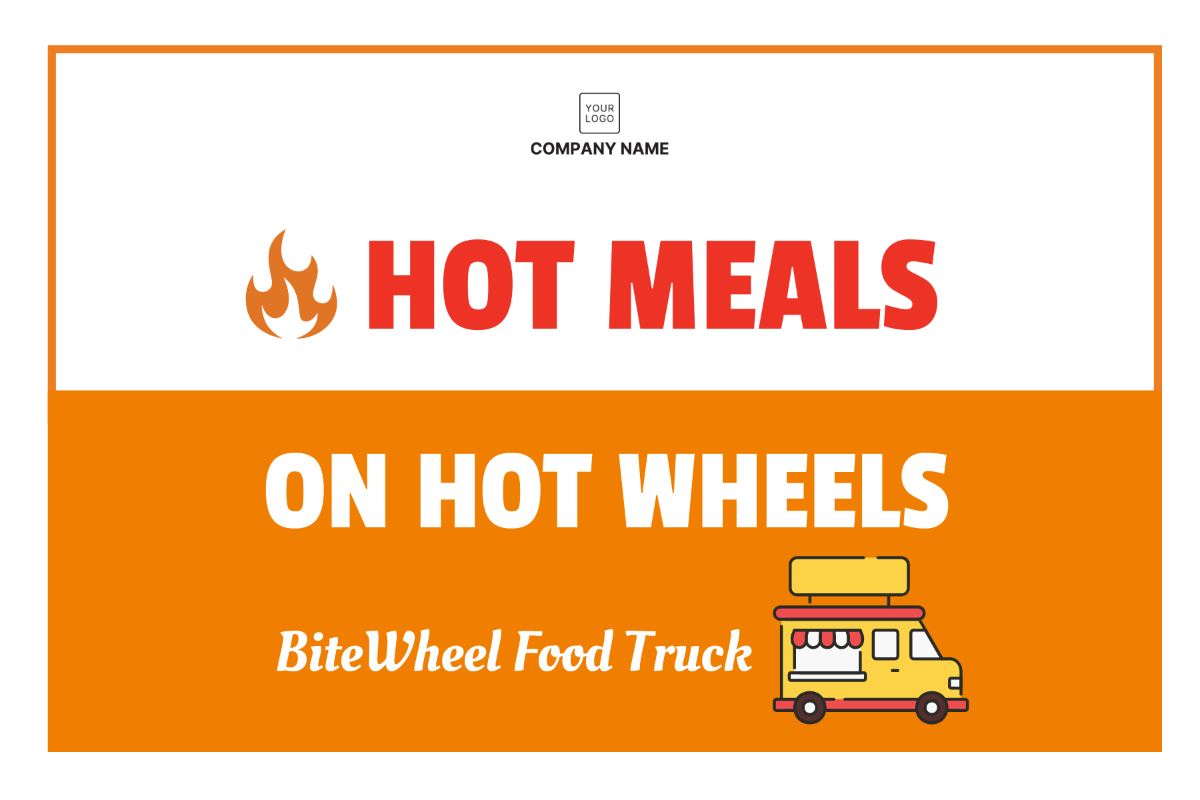
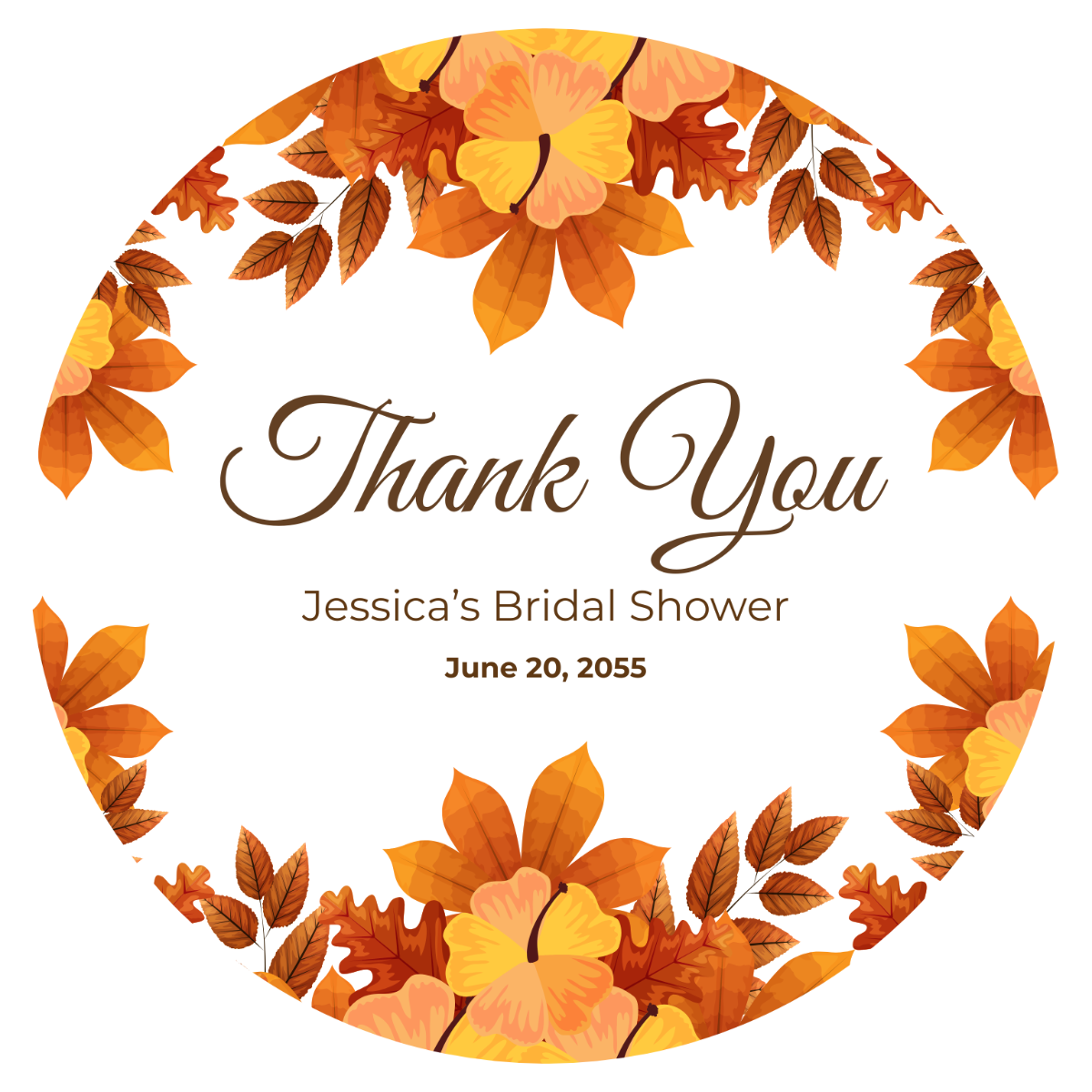
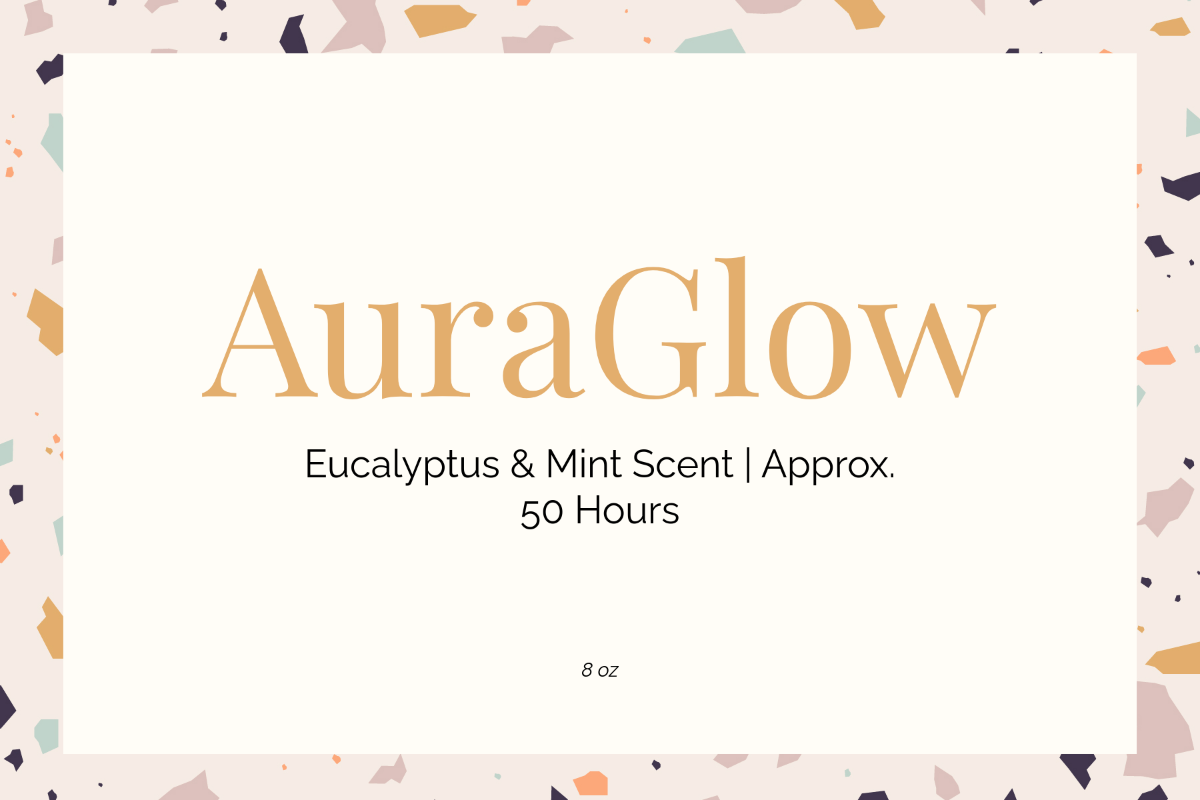
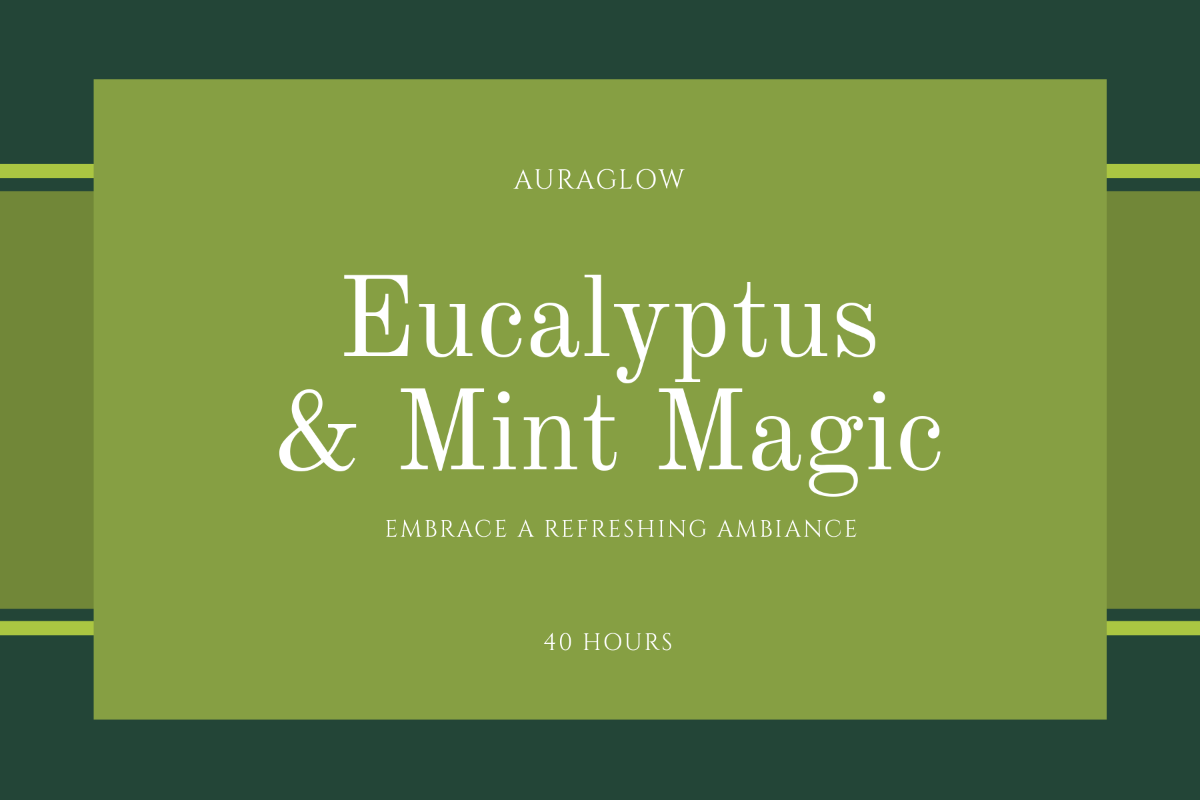
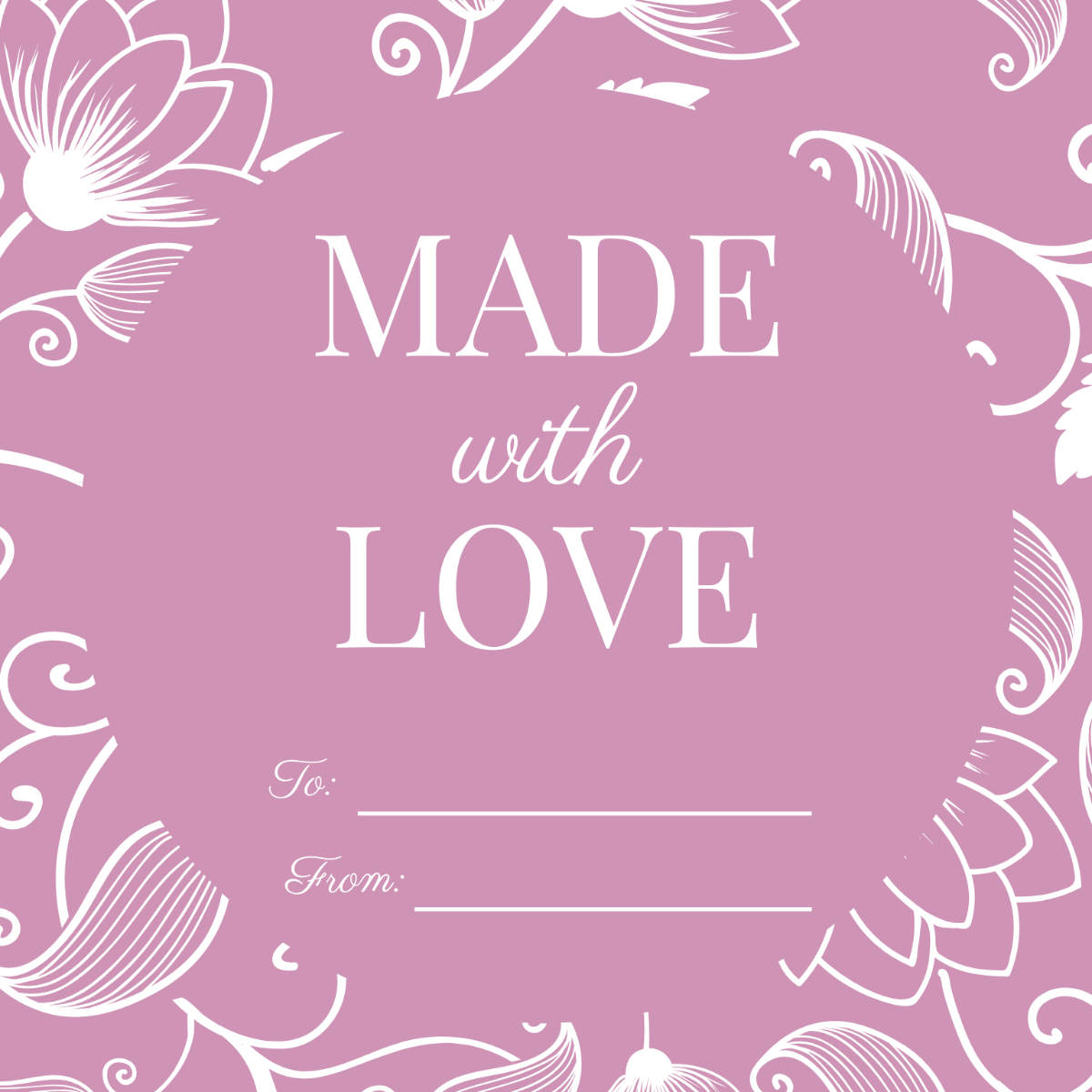
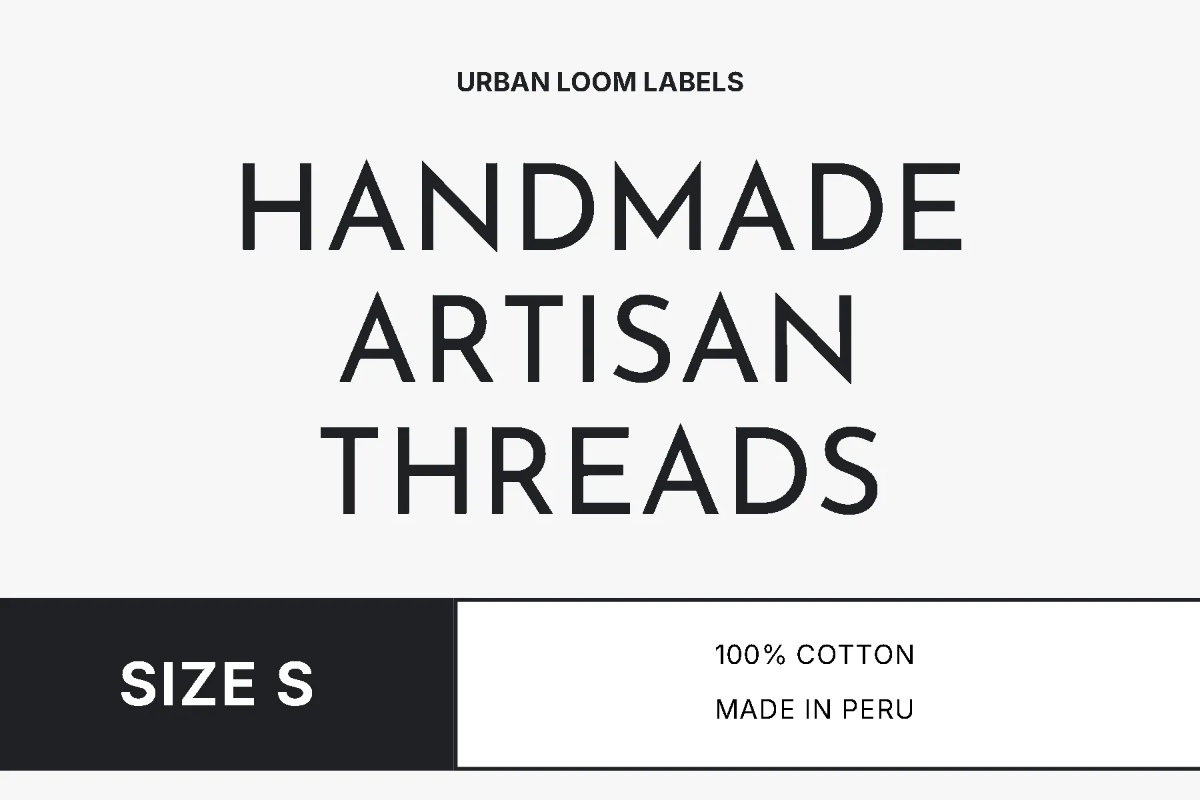
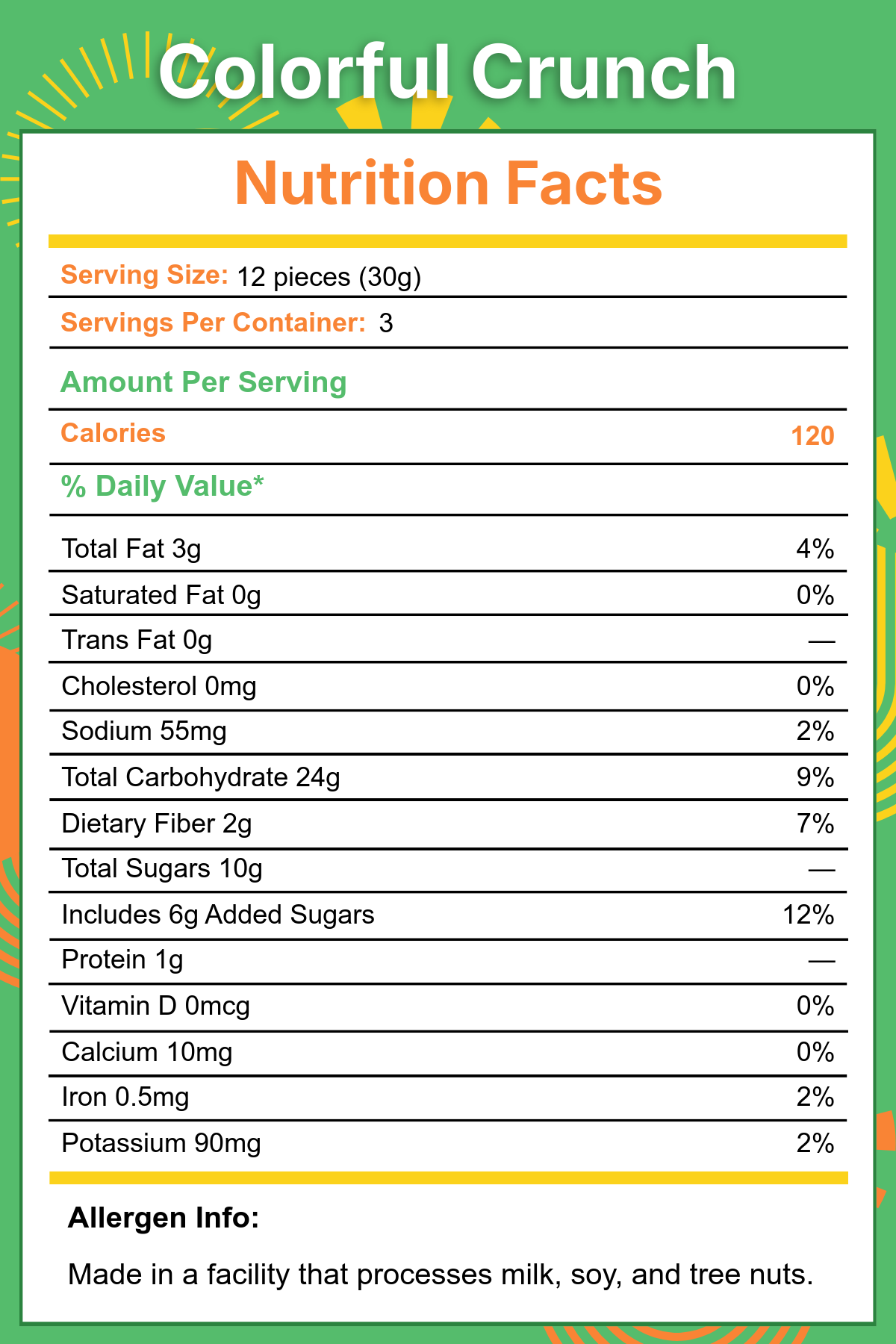
Make Labels, Customize Online with Design Editor
Template.net’s Free AI Label Generator helps you design professional-quality labels for any purpose. Personalize your layout online with logos, colors, fonts, product details, barcodes, and images. Download instantly for print or digital use and keep every label perfectly on-brand.
![Free AI Label Generator, Free Label Maker [ No Signup ]](https://images.template.net/generator-images/Label-0.webp)
Design Custom, Printable Labels for Free
All-in-one tools to generate and edit labels, fast, easy, and without complexity.
Ready-to-Use Label Templates for Every Industry
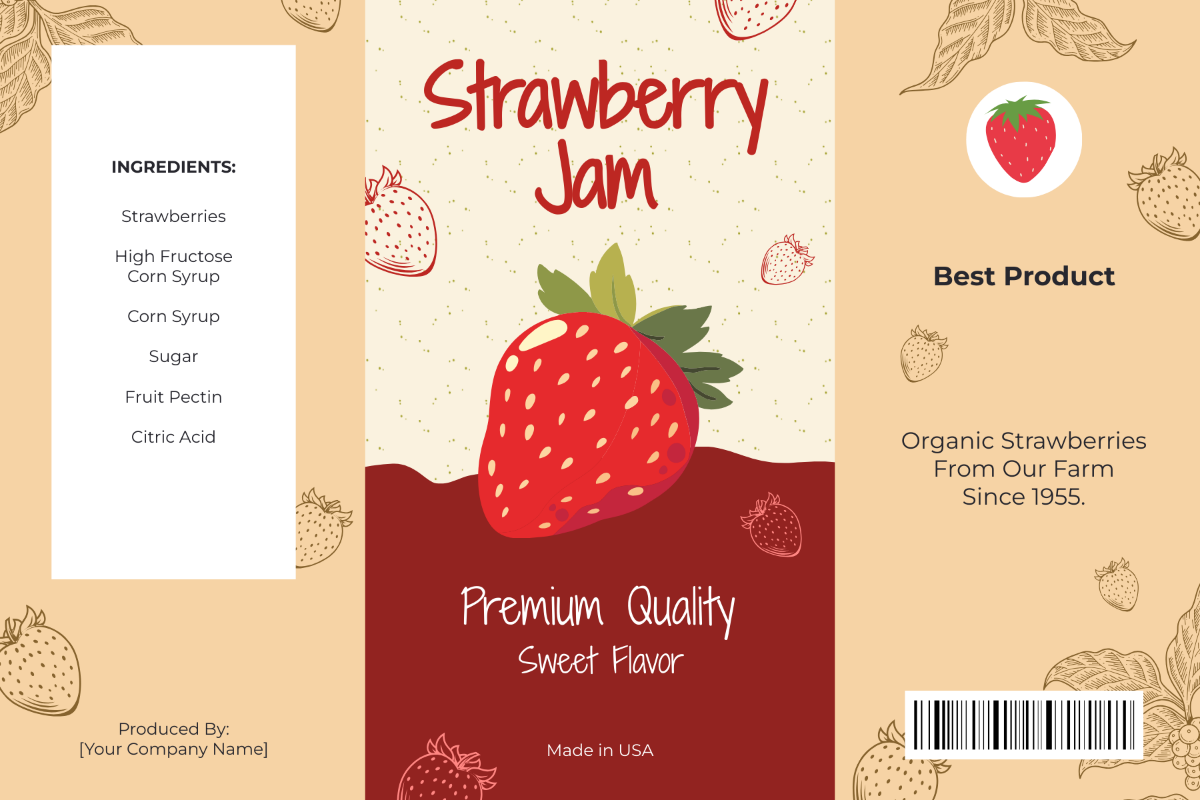
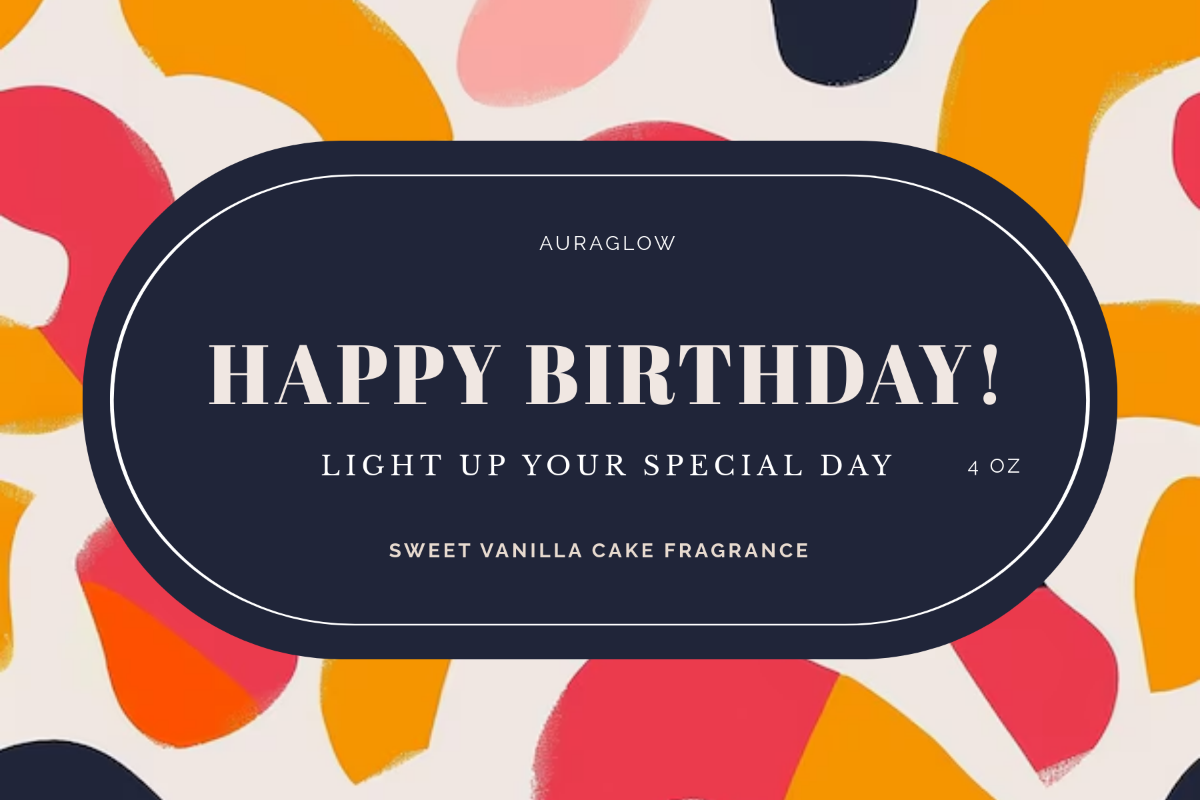
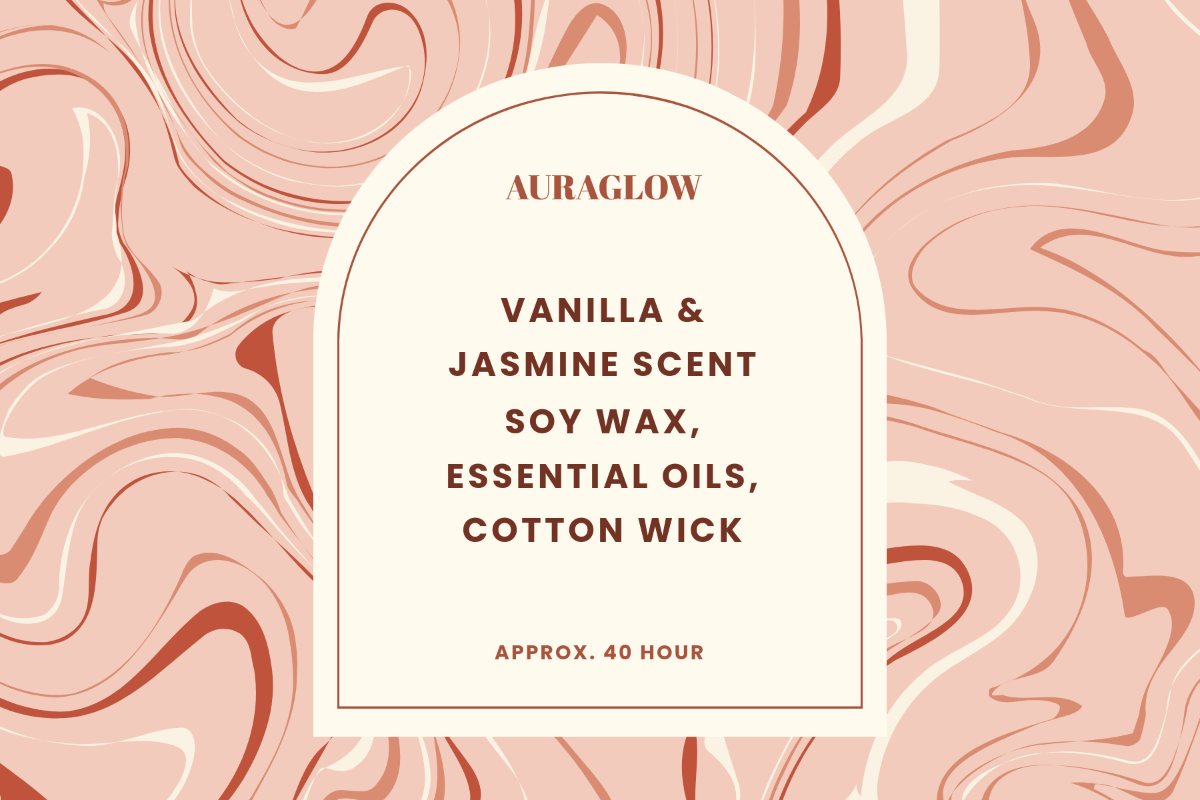
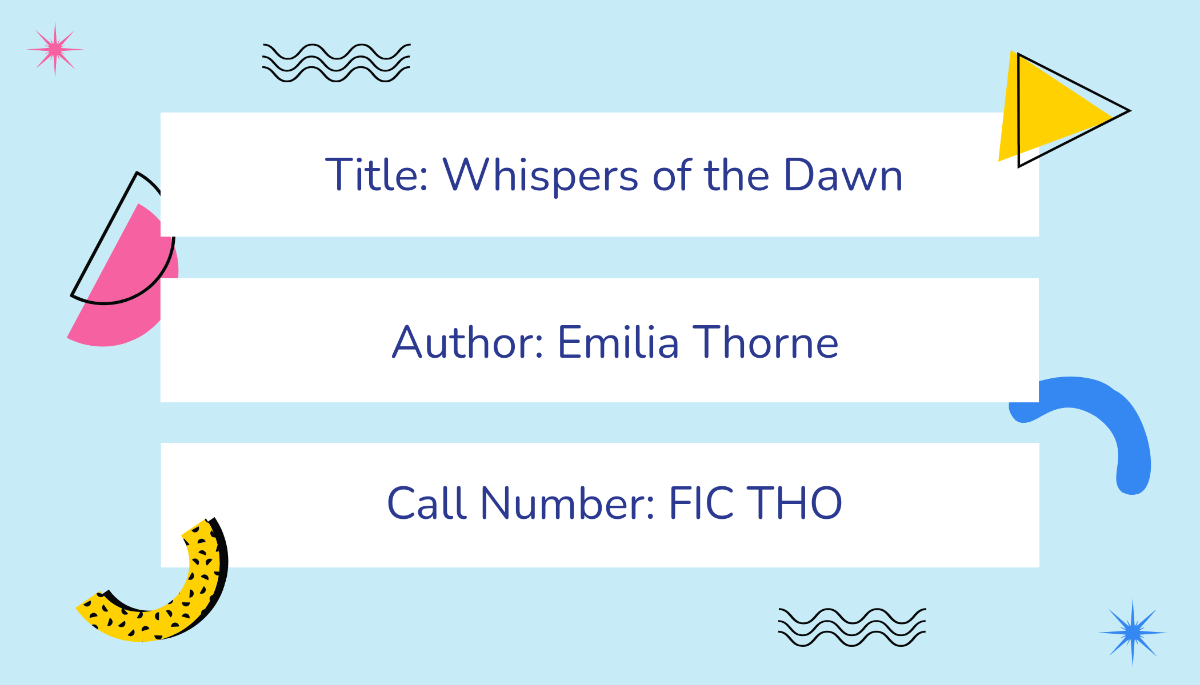
Get instant access to thousands of professionally designed label templates for food jars, cosmetics, shipping, clothing tags, product packaging, and more. These templates are fully customizable and ready to print, helping you save time while ensuring consistent, on-brand presentation across every item you label.
AI-Powered Label Creation
Simply type or speak a short description of your label, and our AI instantly generates a professionally structured design. The tool understands your context, like product type, scent, flavor, or shipping needs, and applies layout, fonts, and visual hierarchy suited to your goal.
Advanced Label Editor with Drag-and-Drop Tools
The built-in design editor lets you easily move, resize, and format text, icons, and shapes with precision. Whether you're adjusting label dimensions or layering design elements, you can fine-tune every detail without needing any graphic design skills.
Complete Branding Integration
Stay visually consistent with our 1-click Brand Kit tool. Instantly apply your business logo, fonts, color palette, and tone across all label designs, so every product looks cohesive, whether you’re labeling skincare bottles, coffee bags, or promotional merchandise.
Support for 20+ Languages in Text or Voice
Create labels in multiple languages using natural prompts. Whether your audience speaks English, Spanish, Chinese, Hindi, Arabic, Portuguese, Bengali, Russian, Japanese, French, German, Korean, Italian, Turkish, Vietnamese, Urdu, Persian, Polish, Thai, or Punjabi, our AI understands and formats content appropriately for multilingual product lines or exports.
Real-Time Collaboration and Team Access
Invite teammates, clients, or vendors to co-edit and review label designs within a shared workspace. Control access, assign roles, and streamline feedback so everyone involved in packaging or branding can work efficiently in one place.
Instant Background Removal and Image Editing
Use AI-powered background removal to clean up product images or isolate logos with a single click. You can also replace label backgrounds with textures, gradients, or photos that enhance the visual identity of your brand or packaging.
Customizable for Any Label Size or Shape
Easily adapt your design to fit circular, rectangular, or die-cut labels in standard or custom sizes. Whether for 2 oz bottles or wide box fronts, the editor provides layout flexibility without compromising quality.
Barcode, QR Code, and Batch Support
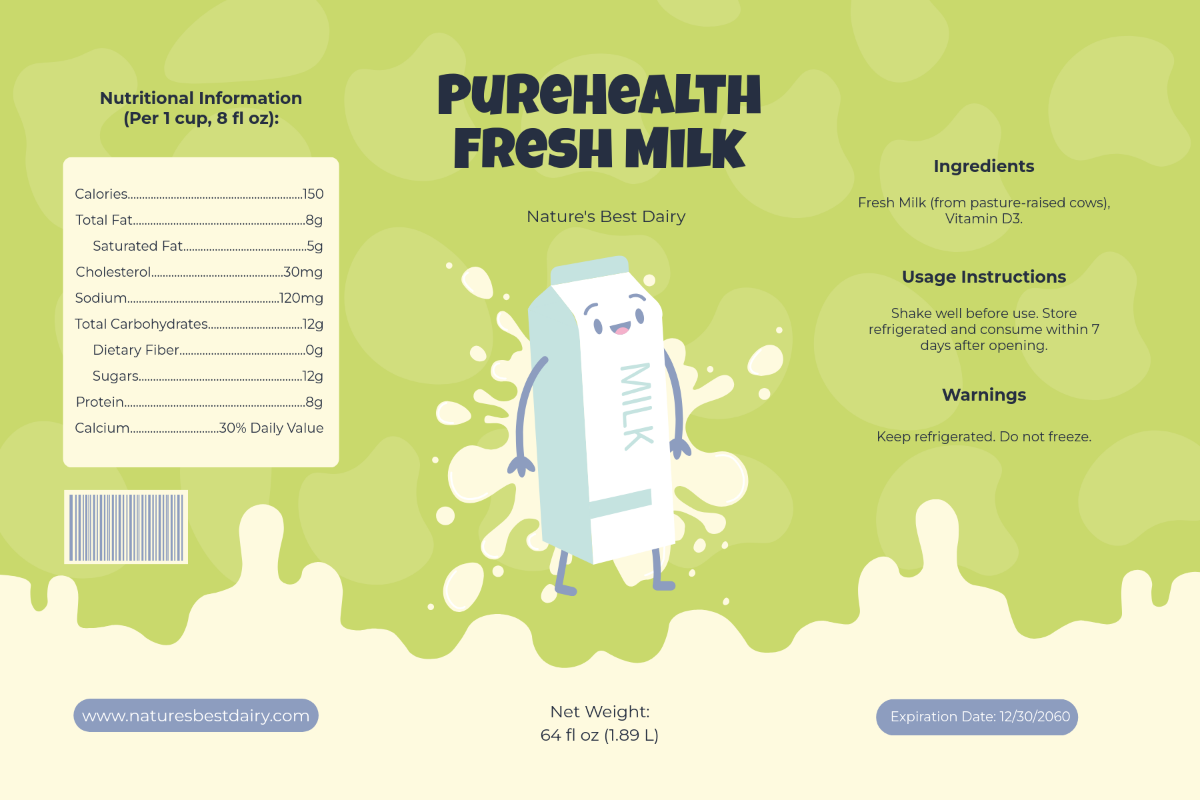
Add barcodes, QR codes, batch numbers, or expiry dates directly into your label design. These features are ideal for inventory tracking, e-commerce scanning, compliance, and customer engagement through smart links.
Preloaded Icons, Shapes, and Decorative Assets
Choose from a rich visual library of icons, dividers, borders, and label-appropriate graphics. These are optimized for packaging and presentation, helping elevate your label's visual clarity and appeal with minimal effort.
Multi-Device, Browser-Based Design Access
Design and customize labels using your desktop, laptop, tablet, or smartphone, without downloading any software. All tools and assets are accessible in-browser, ensuring a smooth workflow whether you're at home, at work, or on the go.
Flexible Export and Sharing Options
Download your final label in multiple formats, including PNG, PDF, SVG, and HTML. Share instantly via QR code, direct link, or embed the label in a website, ideal for online product pages or printing workflows.
Color Palette Generator Based on Product Type
Input your product type, like skincare, coffee, or candles, and the AI suggests a matching color palette to suit the tone and purpose. Whether you want earthy, vibrant, or minimalist colors, the generator ensures visual consistency across your label design.
Shape and Size Customization for Any Use Case
Choose from preset shapes like circles, ovals, rectangles, or create custom die-cut styles. Adjust dimensions easily for product jars, mailing envelopes, or inventory tags with pixel-precise accuracy.
AI-Powered Product Information Autofill
Input your product type, like skincare, coffee, or candles, and the AI suggests a matching color palette to suit the tone and purpose. Whether you want earthy, vibrant, or minimalist colors, the generator ensures visual consistency across your label design.
Border, Margin, and Safe Zone Controls
Ensure clean edges and print-safe positioning with adjustable margin guides and visual safe zones. The AI warns if text or elements fall outside printable areas to prevent production issues.
Visual Preview on Mock Packaging
Instantly preview your label design on virtual product mockups like bottles, boxes, jars, or bags. This helps ensure your design looks great in real-world use before downloading or printing.
Font Style Matching by Label Type
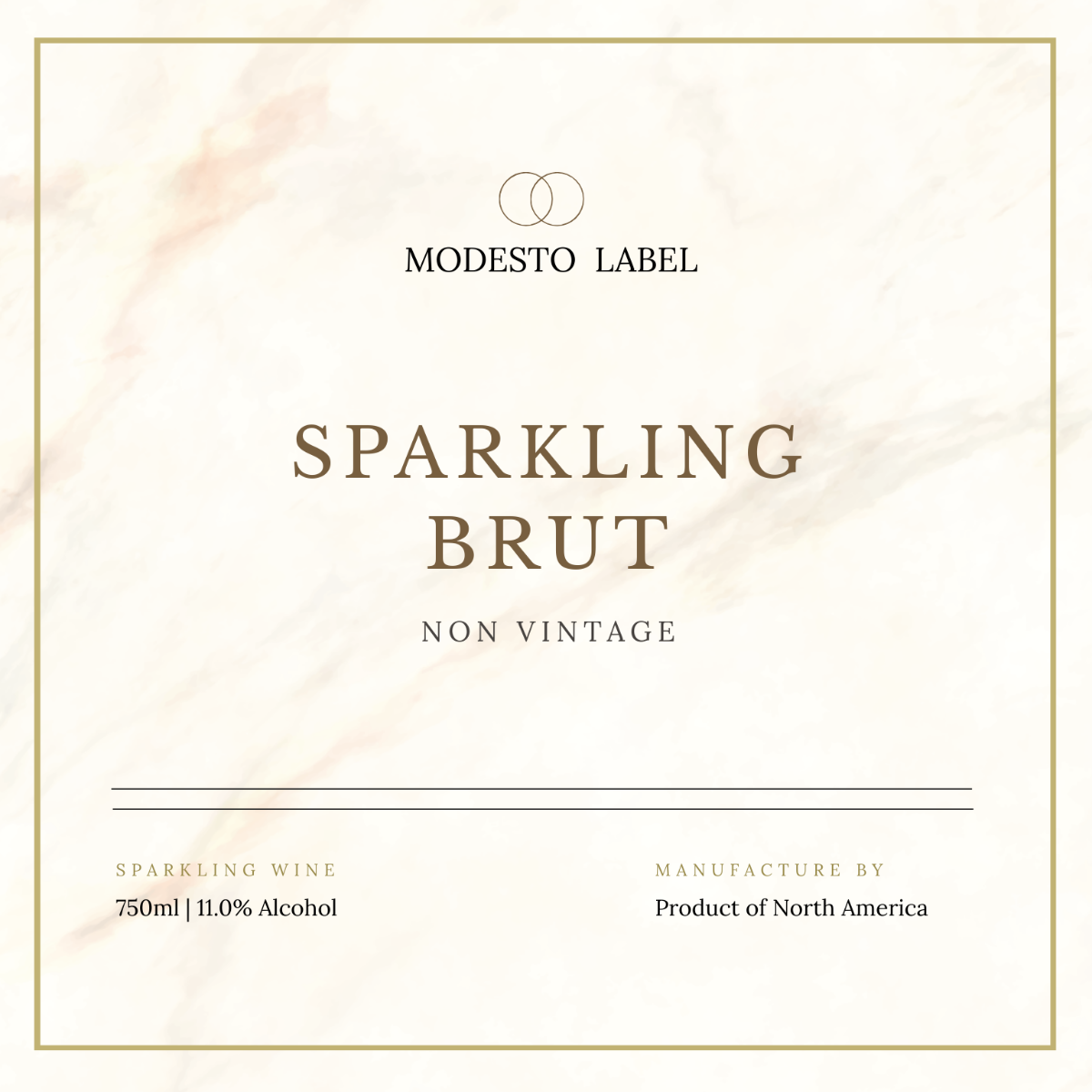
Choose from curated font style sets based on your label’s purpose, elegant serif fonts for wine bottles, playful scripts for handmade goods, or clean sans-serifs for household products. The AI recommends font pairings that enhance both readability and visual appeal specific to your label category.
![Free AI Label Generator, Free Label Maker [ No Signup ]](https://images.template.net/generator-images/Label-5.webp "Free AI Label Generator, Free Label Maker [ No Signup ]")
How to Create a Free AI-Generated Label
You don’t need advanced design tools or paid software. With our Free AI Label Generator, you can create stunning product labels in minutes, just by describing what you need.
Step 1: Enter a Prompt and Generate a Label
Tell us what kind of label you’re looking for. Whether it’s for food jars, essential oils, skincare bottles, or product tags, be clear about the design, size, or theme you want. The more specific your prompt, the better the results.
Step 2: Review and Edit Your Label
Our AI will generate high-quality templates based on your input. Pick one that fits your branding or explore more variations by tweaking your prompt or chatting with AI for suggestions. Edit the text, colors, product info, and layout to reflect your branding.
Step 3: Customize and Export for Use
Add your images, barcode, or icons. Apply your brand colors and fonts. Then download the label in high-resolution formats such as PNG, HTML, SVG, and PDF. Share it online via link or QR code on various platforms such as WhatsApp, Instagram, Facebook, LinkedIn, X (Twitter), Pinterest, Messenger, YouTube, or Reddit.
Create Labels in Seconds and Elevate Your Brand
![Free AI Label Generator, Free Label Maker [ No Signup ]](https://images.template.net/generator-images/Label-1.webp "Free AI Label Generator, Free Label Maker [ No Signup ]")
Generate Labels with Your Brand
Generate a that speaks for your brand. Then apply your logo, brand colors, and fonts instantly using the built-in Brand Kit panel. This ensures that every label you create follows your visual identity, whether for retail, shipping, or product packaging. Even with multiple users involved, your label designs stay cohesive and professional.
![Free AI Label Generator, Free Label Maker [ No Signup ]](https://images.template.net/generator-images/Label-2.webp "Free AI Label Generator, Free Label Maker [ No Signup ]")
Customize and Reuse Templates
Transform one great label into a reusable template for different products, flavors, sizes, or batches. Duplicate and update content quickly while keeping the original layout intact. This saves time and maintains visual consistency across all versions of your product line.
![Free AI Label Generator, Free Label Maker [ No Signup ]](https://images.template.net/generator-images/Label-3.webp "Free AI Label Generator, Free Label Maker [ No Signup ]")
Share Anywhere, Instantly
Download your label in high-resolution formats like PNG, PDF, SVG, or HTML. Share via direct link, embed on product pages, or print for physical packaging. You can also generate QR codes to make your labels digitally interactive.
![Free AI Label Generator, Free Label Maker [ No Signup ]](https://images.template.net/generator-images/Label-4.webp "Free AI Label Generator, Free Label Maker [ No Signup ]")
Smart Workspaces for Teams
Create dedicated workspaces for your team, department, or clients to manage label projects collaboratively. Assign roles, control access, and centralize all brand assets and templates in one place. This streamlines production and avoids design inconsistencies across teams.
