
Free AI Album Cover Generator




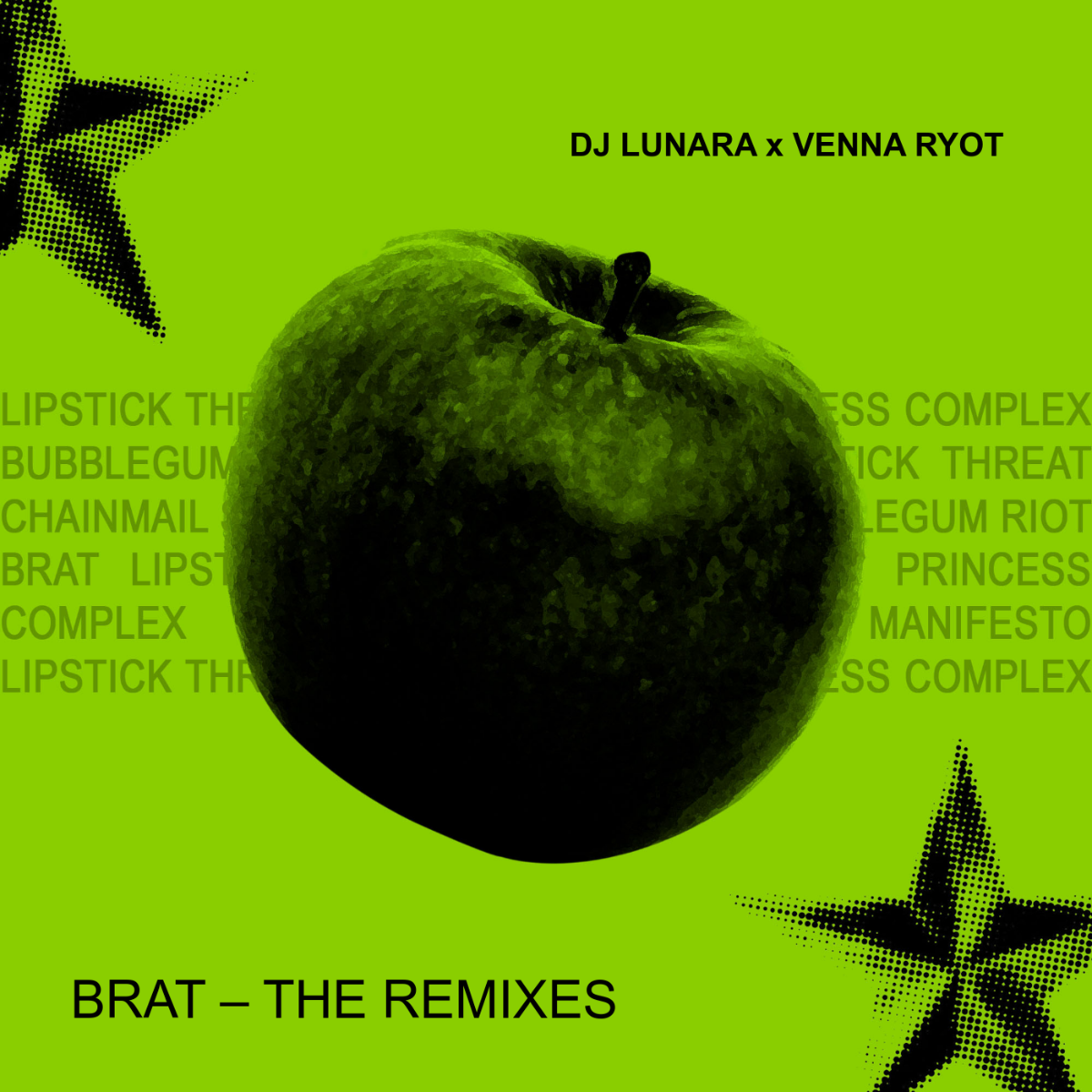
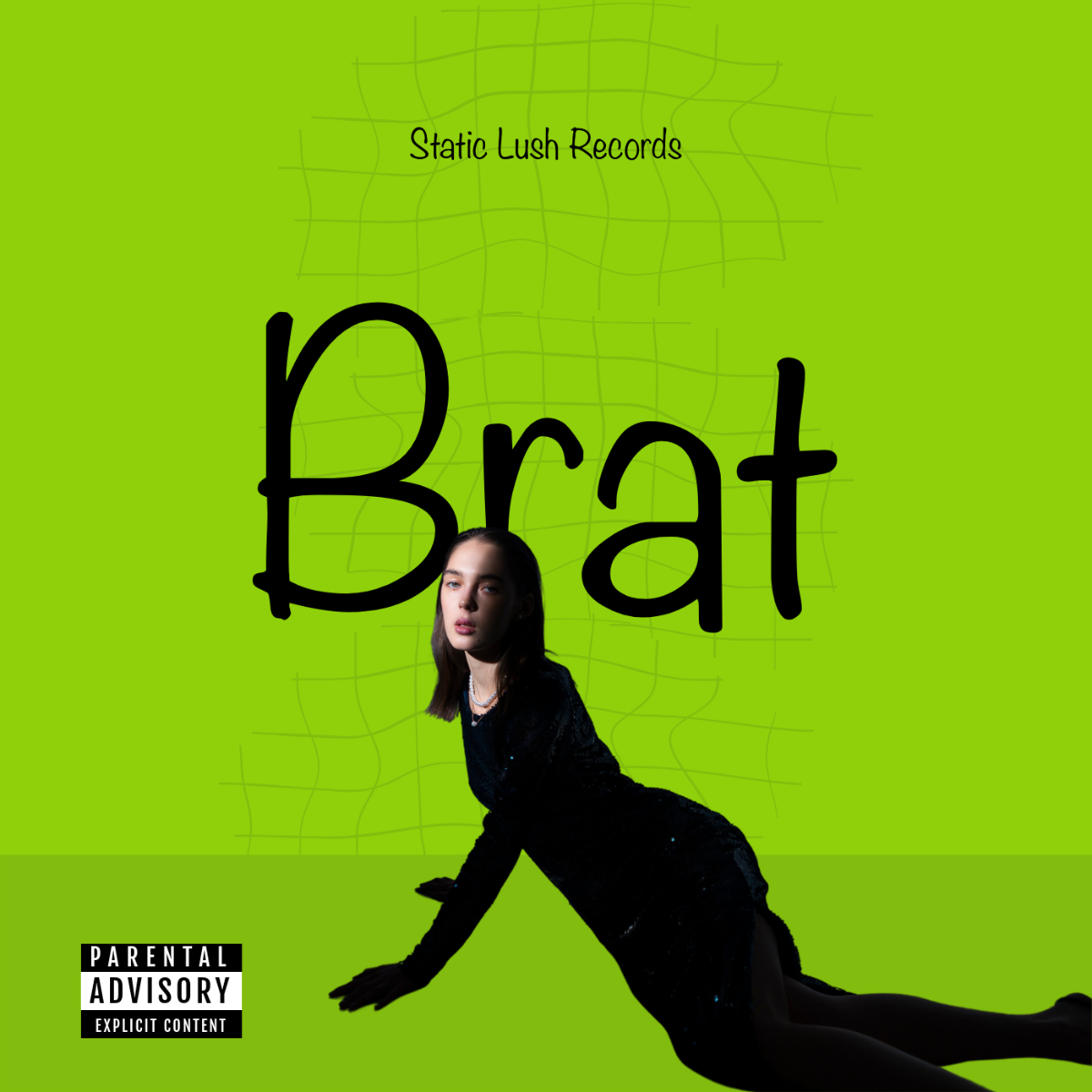
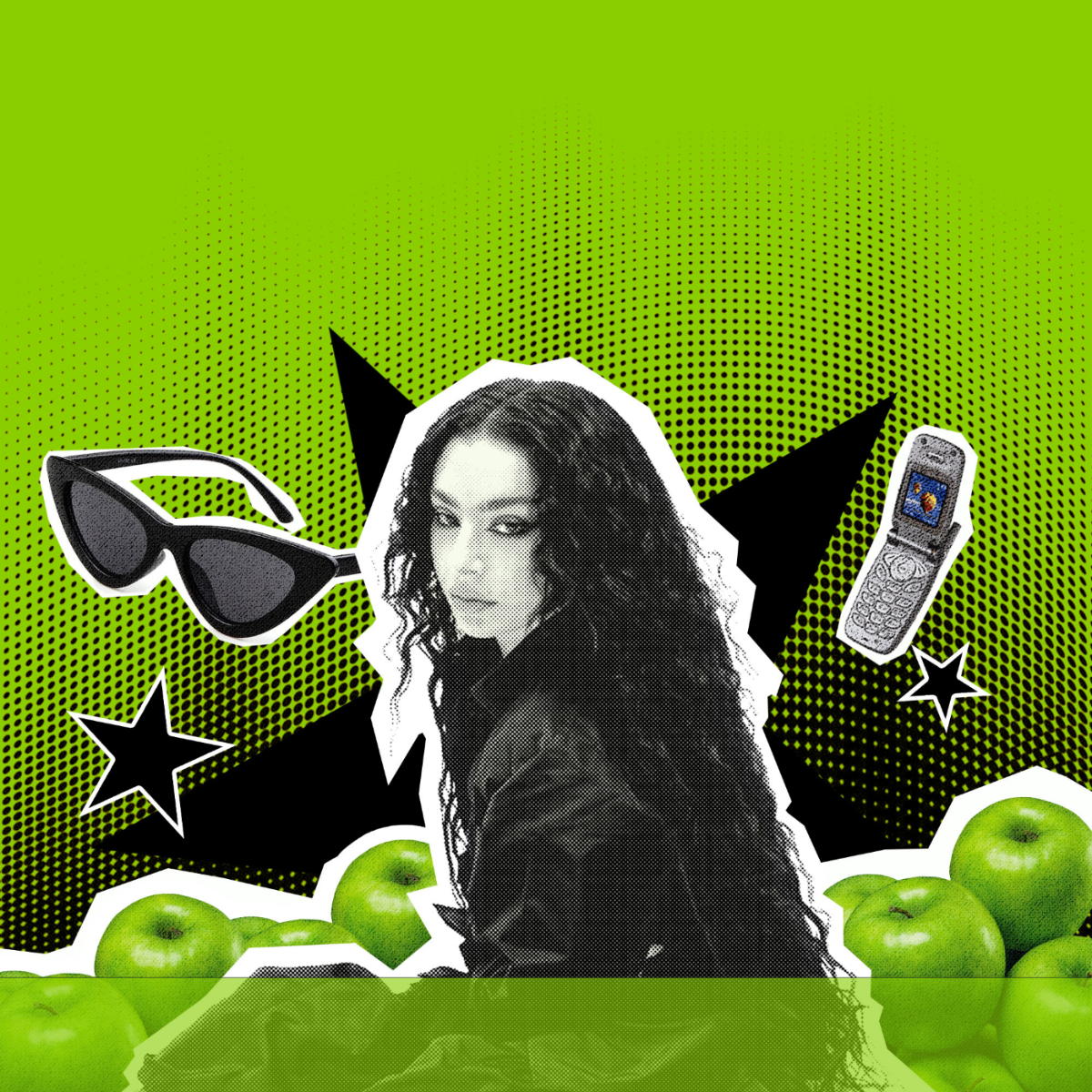

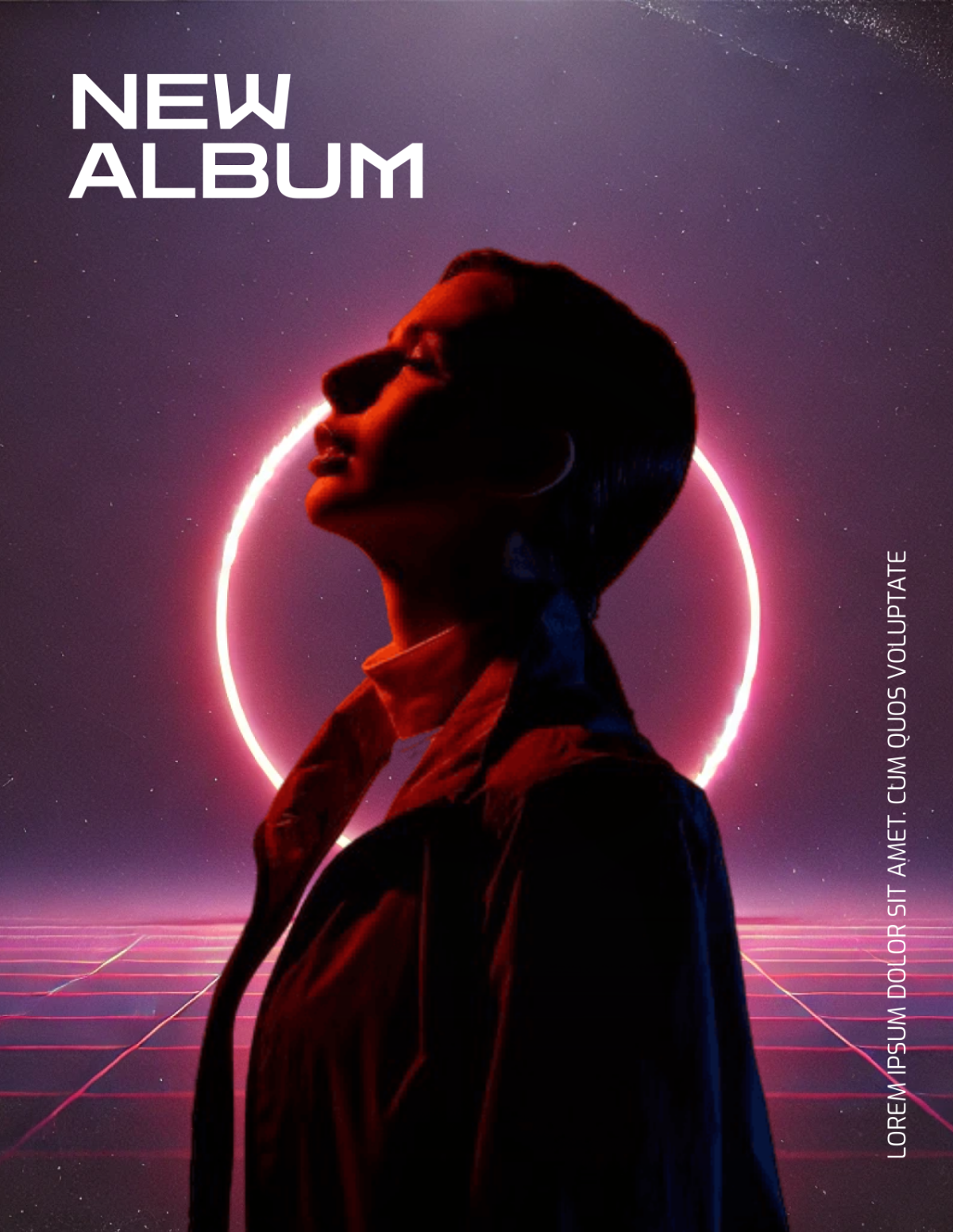


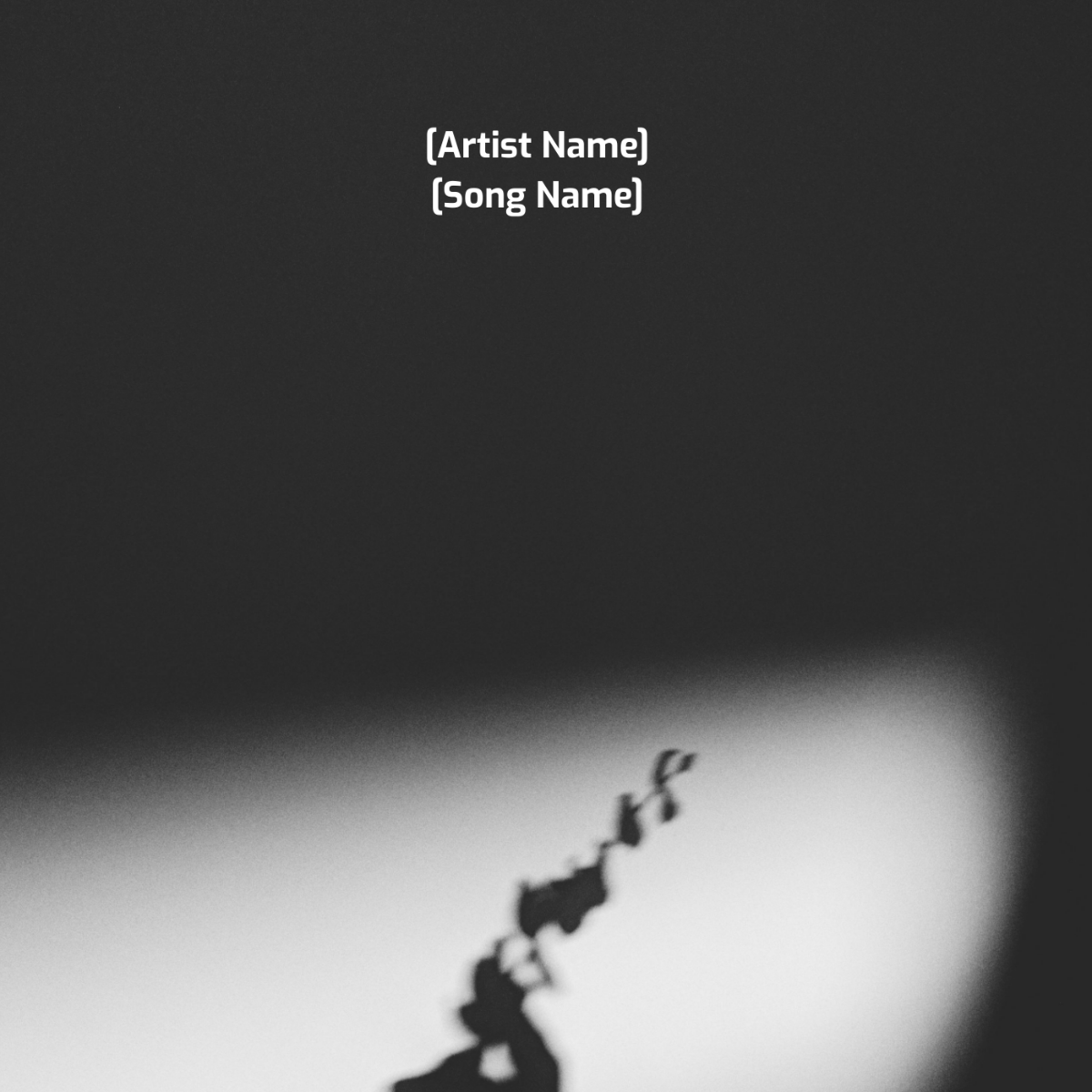
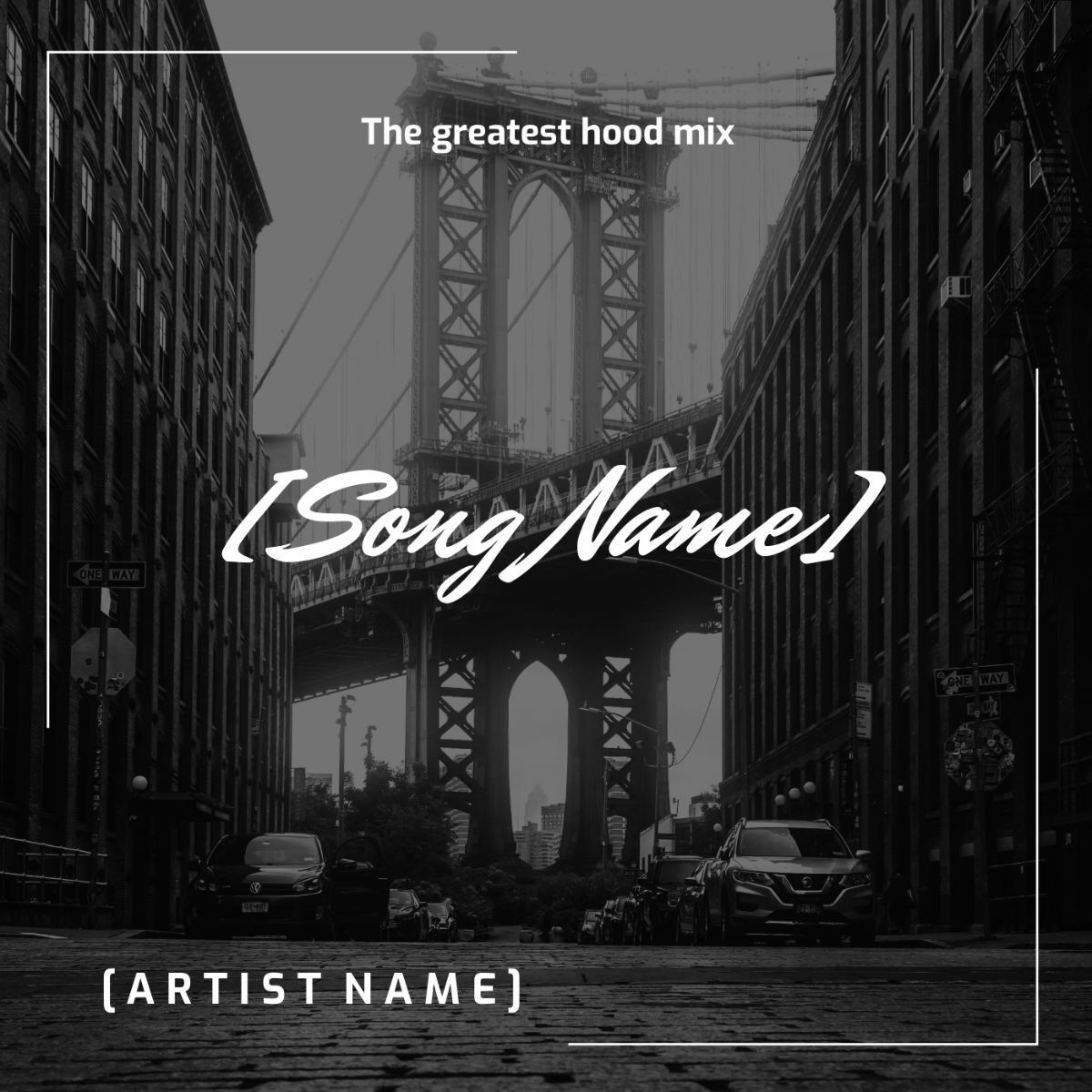
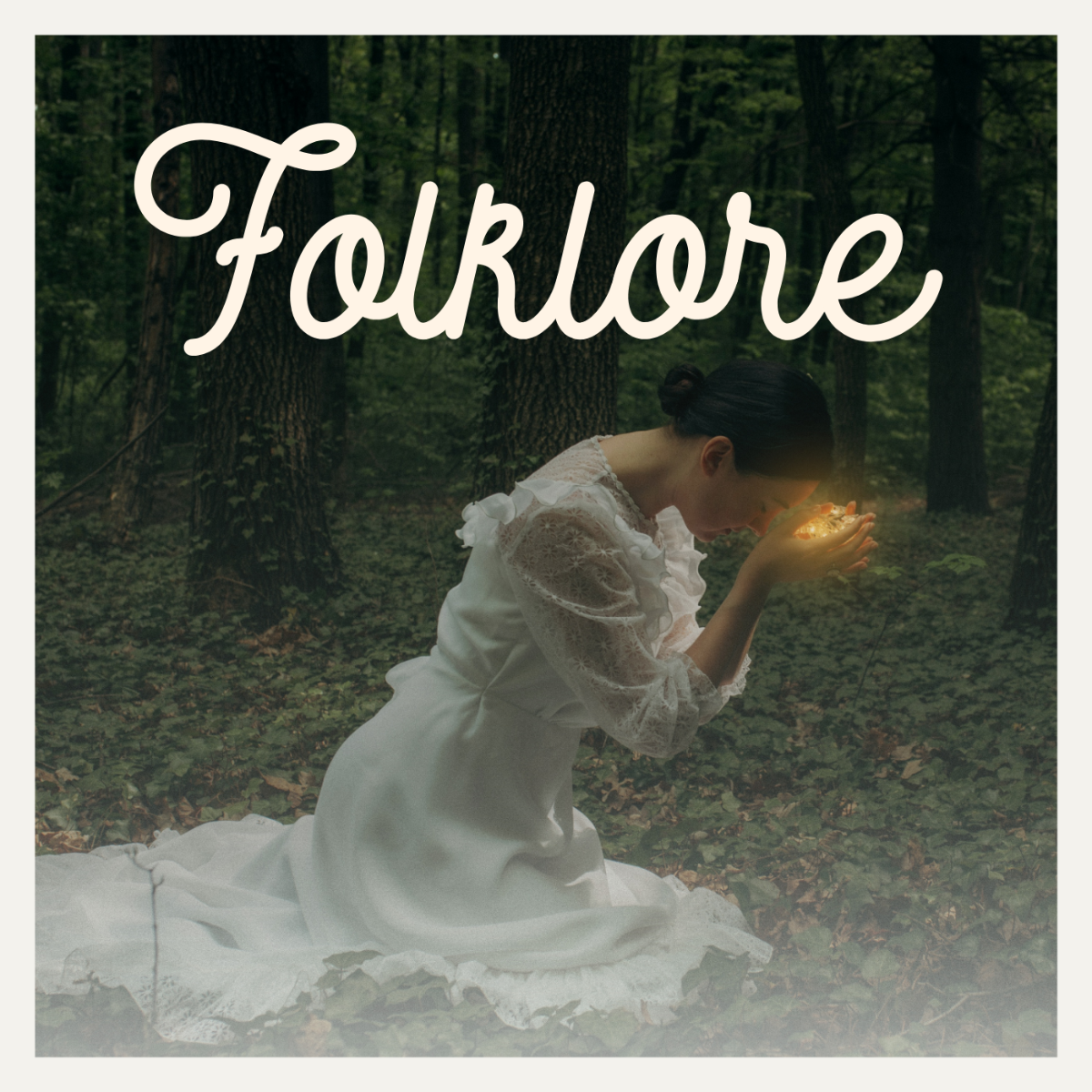
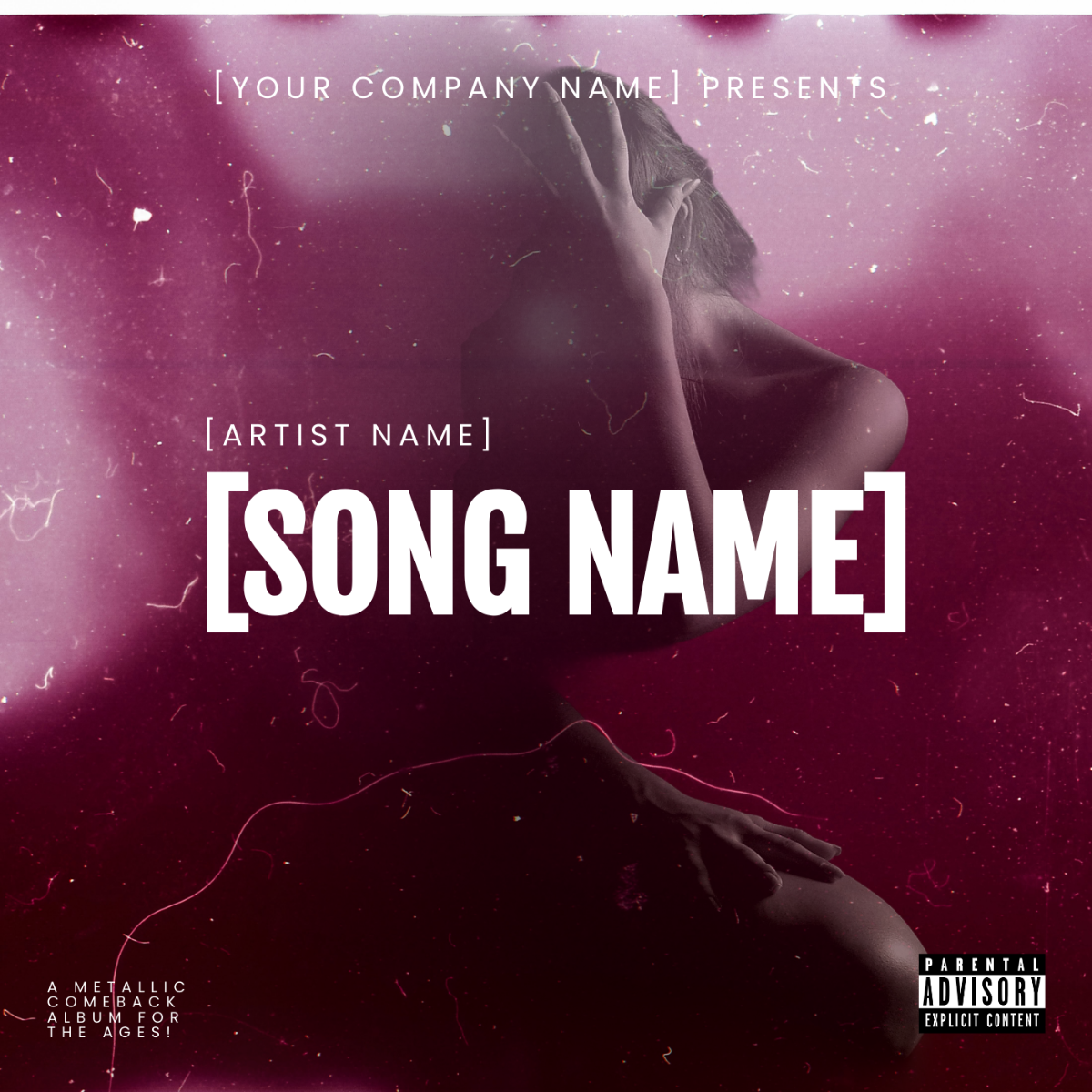


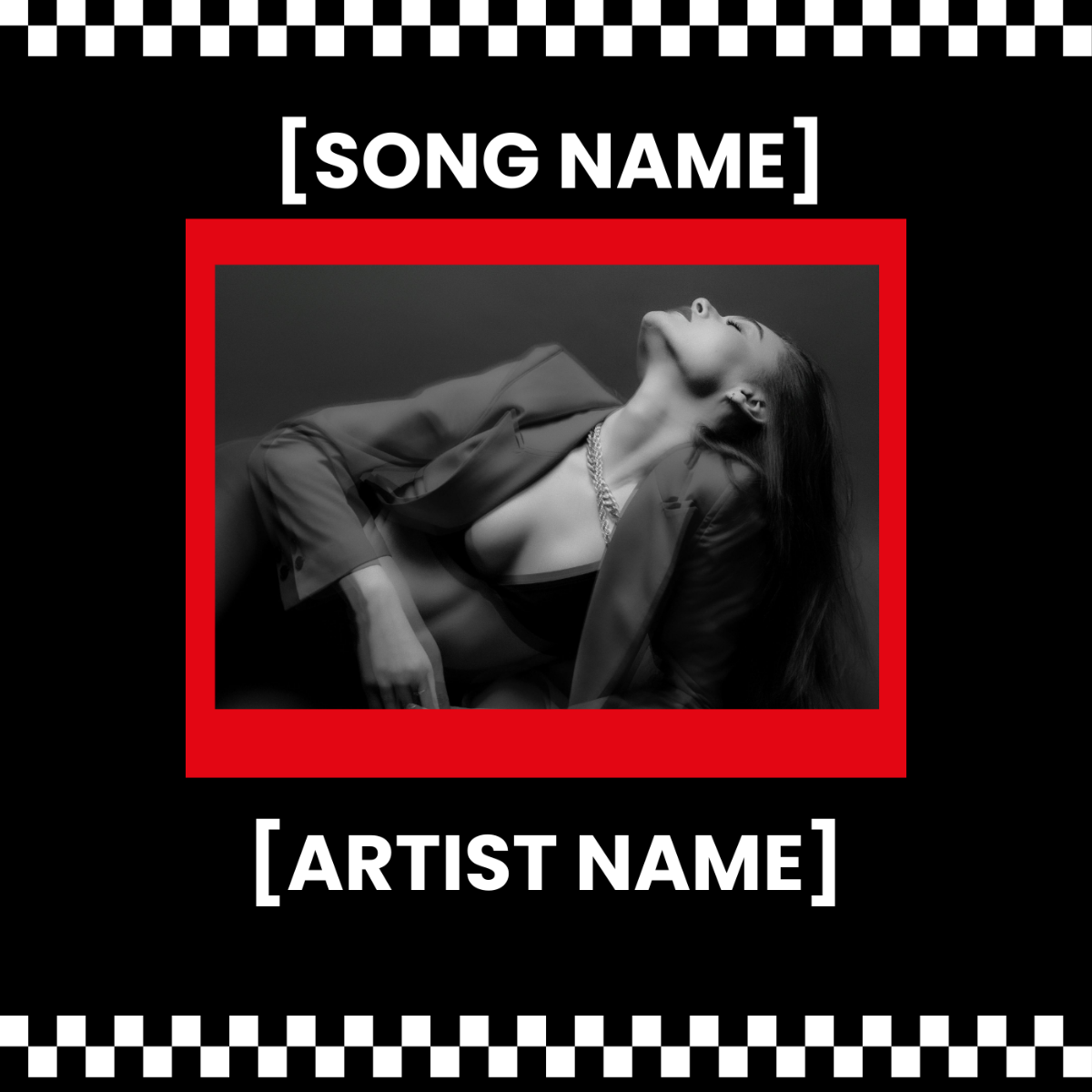
Make Album Covers, Customize Online with Design Editor
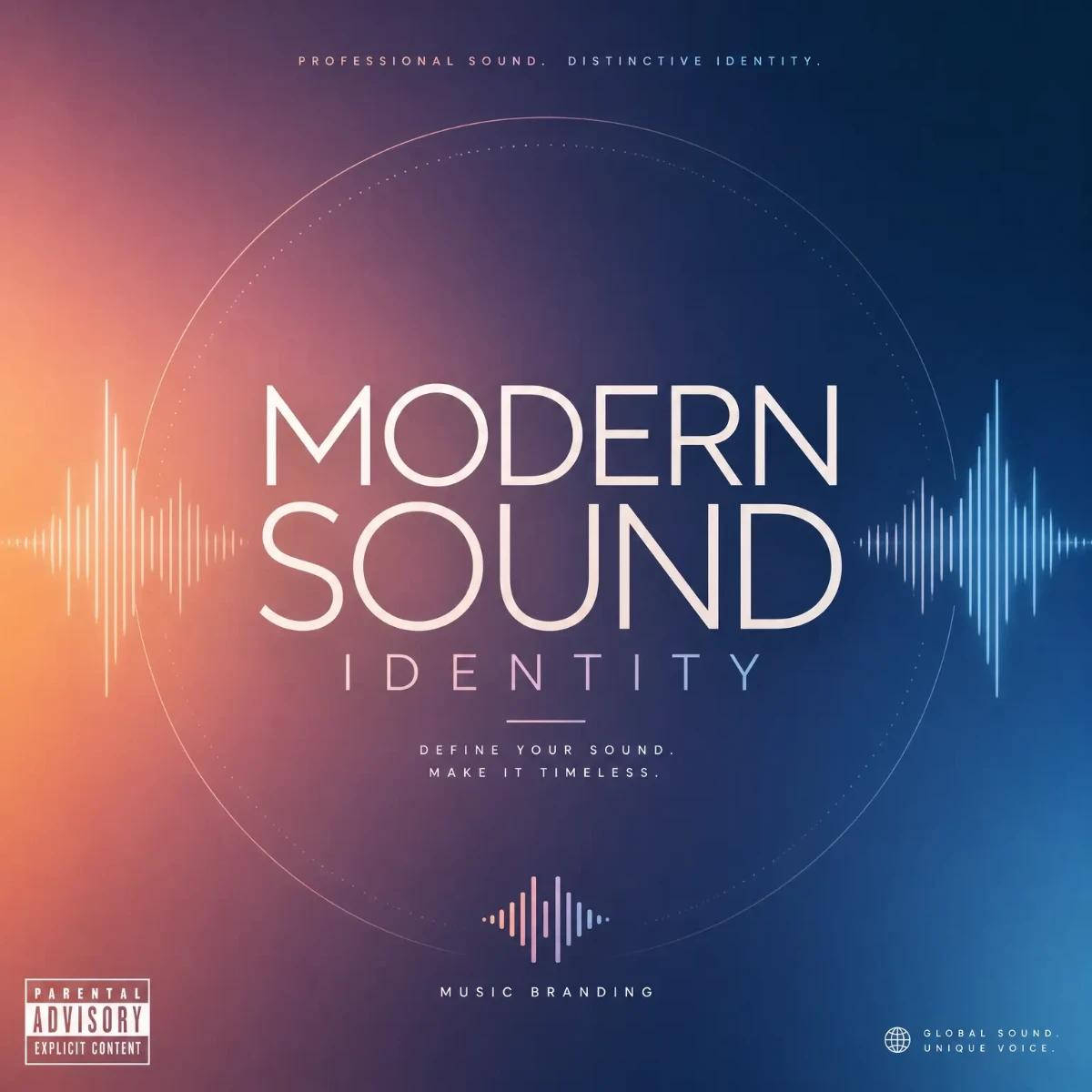
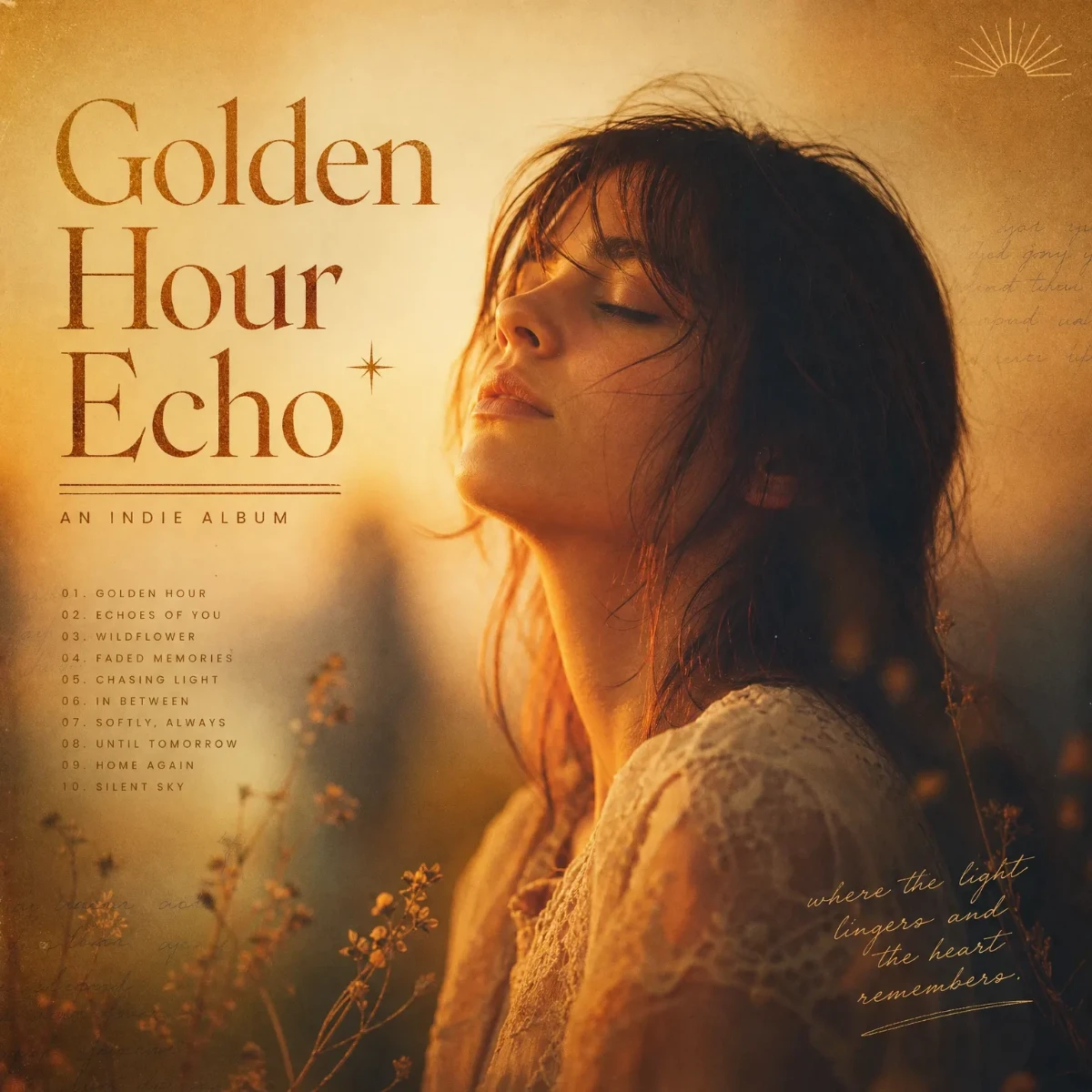
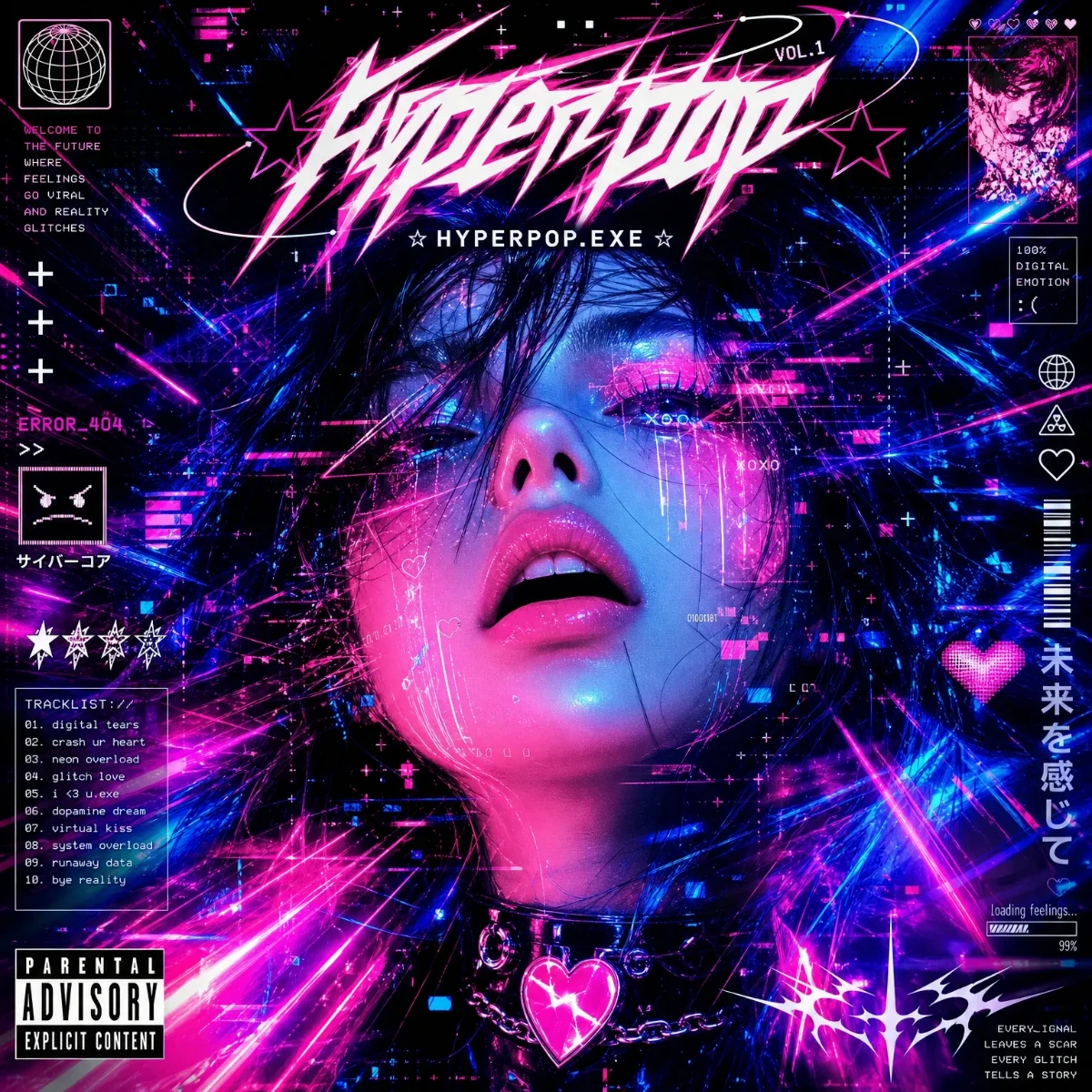
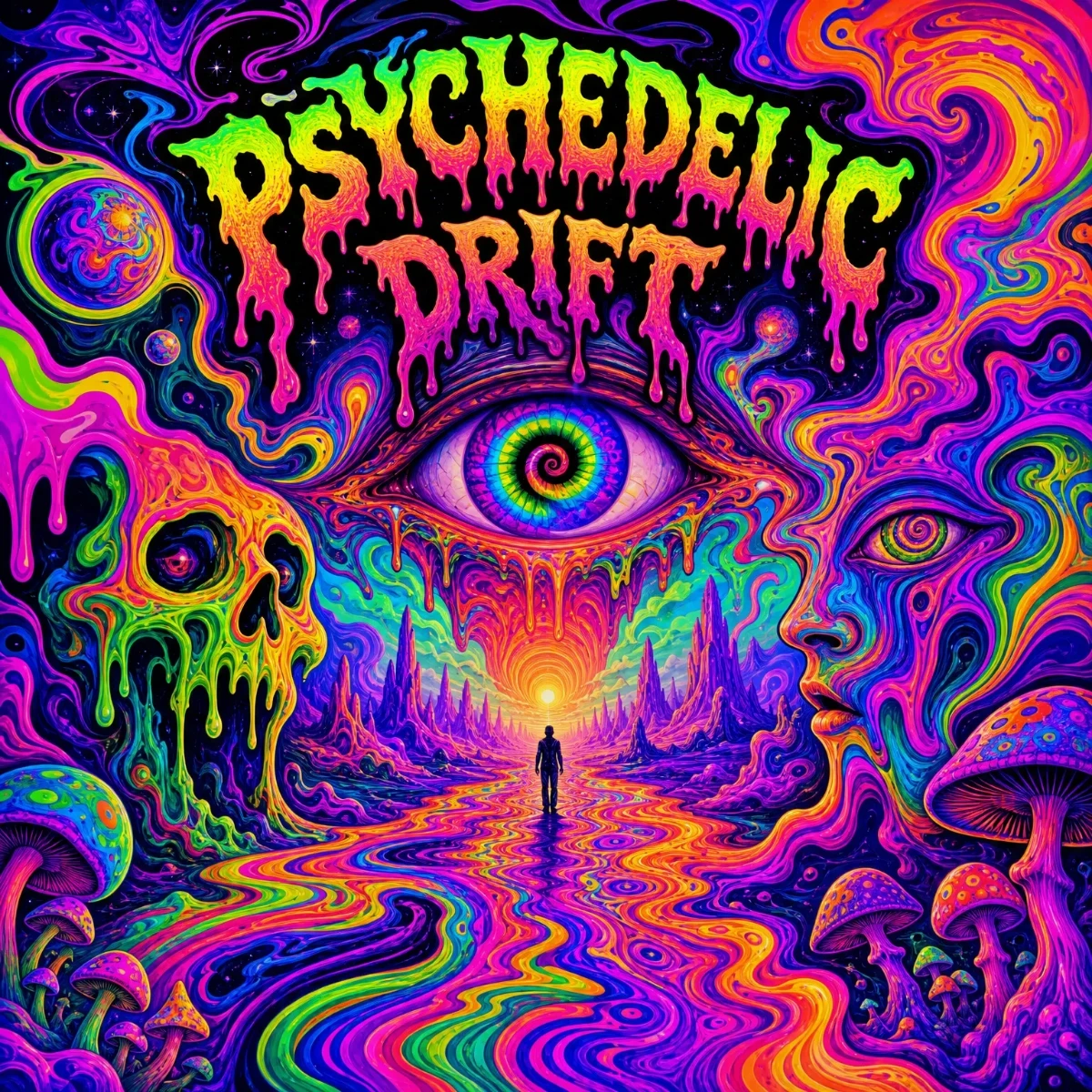
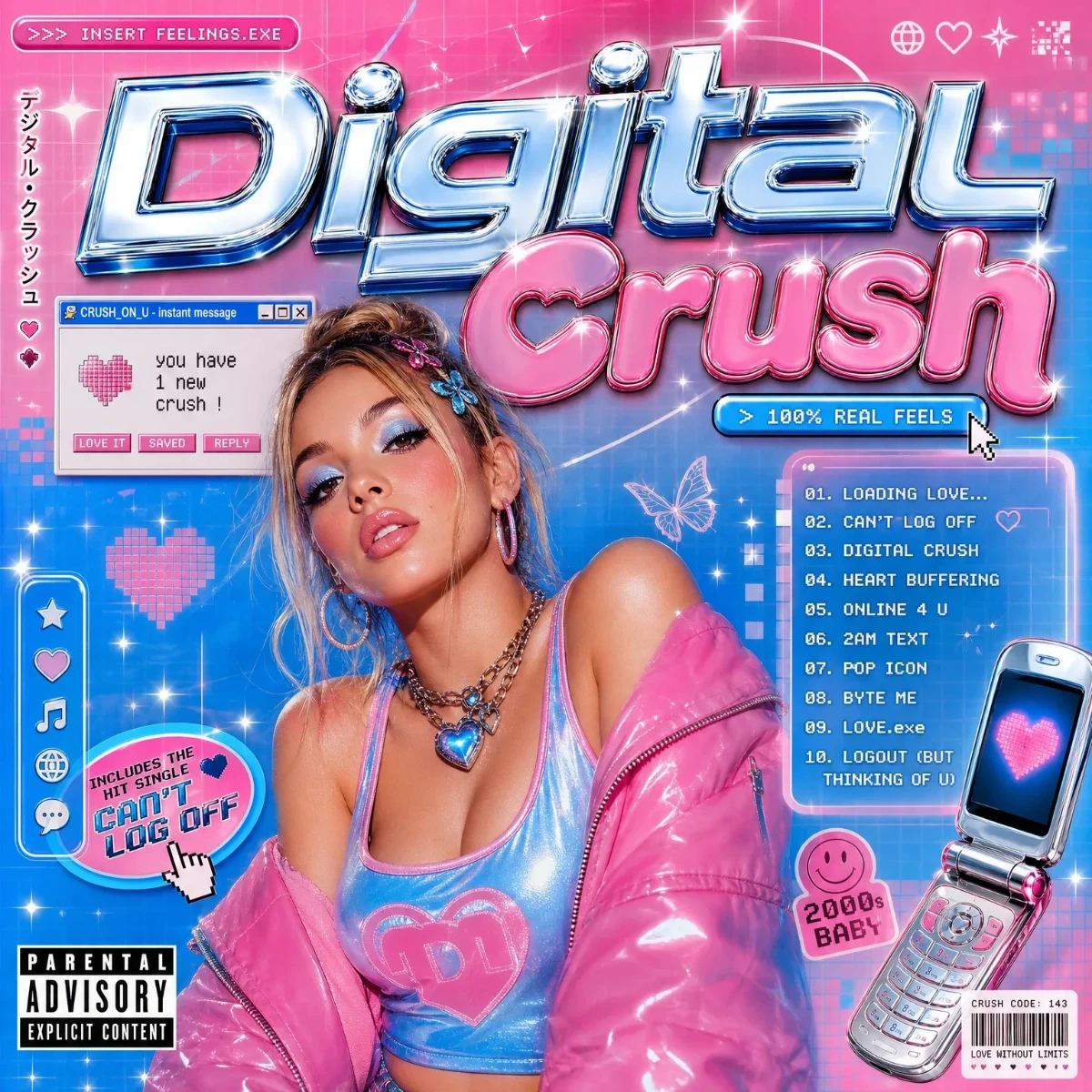
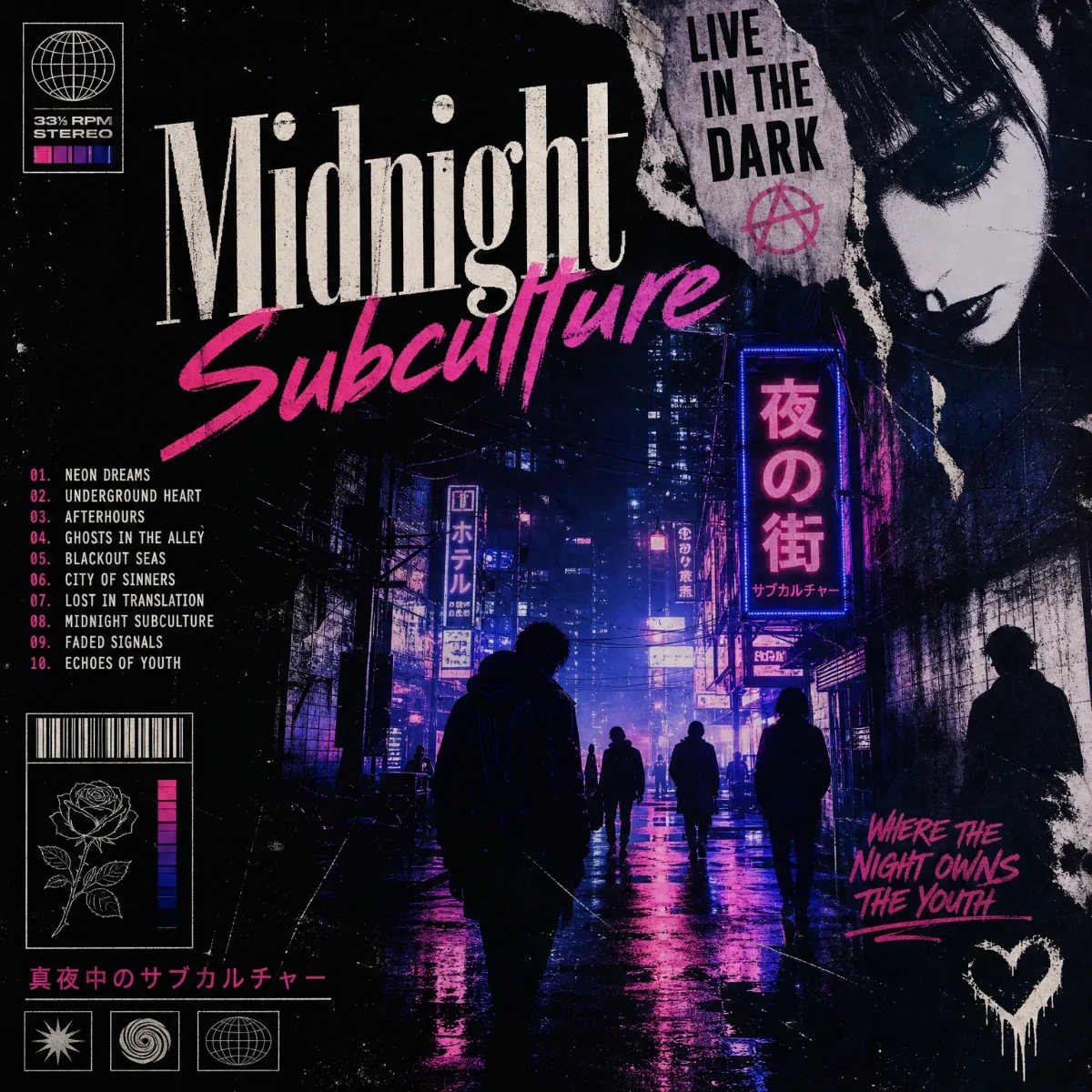
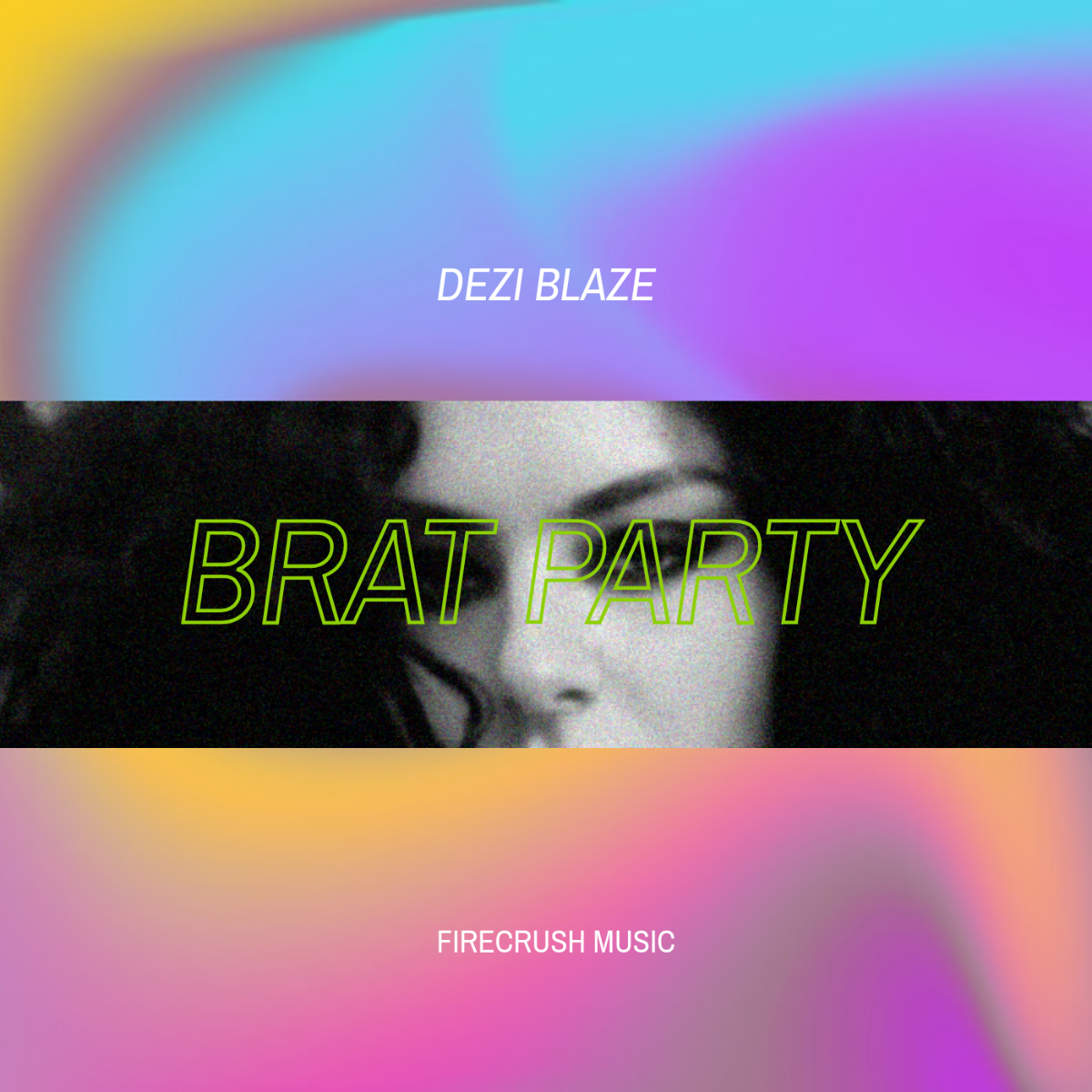
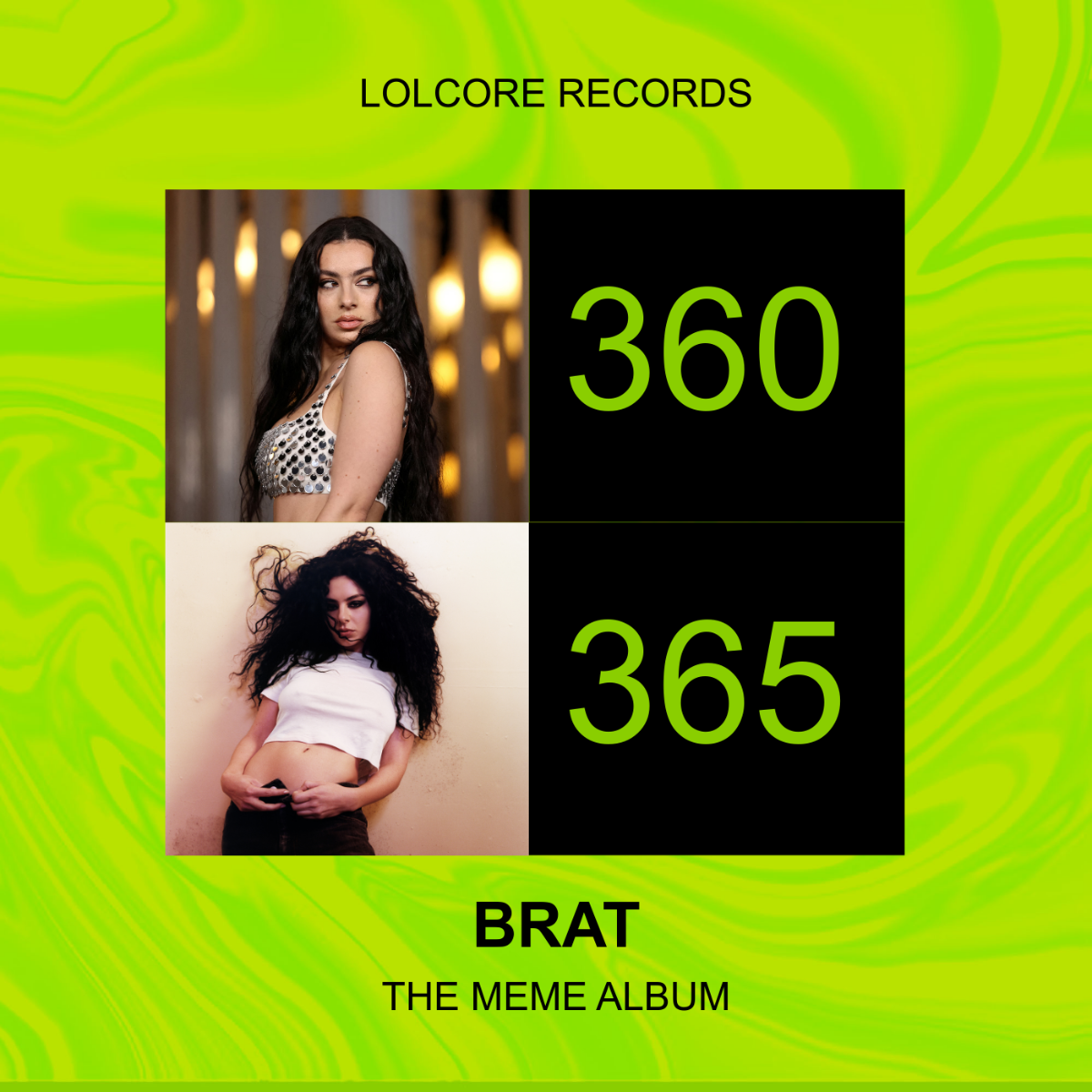
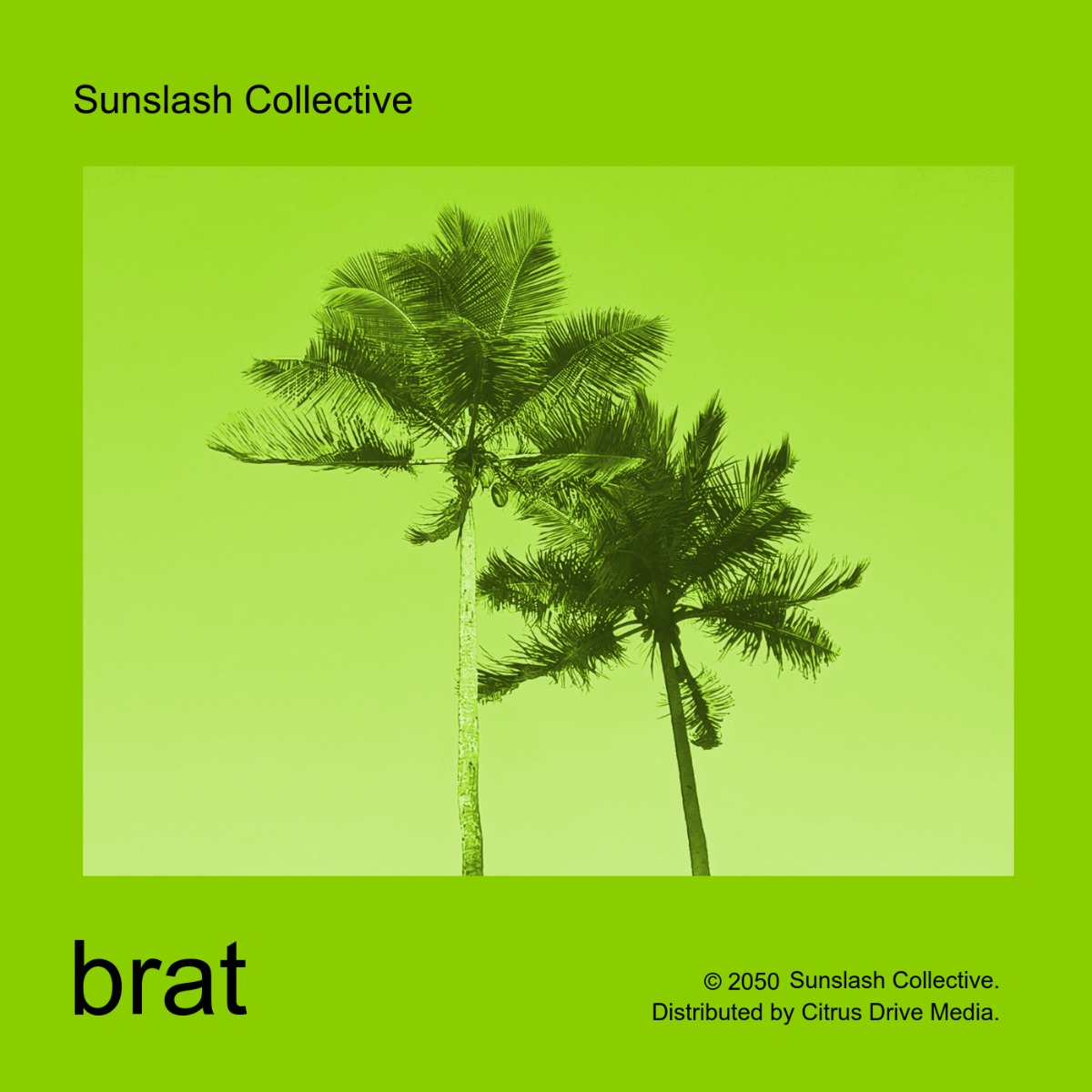
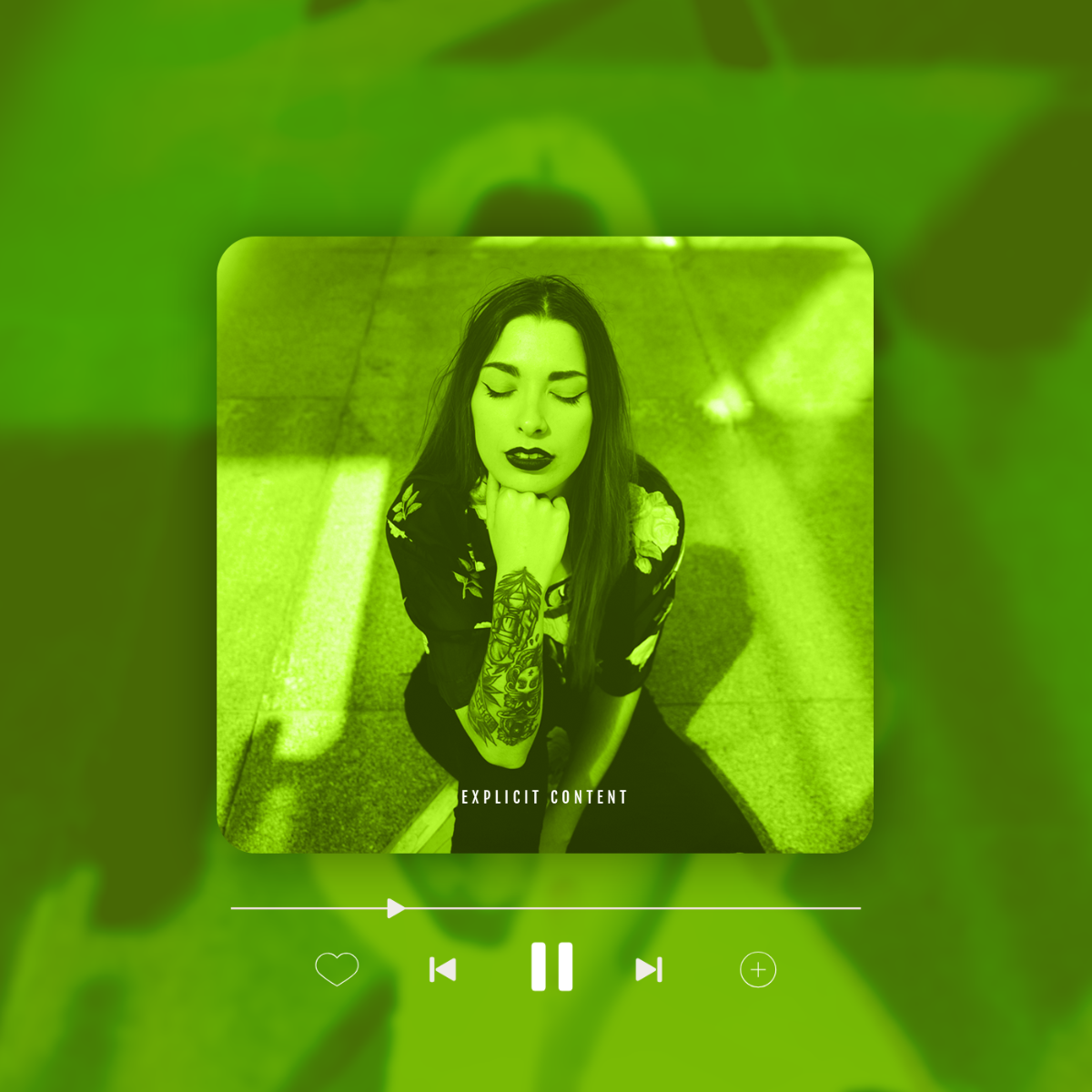
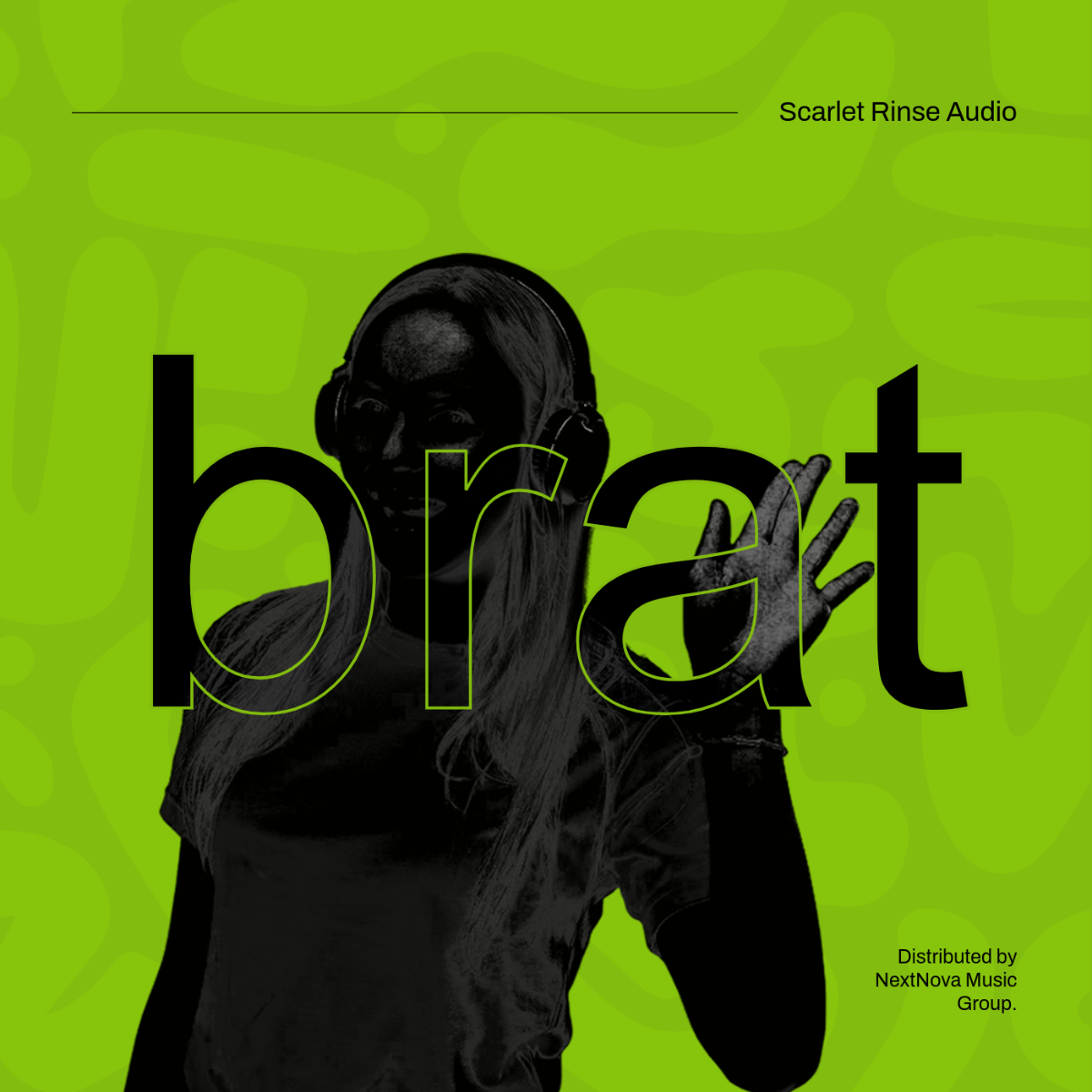
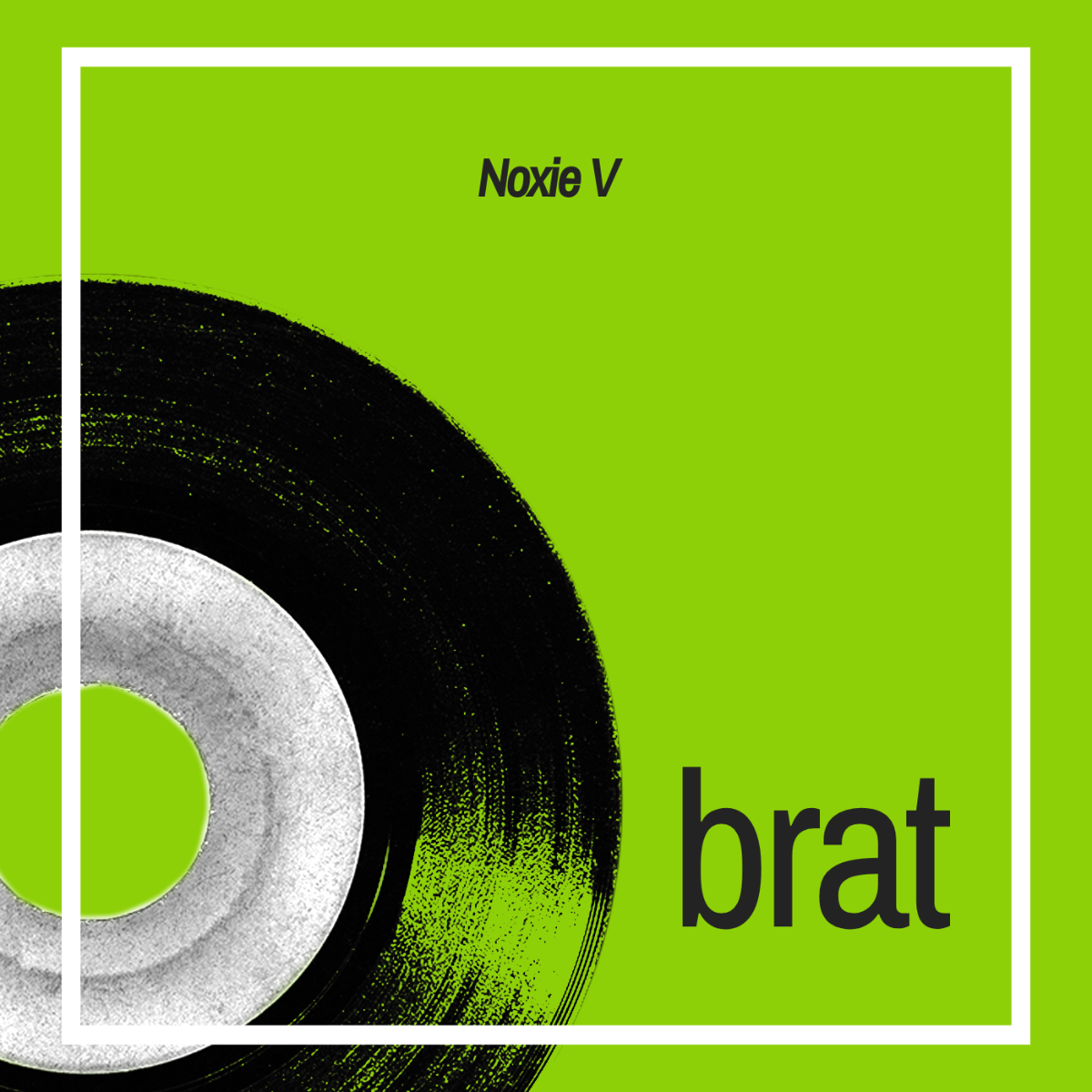
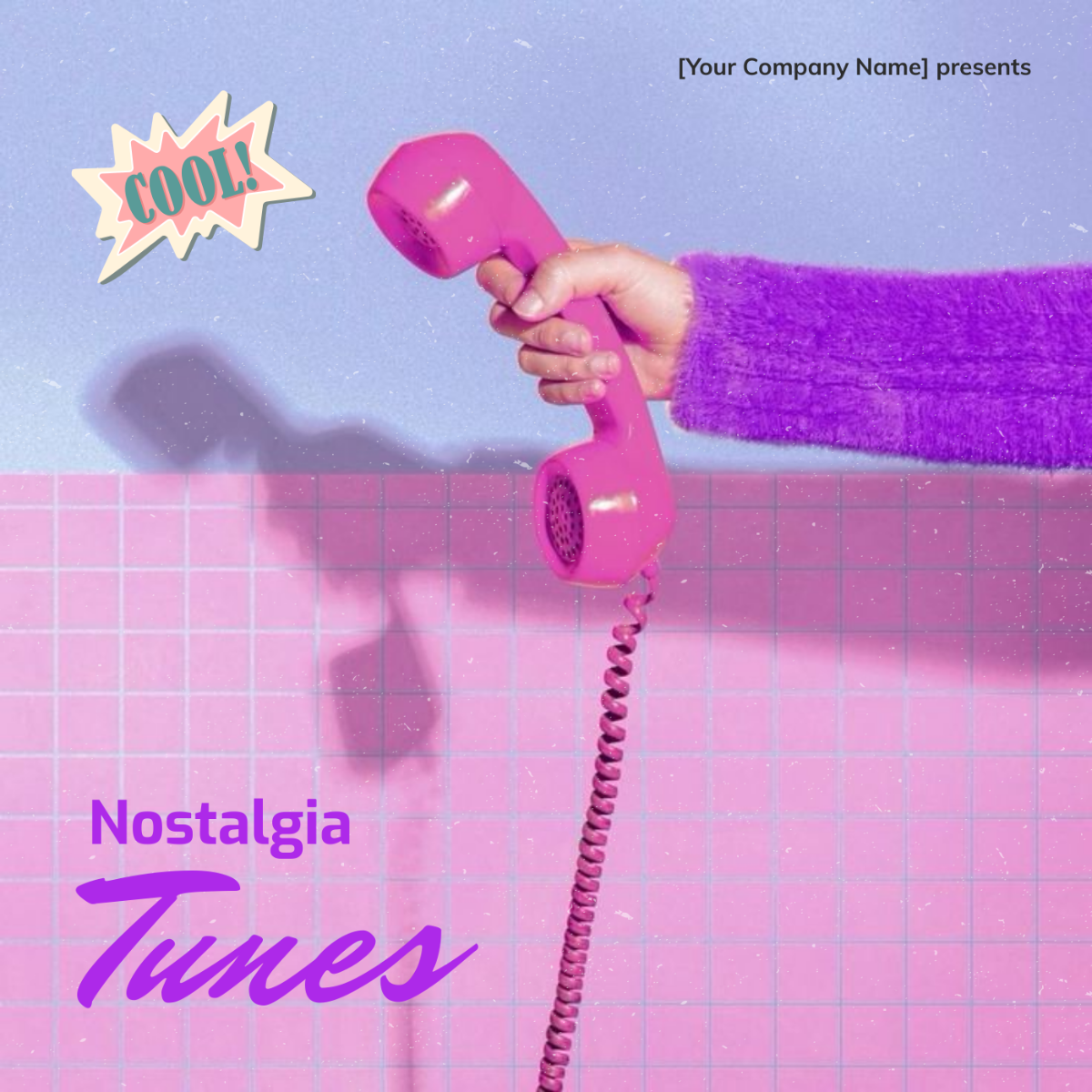
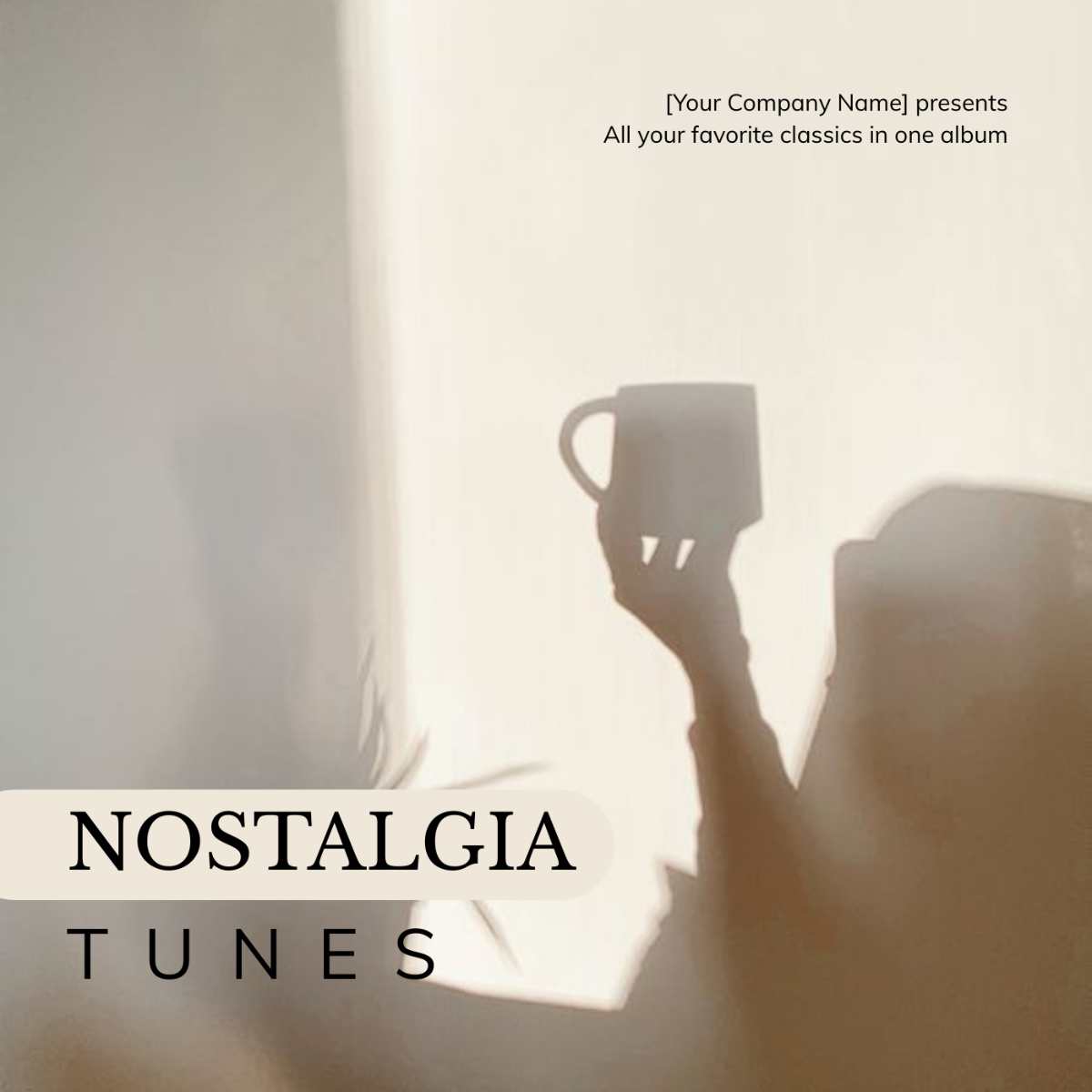
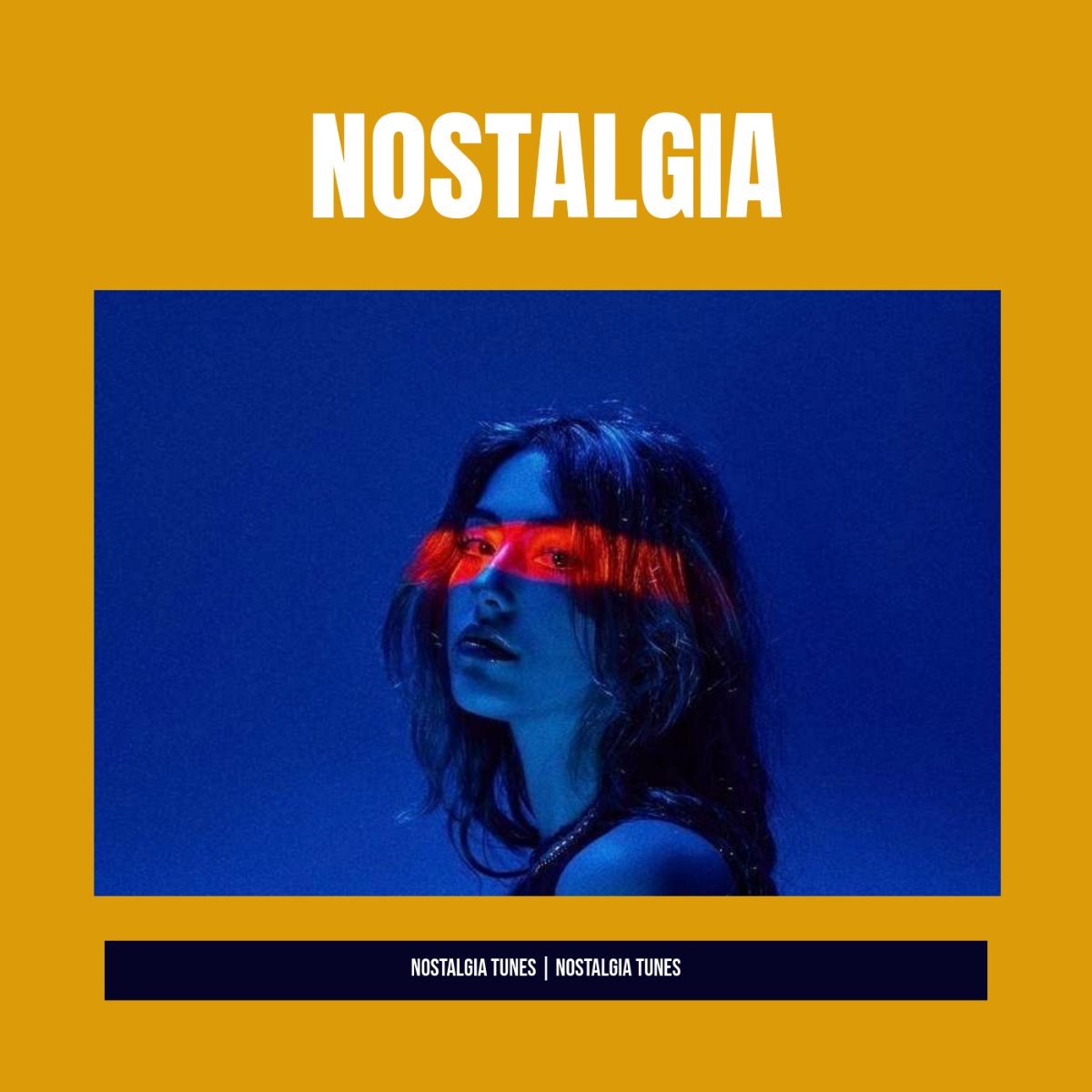
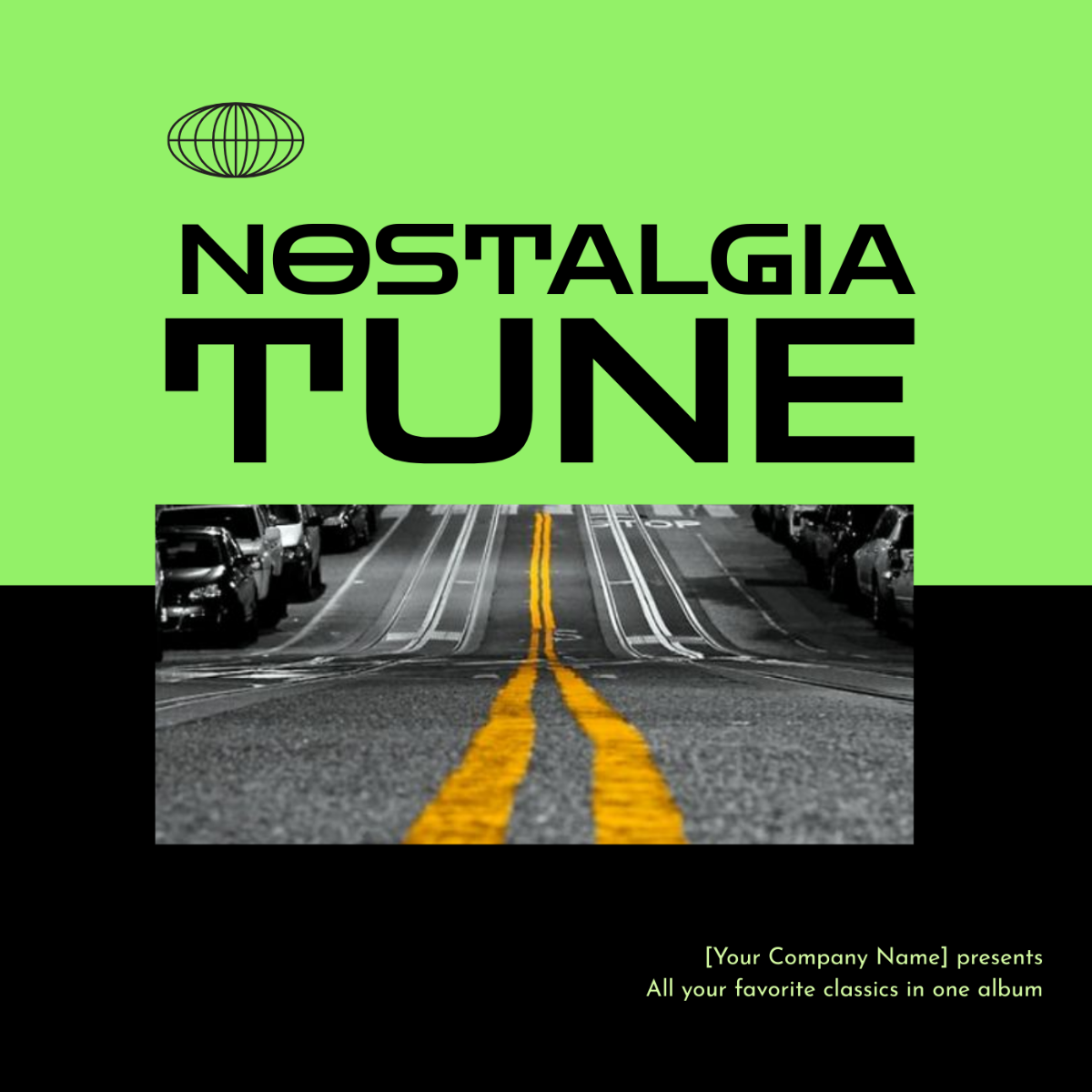
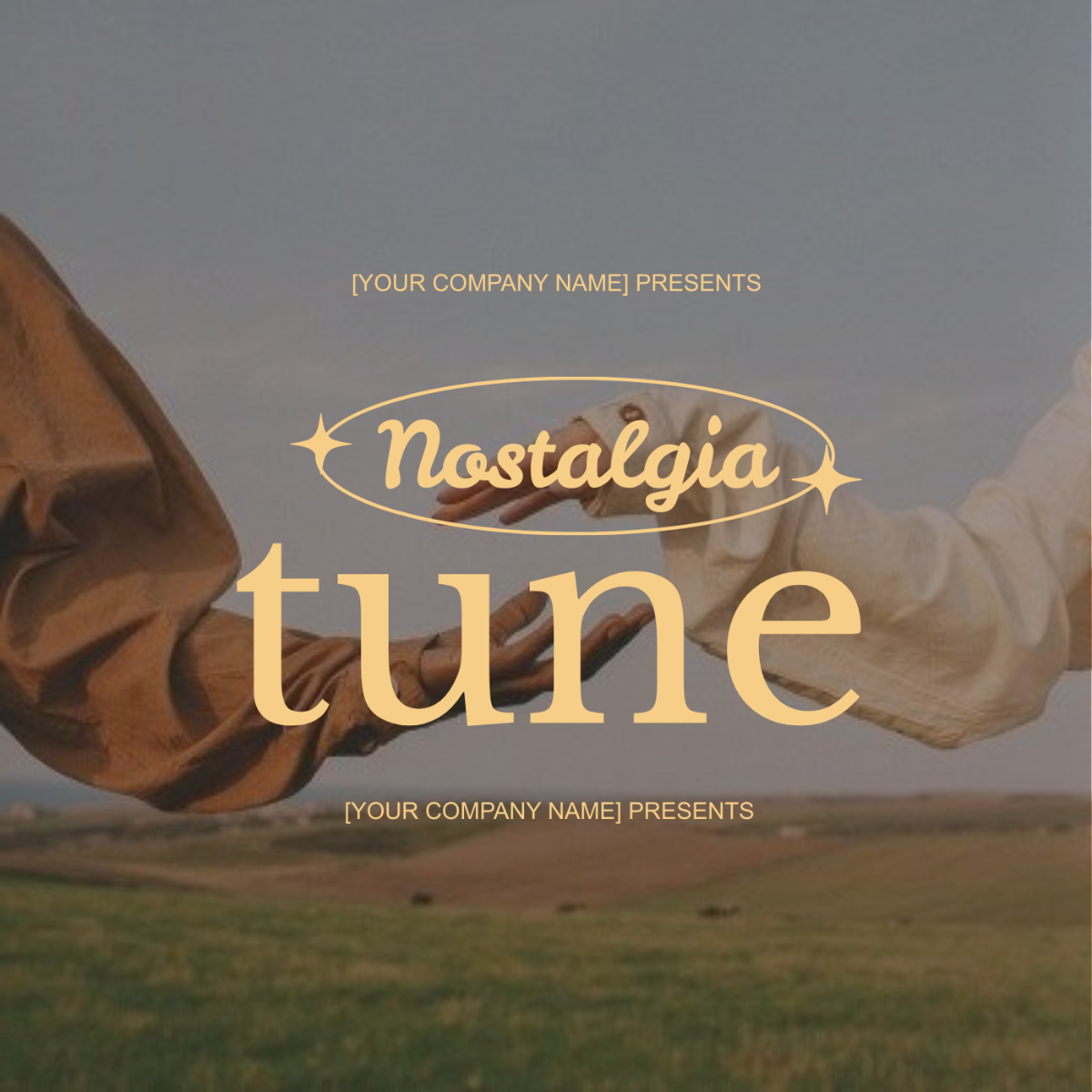
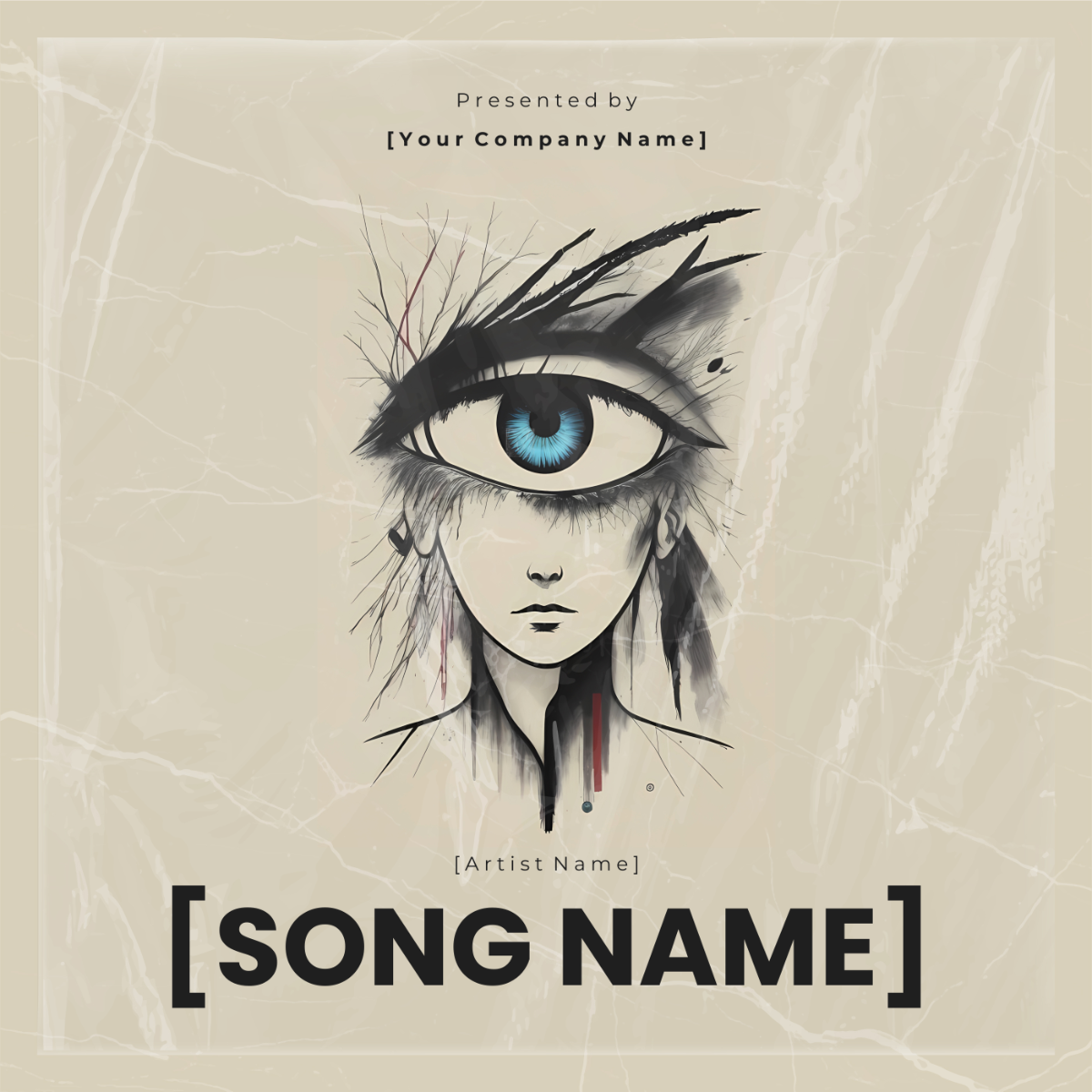
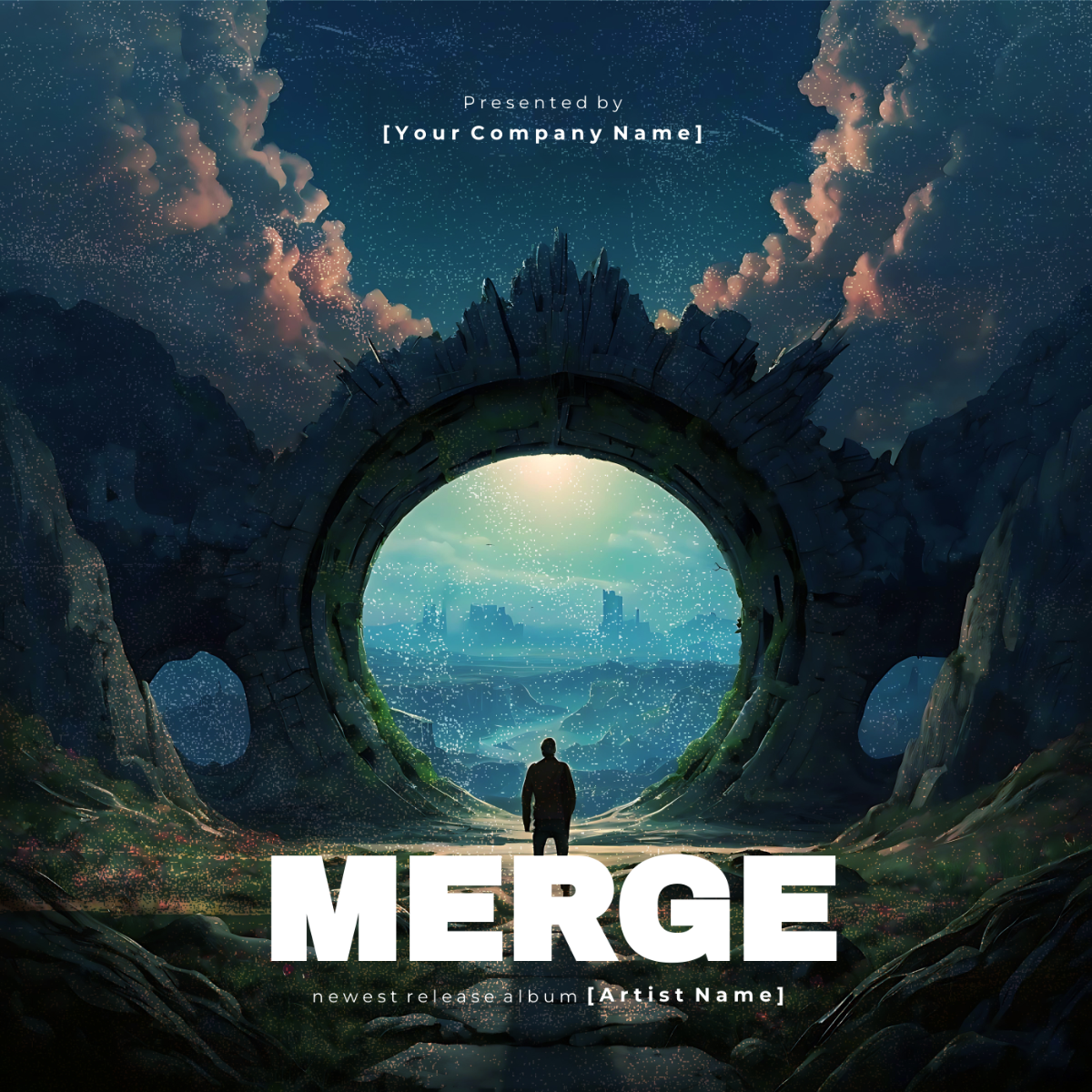
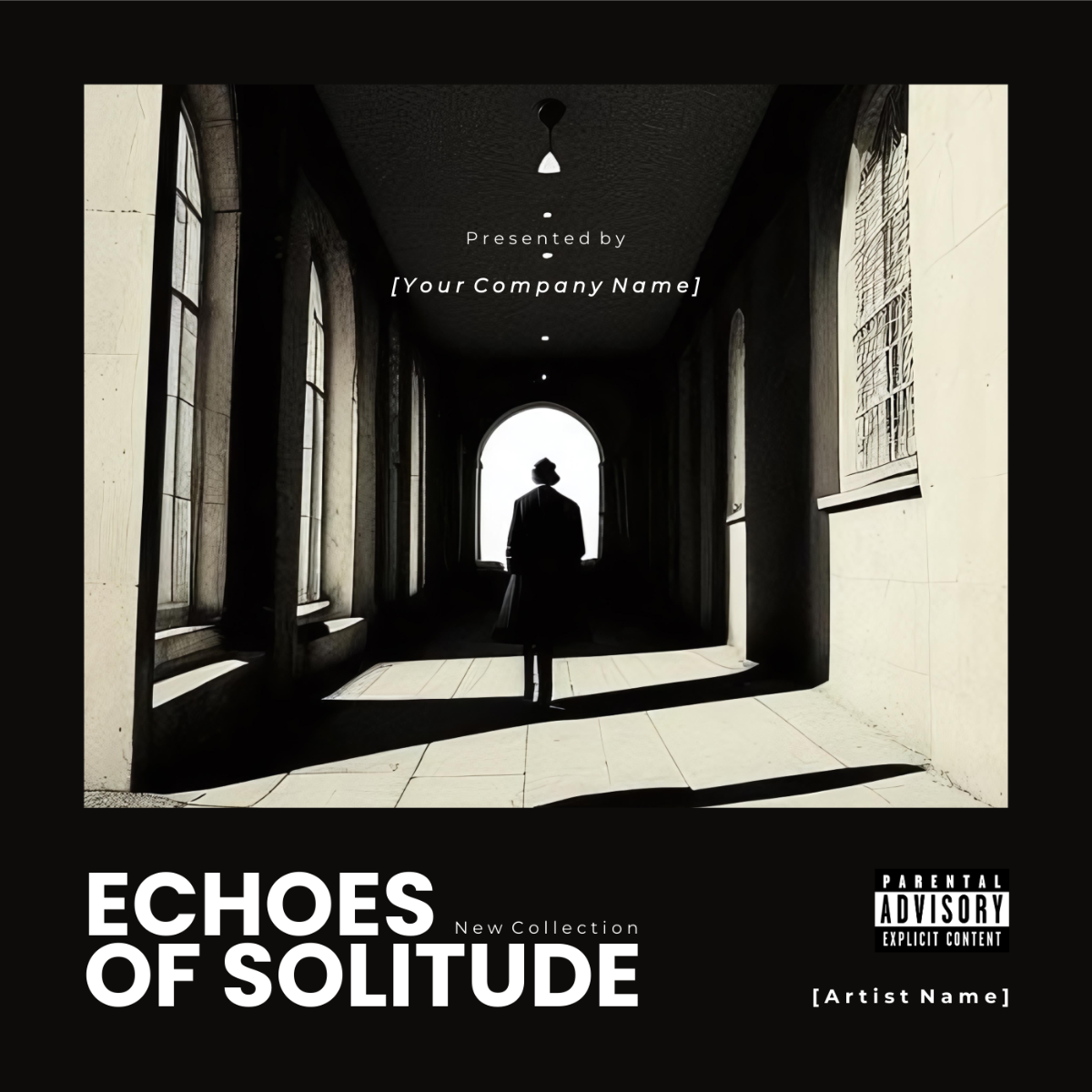
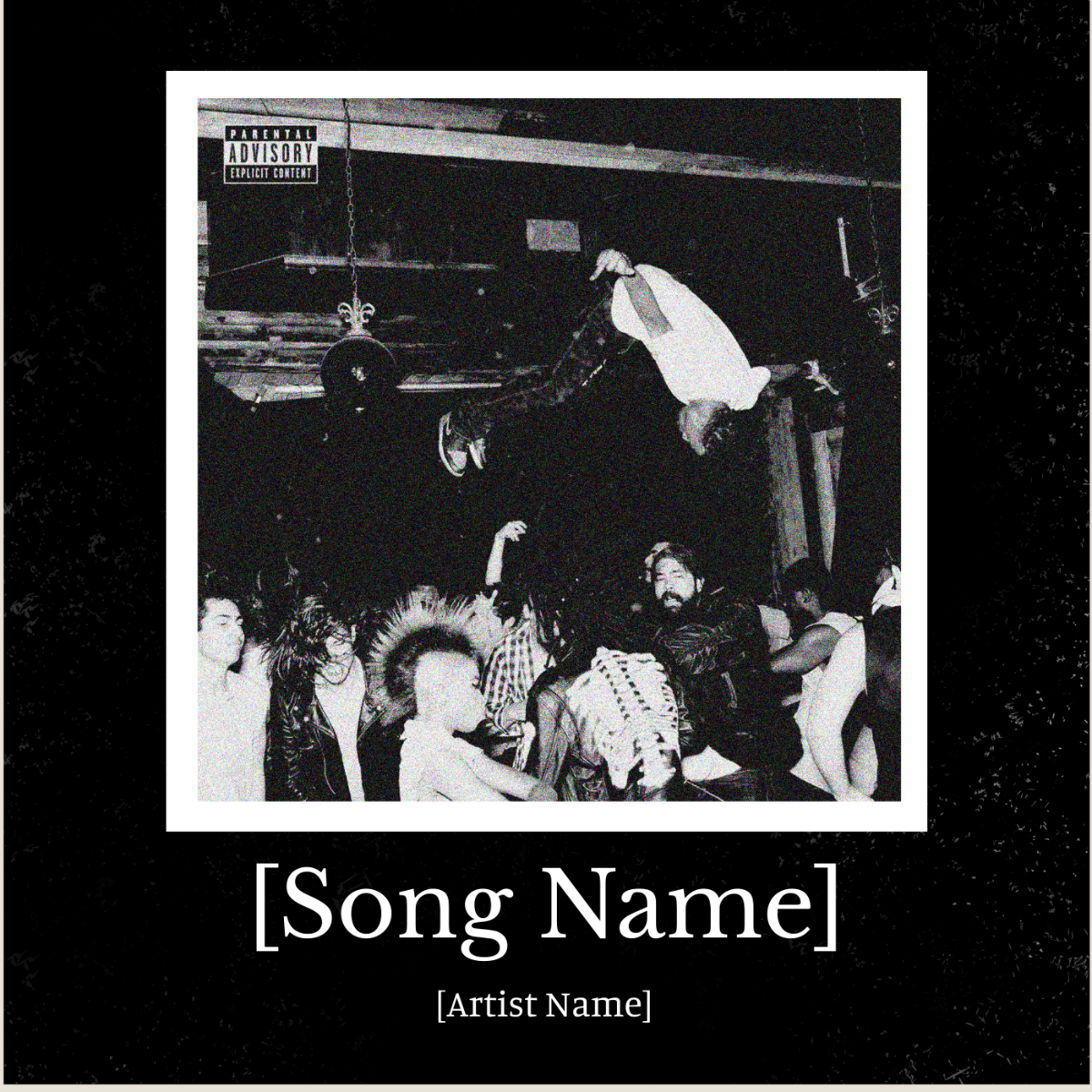
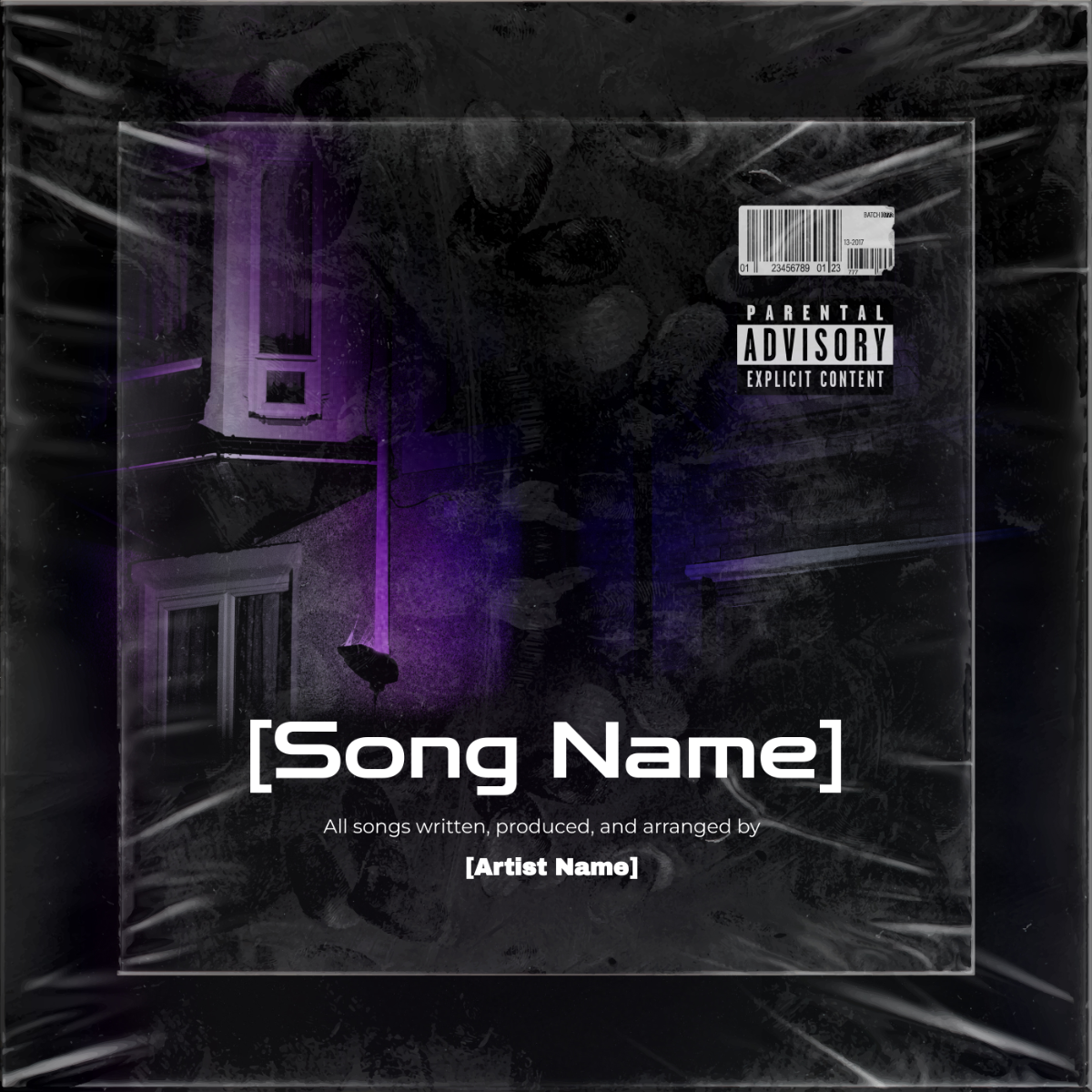
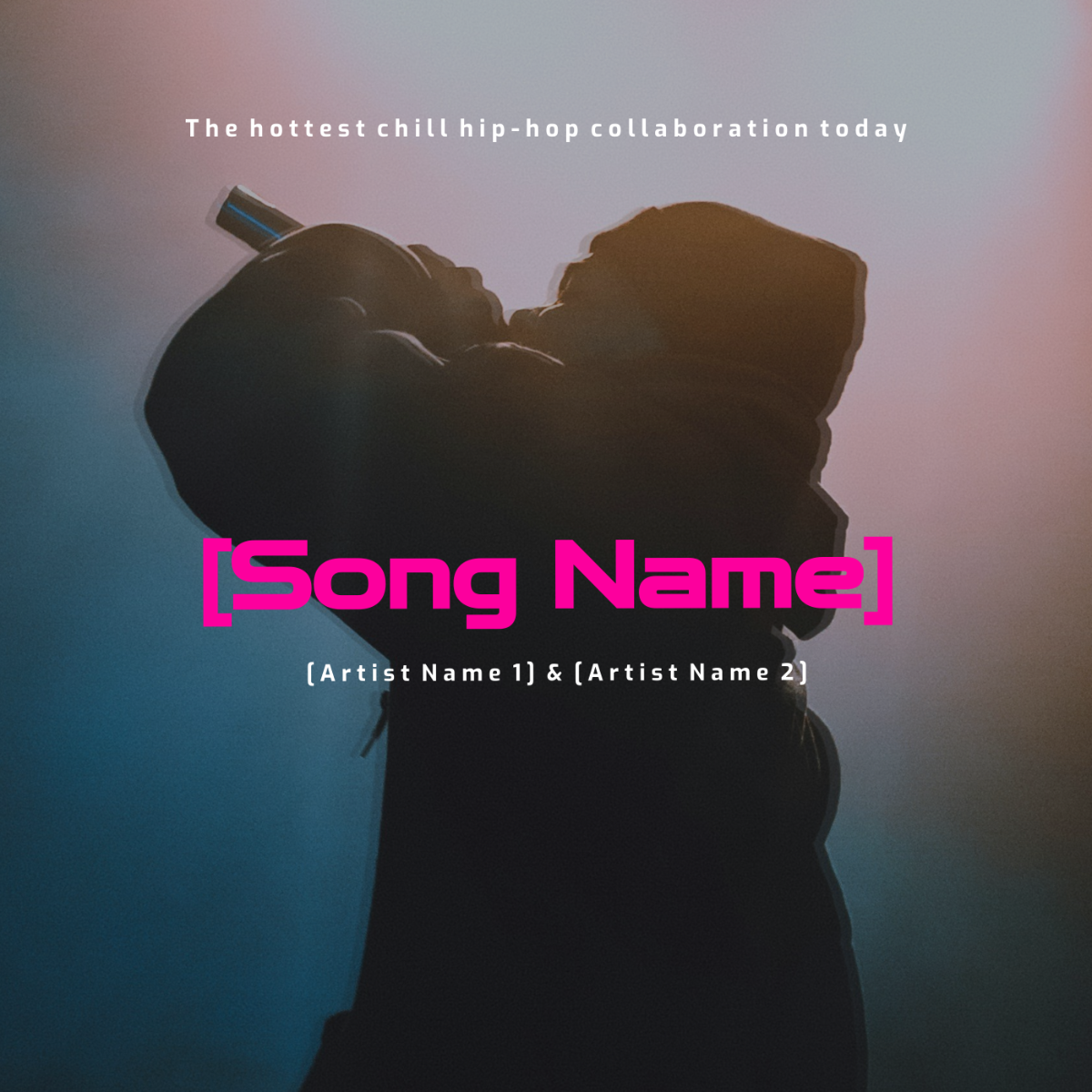
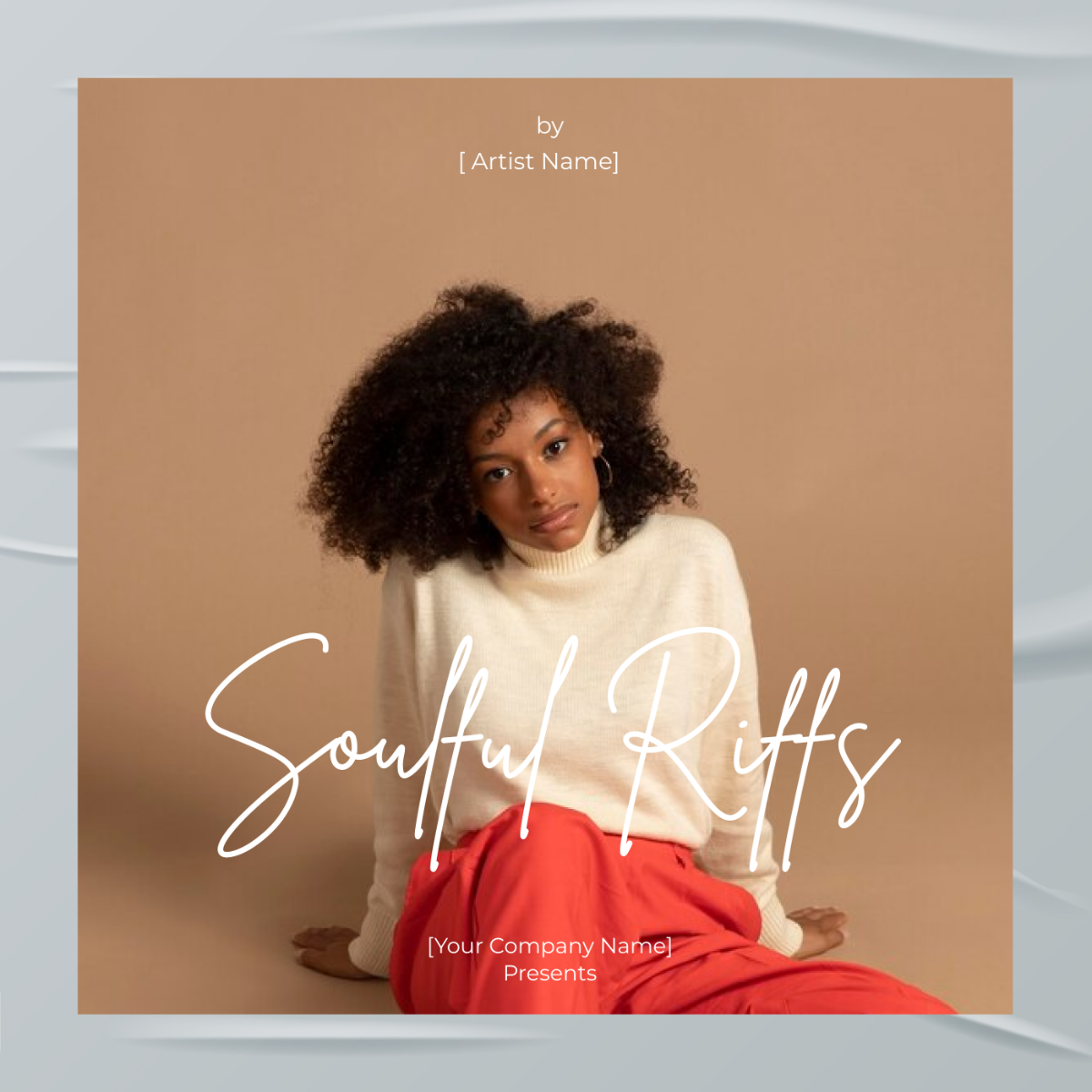
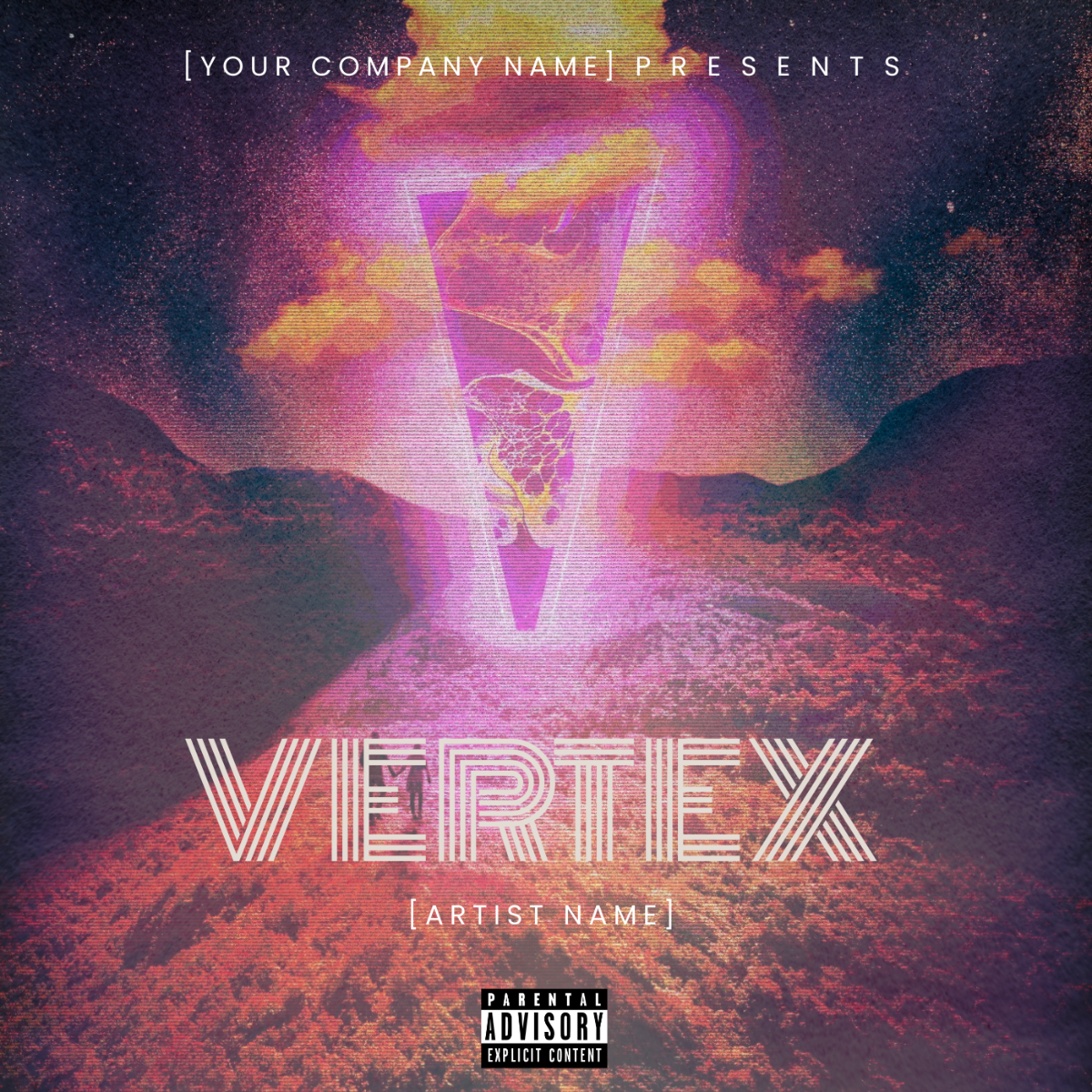
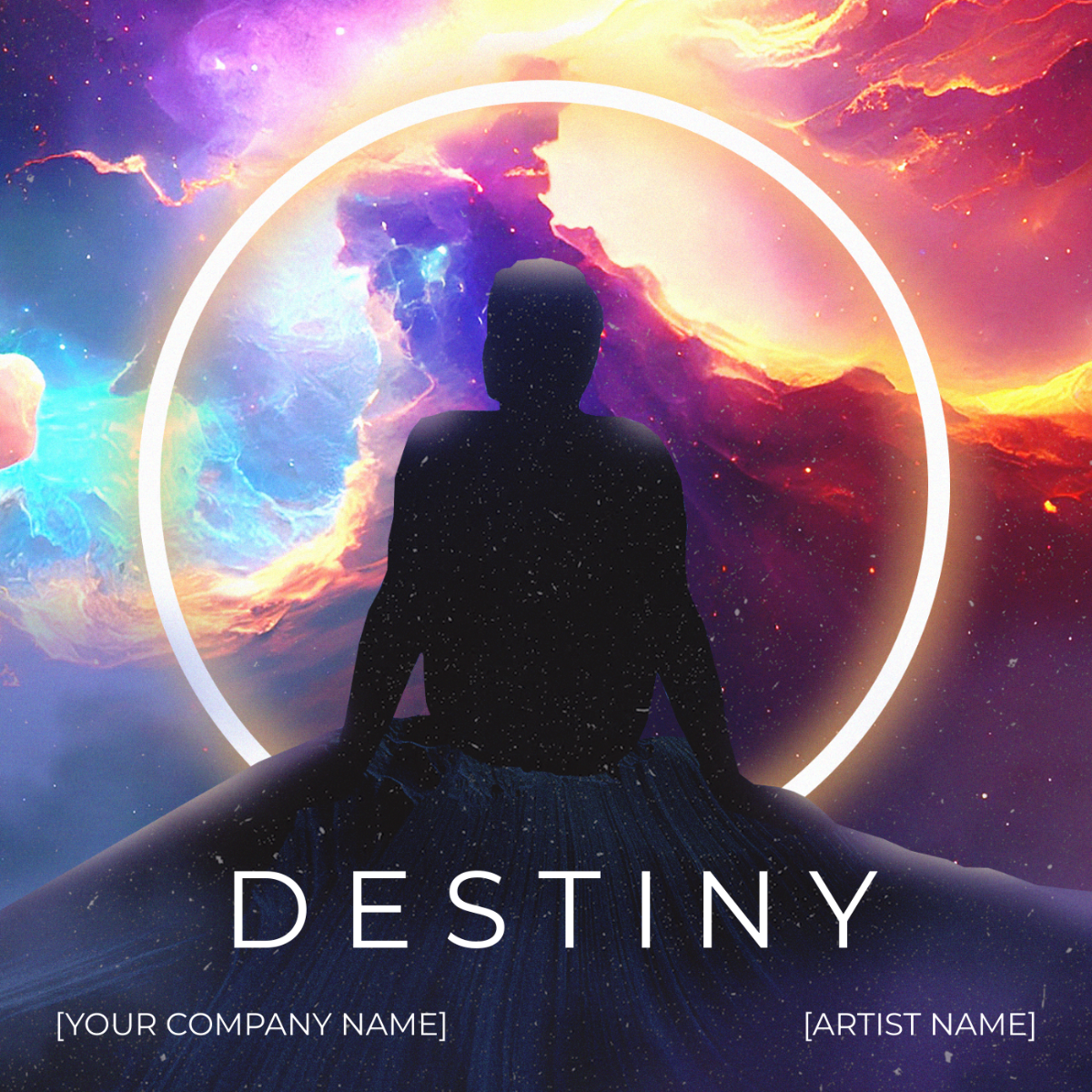
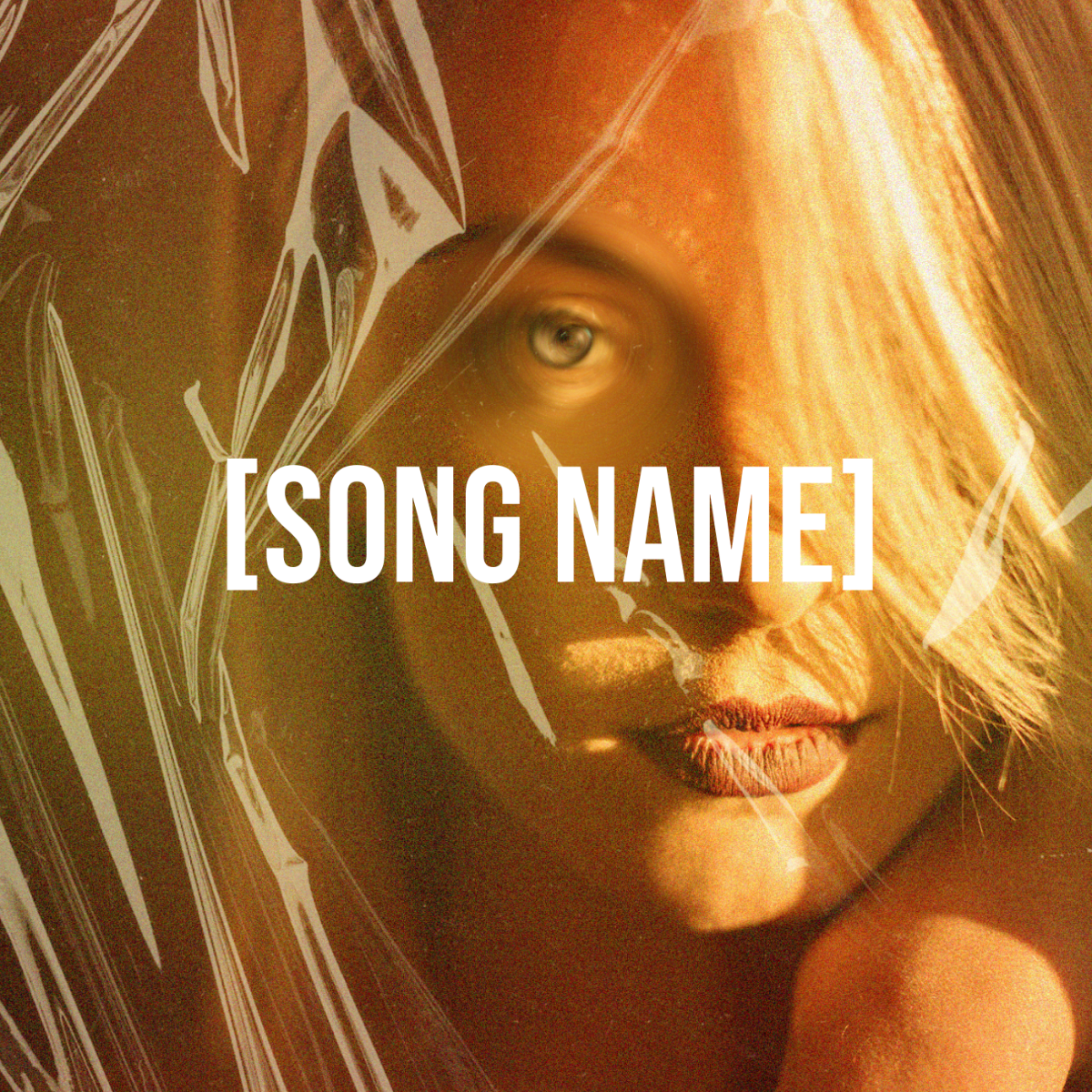
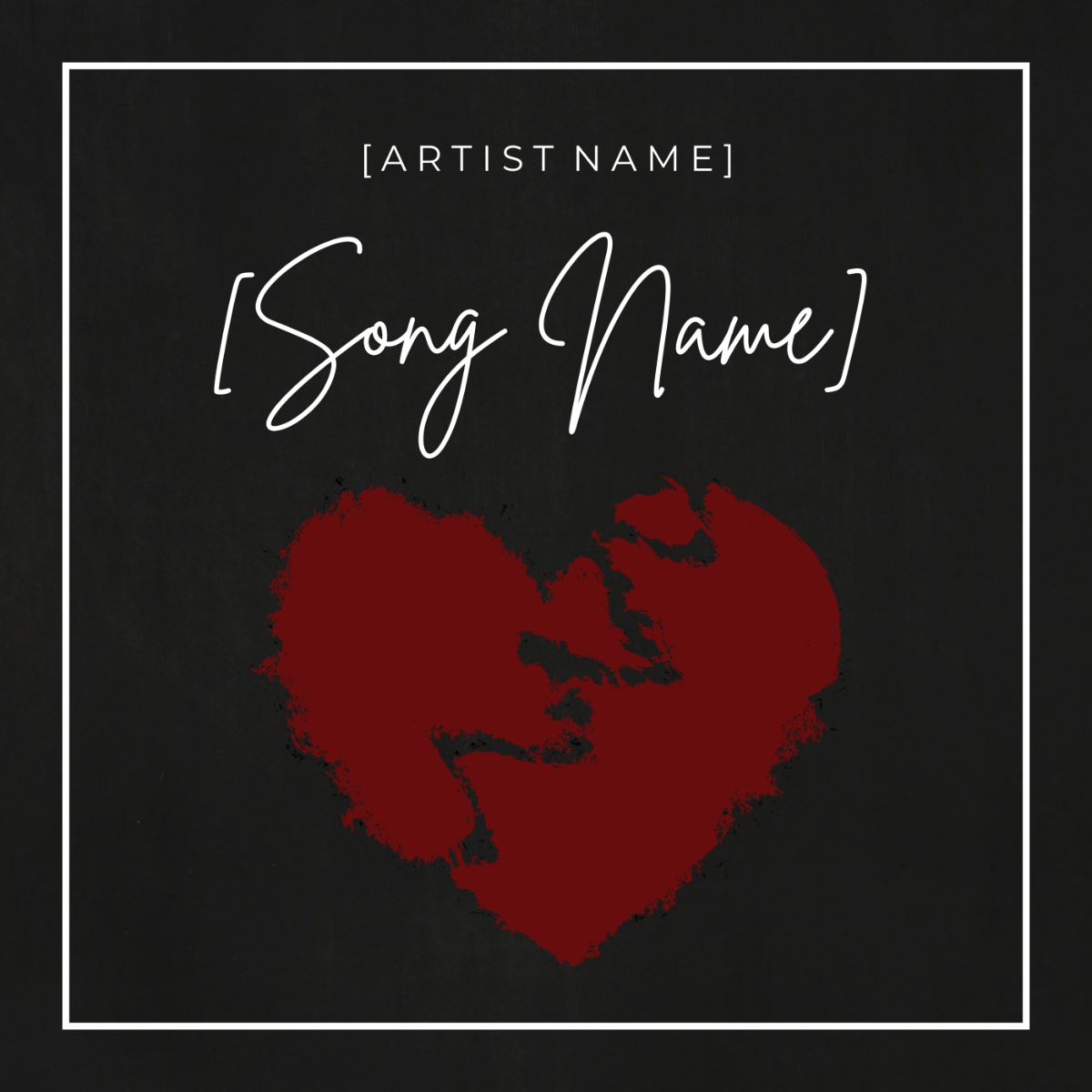
Template.net’s Free AI Album Cover Generator helps musicians, producers, and creators design striking covers for any genre. Simply prompt the AI with your title or theme, then customize the artwork using our intuitive editor, adjusting fonts, colors, images, and layout. Download instantly for Spotify, Apple Music, SoundCloud, or print.
![Free AI Album Cover Generator, Free Album Cover Maker [ No Signup ]](https://images.template.net/generator-images/0-ai-album-cover-generator-3.webp)
Design Unique, Printable Album Covers for Free
Everything you need to create album cover art with impact, fast, easy, and fully customizable.
Ready-Made Album Cover Templates
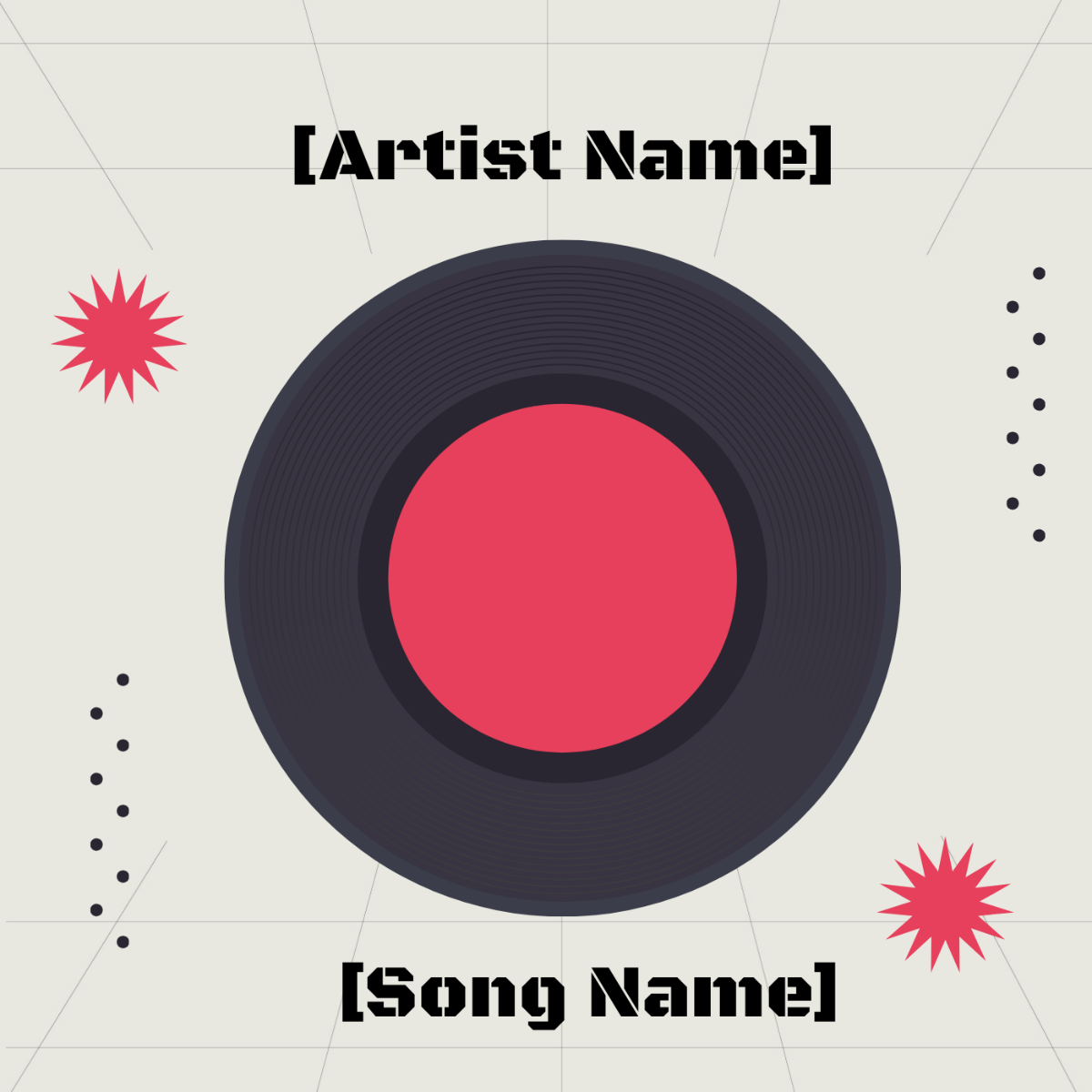
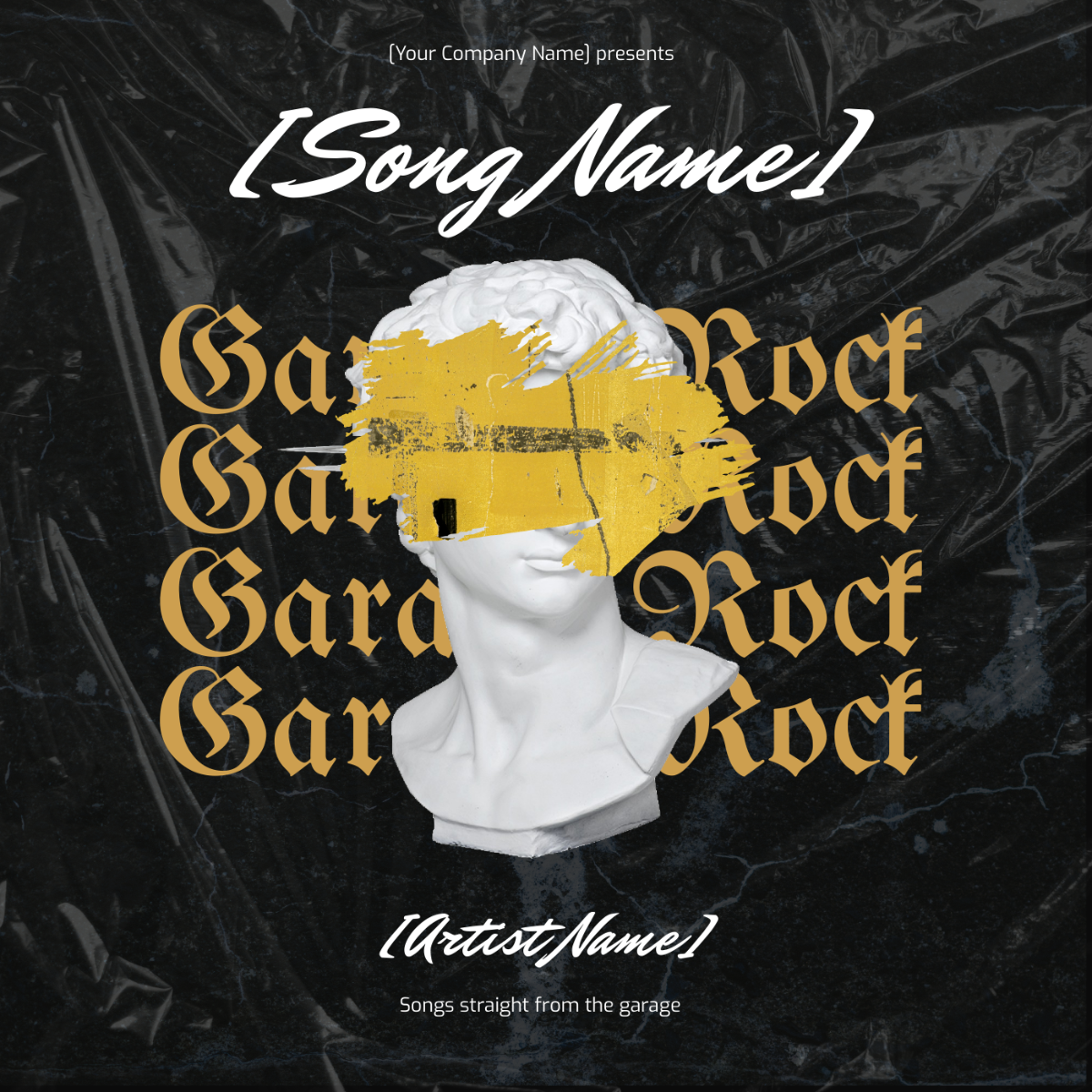
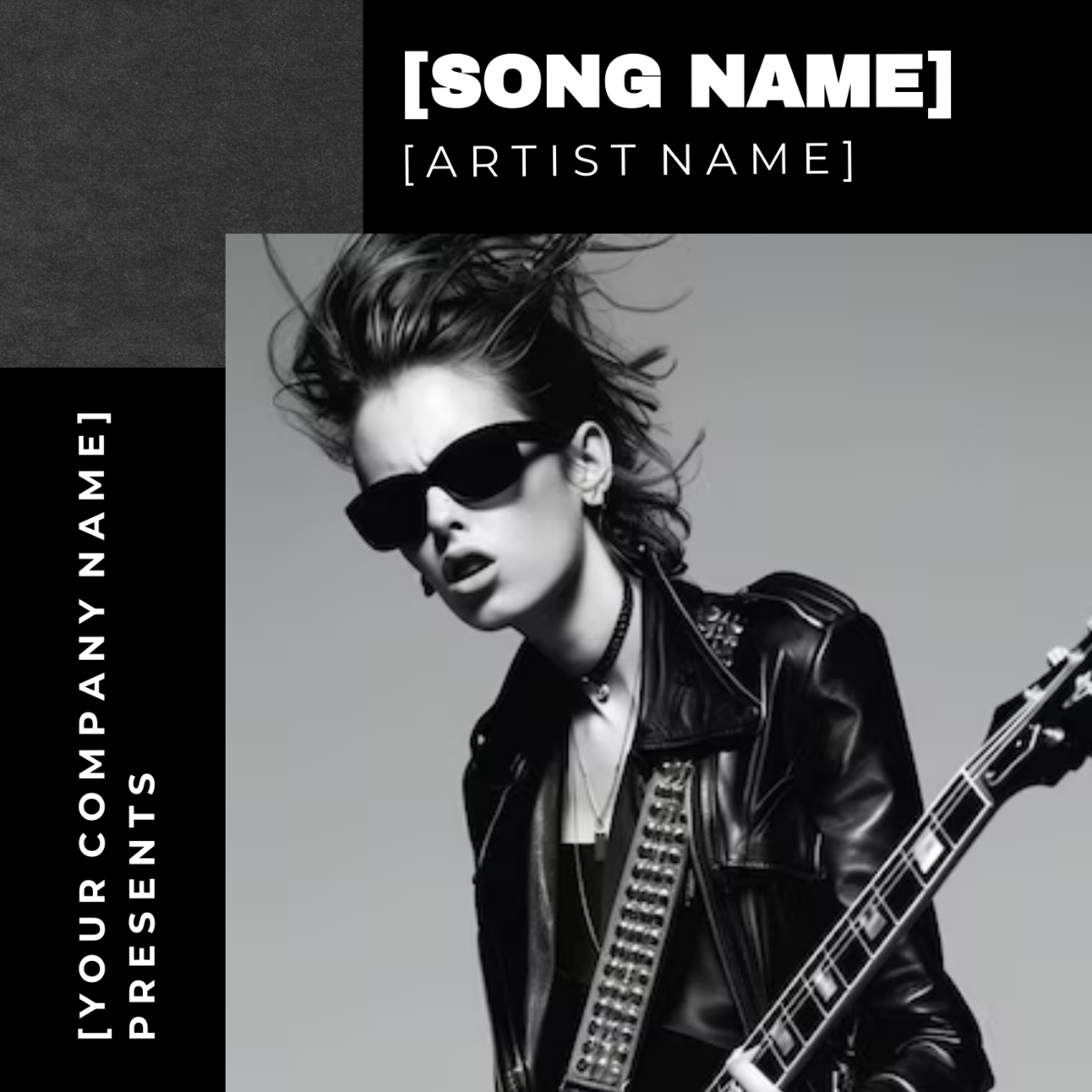
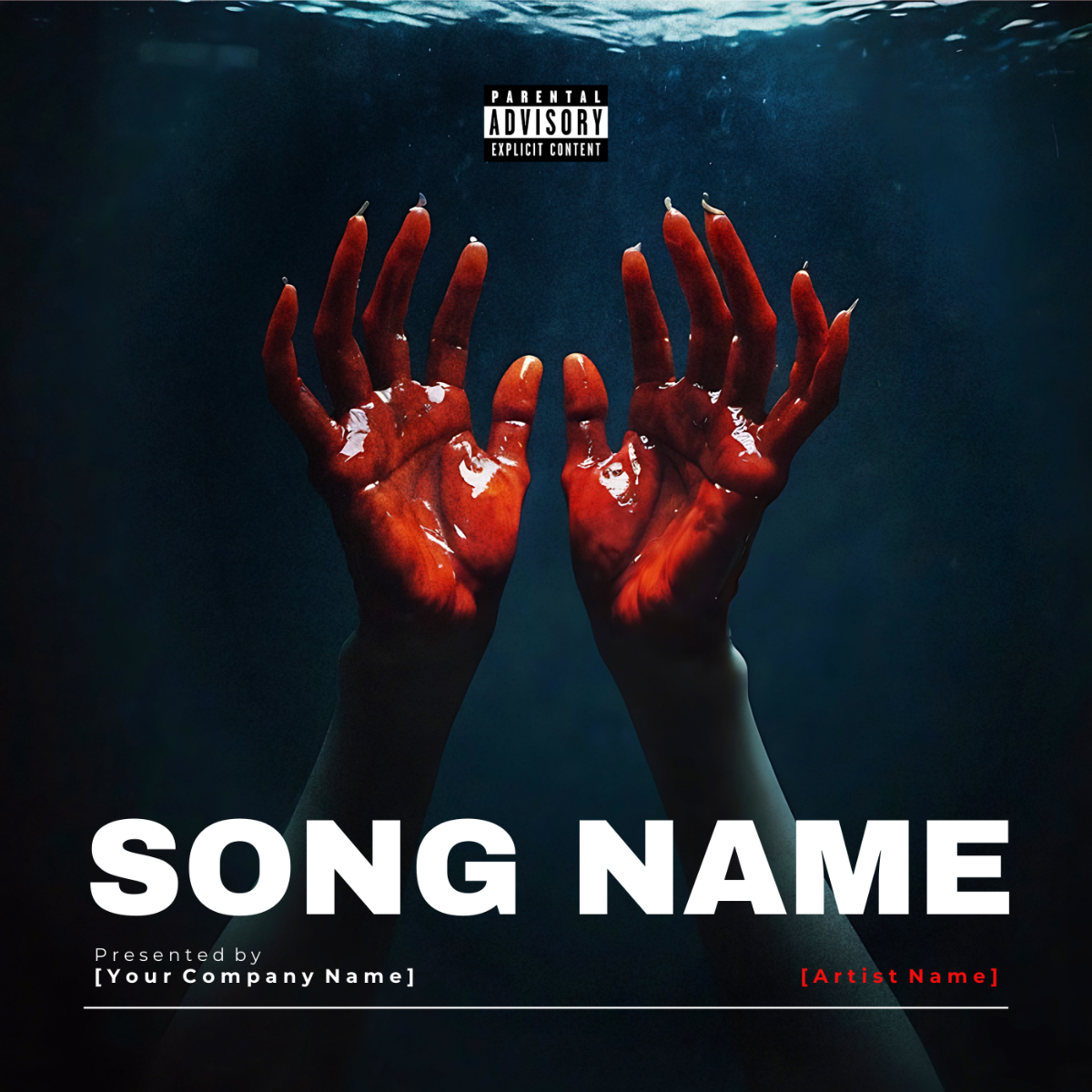
Choose from pre-designed templates suited for pop, hip-hop, jazz, rock, EDM, acoustic, instrumental, and more. All layouts are editable and export-ready for streaming platforms or promotional materials.
AI-Powered Album Cover Generator
Describe your album or playlist in one short phrase, and our AI creates a compelling visual layout that reflects your musical tone. It adapts to genre, mood, and title style to ensure a fitting cover.
Drag-and-Drop Design Editor
Customize your album cover using drag-and-drop tools, adjust elements like text, graphics, and images with precision. You have full control over layout and details, without needing design experience.
Fully Editable Layouts and Visuals
Change fonts, colors, icons, backgrounds, and even album titles. Personalize every part of the cover to match your brand, sound, or message.
Built-In Fonts, Effects, and Graphics
Enhance your cover using our extensive collection of fonts, textures, gradients, visual effects, and icons. Perfect for creating bold statements or subtle, artistic impressions.
1-Click Brand Kit Integration
Apply your artist logo, color scheme, and typography instantly across all design elements. Keep your cover art visually aligned with your music branding.
Multilingual Album Cover Support
Use prompts in 20+ languages, including English, Spanish, Chinese, Hindi, Arabic, Portuguese, Bengali, Russian, Japanese, French, German, Korean, Italian, Turkish, Vietnamese, Urdu, Persian, Polish, Thai, or Punjabi. Ideal for global artists and international releases.
Collaborate with Band Members or Producers
Work together in real-time by inviting team members into your workspace. Co-edit designs, leave comments, and finalize the artwork as a group.
Resize for Streaming, Social Media, or Print
Easily convert square covers into story or banner formats for platforms like Instagram, YouTube, Spotify Canvas, or CD packaging.
Add Album Info and Smart Details
Insert tracklists, artist credits, release dates, and links as part of your design. Everything can be styled to enhance professionalism.
Access Visual Assets
Explore a built-in library of illustrations, abstract art, photos, and icons, all cleared for commercial use in your album or promo.
Mobile and Desktop Compatibility
Create covers on your desktop, phone, or tablet using a browser, no software needed. Start anytime, anywhere, and pick up where you left off.
Genre-Based Visual Style Suggestions
Get instant visual recommendations tailored to your music genre, whether it's rock, hip-hop, classical, indie, or electronic. The AI adapts textures, mood, and iconography to reflect your sound and audience.
Custom Background Layers with Blending Options
Upload or choose background images and apply blending effects like overlays, duotones, or grunge textures. Easily create atmospheric covers that match the tone of your album.
Photo Effects and Filters for Artist Portraits
Enhance artist photos with stylized filters like glitch, vintage, black-and-white, or neon overlays. Great for giving your image a unique identity that stands out on digital platforms.
Framing and Crop Tools for Square and Vertical Covers
Adjust image position and framing within preset album cover dimensions. AI guides cropping to avoid awkward placements and ensures key visuals are centered and balanced.
Mood-Based Color Palette Generator
Select an emotion, like energetic, romantic, melancholic, or dreamy, and the AI suggests matching color palettes for your cover. Ideal for aligning visual tone with your music’s emotional arc.
Built-In Decorative Elements for Music Themes
Choose from a curated library of music-related graphics like vinyl icons, waveform shapes, instruments, or abstract symbols. These elements help reinforce the musical theme without crowding the design.
![Free AI Album Cover Generator, Free Album Cover Maker [ No Signup ]](https://images.template.net/generator-images/5-ai-album-cover-generator-1.webp "Free AI Album Cover Generator, Free Album Cover Maker [ No Signup ]")
How to Make a Free AI-Generated Album Cover
From concept to cover art, it only takes a few seconds. Whether you're dropping a mixtape or releasing a debut single, our Free AI Album Cover Generator makes the process fast, fun, and fully customizable.
Step 1: Enter a Prompt and Generate Your Cover
Go to the AI Album Cover Generator and type or speak a short phrase like “Create music album cover for recording studio.” The AI will create visually fitting cover options you can preview and select.
Step 2: Customize Your Album Art
Edit the layout, adjust the colors, swap images, and update the fonts. Add your artist name, album title, and any other visual branding you want to include.
Step 3: Export and Publish Your Cover
Download your album cover in a format such as PNG, SVG, PDF, or HTML, whether it’s for Spotify, YouTube, CDs, or Instagram. You can also generate a QR code or a direct link to share instantly on other online platforms such as WhatsApp, Facebook, LinkedIn, X (Twitter), Pinterest, Messenger, or Reddit.
Create Album Covers in Seconds and Amplify Your Sound
![Free AI Album Cover Generator, Free Album Cover Maker [ No Signup ]](https://images.template.net/generator-images/1-ai-album-cover-generator-3.webp "Free AI Album Cover Generator, Free Album Cover Maker [ No Signup ]")
Generate Covers that Match Your Musical Identity
Generate an album cover that reflects your musical identity. Apply your artist name, logo, and visual style instantly using the Brand Kit. This ensures every album, single, or playlist cover aligns with your sound and branding. Your visuals remain consistent across releases, building a recognizable identity for your audience.
![Free AI Album Cover Generator, Free Album Cover Maker [ No Signup ]](https://images.template.net/generator-images/2-ai-album-cover-generator-3.webp "Free AI Album Cover Generator, Free Album Cover Maker [ No Signup ]")
Customize Once, Reuse Everywhere
Turn any album cover into a flexible template for future projects. Simply update the title, artwork, or colors while keeping your layout and typography intact. This approach saves time and maintains a cohesive look across your discography.
![Free AI Album Cover Generator, Free Album Cover Maker [ No Signup ]](https://images.template.net/generator-images/3-ai-album-cover-generator-4.webp "Free AI Album Cover Generator, Free Album Cover Maker [ No Signup ]")
Share and Publish with Zero Delay
Export your final cover in high-resolution formats suitable for Spotify, YouTube, Instagram, Pinterest, Facebook, and other platforms. You can also generate a QR code or link for instant sharing with fans or collaborators. No delays, no third-party tools, just quick, seamless publishing.
![Free AI Album Cover Generator, Free Album Cover Maker [ No Signup ]](https://images.template.net/generator-images/4-ai-album-cover-generator-3.webp "Free AI Album Cover Generator, Free Album Cover Maker [ No Signup ]")
Built for Creators and Music Teams
Use shared workspaces to collaborate with producers, designers, or label staff in real time. Assign roles, control access, and keep all your design assets organized in one place. It’s the easiest way to manage visual content across multiple releases or artist projects.
