Free AI Note Generator

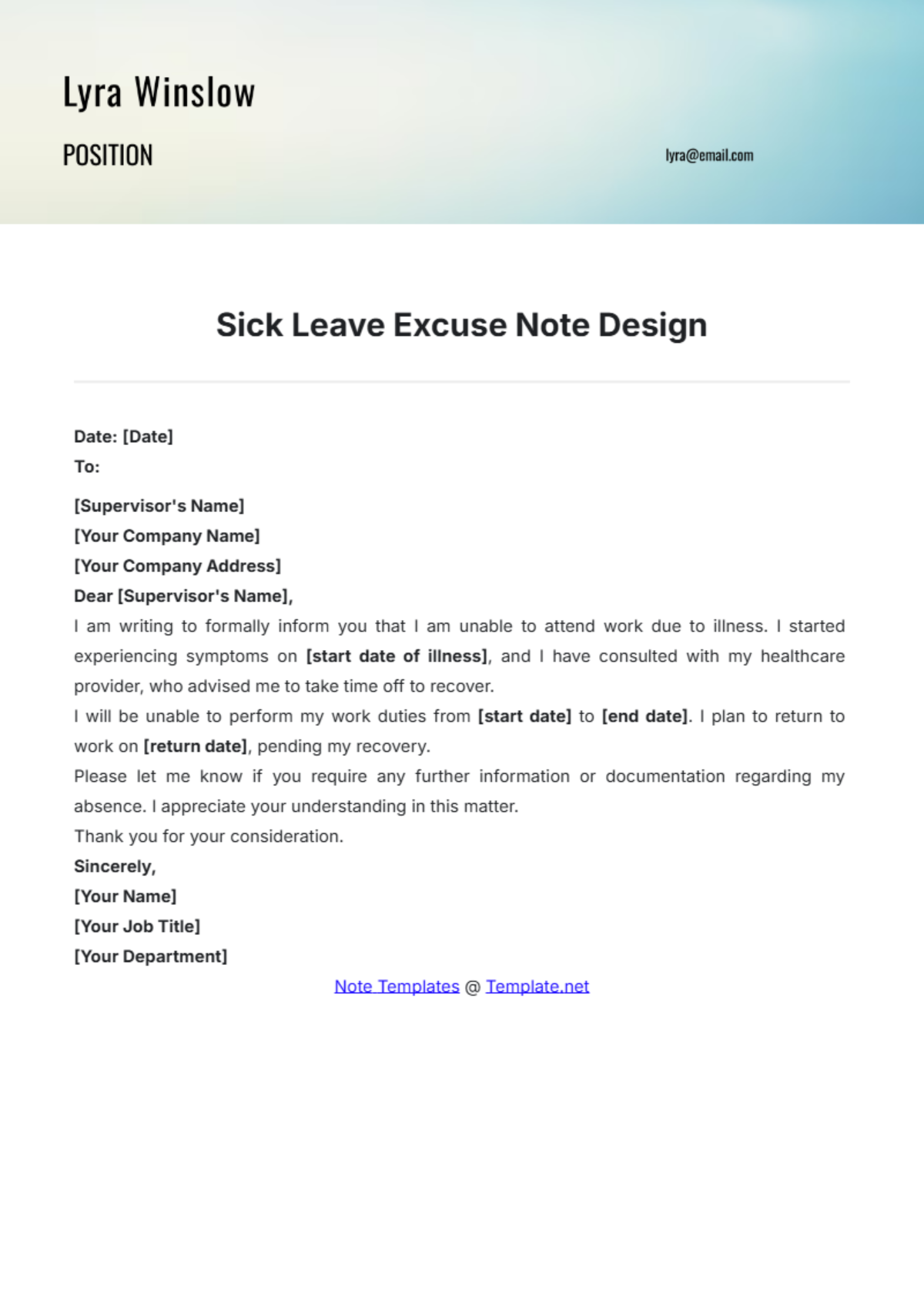
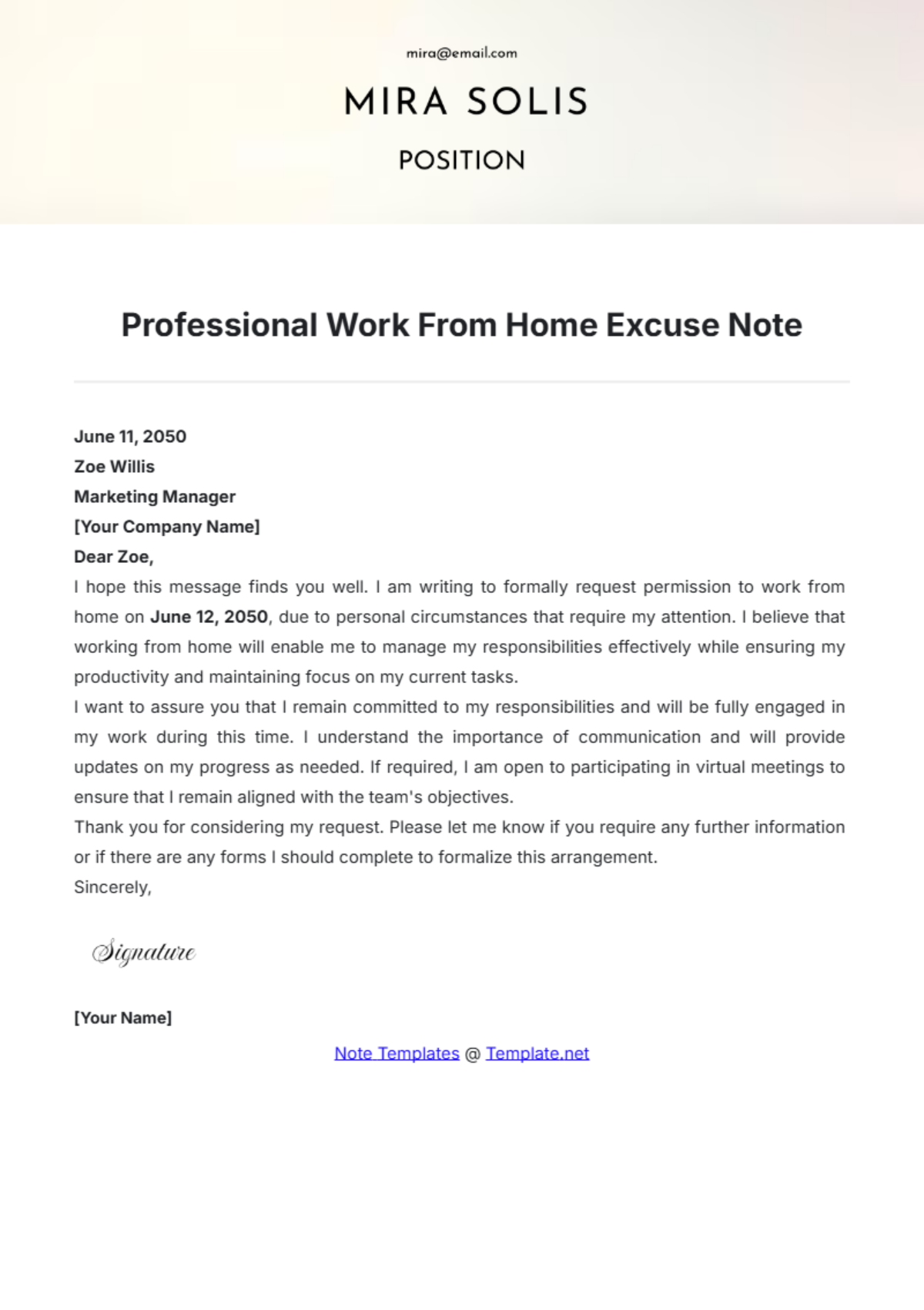
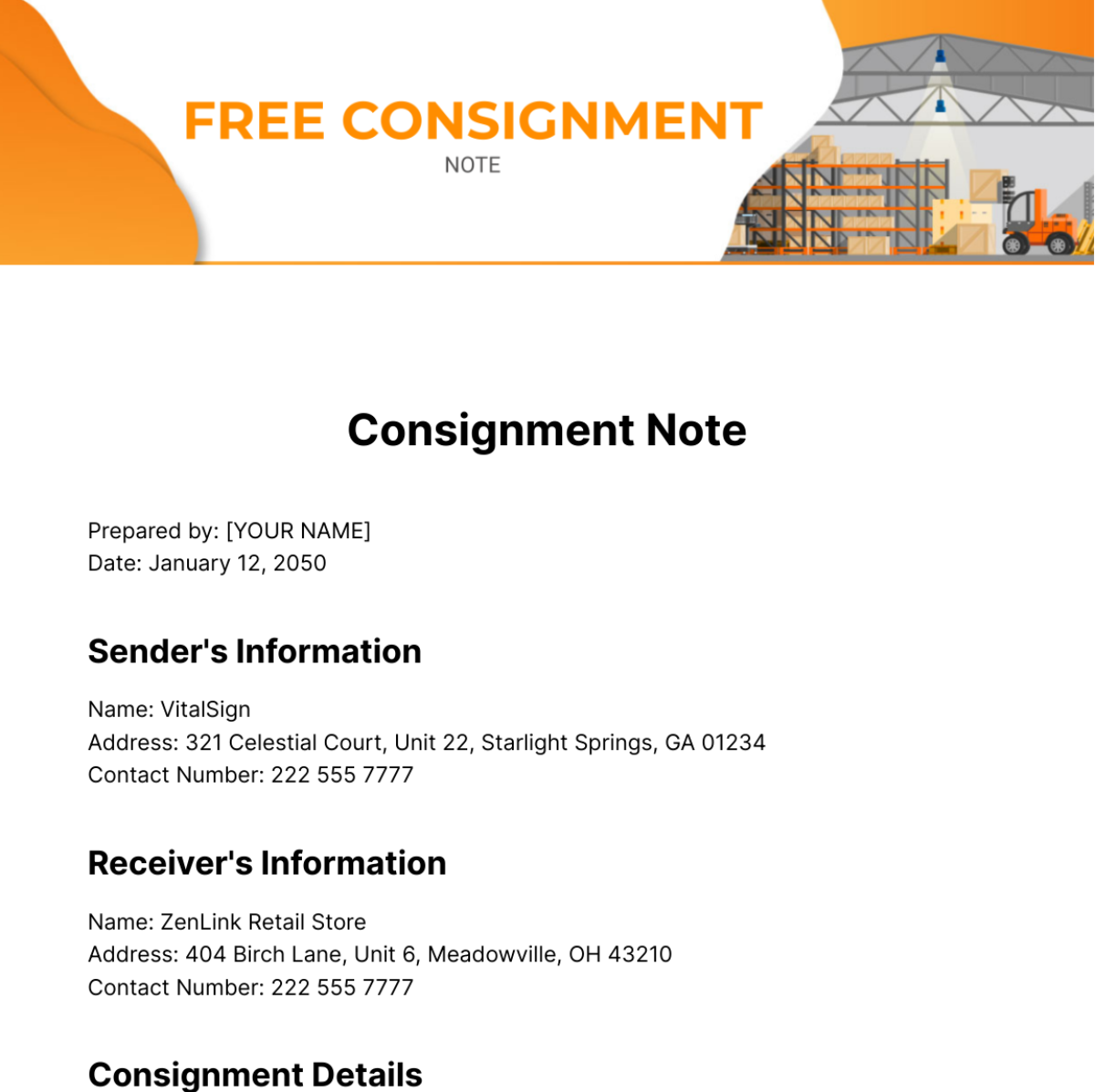
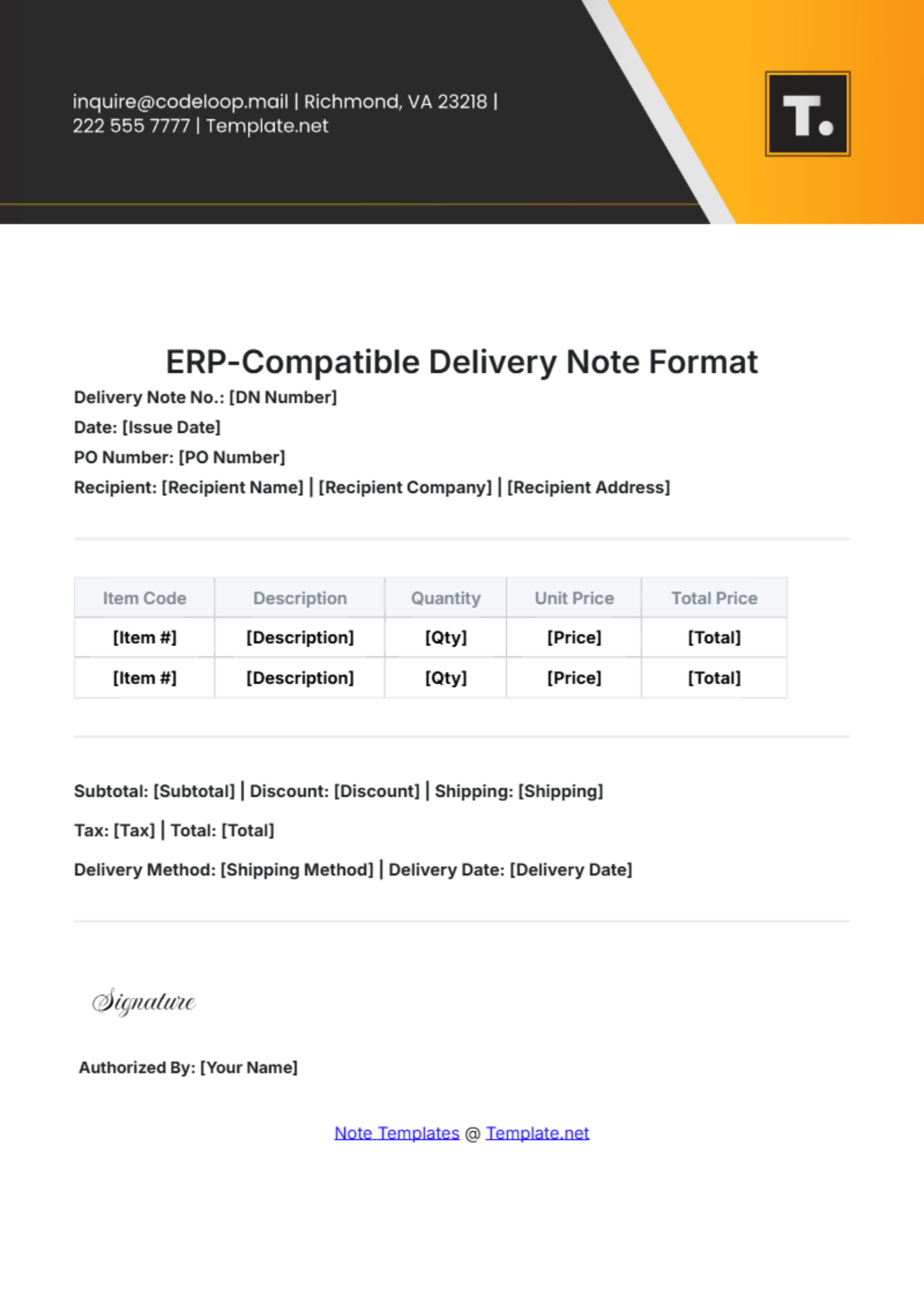
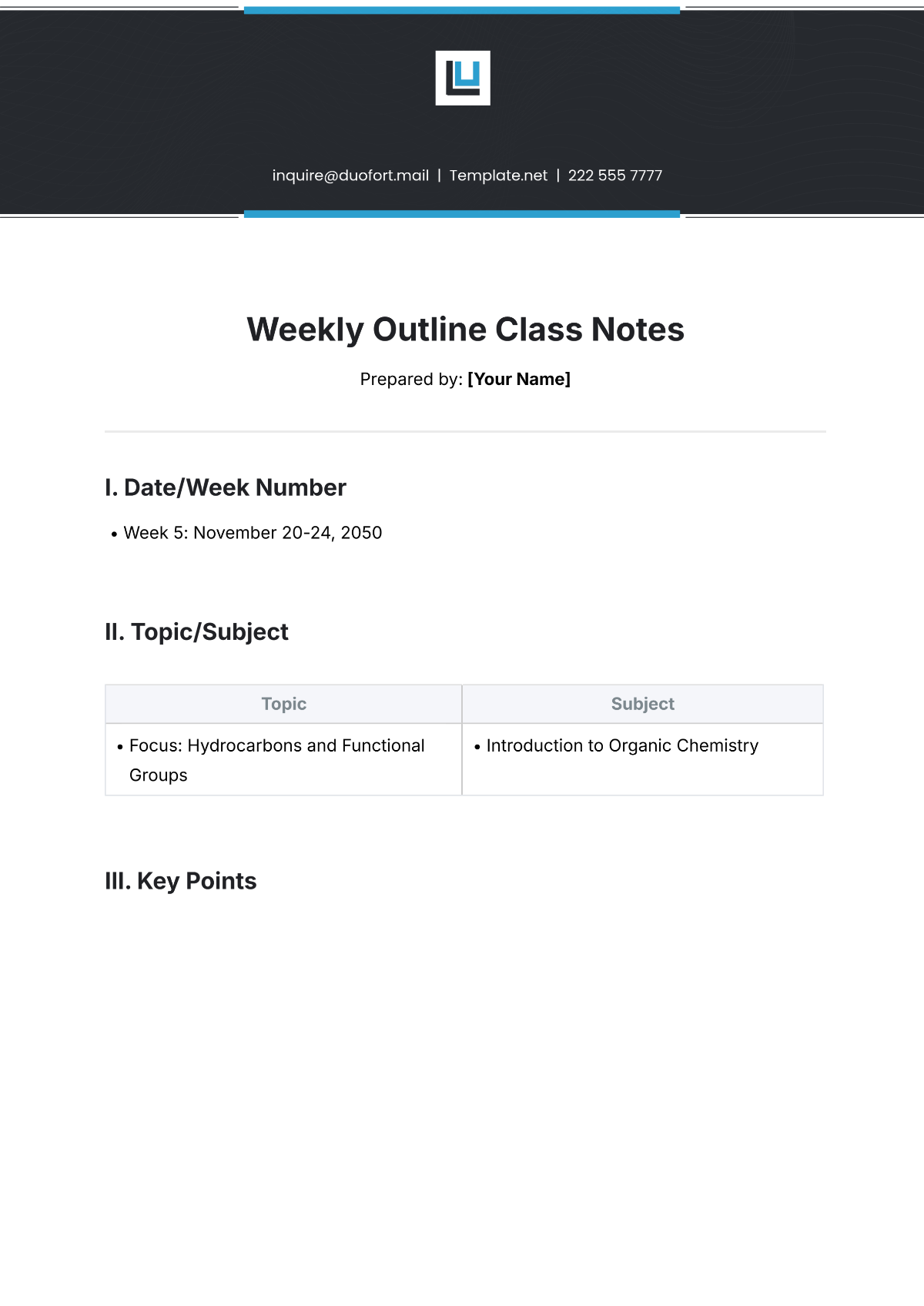
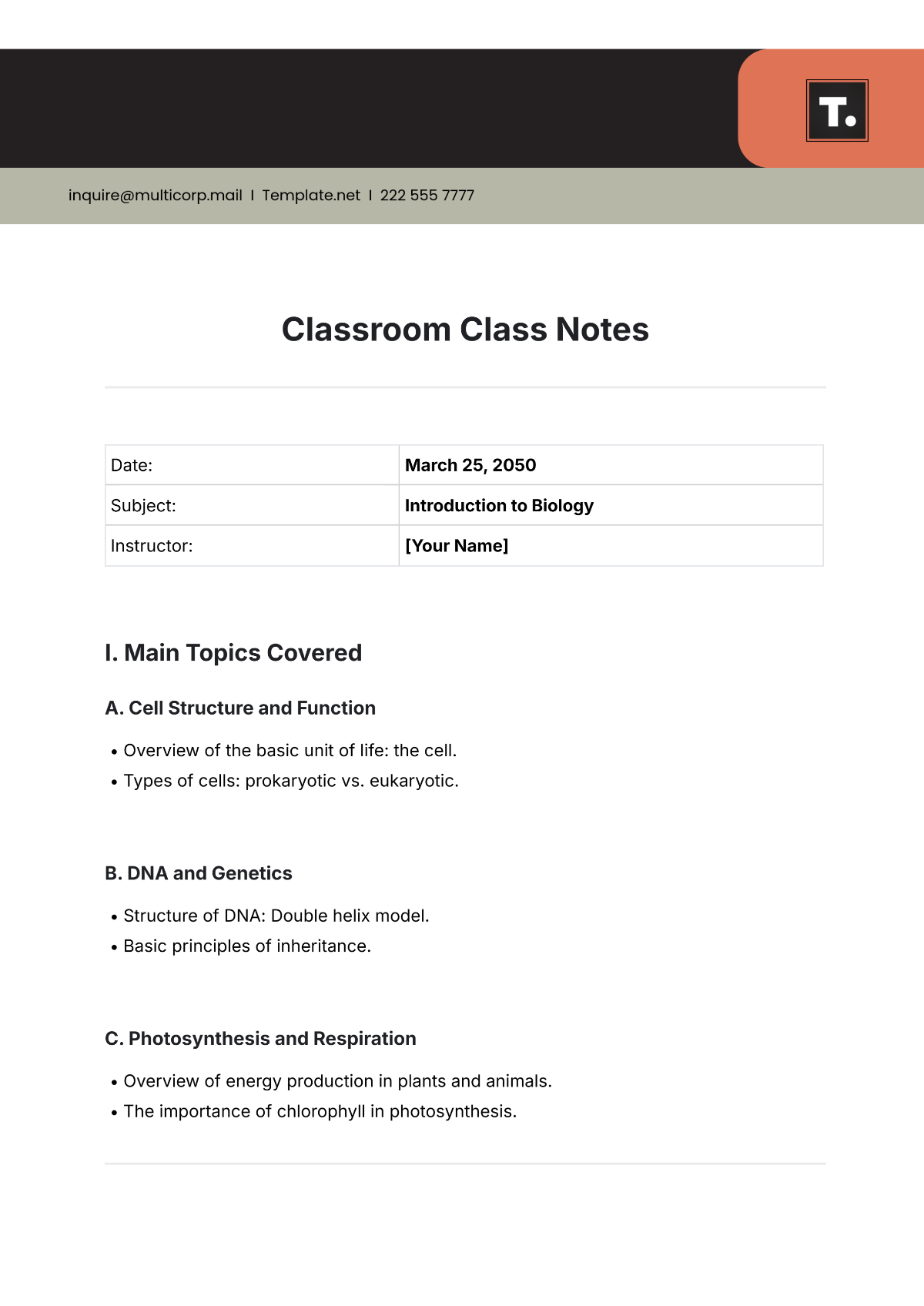
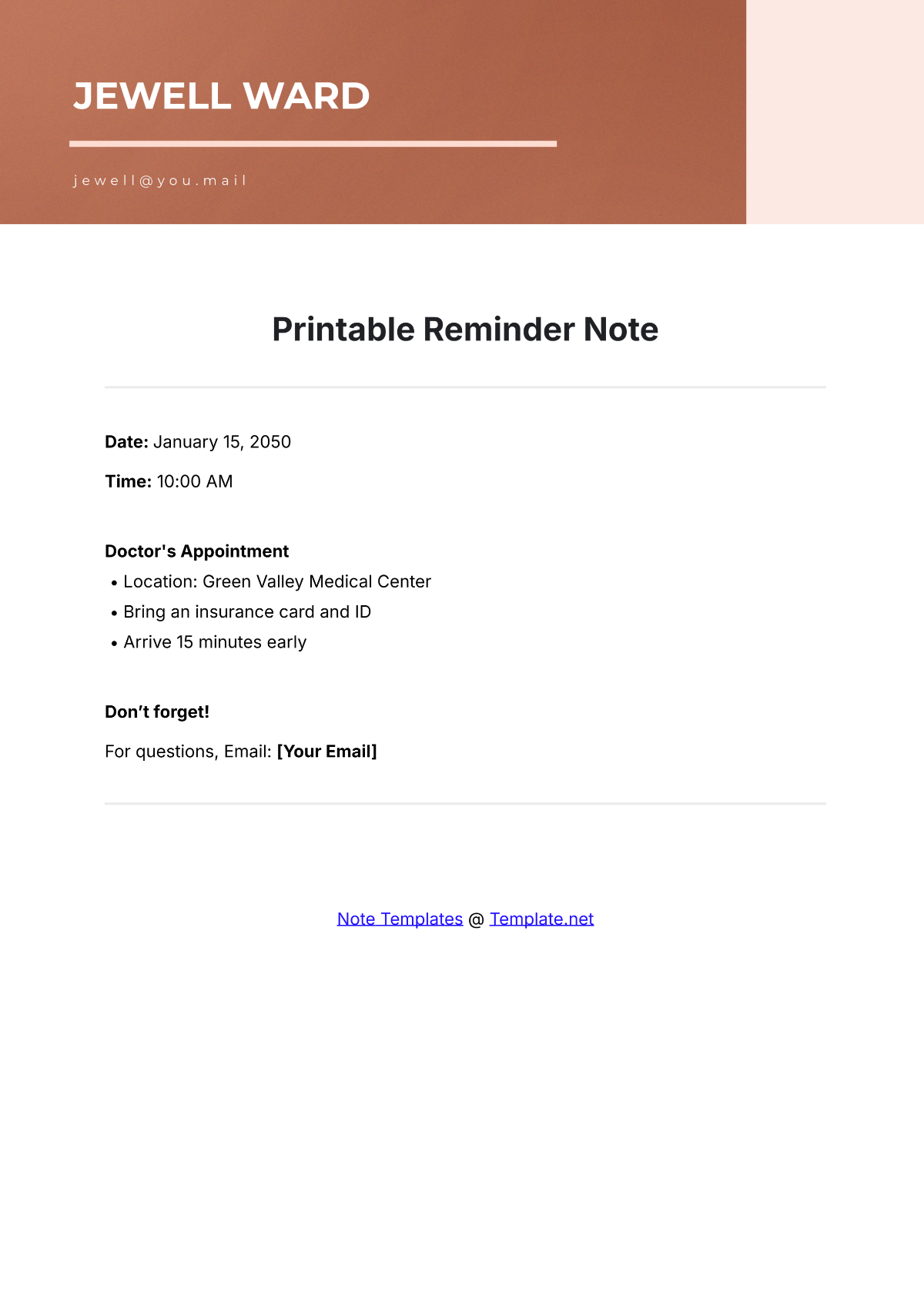
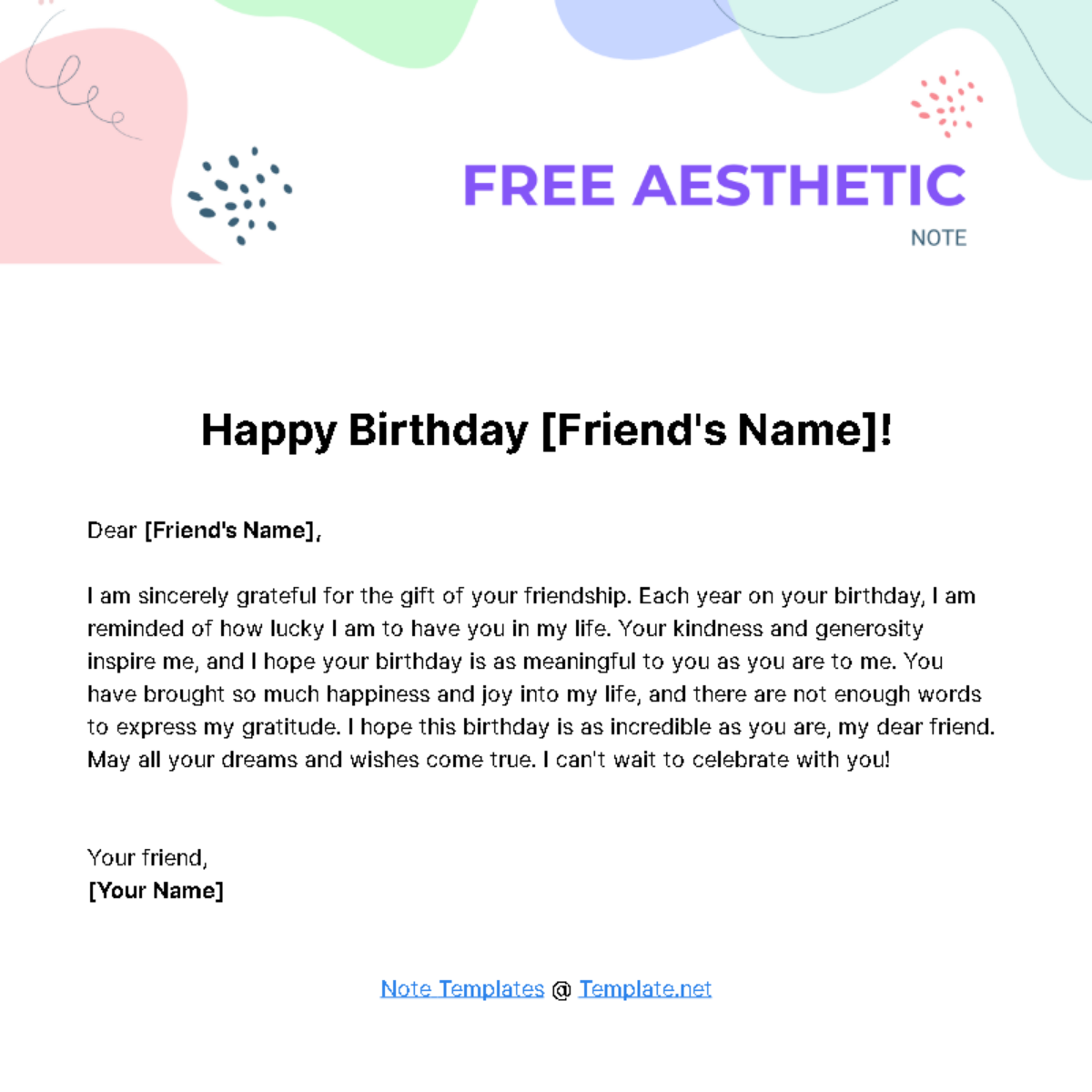

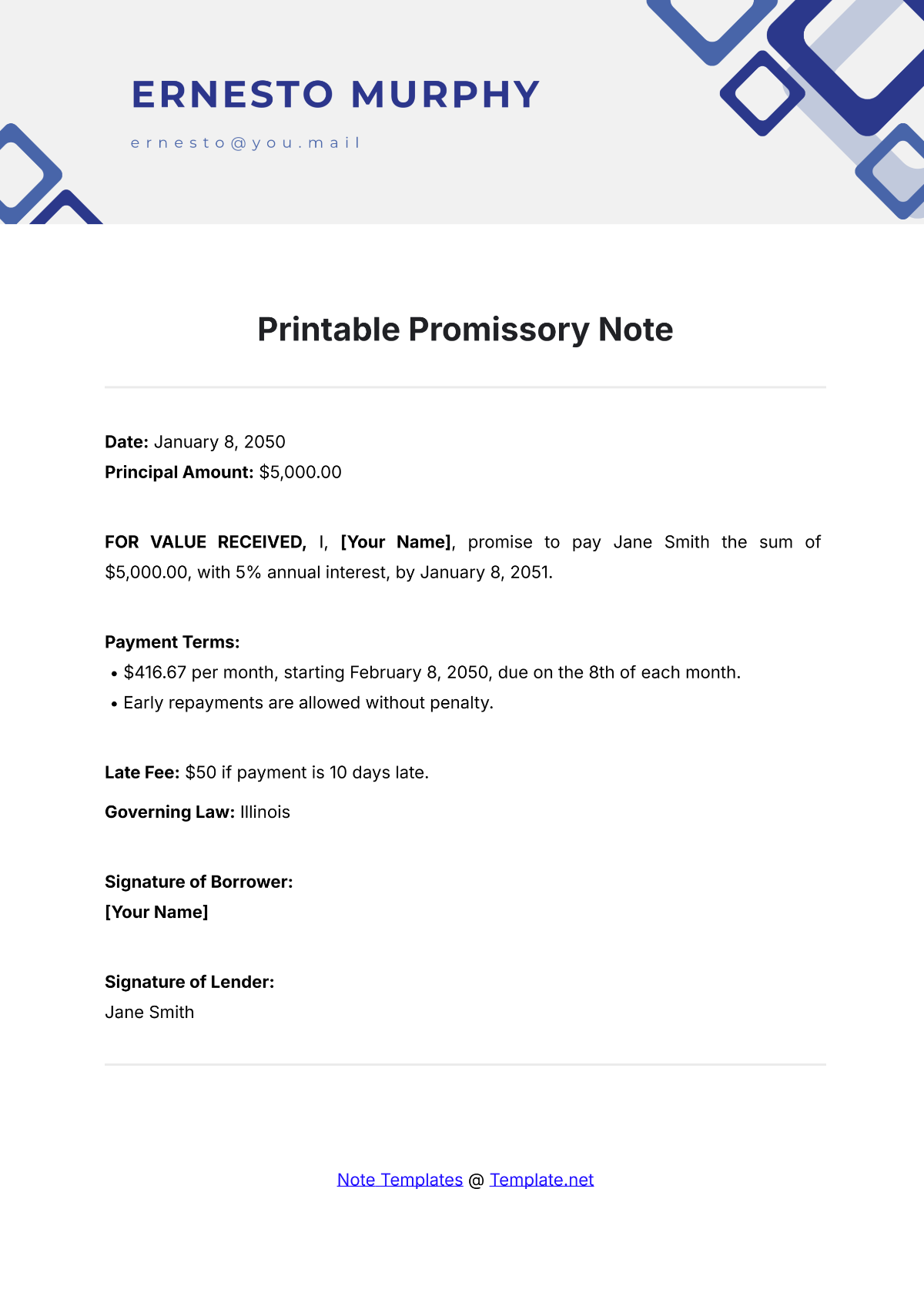
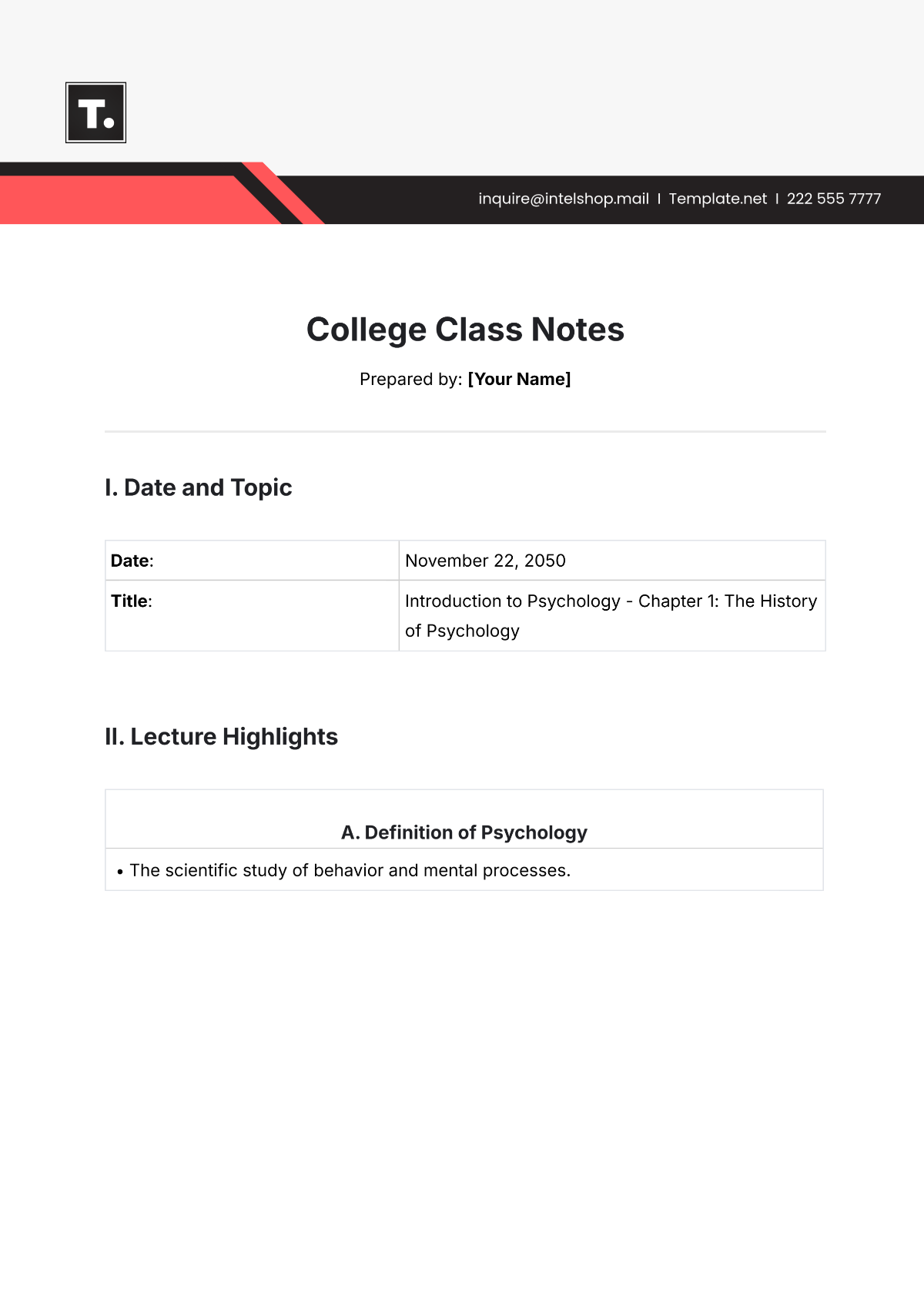
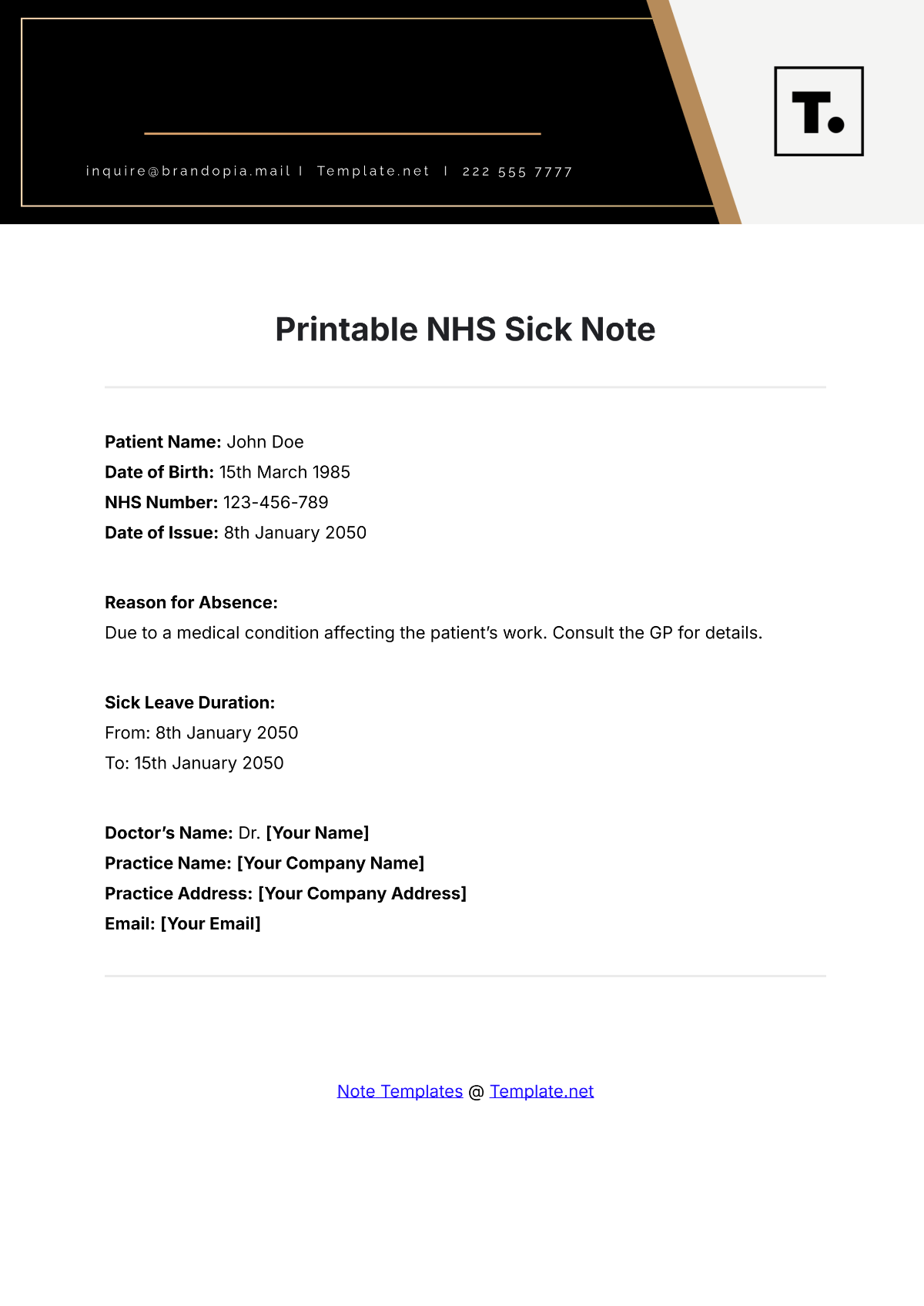
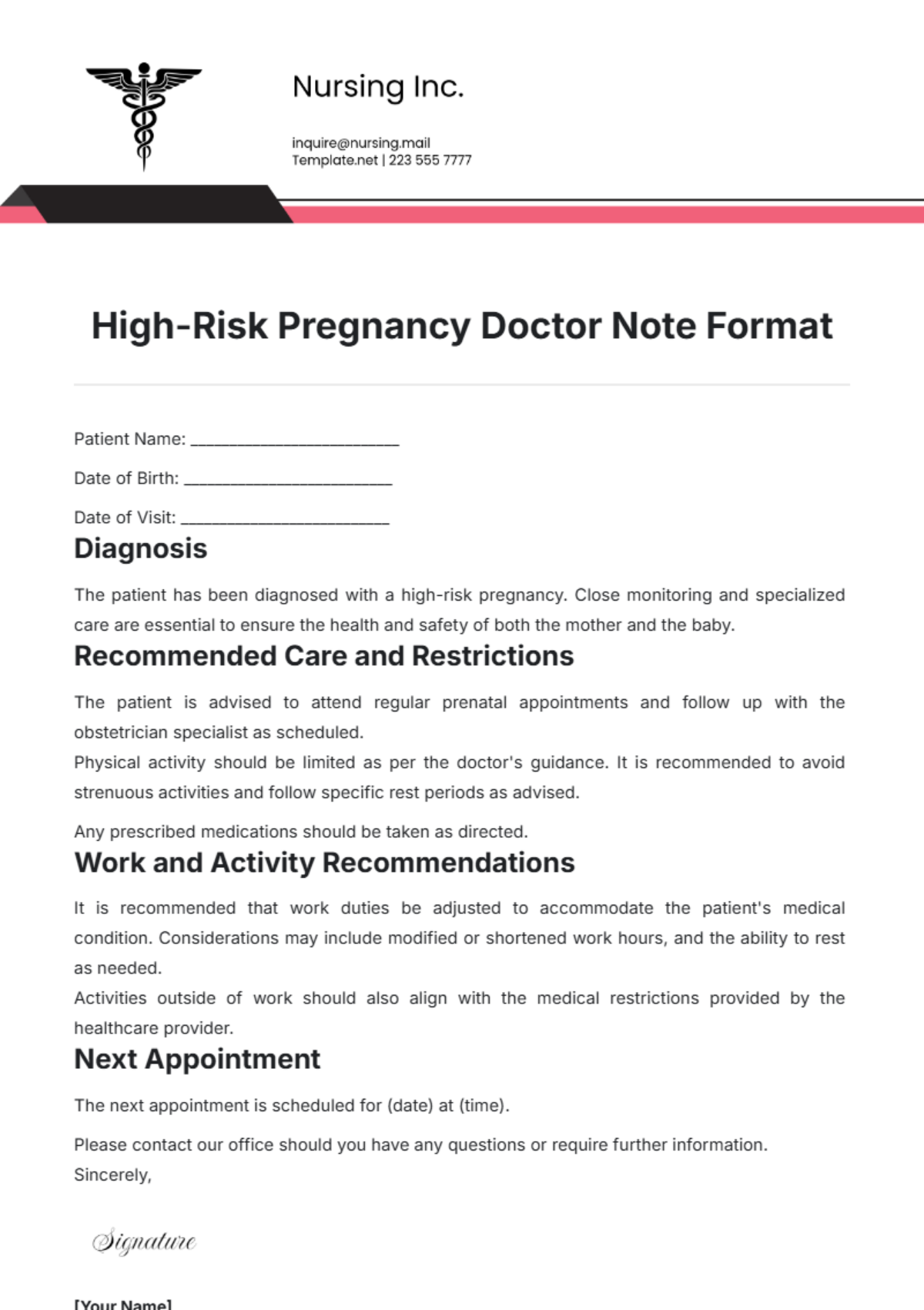
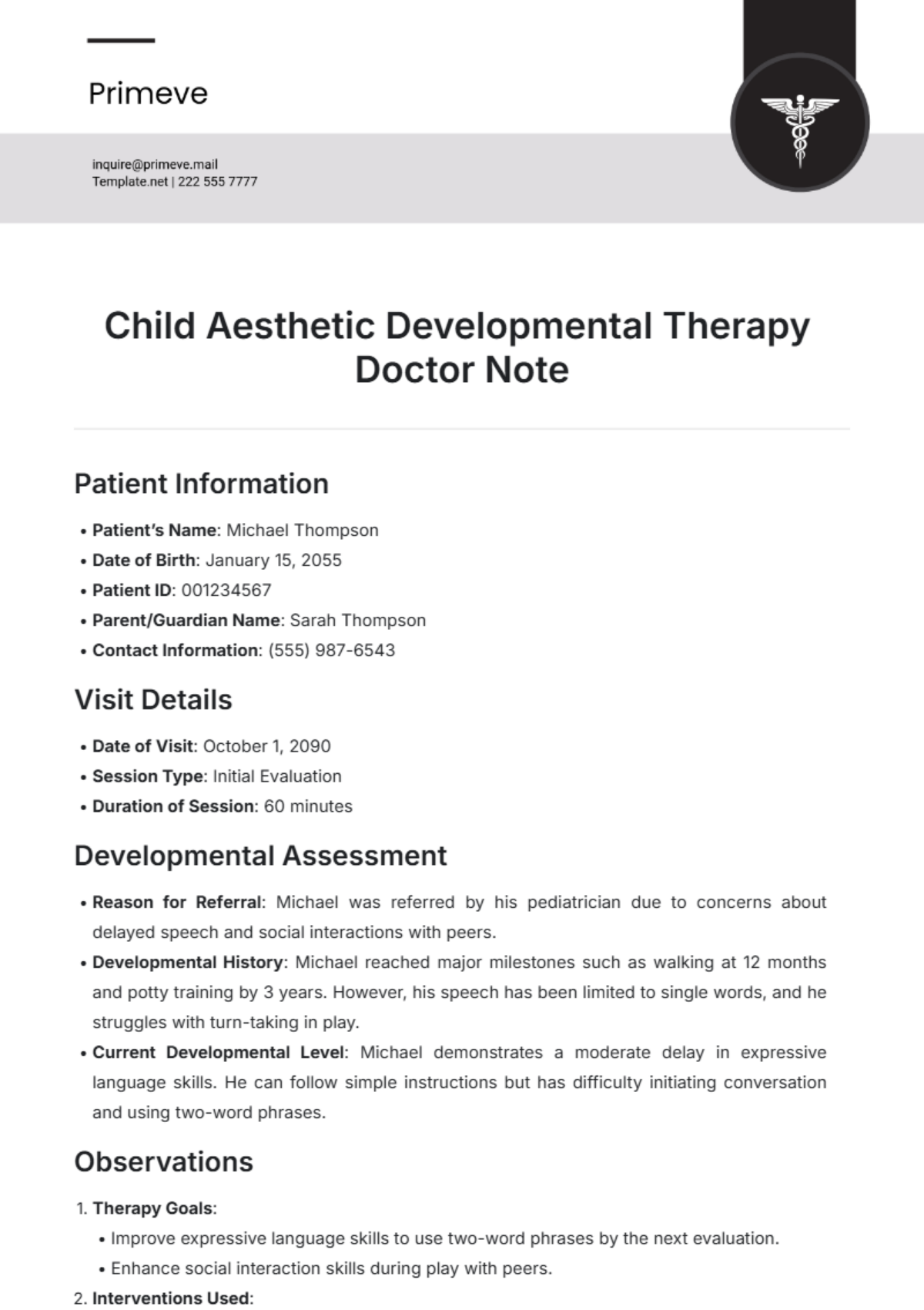
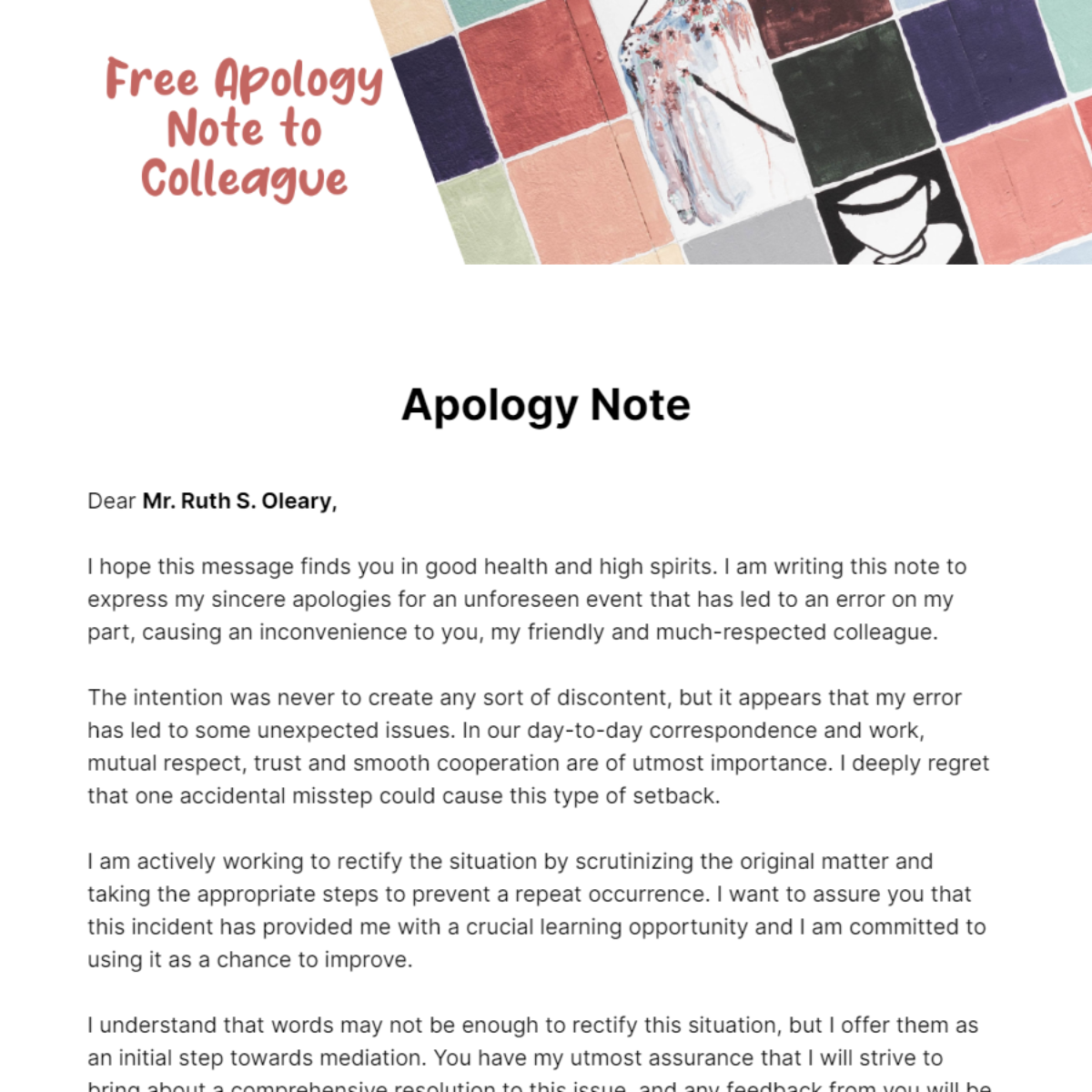
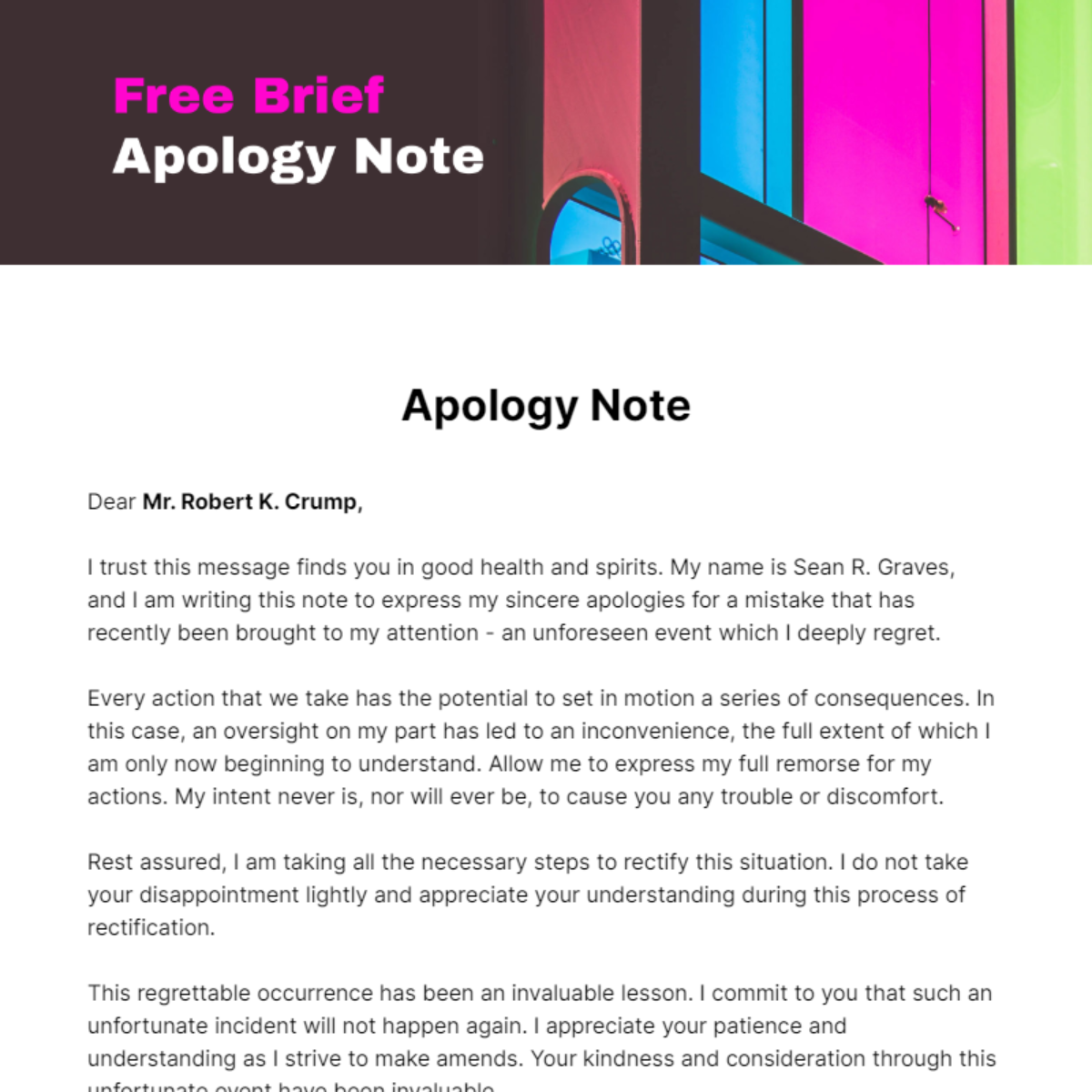
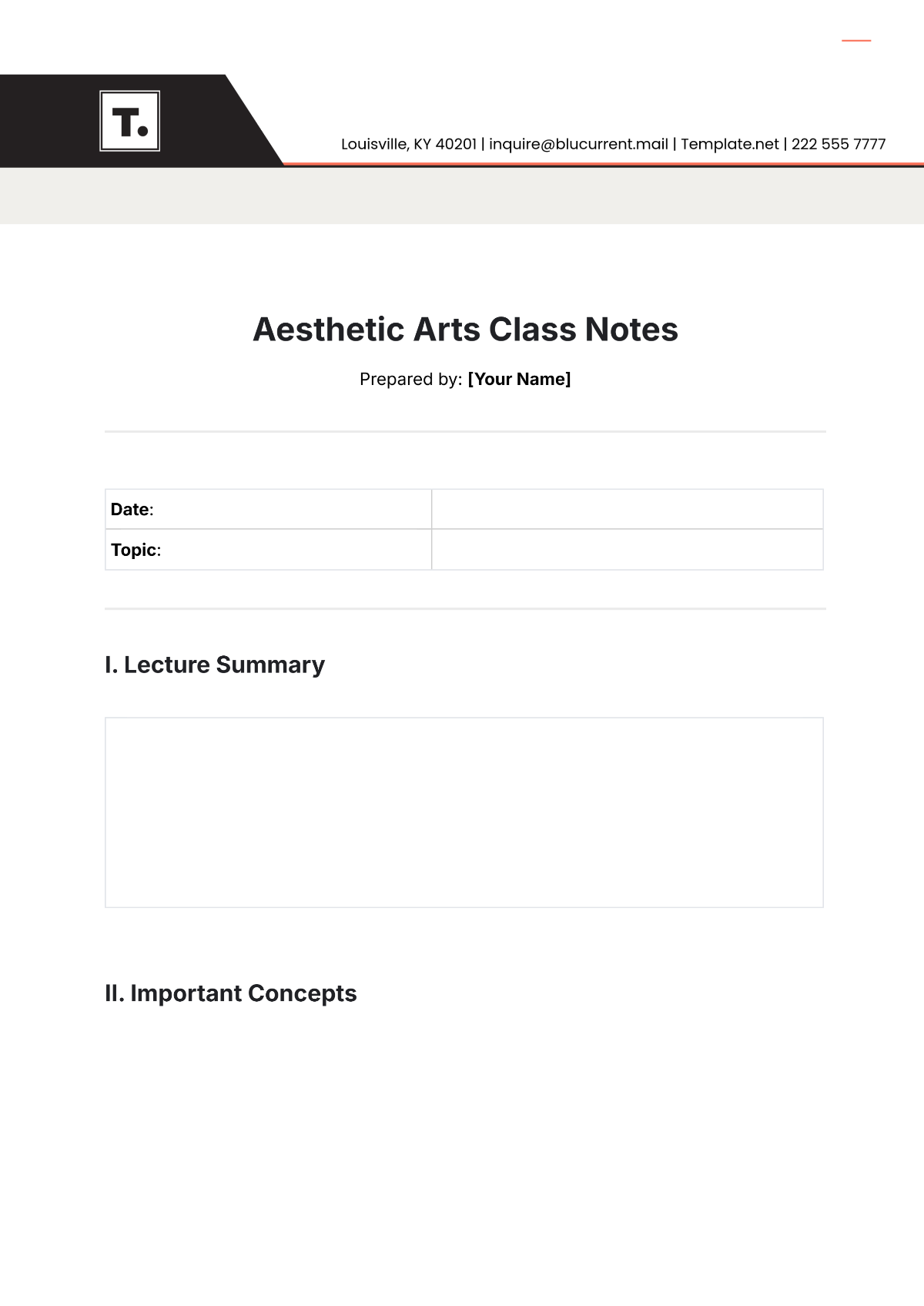
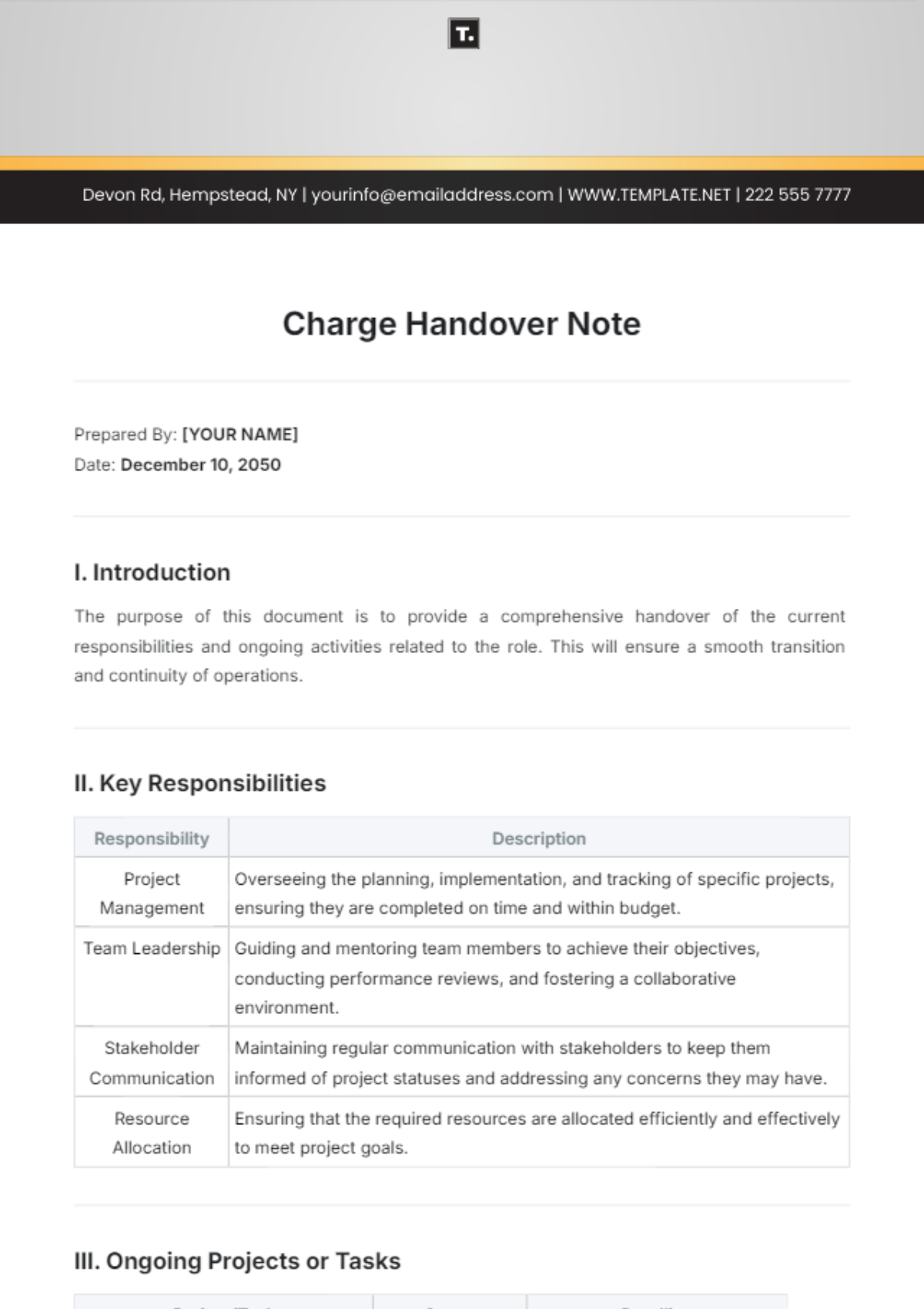
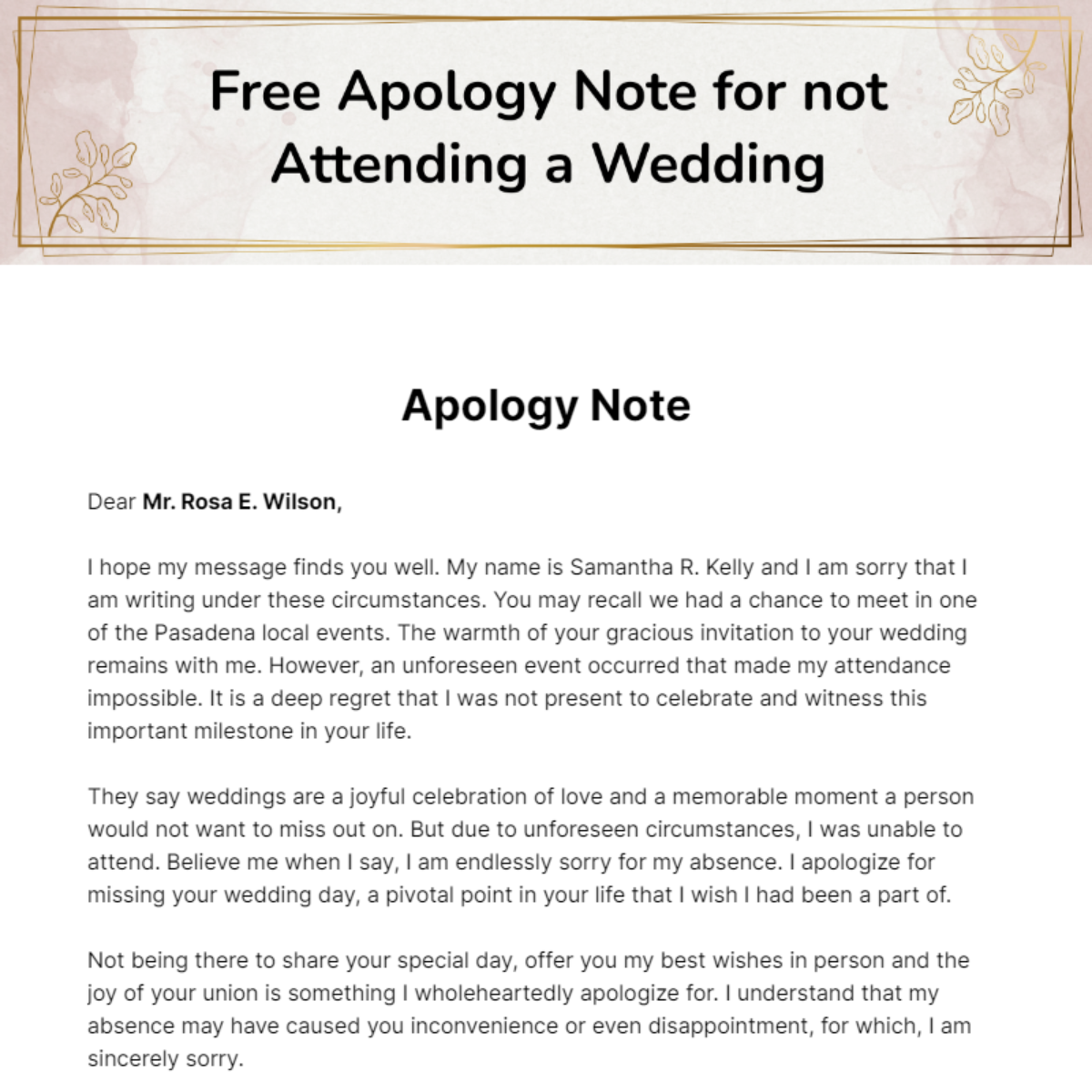
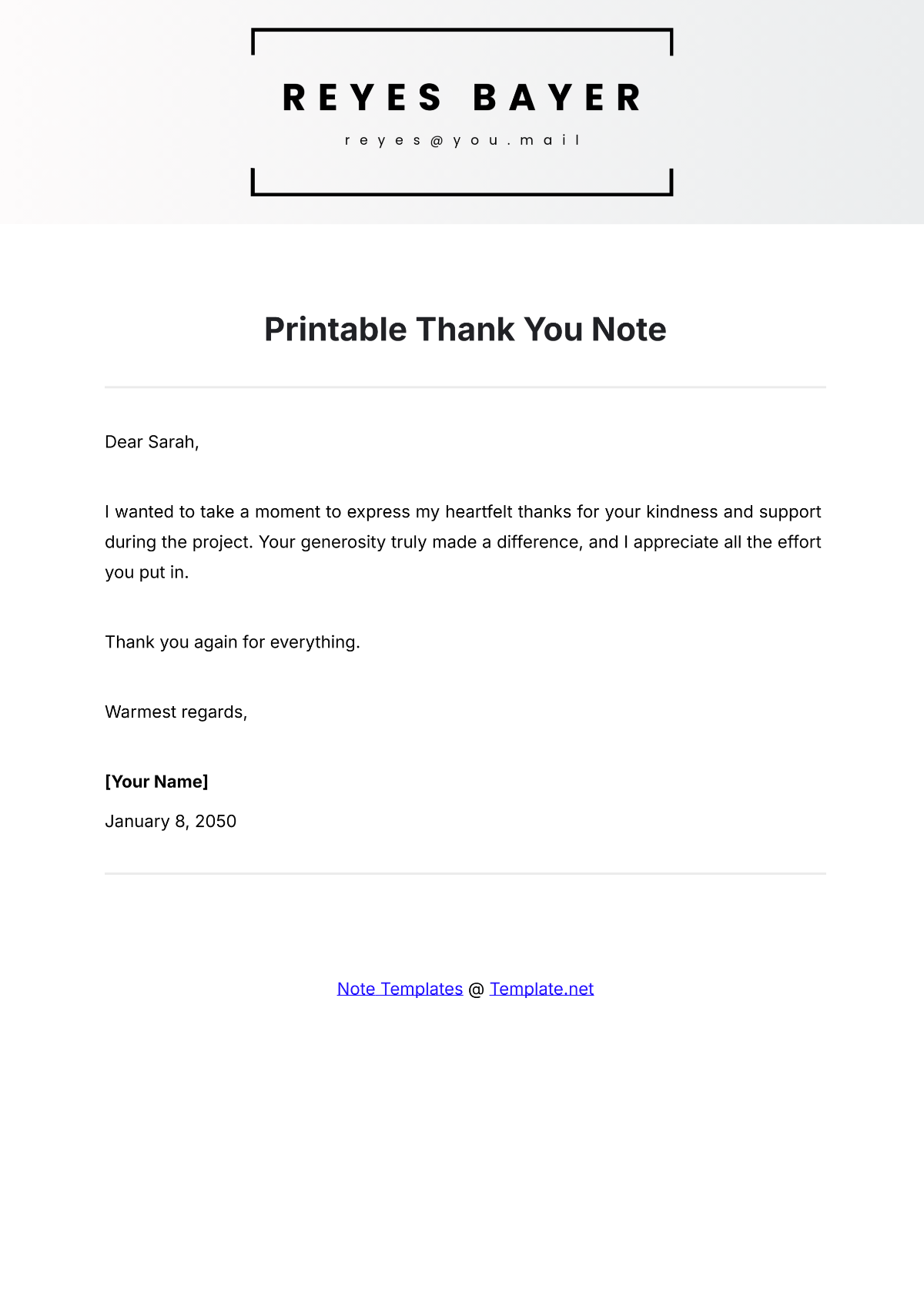
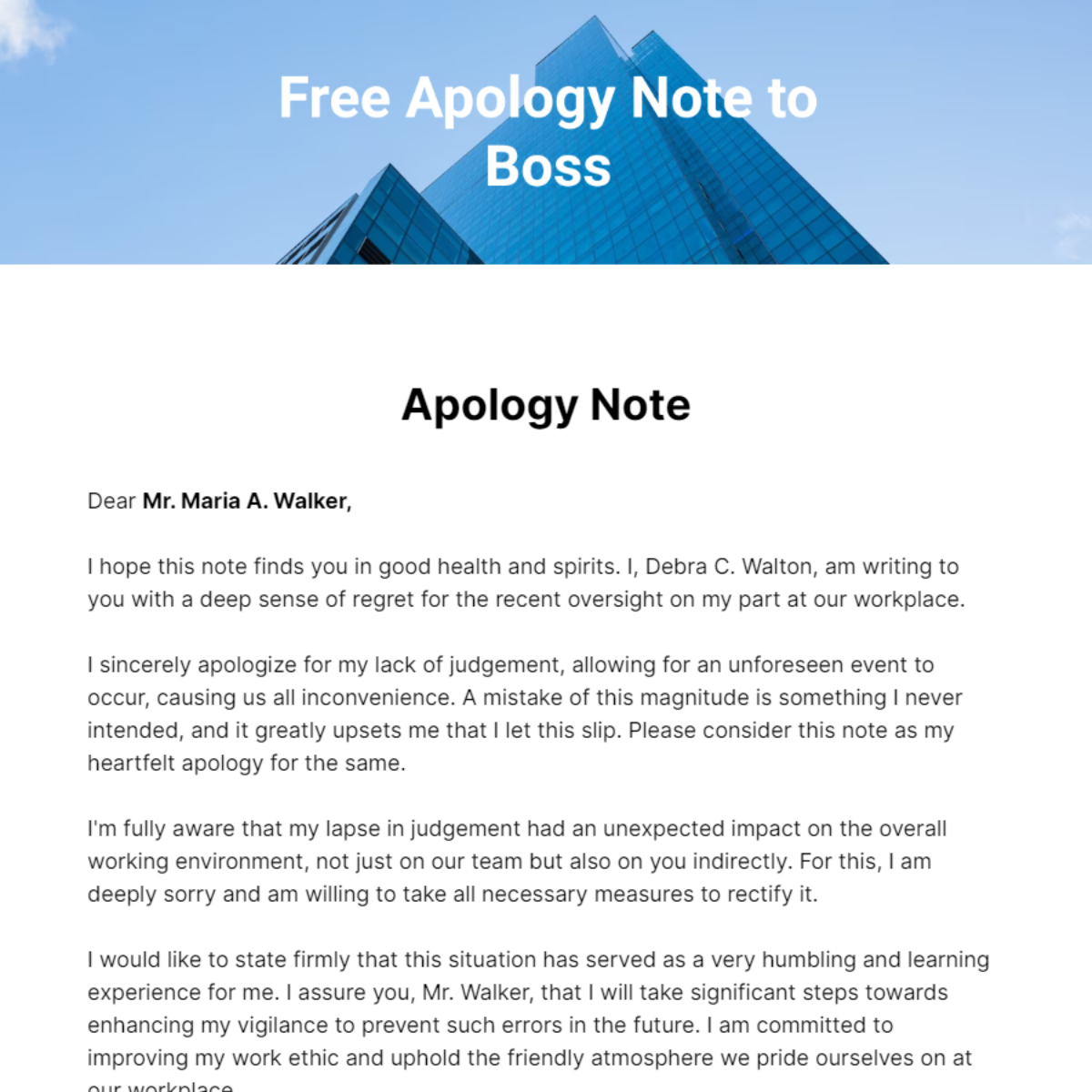
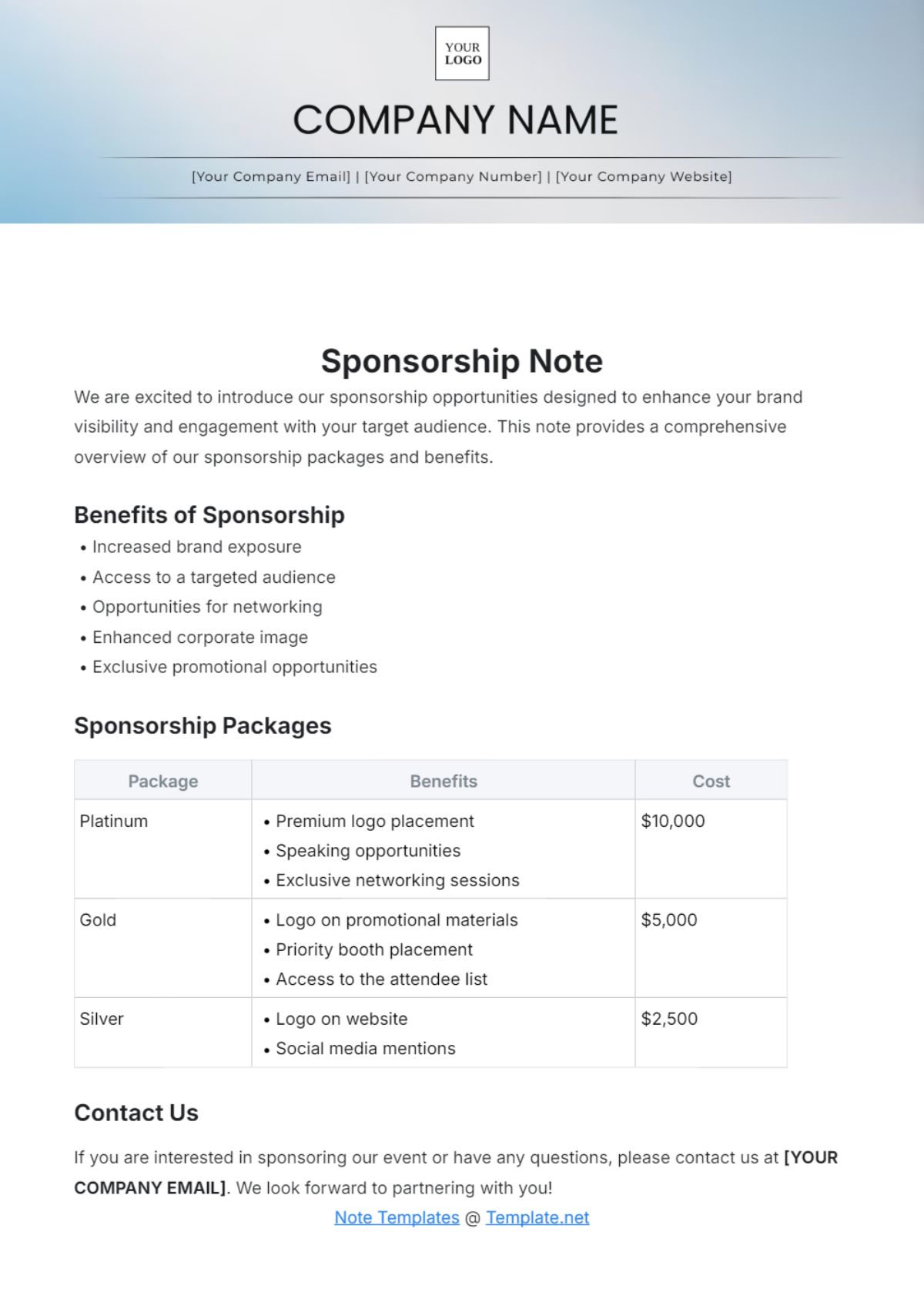
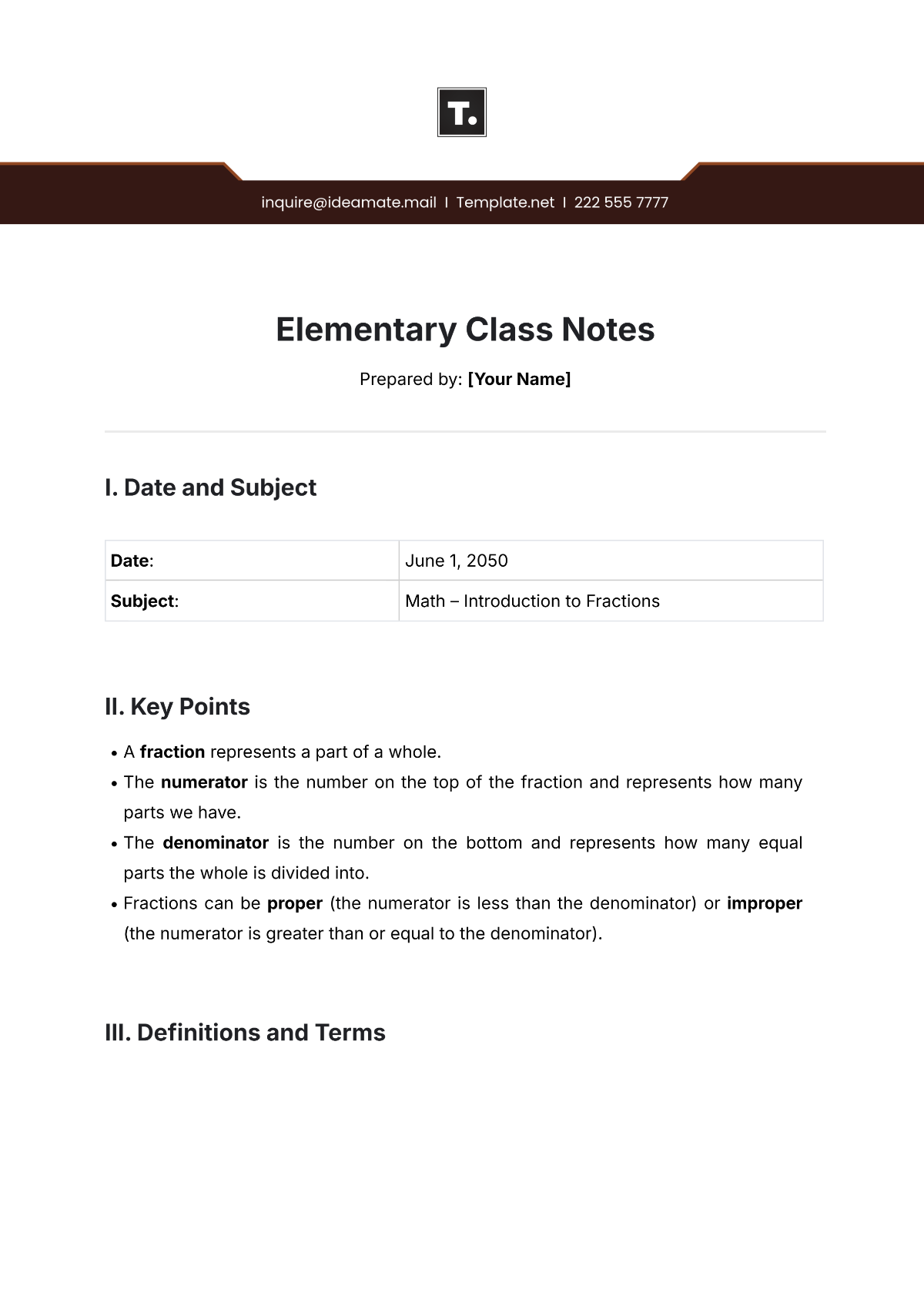
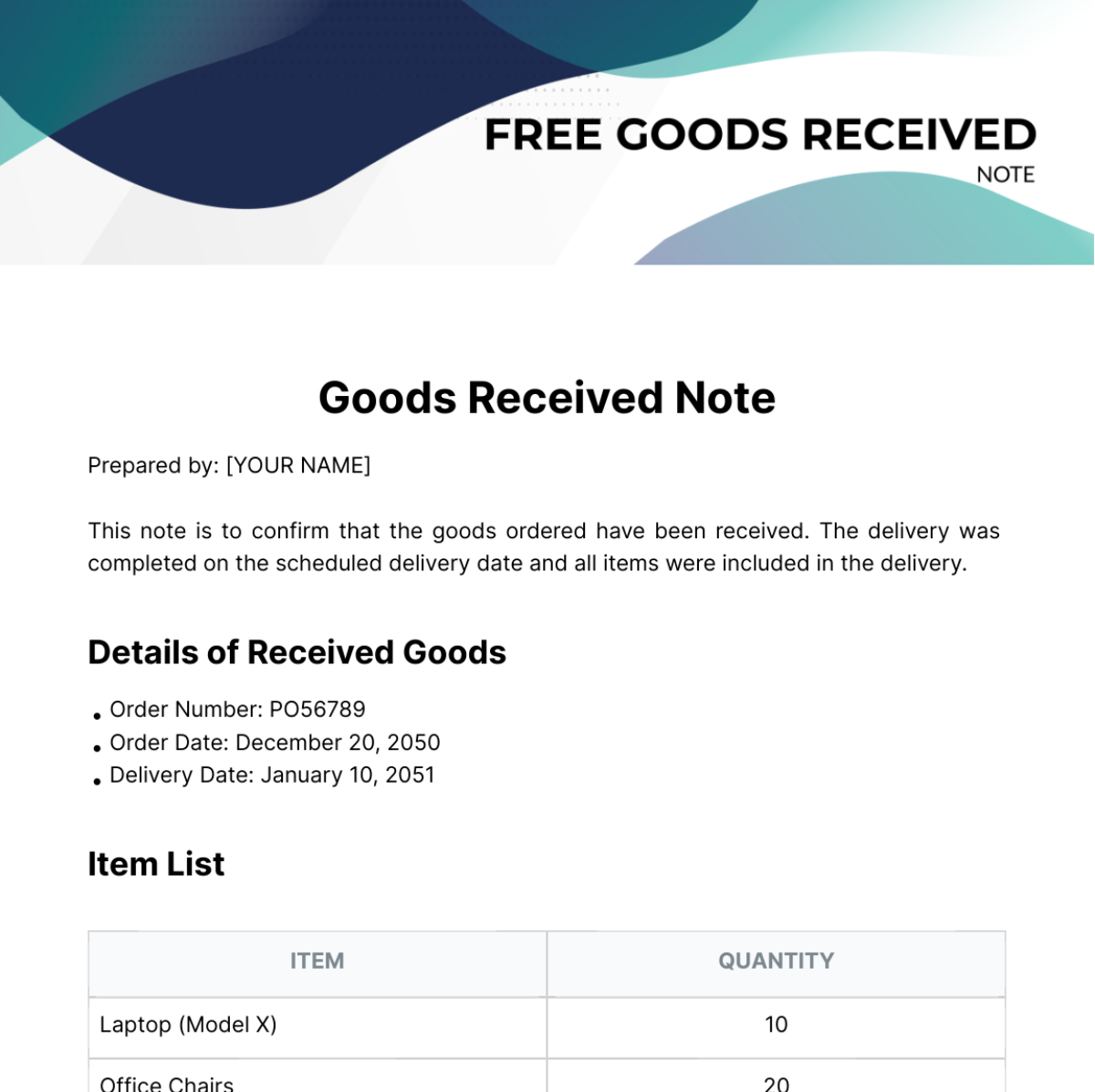
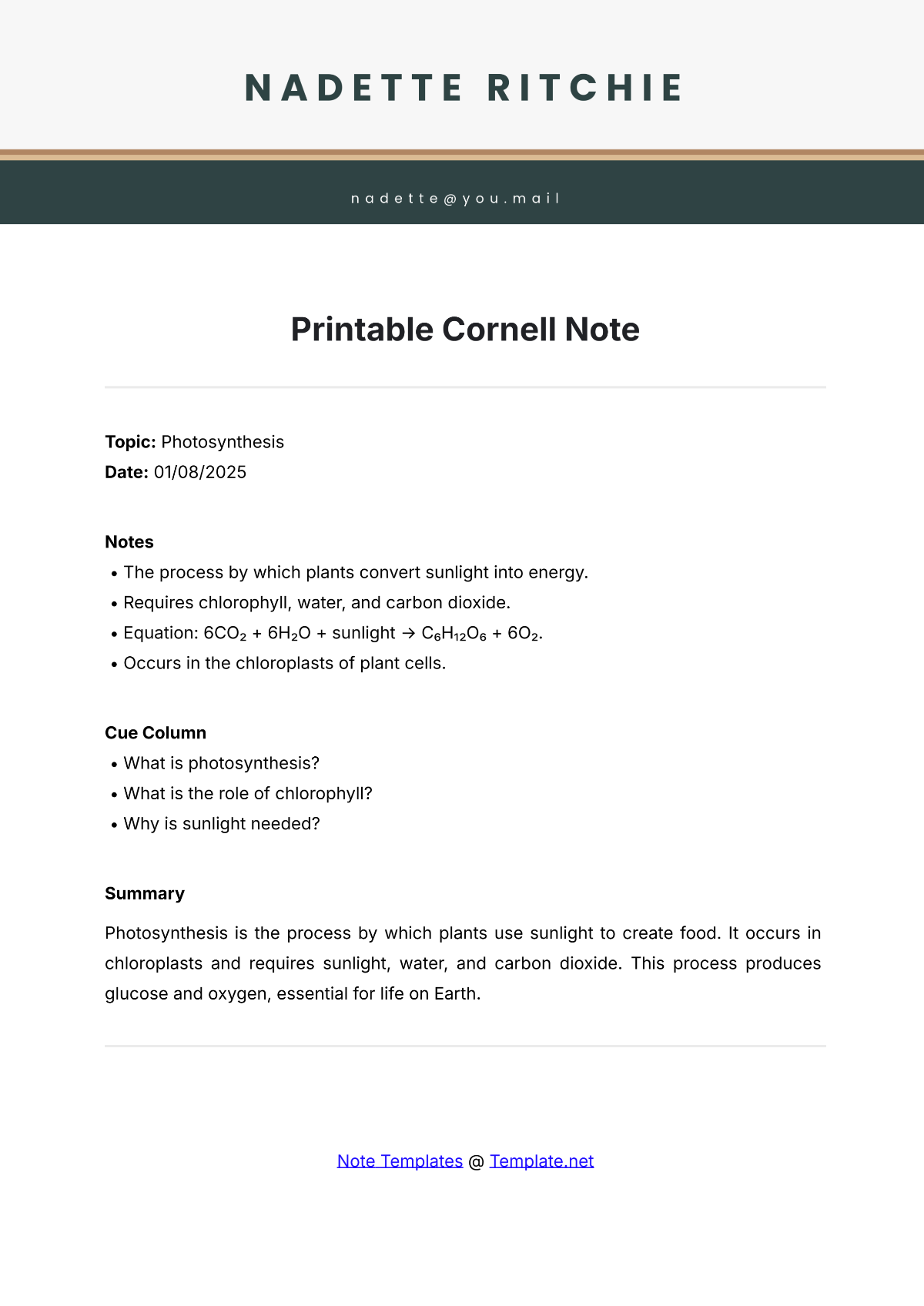
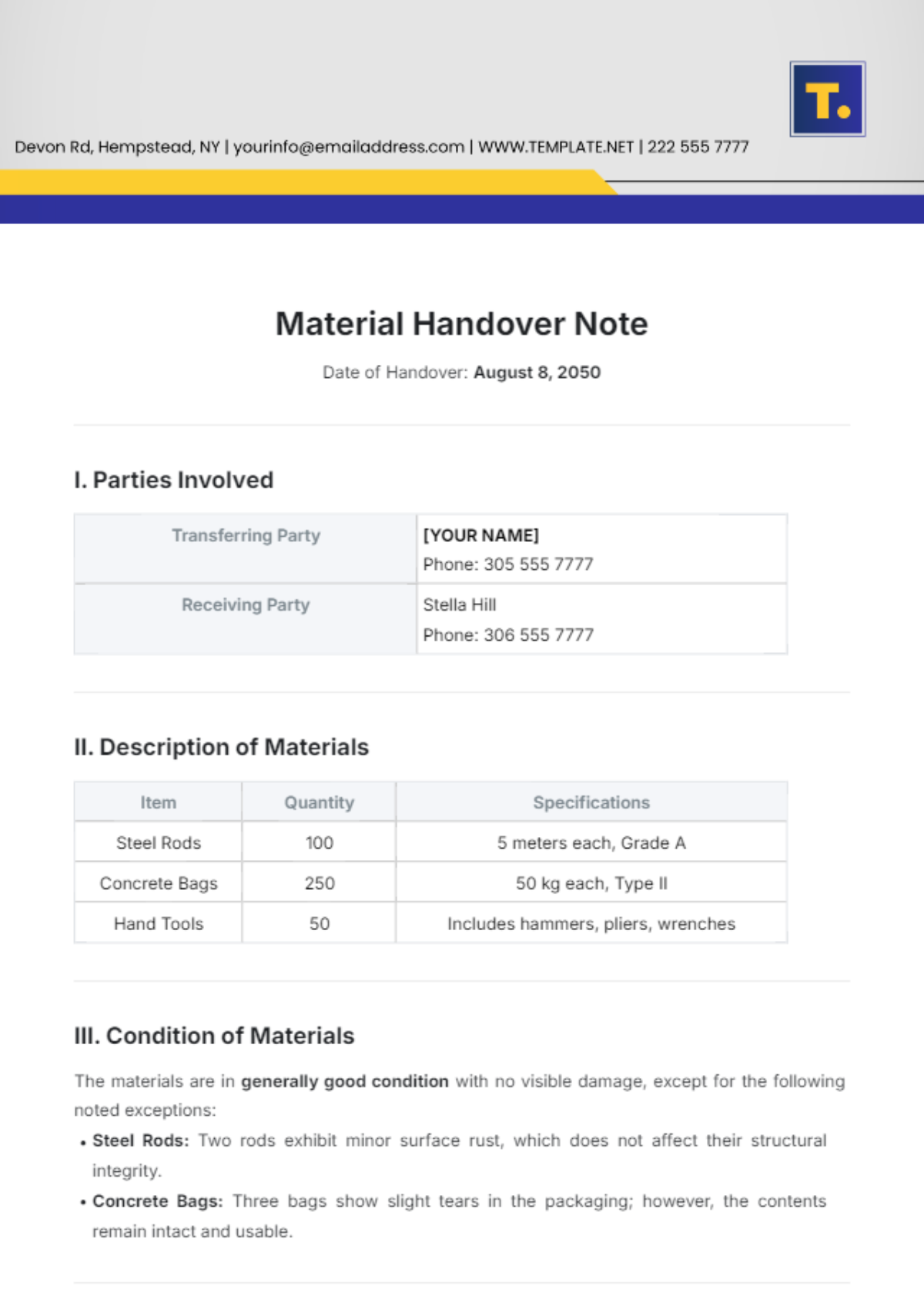
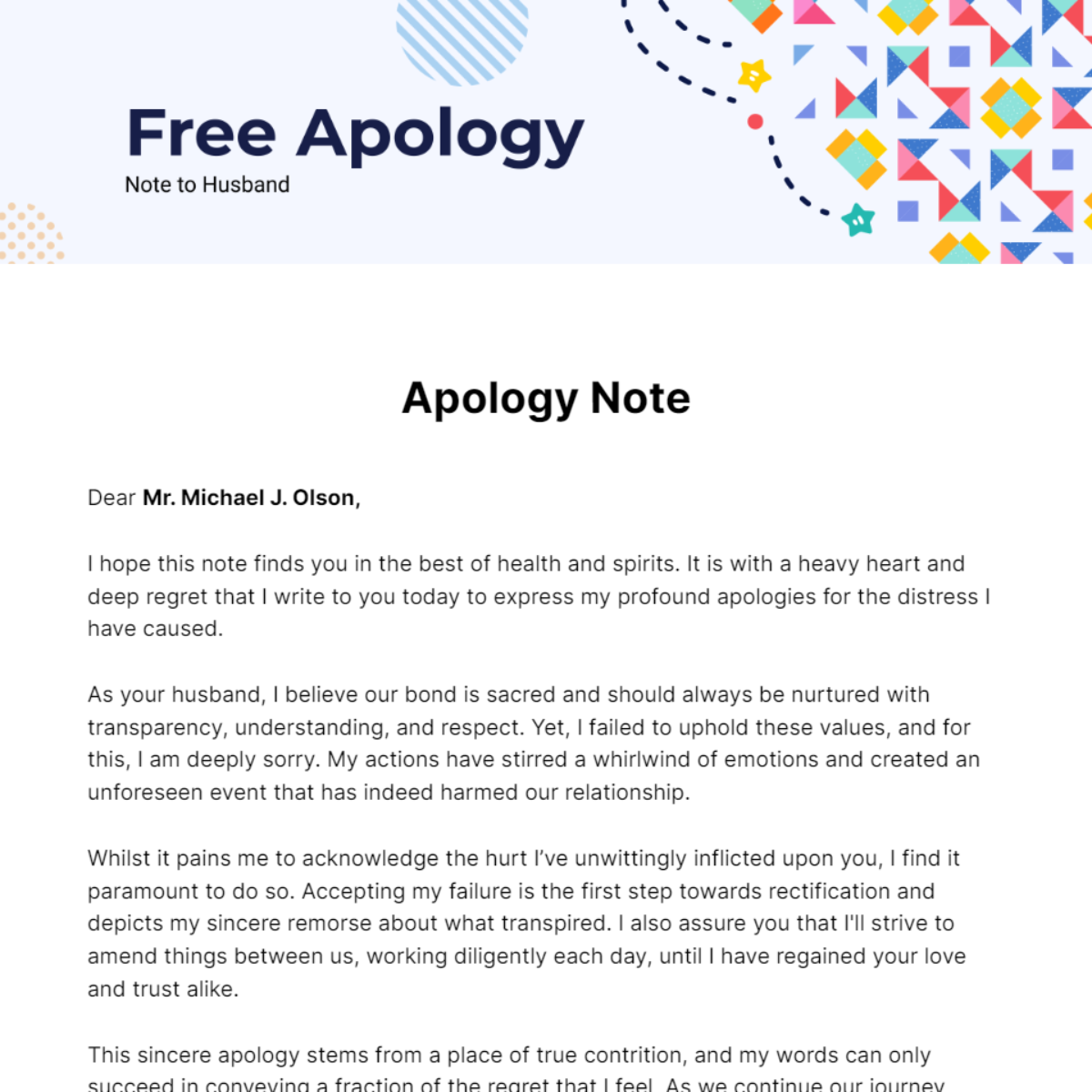
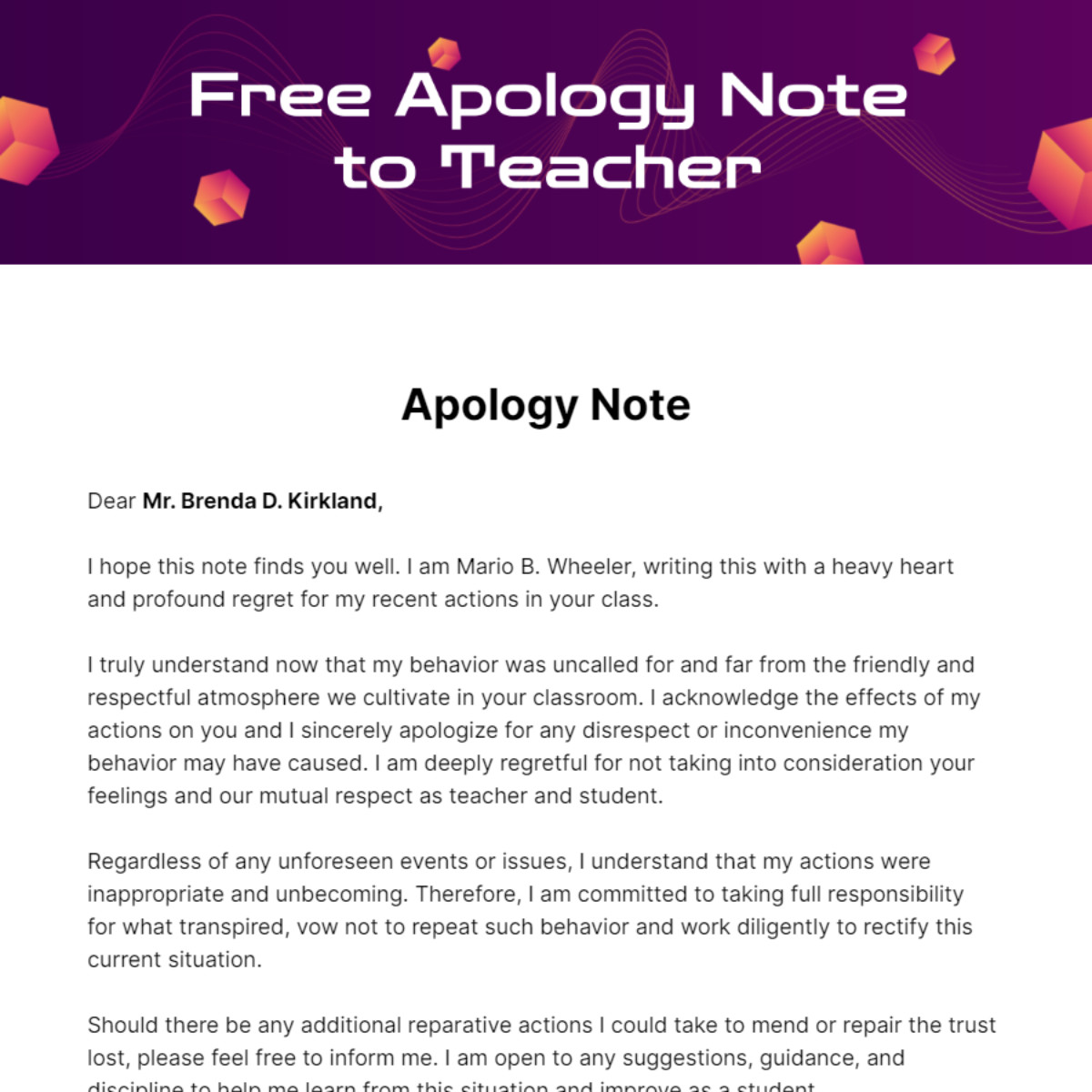
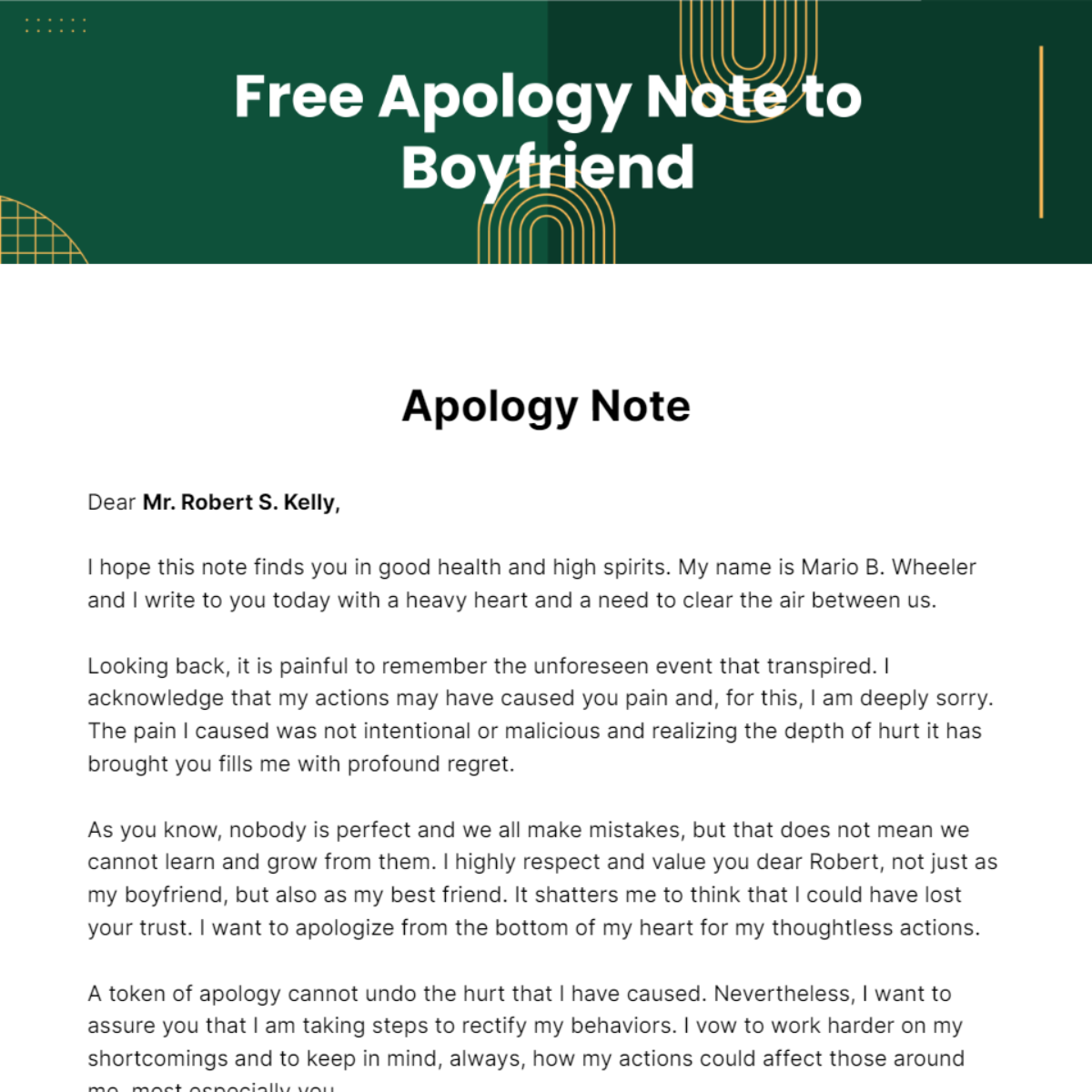
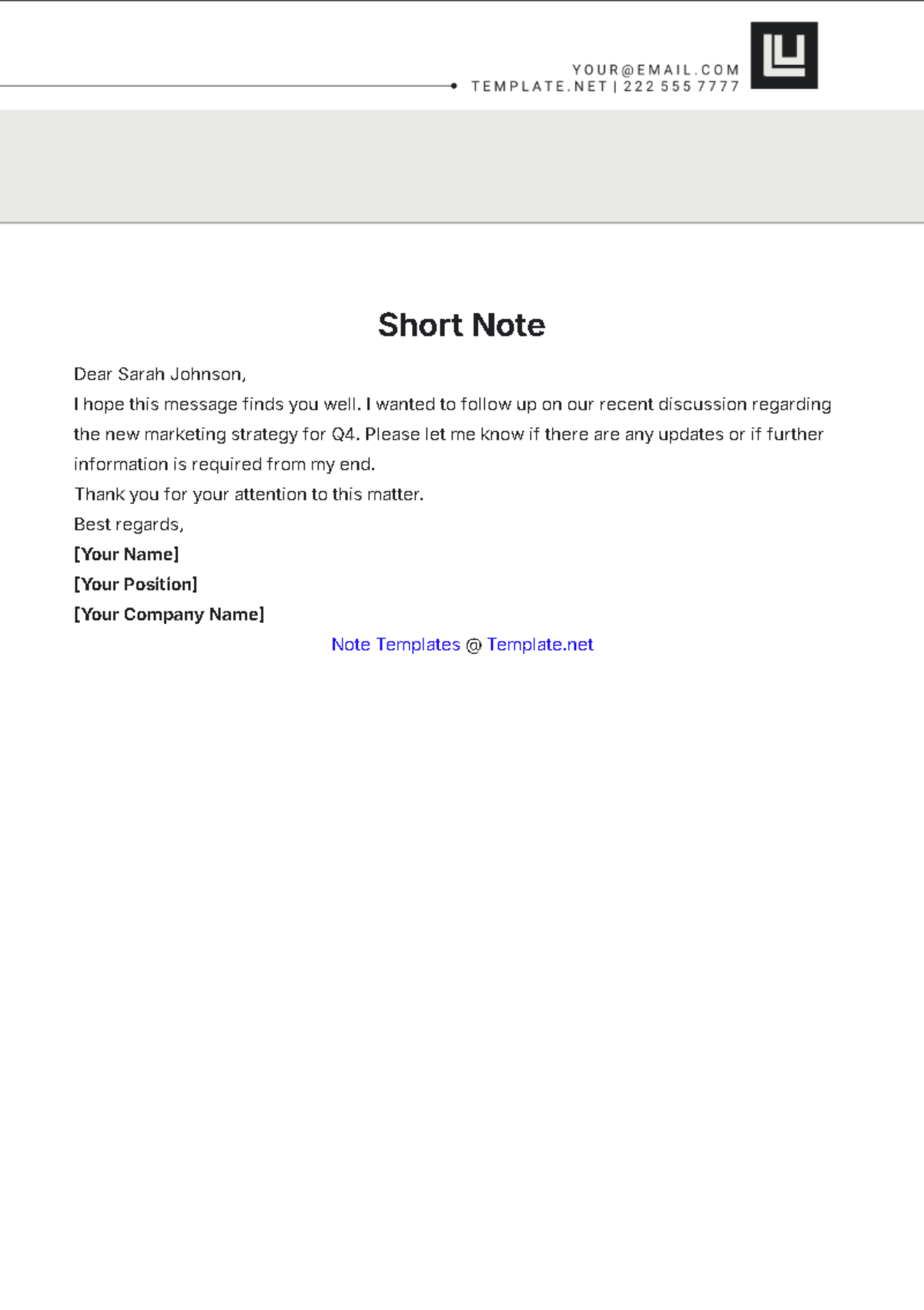
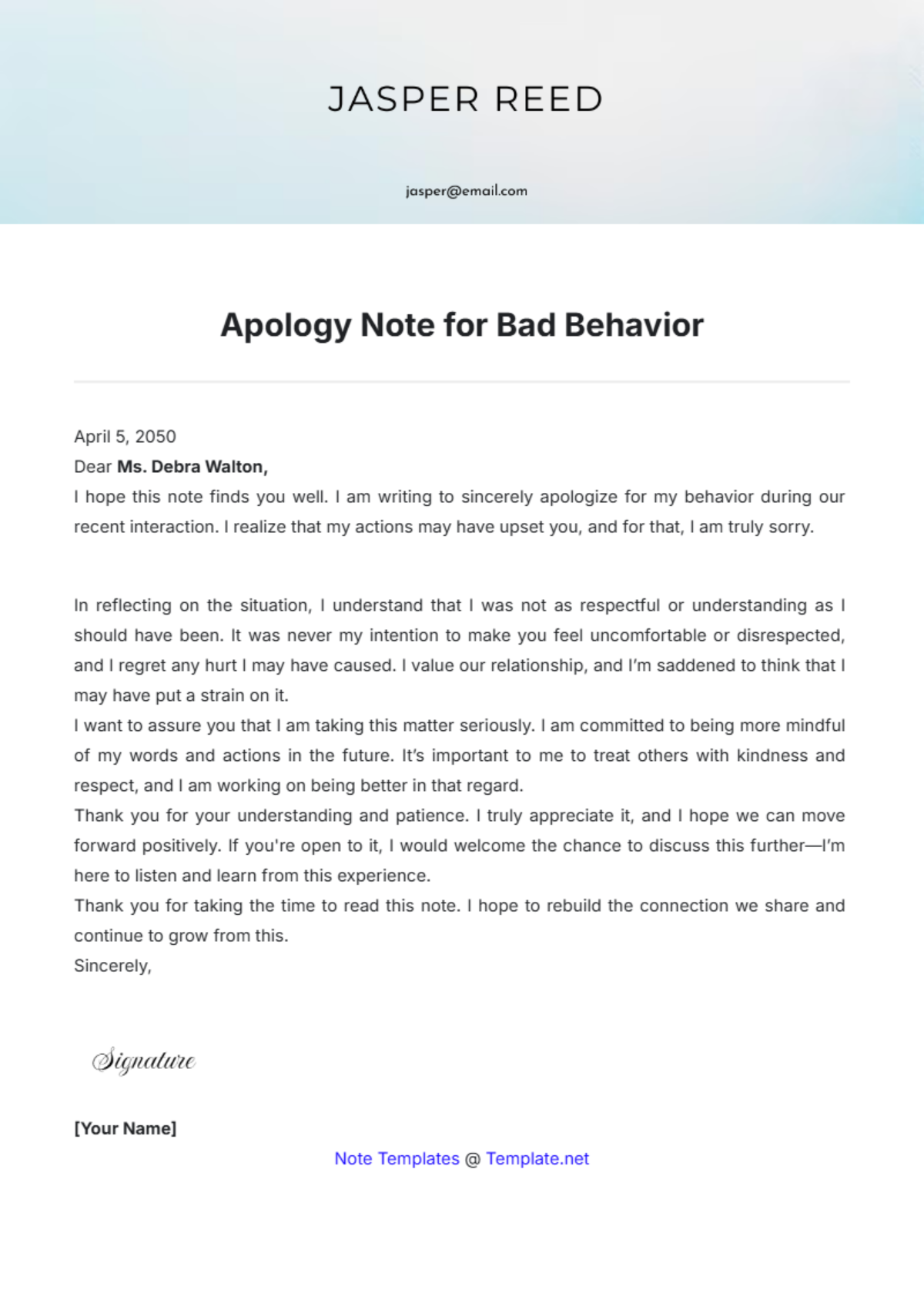
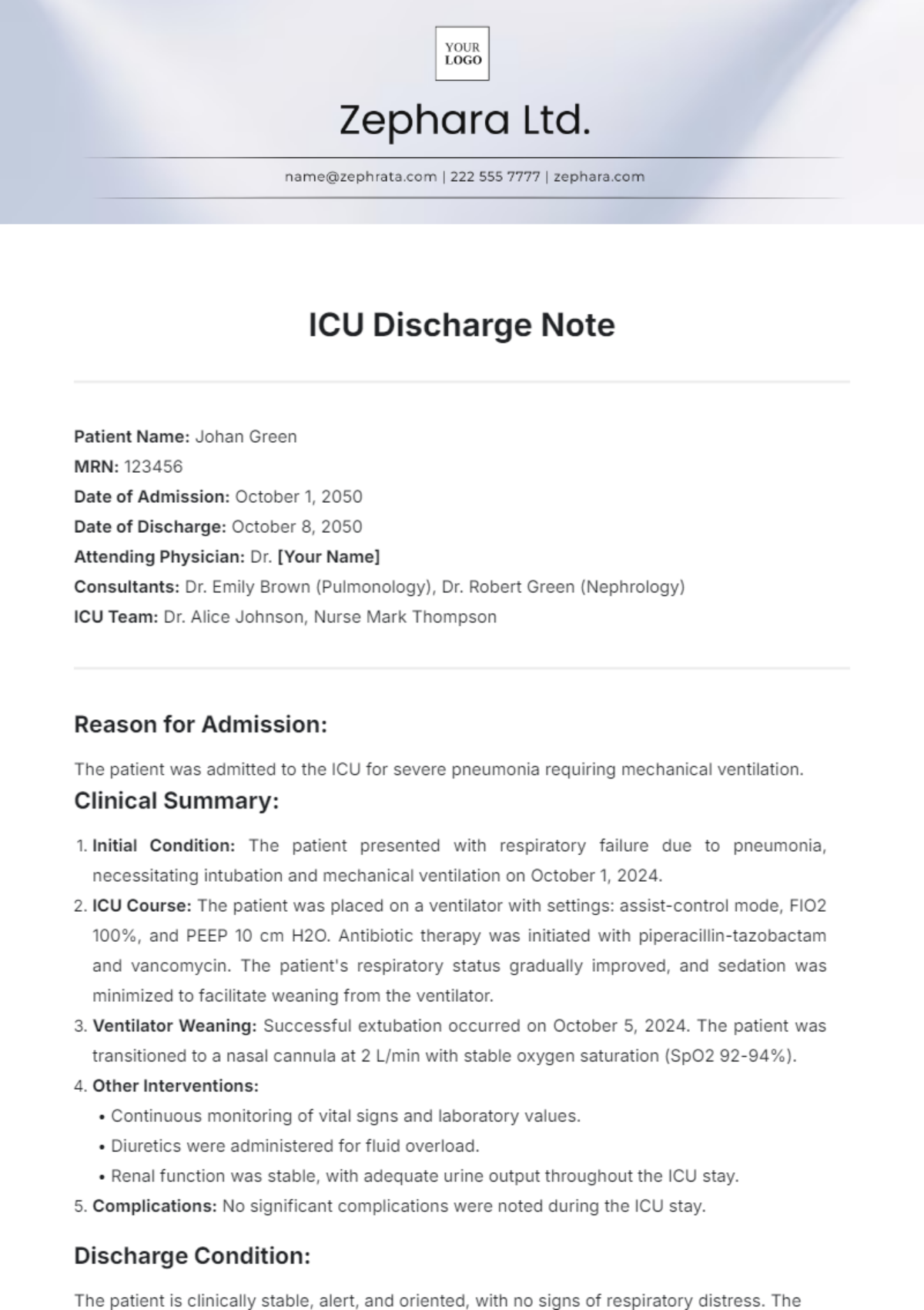
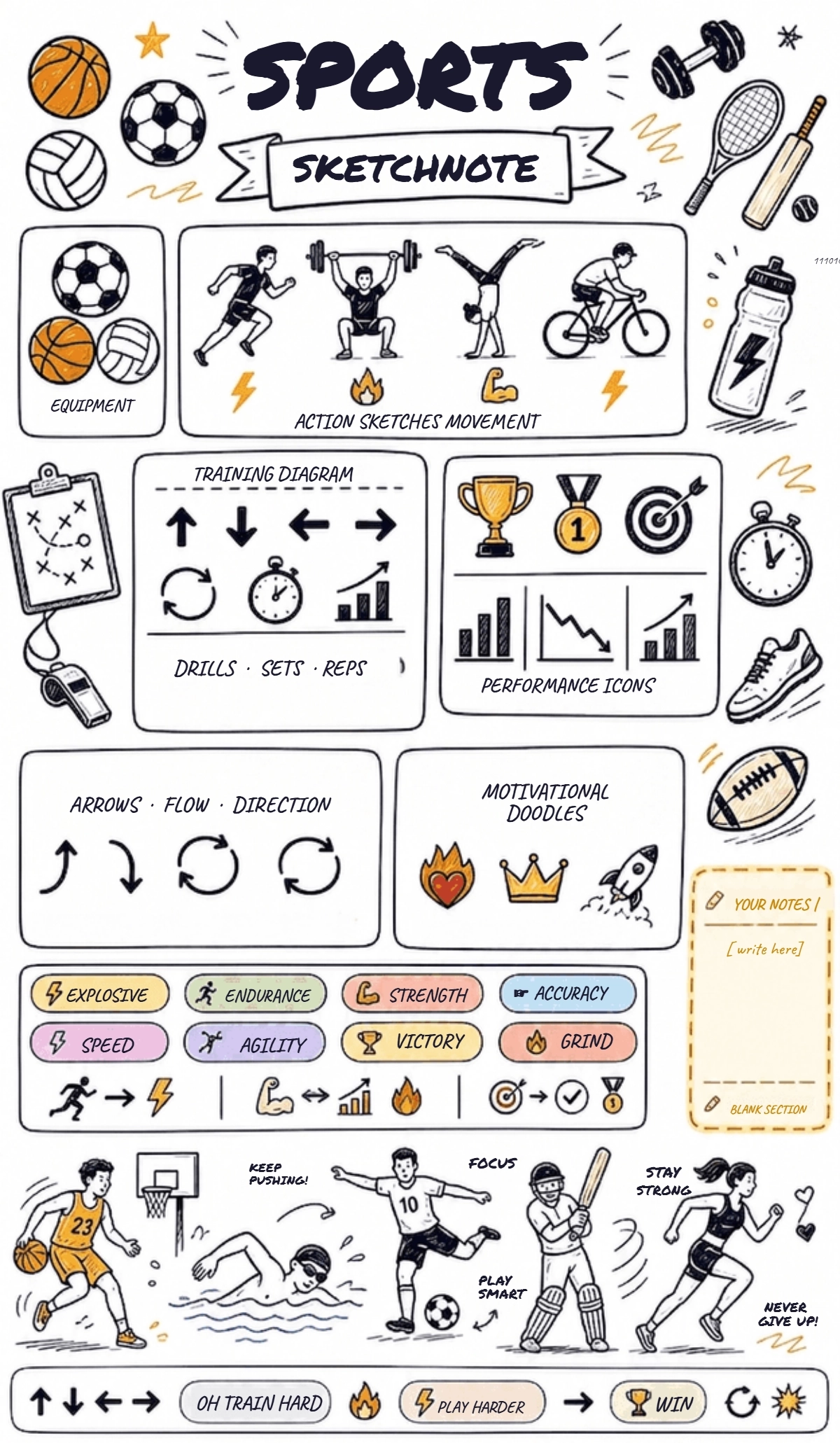

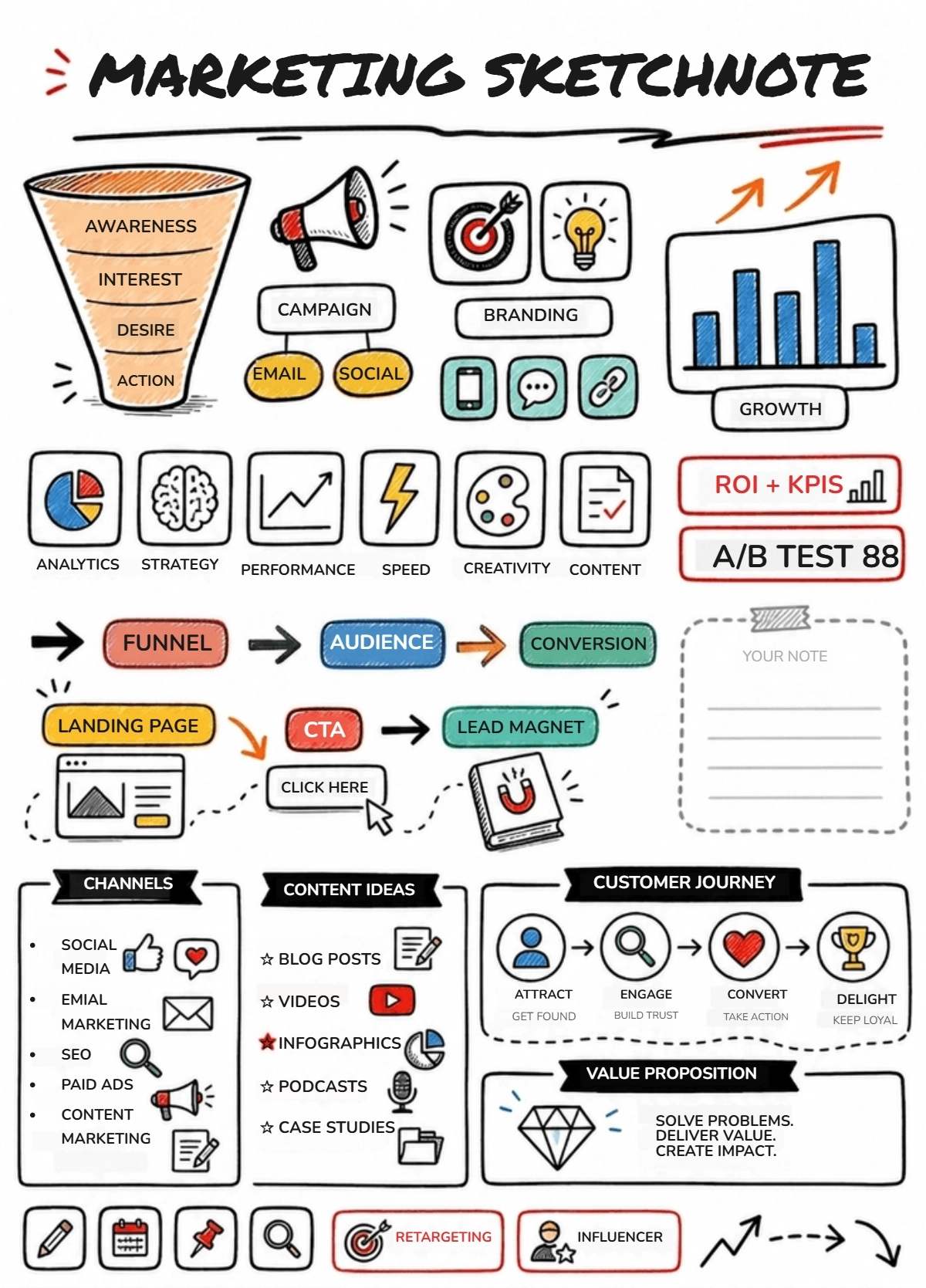
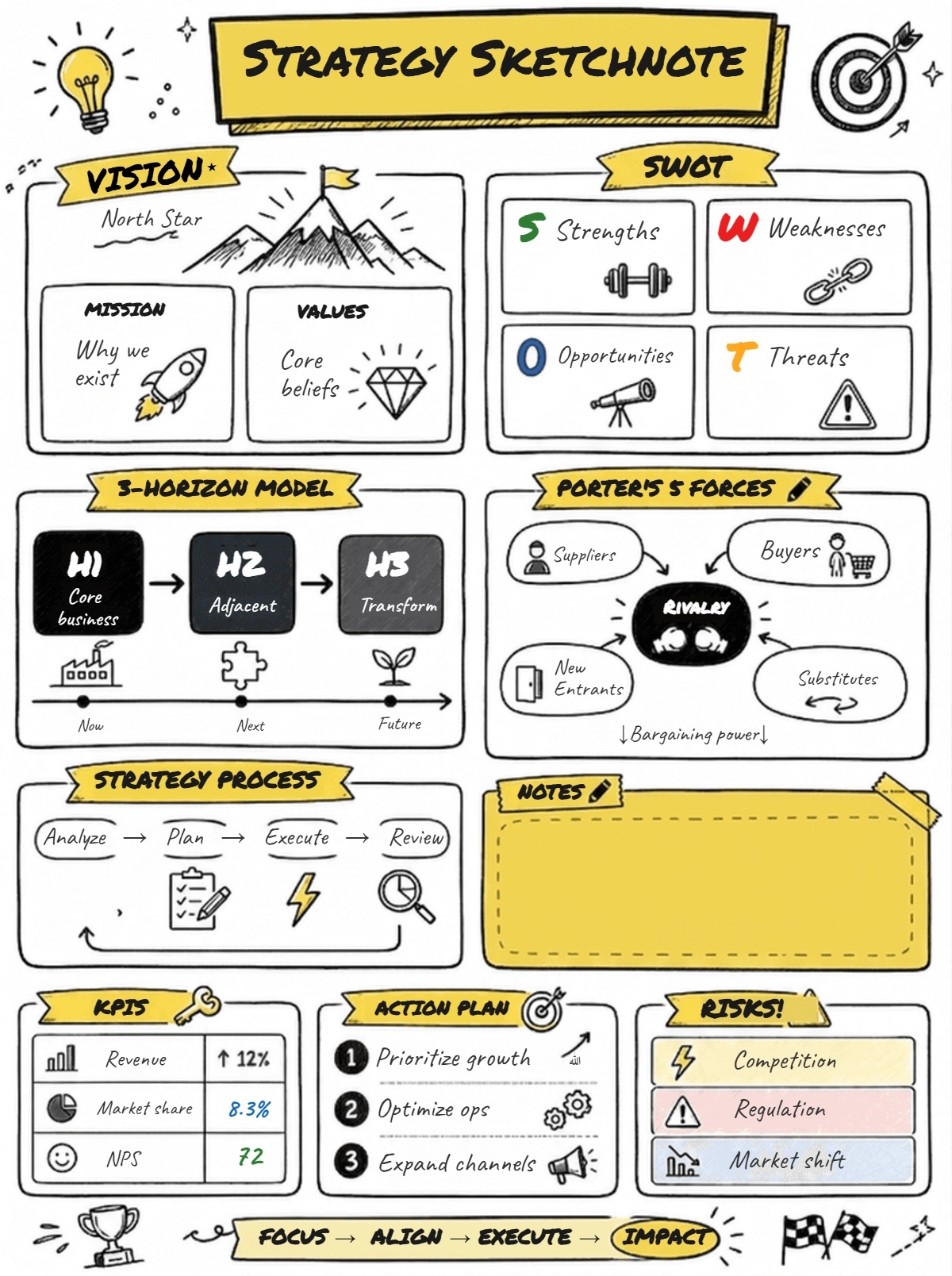
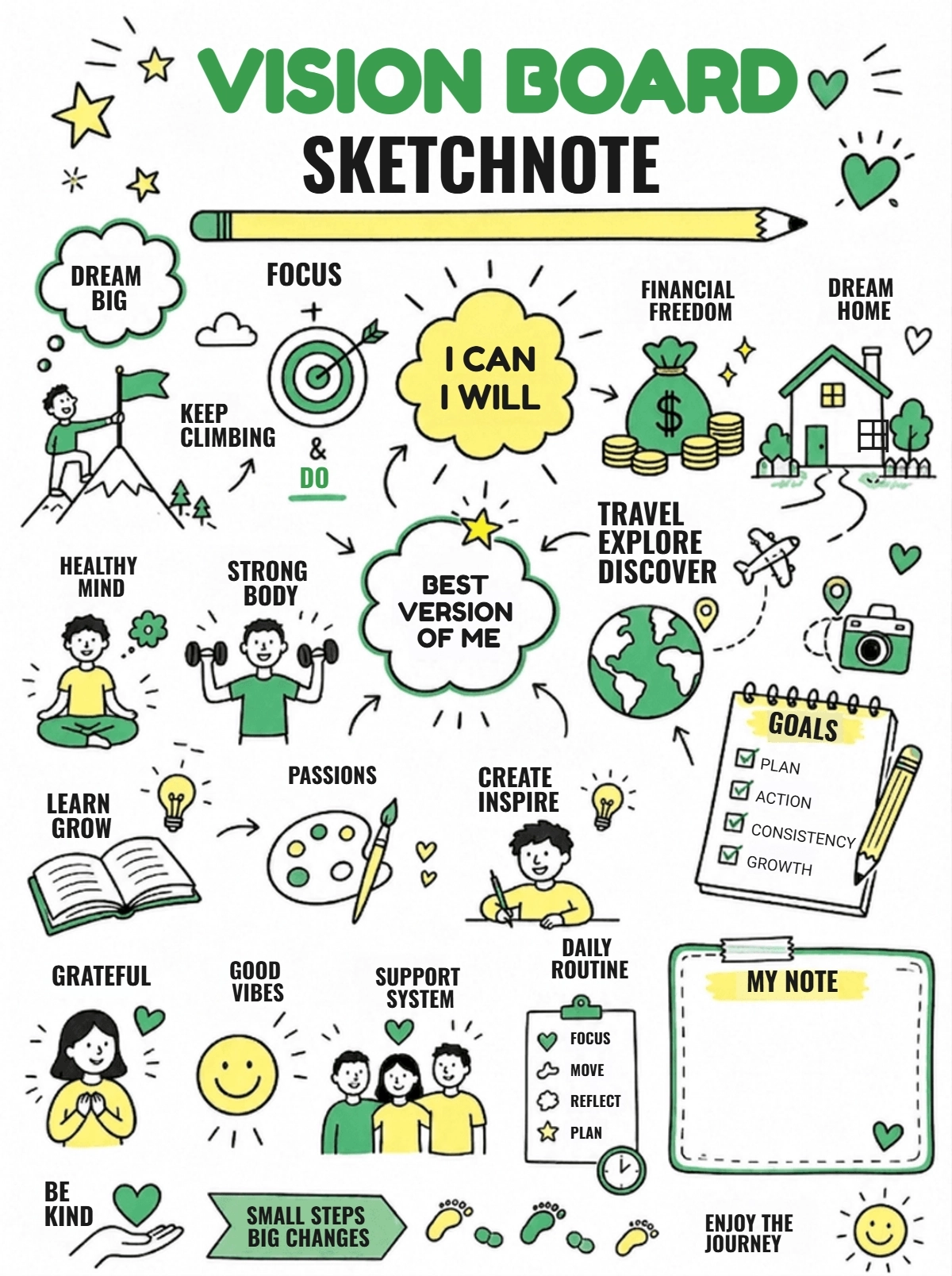
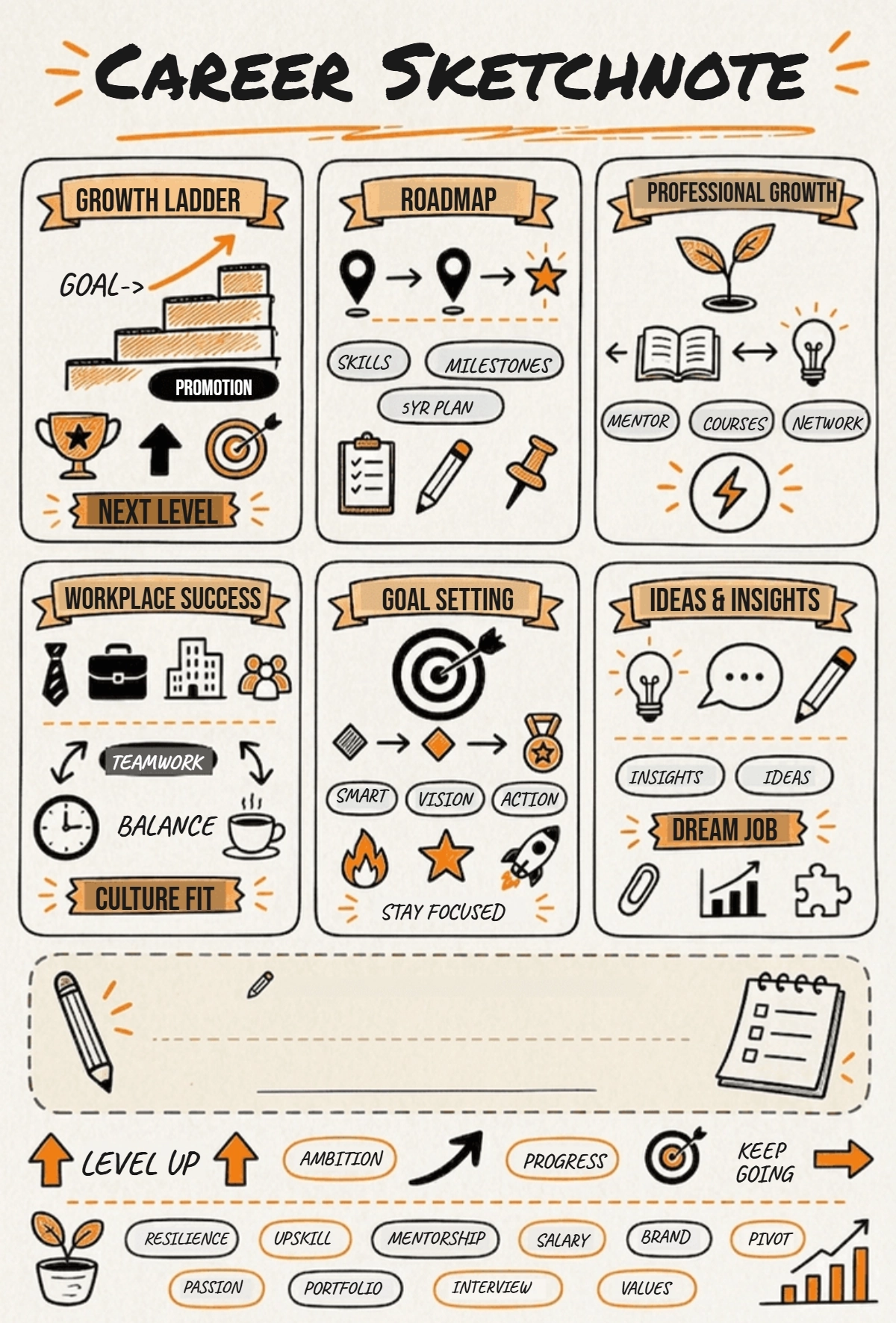
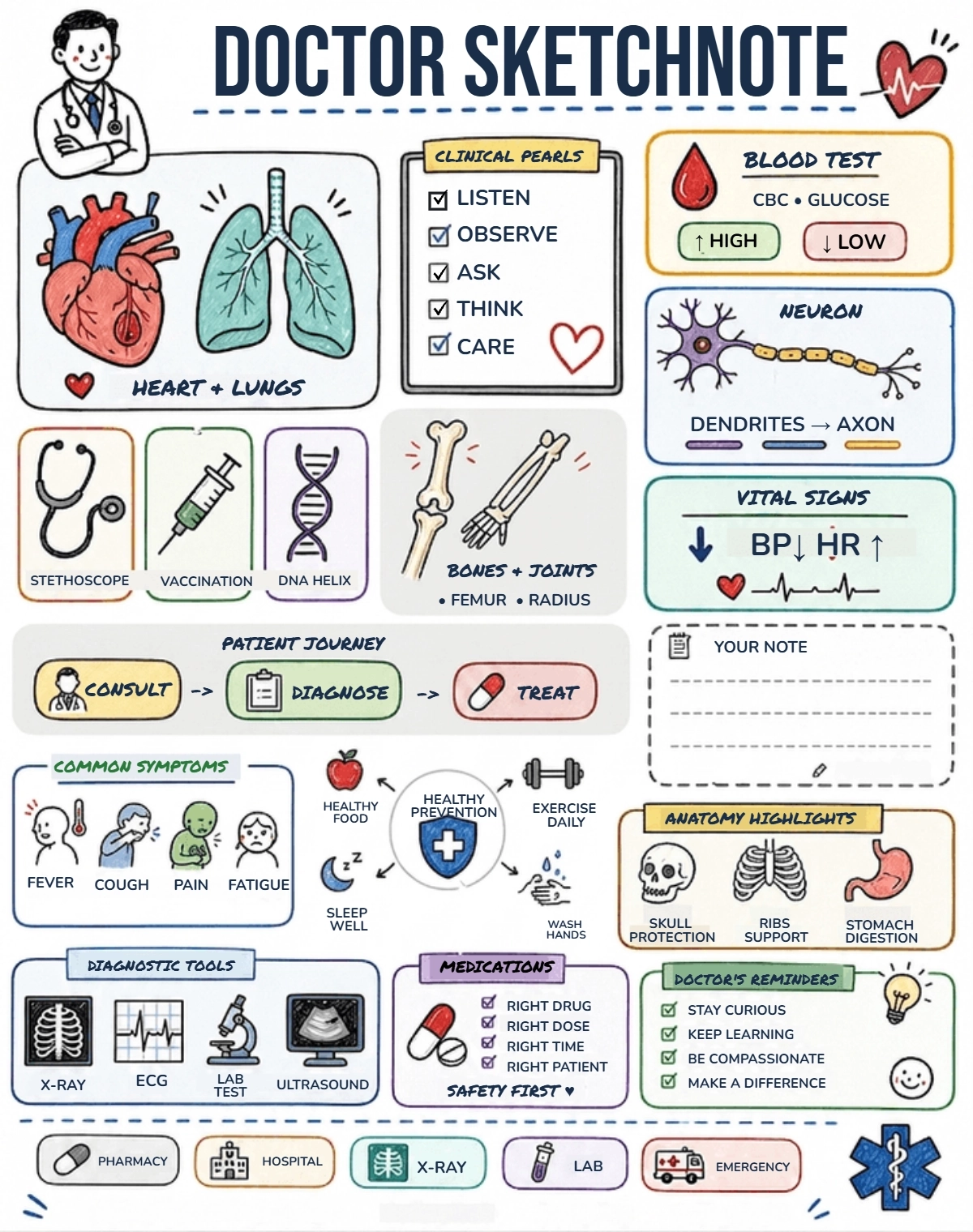
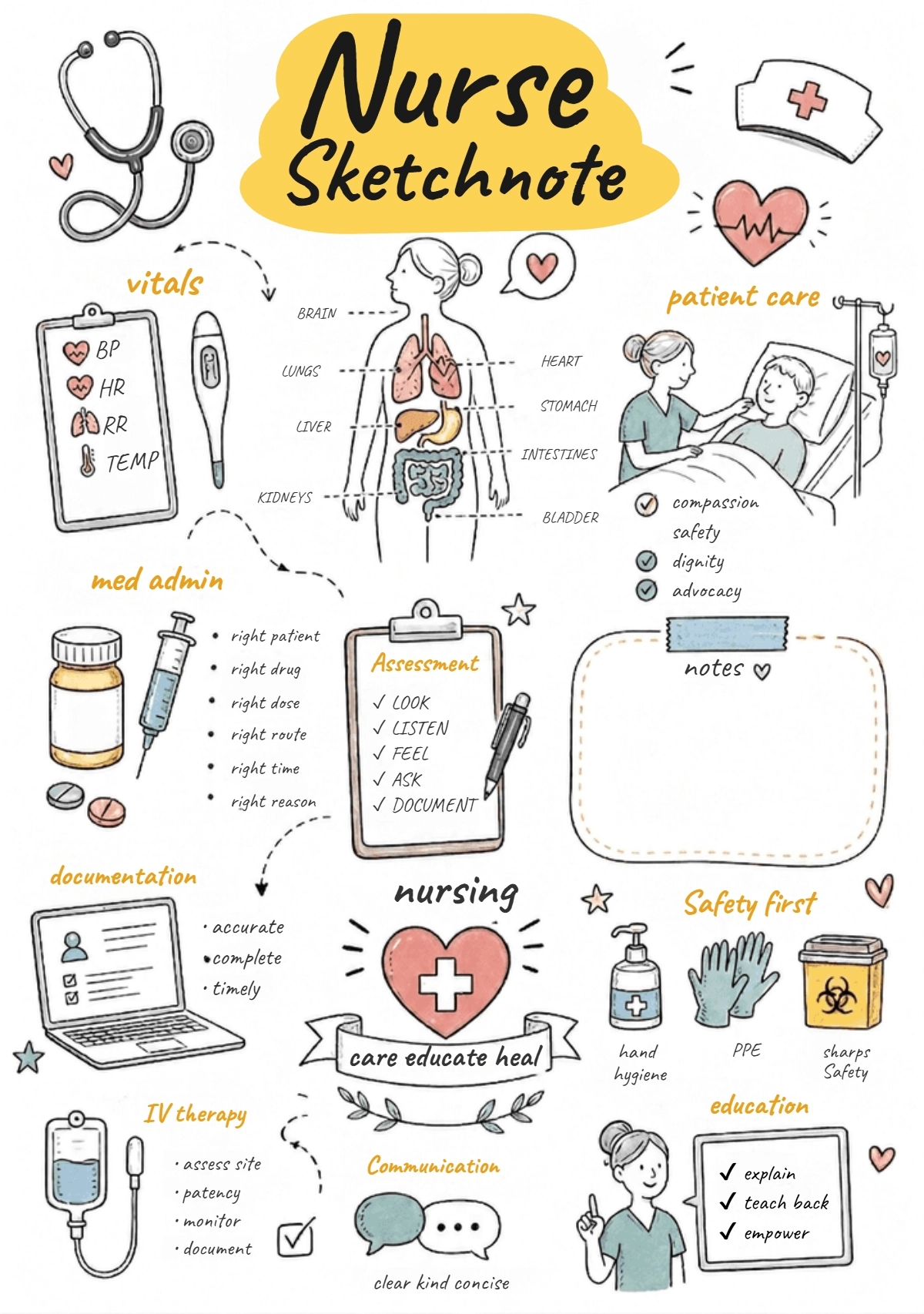

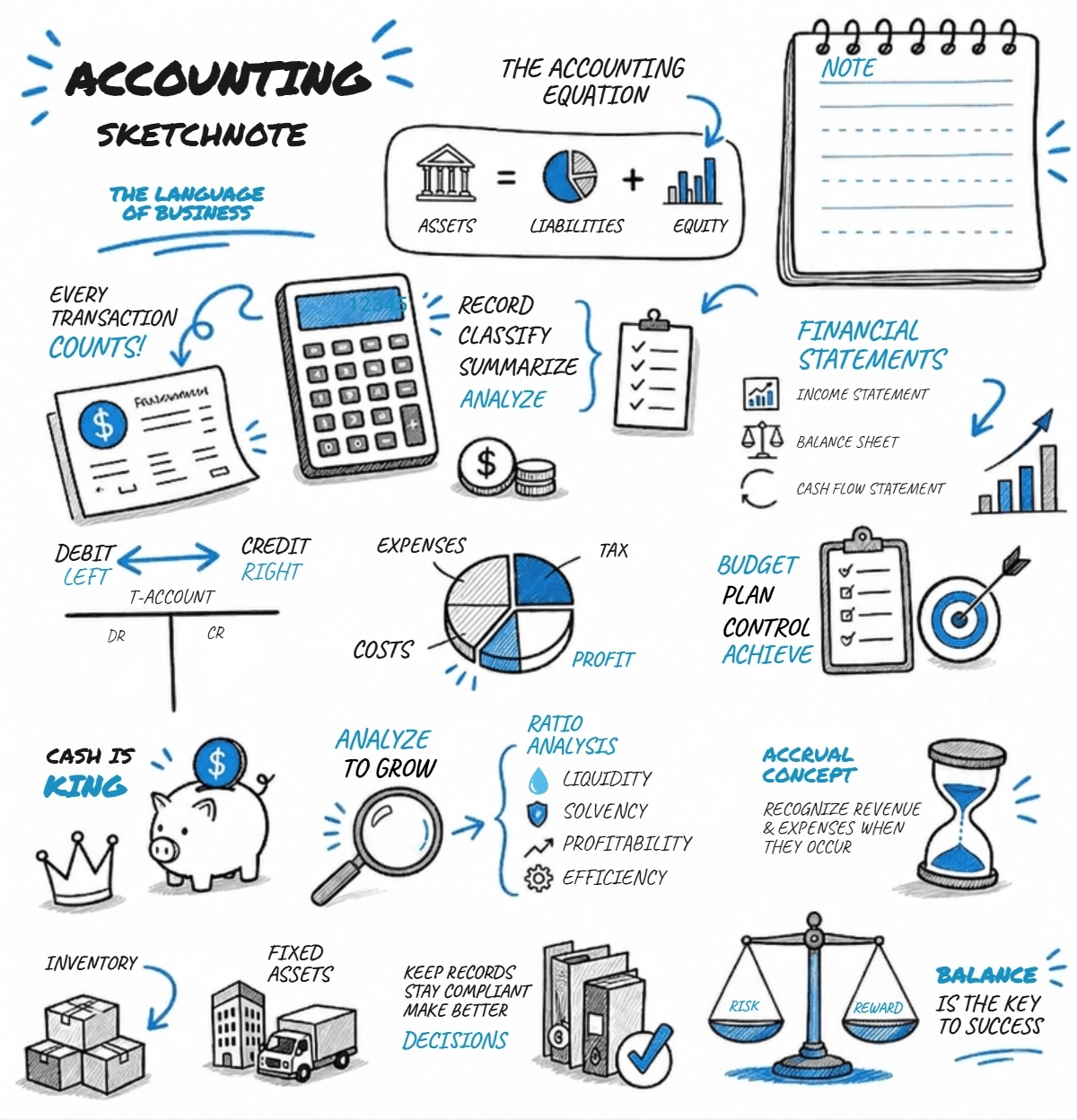
Create Professional Notes & Edit Online with AI Powered Document Generator
Template.net’s Free AI Note Generator helps you turn lectures, meetings, research materials, documents, videos, and ideas into structured notes in seconds. Enter a prompt or add content sources and the AI generates professionally organized notes with summaries, key points, and readable formatting, making it easy to customize, refine, manage, and reuse notes for learning, business, and productivity workflows.
Create Organized Notes Effortlessly with AI
Everything you need to generate organized, readable, and structured notes with speed, flexibility, and smart AI assistance.
AI-Powered Note Generation
Turn lectures, meetings, research content, and ideas into organized notes with structured formatting and summaries.
Describe Topics and Generate Notes
Enter study topics, meeting discussions, lecture points, or content prompts and instantly generate structured notes with organized summaries and key insights.
Voice-Based Note Creation
Speak your ideas, meeting discussions, or lecture content and instantly convert them into organized notes without typing.
Smart Summarization and Key Point Extraction
Automatically identify important concepts, highlights, summaries, and actionable information from content sources.
Professional and Structured Note Formatting
Generate readable notes suitable for study, meetings, business documentation, research, and productivity workflows.
Generate Multiple Note Variations
Create different note versions with varied structures, summary styles, and formatting layouts from the same content.
Customize Note Style and Organization
Adjust note sections, formatting, writing style, headings, and layouts to fit your workflow or learning preference.
Structured Note Organization System
Ensure notes remain clear, categorized, and professionally organized for easy reading and review.
Refine Notes with AI Suggestions
Improve clarity, readability, structure, and completeness with AI-powered note refinement tools.
Multilingual Support
Generate notes in 20+ languages including English, Spanish, French, German, Italian, Hindi, Chinese, Japanese, Russian, Turkish, Vietnamese, Thai, Malay, Polish, Swedish, and more for global learning and collaboration.
Adapt Notes for Different Use Cases
Customize notes for education, meetings, business workflows, research, project planning, presentations, and revision needs.
Maintain Consistent Note Structure
Ensure every generated note follows a clean, organized, and professional formatting style across projects.
Edit and Update Notes Easily
Modify summaries, sections, key points, formatting, and layouts without starting from scratch.
Save and Reuse Notes
Store note layouts and reusable formats for recurring study sessions, meetings, and documentation workflows.
Collaborate on Notes
Share notes with classmates, teams, researchers, managers, or collaborators for review and editing.
Download or Share Notes Instantly
Download notes in PDF, Word, TXT, and Google Docs formats. Share instantly via Email, LinkedIn, X (Twitter), Pinterest, WhatsApp, and Messenger for fast collaboration and access.
Secure Note Workspace
Keep your notes, files, recordings, and study materials protected with secure storage and controlled access.
Fast AI Note Generation Engine
Generate structured notes, summaries, and organized content in seconds with optimized AI processing.
![Free AI Note Generator, Notes Maker Online[ No Signup ]](https://images.template.net/generator-images/5-ai-note.webp "Free AI Note Generator, Notes Maker Online[ No Signup ]")
How to Create Notes Using AI
Generate, customize, and organize notes with a simple workflow.
Step 1: Enter Prompt and Generate Notes
Describe your requirement such as “Generate study notes for biology topics” or “Create meeting notes with key discussion points” and instantly create organized notes with summaries, highlights, and structured insights.
Step 2: Customize and Refine Notes
Edit headings, summaries, sections, formatting, key points, and layouts to match your study, research, meeting, or business requirements.
Step 3: Download and Share Notes
Preview your generated notes, then save, download, or share them instantly via Email, LinkedIn, X (Twitter), Pinterest, WhatsApp, and Messenger for collaboration and productivity workflows.
Create Organized Notes Faster for Study, Meetings, and Research
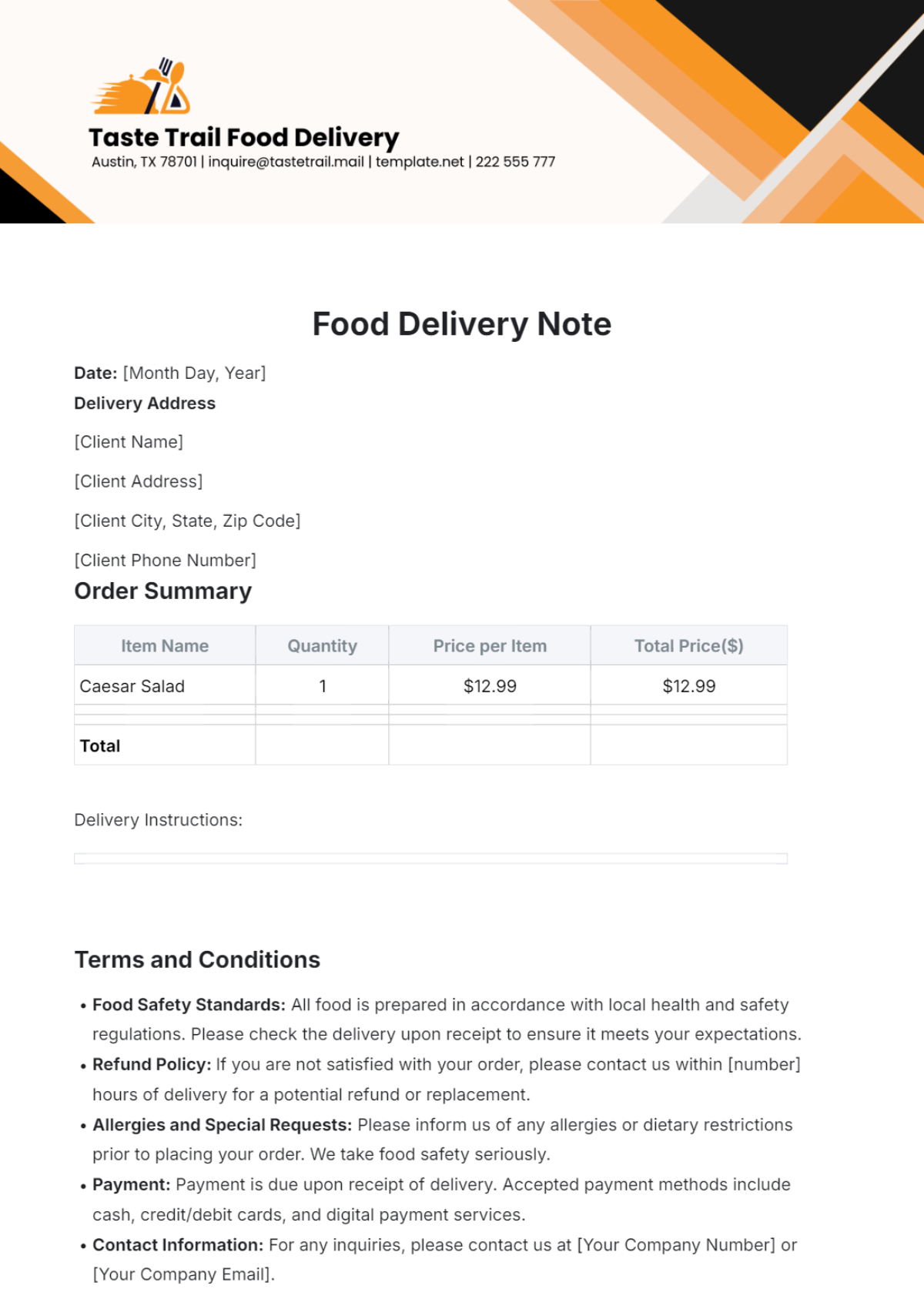
![Free AI Note Generator, Notes Maker Online[ No Signup ]](https://images.template.net/generator-images/1-ai-note.webp "Free AI Note Generator, Notes Maker Online[ No Signup ]")
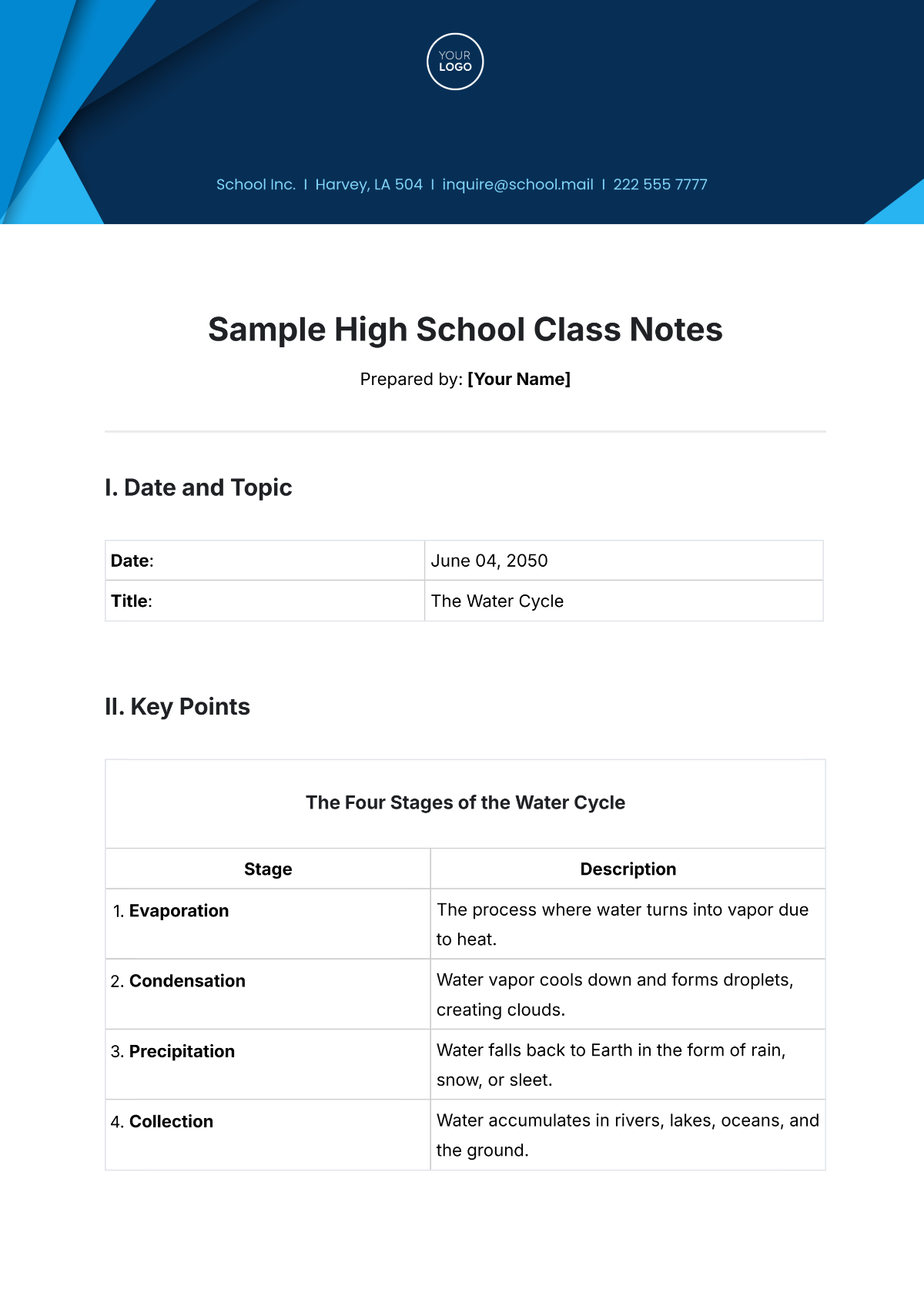
Turn Content into Structured Notes Instantly
Transform lectures, meetings, videos, PDFs, and research materials into professionally formatted notes with organized summaries and readable structure.
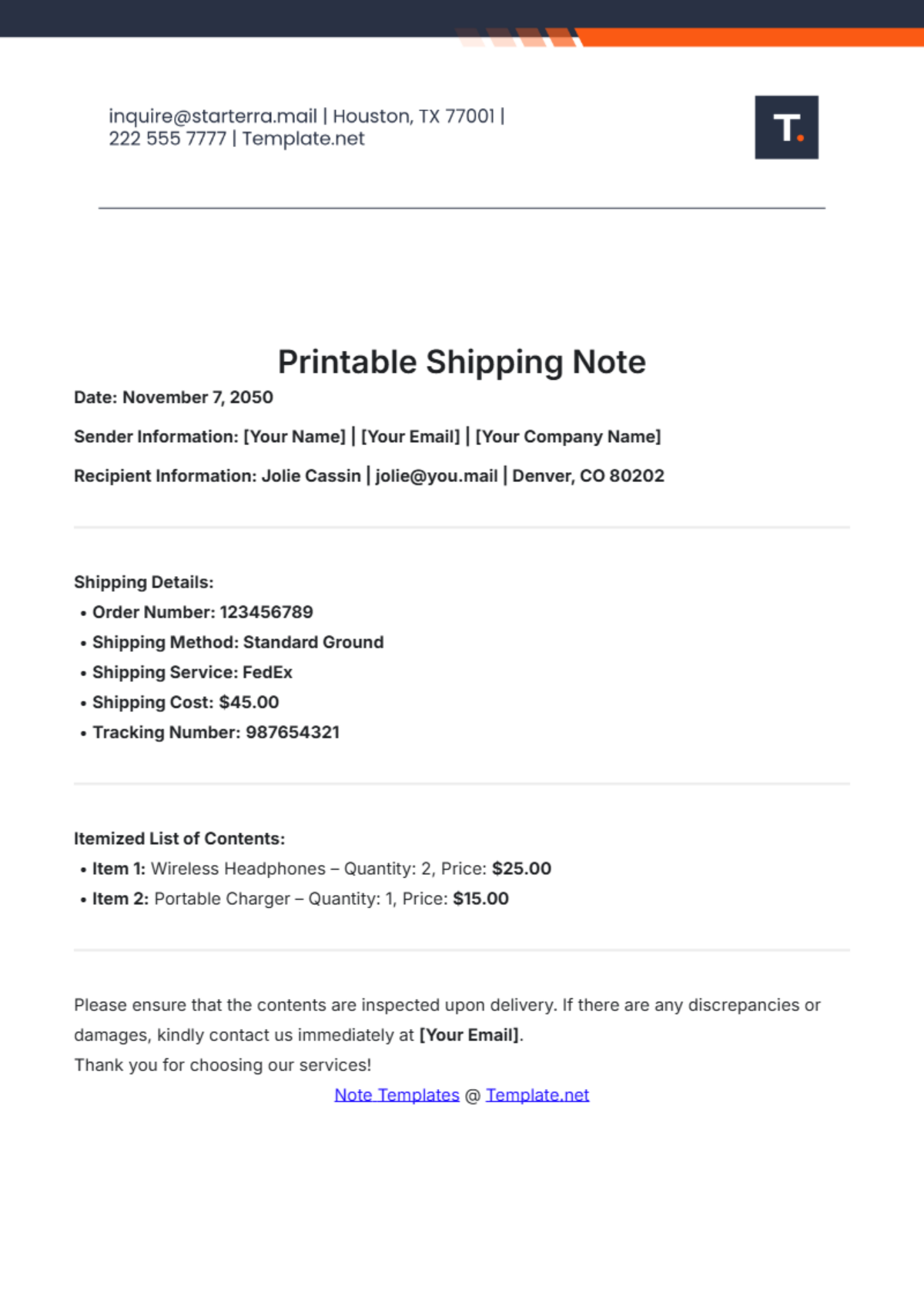
![Free AI Note Generator, Notes Maker Online[ No Signup ]](https://images.template.net/generator-images/2-ai-note.webp "Free AI Note Generator, Notes Maker Online[ No Signup ]")
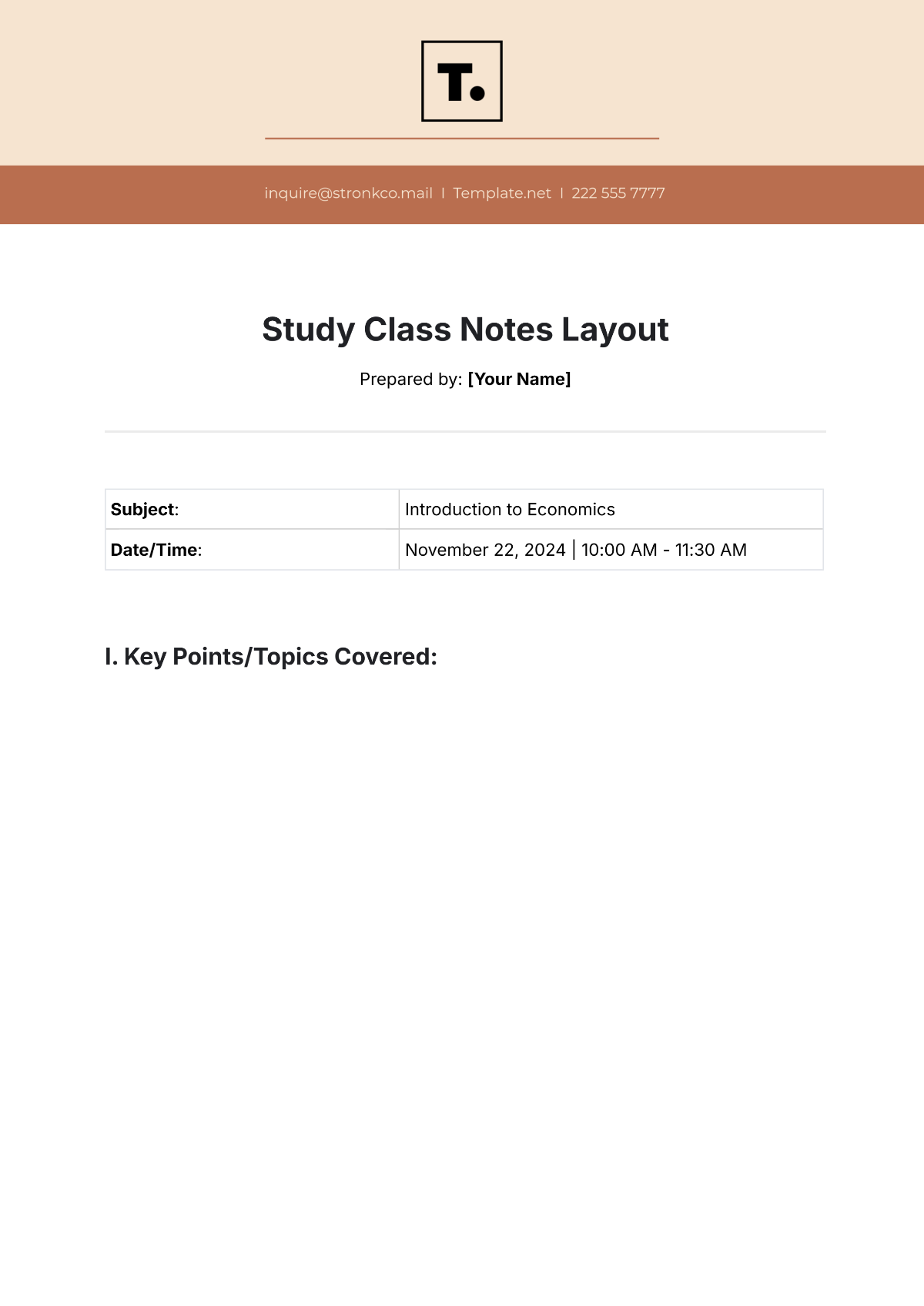
Generate Notes for Multiple Learning and Business Needs
Create study notes, meeting summaries, research documentation, lecture notes, project notes, revision materials, and productivity-focused note workflows for different use cases.
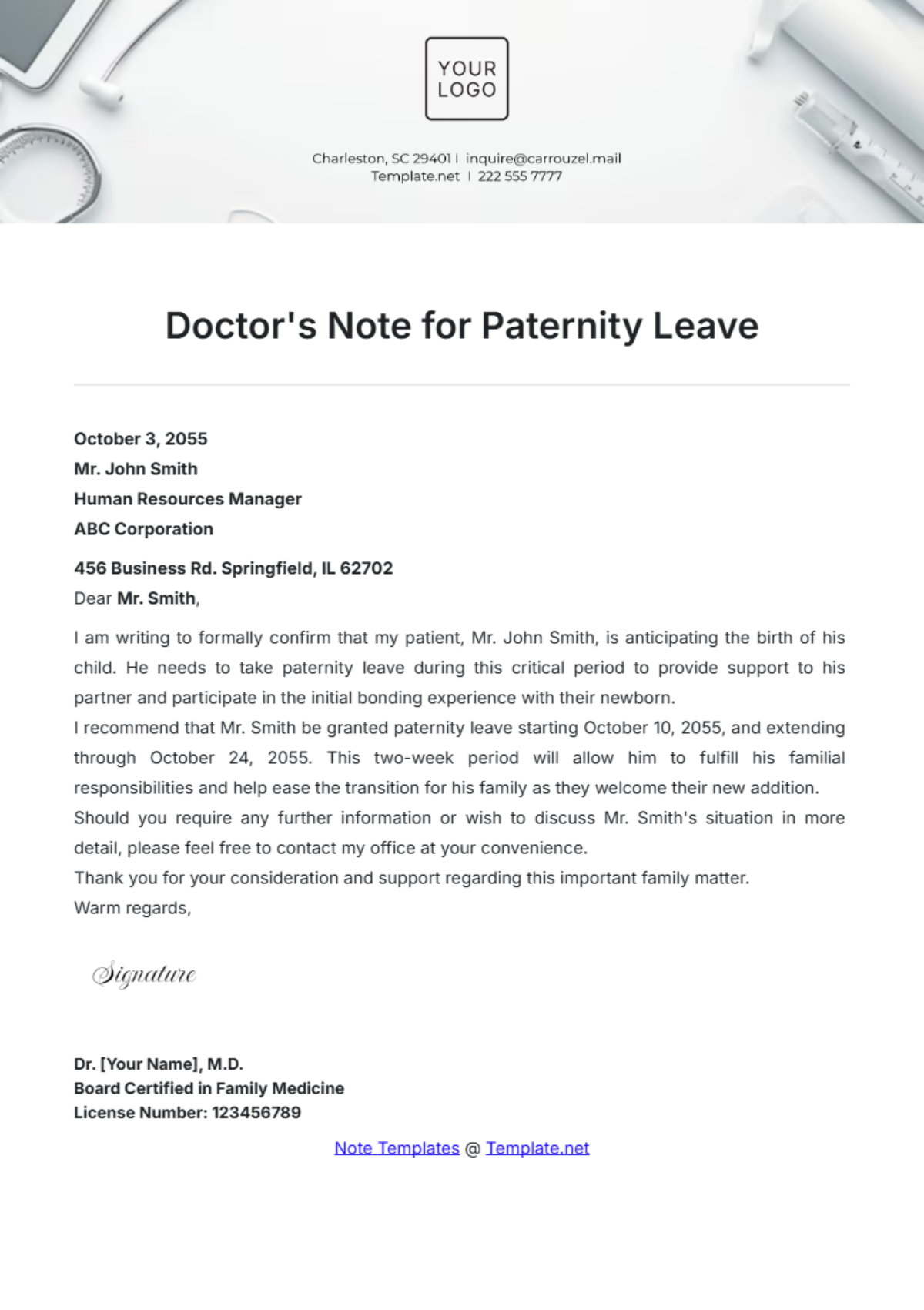
![Free AI Note Generator, Notes Maker Online[ No Signup ]](https://images.template.net/generator-images/3-ai-note.webp "Free AI Note Generator, Notes Maker Online[ No Signup ]")
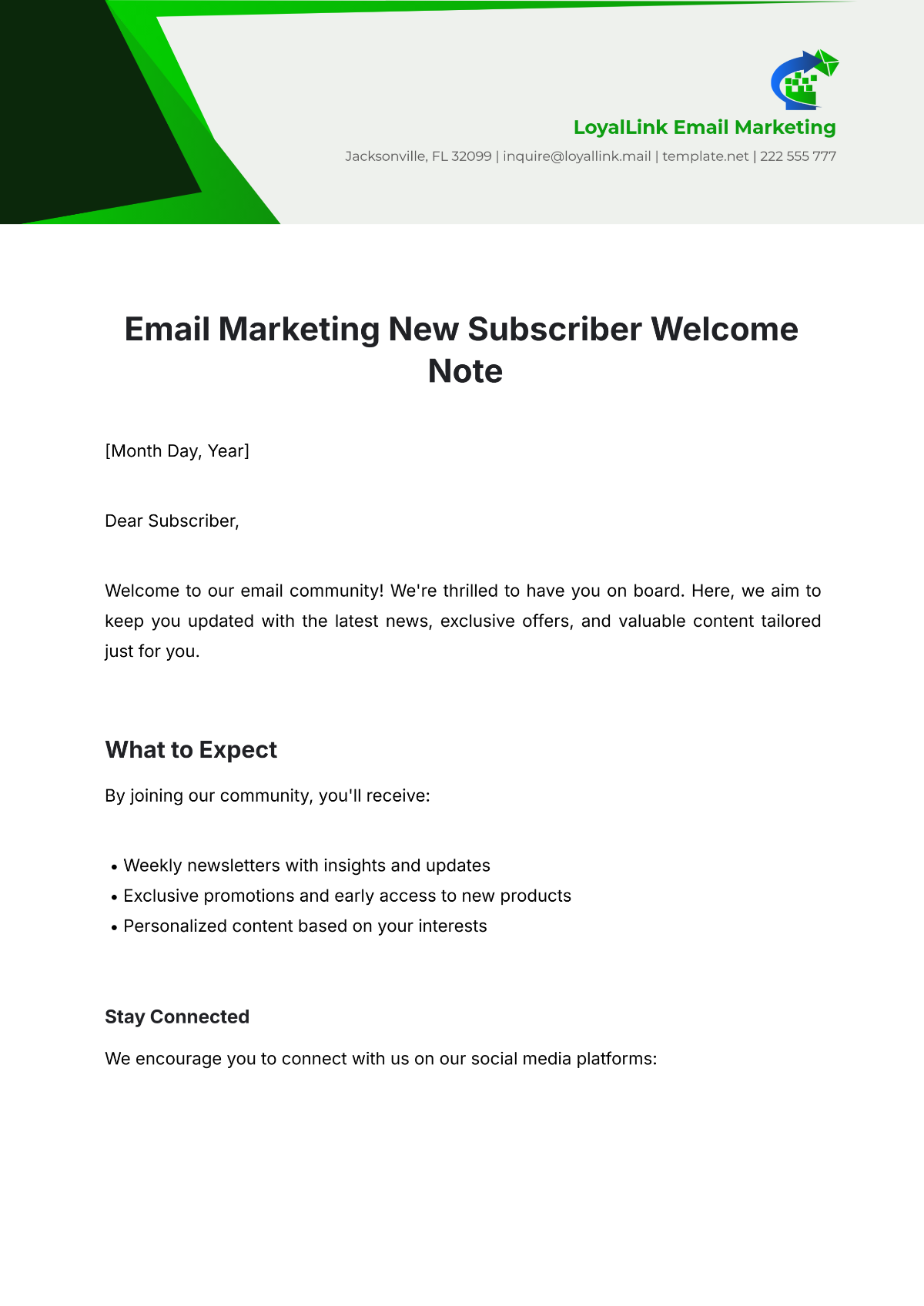
Explore Multiple Note Structures and Summary Styles
Generate multiple note variations with different layouts, concise summaries, detailed explanations, and structured formatting options.
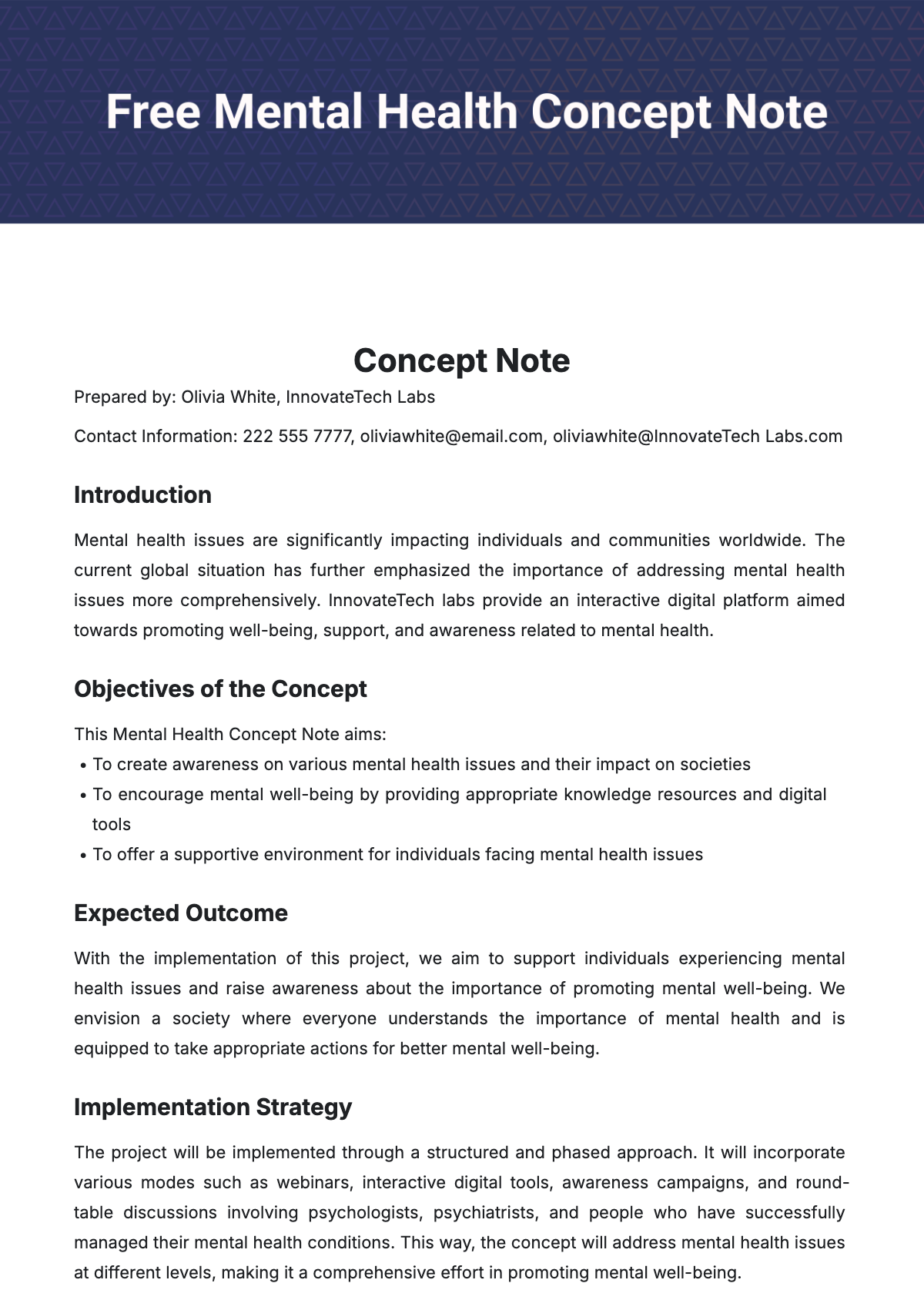
![Free AI Note Generator, Notes Maker Online[ No Signup ]](https://images.template.net/generator-images/4-ai-note.webp "Free AI Note Generator, Notes Maker Online[ No Signup ]")
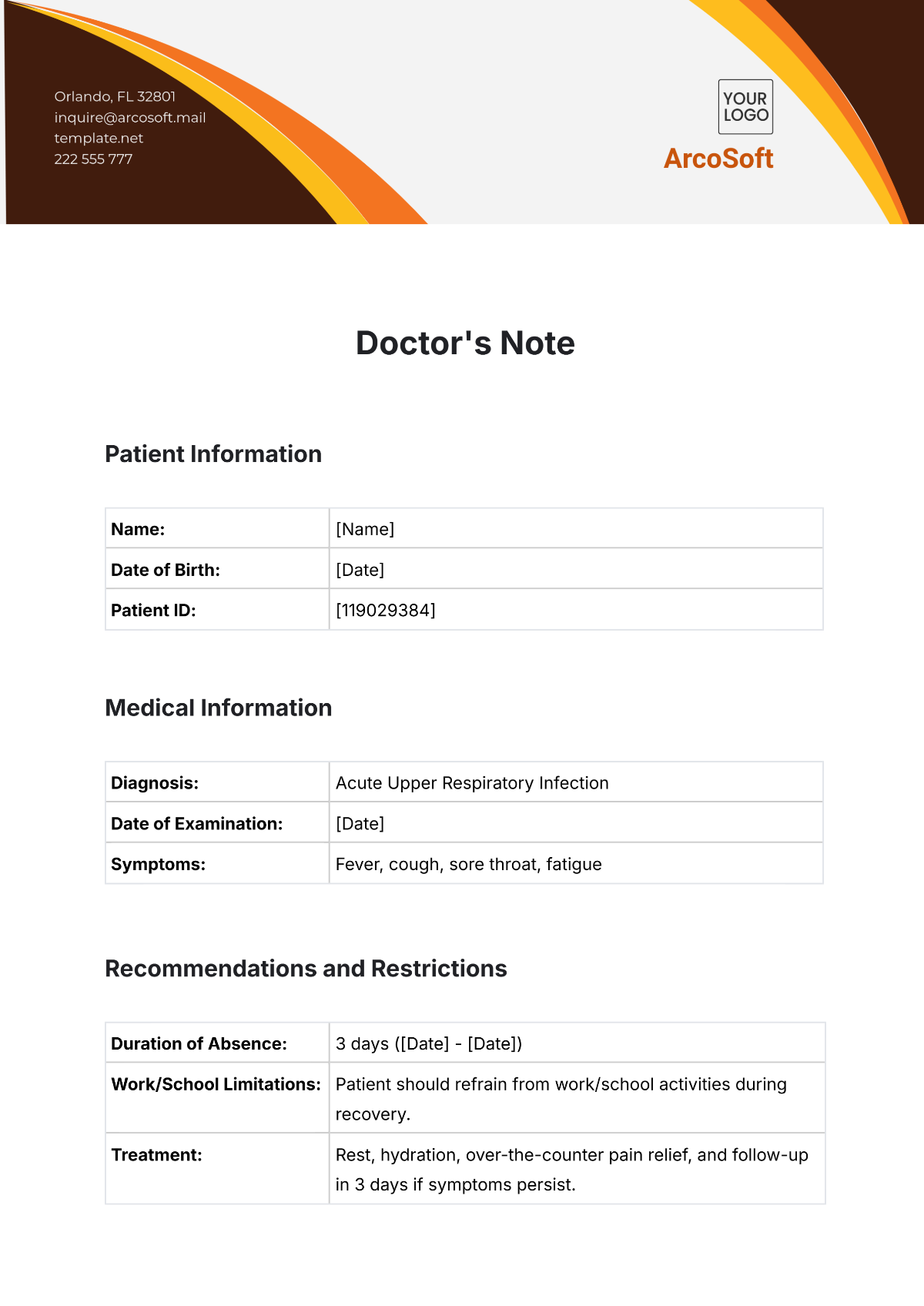
Maintain Consistent Note Organization Across Projects
Ensure every generated note follows a clear structure, organized formatting, and easy-to-review presentation style for learning and collaboration.
