Free Common User Story

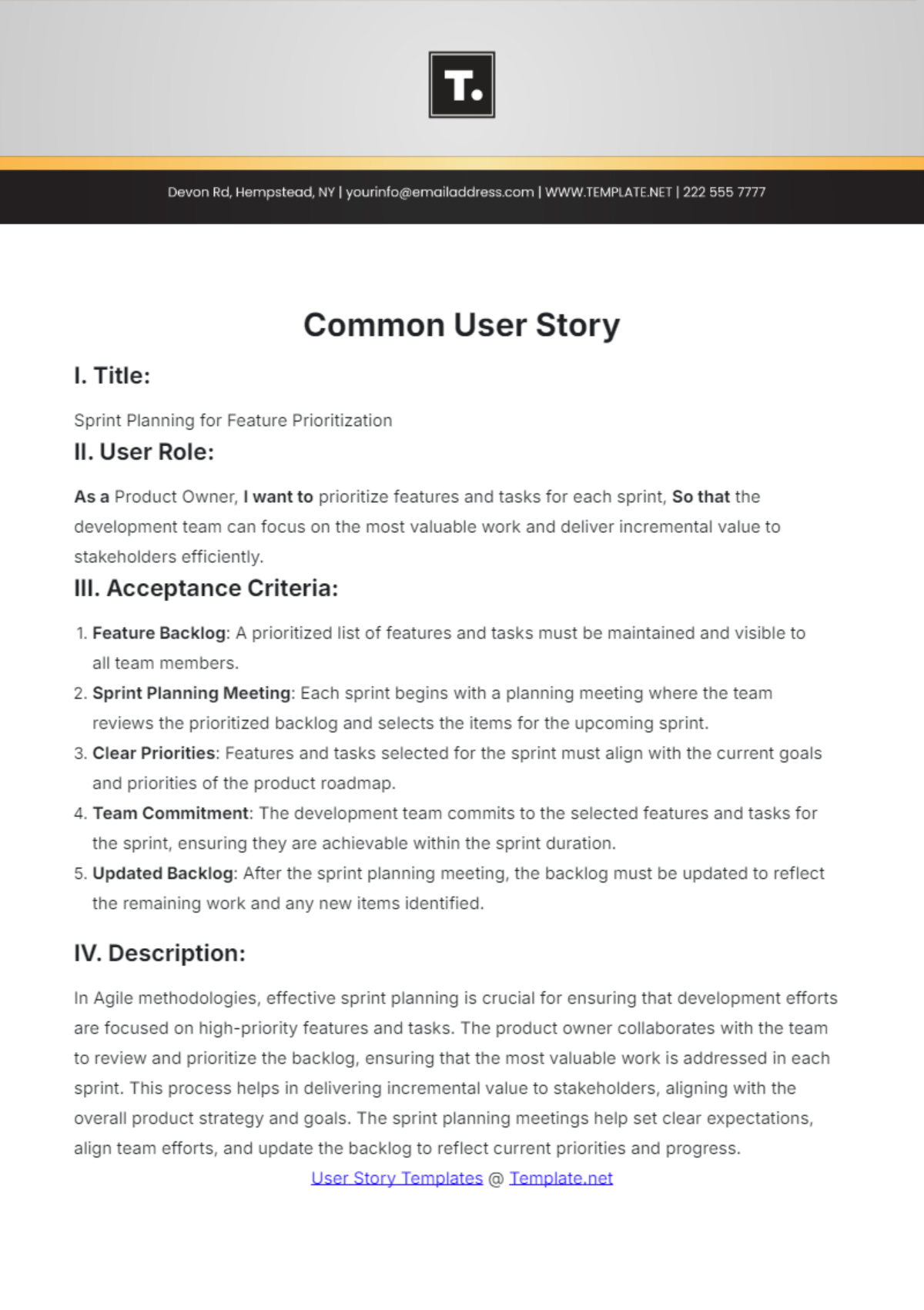
I. Title:
Sprint Planning for Feature Prioritization
II. User Role:
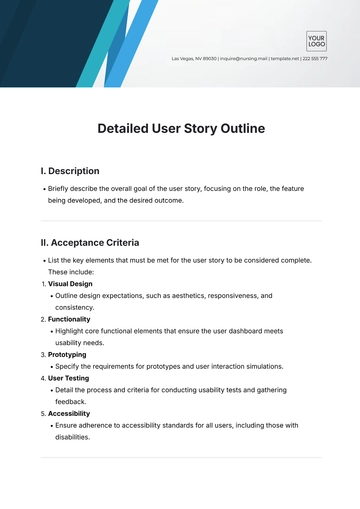
As a Product Owner, I want to prioritize features and tasks for each sprint, So that the development team can focus on the most valuable work and deliver incremental value to stakeholders efficiently.
III. Acceptance Criteria:
Feature Backlog: A prioritized list of features and tasks must be maintained and visible to all team members.
Sprint Planning Meeting: Each sprint begins with a planning meeting where the team reviews the prioritized backlog and selects the items for the upcoming sprint.
Clear Priorities: Features and tasks selected for the sprint must align with the current goals and priorities of the product roadmap.
Team Commitment: The development team commits to the selected features and tasks for the sprint, ensuring they are achievable within the sprint duration.
Updated Backlog: After the sprint planning meeting, the backlog must be updated to reflect the remaining work and any new items identified.
IV. Description:
In Agile methodologies, effective sprint planning is crucial for ensuring that development efforts are focused on high-priority features and tasks. The product owner collaborates with the team to review and prioritize the backlog, ensuring that the most valuable work is addressed in each sprint. This process helps in delivering incremental value to stakeholders, aligning with the overall product strategy and goals. The sprint planning meetings help set clear expectations, align team efforts, and update the backlog to reflect current priorities and progress.
- 100% Customizable, free editor
- Access 1 Million+ Templates, photo’s & graphics
- Download or share as a template
- Click and replace photos, graphics, text, backgrounds
- Resize, crop, AI write & more
- Access advanced editor
Unlock seamless project management with Template.net’s Common User Story Template. This fully customizable template empowers you to craft user stories effortlessly using our AI Editable Tool. Easily modify and adapt each section to fit your unique needs, ensuring precision and clarity in every project. Streamline your workflow with a tool designed for flexibility and efficiency.