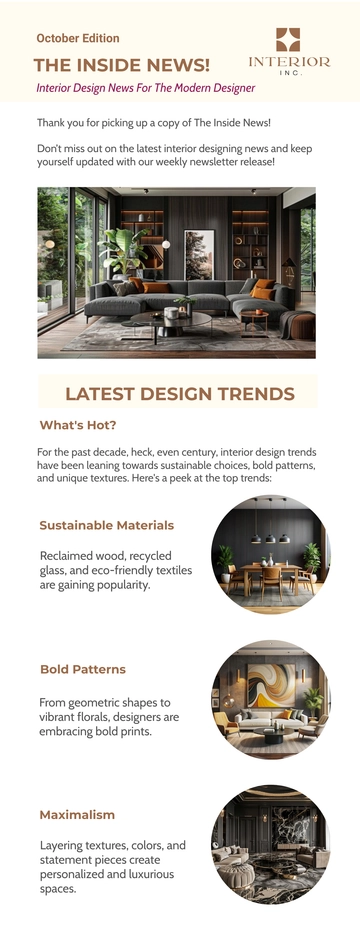
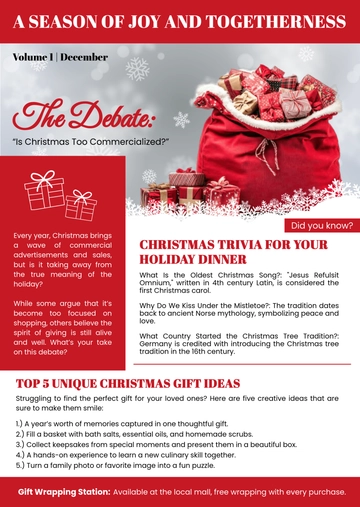
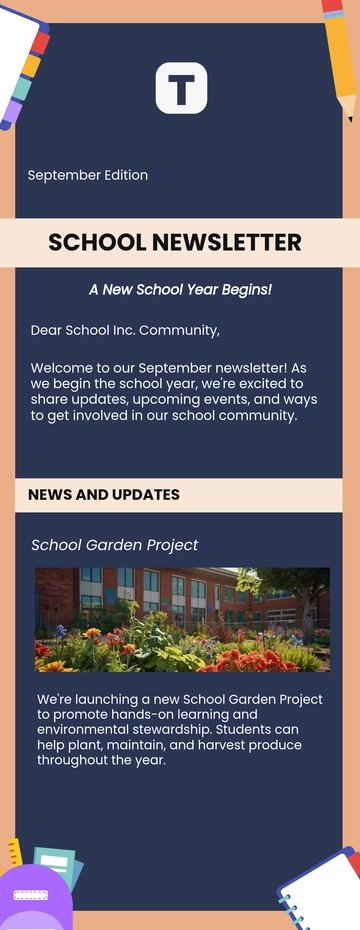
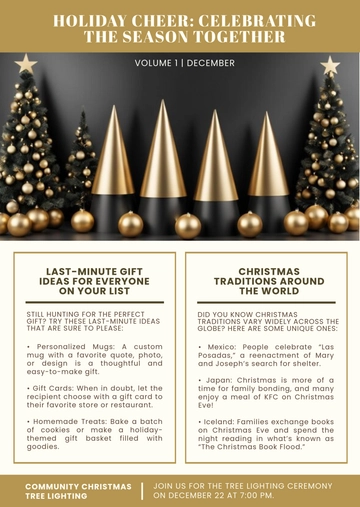
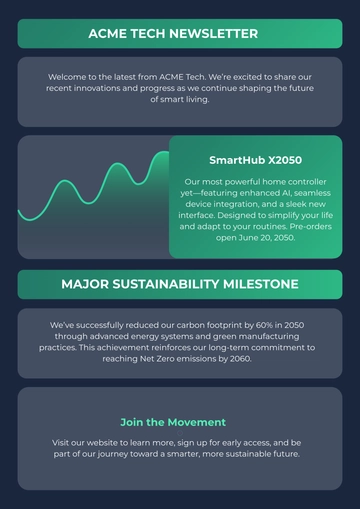
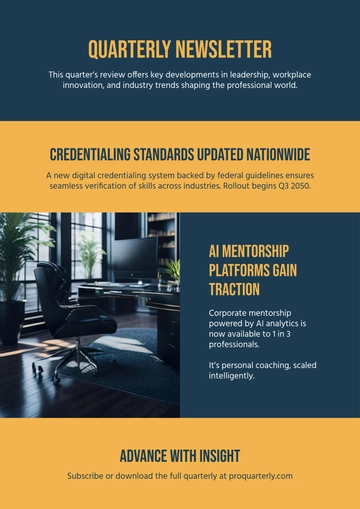
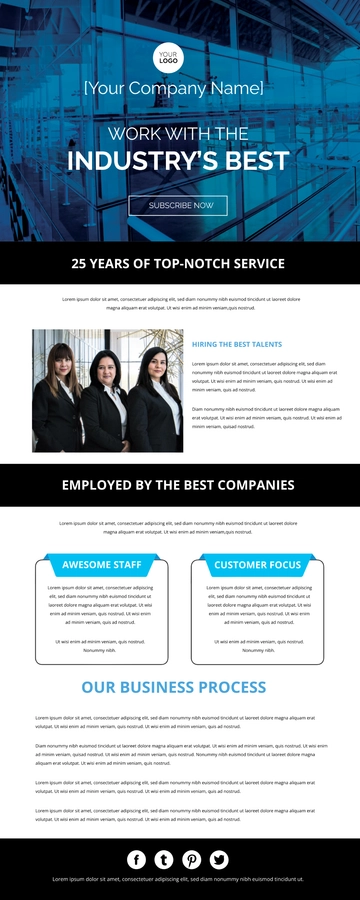
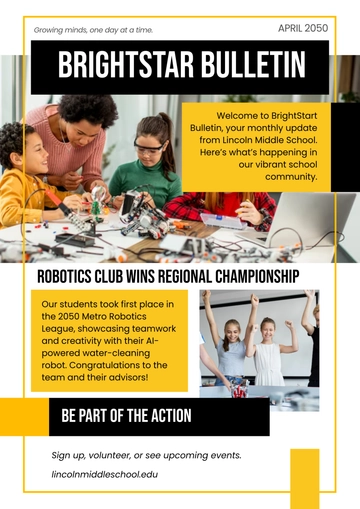
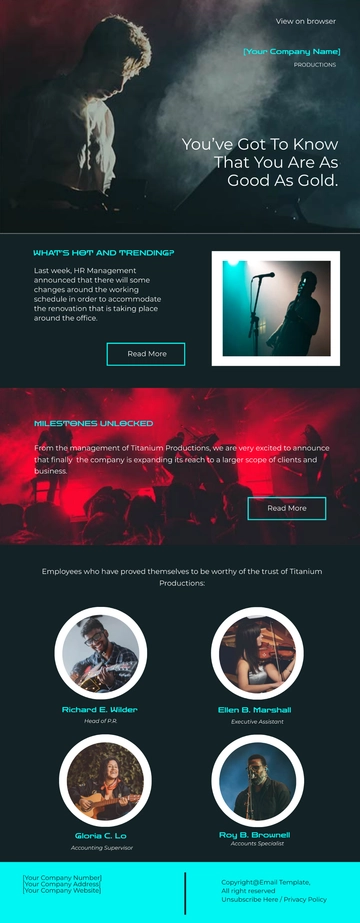
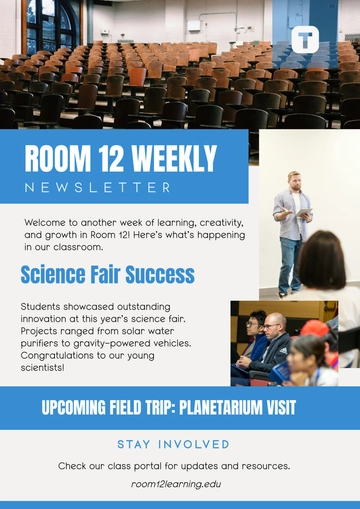
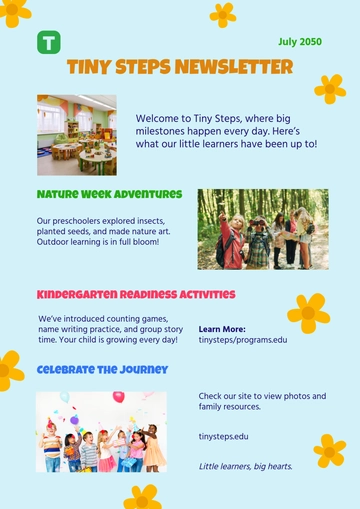
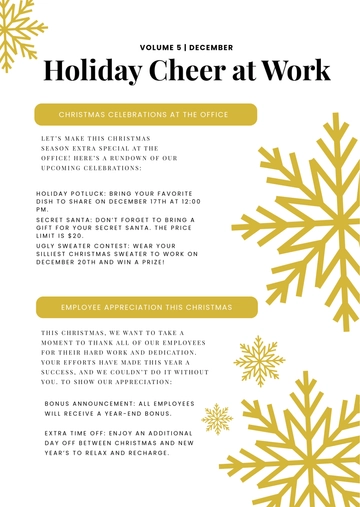
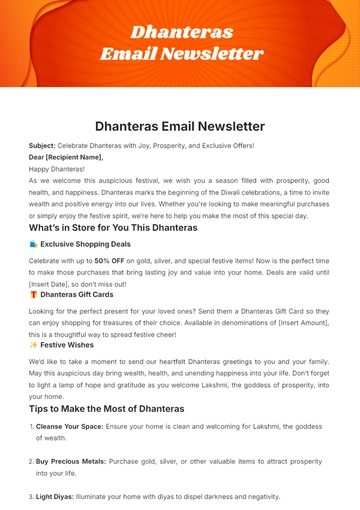
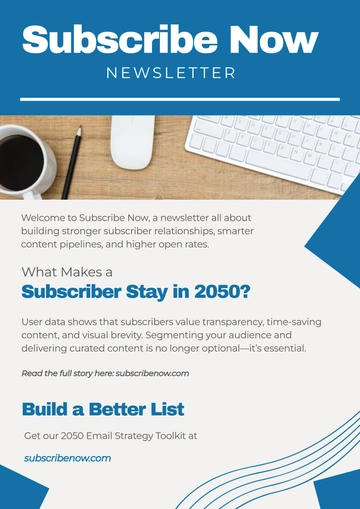
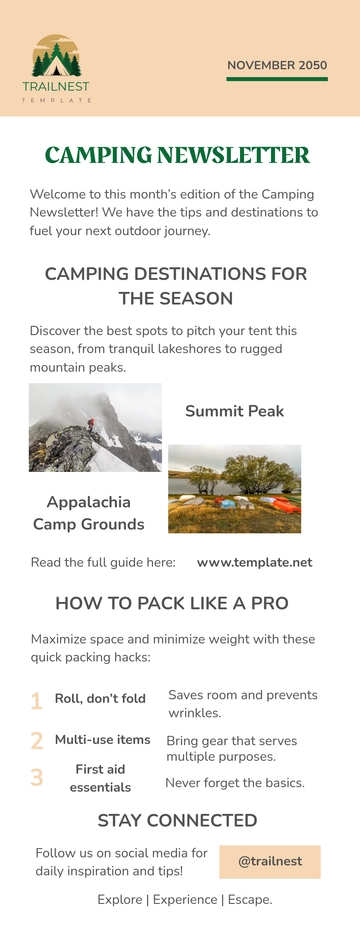
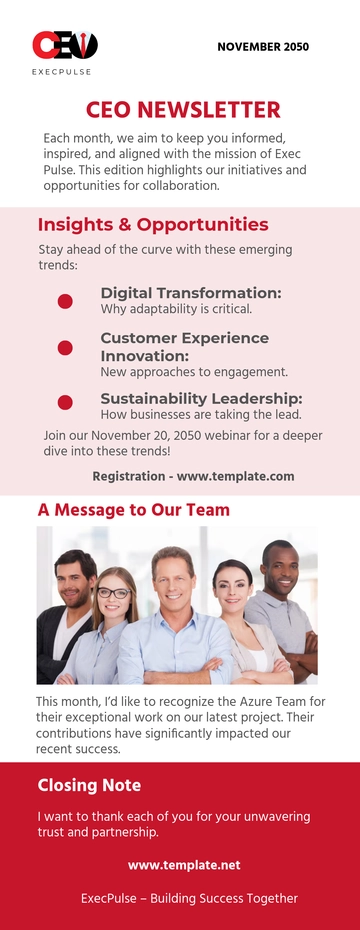
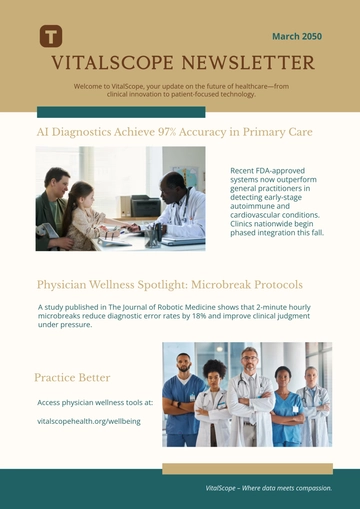
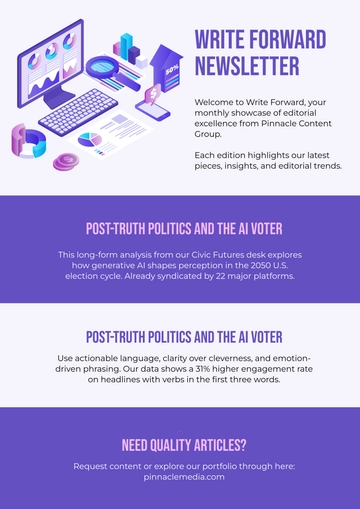
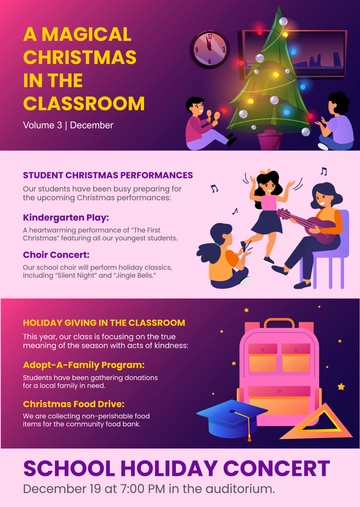
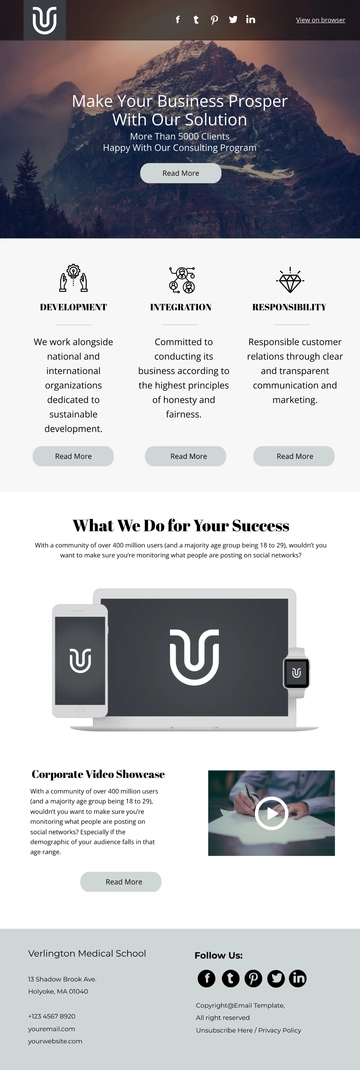
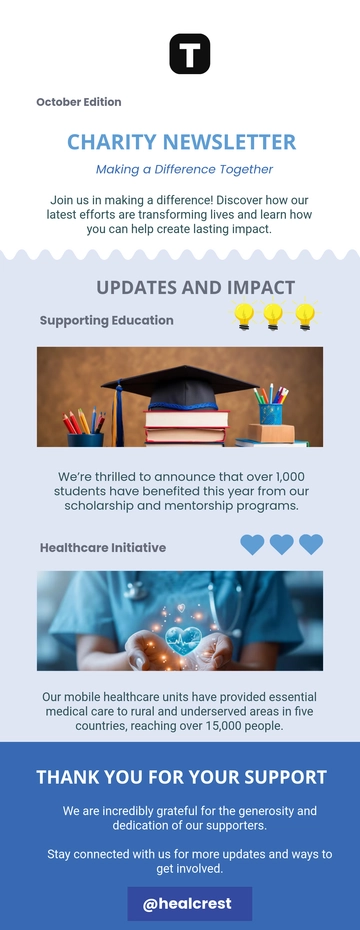
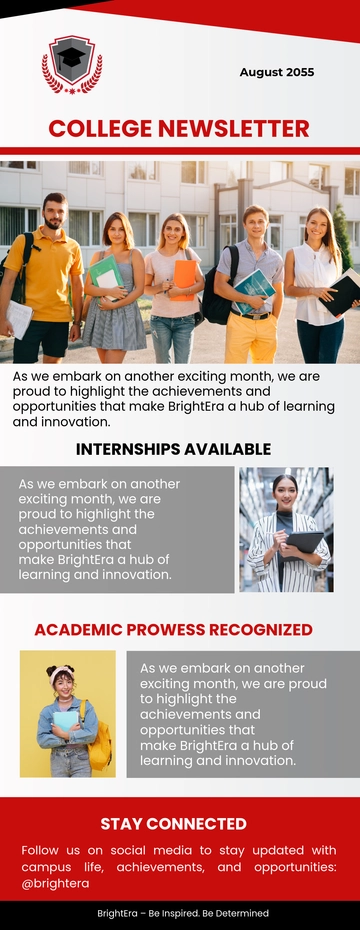
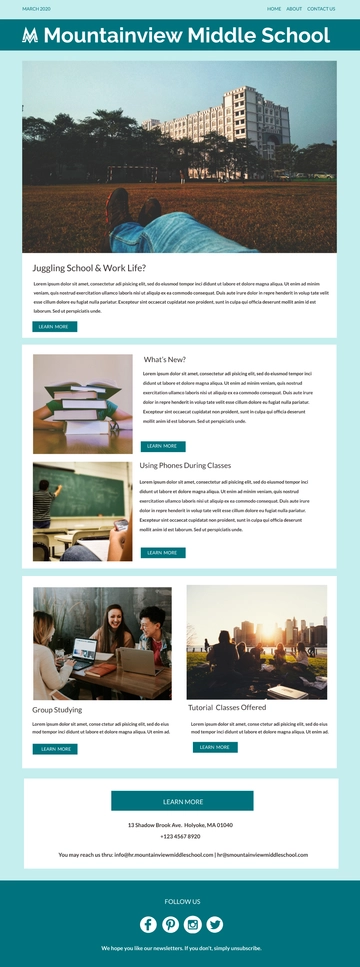
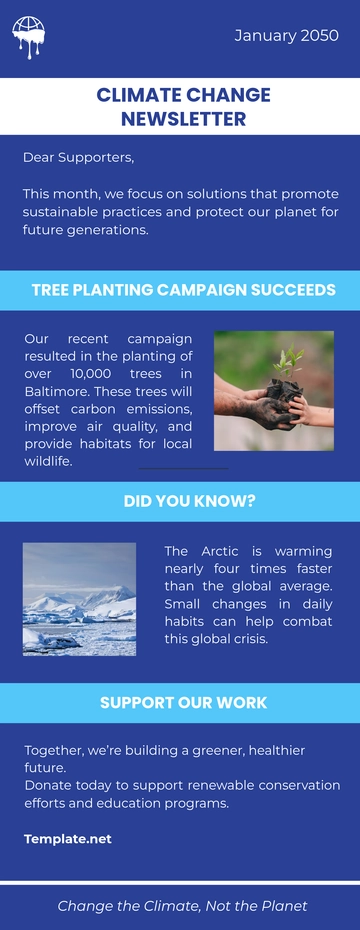
A Community Center Newsletter from Template.net's AI-powered newsletter builder is an email newsletter styled as stacked content blocks—hero banner, fall classes announcement, testimonial stories, and social icon row—exported as an HTML5 file with inline styles and table-based rows for reliable inbox display. It supports summer event highlights and fall registration updates for community members, volunteers, and local families.
How to Create a Community Center Newsletter for Free?
- Customize a Free TemplateStart with this free editable and email-ready Community Center Newsletter template and personalize it online for summer event recaps, fall class announcements, or volunteer invitations. (or )
- Generate an On-Brand Community Center Newsletter with AIDescribe your summer event highlights and fall class registration dates or upload your existing newsletter, and AI will build the issue with a hero banner and volunteer call to action, testimonial stories with read buttons, announcement bands, plus the mailing address and unsubscribe link in table-based rows with inline styles to keep it email-safe.
- Edit in the HTML5 EditorModify every part such as the logo header and menu row, the subject and preheader line, the hero image and alt text, the issue number and date, lead stories with buttons, event cards, contributor block, social icon row, and footer address with unsubscribe link, plus the privacy policy link and copyright notice in our drag-and-drop editor.
- Download an HTML5 FileDownload the completed newsletter as an HTML5 file with inline styles and absolute image URLs, ready to paste into a Gmail compose window or send with your mail tool.