Free AI Handover Generator

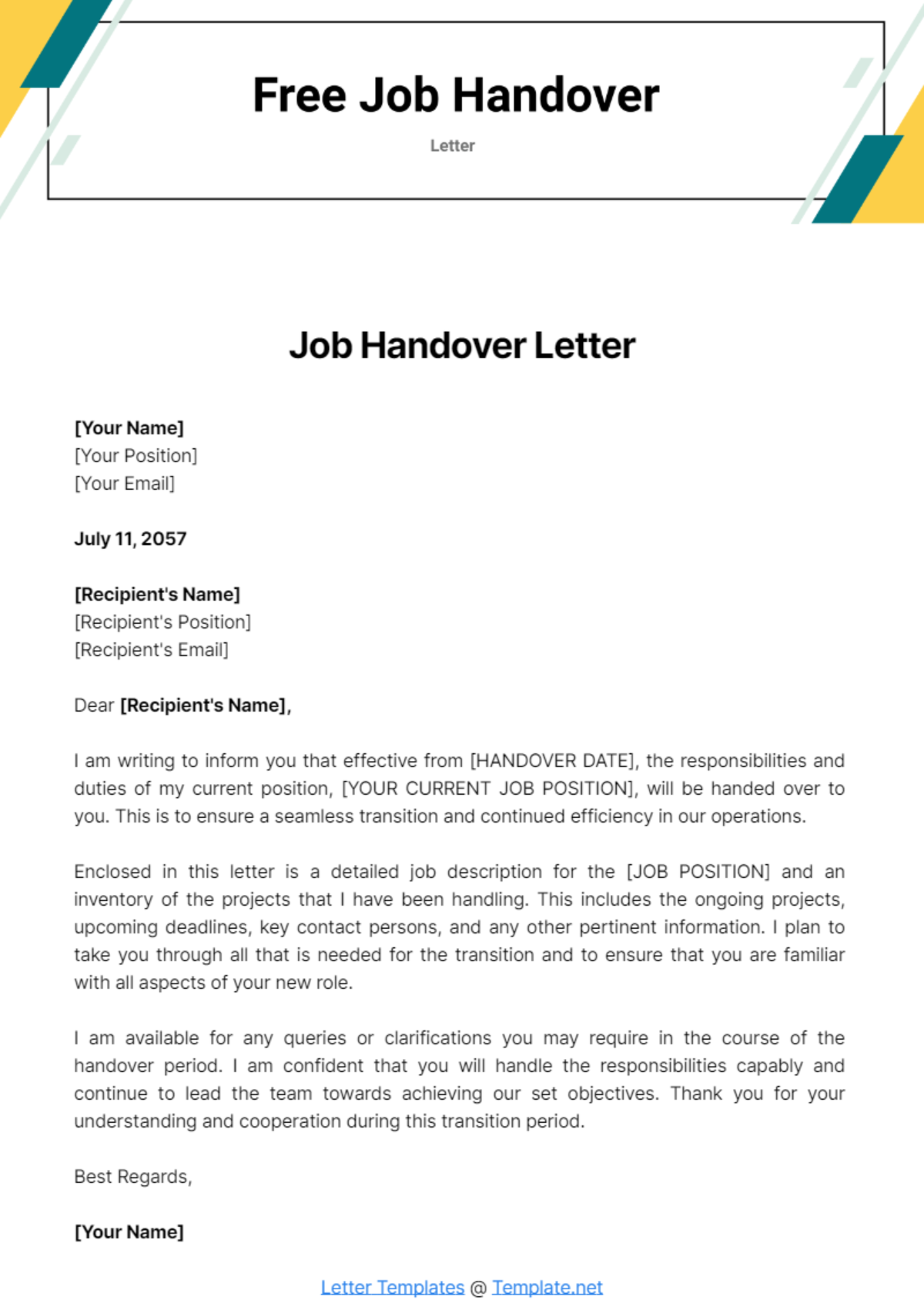
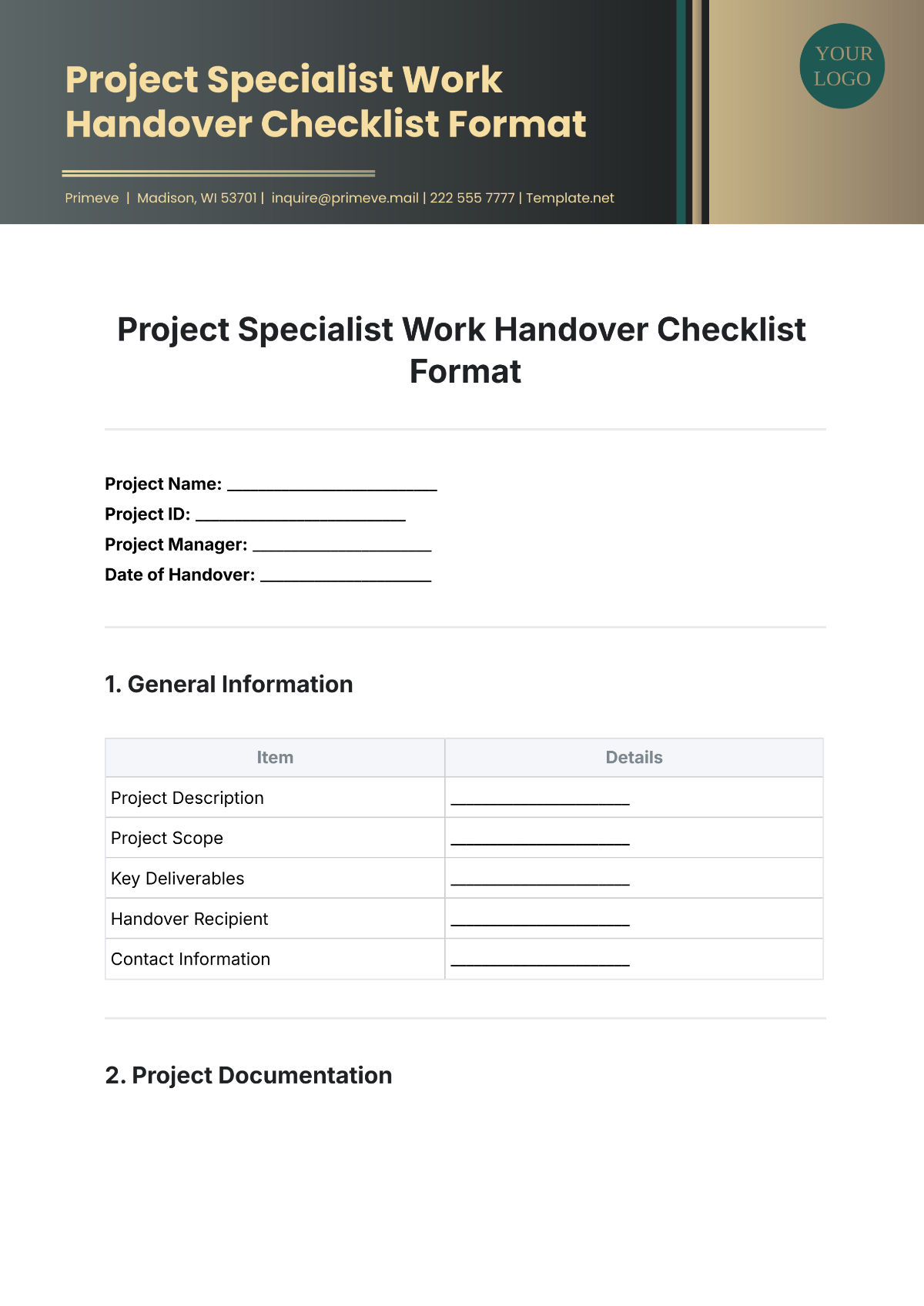
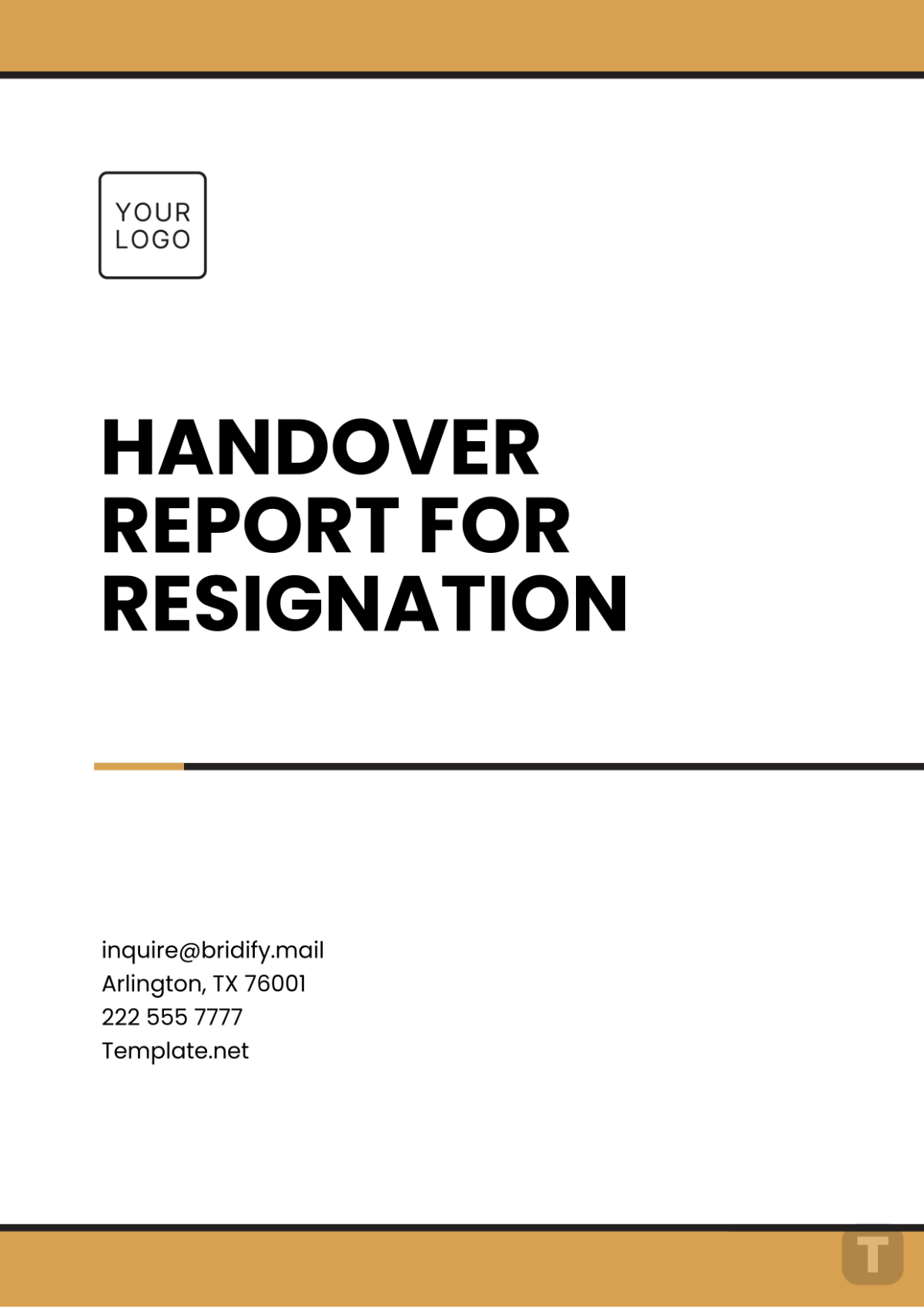
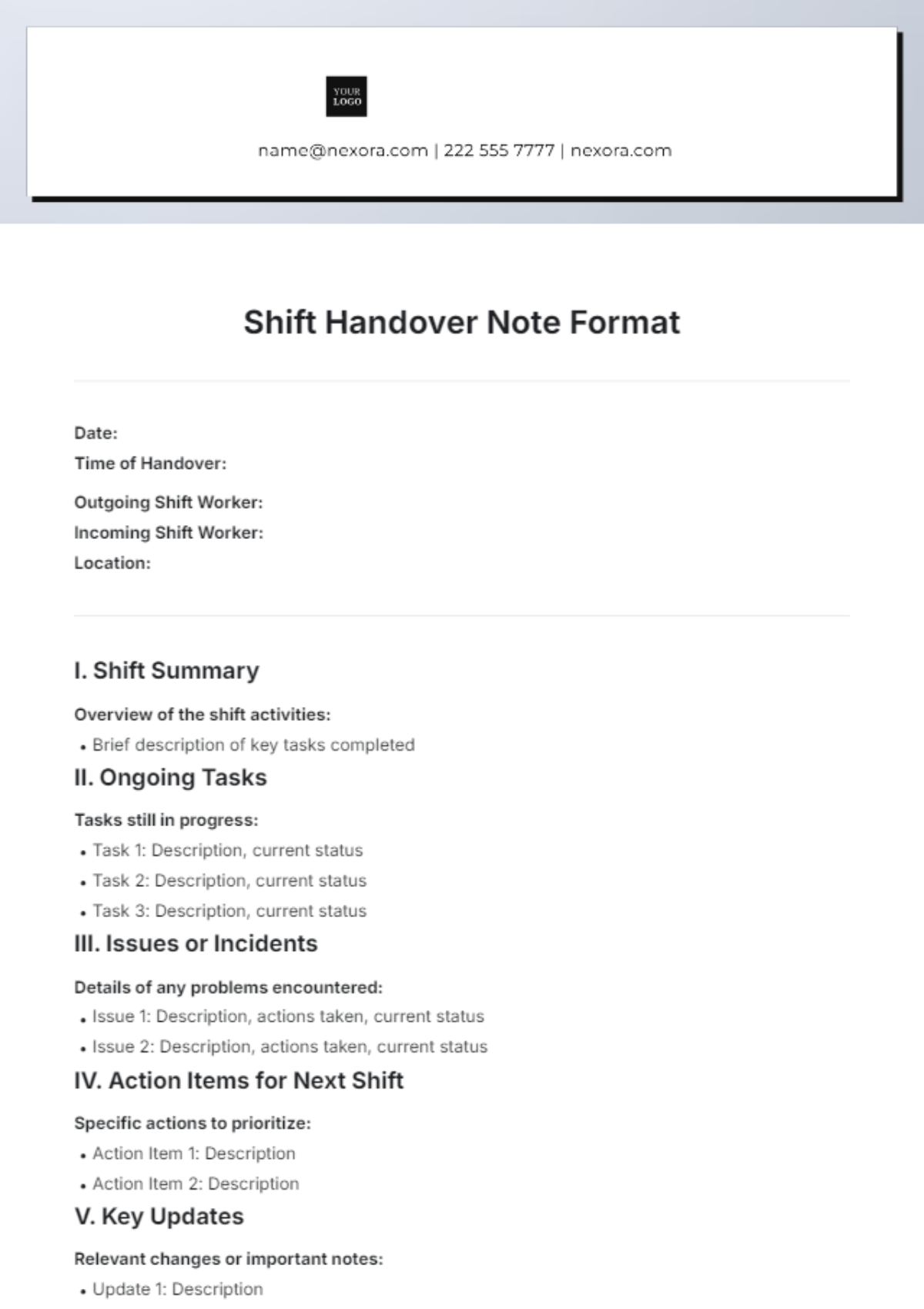
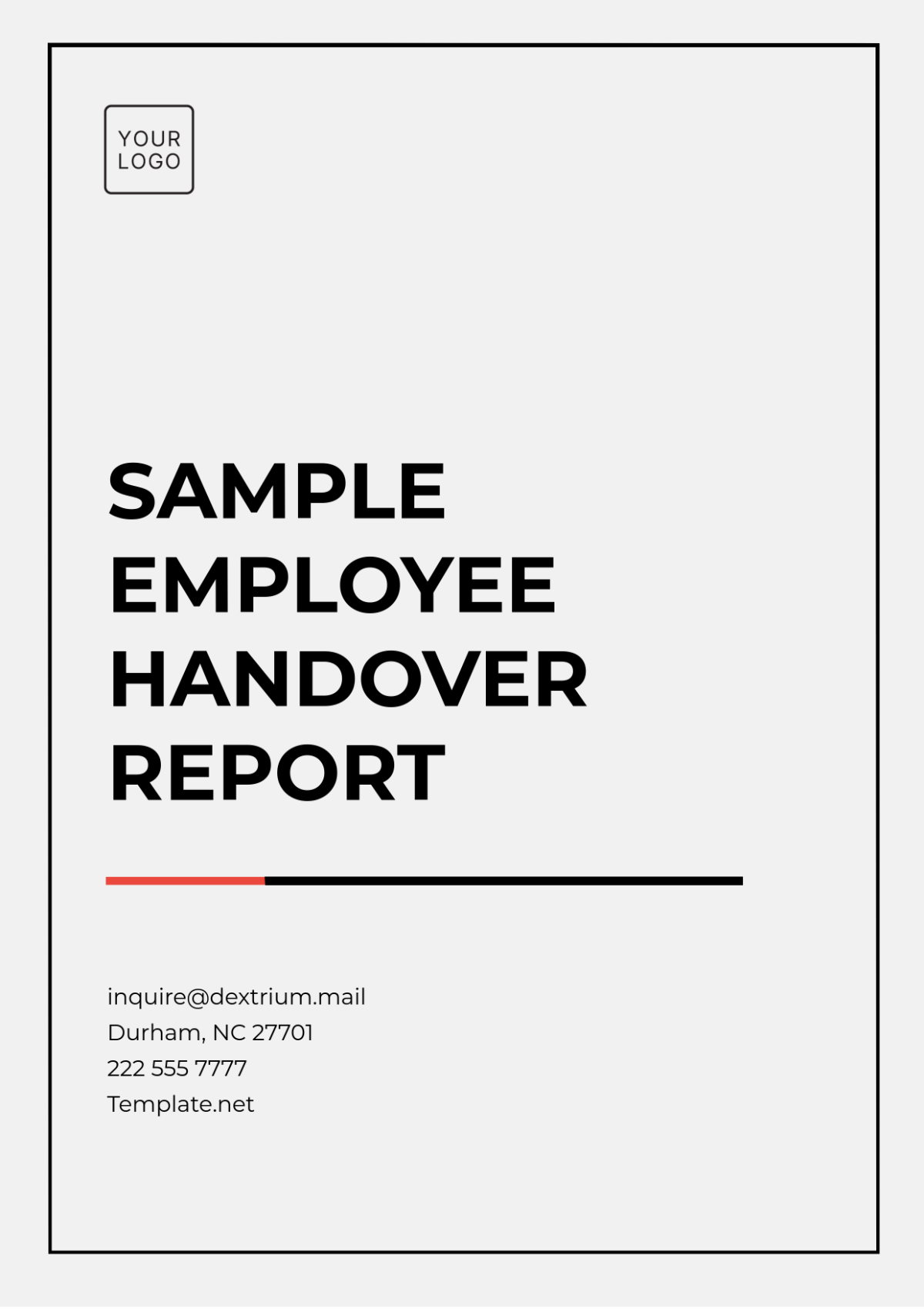
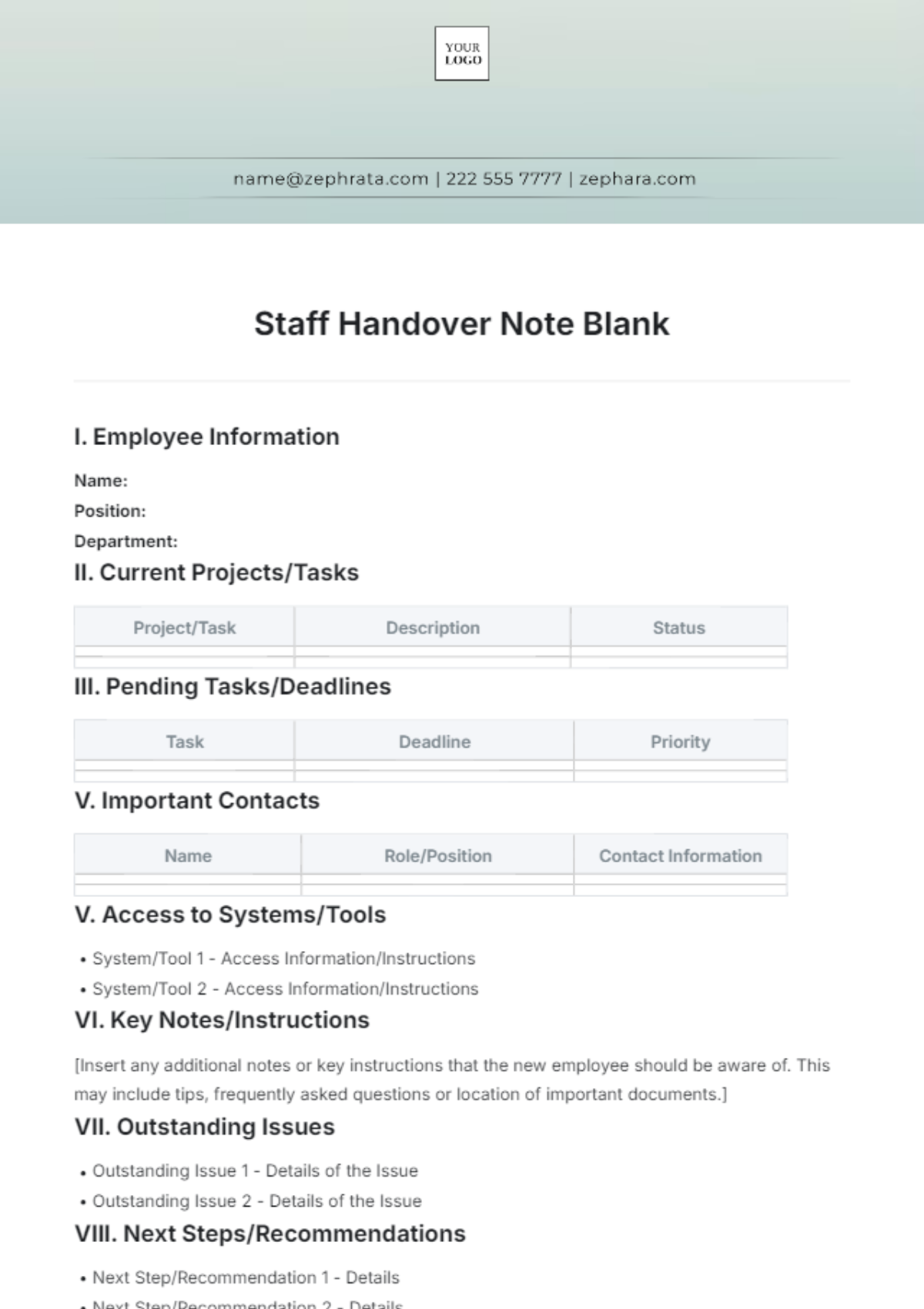
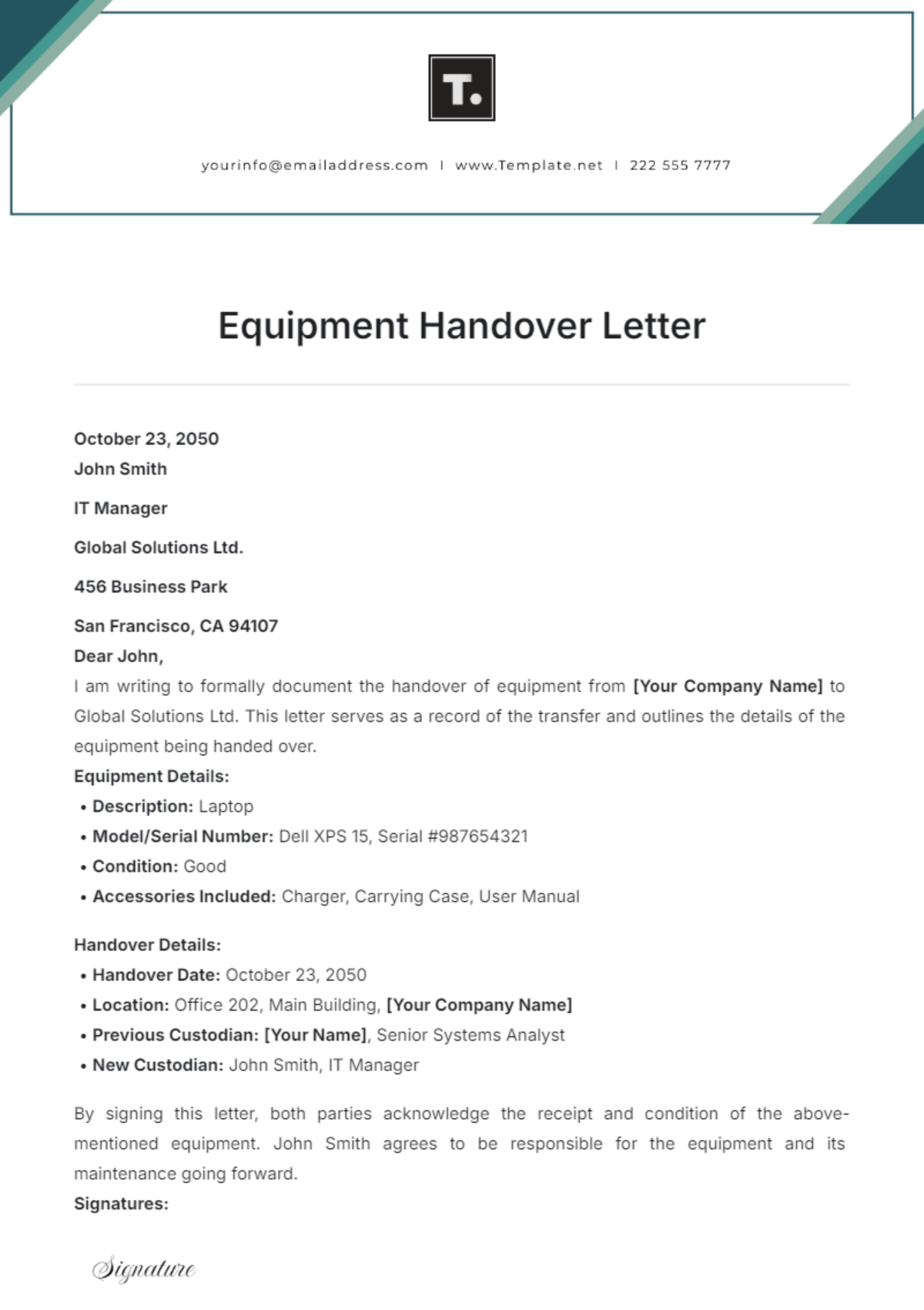
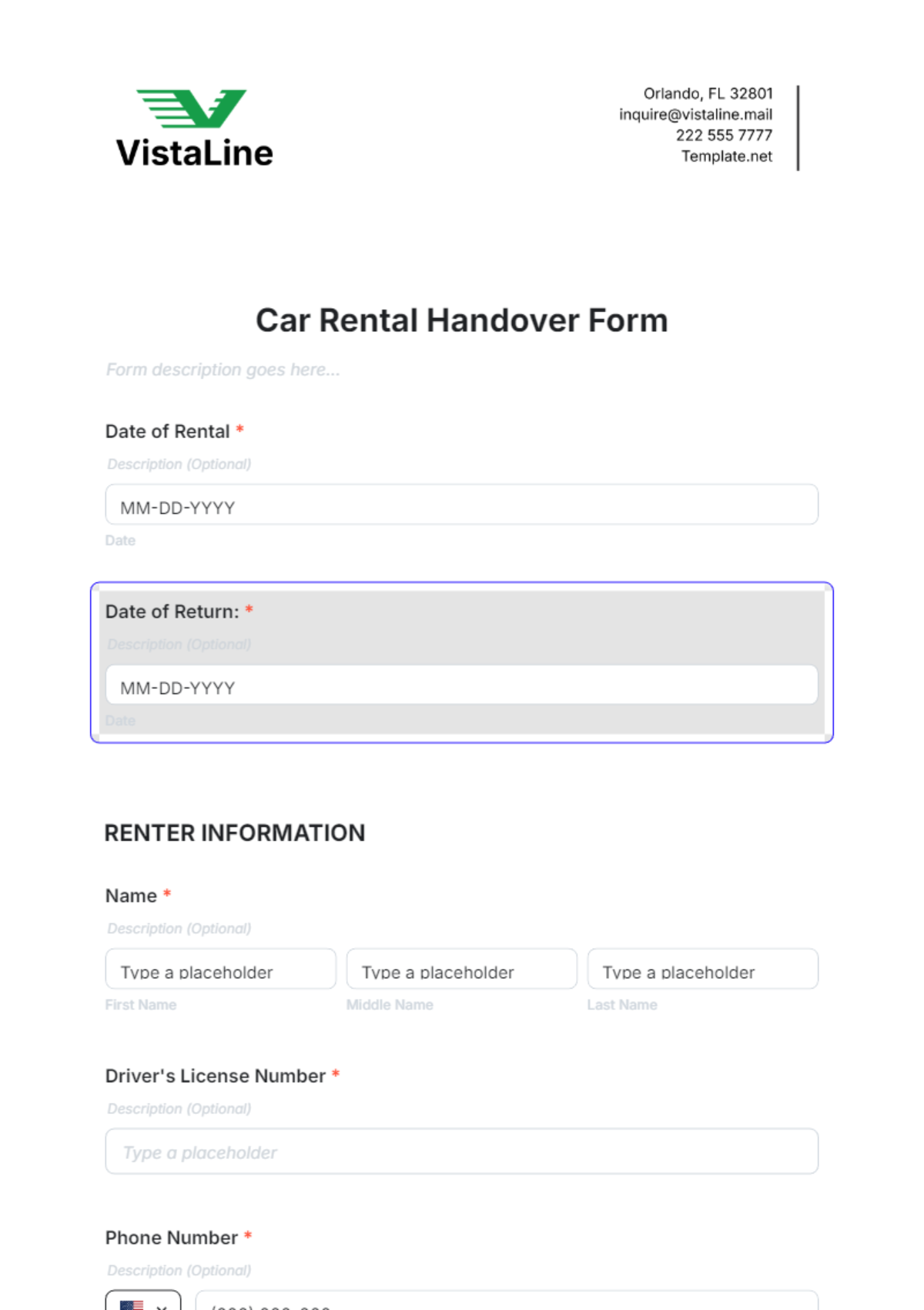
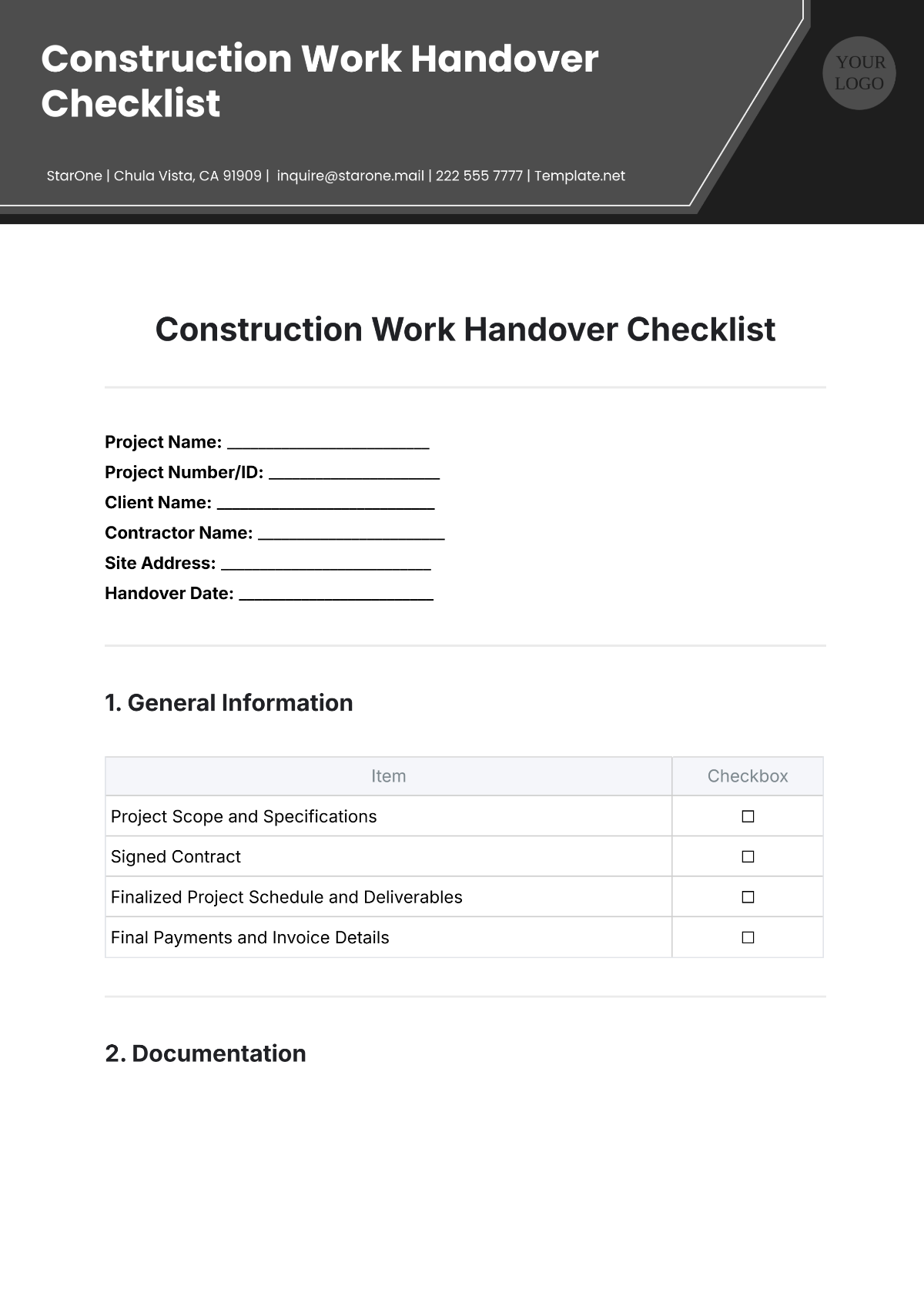
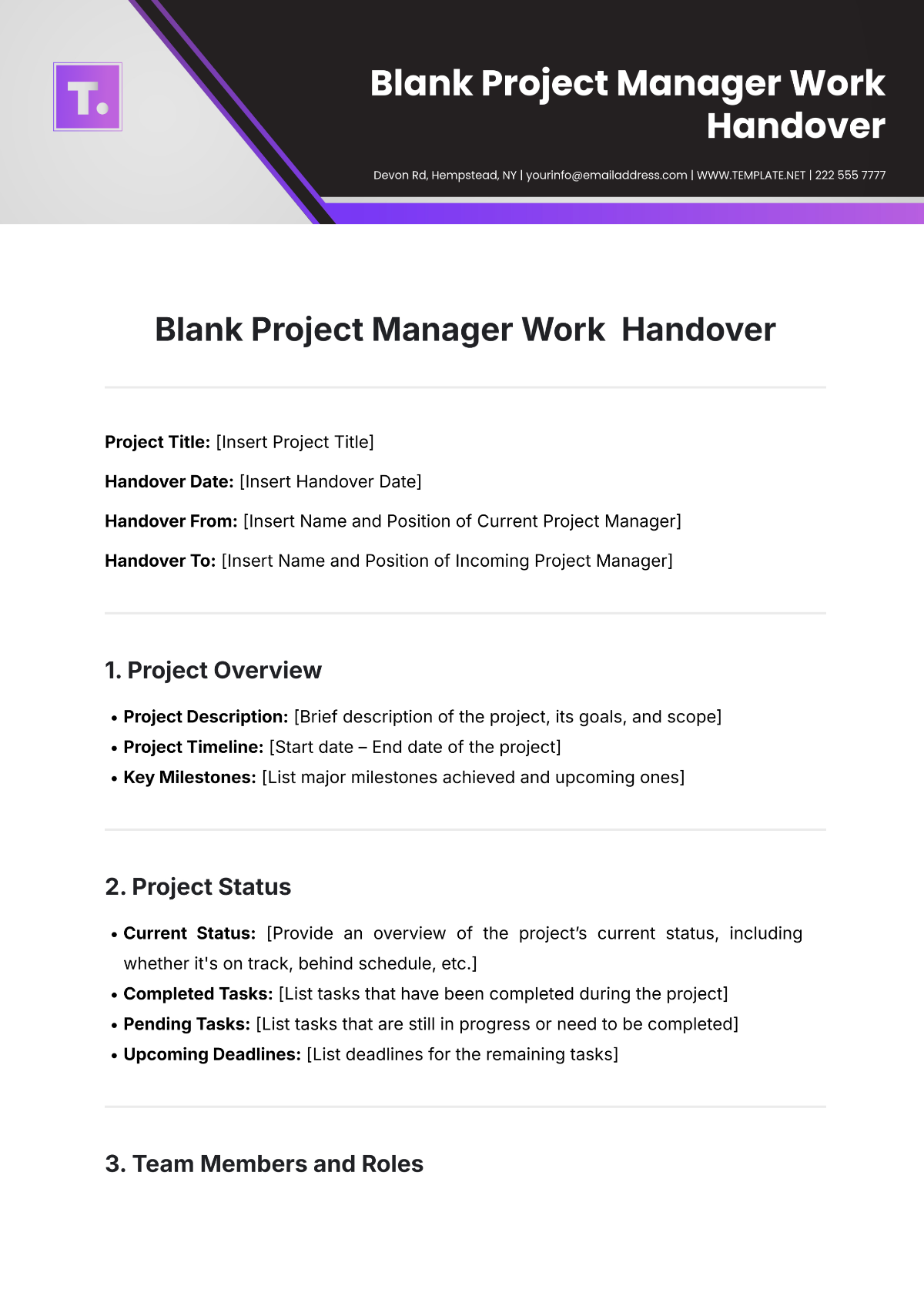
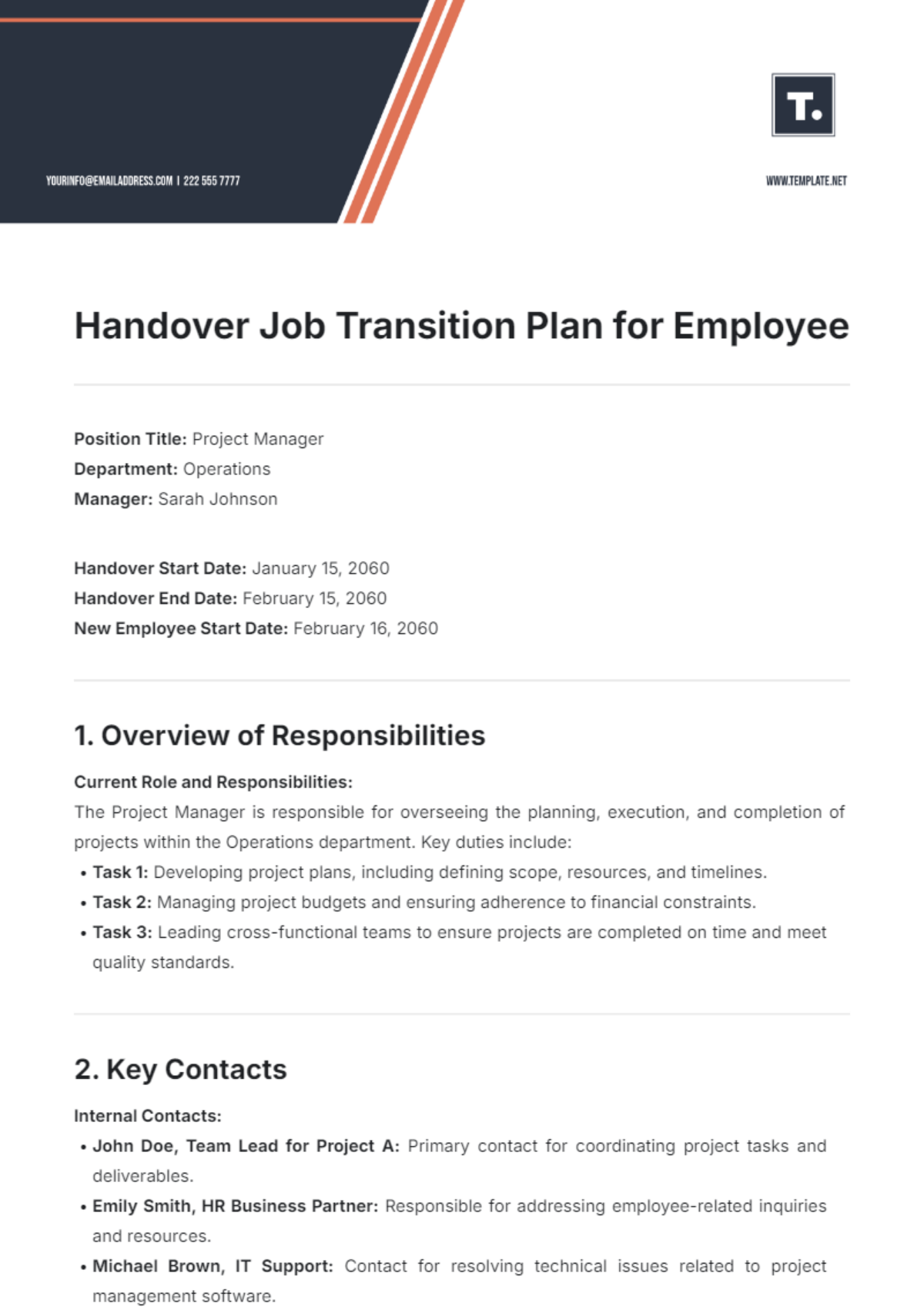

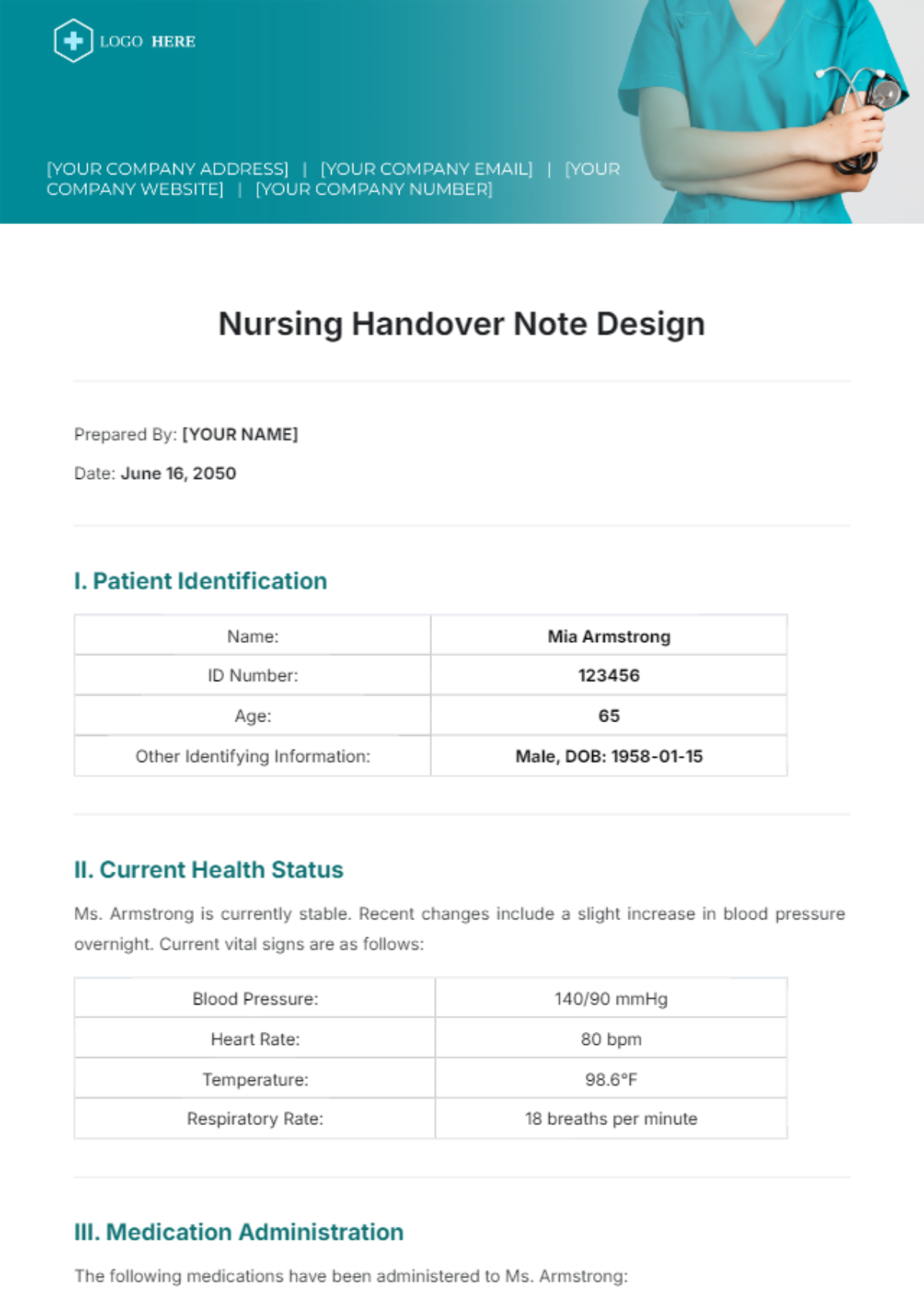


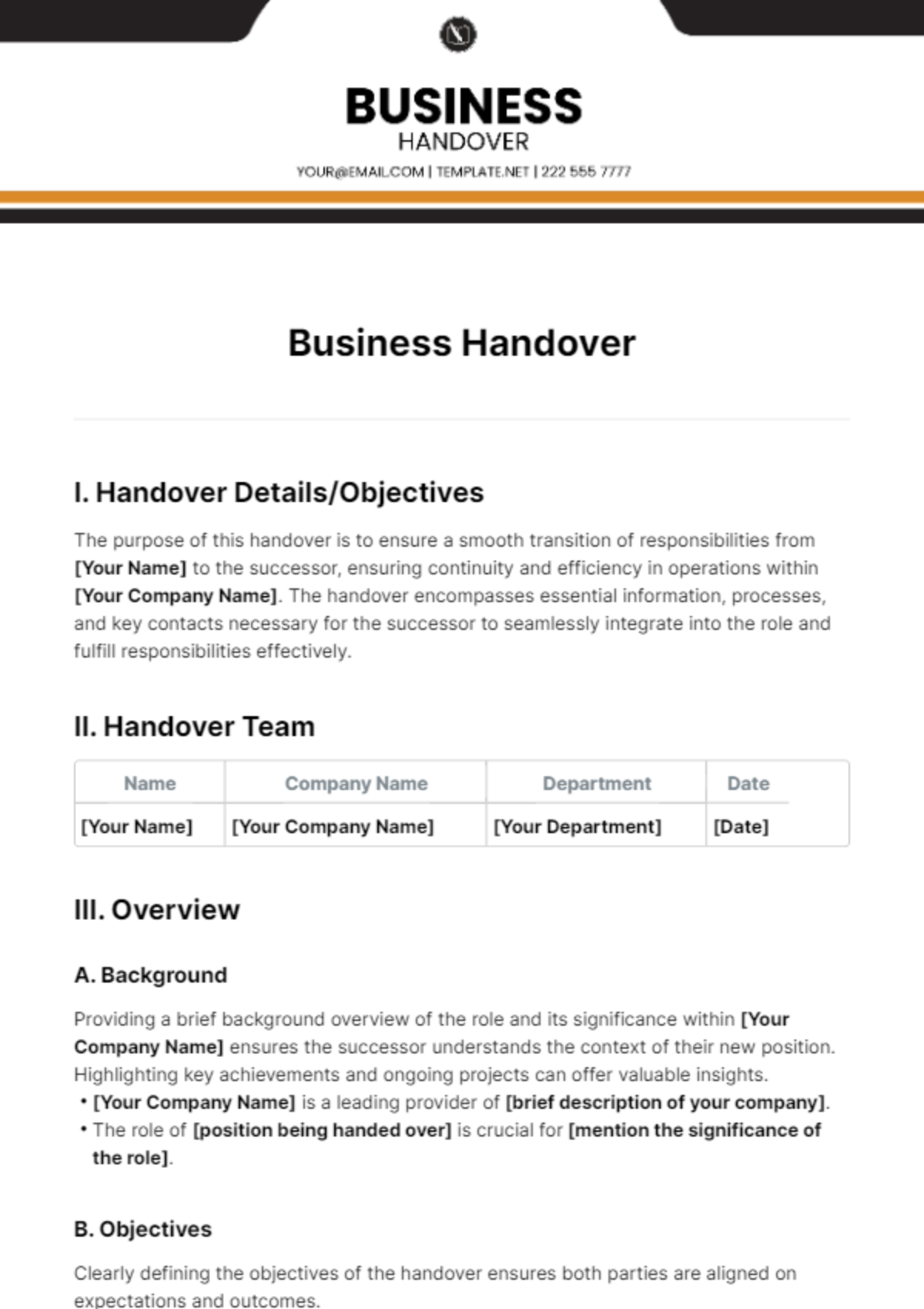
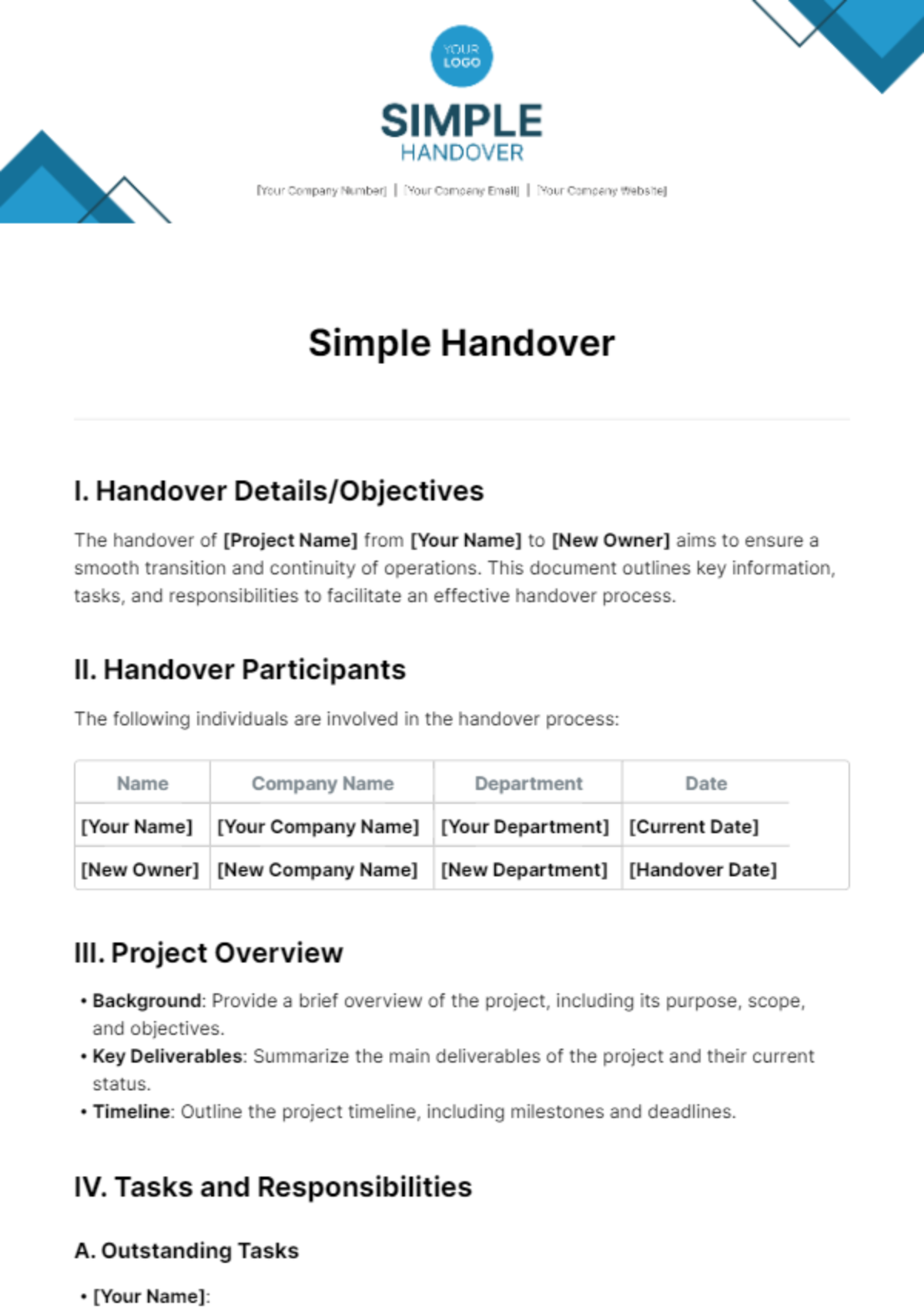
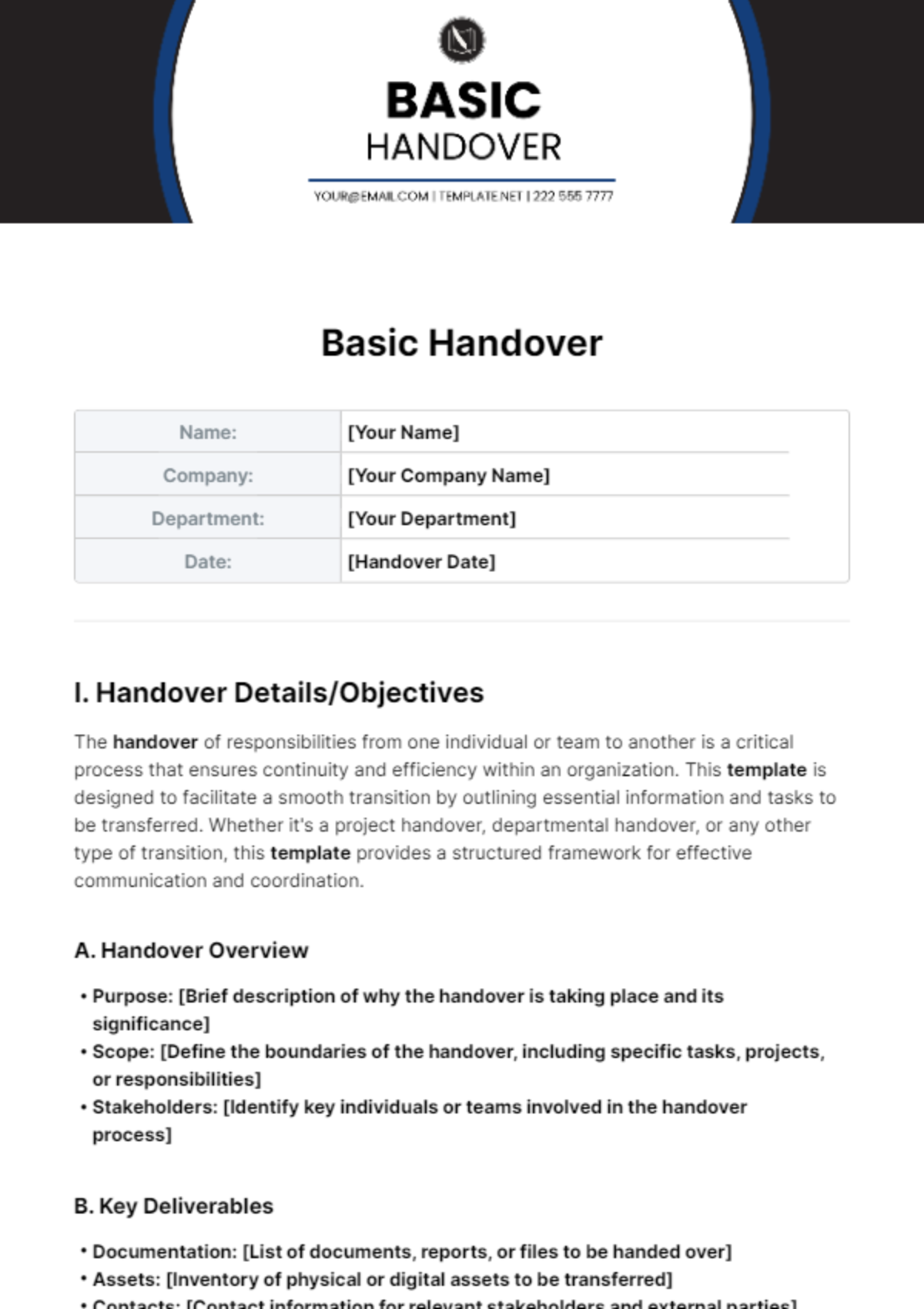
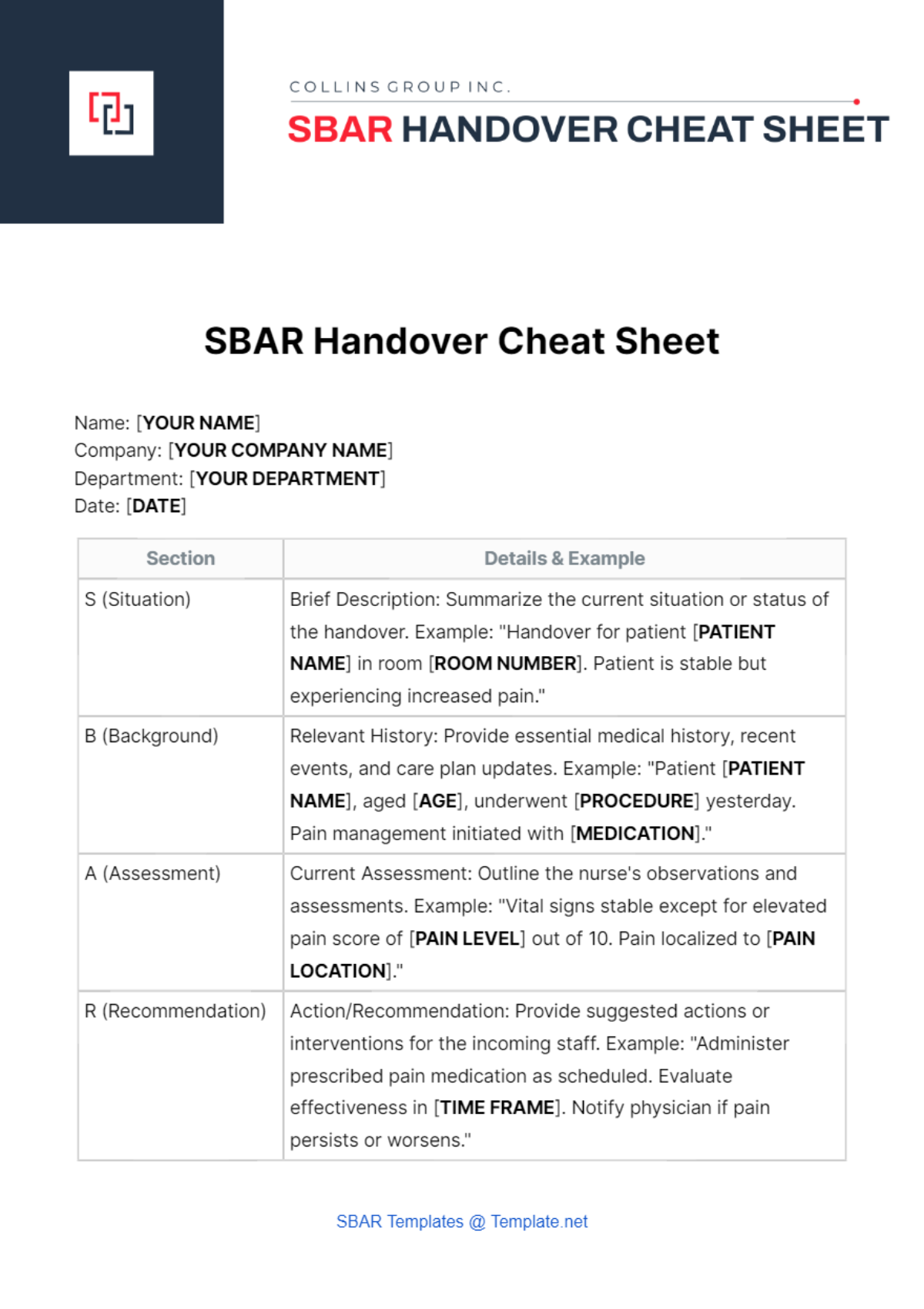

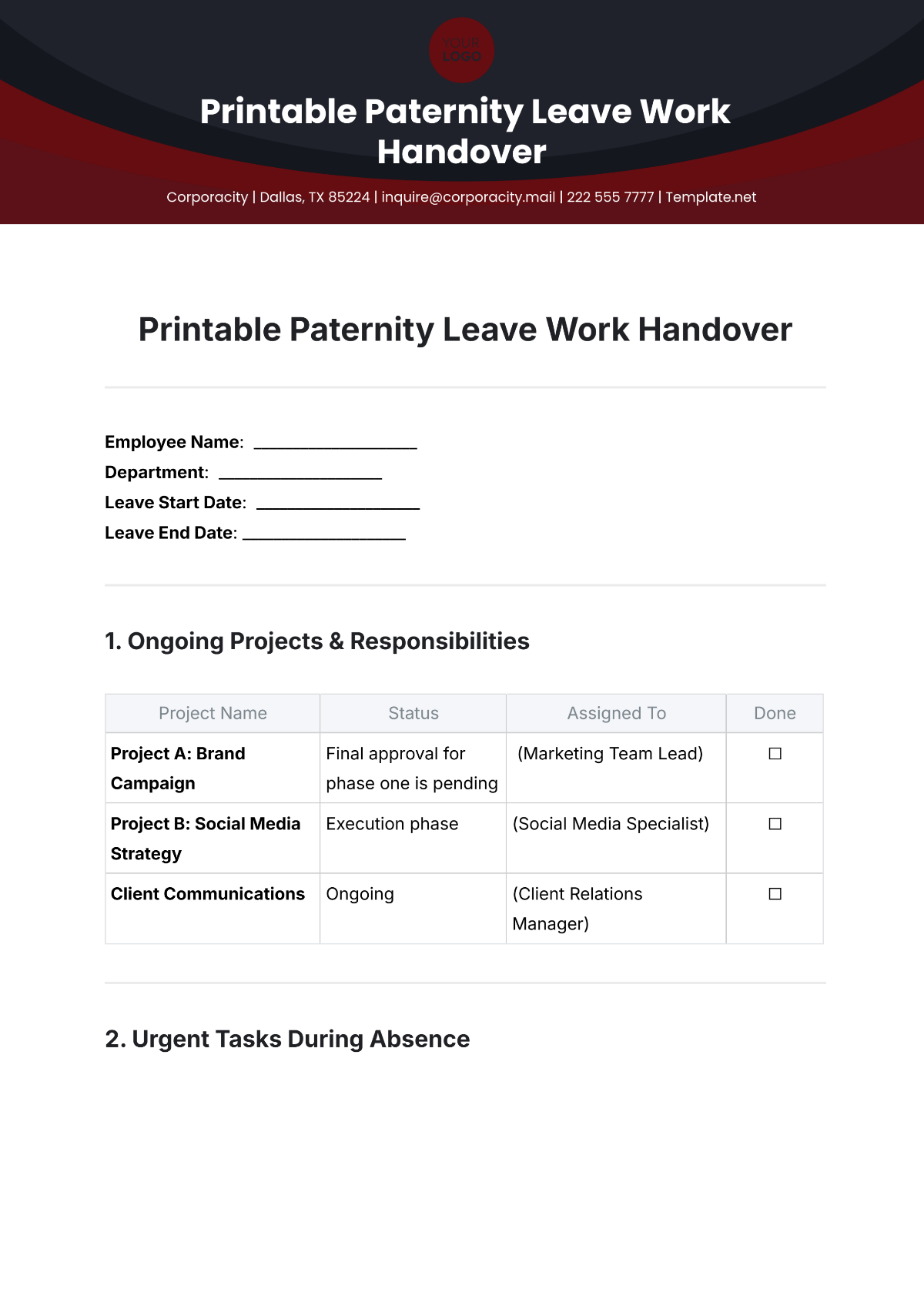
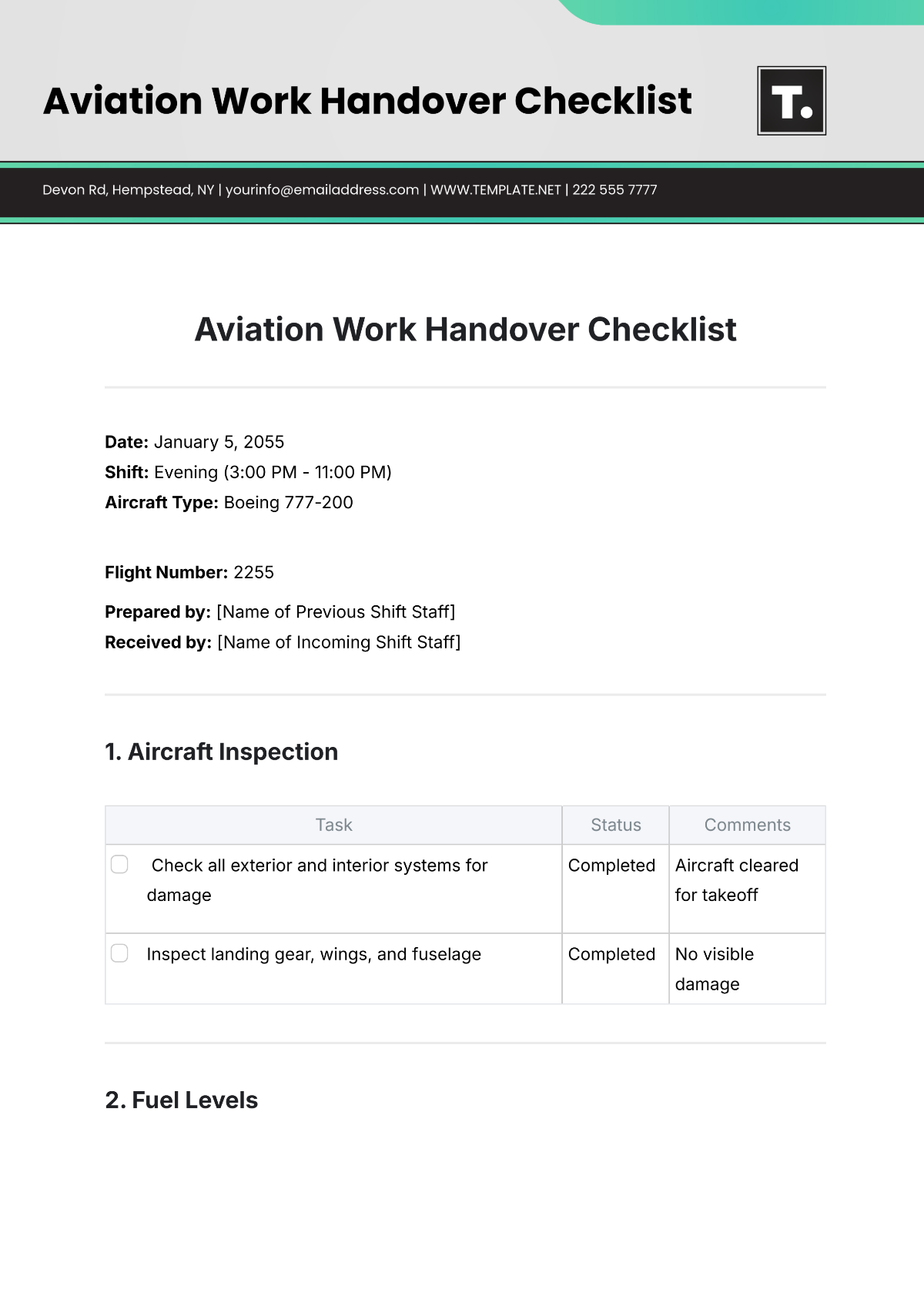
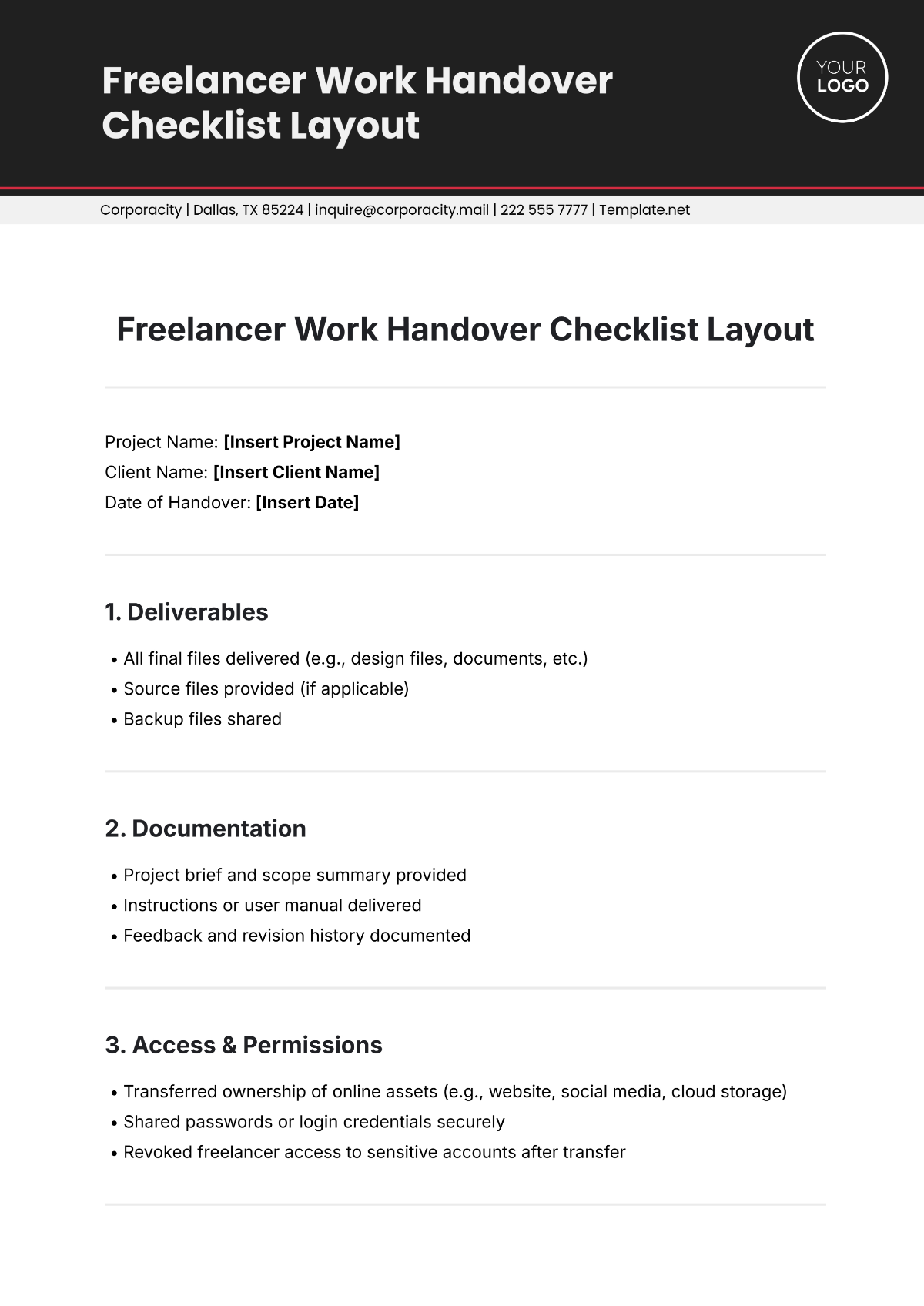
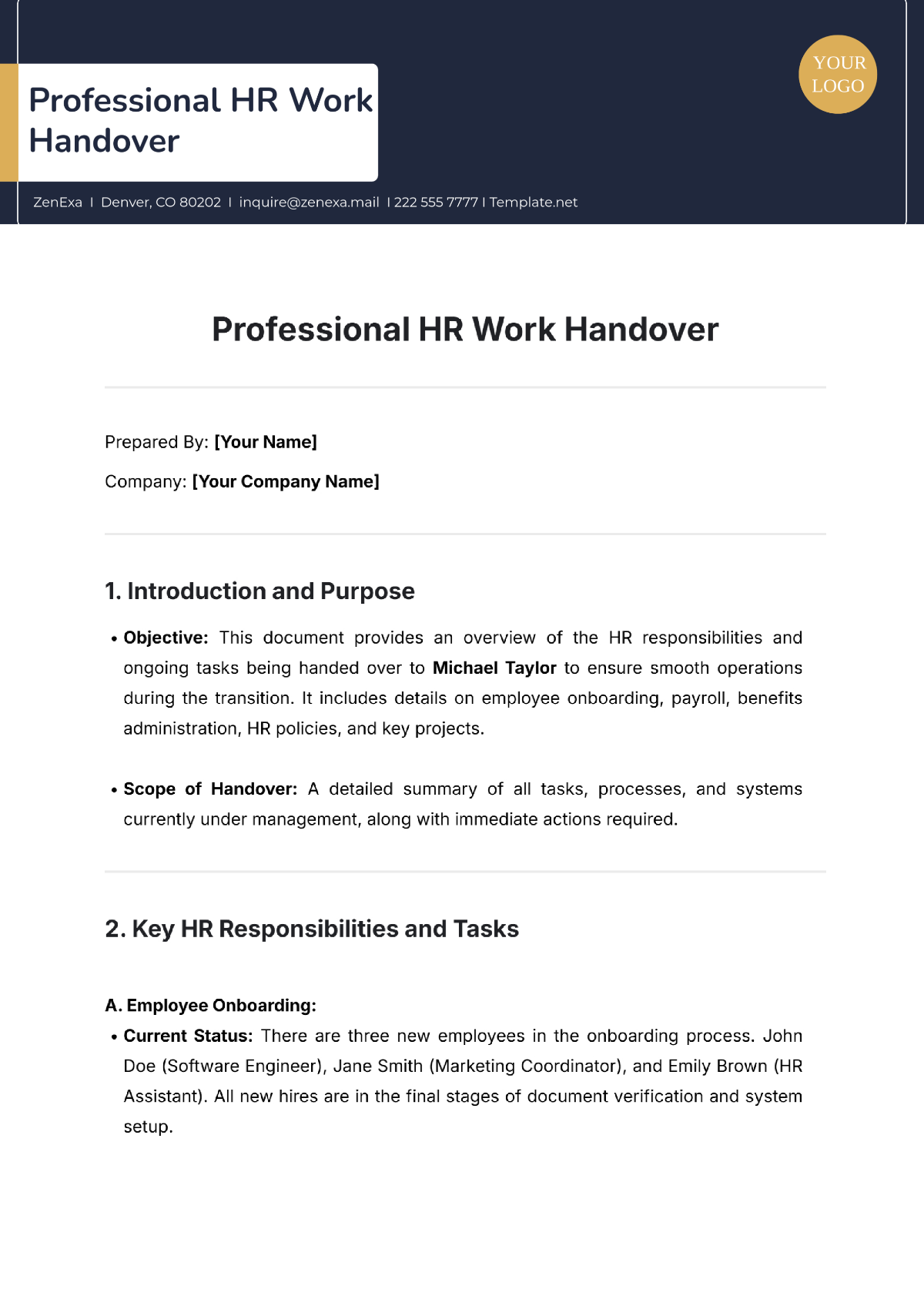


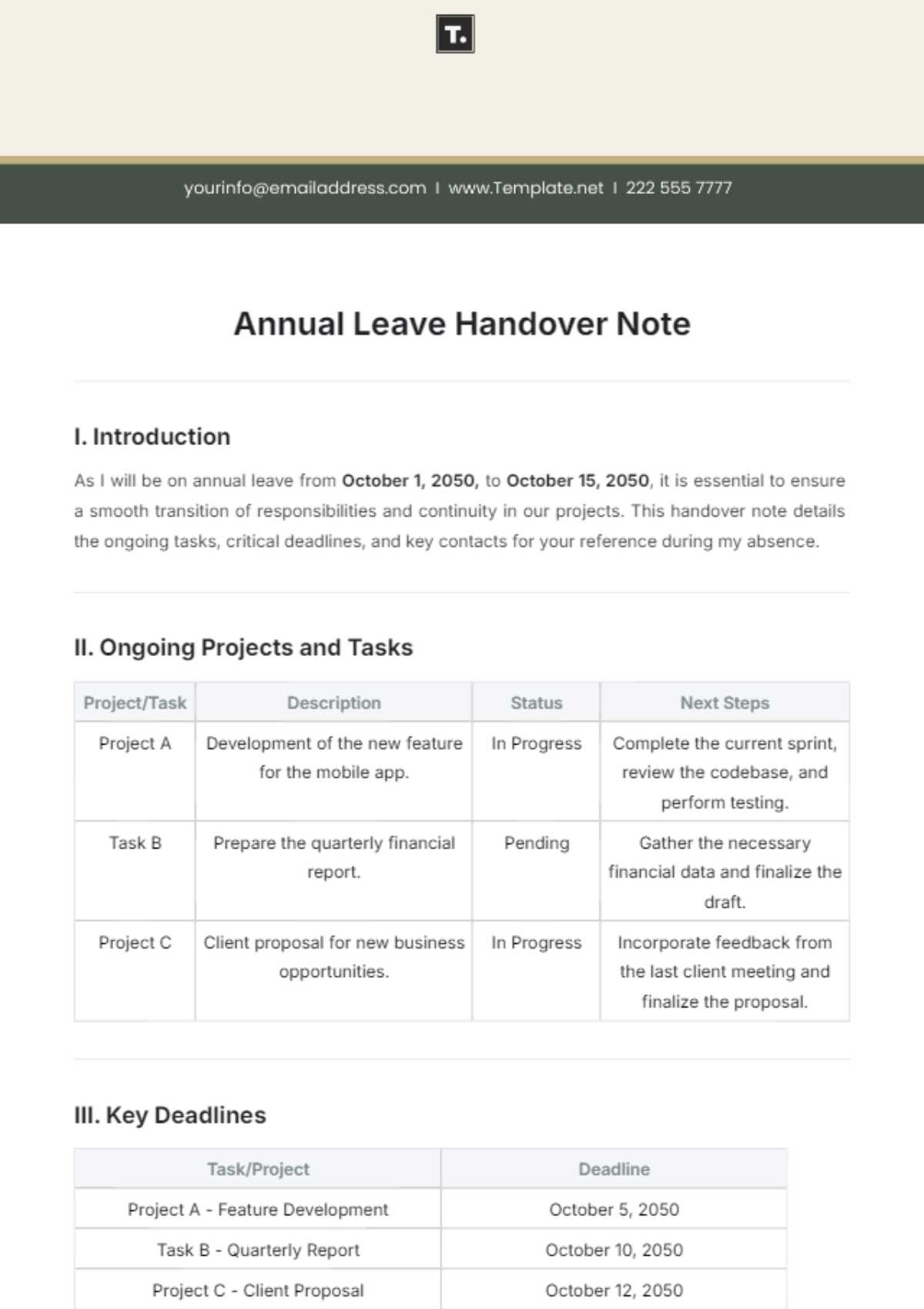
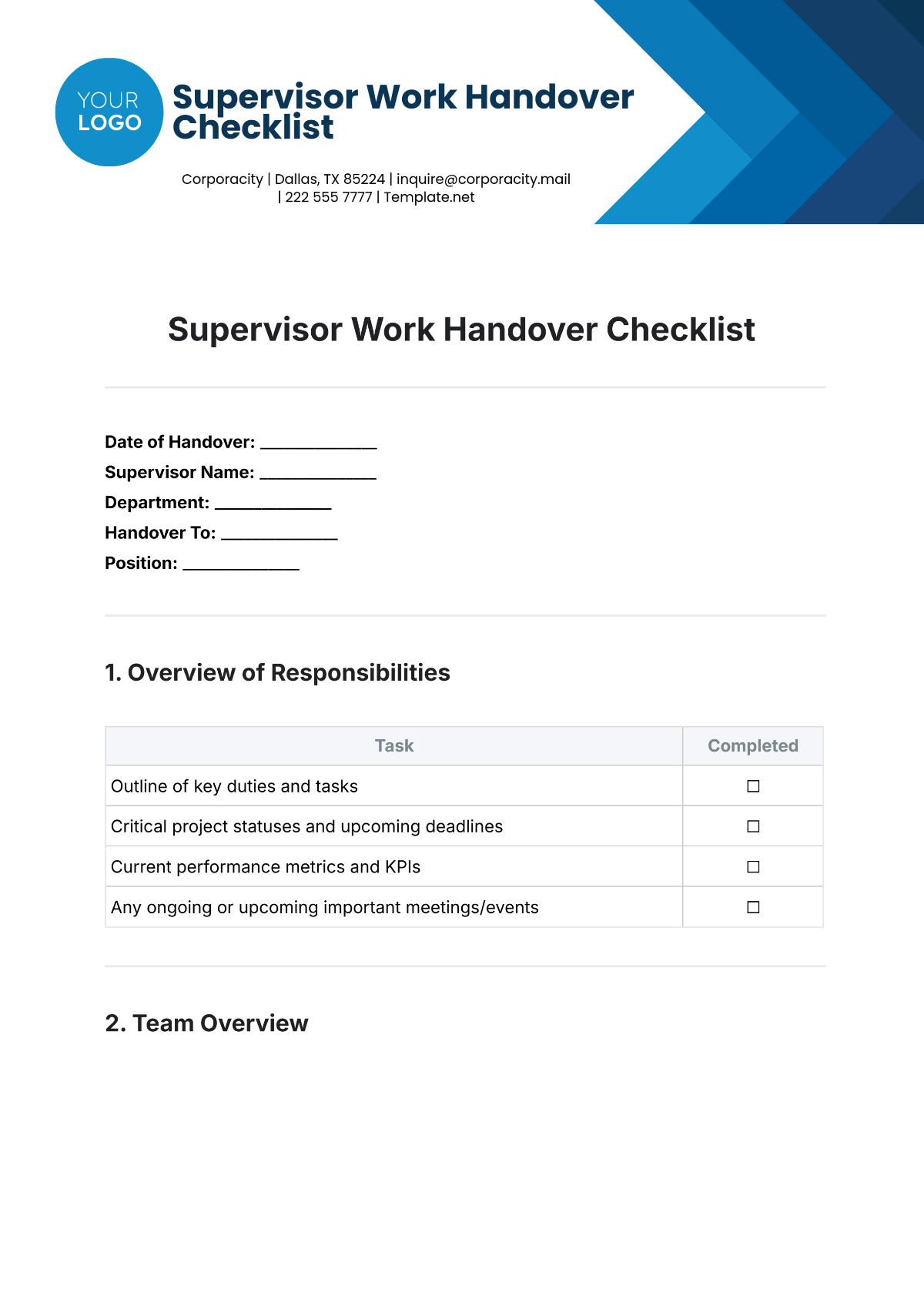
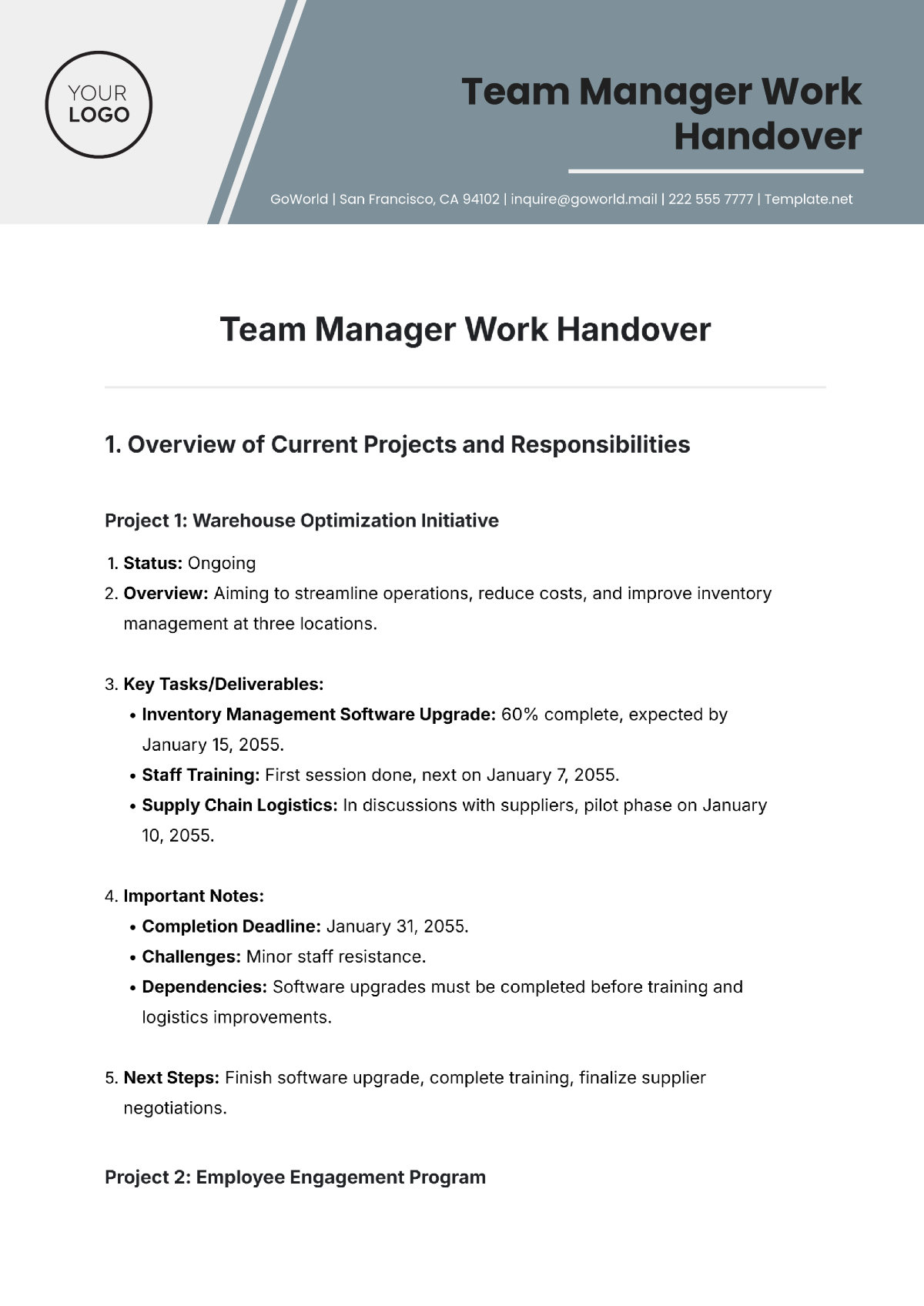
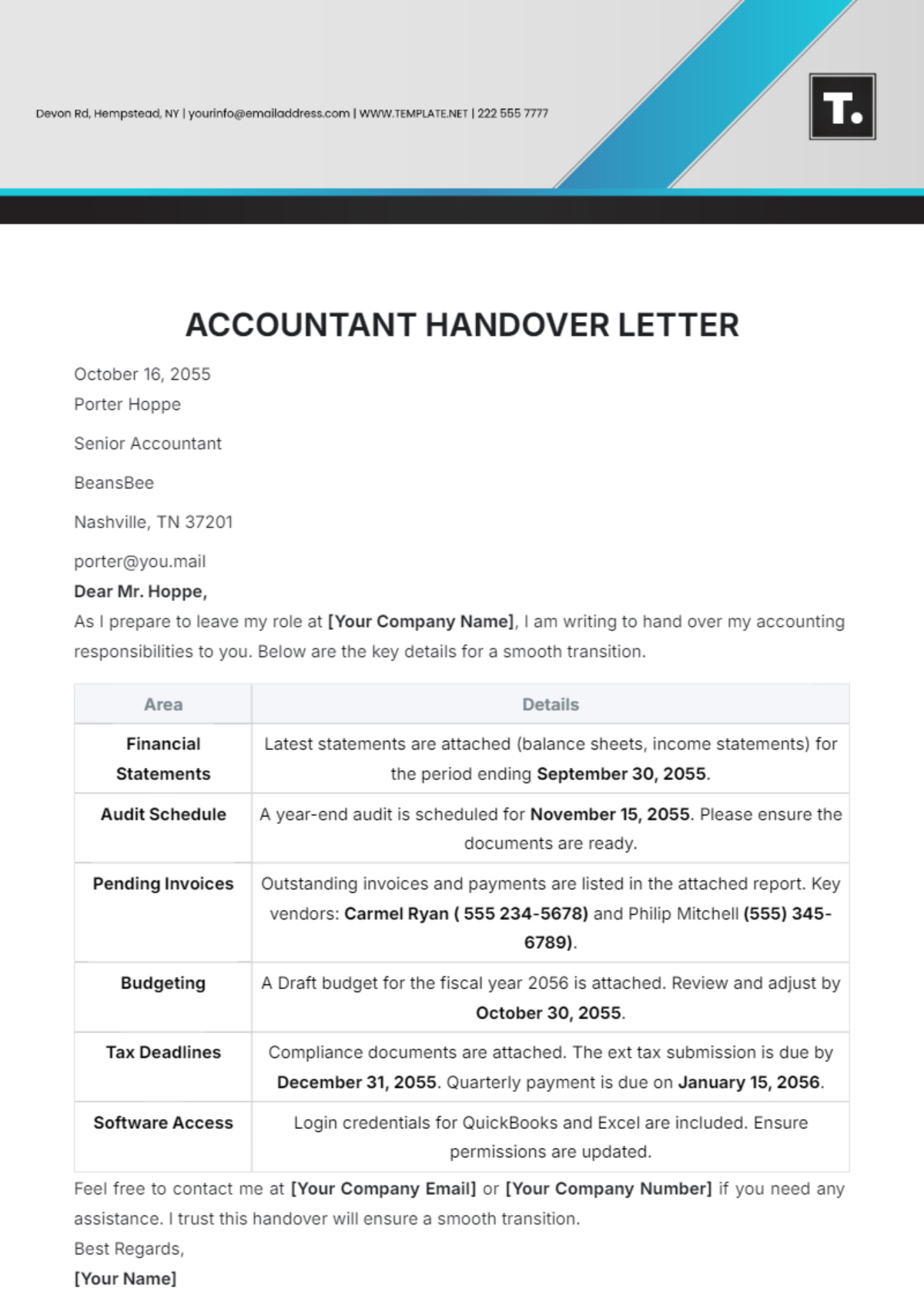
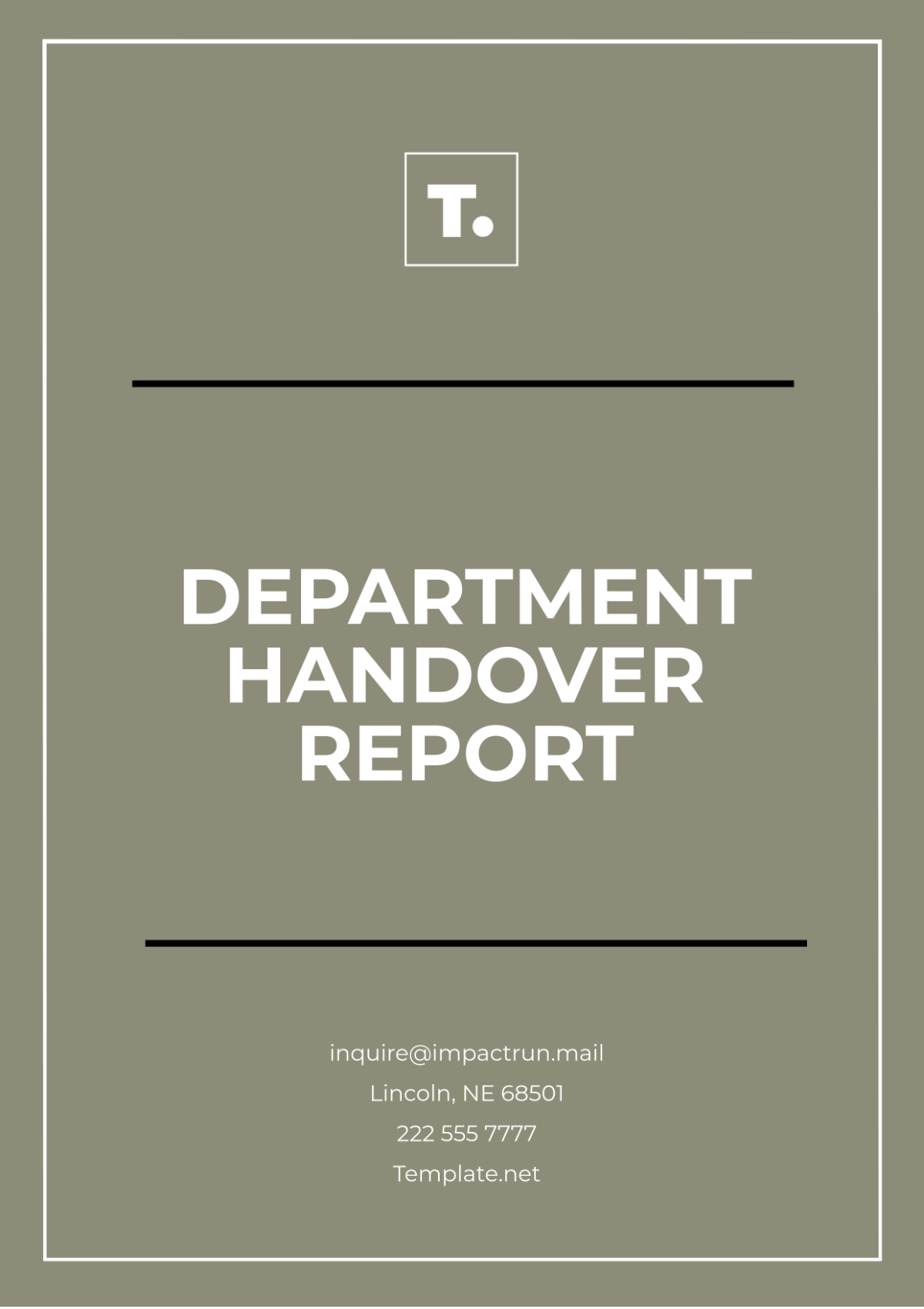
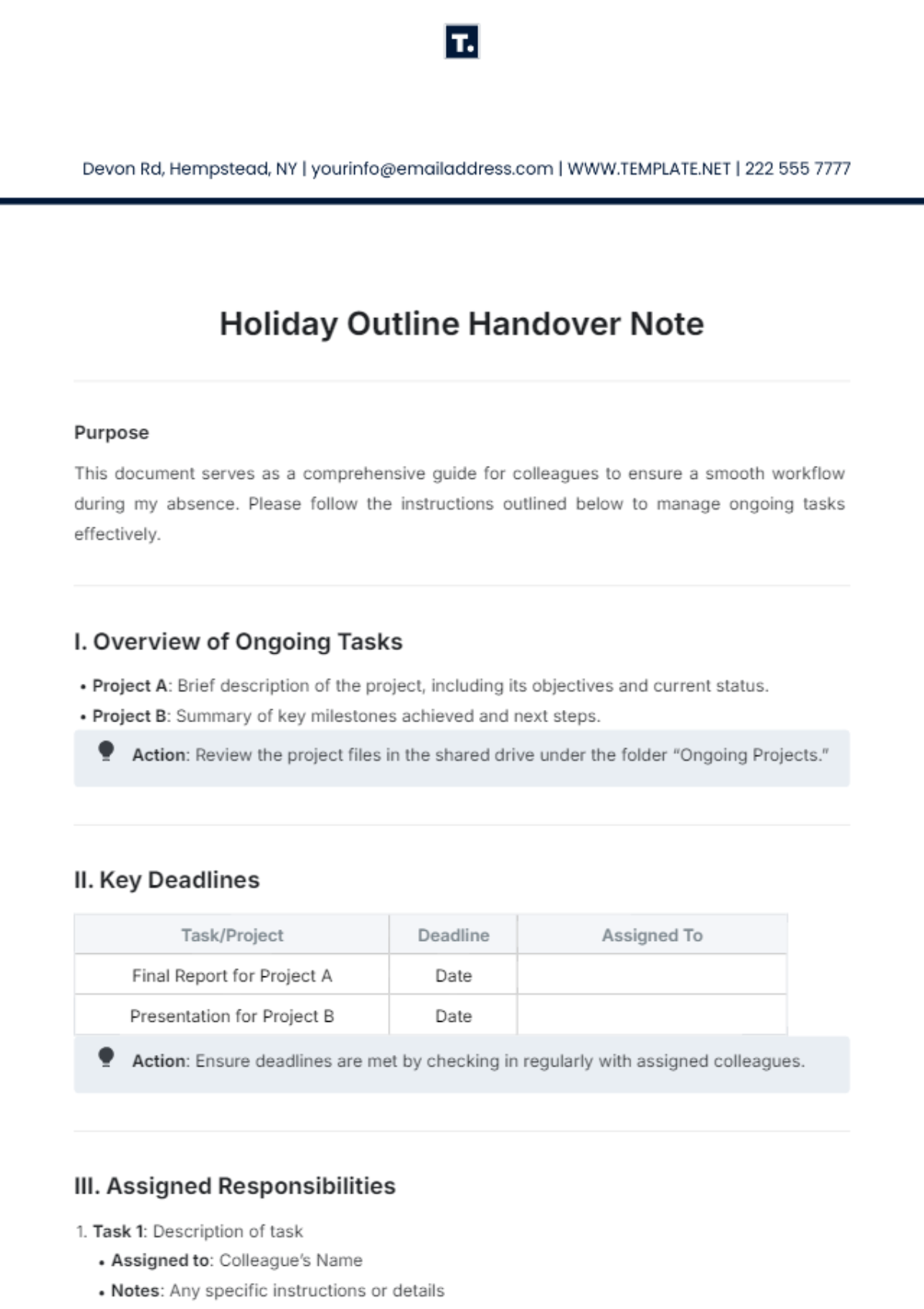
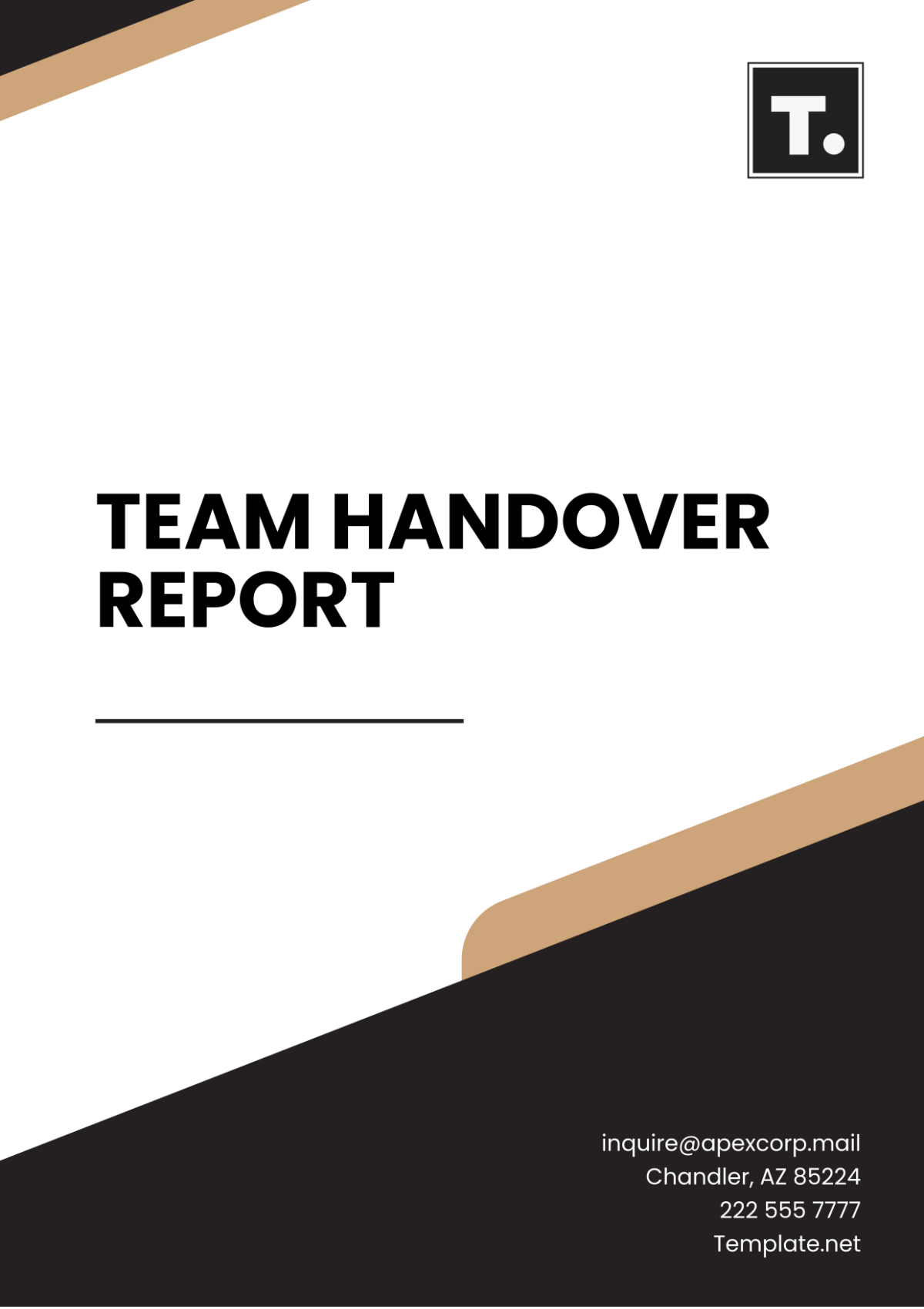
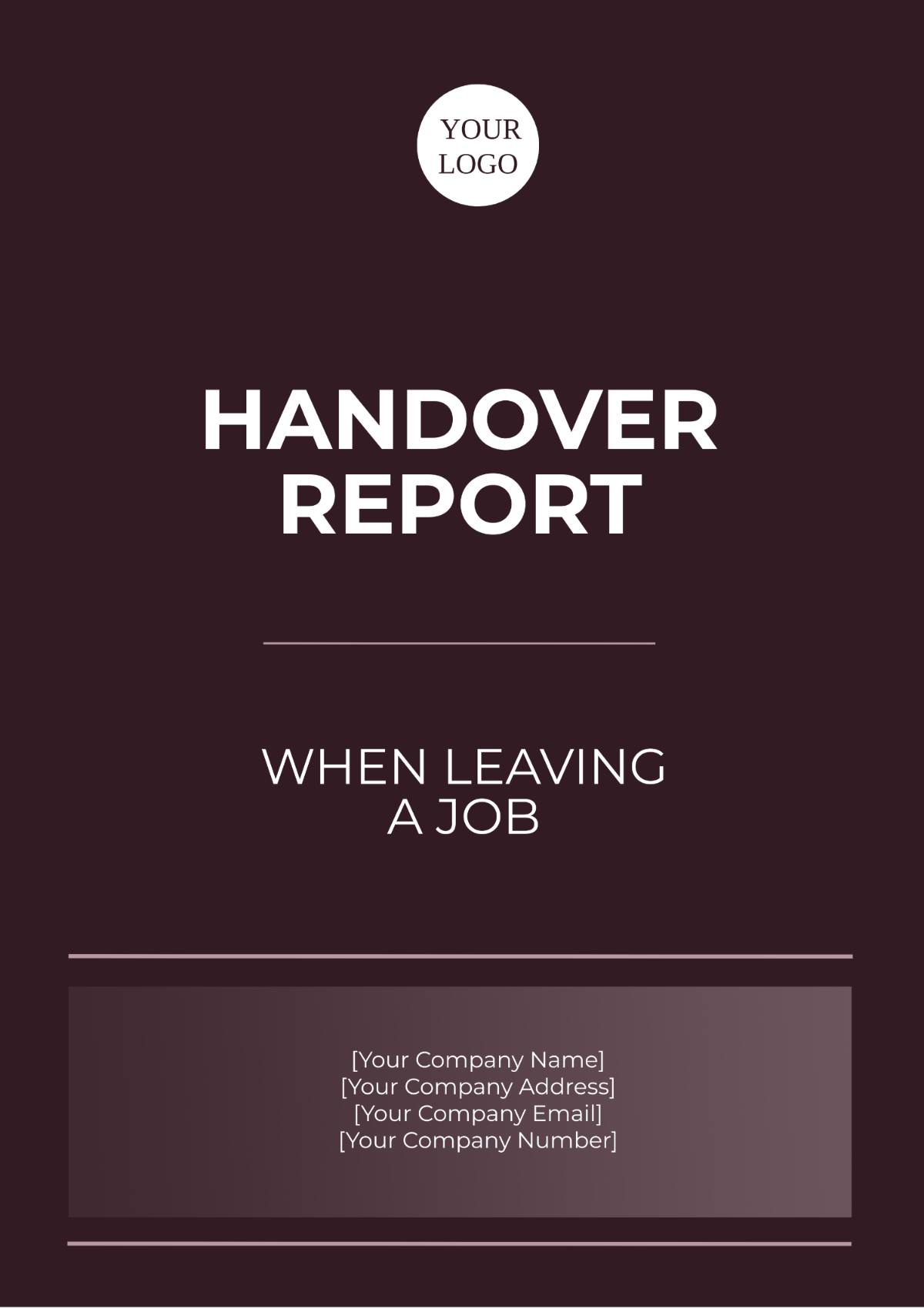

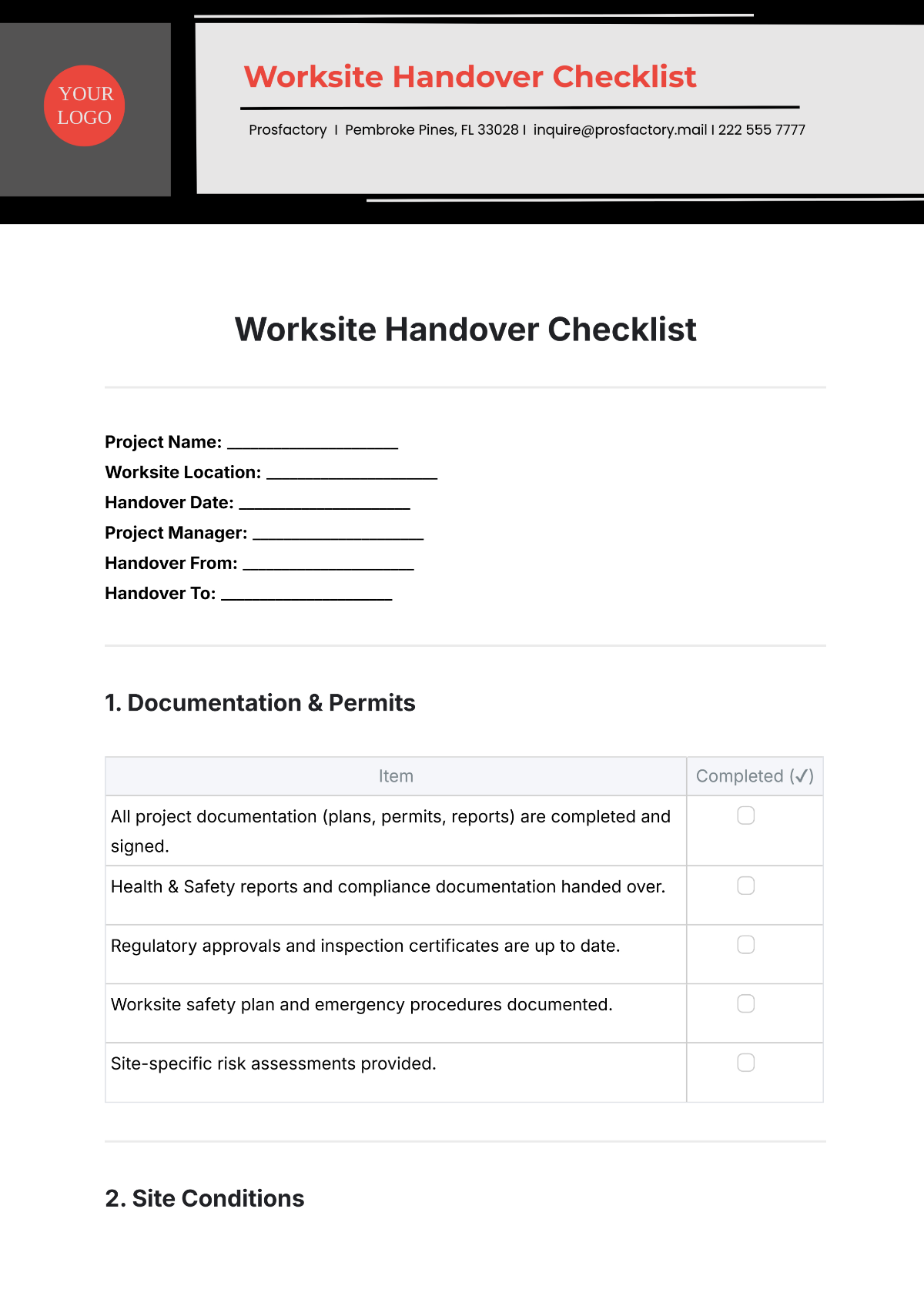
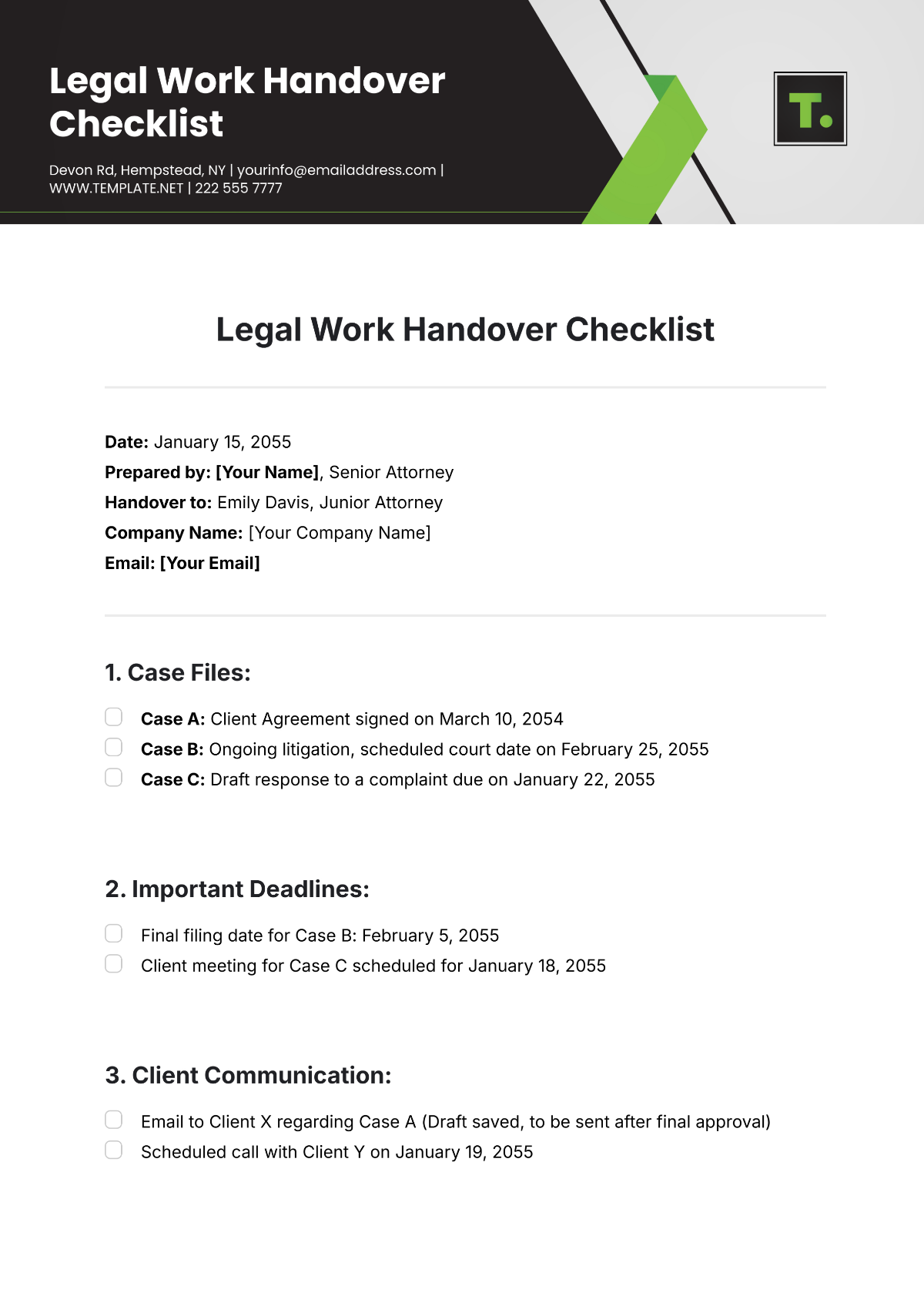
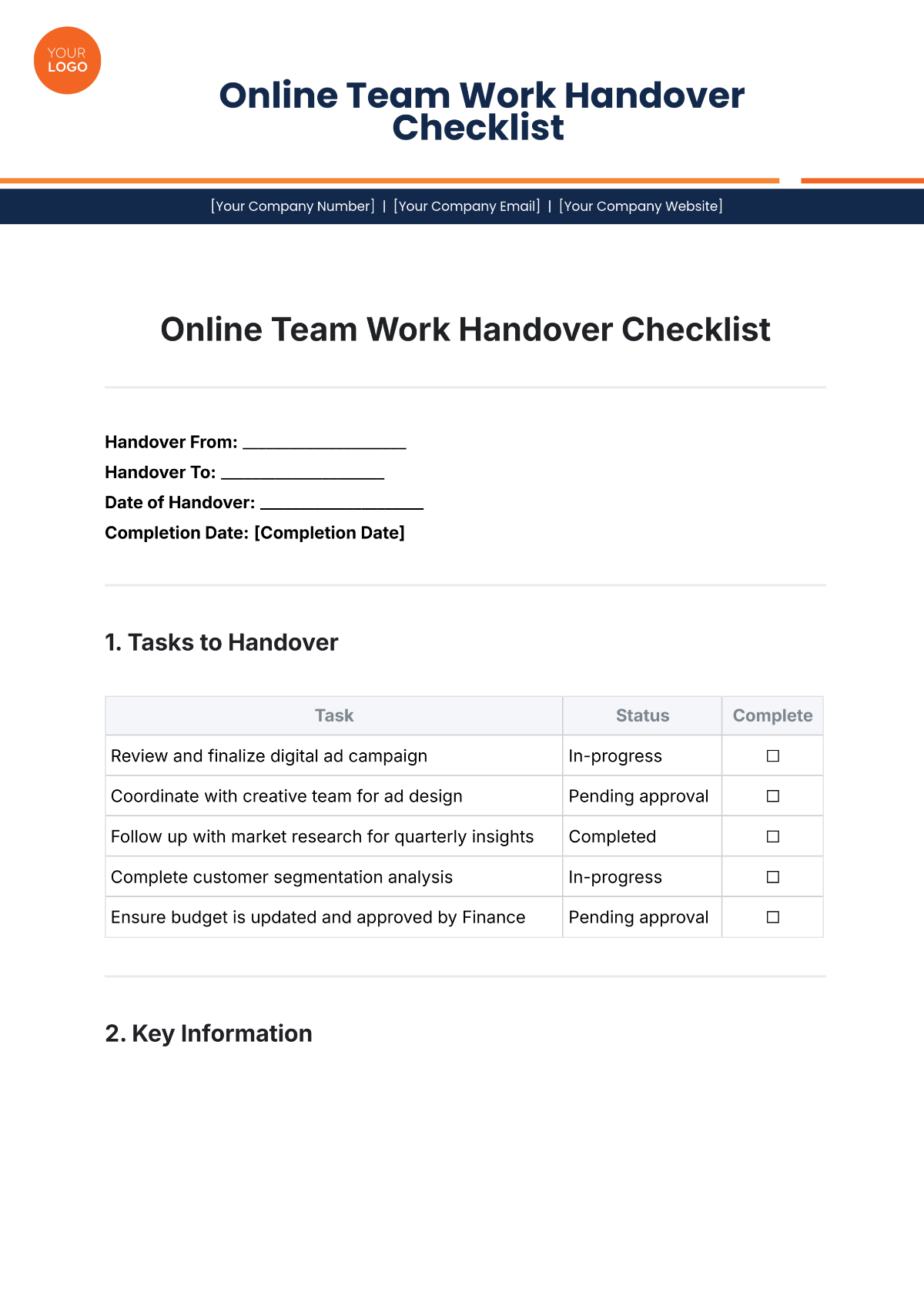
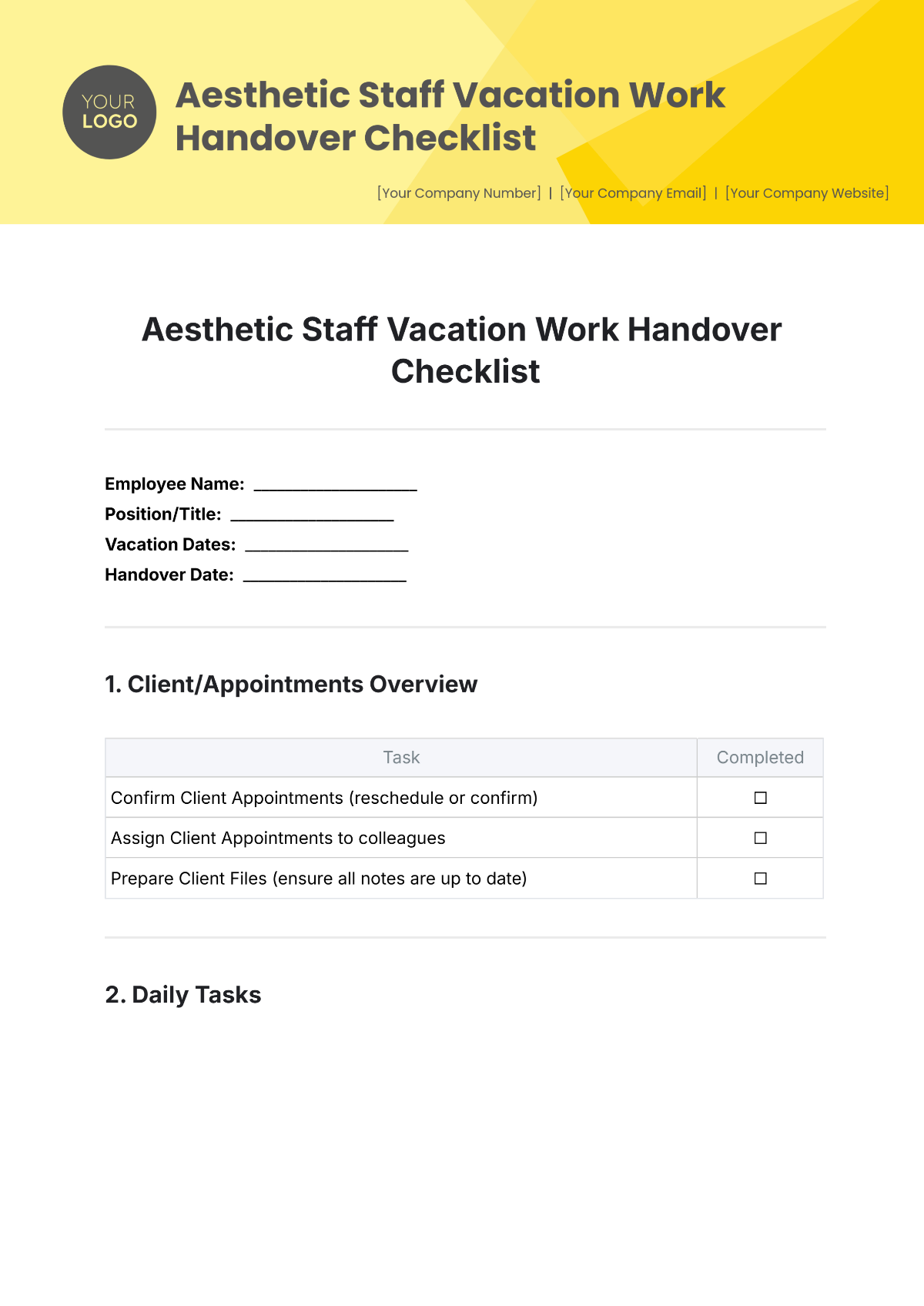
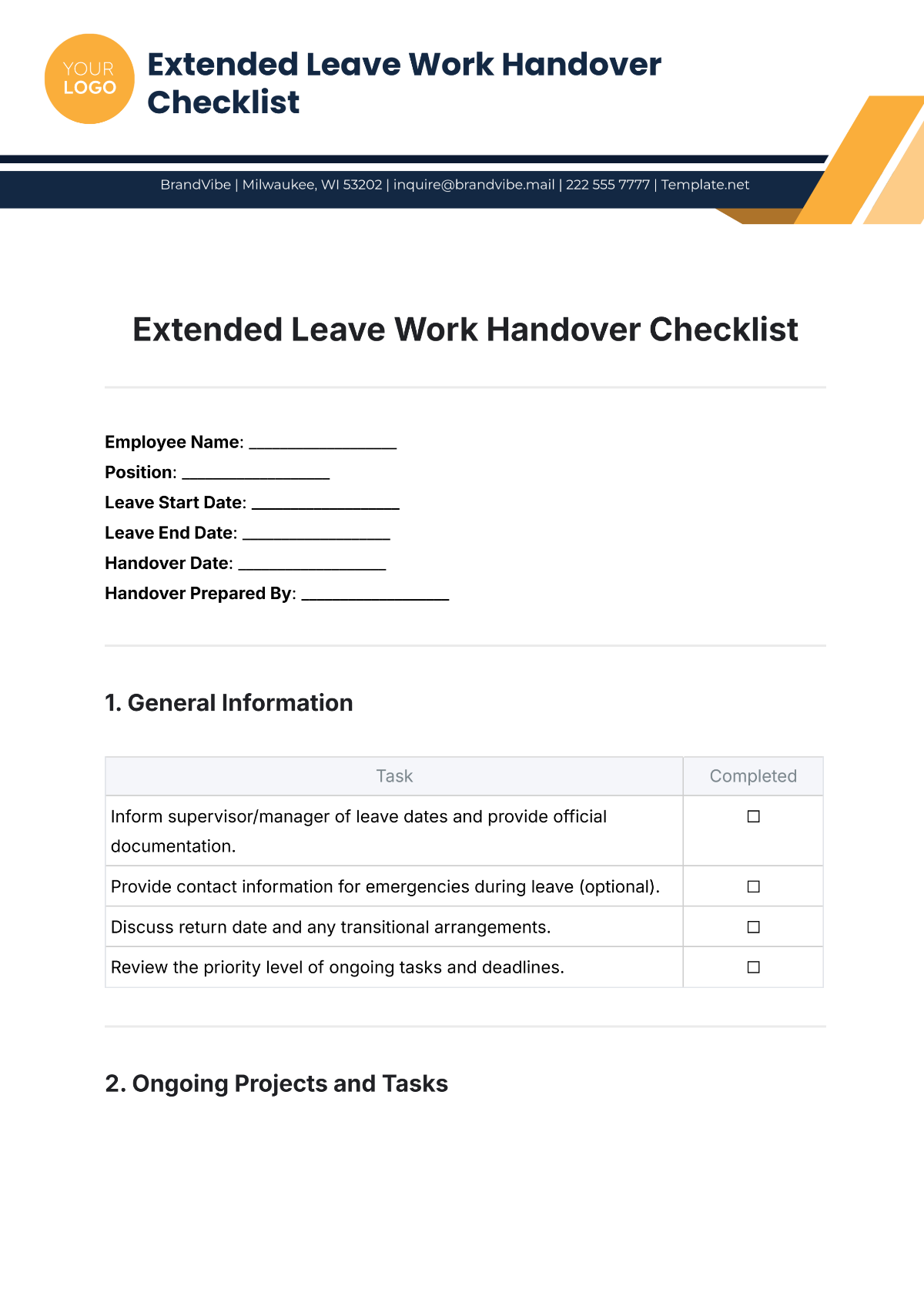
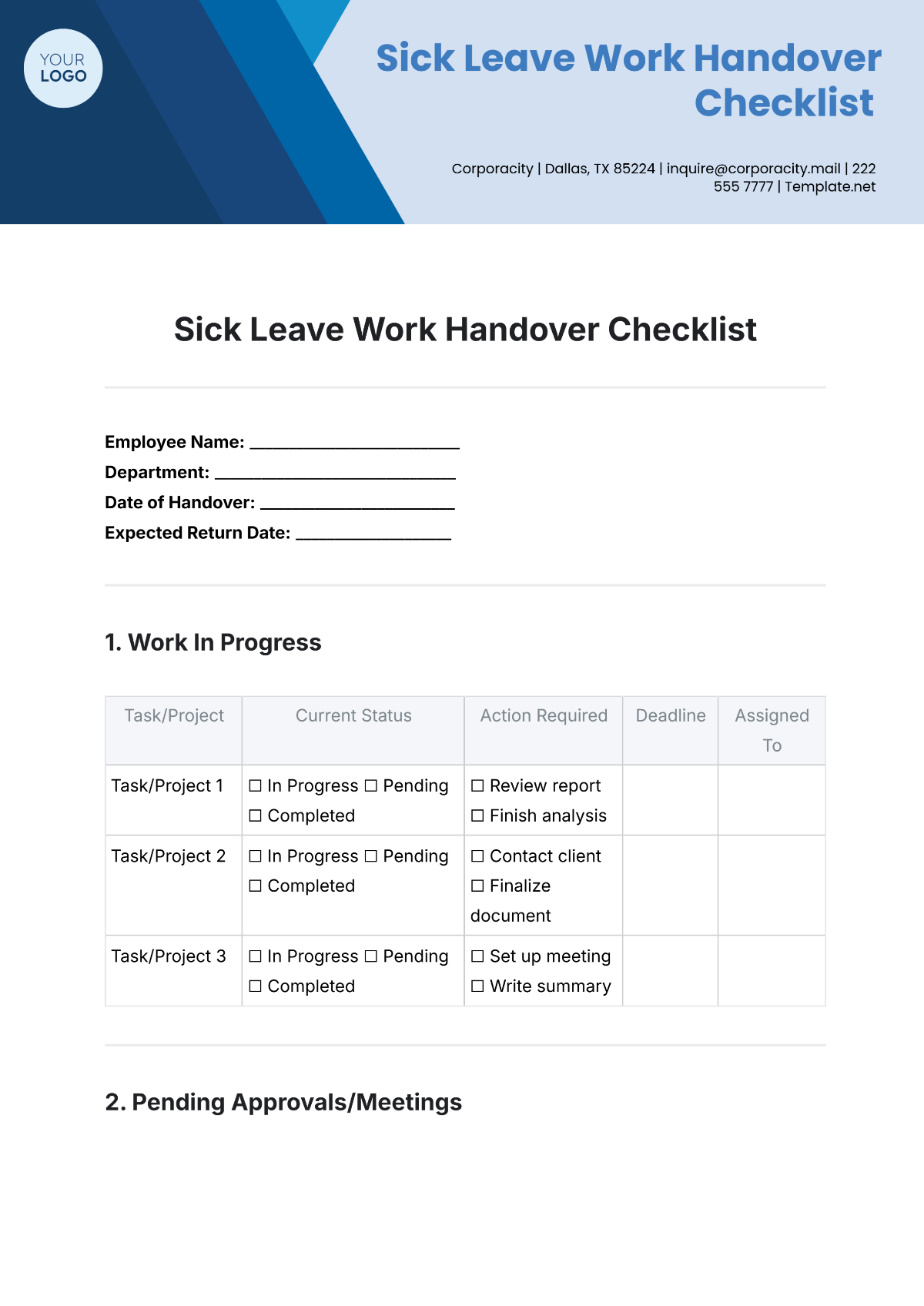
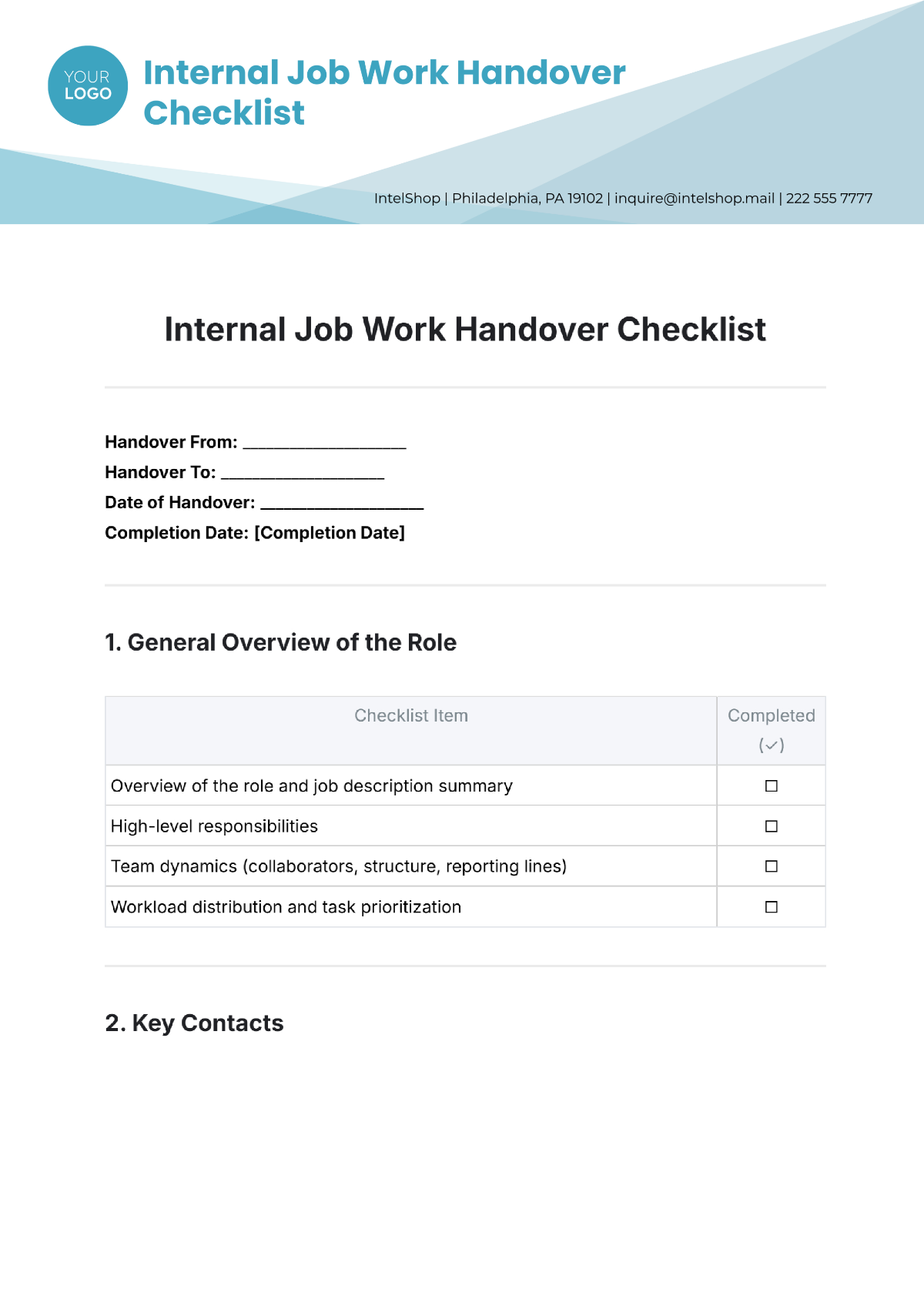
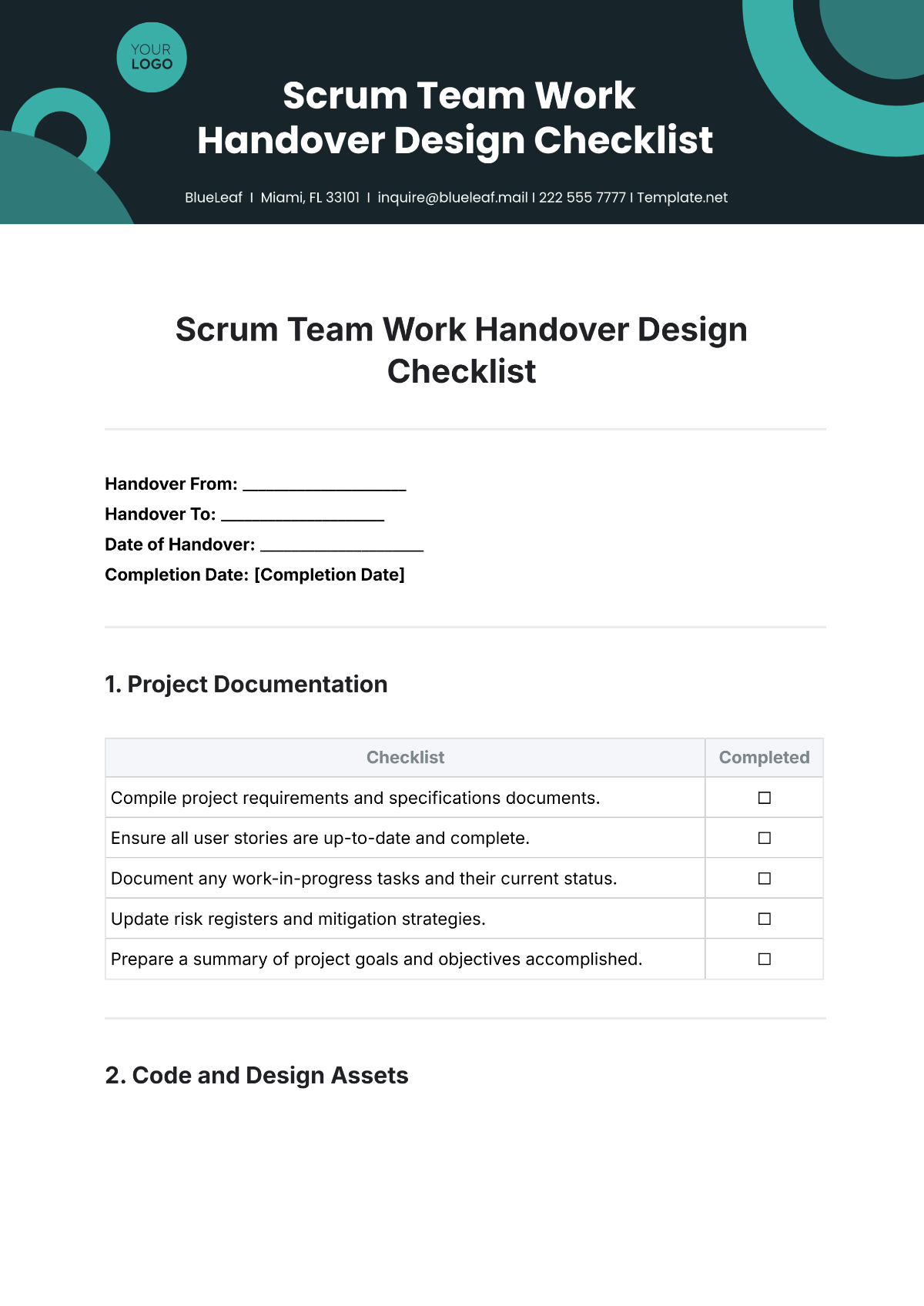
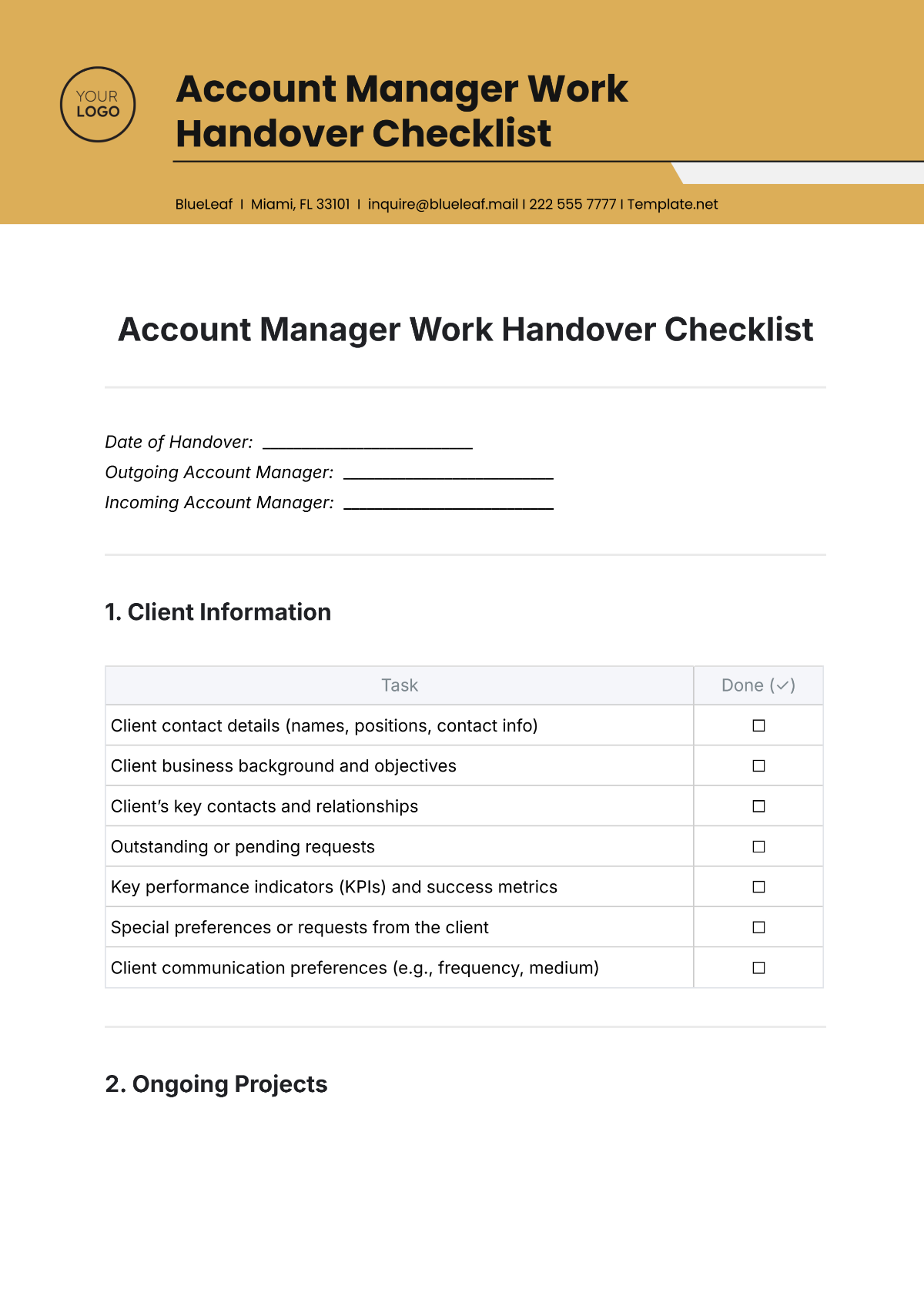
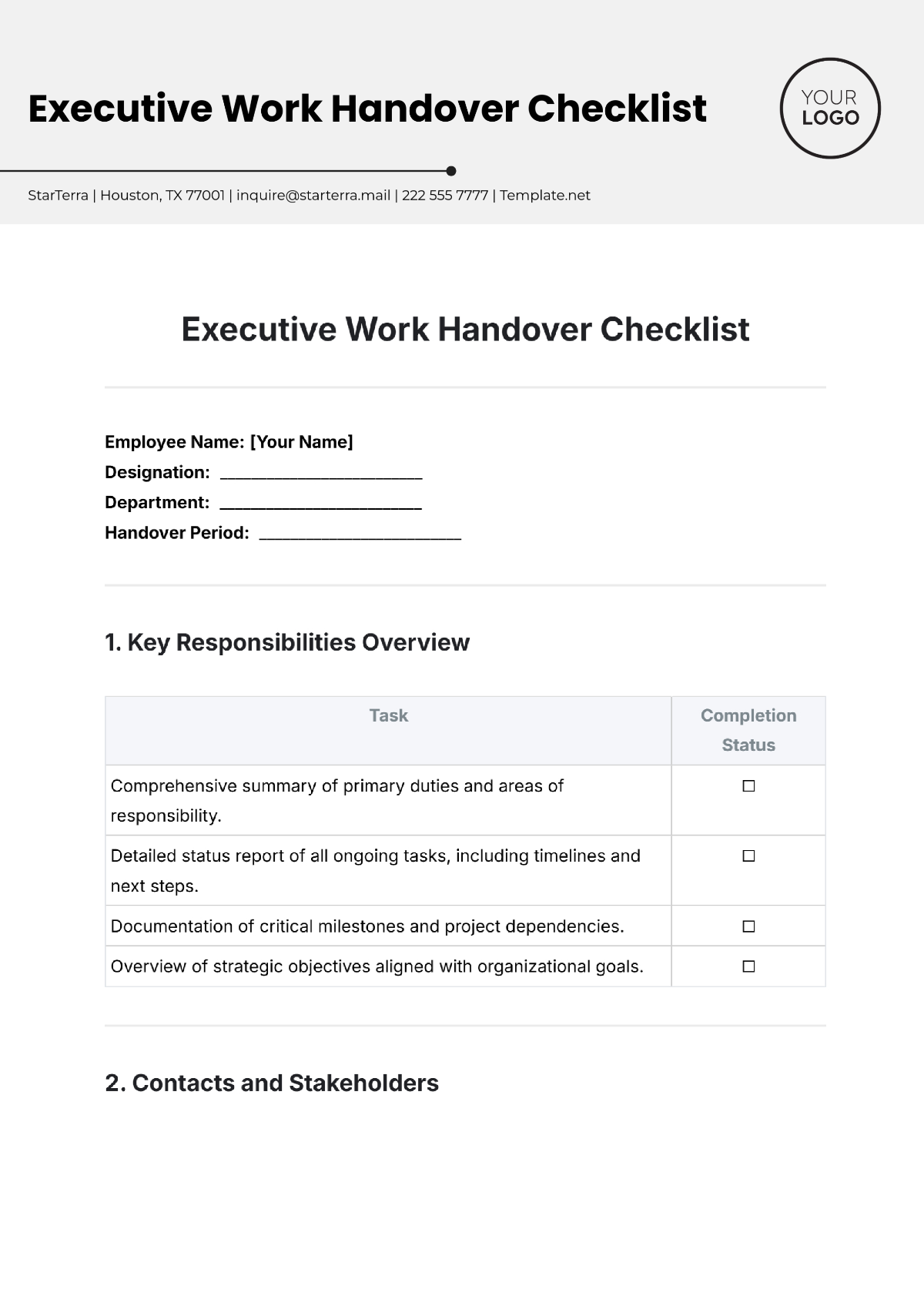
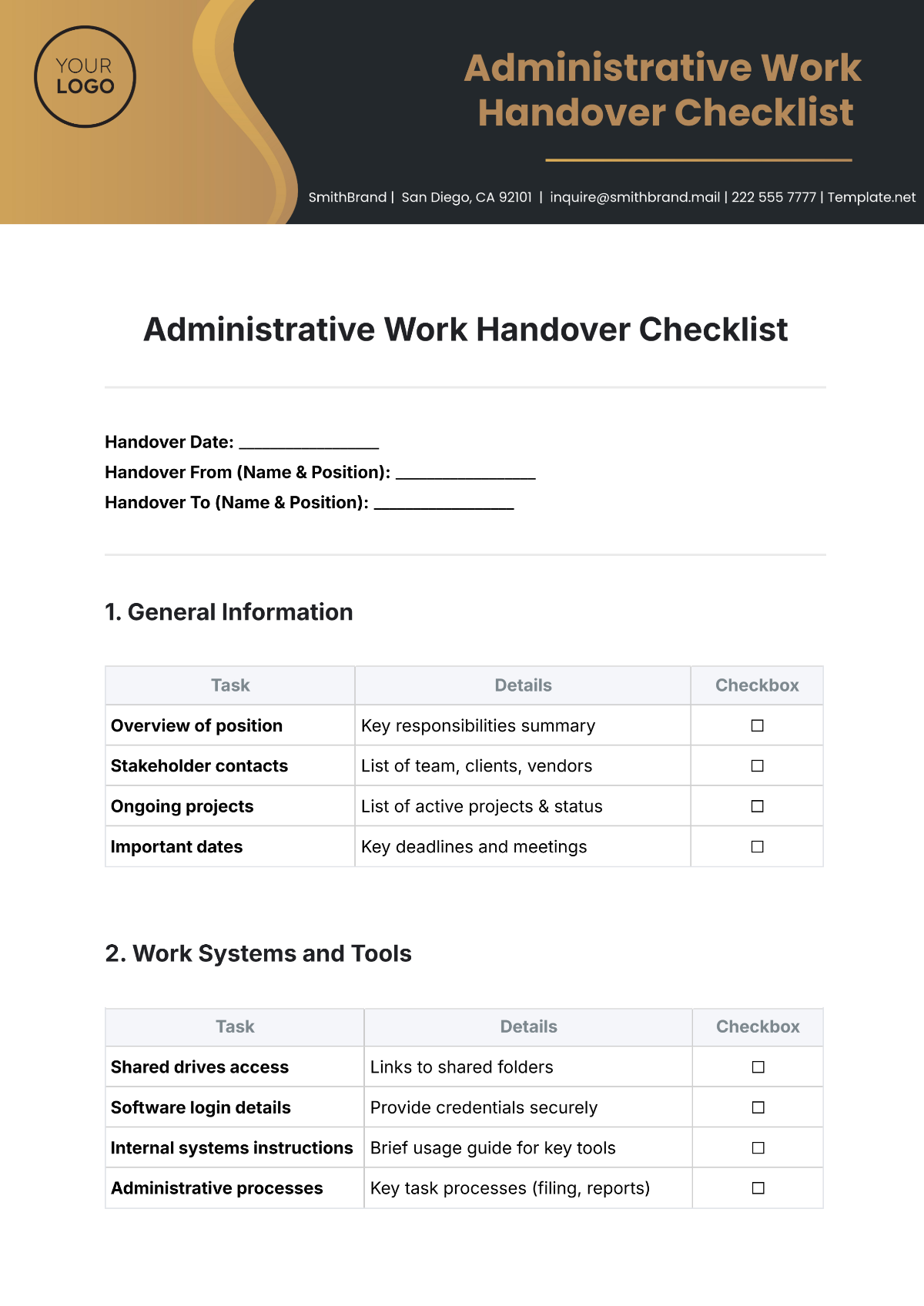
Create Handover Notes, Edit Online with AI-Powered Handover Editor
Template.net’s Free AI Handover Generator helps you draft clear, organized, and professional handover documents in seconds. Edit online with your task list, team details, project information, and tone to ensure every transition is smooth and well-documented. Whether you’re leaving a role, transferring projects, or shifting responsibilities stay efficient and professional. Download in multiple formats, share instantly, and ensure continuity.
![Free AI Handover Generator, Free Handover Document Maker [ No Signup ]](https://images.template.net/generator-images/0-ai-handover-generator.webp)
Write Custom, Professional Handovers in Seconds
From employee offboarding to cross-department transitions, our AI-powered document builder creates detailed, context-aware handovers without starting from scratch.
AI Brand Voice
Choose from formal, instructional, collaborative, or detailed tone settings. Our AI matches your company's voice whether you’re documenting a project exit or a shift transition.
AI-Smart Formatting Suggestions
Instant layout and structure suggestions for task logs, pending issues, follow-ups, and asset lists ensuring completeness and readability.
Multiple Document Types Supported
Generate handovers for employee exits, client transitions, department shifts, equipment handoffs, asset transfers, project wrap-ups, or duty delegation.
Structured Task & Project Formatting
Use clear formatting styles tailored for handover notes, including task logs, pending issues, responsibilities, and project statuses. Maintain consistency and completeness across transitions.
Smart Personalization
Auto-fill names, departments, designations, dates, and project IDs to avoid repetitive edits and save time.
Comprehensive Documentation:
Include all essential details like responsibilities, timelines, workflows, and contact points to ensure a smooth and informed handover process.
Multilingual Document Generation
Generate handovers in 20+ global languages using text or voice prompts.
Languages supported: English, Spanish, French, Hindi, Arabic, Chinese, Portuguese, Bengali, Russian, Japanese, German, Korean, Italian, Turkish, Vietnamese, Urdu, Persian, Polish, Thai, and Punjabi.
Knowledge Transfer Sessions
Conduct interactive walkthroughs or training sessions to ensure the incoming team fully understands ongoing tasks and project nuances.
Fully Customizable Text, Styles and Design
Change fonts, layout, colors, and tables to suit team standards or brand formatting. Add custom headers and company branding.
Visual Control
Ensure all visual assets like style guides are properly transferred during handover to maintain brand consistency in future deliverables.
Link to Reference Documents
Include URLs or links to related SOPs, technical manuals, or shared files that assist the incoming team member. Great for IT, HR, or process-heavy roles.
Real-Time Proofreading
Ensure your handover note is free of grammar or clarity issues. Check tone, spelling, and completeness instantly without switching tools.
Adjust Responsibilities & Notes
Edit, shorten, or expand handover content like pending tasks, project notes, or responsibilities—while preserving clarity and intent throughout transitions.
Export in Multiple Formats
Download or share your handover as DOCX, PDF, TXT, PNG, HTML. Export to Google Docs, Dropbox, OneDrive, Notion, or email directly.
Real-Time Communication
Facilitating immediate discussions during the handover process helps clarify doubts, ensure alignment, and reduce delays especially when transitioning complex projects between teams.
Secure Cloud Workspace
Safely store documents, assign editing rights, and manage access to maintain data integrity during handovers.
Prevents Disruption
Minimizes workflow interruptions by delivering clear instructions, access credentials, timelines, and essential knowledge needed for a smooth transition between outgoing and incoming personnel.
Stakeholder Communication
Keeps all involved parties informed throughout the handover process, ensuring expectations are aligned, questions are addressed, and responsibilities are clearly communicated to avoid confusion.
Add Signature Blocks
Include digital signatures or signature placeholders for team leads, HR, or department heads.
Attach Files & Media
Embed relevant files like project briefs, task sheets, videos, or training documents into the handover note.
Insert Maps and Locations
Include office locations, branch transfers, or regional details for physical handovers or asset tracking.
Add Images and Videos
Visualize hardware, workspaces, or technical systems via images or video walkthroughs ideal for IT and operations teams.
Add Charts and Graphs
Display task status, workload distribution, or handover progress visually using charts and metrics.
Add Tables and Structured Data
Add clean tables for checklists, asset registers, login details, contact lists, or pending tasks.
![Free AI Handover Generator, Free Handover Document Maker [ No Signup ]](https://images.template.net/generator-images/5-ai-handover-generator.webp "Free AI Handover Generator, Free Handover Document Maker [ No Signup ]")
How to Write a Free AI-Generated Handover
Just enter a prompt, tweak the draft, and export a ready handover in minutes no formatting hassles or manual structuring.
Step 1: Start with a Prompt
Type or speak your handover’s purpose such as: “Create Project Handover for client delivery,” or “Generate Employee Handover for HR transition.” The AI understands your workflow and generates accordingly.
Step 2: Generate and Edit
Within seconds, get a well-structured handover document. Edit sections, refine the tone, or regenerate to explore alternate formats or structures.
Step 3: Finalize and Share
Add final recipient details, team responsibilities, or shift coverage notes as needed. Export your handover in DOCX, PDF, or TXT format. Share internally via Email, Microsoft Teams, Slack, Google Drive, or OneDrive, or generate a secure link or QR code for smooth knowledge transfer.
Work Smarter and Promote Your Brand
![Free AI Handover Generator, Free Handover Document Maker [ No Signup ]](https://images.template.net/generator-images/1-ai-handover-generator.webp "Free AI Handover Generator, Free Handover Document Maker [ No Signup ]")
Generate Handovers That Represent You
From branding to structure, make sure every handover reflects your organization's clarity and commitment to continuity.
![Free AI Handover Generator, Free Handover Document Maker [ No Signup ]](https://images.template.net/generator-images/2-ai-handover-generator.webp "Free AI Handover Generator, Free Handover Document Maker [ No Signup ]")
Reuse, Repeat, and Scale Easily
Save reusable handover templates for different teams, clients, or roles. Update key info without starting over every time.
![Free AI Handover Generator, Free Handover Document Maker [ No Signup ]](https://images.template.net/generator-images/3-ai-handover-generator.webp "Free AI Handover Generator, Free Handover Document Maker [ No Signup ]")
Share Instantly, Collaborate Smoothly
Download or distribute handover notes in DOCX, PDF, or TXT format. Share securely online, collaborate live with team members, and gather feedback in real-time ensuring a smooth transition without missed steps or scattered documents.
![Free AI Handover Generator, Free Handover Document Maker [ No Signup ]](https://images.template.net/generator-images/4-ai-handover-generator.webp "Free AI Handover Generator, Free Handover Document Maker [ No Signup ]")
Smart Workspaces for Teams
Create secure project folders for multiple handovers. Assign editor roles, lock templates, and manage transitions company-wide.
