Free AI Tattoo Generator



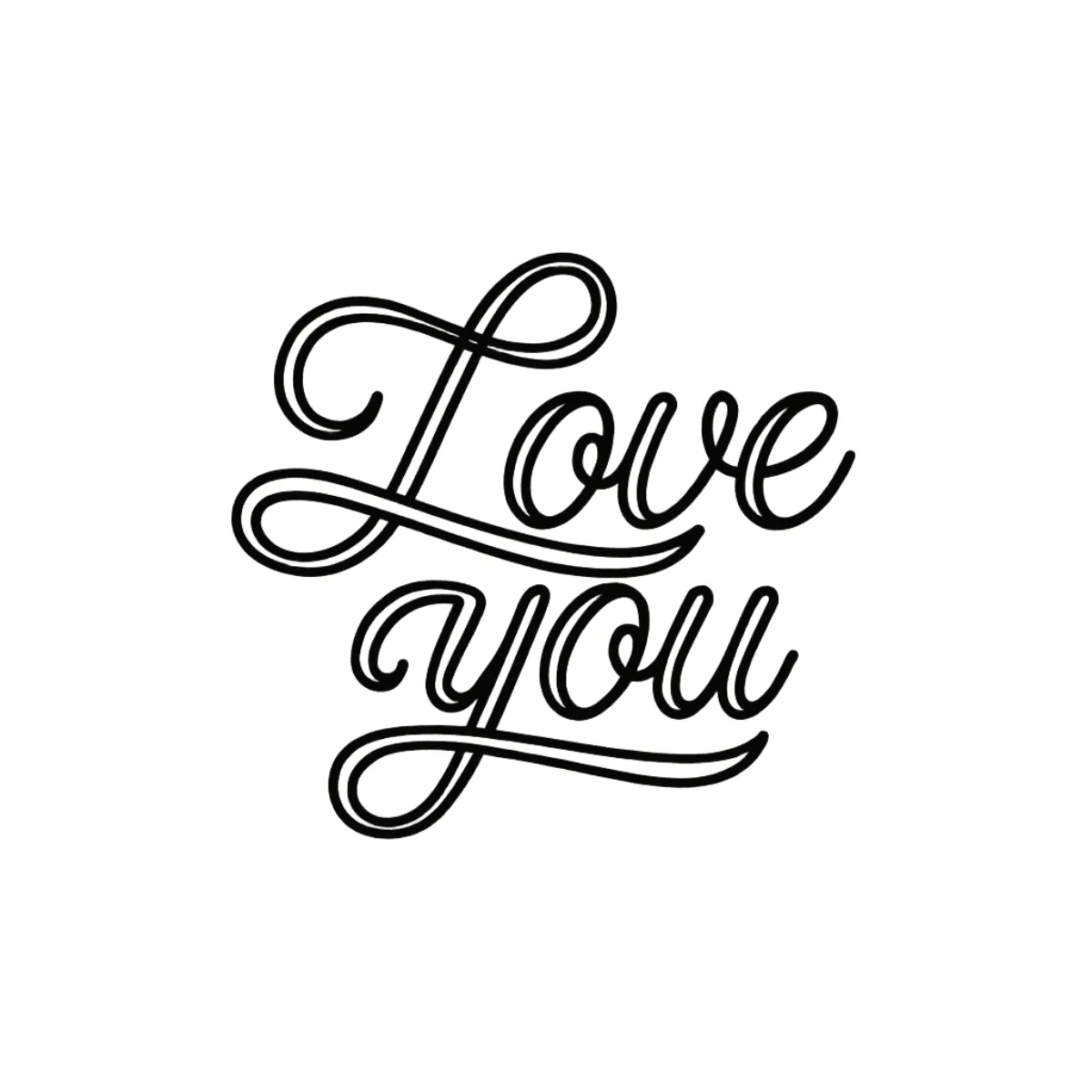


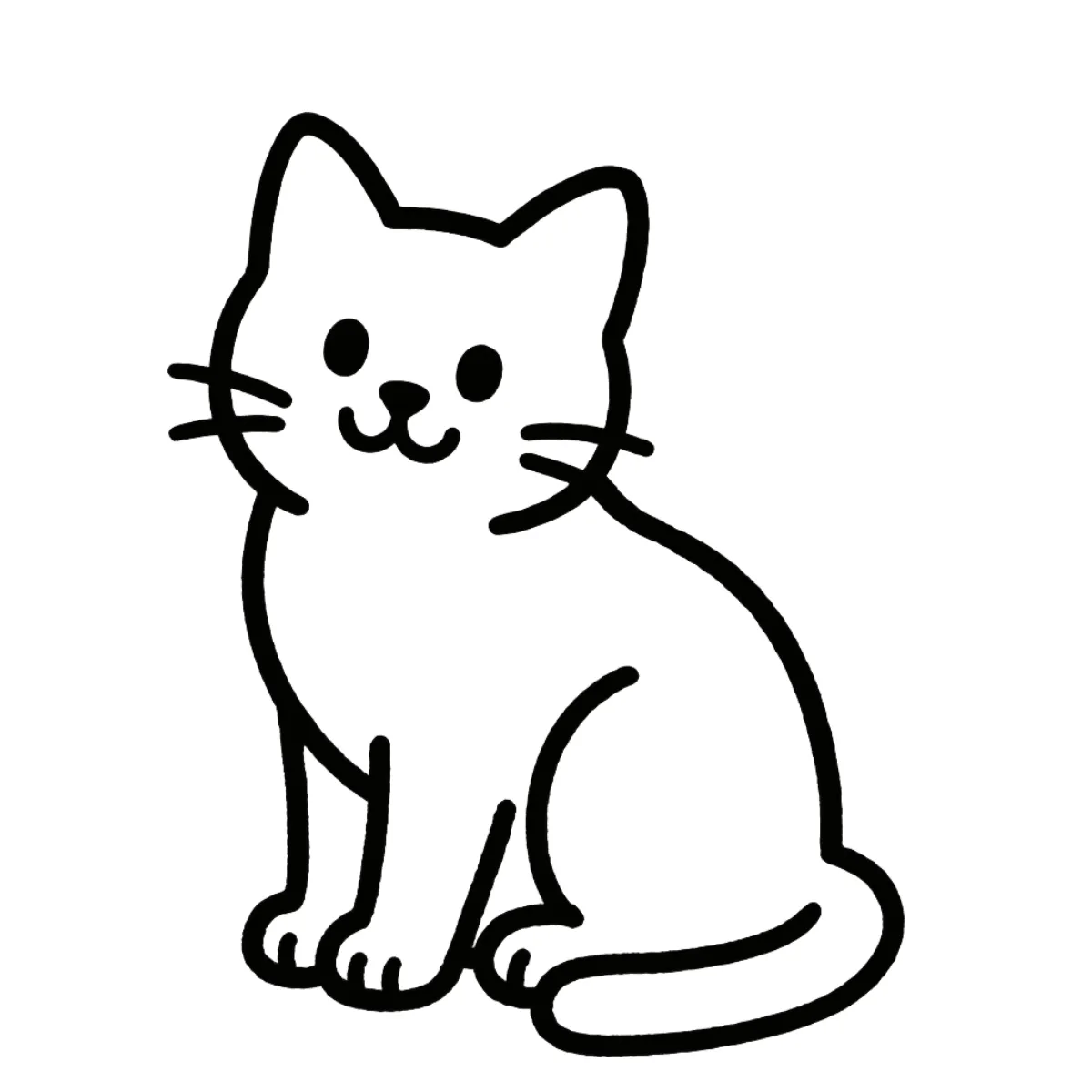


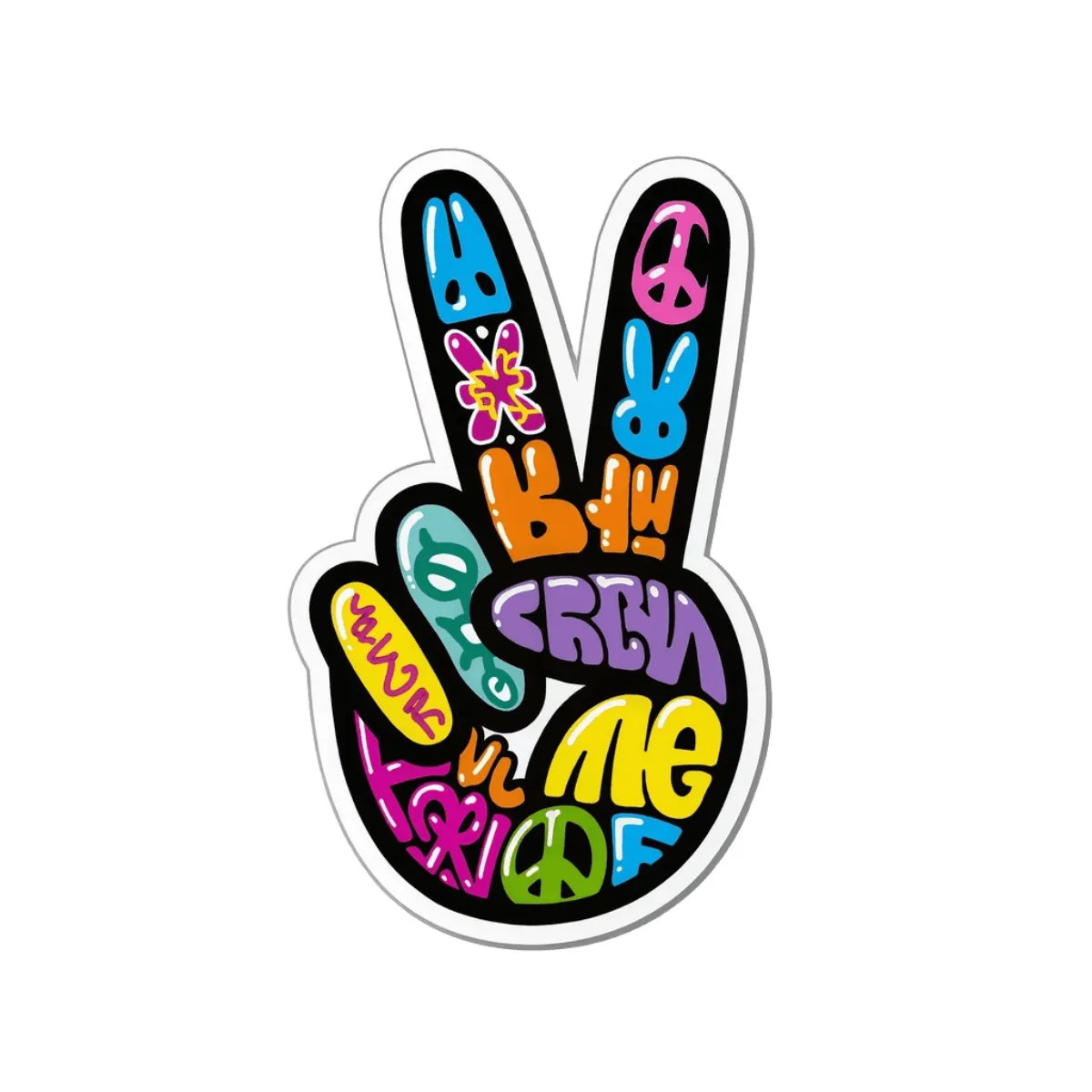




Create Tattoo Designs Online with an AI-Powered Generator
Template.net’s Free AI Tattoo Generator helps turn tattoo ideas into personalized visual concepts in seconds. Describe your subject, preferred style, mood, or details in a prompt, upload a reference image, or start from a ready-made template. Generate tattoo concepts in styles such as minimalist, fine line, blackwork, realism, Japanese, watercolor, traditional, neo-traditional, tribal, and more. Refine your prompts, explore different variations, and create tattoo designs that are ready to save, download, share, or discuss with a professional tattoo artist.
![AI Tattoo Generator | Create Custom Tattoo Designs Online [ No Signup ]](https://images.template.net/generator-images/0-ai-tattoo-generator-2.webp)
Create and Design Custom Tattoo Images Effortlessly with AI
Everything you need to transform tattoo ideas into detailed, personalized, and visually appealing tattoo designs with creative flexibility and control.
AI-Powered Tattoo Designs
Turn a simple description into a custom tattoo design with AI-generated details, composition, style, and visual elements tailored to your idea.
Describe Your Tattoo Vision
Enter details such as a subject, symbol, quote, emotion, placement idea, or artistic direction and generate a tattoo concept based on your description.
Upload a Reference Image
Upload a sketch, inspiration image, existing artwork, or visual reference to guide the design toward a preferred look and creative direction.
Start with Ready-to-Use Templates
Select a suitable tattoo template as a starting point and customize the concept with your own prompt, style, and visual preferences.
Explore Signature Tattoo Styles
Experiment with minimalist, fine line, blackwork, realism, Japanese, watercolor, traditional, neo-traditional, tribal, dotwork, surrealism, and other artistic directions.
Create Personalized Tattoo Lettering
Generate designs featuring names, dates, quotes, phrases, mantras, or meaningful words with lettering styles that complement the overall tattoo concept.
Refine Every Creative Detail
Update your prompt to adjust subjects, composition, visual elements, style, mood, or other details until the generated design better matches your concept.
Generate Multiple Tattoo Variations
Explore several versions of the same tattoo idea to compare different compositions, styles, details, and artistic interpretations.
Turn Personal Ideas into Visual Concepts
Transform memories, emotions, symbols, hobbies, relationships, or meaningful themes into tattoo concepts without needing to sketch them manually.
Experiment with Reference-Based Designs
Combine your description with an uploaded reference to guide the visual direction and explore new interpretations of an existing concept.
Multilingual Support
Generate tattoo design content using 20+ multiple languages including English, Spanish, Hindi, Arabic, Chinese, Japanese, and more to create personalized tattoo concepts for global users.
Customize the Artistic Direction
Guide the output with preferences for line quality, shading, composition, color, mood, detail level, or overall visual character.
Build Concepts for Tattoo Artists
Create visual references that can help communicate your tattoo idea, preferred style, and important design details during discussions with a tattoo artist.
Explore Tattoo Placement Concepts
Create designs suited to different body-area ideas such as arms, forearms, hands, shoulders, chest, back, legs, or other placements.
Explore Color and Monochrome Directions
Experiment with black-and-grey concepts, bold colors, muted tones, watercolor-inspired effects, or other visual treatments through your prompts and templates.
Remix and Improve Your Favorite Concept
Take an existing direction and create new variations by changing individual elements, introducing a different style, or developing an entirely new artistic interpretation.
Save Your Favorite Tattoo Designs
Keep selected tattoo concepts for later reference, further refinement, discussion, or comparison before deciding on a final direction.
Download or Share Instantly
Download high-quality tattoo design outputs or share instantly via Email, LinkedIn, WhatsApp, Facebook, X (Twitter), Pinterest, or generate a live link or QR code.
![AI Tattoo Generator | Create Custom Tattoo Designs Online [ No Signup ]](https://images.template.net/generator-images/5-ai-tattoo-generator-1.webp "AI Tattoo Generator | Create Custom Tattoo Designs Online [ No Signup ]")
How to Create Tattoo Designs Using AI
Generate, personalize, refine, and save tattoo concepts with a simple prompt, upload, and template-based workflow.
Step 1: Enter a Prompt, Upload a Reference, or Select a Template
Open the AI Tattoo Generator and describe your idea, such as “Create a fine-line moon and flowers tattoo with delicate botanical details,” or “Design a blackwork dragon with bold geometric elements.” You can also upload a reference image to guide the visual direction or select a ready-to-use template as your starting point.
Step 2: Generate and Customize Your Tattoo
The AI creates a tattoo design based on your selected input. Explore different styles, variations, layouts, and details, then refine the prompt to change the composition, subject, lettering, colors, or artistic direction.
Step 3: Save, Share, or Export
Preview the generated tattoo design and select the version you prefer. Save it for later, download the high-quality output, or share instantly via Email, LinkedIn, WhatsApp, Facebook, X (Twitter), Pinterest, or generate a live link or QR code.
Bring Your Tattoo Ideas to Life and Explore Your Next Design
![AI Tattoo Generator | Create Custom Tattoo Designs Online [ No Signup ]](https://images.template.net/generator-images/1-ai-tattoo-generator-2.webp "AI Tattoo Generator | Create Custom Tattoo Designs Online [ No Signup ]")
Turn Meaningful Ideas into Custom Tattoo Concepts
Transform personal memories, symbols, names, dates, emotions, hobbies, or inspirational ideas into custom tattoo designs using simple prompts, references, or templates.
![AI Tattoo Generator | Create Custom Tattoo Designs Online [ No Signup ]](https://images.template.net/generator-images/2-ai-tattoo-generator-1.webp "AI Tattoo Generator | Create Custom Tattoo Designs Online [ No Signup ]")
Discover a Tattoo Style That Matches Your Vision
Explore different aesthetics such as fine line, minimalist, blackwork, realism, Japanese, traditional, neo-traditional, watercolor, tribal, dotwork, and surrealism to find a creative direction that suits your concept.
![AI Tattoo Generator | Create Custom Tattoo Designs Online [ No Signup ]](https://images.template.net/generator-images/3-ai-tattoo-generator-1.webp "AI Tattoo Generator | Create Custom Tattoo Designs Online [ No Signup ]")
Refine Designs Through Multiple Creative Directions
Generate variations, update prompts, experiment with different layouts, and remix selected concepts to develop a tattoo design with the details and visual character you want.
![AI Tattoo Generator | Create Custom Tattoo Designs Online [ No Signup ]](https://images.template.net/generator-images/4-ai-tattoo-generator-1.webp "AI Tattoo Generator | Create Custom Tattoo Designs Online [ No Signup ]")
Visualize Ideas Before Working with a Tattoo Artist
Create a clear visual reference that can help communicate your preferred subject, style, composition, and details when discussing your concept with a professional tattoo artist.
