
Free AI Image Enhancer




























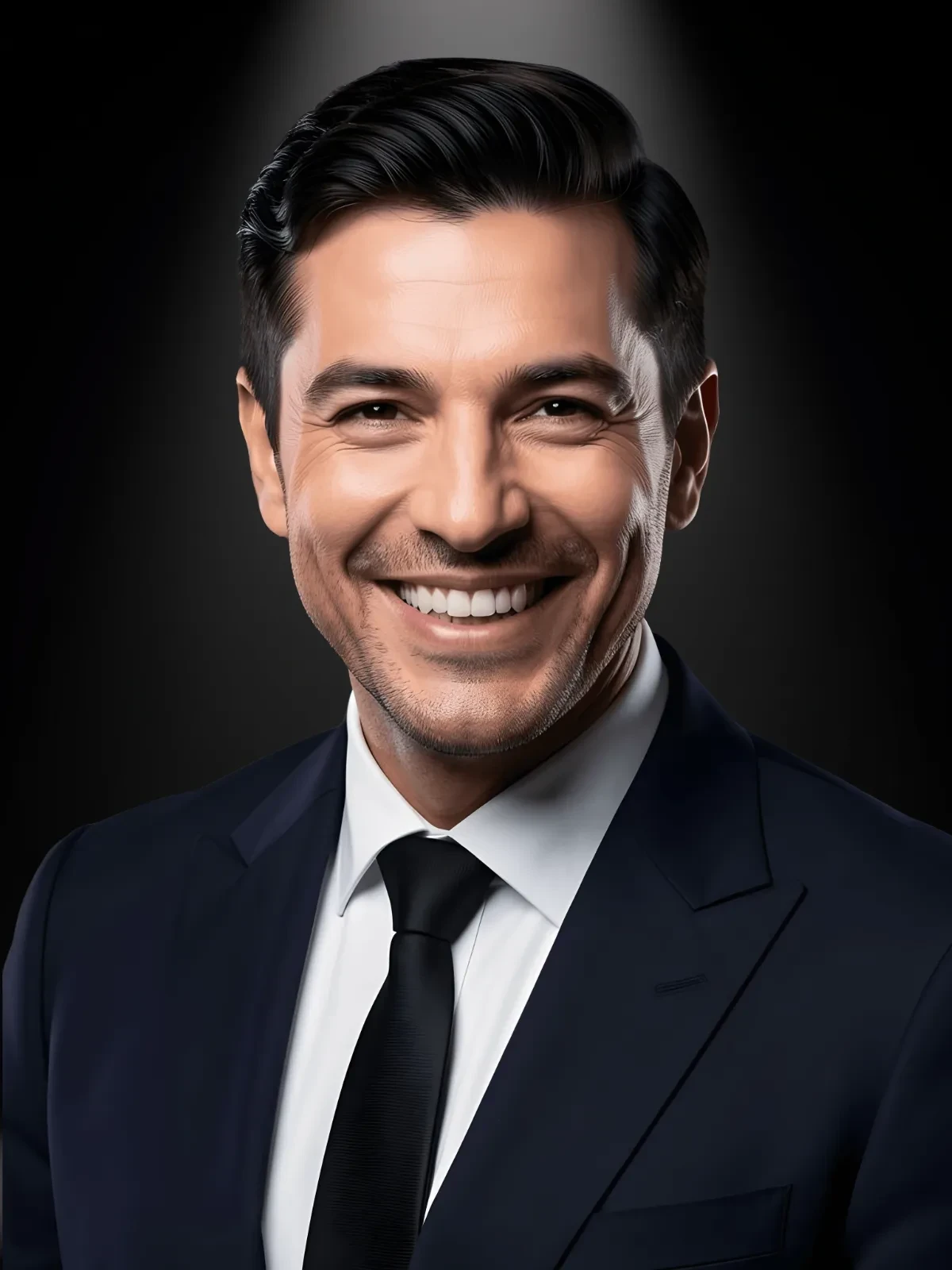




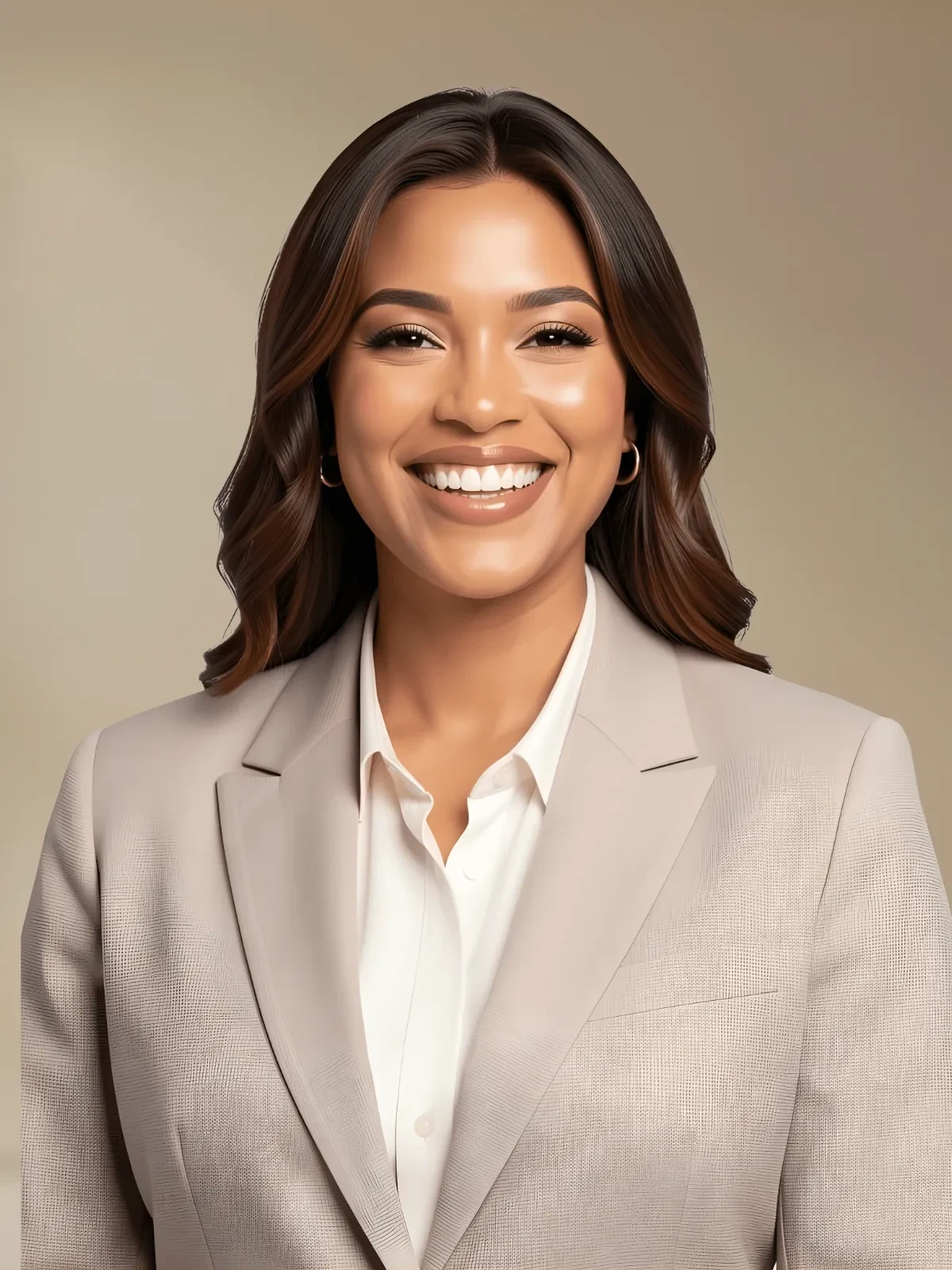
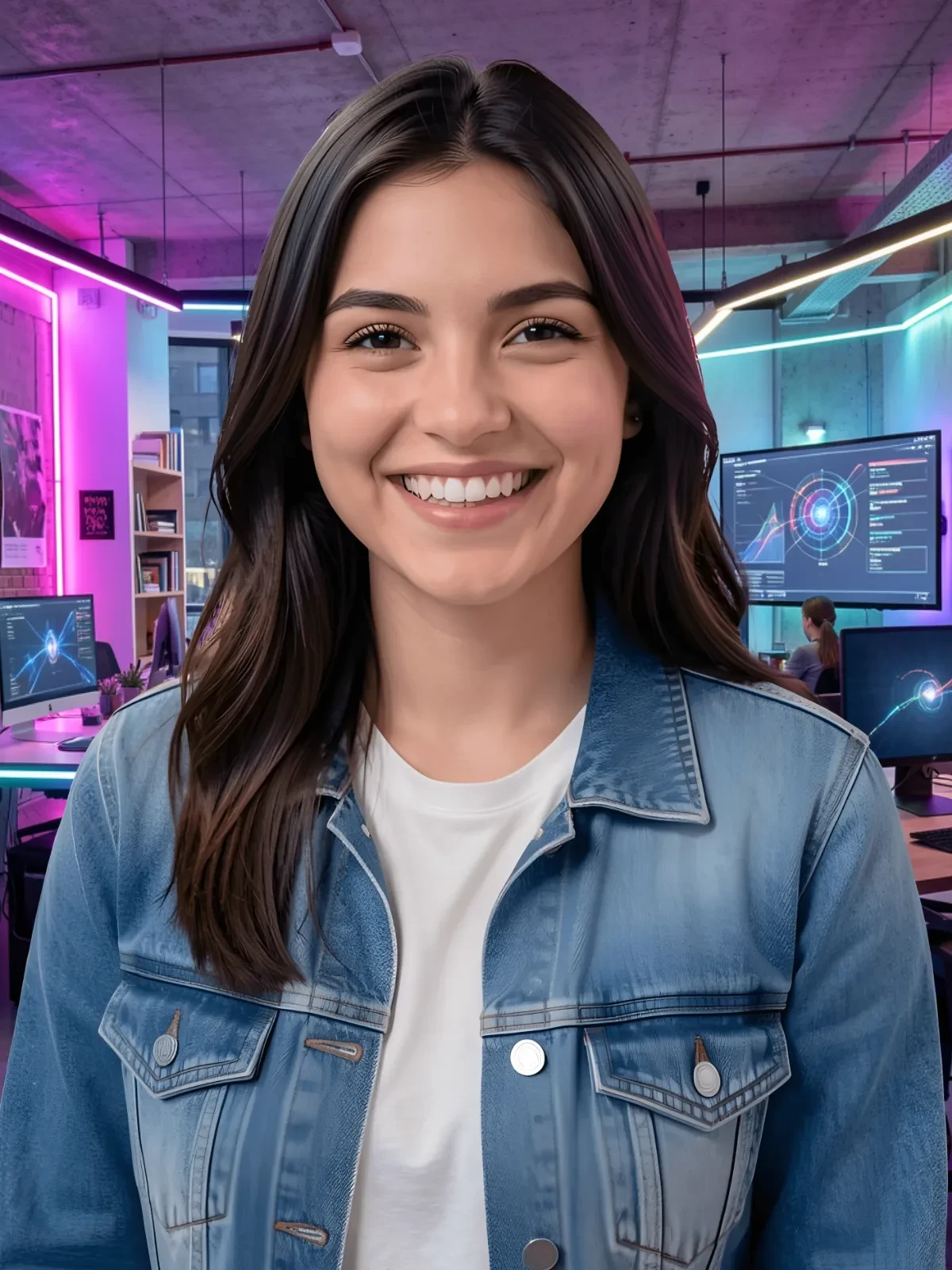







Enhance Images, Customize Online with Design Editor
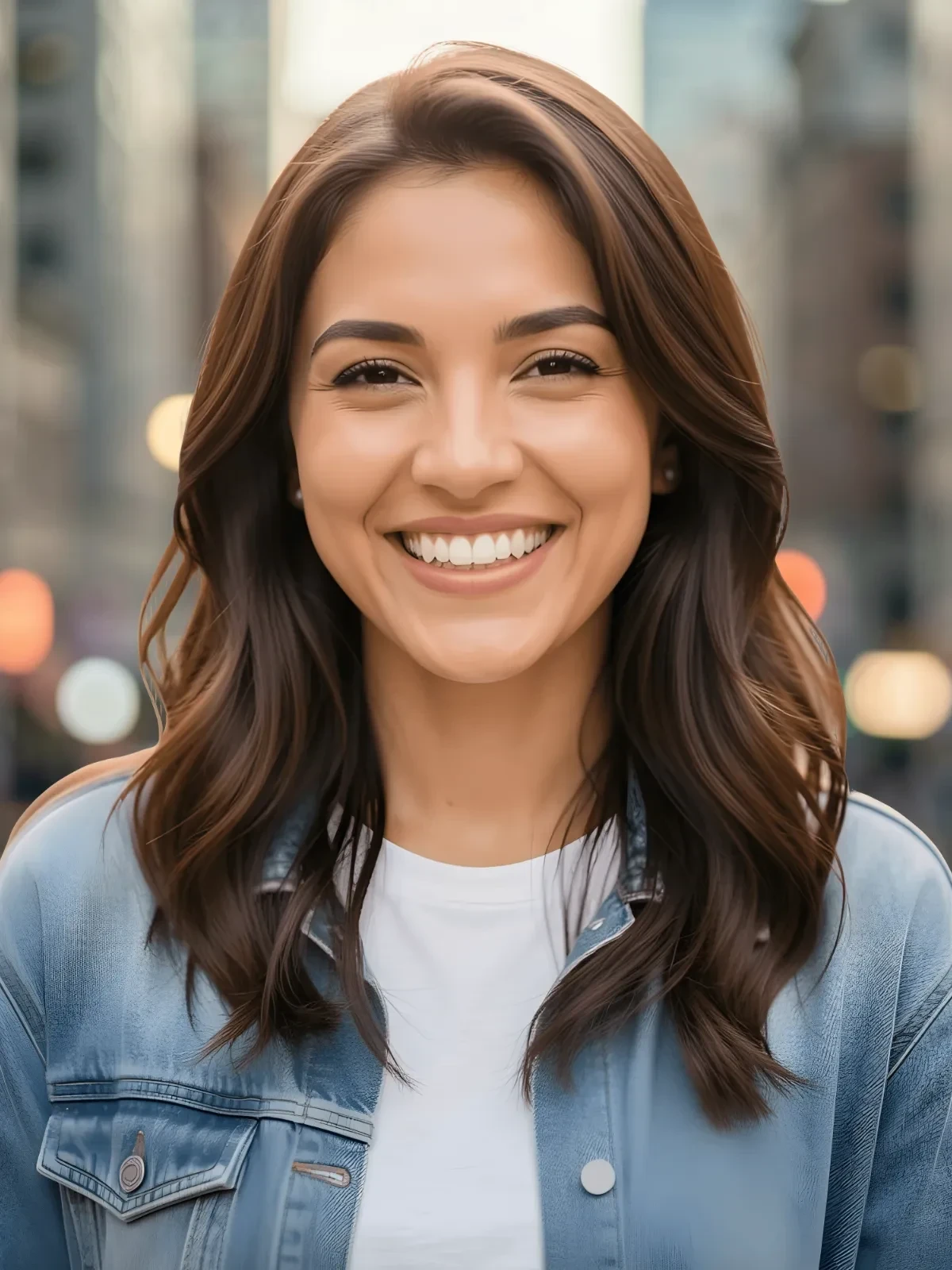
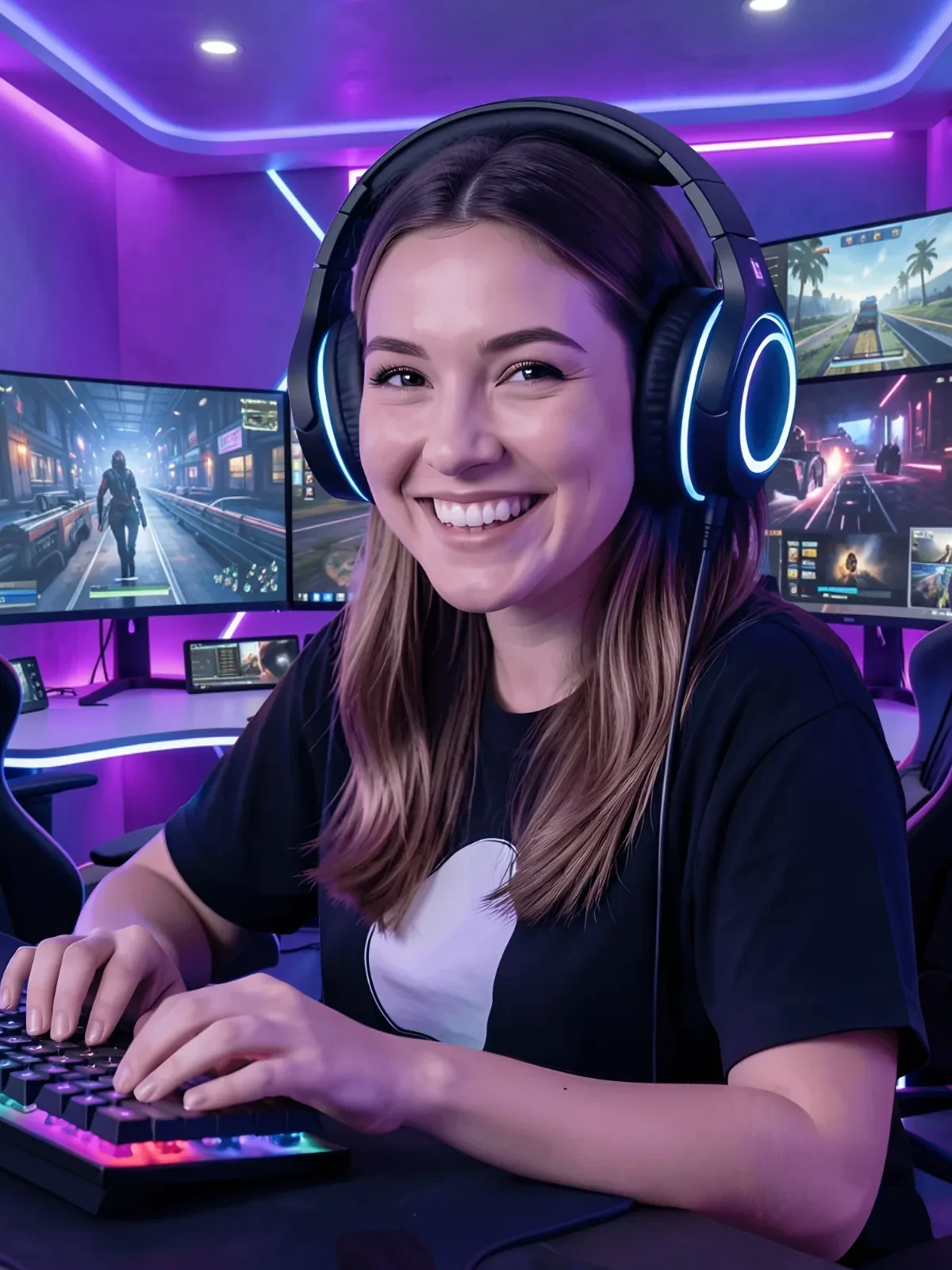
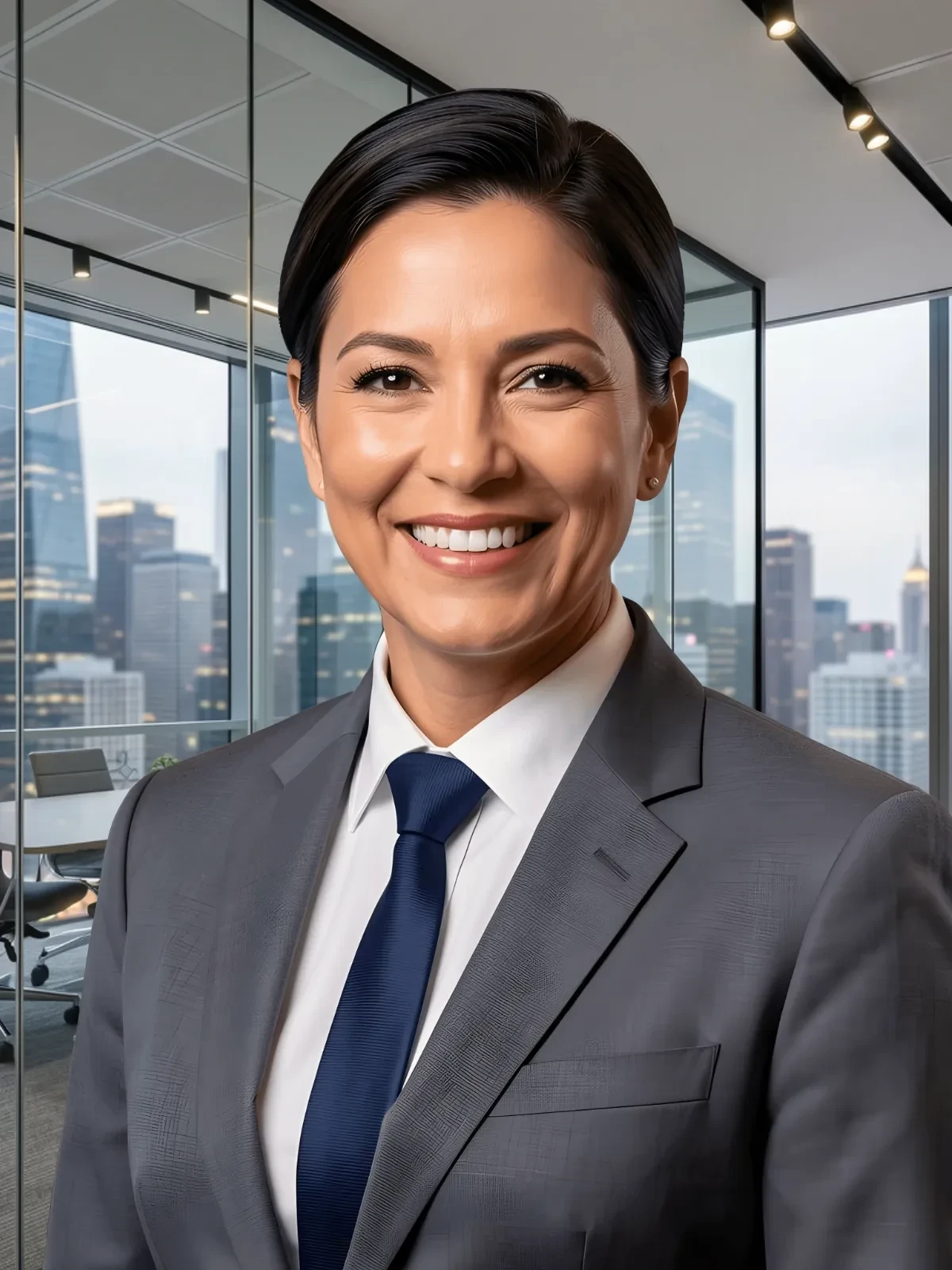
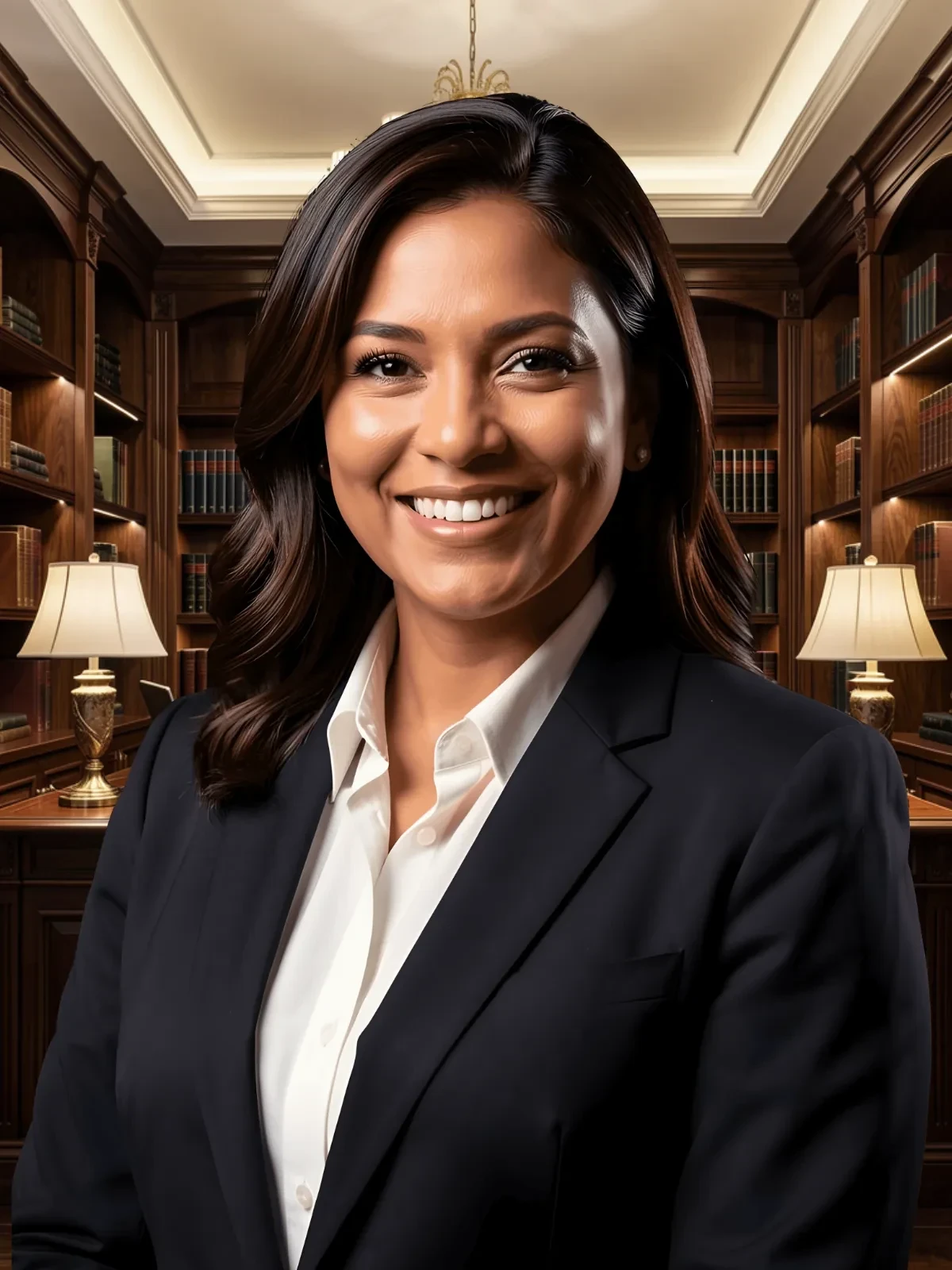
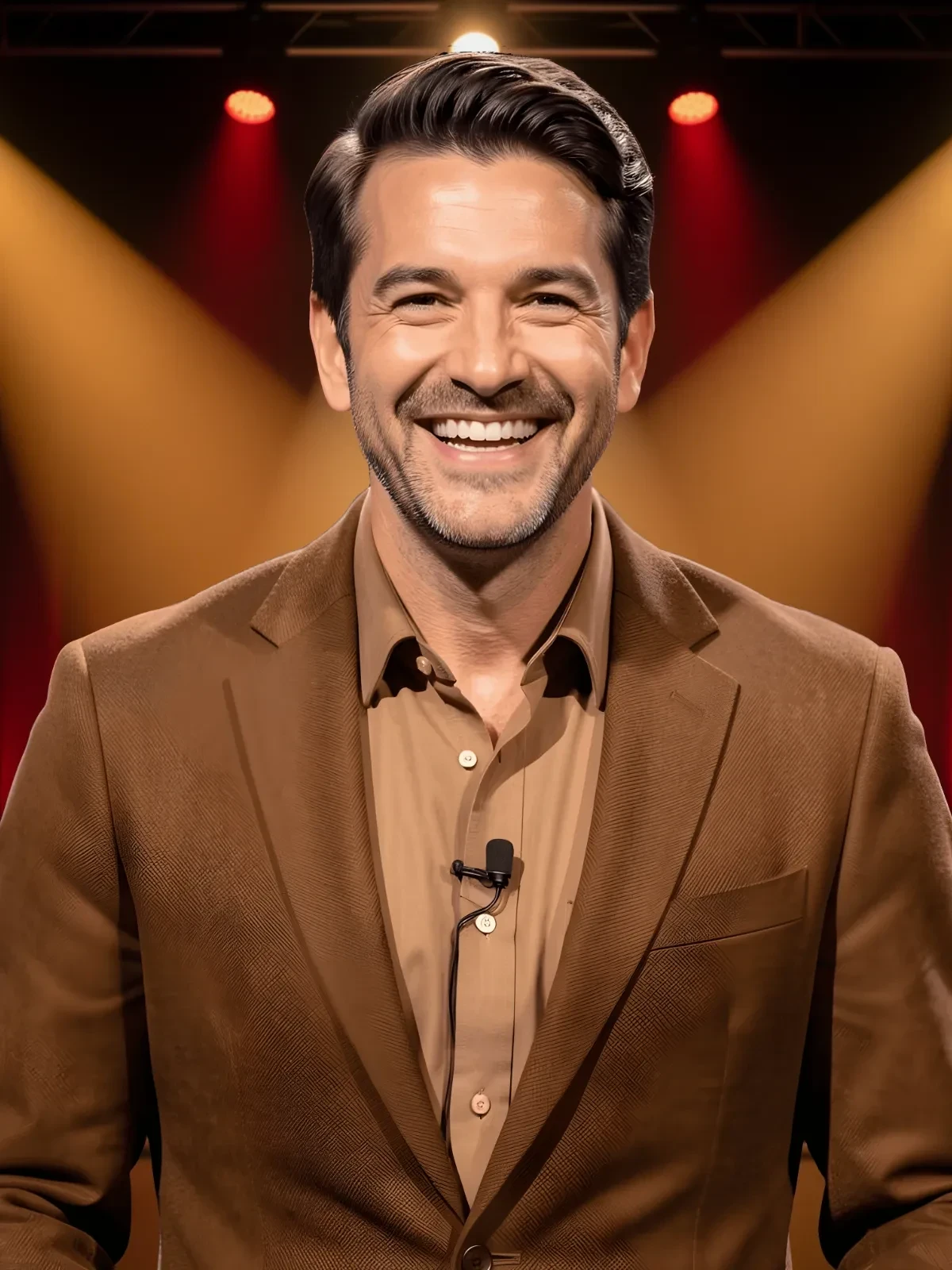
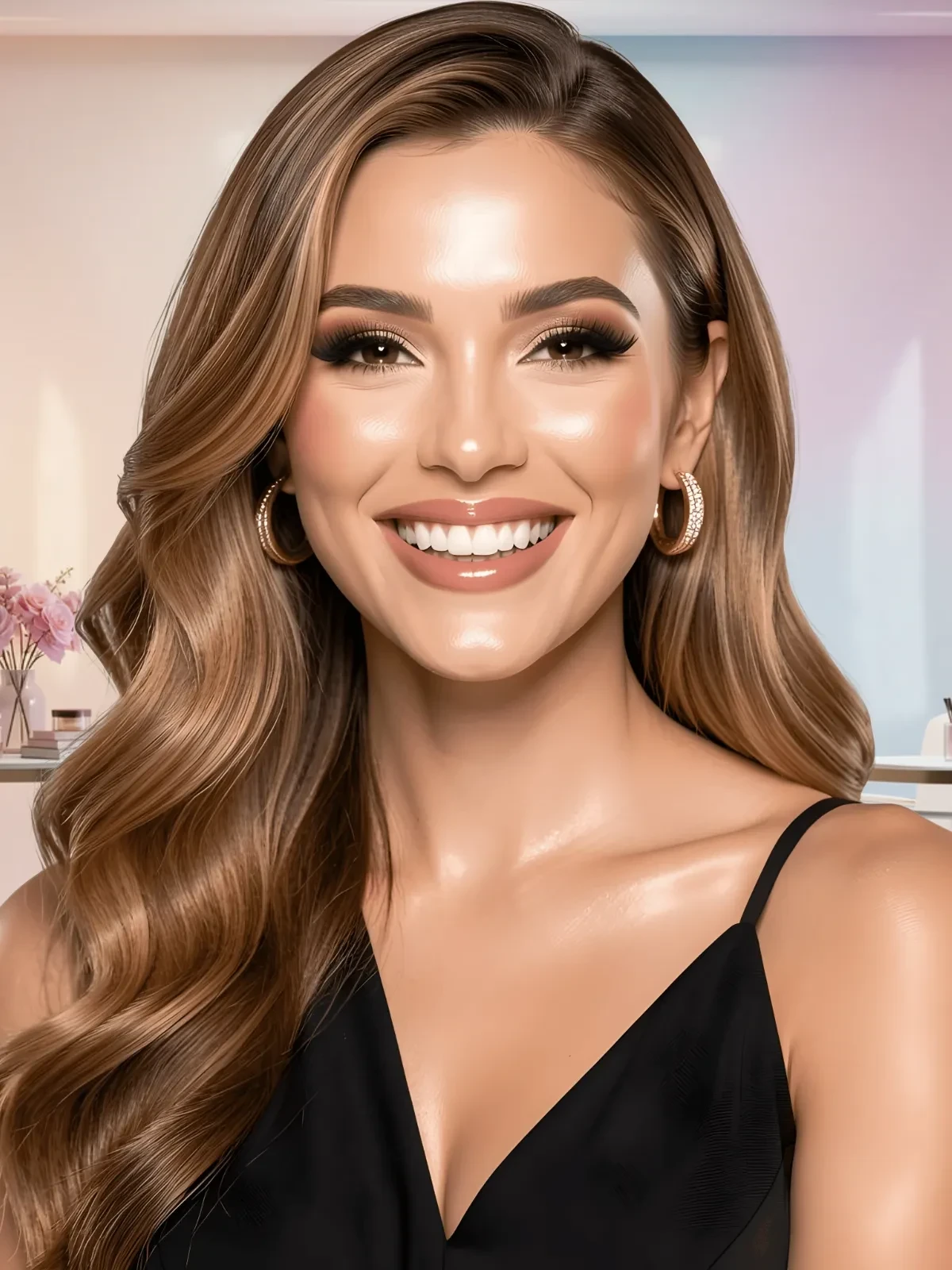
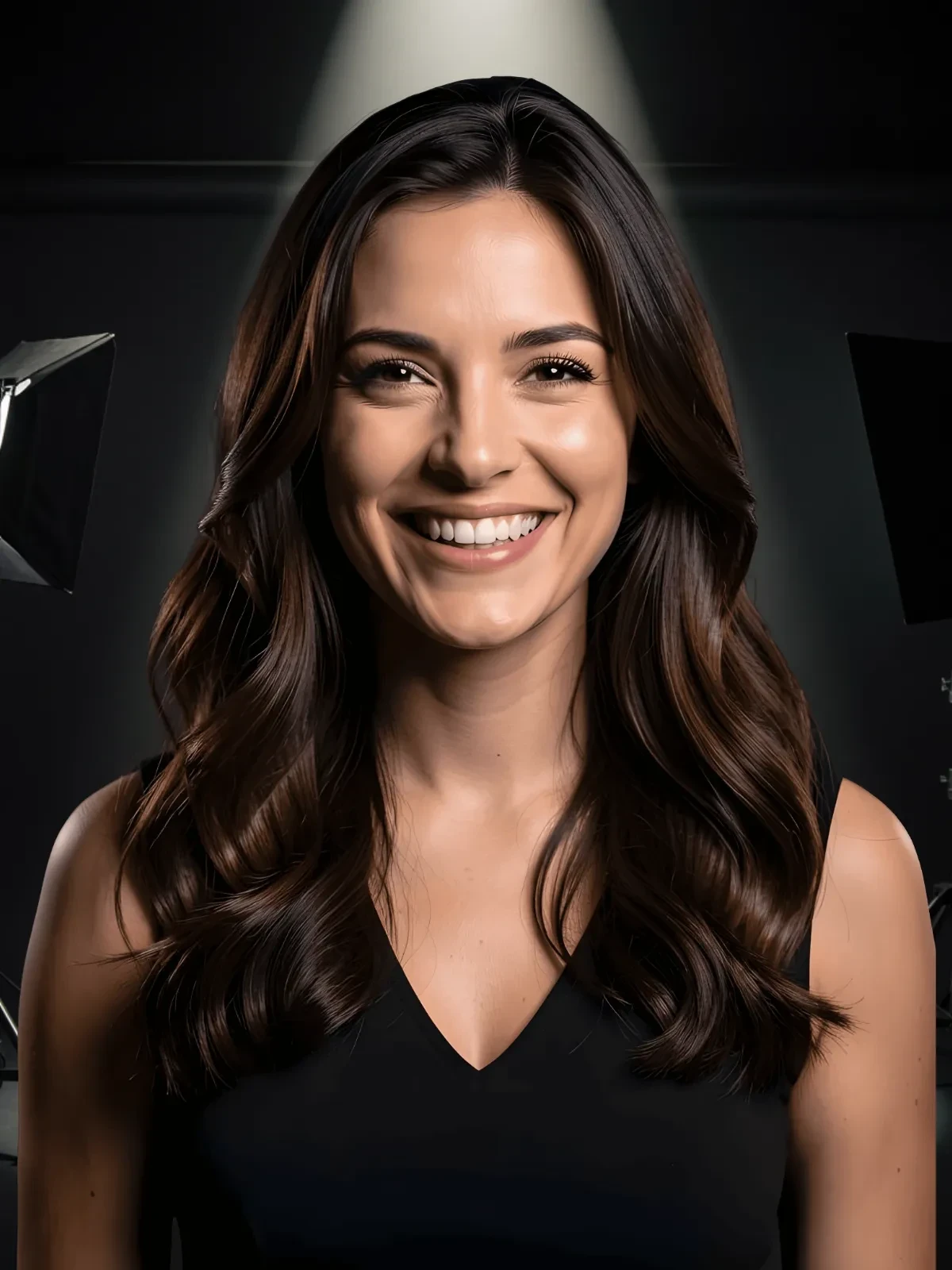
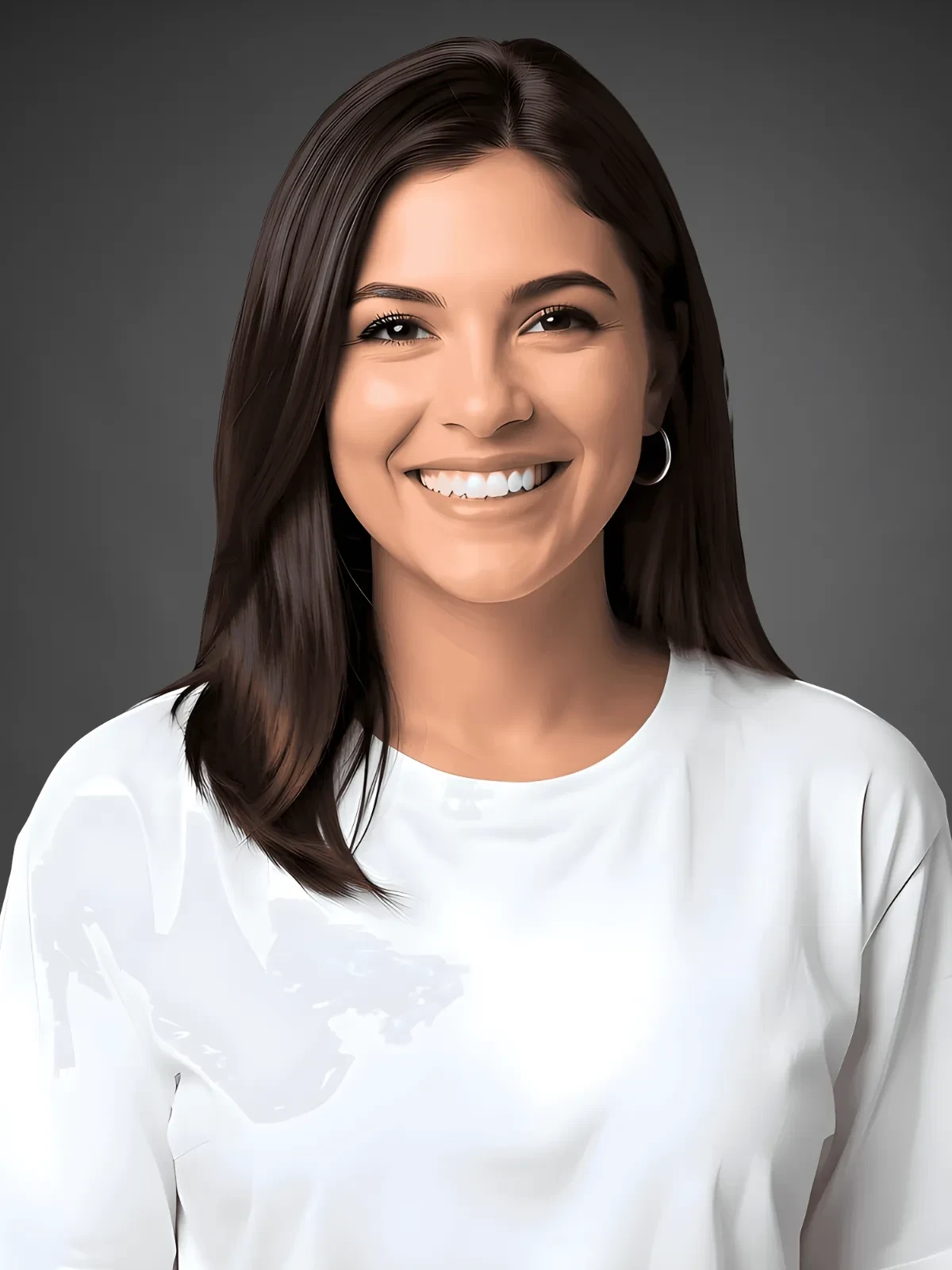
Template.net’s Free AI Image Enhancer makes it simple to enhance and improve your images to perfection. Whether you’re working on professional headshots, e-commerce product photos, or social media posts, the AI enhances your images to highlight details, improve colors, and adjust lighting. Upload your file and make further improvements with text, icons, filters, and layout changes, all directly in the browser.
![Free AI Image Enhancer, Photo Enhancer [ No Signup ]](https://images.template.net/generator-images/0-/ai-photo-editor/Image Enhancer-0.webp)
Design Custom, Enhanced Images for Free
Everything you need to enhance and refine images quickly, without the learning curve.
AI-Powered Image Enhancement Tool
Upload your image, and the AI detects the subject, colors, and lighting, enhancing it with pixel-level precision. Save time while keeping your visuals sharp, vivid, and professional.
Automatic Brightness, Contrast, and Color Adjustment
Choose preset enhancement modes or customize adjustments. Perfect for ensuring your visuals are eye-catching and professional.
Background Improvement
Smooth out unwanted background imperfections or enhance clarity with a single click, leaving your subject clean and visually appealing. Great for product photos, professional headshots, and marketing visuals.
Add Text and Typography
Insert headings, captions, or branding messages using customizable fonts, sizes, and colors. Position text strategically to complement your enhanced image.
Add Icons and Graphics
Browse thousands of built-in icons, shapes, and illustrations to add decorative or functional elements. Perfect for branding and promotional content.
Multilingual Editing
Work in English, Spanish, Chinese, Hindi, Arabic, Portuguese, Bengali, Russian, Japanese, French, German, Korean, Italian, Turkish, Vietnamese, Urdu, Persian, Polish, Thai, Punjabi, and more.
Filters and Adjustments
Refine your enhanced image with brightness, contrast, sharpness, and color edits. Apply stylistic filters to create a consistent look across campaigns.
File Upload Support
Upload JPEG, JPG, PNG, or WEBP files up to 10 MB for optimal quality and compatibility with all editing tools.
Cloud Storage Integration
Save enhanced images directly to Google Drive, OneDrive, or Dropbox for easy access and sharing.
Real-Time Collaboration
Work with teammates or clients in the same editor. Review, edit, and approve images without back-and-forth emails.
Instant Download Options
Export your enhanced images in SVG, PDF, HTML, or PNG. Keep them ready for print, web, or mobile use.
Social Media Sharing
Post directly to WhatsApp, Instagram, Facebook, LinkedIn, X (Twitter), Pinterest, Messenger, or Reddit. Share instantly.
Image Resizing
Adjust your enhanced images to fit multiple sizes without losing quality. Perfect for campaigns that require multiple platform formats.
Drag-and-Drop Editing
Easily reposition design elements, swap graphics, and adjust layers. No advanced design skills required.
Smart Crop and Framing Tool
Automatically crop and frame images to highlight subjects, improve composition, and fit platform-specific dimensions with precision.
Embed Images on Websites or Blogs
Generate embed codes to showcase your enhanced images directly on web pages or product listings.
1-Click Brand Application
Apply your saved brand kit, including colors, fonts, and logo instantly to any enhanced image with just one click. This ensures all your edited photos remain visually consistent with your brand identity without manual adjustments.
Organized Folder Management
Sort and store your enhanced images into dedicated folders for campaigns, projects, or clients. Keep all edited visuals organized and accessible, making it easier to manage large batches of images across multiple branding needs.
![Free AI Image Enhancer, Photo Enhancer [ No Signup ]](https://images.template.net/generator-images/5-/ai-photo-editor/Image Enhancer-5.webp "Free AI Image Enhancer, Photo Enhancer [ No Signup ]")
How to Enhance an Image Using the AI Photo Editor
Create the perfect enhanced image in three simple steps.
Step 1: Upload Your Image
Click Upload or drag and drop a JPEG, JPG, PNG, or WEBP (up to 10 MB) image. The AI instantly loads your image into the enhancement workspace for editing.
Step 2: Adjust the Crop and Enhance
Select your preferred enhancement options or let the AI automatically improve lighting, colors, and clarity. Use built-in tools to remove background noise, add text, or apply filters. You can further refine your image by adding icons, adjusting colors, and preparing it for sharing on WhatsApp, Instagram, Facebook, LinkedIn, X (Twitter), Pinterest, Messenger, or Reddit.
Step 3: Save, Share, or Export
Download your final enhanced image in SVG, PDF, HTML, or PNG. Export to Google Drive, OneDrive, Dropbox, or share directly on social media. Post instantly to WhatsApp, Instagram, Facebook, LinkedIn, X (Twitter), Pinterest, Messenger, or Reddit to maximize reach.
Create Enhanced Images in Seconds and Start Sharing with Impact
![Free AI Image Enhancer, Photo Enhancer [ No Signup ]](https://images.template.net/generator-images/1-/ai-photo-editor/Image Enhancer-1.webp "Free AI Image Enhancer, Photo Enhancer [ No Signup ]")
Drag and Drop Photos
Upload photos and then apply your logo, brand colors, and fonts to enhanced images for a consistent visual identity. Maintain brand alignment across all marketing and communication channels. Share your branded visuals directly to platforms like WhatsApp, Instagram, Facebook, LinkedIn, X (Twitter), Pinterest, Messenger, or Reddit for immediate audience engagement.
![Free AI Image Enhancer, Photo Enhancer [ No Signup ]](https://images.template.net/generator-images/2-/ai-photo-editor/Image Enhancer-2.webp "Free AI Image Enhancer, Photo Enhancer [ No Signup ]")
Customize Your Cropped Images
Modify your enhanced visuals for various uses, ads, banners, product listings, without starting over. Keep quality intact while adapting to different needs. Use the same enhanced base image to quickly create platform-specific versions for WhatsApp, Instagram, Facebook, LinkedIn, X (Twitter), Pinterest, Messenger, or Reddit.
![Free AI Image Enhancer, Photo Enhancer [ No Signup ]](https://images.template.net/generator-images/3-/ai-photo-editor/Image Enhancer-3.webp "Free AI Image Enhancer, Photo Enhancer [ No Signup ]")
Share Anywhere, Collaborate Instantly
Export to Google Drive, OneDrive, Google Slides, and PowerPoint for easy sharing and integration. Collaborate with teams and clients in real time. Distribute your enhanced images instantly on WhatsApp, Instagram, Facebook, LinkedIn, X (Twitter), Pinterest, Messenger, or Reddit without leaving the editor.
![Free AI Image Enhancer, Photo Enhancer [ No Signup ]](https://images.template.net/generator-images/4-/ai-photo-editor/Image Enhancer-4.webp "Free AI Image Enhancer, Photo Enhancer [ No Signup ]")
Smart Workspaces to Keep You Moving
Organize your enhanced image projects in shared workspaces. Assign editing roles and store templates for faster future edits. Keep assets ready for instant publishing to WhatsApp, Instagram, Facebook, LinkedIn, X (Twitter), Pinterest, Messenger, or Reddit whenever needed.
