
Free AI Training Presentation Generator



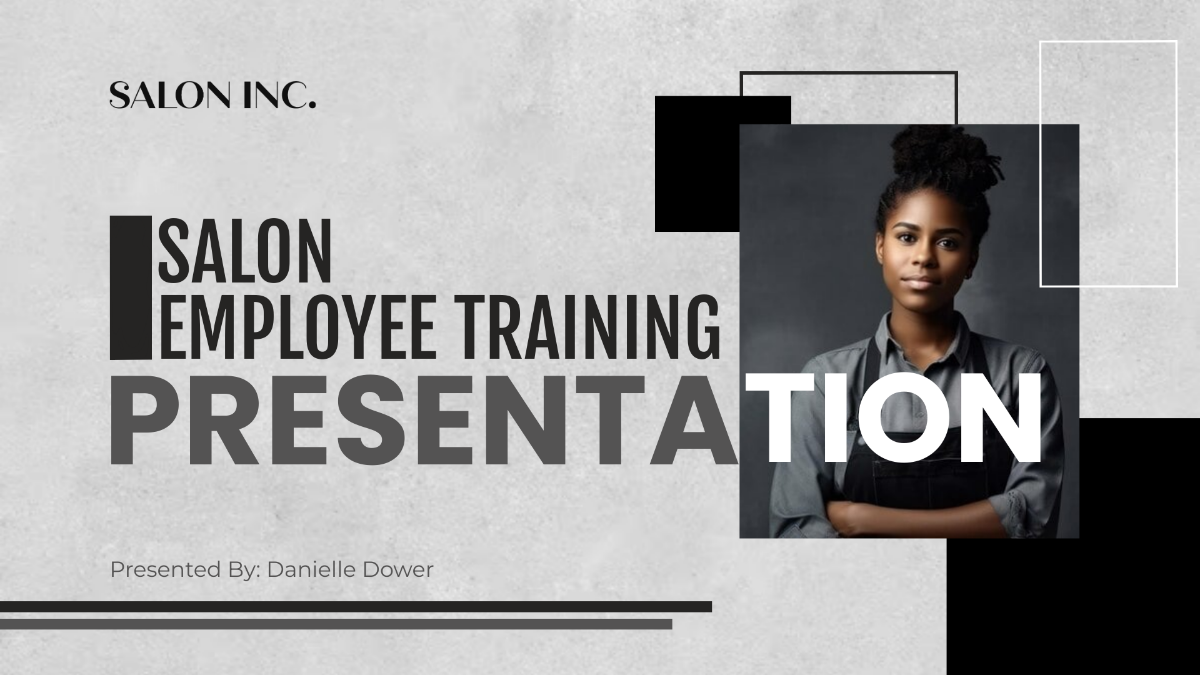
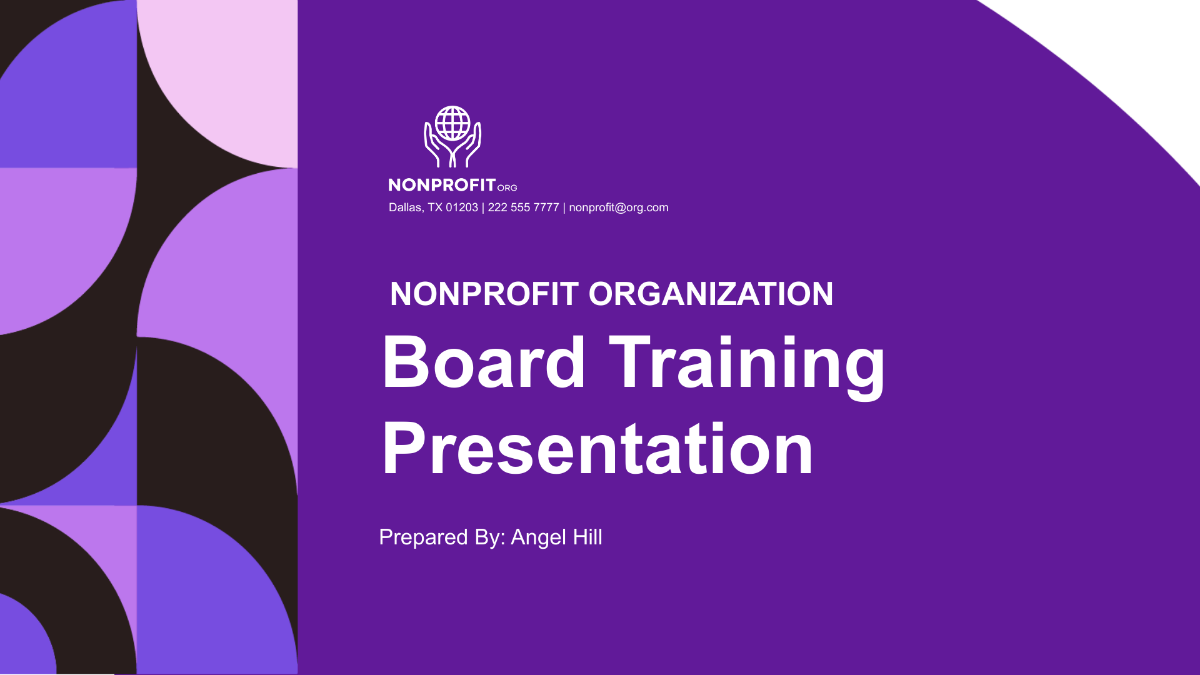


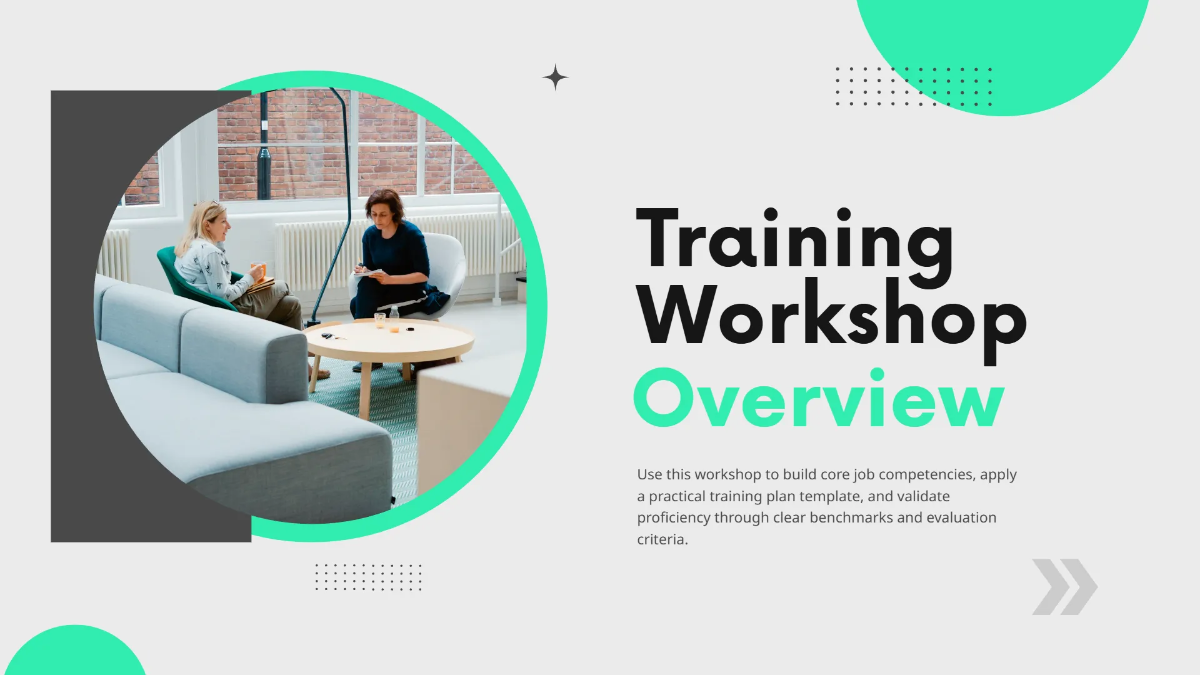



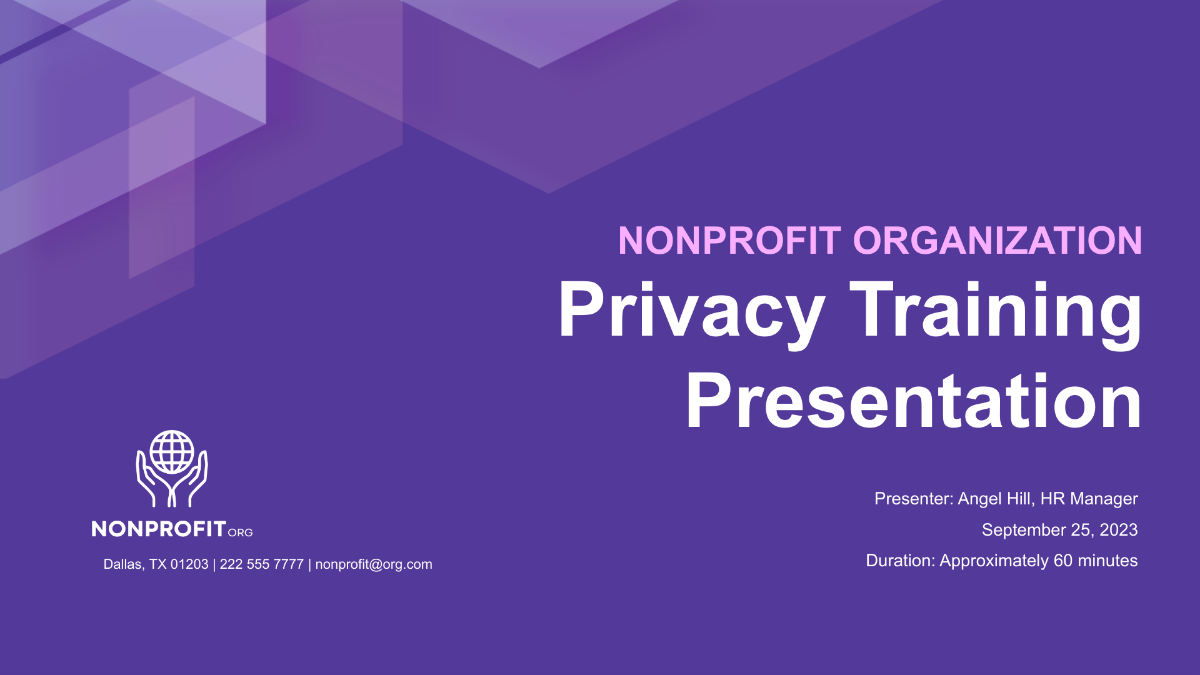



Create Training Presentation, Customize Online with Smart Editor
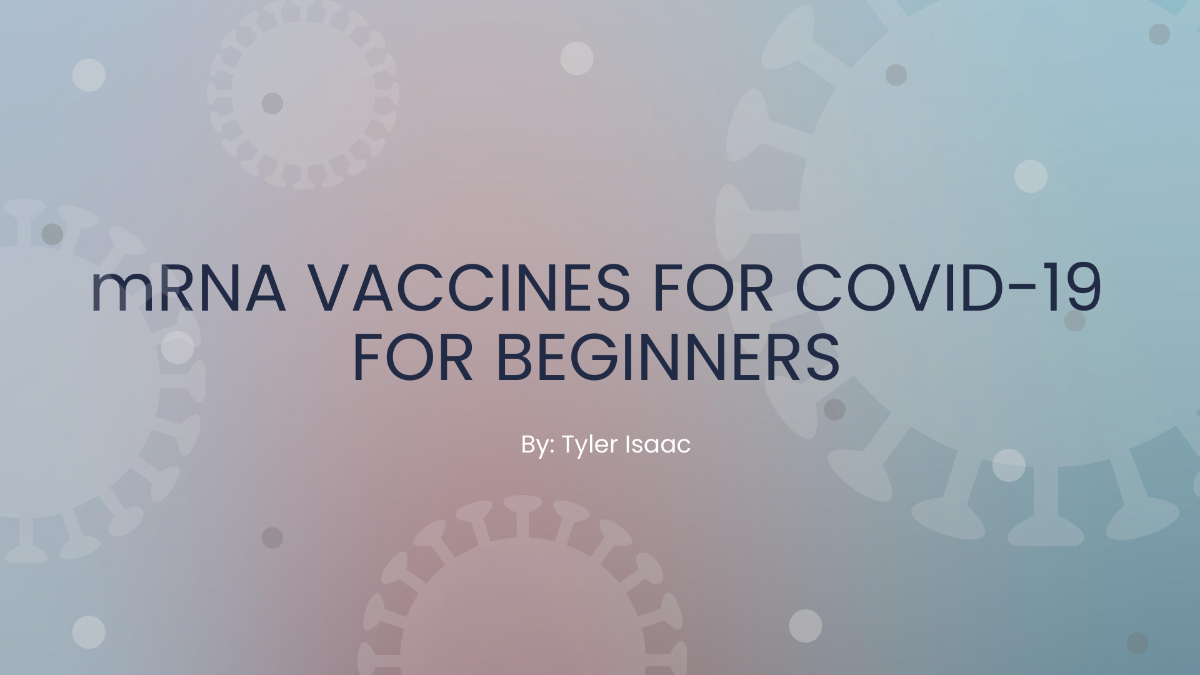
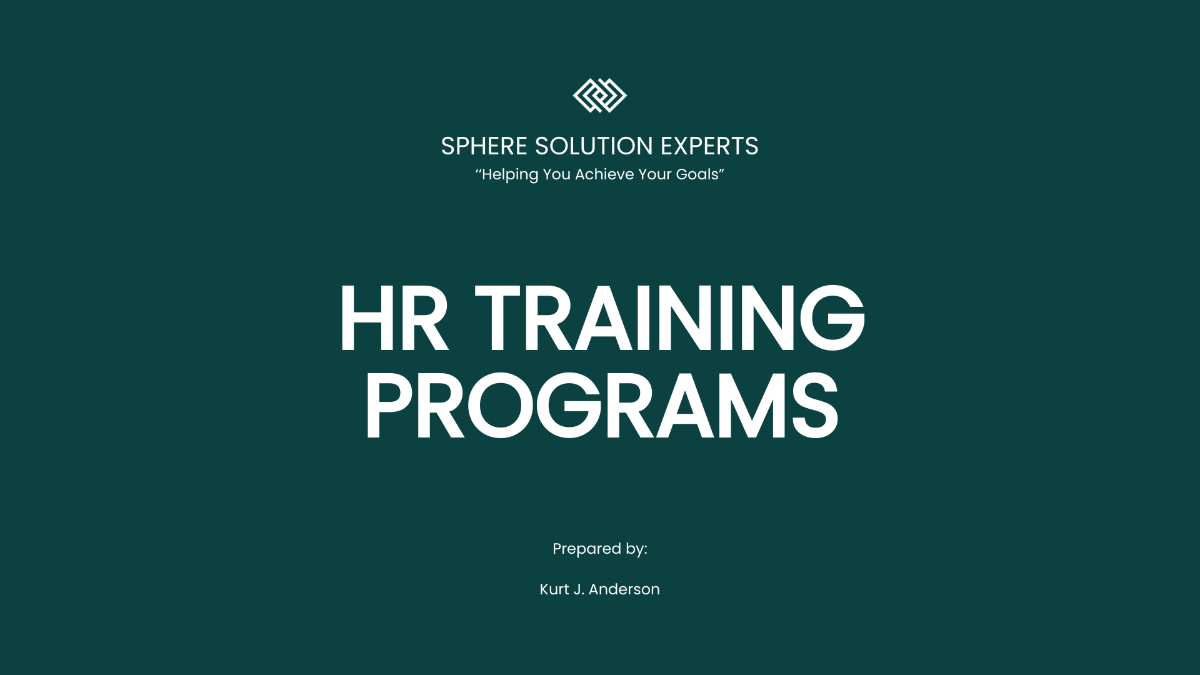
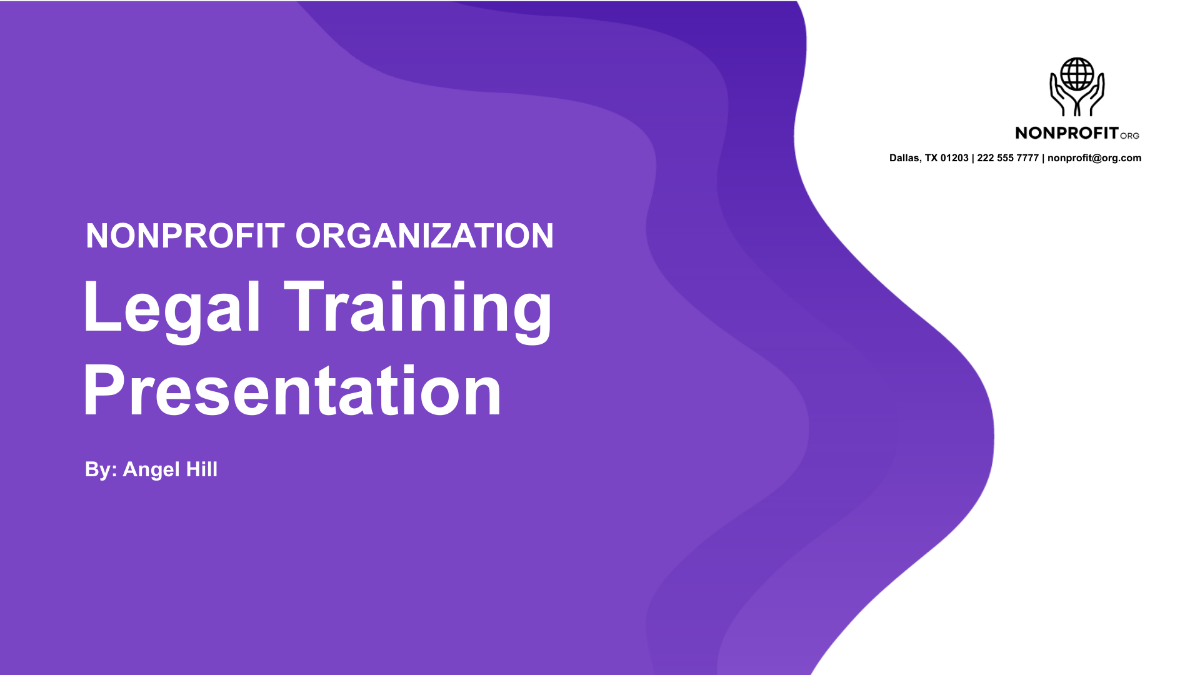
Template.net’s Free AI Training Presentation Generator helps you build structured and professional training decks with ease. Use the AI Training Slide Maker to deliver onboarding programs, skill development sessions, and compliance workshops. Edit live, customize slides, and download ready-to-use presentations in minutes.
![Free AI Training Presentation Generator, Free AI Training Presentation Maker [ No Signup ]](https://images.template.net/generator-images/0-ai-presentation-generator/Training Presentation-0.webp)
Design Professional, Business Training Presentations for Free
Everything you need to create impactful training decks without design tools or manual formatting.

Thousands of Ready-Made Training Slide Templates
Start instantly with structured training decks for onboarding, compliance, leadership, and skill development.

AI-Powered Training Presentation Generator
Enter a prompt or speak your topic instantly generate full training slides with clear learning objectives.

Drag and Drop Slide Editor
Reorder slides, add visuals, and adjust content easily with a smart visual editor.

Fully Customizable Training Sections
Edit introduction, objectives, modules, assessments, and summary slides to match your training goals.

Built-In Charts, Icons, and Visual Aids
Add diagrams, infographics, and performance visuals to enhance understanding and retention.

1-Click Brand Kit for Presentations
Apply your company logo, fonts, and colors across all slides for a consistent professional look.

Collaborate on Presentations in Real Time
Invite trainers, HR teams, or managers to co-edit and review training decks together.

Automated Learning Objectives and Outcomes
AI outlines clear goals, expected outcomes, and key takeaways for each training module.

Structured Skill and Knowledge Flow
Ensure logical progression from topic overview to final assessment for effective learning.

Create Training Decks in 20+ Languages
Generate multilingual presentations for global teams.
Language supports English, Hindi, Spanish, French, Arabic, German, Chinese, Japanese, Portuguese, Russian, Italian, Korean, Dutch, Turkish, Thai, Vietnamese, Bengali, Urdu, Malay, and Polish.

Interactive Slide Elements for Engagement
Add quizzes, polls, and clickable content to make training sessions more interactive.

Trainer Notes and Slide Annotations
Include speaker notes, tips, and annotations for smooth delivery and trainer guidance.

Unlimited Customization for Training Scenarios
Create versions for different departments, roles, or experience levels.

Access Training Visual Assets Instantly
Use built-in icons, illustrations, and diagrams to support key concepts.

Edit Presentations Anywhere, Anytime
Work on training decks from desktop or mobile browsers—no software installation needed.

Export and Share Training Slides Instantly
Download presentations in PPTX or PDF format and share with teams or LMS platforms.
Built-In Assessment and Quiz Slides
Automatically generate evaluation slides to test understanding and reinforce learning.
Embed Presentations Online
Embed training decks into LMS portals, onboarding flows, or internal knowledge bases.
![Free AI Training Presentation Generator, Free AI Training Presentation Maker [ No Signup ]](https://images.template.net/generator-images/5-ai-presentation-generator/Training Presentation-5.webp "Free AI Training Presentation Generator, Free AI Training Presentation Maker [ No Signup ]")
How to Make a Free AI Generated Training Presentation
Describe your training topic, let the AI generate structured slides, customize the deck, and export in minutes.
Step 1: Enter Your Prompt and Generate a Training Deck
Open the AI Training Presentation Generator and describe your topic such as “Sales onboarding presentation for new hires.” Click Generate to receive a complete training slide deck instantly.
Step 2: Review and Refine Your Training Slides
Edit learning objectives, module content, visuals, and assessments directly in the editor to match your training needs.
Step 3: Customize and Share with Teams
Finalize the presentation with branding, charts, and trainer notes. Download in PPTX or PDF and share with employees, LMS platforms, or stakeholders.
Create Training Presentations Faster and Deliver Smarter Learning
![Free AI Training Presentation Generator, Free AI Training Presentation Maker [ No Signup ]](https://images.template.net/generator-images/1-ai-presentation-generator/Training Presentation-1.webp "Free AI Training Presentation Generator, Free AI Training Presentation Maker [ No Signup ]")
Generate Training Slides with Your Brand
Apply your brand identity using the Brand tab. The AI maintains consistency across all training modules and slides.
![Free AI Training Presentation Generator, Free AI Training Presentation Maker [ No Signup ]](https://images.template.net/generator-images/2-ai-presentation-generator/Training Presentation-2.webp "Free AI Training Presentation Generator, Free AI Training Presentation Maker [ No Signup ]")
Customize Training Decks for Multiple Use Cases
Adapt presentations for onboarding, compliance, leadership, product training, or internal workshops with ease.
![Free AI Training Presentation Generator, Free AI Training Presentation Maker [ No Signup ]](https://images.template.net/generator-images/3-ai-presentation-generator/Training Presentation-3.webp "Free AI Training Presentation Generator, Free AI Training Presentation Maker [ No Signup ]")
Share and Collaborate Instantly
Download or share live links to training decks. Collaborate with trainers, HR teams, or department leads in real time.
![Free AI Training Presentation Generator, Free AI Training Presentation Maker [ No Signup ]](https://images.template.net/generator-images/4-ai-presentation-generator/Training Presentation-4.webp "Free AI Training Presentation Generator, Free AI Training Presentation Maker [ No Signup ]")
Smart Workspaces for Training Teams
Manage versions, assign roles, track edits, and store training presentations securely in shared workspaces.
