Free AI Project Status Report Generator

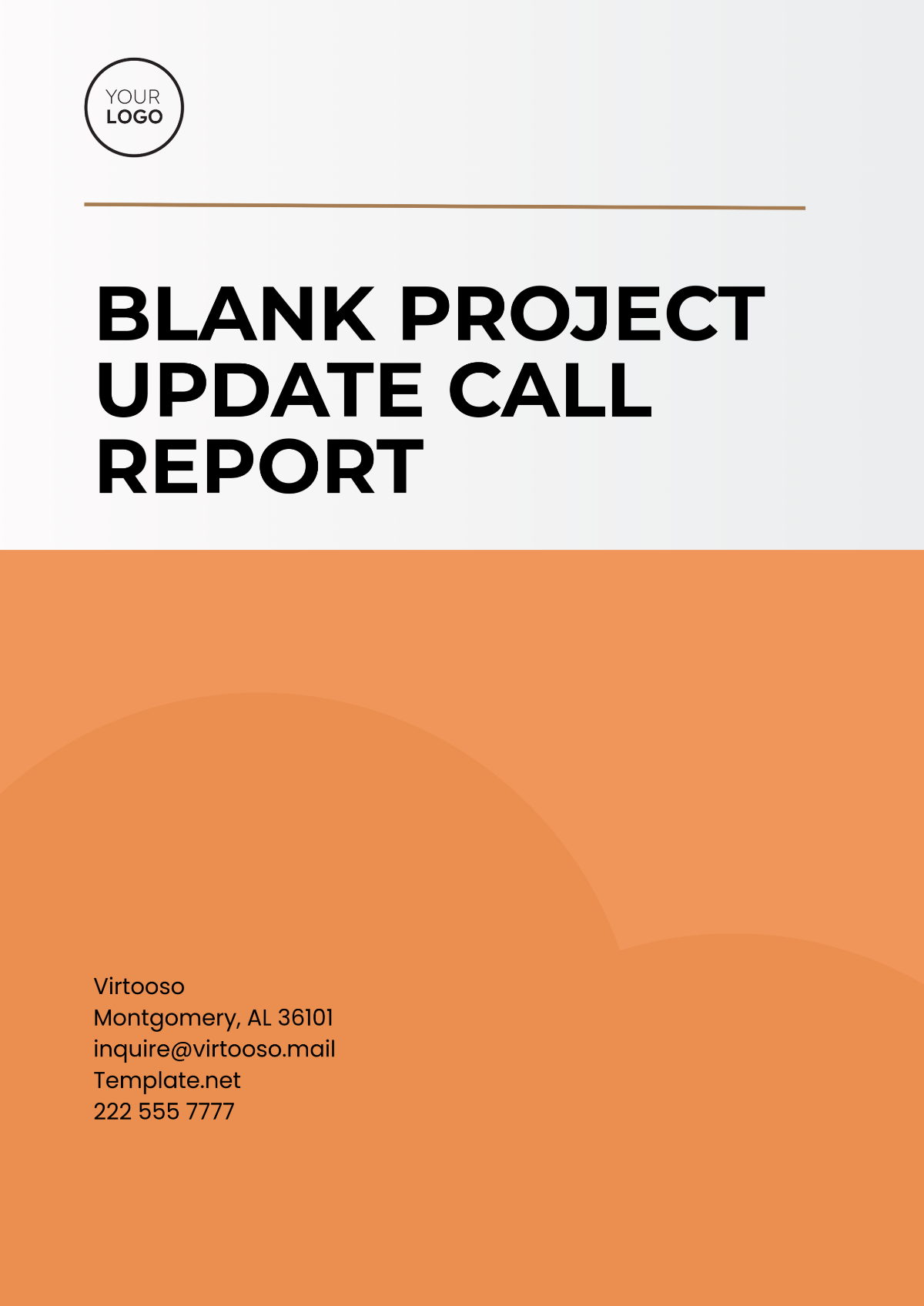
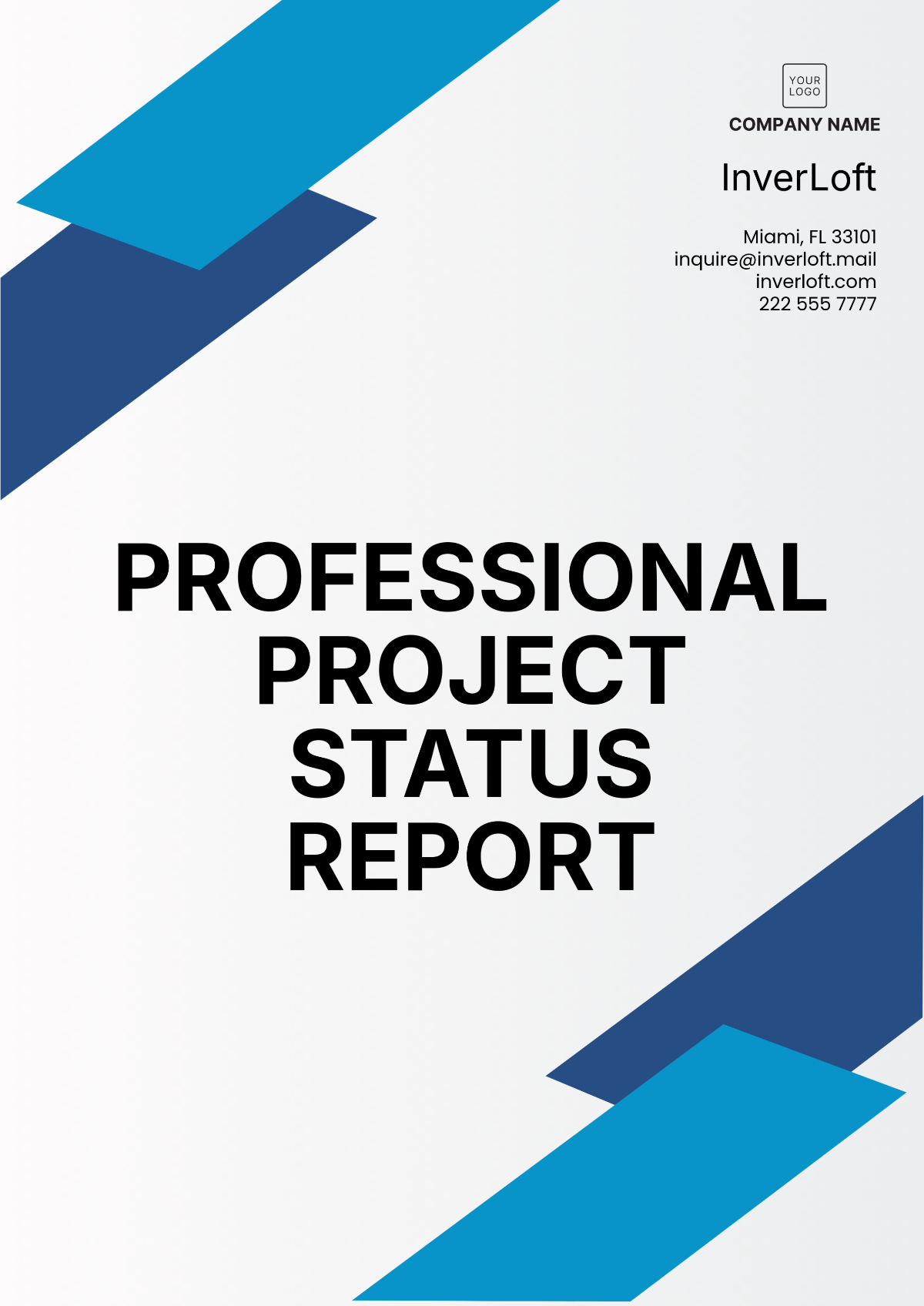
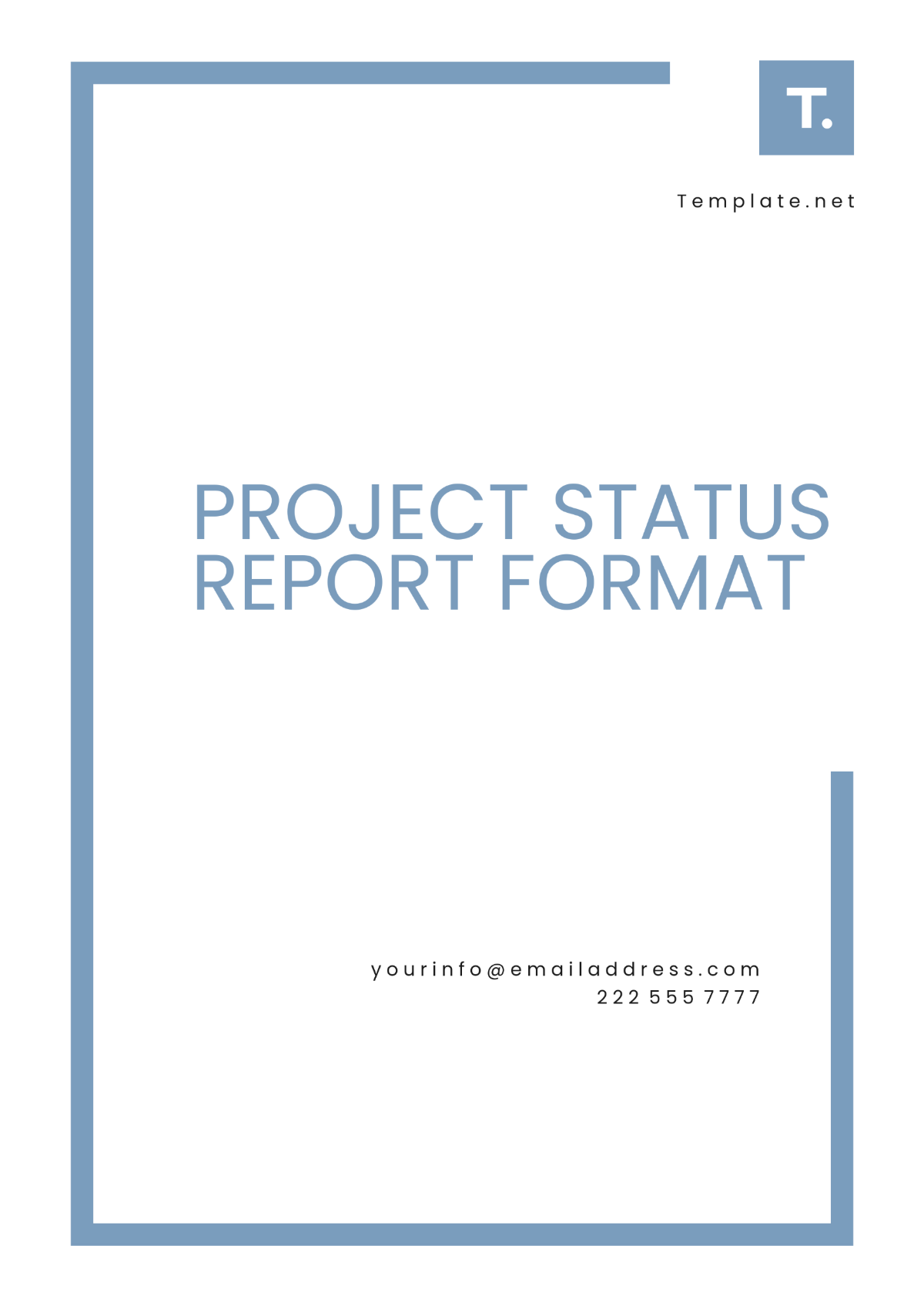
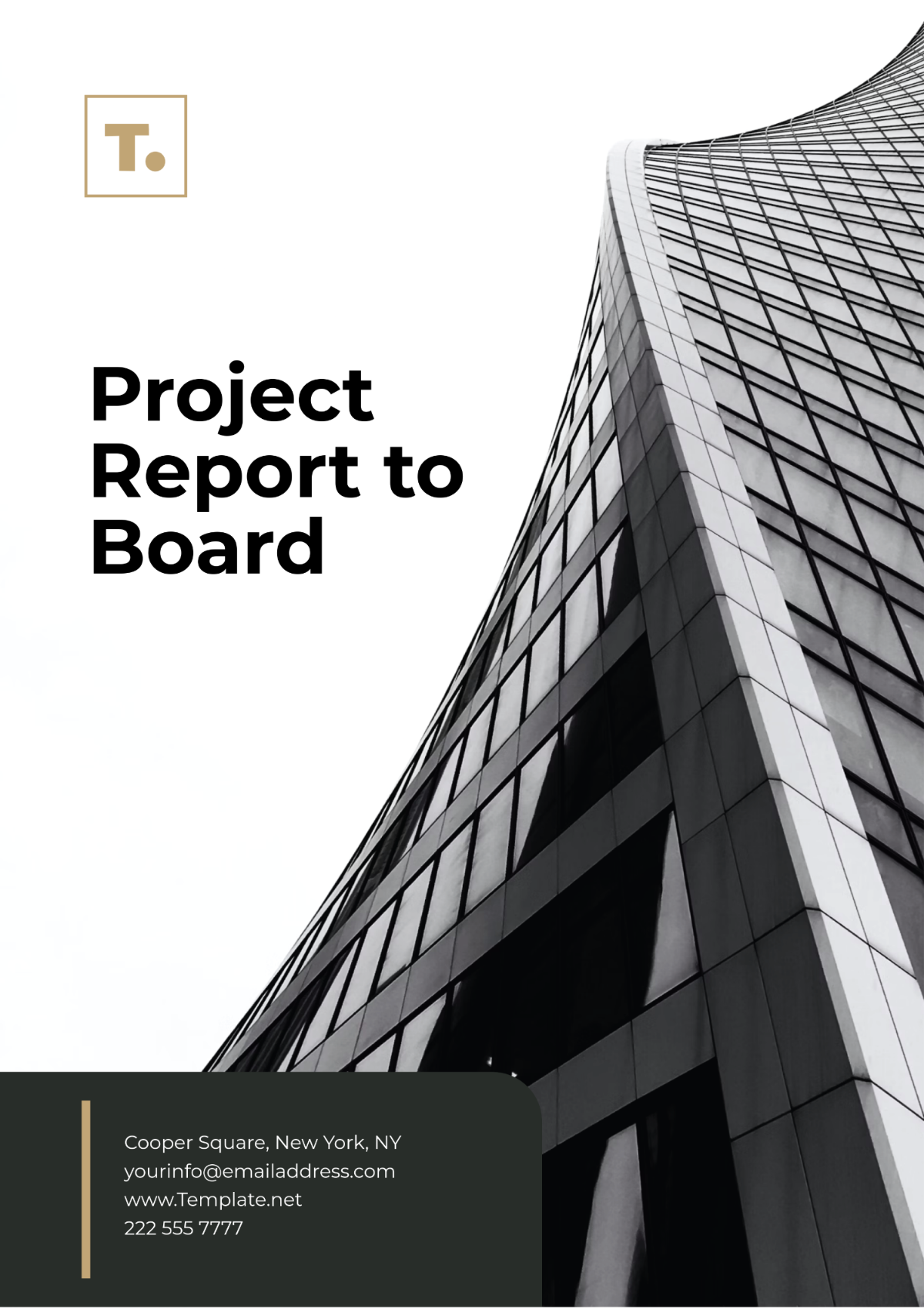

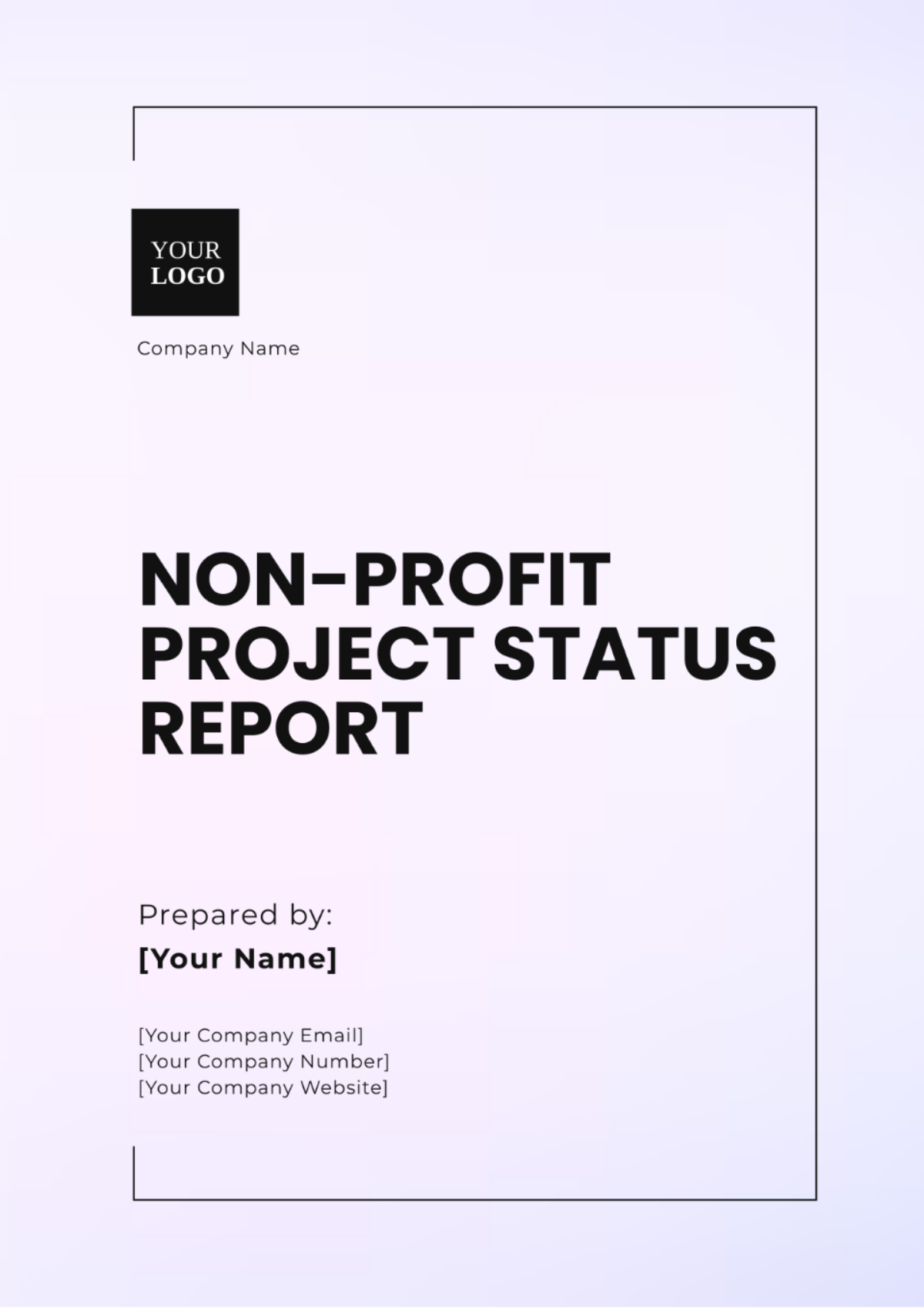
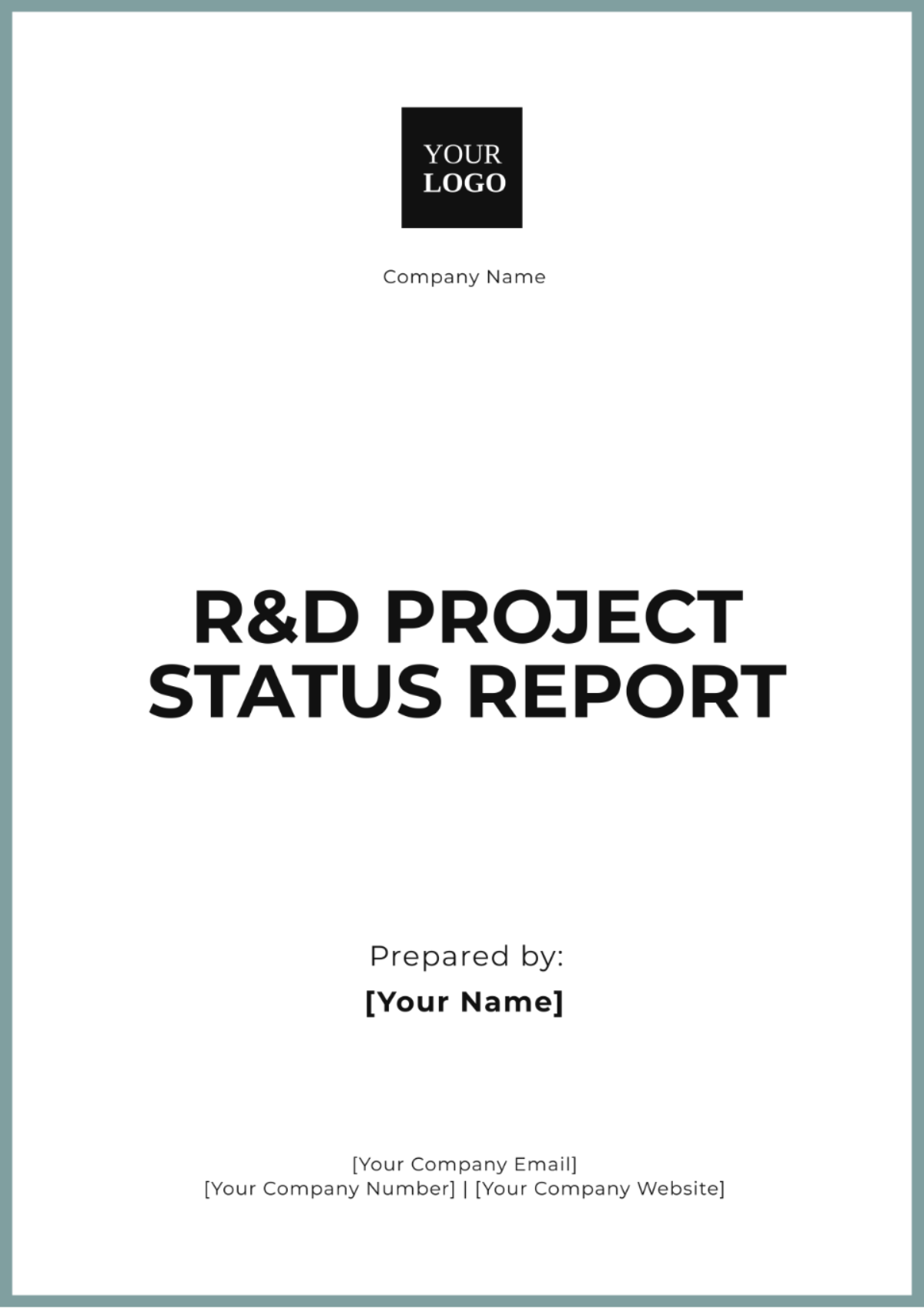
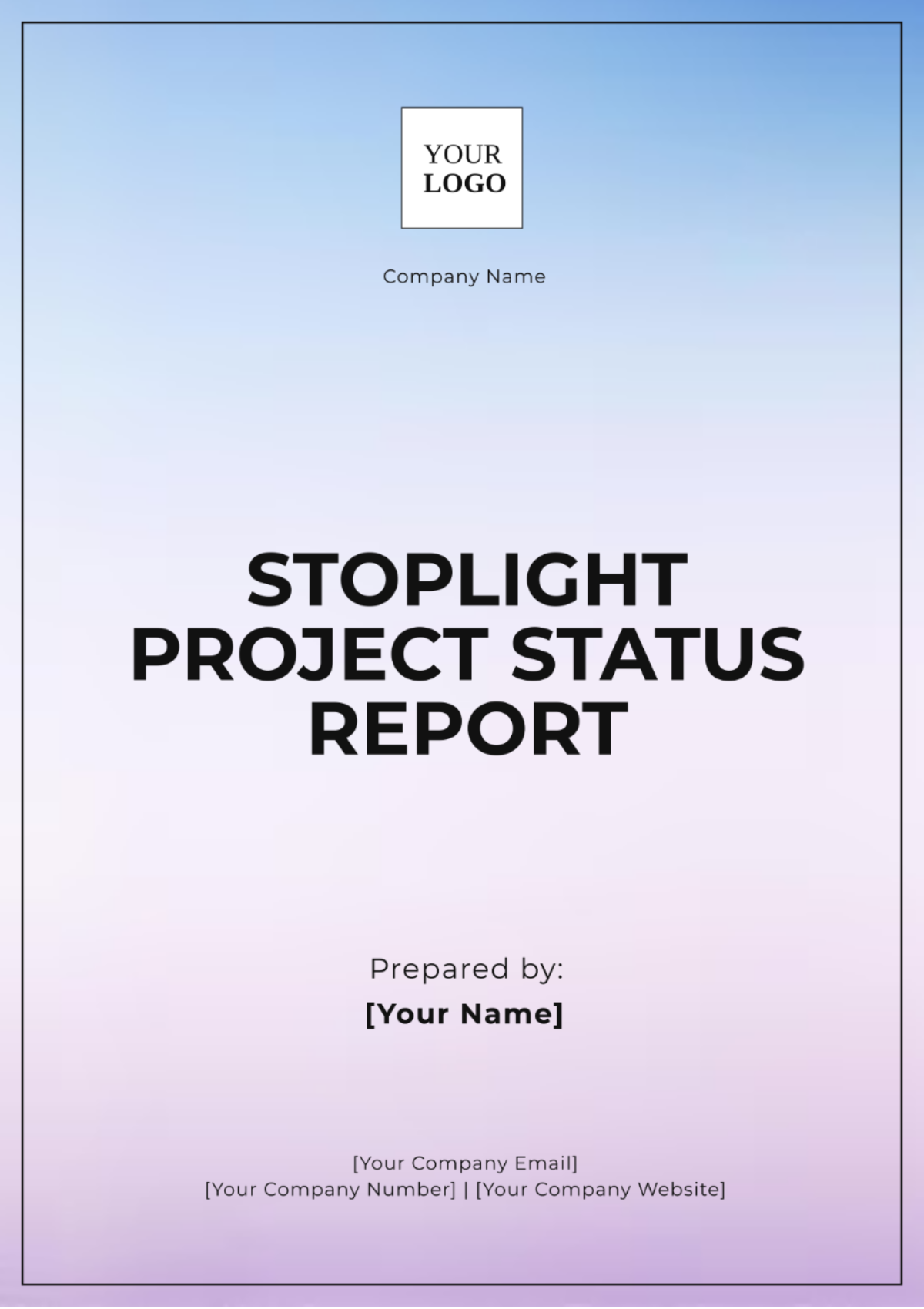
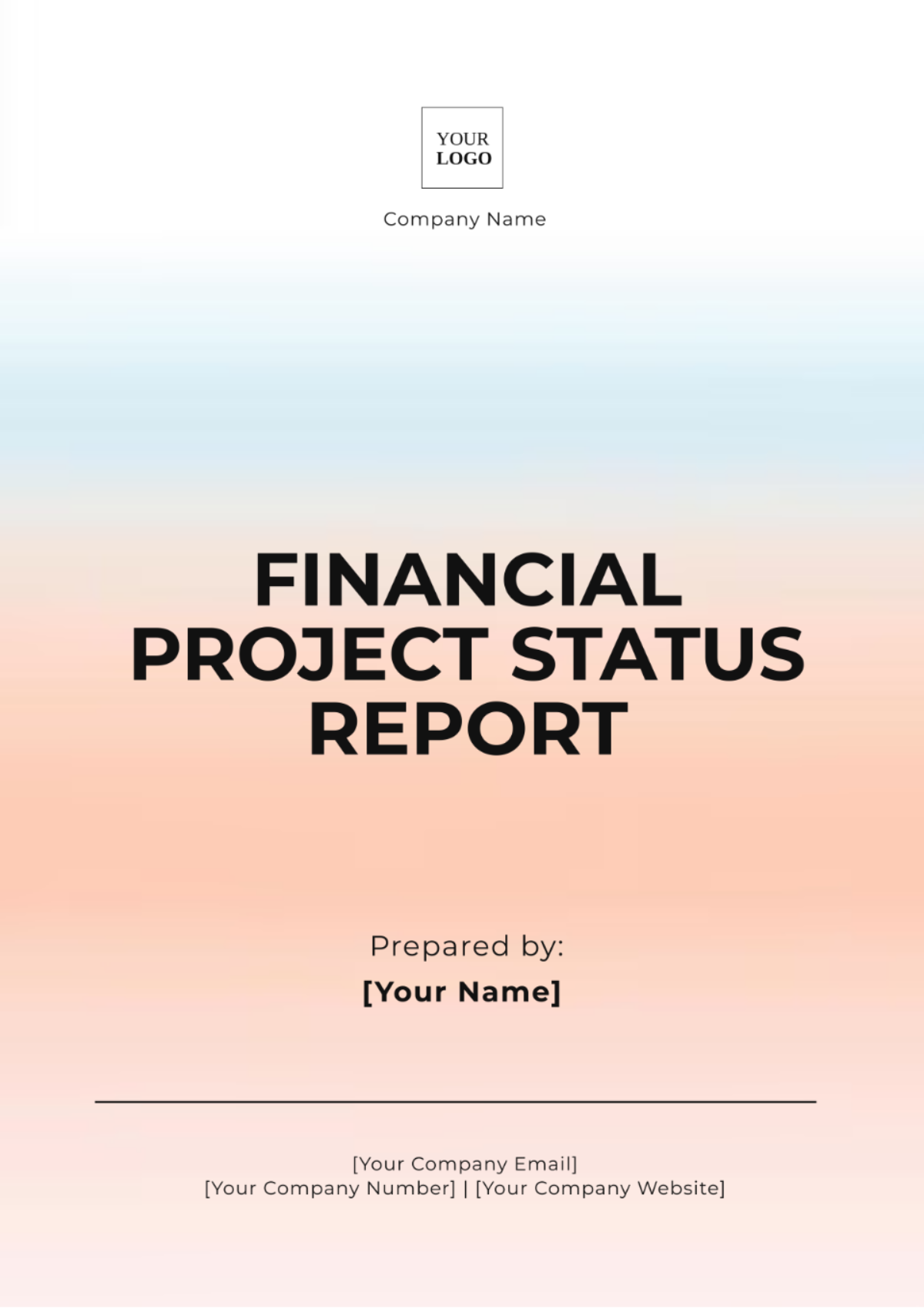
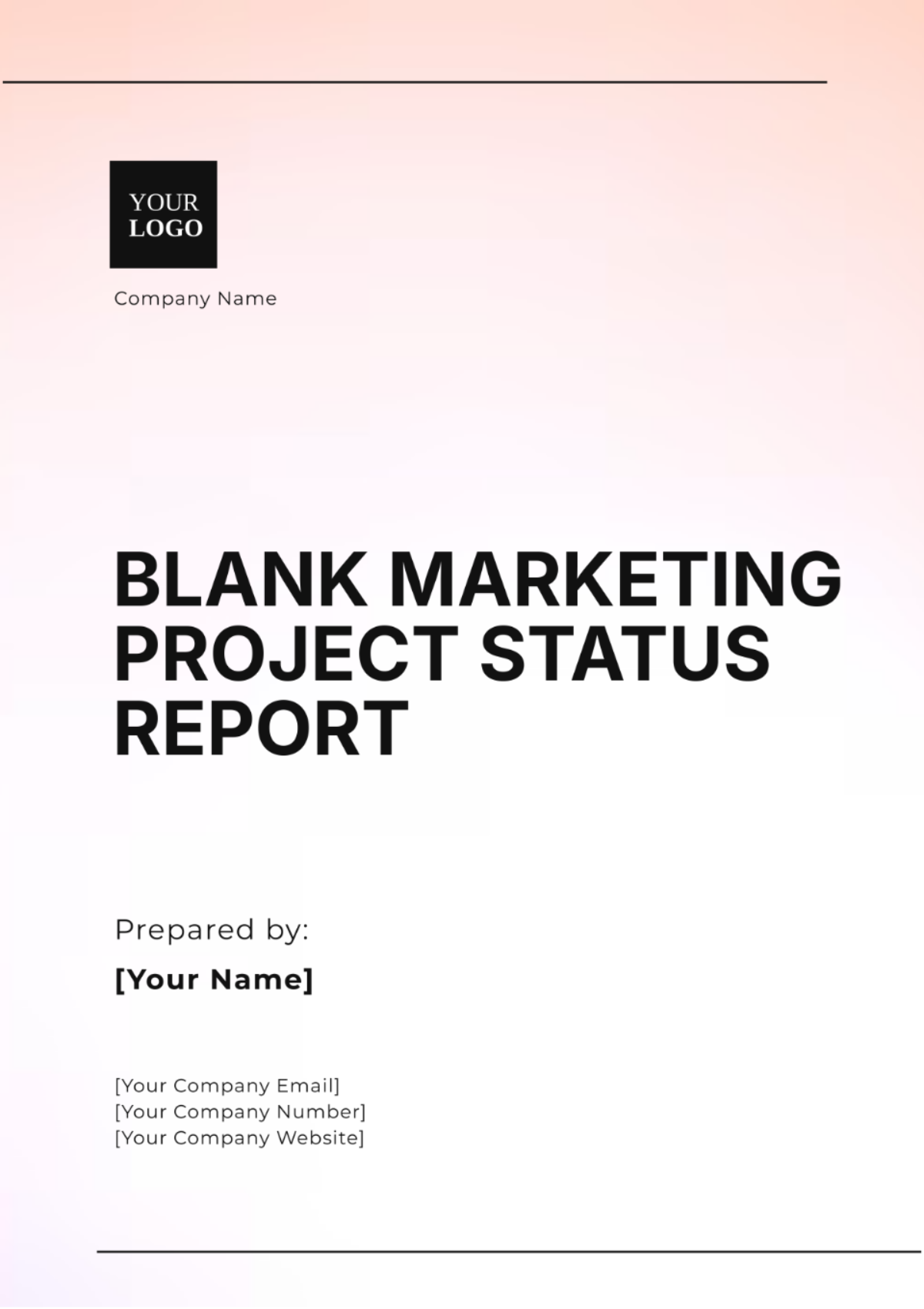
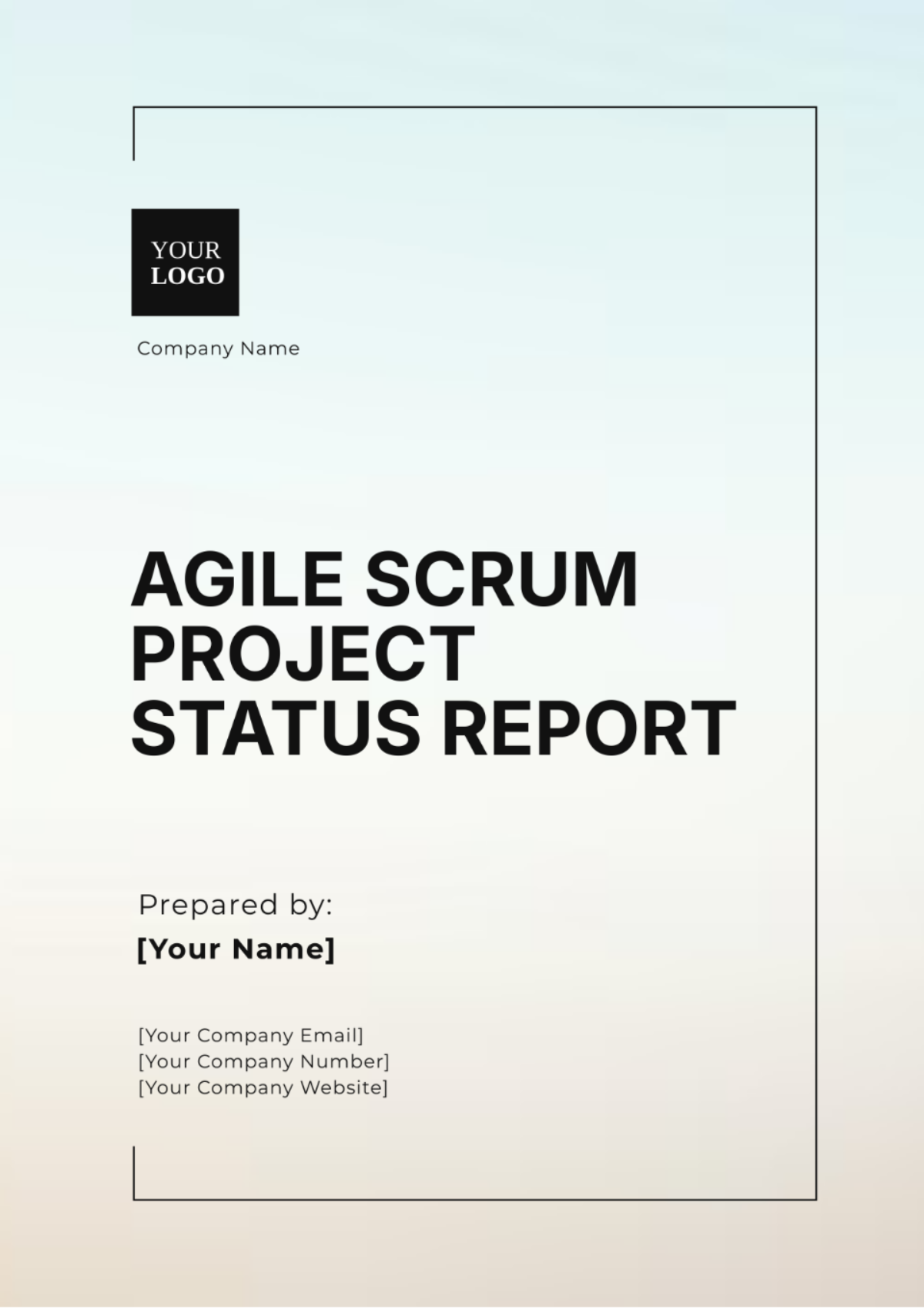
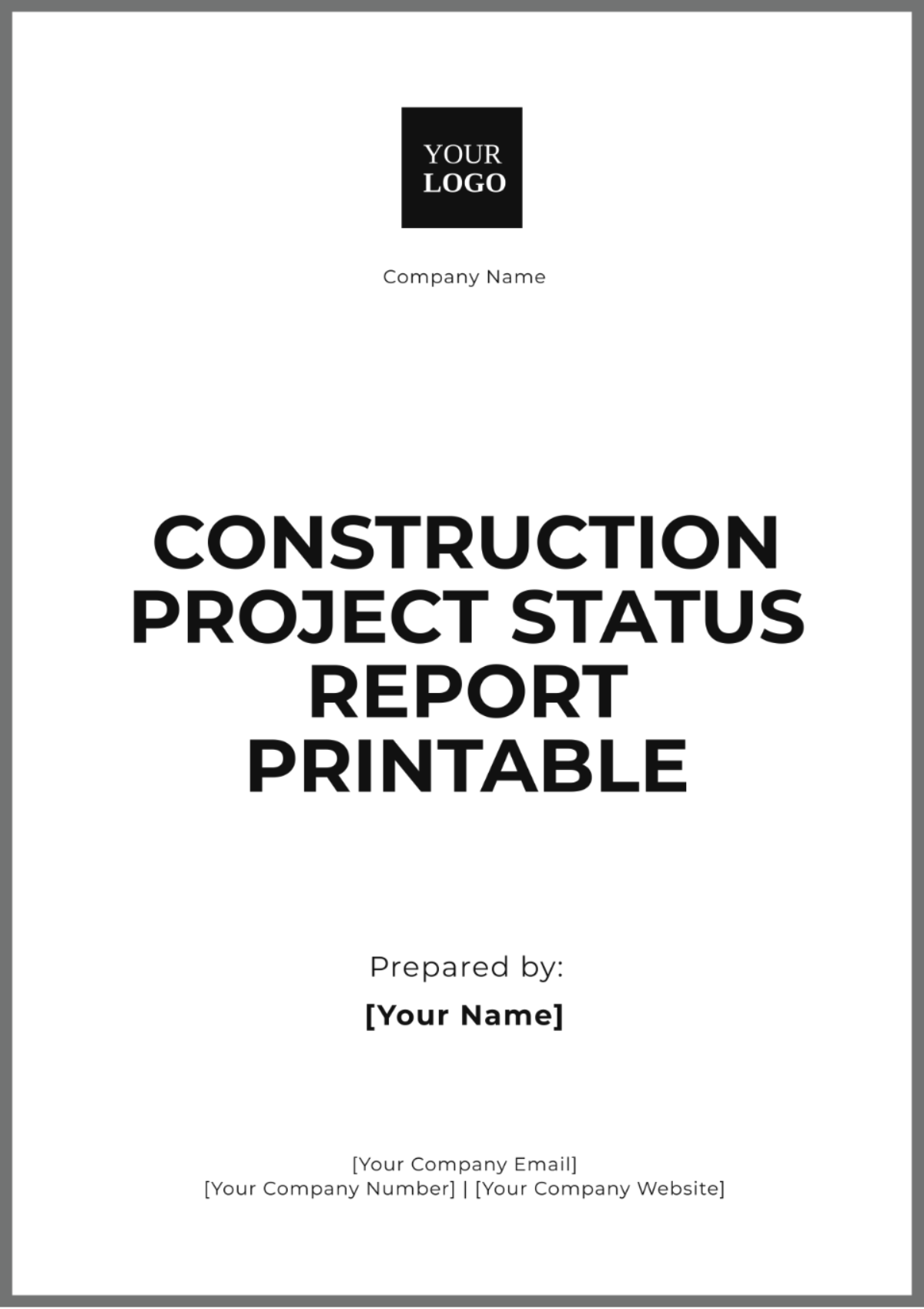
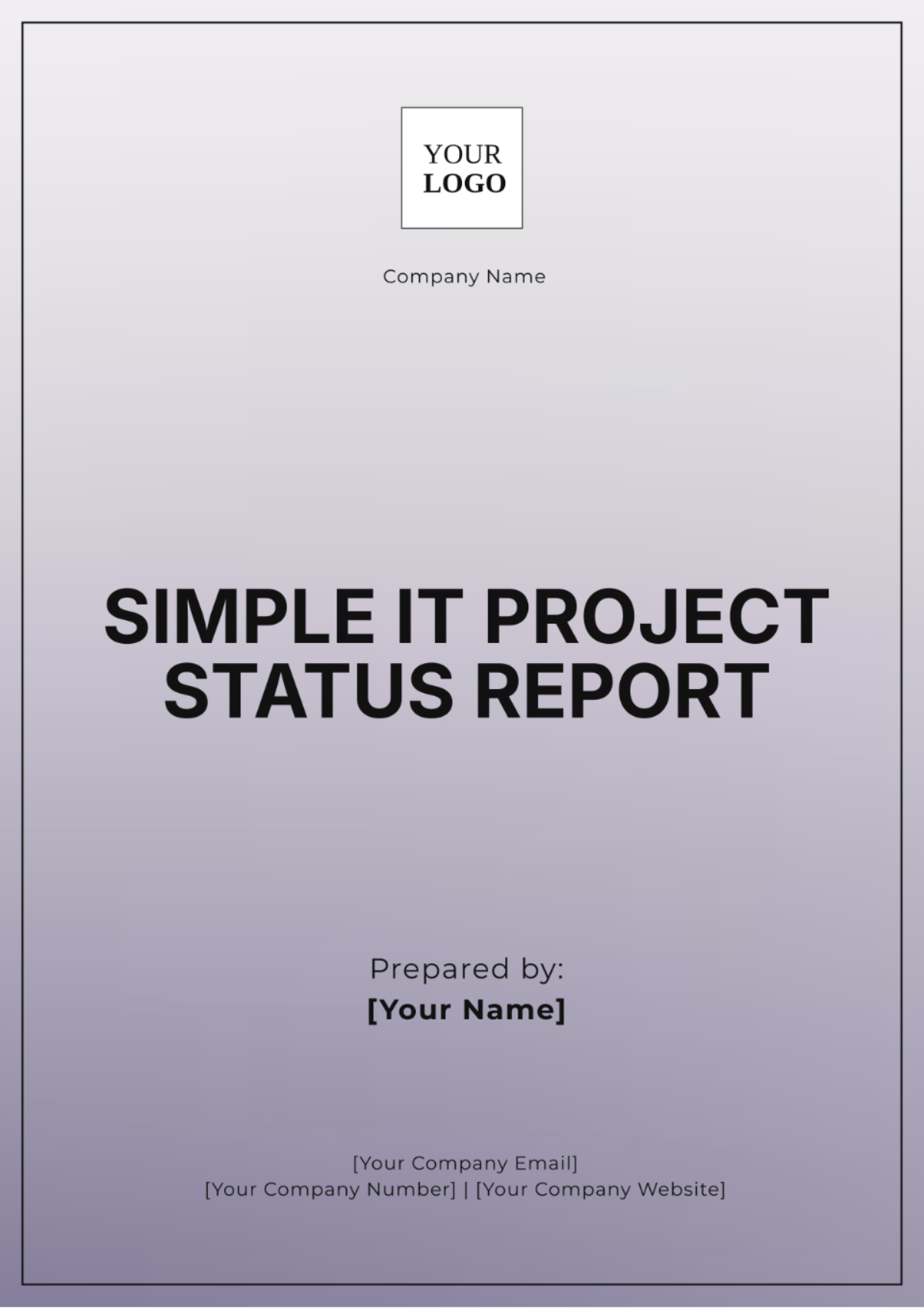
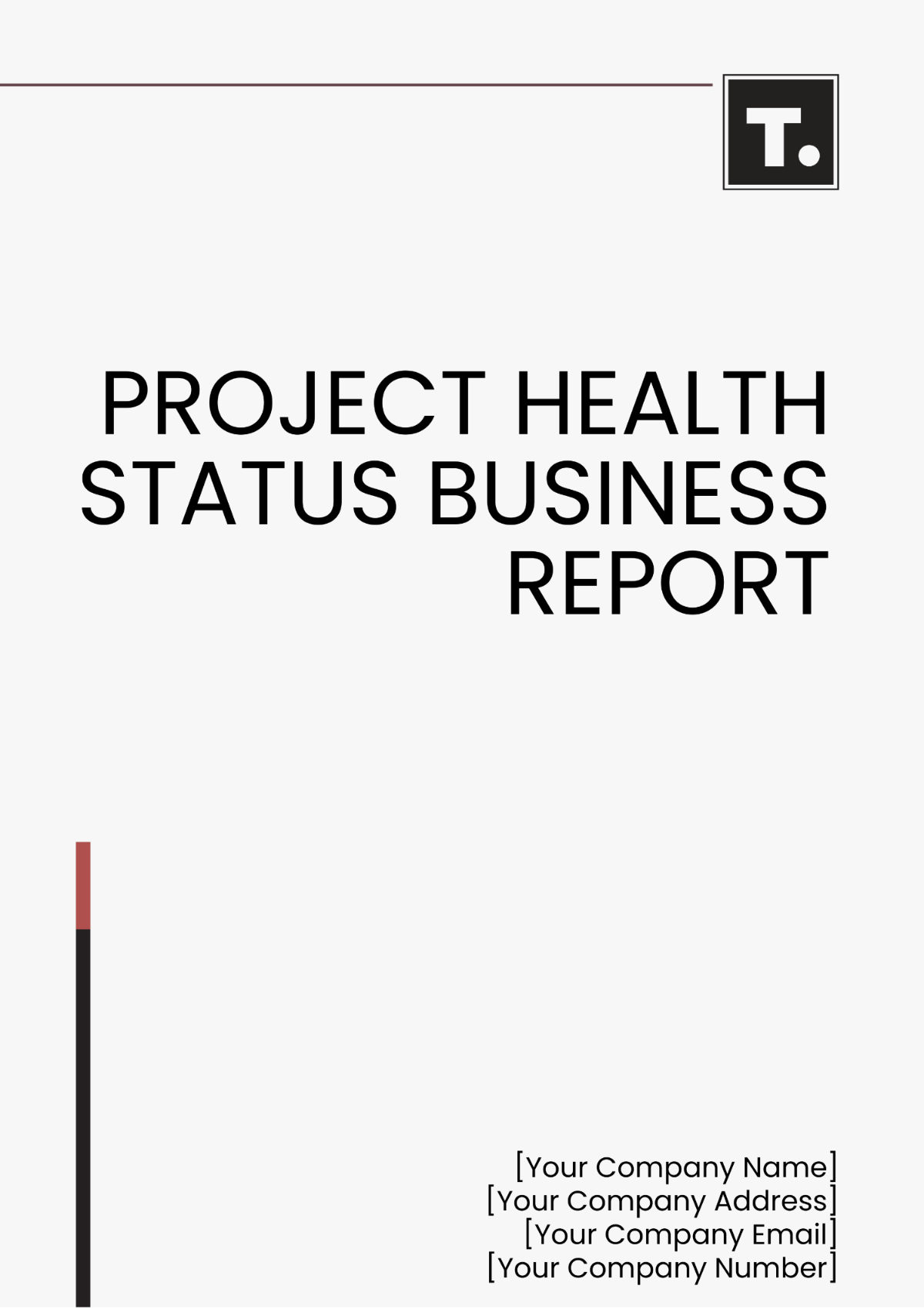
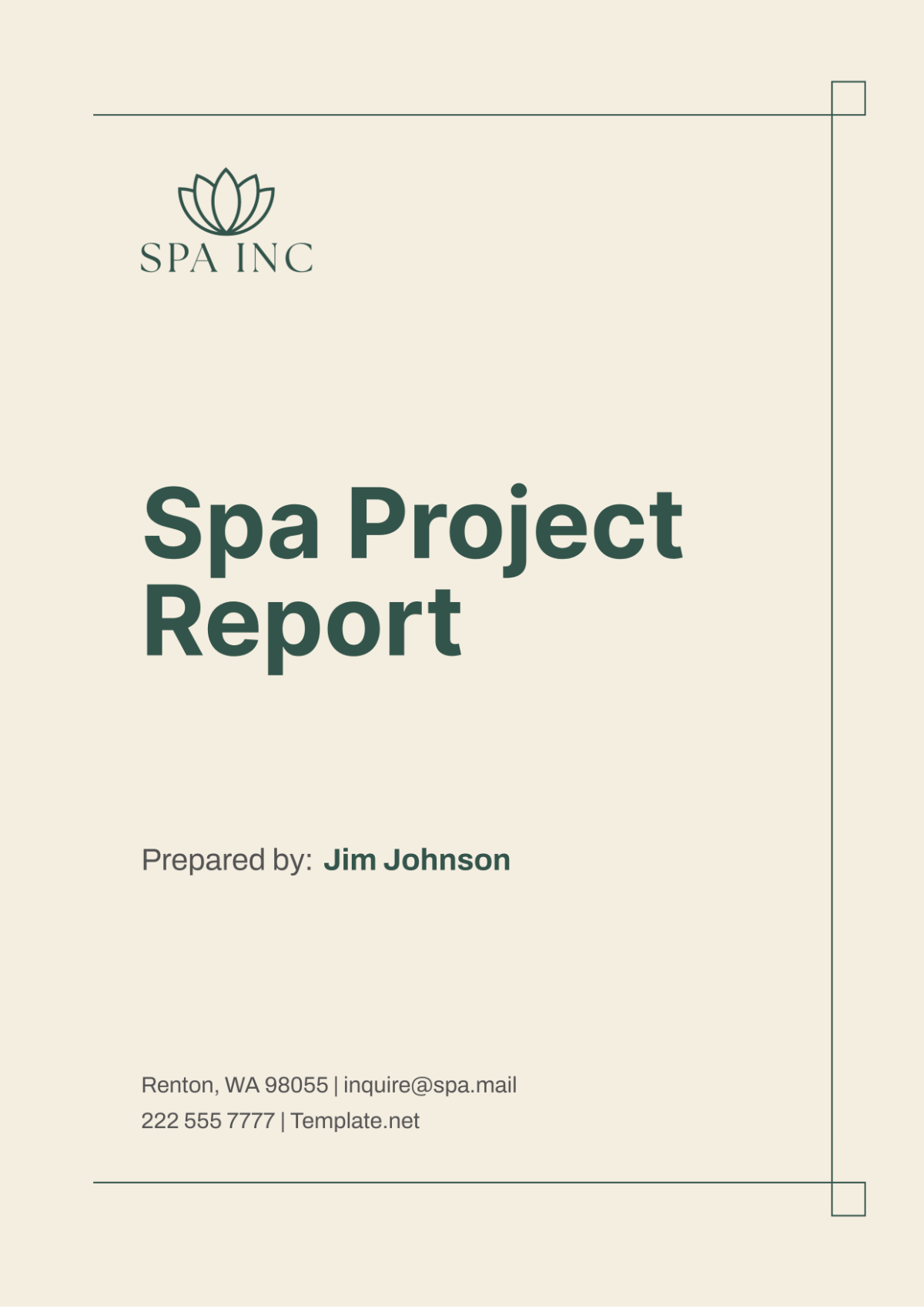
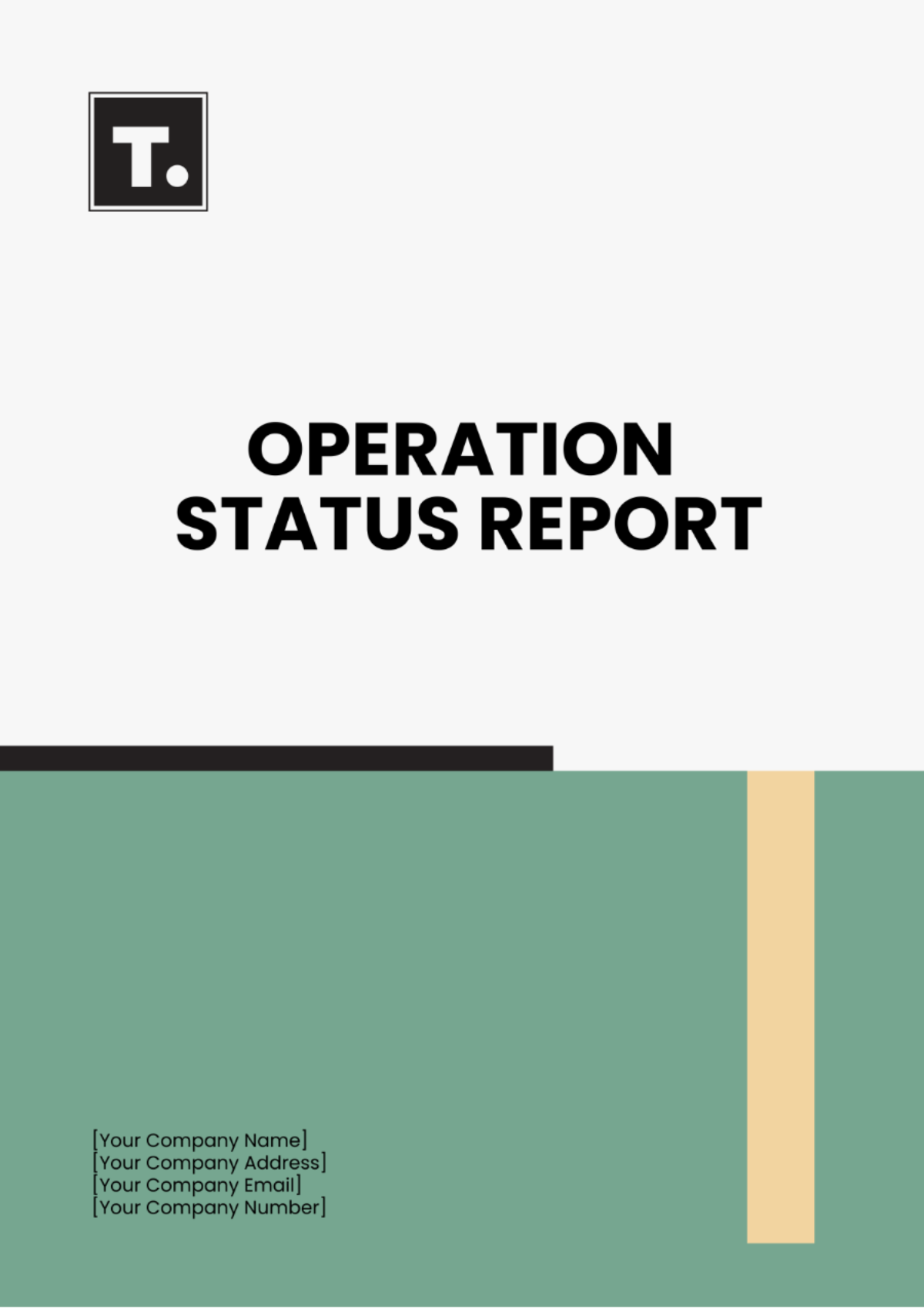
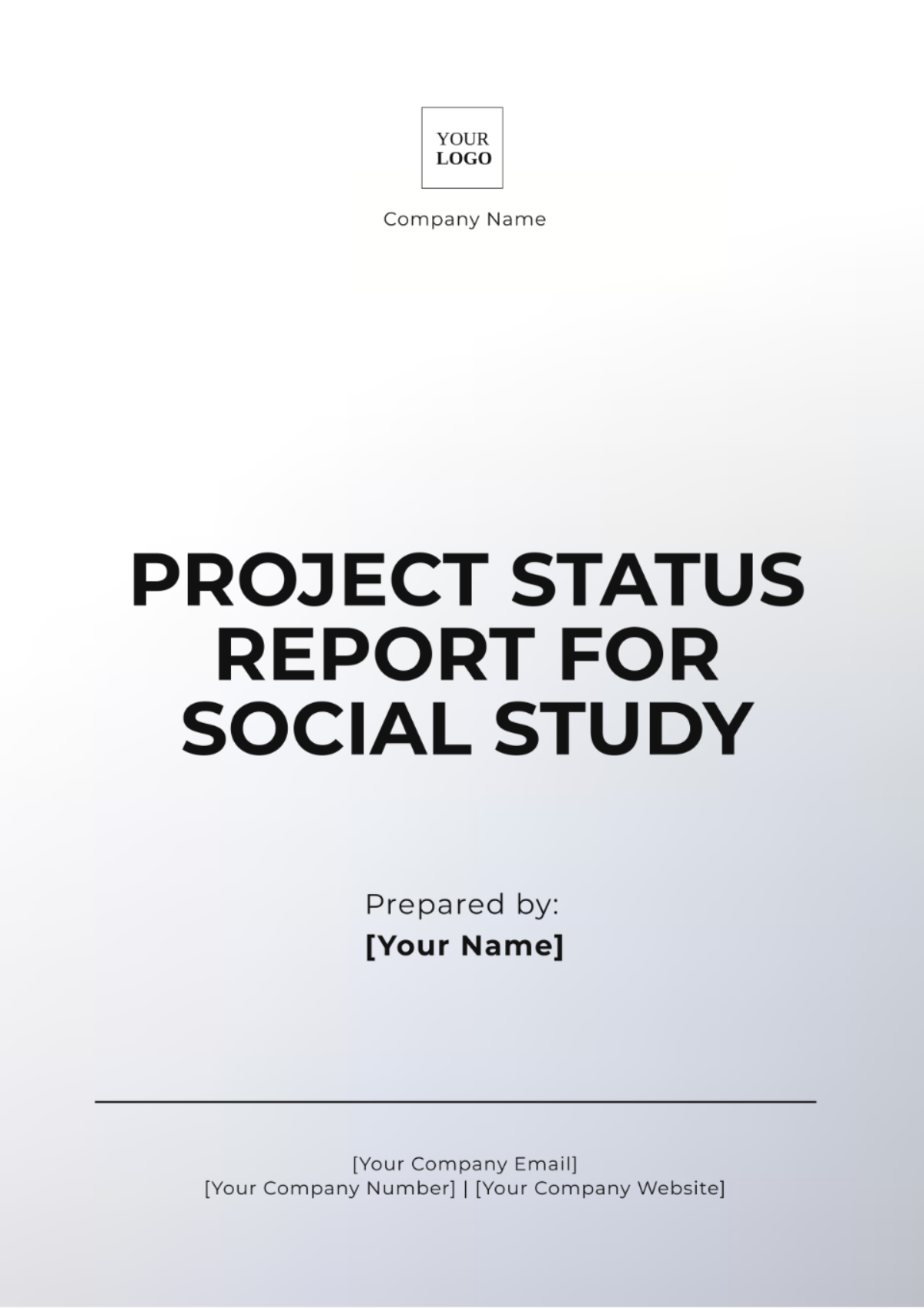
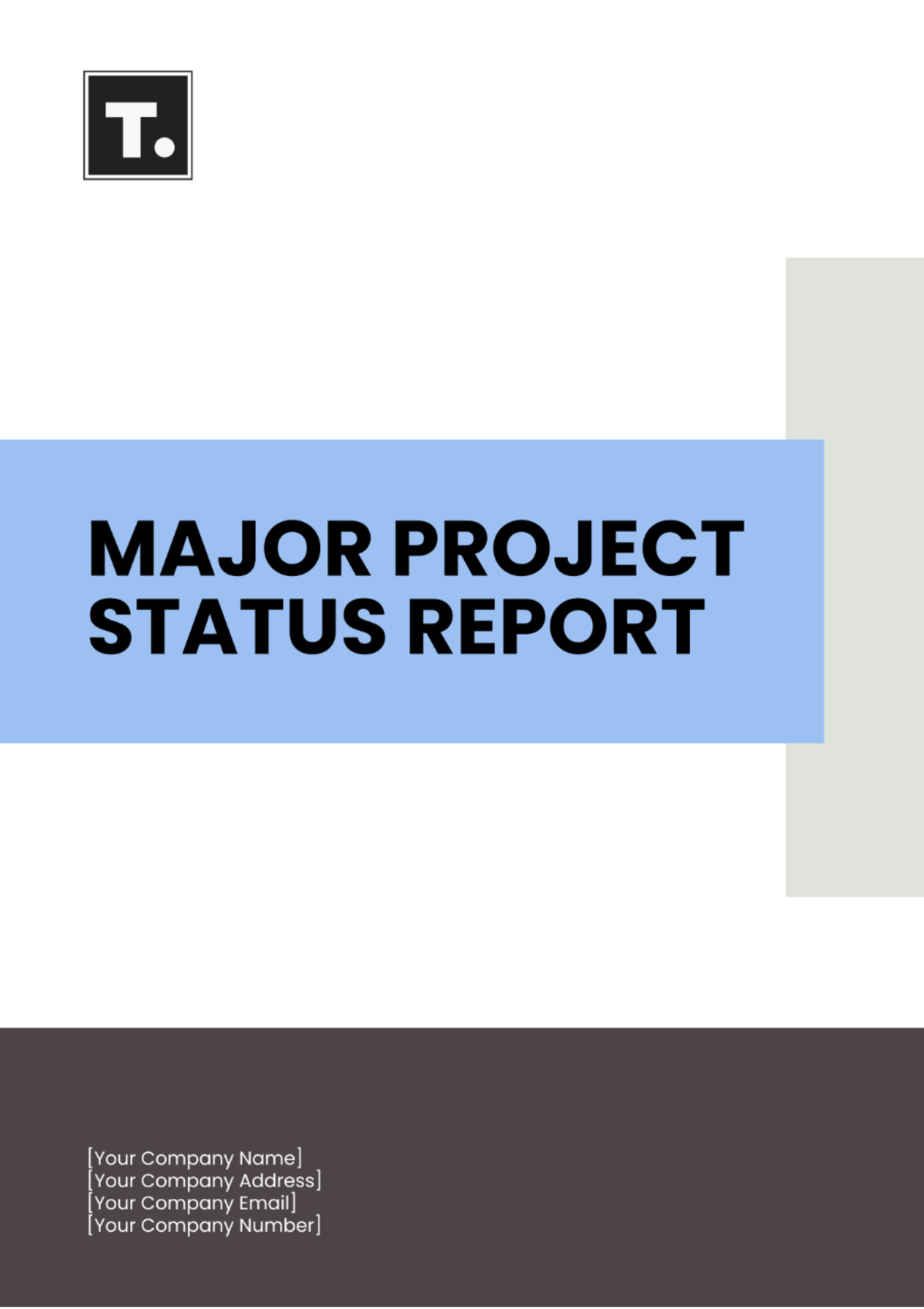
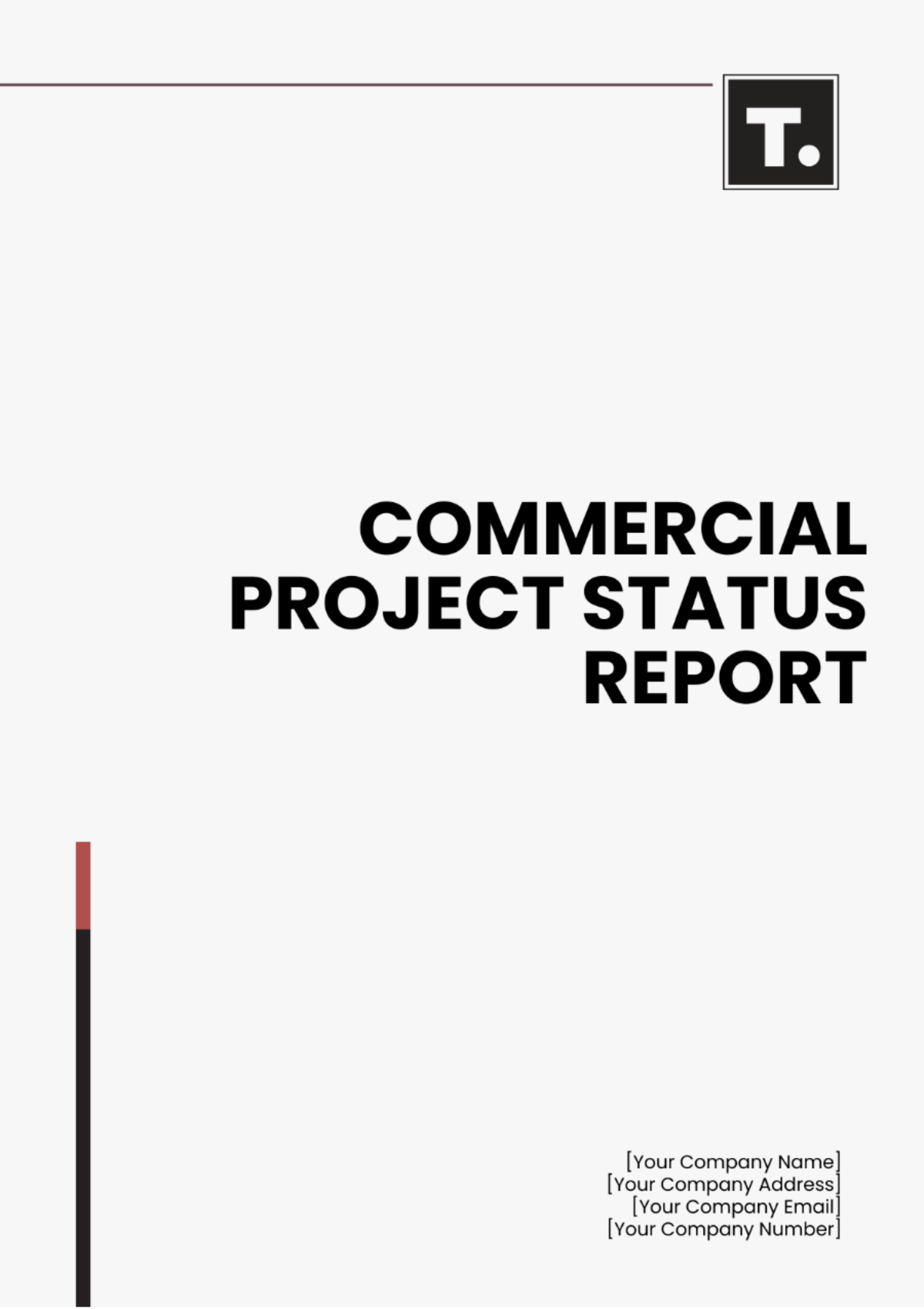
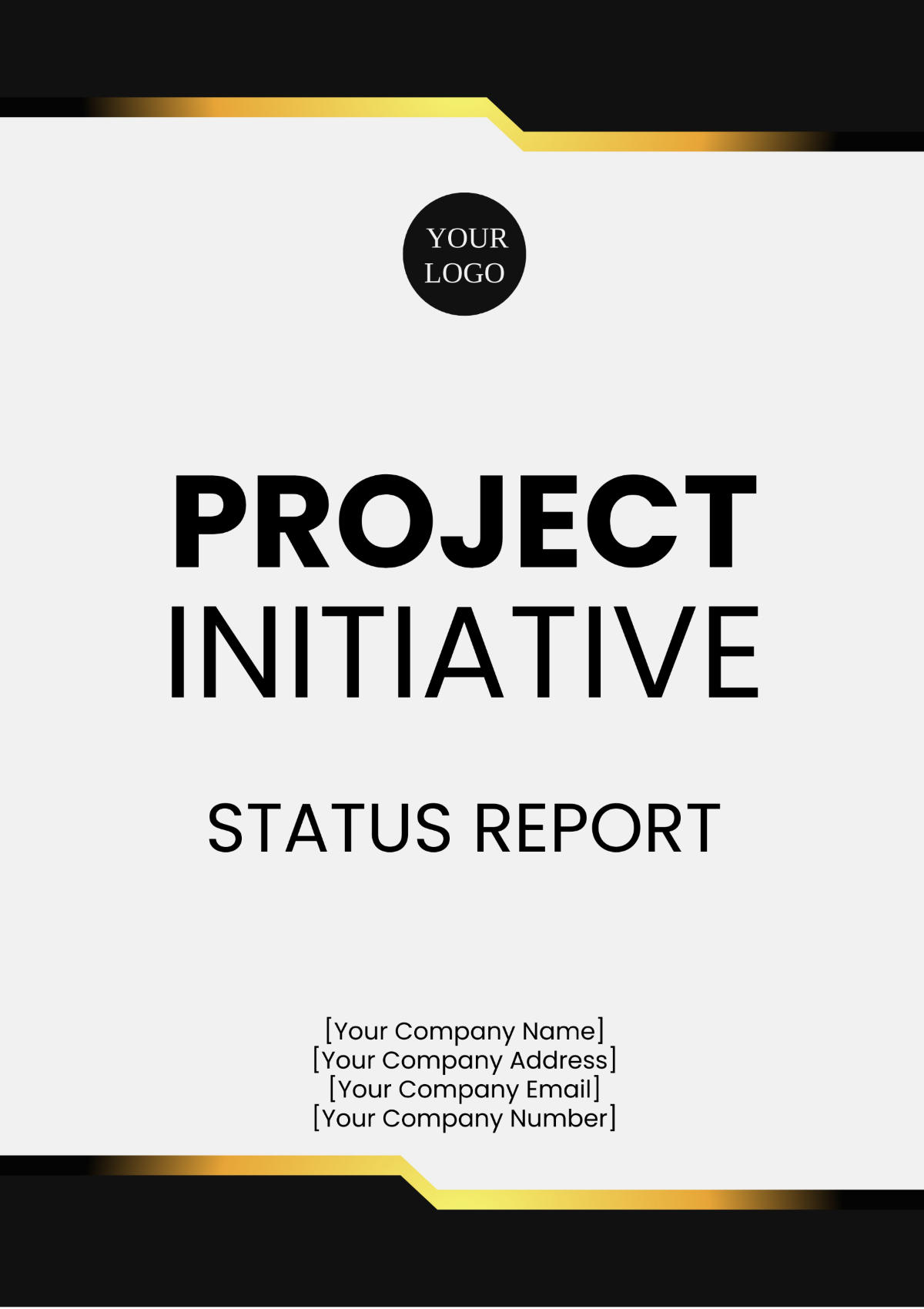
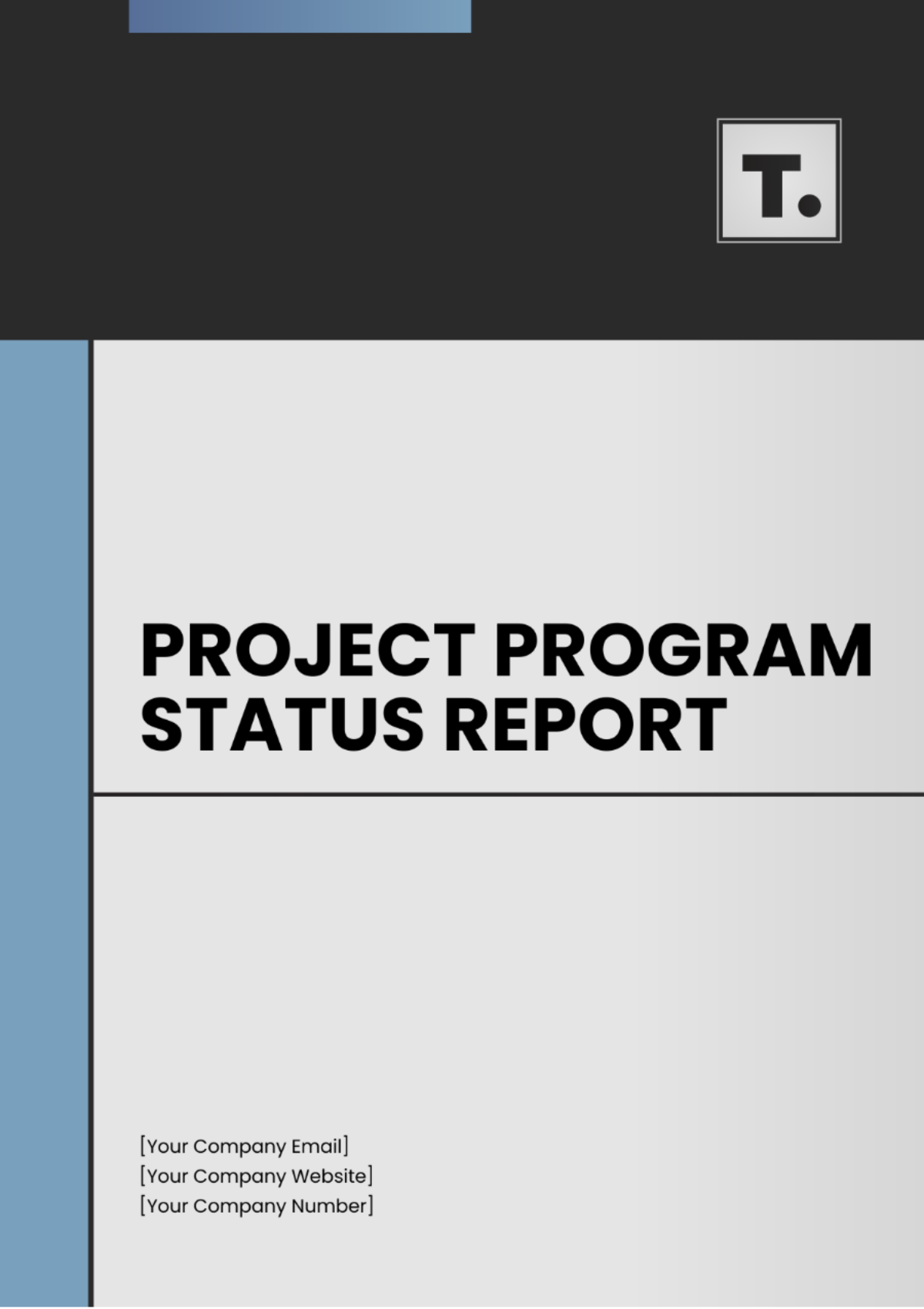
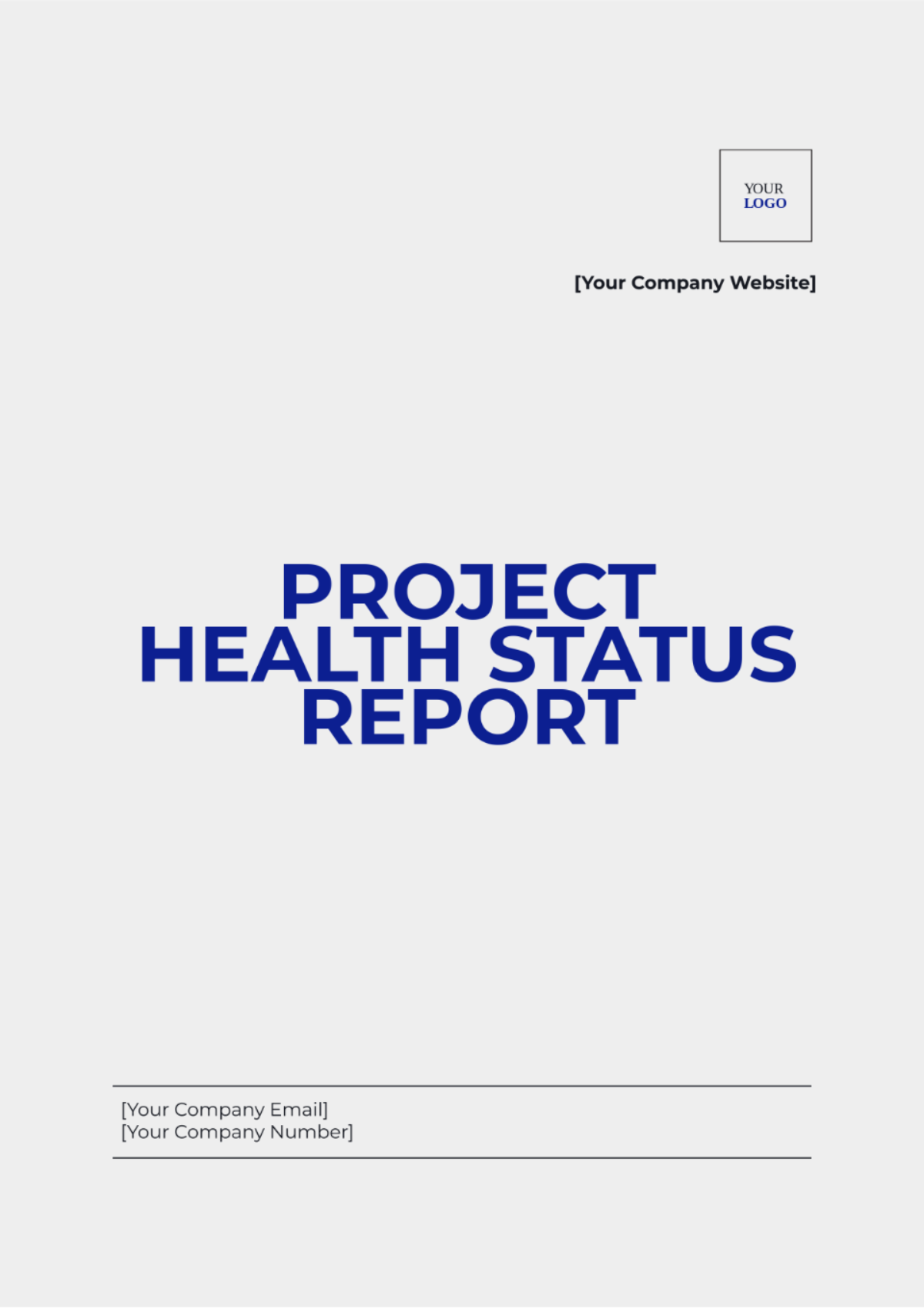
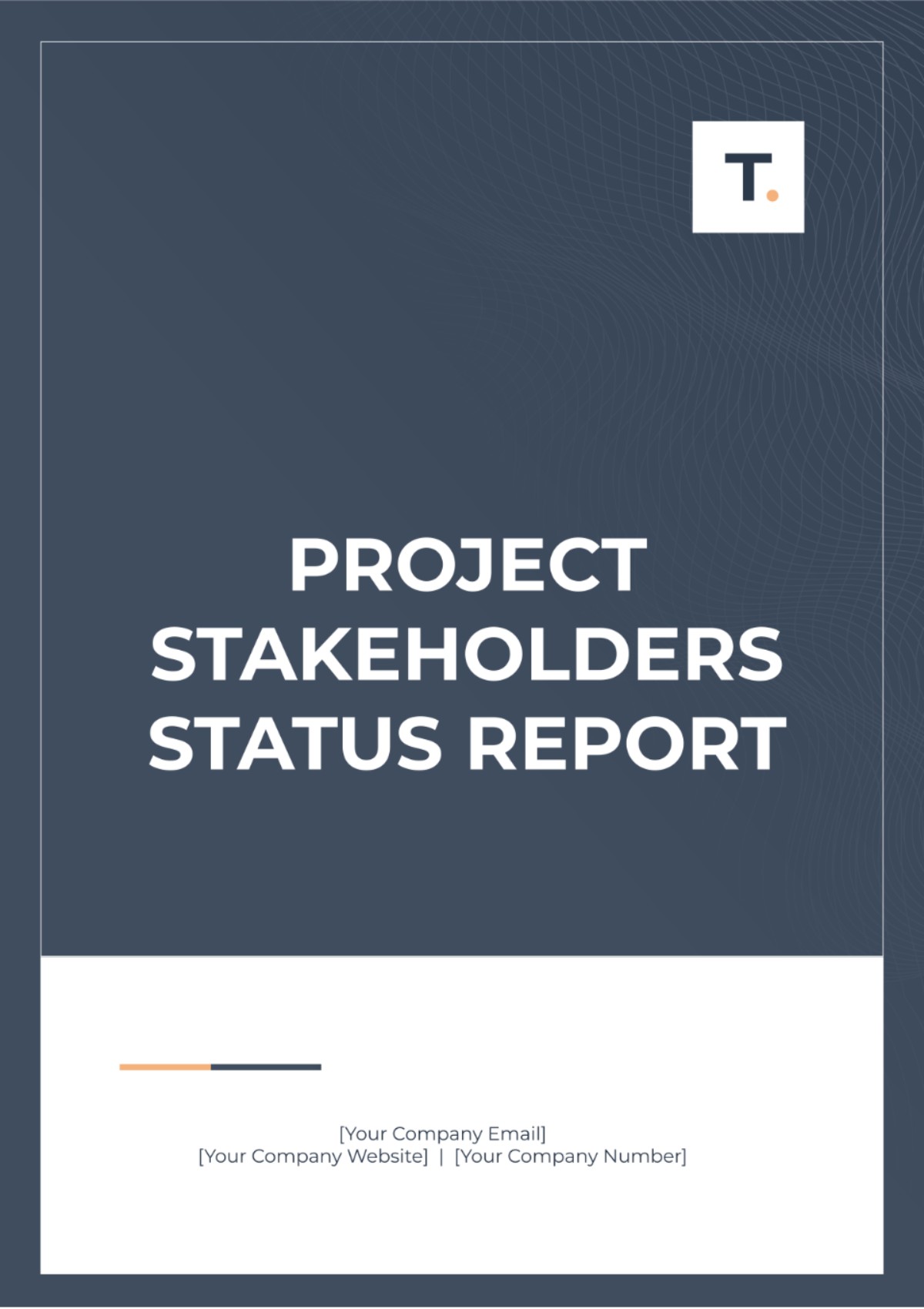
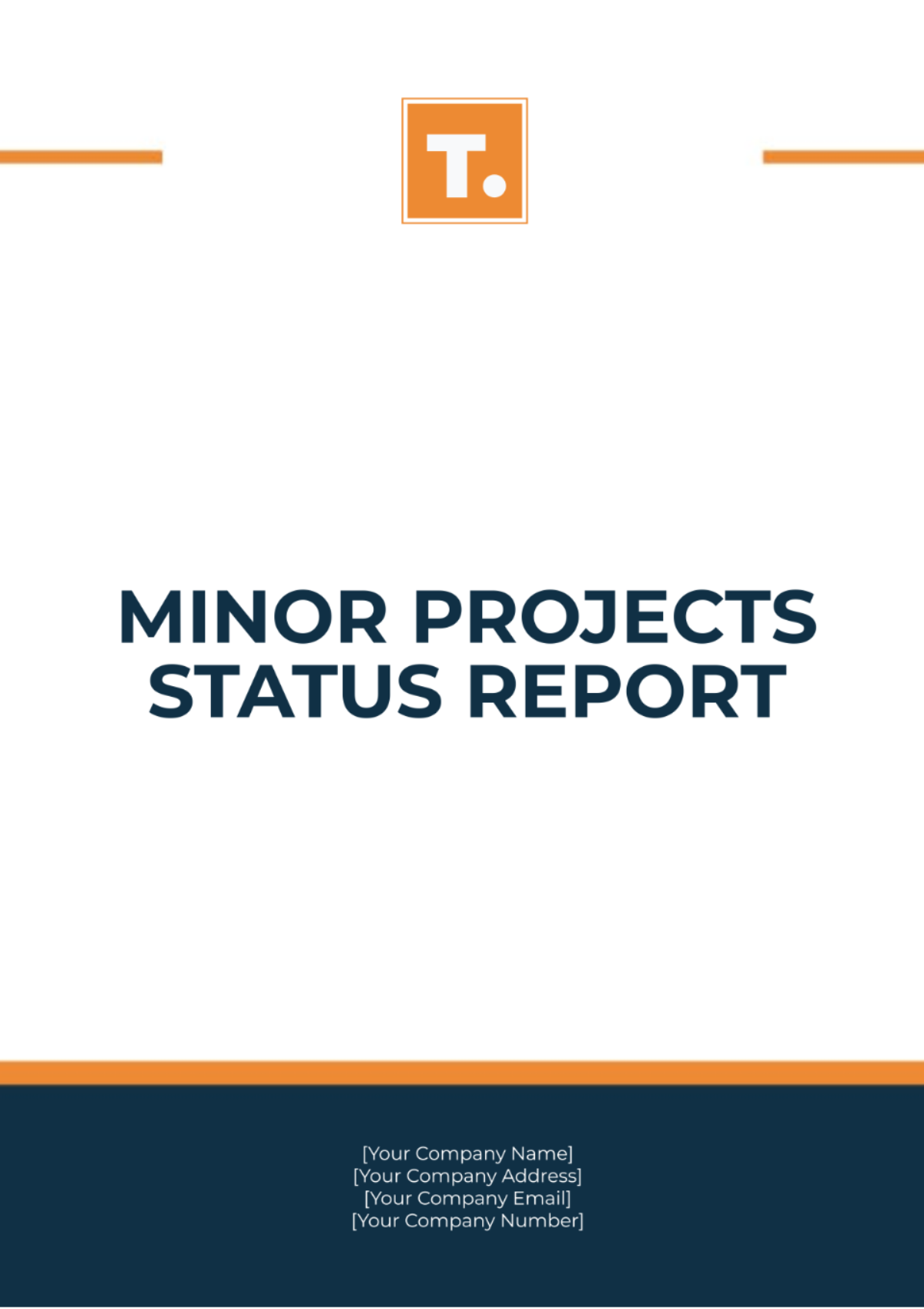
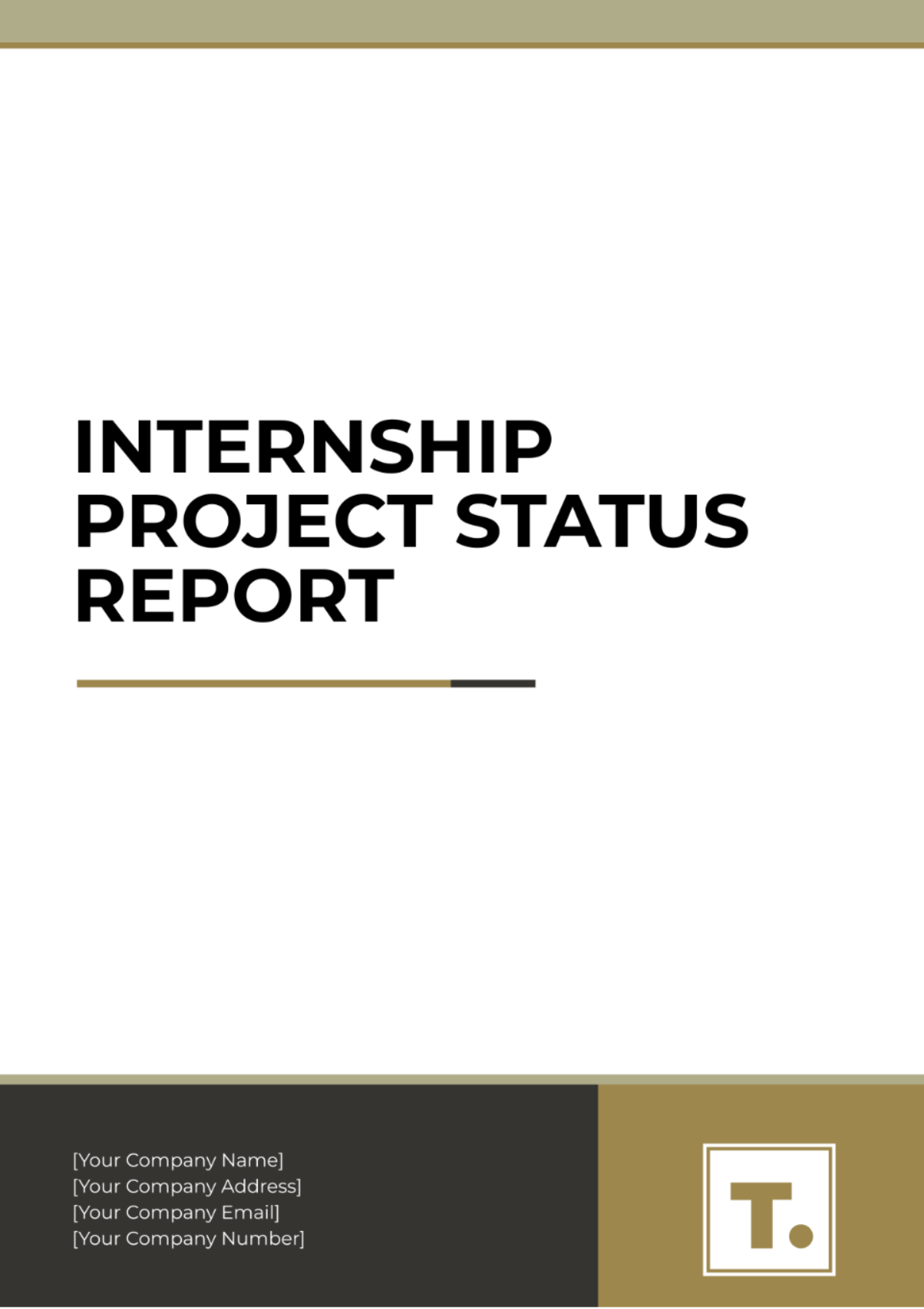
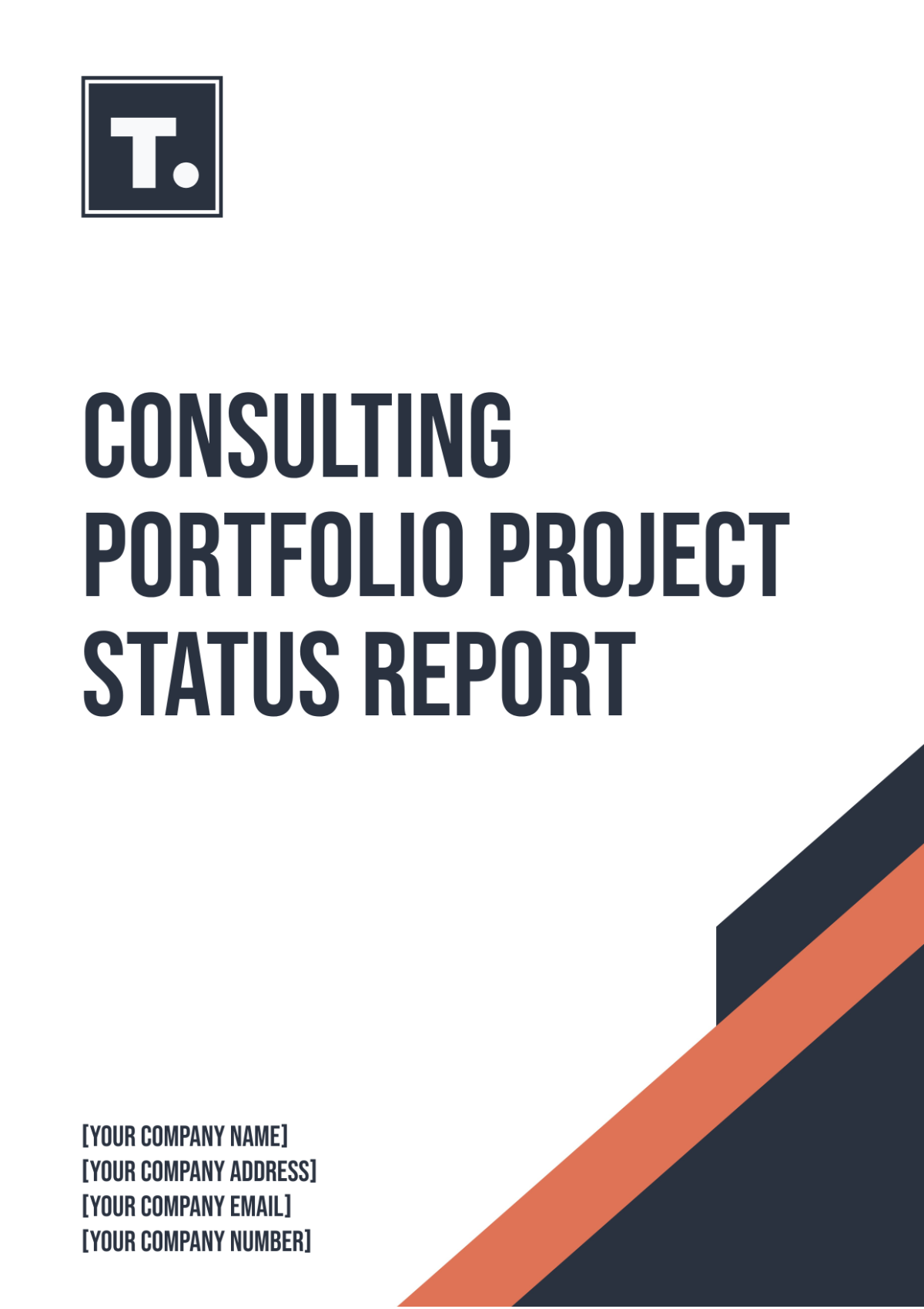
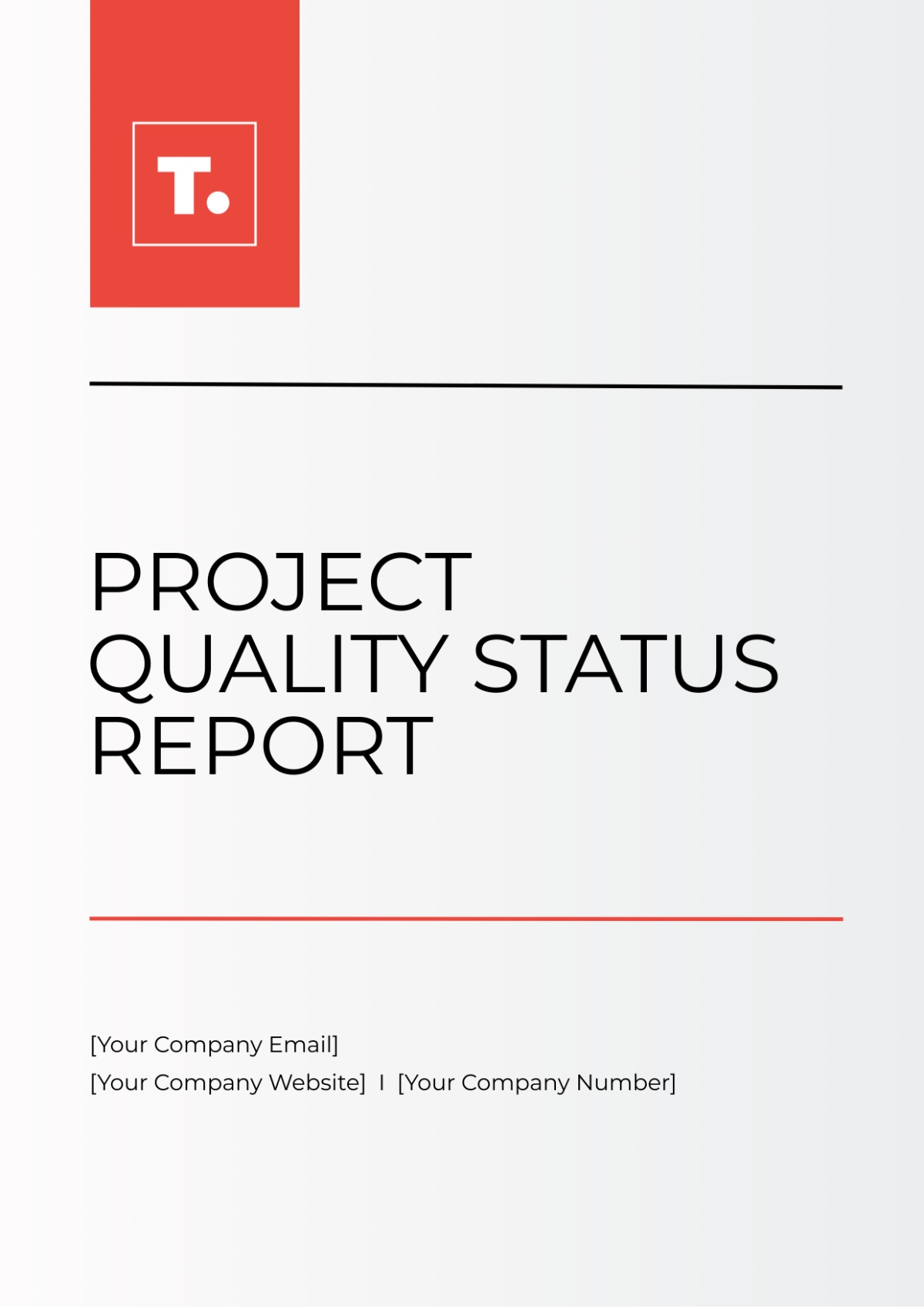
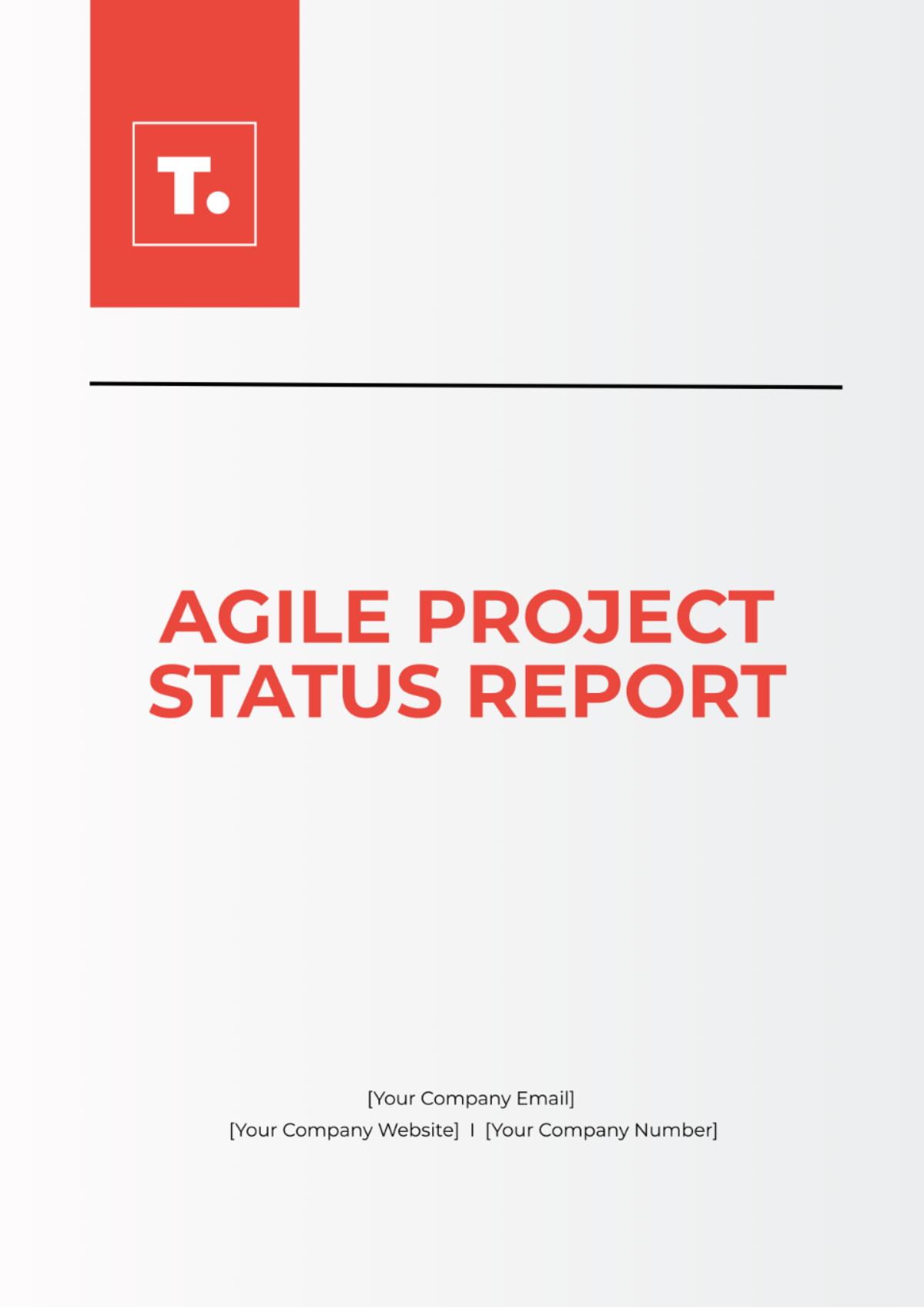
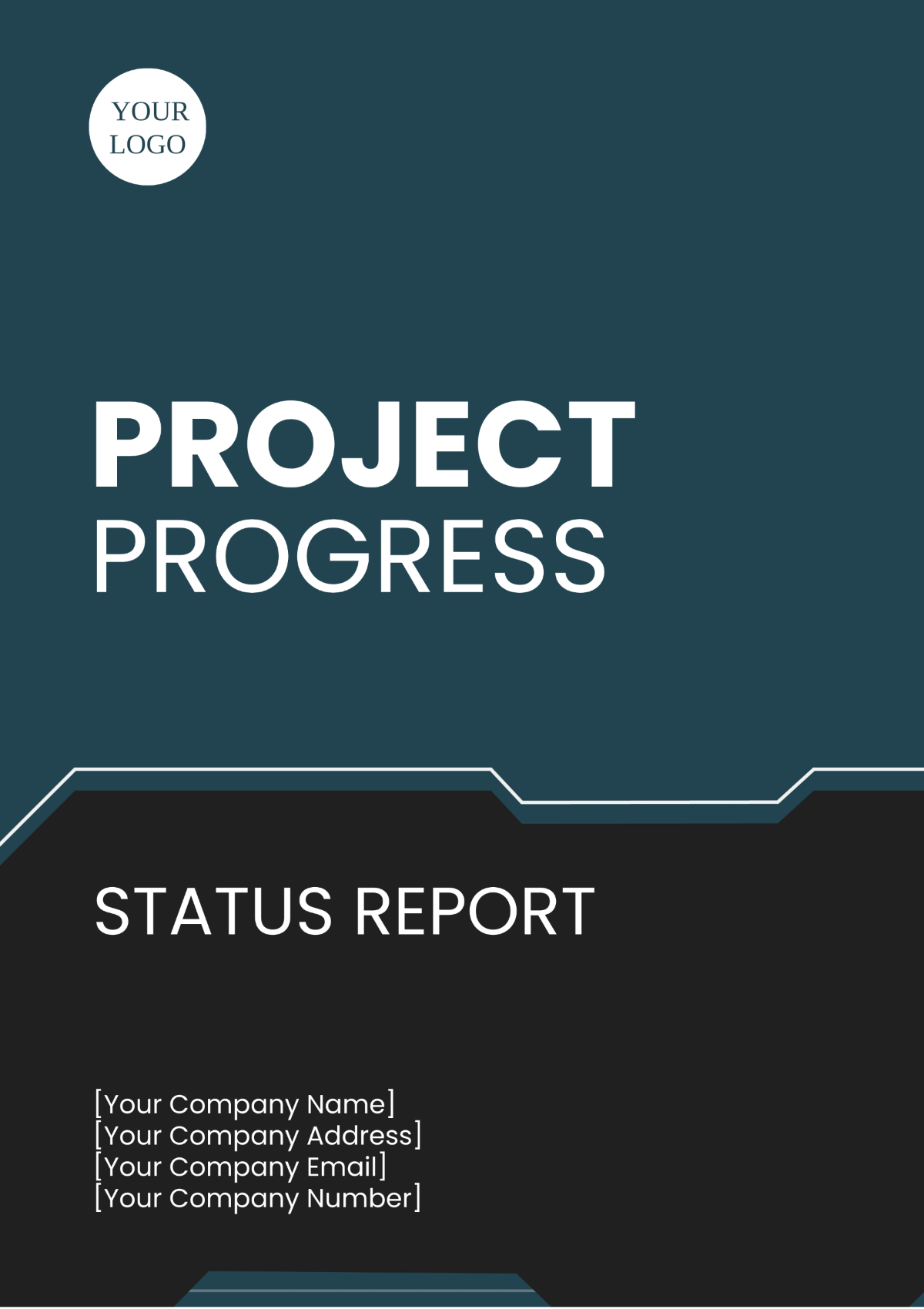
Create Project Status Reports, Edit Online with AI-Powered Document Editor
Template.net’s Free AI Project Status Report Generator helps you draft high-quality reports in seconds. Edit online with your brand logo, fonts, tone, and custom elements to ensure every report is personalized and professional. Whether you are preparing weekly updates, executive reports, or construction progress summaries, stay clear, accurate, and on-point. Download in multiple formats, share instantly, and communicate with confidence.
![Free AI Project Status Report Generator, Free Project Report Maker [ No Signup ]](https://images.template.net/generator-images/0-ai-report-generator/Project Status Repor-0.webp)
Write Custom, Professional Project Status Reports in Seconds
From weekly updates to executive summaries, our AI-powered writing tool helps you craft polished, on-brand reports in any format, tone, or language. No blank pages, no formatting guesswork.
AI Brand Voice
Choose from formal, conversational, persuasive, or executive tone settings. Our AI rewrites your report to match your audience whether you are writing for managers, clients, or stakeholders.
AI-Smart Formatting Suggestions
Get instant suggestions for improving structure, layout, and flow especially useful for long-form status reports.
Multiple Document Types Supported
Generate a wide range of professional formats including project reports, proposals, updates, memos, dashboards, and more.
Project Report Formatting Support
Support for APA, MLA, Chicago, and Harvard styles when needed. Ideal for technical documentation, compliance reporting, and academic project reports.
Smart Personalization
Auto-fill project names, deadlines, milestones, budgets, and other context-aware fields to save time and ensure accuracy.
Auto-Suggested Visuals and Headers
Let AI recommend engaging titles, subheadings, and structured layouts to make your project report clear and professional.
Multilingual Report Generation
Generate project reports in 20+ global languages using text or voice prompts.
Supported languages include English, Spanish, French, Hindi, Arabic, Chinese, Portuguese, Bengali, Russian, Japanese, German, Korean, Italian, Turkish, Vietnamese, Urdu, Persian, Polish, Thai, and Punjabi.
Voice-Powered Drafting
On the go? Just speak your update and let the AI generate your project status report instantly hands-free.
Fully Customizable Text, Styles and Design
Easily update fonts, headings, colors, and layout styles. Apply consistent branding using built-in design controls. Choose from hundreds of customizable cover and header designs.
Branding and Visual Control
Apply your logo, brand fonts, and corporate colors automatically to maintain visual consistency across all your project reports.
Citations & Source Generation
Generate properly formatted references from links, pasted content, DOIs, or references perfect for technical, compliance, or research-heavy project reports.
Real-Time Proofreading
Check for spelling, grammar, punctuation, and tone instantly no need for external grammar tools.
Rewriting & Content Expansion
Ask AI to rephrase, shorten, or expand any section with context and tone awareness.
Export in Multiple Formats
Download or share project reports in DOCX, PDF, TXT, PNG, HTML formats. Export seamlessly to Google Docs, Dropbox, OneDrive, Notion, or email.
Real-Time Collaboration
Collaborate live with team members, managers, or clients. Add comments, make edits, and finalize project reports together in one shared workspace.
Secure Cloud Workspace
Store reports securely, assign roles, and control access for team members or clients all protected in your cloud environment.
Translate Full Reports Instantly
Translate your project status report in one click ideal for international clients or global project teams.
Share or Embed Anywhere
Publish via link, QR code, or embed code to feature reports in dashboards, intranet portals, or knowledge bases.
Executive Sign-Off and Approval Blocks
Insert digital approval sections for managers, clients, or stakeholders ideal for formal project reporting.
Attach Files and Media
Embed or upload supporting documents, Gantt charts, spreadsheets, images, or construction photos directly into your report.
Project Timeline and Milestone Tracking
Insert clear visuals or structured updates on project phases, progress milestones, and delivery schedules.
Progress Photos and Visual Evidence
Insert site photos, design images, or team progress visuals to enhance project transparency.
Budget and Resource Allocation Charts
Visualize budget usage, resource distribution, or cost breakdown with bar charts, pie charts, or line graphs.
Add Tables and Structured Data
Build clean, responsive tables to organize schedules, deliverables, risks, or performance metrics within your report.
![Free AI Project Status Report Generator, Free Project Report Maker [ No Signup ]](https://images.template.net/generator-images/5-ai-report-generator/Project Status Report-5.webp "Free AI Project Status Report Generator, Free Project Report Maker [ No Signup ]")
How to Write a Free AI-Generated Project Status Report
Just enter a prompt, customize the draft, and export your polished report in minutes with no formatting, no friction.
Step 1: Start with a Prompt
Type or speak your report purpose such as: “Weekly project status report,” “Executive project status report,” or “Construction project status report.” The AI instantly understands your intent and begins drafting.
Step 2: Generate and Edit
Within seconds, you will see a professionally written project status report tailored to your prompt. Refine the tone, structure, or content or regenerate multiple versions to explore different styles.
Step 3: Finalize and Share
Add your name, branding, or any custom formatting. Then export your report in DOCX, PDF, TXT, or share instantly via Email, LinkedIn, WhatsApp, Facebook, X (Twitter), Pinterest, or Reddit. You can also generate a live link or QR code for seamless publishing.
Work Smarter and Promote Your Projects
![Free AI Project Status Report Generator, Free Project Report Maker [ No Signup ]](https://images.template.net/generator-images/1-ai-report-generator/Project Status Report-1.webp "Free AI Project Status Report Generator, Free Project Report Maker [ No Signup ]")
Generate Reports That Represent Your Work
Apply your company’s brand style instantly. From headers to tone, every element of your report reflects your project identity.
![Free AI Project Status Report Generator, Free Project Report Maker [ No Signup ]](https://images.template.net/generator-images/2-ai-report-generator/Project Status Report-2.webp "Free AI Project Status Report Generator, Free Project Report Maker [ No Signup ]")
Reuse, Repeat, and Scale Easily
Save high-performing reports as reusable templates. Adjust details and republish across projects without starting from scratch.
![Free AI Project Status Report Generator, Free Project Report Maker [ No Signup ]](https://images.template.net/generator-images/3-ai-report-generator/Project Status Report-3.webp "Free AI Project Status Report Generator, Free Project Report Maker [ No Signup ]")
Share Instantly, Collaborate Smoothly
Download or post reports in DOCX, PDF, TXT. Share online, collaborate live, and receive feedback easily without scattered drafts.
![Free AI Project Status Report Generator, Free Project Report Maker [ No Signup ]](https://images.template.net/generator-images/4-ai-report-generator/Project Status Report-4.webp "Free AI Project Status Report Generator, Free Project Report Maker [ No Signup ]")
Smart Workspaces for Teams
Create centralized hubs for project documentation. Assign access levels, store brand assets, and keep every report aligned across teams.
