Free AI Small Multiple Grid Chart Generator

Create Small Multiple Grid Charts, Customize Online with Smart AI Powered Generator
Template.net's Free AI Small Multiple Grid Chart Generator helps you transform structured datasets into clear multi-panel visualizations using simple text or voice prompts. Describe your comparison data, and the AI automatically generates a Small Multiple Grid Chart with consistent layouts and scales for easy analysis. Customize chart panels, categories, values, labels, colors, titles, legends, spacing, and layouts using the intuitive chart editor. Update your visualization anytime, then download or share it in just a few clicks.
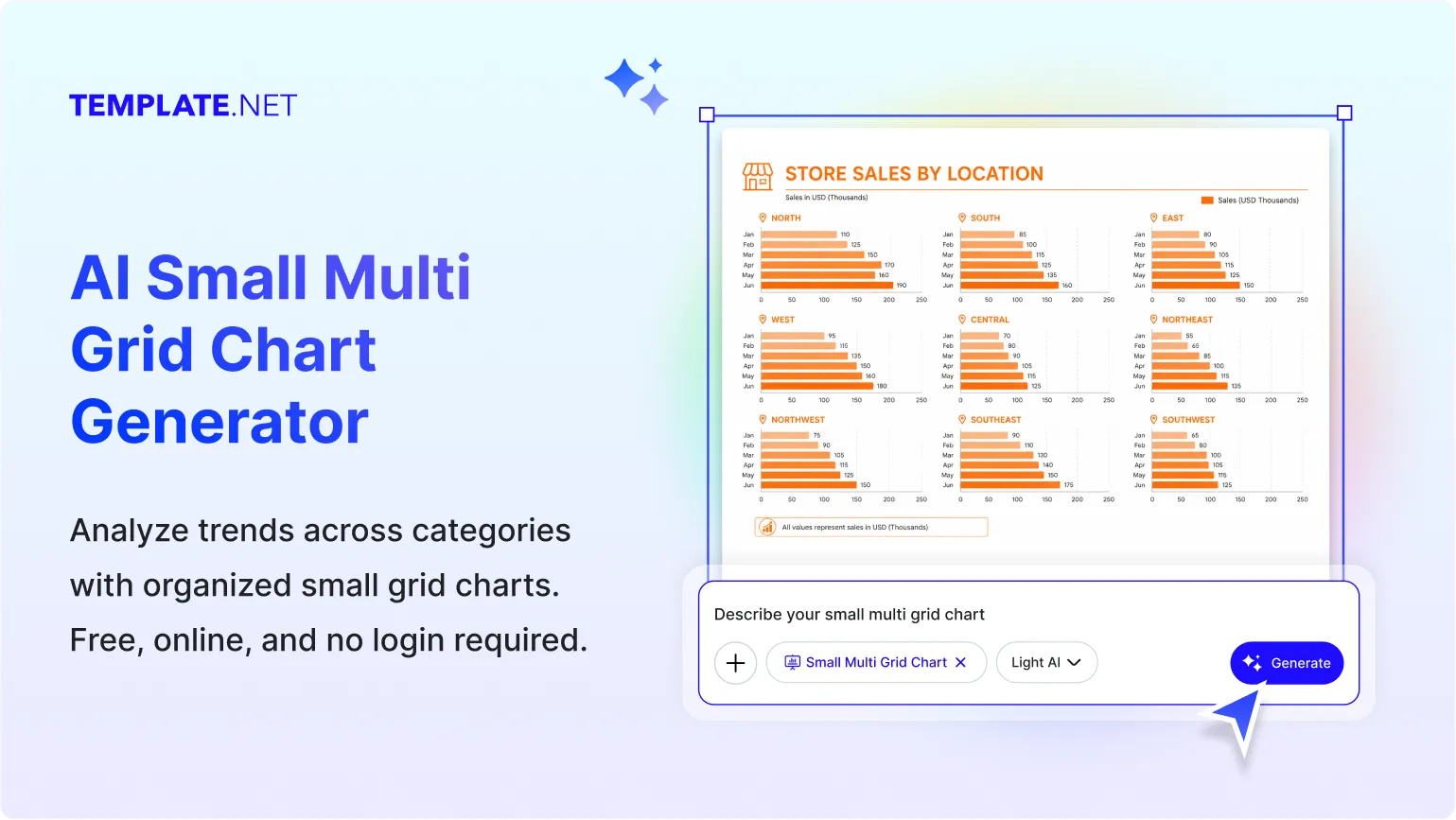
Design Professional Small Multiple Grid Charts for Free
Everything you need to create Small Multiple Grid Charts without advanced data visualization or design experience.
AI-Powered Small Multiple Grid Chart Creation
Turn simple text or voice prompts into structured Small Multiple Grid Charts automatically. The AI organizes related datasets into multiple aligned chart panels for quick comparison.
Compare Multiple Datasets Side by Side
Display several related charts in a consistent grid layout, making similarities, differences, and trends easy to identify.
Simplify Complex Data Comparisons
Present category comparisons, regional performance, time-series analysis, survey results, or business metrics using organized Small Multiple Grid Charts.
Flexible Chart Editing Experience
Edit chart panels, categories, values, labels, titles, colors, legends, spacing, scales, and layouts using an intuitive visual editor.
Convert Structured Data into Multi-Panel Charts
Transform spreadsheets, reports, analytics, research findings, or prompt-based descriptions into clear Small Multiple Grid Charts within seconds.
Consistent Data Visualization
Maintain the same scales, layouts, and formatting across every chart panel for accurate visual comparison.
Fully Customizable Small Multiple Grid Charts
Adjust panel arrangement, chart styles, colors, labels, legends, titles, backgrounds, spacing, and layouts to match your reporting needs.
Quick Data Entry and Organization
Add categories, values, series names, annotations, and labels while keeping every Small Multiple Grid Chart organized and easy to understand.
Generate Multiple Chart Variations
Create multiple Small Multiple Grid Chart layouts using the same dataset to compare styles, panel arrangements, colors, and formatting.
Multilingual Support
Generate Small Multiple Grid Charts in 20+ multiple languages including English, Spanish, Hindi, Arabic, Chinese, Japanese, and more for global communication.
Real-Time Collaboration
Collaborate with colleagues, analysts, educators, researchers, or teams by reviewing, editing, and refining Small Multiple Grid Charts together in real time.
Clean Multi-Panel Layouts
Automatically organize charts into structured grids with consistent spacing and alignment for improved readability.
Full Mode Presentation
Open your calendar heat map in Full Mode to view date patterns clearly, inspect activity levels across the entire calendar, and refine colors, labels, and layouts before downloading or sharing.
Flexible Chart Resizing
Resize Small Multiple Grid Charts for reports, dashboards, presentations, websites, educational materials, or social media without losing clarity.
Edit and Update Anytime
Modify datasets, labels, categories, layouts, colors, or chart panels whenever your information changes without recreating the visualization.
Add Notes and Key Highlights
Include annotations, important observations, explanations, or highlights to provide additional context for each chart panel.
Export, Share, and Publish Instantly
Download Small Multiple Grid Charts in PNG, JPG, PDF, and SVG formats. Share instantly via Email, LinkedIn, WhatsApp, Facebook, X (Twitter), Pinterest, or generate a live link or QR code.
Embed Small Multiple Grid Charts Anywhere
Embed Small Multiple Grid Charts into websites, reports, dashboards, blogs, educational resources, business portals, or presentations for seamless visualization.
How to Create a Free AI Small Multiple Grid Chart
Describe your comparison data using a text or voice prompt, let the AI generate a structured Small Multiple Grid Chart, customize the layout, and export it in seconds.
Step 1: Enter Your Prompt and Generate a Small Multiple Grid Chart
Open the AI Small Multiple Grid Chart Generator and describe your dataset, such as "Create a Small Multiple Grid Chart comparing monthly sales across six product categories for the past year." Click Generate to instantly create a structured multi-panel chart with consistent layouts for easy comparison.
Step 2: Review and Refine the Small Multiple Grid Chart
Review chart panels, categories, values, labels, legends, scales, colors, and layouts. Adjust panel arrangement, titles, spacing, chart styles, or annotations to ensure the Small Multiple Grid Chart clearly represents your data.
Step 3: Customize, Export, and Share
Personalize the Small Multiple Grid Chart, resize it for your project, and download it in PNG, JPG, and PDF formats. Share instantly via Email, LinkedIn, WhatsApp, Facebook, X (Twitter), Pinterest, or generate a live link or QR code.
Create Small Multiple Grid Charts in Seconds and Compare Data More Clearly
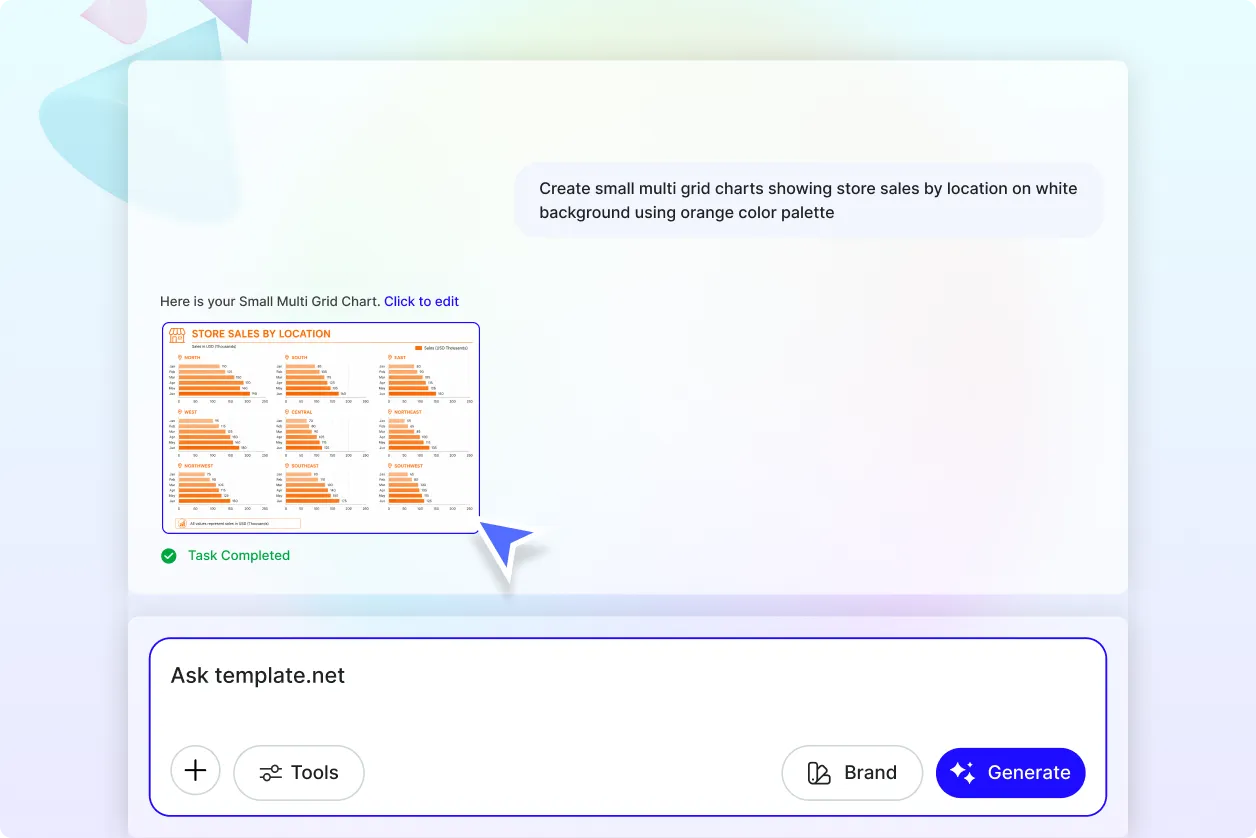
Compare Multiple Datasets at a Glance
Transform related datasets into Small Multiple Grid Charts that display multiple visualizations side by side. Quickly identify similarities, differences, trends, and patterns without switching between separate charts.
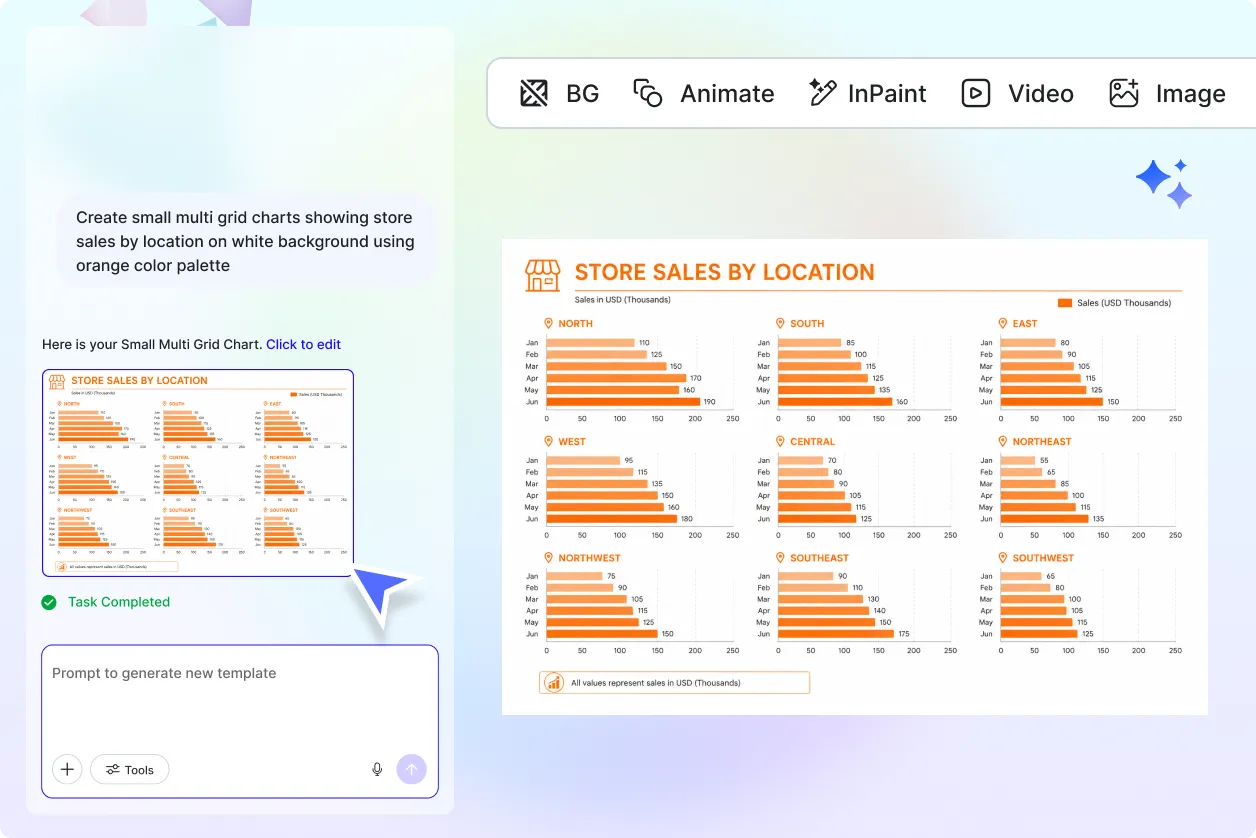
Adapt Small Multiple Grid Charts for Any Industry
Customize Small Multiple Grid Charts for business reporting, sales analysis, finance, marketing, education, healthcare, scientific research, manufacturing, customer analytics, operations, and performance monitoring. Present related datasets with a consistent structure that simplifies comparison.
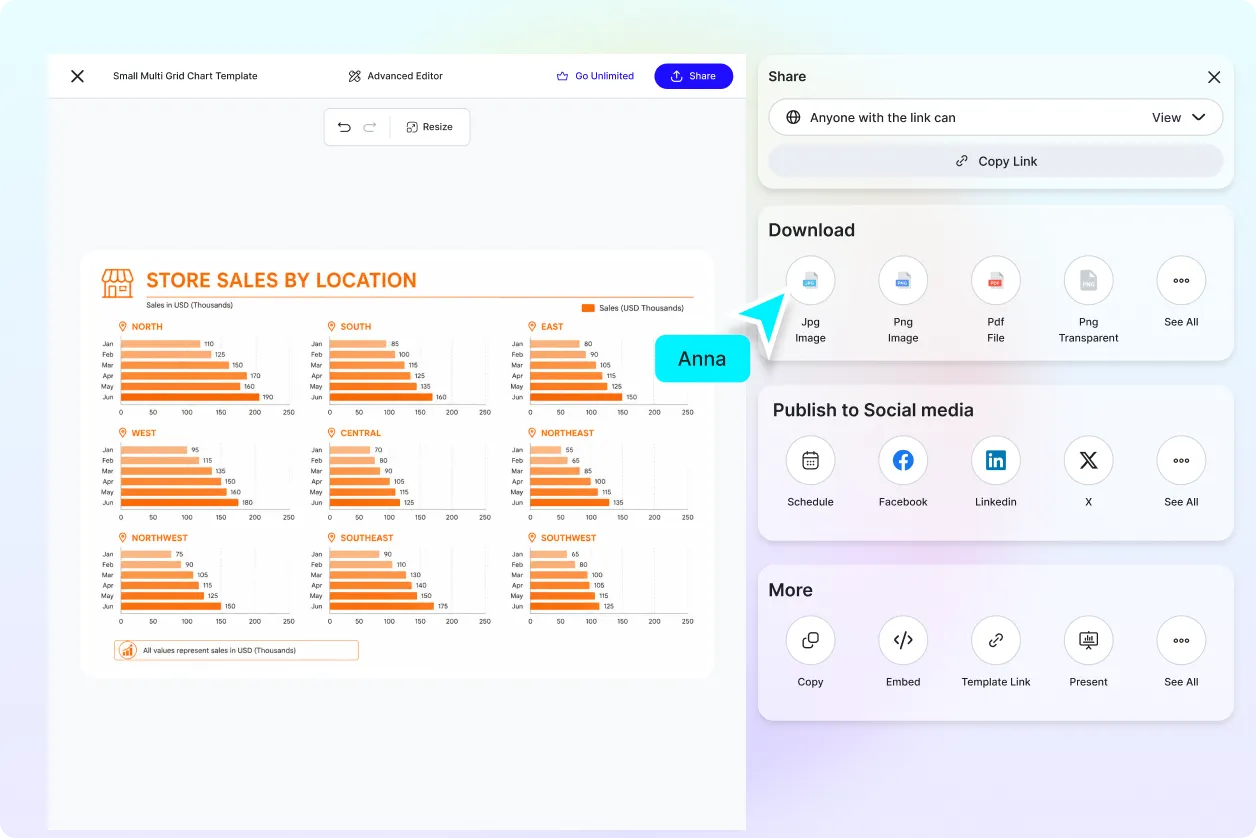
Share and Collaborate with Confidence
Share Small Multiple Grid Charts with colleagues, clients, educators, analysts, or stakeholders to improve communication and support data-driven discussions. Export or share instantly via Email, LinkedIn, WhatsApp, Facebook, X (Twitter), Pinterest, or generate a live link or QR code for quick access.
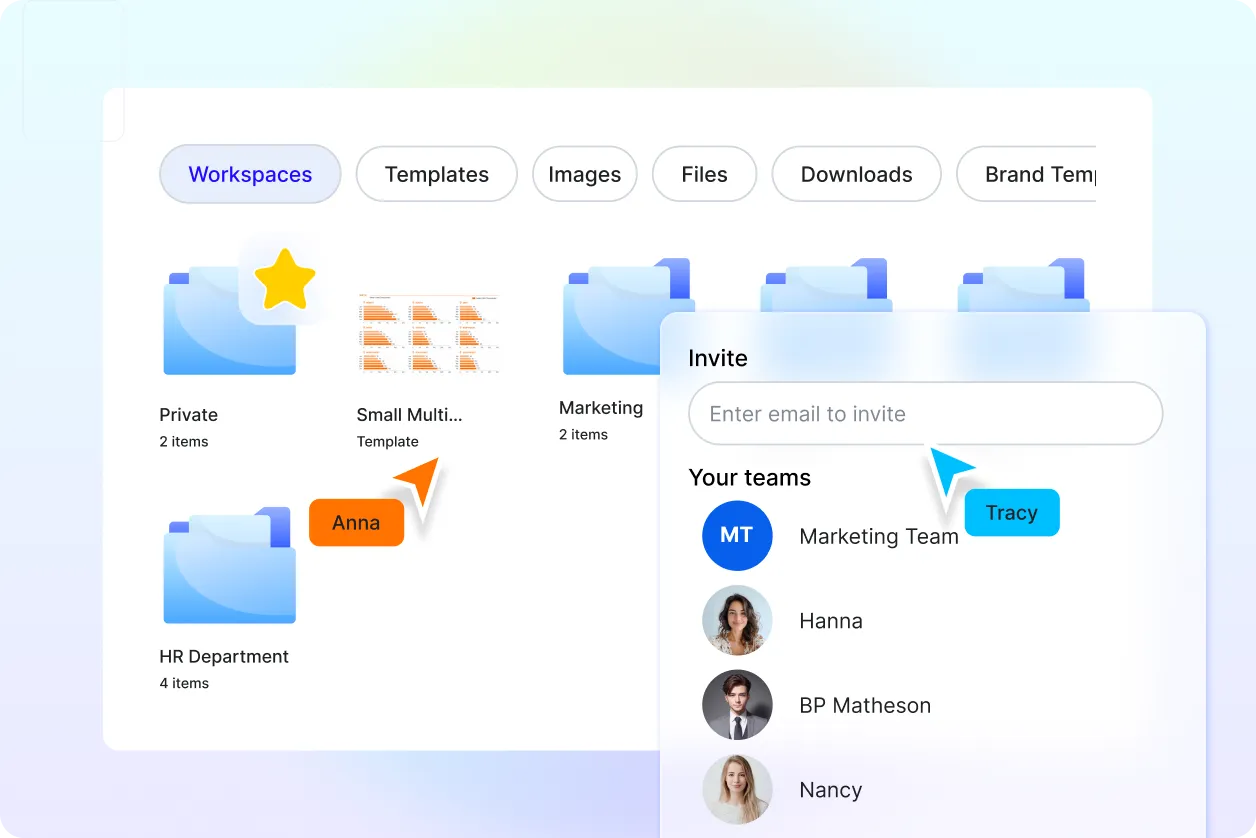
Organize and Update Data Visualizations Easily
Keep all Small Multiple Grid Charts, datasets, layouts, and revisions organized in one place. Update categories, values, chart panels, or formatting whenever new information becomes available without recreating the visualization.
