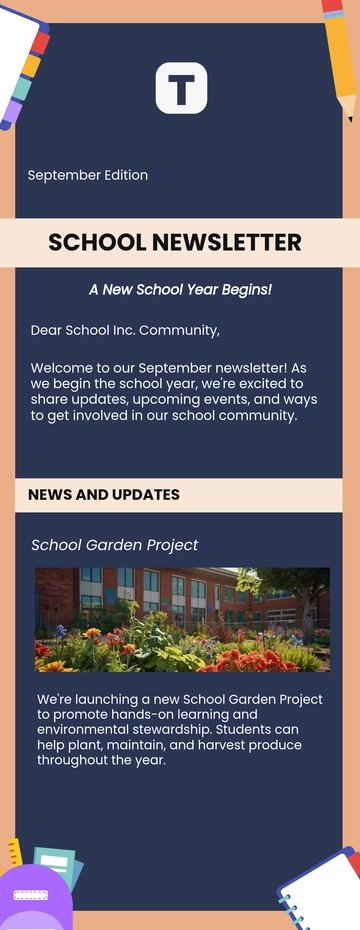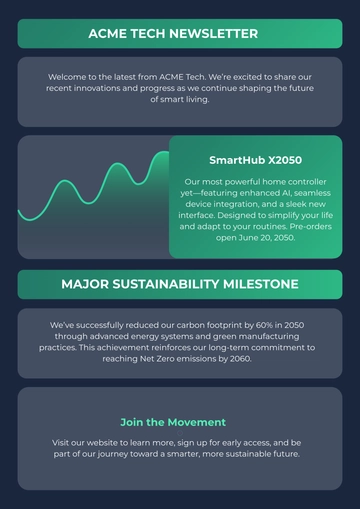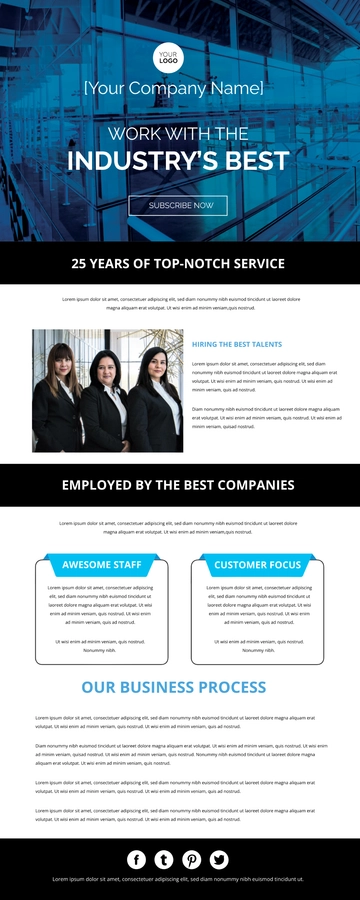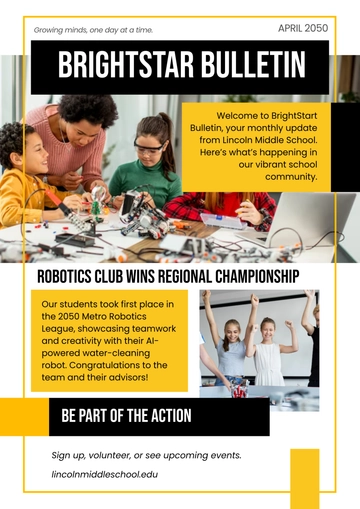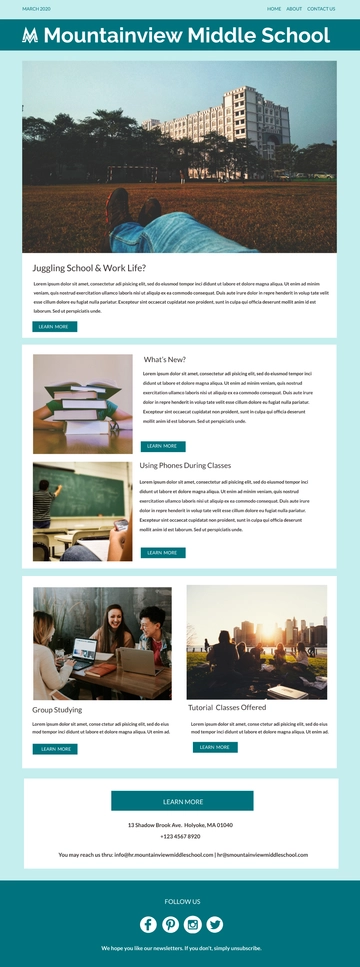
A Newsletter Line Icon is a graphic icon email newsletter composed of key content blocks such as a logo header, hero banner, and footer with unsubscribe link, exported as an HTML5 file using inline styles and table-based rows so it renders consistently across email clients. Built with Template.net's AI-powered newsletter builder, this issue suits digital icon designers sharing new graphic releases or updates visually represented by icons.
A Newsletter Line Icon is a graphic icon email newsletter composed of key content blocks such as a logo header, hero banner, and footer with unsubscribe link, exported as an HTML5 file using inline styles and table-based rows so it renders consistently across email clients. Built with Template.net's AI-powered newsletter builder, this issue suits digital icon designers sharing new graphic releases or updates visually represented by icons.
How to Create a Newsletter Line Icon for Free?
- Customize a Free TemplateStart with this free editable and email-ready Newsletter Line Icon template and personalize it online for icon releases, design updates, or visual asset announcements. (or )
- Generate an On-Brand Newsletter Line Icon with AIDescribe your icon releases and design updates or upload your existing issue, and AI will build the actual editable issue with a hero banner, logo header, and footer with unsubscribe link, all created in table-based rows with inline styles for safe inbox rendering.
- Edit in the HTML5 EditorAdjust the logo header and menu row, subject and preheader line, hero image and alt text, issue number and date, lead story and call-to-action button, contributor block, social icon row, footer address, and unsubscribe link.
- Download an HTML5 FileDownload the completed newsletter as an HTML5 file with inline CSS and absolute image URLs, ready to paste into a Gmail compose window or send with any mail tool.