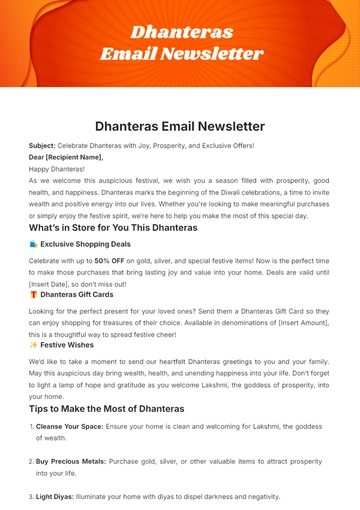
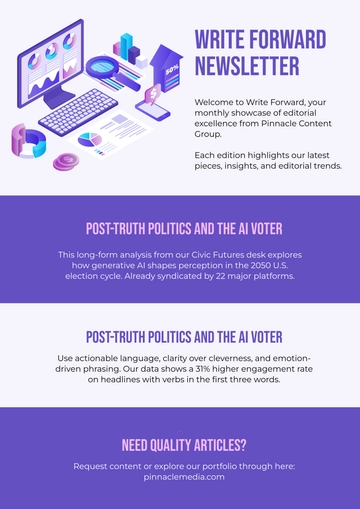
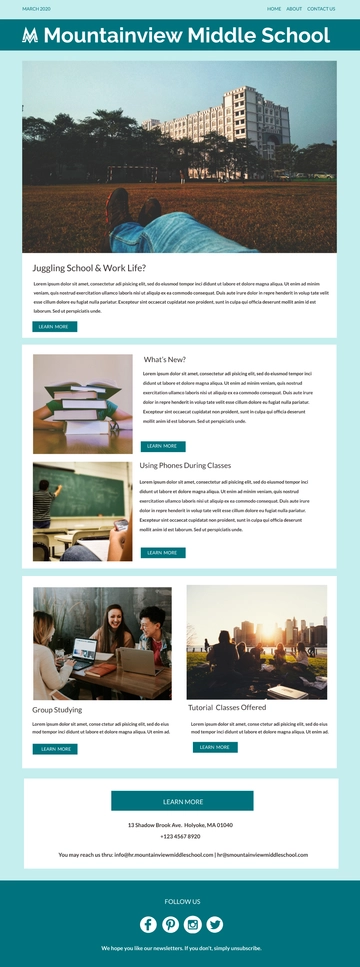
An India Independence Day Teacher Speech, built with Template.net's AI-powered newsletter builder, is an email document laid out as stacked content blocks — a logo header, a hero image, a lead story about India's freedom struggle, and a list of celebration events, exported as an HTML5 file with inline styles and table-based rows for consistent appearance across email clients. It's commonly used by teachers and school administrators to share students' achievements, announce events, and inspire patriotic spirit during the Independence Day celebrations.
How to Create an India Independence Day Teacher Speech for Free?
- Customize a Free TemplateStart with this free editable and email-ready India Independence Day Teacher Speech template and personalize it online for event announcements, student contributions, or motivational reminders. (or )
- Generate an On-Brand India Independence Day Teacher Speech with AIDescribe your intention and the stories of independence you wish to share, or upload an existing issue, and AI will build the issue with populated blocks ready for immediate revision, including a lead story highlighting key figures and event cards for celebrations, all ensuring email safety with inline styles.
- Edit in the HTML5 EditorAdjust all elements, such as the logo header, subject line, hero image, date, lead story and its button, event details, contributor block, social icon row, and the footer with mailing address and unsubscribe link in our drag-and-drop HTML5 editor.
- Download an HTML5 FileDownload the completed newsletter as an HTML5 file with inline styles and absolute image URLs, ready to be pasted into a Gmail compose window or handed to whoever sends your mail.