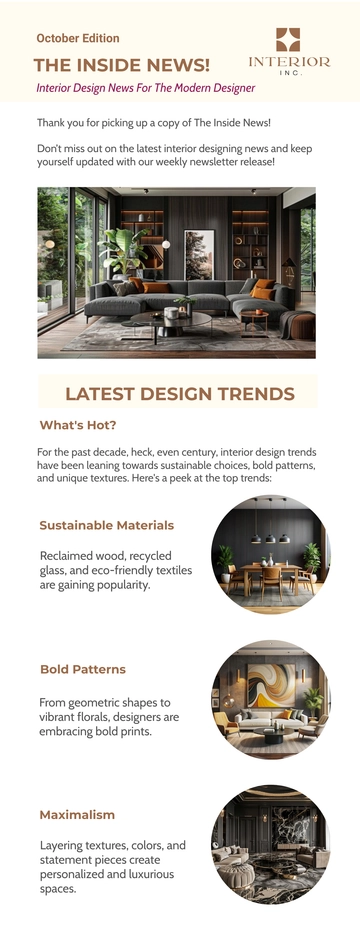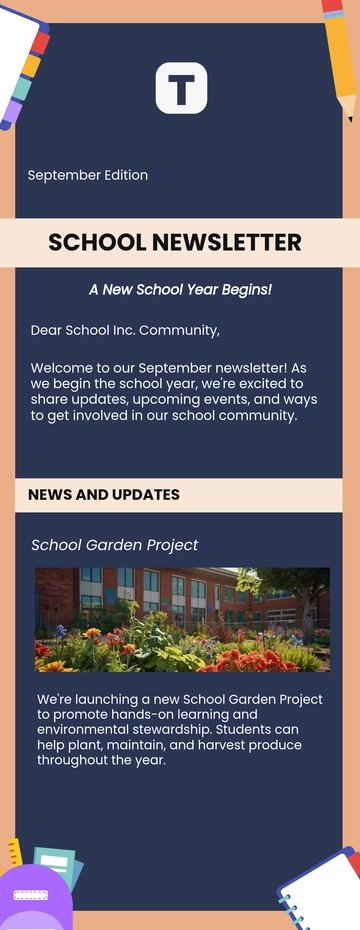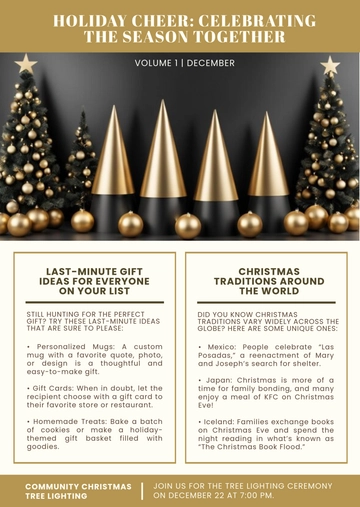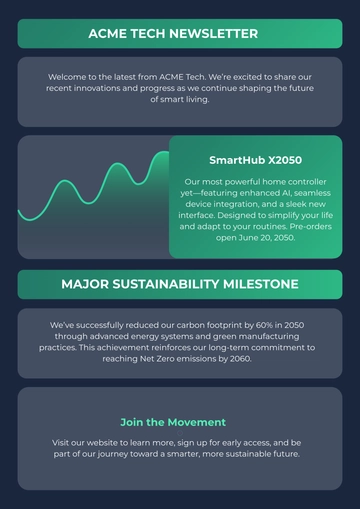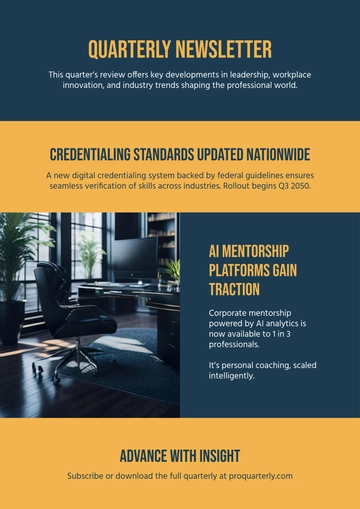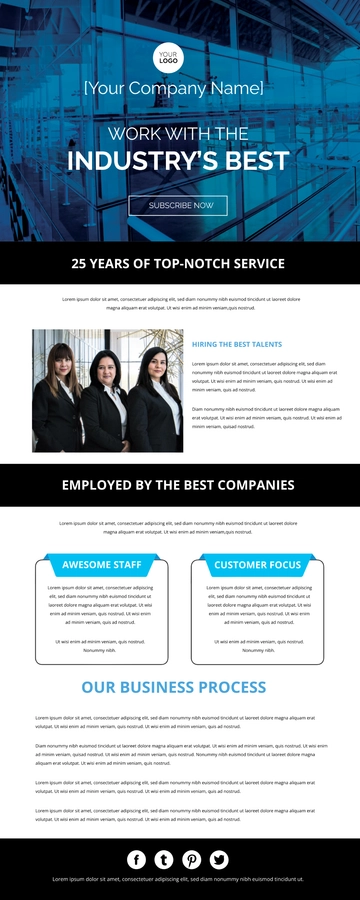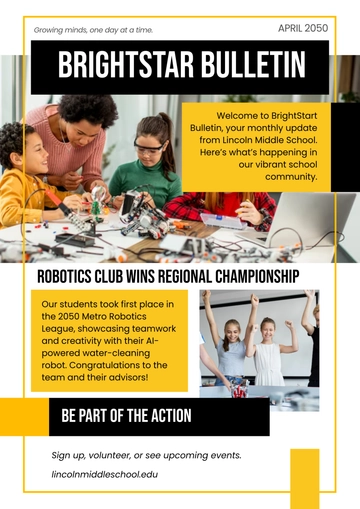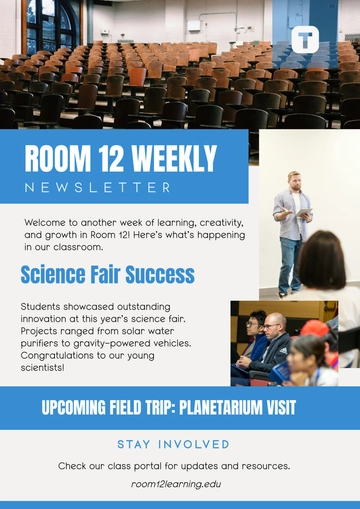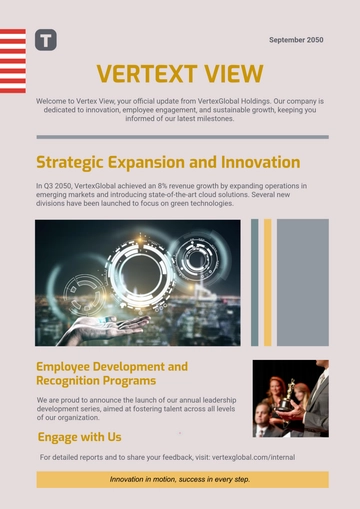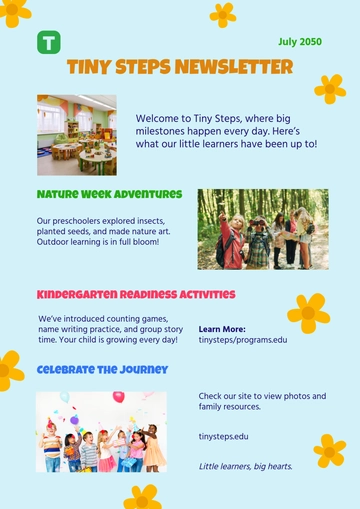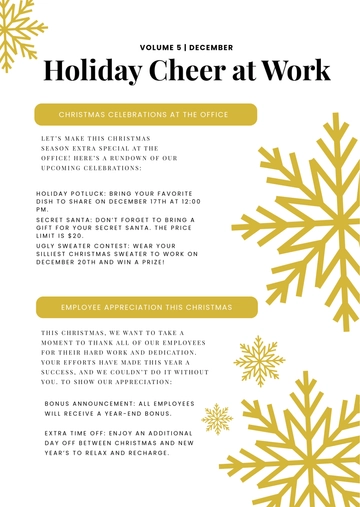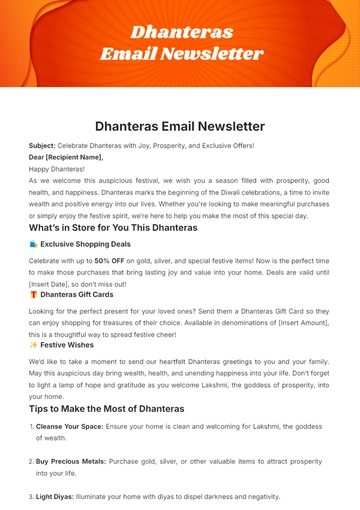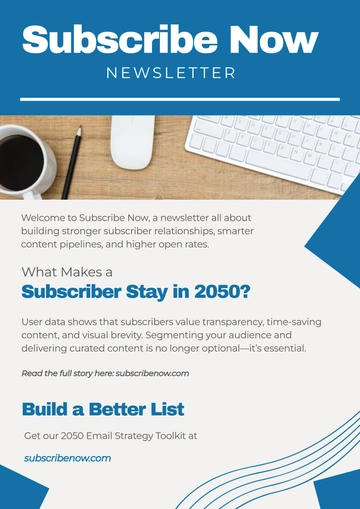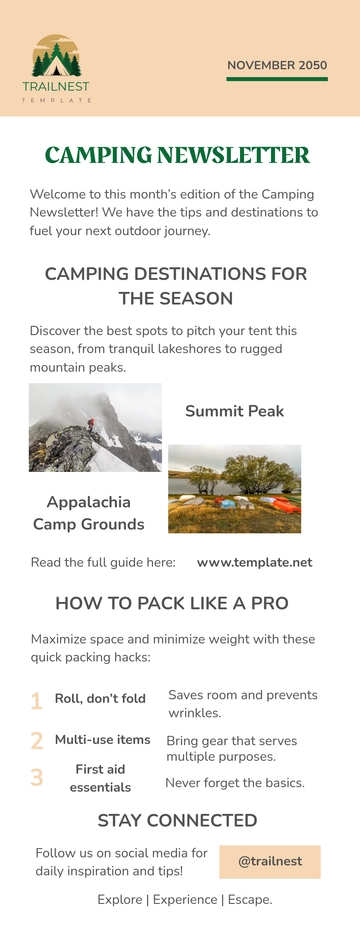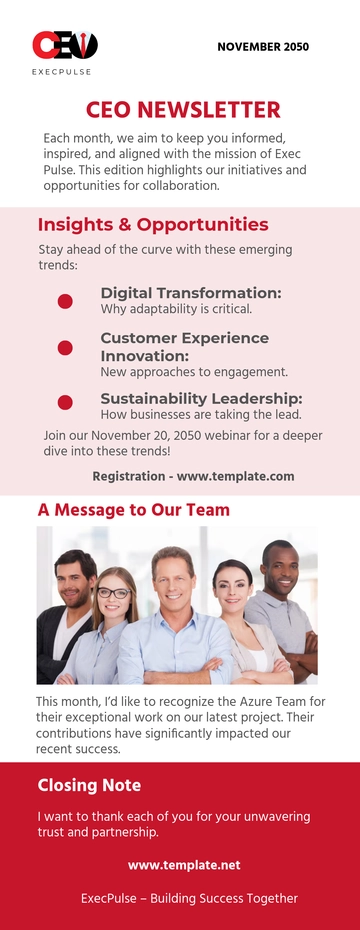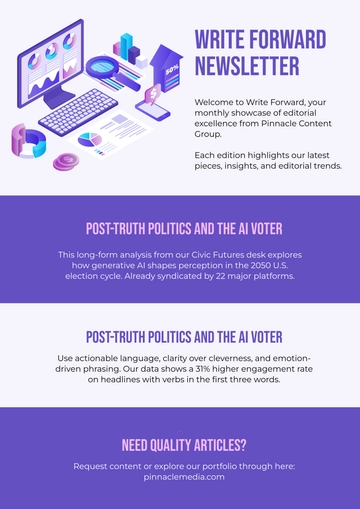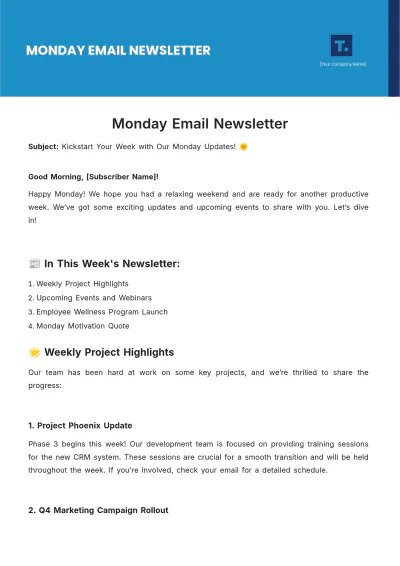
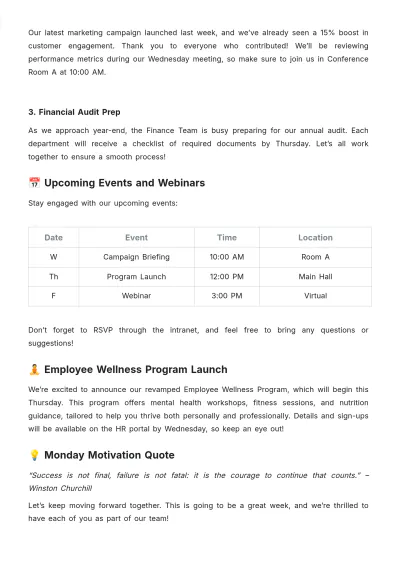
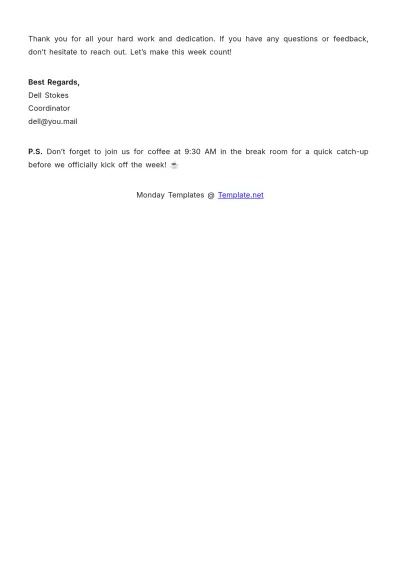
A Monday Email Newsletter built with Template.net's AI-powered newsletter builder is an email laid out in stacked content blocks including a Subject line, weekly project highlights, an upcoming events table, and a footer with contact info and unsubscribe link, exported as an HTML5 file with inline styles and table-based rows for consistent rendering across email clients.
How to Create a Monday Email Newsletter for Free?
- Customize a Free TemplateStart with this free editable and email-ready Monday Email Newsletter template and personalize it for project updates, event schedules, or internal announcements. (or )
- Generate an On-Brand Monday Email Newsletter with AIDescribe your weekly project highlights, the upcoming events table, and the motivational content you want to include, or upload your existing newsletter, and AI will build the issue with these blocks populated in table-based rows and inline styles for inbox use, ready to revise immediately.
- Edit in the HTML5 EditorAdjust the logo header, subject and preheader lines, the weekly highlights section, events table, motivational quote, sign-off, and footer with contact info and unsubscribe link in the drag-and-drop editor.
- Download an HTML5 FileDownload the completed newsletter as an HTML5 file with inline CSS and absolute image URLs, ready to paste into a Gmail compose window or send with your email tool.