Free Creative Business Newsletter Template & AI Newsletter Maker

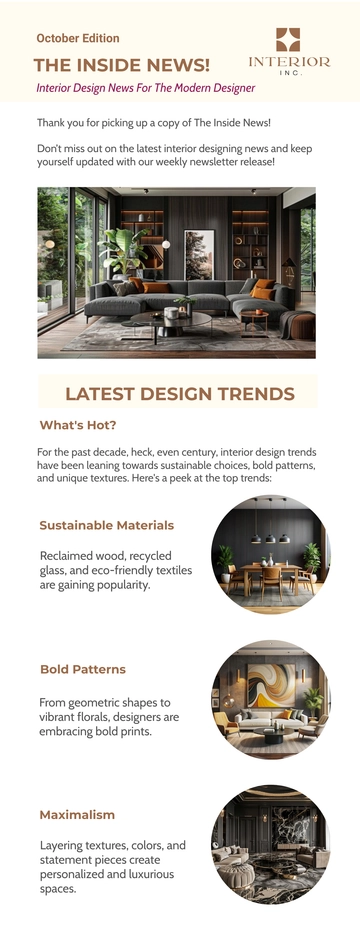
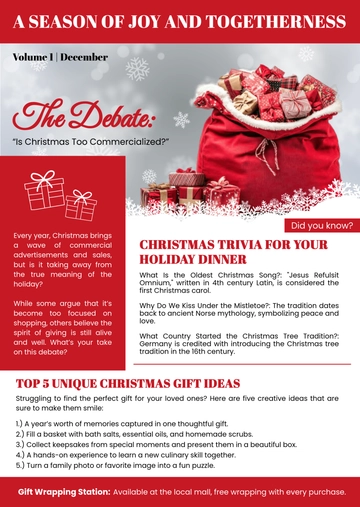
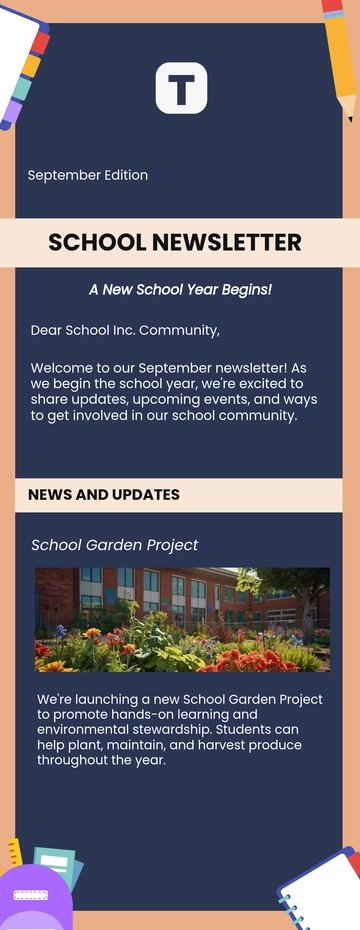
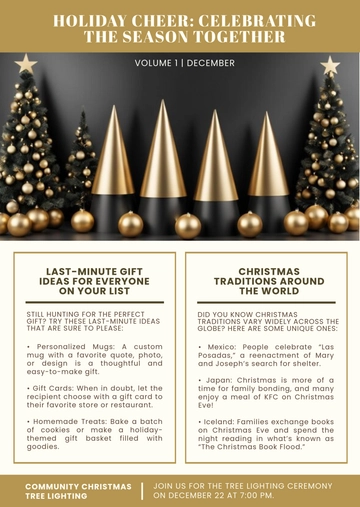
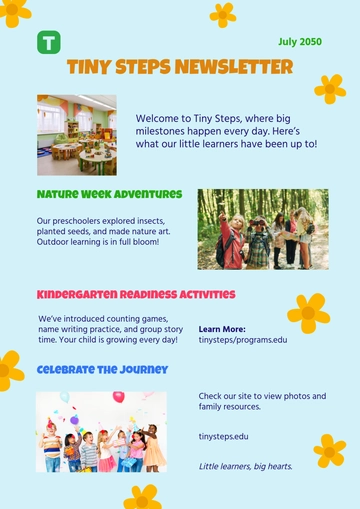
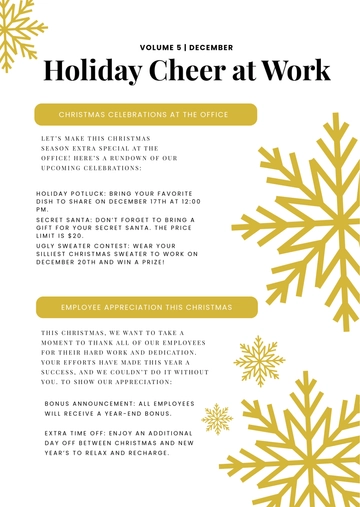
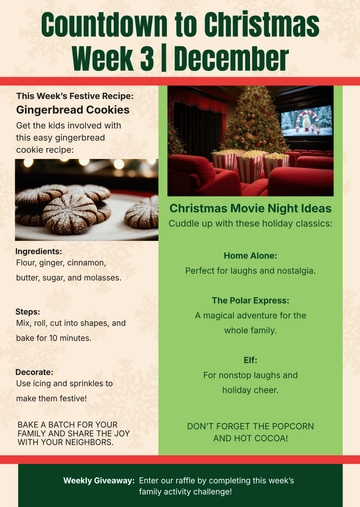
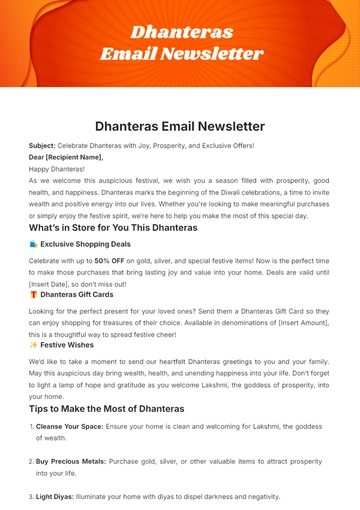
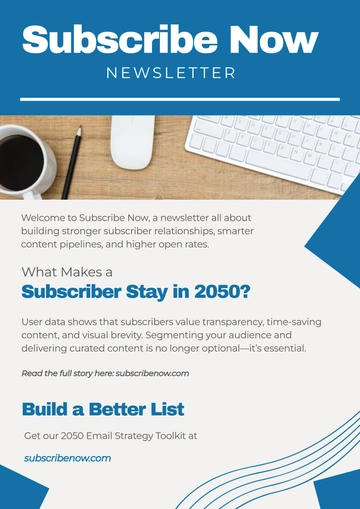
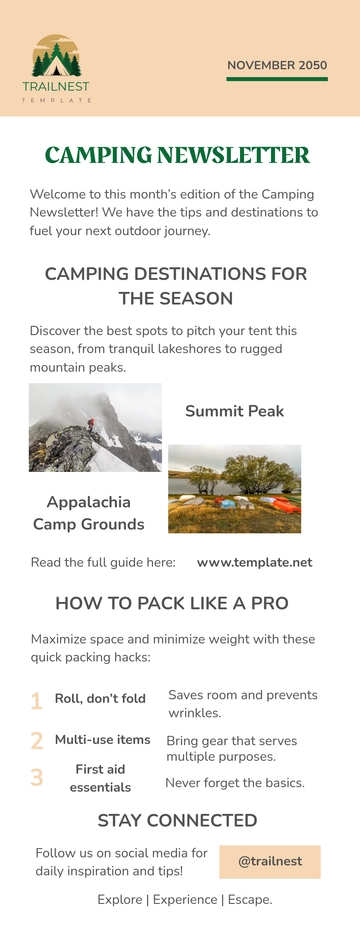
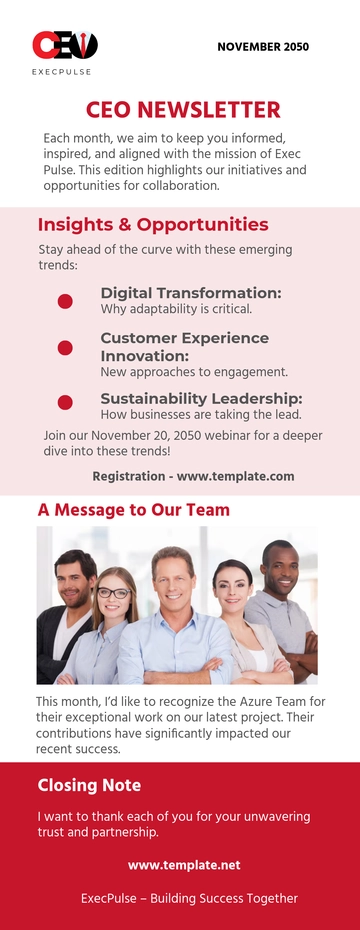
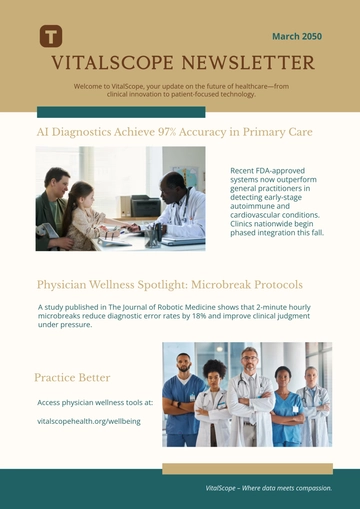
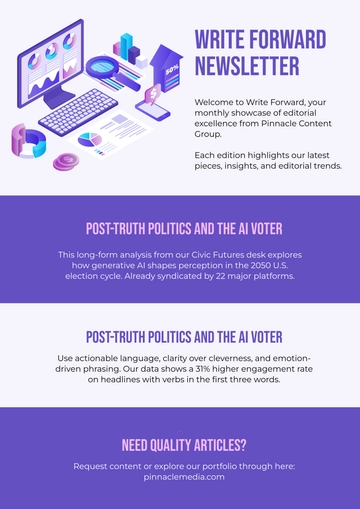
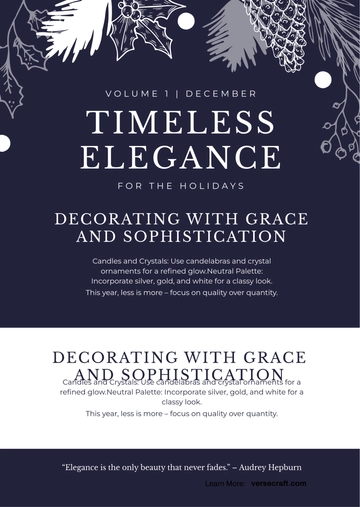
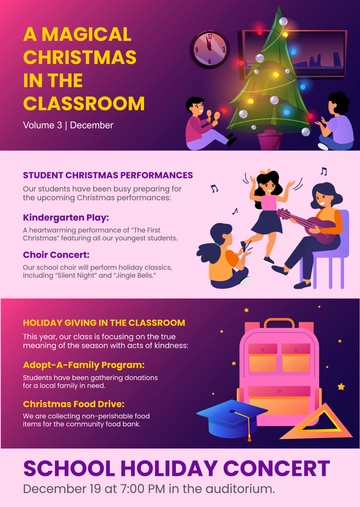
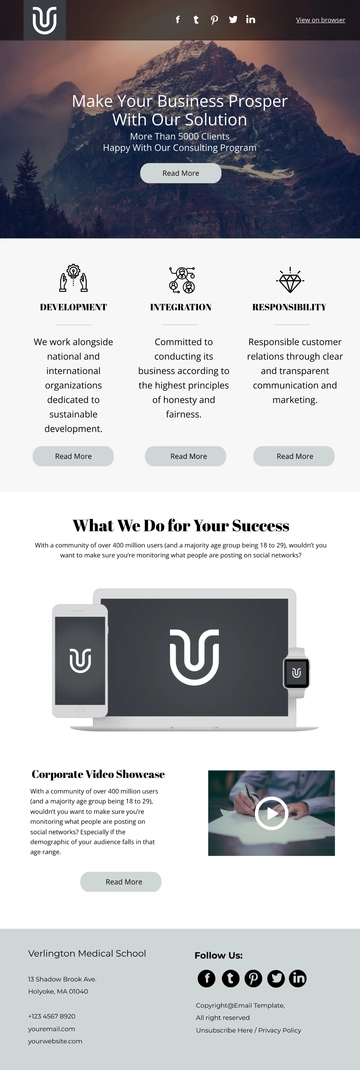
A Creative Business Newsletter, designed using Template.net's AI-powered newsletter builder, is an email document organized in stacked content blocks — including a logo header, lead story, event cards, and subscriber call-to-action — exported as an HTML5 file with inline styles and table-based rows to ensure consistent delivery in various email clients. It's typically used for sharing company updates, event notifications, team highlights, and promotional campaigns by business coordinators, marketing teams, and communication directors.

A Creative Business Newsletter, designed using Template.net's AI-powered newsletter builder, is an email document organized in stacked content blocks — including a logo header, lead story, event cards, and subscriber call-to-action — exported as an HTML5 file with inline styles and table-based rows to ensure consistent delivery in various email clients. It's typically used for sharing company updates, event notifications, team highlights, and promotional campaigns by business coordinators, marketing teams, and communication directors.

How to Create a Creative Business Newsletter for Free?

Creating a professional Creative Business Newsletter is quick and straightforward.
  1. Customize a Free Template
    Start with this free editable and email-ready Creative Business Newsletter template and personalize it online for company updates, event notifications, or promotional campaigns. (or )
  2. Generate an On-Brand Creative Business Newsletter with AI
    Describe the stories and events you wish to convey or upload an existing issue, and AI will build the issue with pre-populated blocks ready for your review, including event cards with descriptions and a lead story that draws attention, all formatted with inline styles for email safety.
  3. Edit in the HTML5 Editor
    Adjust every part, like the logo header, preheader line, hero image with alt text, issue number and date, lead story with its button label, event cards, contributor block, social icon row, and footer address plus unsubscribe link in our drag-and-drop HTML5 editor.
  4. Download an HTML5 File
    Download the completed newsletter as an HTML5 file with inline styles and absolute image URLs to paste directly into a Gmail compose window or hand to whoever sends your mail.

Creative Business Newsletter Sections and Email-Safe Blocks

Build these blocks with the email-safe markup each one needs — logo header (single-row table with inline padding), preheader line (hidden span with inline display rules), hero banner (absolute-URL image with a width attribute), issue label and date bar (styled table cell, no CSS grid), lead story with read-more button (nested table with a bulletproof anchor button), multi-column article row (paired table cells that stack on narrow screens), event card with date chip (nested table with inline styles), announcement band (table row with a background-color attribute), reminders list with icons (table rows carrying icon images, no list markers), contributor cards (fixed-width table cells with rounded images), social icon row (inline images inside a centered table), and footer address and unsubscribe row (plain anchors with inline color).

Free Creative Business Newsletter Template & AI Newsletter Builder

By Template.net

Newsletter Generator