AI Google Slides Presentation Generator

Make Google Slides Presentations, Customize Online with Design Editor
The AI Google Slides Presentation Generator helps professionals turn ideas into structured, visually consistent, and collaboration-ready slide decks. Subscribe our PRO plan for unlimited creation with intelligent layouts, editable content, and presentation-ready formatting.
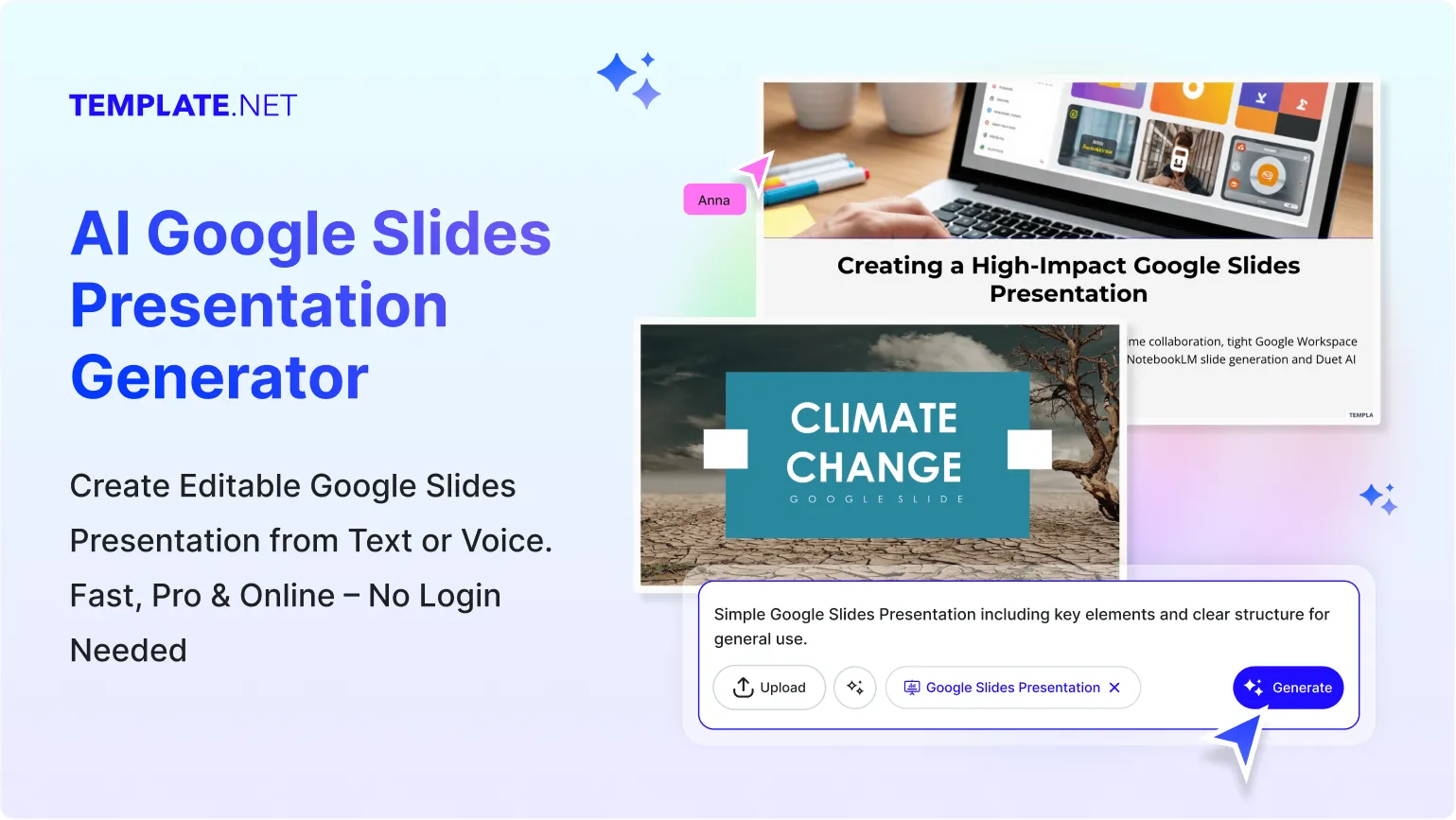
Design Custom, Professional Google Slides Presentations
Everything you need to build high-quality Google Slides faster is available when you subscribe our PRO plan for unlimited use, powered by advanced AI tools and complete customization control.
AI Powered Google Slides Presentation Generator
Type or speak your idea and the AI builds a complete Google Slides presentation with slide titles, structured content, and logical flow designed for clarity and engagement.
Multilingual Support
Generate presentations 20+ multiple languages including English, Spanish, Hindi, Arabic, Chinese, Japanese, and more to reach global audiences.
Premium Google Slides Templates and Layouts
Access professionally designed slide templates optimized for business, education, pitch decks, training sessions, and creative storytelling.
Advanced AI Content Structuring
The AI intelligently organizes information into well paced slides with headings, bullet points, and visual balance to improve audience understanding.
Brand and Theme Integration
Apply your brand colors, fonts, and logos across all slides to maintain consistency and professional identity throughout the presentation.
Fully Customizable Google Slides Editor
Edit text, layouts, backgrounds, spacing, and design elements directly in Google Slides to match your presentation goals.
Smart Visual and Layout Suggestions
Receive intelligent recommendations for charts, visuals, and layout improvements that enhance readability and visual impact.
Automated Slide Formatting
Maintain uniform alignment, spacing, and typography across slides without manual adjustments.
Slide Organization and Reuse Tools
Duplicate, reorder, group, and reuse slides easily to adapt presentations for multiple purposes.
Time Saving Presentation Automation
Generate complete slide decks in minutes, reducing hours of manual slide creation and formatting work.
Real Time Collaboration Support
Share presentations with teammates or clients and collaborate live using comments, edits, and version tracking in Google Slides.
Smart Workspaces for Teams
Organize presentations, manage versions, control access, and keep all Google Slides projects centralized in shared workspaces.
High Quality Export Options
Download presentations in Google Slides, PPTX, or PDF formats with clean formatting and professional clarity.
Presentation Ready Slide Output
Create slides that are ready to present without additional design or restructuring.
Unlimited Presentation Generation
Generate as many Google Slides presentations as needed for ongoing projects, teams, or frequent use.
PRO Plan Access
Unlock advanced tools designed for professionals who require speed, flexibility, and consistent output quality.
Data Driven Slide Insights
Transform raw data into clear, visual slides using structured layouts that help audiences quickly understand trends, comparisons, and key points.
Secure Presentation Access Control
Manage who can view, comment, or edit your Google Slides presentations to ensure content security and controlled collaboration for teams and clients.
How to Create an AI Generated Google Slides Presentation
Create professional Google Slides presentations efficiently through a guided AI powered workflow when you subscribe our PRO plan for unlimited access.
Step 1 Enter Your Prompt and Generate Slides
Open the AI Google Slides Presentation Generator and describe your topic using a short prompt such as Startup pitch deck for investors or Educational slides for online learning. The AI instantly generates a structured slide deck tailored to your topic.
Step 2 Review and Refine Your Slides
Preview the generated slides and edit directly in Google Slides. Adjust text, rearrange slides, update visuals, or request alternate versions to refine the message.
Step 3 Customize and Share Anywhere
Personalize slides with brand colors, fonts, charts, images, and logos. Present directly in Google Slides, share collaboration links, or export as PDF or PPTX.
Create Google Slides Presentations in Minutes and Present with Confidence
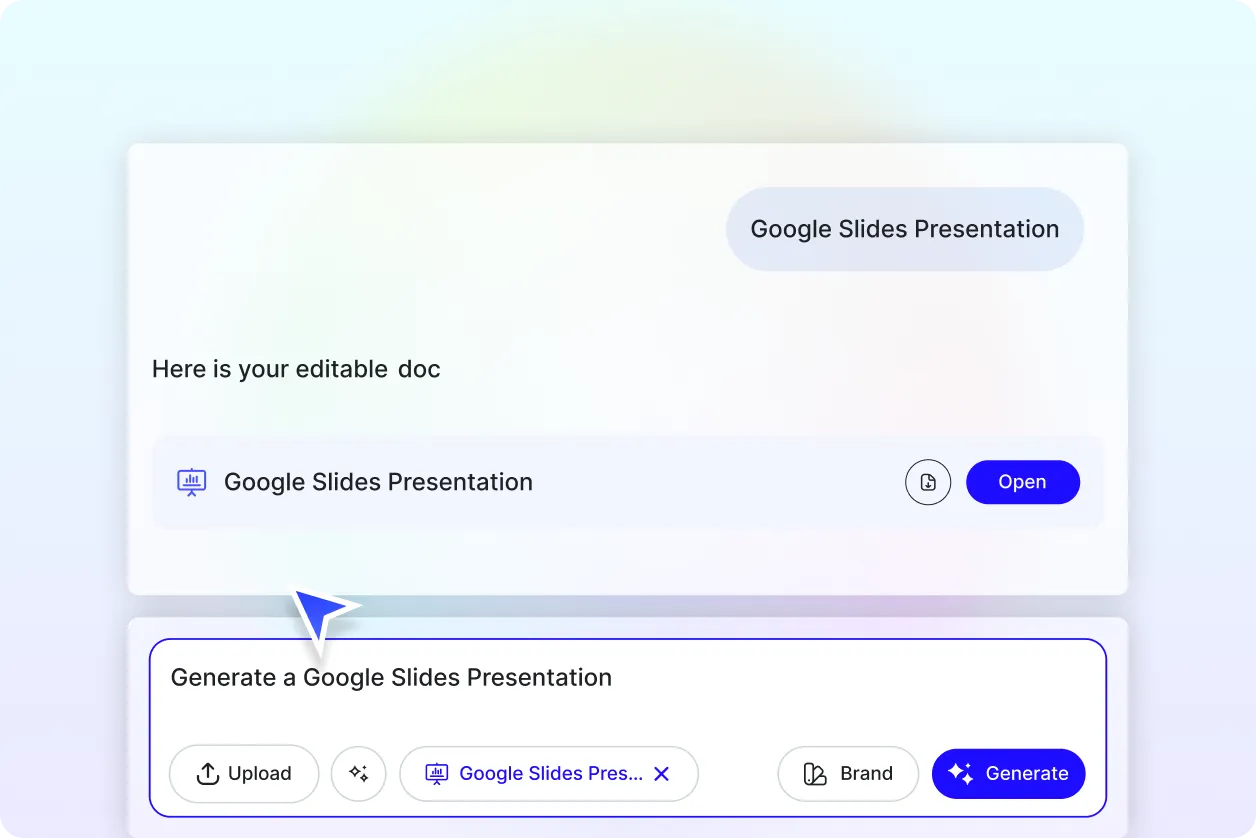
Generate Google Slides with Your Brand Identity
Apply your brand tone, logo, fonts, and colors using the Brand tab. The AI ensures visual consistency across every slide.
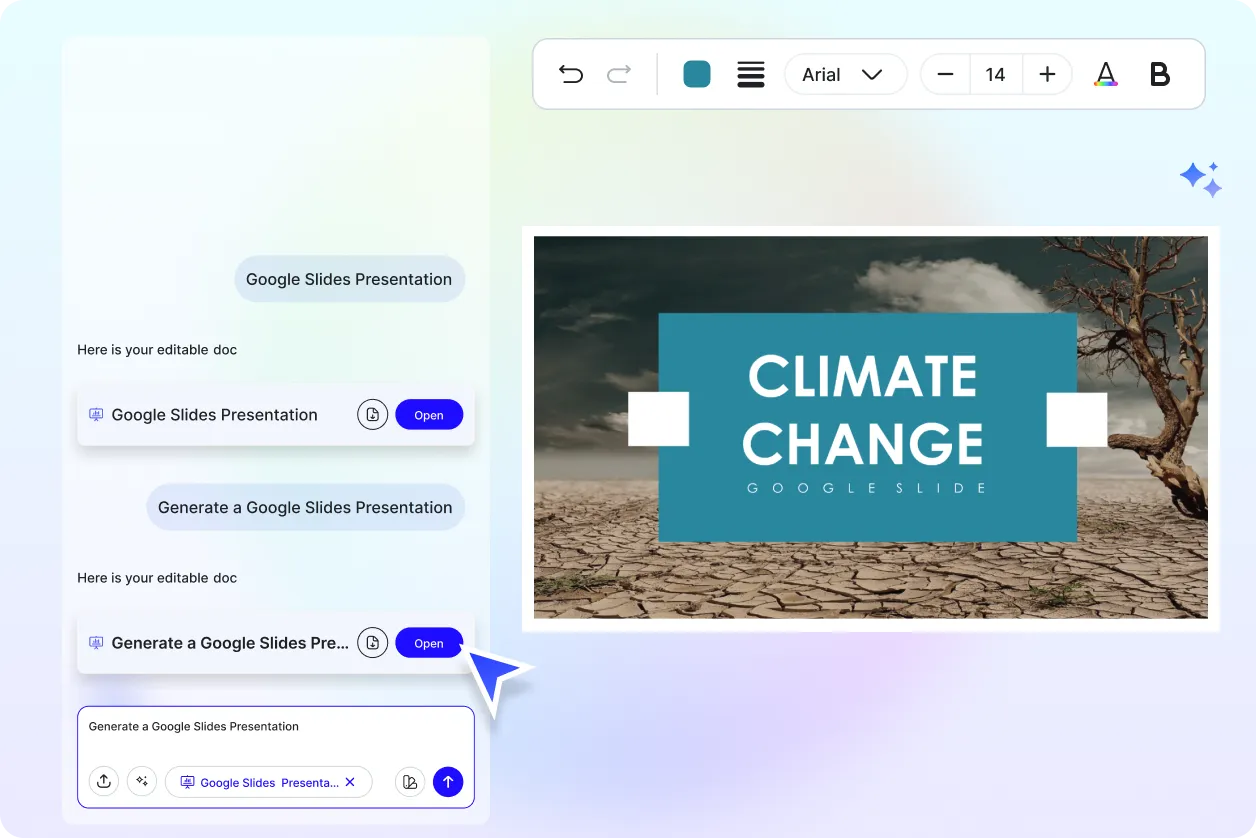
Customize One Presentation for Multiple Uses
Reuse a single deck for meetings, classrooms, webinars, reports, or marketing presentations by duplicating and adapting slides easily.
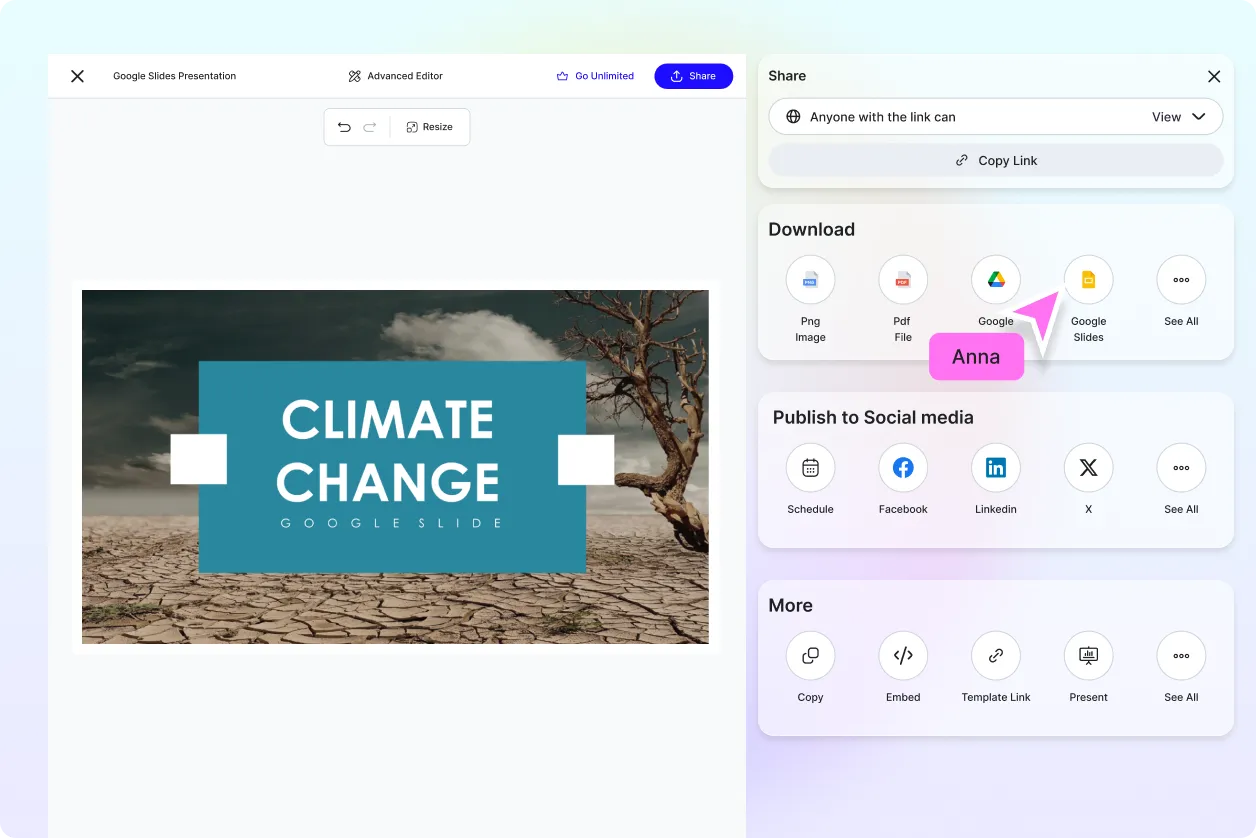
Share Anywhere and Collaborate in Real Time
Collaborate live with teammates using Google Slides comments, edits, and access controls.
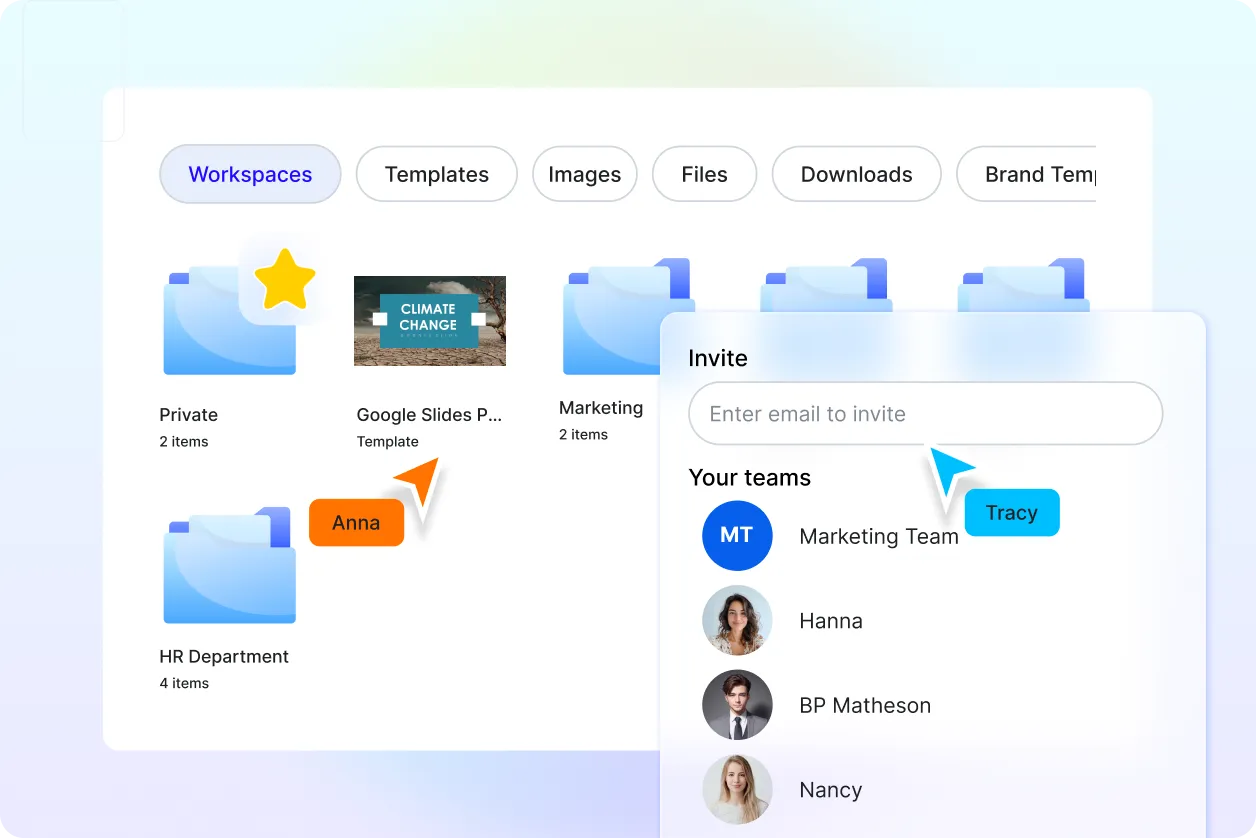
Smart Workspaces to Keep You Organized
Manage slide versions, presentation drafts, and permissions in shared workspaces designed for teams and professionals.
