Free AI Mannequin Generator
more
Create Mannequin Visuals Online with an AI Powered Generator
Template.net’s Free AI Mannequin Generator helps turn uploaded clothing photos into professional mannequin outputs in seconds. Upload a flat-lay, hanger, model, or ghost mannequin photo, then describe the desired presentation with a text or voice prompt. Generate variations, refine the result, and create polished mannequin image designs for product pages, catalogs, marketplaces, and marketing. Each image can be refined for a different placement.
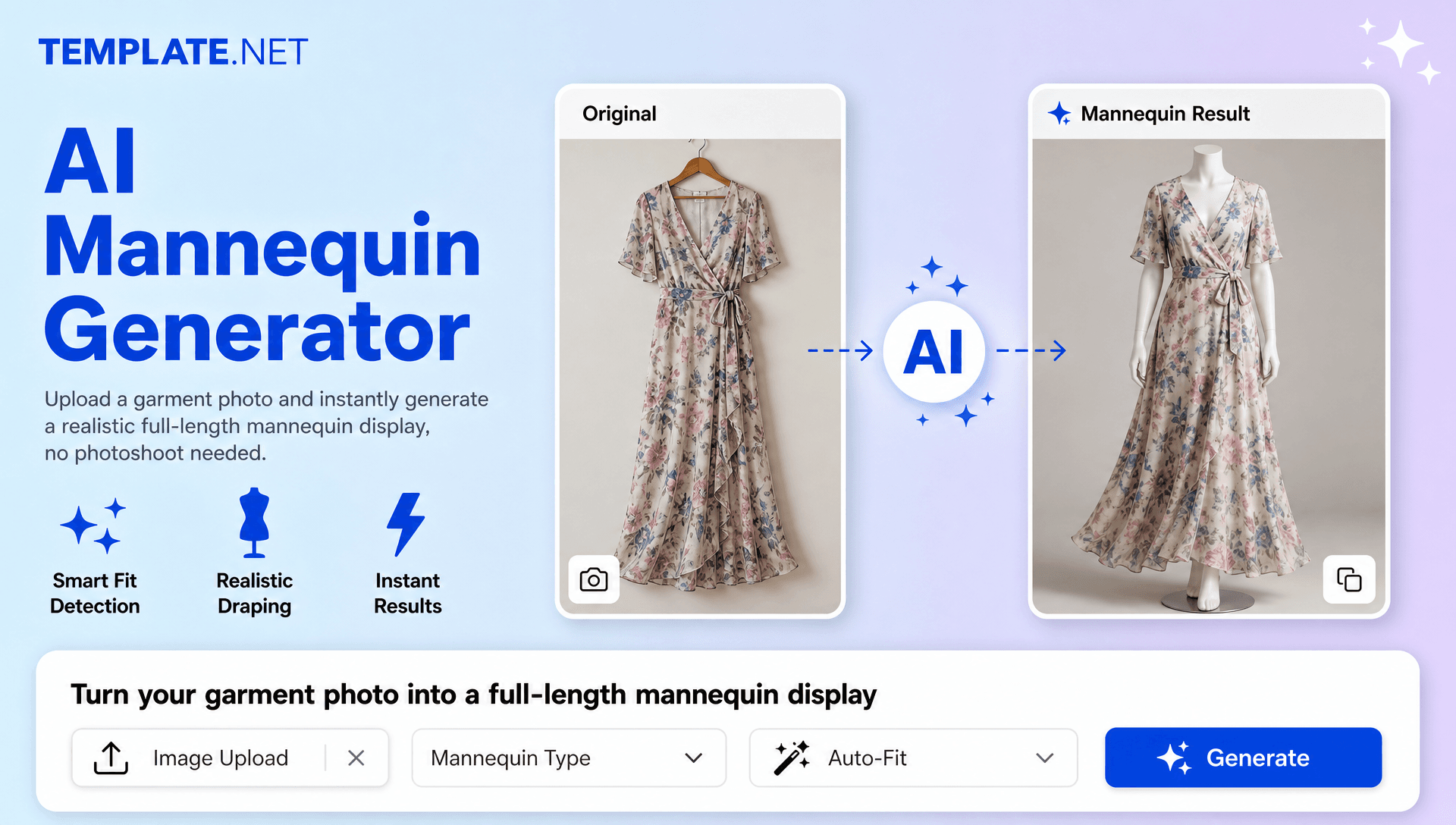
Create and Design Mannequin Visuals Effortlessly with AI
Everything you need to transform garment photos into clean, consistent, and ready-to-use mannequin designs with speed and control.
AI Powered Mannequin Generation
Turn an uploaded garment photo and prompt into a polished mannequin image that presents the clothing clearly.
Upload Your Garment and Describe the Look
Upload your clothing photo and describe the desired mannequin type, pose, angle, styling, or presentation to guide the generation.
Voice to Mannequin Creation
Speak your idea instead of typing and use voice instructions to describe how you want the garment presented.
Smart Garment Preservation
Keep the garment accurate in the generated image while retaining important clothing details such as color, pattern, silhouette, seams, and fabric appearance.
Clean Product Presentation
Create a balanced image composition that keeps attention on the garment.
Realistic Mannequin Styling
Generate mannequin outputs with a natural fashion presentation suited to ecommerce stores, catalogs, and apparel collections.
Custom Mannequin Style Control
Guide the output with prompts for mannequin type, pose, body presentation, viewing angle, and styling preferences.
Multiple Mannequin Variations
Generate several mannequin design options from one uploaded garment and choose the version that best fits your product presentation.
Consistent Collection Styling
Maintain a similar visual direction across garments so product catalogs look more organized and cohesive.
Readable Product Details
Preserve visible clothing elements and structure so shoppers can understand the garment more easily.
Multilingual Support
Describe mannequin concepts in 20+ multiple languages including English, Spanish, Hindi, Arabic, Chinese, Japanese, and more.
Flexible Background Direction
Use prompts to request a clean image background, simple studio setting, or other suitable presentation style.
Front, Back, and Side Presentation
Create mannequin views that help showcase apparel details from different angles when supported by the generation workflow.
Reusable Fashion Concepts
Create repeatable image directions for collections, seasonal launches, and recurring catalog needs.
Organize Multiple Garment Concepts
Work with different clothing designs and mannequin directions to build a broader set of product presentation ideas.
Collaboration and Sharing
Share generated mannequin designs with teammates or clients for feedback, review, and content planning.
Download or Share Instantly
Download high-quality mannequin outputs or share them via Email, LinkedIn, WhatsApp, Facebook, X (Twitter), Pinterest, or generate a live link or QR code.
Prompt Based Refinement
Update your prompt to adjust mannequin style, pose, composition, background, or presentation without restarting the workflow.
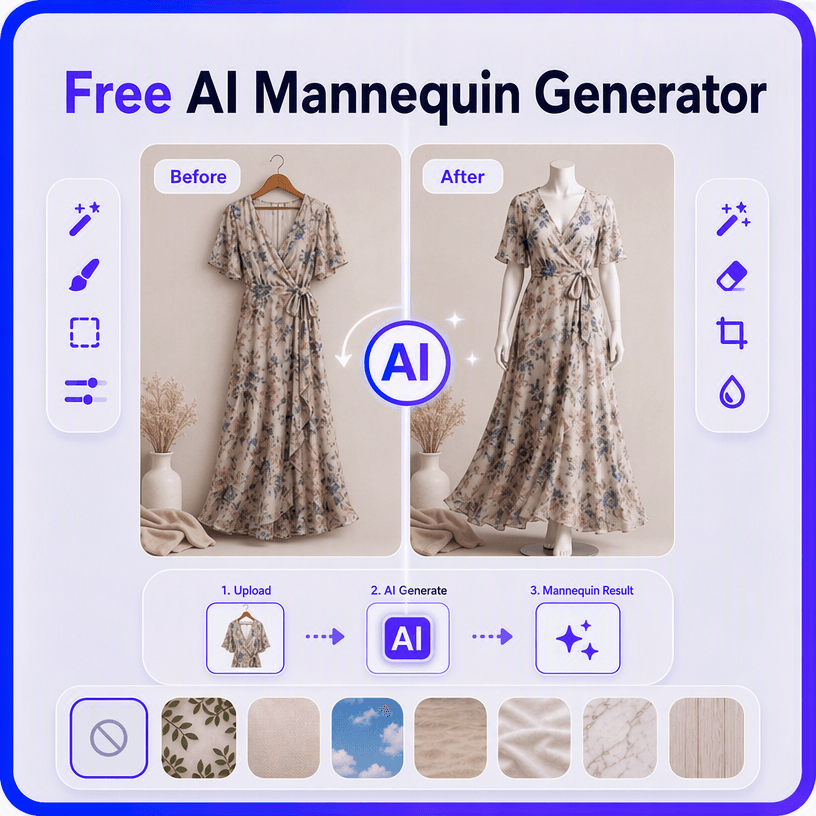
How to Create Mannequin Designs Using AI
Generate, refine, and export professional mannequin designs through a simple upload-and-prompt workflow.
Step 1 Upload Your Garment and Add a Prompt
Open the AI Mannequin Generator and upload a clear clothing photo. Add a prompt such as “Create a clean studio mannequin presentation for this black blazer” or “Show this dress on a headless full-body mannequin with a white background.” You can also describe your idea using voice.
Step 2 Generate and Customize
The AI analyzes the uploaded garment and creates mannequin variations based on your instructions. Review the available result and refine the prompt to adjust the mannequin style, pose, angle, background, or overall presentation.
Step 3 Save, Download, or Share
Preview the final mannequin design, save your preferred version, and download it in high quality. You can also share it through Email, LinkedIn, WhatsApp, Facebook, X (Twitter), Pinterest, or generate a live link or QR code.
Create Mannequin Designs in Seconds and Showcase Apparel Better
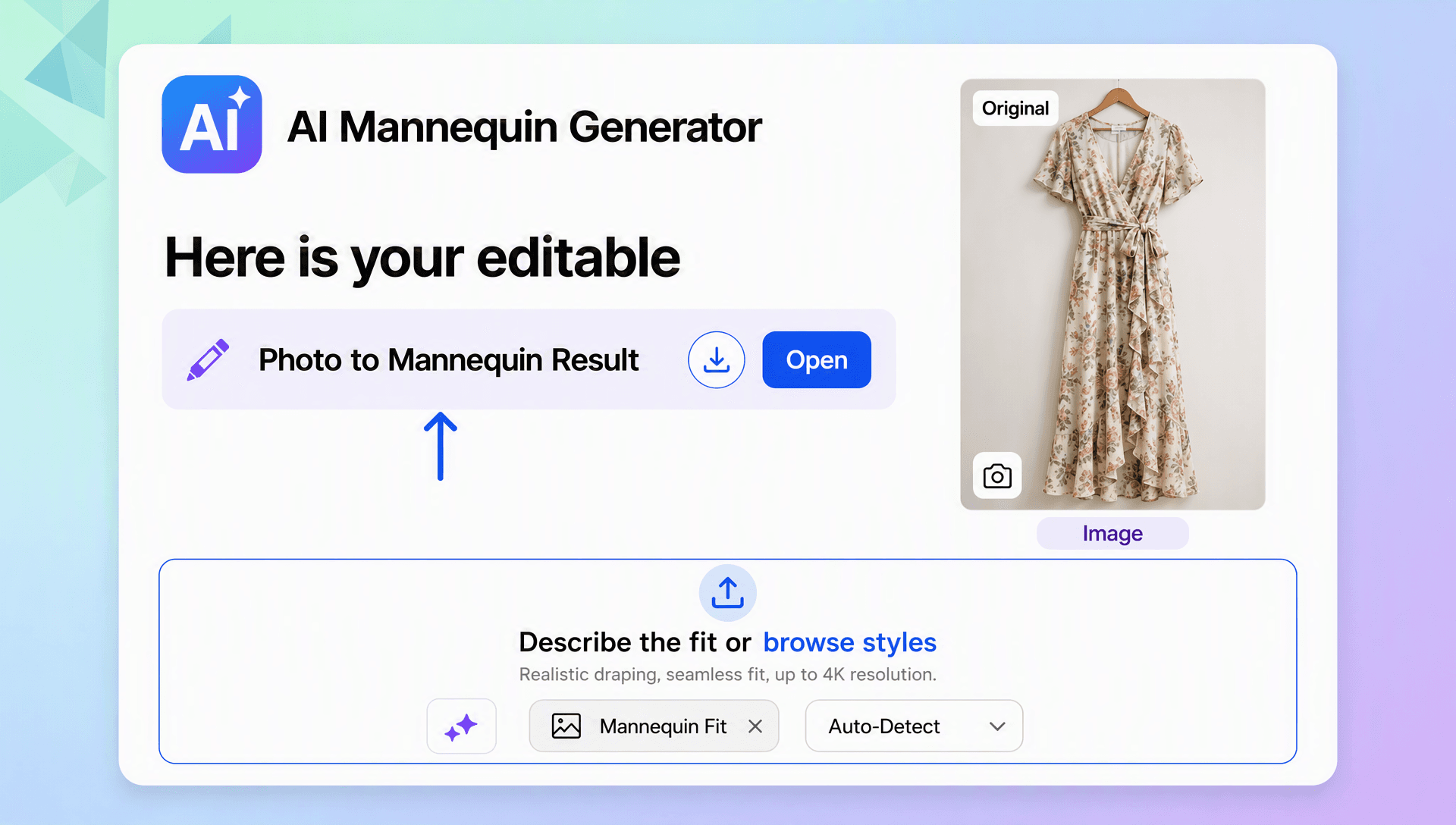
Turn Garment Photos into Professional Product Presentations
Transform an uploaded clothing photo into a clean mannequin design that helps highlight the garment without requiring a traditional model shoot.
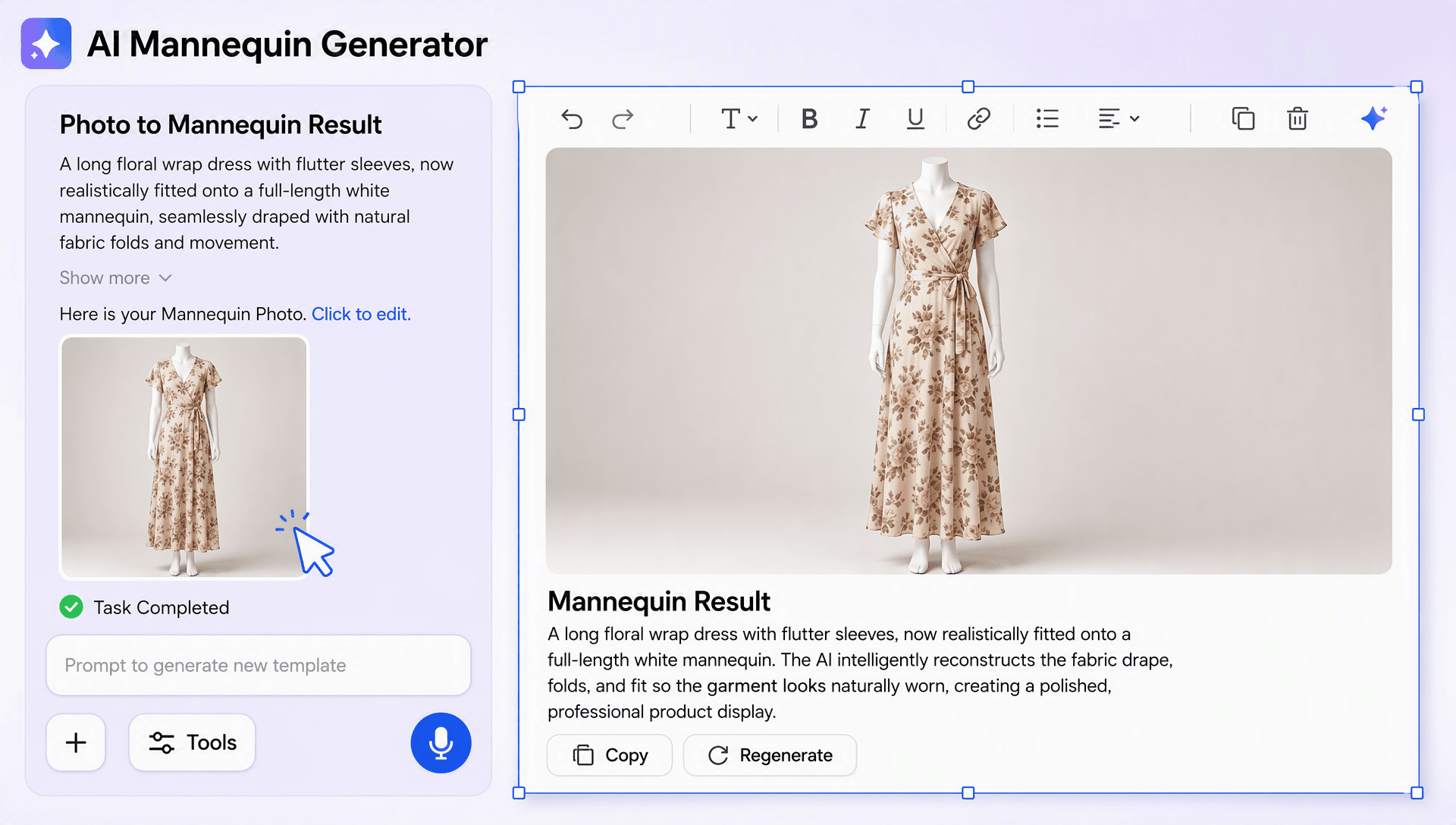
Create Mannequin Content for Different Fashion Needs
Generate outputs for ecommerce listings, fashion catalogs, marketplace stores, social promotions, seasonal collections, and product launches.
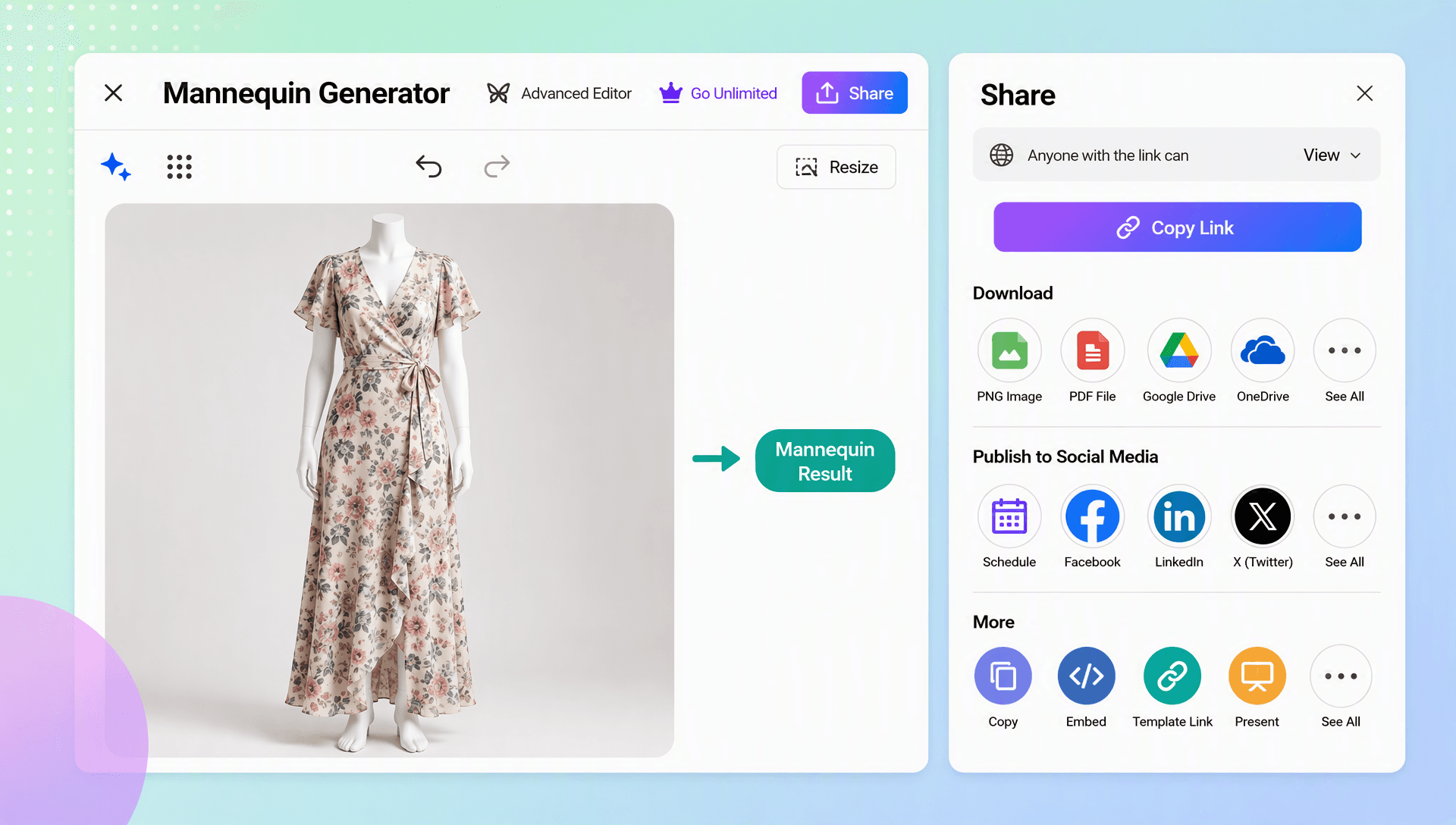
Explore Multiple Styling Directions Easily
Create different mannequin variations with alternate poses, views, backgrounds, and presentation styles to find the right fit for your collection.
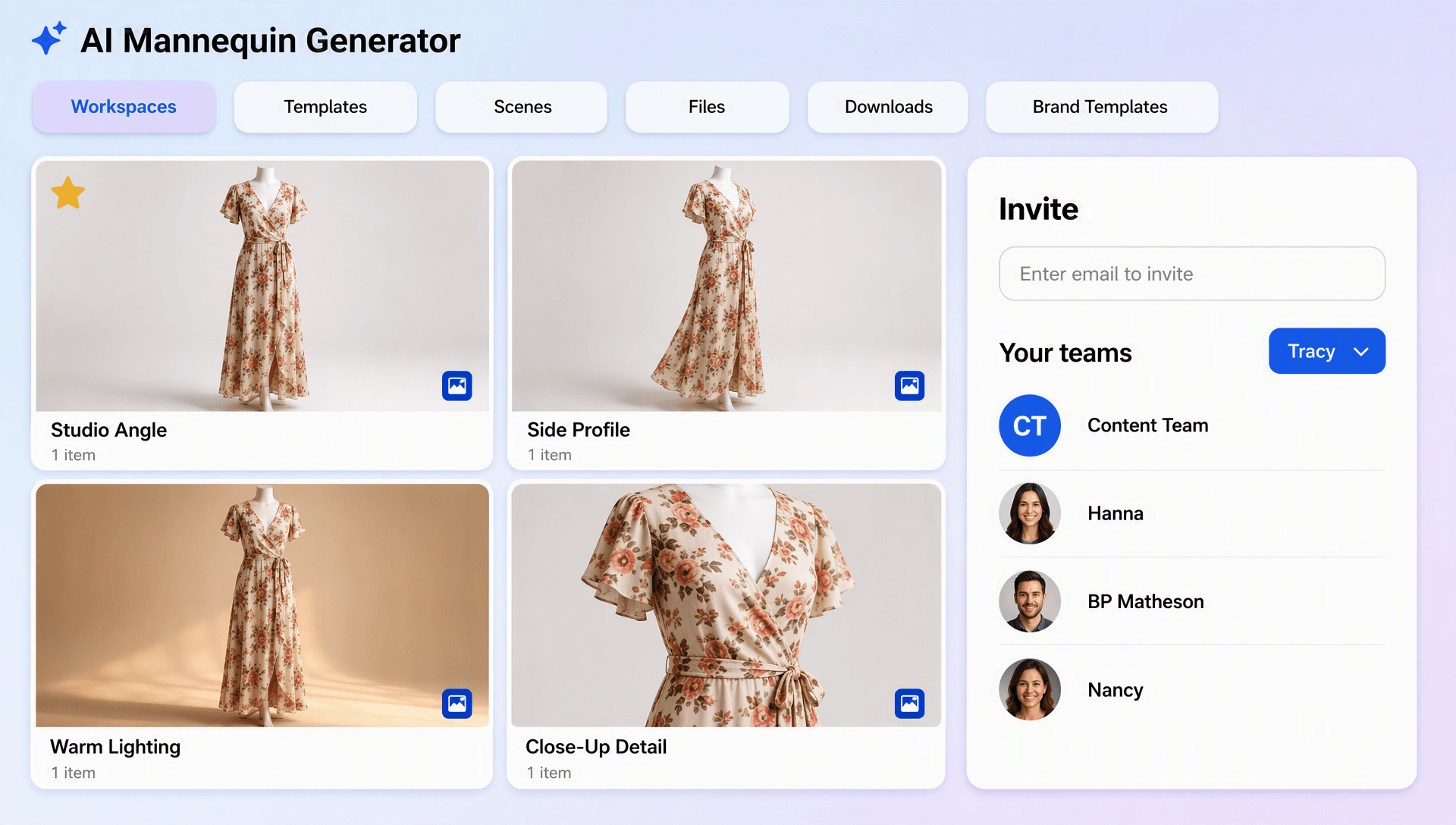
Maintain a Consistent Catalog Look
Use repeatable prompts and styling directions to keep mannequin designs visually consistent across products, collections, and campaigns.
