AI Product URL to Video Generator
more
Create from an URL to Video Template
Pick a proven format. Add your content. AI does the rest

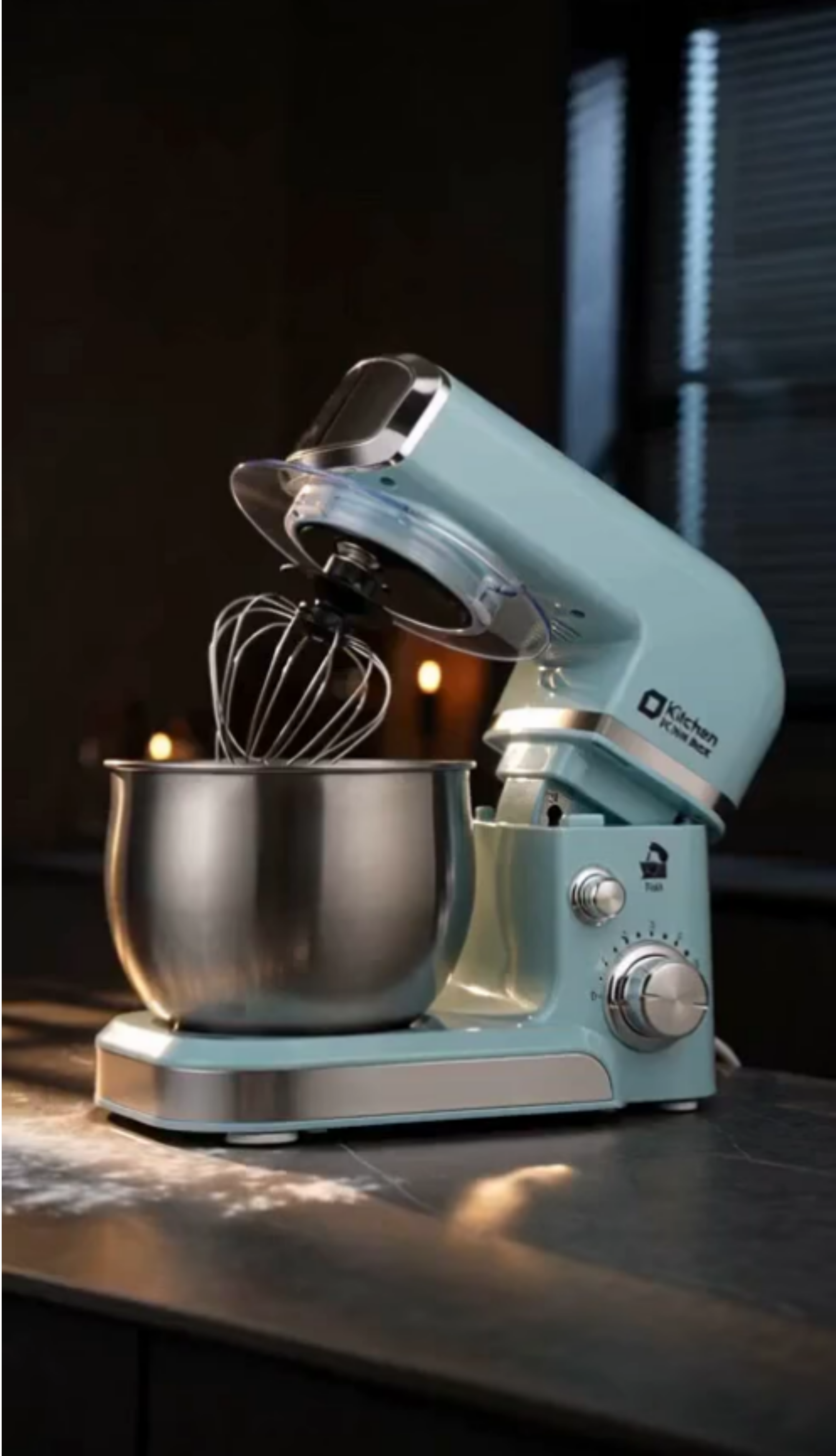
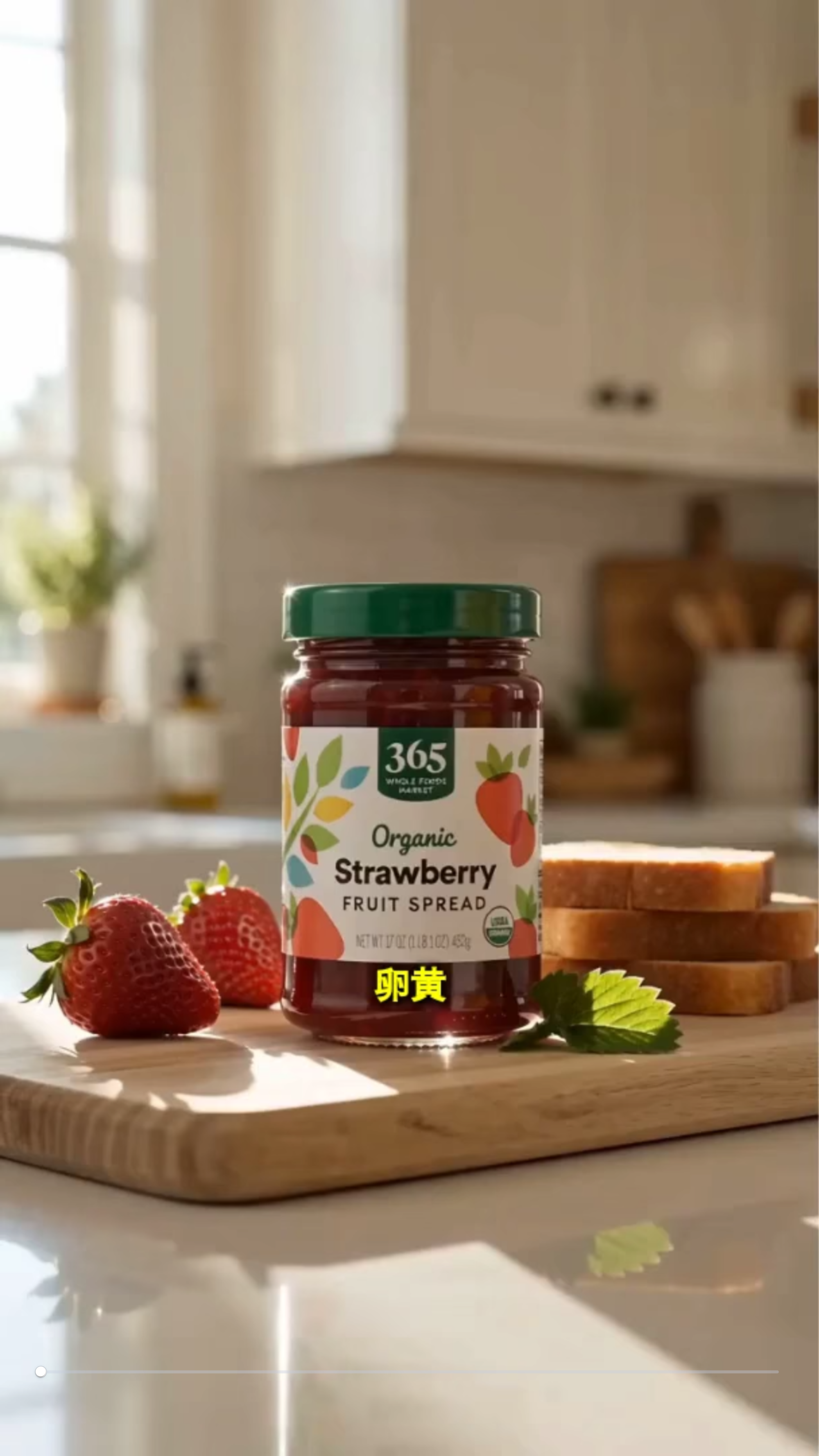
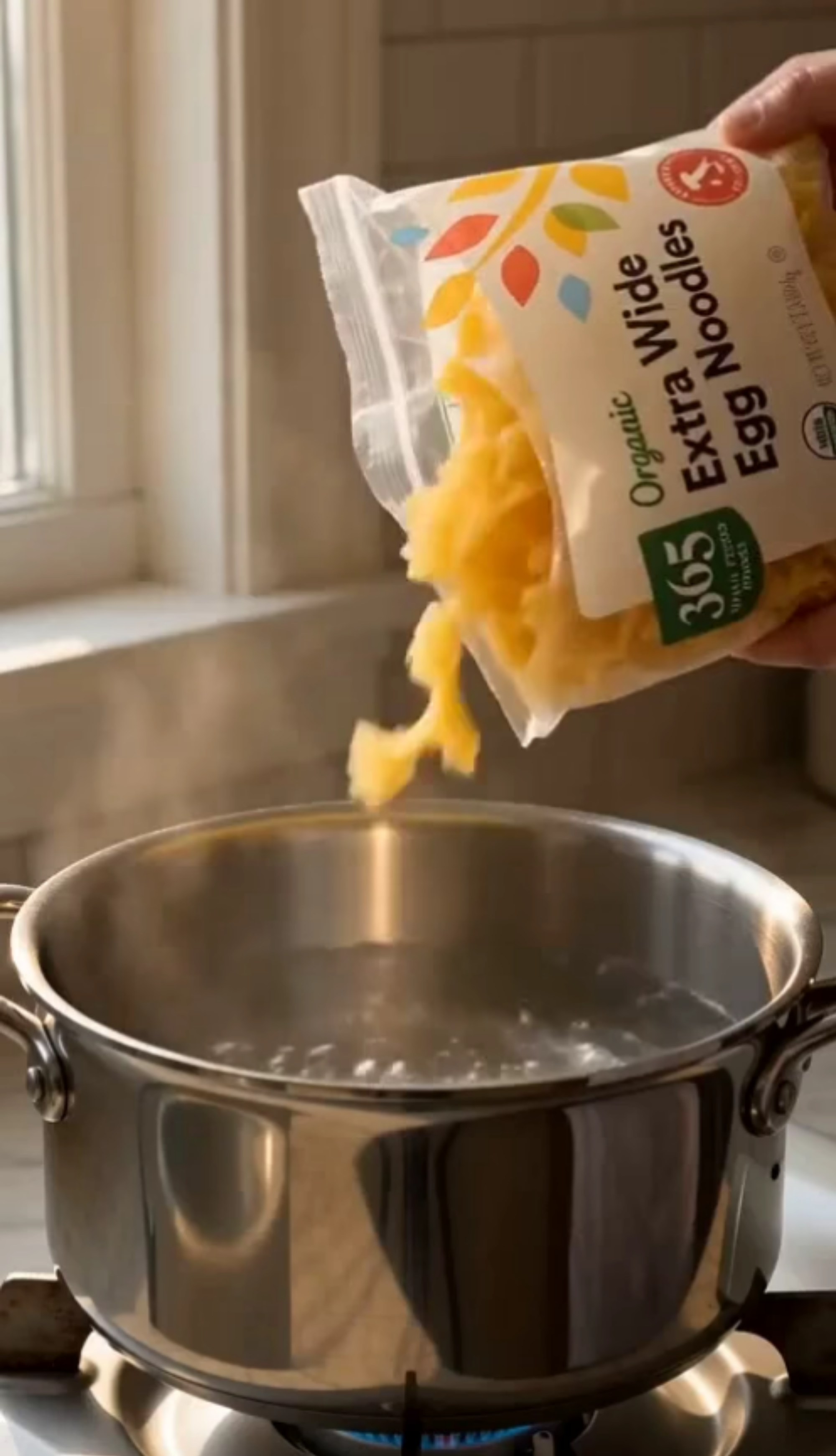
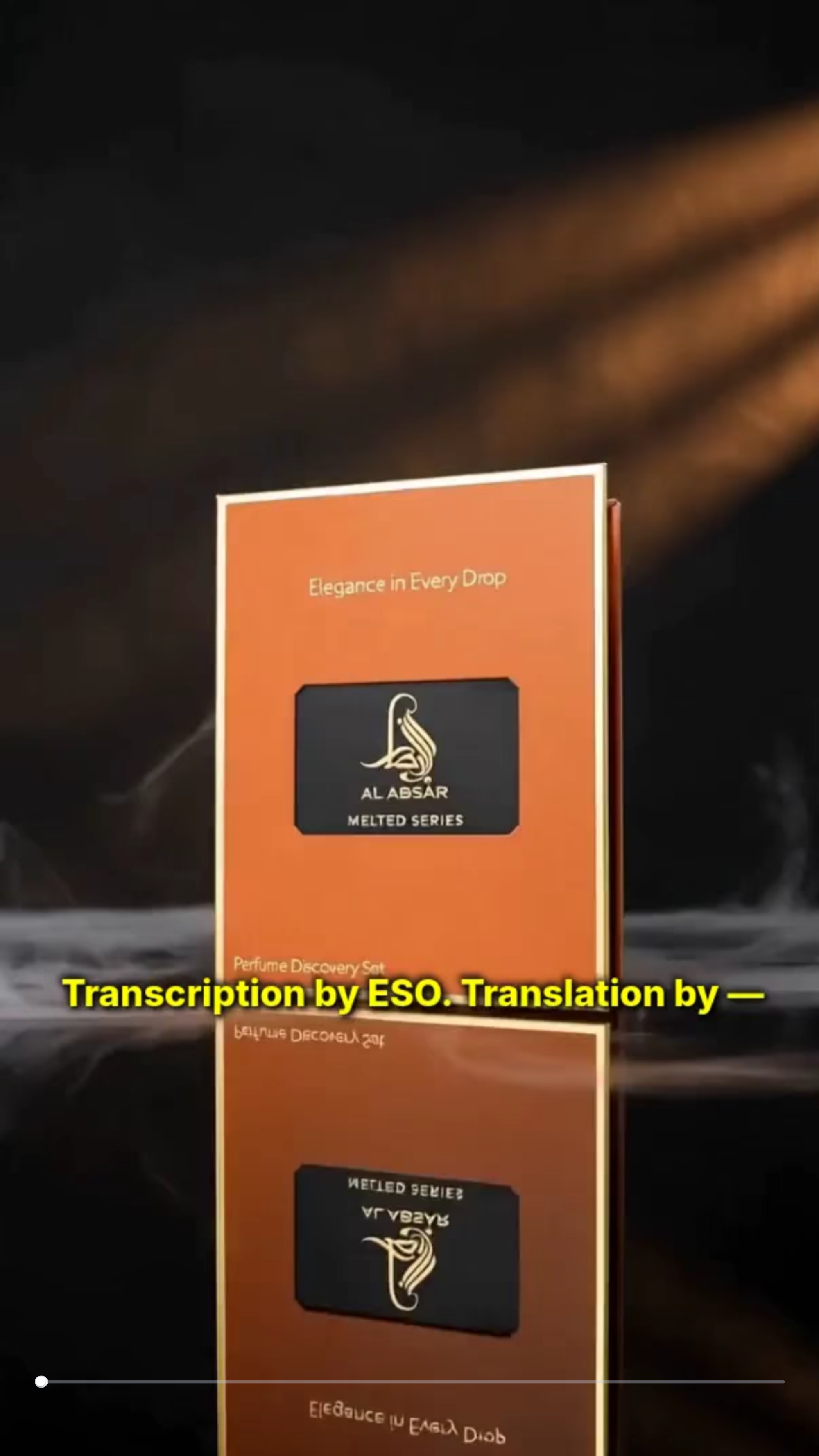
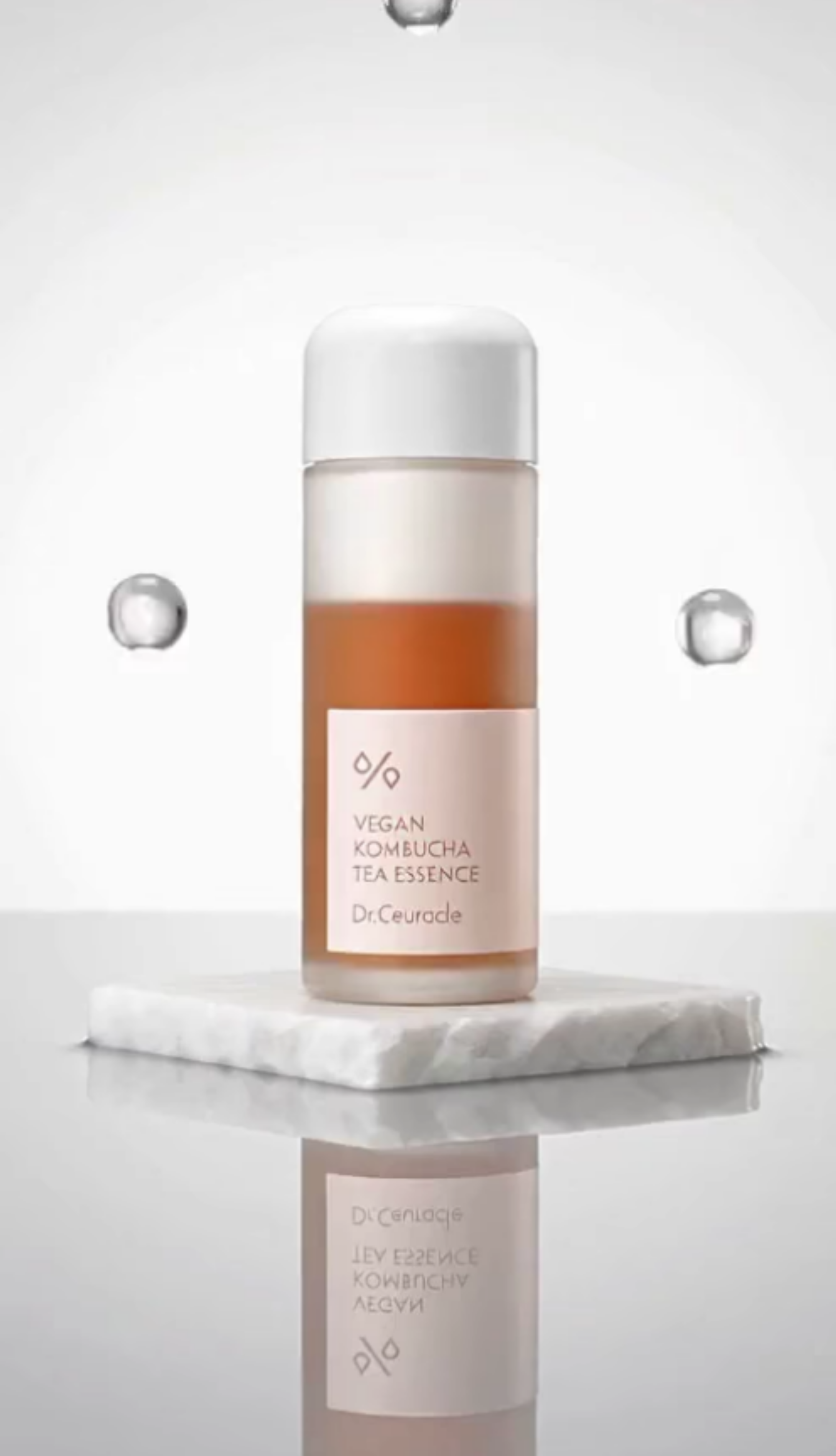
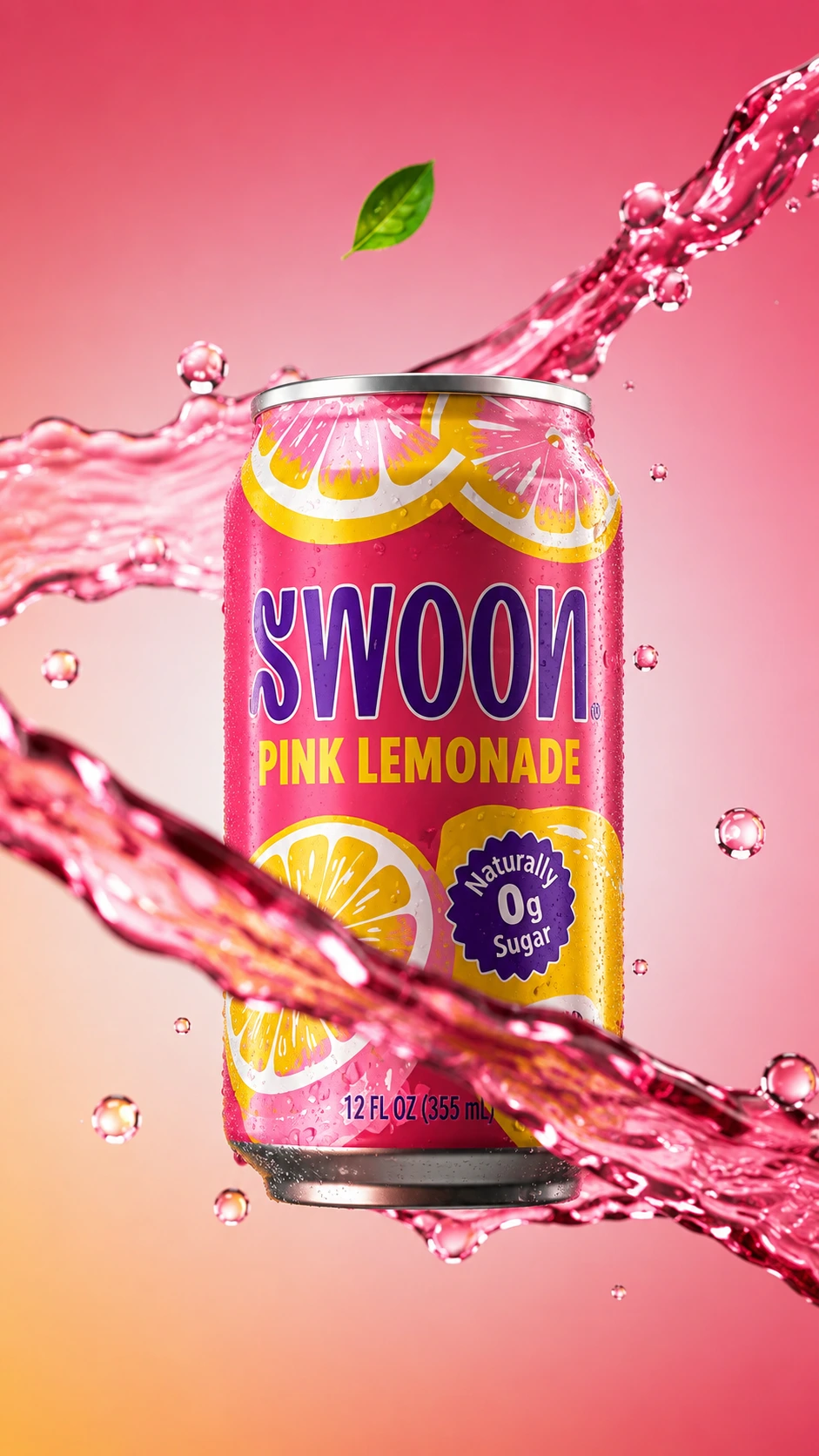
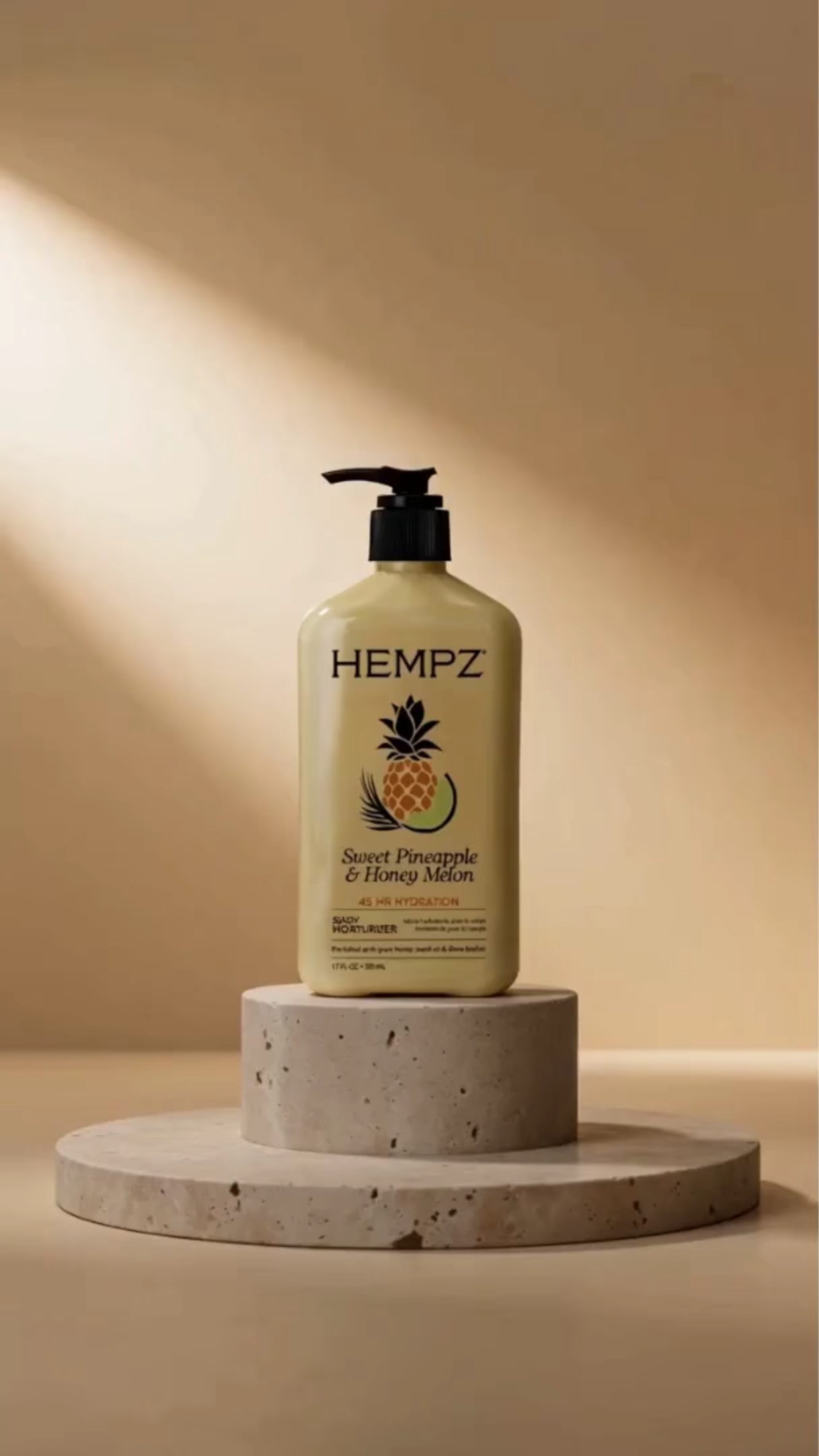
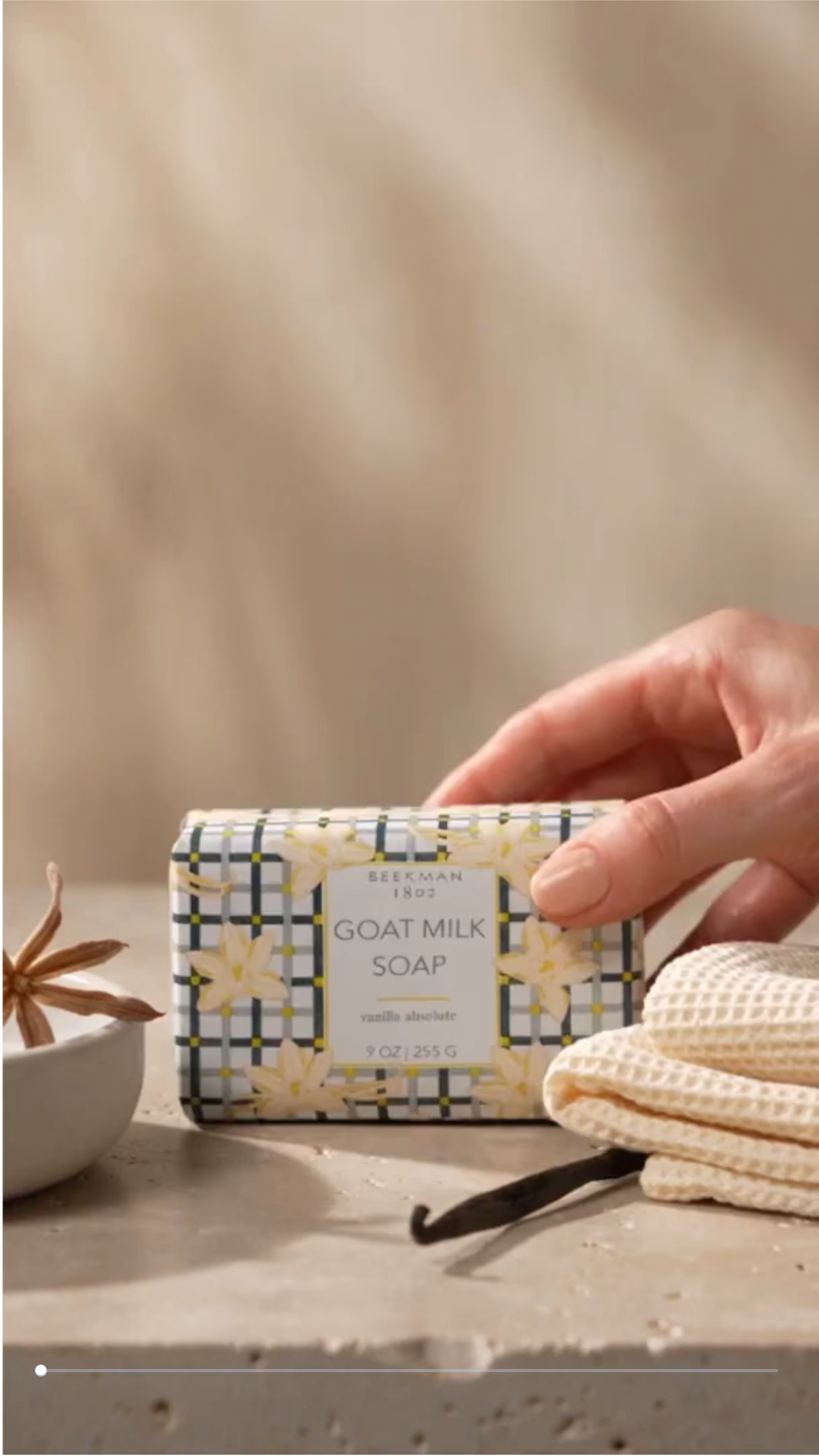
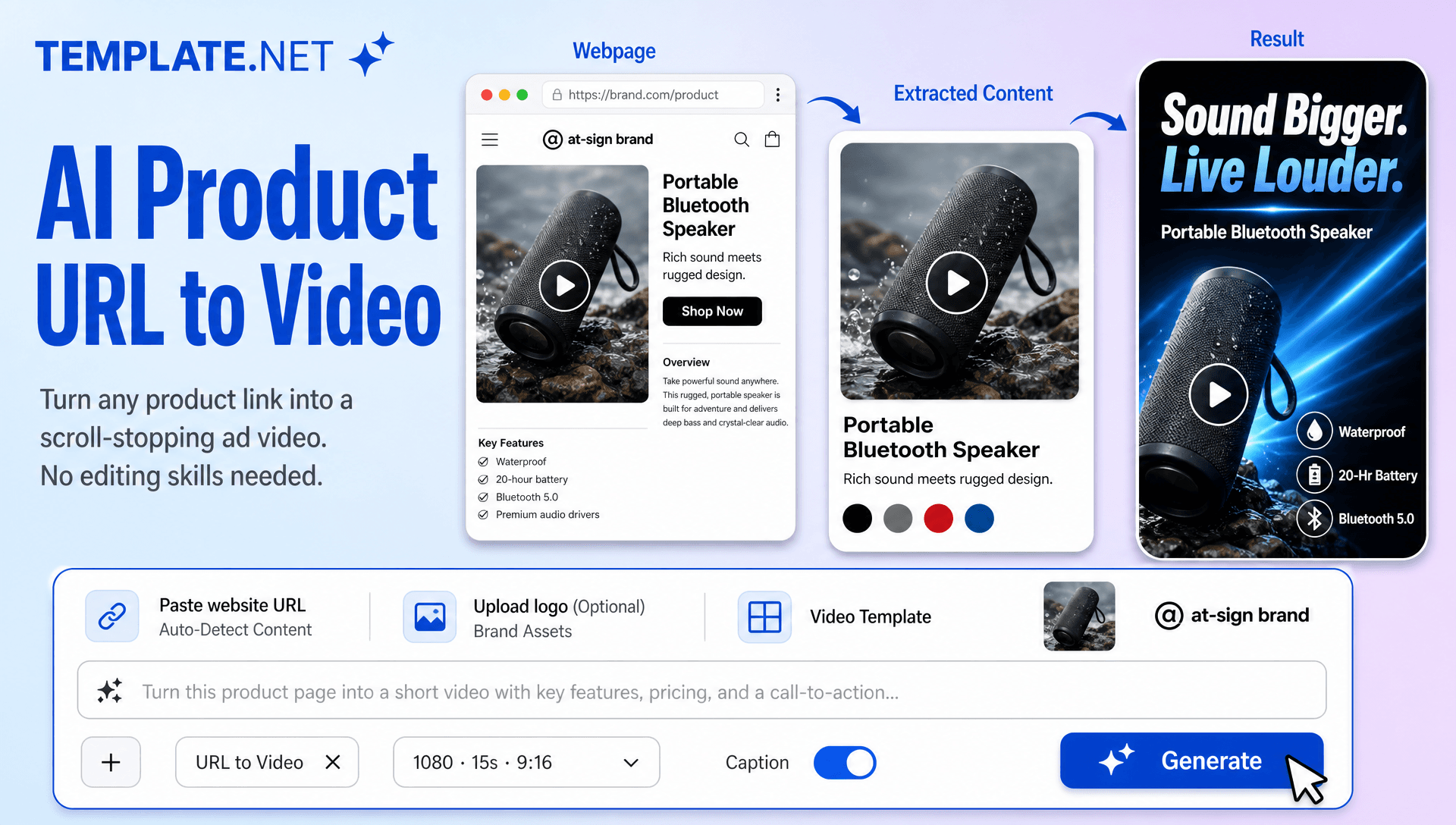
Create Professional Product Videos from Any URL with AI Powered Generator
Template.net AI Product URL to Video Generator uses Seedance 2 to turn a product page URL into an engaging product video. Enter your product URL, and AI analyzes the available product information, images, descriptions, features, and selling points to build a structured video concept. Add a text or voice prompt to guide the creative direction, then customize AI presenters, scenes, captions, voiceovers, branding, video duration, resolution, and aspect ratios. Create product videos for eCommerce stores, product pages, digital catalogs, social media campaigns, online advertising, and product launches across desktop, tablet, and mobile devices with plans starting at just $12 monthly.
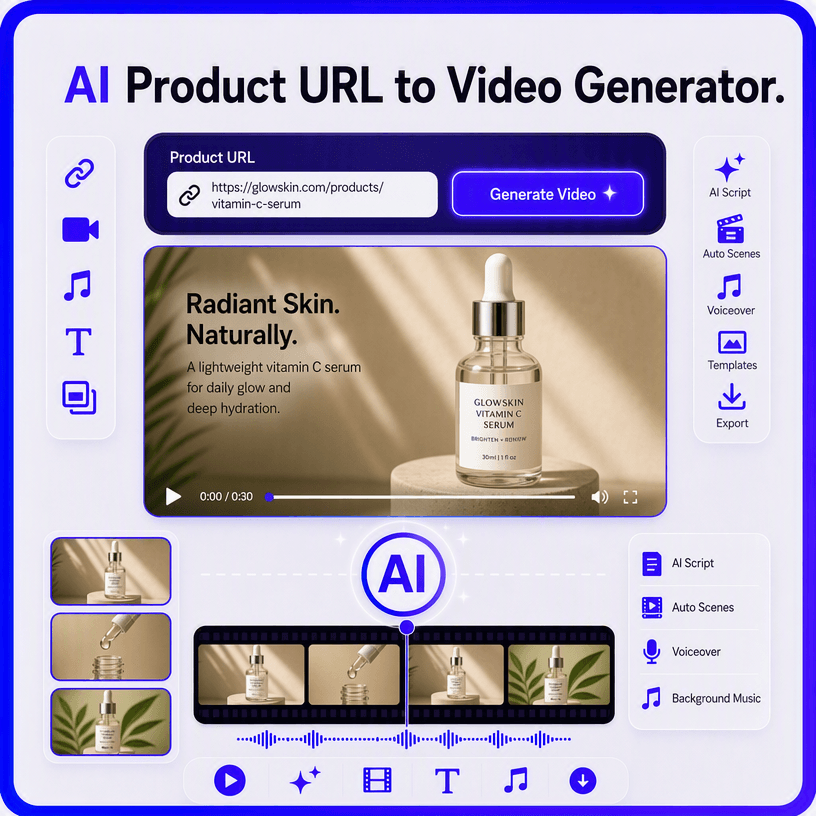
Turn Product URLs into High-Impact Videos for eCommerce, Marketing, and Sales
Everything you need to turn product pages into professional marketing videos with intelligent AI assistance.
AI-Powered Product URL to Video Generation
Enter a product URL and let AI analyze the page to understand the product, extract relevant information, identify available visuals, and build a complete promotional video with scenes, storytelling, transitions, and marketing-focused messaging.
Automatic Product Information Extraction
AI identifies important product details such as titles, descriptions, features, benefits, pricing information, and selling points from the entered URL to create a more relevant and informative video concept.
Product Visual Asset Integration
Use relevant product images and page visuals from your URL to create product-focused scenes, close-ups, feature highlights, and promotional compositions that keep the featured product at the center of the video.
eCommerce Product Showcase Videos
Turn online product pages into engaging promotional videos for stores, marketplaces, product listings, digital catalogs, and shopping campaigns. Create visual presentations that explain product value while keeping the messaging focused on conversion.
AI Product Script and Hook Creation
Generate structured scripts, opening hooks, product descriptions, feature highlights, and calls to action based on the information available on your product page. Refine the creative direction with your own prompt for greater control.
Text and Voice Video Instructions
Describe how you want your URL video to look and sound using text prompts or voice input. Give instructions about the audience, tone, visuals, duration, storytelling, or promotional message.
Intelligent Product Storytelling
Convert product information into a logical visual narrative that introduces the product, presents its key benefits, highlights important features, and finishes with a clear customer-focused message or call to action.
Dynamic Product Scene Creation
Create engaging scenes with product close-ups, lifestyle environments, promotional layouts, camera movements, transitions, and visual effects. Use AI Motion Control to guide movement and create more dynamic product presentations.
AI Voiceover and Narration
Turn generated product scripts into polished voiceovers that explain product benefits and support promotional storytelling. Combine narration with captions, music, and visual scenes for a complete marketing video.
Product-Focused Visual Effects
Enhance product presentations with cinematic transitions, animated text, zoom effects, motion graphics, lighting treatments, and visual emphasis that draw attention to important product details.
Creative Character and Motion Direction
Build more expressive promotional scenes with Character Animation and controlled movement. For campaigns that require advanced motion-driven storytelling, related Motion Transfer AI workflows can extend creative possibilities.
Brand Identity Customization
Add logos, colors, fonts, messaging, product positioning, and visual preferences to maintain a consistent brand identity across product videos and marketing campaigns.
Multilingual Support
Create product videos in 20+ multiple languages, including English, Spanish, French, German, Italian, Portuguese, Hindi, Chinese, Japanese, Korean, Arabic, Turkish, Vietnamese, Thai, Malay, Polish, Dutch, Swedish, and more. Adapt product messaging for international eCommerce.
Advanced Character and Visual Transformation
Expand promotional concepts with creative AI workflows such as AI Character Transfer, Video Character Replacement, and Character Swap Video when your campaign requires distinctive character-led or transformation-based visuals.
Creative AI Animation Workflows
Add more imaginative motion and visual storytelling to product campaigns with an AI Animation Tool approach. For specialized creative projects, Motion Capture AI and Video-to-Character AI concepts can support advanced character-driven promotional content.
Download or Share Product Videos Instantly
Export your completed product videos in high quality or share them through Email, LinkedIn, WhatsApp, Facebook, X (Twitter), and Pinterest. You can also generate a live link or QR code for collaboration, review, and publishing.
Browser-Based Product Video Workspace
Create, edit, organize, and manage URL-based product videos entirely online. Keep product video generation, customization, refinement, and publishing within a streamlined browser-based creative workspace.
Accelerate Product Marketing from URLs
Turn multiple product pages into promotional video concepts faster for new launches, seasonal campaigns, product collections, promotional offers, catalog updates, and advertising campaigns. Use AI Video Generator capabilities to scale product-focused video creation across marketing channels.
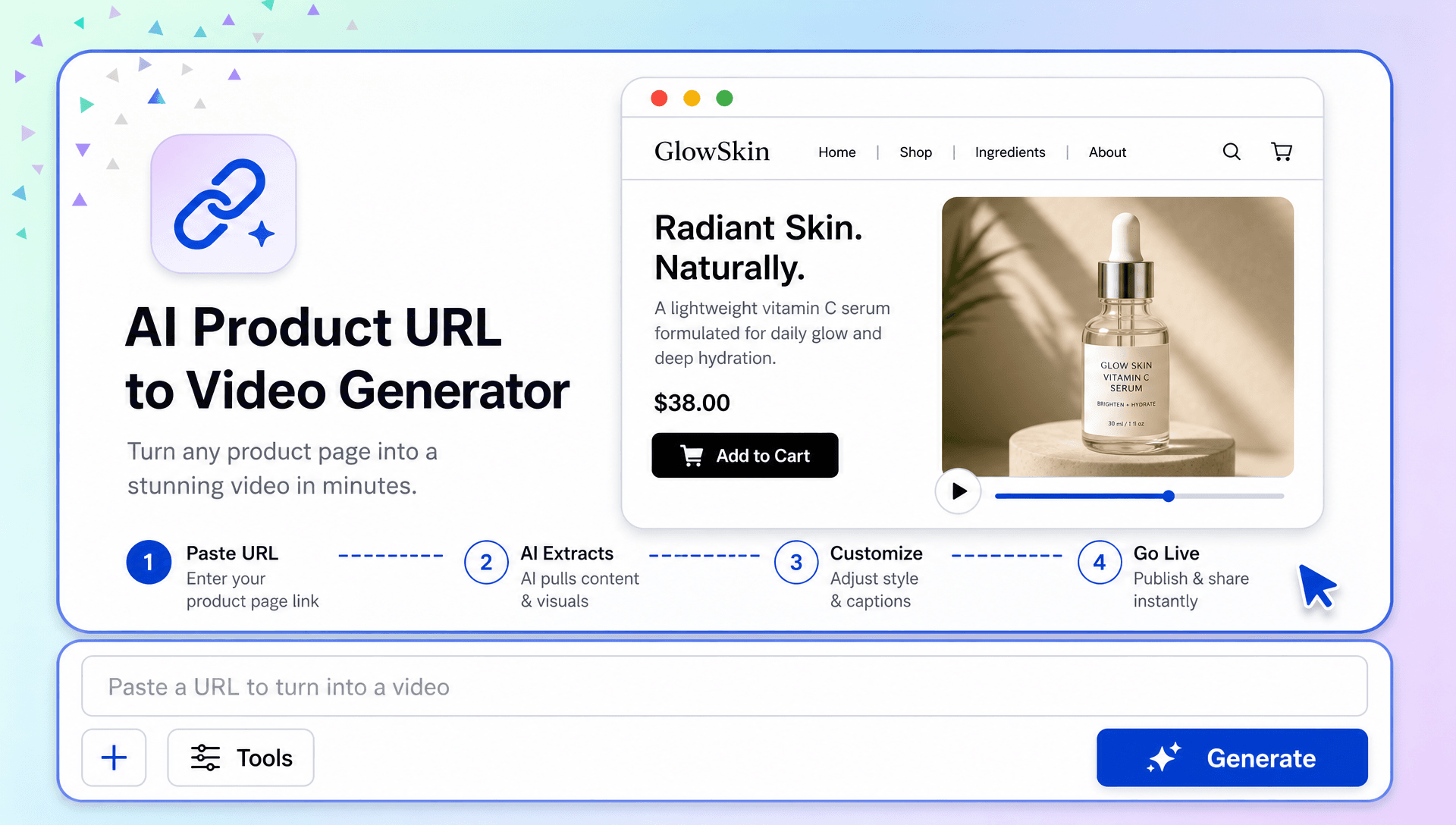
How to Create Professional Product Videos from a URL
Create engaging product videos in a few simple steps.
Step 1 Enter Your Product URL and Prompt
Paste your product page URL and let AI extract relevant product details, images, features, and selling points. Add a text prompt or use voice input to describe your preferred video style, audience, messaging, presenter, or creative direction.
Step 2 Customize Your Product Video
Review the generated video and refine its scenes, script, captions, product highlights, AI presenter, voiceover, branding, transitions, duration, resolution, and aspect ratio to match your campaign requirements.
Step 3 Save, Download, or Share
Preview your completed product video, make final adjustments, then save or download it. Share it through Email, LinkedIn, WhatsApp, Facebook, X (Twitter), or Pinterest, or generate a live link or QR code for collaboration and publishing.
Turn Product Pages into Powerful Video Marketing Experiences
Bring Product Information to Life
Transform product descriptions, features, benefits, and visuals from a URL into engaging video stories. Present important product details through structured scenes, dynamic visuals, AI narration, and clear calls to action.
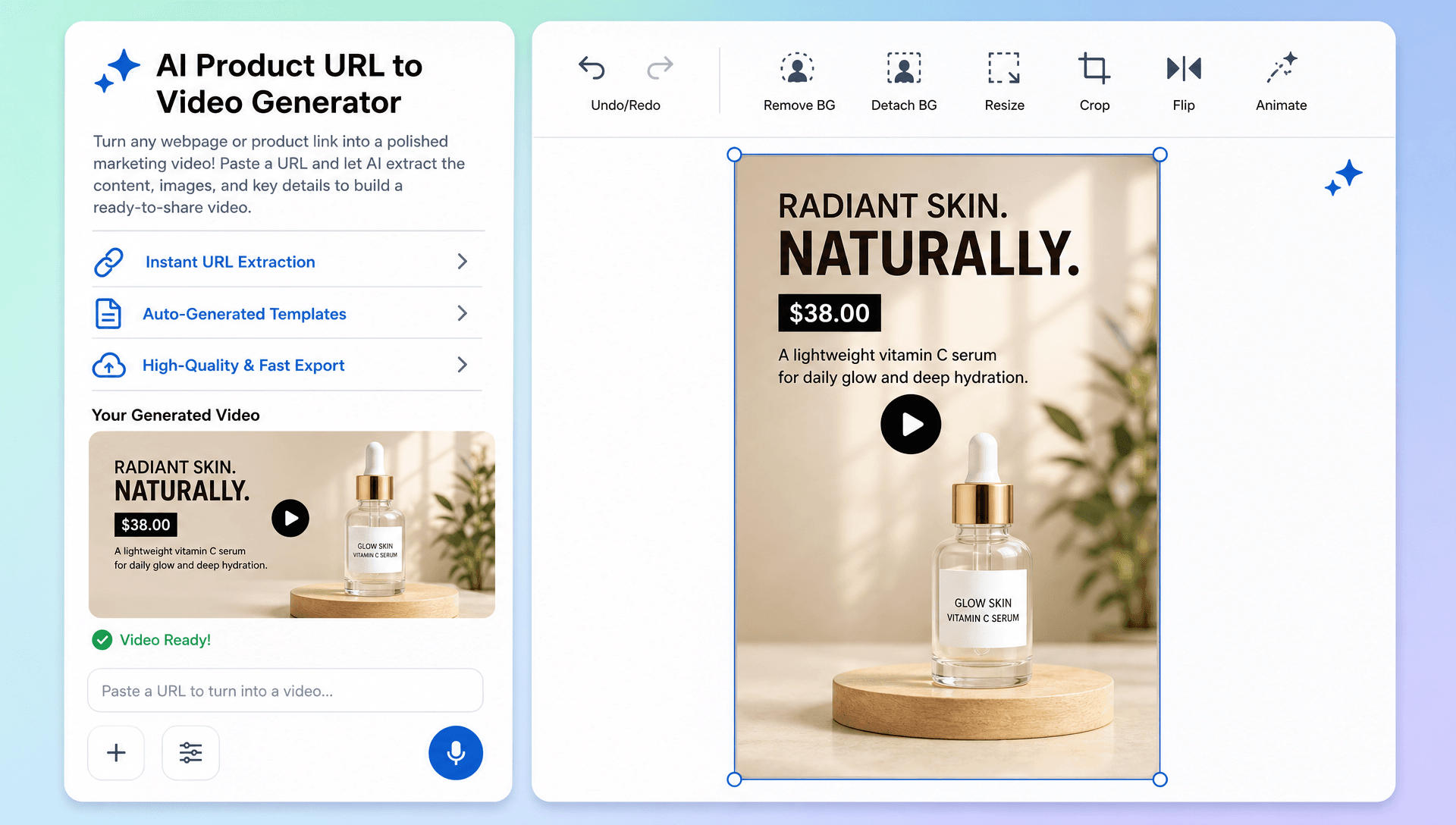
Create More Engaging Shopping Content
Turn product pages into visual experiences designed for online stores, marketplaces, social platforms, and digital campaigns. Combine product imagery, lifestyle scenes, captions, and presenters to make product information easier to understand.
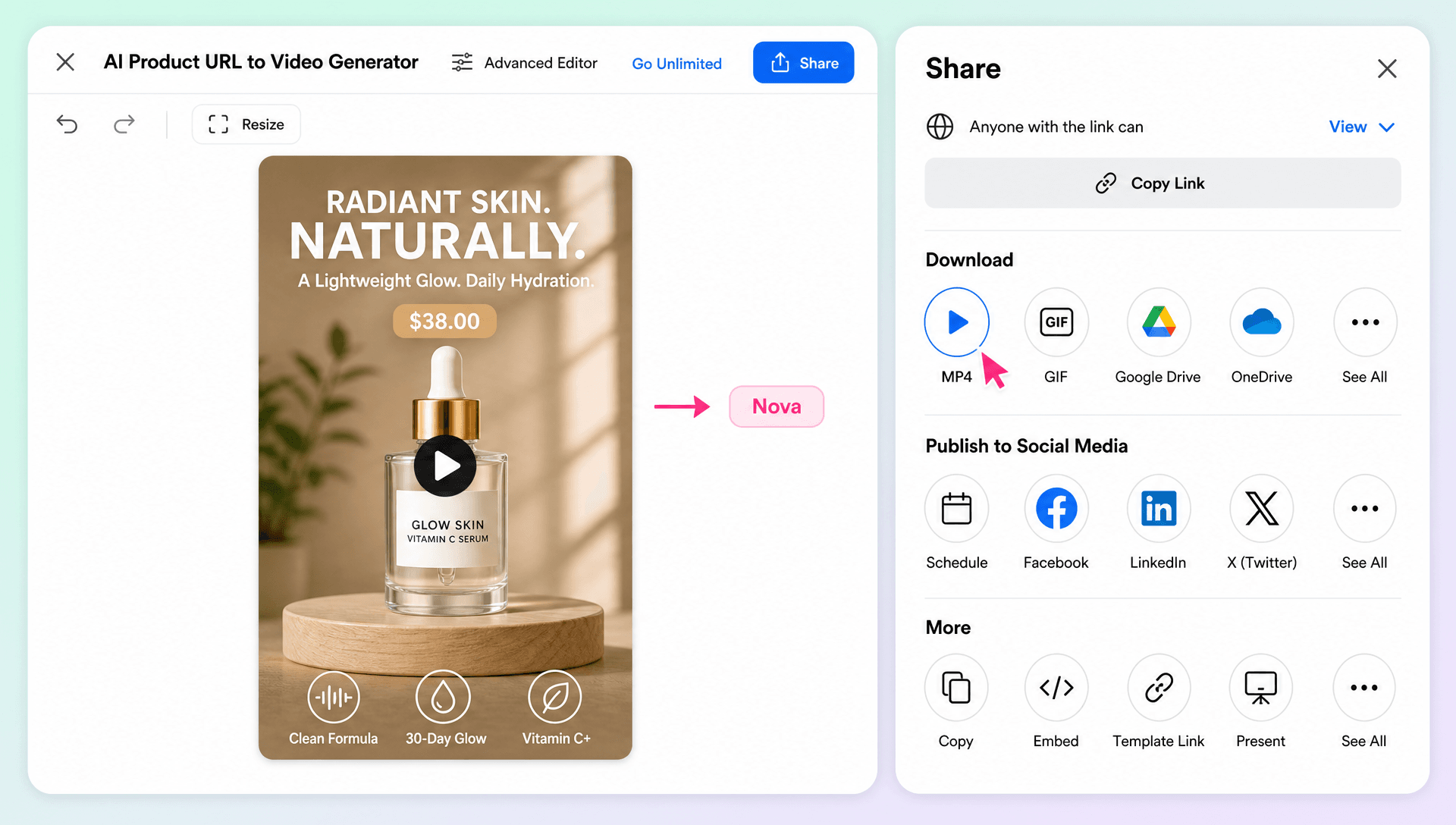
Build More Creative Campaign Variations
Create different video concepts from the same product URL by changing hooks, messaging, presenters, scenes, styles, and calls to action. This makes it easier to adapt product content for launches, promotions, seasonal campaigns, and different audiences.
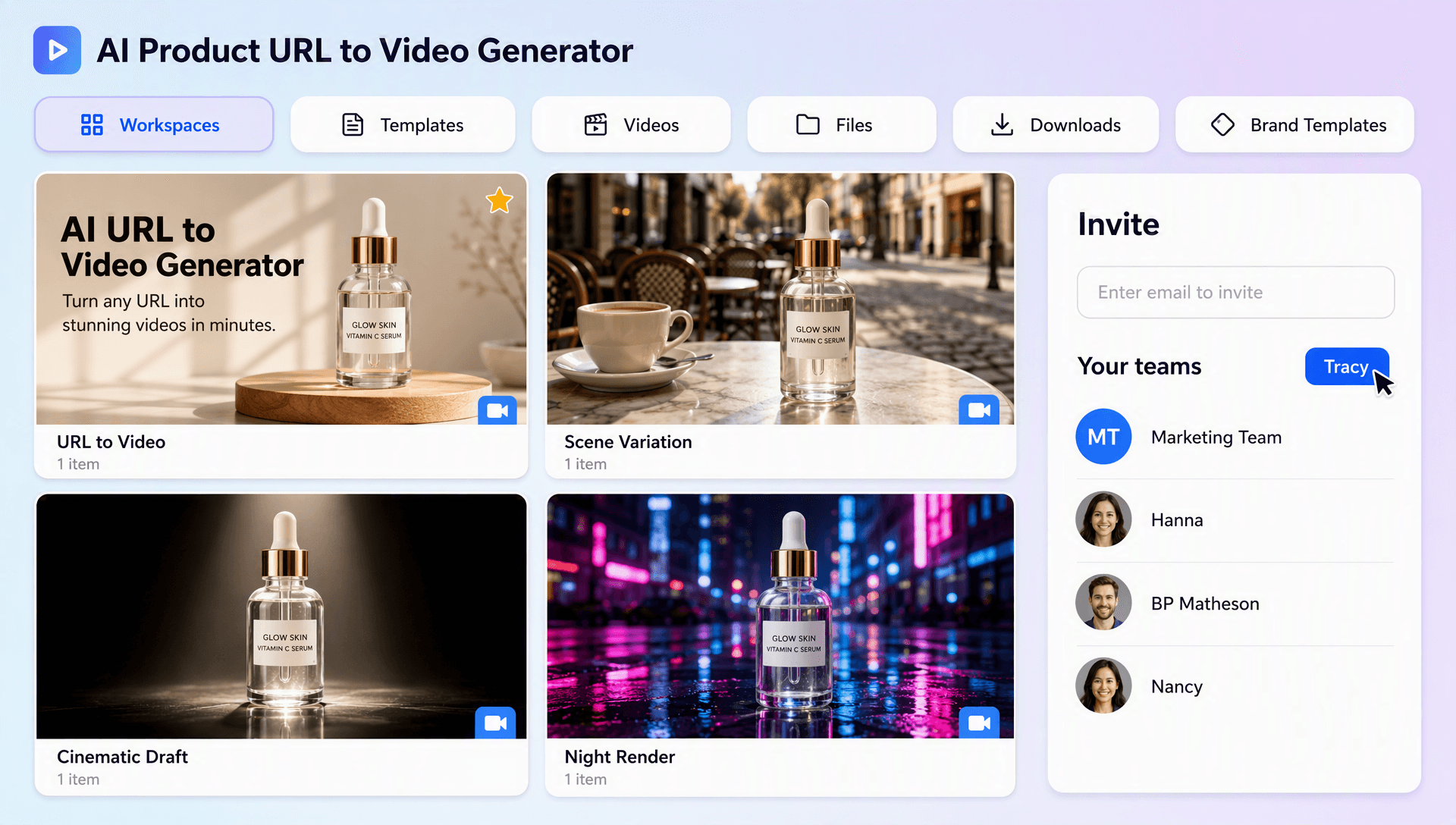
Scale Product Video Creation from One Workspace
Manage URL-based video generation, customization, editing, branding, and publishing from a browser-based workspace. Create consistent product marketing content across multiple products and channels without rebuilding each video from scratch.
