Free AI Mockup Image Generator

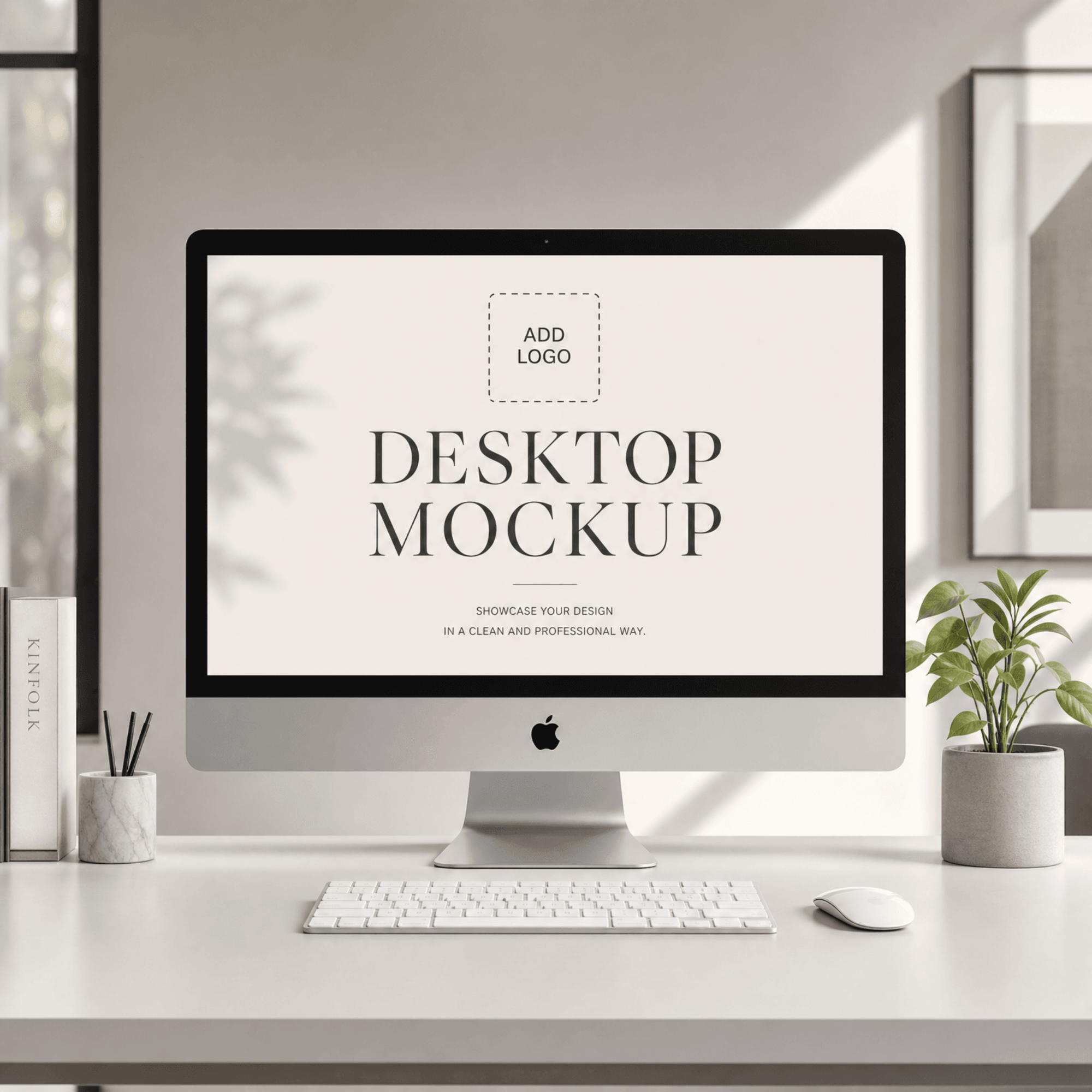
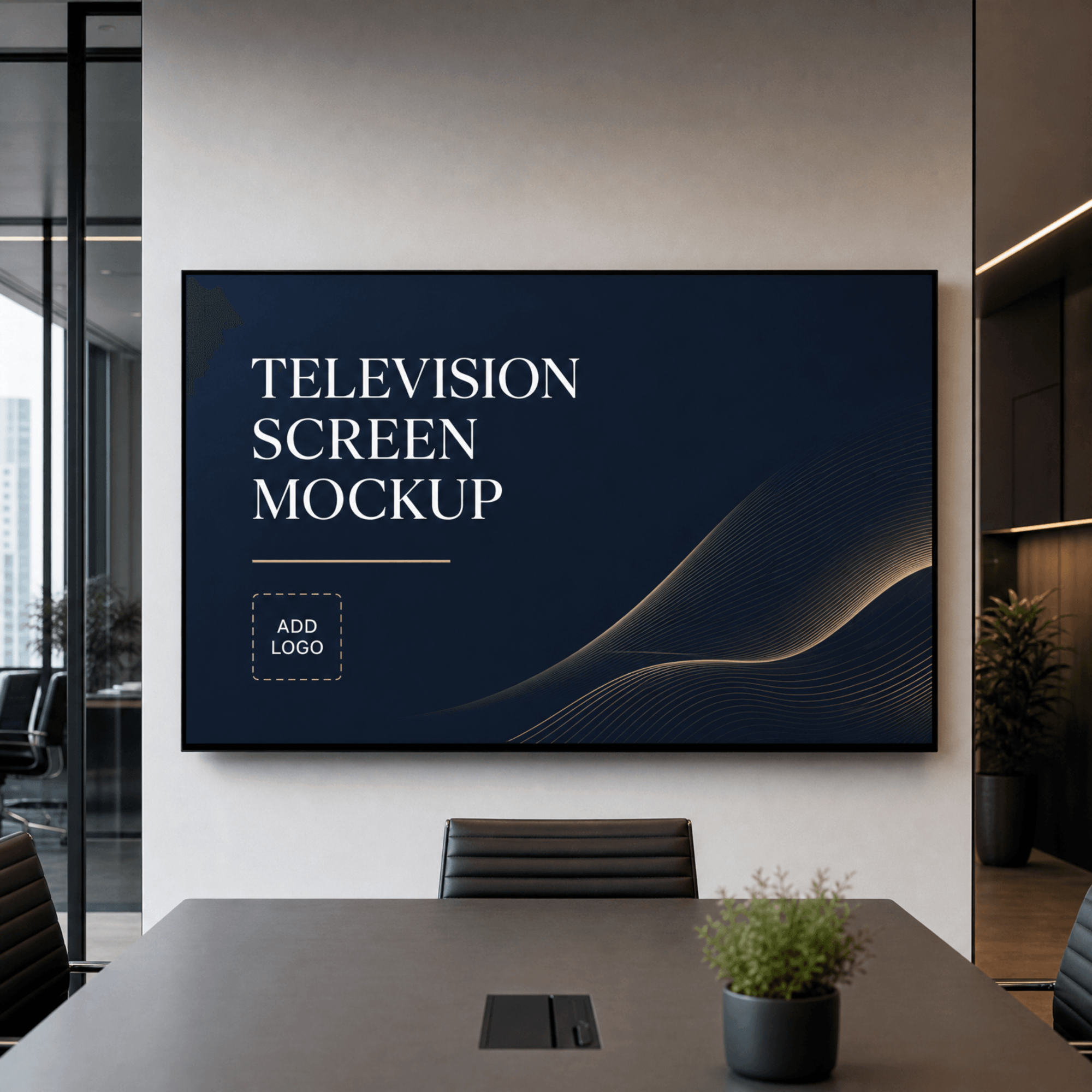
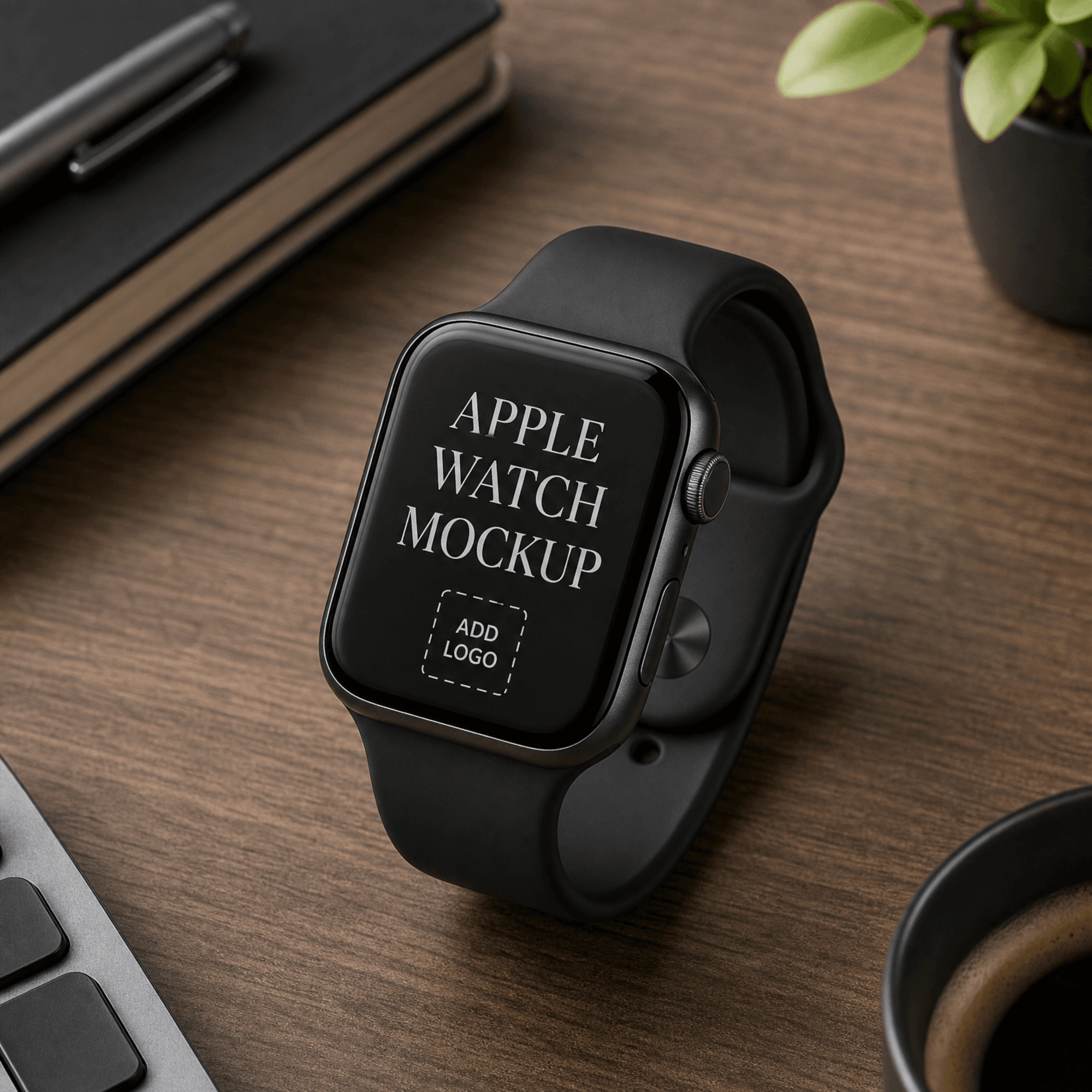
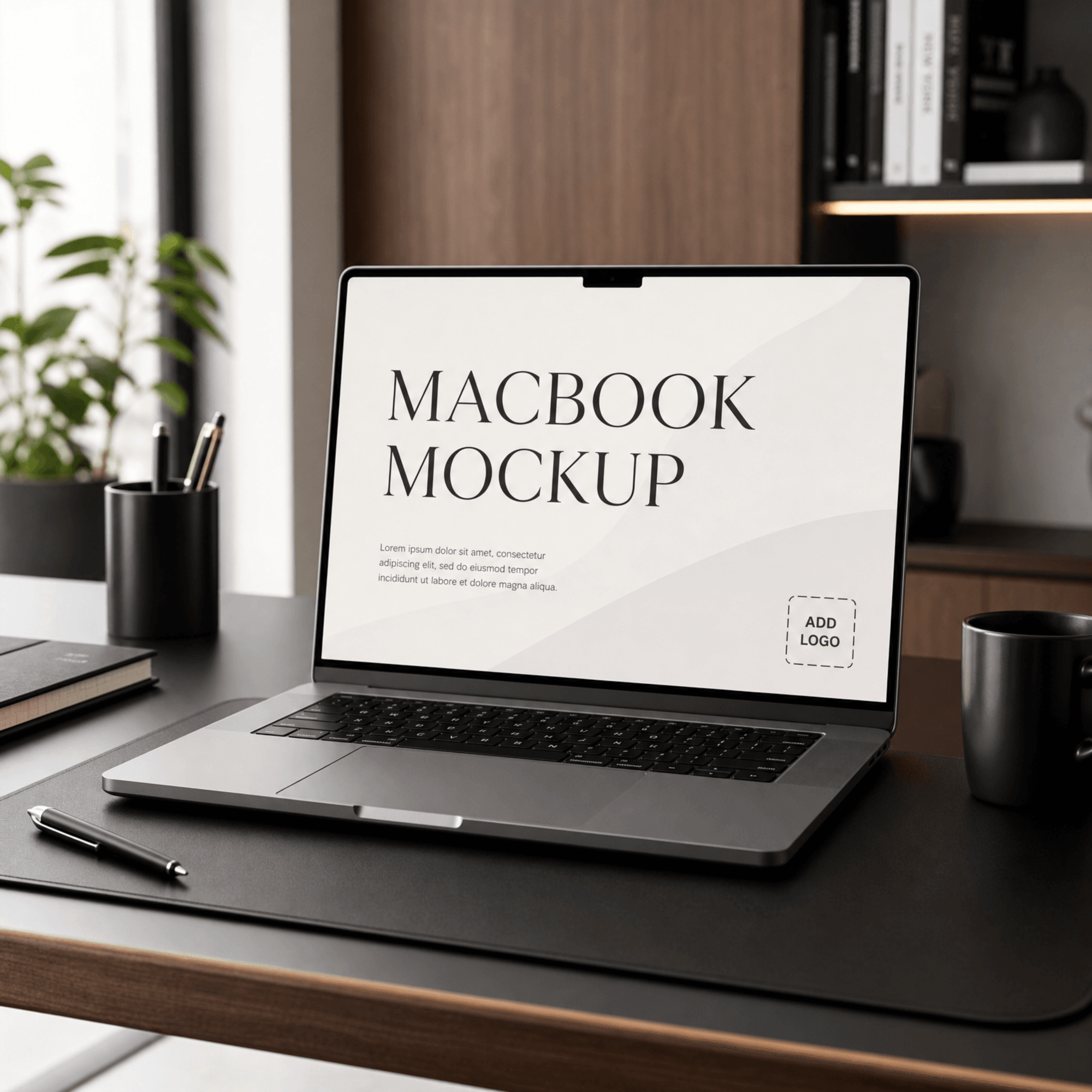
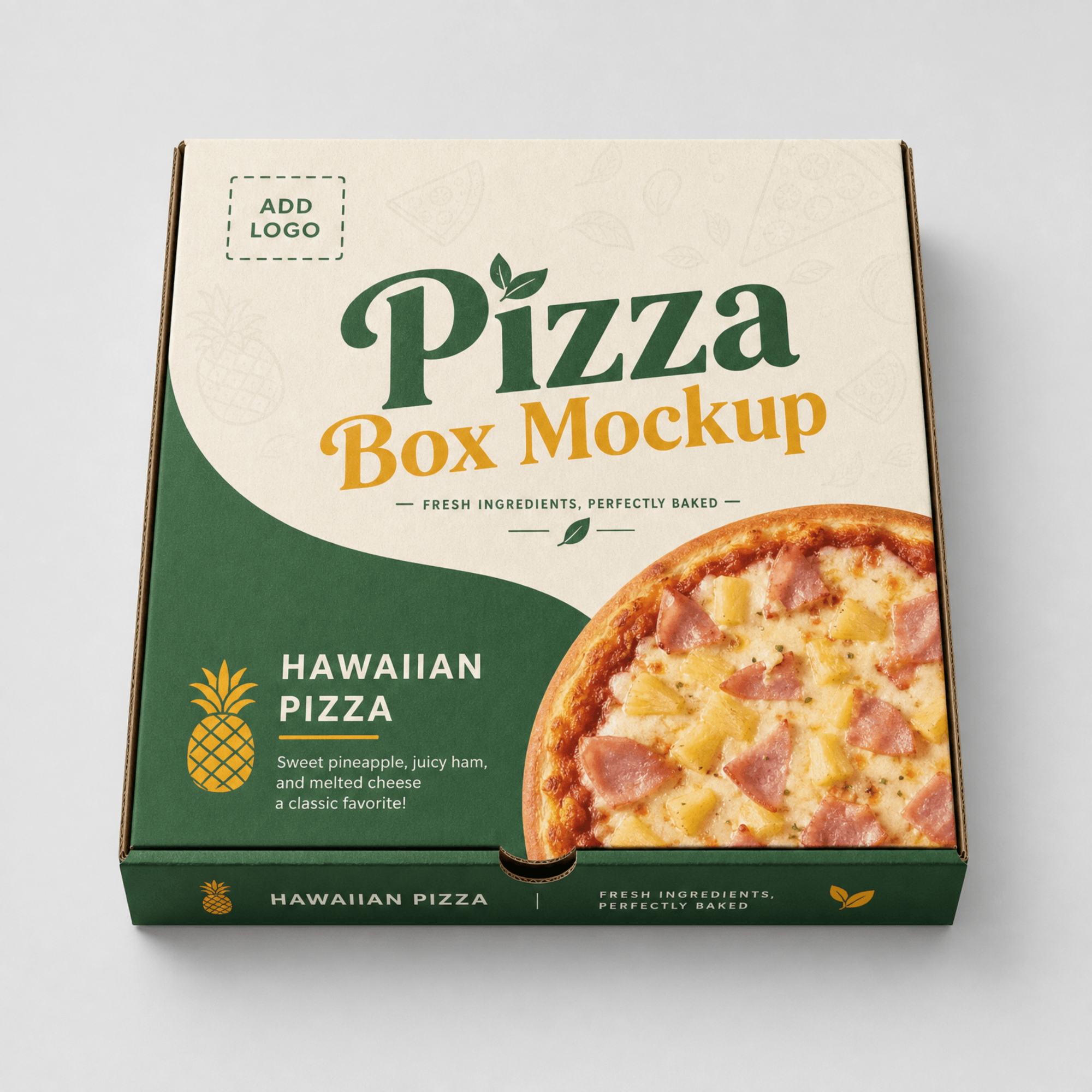
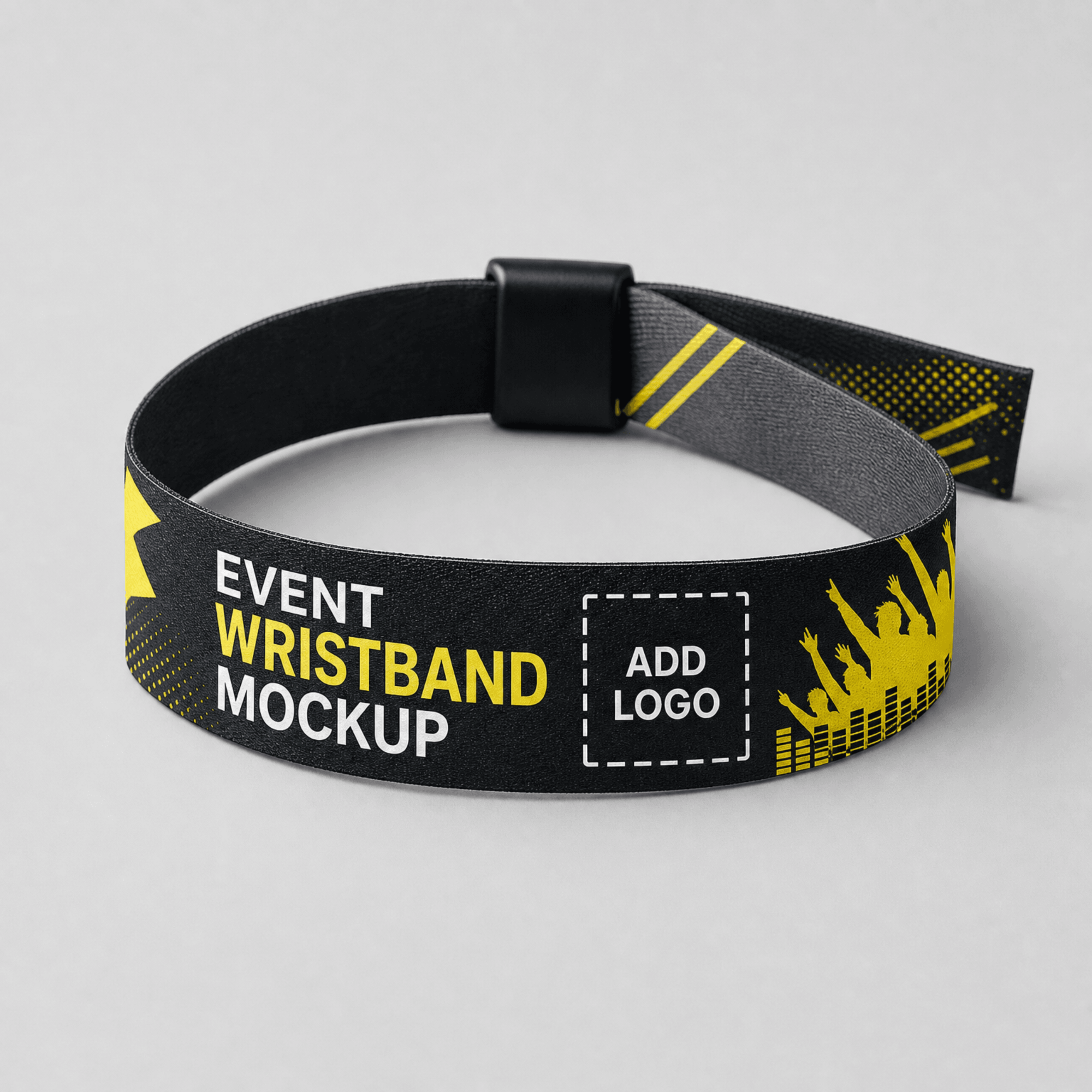
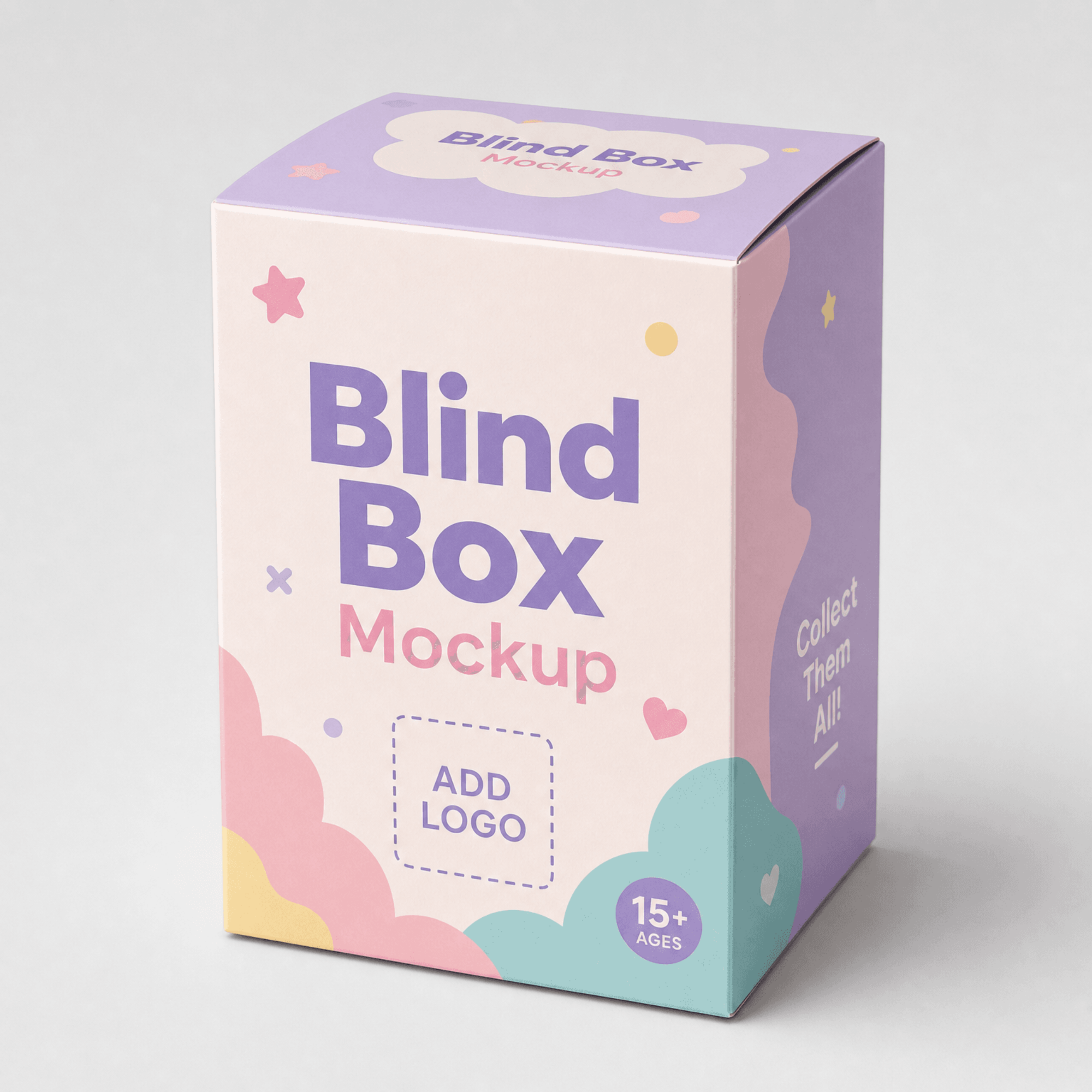
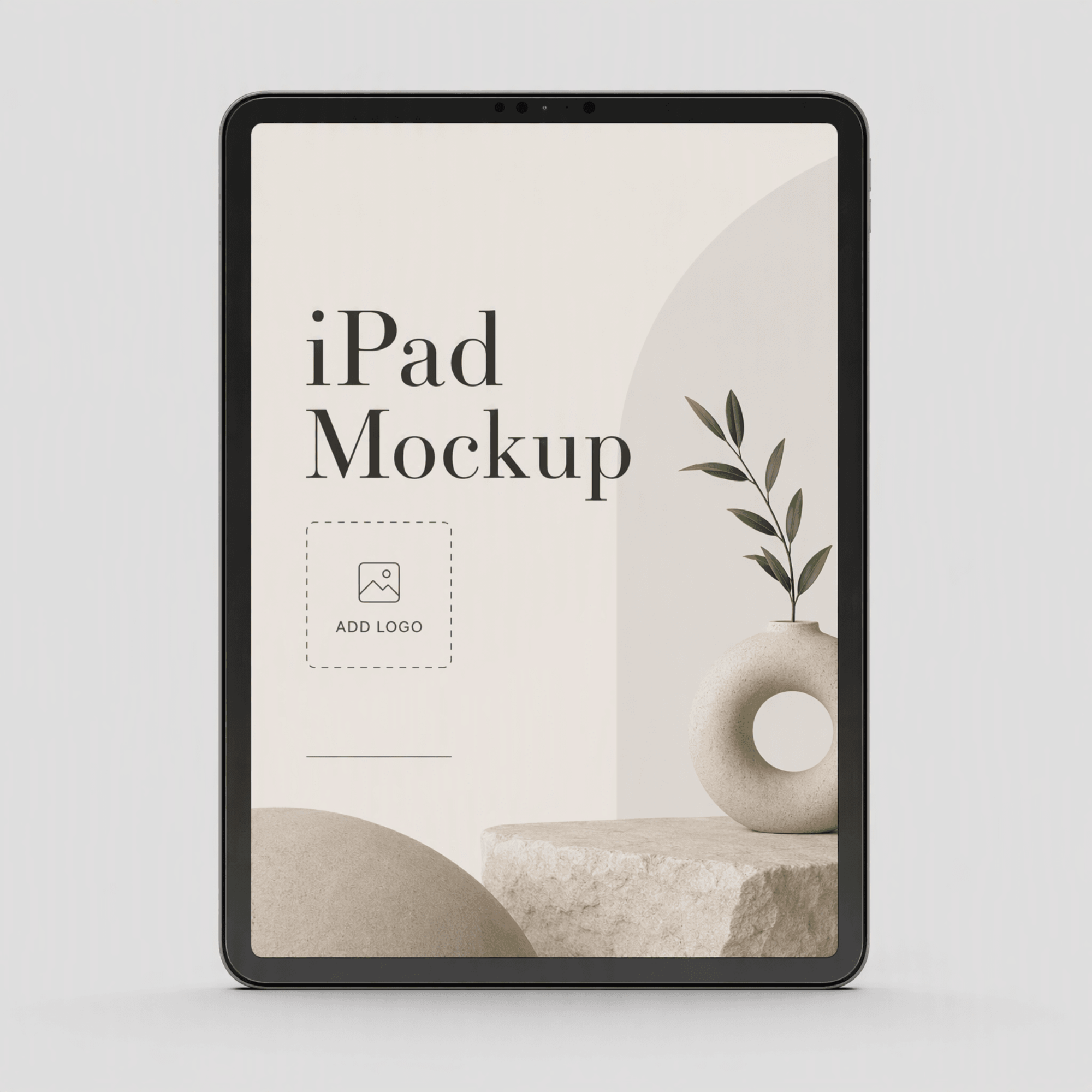
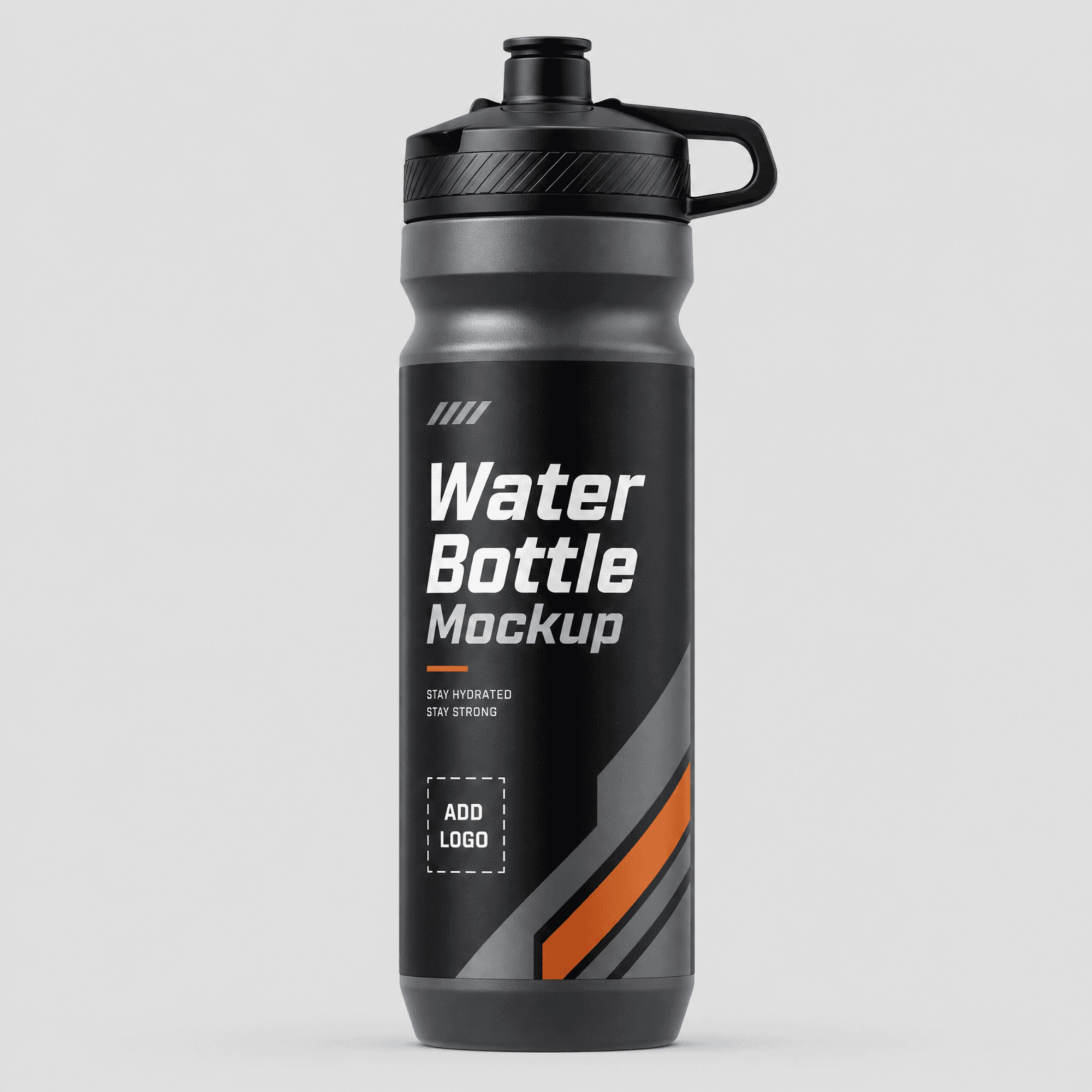
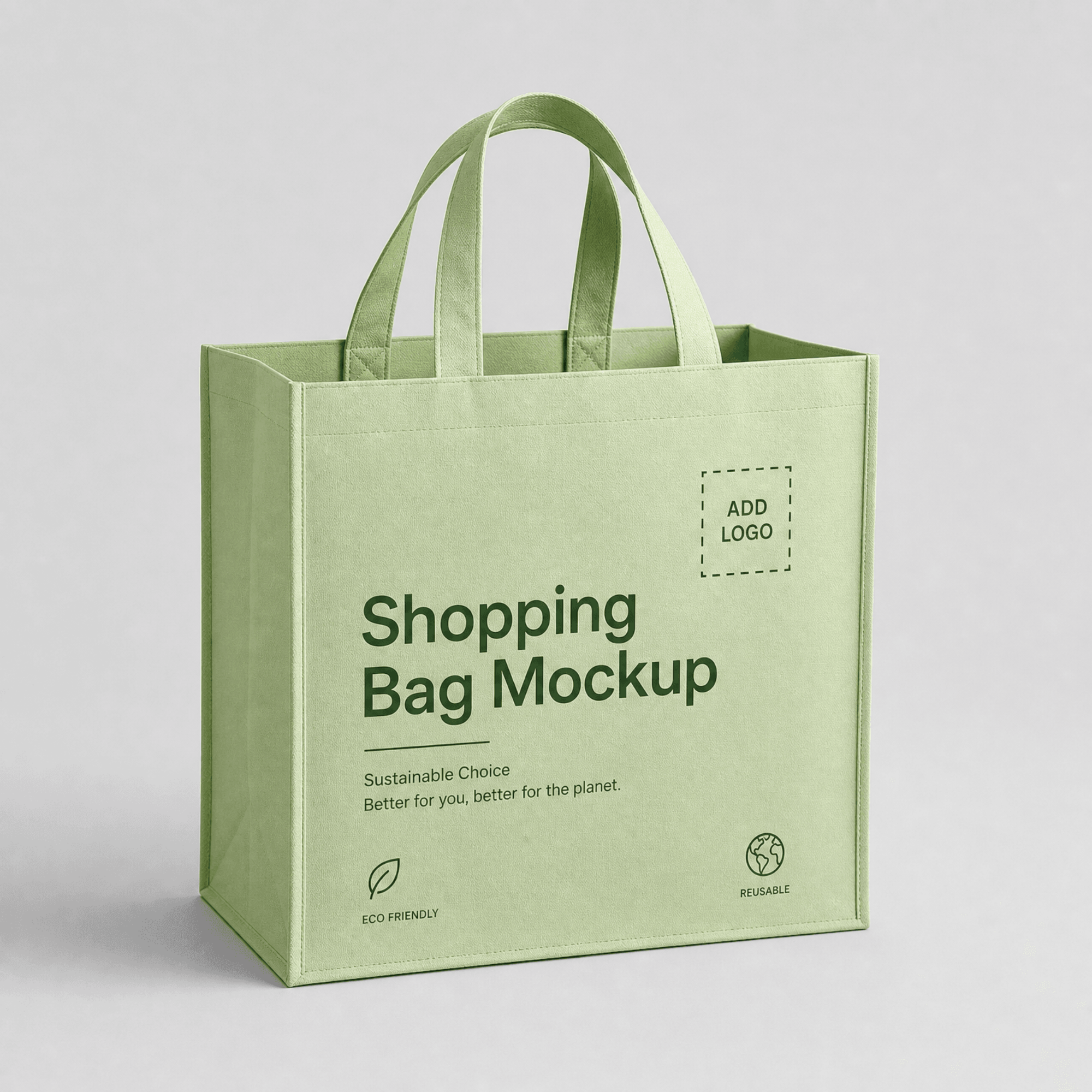
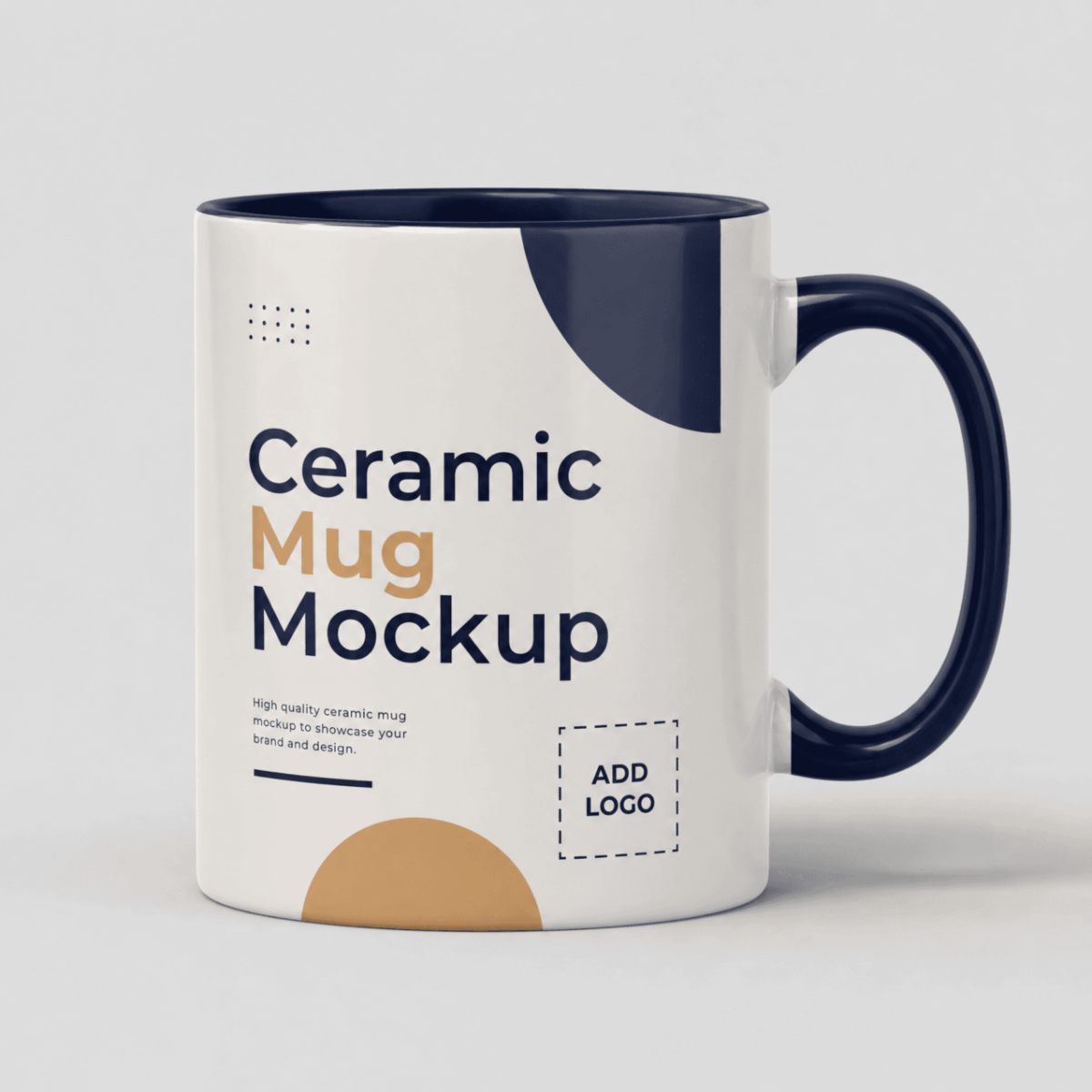
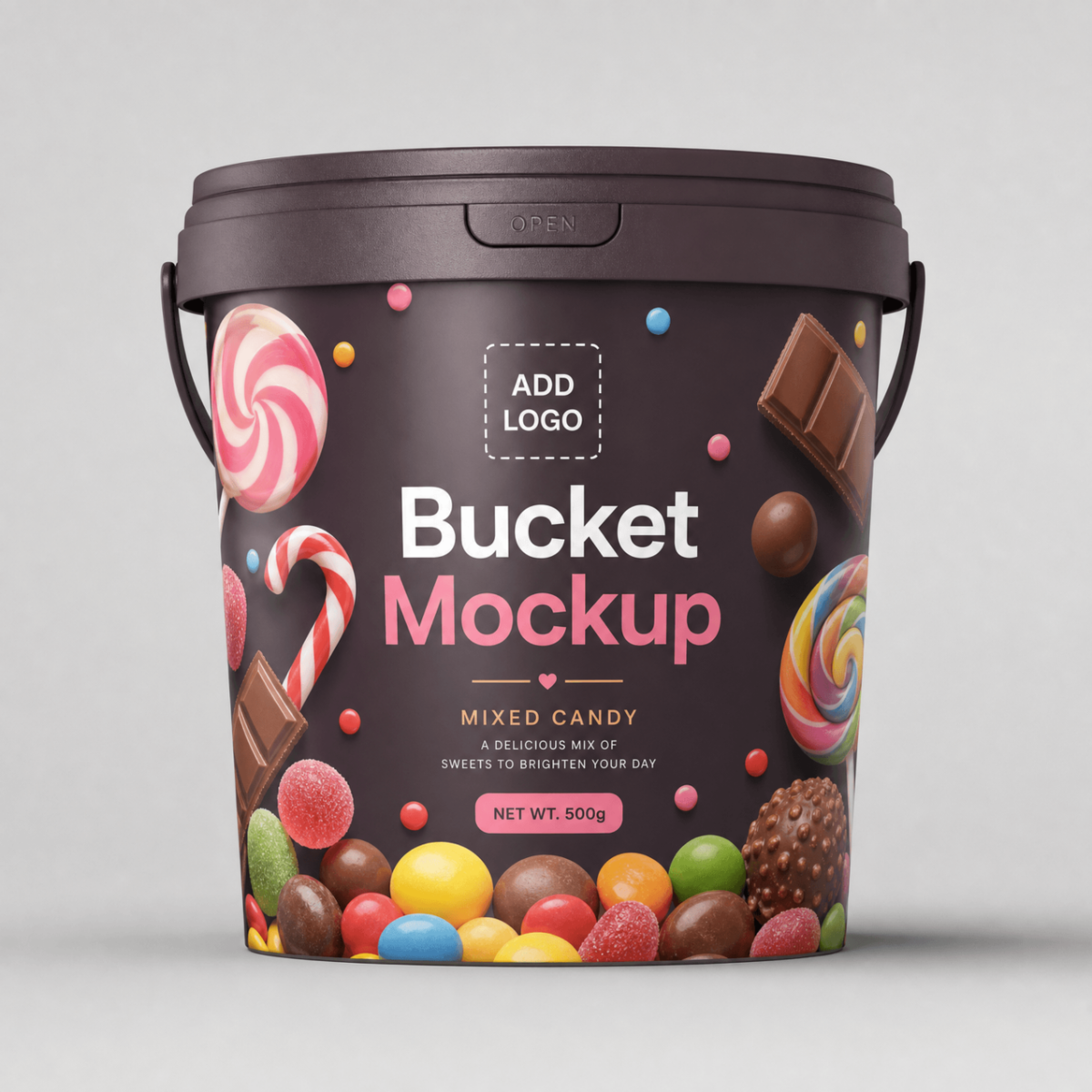
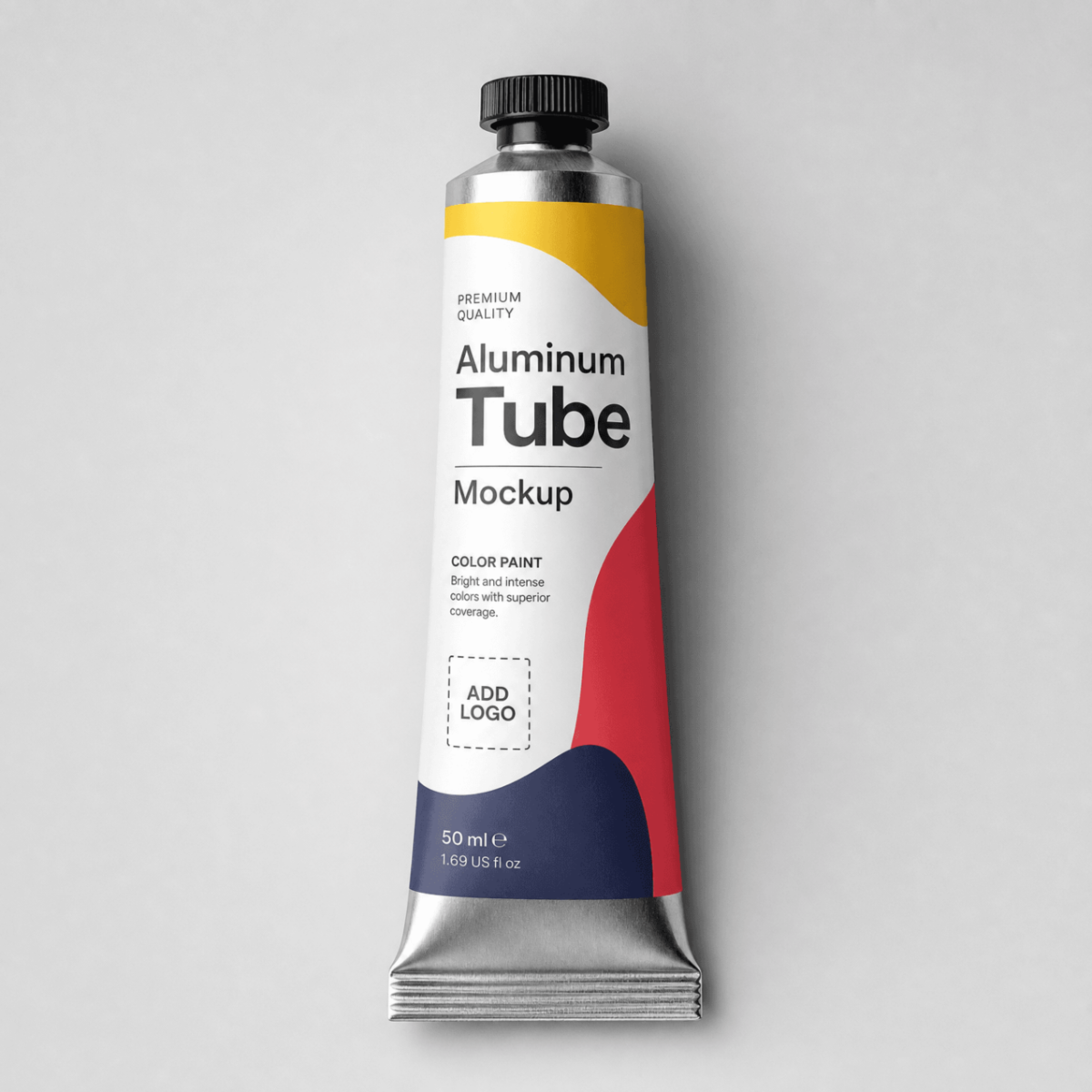
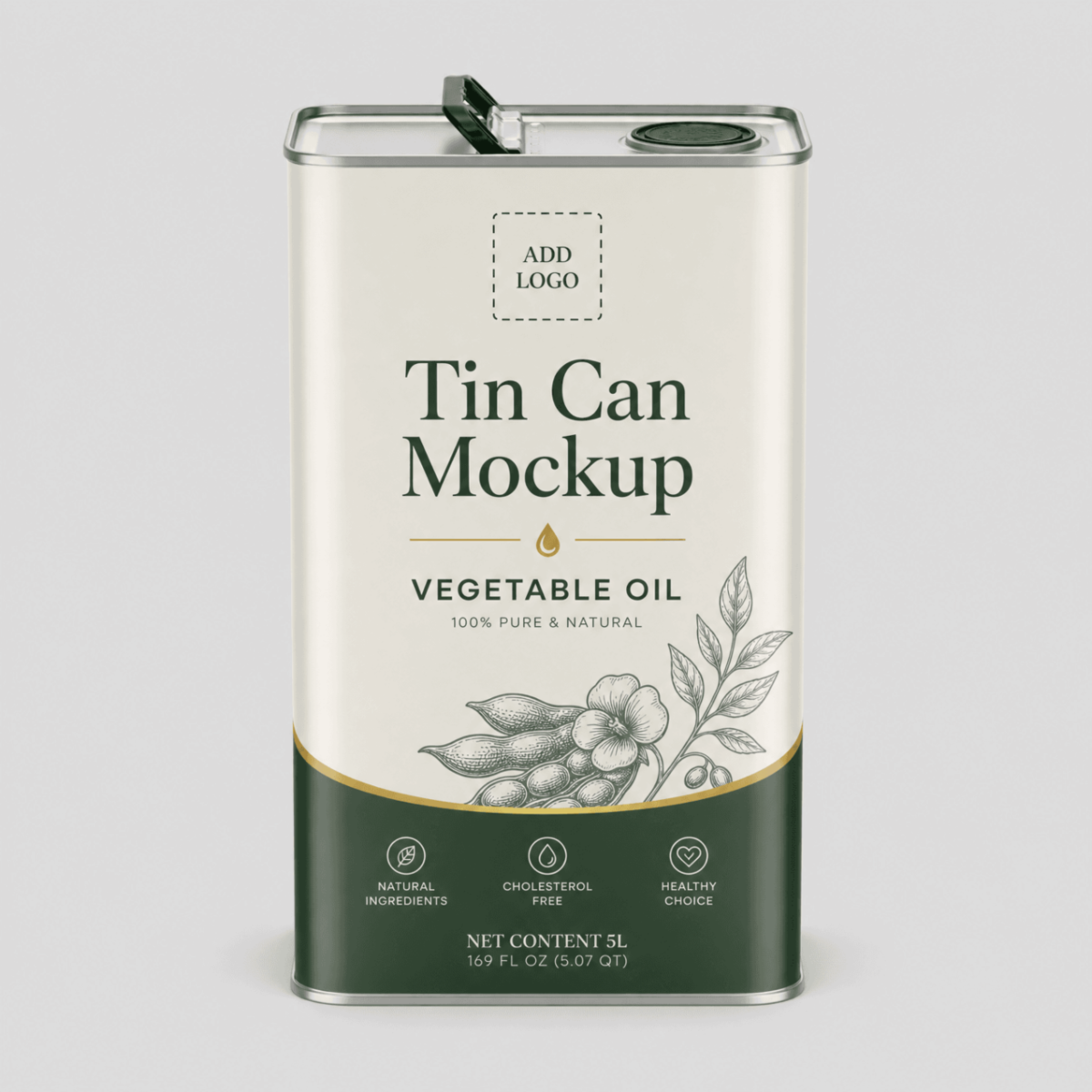
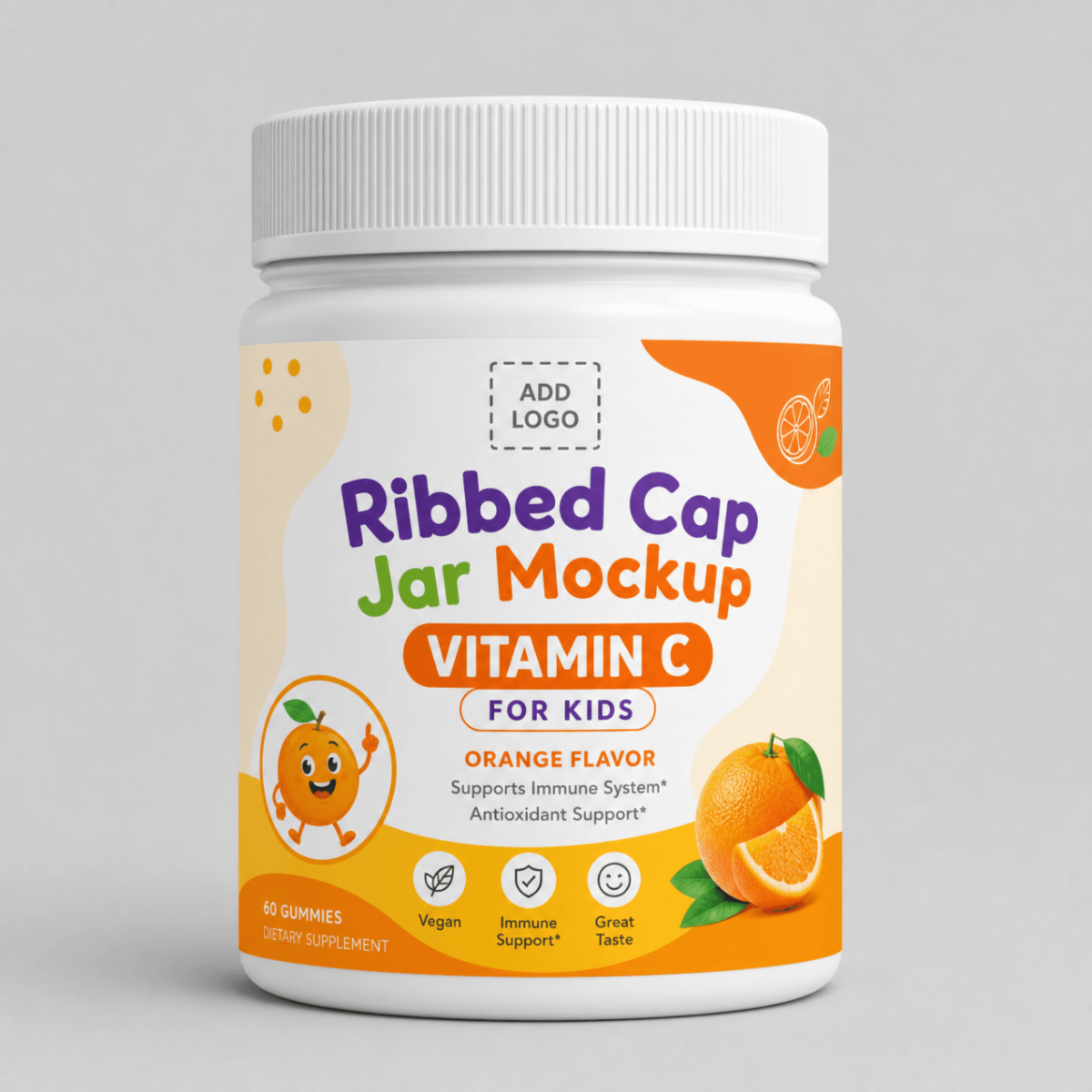
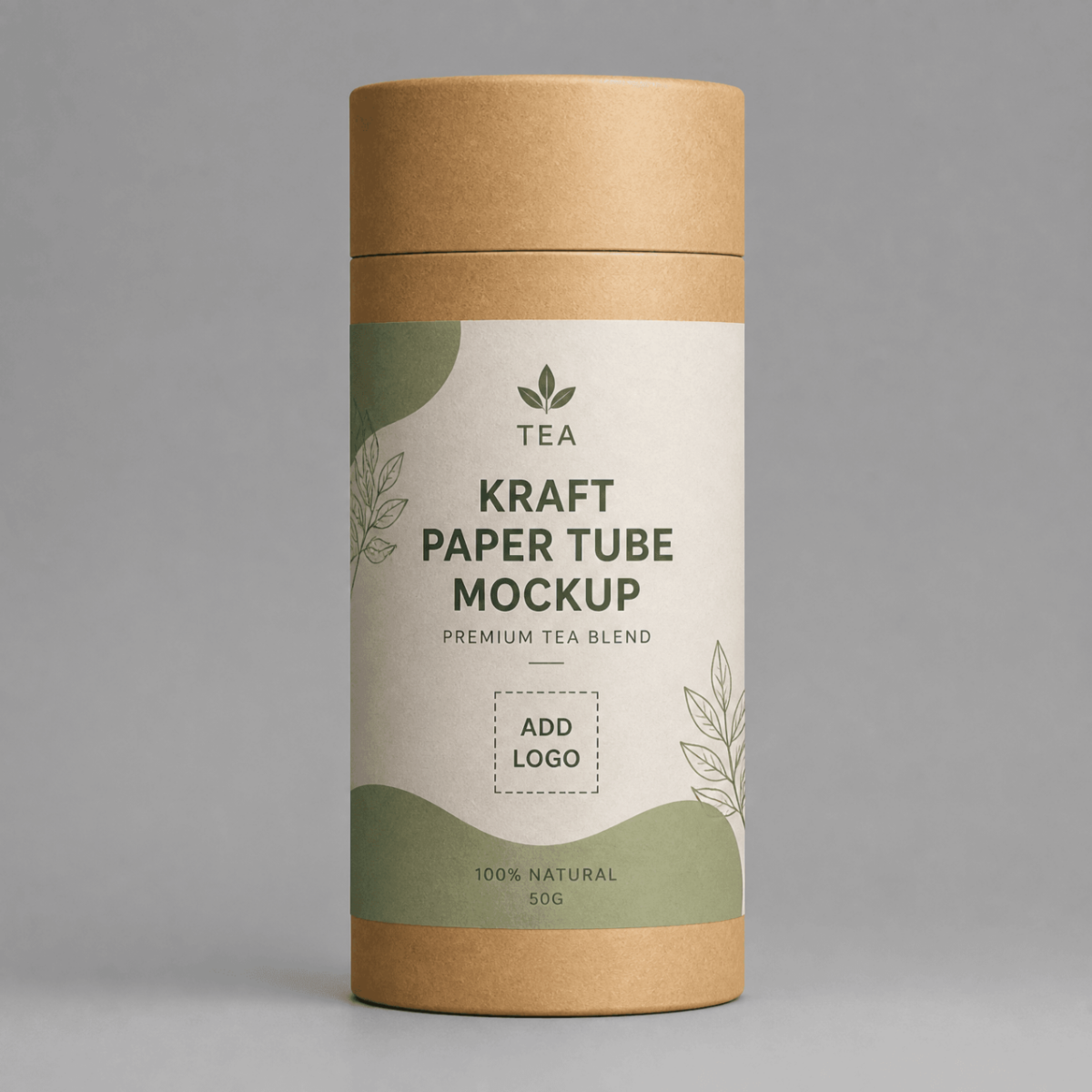
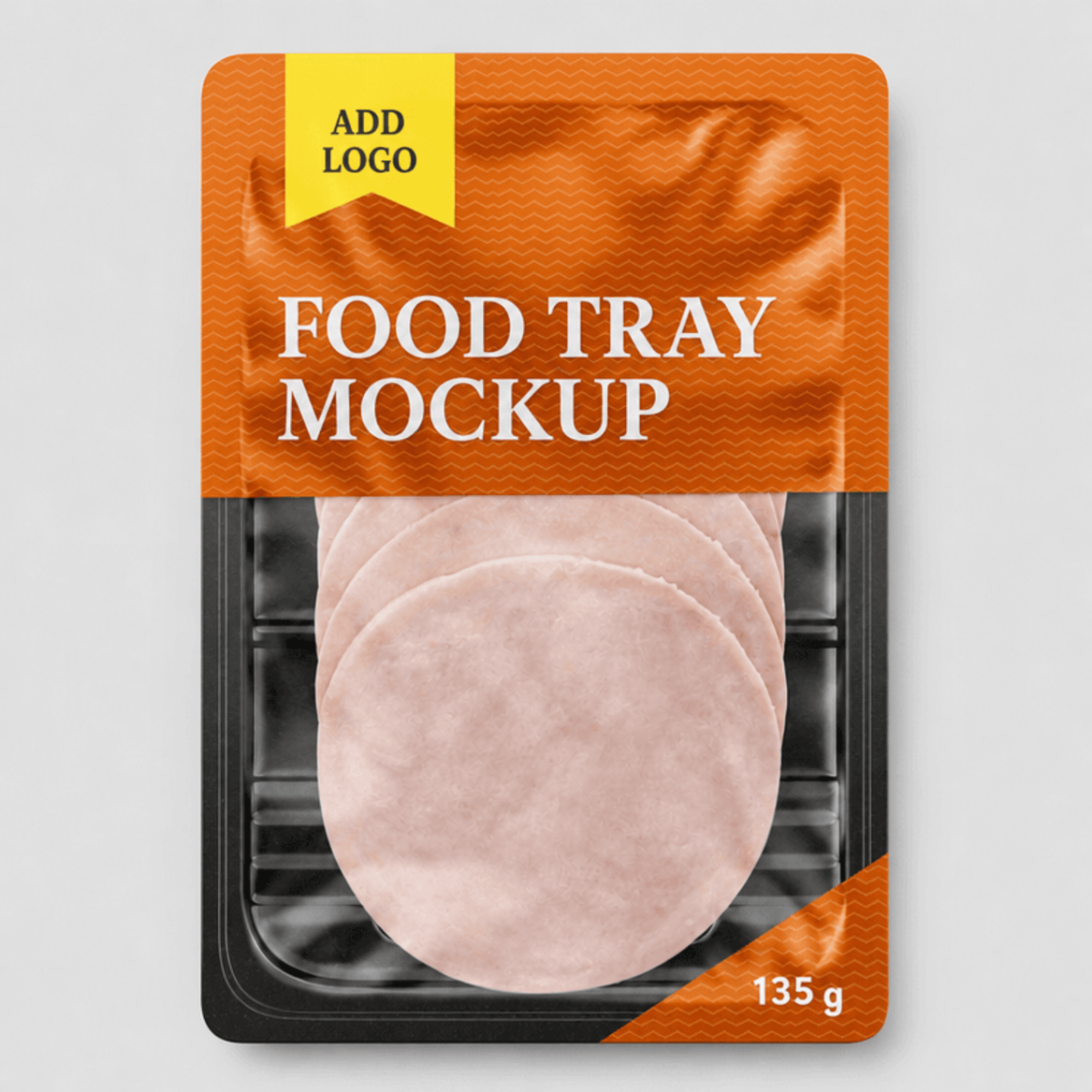
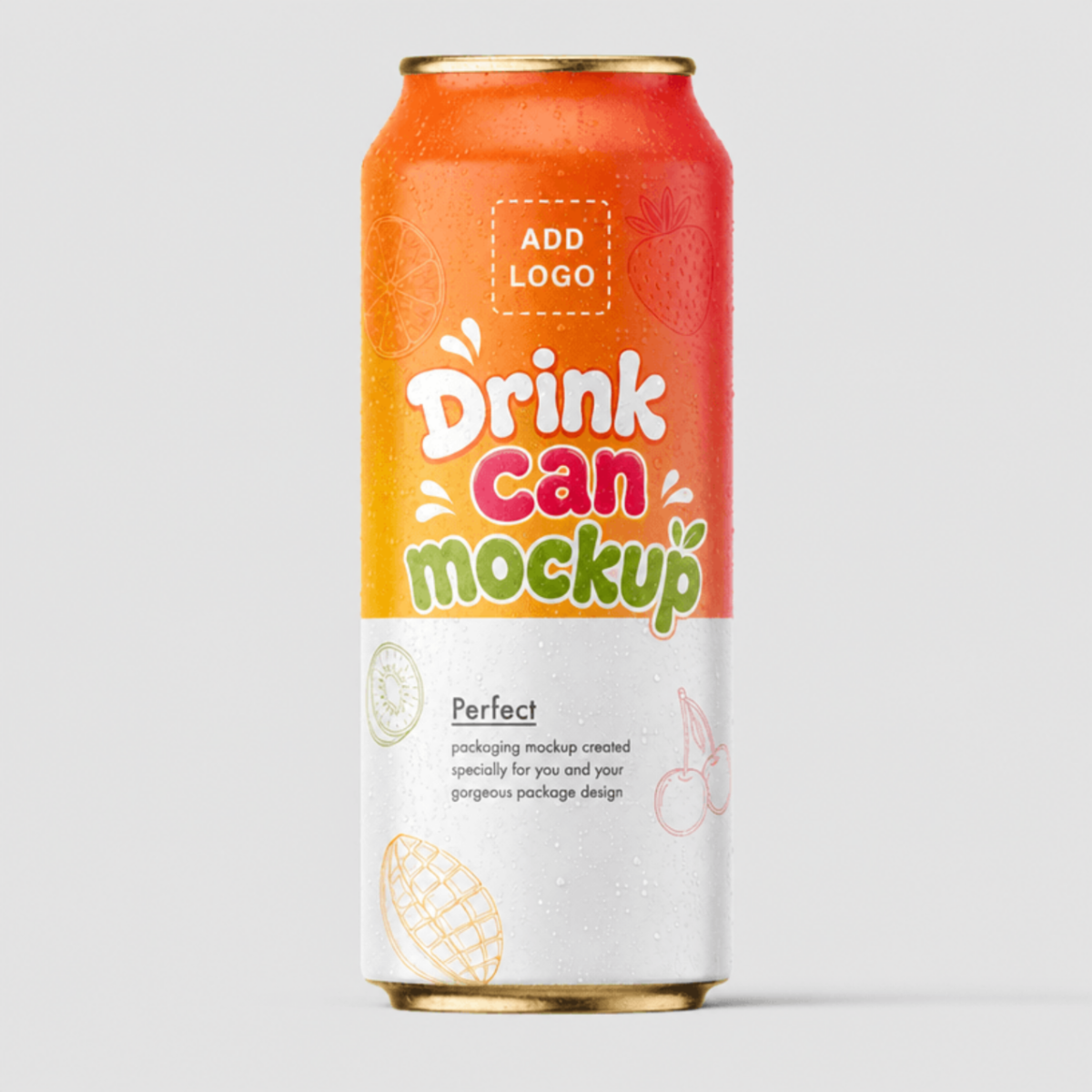
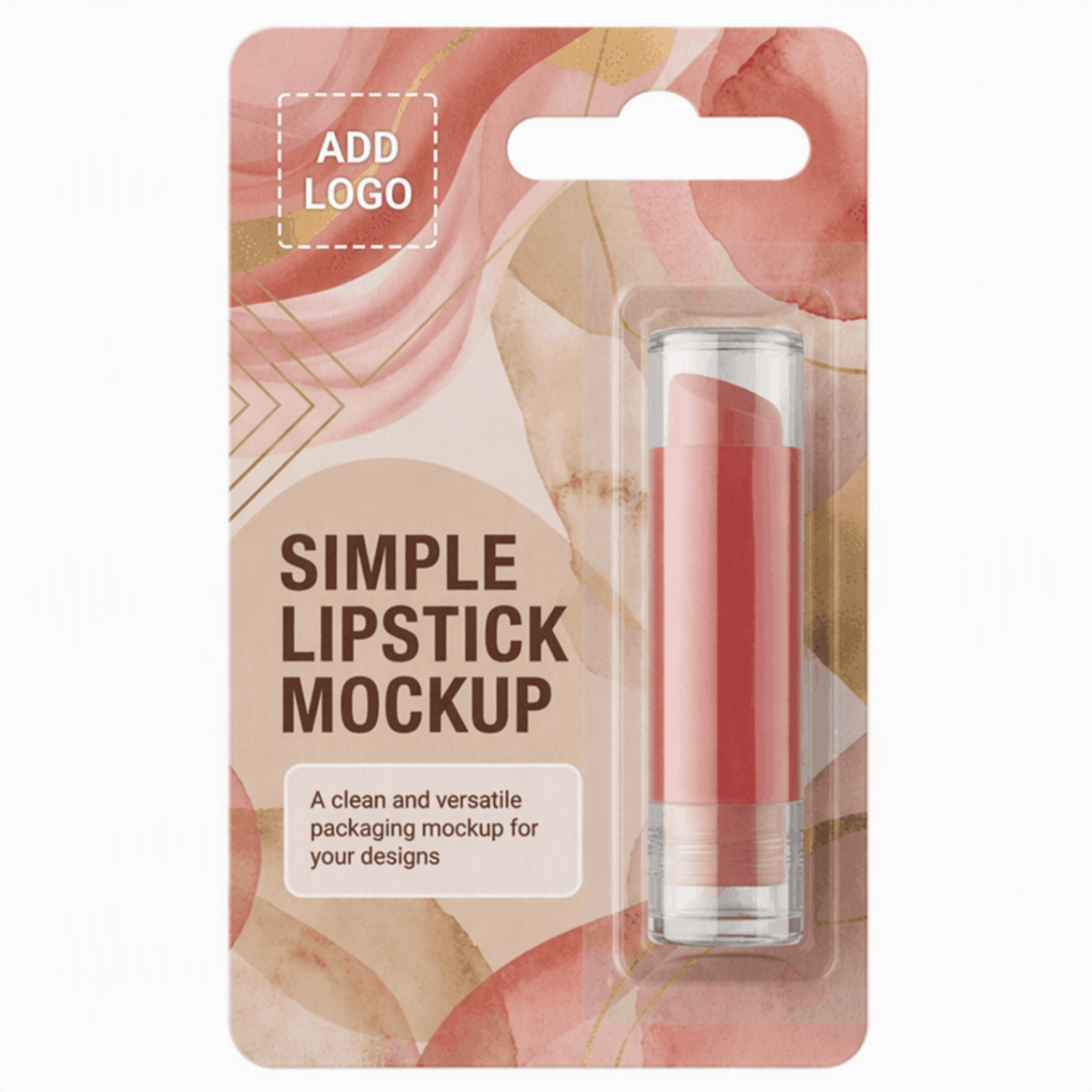
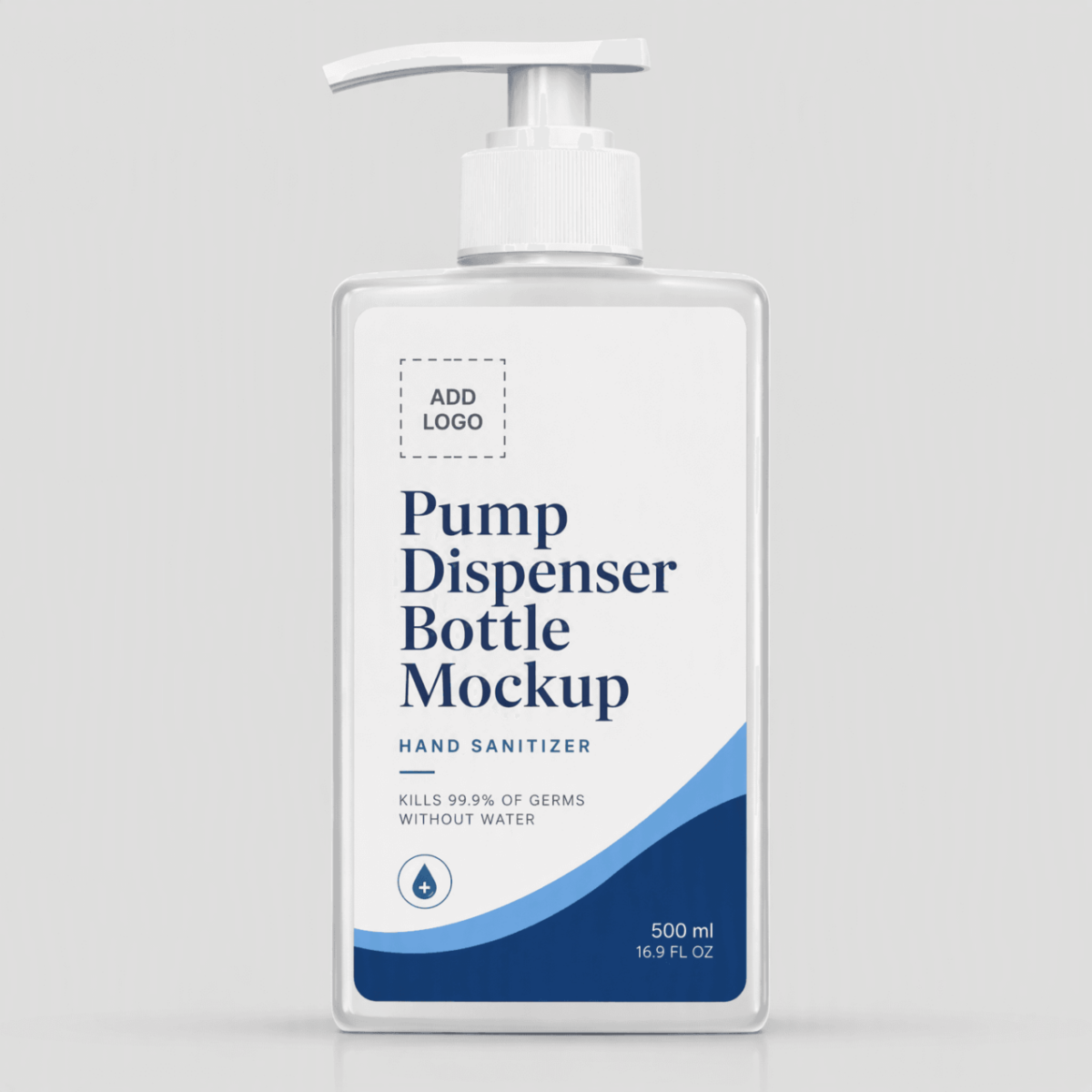
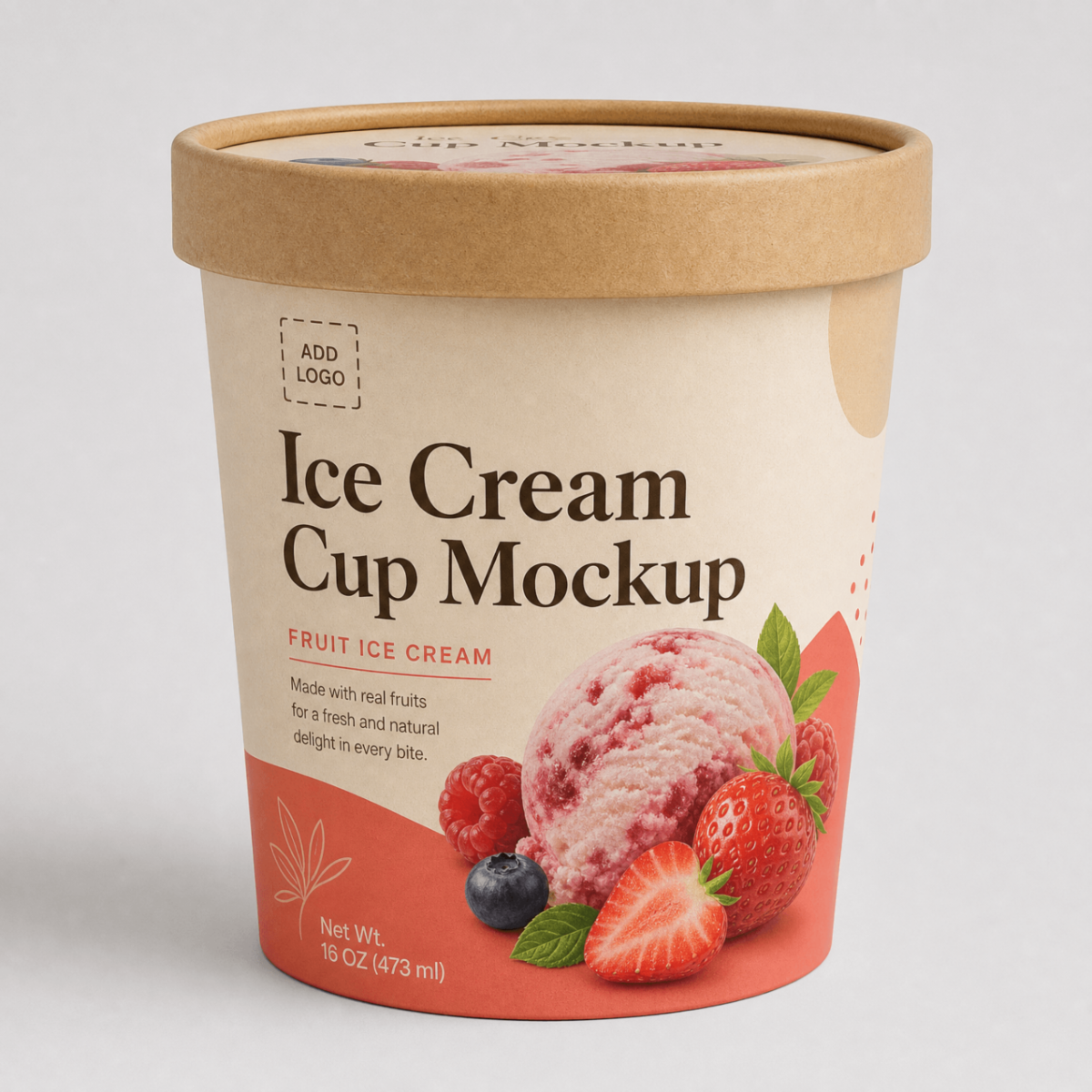
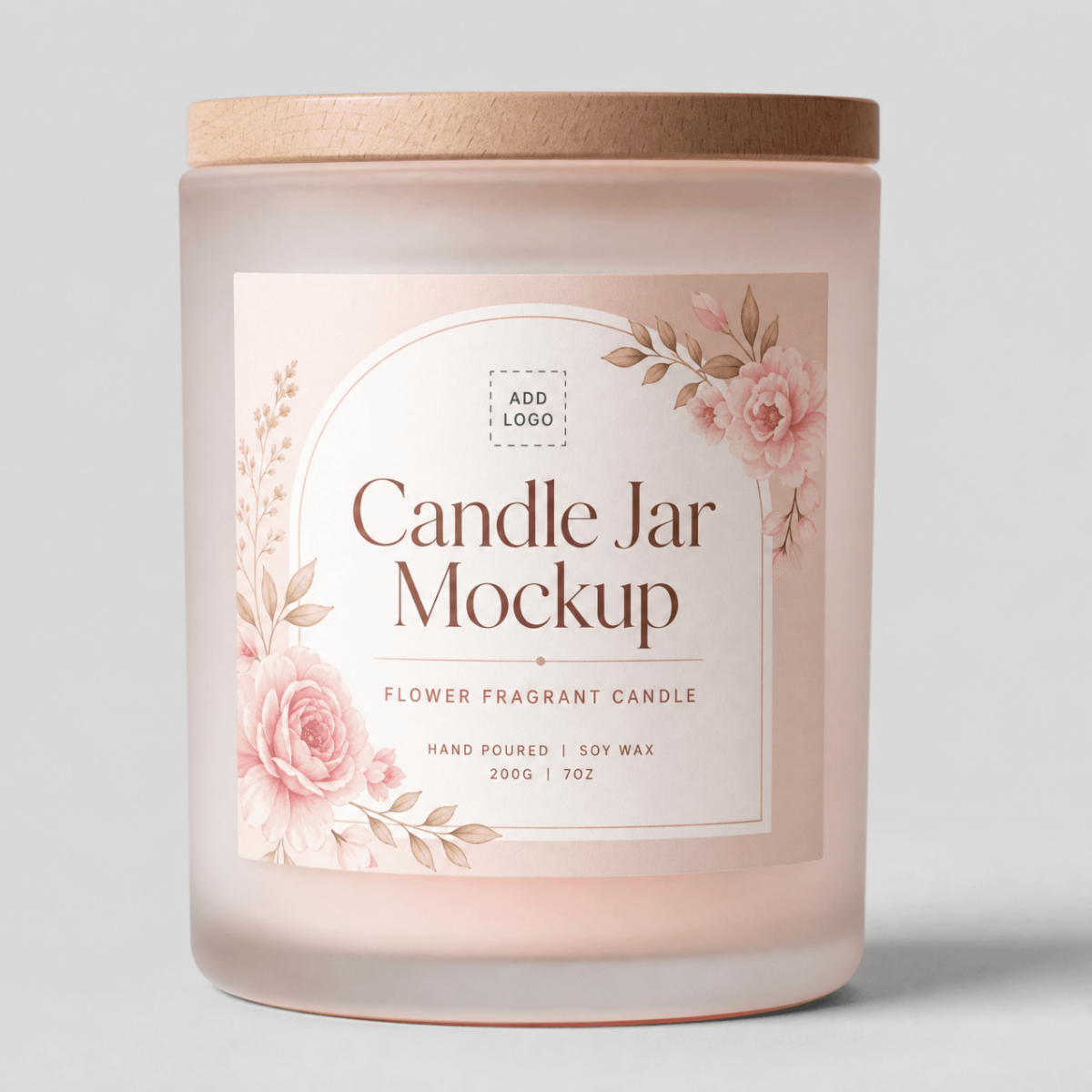
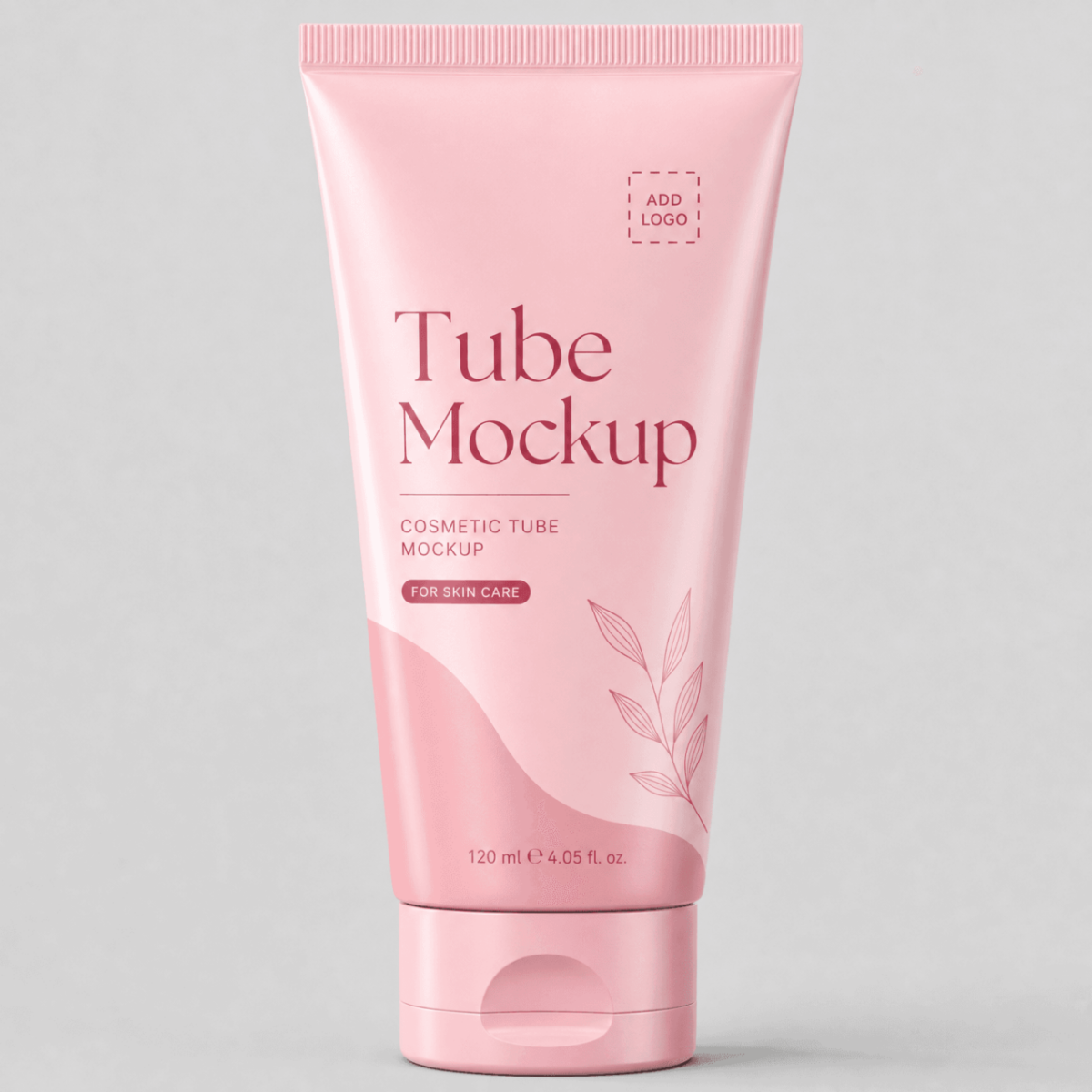
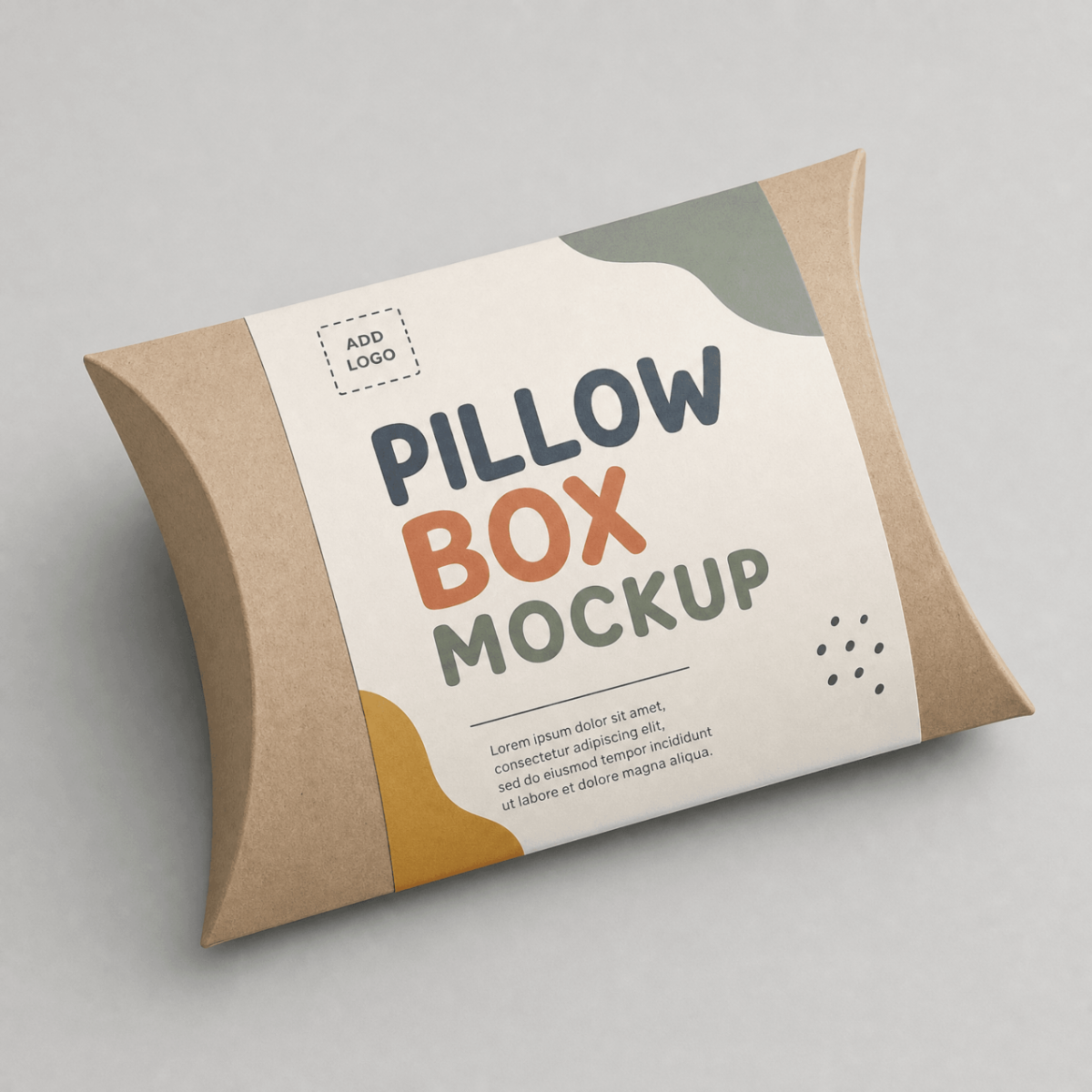
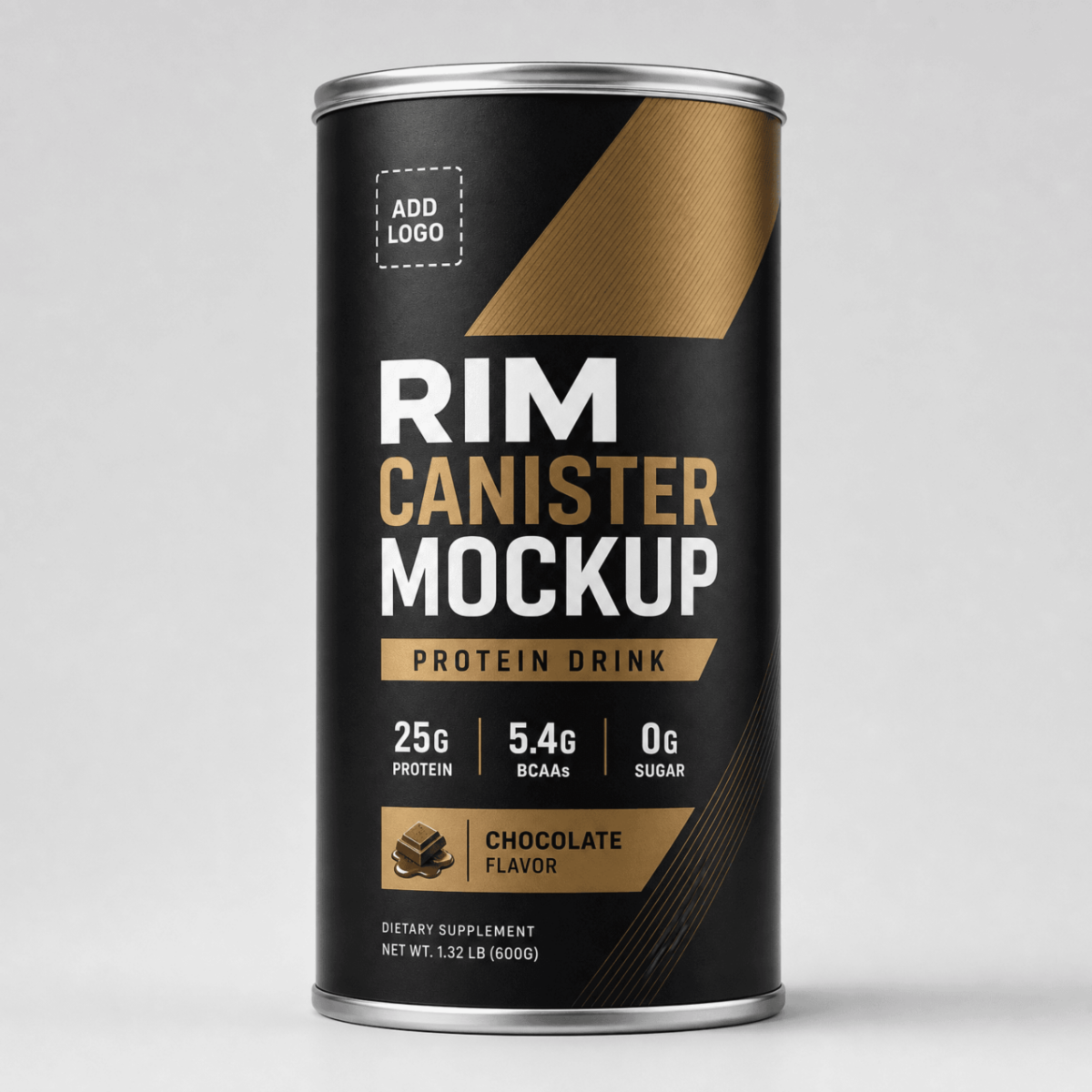
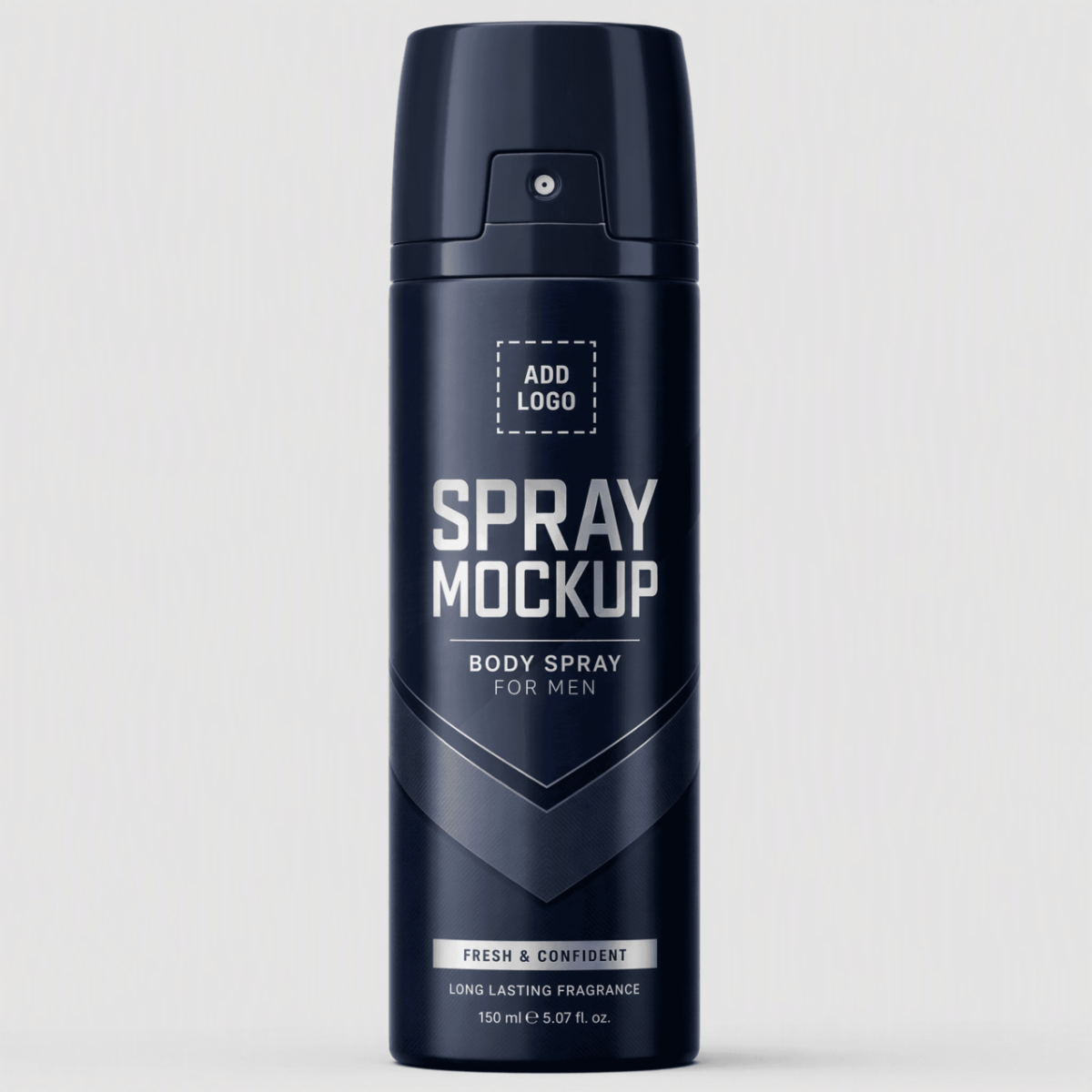
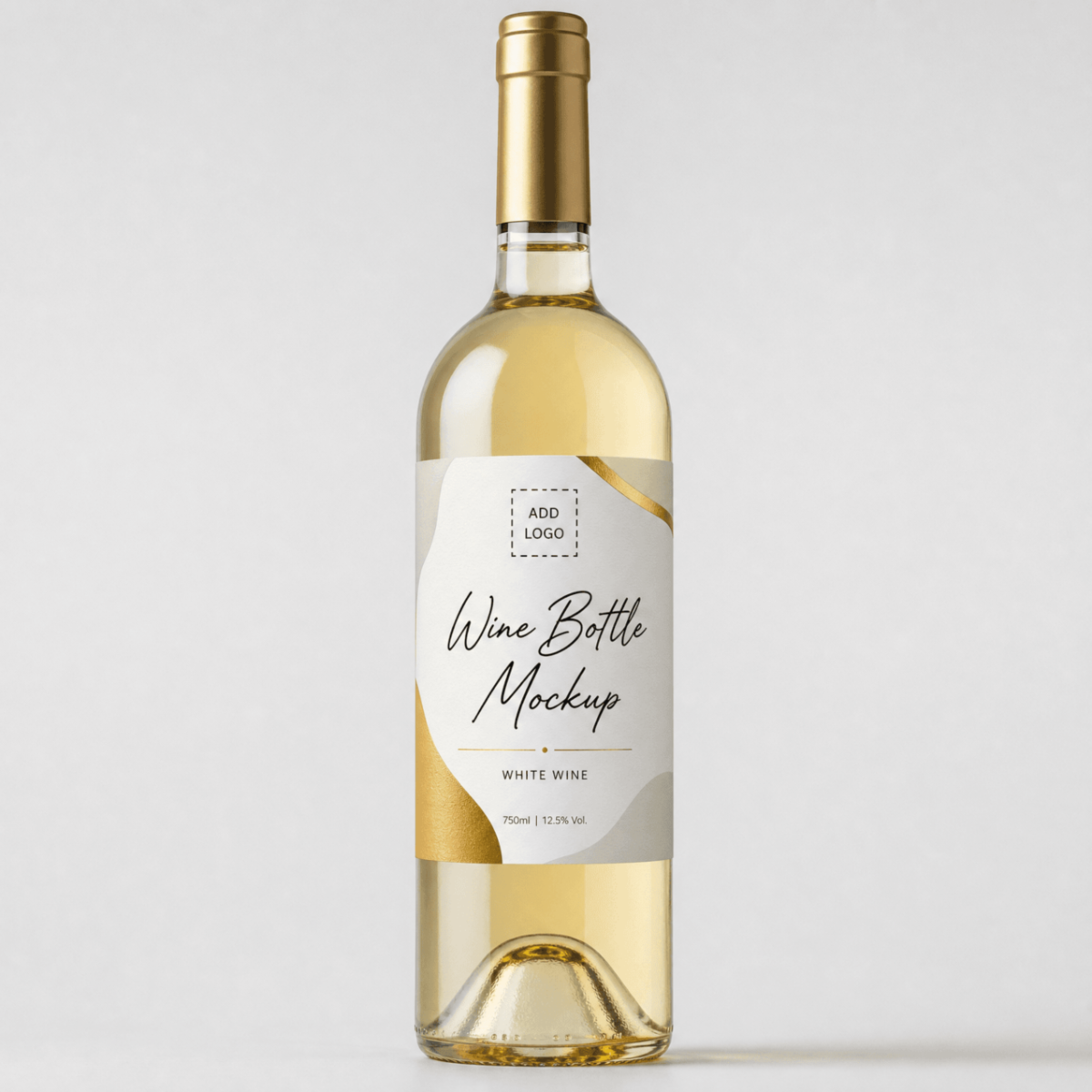
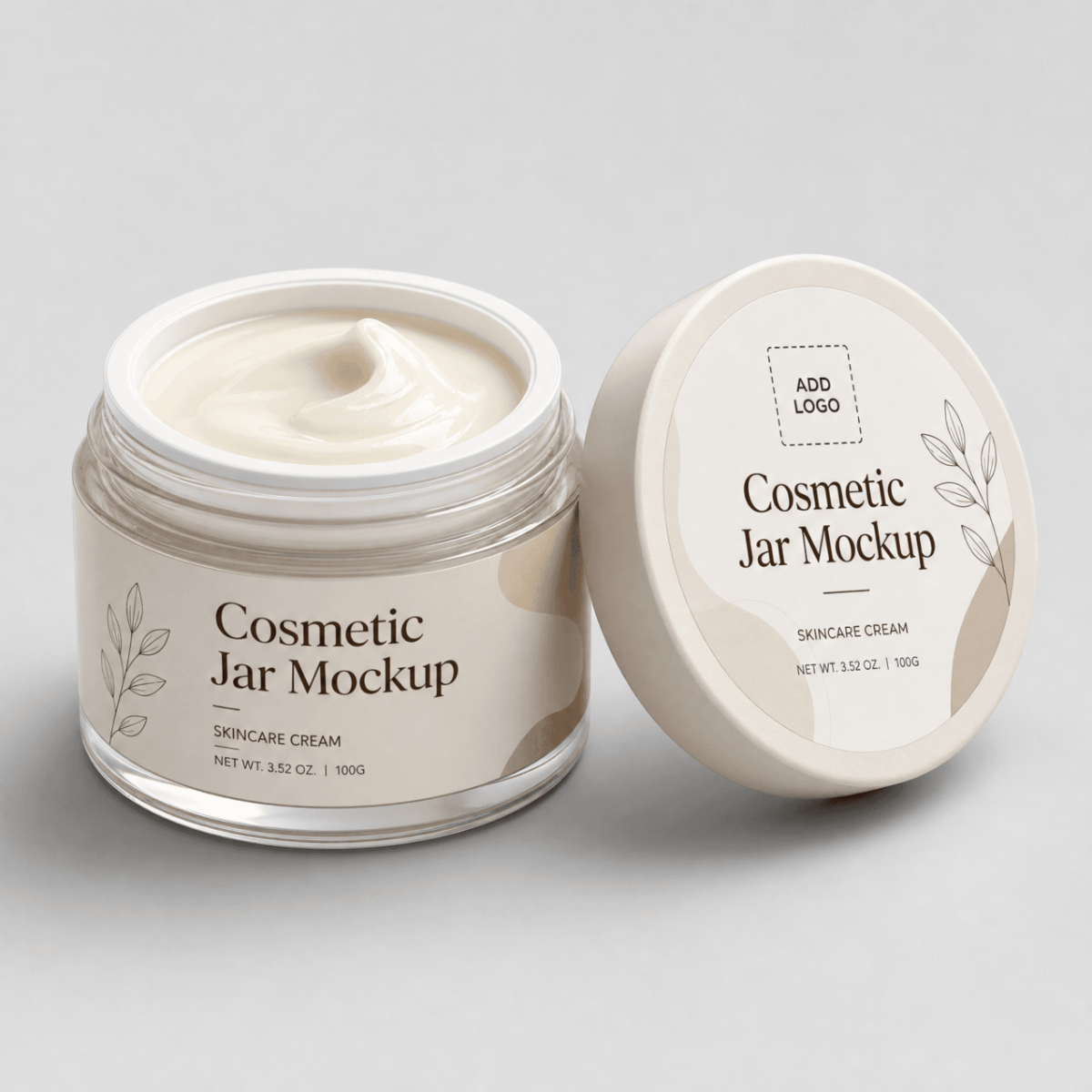
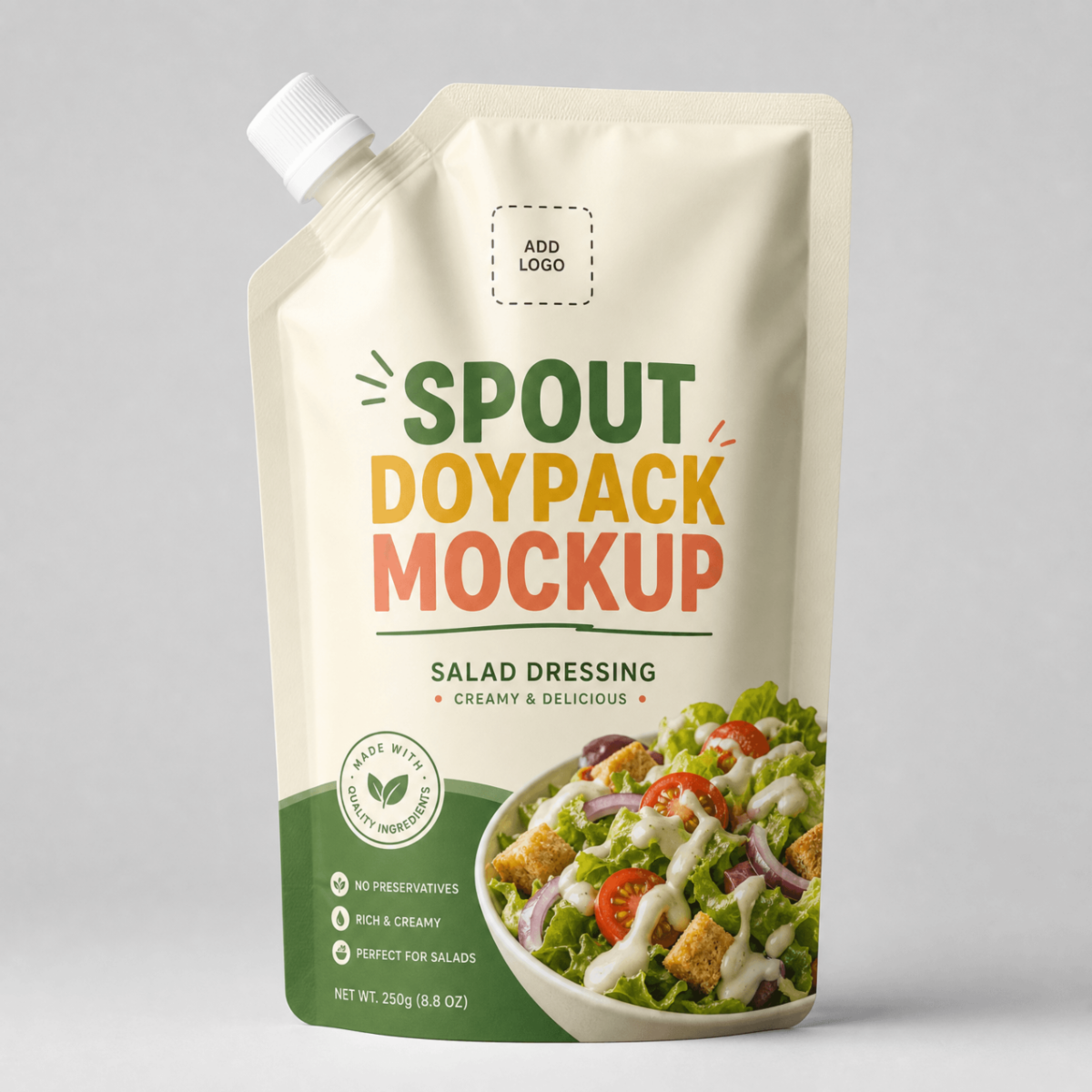
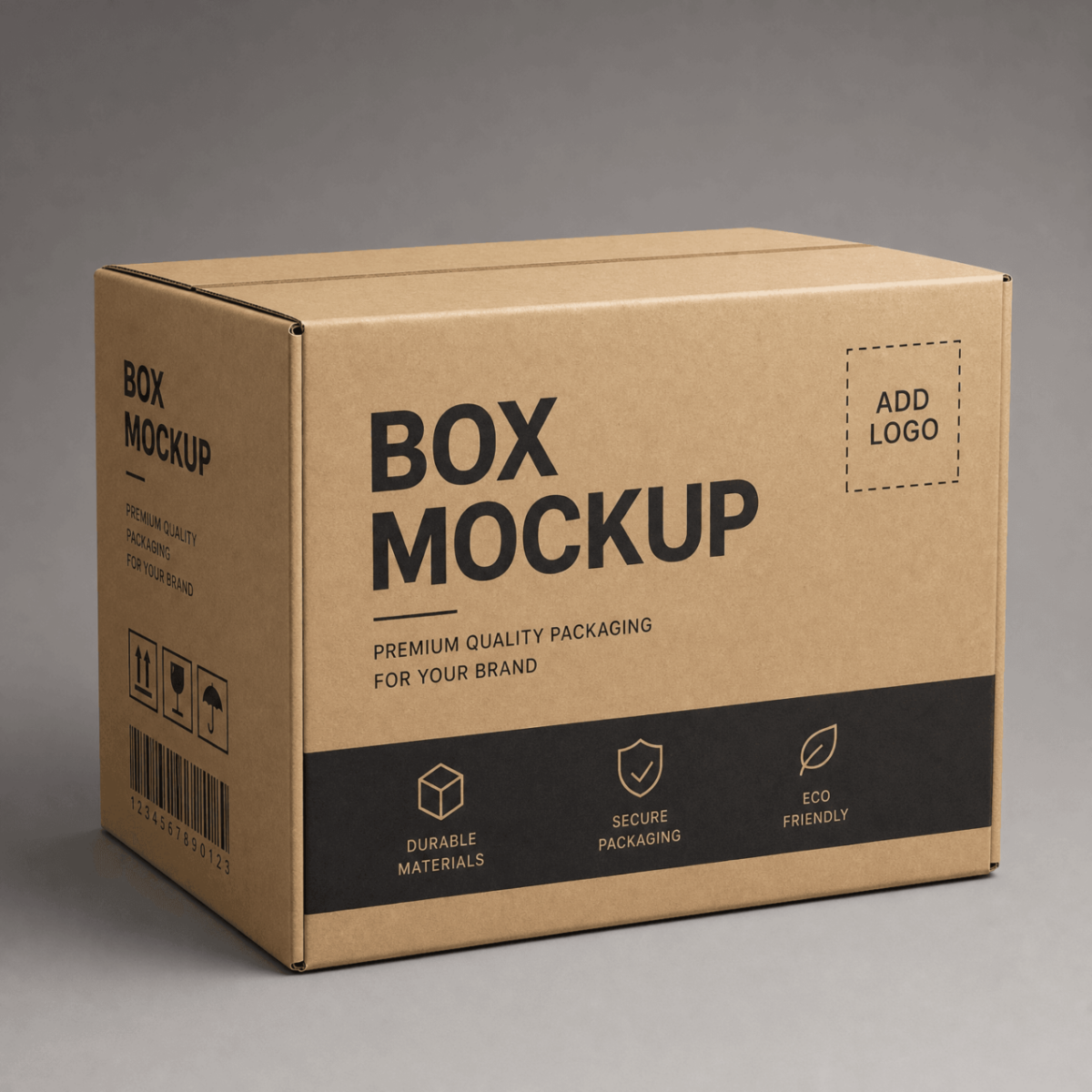
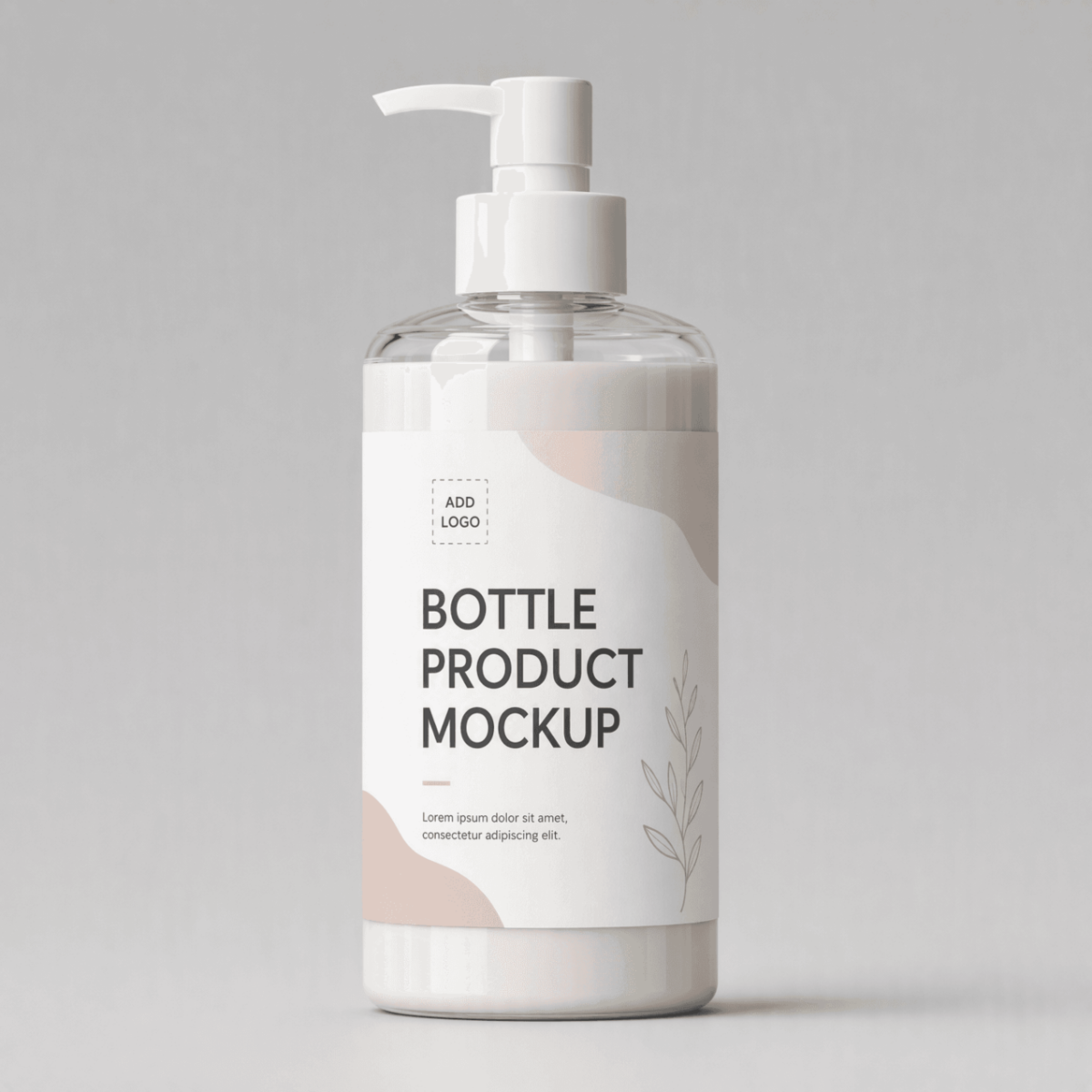
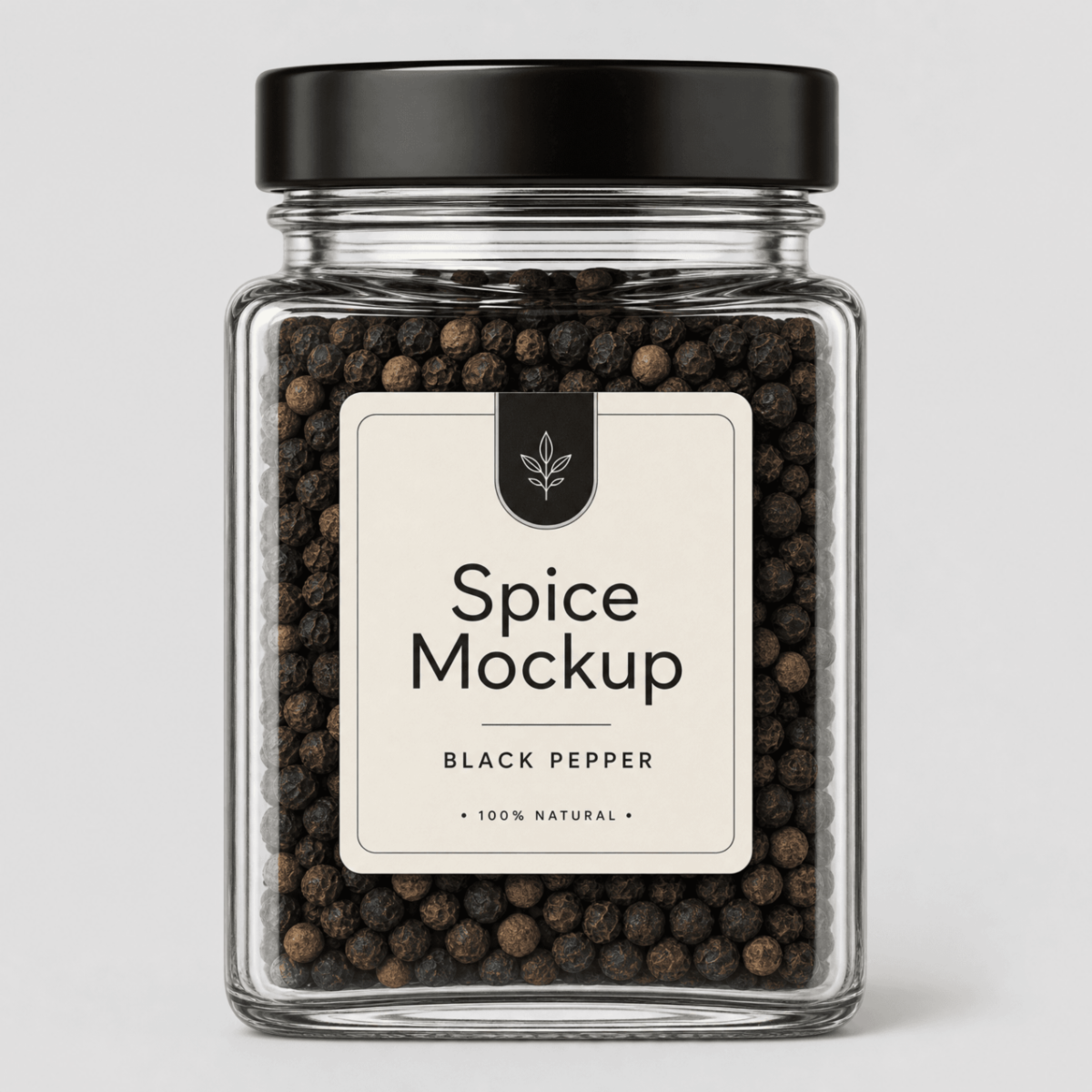
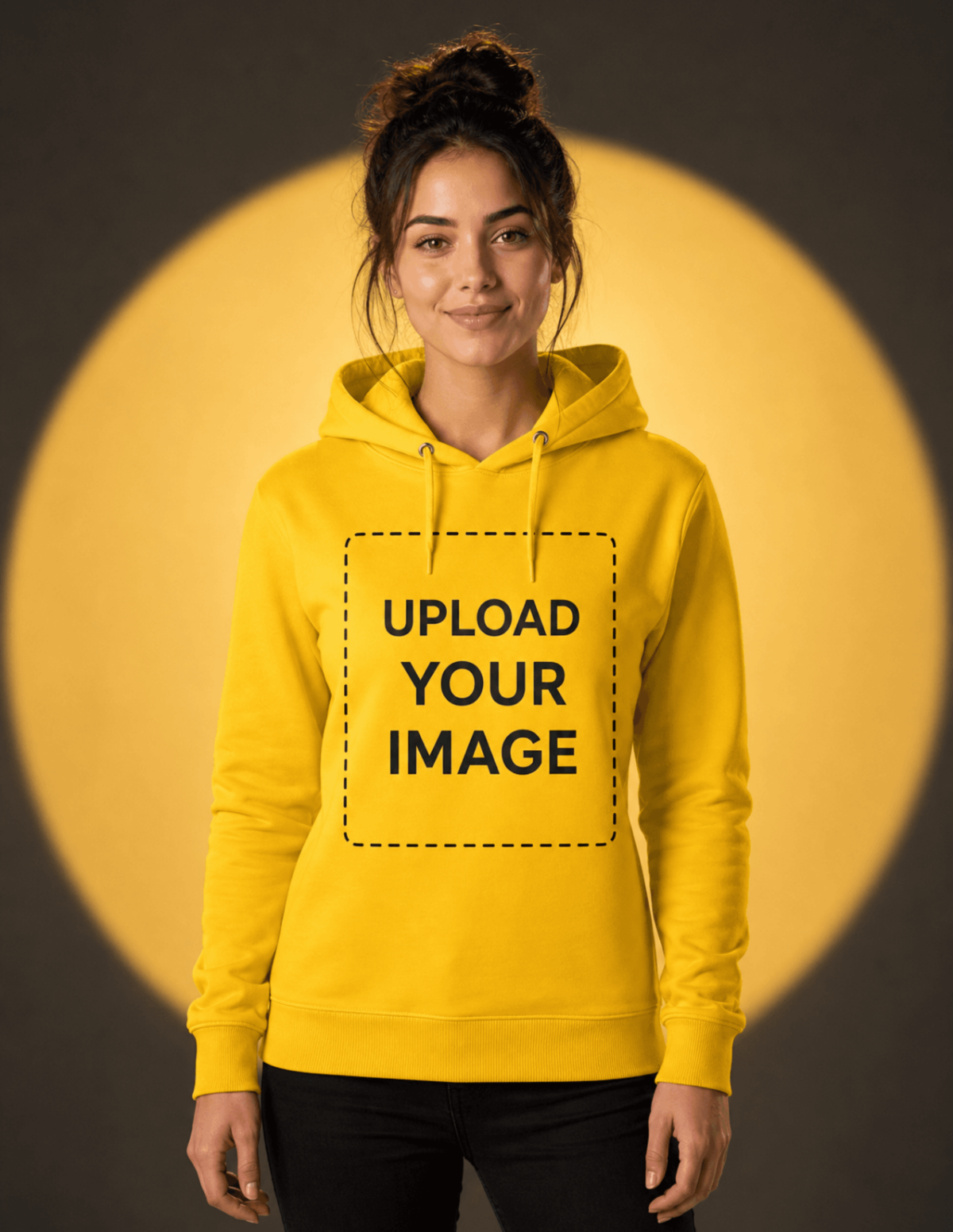
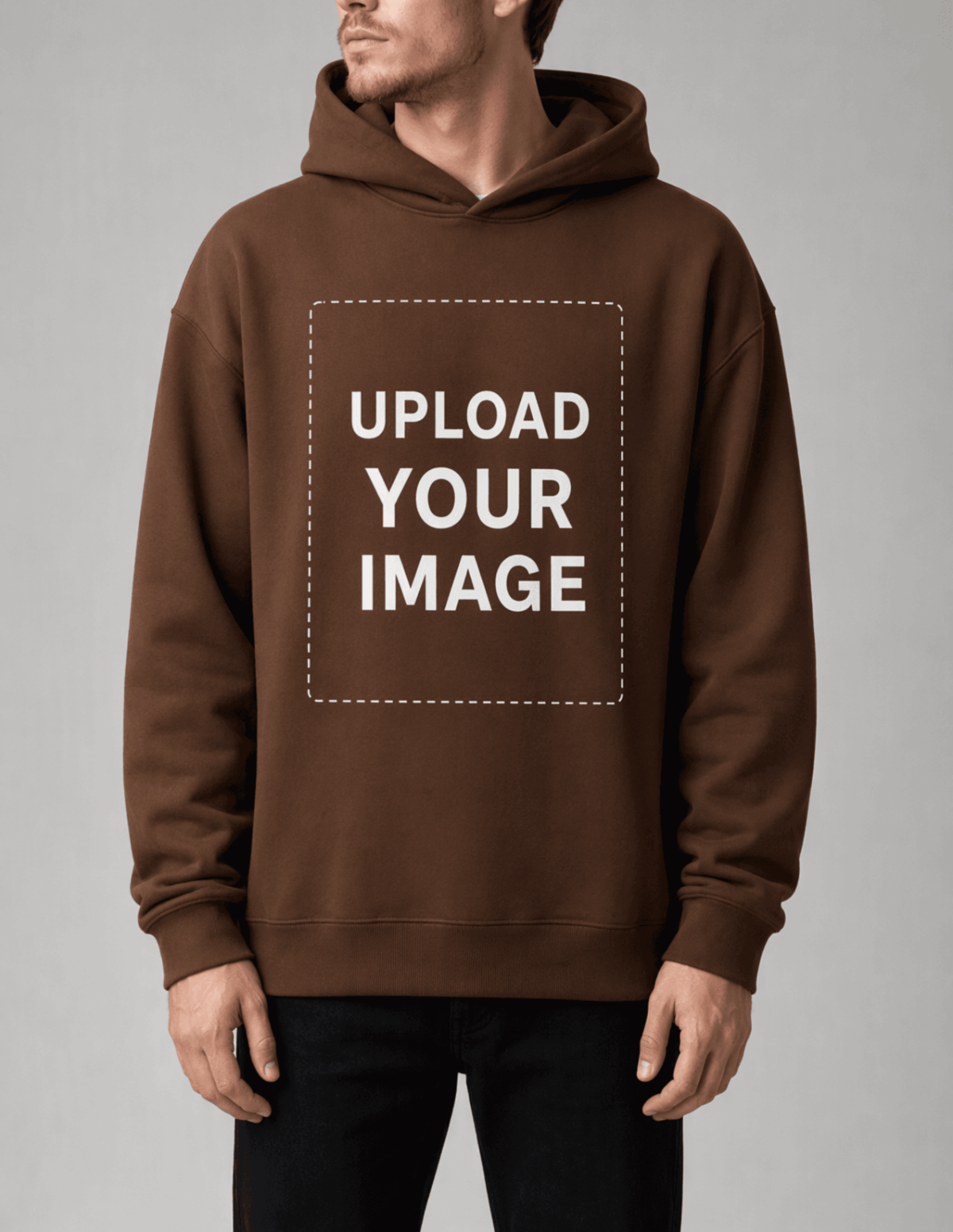


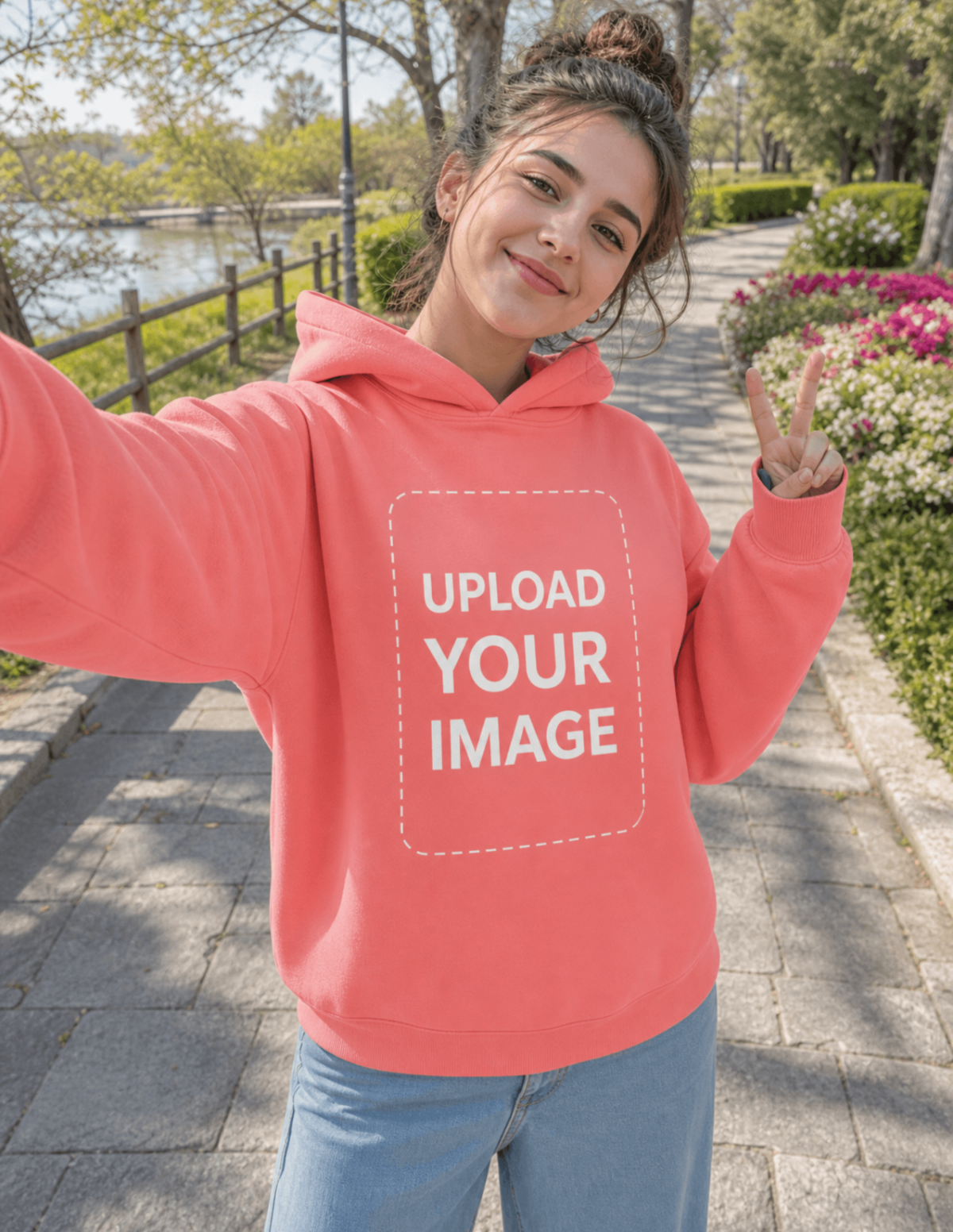
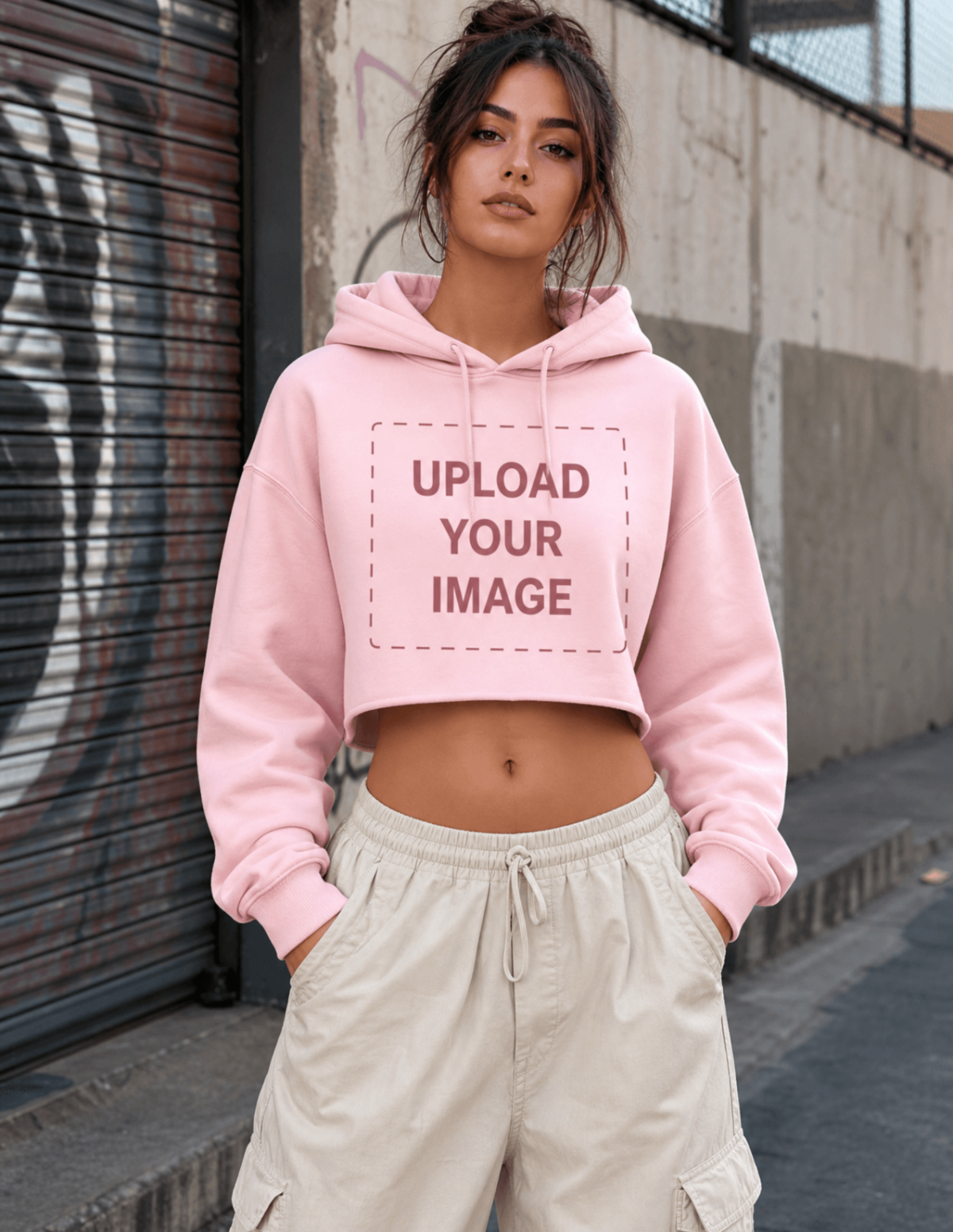


Create Mockup Images, Customize Instantly with AI Editor
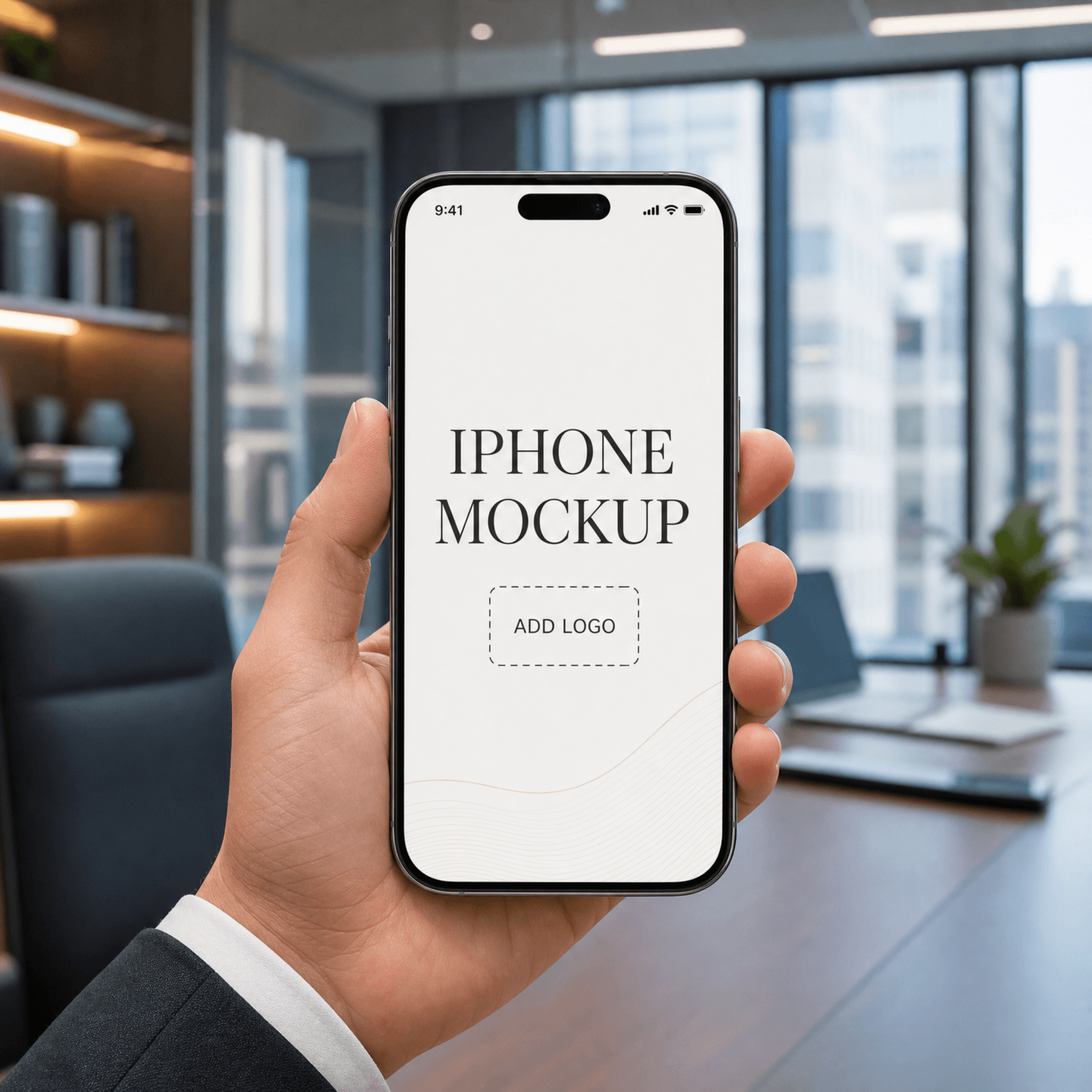
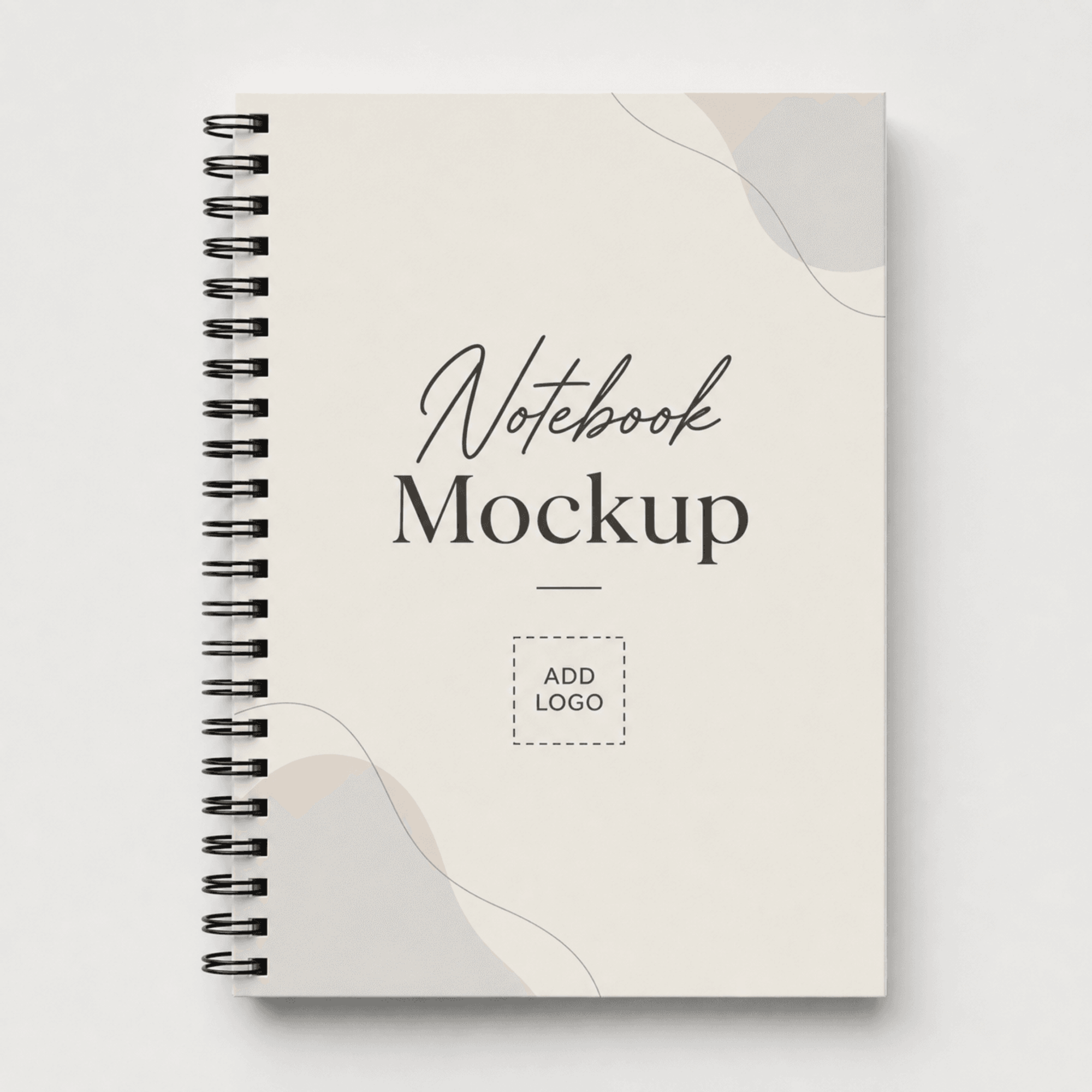
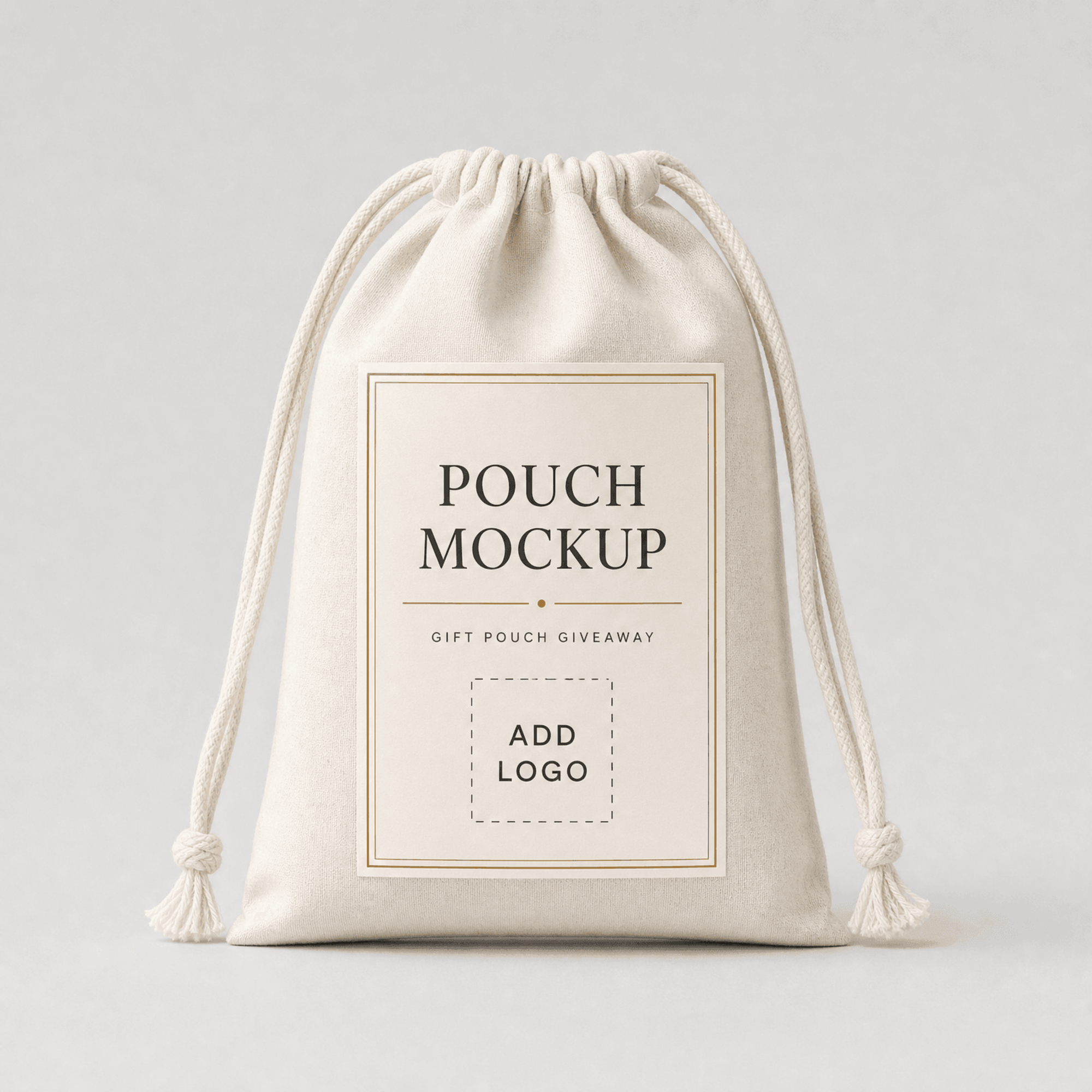
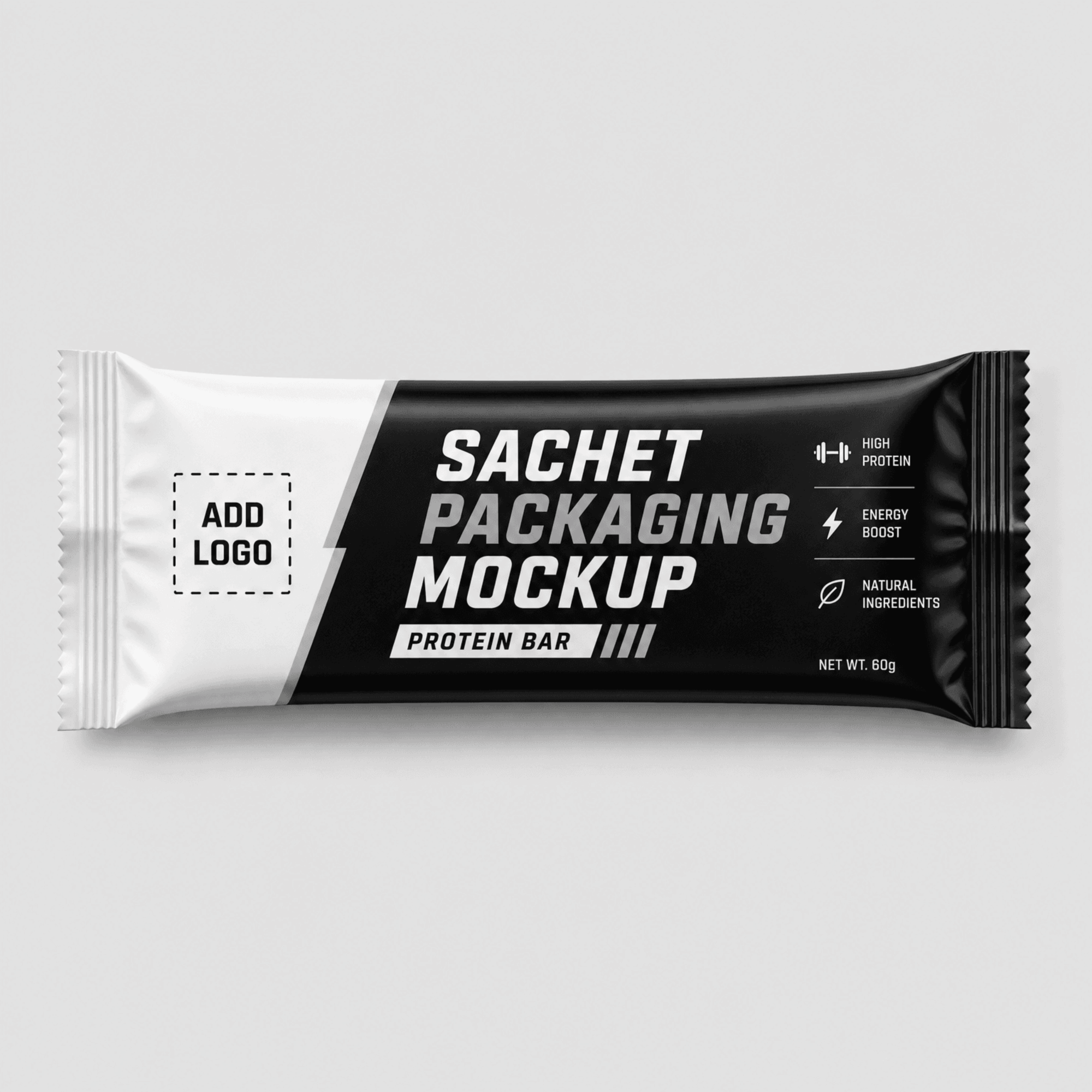
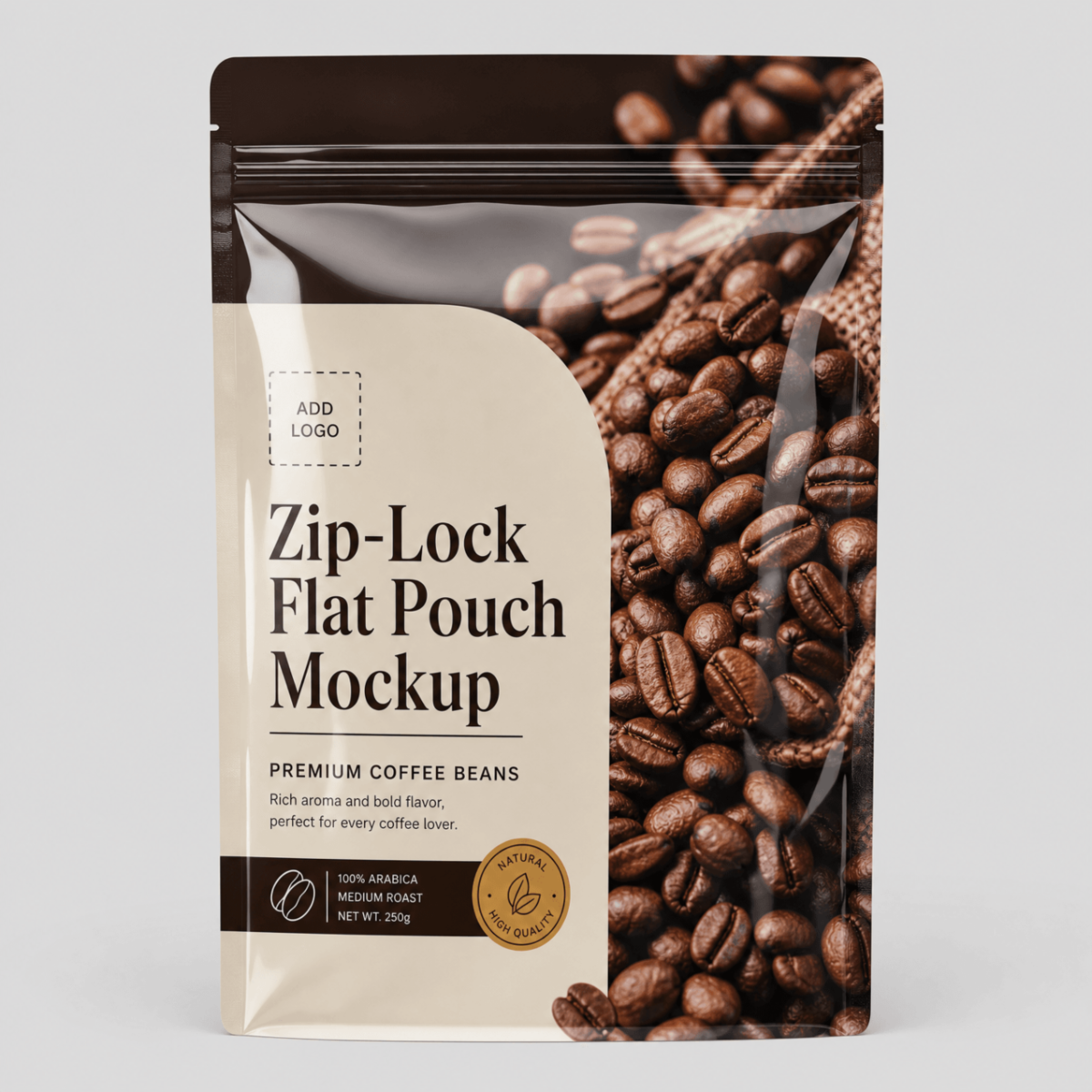
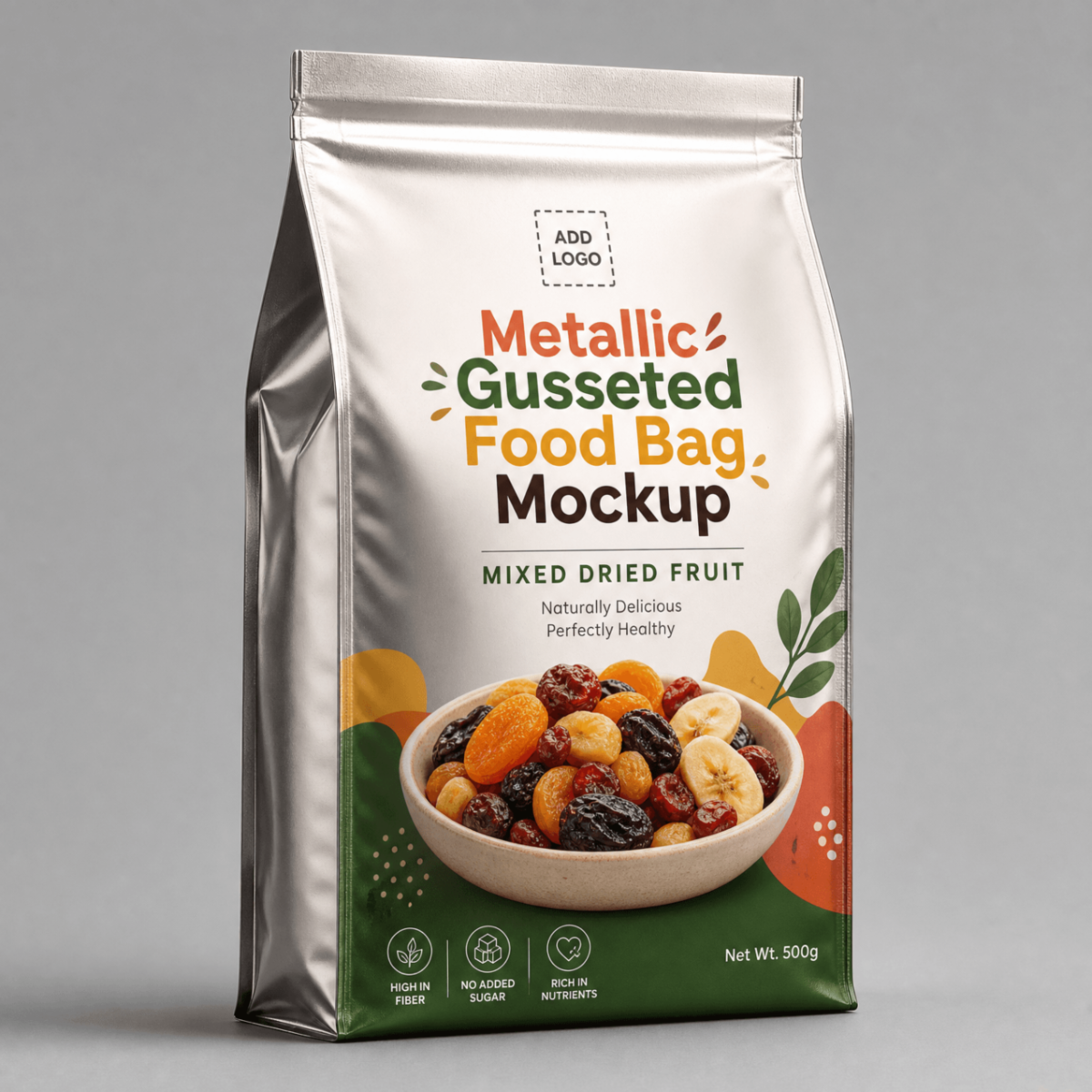
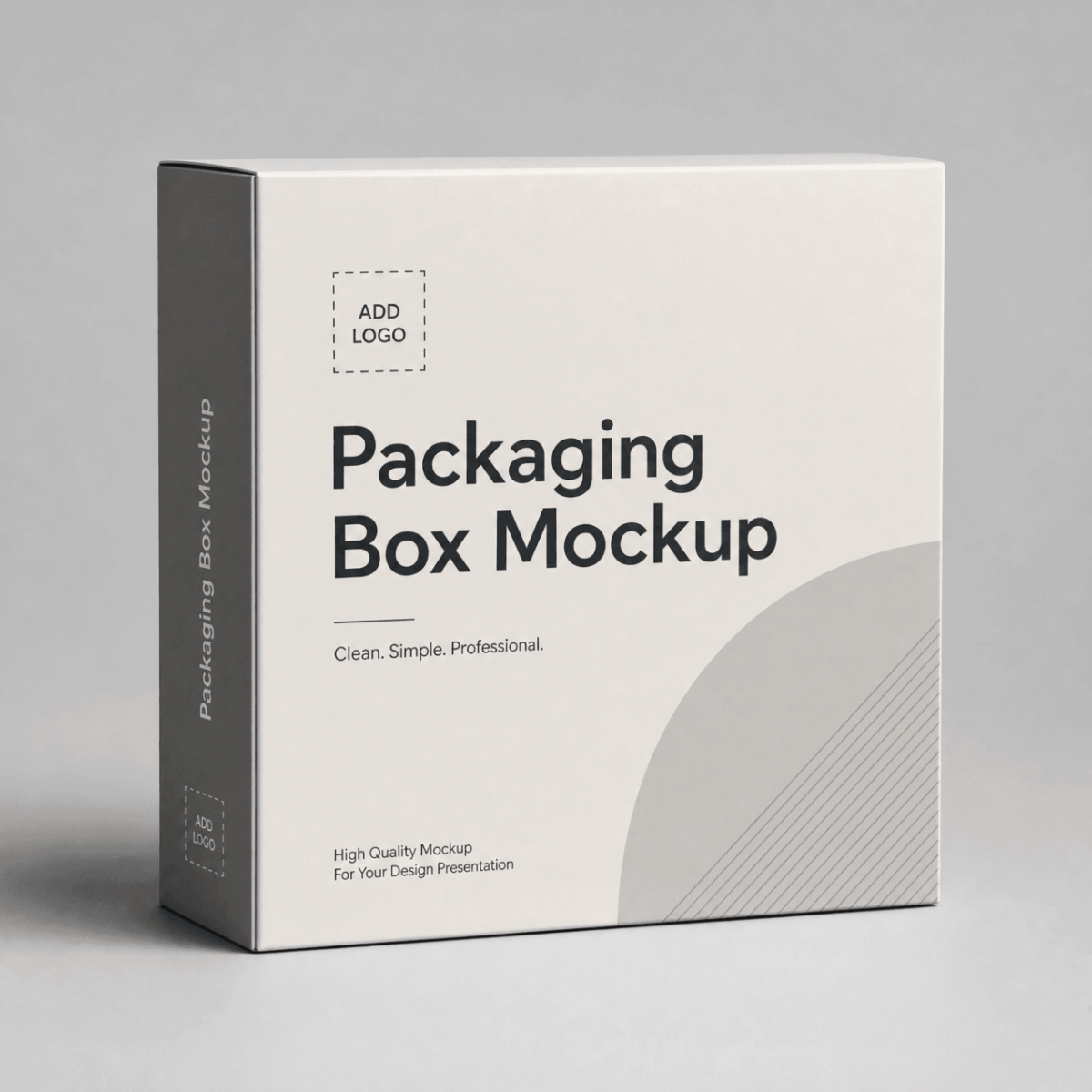
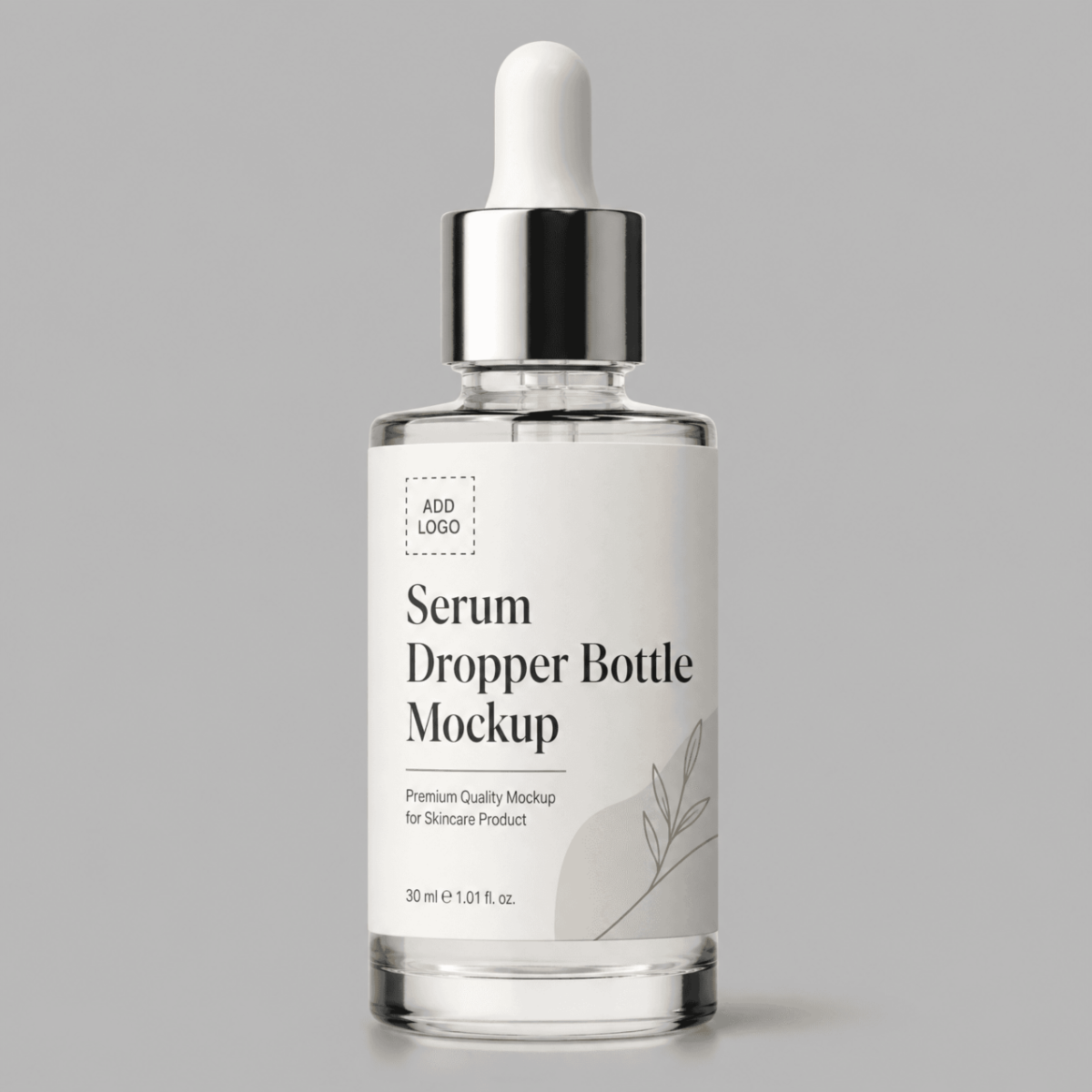
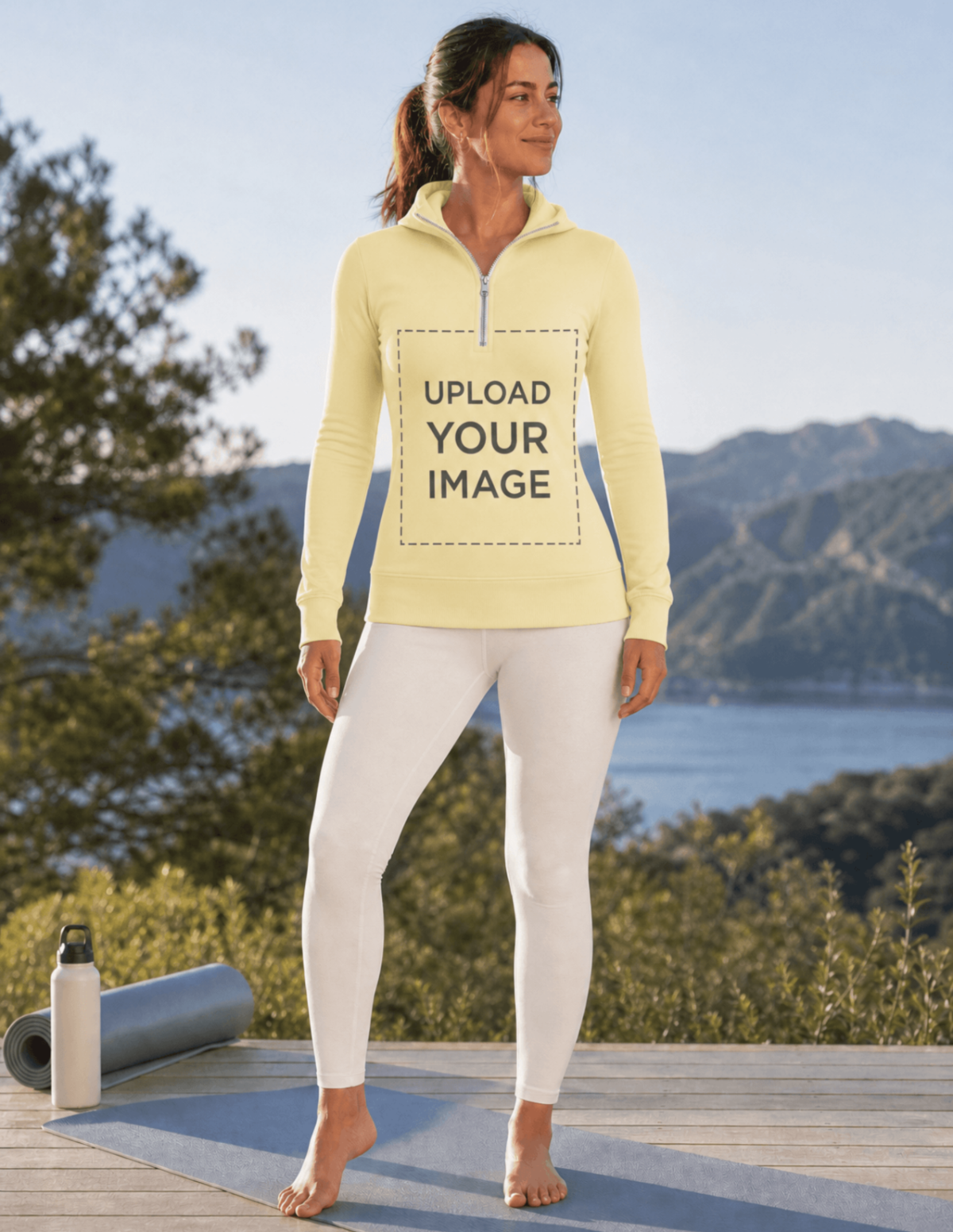
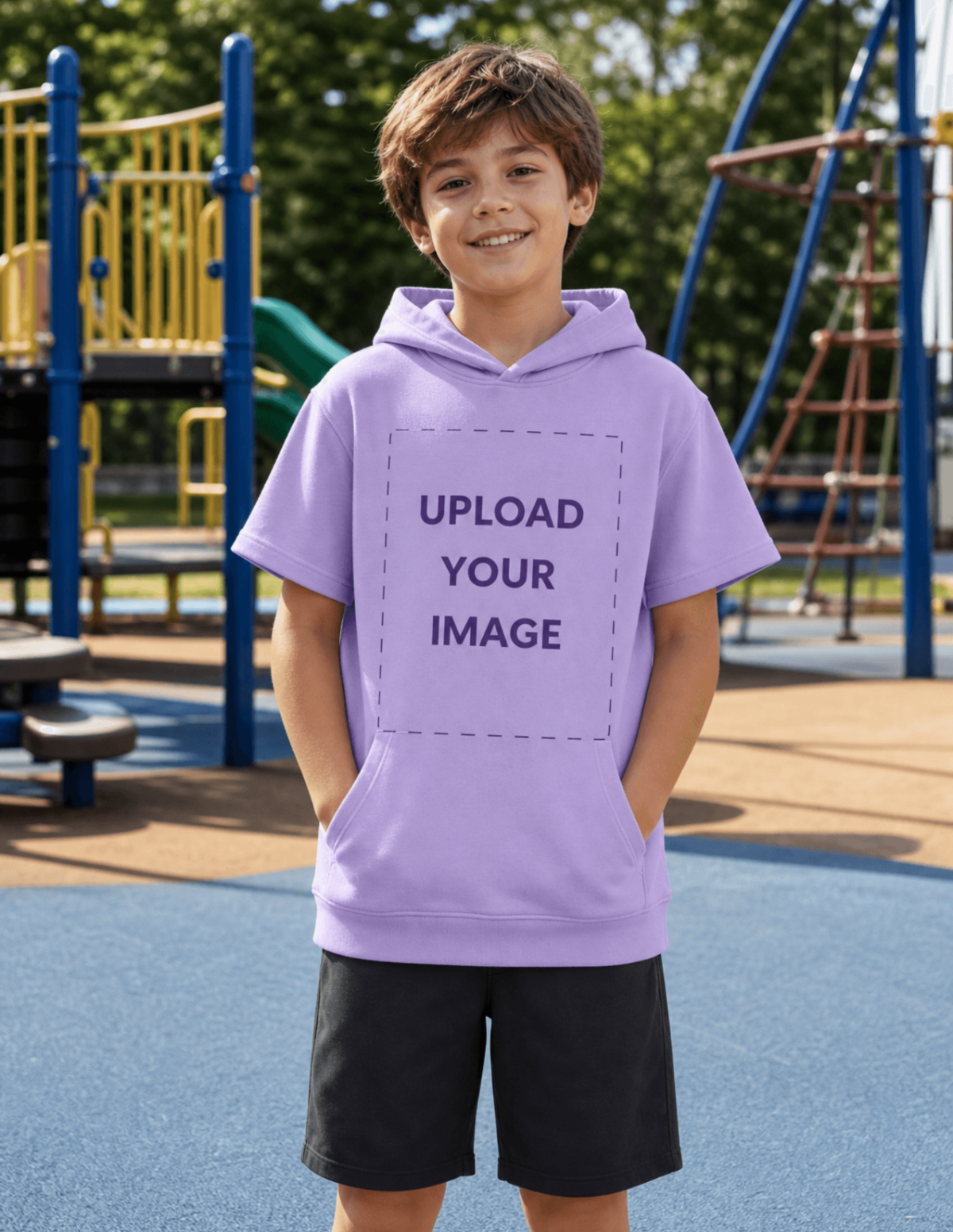
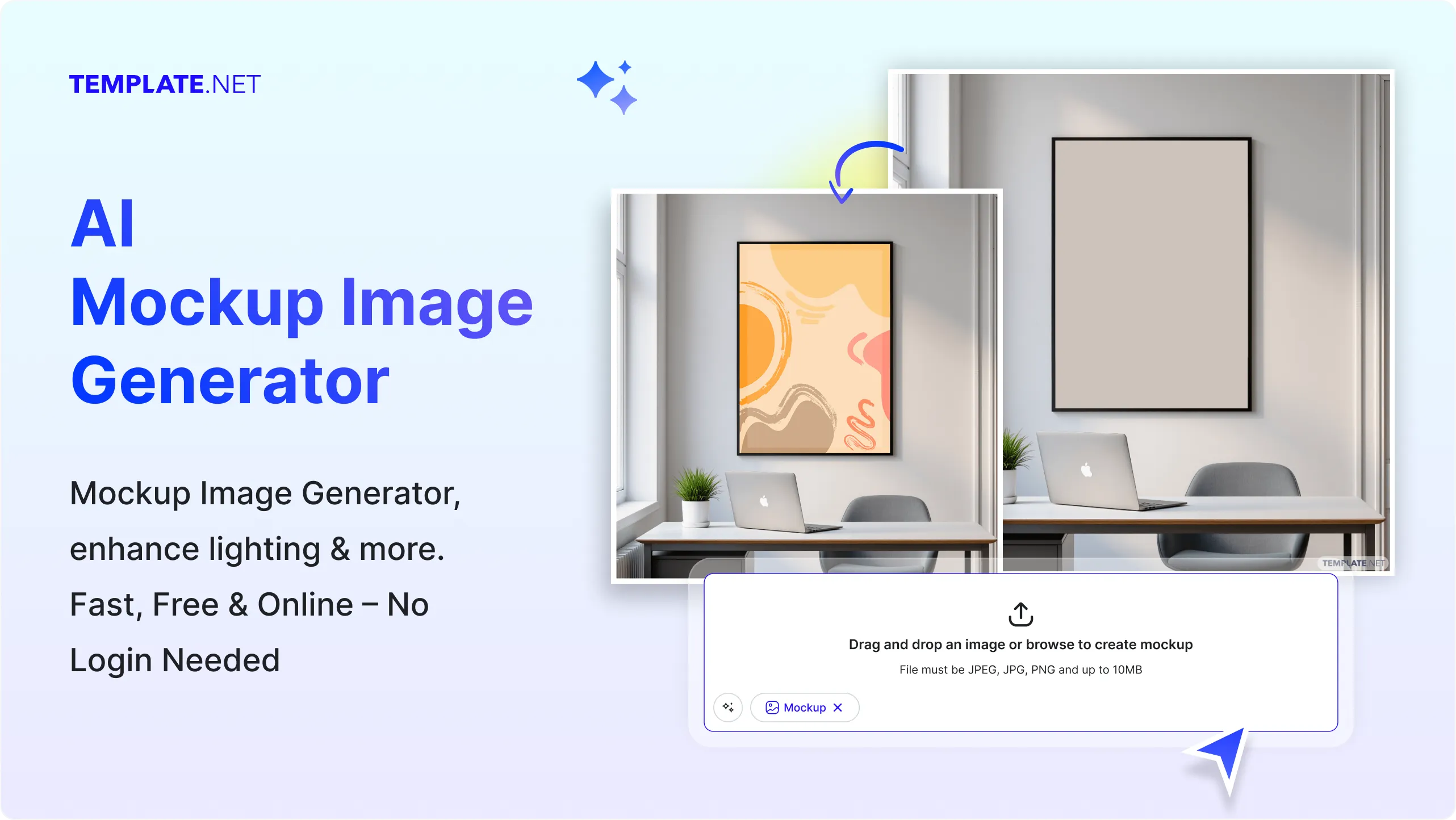
Template.net’s Free AI Mockup Image Generator helps you turn ideas into realistic mockup visuals in minutes. Upload designs, type a prompt, or speak your concept to generate mockups for products, branding, UI screens, packaging, apparel, and marketing assets. Customize layouts, backgrounds, lighting, and placements, preview instantly, and download high-quality mockup images online.
Design Custom, Realistic Mockup Images for Any Use Case
Everything you need to generate professional mockup images quickly without advanced design skills.
AI-Powered Mockup Image Generator
Upload an image or enter a text or voice prompt and the AI creates realistic mockup images with accurate depth, shadows, and perspective.
Consistent Visual Accuracy Across Mockups
Maintains correct proportions, alignment, scaling, lighting, and placement consistency across all mockup image variations.
Fully Customizable Layouts
Change product types, angles, backgrounds, scenes, and compositions to match your brand or project requirements.
Colors, Graphics, and Texture Controls
Adjust colors, apply graphics, overlays, reflections, material textures, and surface effects for realistic mockup image results.
1-Click Brand Kit Integration
Apply brand logos, fonts, and colors across multiple mockup images instantly for consistent visual identity.
Create Mockup Images in 20+ Languages
Supports multilingual text and prompt generation including English, Spanish, Arabic, Japanese, Chinese, and more.
Real-Time Collaboration
Invite teammates or clients to view, edit, comment, and approve mockup images in a shared workspace.
Background Removal and Replacement
Remove, replace, or customize backgrounds for transparent, studio, lifestyle, or solid-color mockup images.
Resize for Any Platform
Resize mockup images for websites, ecommerce listings, presentations, ads, or social media using presets or custom dimensions.
Smart Image Cropping
Automatically crops and aligns mockup images to keep designs centered and visually balanced.
Layer-Based Mockup Editing
Organize logos, screens, labels, shadows, highlights, and textures using structured layers.
Drag-and-Drop Upload Support
Upload mockup source files in PNG, JPG, PDF, or SVG formats. AI instantly converts them into editable mockup images.
Unlimited Customization Options
Refine layouts, replace assets, tweak lighting, reposition elements, and regenerate mockups without limits.
Access Millions of Stock Assets
Enhance mockup images with stock backgrounds, scenes, props, textures, and environments.
Text and Voice Prompt Support
Describe your mockup idea using text or voice-to-text prompts to instantly generate visuals without uploading any files.
Instant Export and Sharing
Download mockup images in PNG, JPG, PDF, or SVG formats or share via direct links and QR codes.
Embed Mockups Anywhere
Embed mockup images on websites, landing pages, portfolios, or ecommerce product listings.
High-Quality Mockup Preview Mode
Preview how your design looks in real-world usage with realistic lighting, depth, and material simulation before exporting.
How to Make a Free AI-Generated Mockup Image
Create professional mockup images in seconds using uploads, text prompts, or voice input.
Step 1: Upload, Type, or Speak Your Mockup Idea
Upload an image or describe your mockup using text or voice-to-text prompts and click Generate.
Step 2: Review and Adjust the Mockup Image
Edit layout, background, colors, placement, shadows, and visual details directly in the editor.
Step 3: Customize, Export, and Share
Finalize branding, resize for platforms, and download your mockup image or share it via link or QR code.
Create Mockup Images That Strengthen Visual Communication
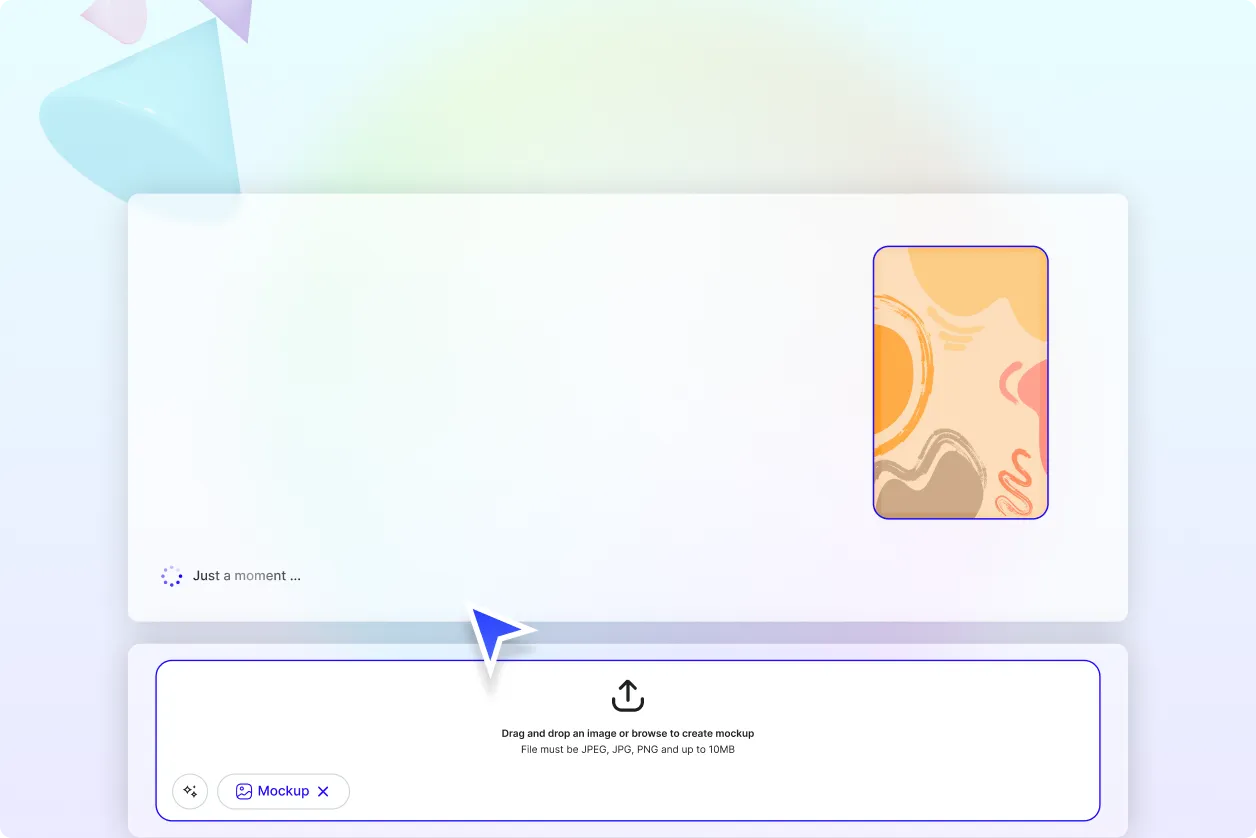
Bring Ideas to Life Instantly
Convert concepts, sketches, or descriptions into realistic mockup images without manual design work.
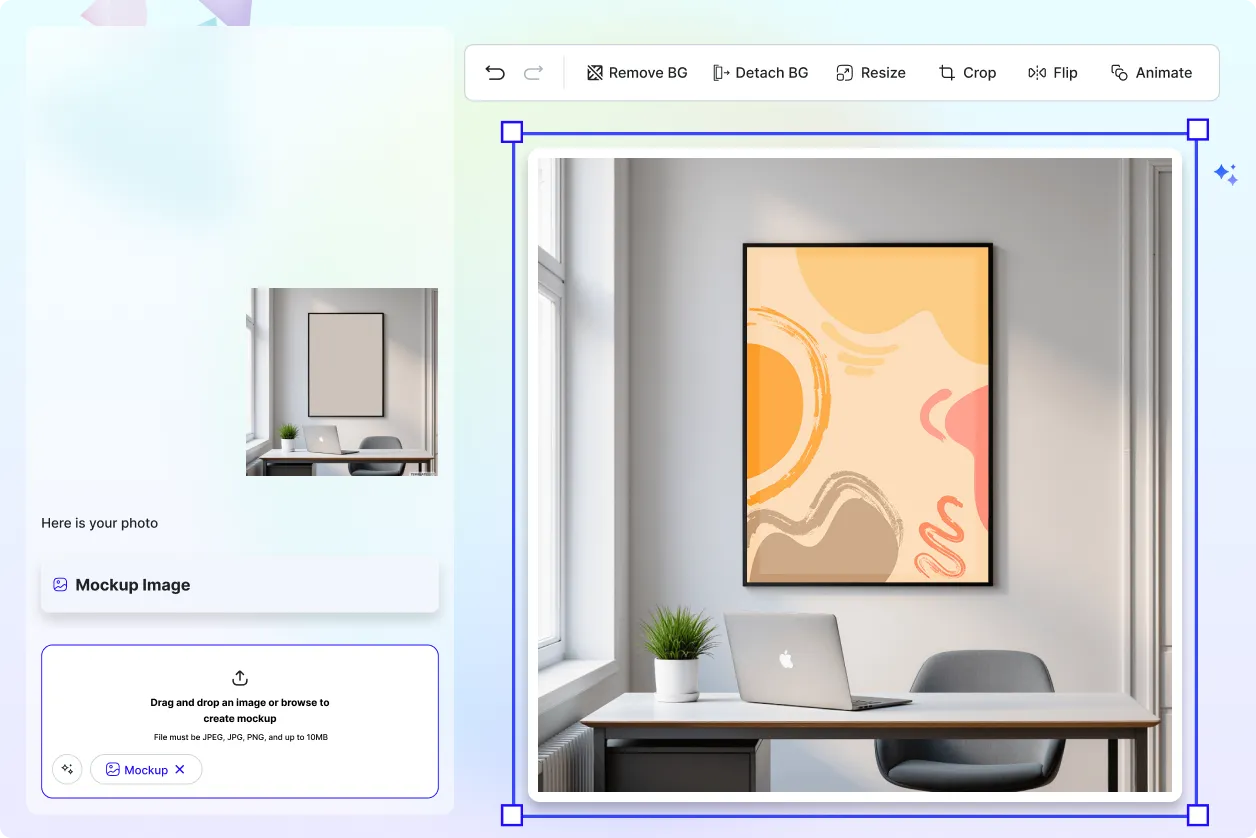
Present Designs with Professional Context
Show how products, interfaces, packaging, or branding appear in real-world environments.
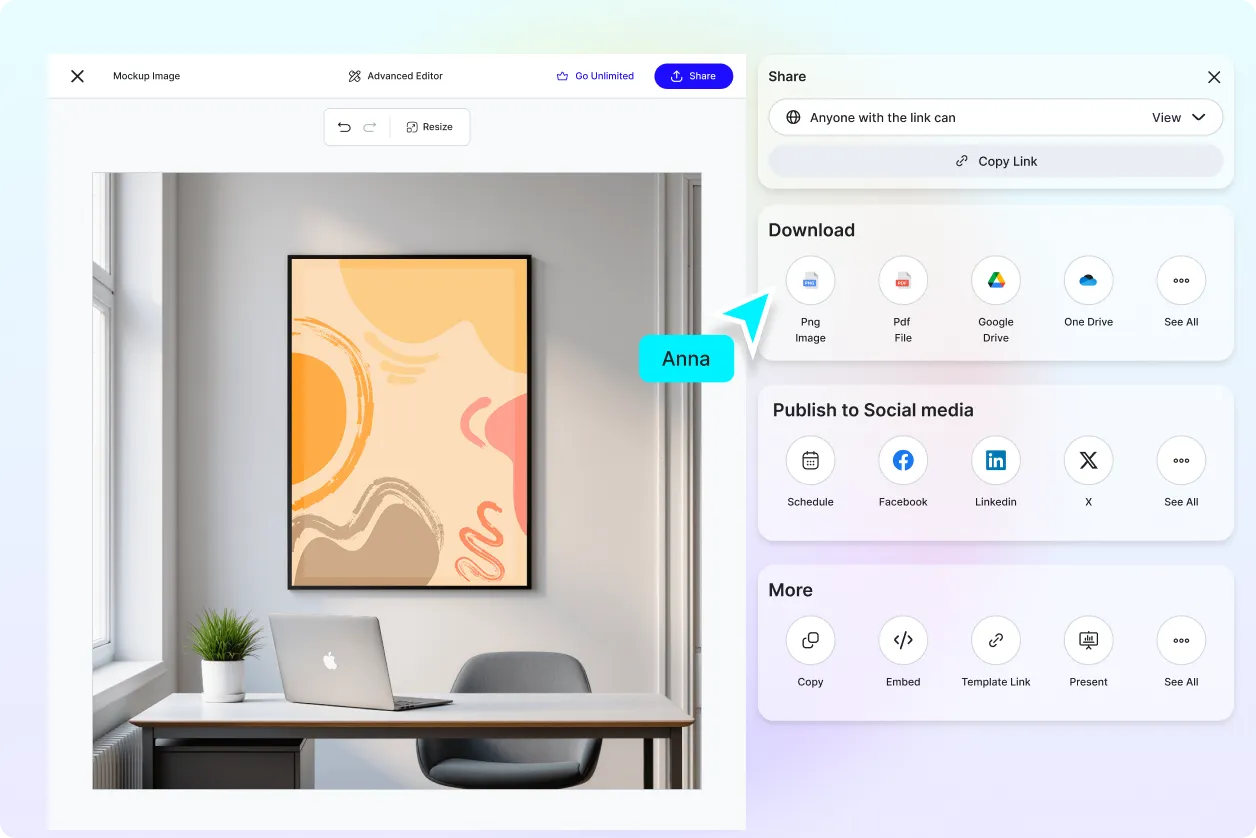
Accelerate Design and Approval Cycles
Generate multiple mockup variations quickly to test, refine, and approve designs faster.
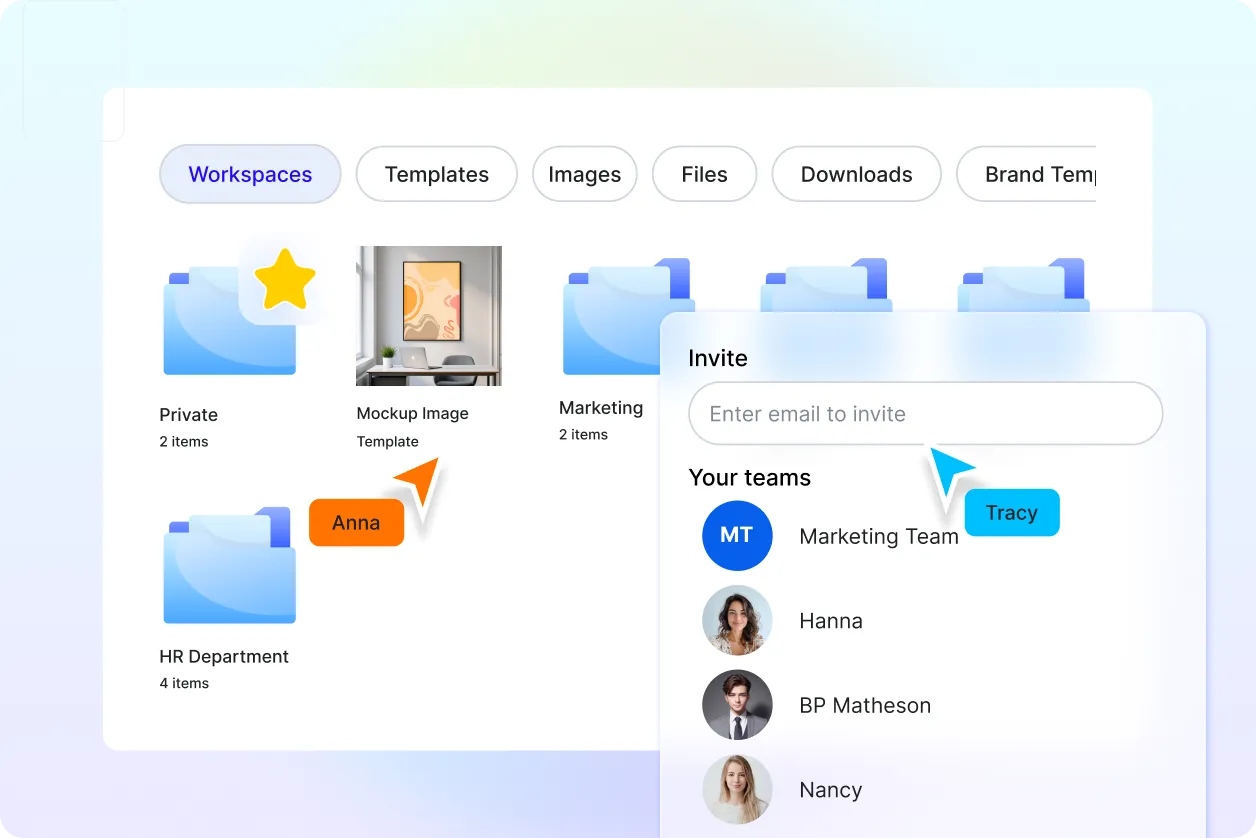
Centralized Mockup Management
Create, edit, store, and export all mockup images from one unified workspace for efficient collaboration.
