Free AI Product Staging Generator
more
Create from a Product Staging Template
Pick a proven format. Add your content. AI does the rest
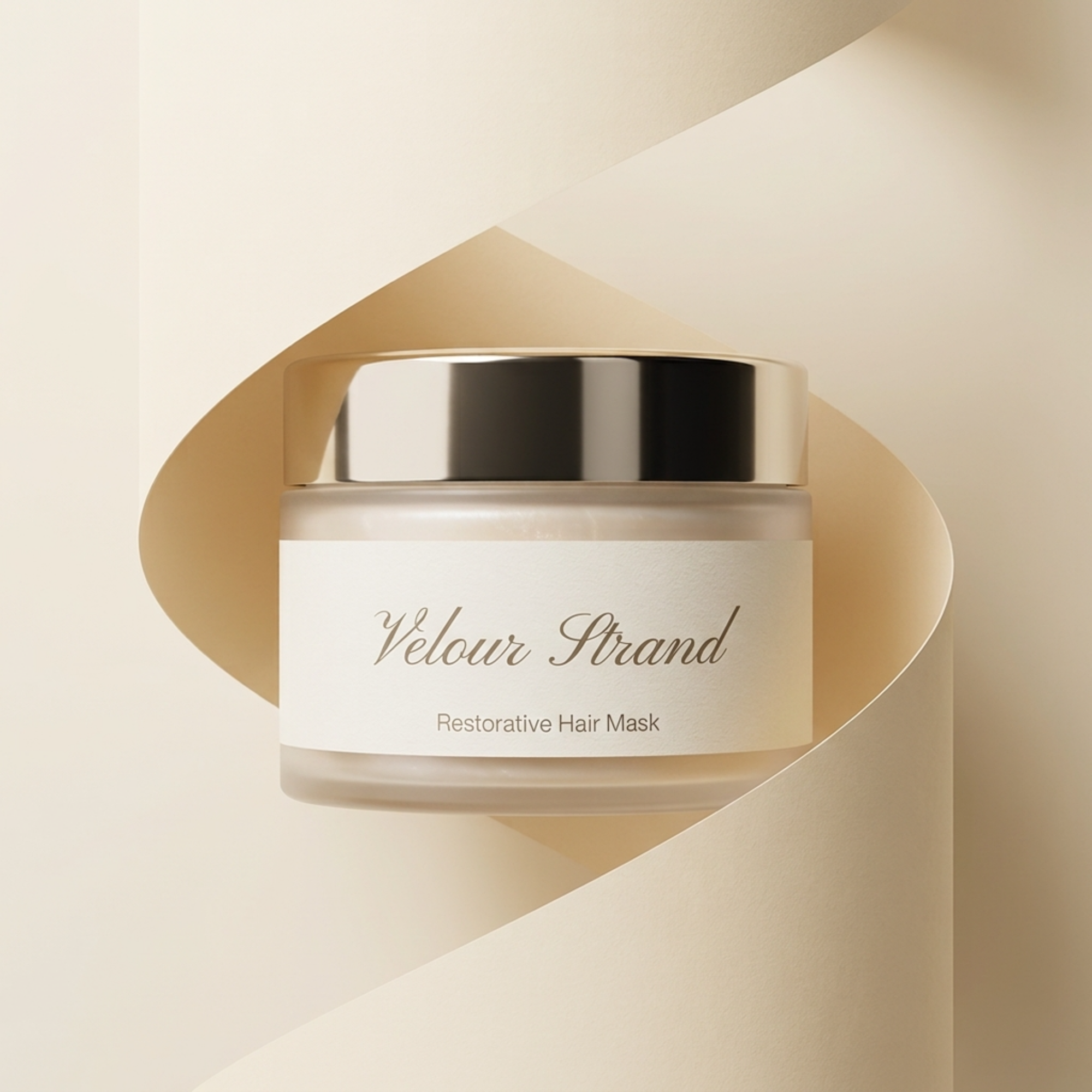
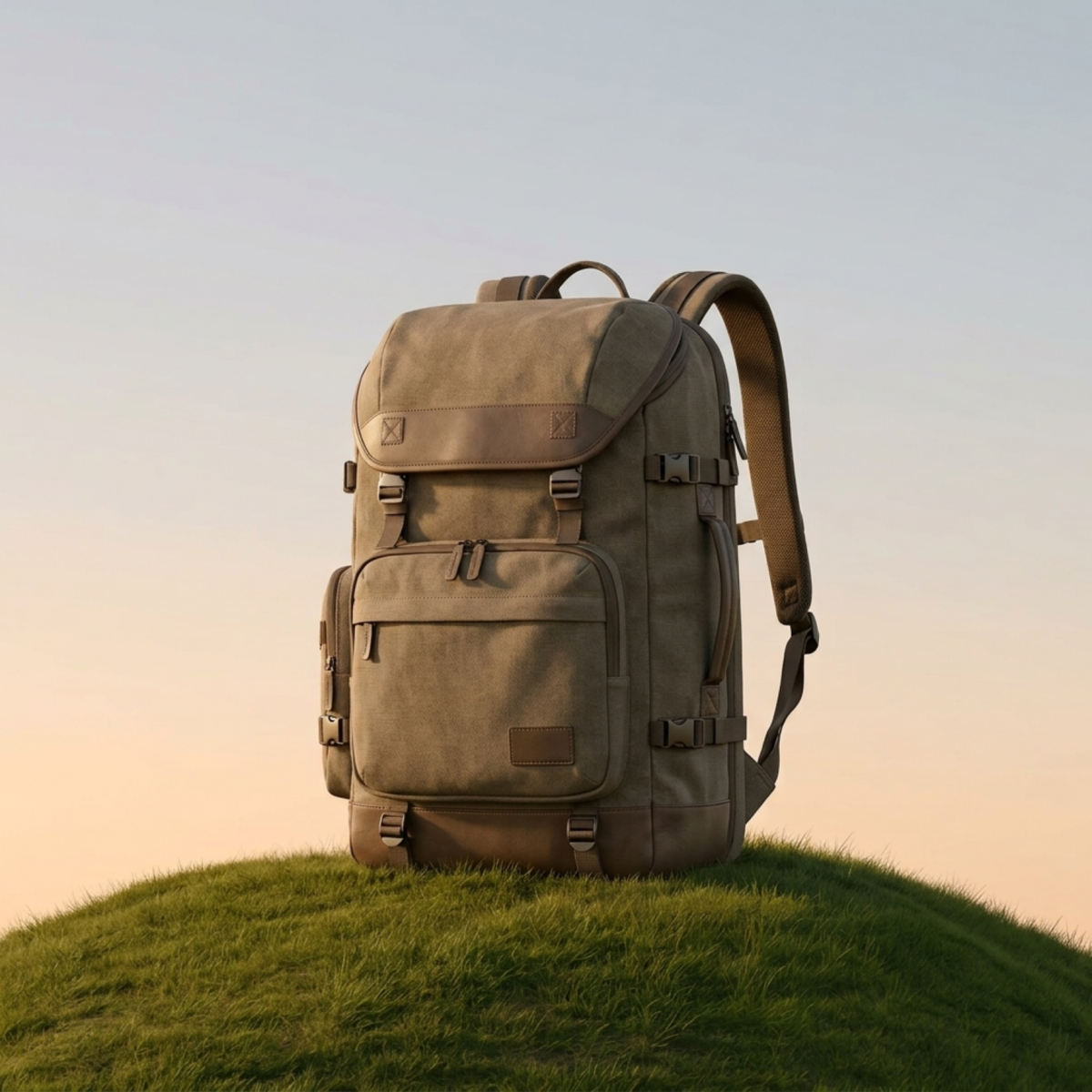
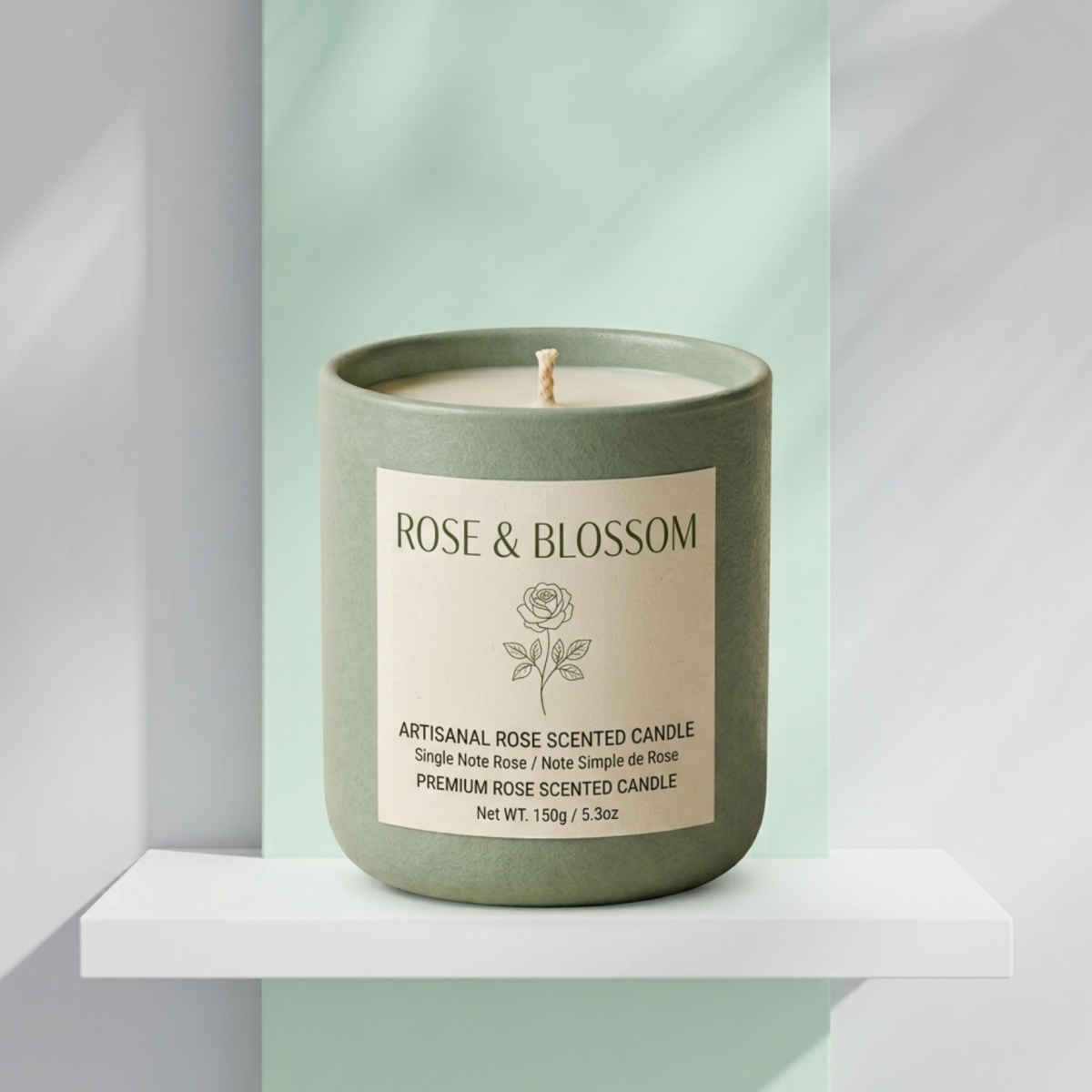
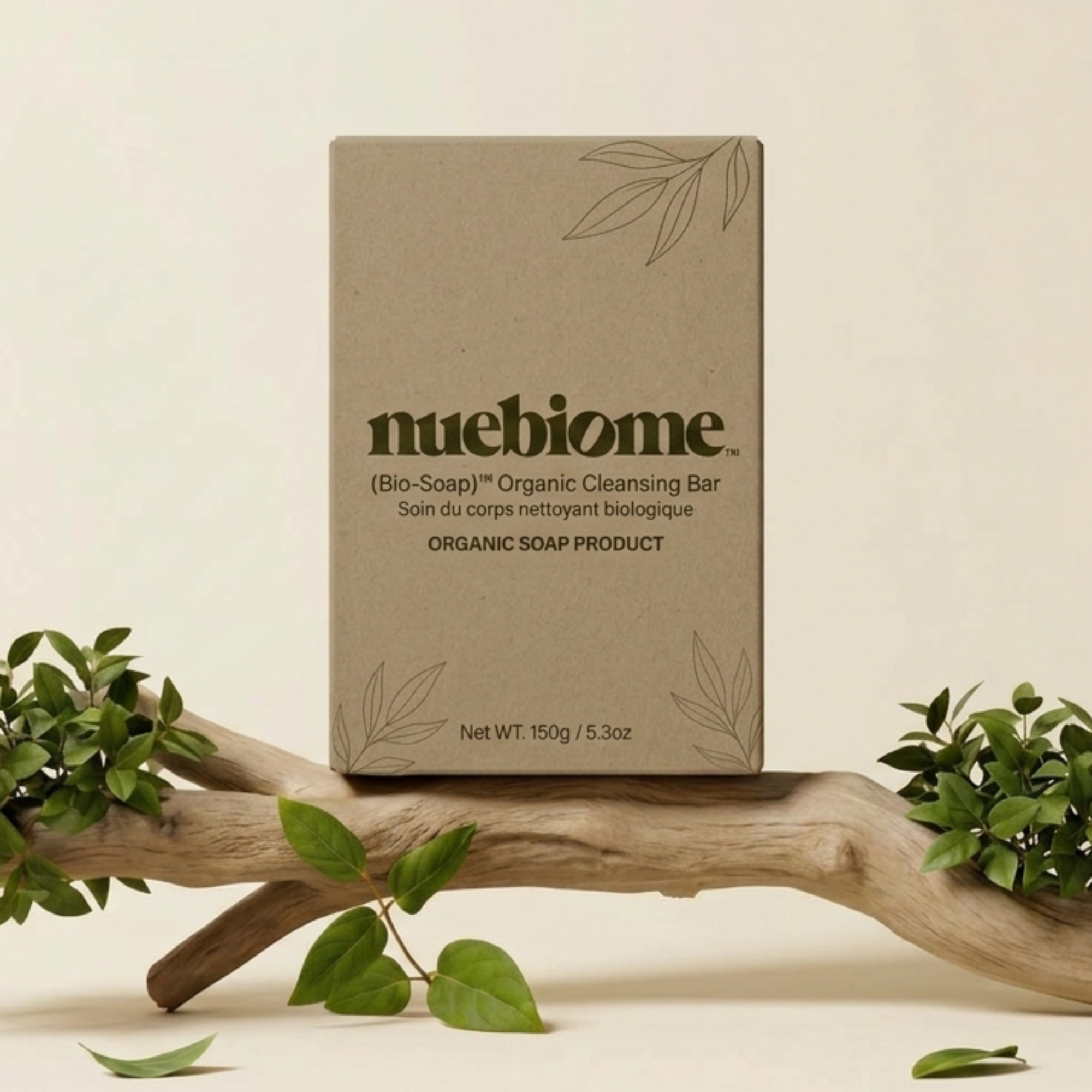
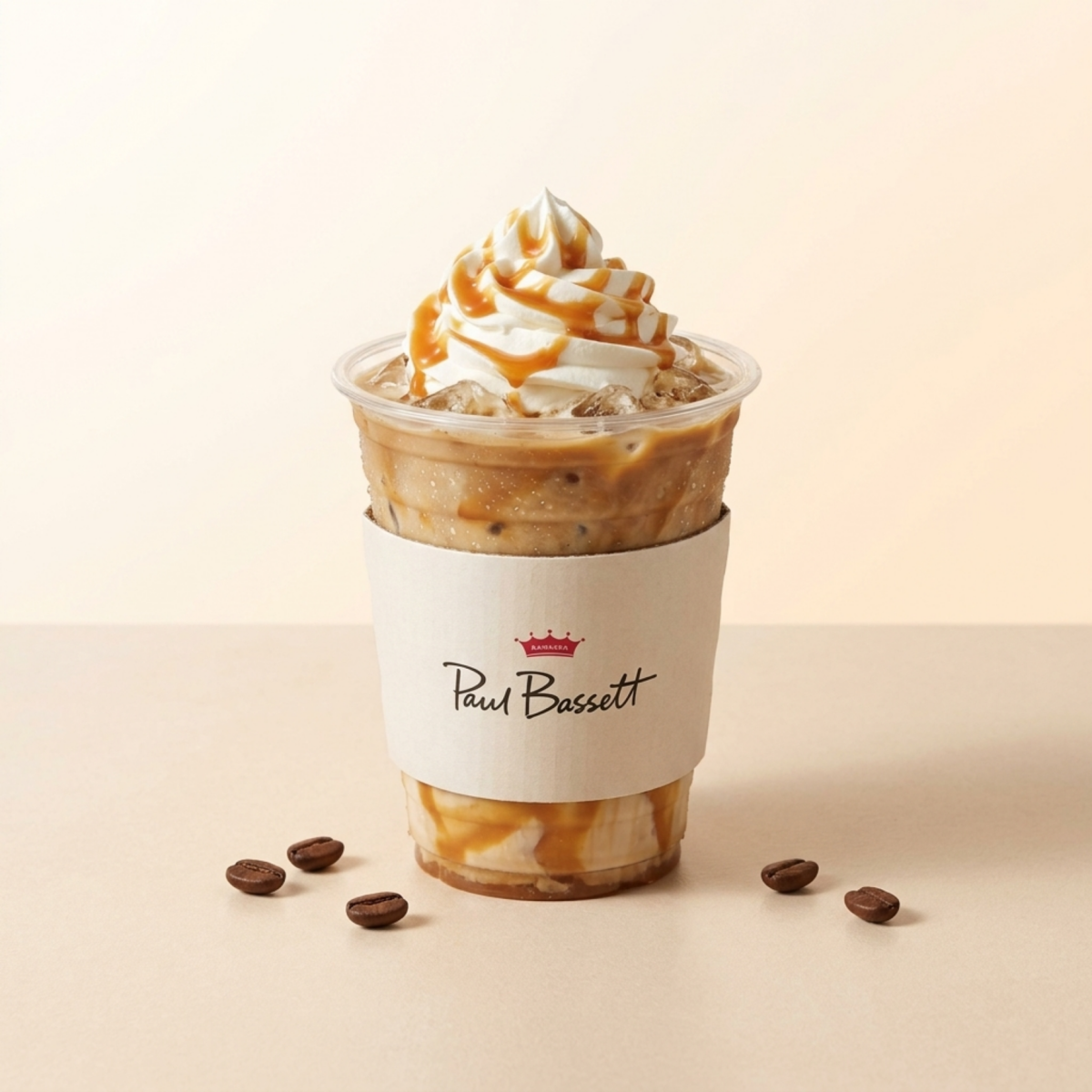
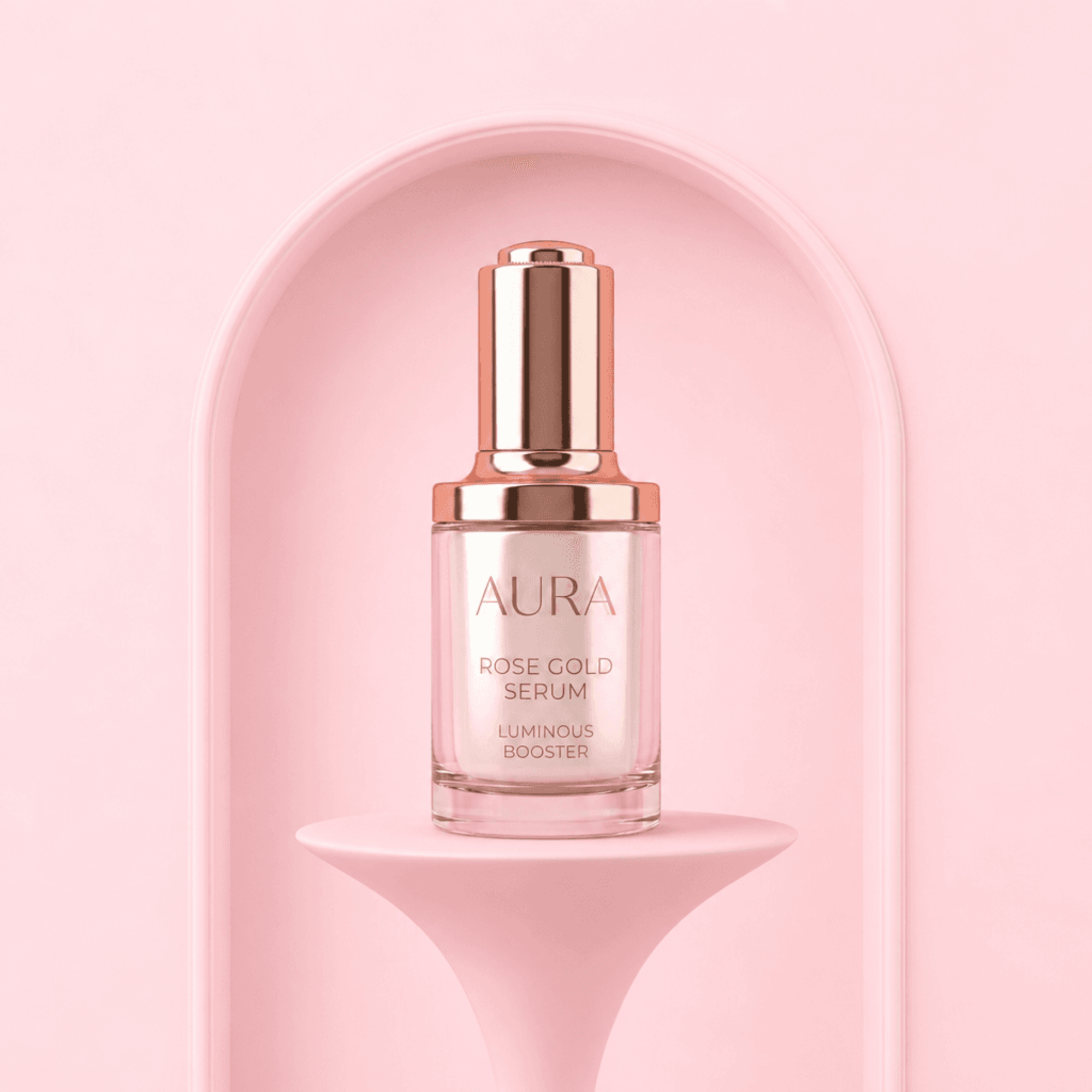
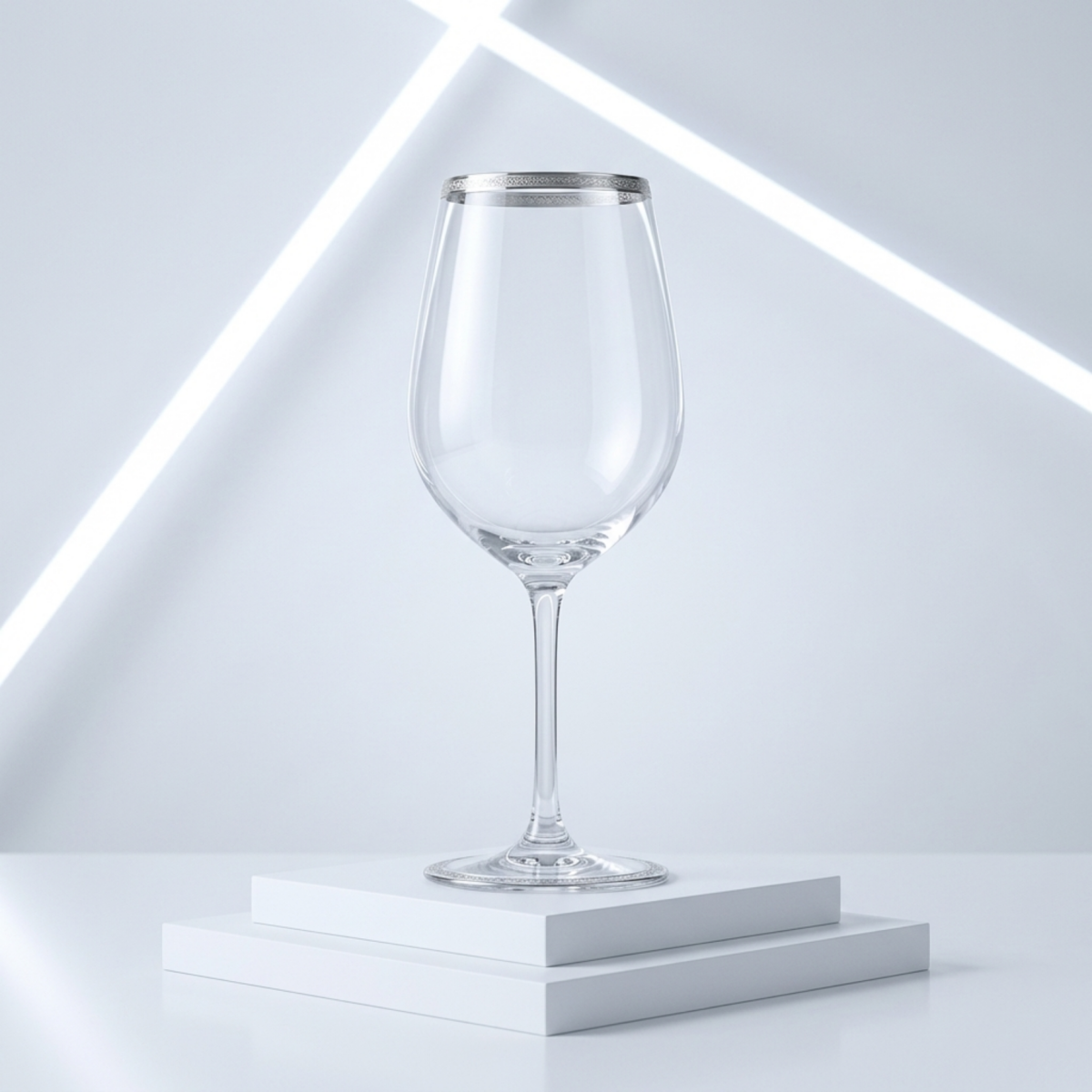
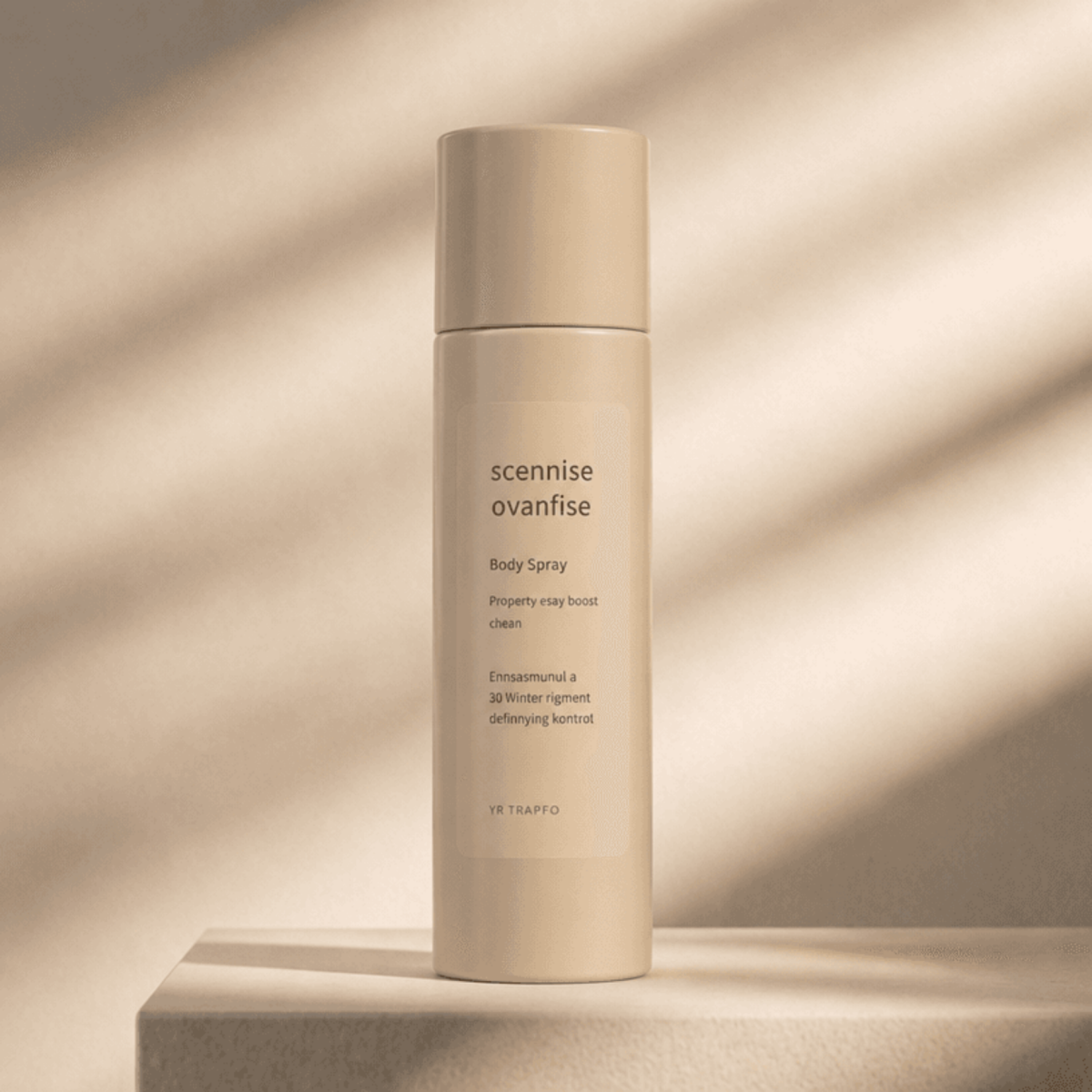

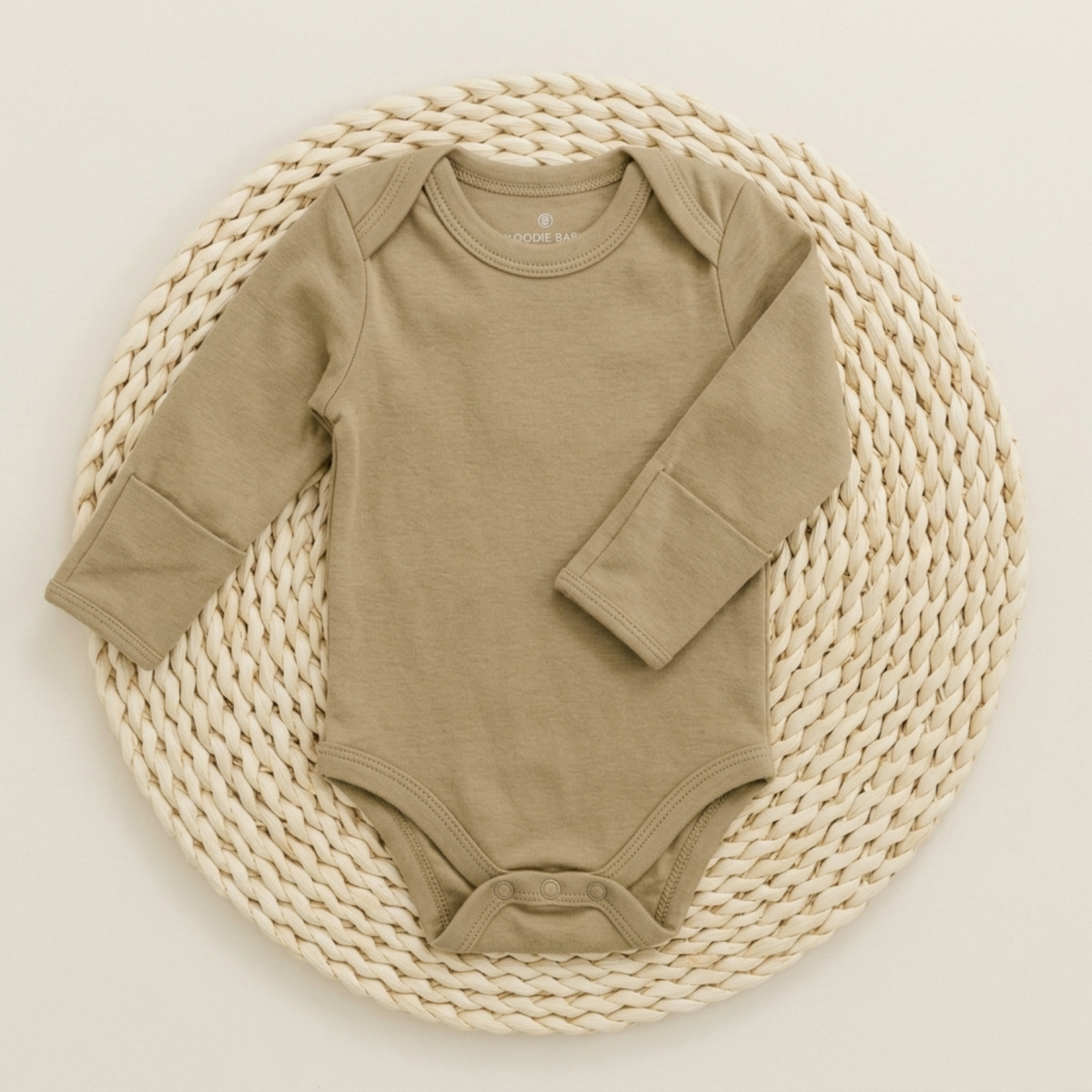
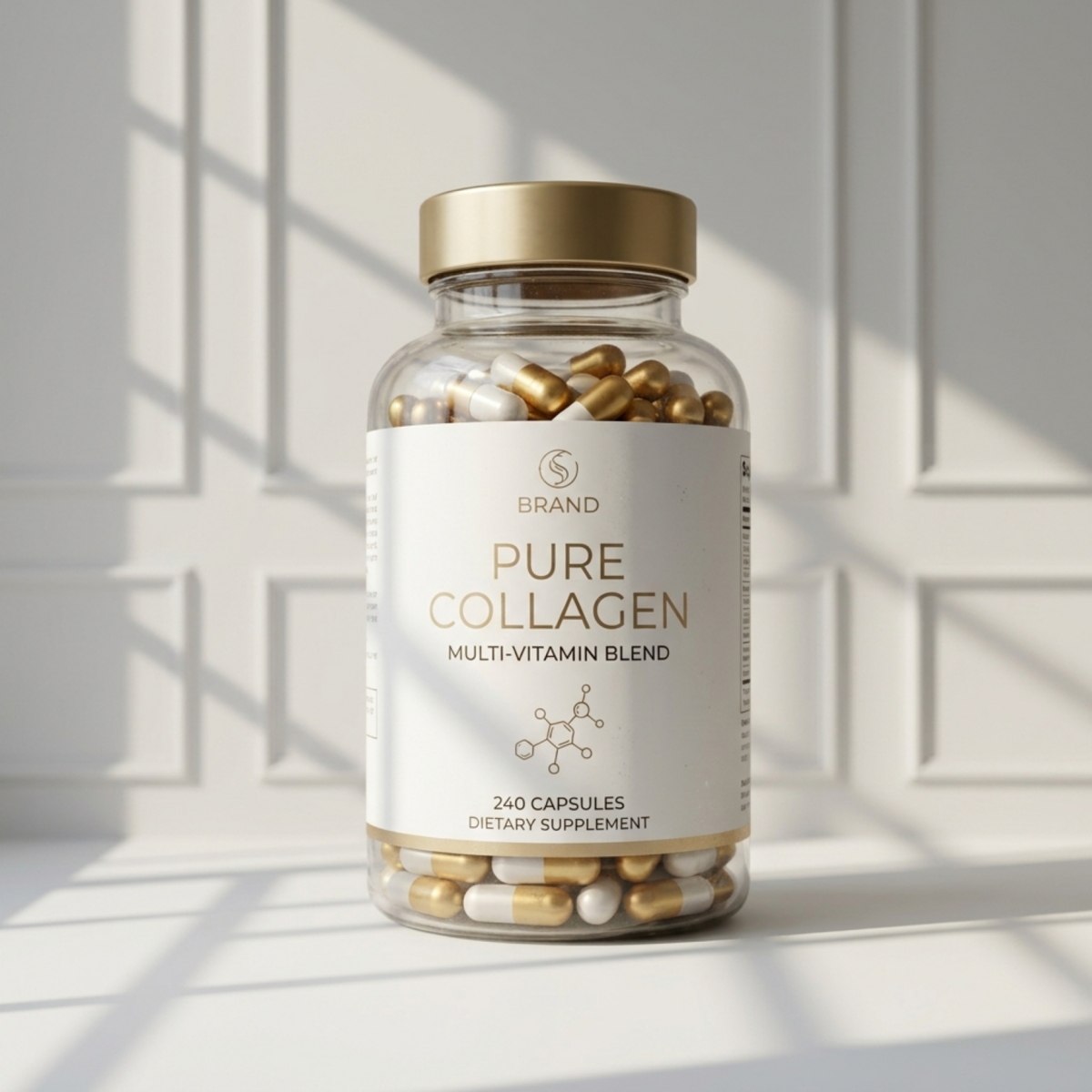
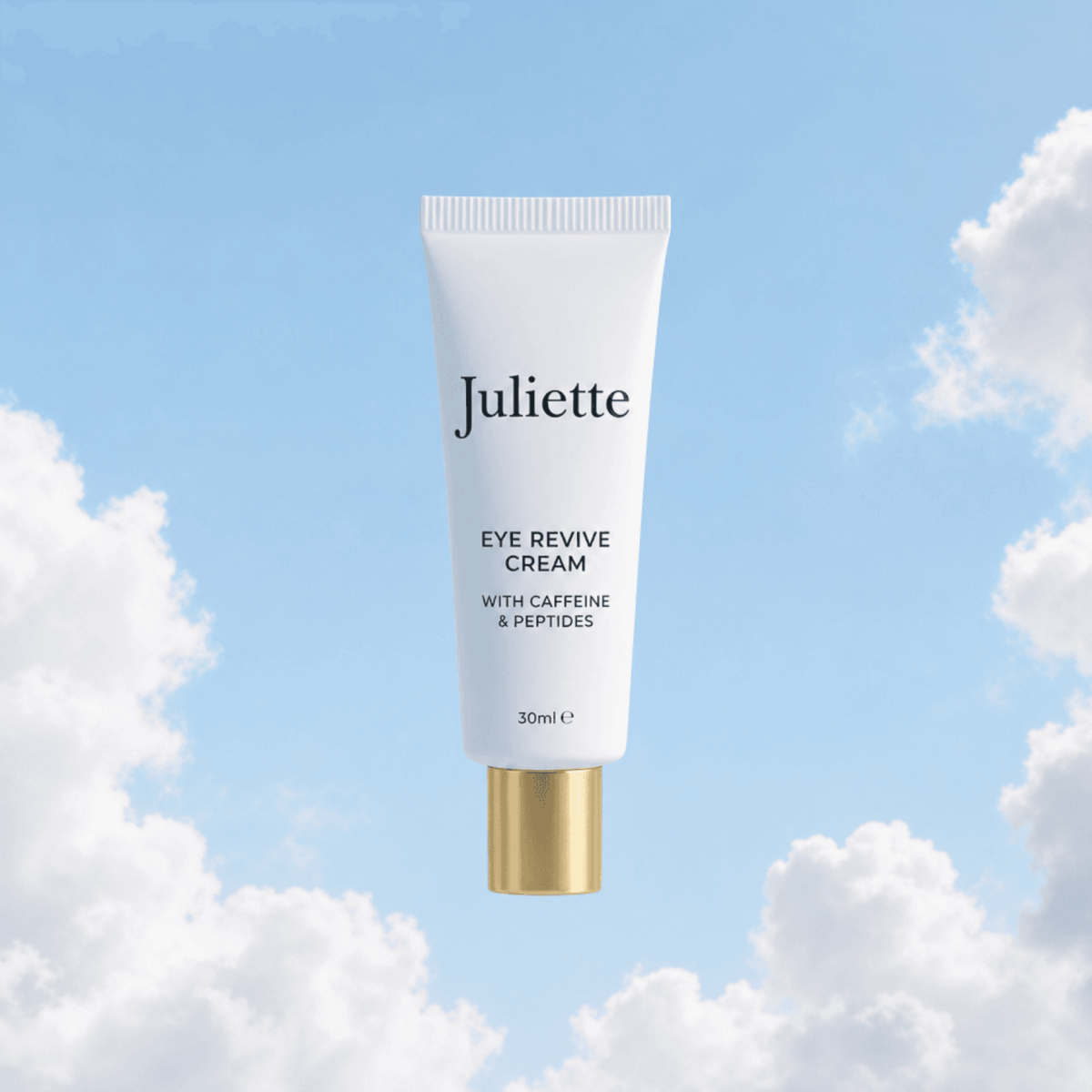
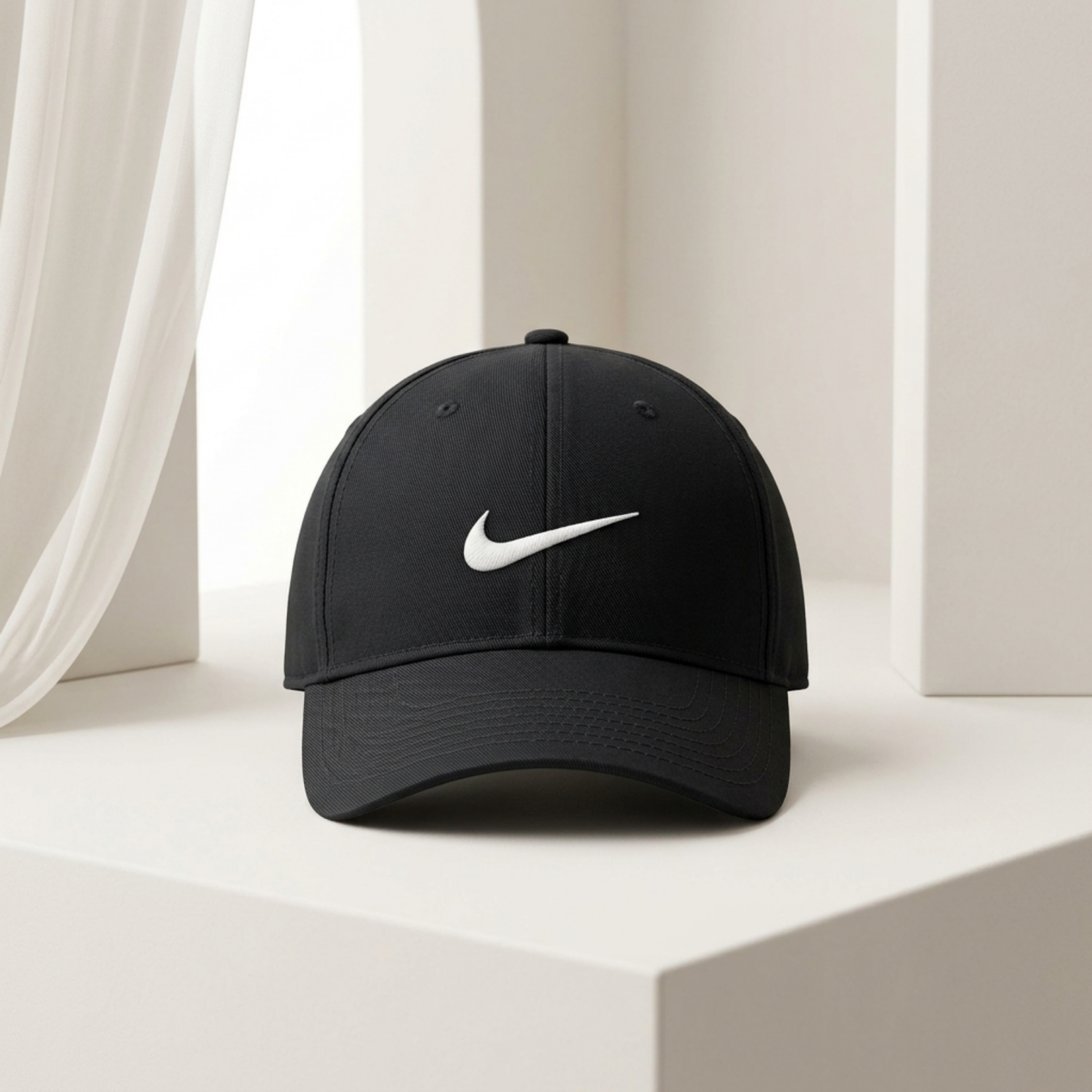
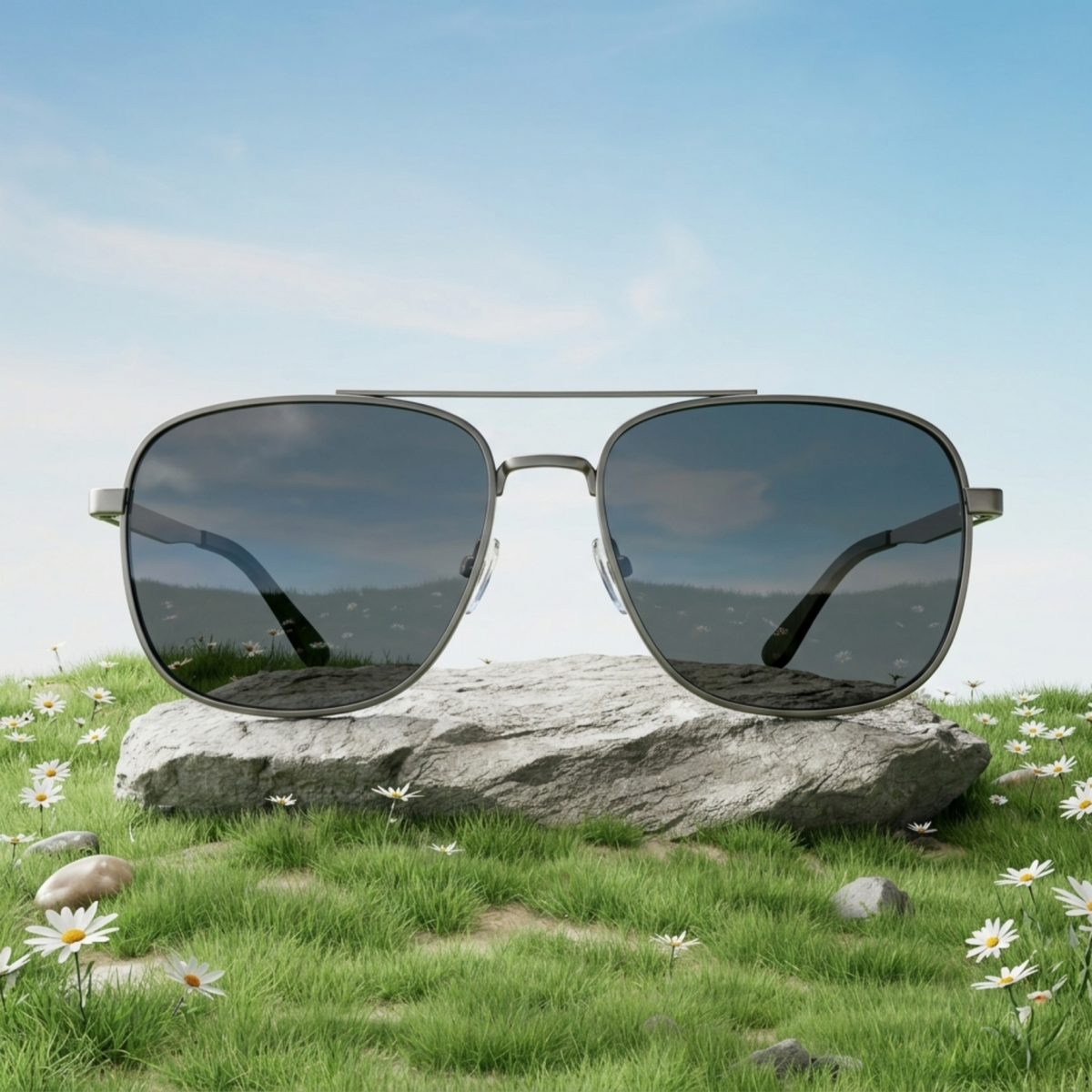
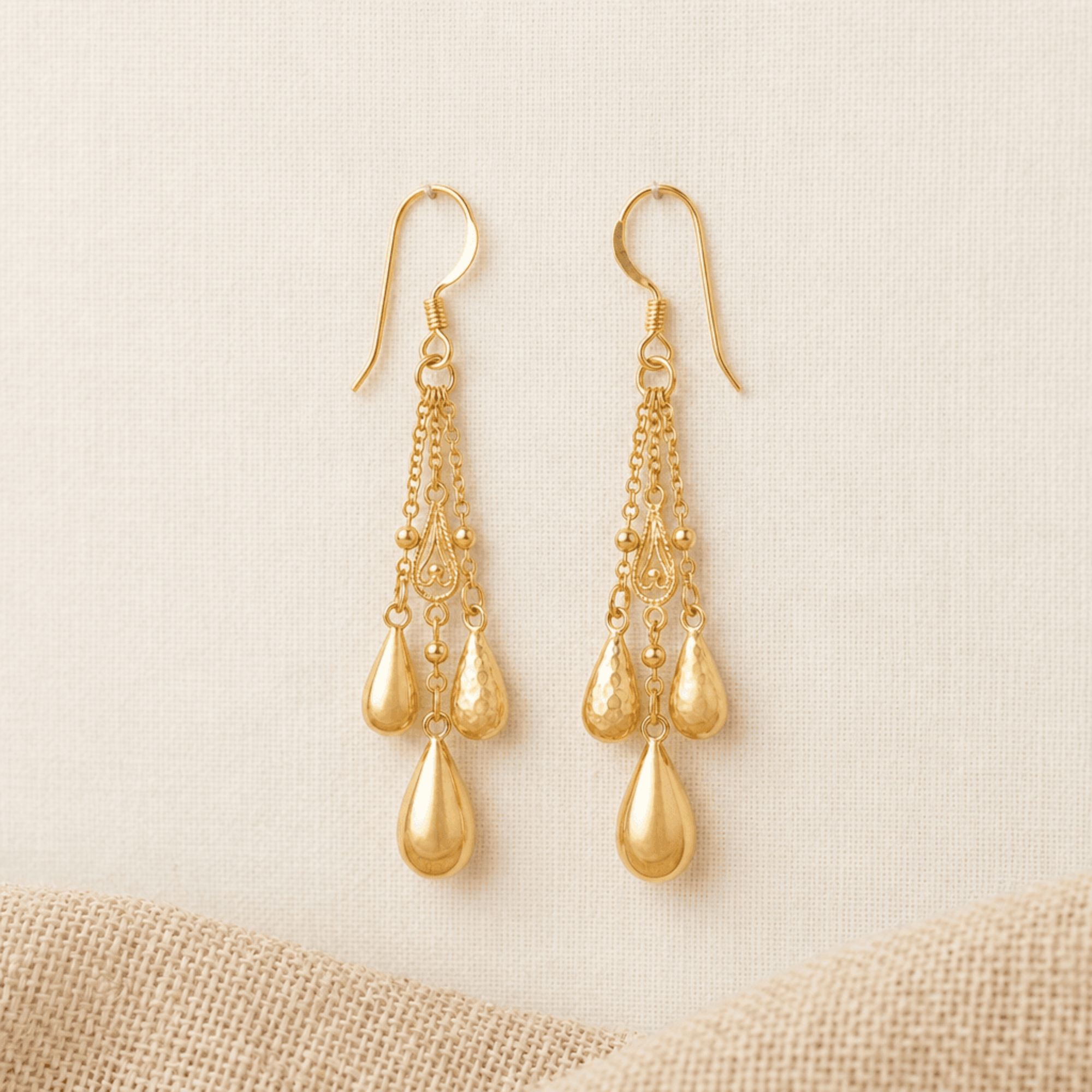
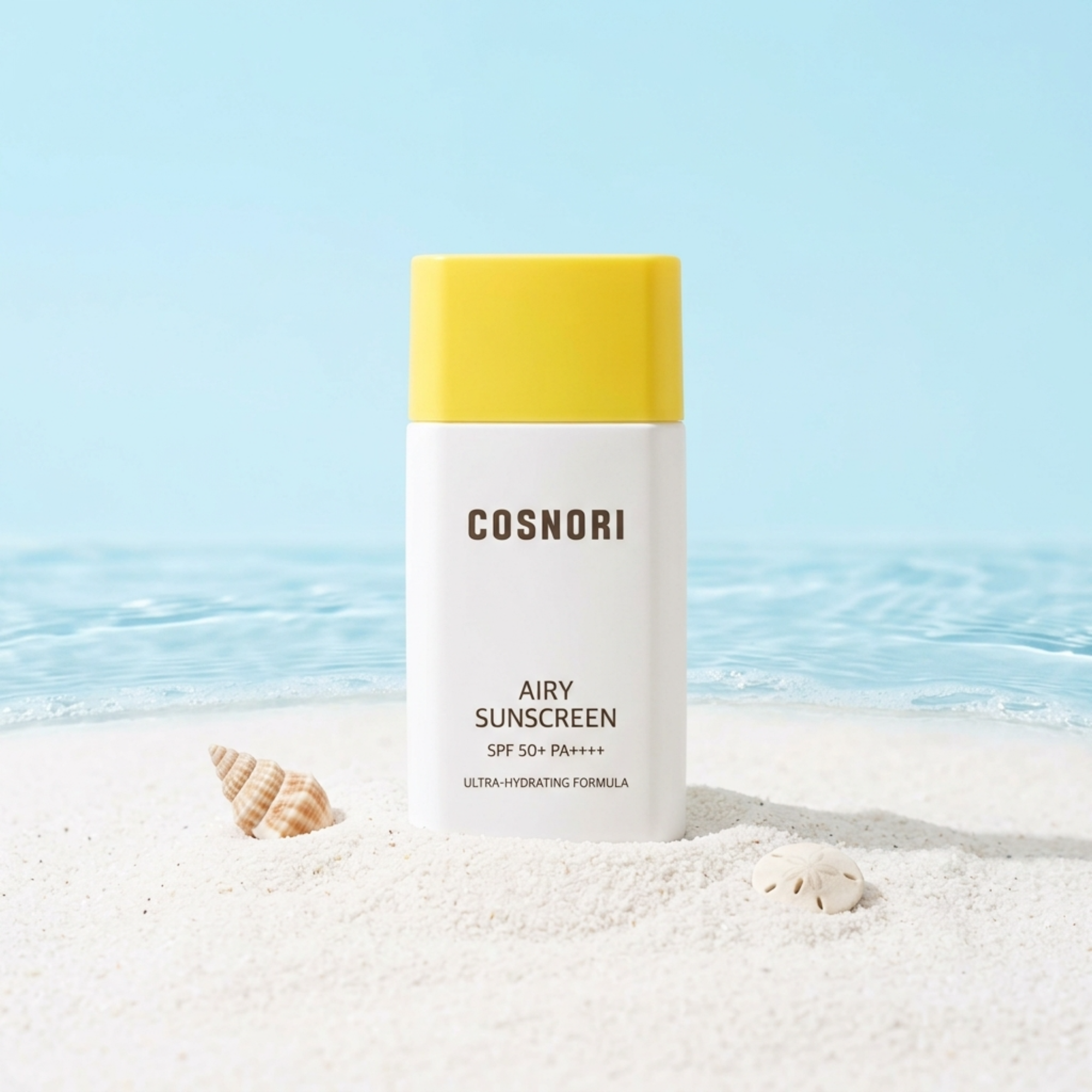
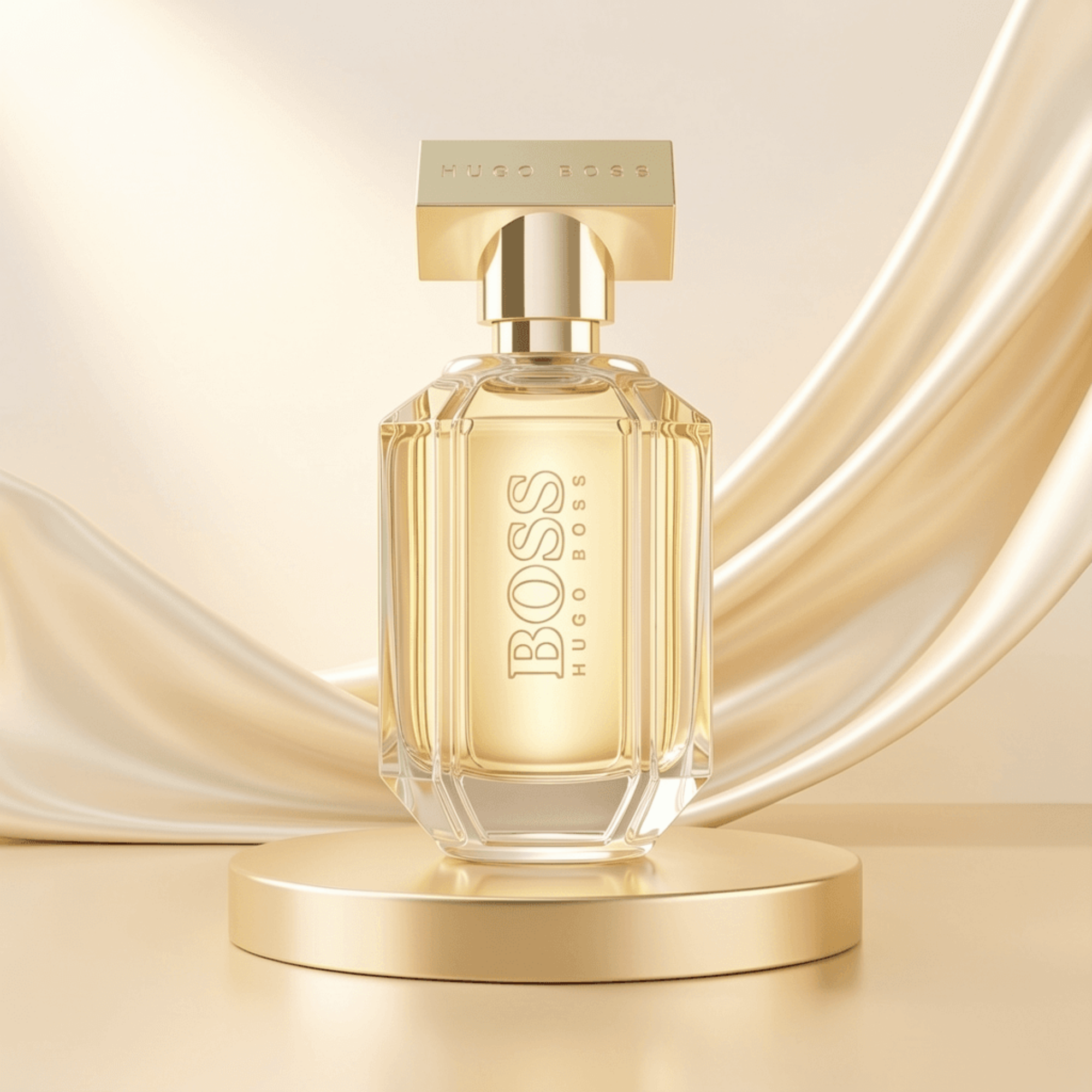
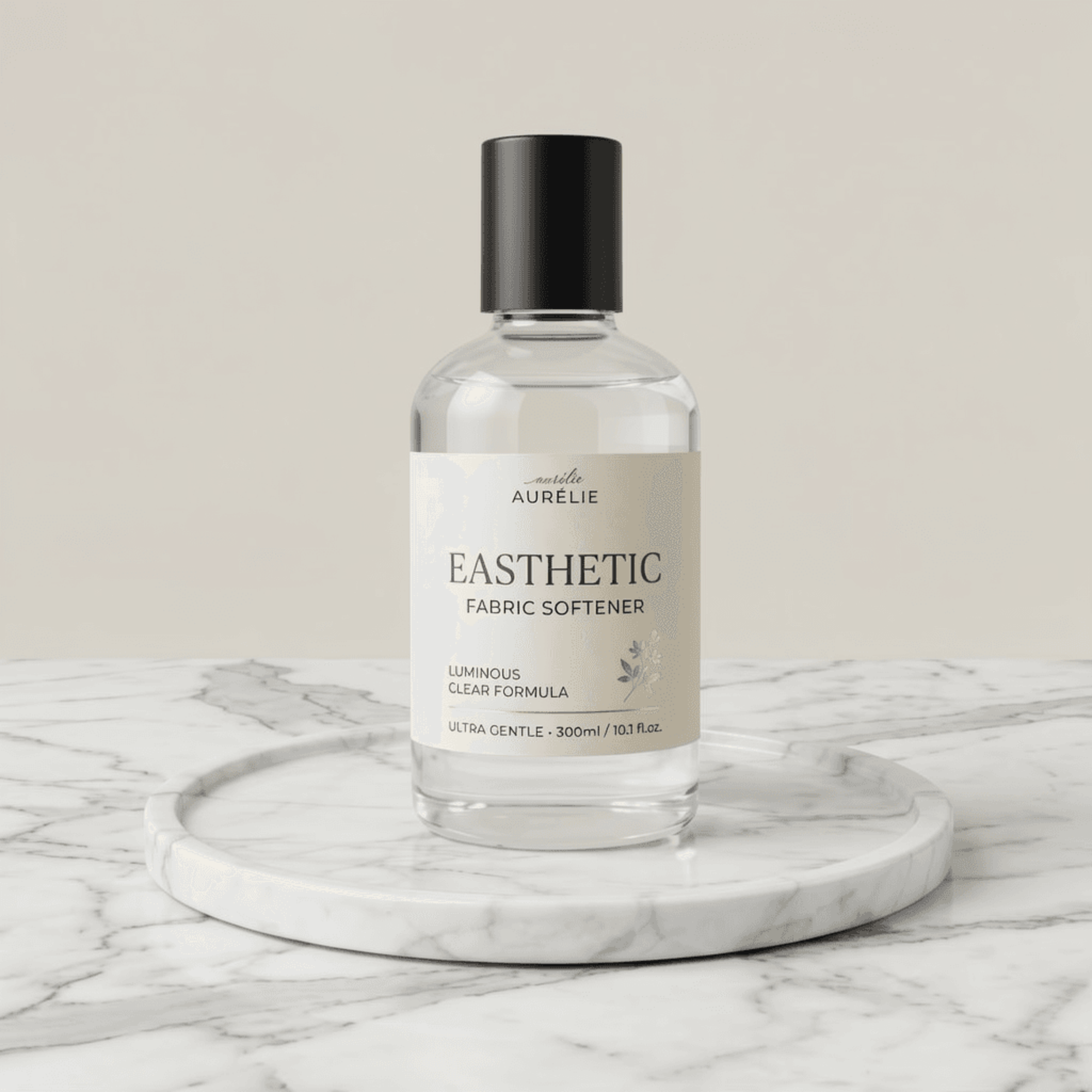
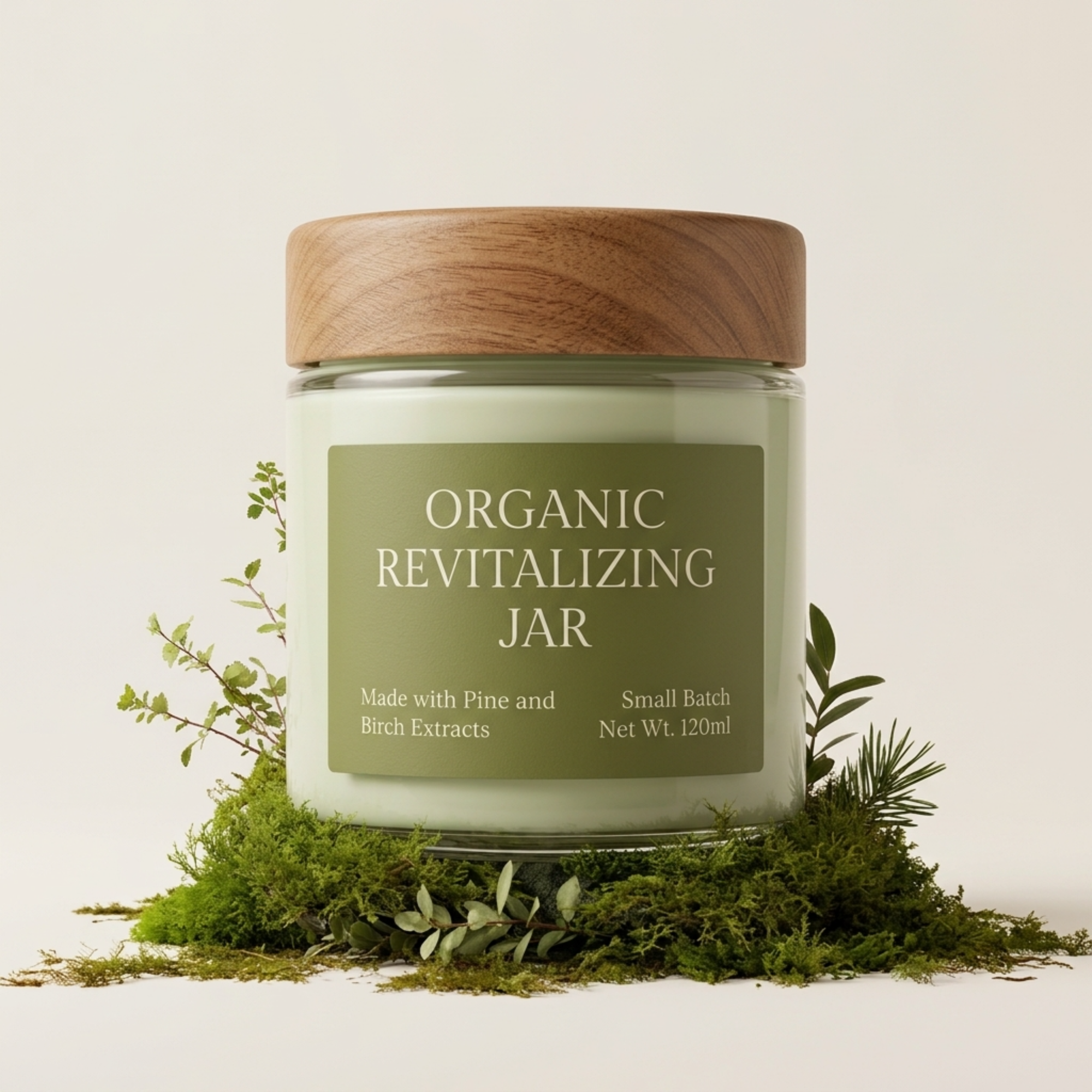
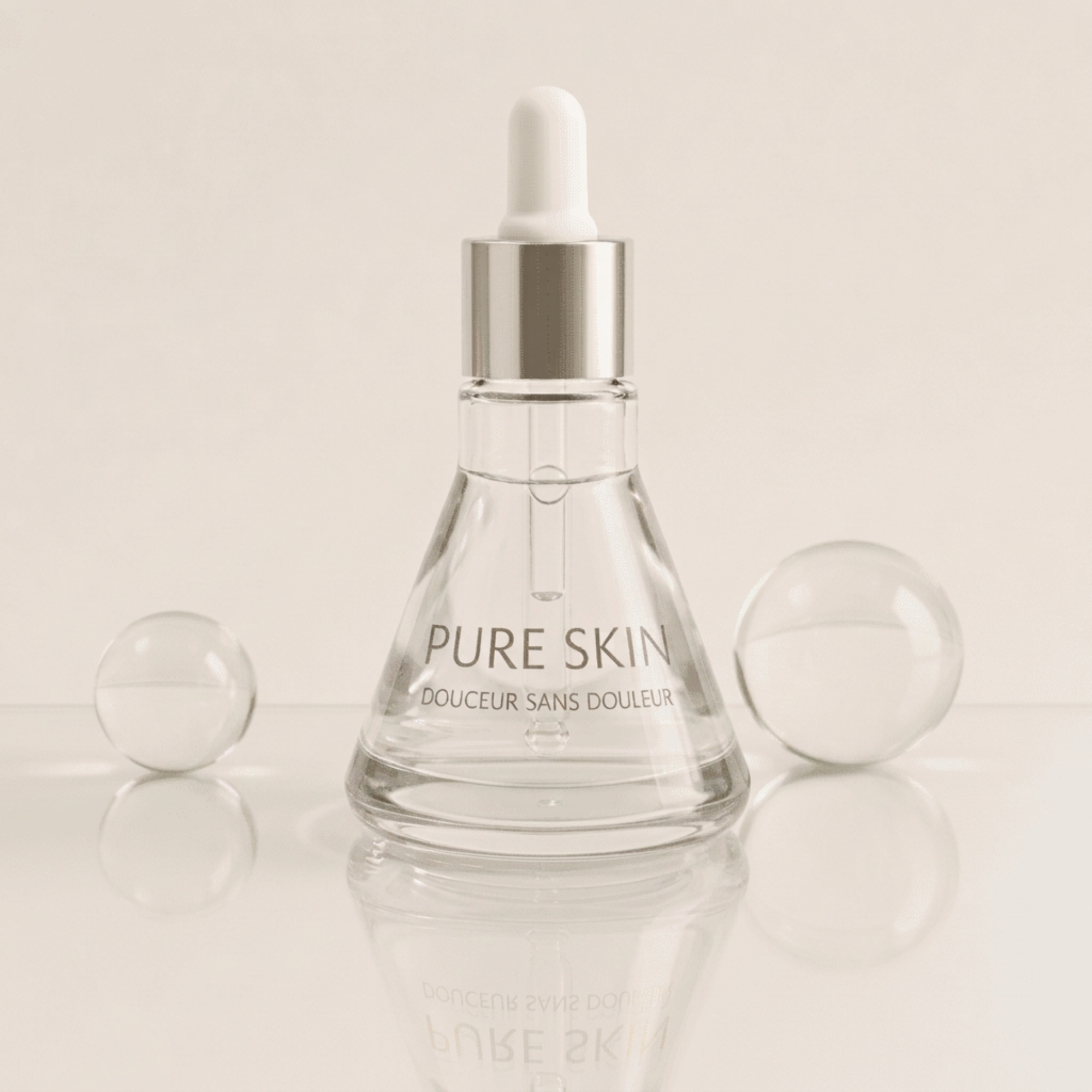
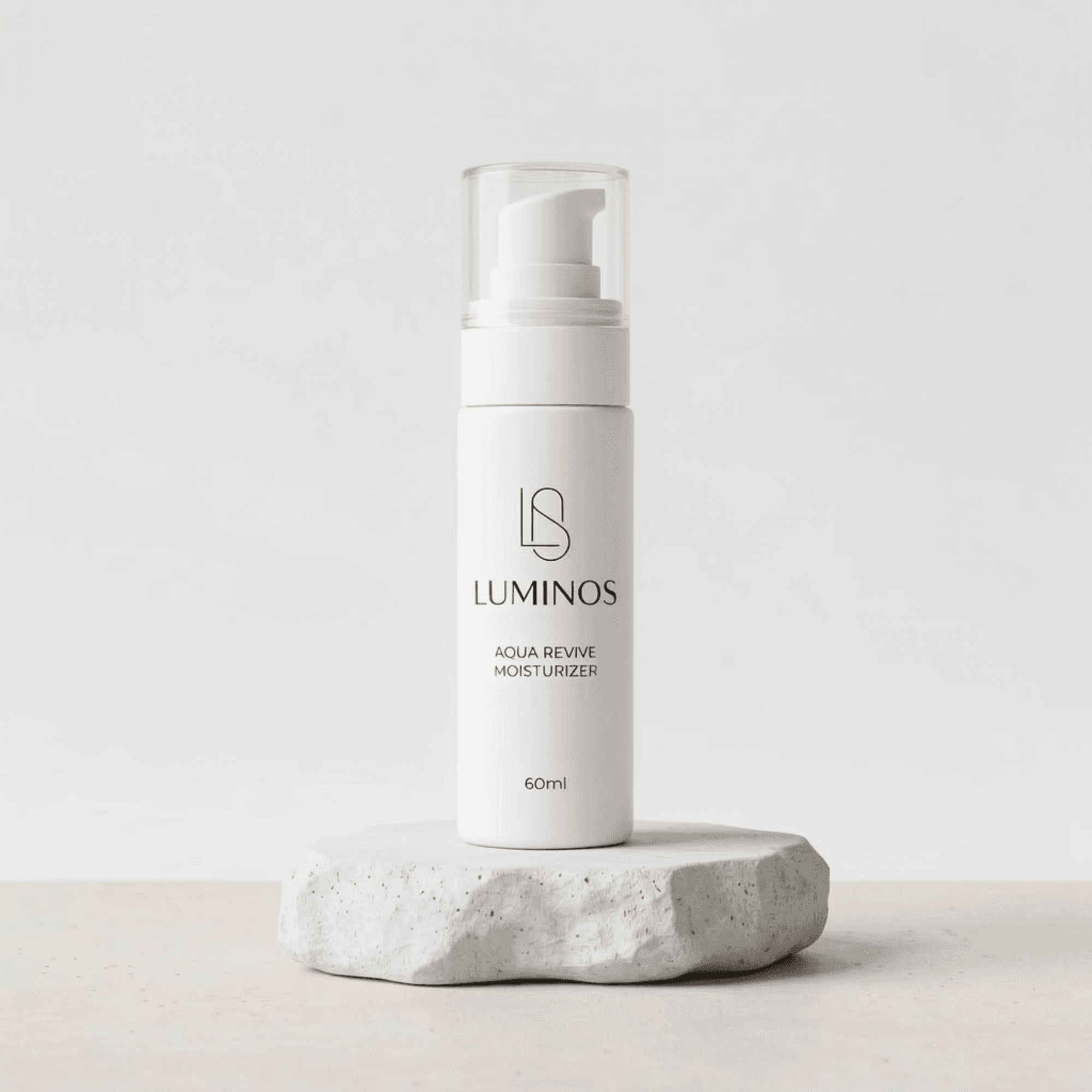
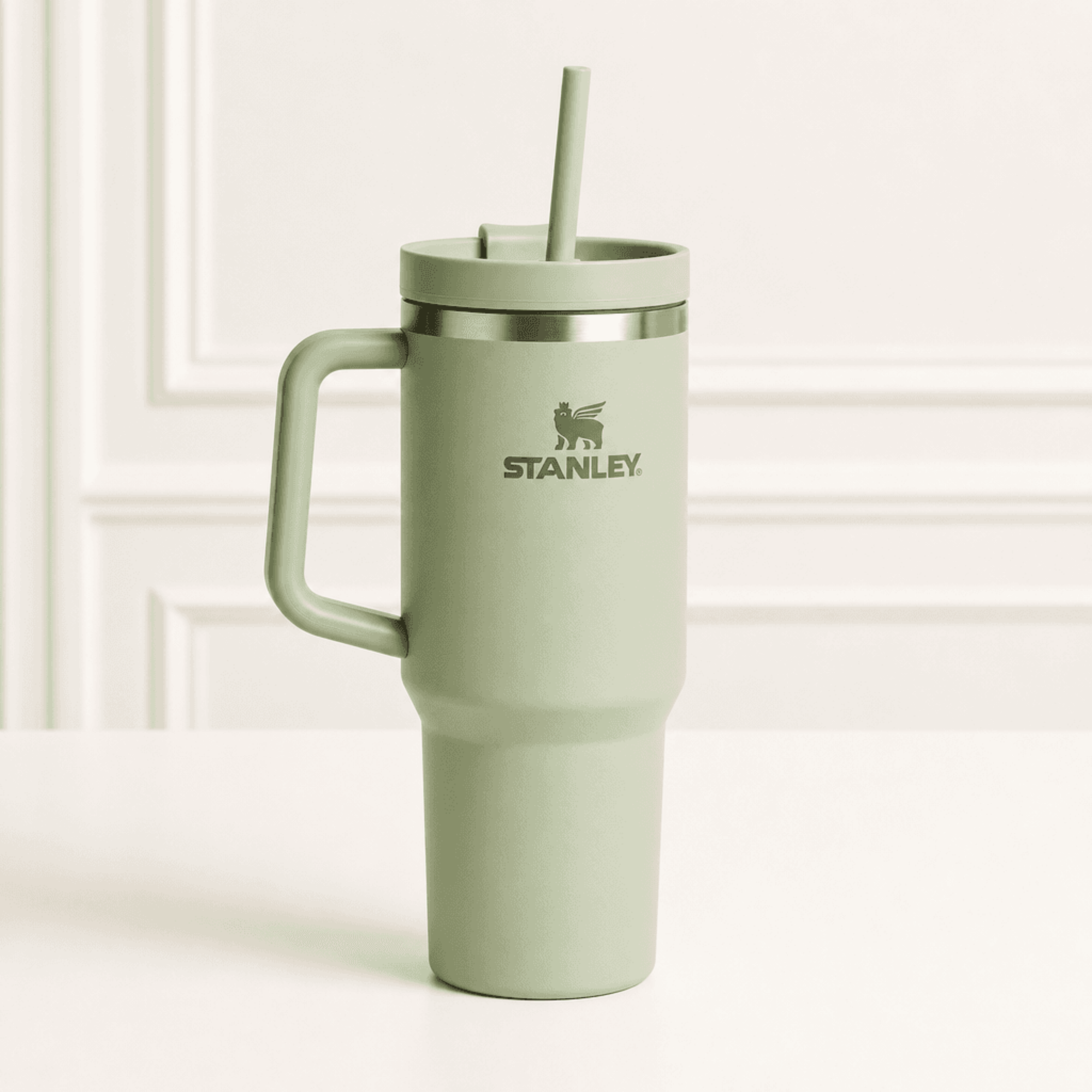
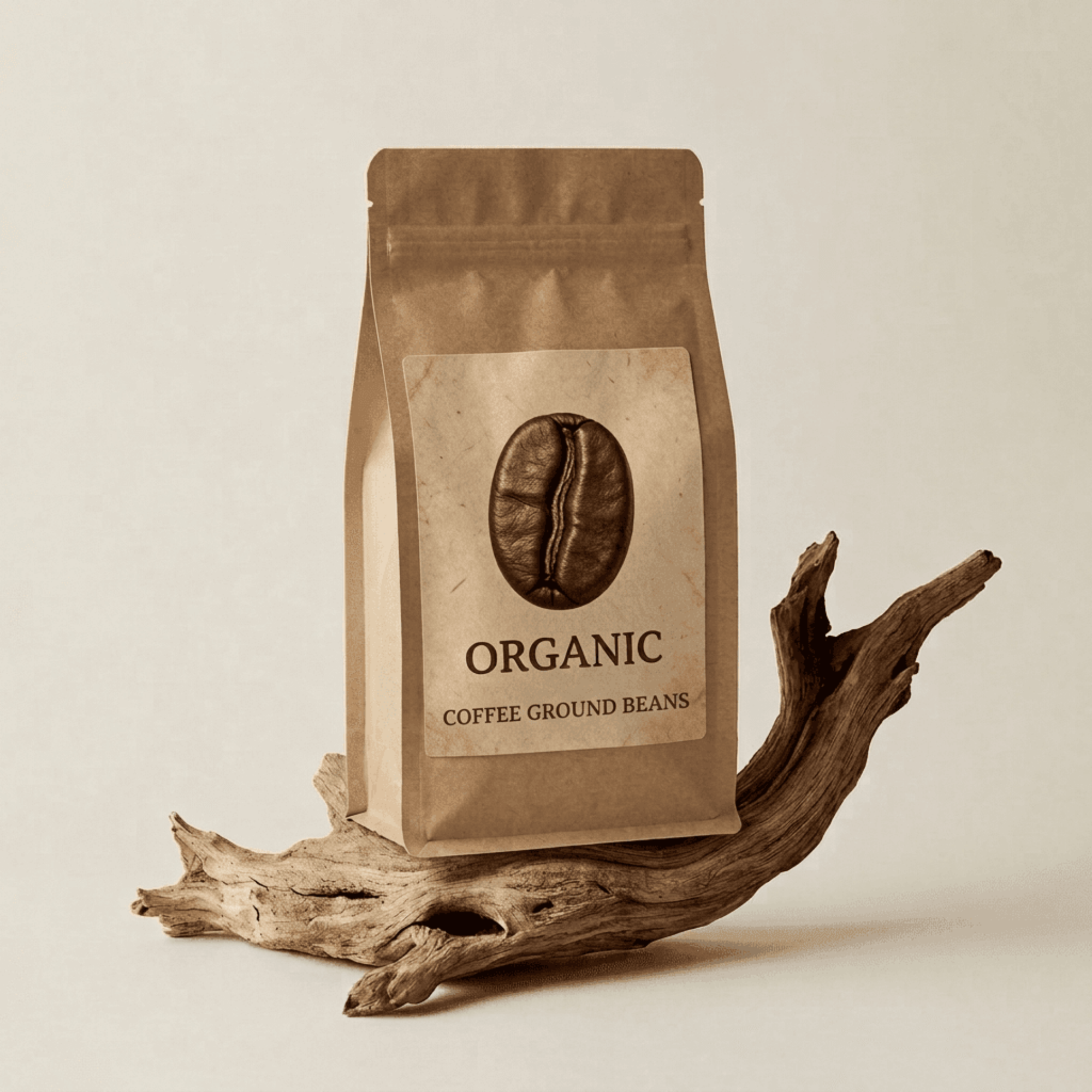
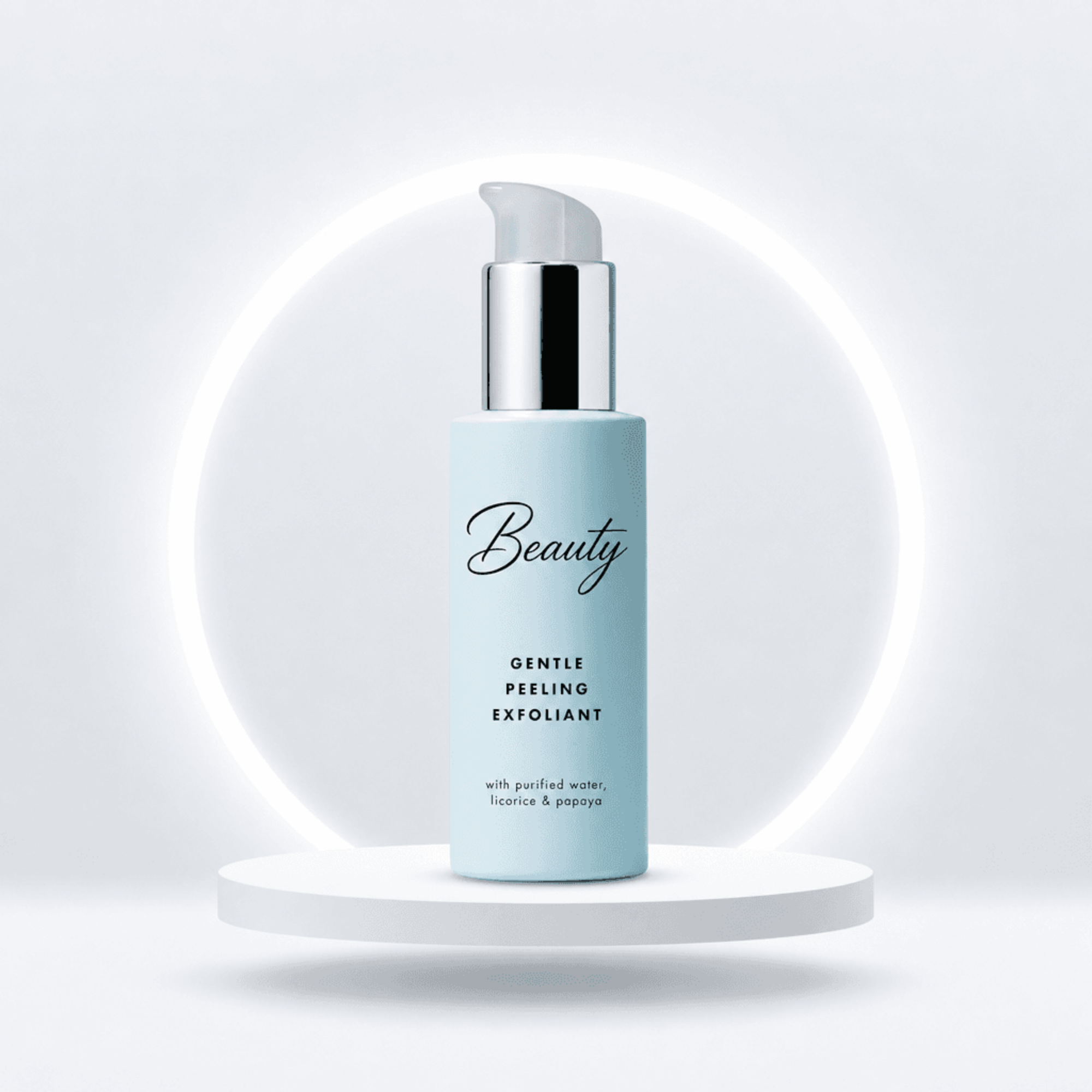
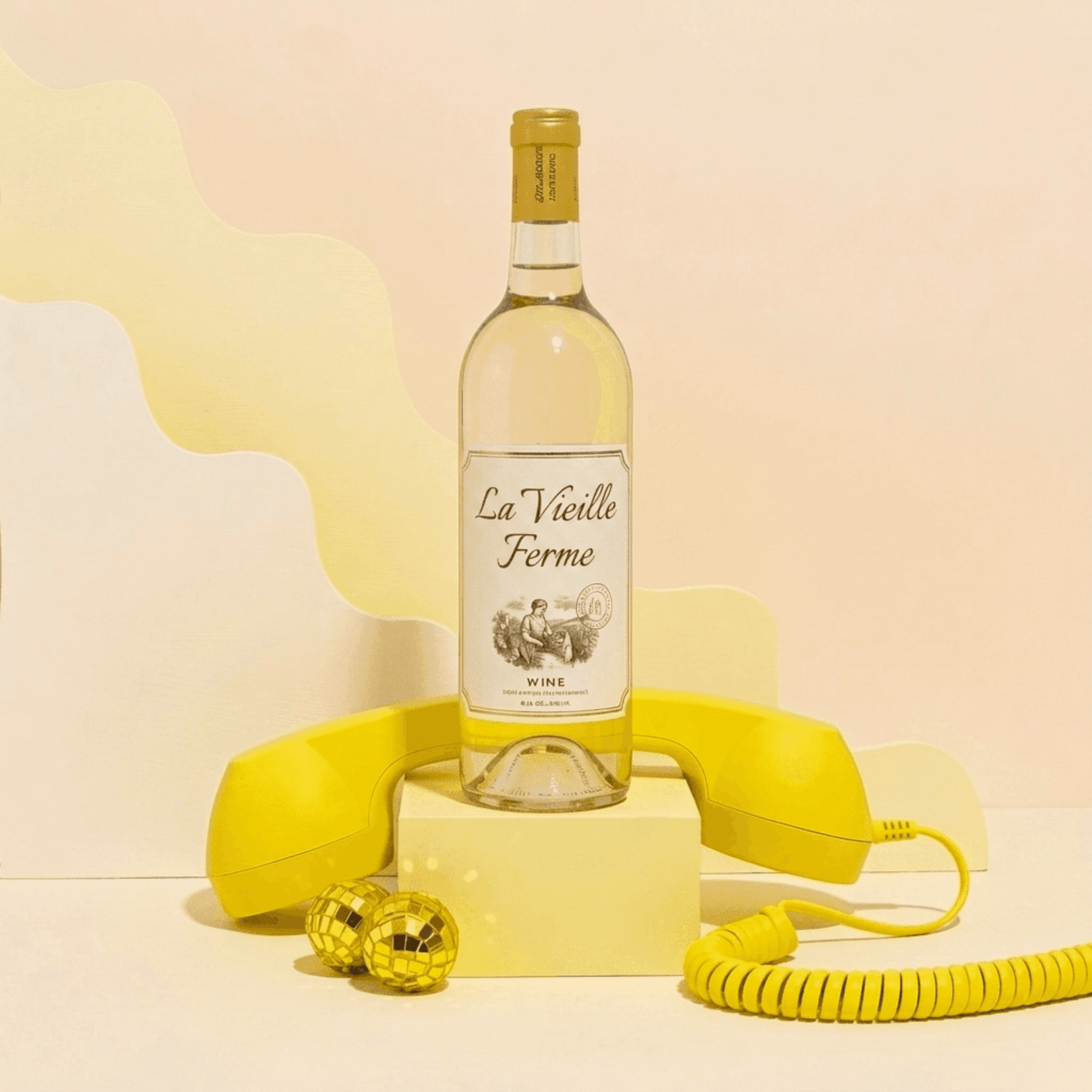
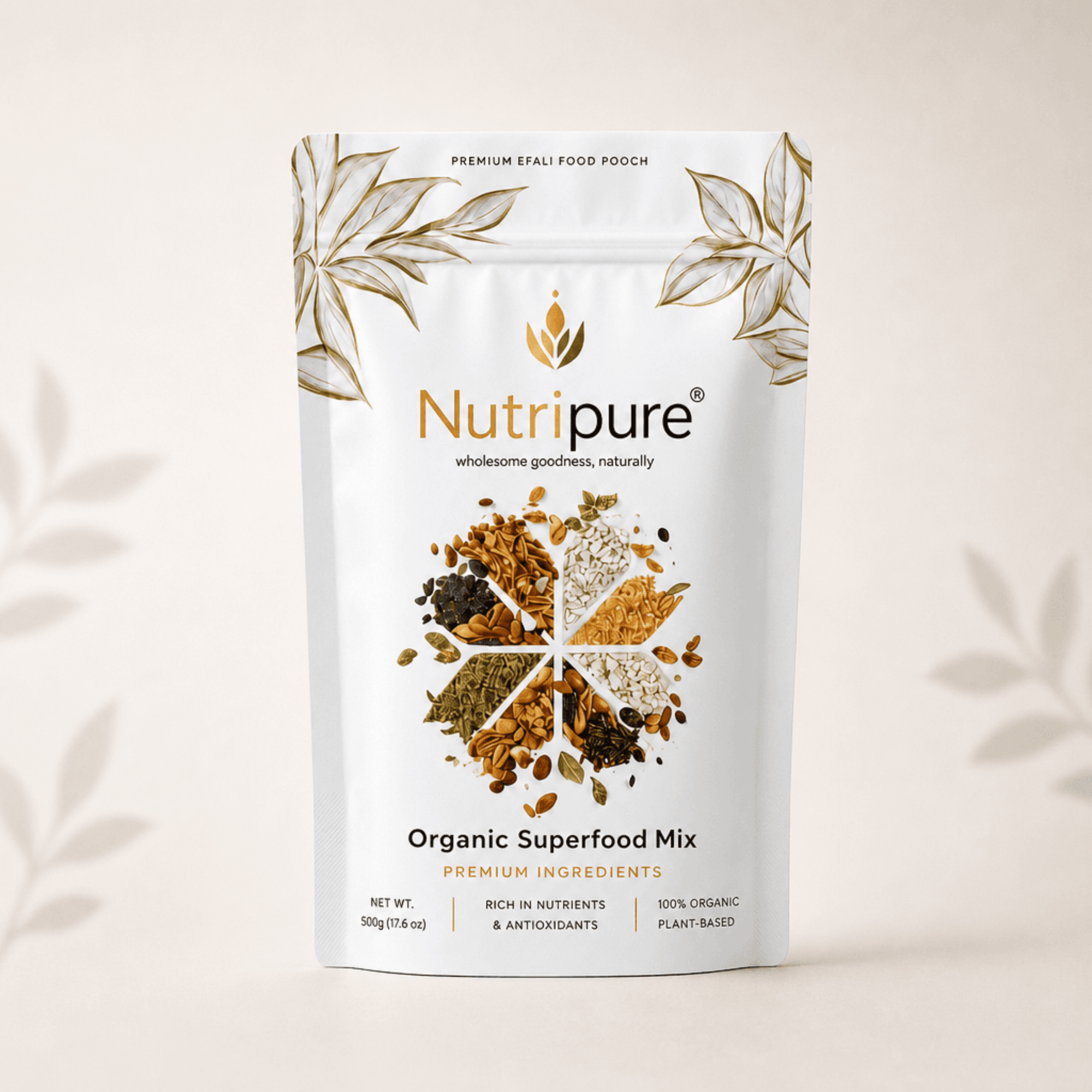
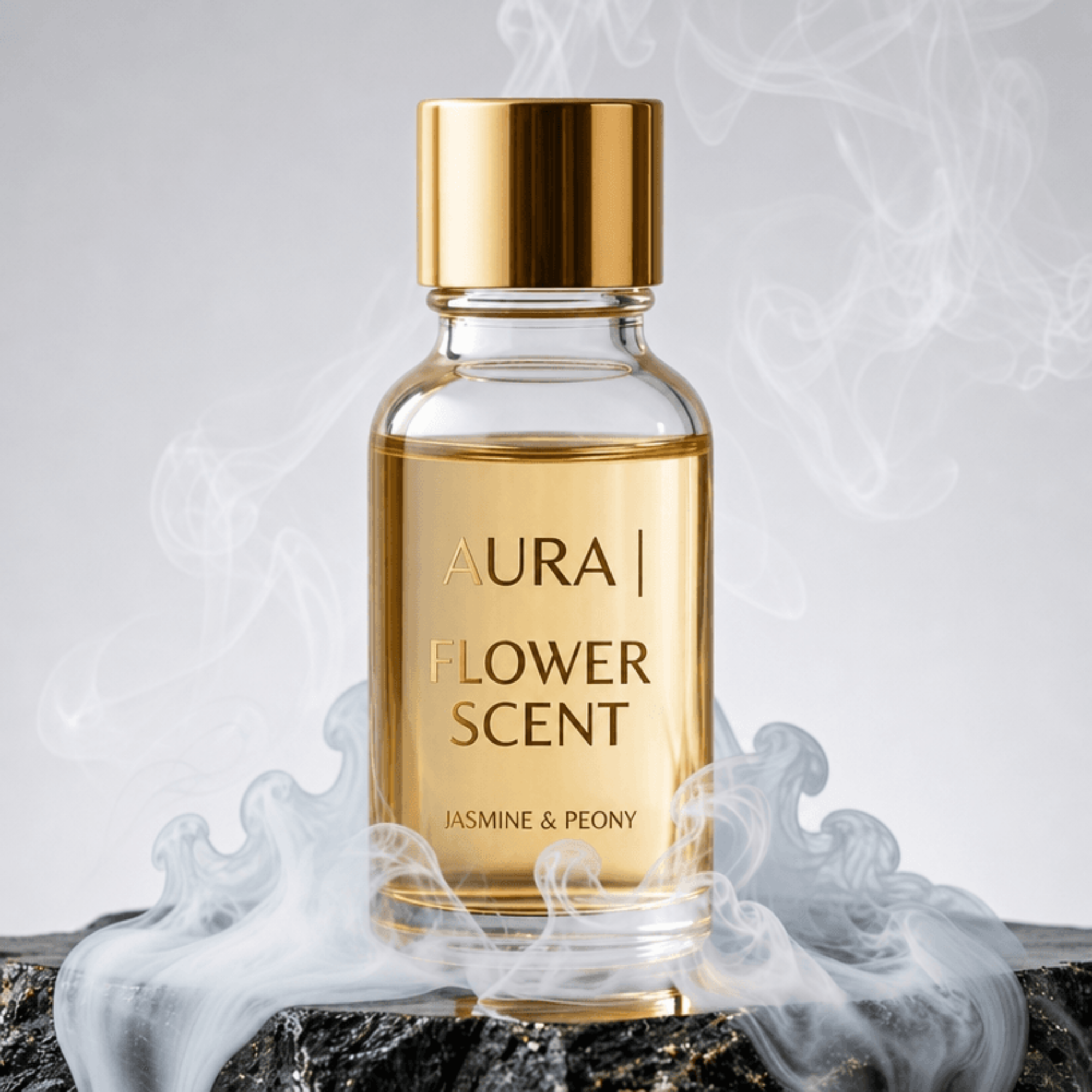
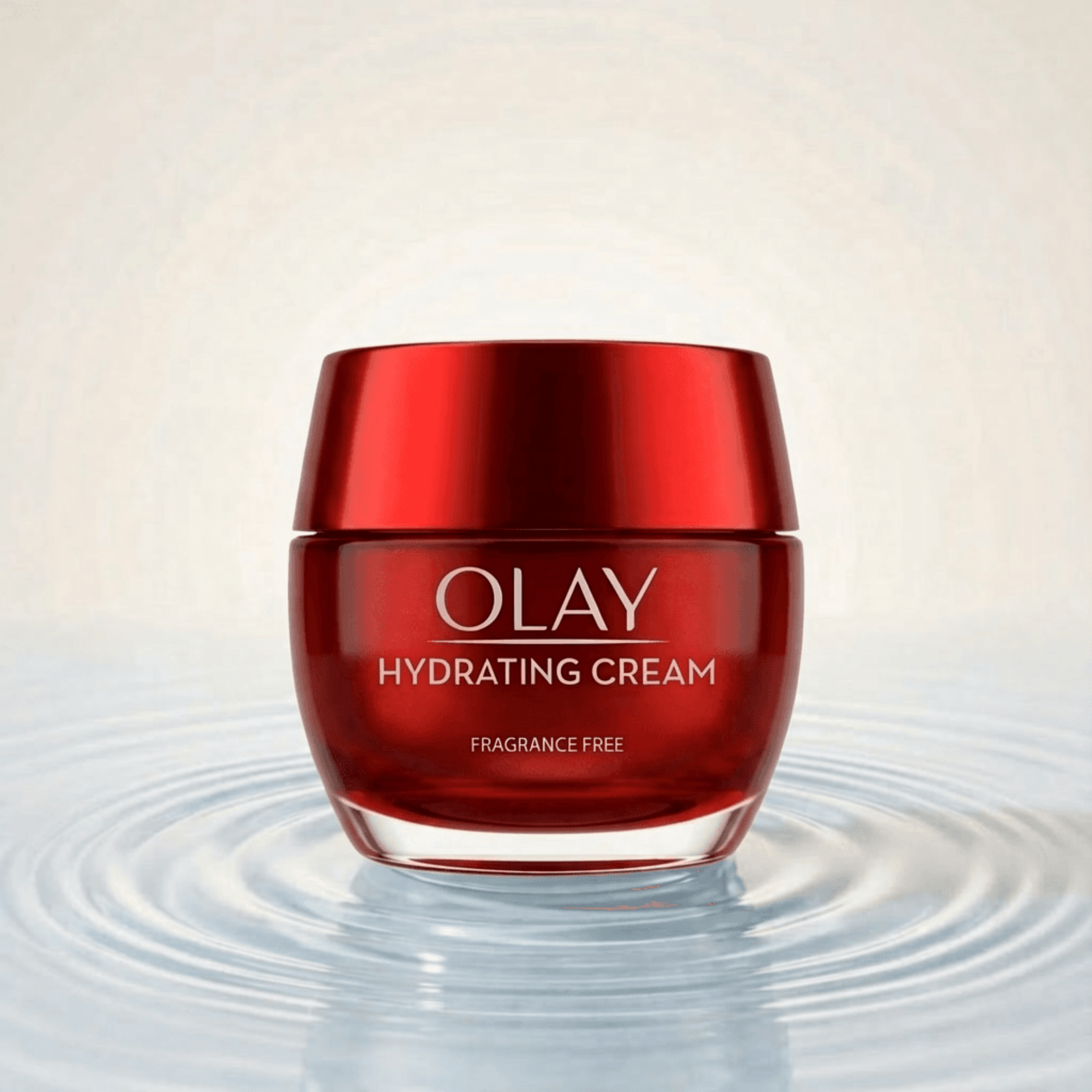

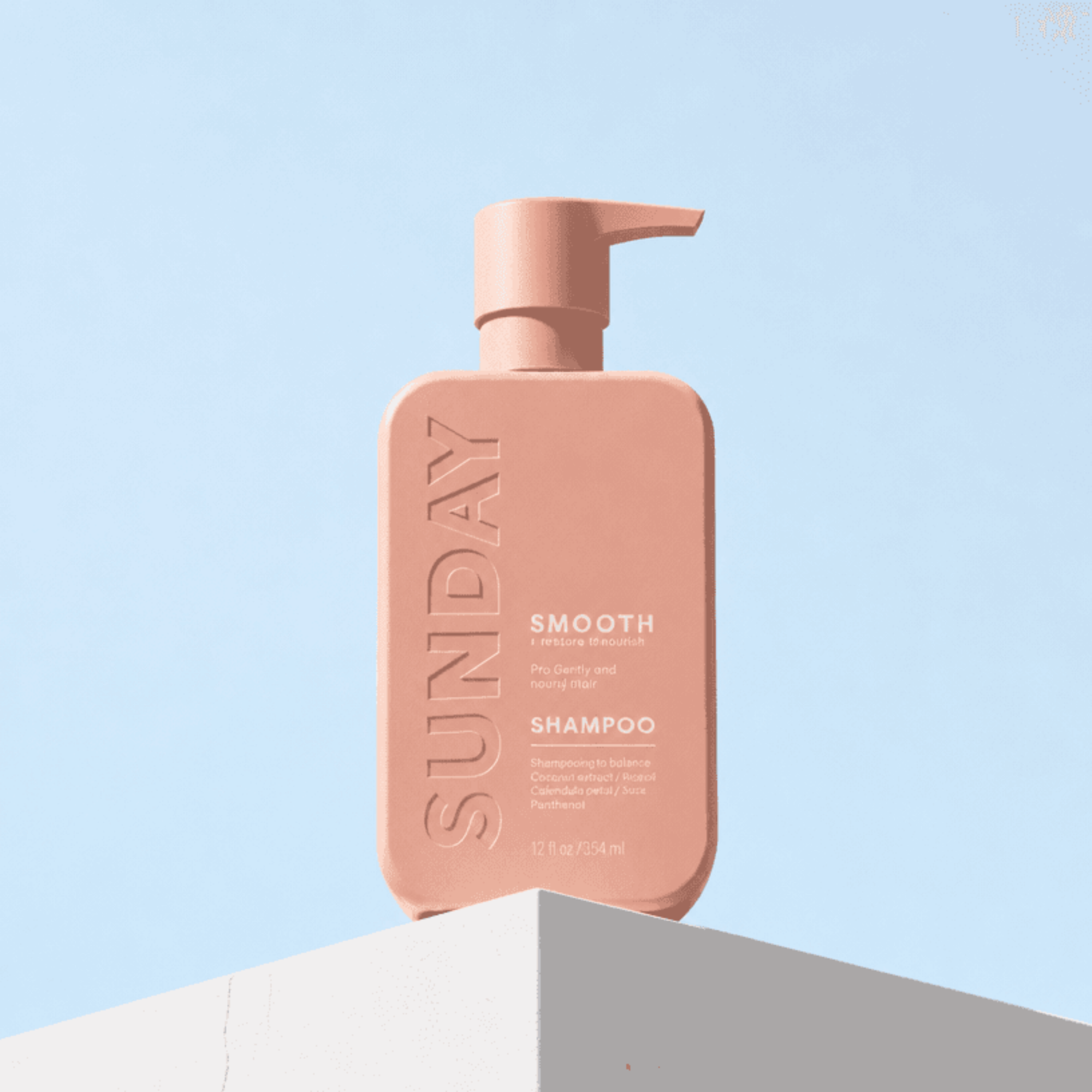
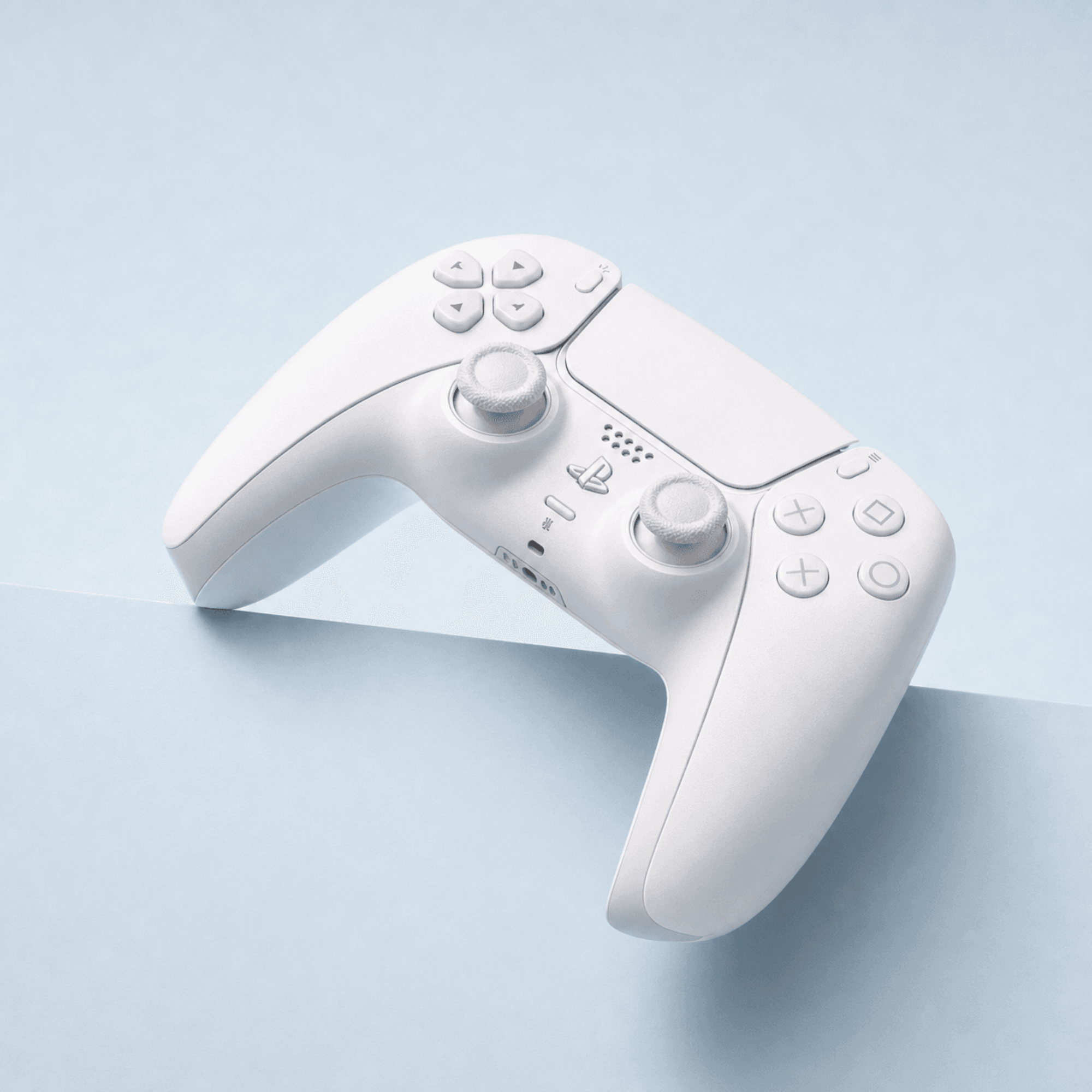
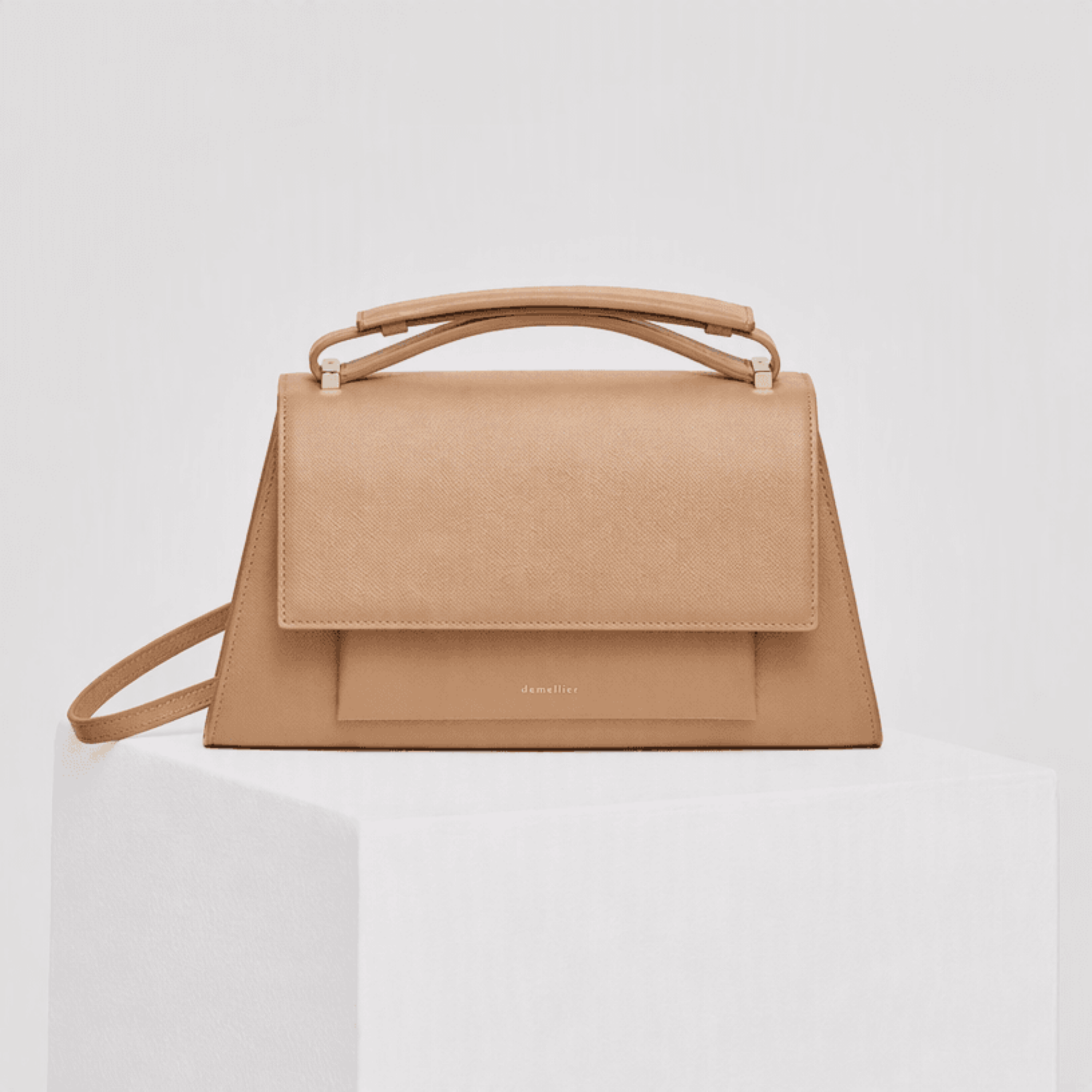
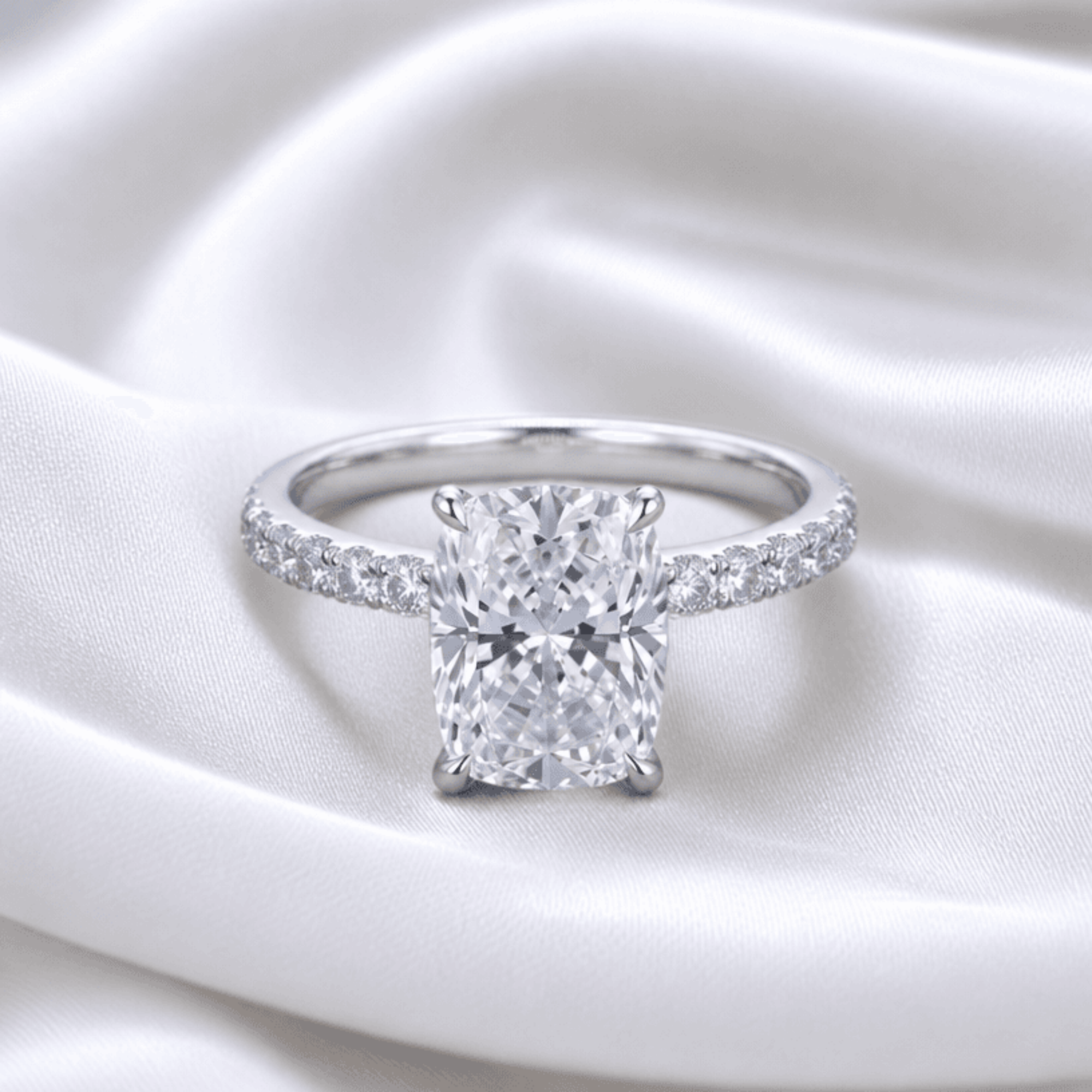
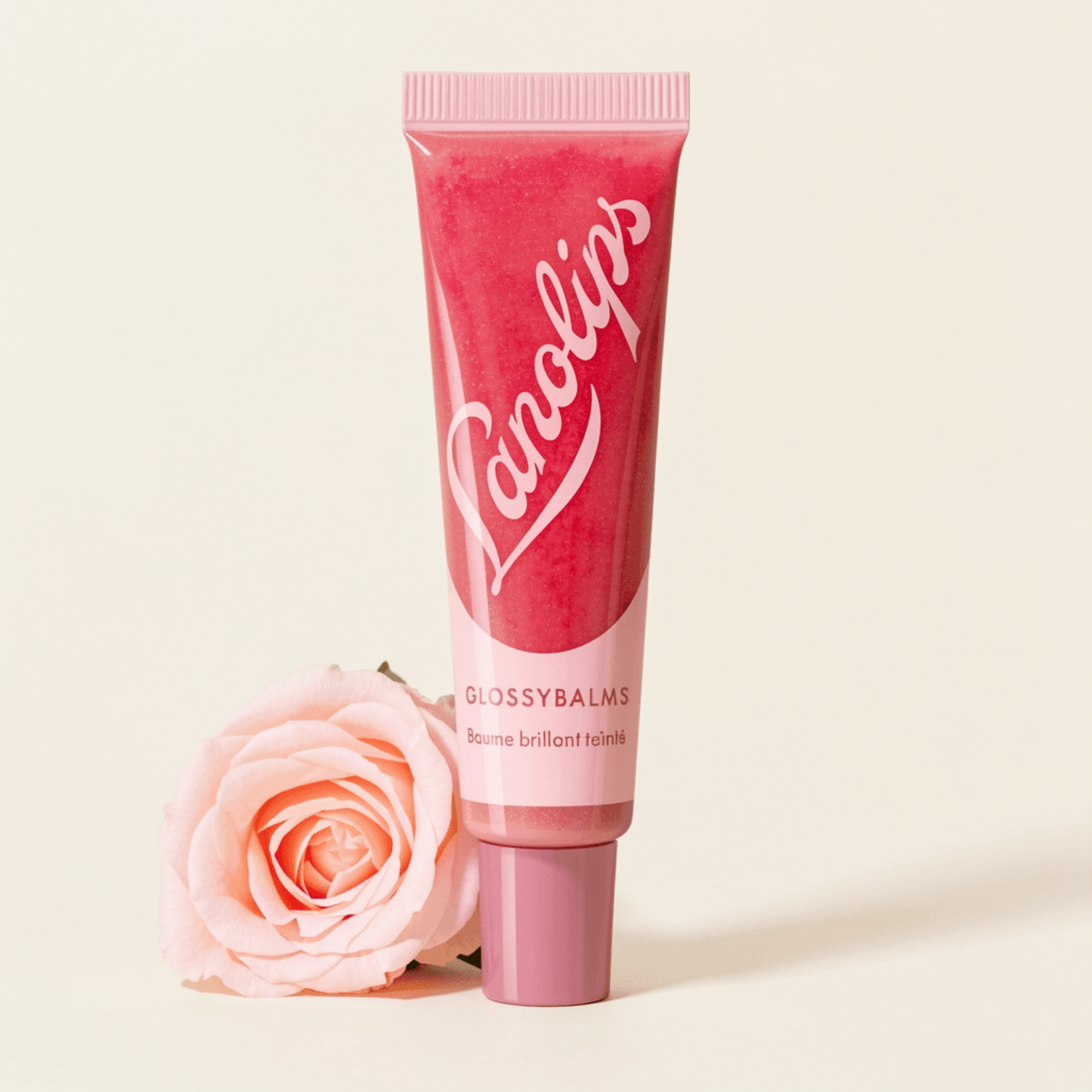
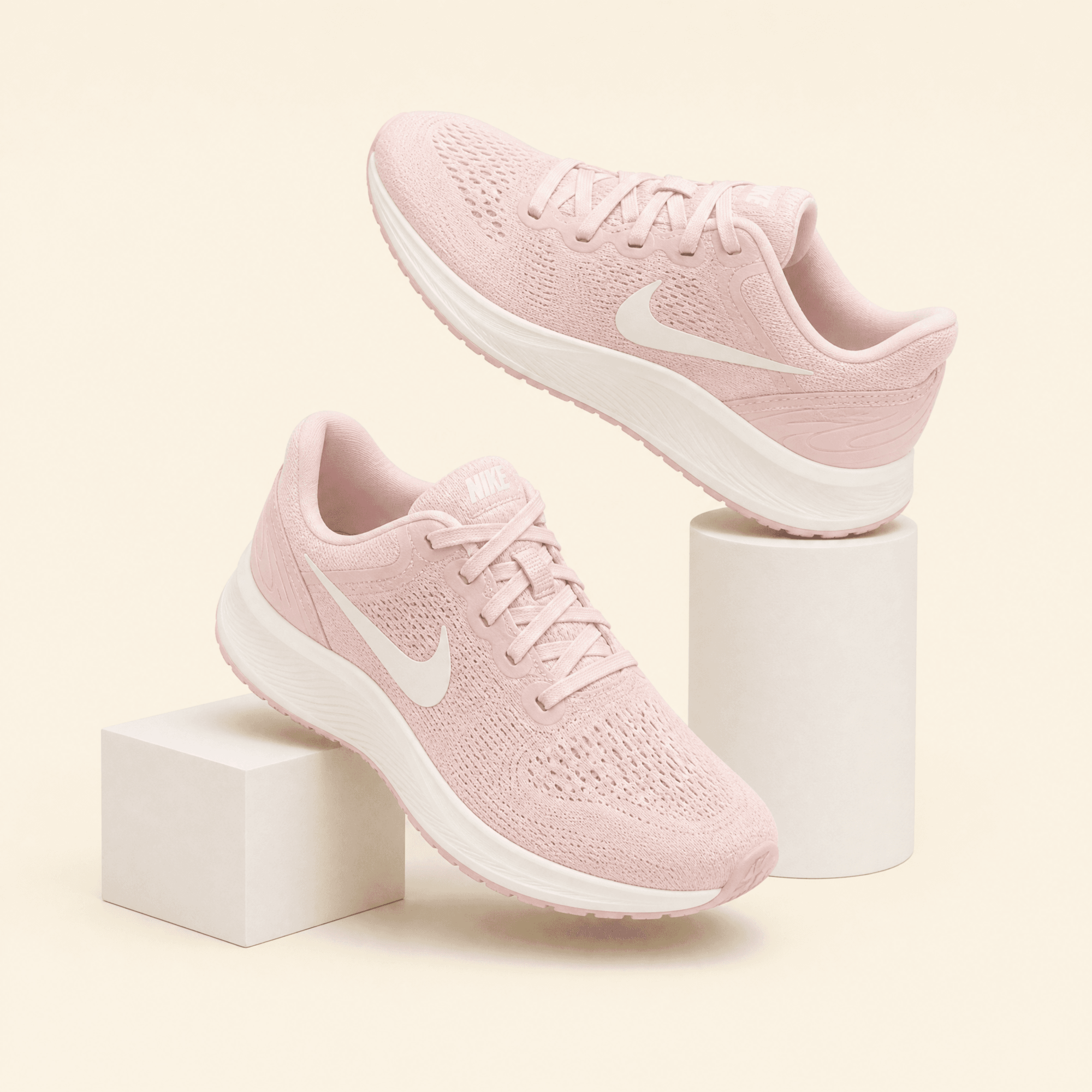
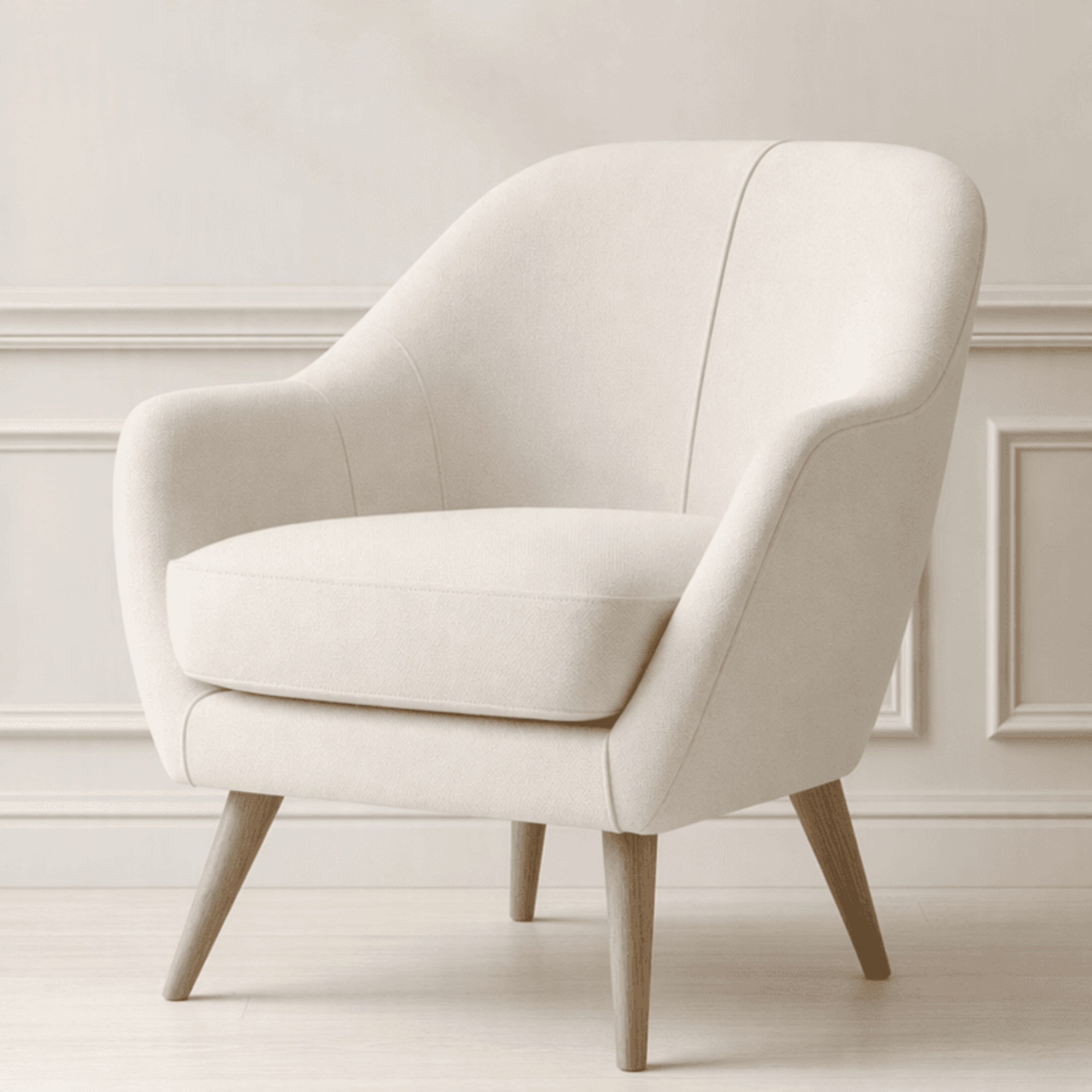
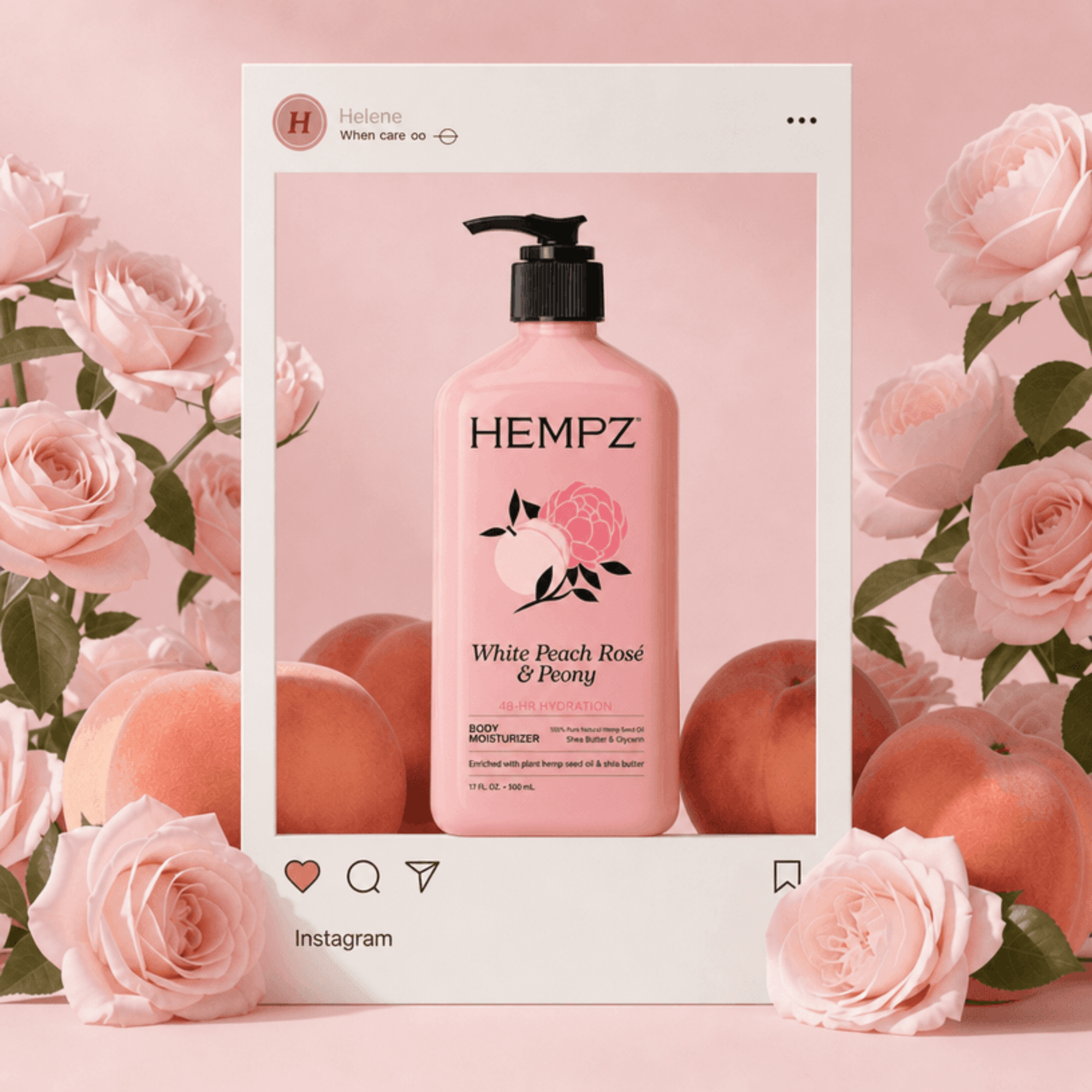
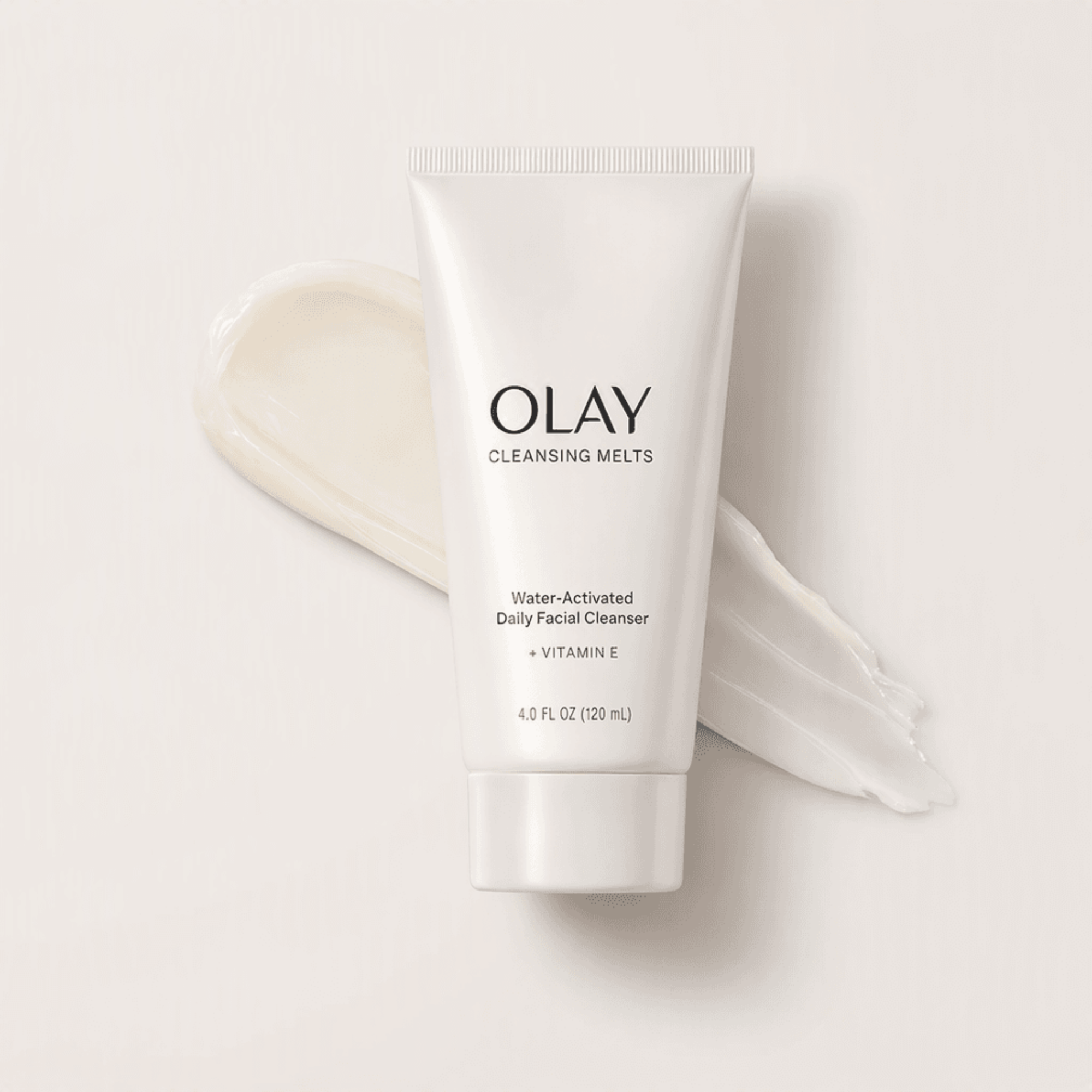
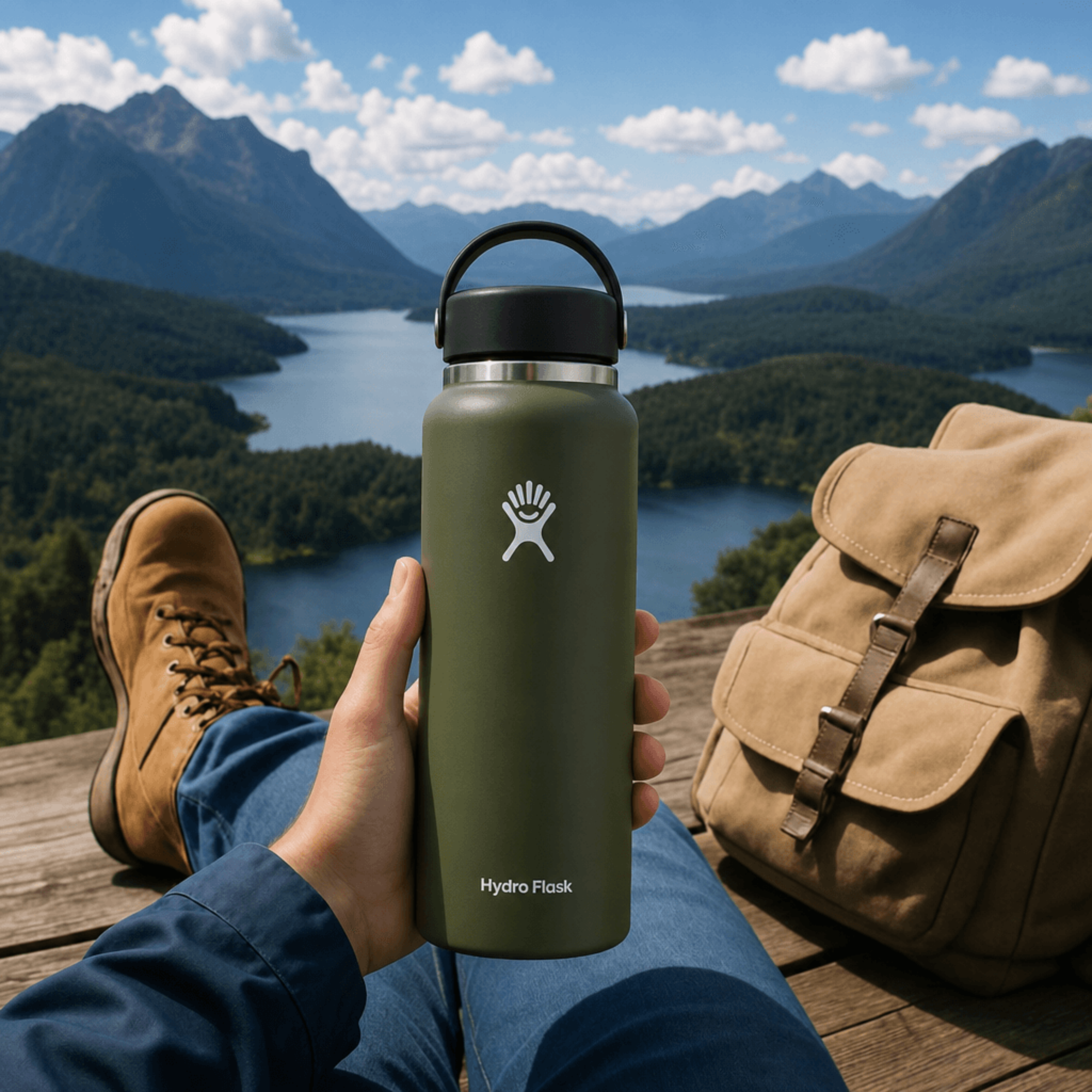
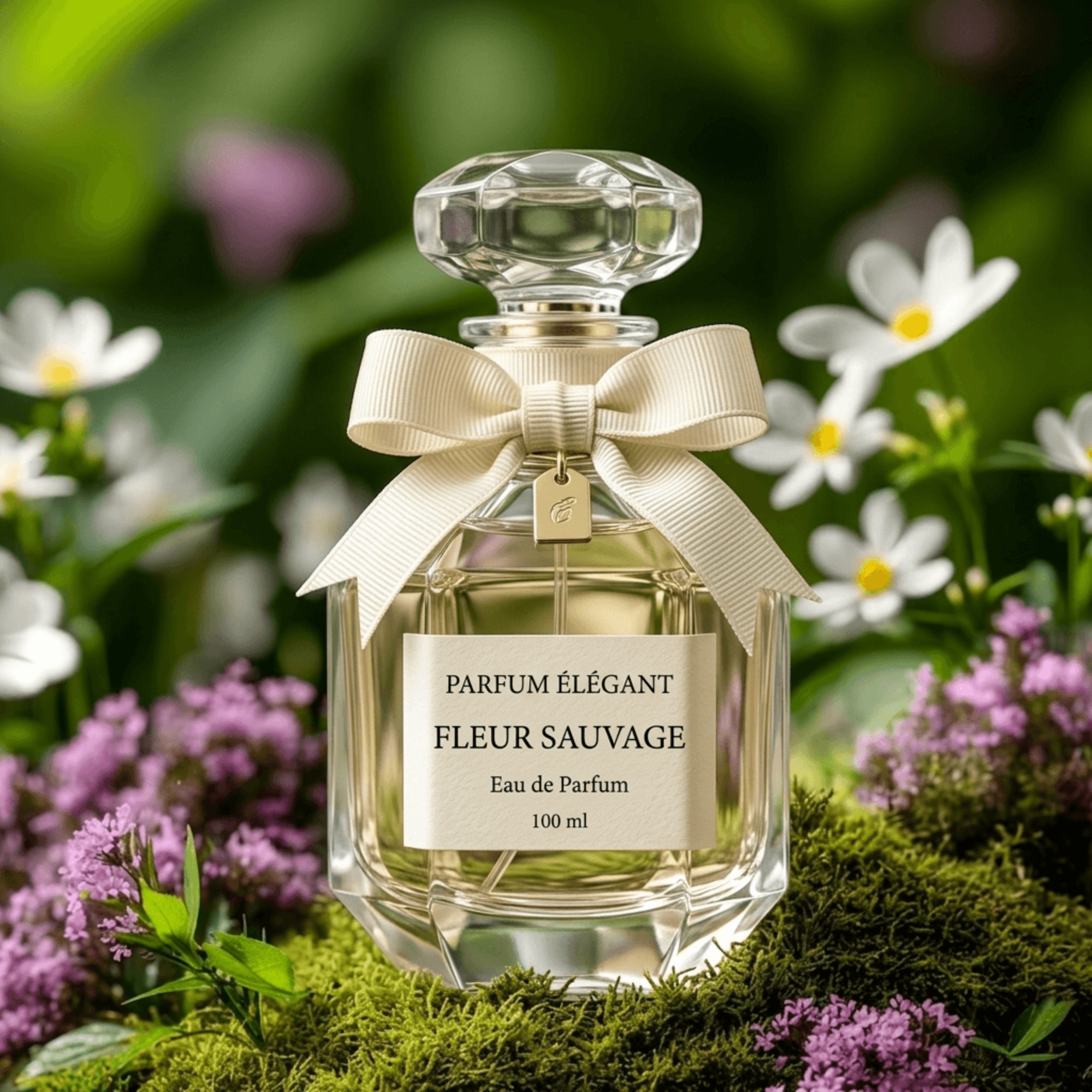
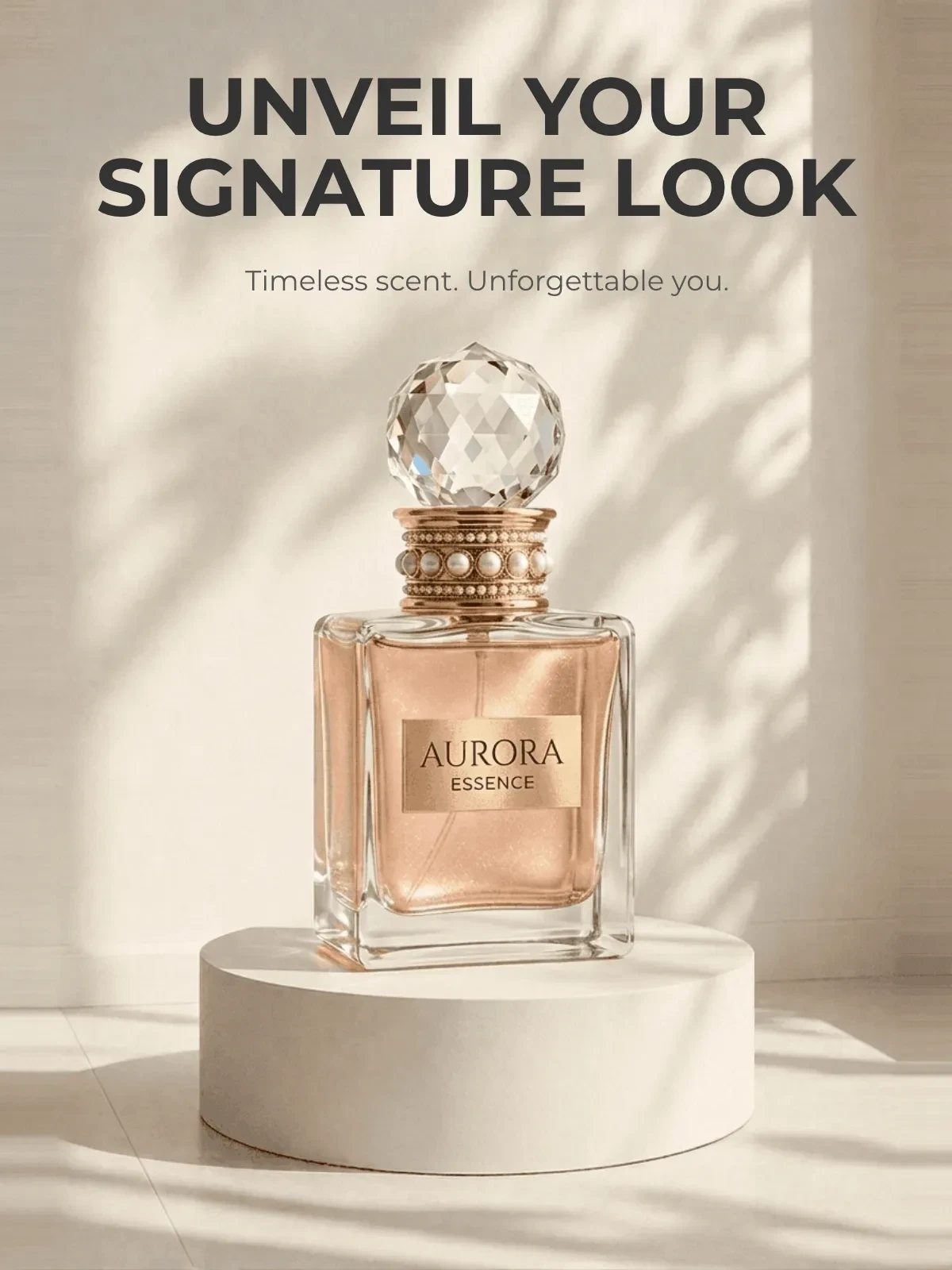
Generate Product Staging Visuals Instantly with AI Powered Generator
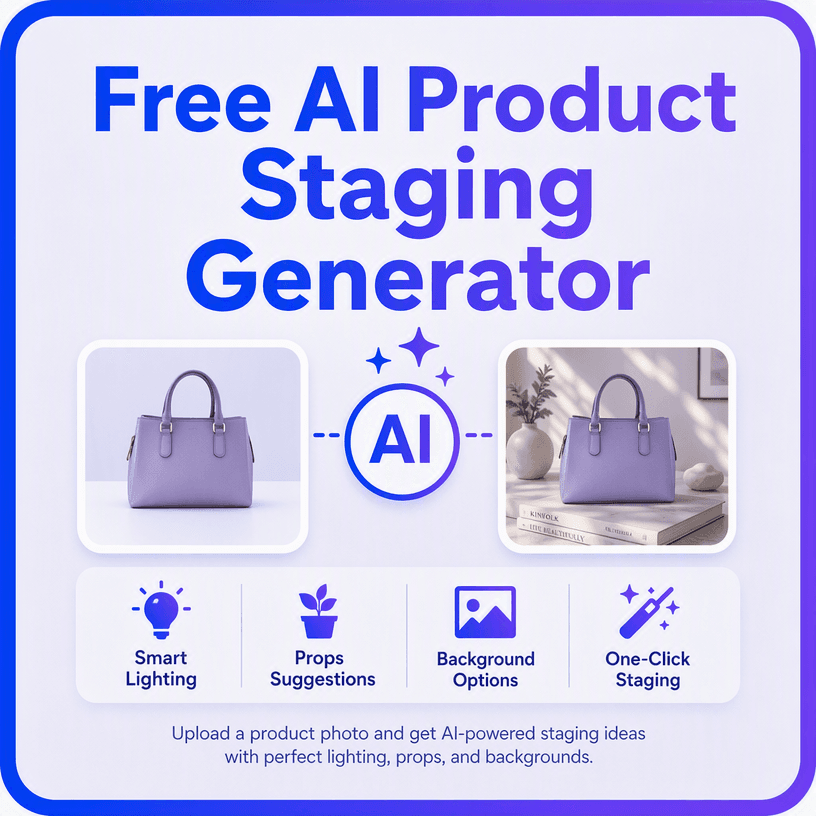
Template.net’s AI Product Staging Generator transforms uploaded product photos into realistic staged scenes based on your description. Upload a product and describe the environment, lighting, mood, surface, props, or setting you want. The AI places the product naturally within the requested context, helping you create polished visuals for online stores, advertising, catalogs, and social media. For additional creative editing, you can also explore the AI Photo Editor.
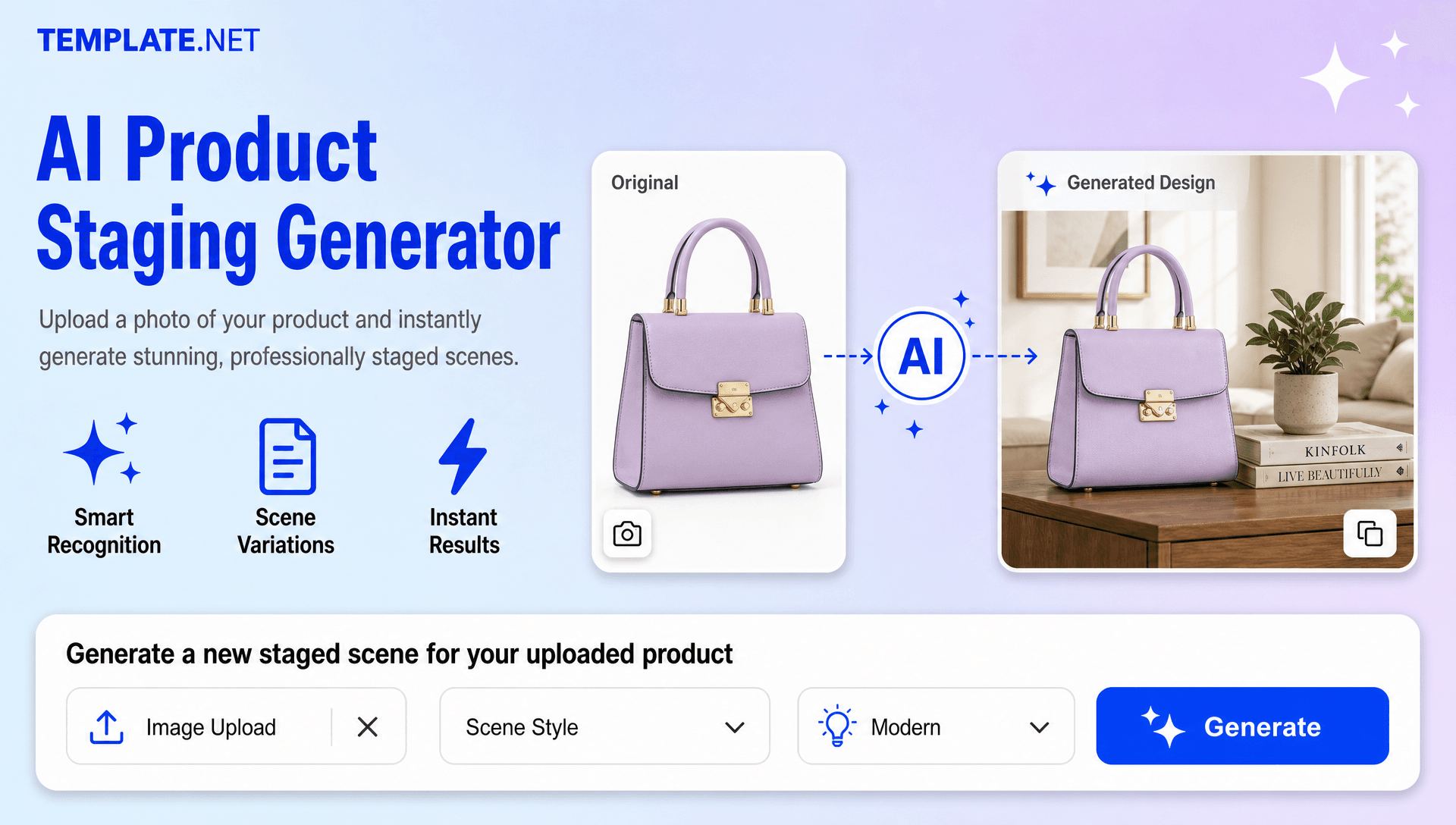
Design Realistic Product Staging Scenes Effortlessly
Everything you need to turn product photos and scene descriptions into realistic, polished, and ready-to-use product staging visuals with speed and creative control.
AI-Powered Product Staging Generation
Transform uploaded product photos into realistic staged scenes with suitable environments, lighting, shadows, and composition.
Upload Products and Describe Scenes
Upload a product photo and describe the setting, mood, props, surface, or lifestyle context you want to create.
Realistic Lifestyle Scene Creation
Place products into everyday environments such as homes, offices, cafés, studios, outdoor locations, and other relevant settings.
Natural Product Scene Integration
Blend the uploaded product into the generated environment while keeping the product visually prominent and contextually positioned.
Professional Studio Style Presentation
Create polished product visuals with clean compositions and professional-looking environments without arranging a traditional photoshoot.
Seasonal Product Staging
Create festive and seasonal scenes for holidays, product launches, promotions, sales campaigns, and special events.
Outdoor and Nature Inspired Settings
Generate product scenes in outdoor environments, natural surroundings, and lifestyle locations based on your creative direction.
E-Commerce Product Visualization
Create engaging product visuals for online stores, marketplaces, catalogs, product pages, and digital storefronts.
Marketing and Social Media Scenes
Generate product staging concepts for social posts, promotional campaigns, digital advertising, and branded content.
Custom Brand Style Direction
Guide the visual style using preferred colors, moods, environments, props, and creative themes to match your brand identity.
Multiple Staging Variations
Explore different environments, compositions, lighting styles, props, and visual directions from the same product.
Prompt Based Scene Refinement
Update your prompt to change the background, lighting, positioning, atmosphere, props, or overall presentation.
Context Aware Composition
Create scenes that visually communicate how products can appear or be used within realistic environments.
Product Focused Composition
Keep attention centered on the main product while adapting the surrounding environment to complement its purpose and style.
Reusable Creative Directions
Develop consistent scene concepts that can be adapted for related products, campaigns, and marketing collections.
Multilingual Prompt Support
Describe your product staging requirements in 20+ multiple languages, including English, Spanish, Hindi, Arabic, Chinese, Japanese, and more.
Share Product Concepts Easily
Share staged product visuals with clients, teammates, designers, or marketing teams for review and collaboration.
Download or Share Instantly
Download finished product staging visuals or share them through supported channels for marketing, publishing, and collaboration.
How to Create Product Staging Visuals Using AI
Upload, describe, generate, refine, and export professional product staging visuals through a simple workflow.
Step 1 Upload a Product Photo or Enter a Prompt
Open the AI Product Staging Generator and upload a clear product photo. Then describe the scene you want, such as “Place this skincare bottle on a luxury bathroom counter with soft natural lighting, marble textures, and a clean premium atmosphere.”
Step 2 Generate and Customize
The AI generates a staged product visual based on your upload and description. Review the result and refine your prompt to change the environment, lighting, props, colors, positioning, mood, or composition. For further visual adjustments, you can use the AI Background Generator.
Step 3 Save, Download, or Share
Preview your preferred product staging result and save or download it for product listings, catalogs, advertisements, presentations, social media, or marketing campaigns.
Create Product Staging Visuals in Seconds and Showcase Products Better
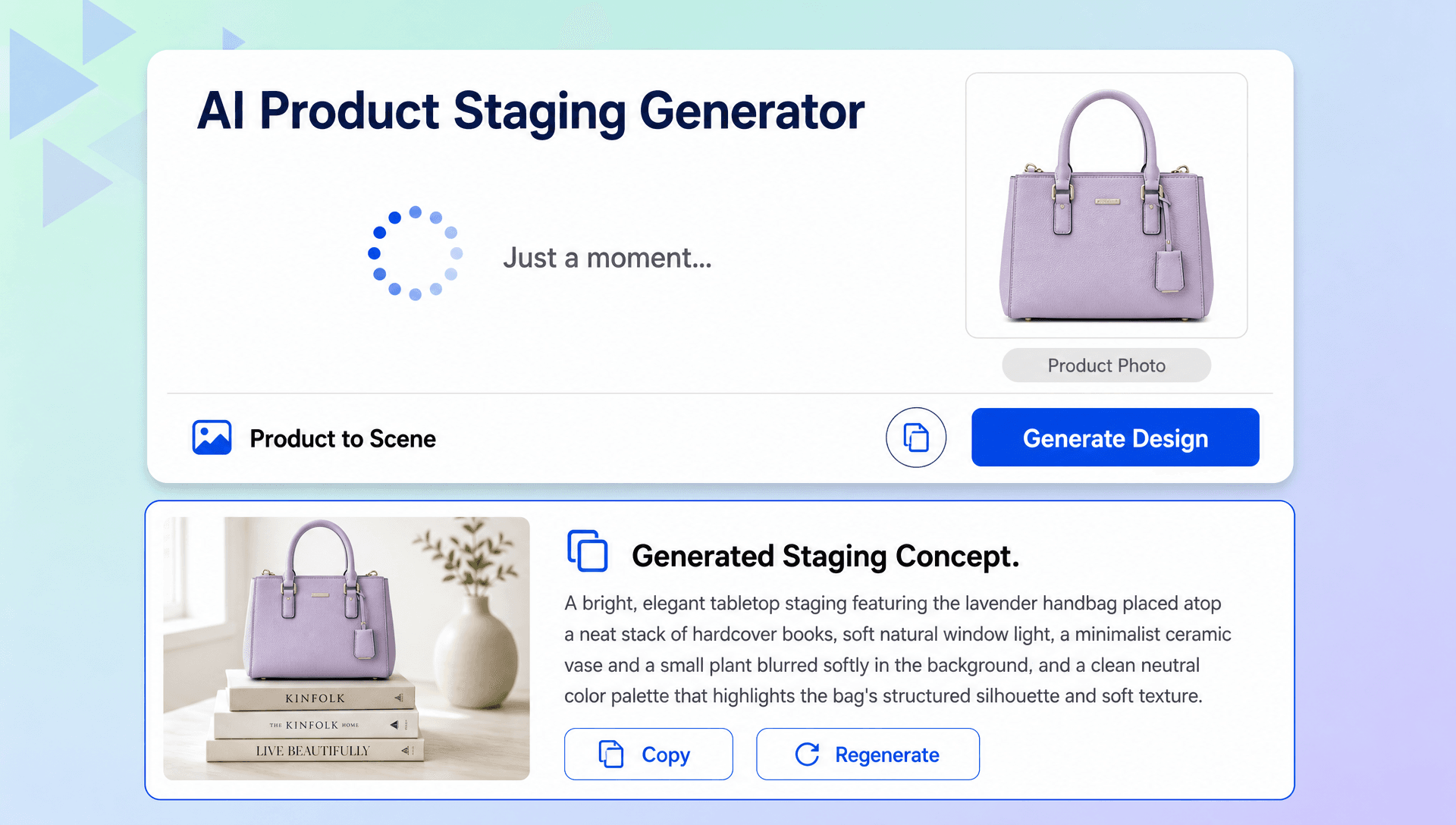
Transform Product Photos into Realistic Lifestyle Scenes
Turn a simple product photo into a polished staged composition by placing it in a realistic environment. Define the surroundings, lighting, mood, and props to create visuals that communicate the product's context.
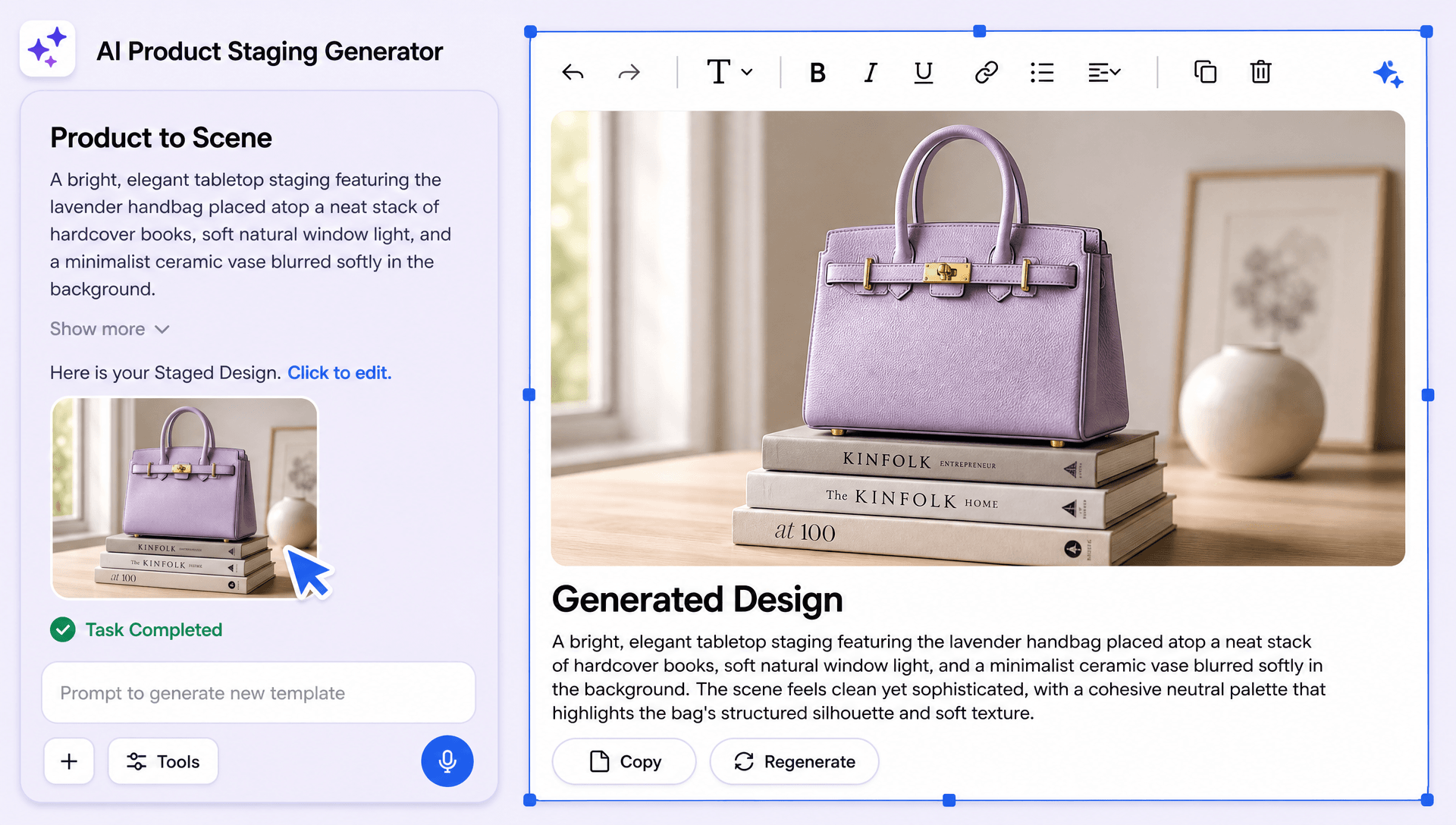
Create Product Scenes for Different Marketing Needs
Generate staging concepts for fashion, beauty, jewelry, electronics, furniture, home décor, food packaging, accessories, and other retail products. Use them across e-commerce listings, catalogs, advertising, and social campaigns.
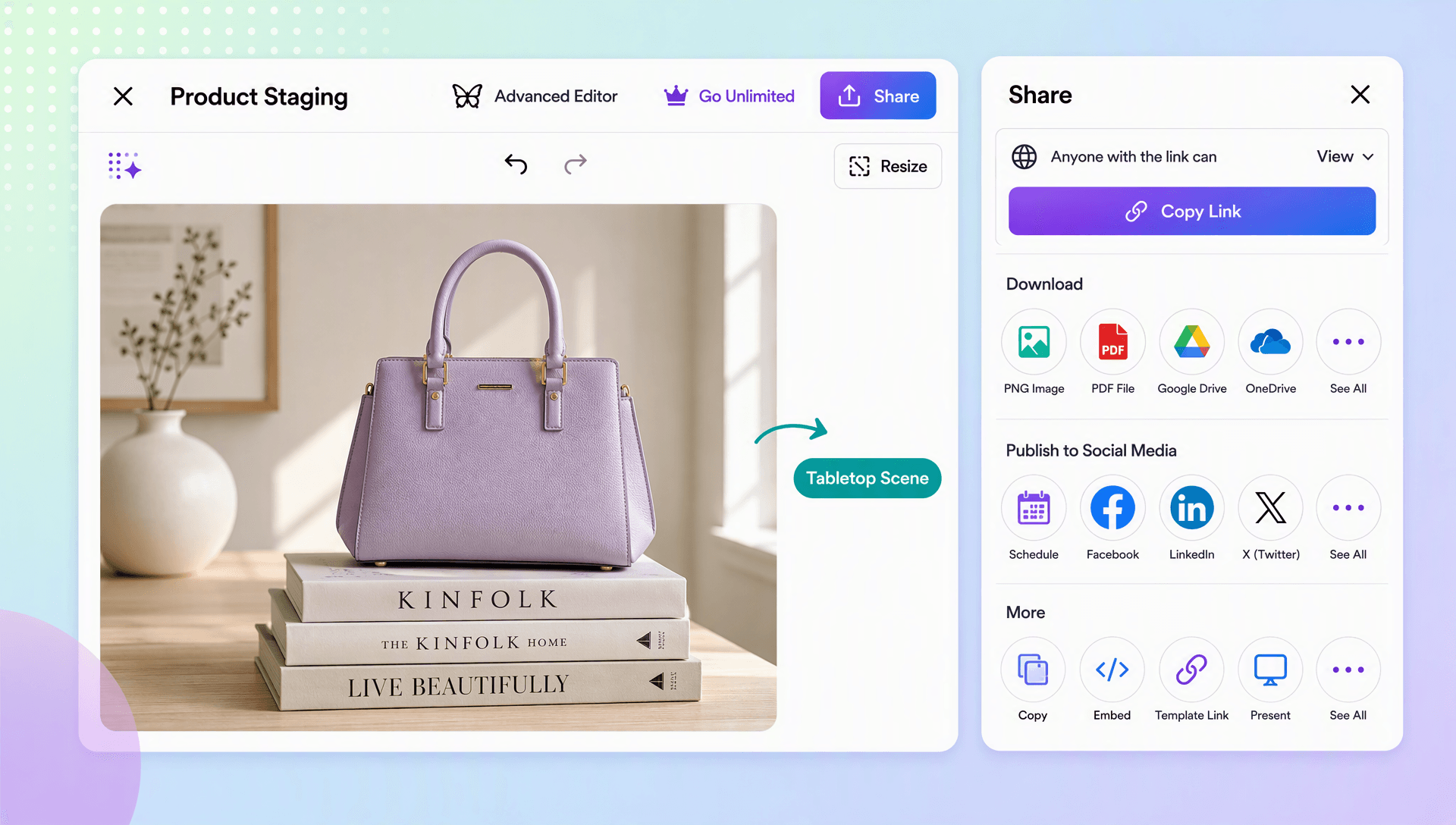
Explore Multiple Product Staging Options
Experiment with different environments, surfaces, lighting conditions, props, compositions, and creative directions. Generate variations to compare different approaches before selecting the most suitable result.
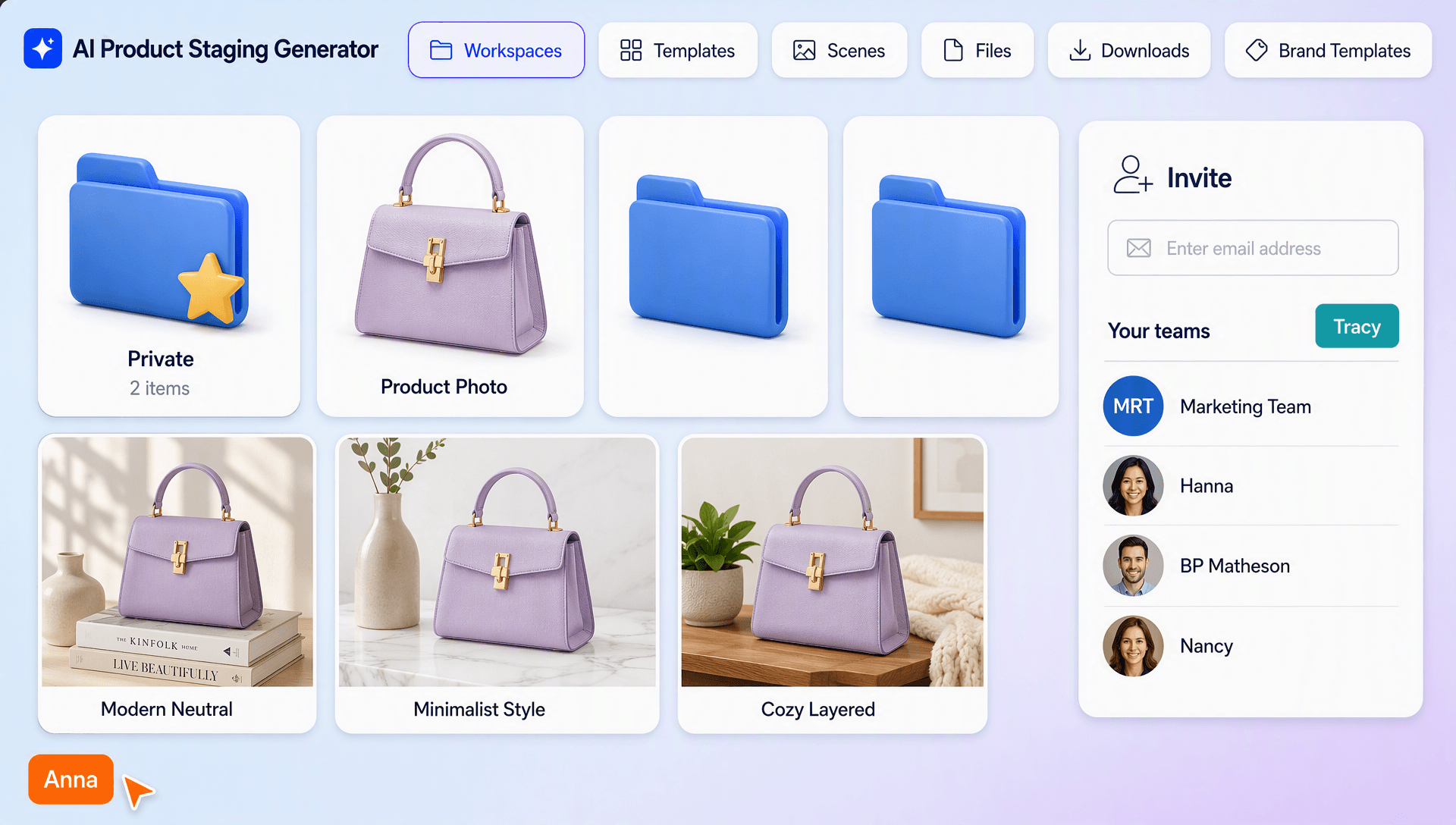
Build Consistent Product Presentation
Maintain a cohesive visual direction across multiple product visuals by using similar environments, brand colors, lighting styles, and composition choices. This can help create a recognizable presentation across campaigns and storefronts.
