Free AI Product Expander Generator
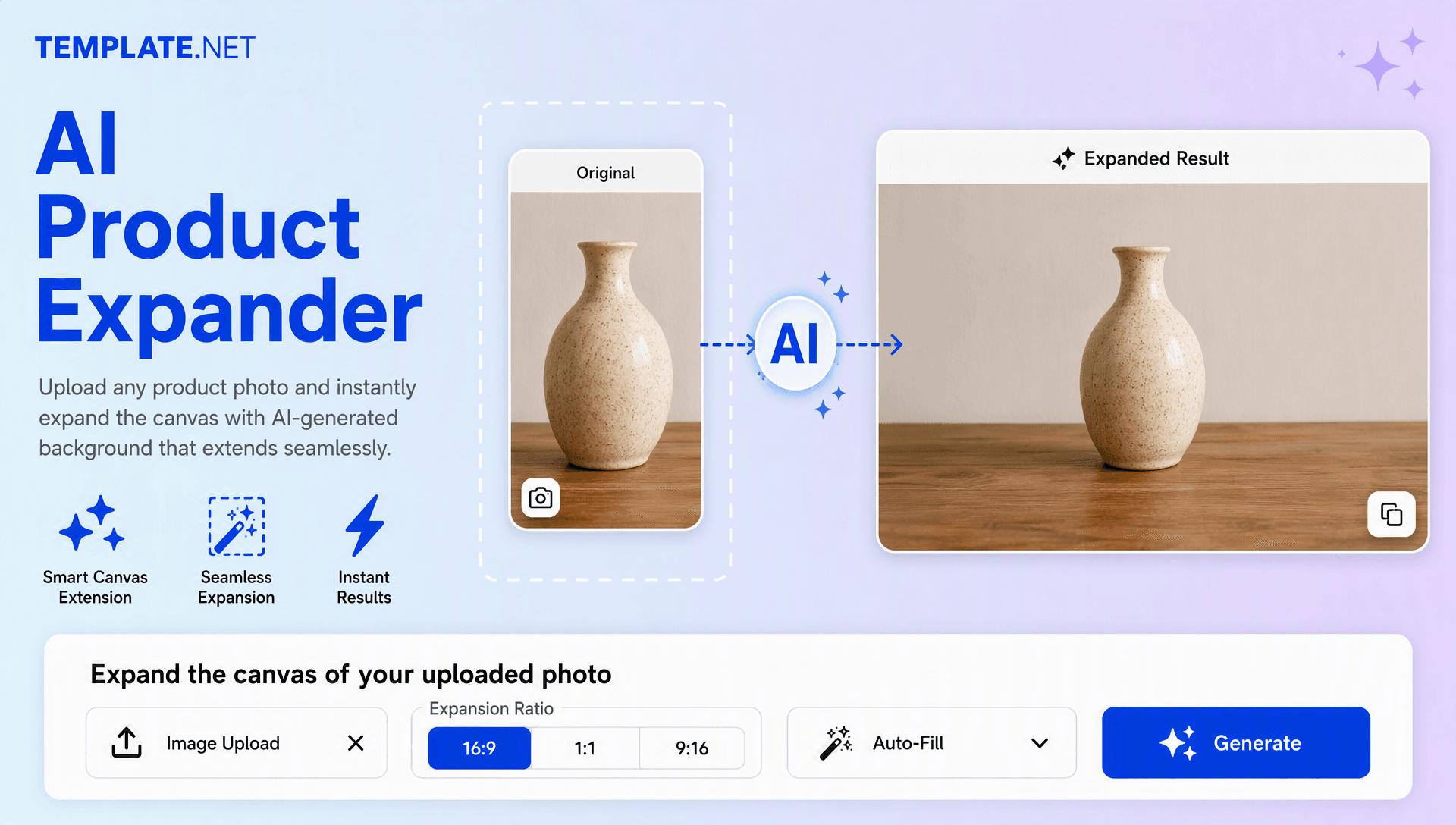
Upload your product photo and our AI extends the surrounding canvas of the source image with natural-looking details. Create wider, taller, or platform-ready product visuals for stores, marketplaces, catalogs, ads, and social content. Keep the original image as the visual anchor while expanding its surroundings.

Expand Product Photos Online with AI Powered Generator
Template.net’s Free AI Product Expander Generator helps you turn an uploaded product photo into a more flexible image composition in seconds. Upload a photo, choose the desired canvas ratio, and let AI generate matching surroundings that follow the original lighting, texture, perspective, and style. Reuse one product shot across listings, banners, catalogs, ads, and social campaigns without recreating the original shoot.
How to Create Product Expander Designs Using AI
Upload, resize, expand, and export product visuals through a simple workflow.
Upload Your Product Photo
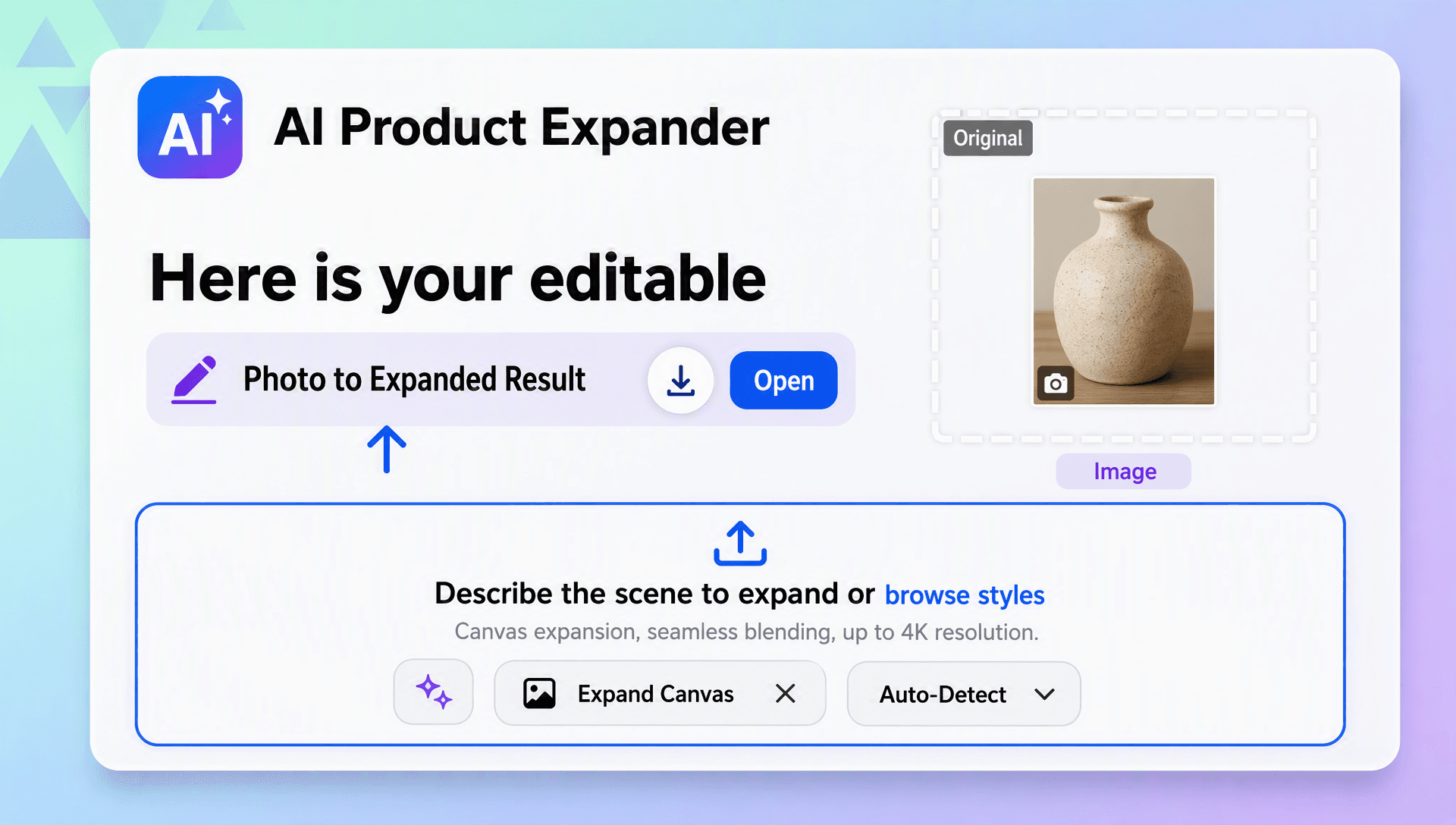
Open the AI Product Expander Generator and upload the product photo you want to extend. Use a clear, high-resolution source for better context around edges, materials, shadows, and background details.
Choose the Size and Generate
Select your preferred canvas ratio such as 1:1, 3:4, 4:3, 9:16, or 16:9. The AI creates new surrounding areas that blend with the uploaded product photo. Review the result and generate another variation if you want a different composition.
Save, Download, or Share
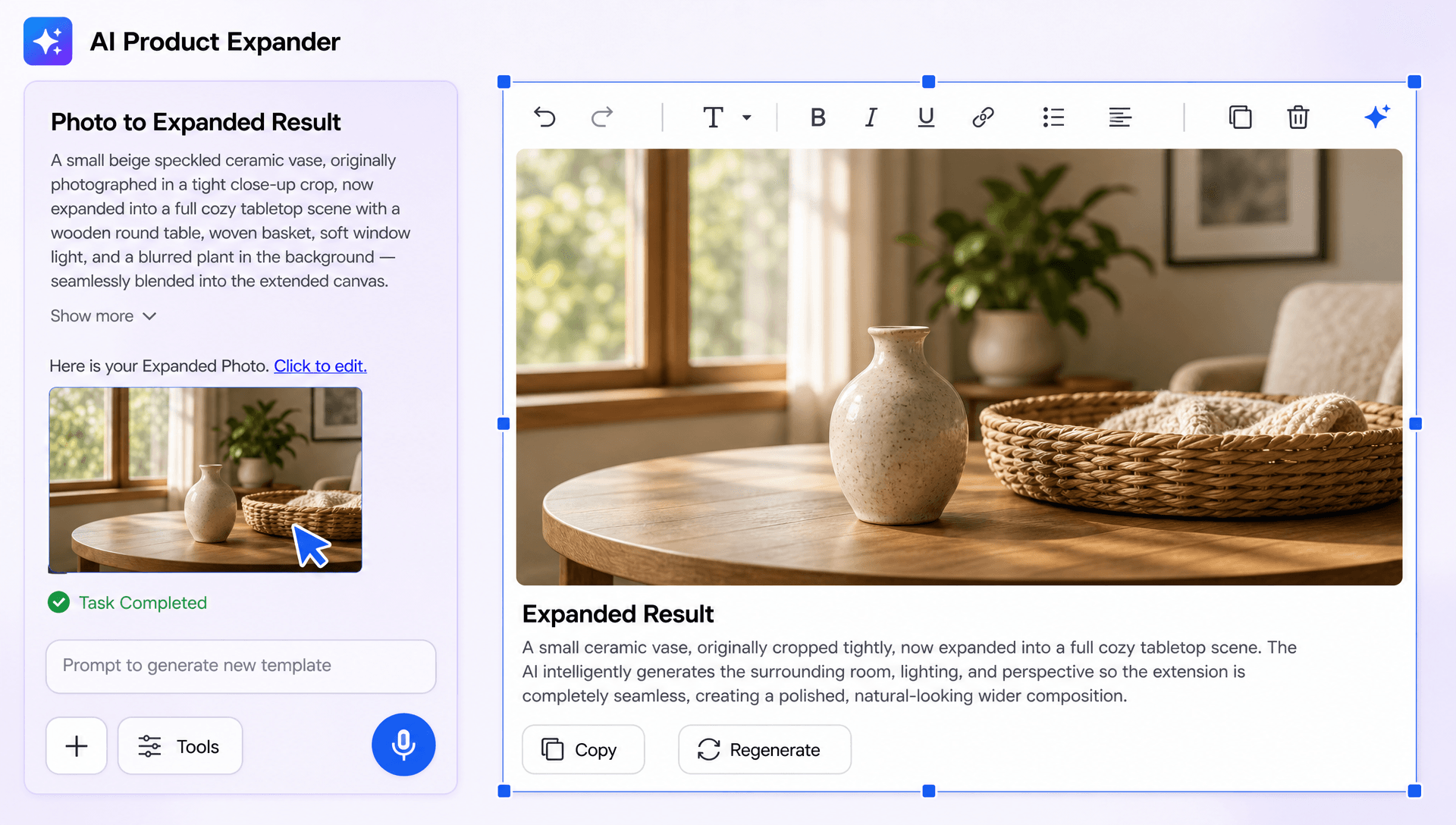
Preview the expanded product image, choose your preferred version, and download it in high quality. Use the result for product listings, ads, catalogs, website banners, social posts, or other commercial designs.
Expand Product Photos in Seconds and Create More Flexible Product Content
Turn a Tight Product Shot into a Flexible Composition
Transform a closely cropped product photo into a wider or taller composition with additional surrounding space. This makes it easier to adapt the same asset to different placements without recreating the original shoot.
Prepare Product Visuals for E-Commerce and Marketplaces
Create product visuals that fit storefronts, marketplace listings, catalogs, and promotional layouts. Extend the surrounding canvas while keeping the main product clear and visually consistent while the image context is extended.
Create Space for Marketing Copy and Branding
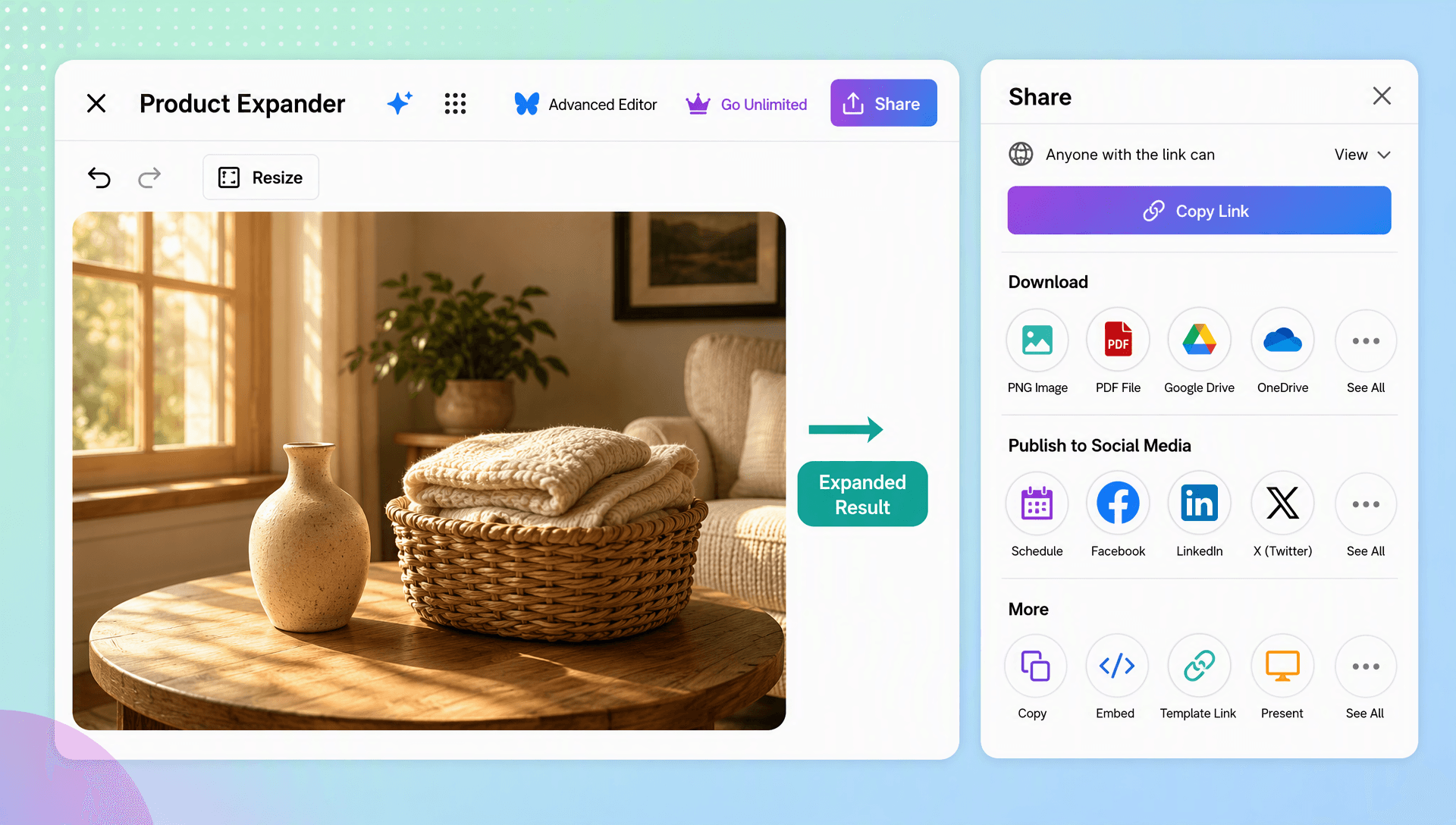
Add useful negative space around a product for headlines, prices, offers, logos, badges, or calls to action. This supports banner creation and campaign design without crowding the subject.
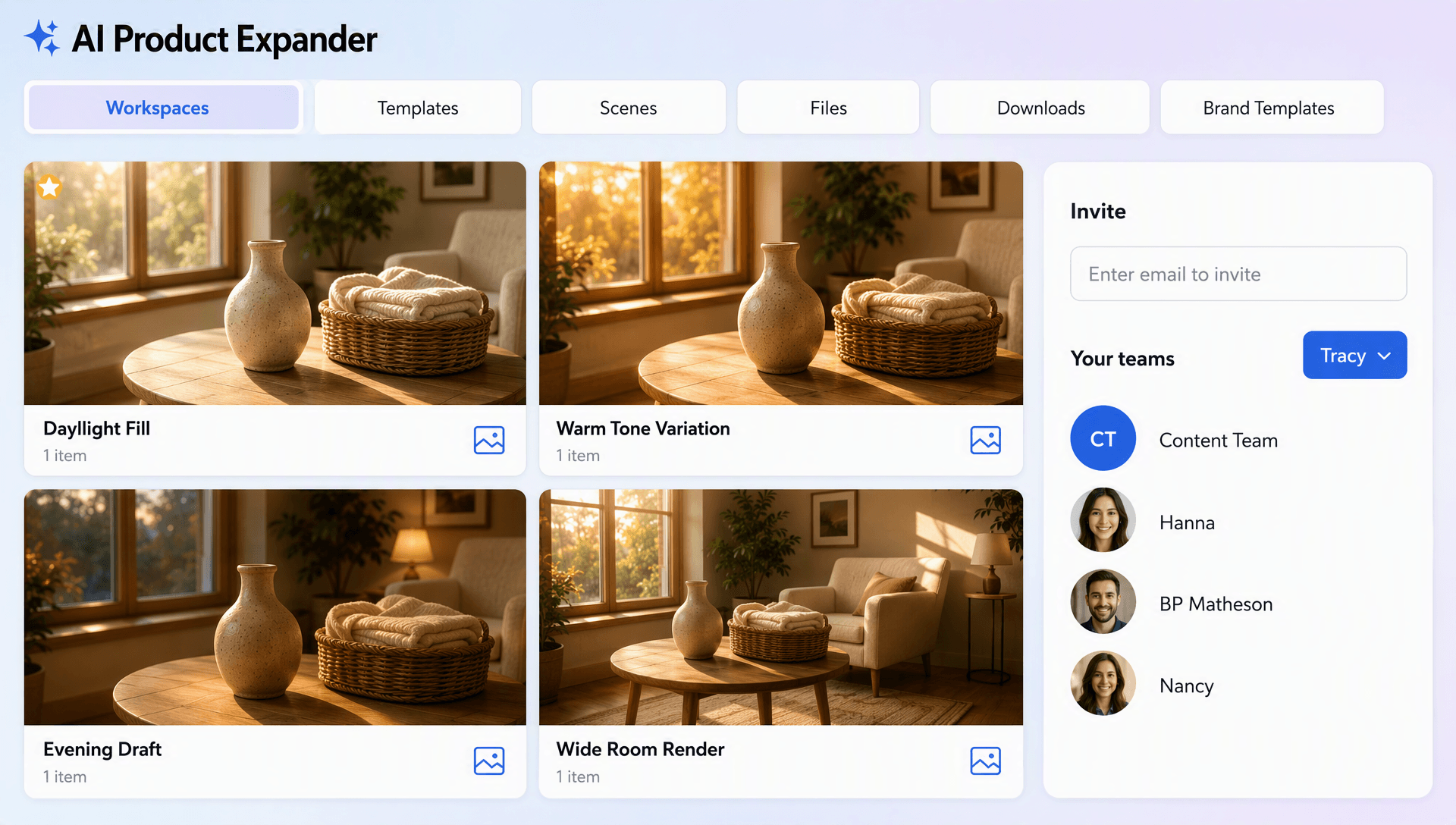
Reuse One Product Photo Across Multiple Channels
Repurpose a single product shot for social media, website banners, ads, presentations, and catalogs. For related workflows, explore AI Photo Editor, AI Background Generator, AI Product Photography Generator, and AI Image Resizer.
Create and Expand Product Photos Effortlessly with AI
Everything you need to extend product visuals, adjust composition, and prepare polished assets for different digital and commercial uses.

AI Powered Product Photo Expansion
Upload a product photo and extend its surrounding canvas with AI-generated areas that complement the original composition.

Upload Your Product and Expand the Canvas
Start with an existing product photo and generate additional space around the subject without changing the core product.

Natural Background Continuation
Extend backgrounds with matching colors, textures, shadows, lighting, and perspective for a cohesive result.

Flexible Composition and Layout Control
Create wider or taller compositions and reposition the product within the expanded canvas for different design requirements.

Platform Ready Product Formats
Prepare product visuals for storefronts, marketplace listings, social posts, banners, ads, and catalog layouts.

Smart Lighting and Texture Matching
AI analyzes the uploaded image context and generates surrounding details that maintain a consistent appearance.

E-Commerce Product Presentation
Create clean, adaptable product visuals that fit online stores and marketplace layouts without unnecessary cropping.

Multiple Expansion Variations
Generate alternative expanded versions and select the composition that best suits your campaign or listing.

Space for Text and Branding
Add breathing room around products so you can place headlines, offers, logos, calls to action, or promotional copy.

Portrait to Landscape Adaptation
Turn a tightly framed vertical product photo into a wider composition for banners, websites, and promotional placements.

Consistent Product Positioning
Keep the main product clearly positioned while expanding the surrounding canvas for a balanced layout.

Smart Product Scenes
Use intelligent outpainting to continue the surrounding scene while keeping the original product as the visual focus.
High Quality Visual Expansion
Create polished expanded outputs designed to preserve image continuity and reduce the need for manual reconstruction.

Multiple Aspect Ratio Options
Prepare outputs in 1:1, 3:4, 4:3, 9:16, and 16:9 layouts for varied publishing needs.

Multilingual Support
Create and manage product expansion workflows using 20+ multiple languages including English, Spanish, Hindi, Arabic, Chinese, Japanese, and more.

Refine Results with New Instructions
Adjust your desired composition, surrounding scene, or layout and generate another variation when needed.

Reuse One Product Shot Across Channels
Adapt a single uploaded product image for multiple campaigns, marketplaces, catalogs, ads, and social placements.

Download or Share Instantly
Download high-quality product visuals or share them instantly via Email, LinkedIn, WhatsApp, Facebook, X (Twitter), Pinterest, or generate a live link or QR code.
Product Expander FAQ
Still have questions?
The quickest answer is to try it - upload a photo and see the result.
What is a Product Expander? Definition
A product expander is a tool that extends the canvas around an existing product photo by generating additional surrounding content. It helps create more flexible compositions without changing the main product.
What is an AI Product Expander Generator and why is it used?
An AI Product Expander Generator uses outpainting technology to extend the surrounding area of an uploaded product photo. It is used to adapt product visuals to different layouts, add space for marketing content, and reduce the need for reshoots or manual reconstruction.
What sizes or formats are supported for product photos?
The generator supports 1:1, 3:4, 4:3, 9:16, and 16:9 aspect ratios. These formats can be used for storefronts, marketplace listings, social media, banners, catalogs, presentations, and advertising layouts.
What types of product photos can be expanded?
You can expand product photos for e-commerce listings, catalogs, advertisements, social media, websites, and promotional designs.
Does the AI Product Expander Generator support multiple languages?
Yes, it supports 20+ languages including English, Spanish, French, German, Italian, Hindi, Arabic, Chinese, Japanese, Russian, Turkish, Vietnamese, Thai, Malay, Polish, Swedish, and more.
What are the benefits of using an AI Product Expander Generator?
It saves editing time, adds space around products, supports multiple layouts, and helps reuse product photos across different channels.
What are common use cases for product photo expansion?
Common use cases include e-commerce listings, marketplace products, website banners, catalogs, advertisements, and social media content.
Explore more AI image tools
- Image Editor
 Image to Image
 Remove Background
 Face Swap
 Inpaint
 Photo Upscaler
 Image Resizer
 Crop Image
 Camera Angle
 Skin Enhancer
 Restyle
 Relight
- Character Generator
- Object Remover
- Image Eraser
 Text Remover
 Watermark Remover
 Transparent Background Generator
 Mirror Image
 Image Background Changer
 Change Image Color
 Add Text To Photo
 Border Generator
 Watermark Generator
 Photo Blur
 Image Enhancer
- Image Clearer
 Sharpen Image
 HD Photo Converter
 Image To Cartoon
 Photo To Sketch
 SVG Converter
- Image To Text Generator
 Color Analysis
 Image Combiner
- Character Swap
- Photo Collage Generator
- Photo Grid Generator
 Headshot Generator
 Profile Picture Generator
 Portrait Generator
 Hair Style Changer
 Long Hair Extension Generator
 Action Figure Generator
 Old Photo Restoration
 Pet Portrait Generator
 Photo To Emoji Generator
- Cinematic Shot Generator
- Pixel Art Generator
- Sketch Generator
- Cake Topper Generator
- Emoji Generator
- Cartoon Generator
- Coloring Page Generator
- Anime Generator
- Lego Generator
- Tattoo Generator
- Drawing Generator
- Art Generator
- Stock Photo Generator
- Photo Generator
- PNG Image Generator
- Font Text Generator
- Text Effect Generator
- Random Quote Generator
Try AI Product Expander Generator now
Drag and drop an image or browse to edit it
or drop an image here
