AI Virtual Try-On Generator
more
Create from a Virtual Try-On Template
Pick a proven format. Add your content. AI does the rest
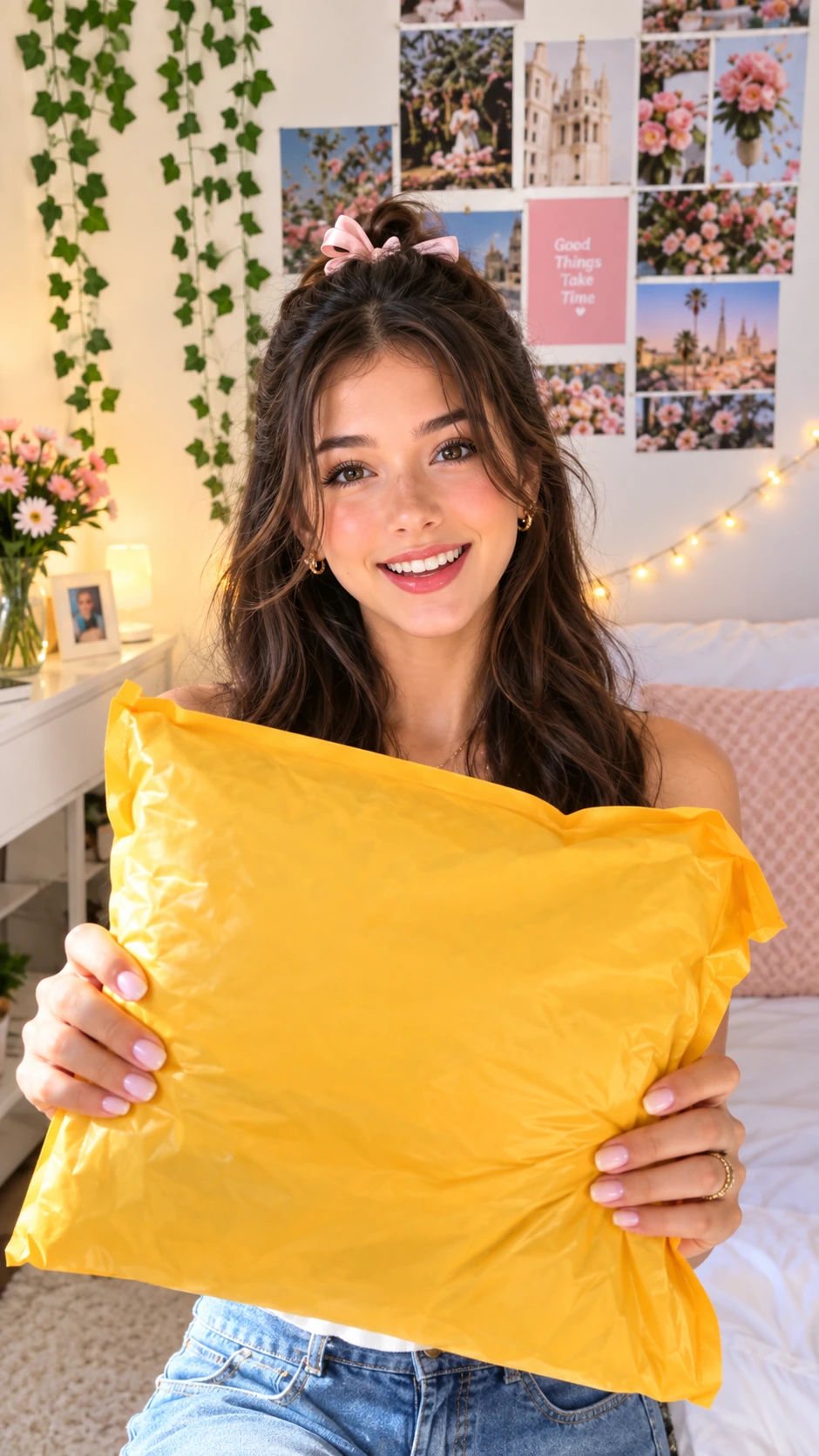
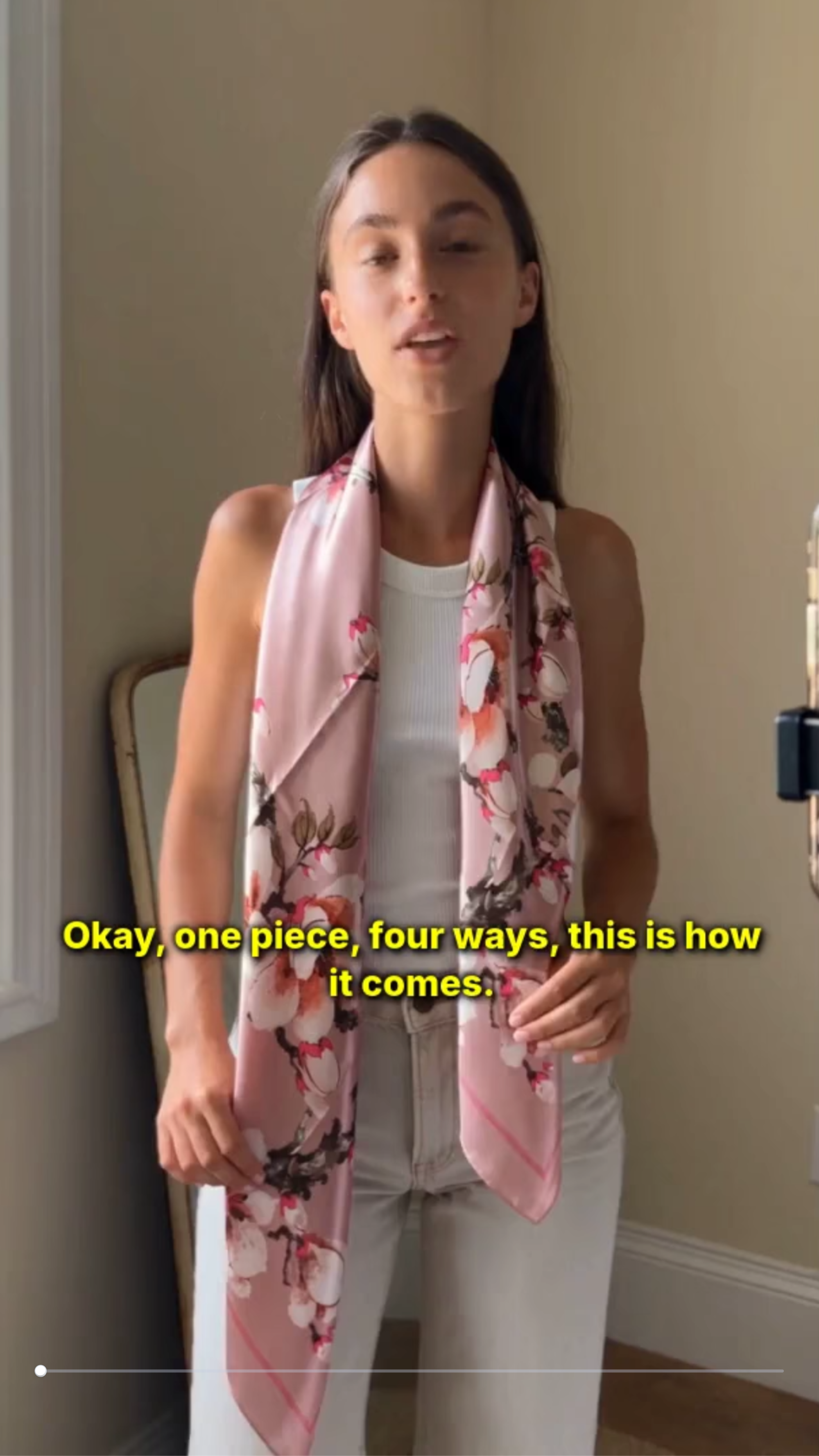
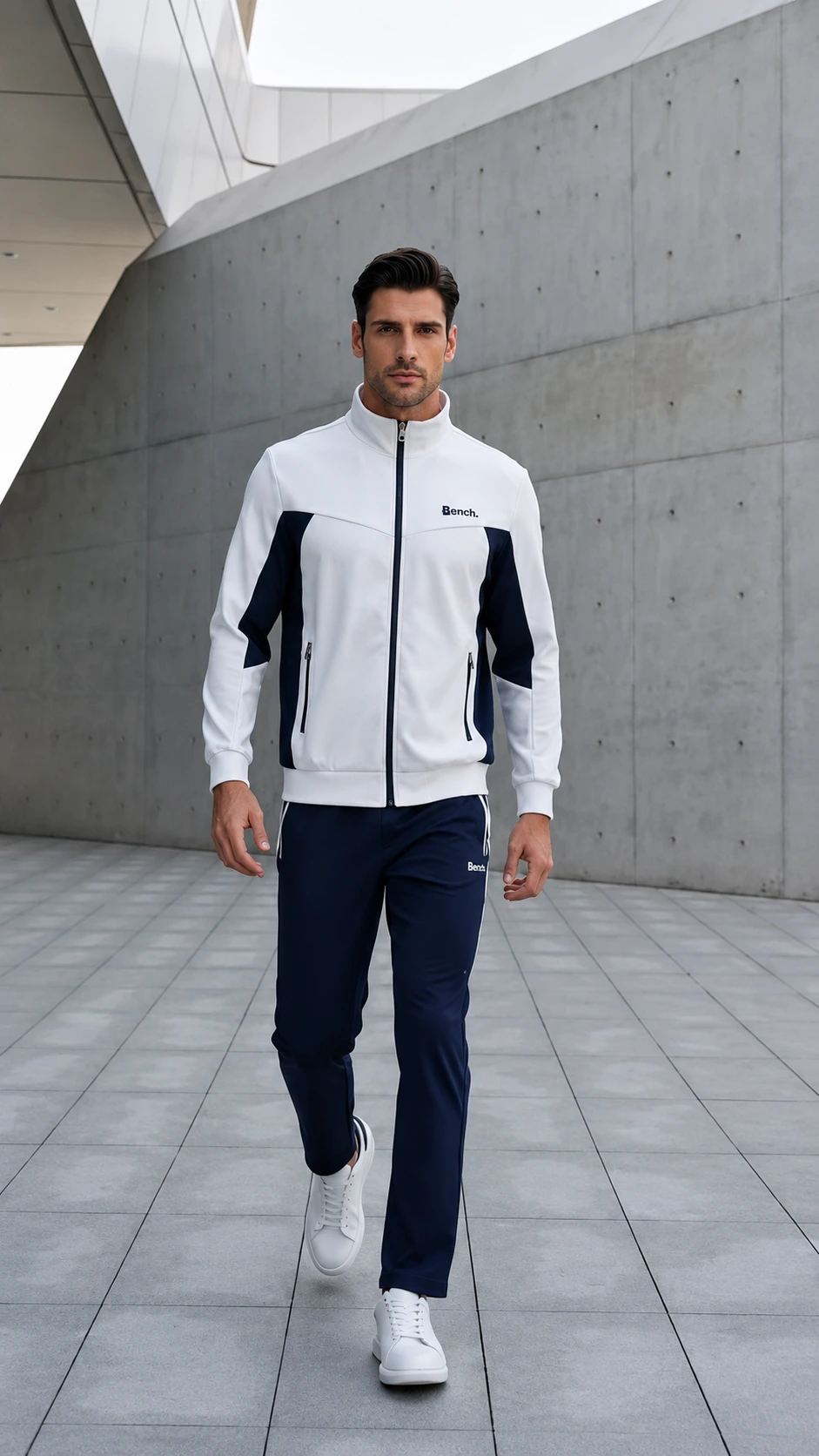
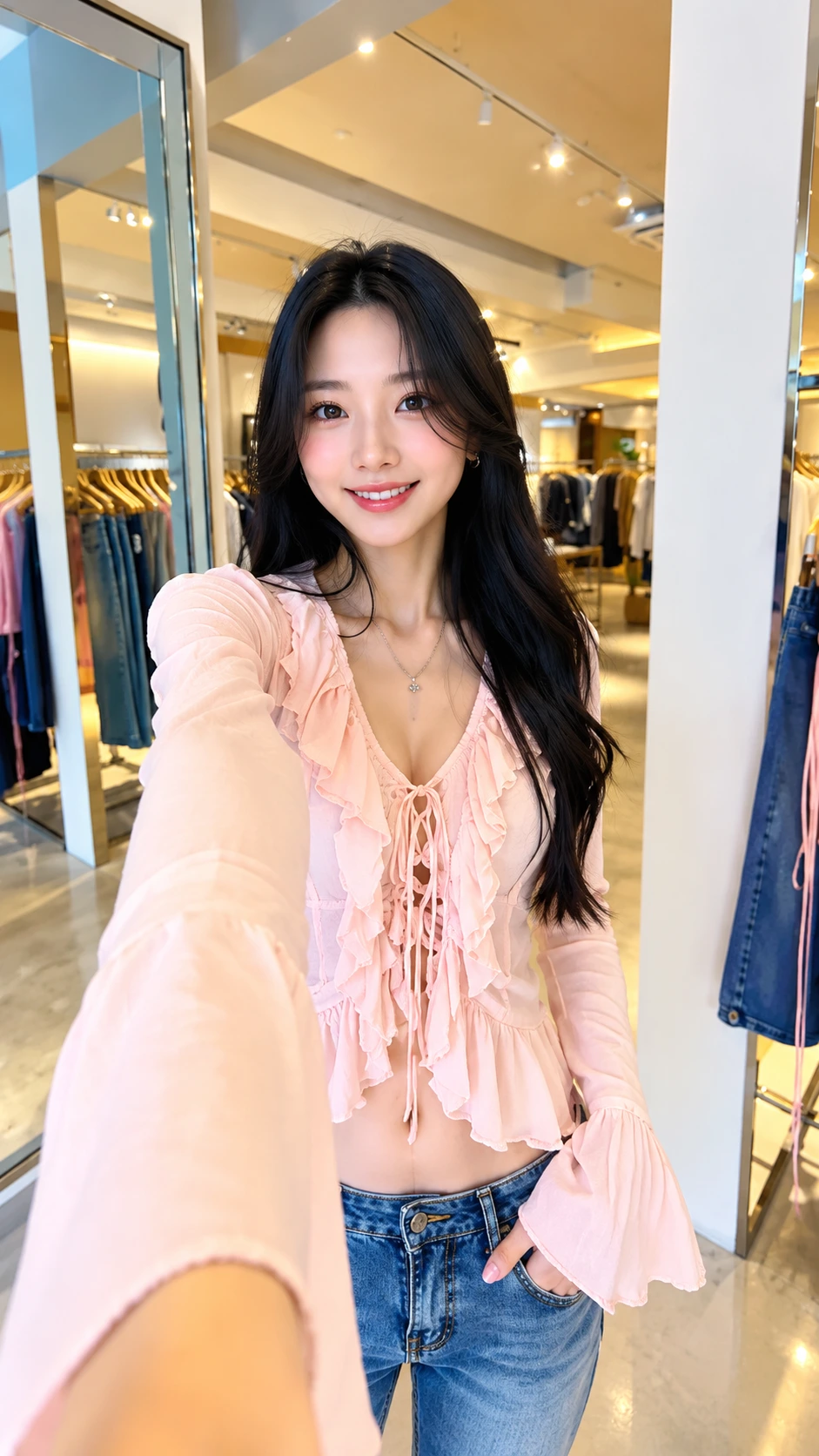
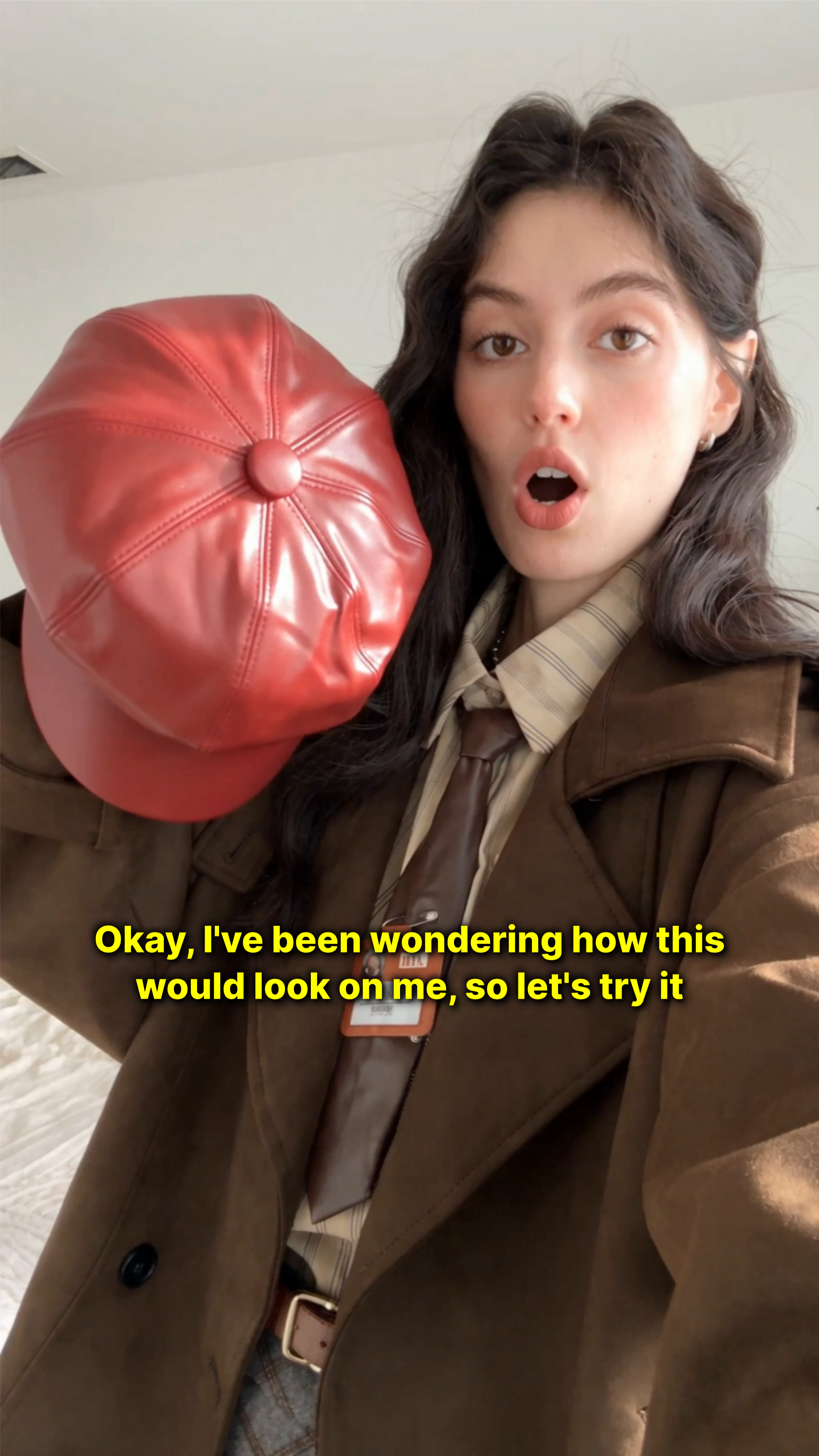
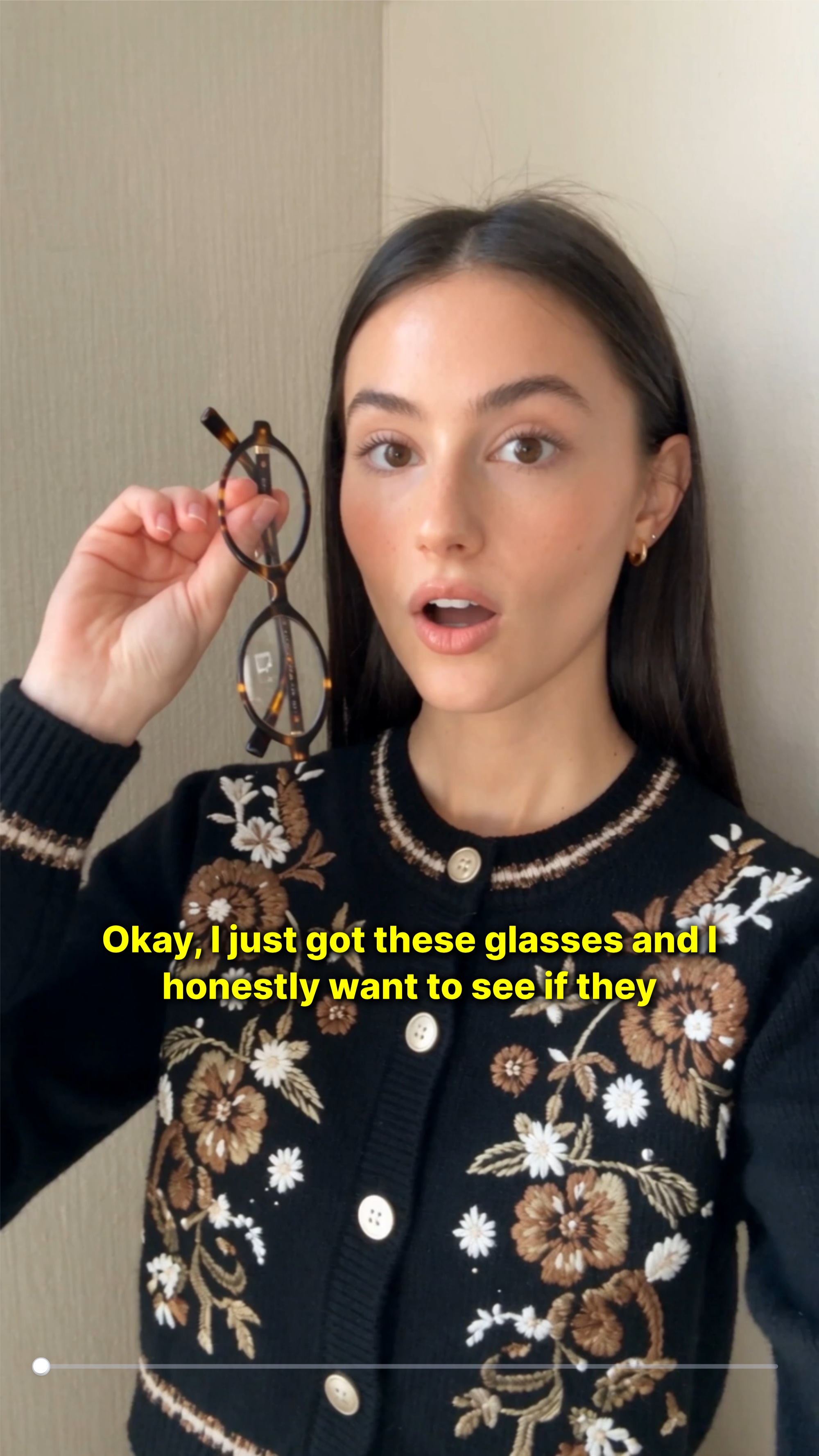
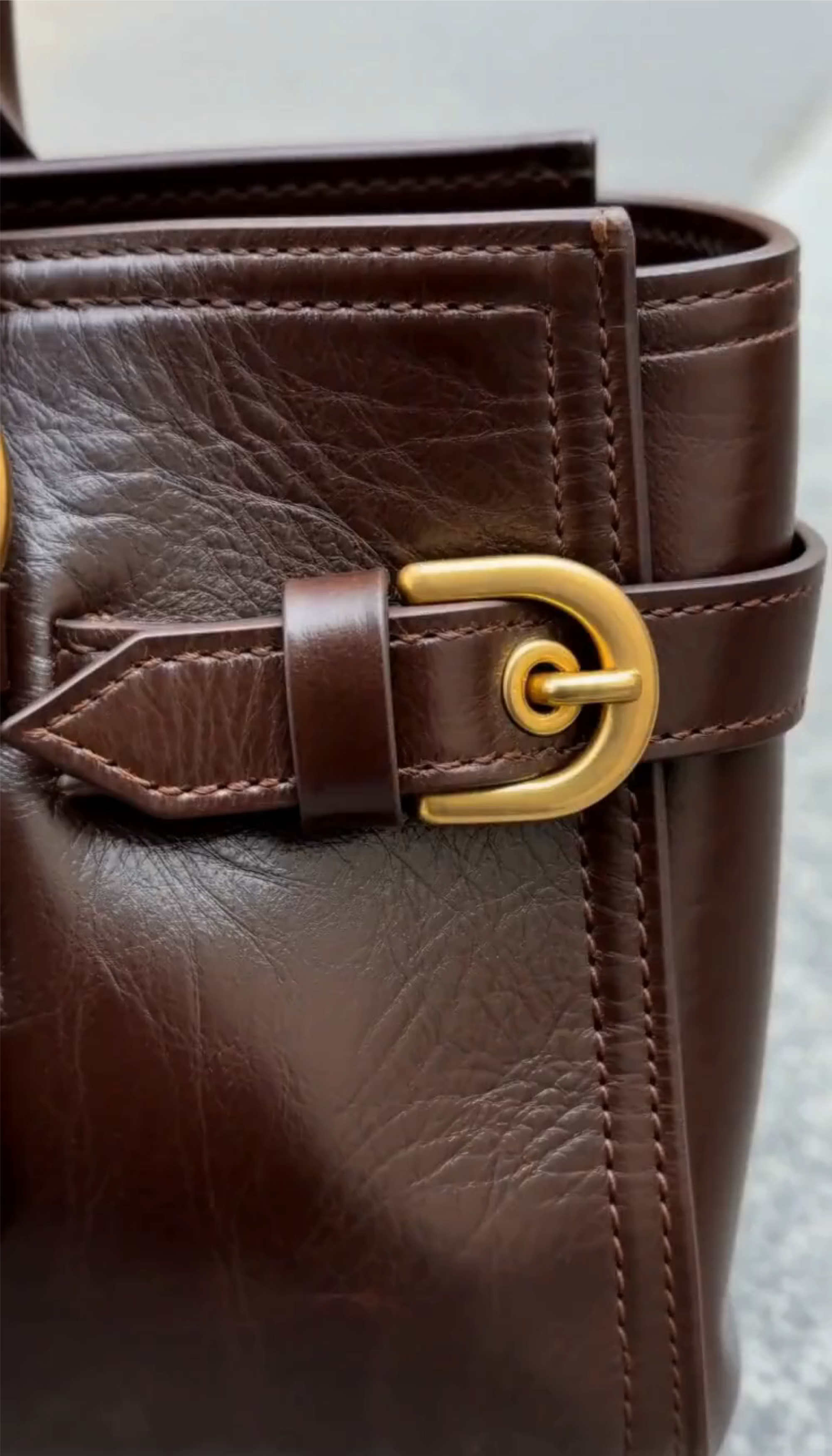
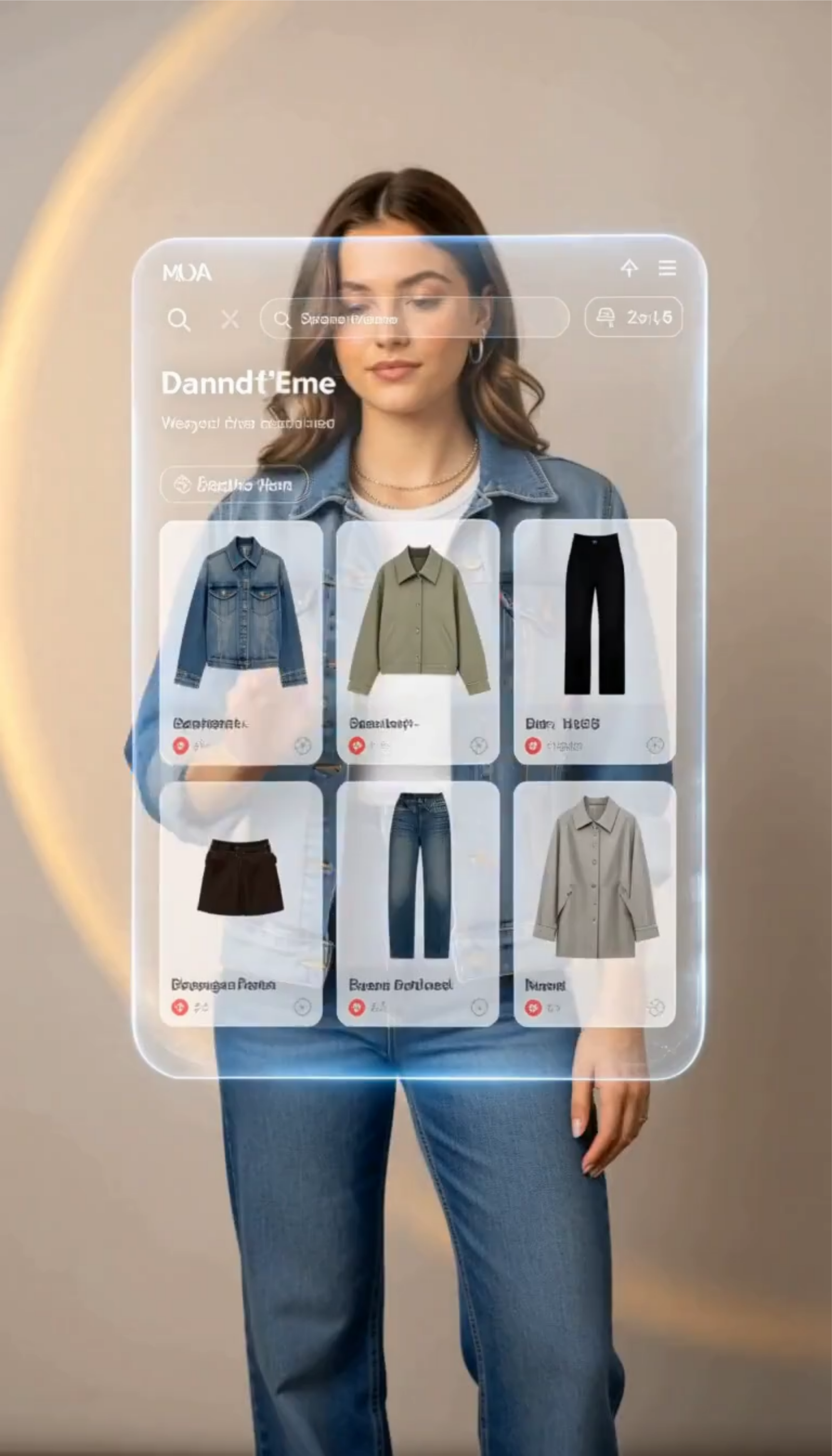
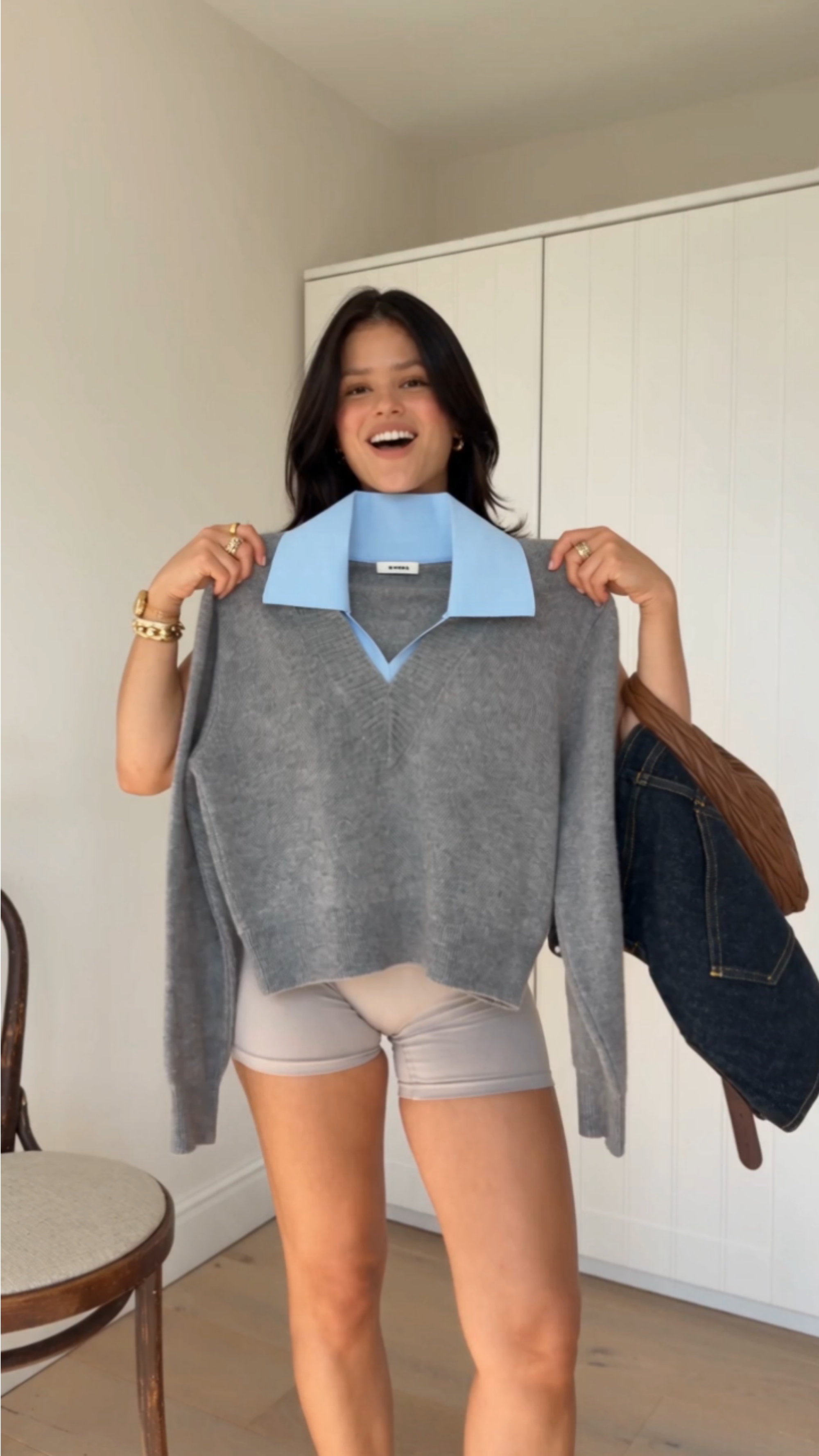
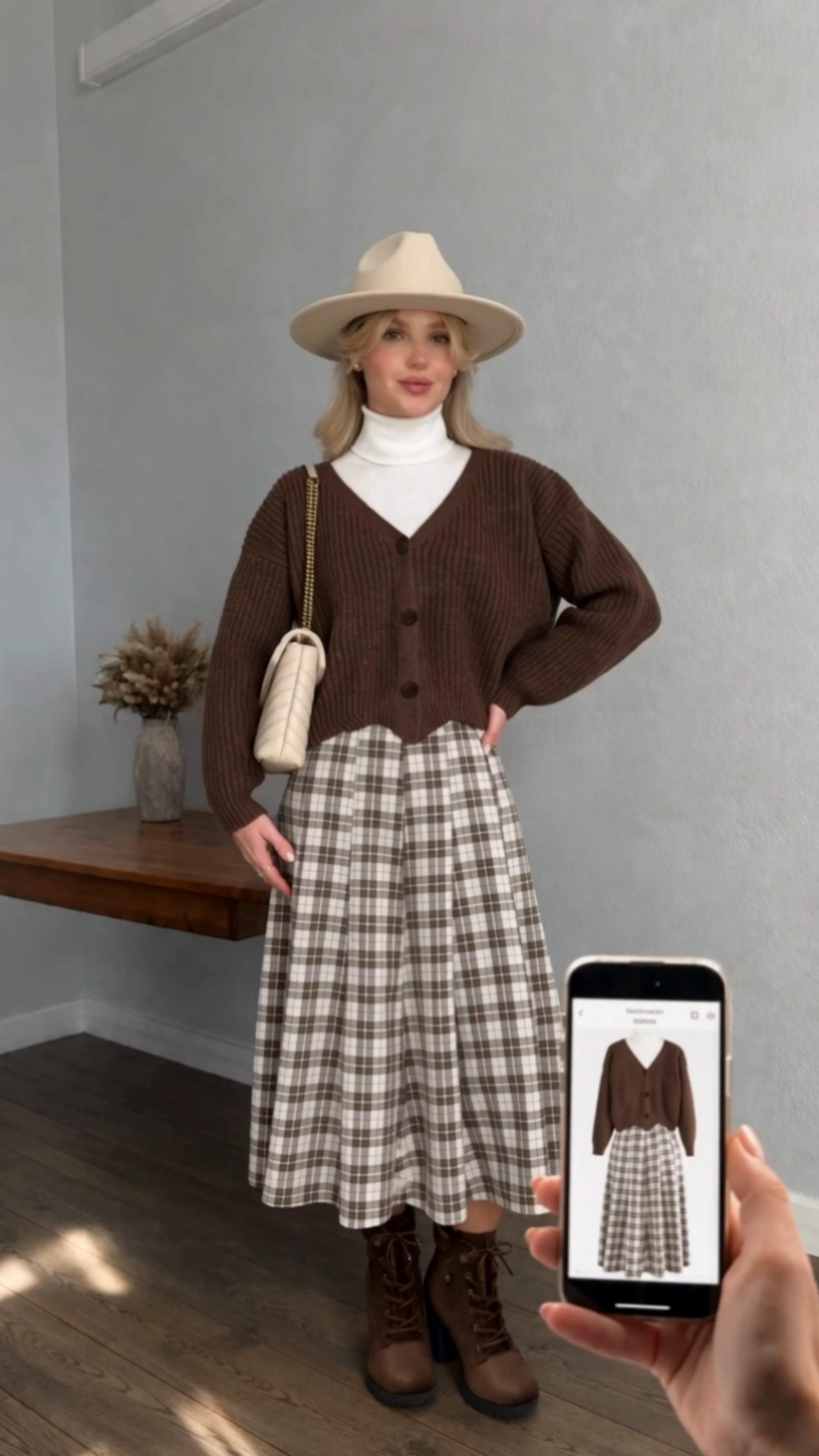
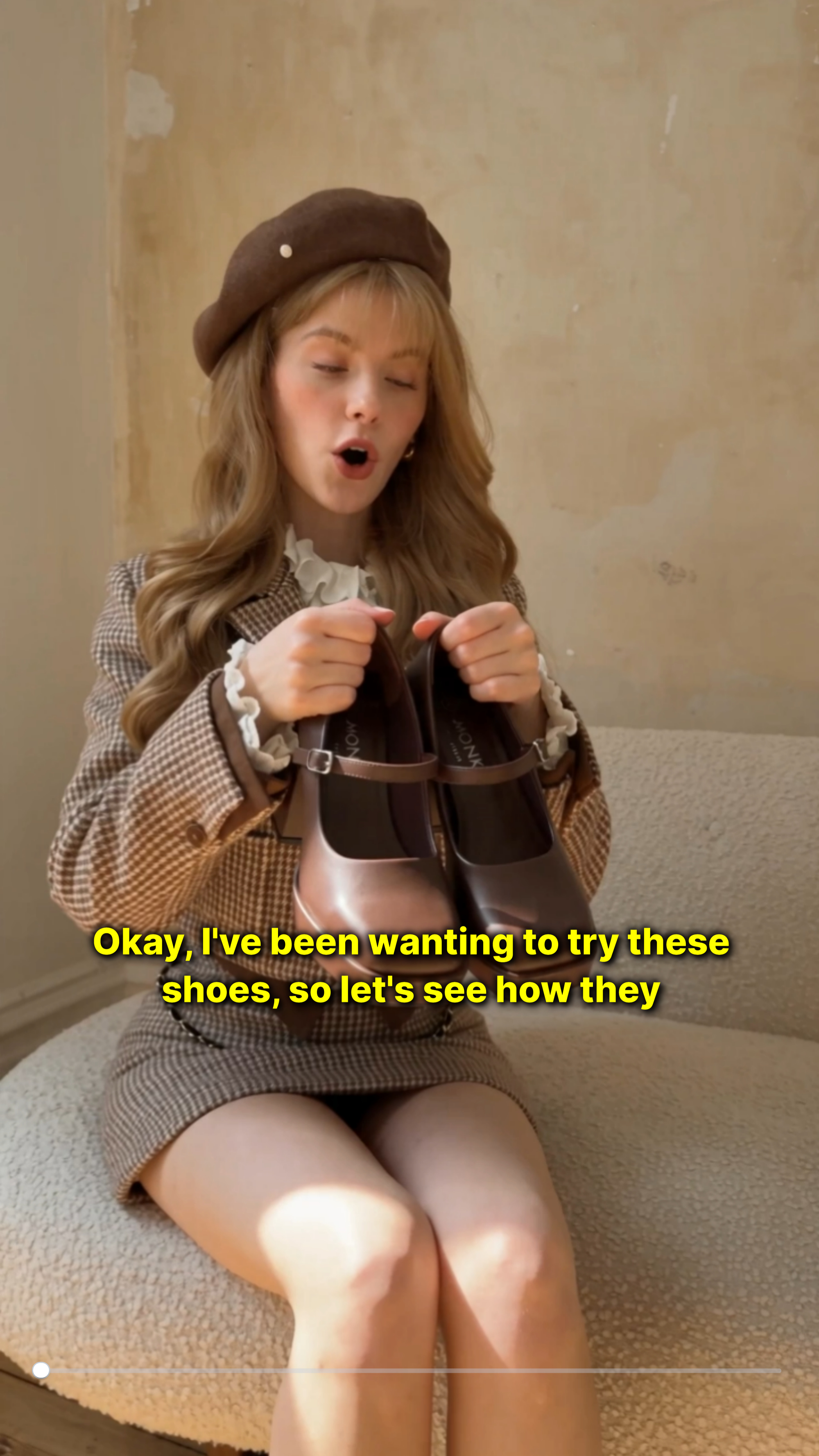
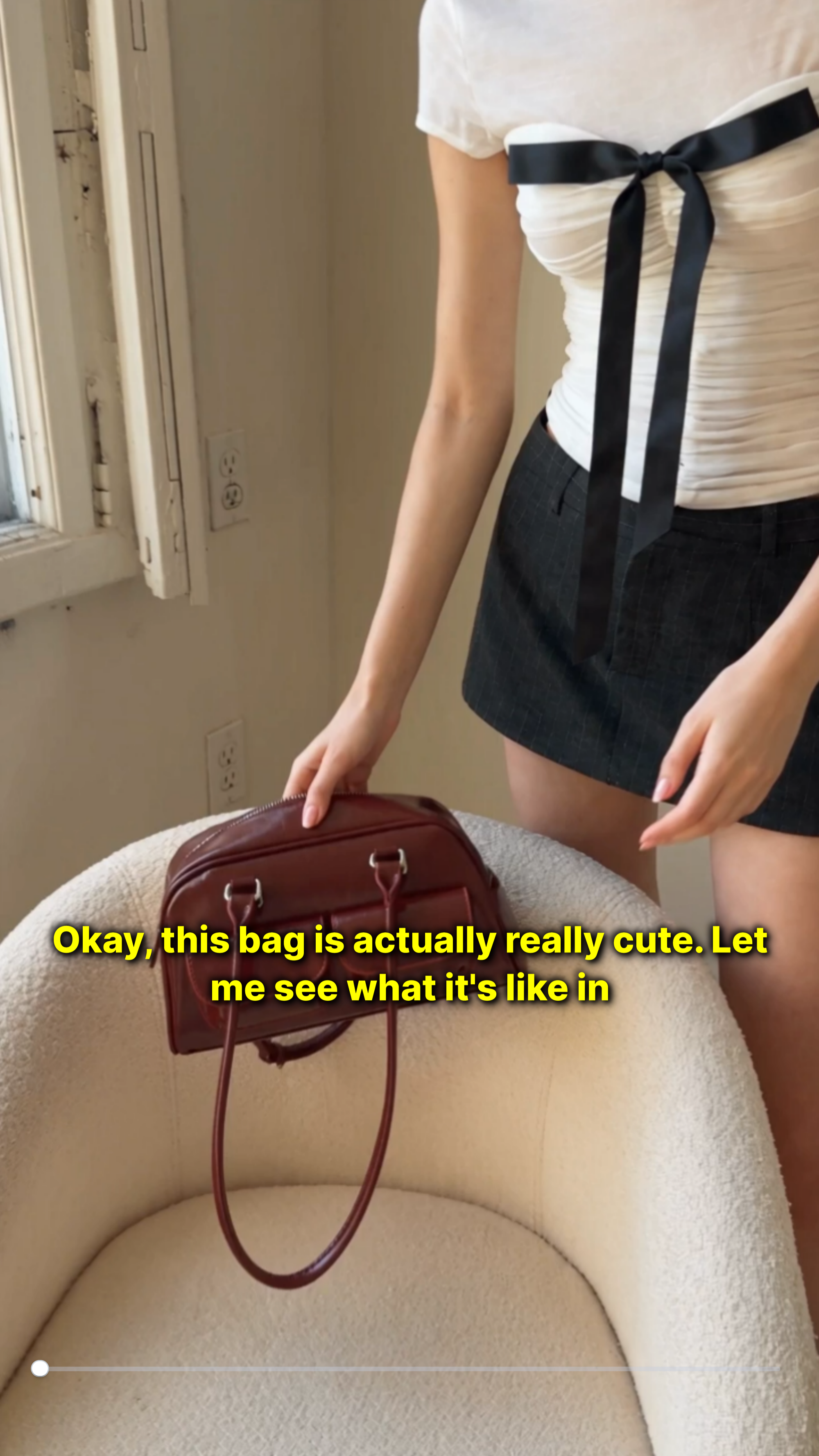
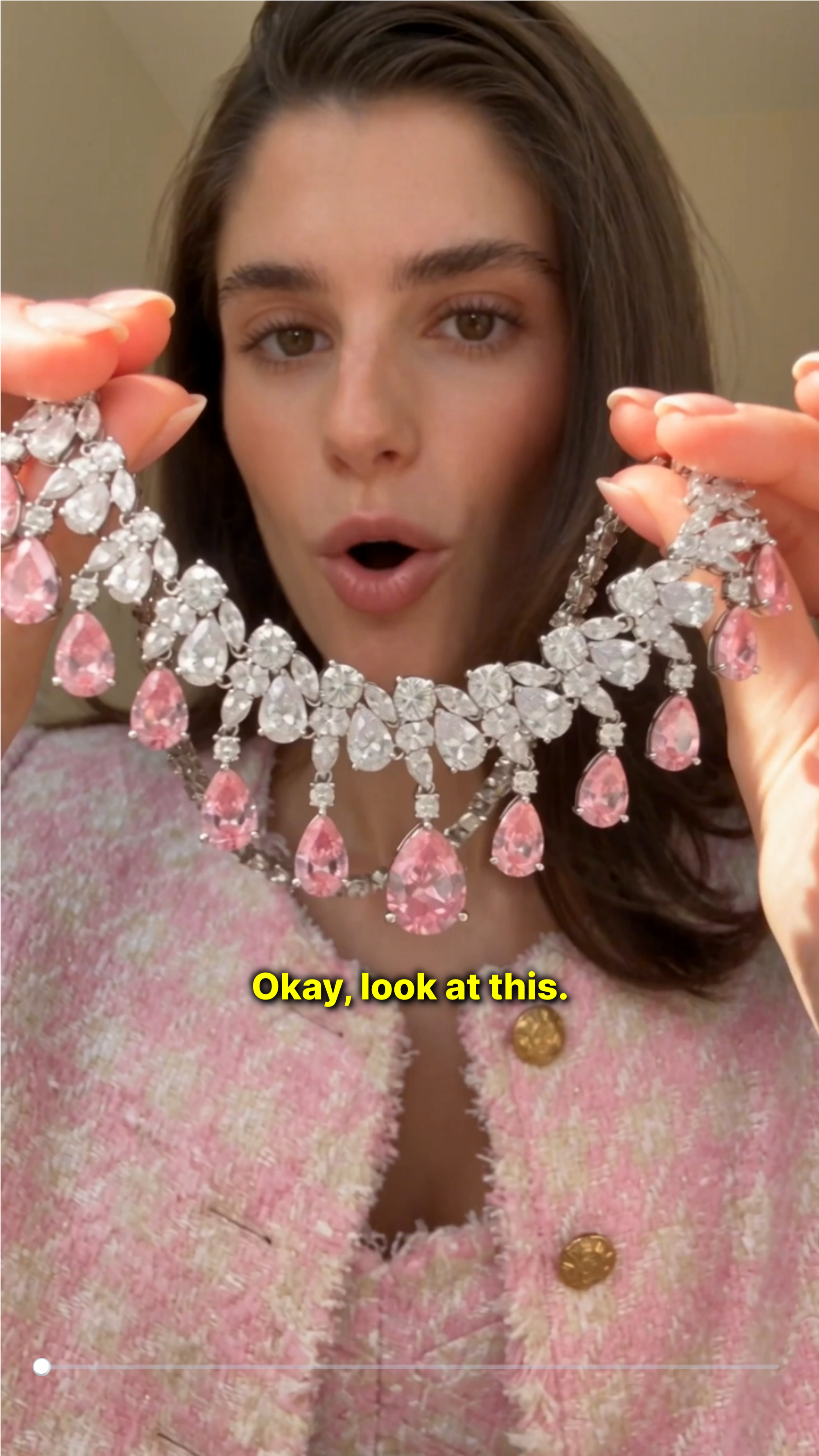
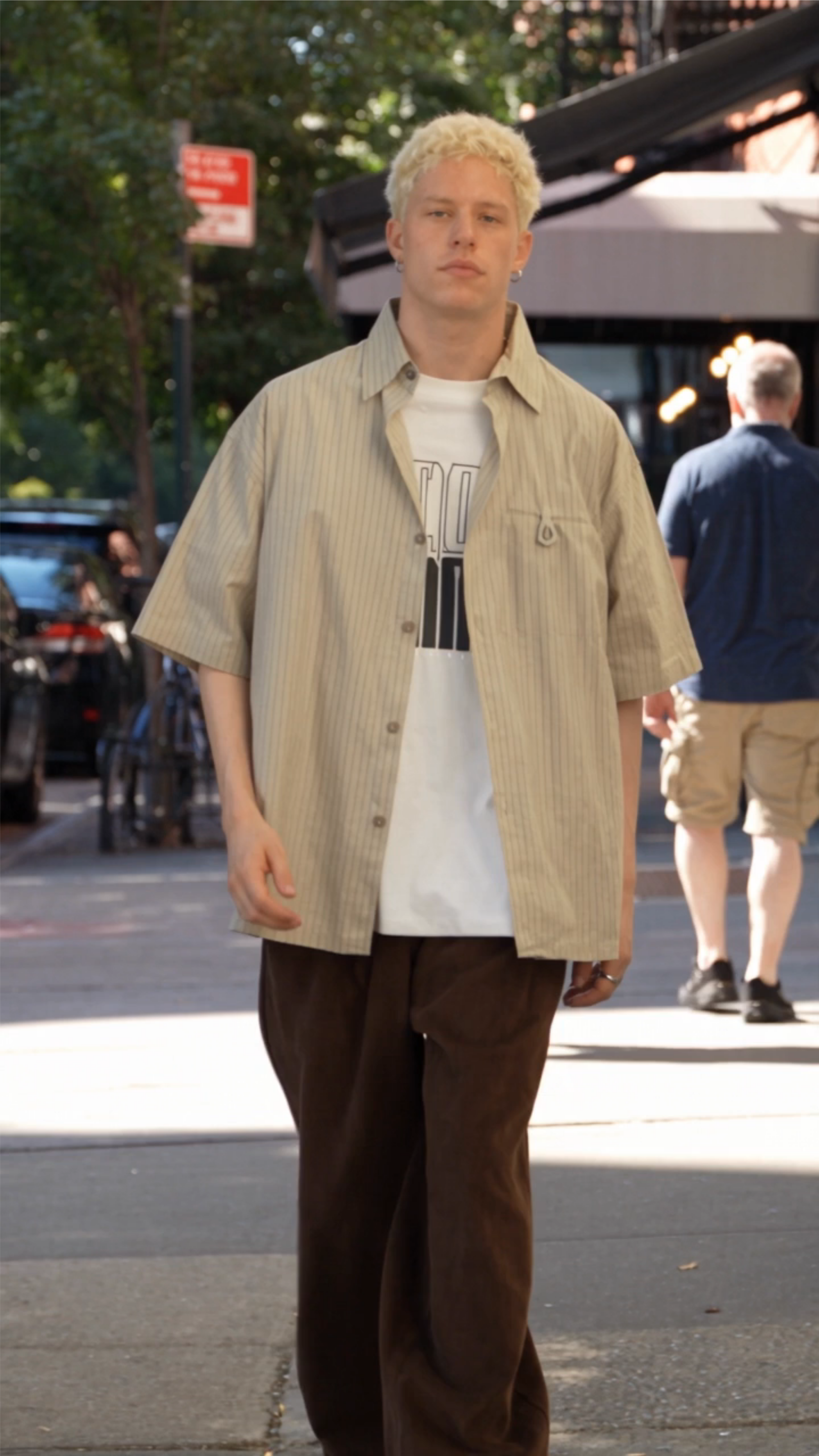
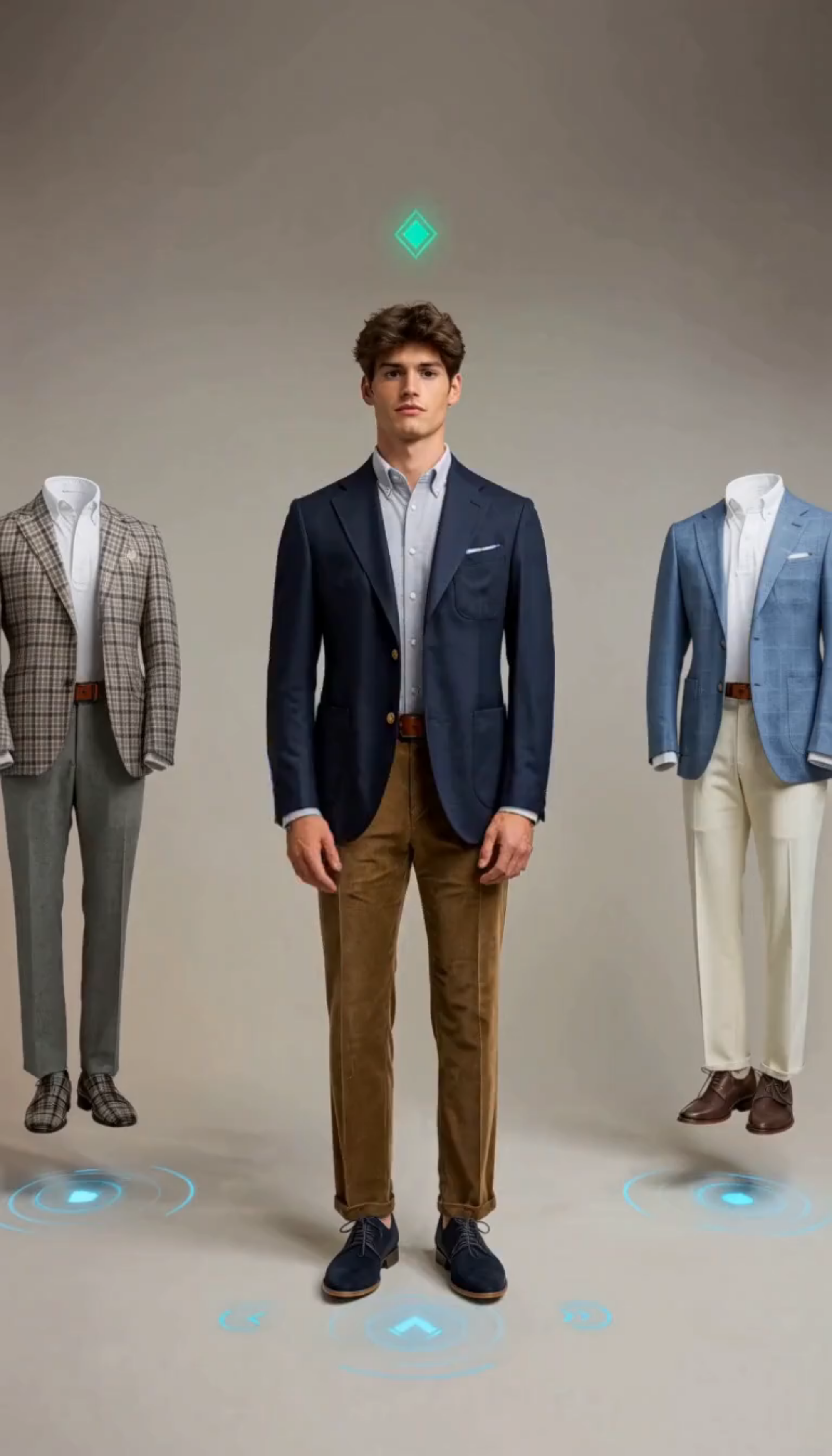
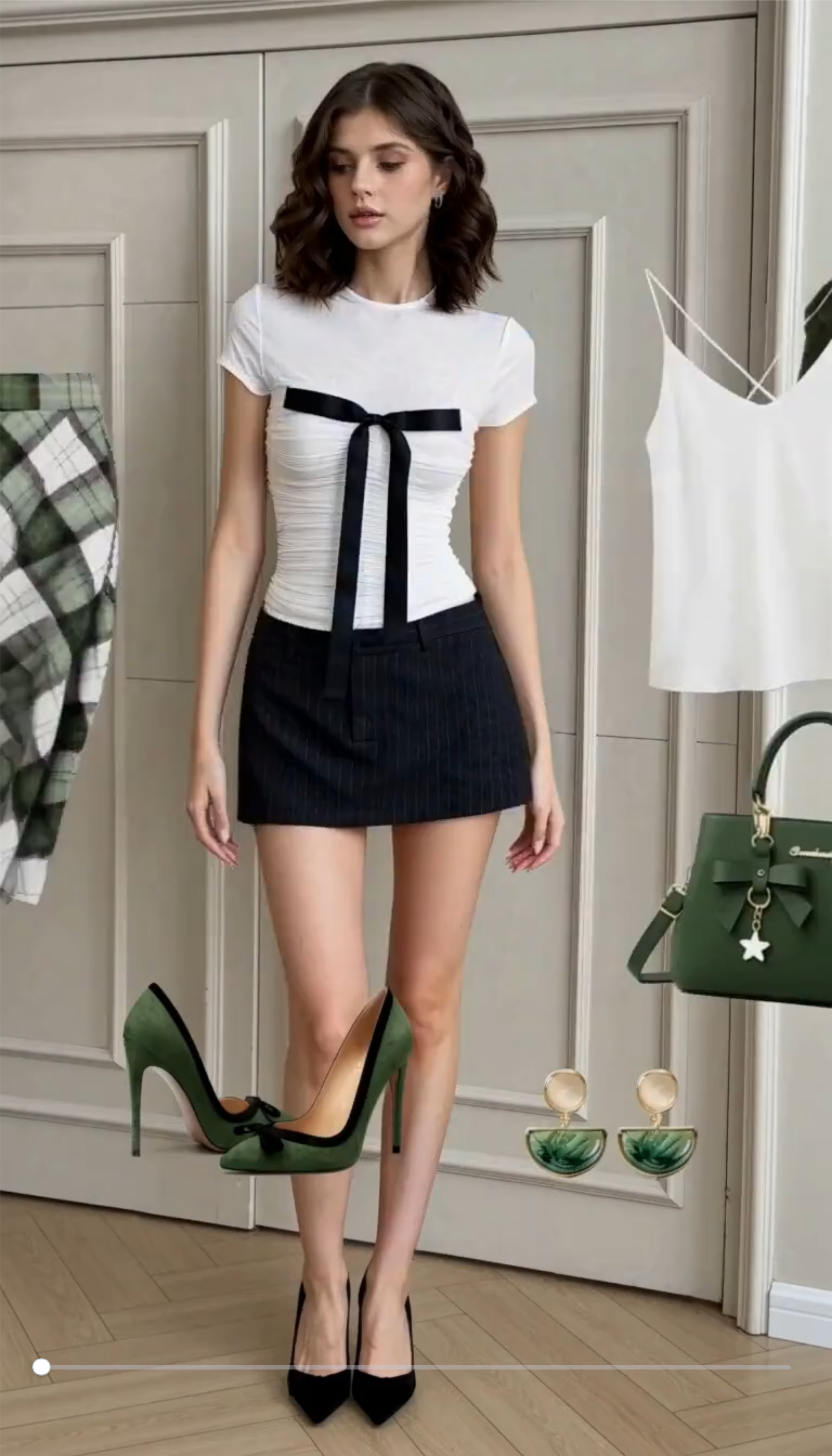
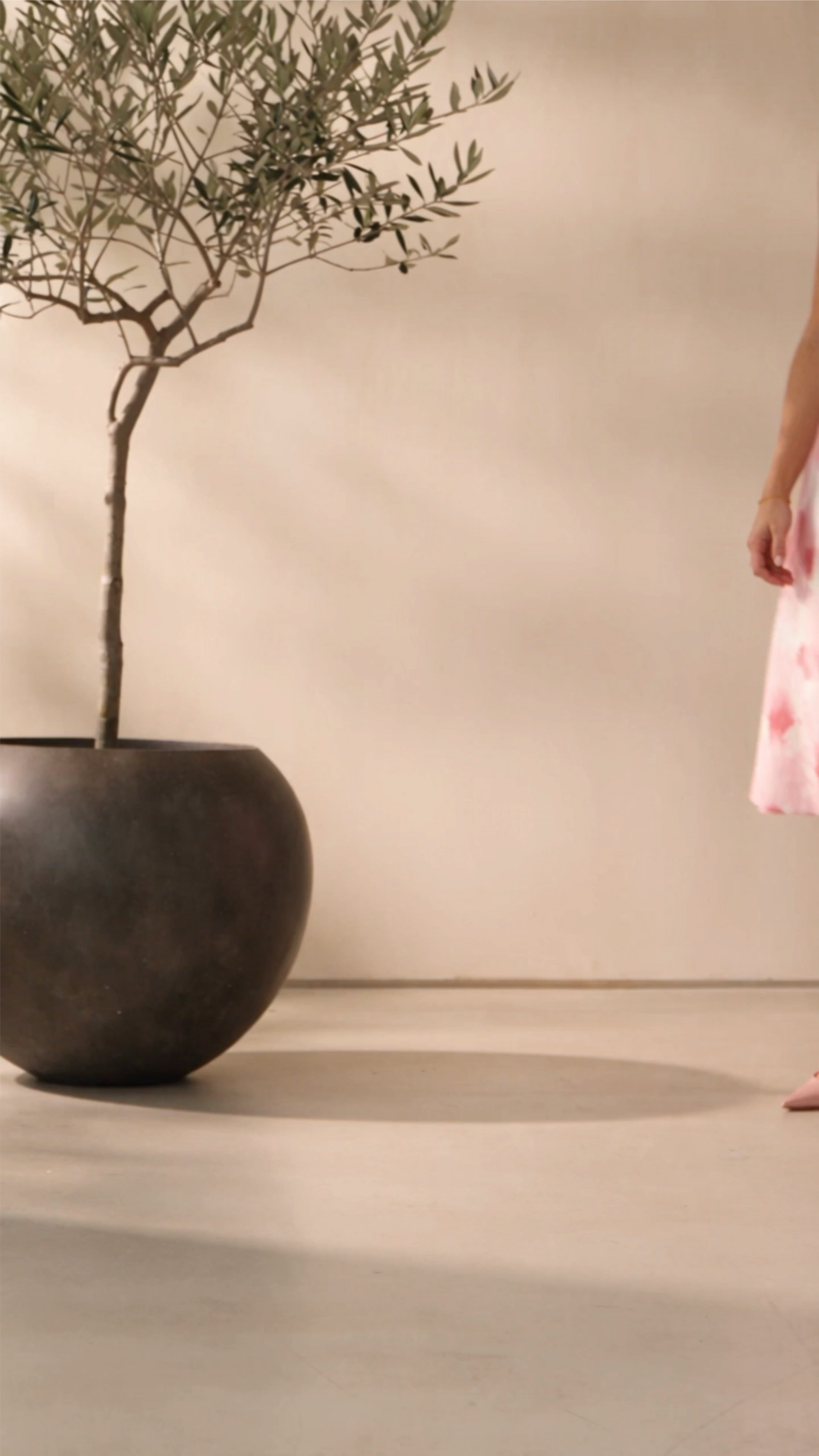
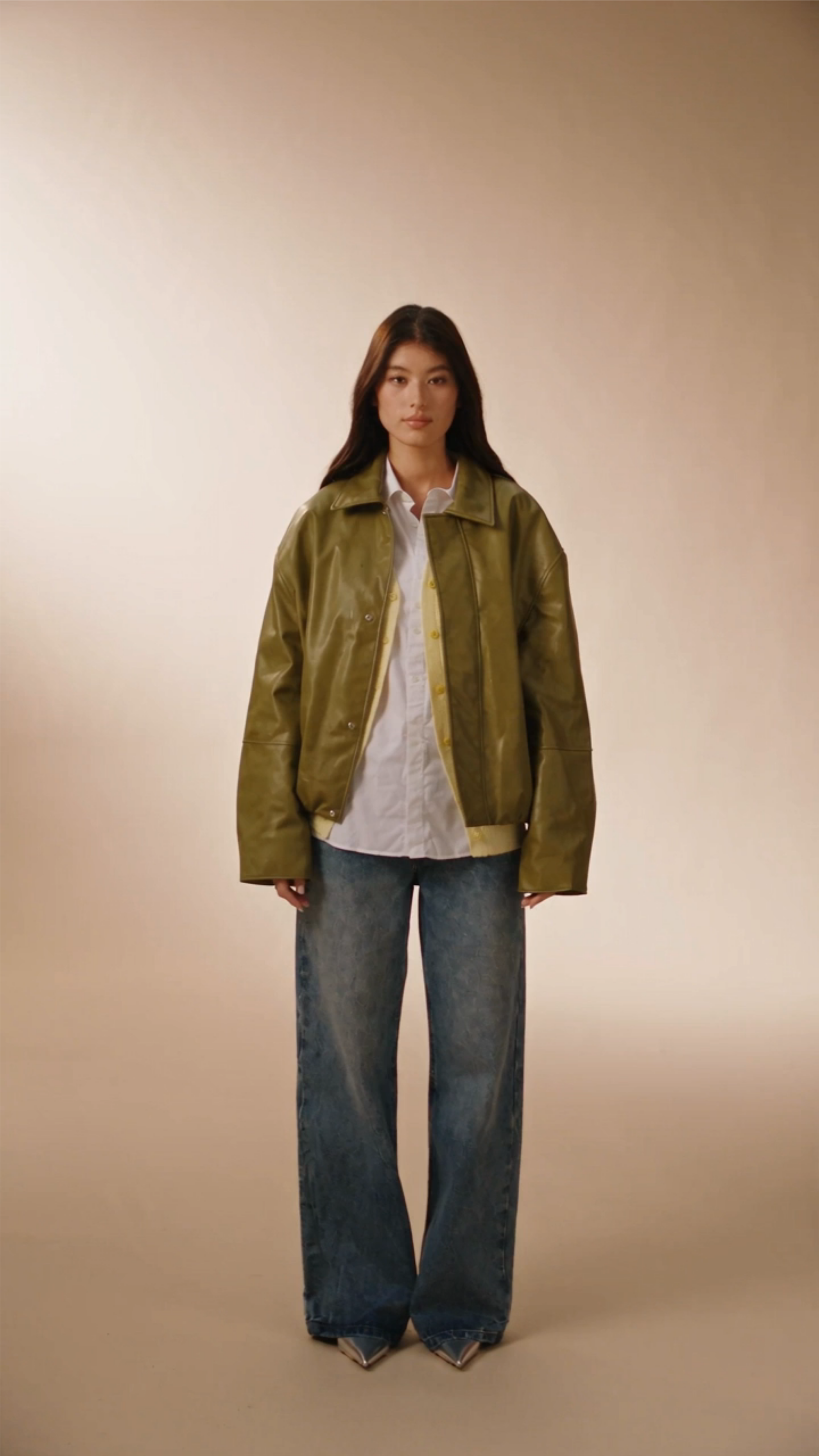
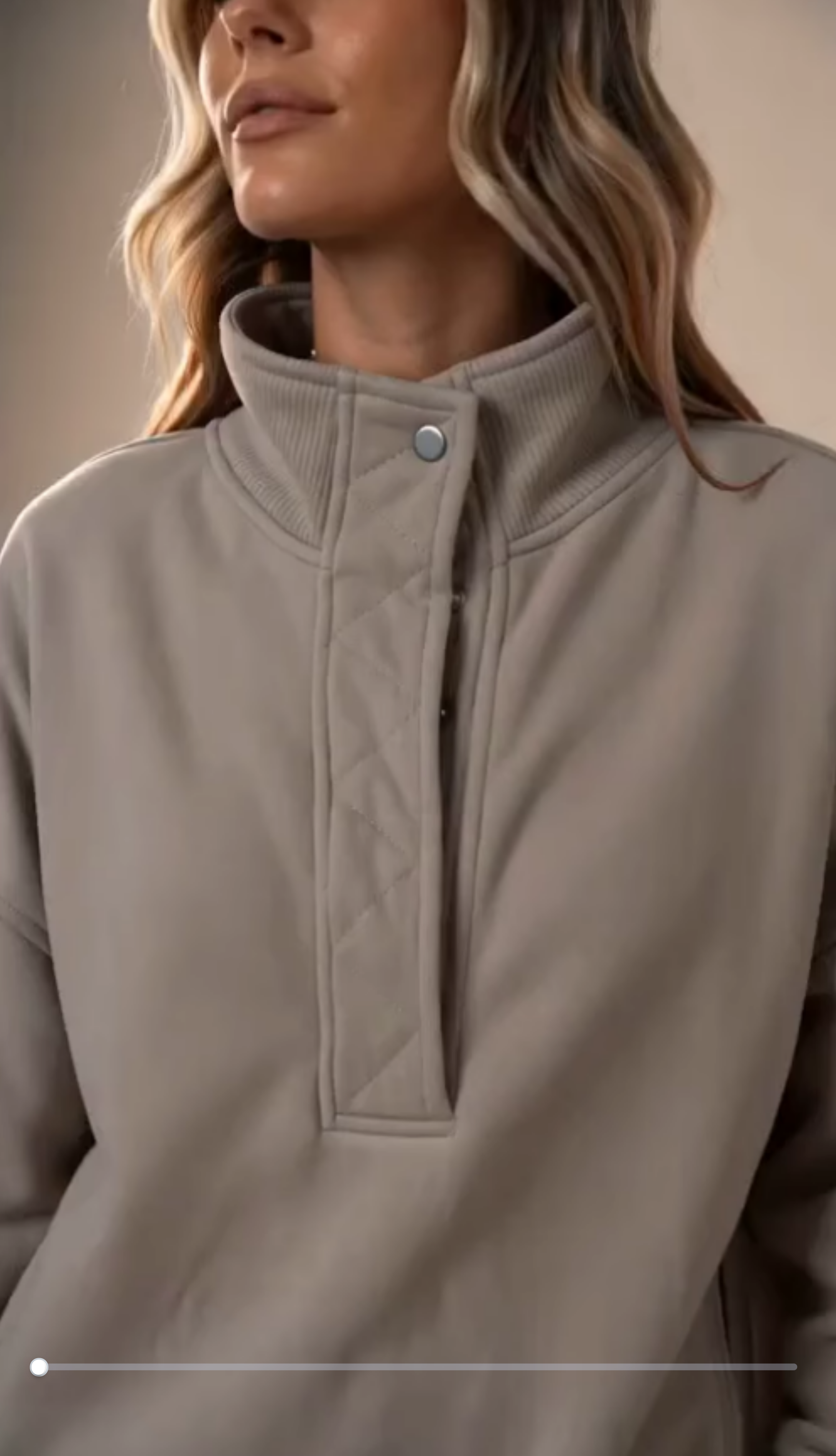
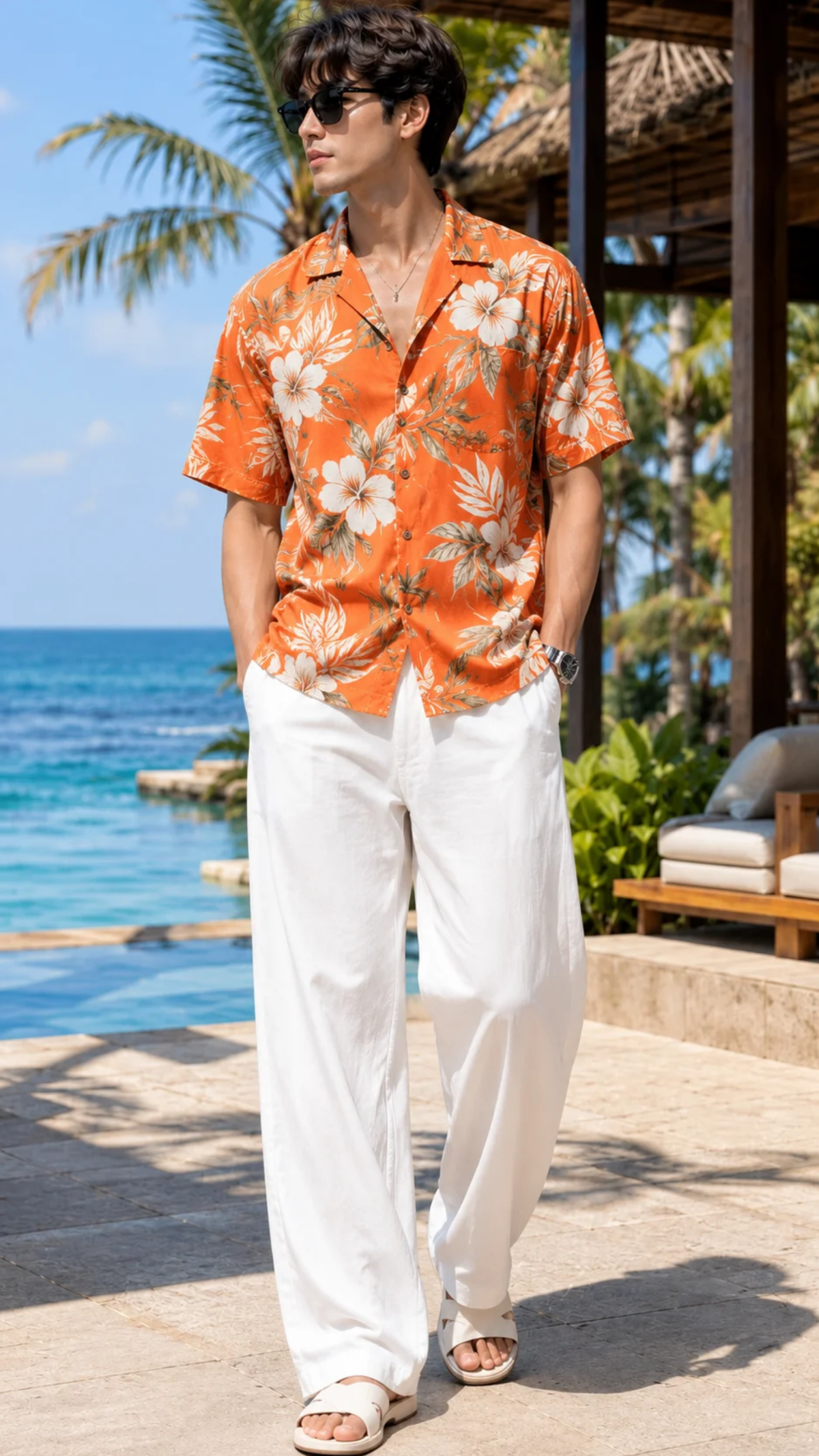
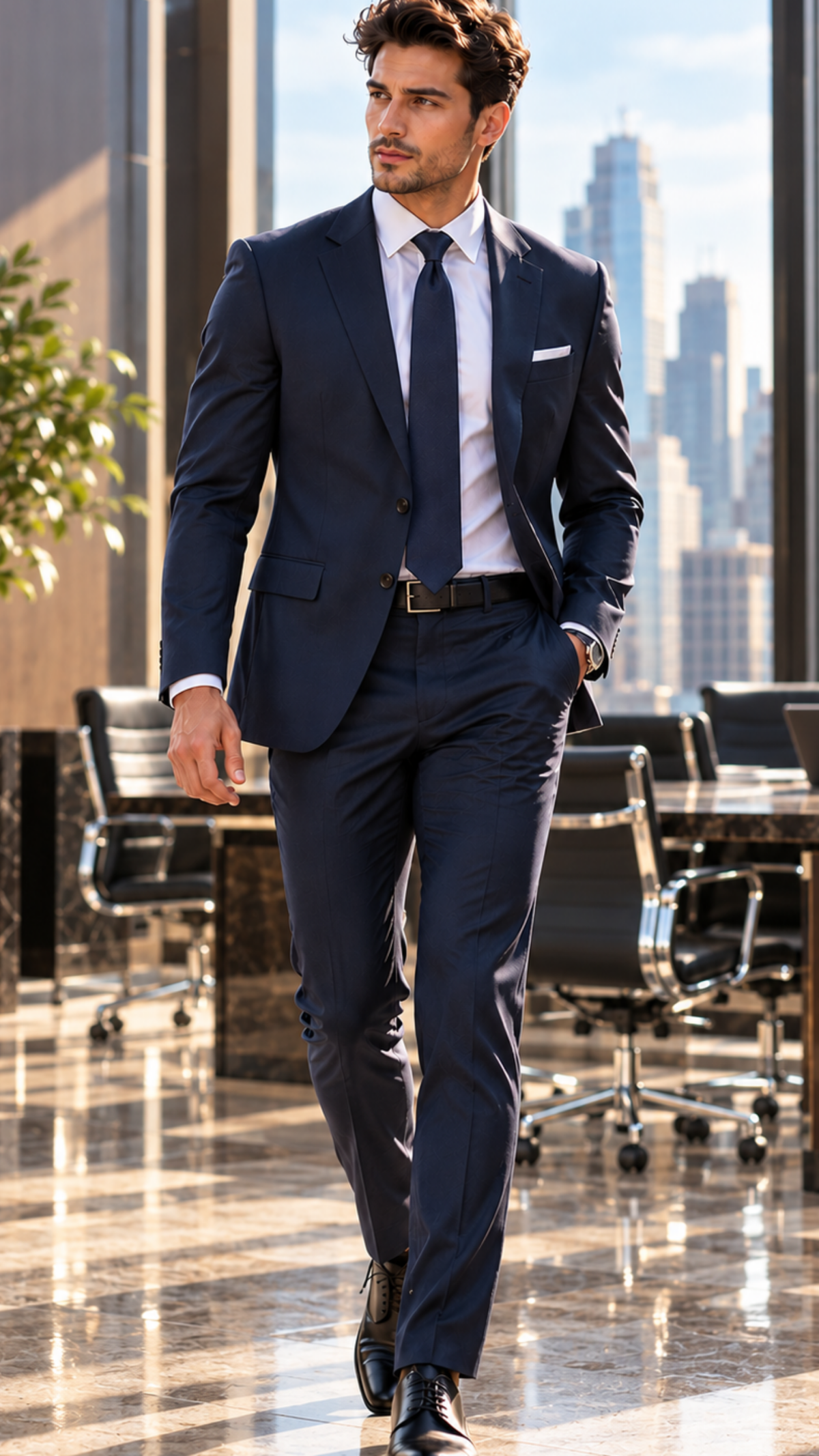
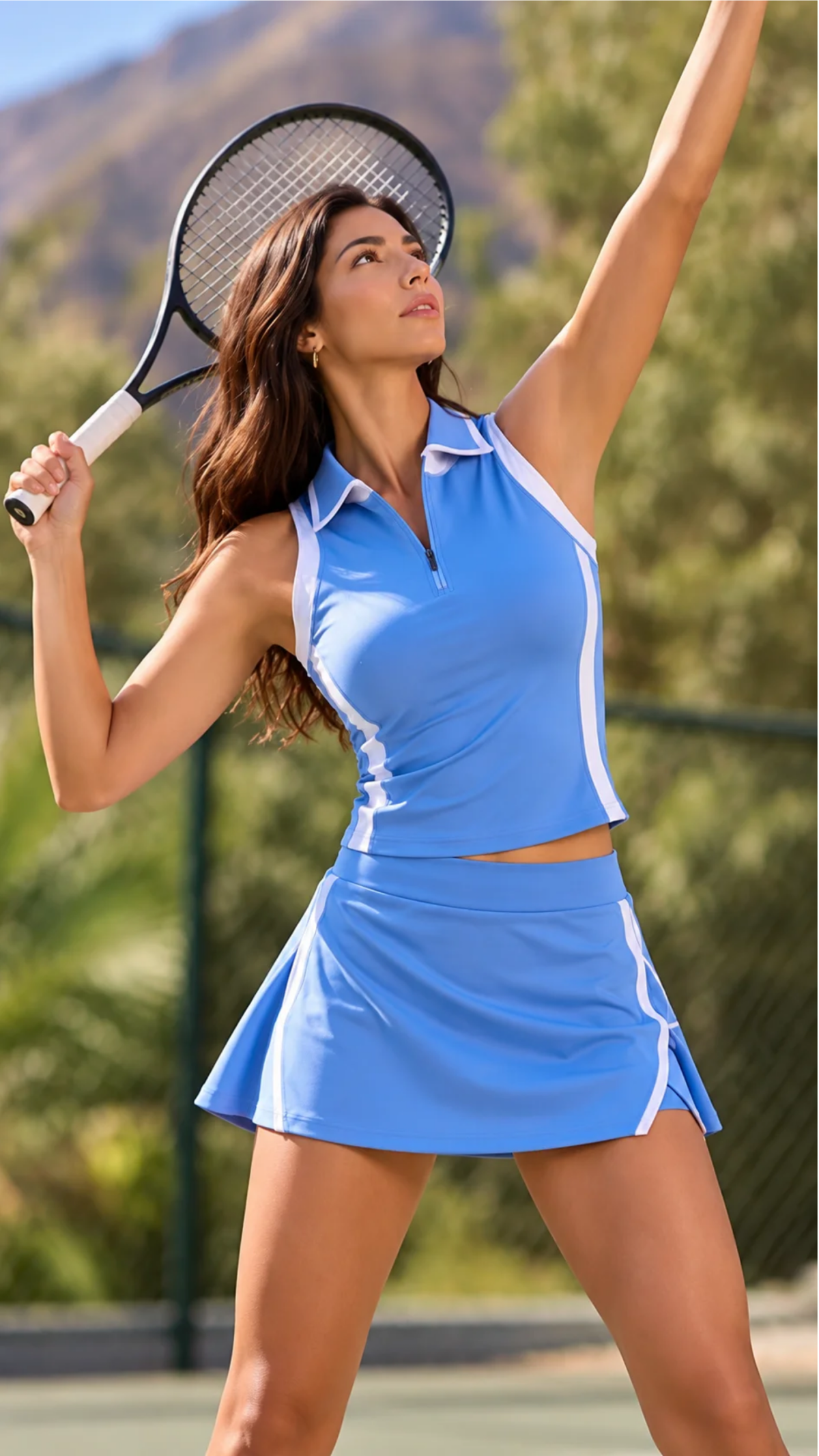
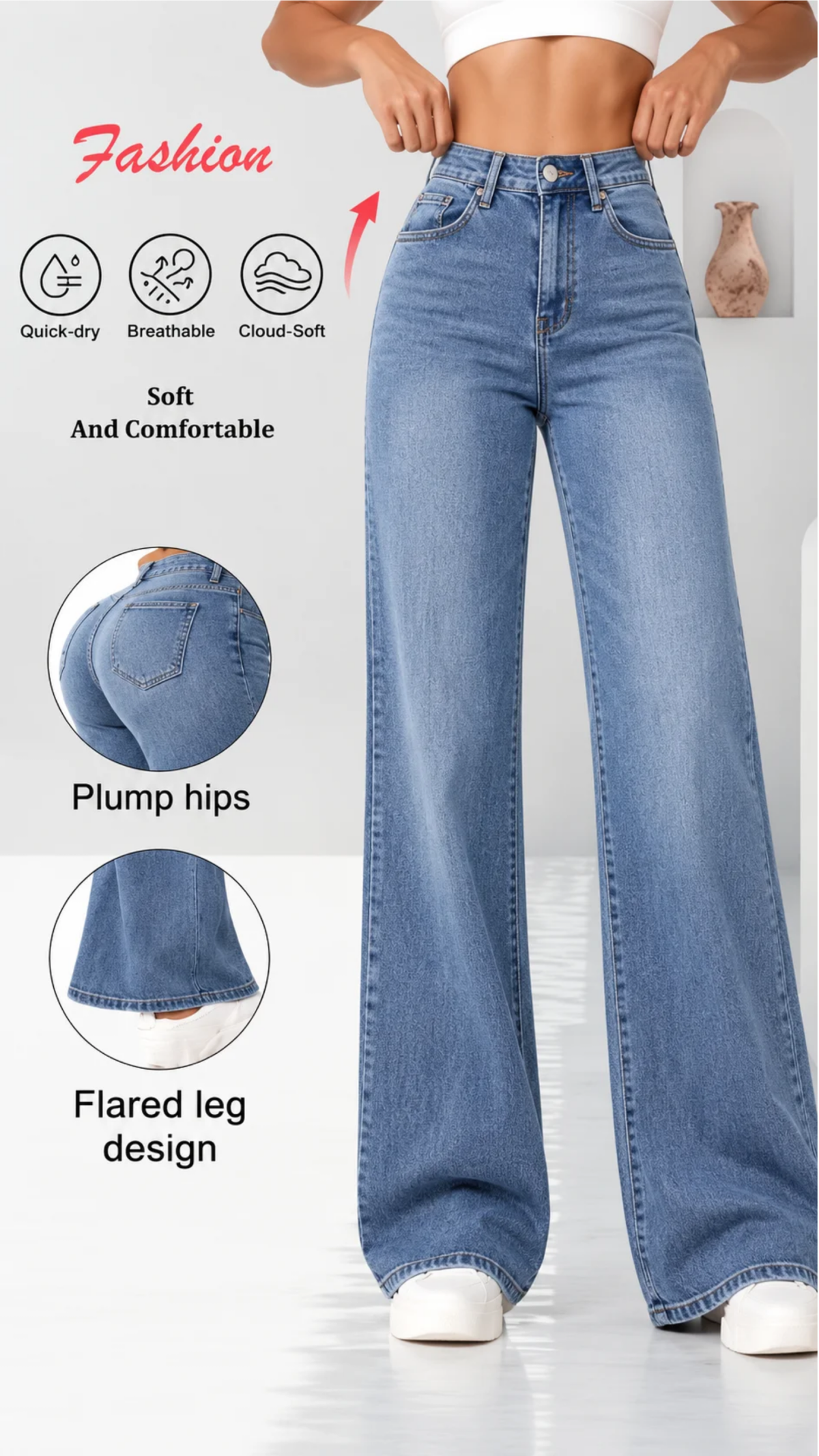
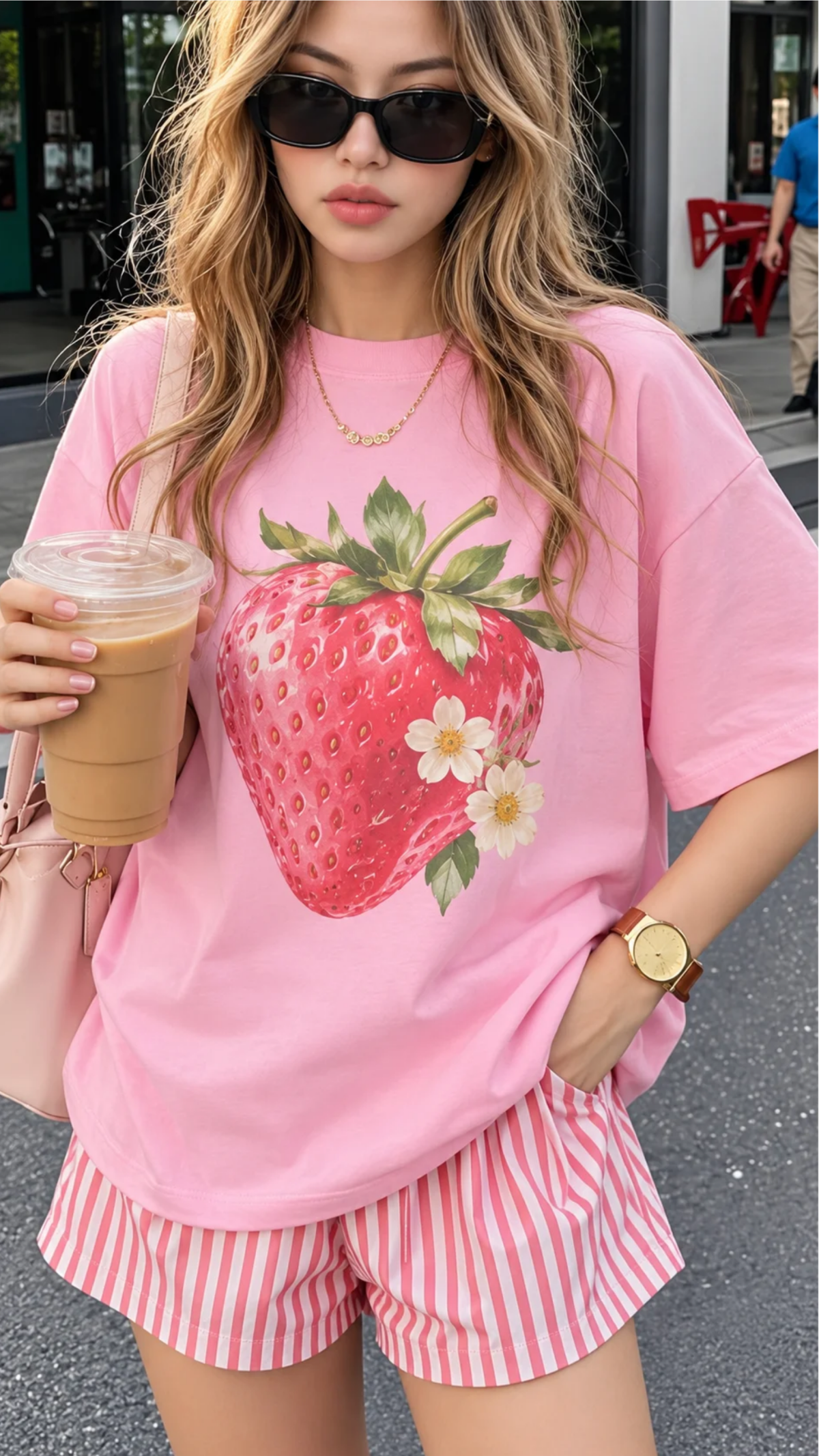
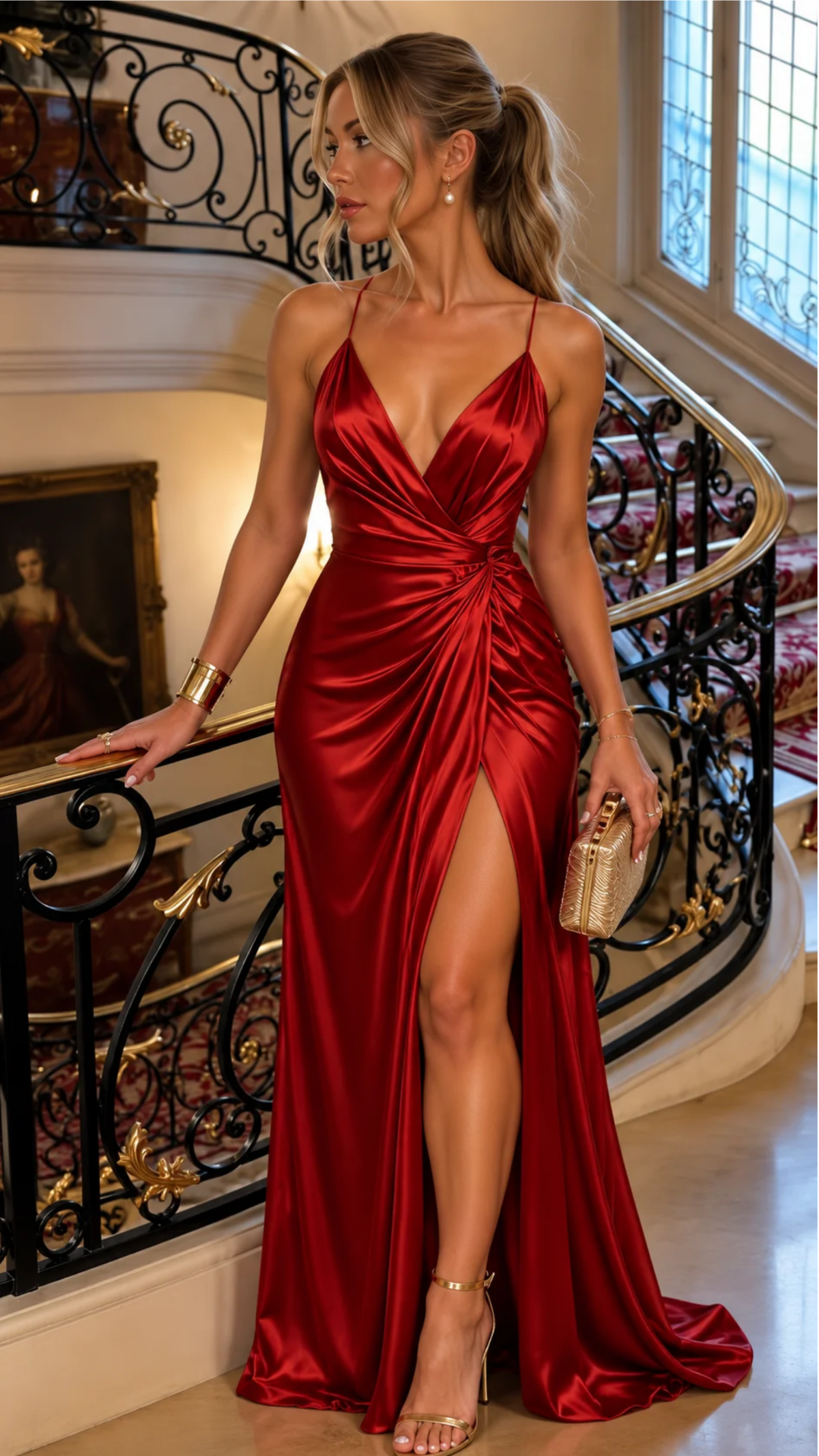
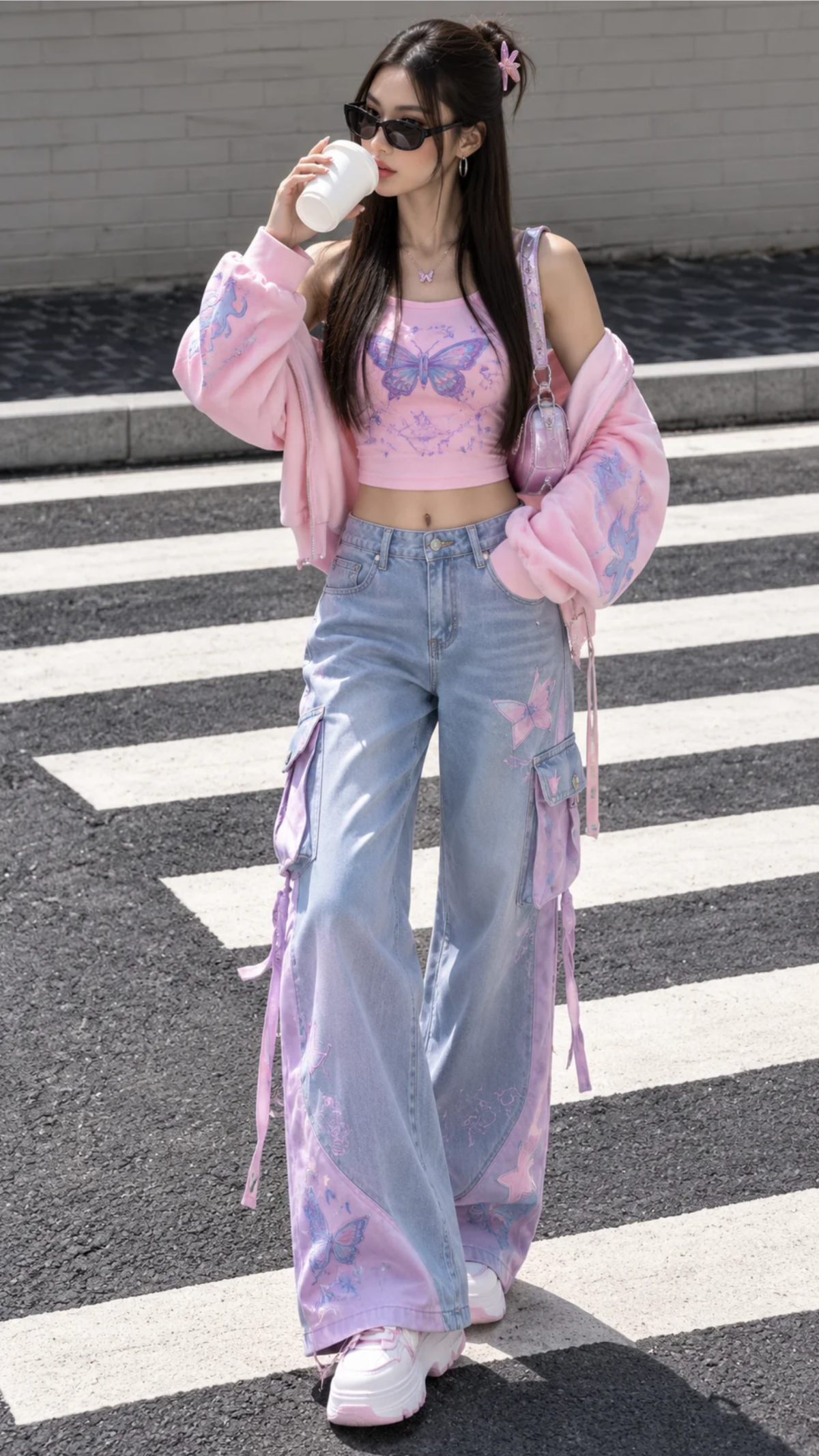
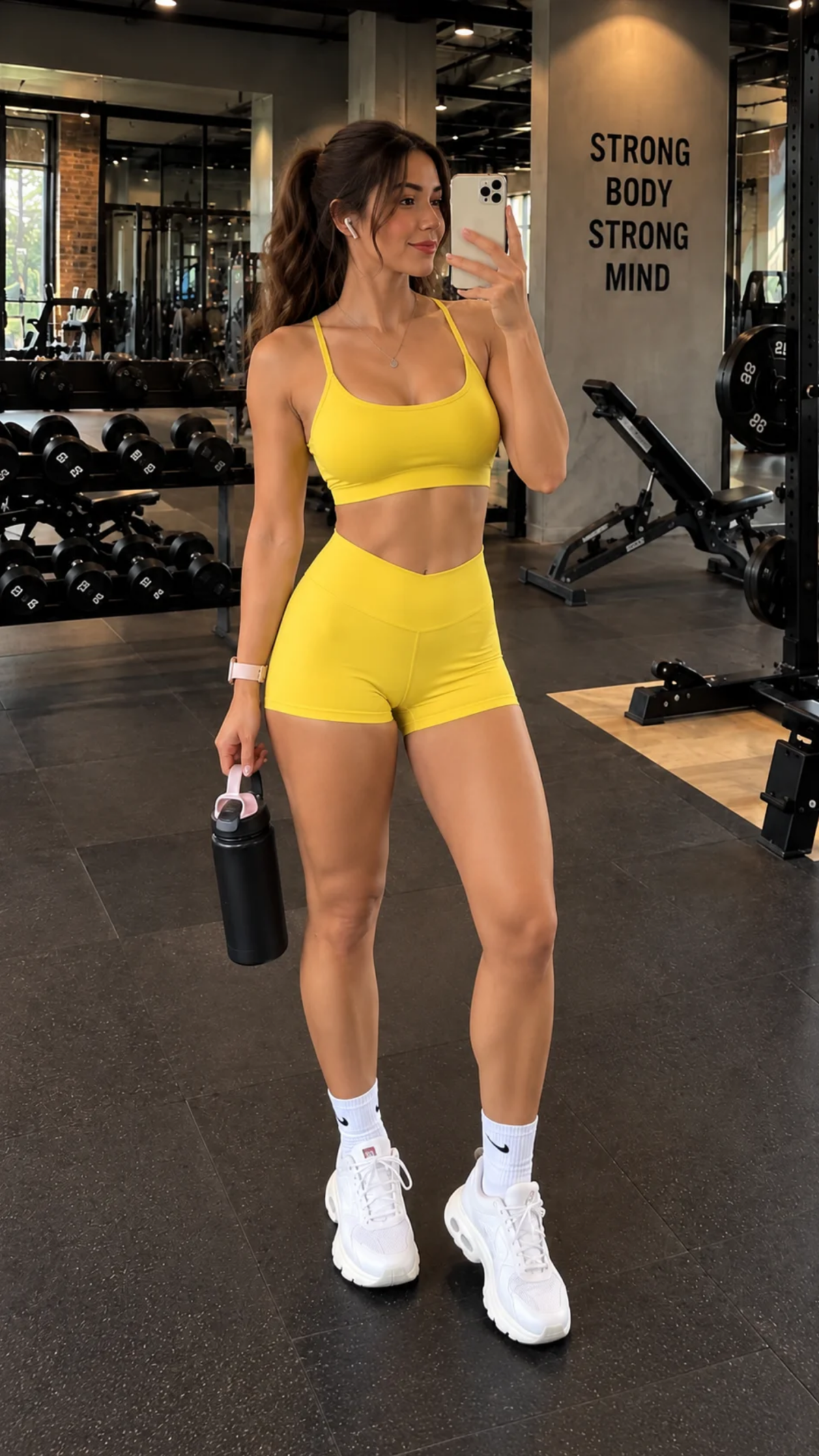
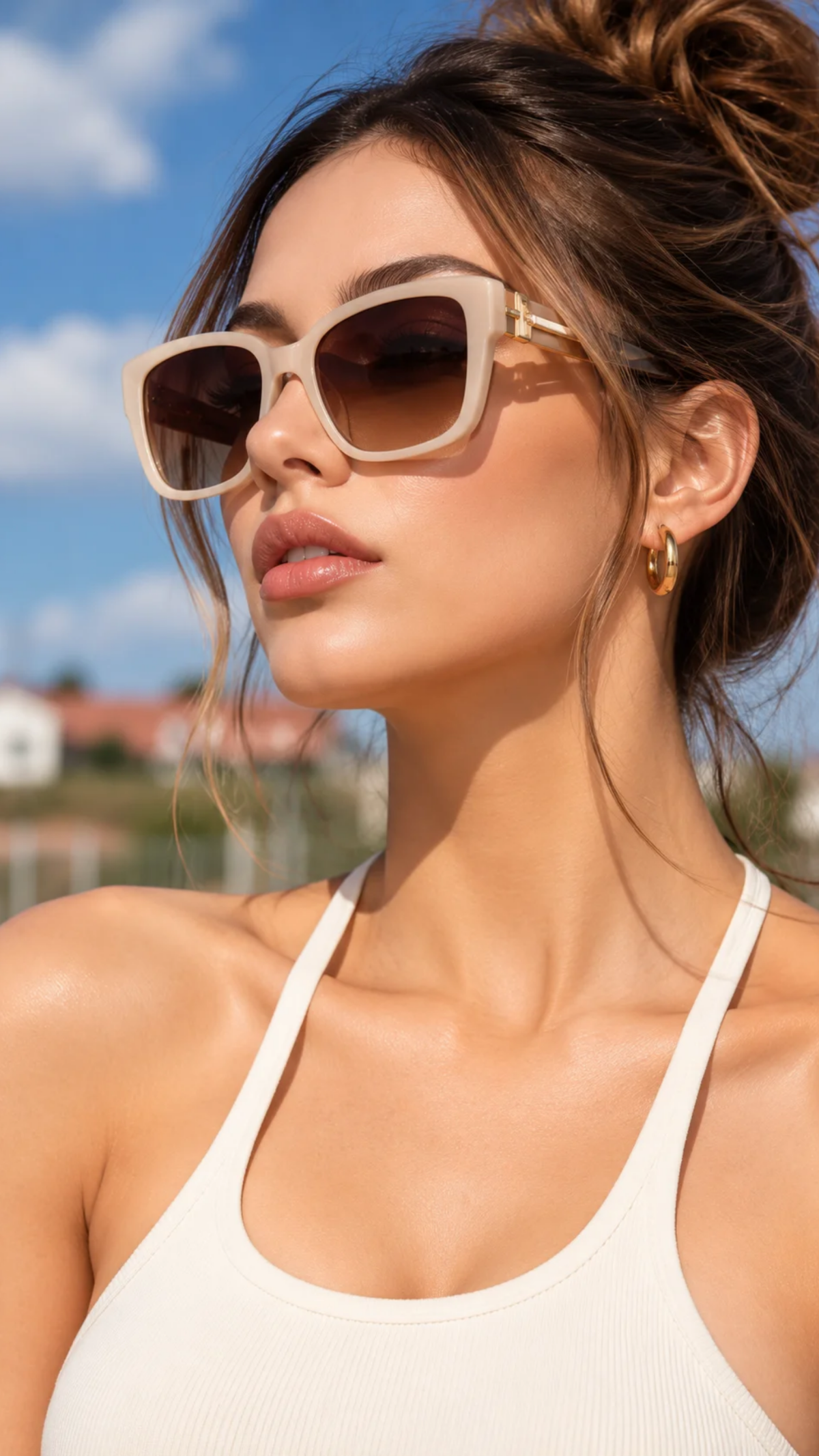
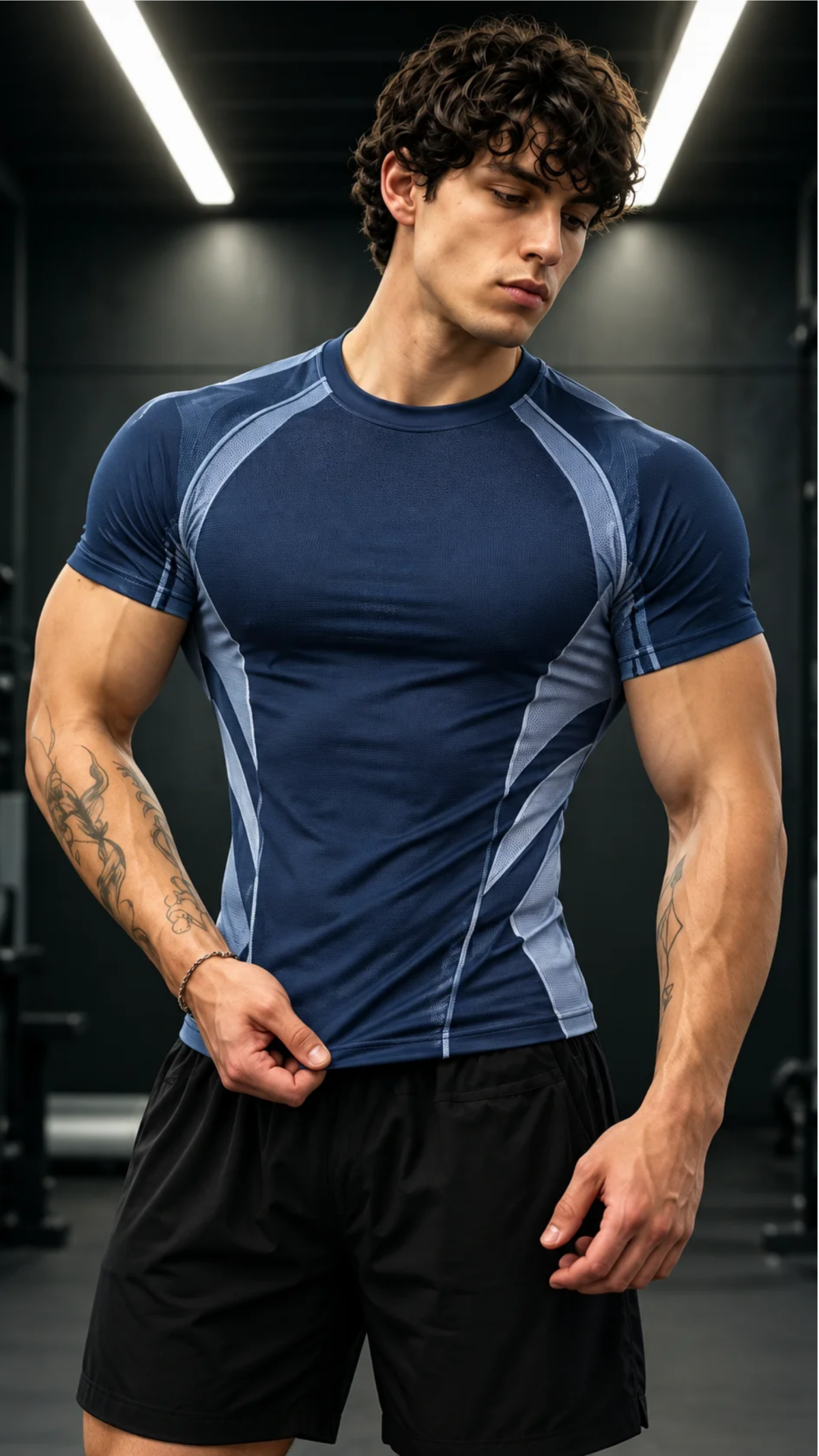
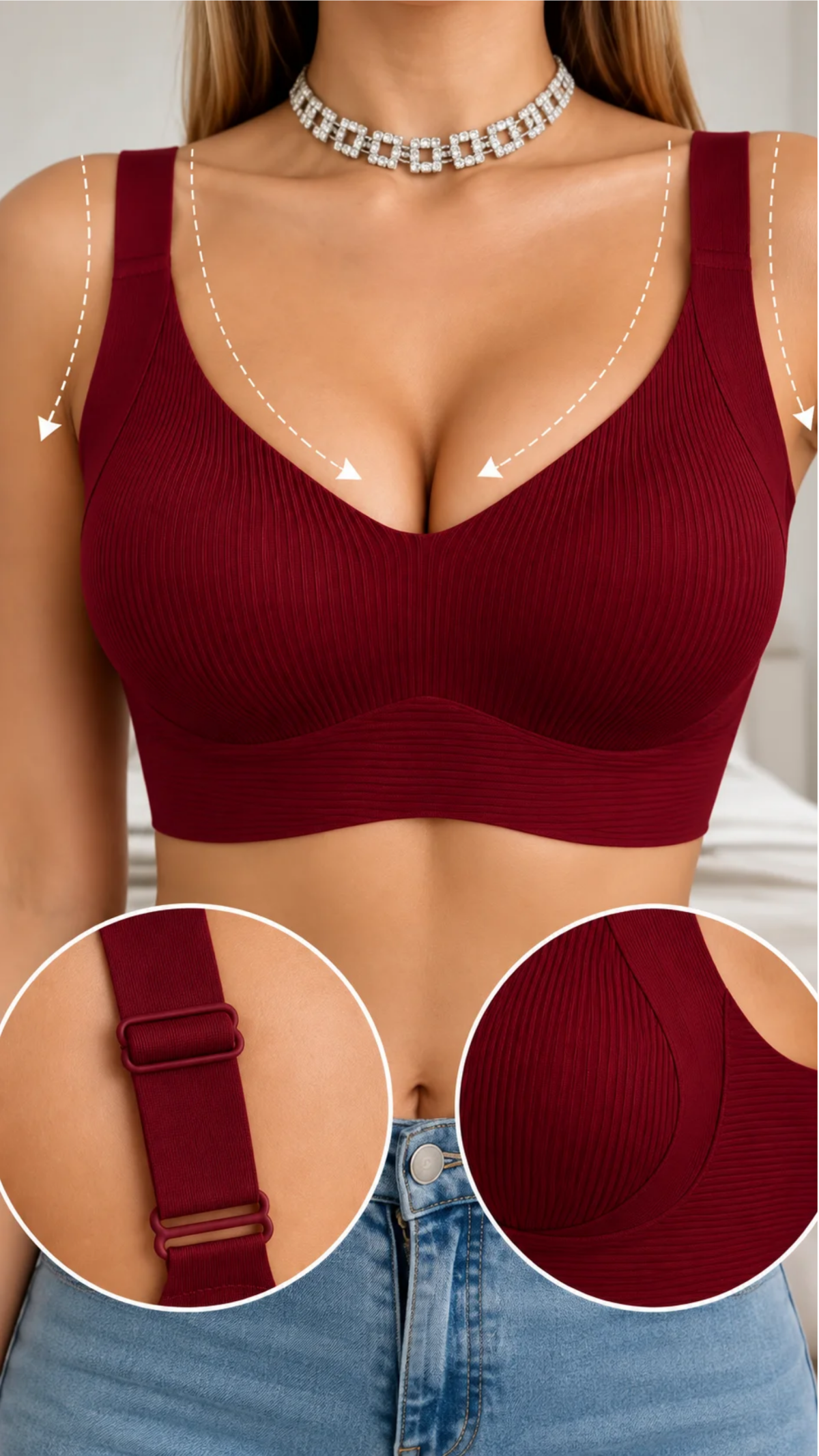
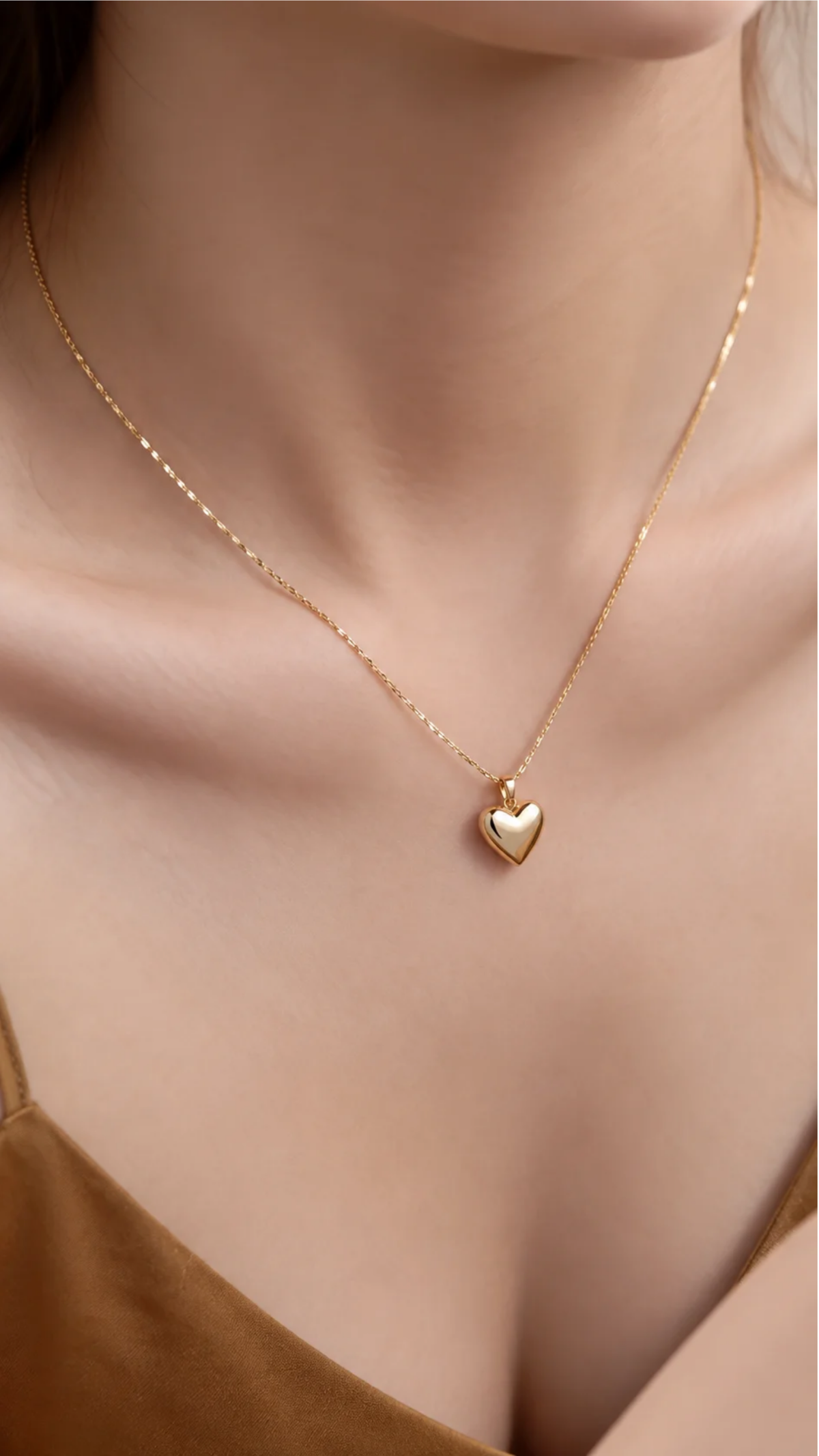
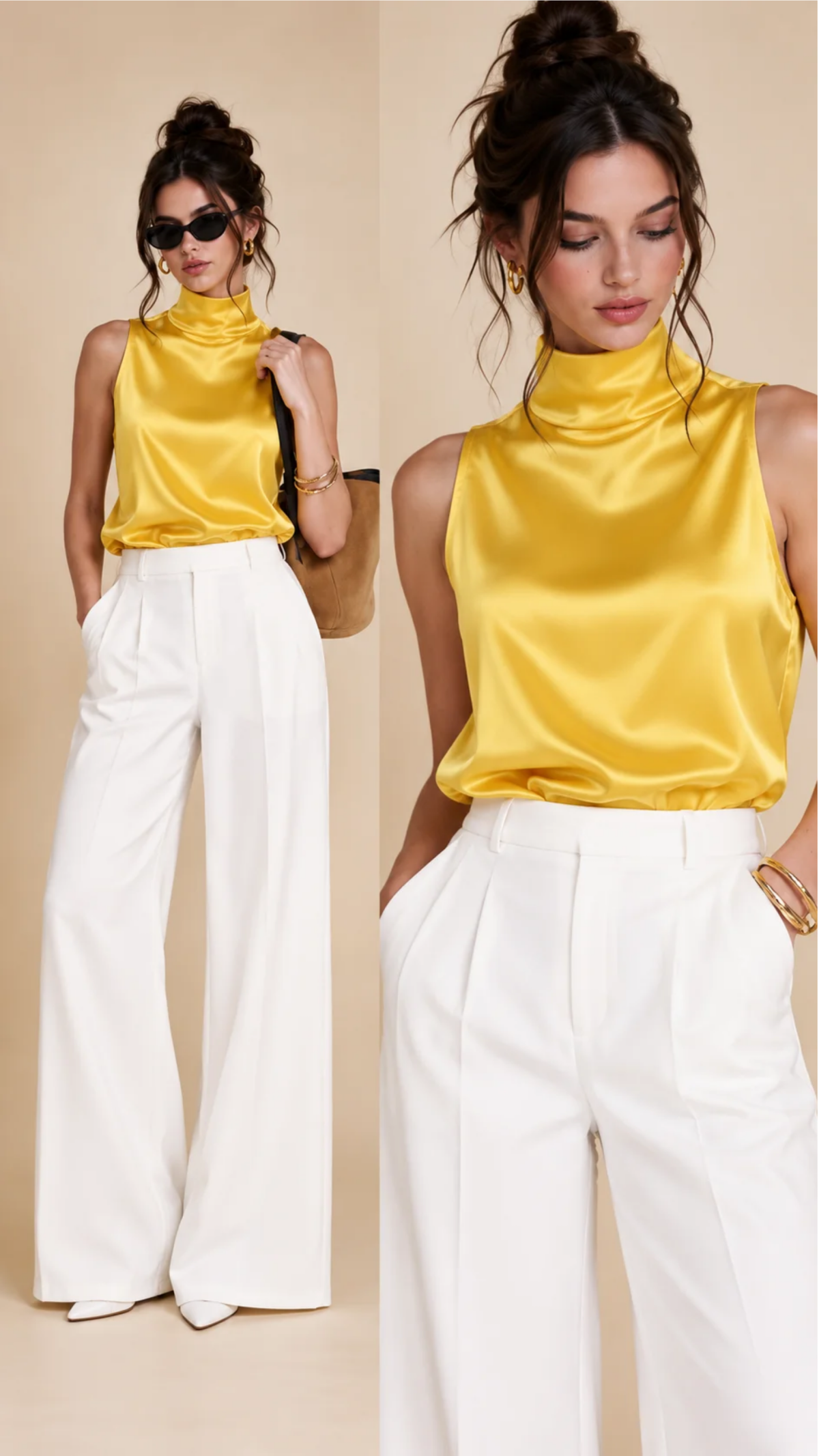
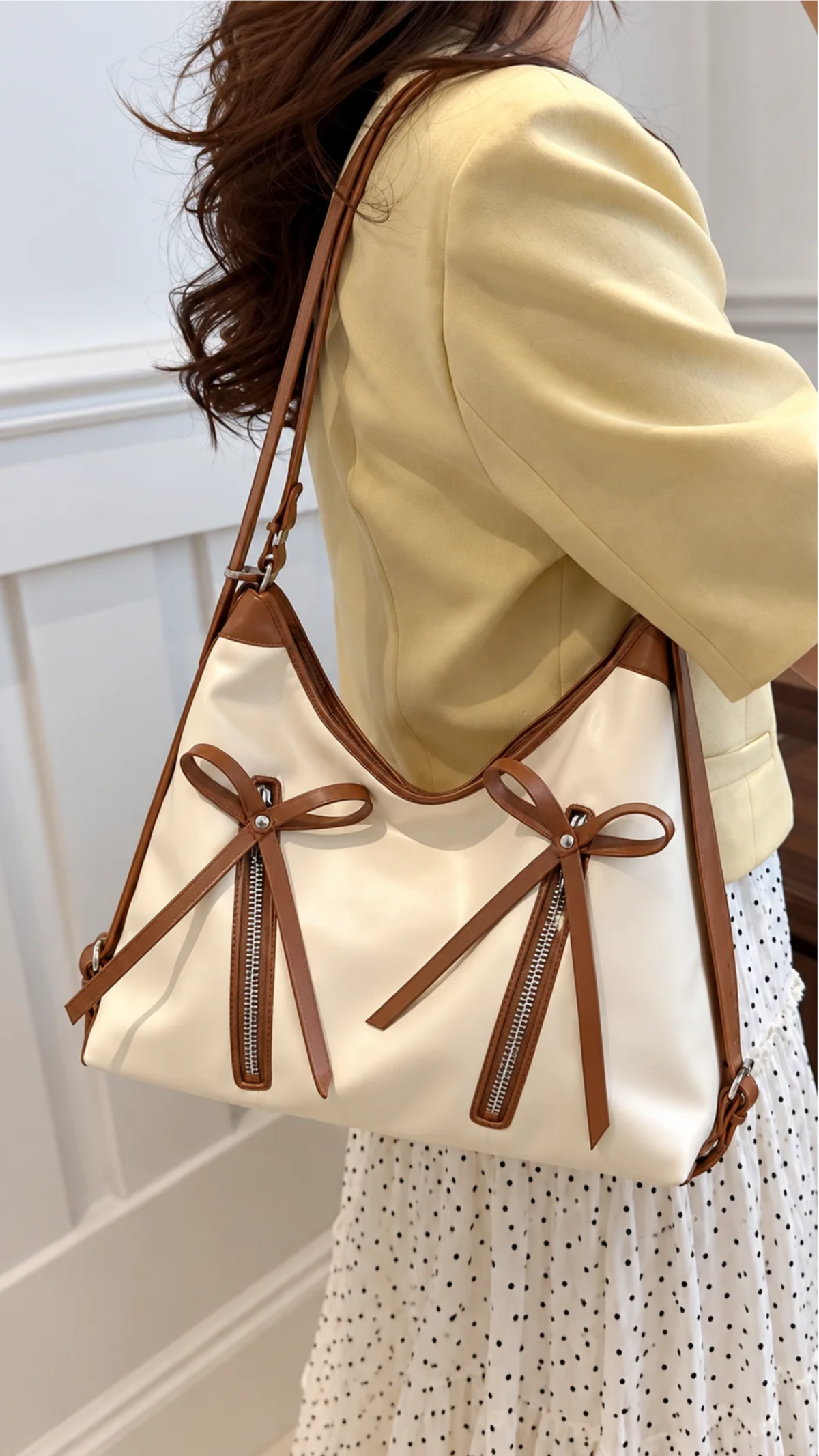
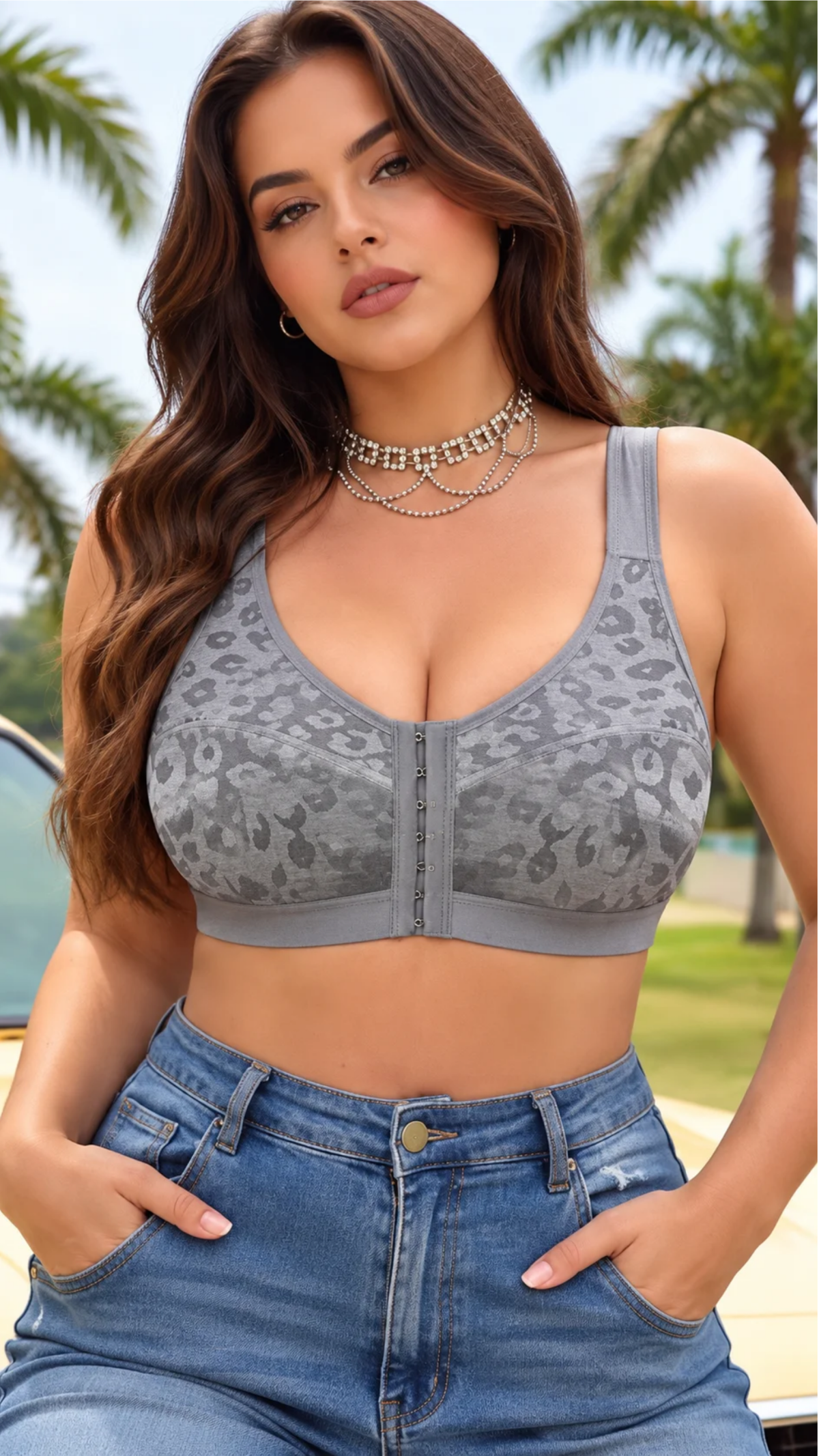
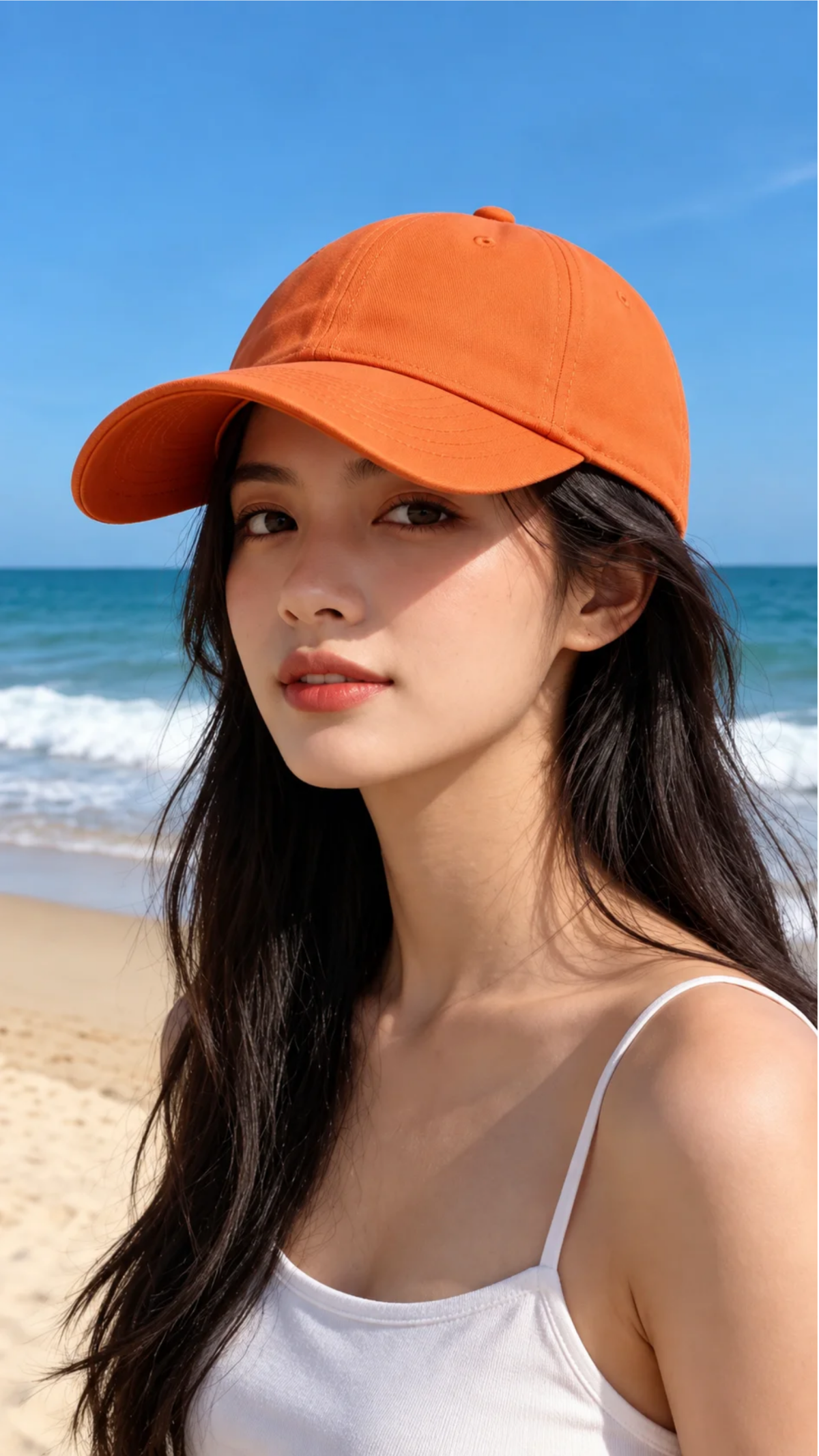
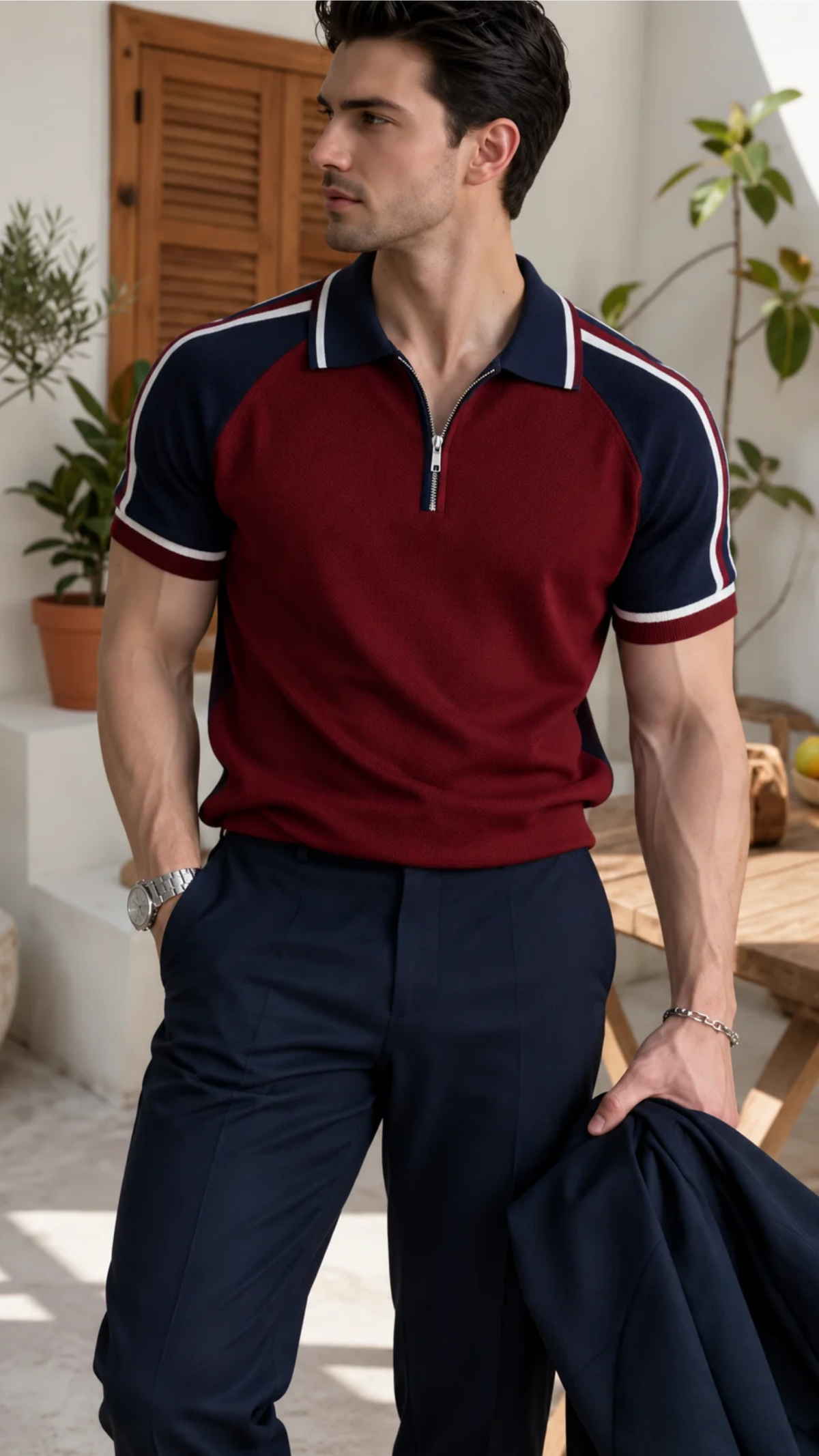
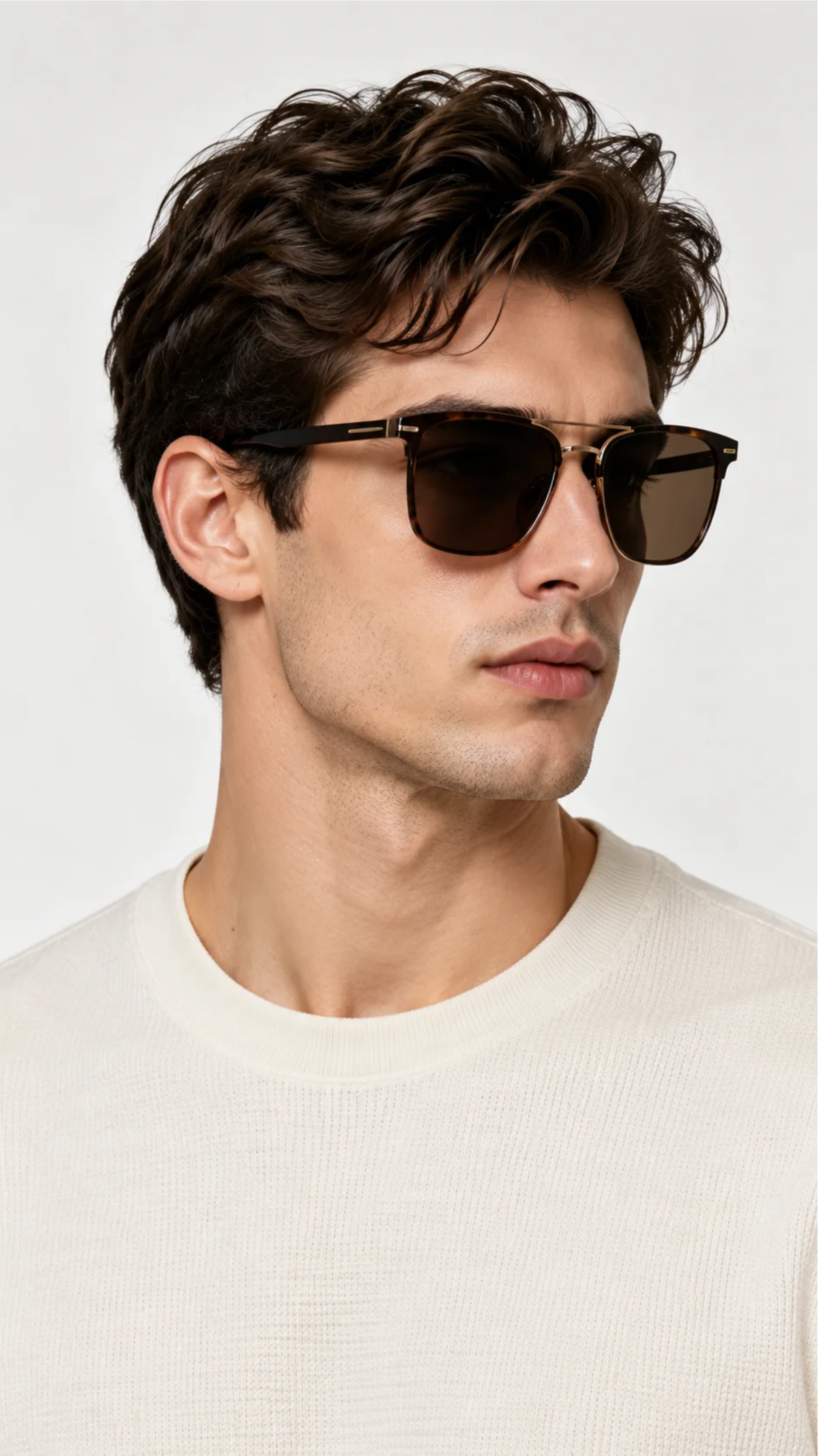
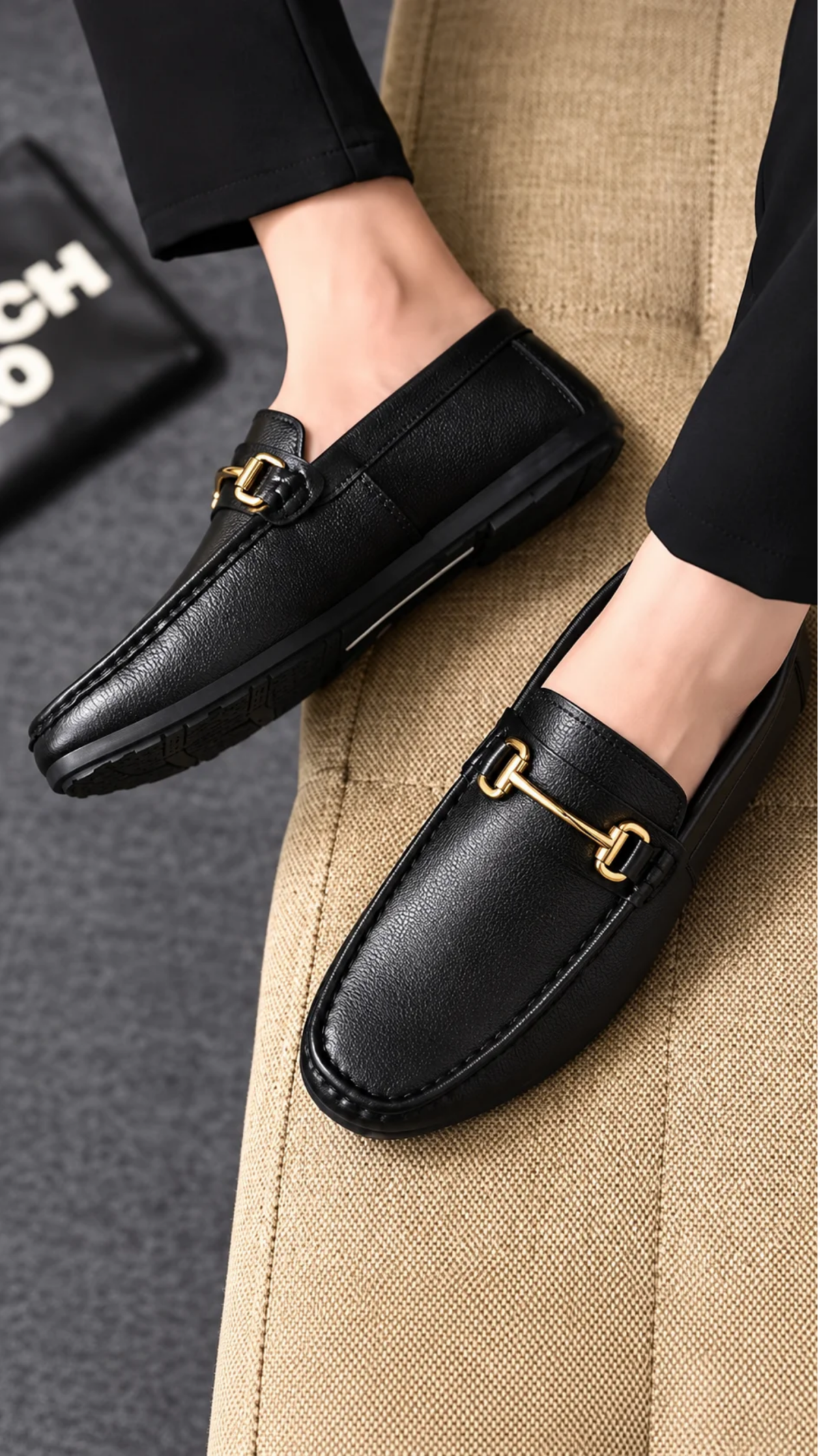
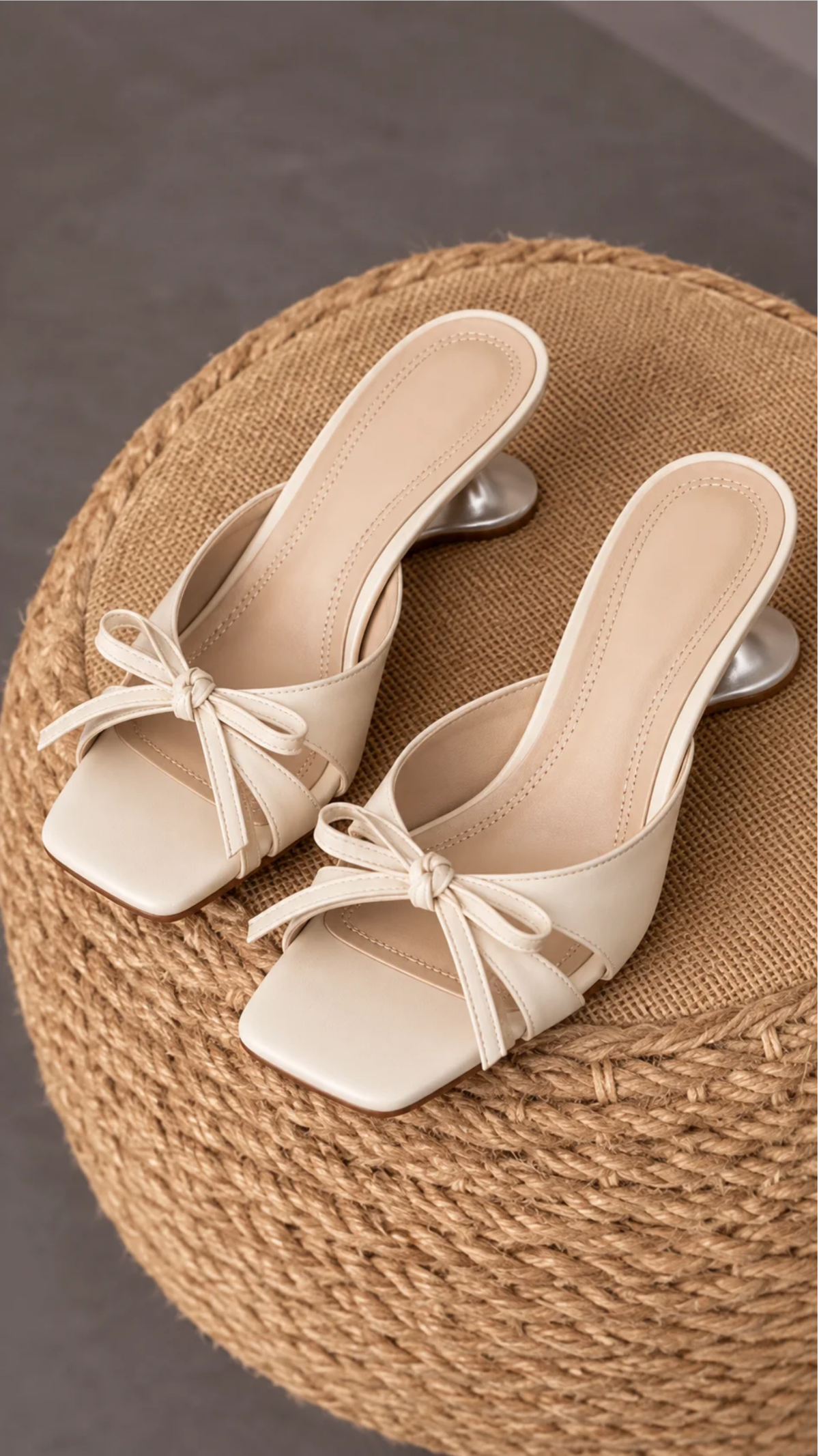
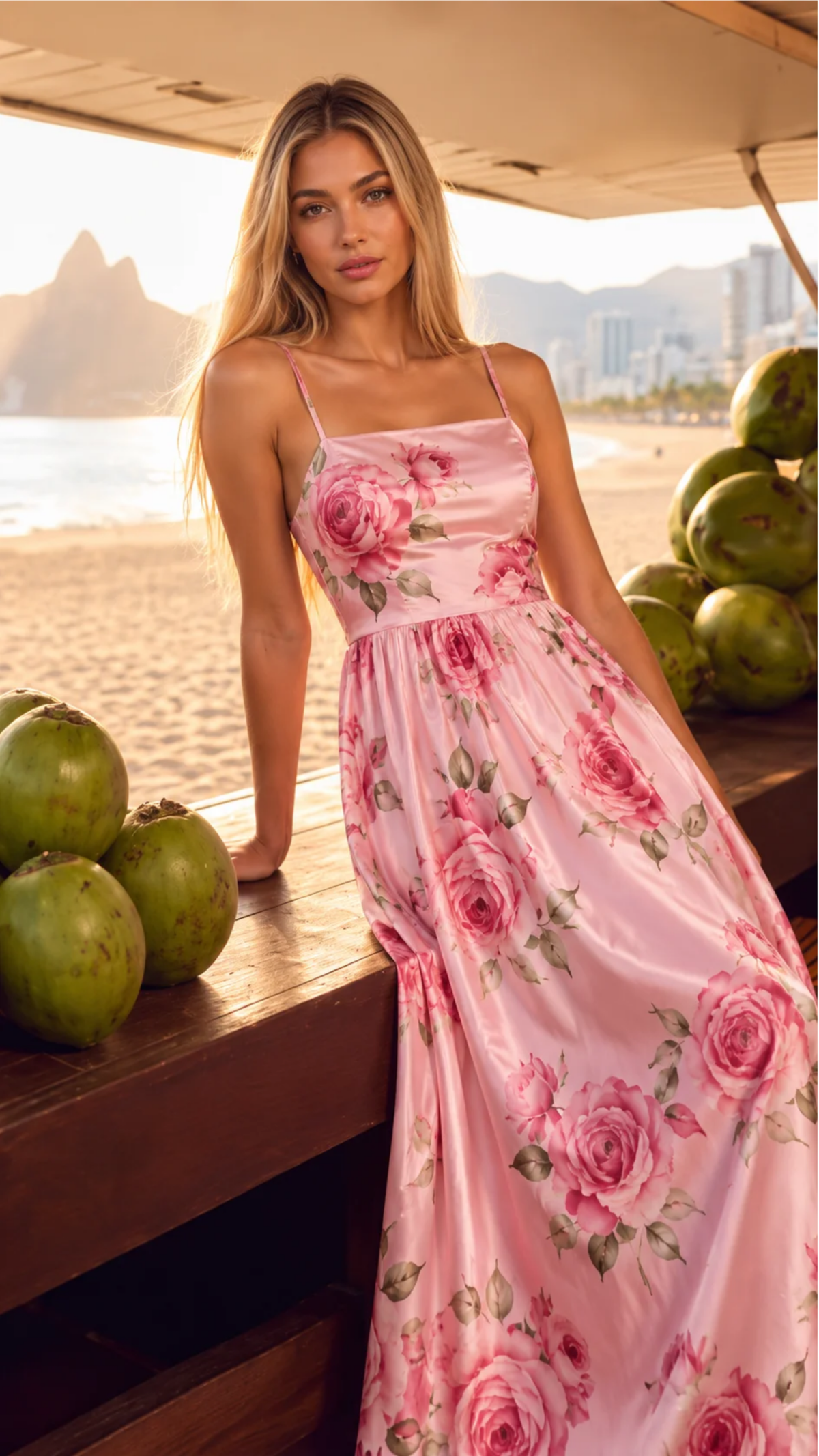
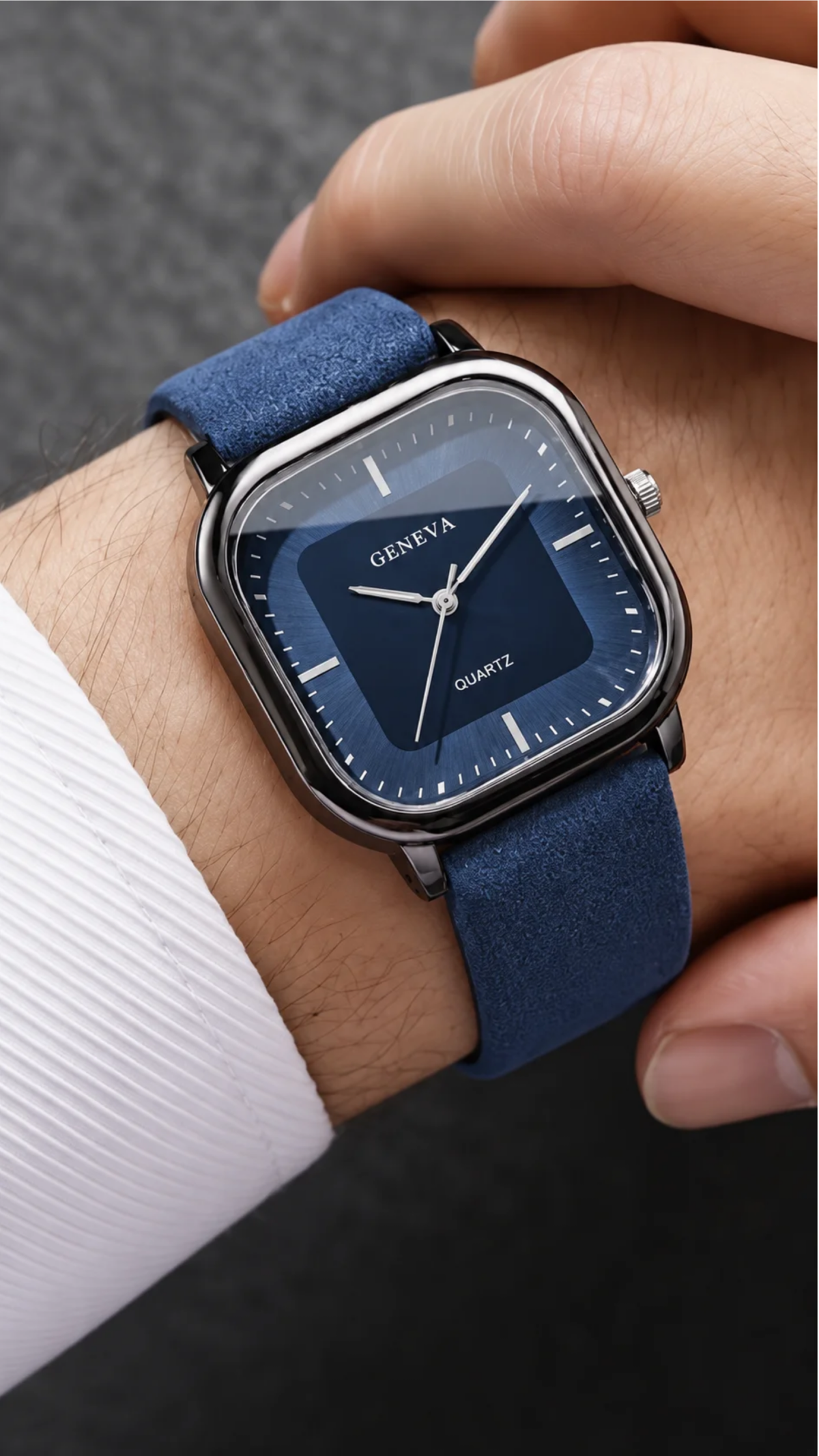
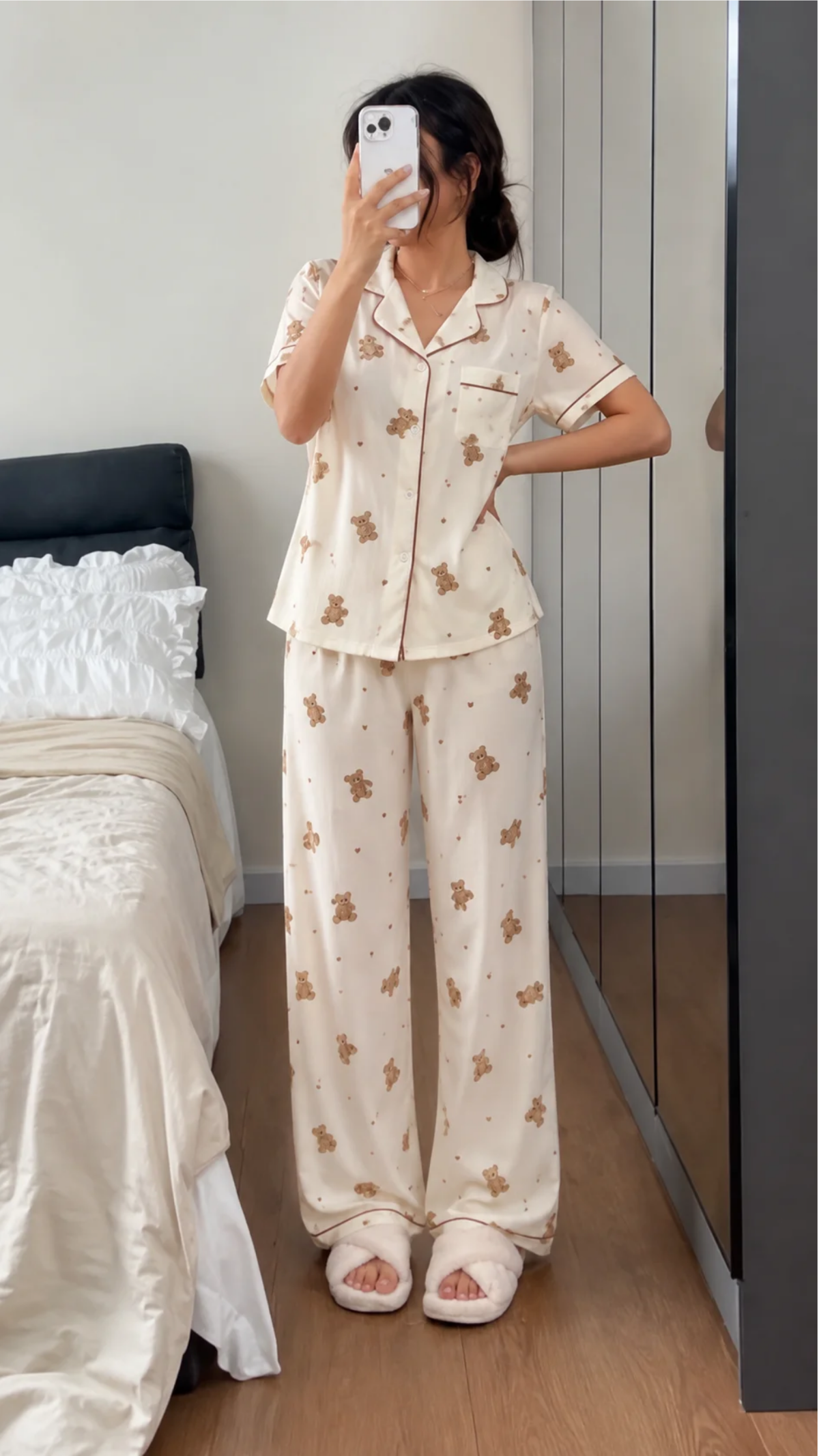
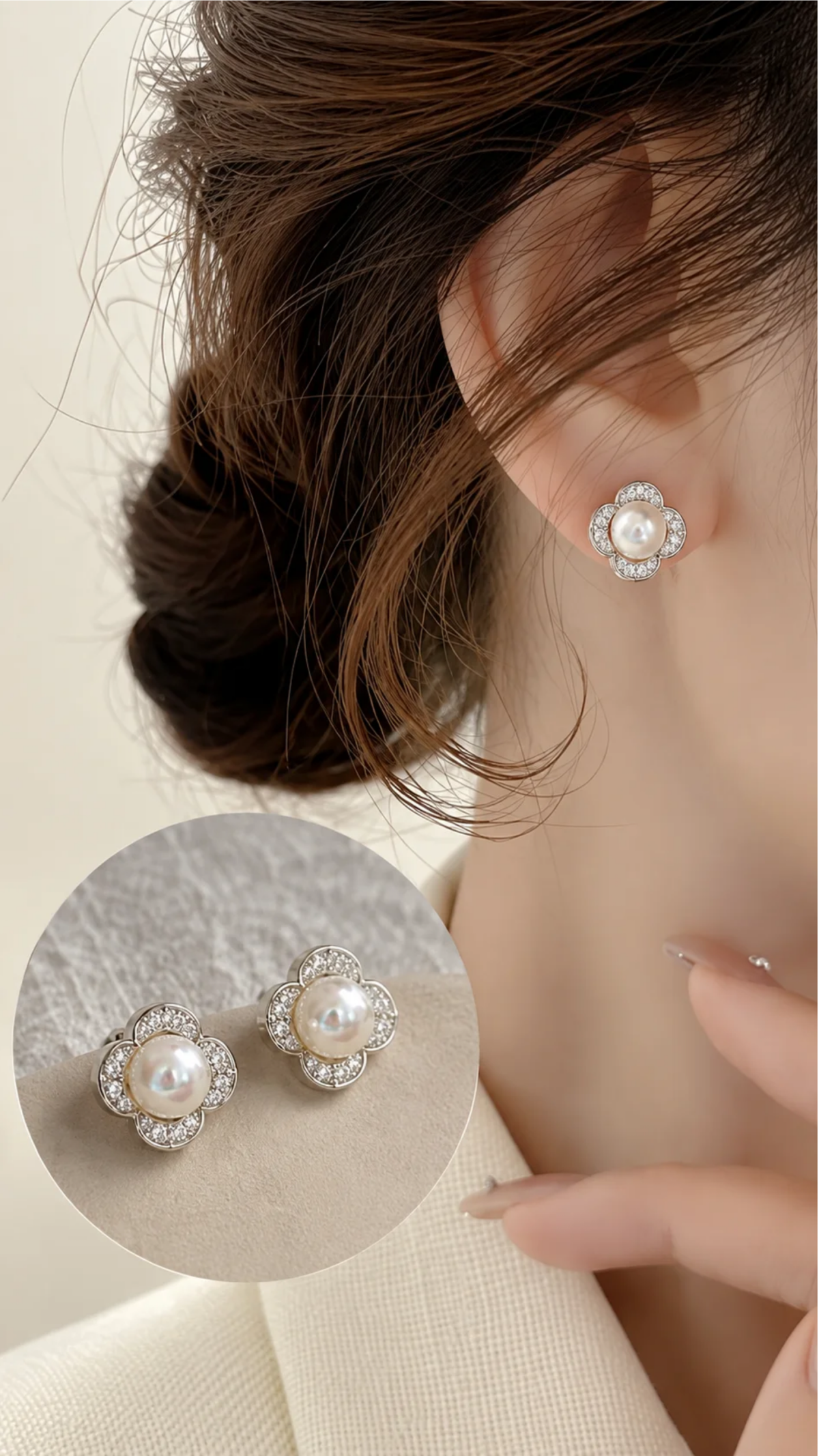
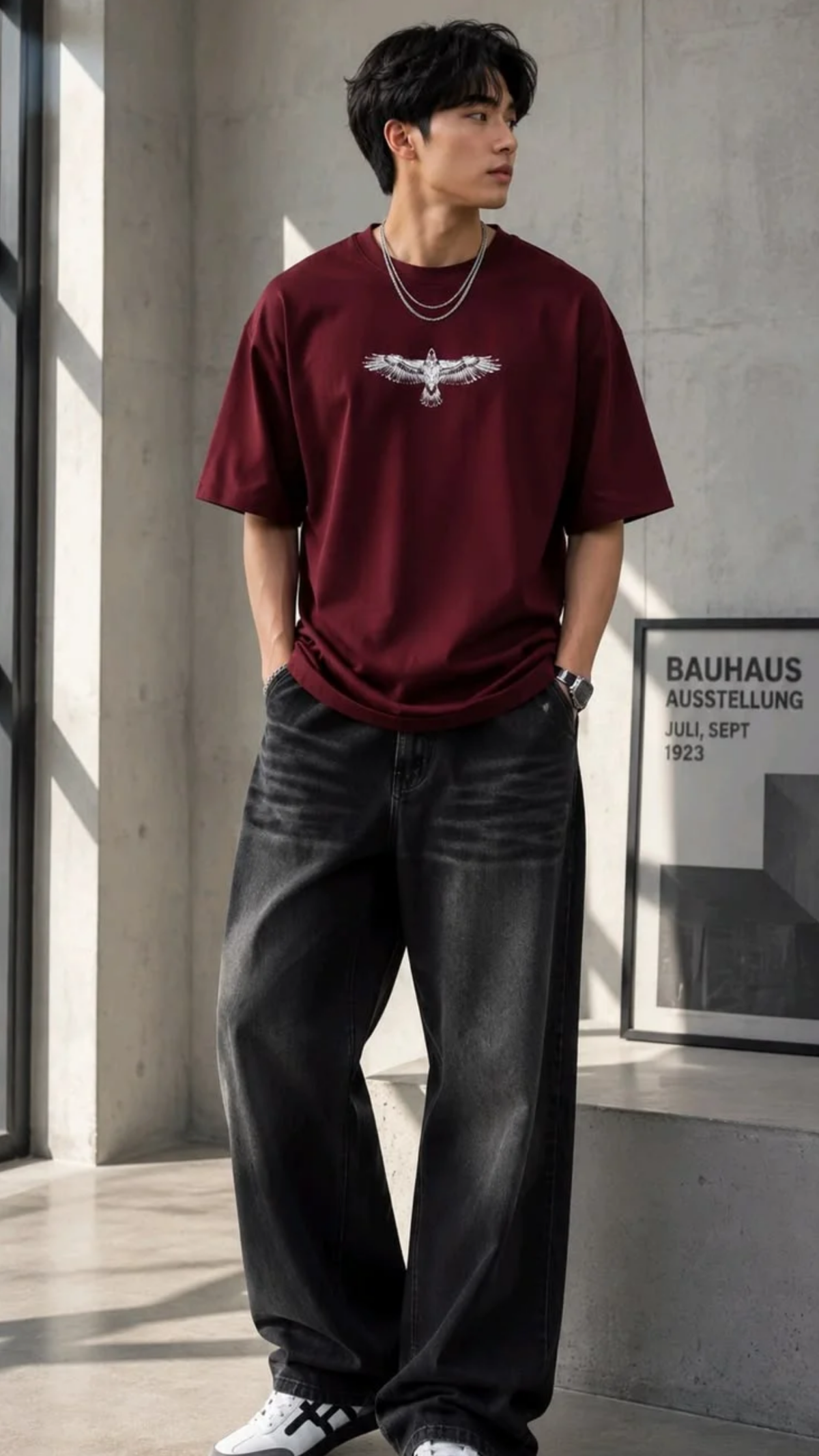
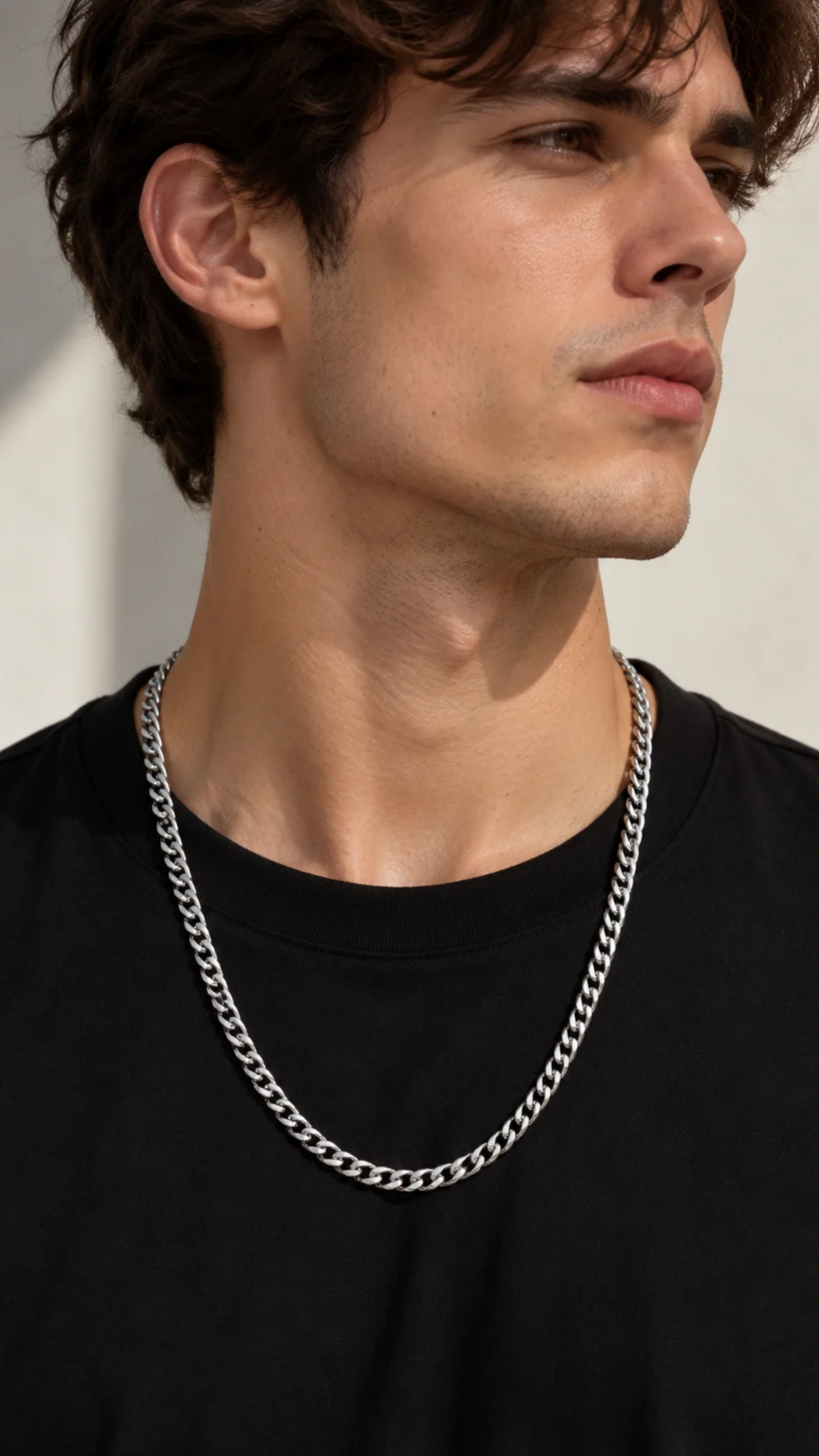
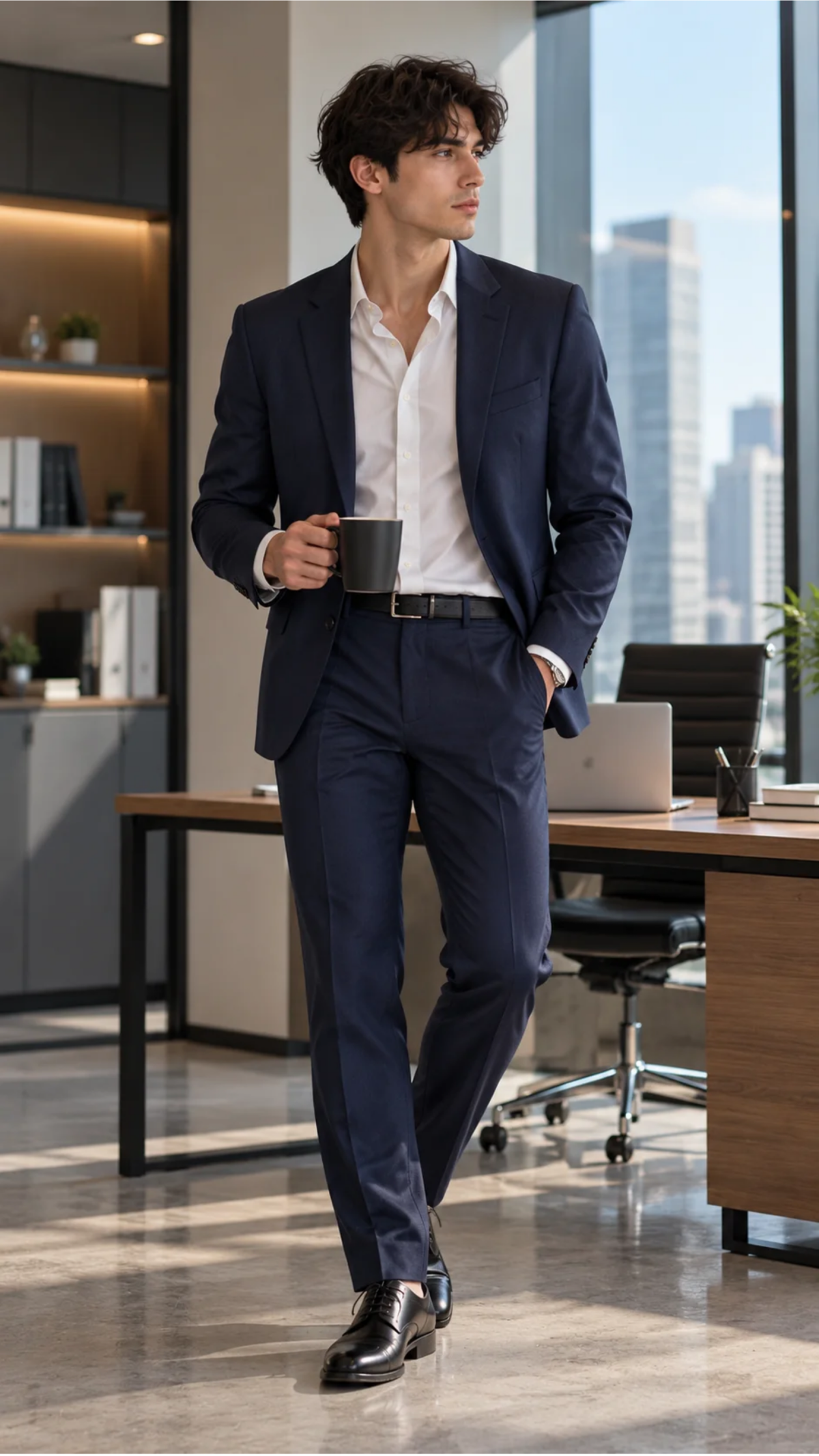
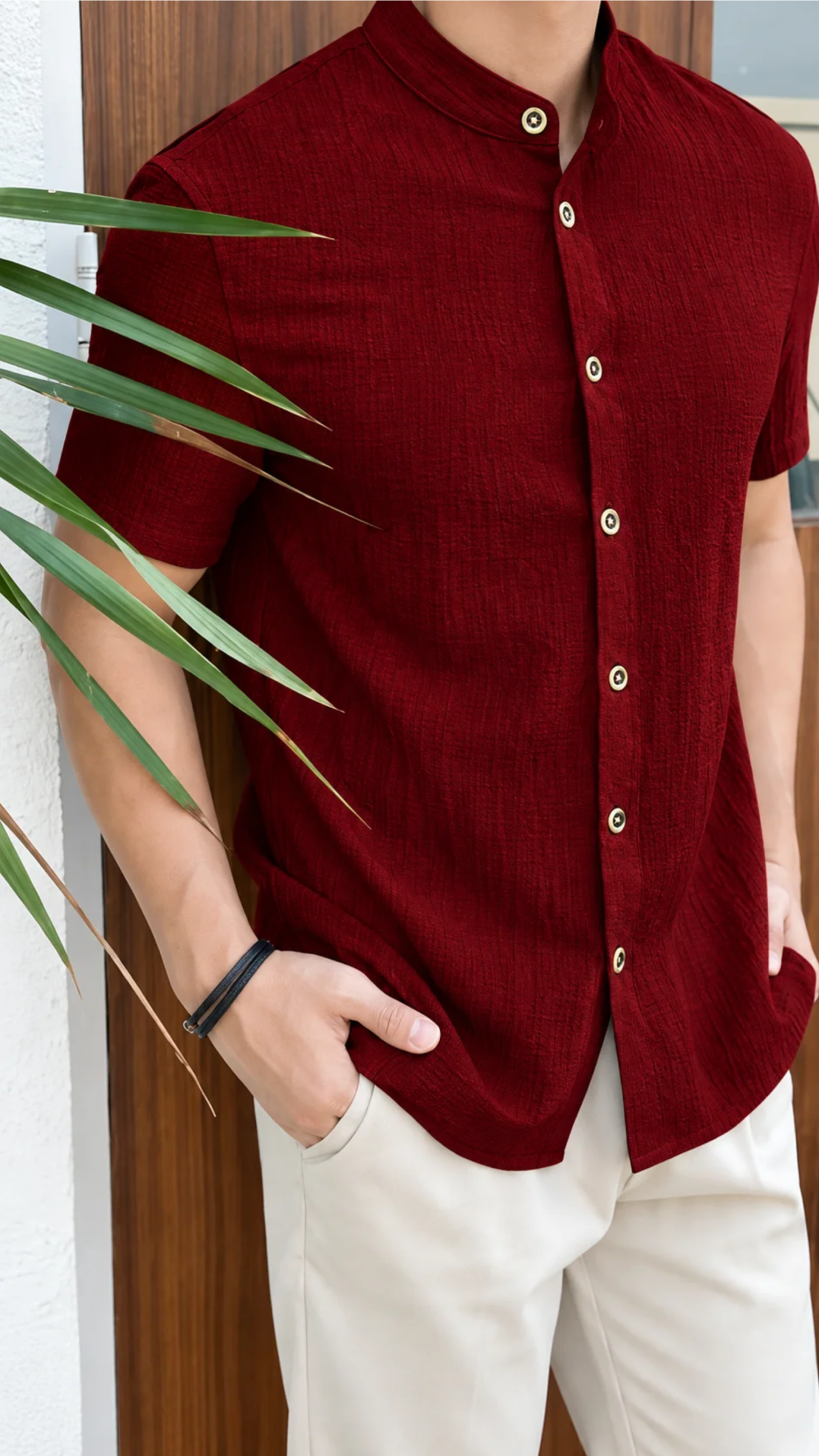
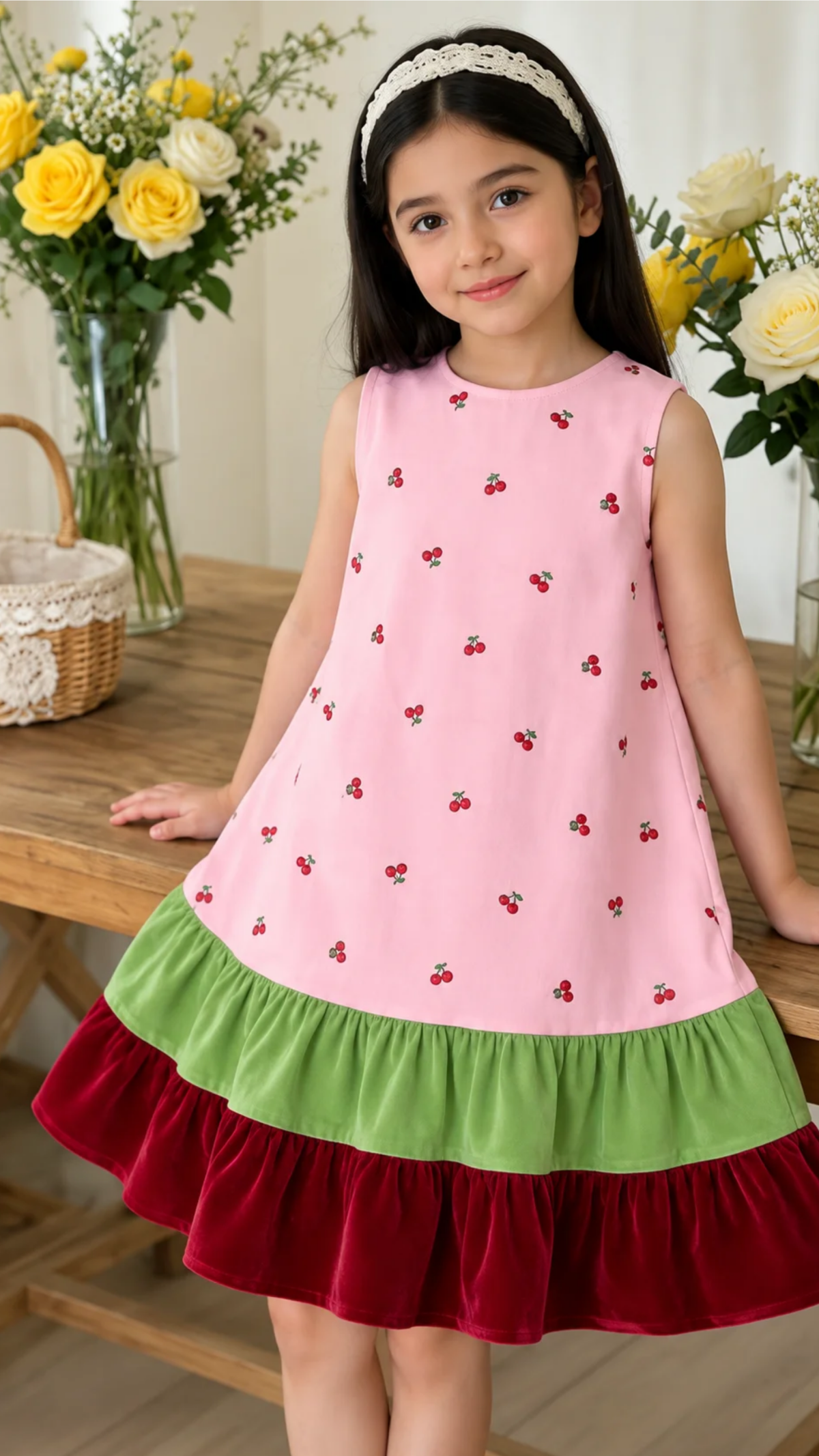
Create Realistic Fashion Virtual Try-On Videos with AI Powered Generator
Template.net AI Virtual Try-On Generator uses Seedance 2 by default to transform uploaded model photos and clothing product images into realistic virtual try-on videos. Upload your model and apparel images, enter a text prompt or use voice input, select from multiple AI models, and customize outfit presentation, scenes, movement, captions, branding, duration, resolution, and aspect ratio. Create fashion content for eCommerce stores, online catalogs, product launches, social media campaigns, fashion marketing, and digital advertising with plans starting at just $12 monthly.
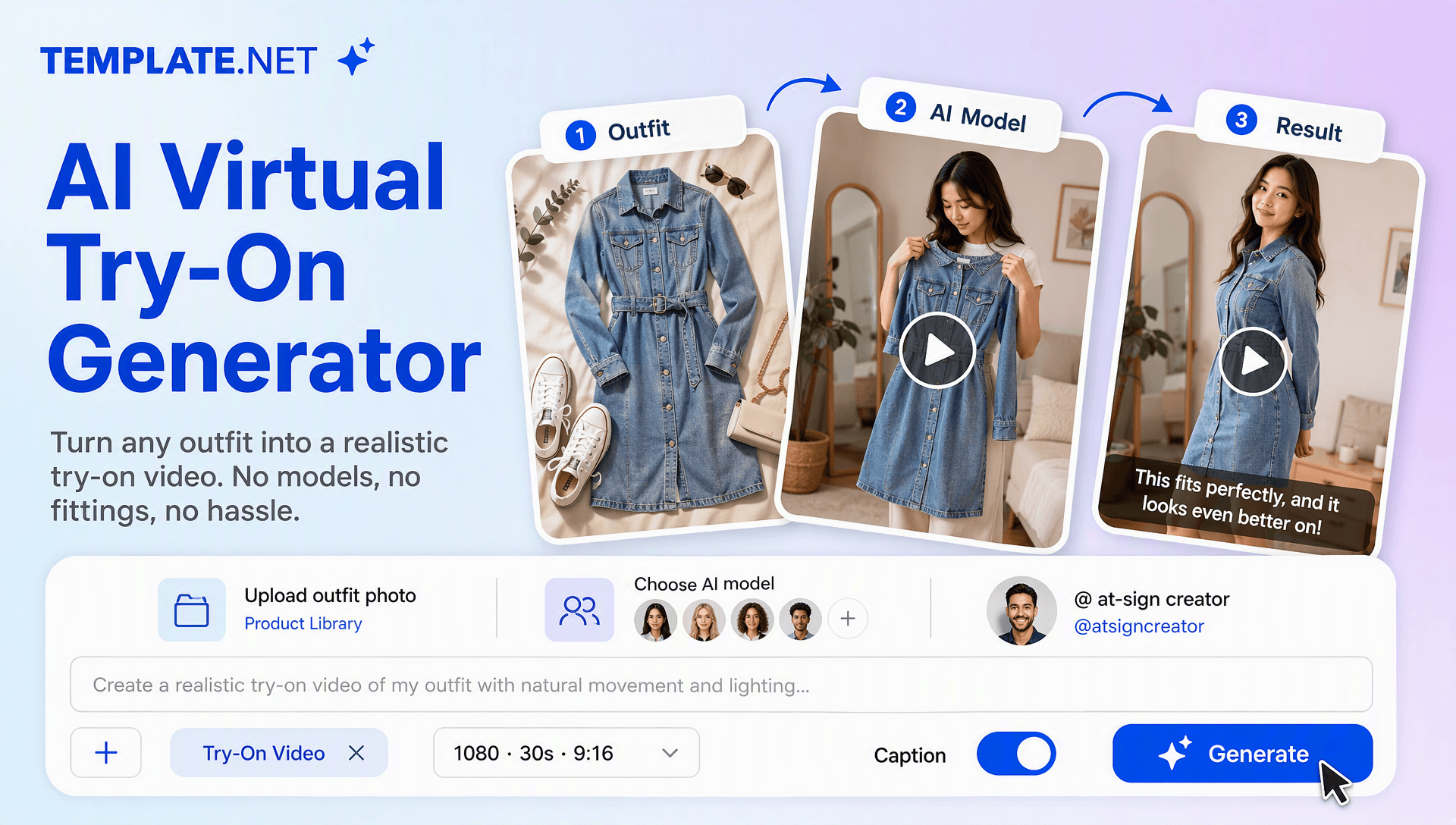
Bring Fashion Products to Life with AI Virtual Try-On Videos
Turn clothing product images into engaging on-model fashion experiences with intelligent AI video creation. Upload a model photo and garment image, describe the desired look with text or voice, and let AI generate a virtual try-on sequence with realistic outfit presentation, natural movement, product details, lifestyle scenes, and polished visual storytelling. Create fashion content for online stores, digital catalogs, social media, product pages, advertising, and AI Content Creation campaigns.
AI-Powered Virtual Try-On Video Generation
Upload a model photo and clothing product image, enter a text prompt or use voice input, and generate a virtual try-on video that presents the selected garment on the model with realistic scenes, movement, transitions, and fashion-focused storytelling.
Upload Model and Clothing Images
Upload a clear model or person photo together with clothing product images such as dresses, tops, jackets, trousers, skirts, or complete outfits. AI uses these visual references to create the virtual try-on experience.
Realistic Garment Visualization
Present clothing on the selected model while preserving important visual characteristics such as colors, patterns, textures, shapes, and garment details. Create more useful fashion visuals without relying only on flat product photography.
Natural Model Presentation
Create fashion sequences with natural poses, walking movements, turns, and presentation scenes that help viewers understand how an outfit looks in motion. Motion Capture AI can complement movement-focused concepts where character motion is important.
Dynamic Fashion Showcase Scenes
Generate studio, lifestyle, runway-inspired, retail, and editorial environments around the virtual try-on experience. Combine model presentation with close-ups, transitions, camera movement, and product-focused scenes.
Outfit and Style Variations
Explore different garments, combinations, styling directions, backgrounds, and presentation concepts from your uploaded assets. Create multiple outfit variations for collections, seasonal campaigns, and fashion promotions.
Fashion Detail Highlights
Showcase garment patterns, materials, cuts, colors, accessories, and styling details through close-up scenes and on-screen messaging. Use clear visual storytelling to help shoppers understand the product more effectively.
Custom Fashion Visual Direction
Describe the desired aesthetic, environment, lighting, model movement, camera style, and overall mood through prompts. Use Reference Video AI concepts when a specific movement or visual direction needs to guide the creative result.
AI Fashion Presenter
Add an AI-generated presenter or model-led experience when your fashion campaign needs a stronger human presence. AI Avatar Video workflows can also support presenter-focused fashion content for product explanations and promotional campaigns.
Cinematic Motion and Transitions
Enhance try-on videos with smooth camera movement, outfit transitions, zoom effects, lighting changes, and polished visual effects. AI Motion Control can help direct specific movement and camera behavior within fashion scenes.
Social-Ready Fashion Videos
Create vertical and horizontal try-on content for Instagram, TikTok, YouTube, Facebook, LinkedIn, websites, fashion marketplaces, and digital advertising. Adapt the same outfit concept to different platforms and viewing experiences.
Brand Identity Customization
Add logos, brand colors, fonts, campaign messaging, and visual styles to maintain a consistent fashion identity across your try-on videos and promotional content.
Edit and Refine Try-On Videos
Review your generated video and refine scenes, outfit presentation, captions, branding, movement, transitions, and visual effects. AI Video Editing workflows make it easier to polish the final fashion presentation.
Creative Character and Outfit Concepts
Develop fashion campaigns that combine different models, styling concepts, and creative visual treatments. Character Animation can support more expressive fashion storytelling, while AI Character Transfer can be used in related character-focused creative workflows.
Multilingual Support
Create fashion video content in 20+ multiple languages, including English, Spanish, French, German, Italian, Portuguese, Hindi, Chinese, Japanese, Korean, Arabic, and more for international fashion campaigns and localized marketing.
Download or Share Instantly
Export your completed try-on videos in high quality or share them through Email, LinkedIn, WhatsApp, Facebook, X (Twitter), Pinterest, or a live link or QR code for reviews, collaboration, and publishing.
Browser Based Fashion Video Workspace
Create, customize, edit, organize, and manage virtual try-on videos online from one browser-based creative workspace without depending on traditional fashion production workflows.
Scale Fashion Content Production
Generate multiple try-on variations from your model and clothing assets for new collections, seasonal launches, product pages, social campaigns, advertisements, and eCommerce promotions. For more advanced character-based concepts, related workflows such as Video Character Replacement, Character Swap Video, or Video-to-Character AI can expand creative possibilities.
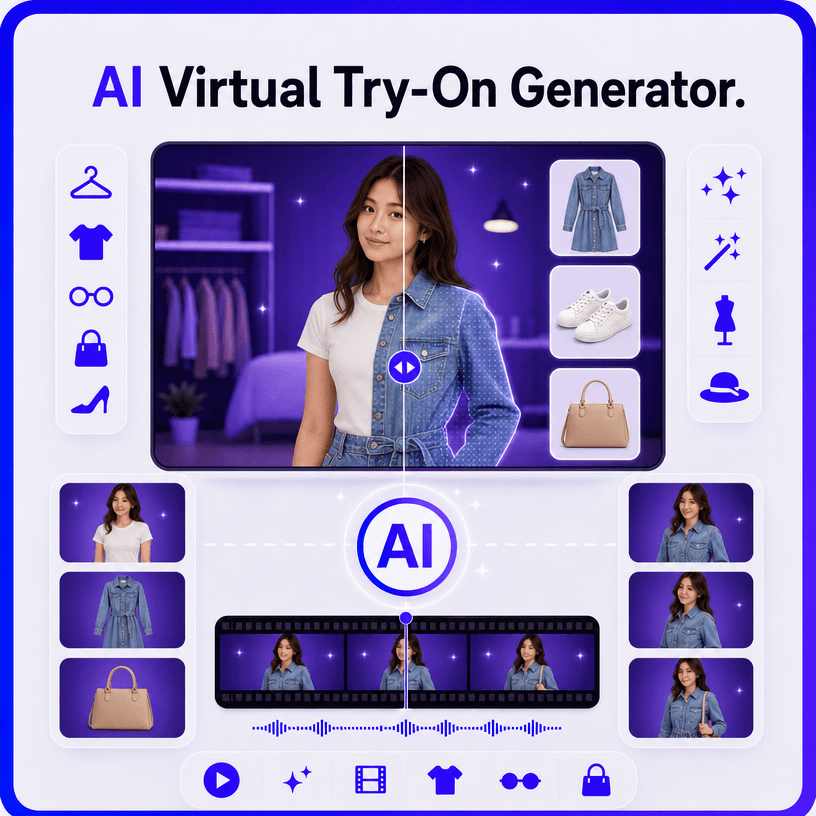
How to Create Professional AI Virtual Try-On Videos
Create realistic fashion virtual try-on videos in a few simple steps.
Step 1 Upload Your Model and Clothing Images
Upload a model or person photo along with clothing product images. Then enter a text prompt or use voice input to describe the desired outfit, setting, movement, styling, camera direction, and overall fashion presentation.
Step 2 Customize Your Virtual Try-On Video
Review the generated try-on video and refine the outfit presentation, model movement, scenes, captions, branding, transitions, visual effects, duration, resolution, and aspect ratio. Adjust motion and creative direction to achieve the desired fashion look.
Step 3 Save, Download, or Share
Preview your completed virtual try-on video, make final adjustments, then save or download it. Share it through Email, LinkedIn, WhatsApp, Facebook, X (Twitter), or Pinterest, or generate a live link or QR code for collaboration and publishing.
Transform Fashion Products into Immersive Try-On Experiences
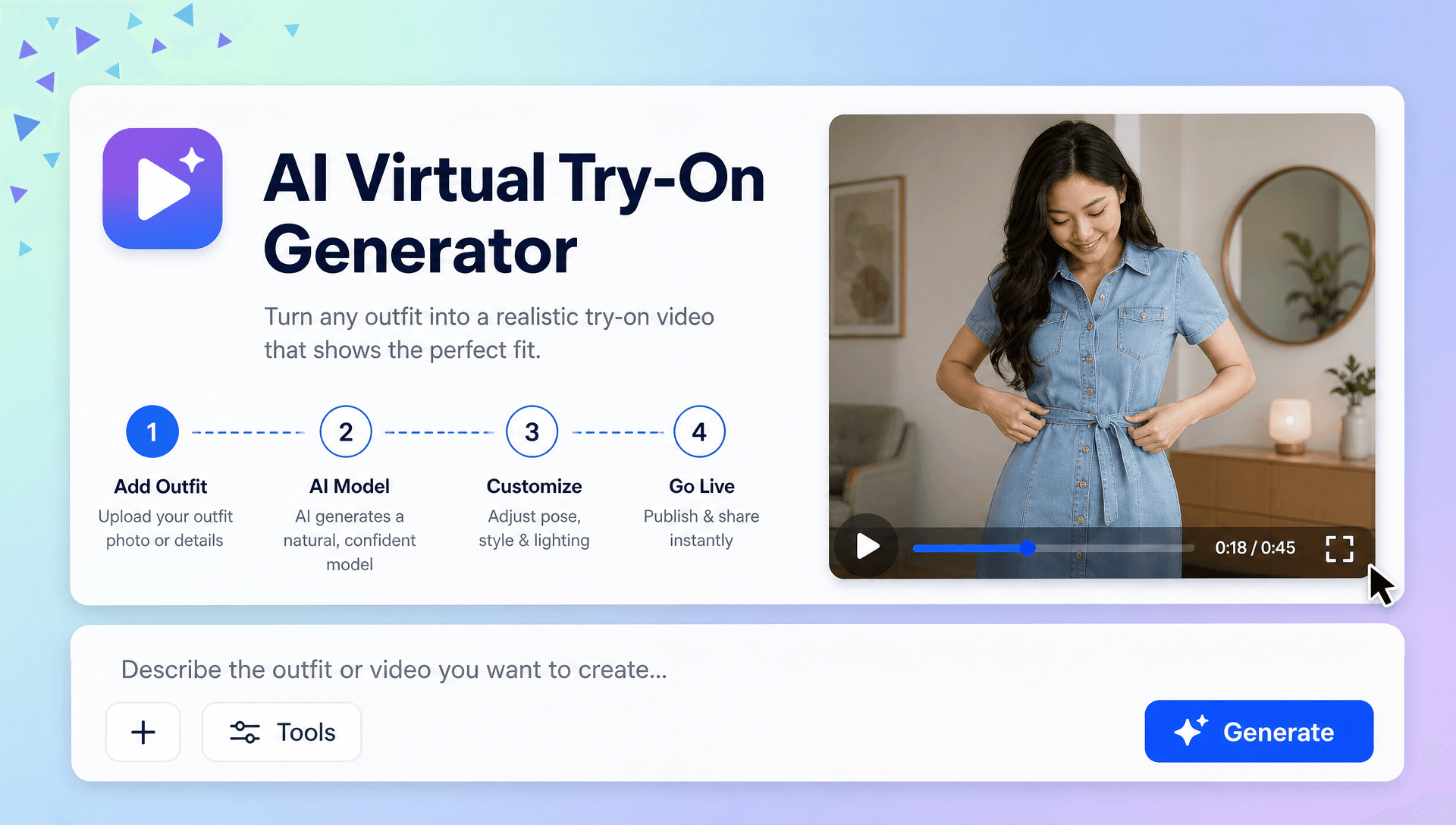
Show Every Outfit in Motion
Turn static clothing images into engaging fashion presentations with realistic model movement, product-focused camera angles, smooth transitions, and lifestyle environments that help shoppers visualize the complete look.
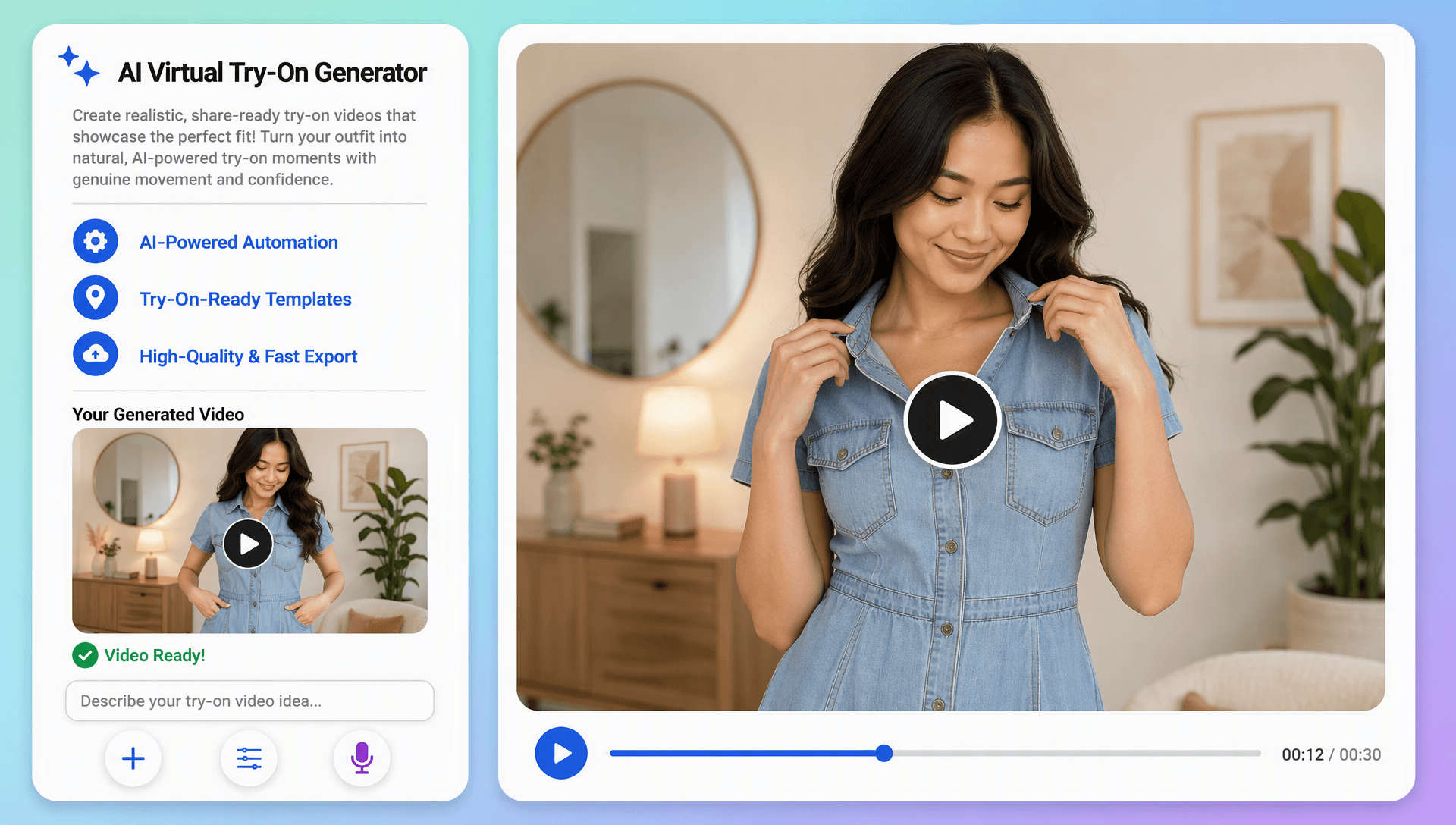
Create Fashion Content That Feels More Personal
Present garments on selected models and create different styling concepts, poses, backgrounds, and visual directions. Use AI Avatar Video for presenter-led fashion content when a human-style explanation can strengthen product communication.
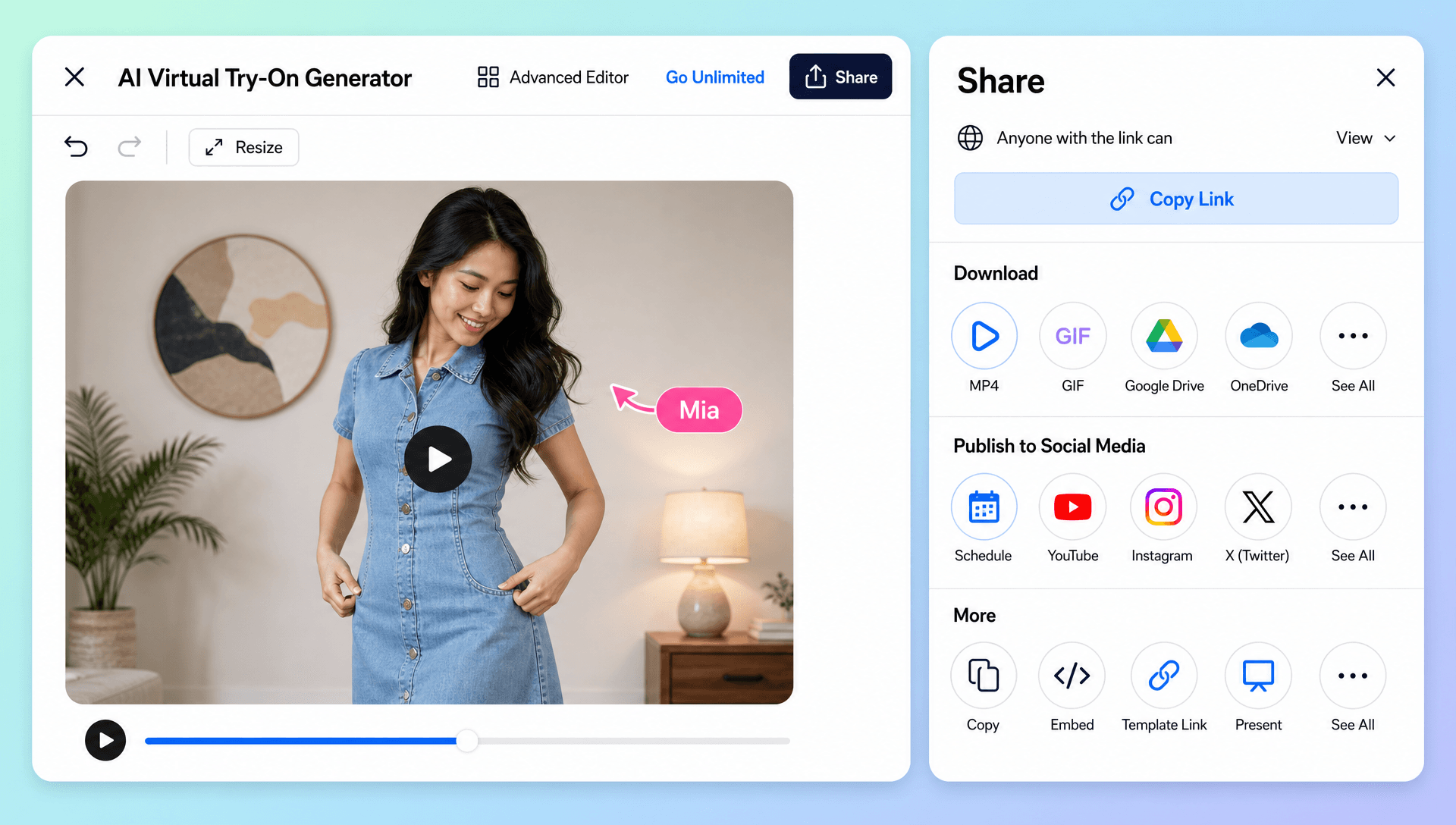
Expand One Collection into Multiple Campaigns
Generate different try-on videos from the same clothing and model assets for new collections, seasonal launches, social campaigns, product pages, and digital advertisements. Use AI Content Creation workflows to scale fashion content across multiple channels.
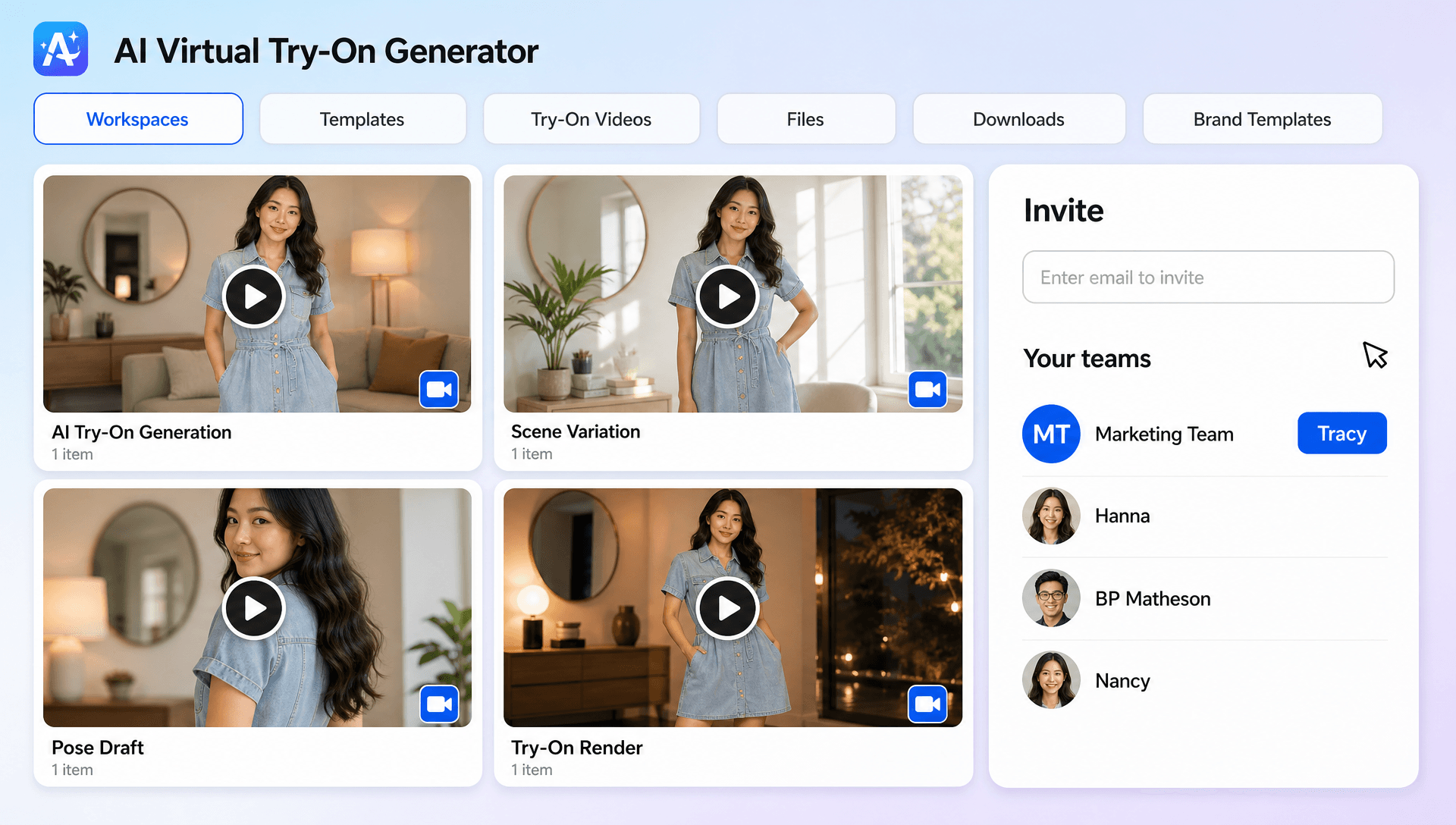
Connect Virtual Try-On with Creative Video Workflows
Extend fashion concepts beyond standard try-on presentations with related video capabilities. AI Video Editing can refine the final sequence, while Motion Transfer AI, Character Animation, and AI Animation Tool workflows can support more expressive movement and creative fashion storytelling.
