Free AI Cornell Note Generator

Cornell Note Templates
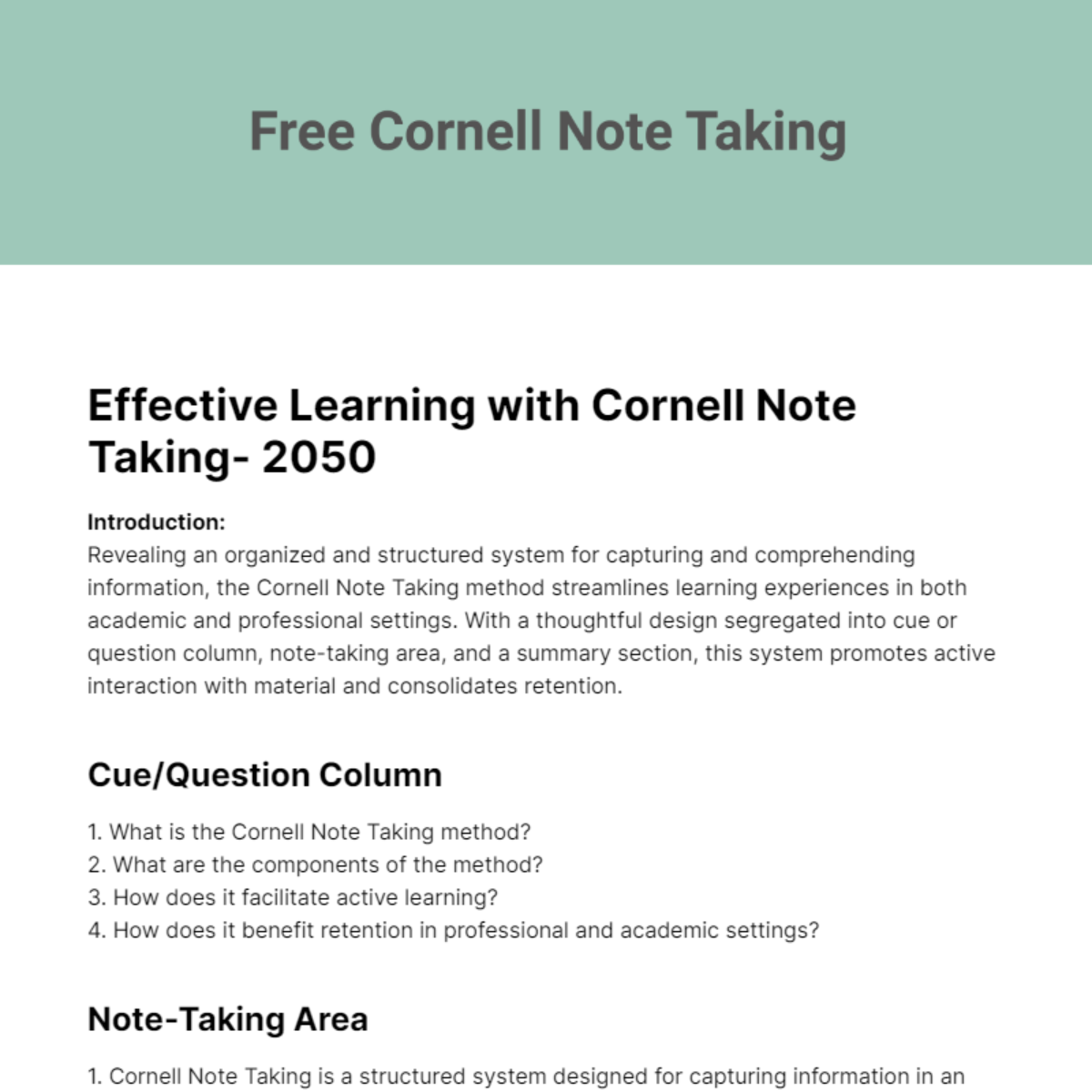
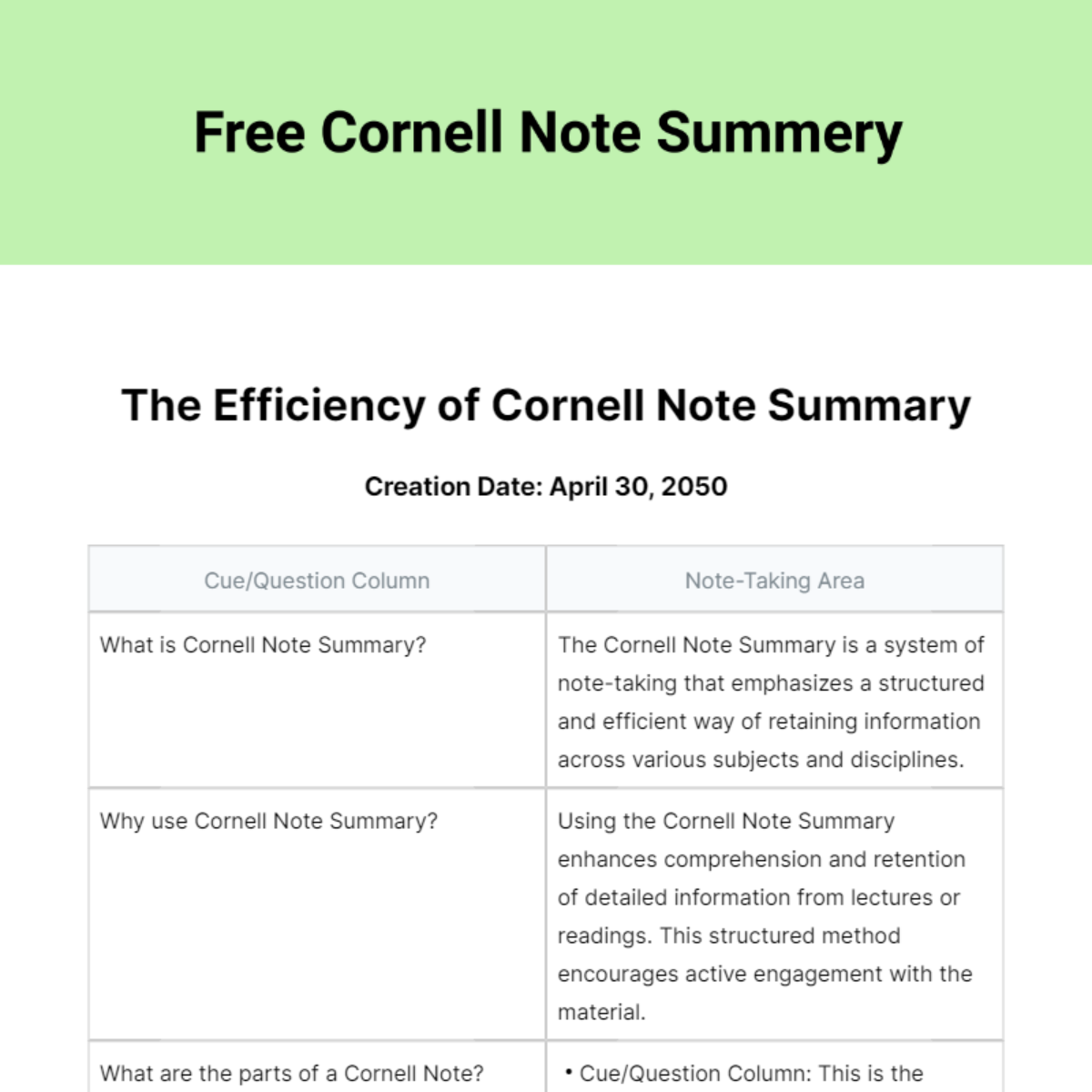
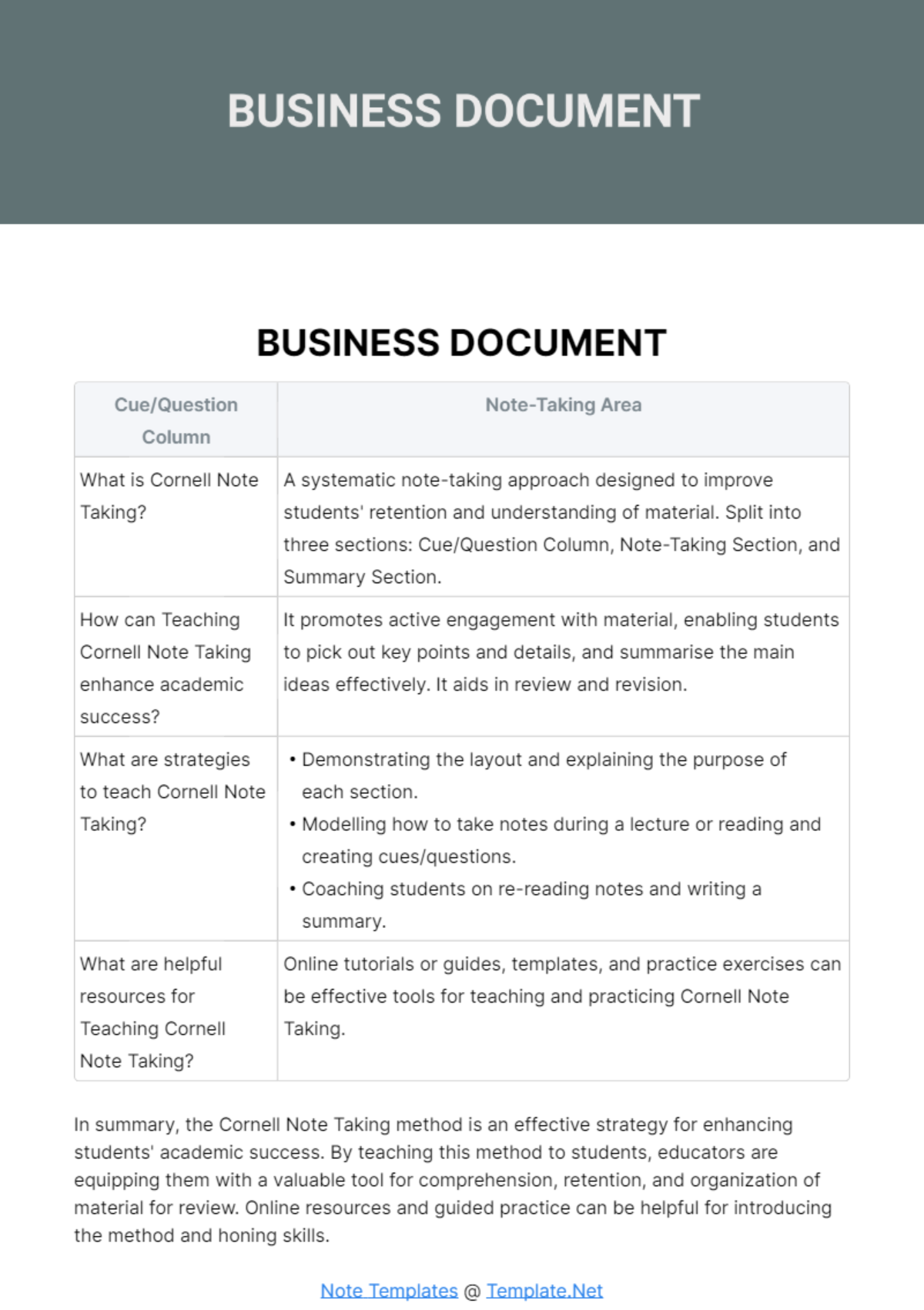
Create Cornell Notes, Edit Online with AI-Powered Cornell Note Editor
Template.net’s Free AI Cornell Note Generator helps students and professionals create well-organized, effective notes in seconds. Edit online using the Cornell format Cue Column, Note-Taking Area, and Summary Section. Whether you're preparing for exams, documenting lectures, or summarizing research stay focused, structured, and efficient. Export in multiple formats, share instantly, and elevate your learning or teaching workflow.
![Free AI Cornell Note Generator, Free AI Cornell Note Maker [ No Signup ]](https://images.template.net/generator-images/0-ai-note-generator/0-ai-cornell-note-generator.webp)
Write Custom, Professional Cornell Notes in Seconds
From class lectures to business meetings, our AI-powered note writer helps you generate Cornell-style notes in any subject, tone, or language without templates or formatting stress.
AI Brand Voice
Choose from clear, academic, concise, or student-friendly tone settings. Our AI formats your Cornell notes to match your learning style whether you're preparing for an exam or summarizing a lecture. You can also generate notes in your personal voice, complete with tone, structure, and educational cues for total consistency.
AI-Smart Formatting Suggestions
Get structured output with Cue Column keywords, detailed note sections, and concise summaries aligned to the official Cornell Note System.
Multiple Document Types Supported
Generate study notes, meeting notes, book summaries, research outlines, class reviews, and academic reflections using the Cornell layout.
Academic-Friendly Formatting
Apply clean, structured formatting optimized for Cornell-style notes ideal for students, educators, and lifelong learners across subjects and grade levels.
Smart Personalization
Auto-fill subject title, date, topic keywords, lecture references, or source materials based on your prompt or goal.
Auto-Suggested Visuals & Headers
Receive structured headers like “Topic,” “Cue Column,” “Notes,” and “Summary” for seamless formatting.
Multilingual Document Generation
Create Cornell notes in 20+ global languages using voice or text input. Languages supported: English, Spanish, French, Hindi, Arabic, Chinese, Portuguese, Bengali, Russian, Japanese, German, Korean, Italian, Turkish, Vietnamese, Urdu, Persian, Polish, Thai, and Punjabi.
Voice-Powered Drafting
Speak your topic like “Cornell notes on the French Revolution” and the AI builds a formatted page instantly.
Fully Customizable Text, Styles, and Design
Edit fonts, headings, layout, and note spacing. Personalize the Cornell format for class handouts, self-study, or tutoring.
Branding and Visual Control
Apply academic branding, logos, or color-coded subject formats for organized note-taking across departments.
Auto-Populated Cornell Note Inputs
Automatically extract and format key concepts, supporting details, and summary sections from lecture transcripts, study material, or pasted content perfect for quick note structuring.
Real-Time Proofreading
Review notes in real time for grammar, coherence, and clarity. Ensure notes are study-ready with built-in accuracy tools.
Rewriting & Content Expansion
Expand key points, simplify complex ideas, or rephrase summaries for clearer comprehension and better exam prep.
Export in Multiple Formats
Export notes in DOCX, PDF, TXT, or RTF. Sync with Google Drive, Dropbox, Notion, OneDrive, or email.
Real-Time Collaboration
Work with classmates or study groups in shared mode. Take notes together, add cues, and summarize in real time.
Secure Cloud Workspace
Save all your Cornell notes in organized folders by subject or class accessible anytime, anywhere.
Translate Full Documents Instantly
Translate Cornell notes into other languages instantly perfect for bilingual learners or international students.
Share or Embed Anywhere
Share your notes via link, embed on LMS platforms, or distribute in class groups or learning portals.
Add Signature Blocks
Share your notes via link, embed on LMS platforms, or distribute in class groups or learning portals.
Attach Files & Media
Add scanned textbook pages, diagrams, or voice memos to supplement your notes.
Insert Maps and Locations
Embed historical or geographical maps when studying events, explorations, or world history topics.
Add Images and Videos
Attach photos, lecture slides, or explainer videos perfect for visual learners or complex subjects.
Add Charts and Graphs
Create diagrams, concept maps, or data visuals to enhance your note content.
Add Tables and Structured Data
Use tables for timelines, comparisons, or layered topic breakdowns inside your notes.
![Free AI Cornell Note Generator, Free AI Cornell Note Maker [ No Signup ]](https://images.template.net/generator-images/5-ai-note-generator/5-ai-cornell-note-generator.webp "Free AI Cornell Note Generator, Free AI Cornell Note Maker [ No Signup ]")
How to Write a Free AI-Generated Cornell Note
Just enter a prompt, customize the layout, and export your study-ready Cornell note in minutes no manual templates required.
Step 1: Start with a Prompt
Type or speak your topic like: “Cornell notes for chemistry chapter on acids and bases.” The AI structures your content instantly.
Step 2: Generate and Edit
You’ll receive a Cornell note layout with cue terms, full notes, and a summary. Make edits, change key points, or regenerate content to fit your needs.
Step 3: Finalize and Share
Add your subject, course name, or custom formatting. Then export your Cornell notes in DOCX, PDF, TXT, or share them instantly via Email, LinkedIn, WhatsApp, Facebook, X (Twitter), Pinterest, Reddit, or generate a live link or QR code for easy access and collaboration.
Work Smarter and Study Better
![Free AI Cornell Note Generator, Free AI Cornell Note Maker [ No Signup ]](https://images.template.net/generator-images/1-ai-note-generator/1-ai-cornell-note-generator.webp "Free AI Cornell Note Generator, Free AI Cornell Note Maker [ No Signup ]")
Generate Cornell Notes That Maximize Recall
Apply your academic or personal note-taking style in seconds. From headings to structure, every section of your Cornell note reflects your learning process and retention needs.
![Free AI Cornell Note Generator, Free AI Cornell Note Maker [ No Signup ]](https://images.template.net/generator-images/2-ai-note-generator/2-ai-cornell-note-generator.webp "Free AI Cornell Note Generator, Free AI Cornell Note Maker [ No Signup ]")
Reuse, Repeat, and Learn Faster
Save high-quality Cornell note layouts as reusable templates. Modify key points, summaries, or cues, and reuse them across subjects or lessons without starting over.
![Free AI Cornell Note Generator, Free AI Cornell Note Maker [ No Signup ]](https://images.template.net/generator-images/3-ai-note-generator/3-ai-cornell-note-generator.webp "Free AI Cornell Note Generator, Free AI Cornell Note Maker [ No Signup ]")
Share Instantly, Collaborate with Peers
Download or export notes in DOCX, PDF, TXT. Share online with classmates, collaborate live during lectures, and collect feedback without scattered files or confusion.
![Free AI Cornell Note Generator, Free AI Cornell Note Maker [ No Signup ]](https://images.template.net/generator-images/4-ai-note-generator/4-ai-cornell-note-generator.webp "Free AI Cornell Note Generator, Free AI Cornell Note Maker [ No Signup ]")
Smart Workspaces for Students & Educators
Create shared workspaces for study groups or classrooms. Assign access roles, organize subject-wise notes, and ensure consistency across collaborative learning environments.
