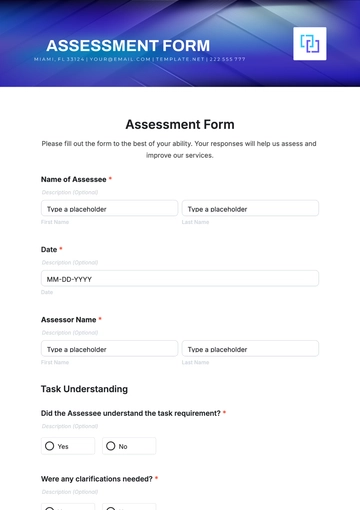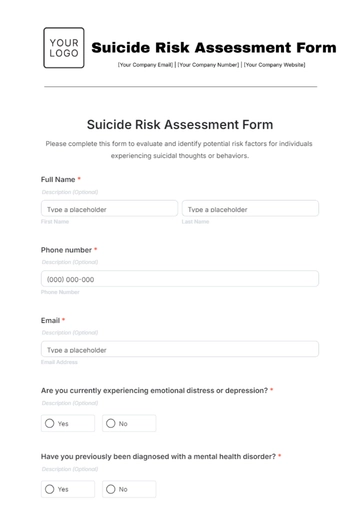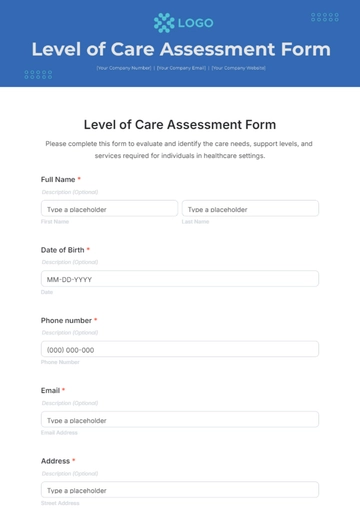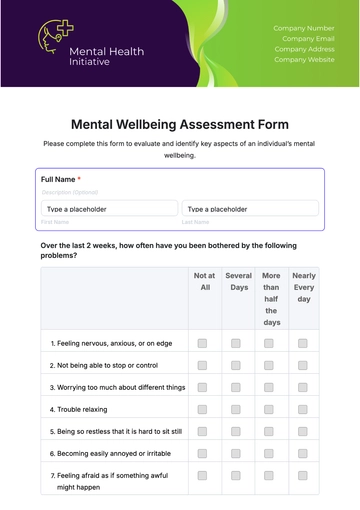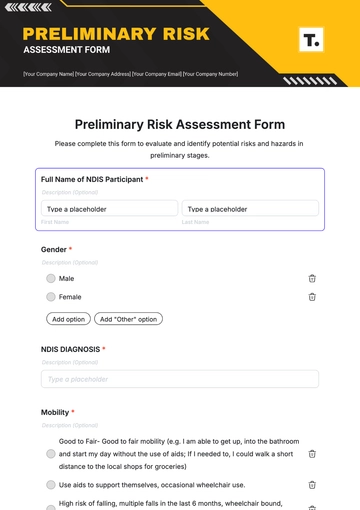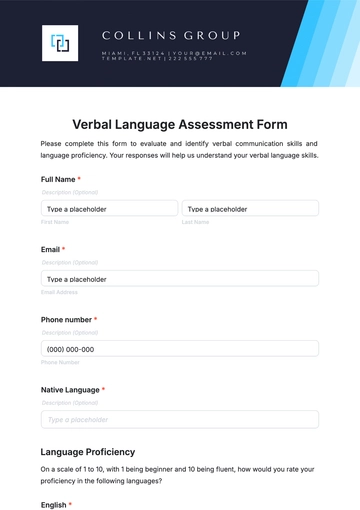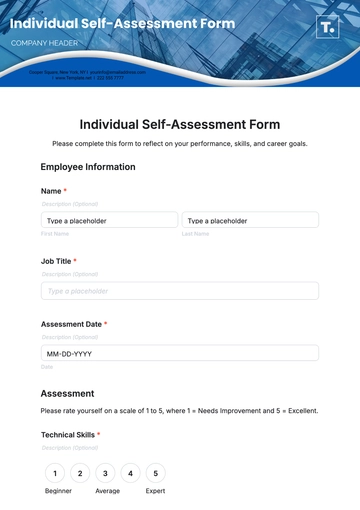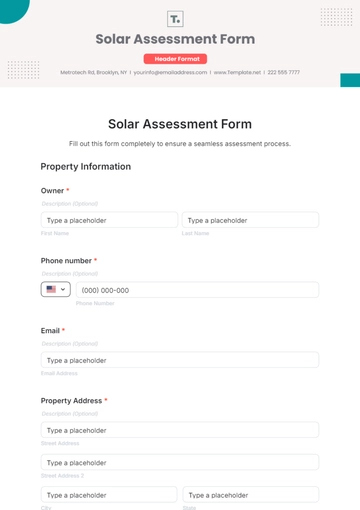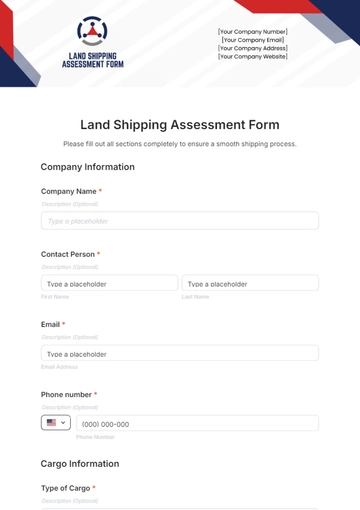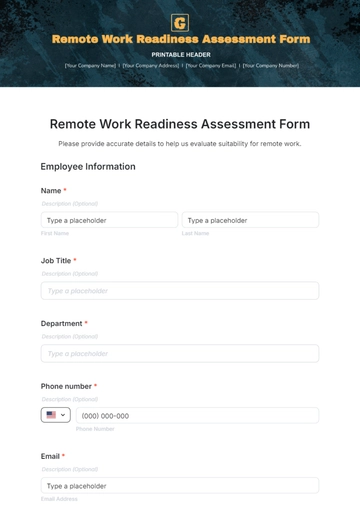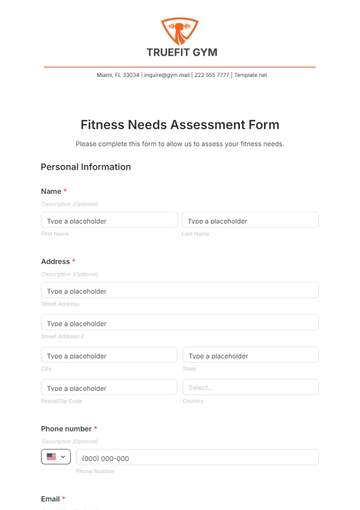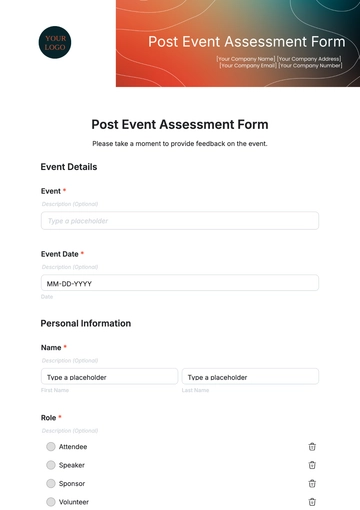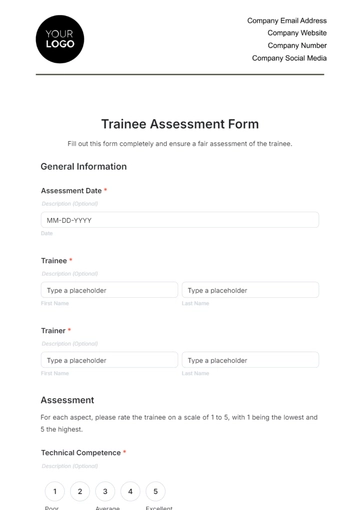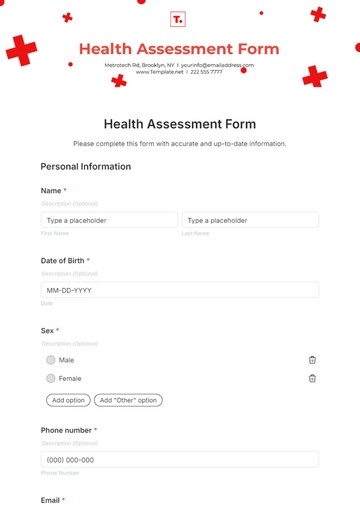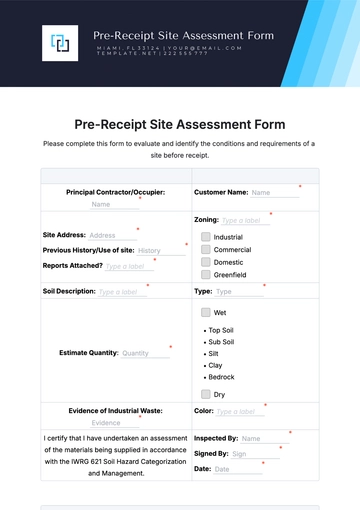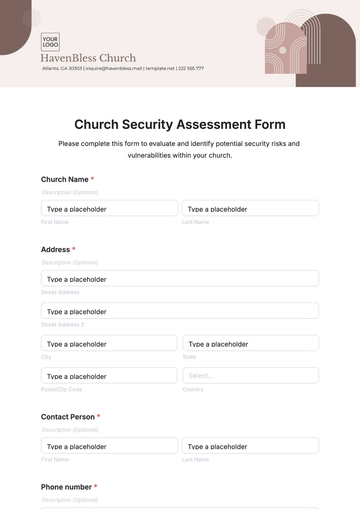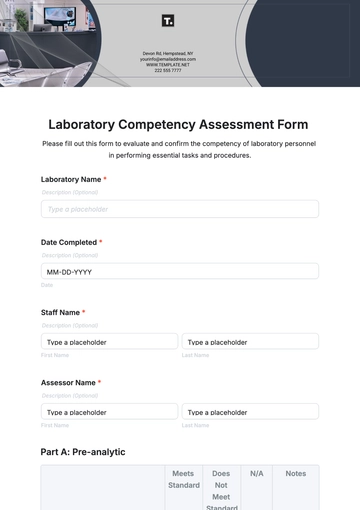
Free Workstation Assessment Form

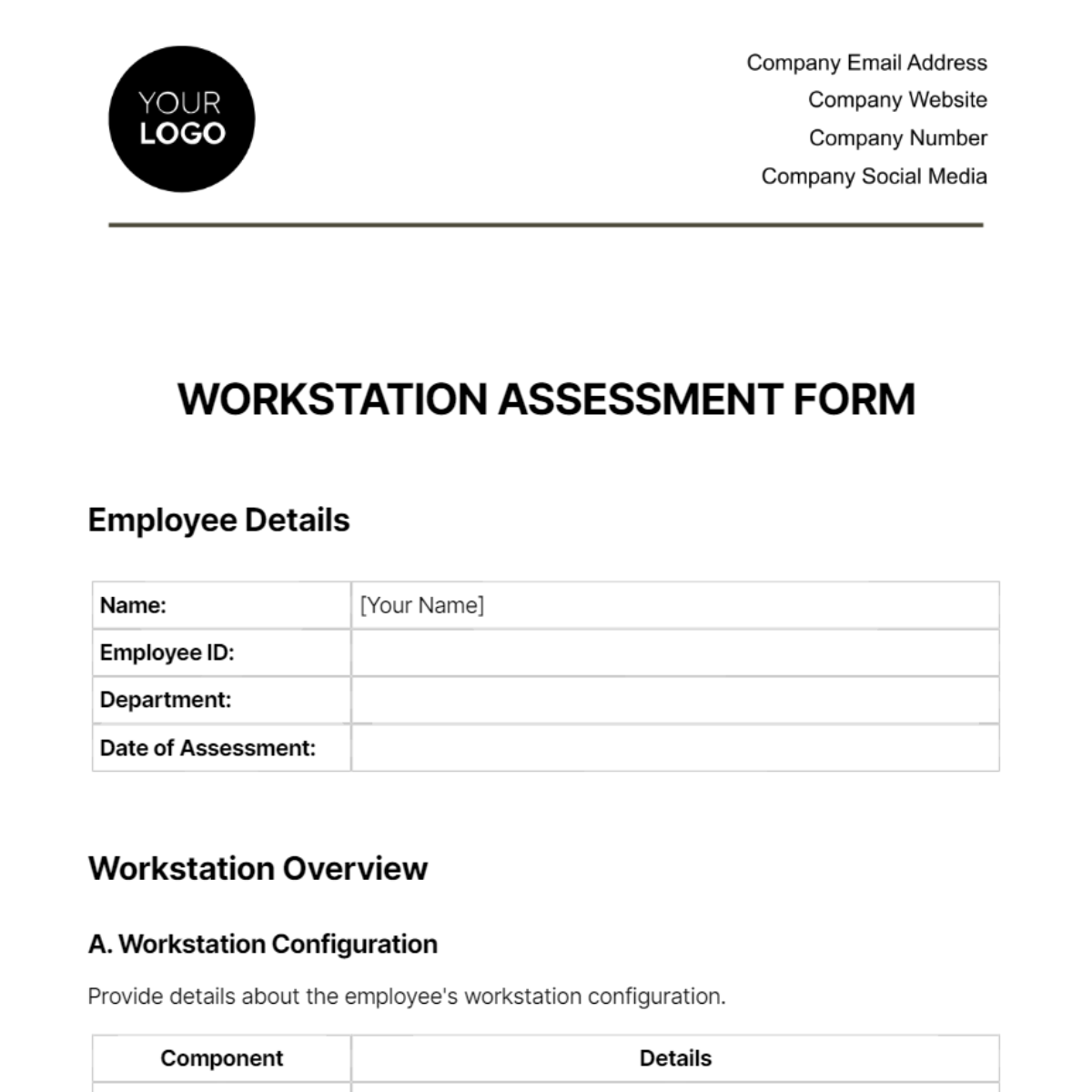
Employee Details
Name: | [Your Name] |
Employee ID: | |
Department: | |
Date of Assessment: |
Workstation Overview
A. Workstation Configuration
Provide details about the employee's workstation configuration.
Component | Details |
Operating System: | Intel 7i 4th Generation |
Processor: | |
RAM: | |
Storage: | |
Monitor(s): | |
Graphics Card: | |
Other Peripherals: |
B. Software Installed
List all software installed on the workstation.
Software | Version |
Microsoft Office | 2020 |
Ergonomic Assessment
A. Desk and Chair
Evaluate the ergonomic setup of the desk and chair.
Aspect | Assessment |
Desk Height: | Comfortable and Adjustable |
Chair Comfort: | |
Monitor Placement: | |
Keyboard Position: | |
Mouse Placement: |
B. Lighting
Assess the lighting conditions around the workstation.
Aspect | Assessment |
Natural Light: | Adequate |
Artificial Light: | |
Glare on Monitor: |
Health and Safety
A. Electrical Safety
Ensure the safety of electrical connections.
Aspect | Assessment |
Power Strip Usage: | Properly Used |
Cable Management: | |
Fire Hazards: |
B. Comfort Breaks
Encourage the employee to take regular breaks.
Aspect | Assessment |
Break Frequency: | Encourage Regular Breaks |
Stretching Exercises: |
Additional Comments
Provide any additional comments or recommendations.
- 100% Customizable, free editor
- Access 1 Million+ Templates, photo’s & graphics
- Download or share as a template
- Click and replace photos, graphics, text, backgrounds
- Resize, crop, AI write & more
- Access advanced editor
Improve workplace ergonomics effortlessly with Template.net's Workstation Assessment Form Template. This comprehensive tool assists you in creating an assessment form to evaluate the ergonomics of individual workstations. Identify and address potential issues to ensure a comfortable and productive workspace for your team. Download now to implement an effective Workstation Assessment Form and prioritize employee well-being.