
Free Admission Form Templates

Admission Form Templates: Definition, Usage, and Best Practices
What is a Admission Form?
A Admission Form is a structured document designed to collect essential applicant information for entry into schools, colleges, or organizations. These forms typically include personal details, contact information, and background data to facilitate admission processing efficiently.
Why use a Admission Form?
Using Admission Forms ensures consistent and organized data collection from applicants, streamlining the admission process. Ready-made templates provide a clear layout and required fields that reduce errors and speed up evaluation.
Who typically uses Admission Forms?
Admission Forms are typically used by educational institutions, training centers, and organizations to gather applicant information. Administrators and admissions officers rely on these forms to manage applicant data in a structured layout for easy review.
What fields should a Admission Form include?
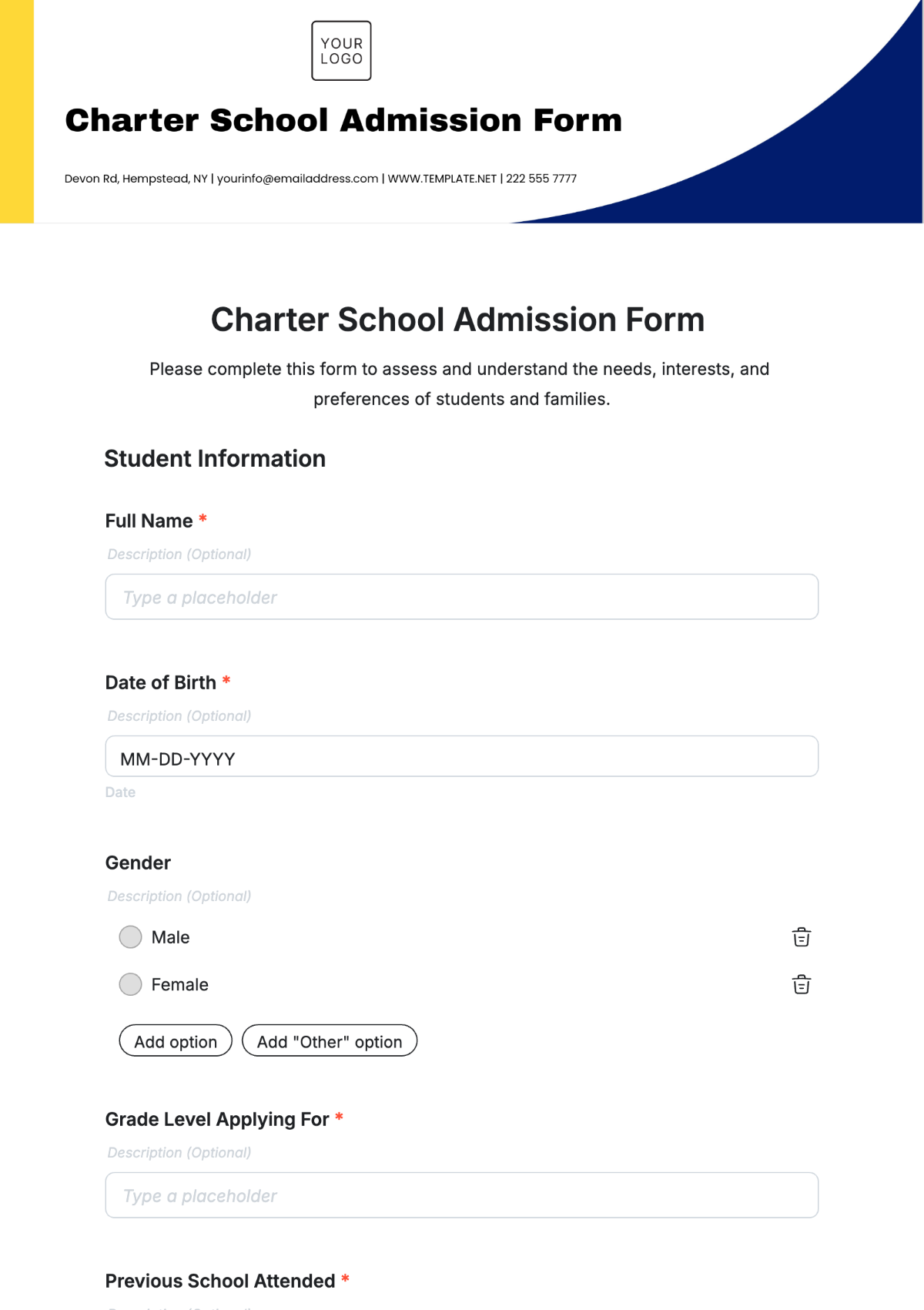
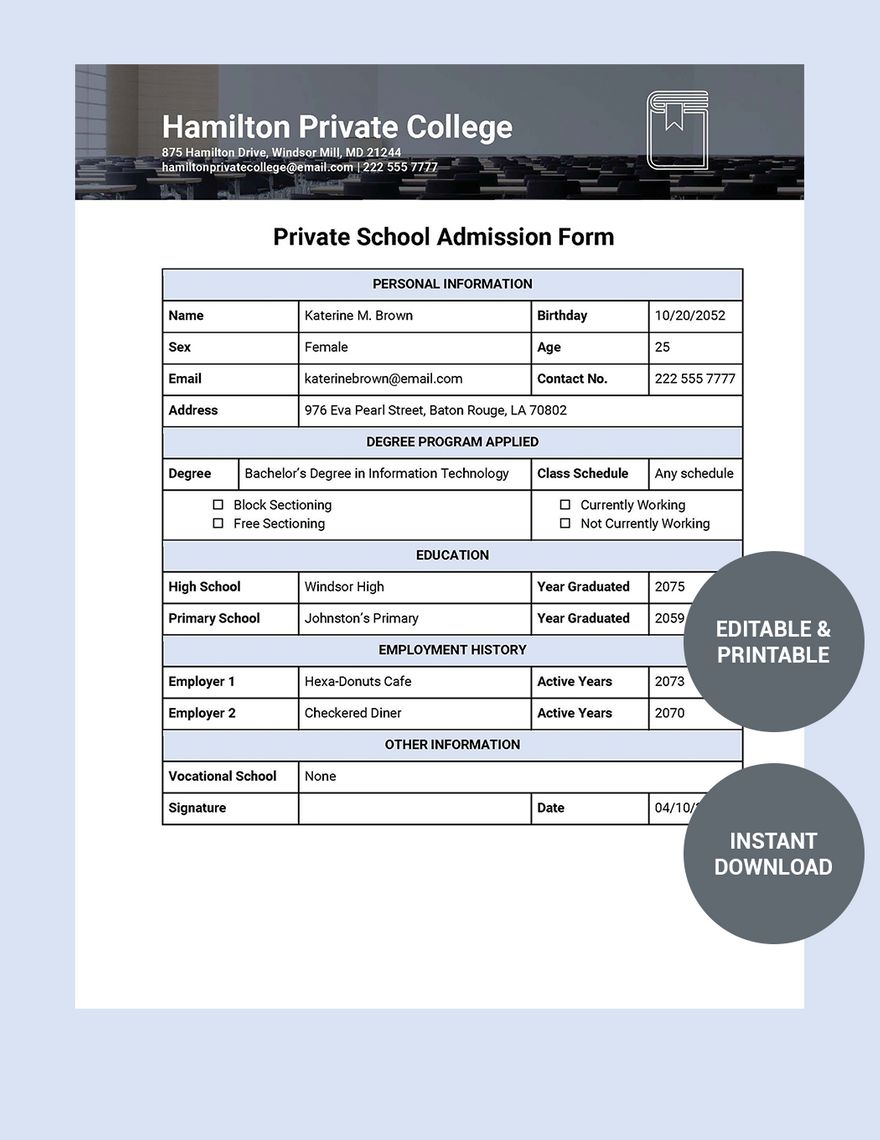
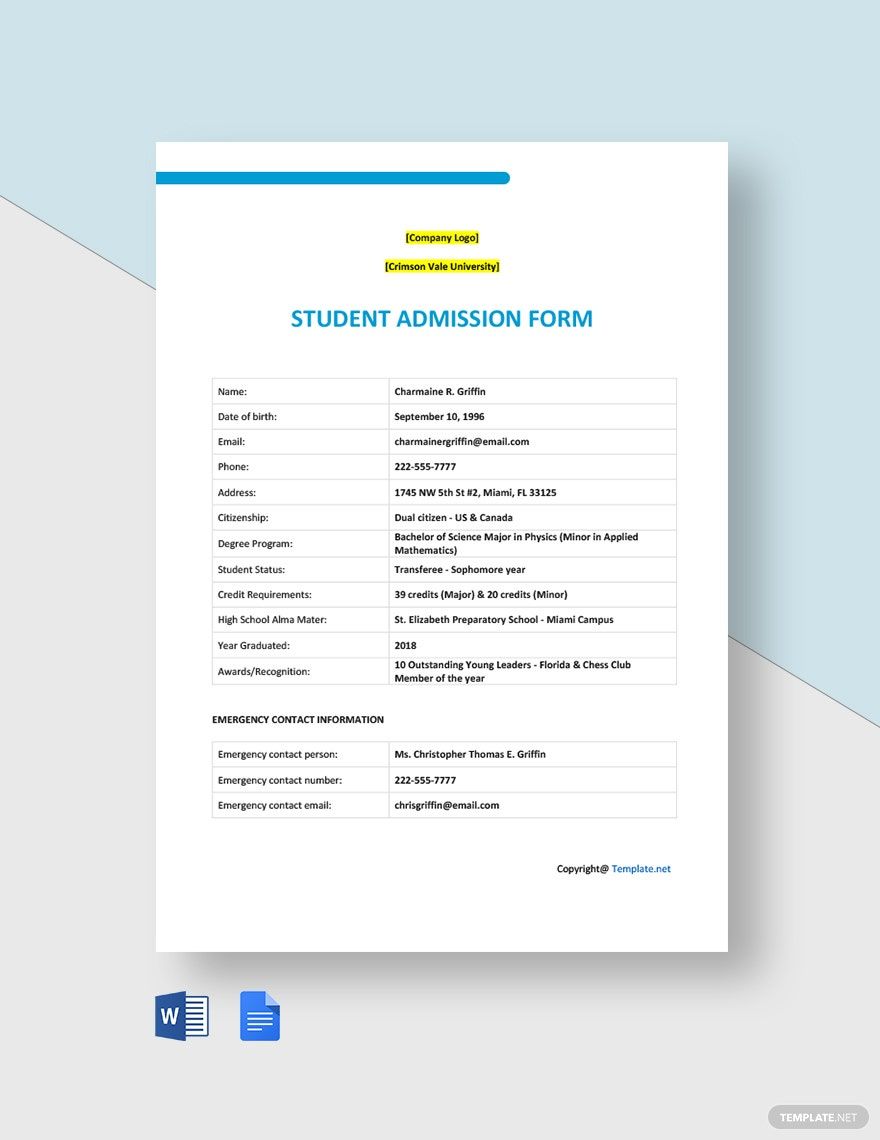
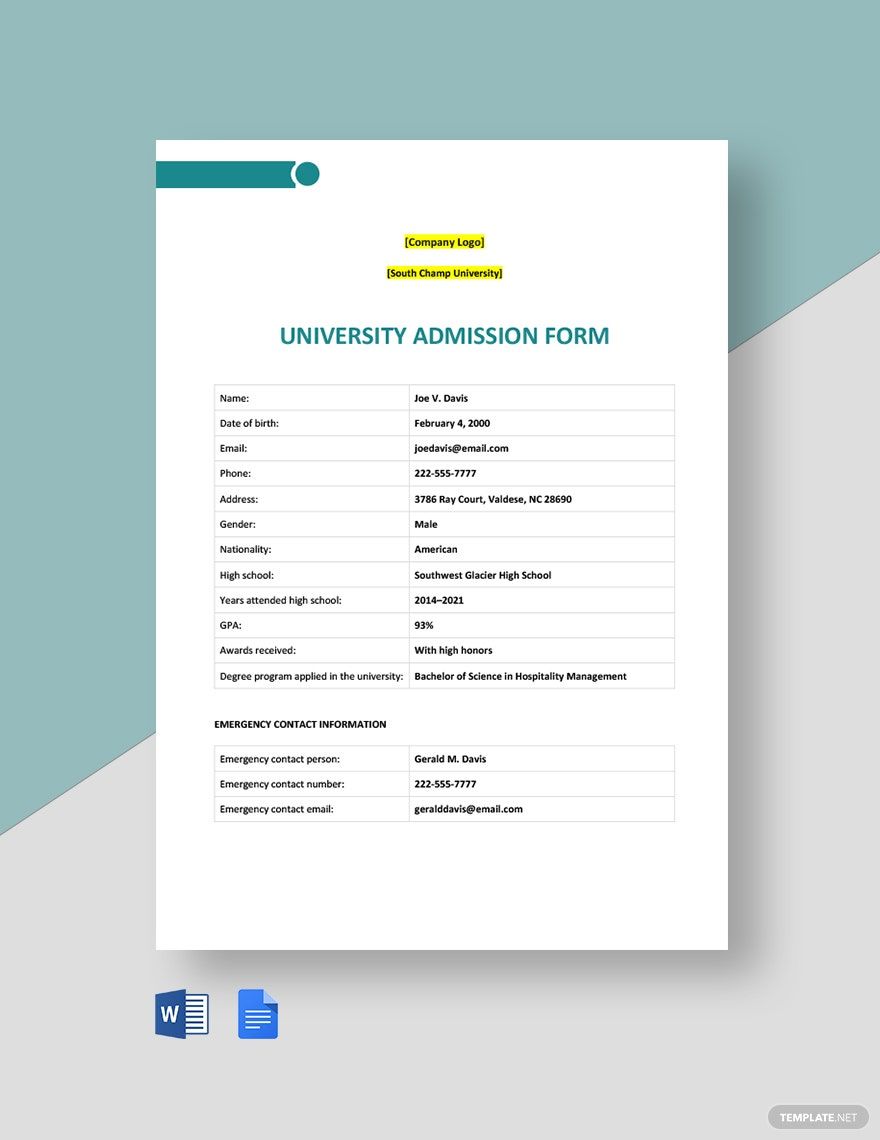
An effective Admission Form includes form title, required fields like full name, date of birth, contact details, and academic history. Optional fields may include checkboxes for preferences and a signature field for consent.
What are the best tips for designing a Admission Form?
Designing Admission Forms benefits from a clean structured layout, clear instructions, and grouping of related fields. Use required fields to ensure critical data, and include a prominent submit button for easy completion.
How do you print or distribute a Admission Form?
Admission Forms can be printed on standard Letter size or A4 paper for physical distribution, or shared digitally via email or websites. Printable templates from Template.net maintain a print-ready format with clear field labels for easy completion.
Is a Admission Form legally and professionally acceptable?
Admission Forms are professionally acceptable when they include consent statements and comply with data privacy regulations. Using Template.net’s customizable templates ensures forms include compliance-friendly fields for legal validity.
What are common mistakes to avoid when designing a Admission Form?
Common mistakes in Admission Form design include overcrowding fields, unclear instructions, and missing critical required fields. Avoid confusing layouts and ensure the form is easily editable online with a structured layout for clarity.
Can I create a new Admission Form using AI?
Template.net provides an AI-powered tool that generates new Admission Form templates from prompts in seconds, ready for online refinement and multi-format export. Explore the tool here: Form Builder.
