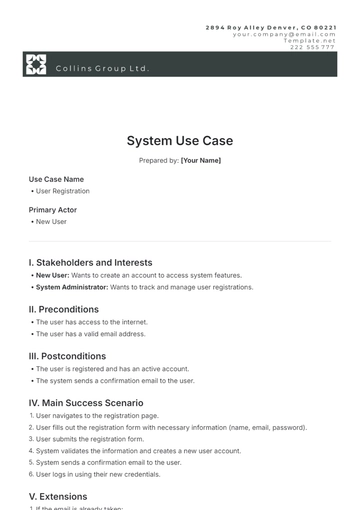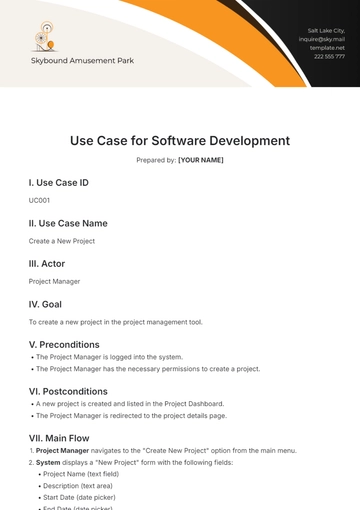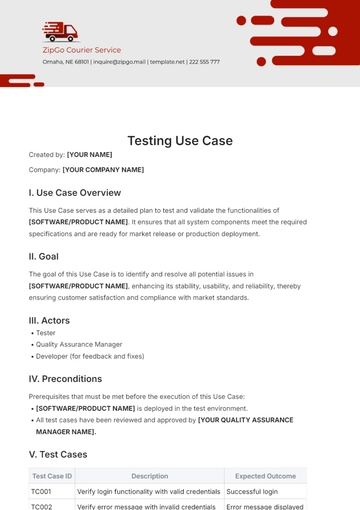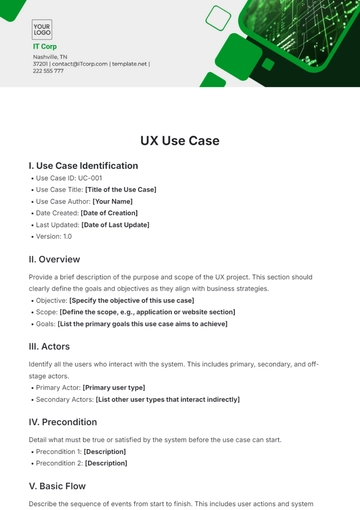
Free Product Use Case

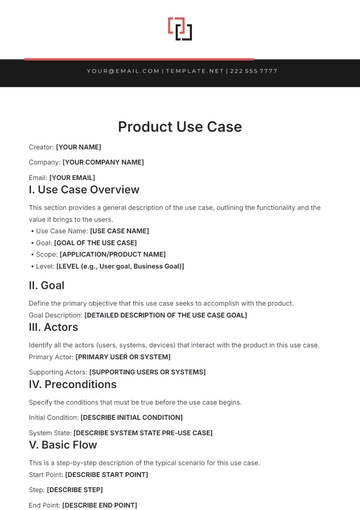
Creator: [YOUR NAME]
Company: [YOUR COMPANY NAME]
Email: [YOUR EMAIL]
I. Use Case Overview
This section provides a general description of the use case, outlining the functionality and the value it brings to the users.
Use Case Name: [USE CASE NAME]
Goal: [GOAL OF THE USE CASE]
Scope: [APPLICATION/PRODUCT NAME]
Level: [LEVEL (e.g., User goal, Business Goal)]
II. Goal
Define the primary objective that this use case seeks to accomplish with the product.
Goal Description: [DETAILED DESCRIPTION OF THE USE CASE GOAL]
III. Actors
Identify all the actors (users, systems, devices) that interact with the product in this use case.
Primary Actor: [PRIMARY USER OR SYSTEM]
Supporting Actors: [SUPPORTING USERS OR SYSTEMS]
IV. Preconditions
Specify the conditions that must be true before the use case begins.
Initial Condition: [DESCRIBE INITIAL CONDITION]
System State: [DESCRIBE SYSTEM STATE PRE-USE CASE]
V. Basic Flow
This is a step-by-step description of the typical scenario for this use case.
Start Point: [DESCRIBE START POINT]
Step: [DESCRIBE STEP]
End Point: [DESCRIBE END POINT]
VI. Alternative Flows
List alternates to the basic flow that may occur during the execution of this use case, typically due to exceptions or variations.
Alternative Scenario: [DESCRIBE SCENARIO]
Trigger: [DESCRIBE TRIGGER FOR ALTERNATIVE FLOW]
VII. Postconditions
Specify the state of the system after the use case is completed.
Success Outcome: [DESCRIBE SUCCESS OUTCOME]
Failure Outcome: [DESCRIBE FAILURE OUTCOME]
VIII. Requirements
Detail specific requirements that are necessary to enable this use case.
Requirement 1: [REQUIREMENT]
Requirement 2: [ADDITIONAL REQUIREMENT]
IX. Assumptions
Discuss any assumptions that are made in the context of this use case that might affect interpretation and execution.
Assumption: [STATE ASSUMPTION]
X. Appendix
Include any additional information, diagrams, or references needed to understand this use case fully.
Diagram Reference: [PROVIDE DIAGRAM LABEL OR REFERENCE]
Document Reference: [PROVIDE ADDITIONAL DOCUMENT OR FILE NAMES]
- 100% Customizable, free editor
- Access 1 Million+ Templates, photo’s & graphics
- Download or share as a template
- Click and replace photos, graphics, text, backgrounds
- Resize, crop, AI write & more
- Access advanced editor
Introducing the Product Use Case Template from Template.net. This versatile tool empowers users with an editable and customizable framework for outlining product use scenarios. Crafted to streamline workflow, it's effortlessly editable in our Ai Editor Tool, offering seamless customization. Elevate your presentations with precision and style.