Free UX Use Case

I. Use Case Identification
Use Case ID: UC-001
Use Case Title: [Title of the Use Case]
Use Case Author: [Your Name]
Date Created: [Date of Creation]
Last Updated: [Date of Last Update]
Version: 1.0
II. Overview
Provide a brief description of the purpose and scope of the UX project. This section should clearly define the goals and objectives as they align with business strategies.
Objective: [Specify the objective of this use case]
Scope: [Define the scope, e.g., application or website section]
Goals: [List the primary goals this use case aims to achieve]
III. Actors
Identify all the users who interact with the system. This includes primary, secondary, and off-stage actors.
Primary Actor: [Primary user type]
Secondary Actors: [List other user types that interact indirectly]
IV. Precondition
Detail what must be true or satisfied by the system before the use case can start.
Precondition 1: [Description]
Precondition 2: [Description]
V. Basic Flow
Describe the sequence of events from start to finish. This includes user actions and system responses.
User does [describe action] and system responds by [describe response].
Continues as necessary...
VI. Alternate Flows
Document paths that deviate from the basic flow, including exceptional or error conditions handled by the system.
If [condition], then [response/actions].
VII. Postcondition
Define the state of the system after the use case is completed.
Postcondition 1: [State]
Postcondition 2: [State]
VIII. Special Requirements
Any non-functional requirements or special conditions that need to be met.
Requirement 1: [Detail]
Requirement 2: [Detail]
IX. Assumptions
List of any assumptions made during the use case analysis.
Assumption 1: [Assumption detail]
Assumption 2: [Assumption detail]
X. Frequency of Use
Identify how often the use case is expected to occur.
Frequency: [Daily, Weekly, Monthly, etc.]
- 100% Customizable, free editor
- Access 1 Million+ Templates, photo’s & graphics
- Download or share as a template
- Click and replace photos, graphics, text, backgrounds
- Resize, crop, AI write & more
- Access advanced editor
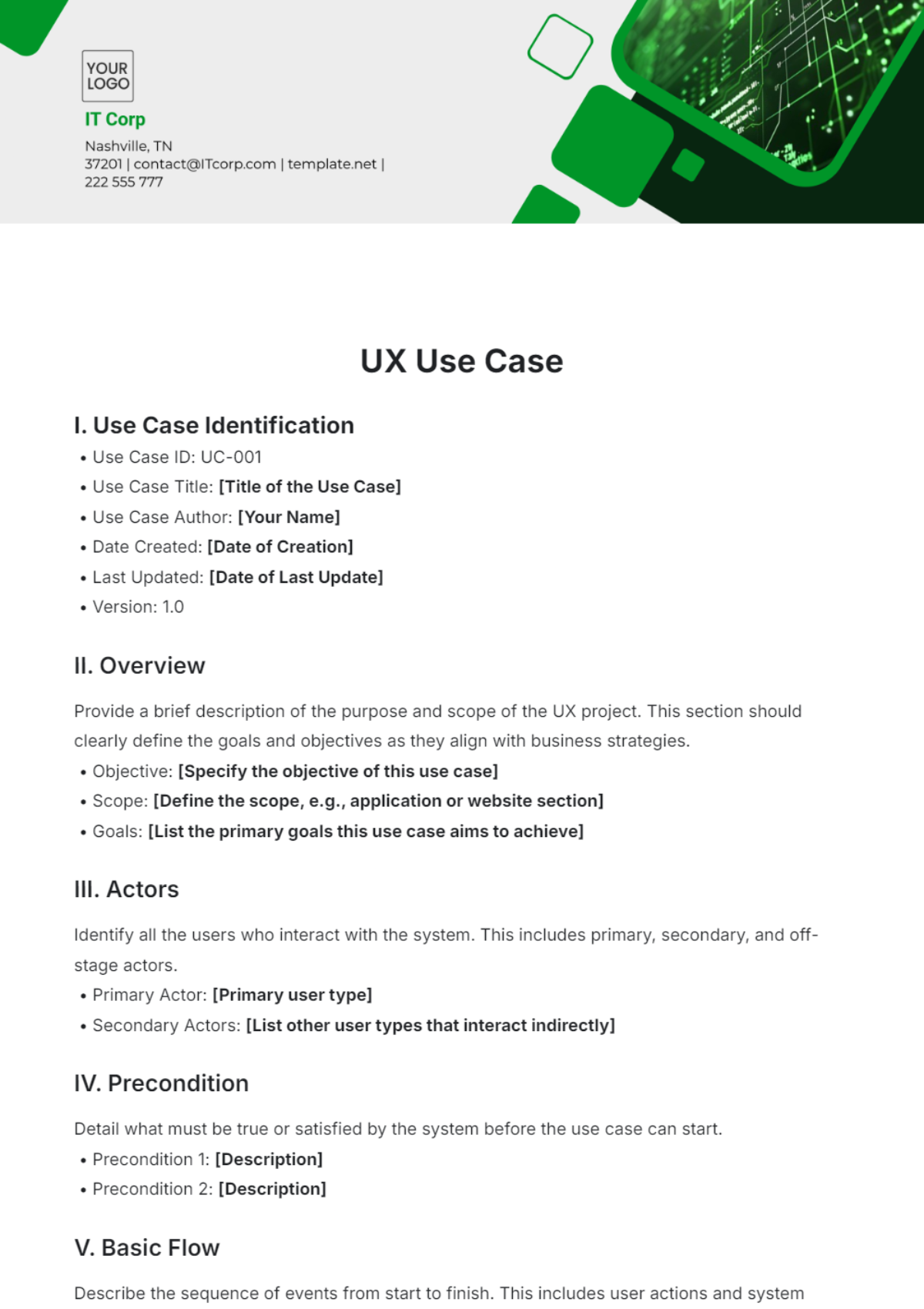
Introducing the UX Use Case Template by Template.net! Craft seamless user experiences with this editable and customizable tool. Tailor your use cases to address user needs and behaviors effectively, all within our intuitive Ai Editor Tool. Streamline your design process and create intuitive interfaces that delight users and drive engagement.