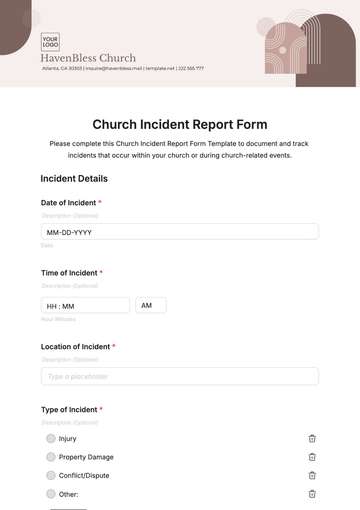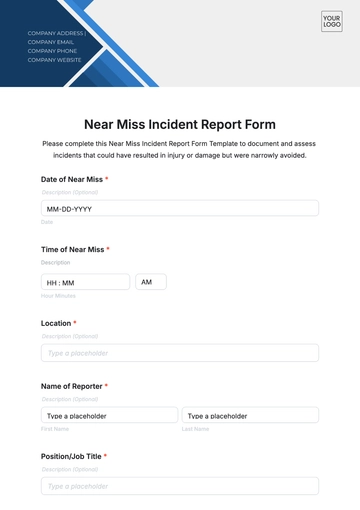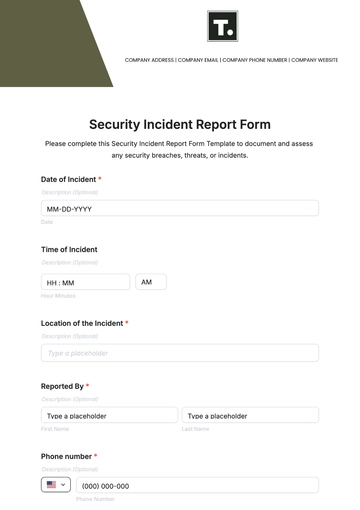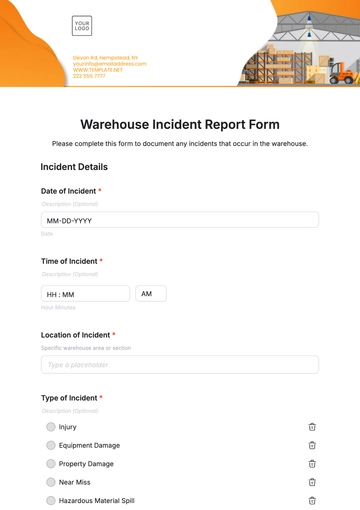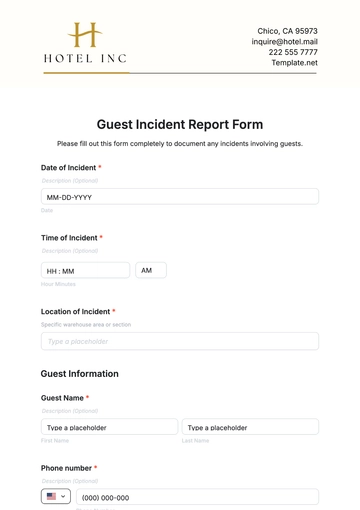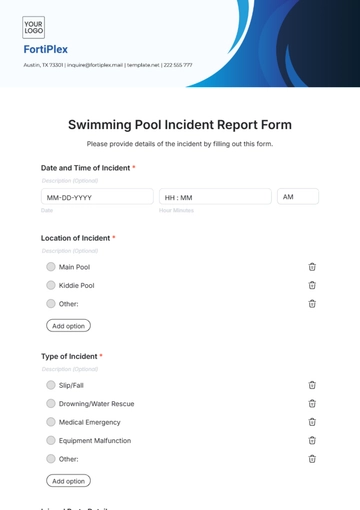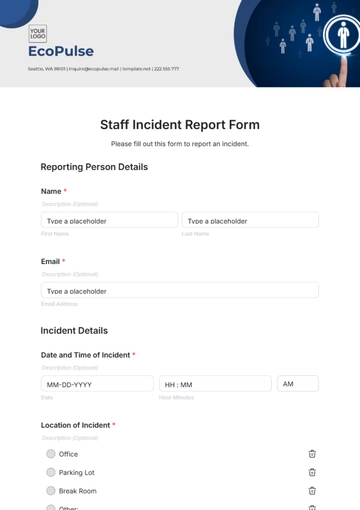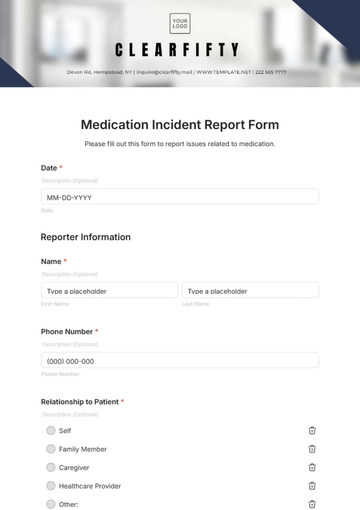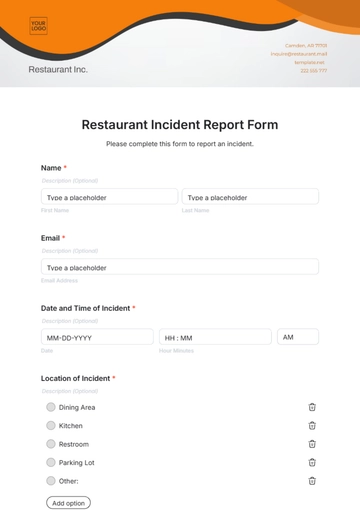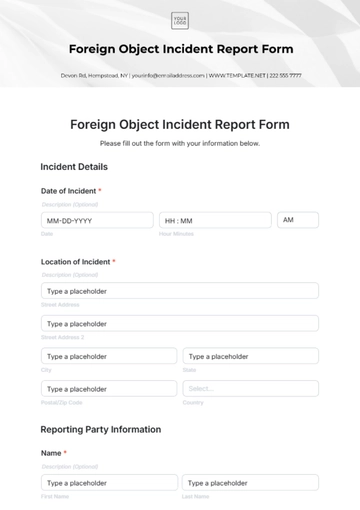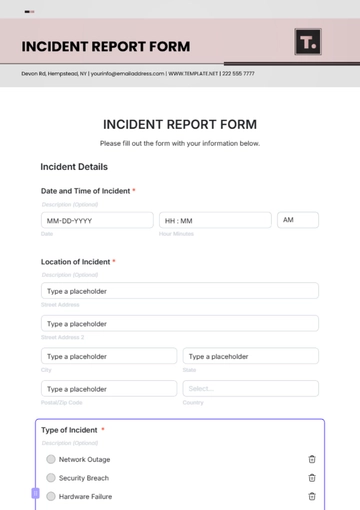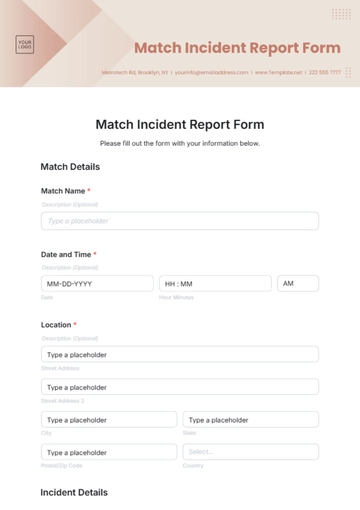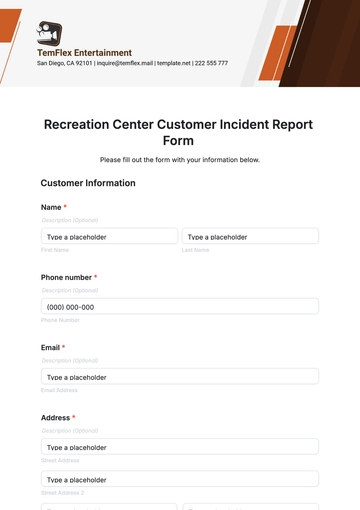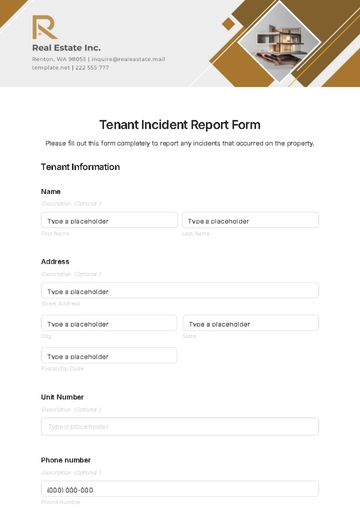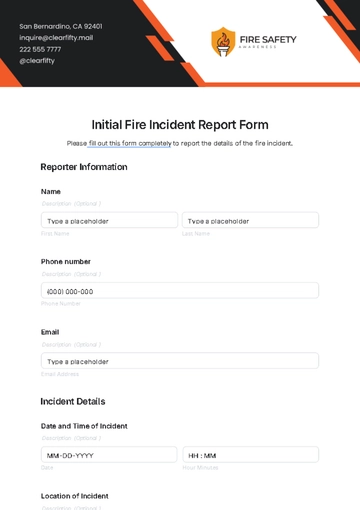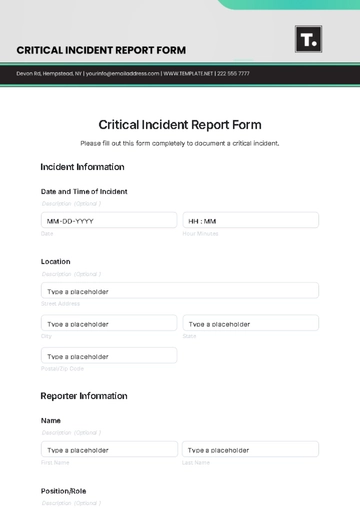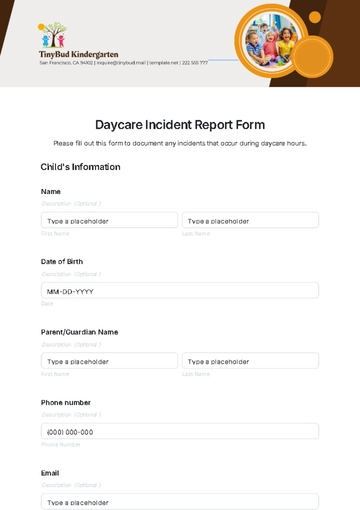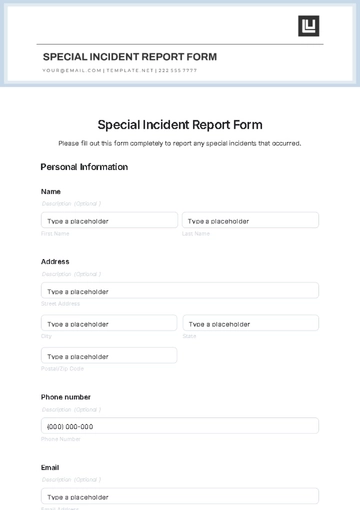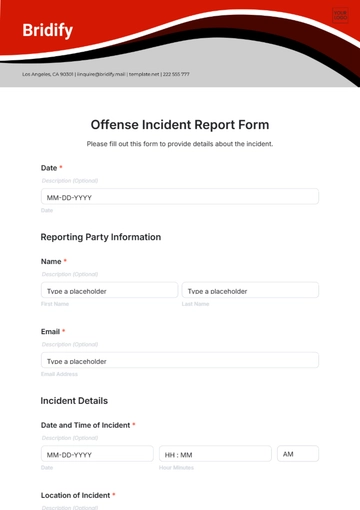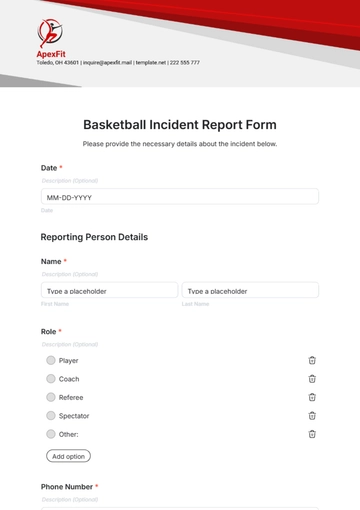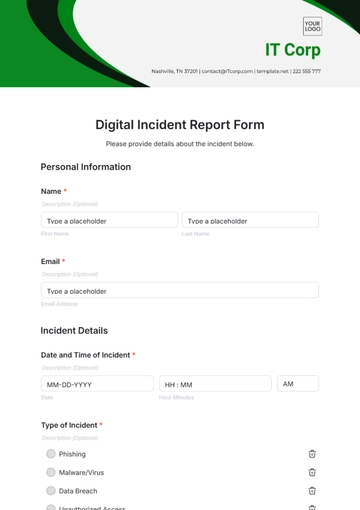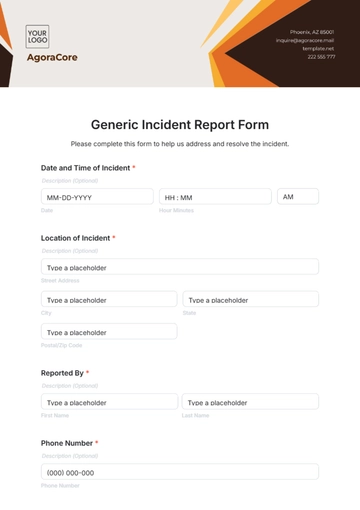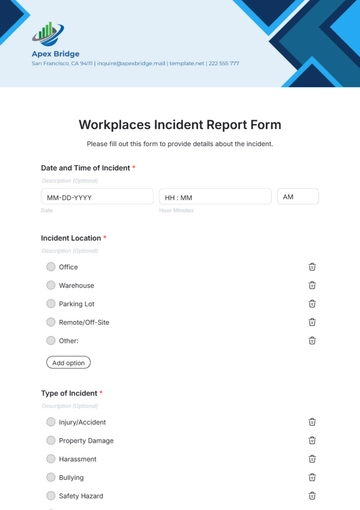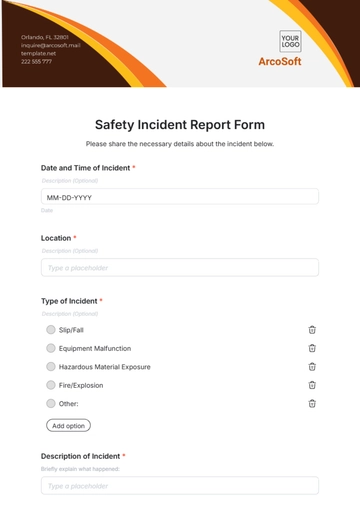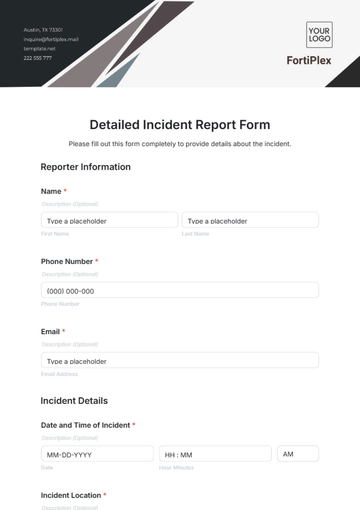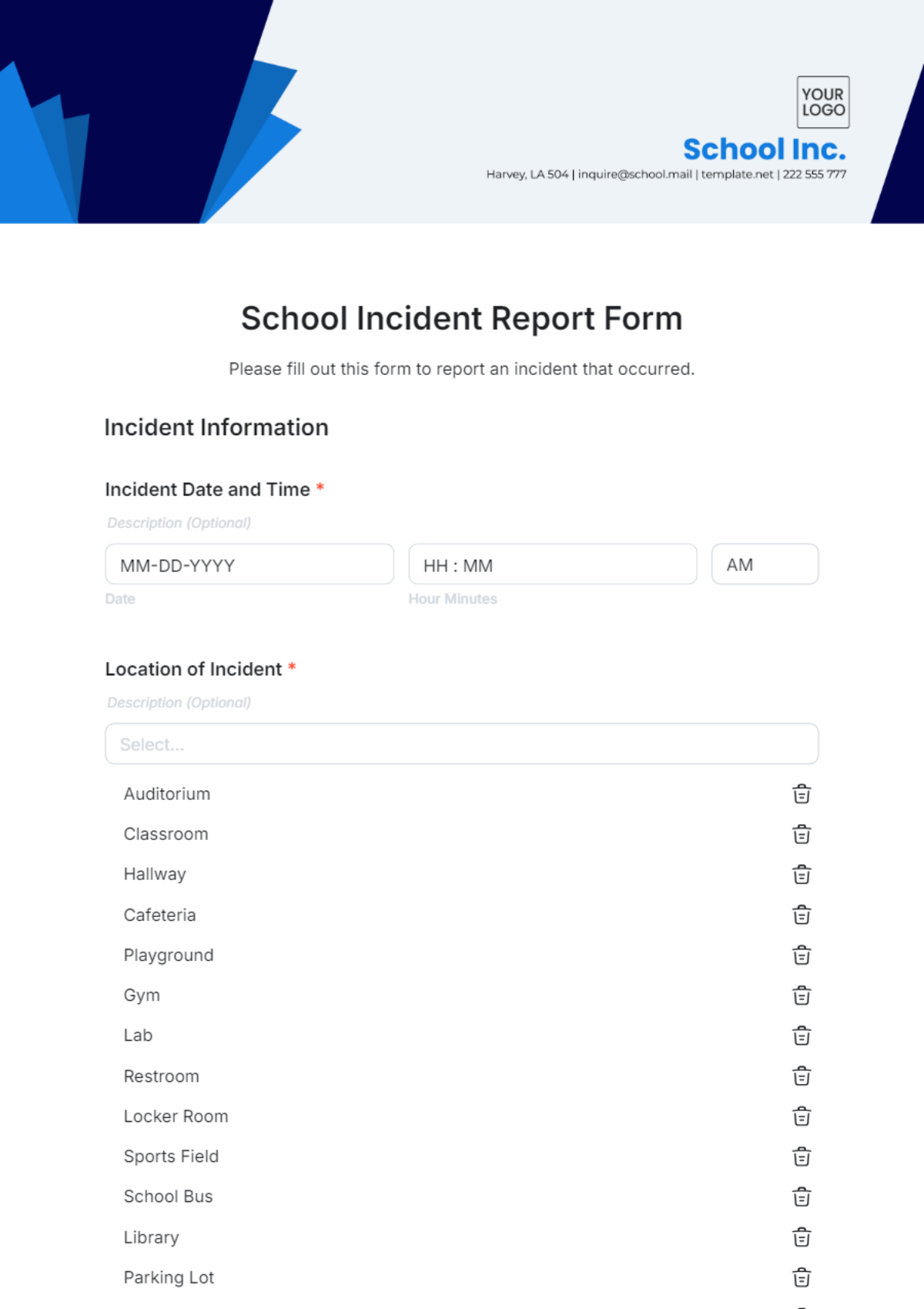
A School Incident Report Form is an interactive HTML5 document used to record incidents on campus, capturing details for staff, administrators, and safety officers.
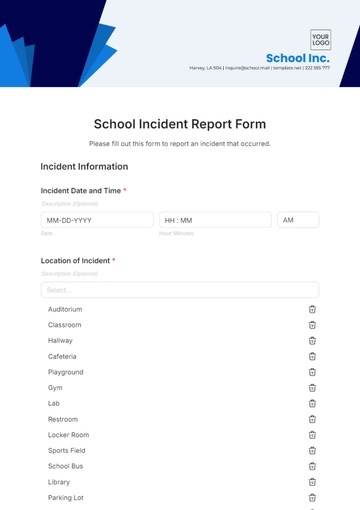
A School Incident Report Form is an interactive HTML5 document used to record incidents on campus, capturing details for staff, administrators, and safety officers.
How to Create a School Incident Report Form for Free?
Creating a professional School Incident Report Form is simple and quick.
- Customize a Free TemplateStart with this free editable, fillable, and printable School Incident Report Form template and personalize it online for your school, campus, or district.
- Generate an On-Brand School Incident Report Form with AIDescribe the incident form you need, and AI will build an interactive School Incident Report Form with fields, questions, and sections tailored to your school.
- Edit in the HTML5 EditorAdjust every detail, including the school name, logo, colors, fonts, incident categories, and reporting options in the drag-and-drop HTML5 editor.
- Download a Printable PDFSave your completed School Incident Report Form as a printable PDF for use in physical report submissions or archival purposes.
- Share a Link to Collect Reports OnlinePublish your form with a shareable link to gather incident reports digitally from staff, students, or security personnel.