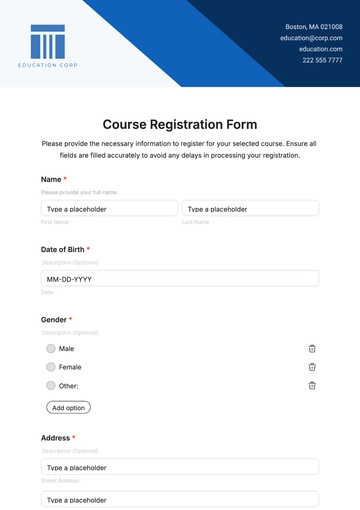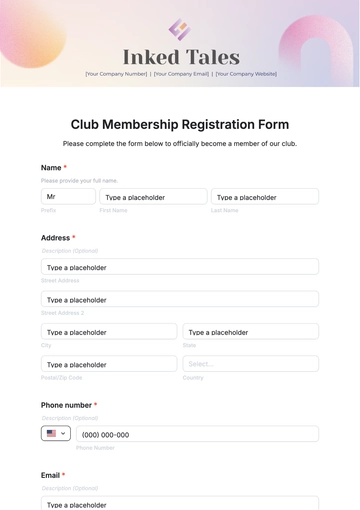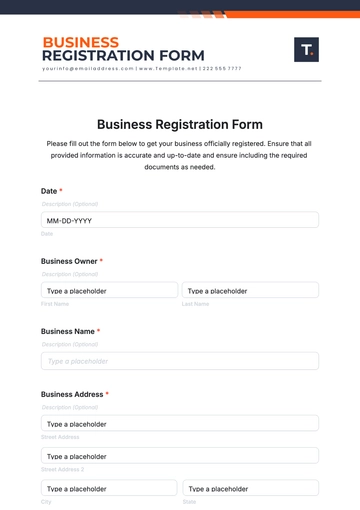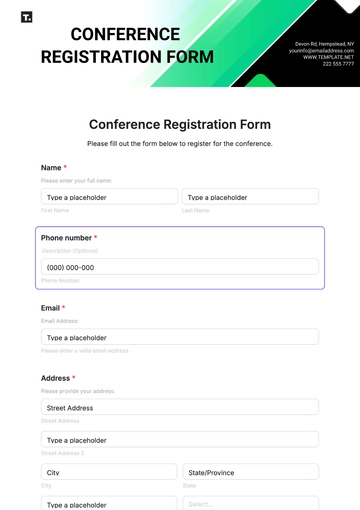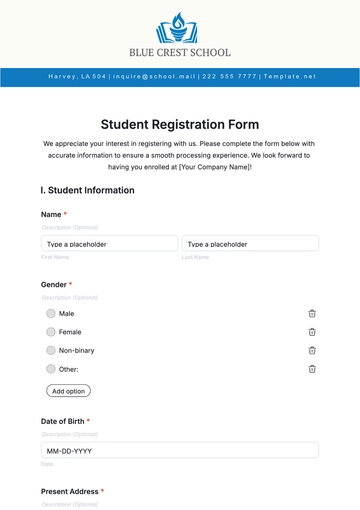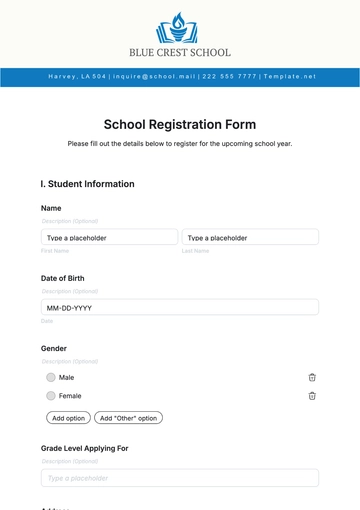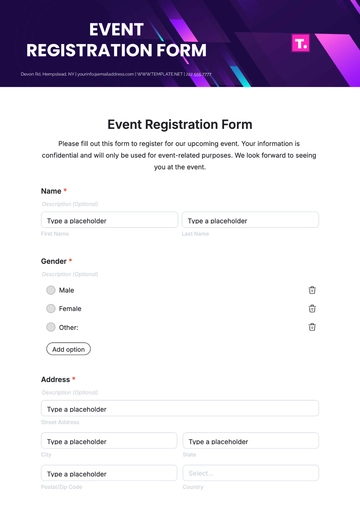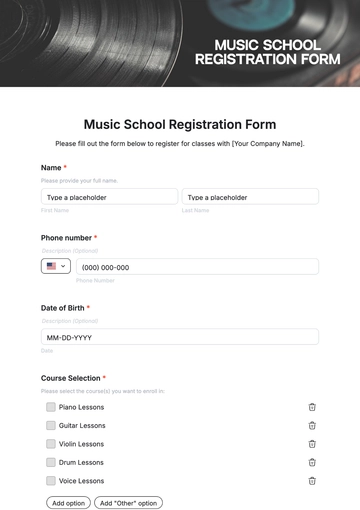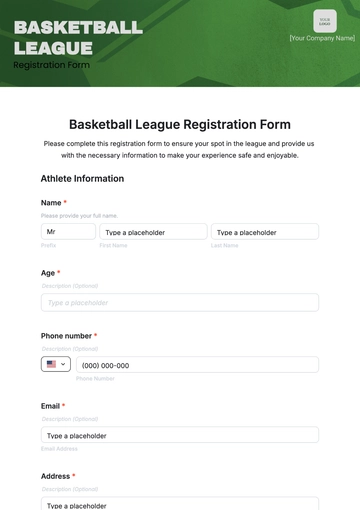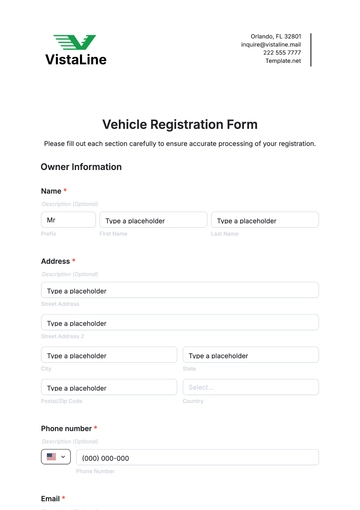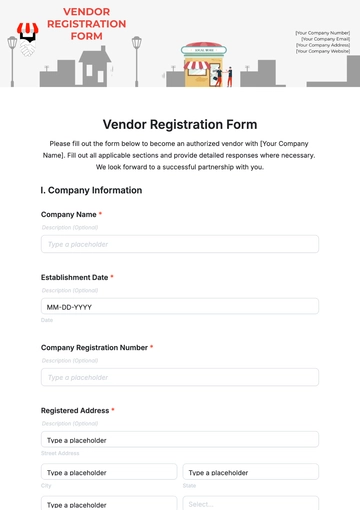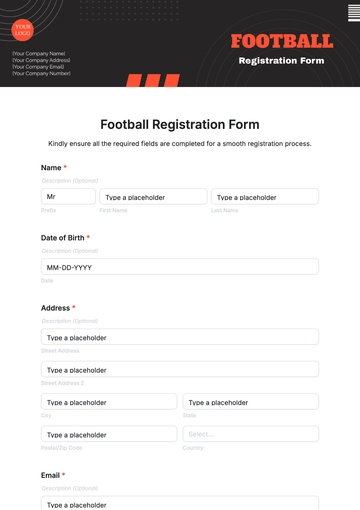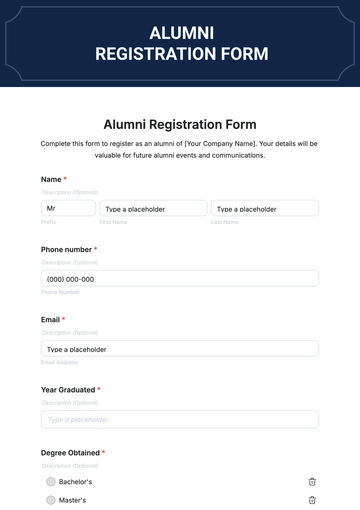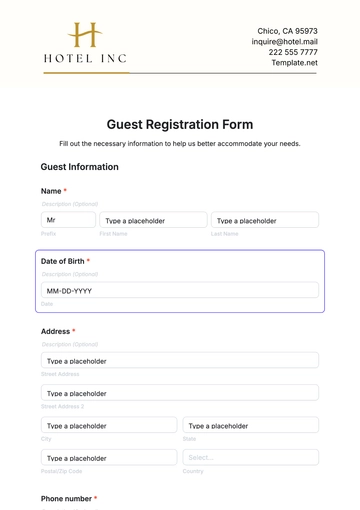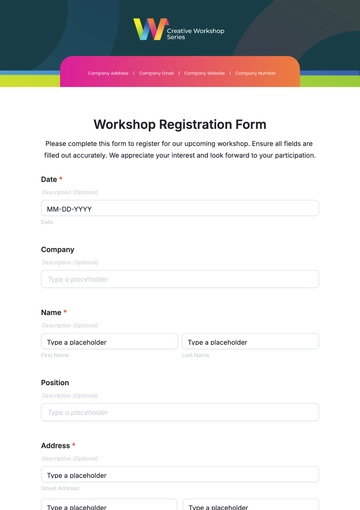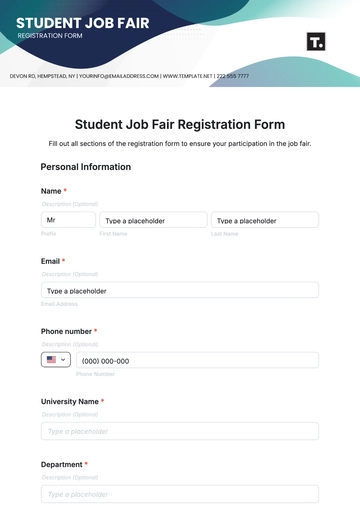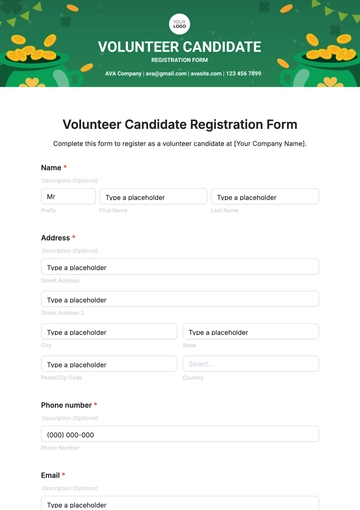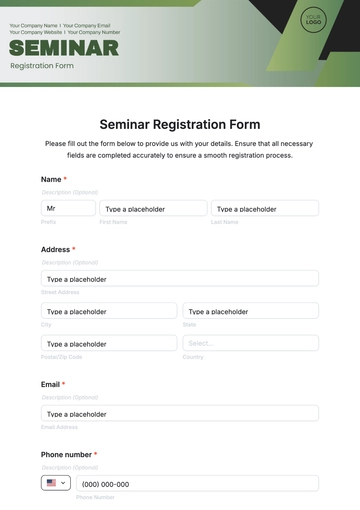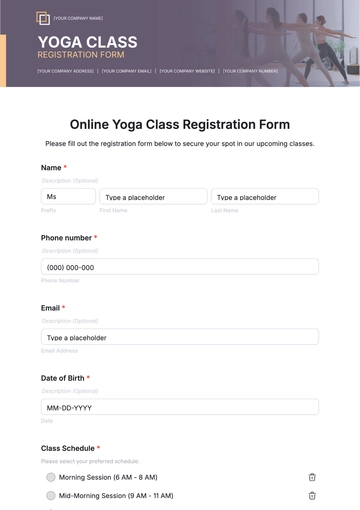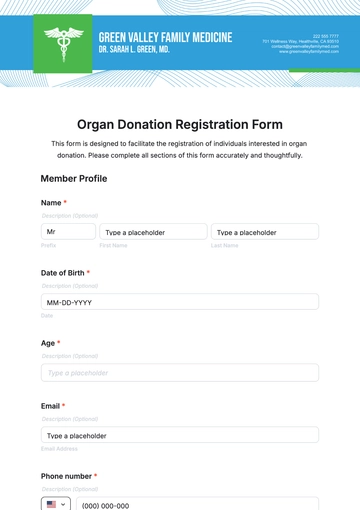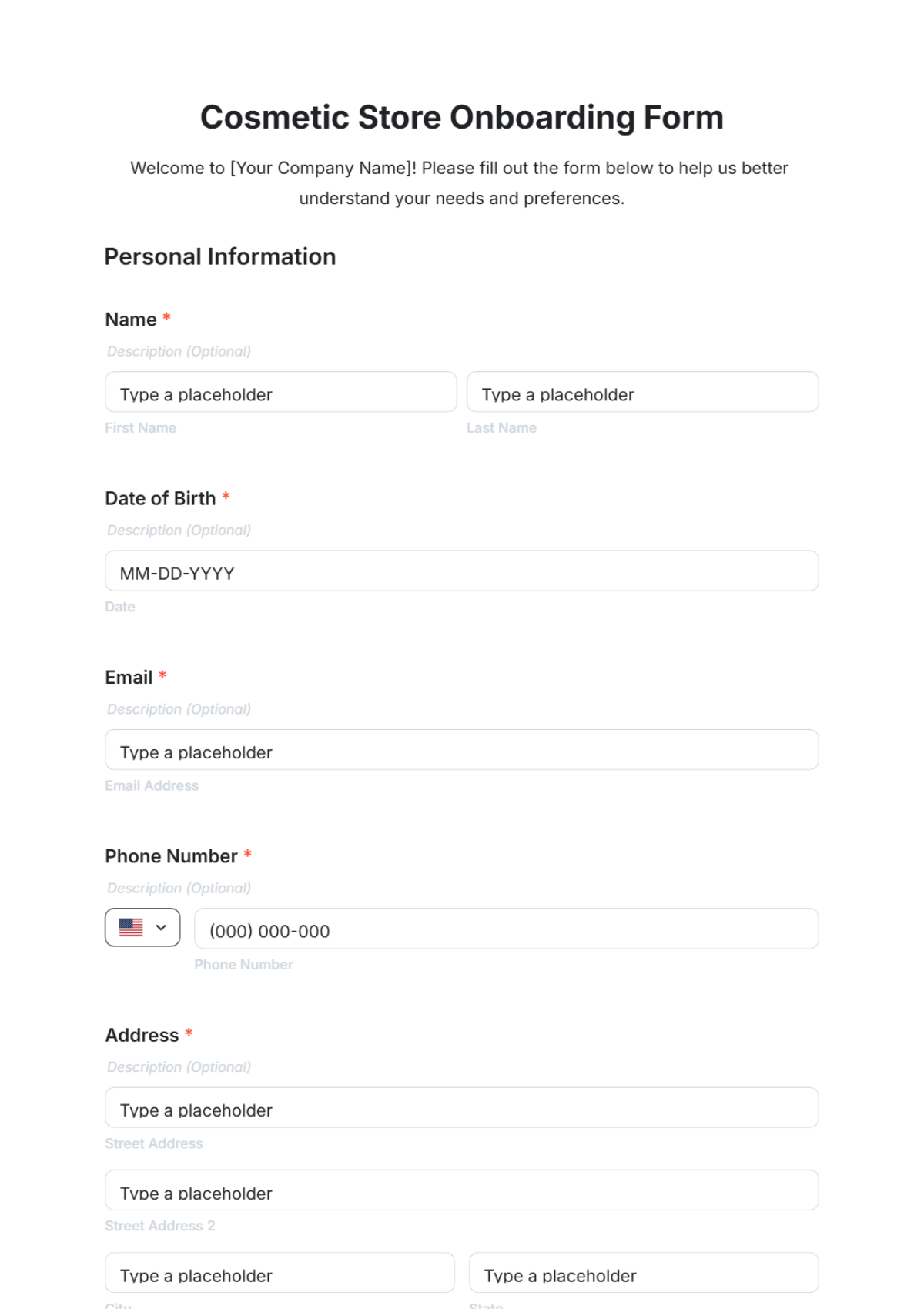
A Cosmetic Store Onboarding Form is an HTML5 form used to gather customer details, preferences, and service agreements for new clients of cosmetic stores or beauty centers.
A Cosmetic Store Onboarding Form is an HTML5 form used to gather customer details, preferences, and service agreements for new clients of cosmetic stores or beauty centers.
How to Create a Cosmetic Store Onboarding Form for Free?
Creating a professional Cosmetic Store Onboarding Form is easy and fast with this step-by-step guide.
- Customize a Free TemplateStart with this free editable, fillable, and printable Cosmetic Store Onboarding Form template and personalize it online for your beauty salon, cosmetic shop, spa, or skincare clinic.
- Generate an On-Brand Cosmetic Store Onboarding Form with AIDescribe your form needs and the AI will generate an actual editable Cosmetic Store Onboarding Form with custom fields, agreements, and branding ready for immediate use and changes.
- Edit in the HTML5 EditorAdjust every element including your salon name, logo, brand colors, fonts, form questions, and layout in our drag-and-drop user-friendly HTML5 editor.
- Download a Printable PDFDownload your completed Cosmetic Store Onboarding Form as a printer-friendly PDF for physical client intake or record keeping.
- Share a Link to Collect Information OnlinePublish your online Cosmetic Store Onboarding Form with a shareable link to collect customer onboarding responses remotely or in-store.