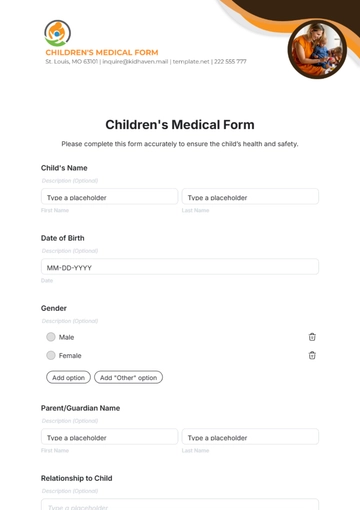
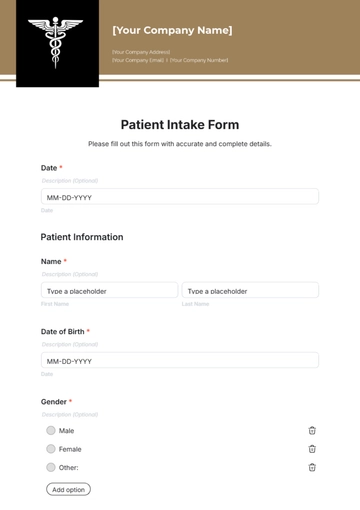
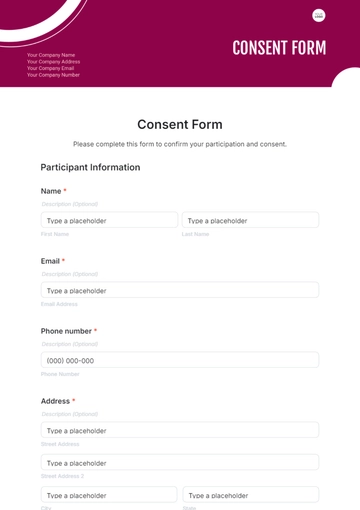
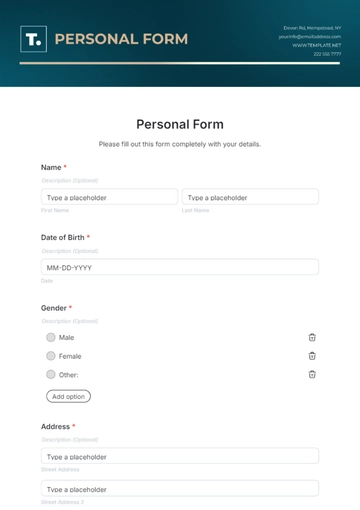
An E-Commerce Product Listing Form collects product details like names, descriptions, prices, images, and inventory. It helps online retailers organize and publish product catalogs efficiently.
How to Create an E-Commerce Product Listing Form for Free?
Creating a professional E-Commerce Product Listing Form is straightforward and fast.
- Customize a Free TemplateStart with this free editable, fillable, and printable E-Commerce Product Listing Form template and personalize it online for your store, brand, sales event, or product launch.
- Generate an On-Brand E-Commerce Product Listing Form with AIDescribe the product details needed, and AI builds the editable E-Commerce Product Listing Form with fields, options, and layout ready to fill or adjust immediately.
- Edit in the HTML5 EditorModify logos, colors, fonts, product categories, pricing tables, images, and descriptions in the drag-and-drop HTML5 editor.
- Download a Printable PDFDownload your completed E-Commerce Product Listing Form as a printable PDF for offline use, inventory tracking, or manual order processing.
- Share a Link to Collect Orders OnlinePublish your form with a shareable link to collect product listings and updates from vendors, customers, or team members online.