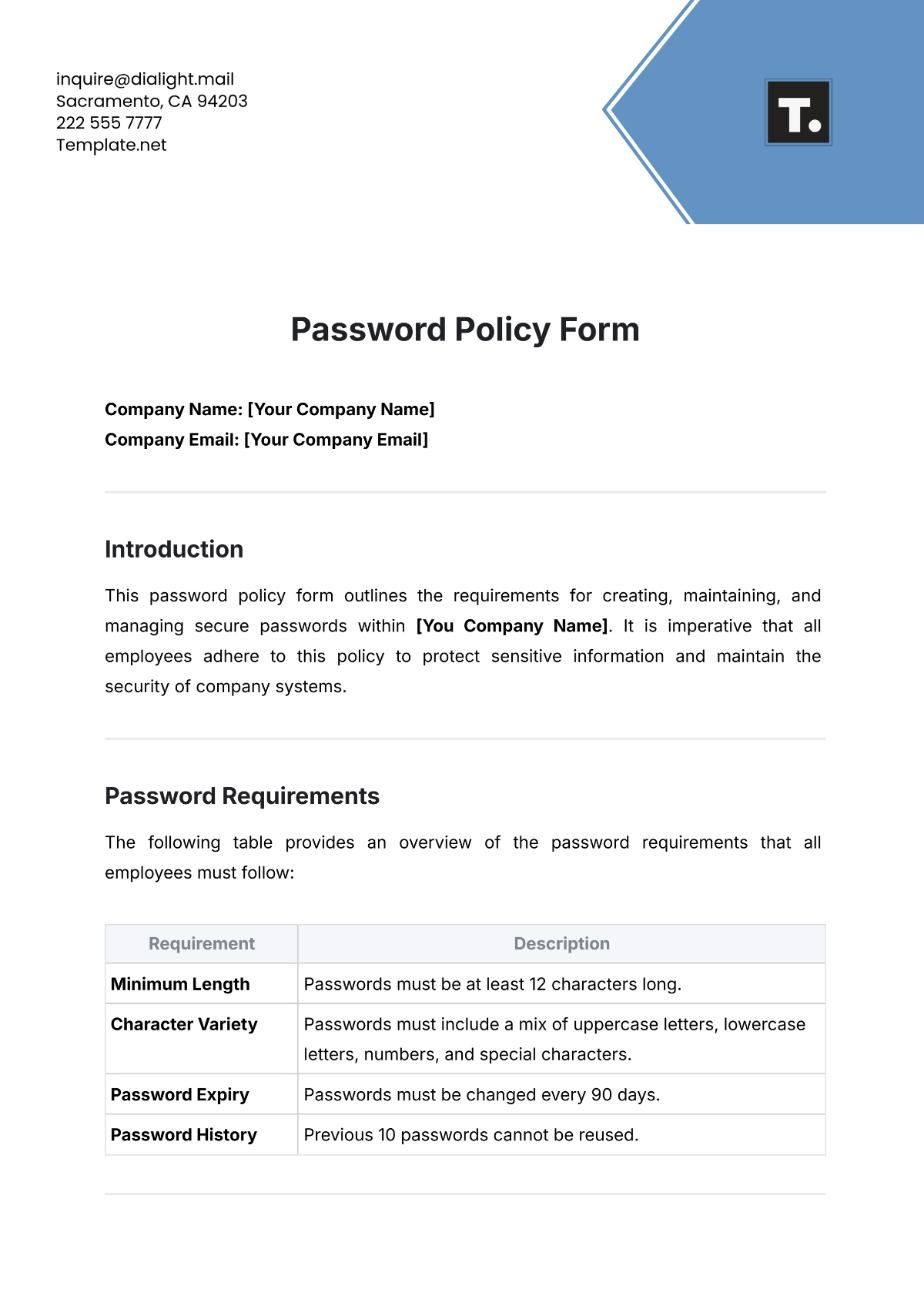
Free Password Policy Form

Please fill out the form with your information below.
New Password
Please enter a new password that you would like to set.
Confirm New Password
Re-enter the new password to confirm.
Password Length Requirement
What is the minimum password length requirement?
Include Special Characters?
Should the password include special characters?
Yes
No
Require Uppercase Letters?
Should the password include uppercase letters?
Yes
No
Include Numbers?
Should the password include numeric digits?
Yes
No
Password Expiry Time
How often do passwords need to be changed?
30 Days
60 Days
90 Days
Password History
How many previous passwords should be remembered?
Lockout Policy
How many failed login attempts should trigger account lockout?
Questions for Password Recovery
Select the types of questions for password recovery.
Security Questions
Email Verification
SMS Verification
Input Require Lowercase Letters?
Should the password include lowercase letters?
Yes
No
Notify on Password Change
Should users be notified of password changes?
Yes
No
Use Two-Factor Authentication.
Should two-factor authentication be required?
Yes
No
Confirmation
Please check the box below to confirm your input.
Thank you for your submission!
We appreciate you taking the time to submit.
Create free forms at Template.net
- 100% Customizable, free editor
- Access 1 Million+ Templates, photo’s & graphics
- Download or share as a template
- Click and replace photos, graphics, text, backgrounds
- Resize, crop, AI write & more
- Access advanced editor
Establish strong password security with the Password Policy Form Template offered by Template.net. This customizable, downloadable, and printable template helps you create comprehensive password guidelines for your organization. Fully editable in our AI Editor Tool, it ensures easy personalization to meet your specific needs. Streamline security management with this professional solution.